Creative Studio
API
Resources
About Us
Download

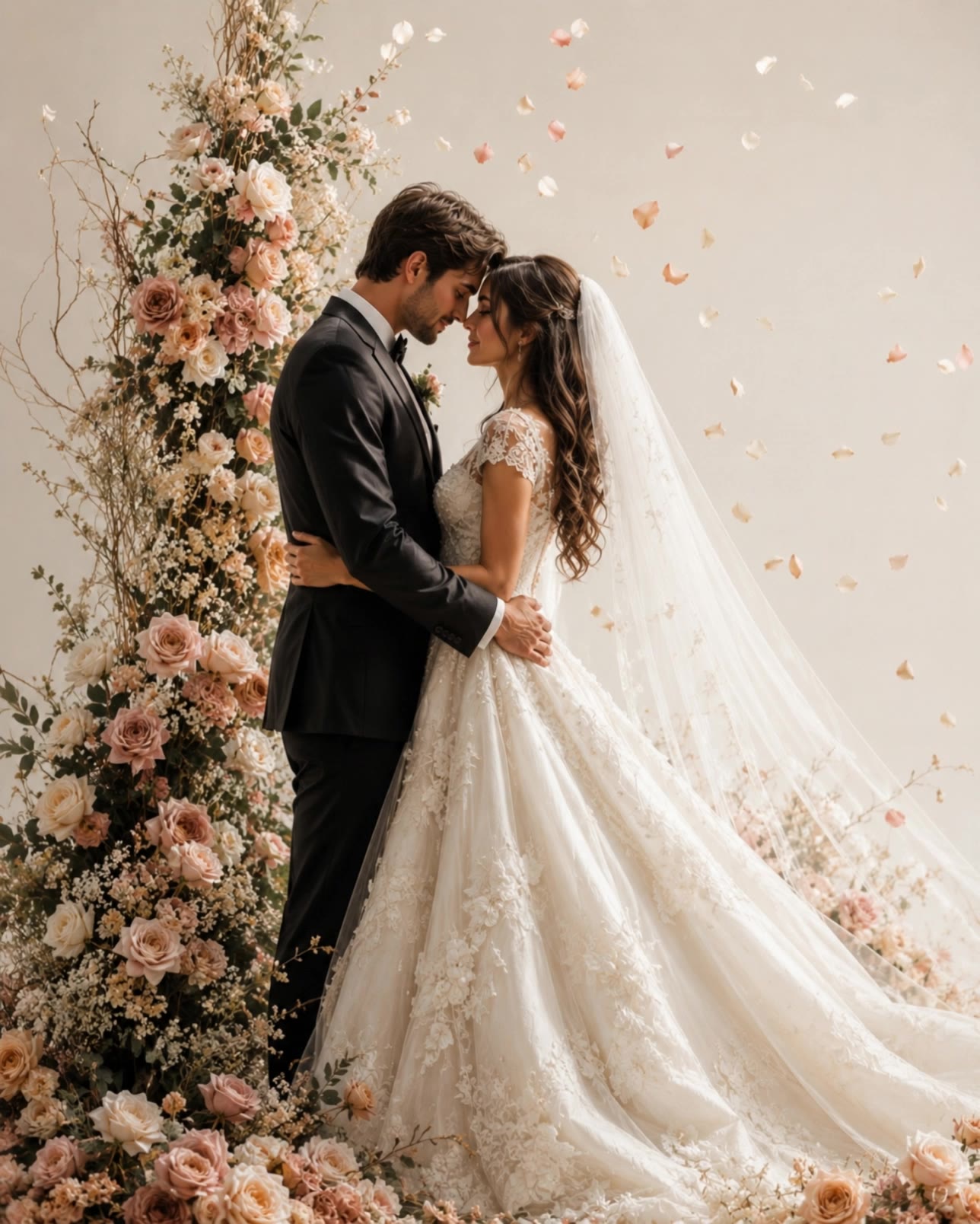
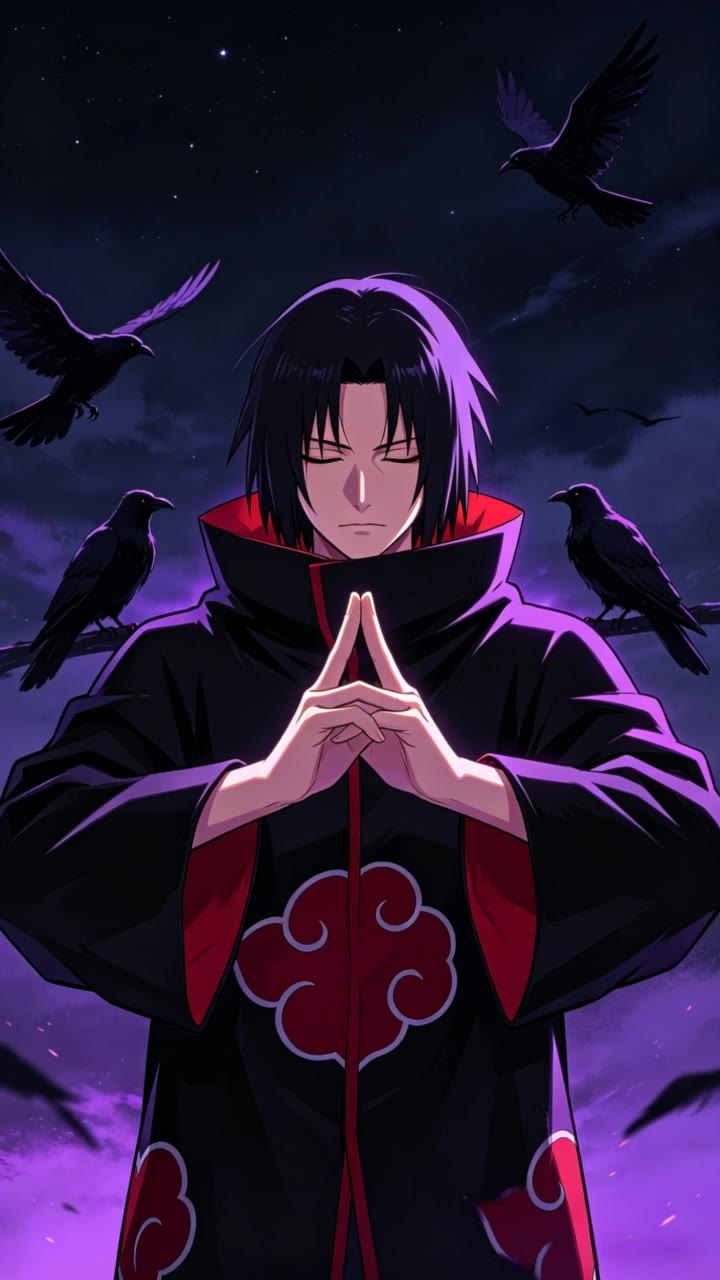
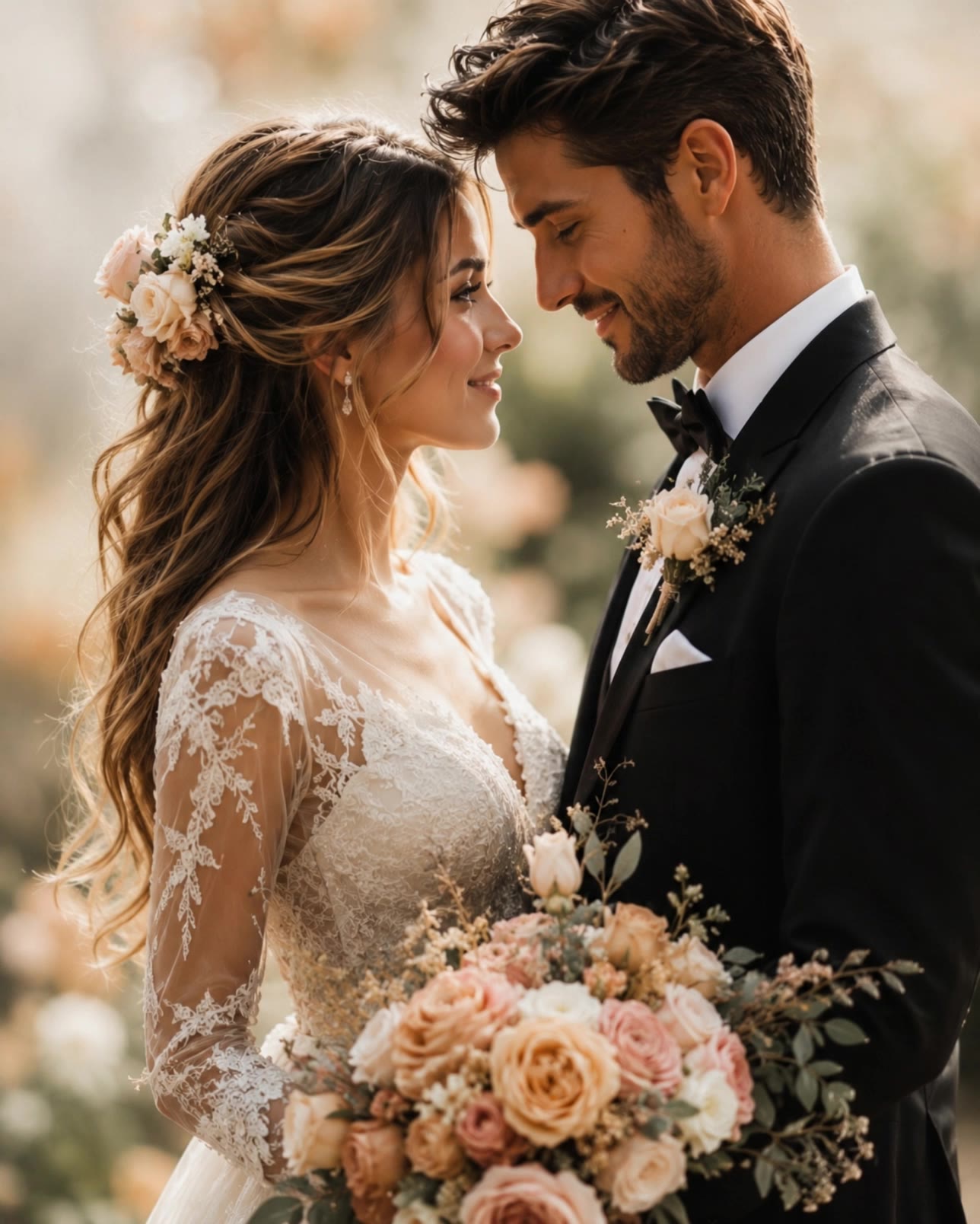
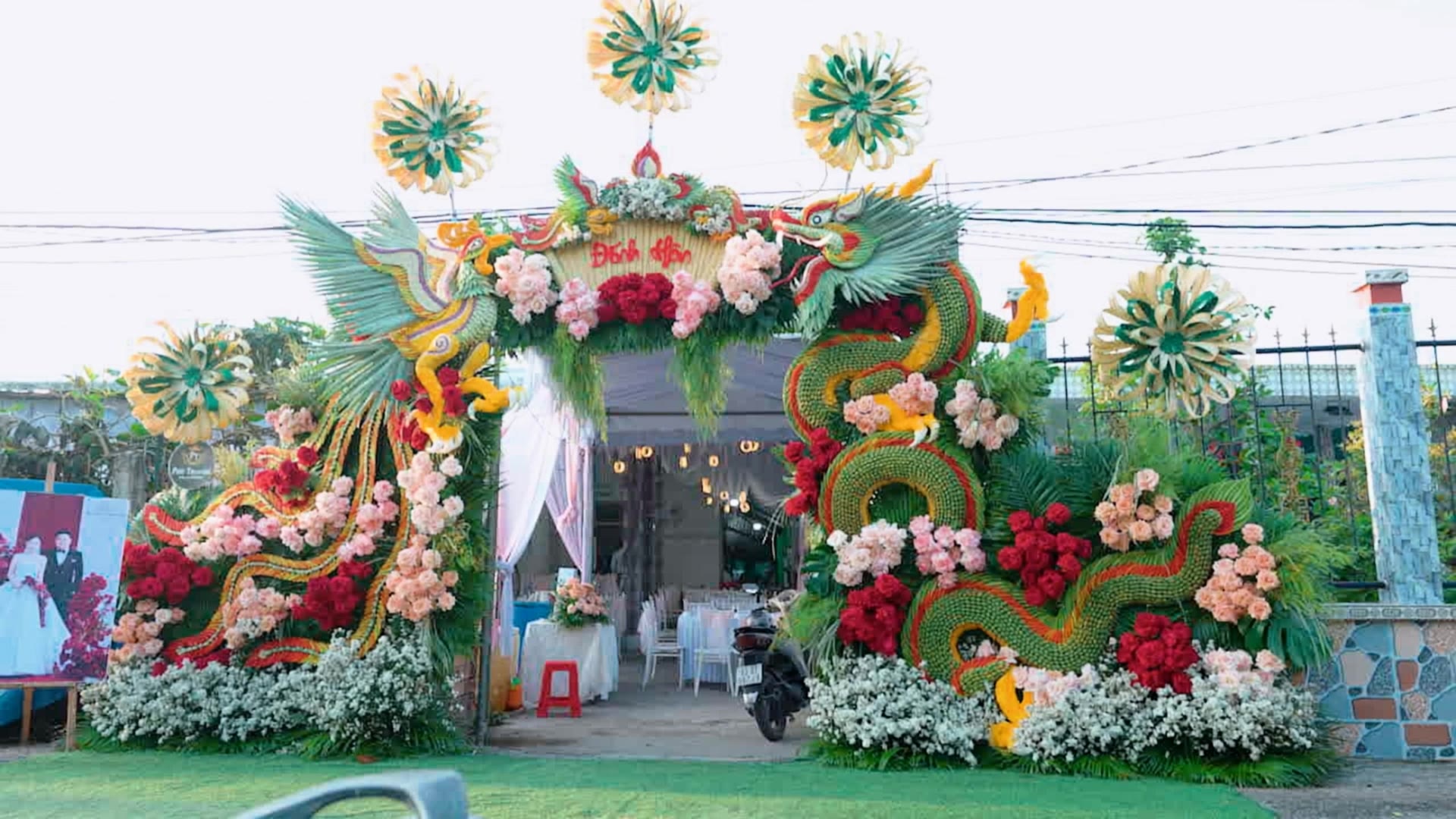
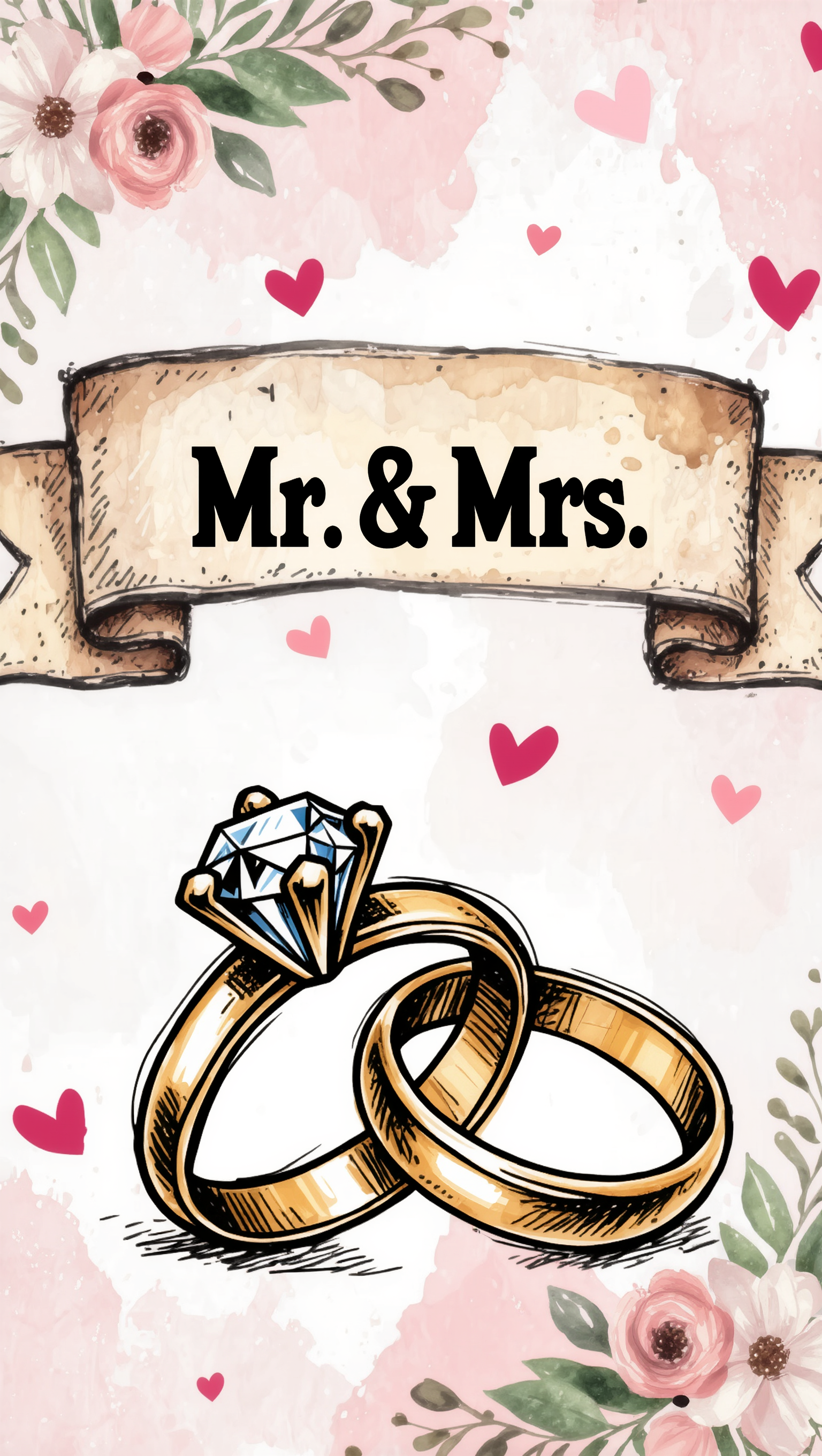
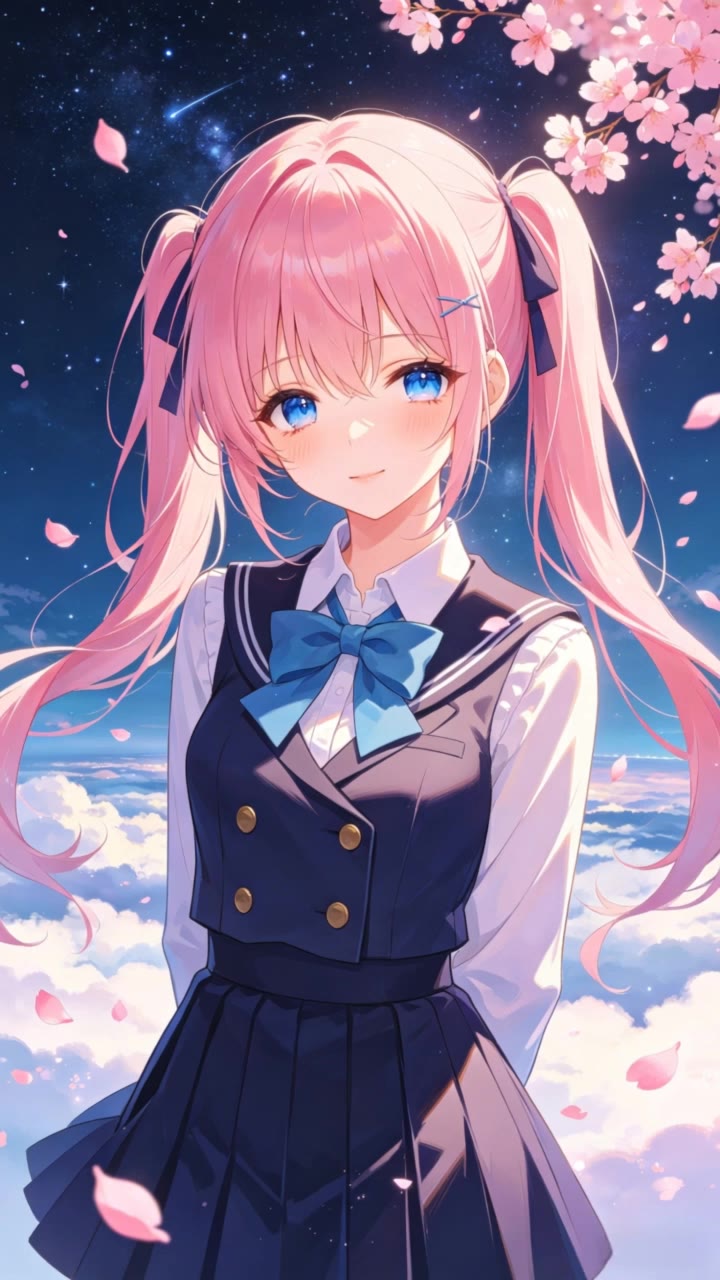
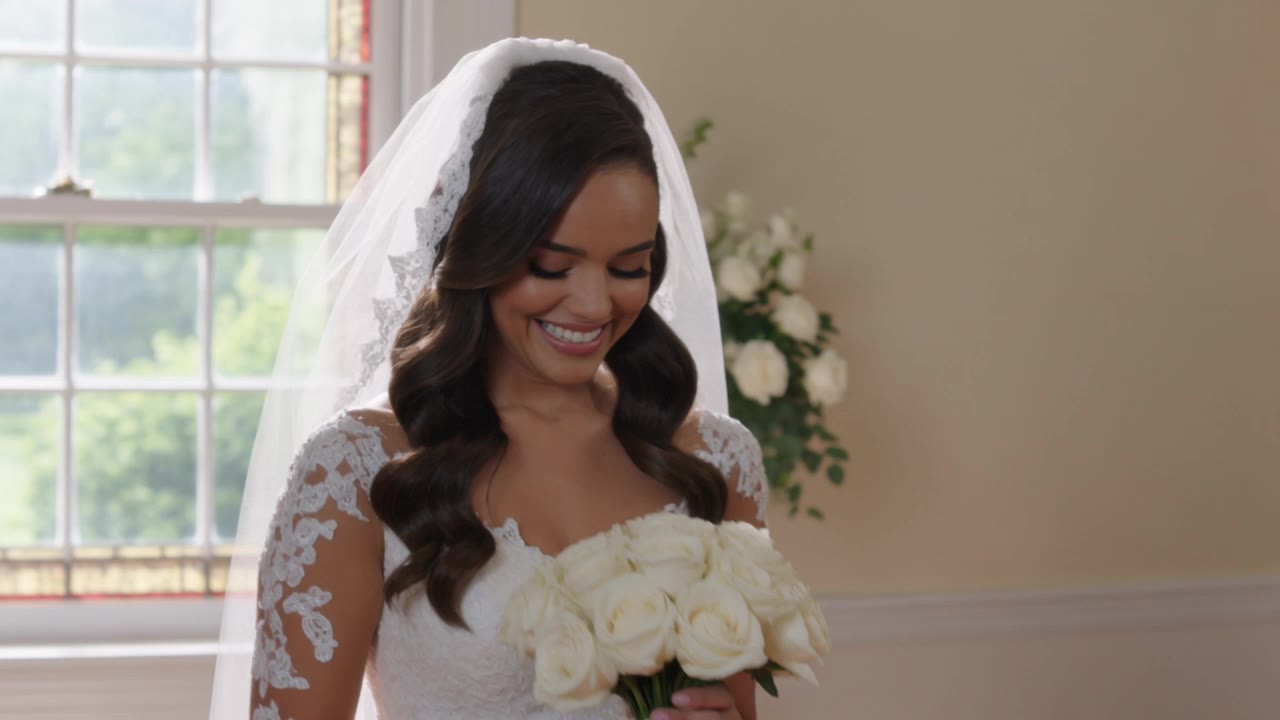
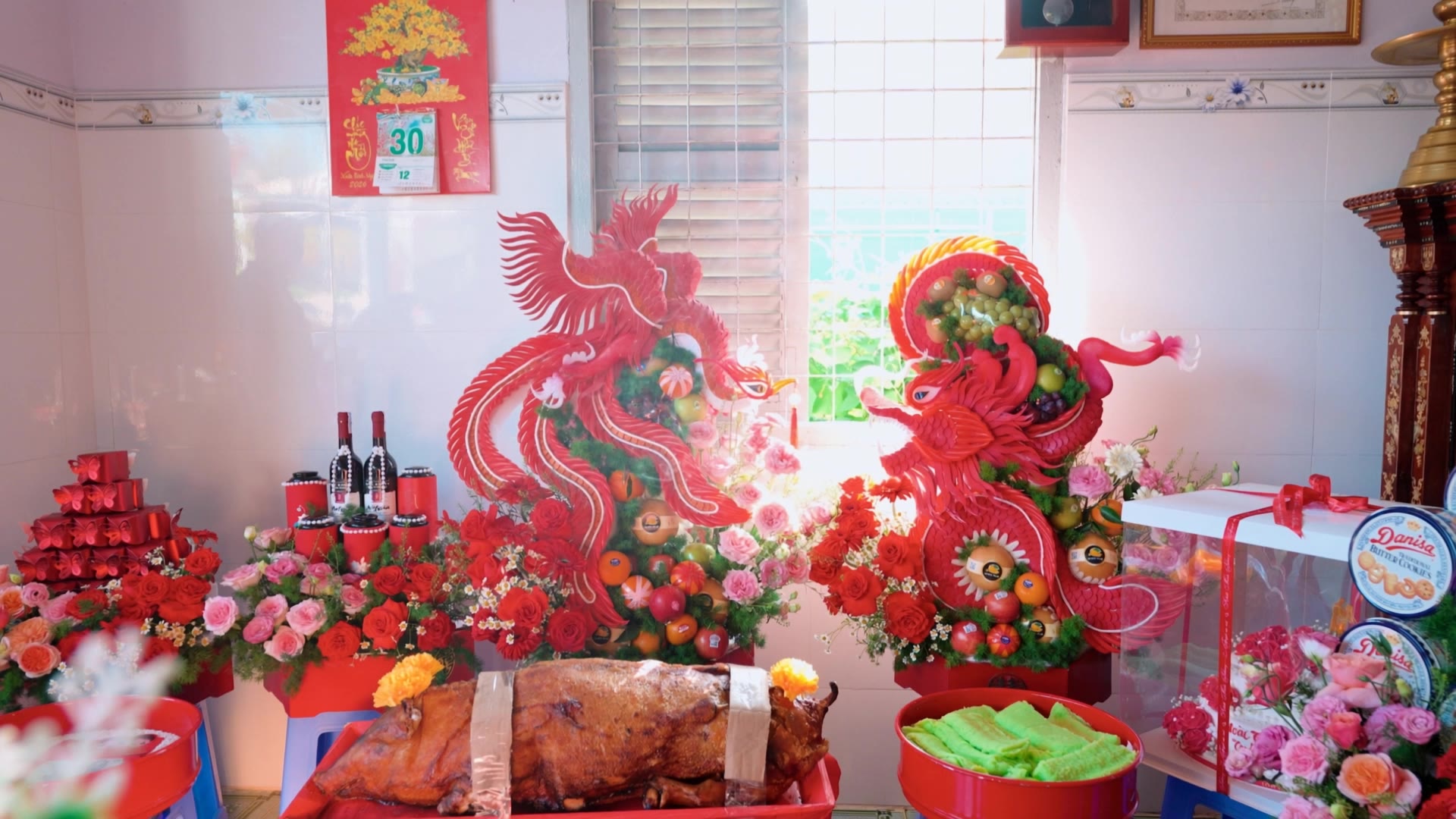
AI wedding desktop wallpapers – Elegant and customizable

Discover elegant and customizable wedding desktop wallpapers generated by AI. Quickly find the perfect wallpaper to match your wedding theme.

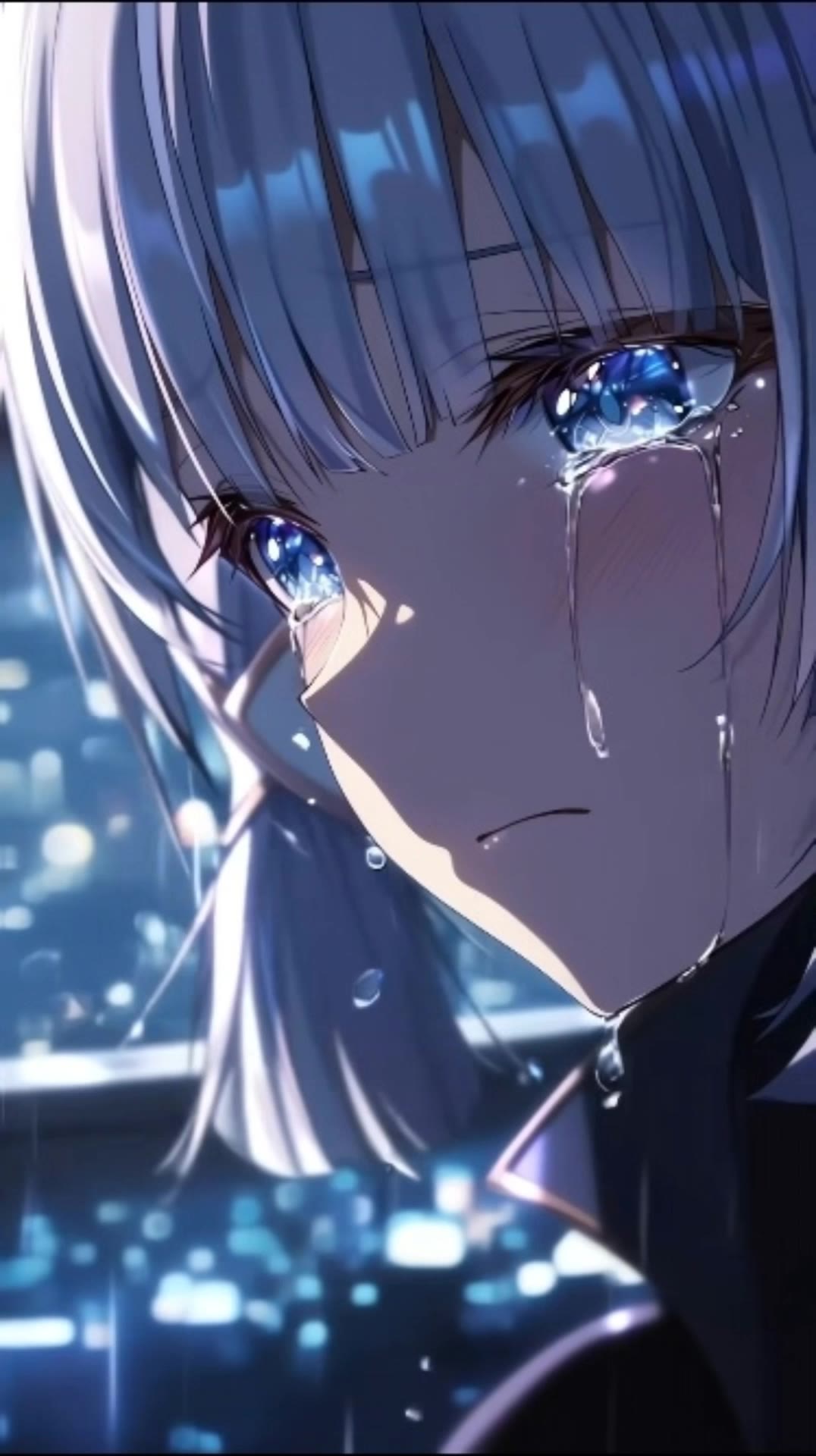
AI wedding desktop wallpapers – Elegant and customizable

Recommended

wallpaper - wedding desktop wallpaper AI video
EDCxWRhK avatar
EDCxWRhK
wallpaper - wedding desktop wallpaper AI video
EDCxWRhK avatar
EDCxWRhK
wedding - wedding desktop wallpaper AI video
RFjmNPLg avatar
RFjmNPLg
Cat Wallpaper - wedding desktop wallpaper AI image
aBgQkBke avatar
aBgQkBke
wallpaper - wedding desktop wallpaper AI video
EDCxWRhK avatar
EDCxWRhK
wallpaper - wedding desktop wallpaper AI video
EDCxWRhK avatar
EDCxWRhK
wedding - wedding desktop wallpaper AI video
RFjmNPLg avatar
RFjmNPLg
Kling AI work 314265054527114 - wedding desktop wallpaper AI video
Buyo avatar
Buyo
wallpaper - wedding desktop wallpaper AI video
EDCxWRhK avatar
EDCxWRhK
wallpaper - wedding desktop wallpaper AI video
EDCxWRhK avatar
EDCxWRhK
wedding - wedding desktop wallpaper AI video
cGAOEHDQ avatar
cGAOEHDQ
wallpaper minecraft shaders - wedding desktop wallpaper AI video
VQarmEaf avatar
VQarmEaf
wallpaper - wedding desktop wallpaper AI video
EDCxWRhK avatar
EDCxWRhK
wallpaper - wedding desktop wallpaper AI video
EDCxWRhK avatar
EDCxWRhK
Wedding Invitation - wedding desktop wallpaper AI image
7A7PI avatar
7A7PI
Elite Creator
wallpaper - wedding desktop wallpaper AI video
EDCxWRhK avatar
EDCxWRhK
wallpaper - wedding desktop wallpaper AI video
EDCxWRhK avatar
EDCxWRhK
wedding - wedding desktop wallpaper AI video
KaSniJrl avatar
KaSniJrl
wedding - wedding desktop wallpaper AI video
cGAOEHDQ avatar
cGAOEHDQ

How to Use Kling AI Image to Image

Upload Your Images

Upload Your Images

Open Image Generation, select IMAGE 3.0 Omni, and upload the image you want to transform and add reference images to carry into the result.

Set the Creative Direction

Set the Creative Direction

You can combine elements from several references, change the style, adjust the camera angle, or enable Image Series mode to create multiple connected visuals in one generation.

Generate and Create More

Generate and Create More

Select the aspect ratio, number of images, and 2K or 4K resolution, then generate and review your results. Download or share the finished image, or use it for your new AI video.

One Image-to-Image Generator, More Ways to Create

Refine With Precision

Refine With Precision

Bring in up to 10 reference images to keep the subject, color, shape, and visual details that matter, then update only what needs to change. Whether you’re reworking a background, adjusting lighting, or refining a product or character, IMAGE 3.0 helps the new image stay true to the original while making the edit feel clean, natural, and intentional.

Restyle With Freedom

Restyle With Freedom

Give any image a fresh look in more than one way. Start with the built-in style library to recreate a look in one click, or upload your original image with a reference to follow a specific visual direction. Kling AI image-to-image model carries over the qualities that define the style while keeping the subject clear and the composition intact.

Generate Image Series in 4K

Generate Image Series in 4K

Start with one image or several references and generate a connected set in one pass. IMAGE 3.0 Omni keeps characters, products, style, and tone consistent from image to image, while still allowing new actions, framing, camera angles, and shot types. Native 4K output makes it well suited to cinematic multi-shot storyboards, product image sets, and character design.

Apps

Image to Video
Image to Video

Image to Video

Text to Video
Text to Video

Text to Video

Omni
Omni

Omni

Digital Human
Digital Human

Digital Human

Restyle
Restyle

Restyle

Text to Image
Text to Image

Text to Image

60M+
60M+
Users
600M+
600M+
AI Videos Generated
4.7 ★
4.7 ★
App Store
Industry-Leading
Industry-Leading
Cinematic 4K

Reviews

PJ Ace

PJ Ace

★★★★★

Kling AI has made it easy for us to generate world class visuals for Fortune 500 companies, TV shows and music for big artists. We love the easy of use of the platform and the quality of the generations. My first time using Kling AI, I got 22 million views on just one video. It's that good.

Samuele Poggi (@visualsk2)

Samuele Poggi (@visualsk2)

★★★★★

I use Kling AI daily to push the limits of AI filmmaking. It allows me to create highly cinematic content, blending AI and VFX to develop innovative projects. It has significantly impacted my creative process, enabling me to achieve complex animations that would otherwise require high production budgets.

Halim Alrasihi

Halim Alrasihi

★★★★★

I use AI daily and Kling AI is a crucial part of my workflow, whether for client work or personal projects. What I love most about using Kling AI is that it provides all the tools I need in one place, from keyframes to character references, elements and special effects.

FAQ

Q1Can I use reference images with Kling AI?
Q2What types of images can I create with Kling AI?
Q3What is text-to-image AI?

Your Next Visual Starts Here

Start with a sentence, a sketch, or a reference photo. Shape the composition, dial in the details, and keep iterating in Kling AI.

Free tier available | Text-to-image | Image-to-image | Fast generation