Kling 4.0 アップデート概要
Kling 4.0は、AI動画制作に特化した次世代のネイティブ・マルチモーダル大規模モデルです。複雑な動きの安定性、全能リファレンスによる一貫性、そしてストーリー表現の完成度・連続性・制御精度が向上しました。クリエイターは、アイデアと複数の素材を効率的に組み合わせ、完成度が高く、自在にコントロールできる動画を制作できます。
1.1 主なアップデート
ポイント | 機能の説明 |
映像と音響の進化:よりリアルな映像表現
| 大きな動きも安定して表現し、没入感のある視聴体験を実現。映像生成からプロ品質の動画制作へ。
|
全能リファレンス:アイデアを自在にコントロール
| 多彩な参照素材に対応し、一貫性も向上。アイデアを動画として再現しやすくなりました。
|
ストーリーテリングの進化:物語を自然につなぐ
| 最長30秒のネイティブ生成に対応。ストーリーの節目を自在に制御し、ひとつのアイデアから完成度の高い物語へ。
|
多彩なコンテンツ:創作の可能性を広げる | 創作の自由度が大幅に向上。多言語や文字表現にも対応し、アイデアの可能性を広げます。
| 活用シーン: 多言語広告、方言を活かしたショート動画、グローバルブランド向けコンテンツ、クリエイティブなブランドデザイン、MVなど、幅広いスタイルやグローバルな制作シーン。 |
4.0 Flash:より手軽な動画制作 | 生成時間を大幅に短縮し、コストパフォーマンスを向上。 高頻度の制作シーンに向けて、コストを抑えながら高速に生成でき、より手軽に動画を制作できます。 |
動画延長:ストーリーをさらに広げる | 動画の延長生成に対応。最長2分までストーリーをつなげられます。 アップロードした動画を複数回延長でき、最長2分まで拡張できます。動作の流れや感情の積み重ね、複数の場面からなるストーリーを、より十分に描写できます。(近日公開予定) |
1.2 主な機能・仕様
項目 | Kling 4.0 |
テキストから動画生成 | ✓ |
画像から動画生成 | ✓ |
始終フレーム | ✓ |
フレキシブルキーフレーム | ✓、最大10枚のキーフレーム入力に対応 New |
全能リファレンス | ✓ |
生成時間 | 3-30秒 New |
解像度 | 720p / 1080p / 4K |
ダイナミックレンジ | 10-bit HDR (1080p and 4K)New |
アスペクト比 | 21:9New / 16:9 / 1:1 / 9:16 / 自動 |
音声仕様 | ステレオ音声 New |
対応言語 | 中国語、英語、日本語、韓国語、スペイン語、ポルトガル語、ドイツ語New、フランス語New、ヒンディー語Newなど |
方言・アクセント | 中国語:北京、台湾、東北地方のアクセント、四川方言、広東語など。 英語:アメリカ英語、イギリス英語、インド英語など |
文字生成 | 中国語、英語、日本語、韓国語、スペイン語、ポルトガル語、ドイツ語、フランス語、ヒンディー語など。絵文字の生成にも対応New |
入力テキストの長さ | 最大8,000トークン New |
参照画像の入力 | 合計10枚以下 |
参照動画の入力 | 合計5本以下 動画素材の合計時間は30秒以下 |
参照音声の入力 | 音色リファレンスに対応 |
参照する被写体の入力 | 被写体は最大7体 うち動画の被写体は最大3体 |
備考 | 参照画像・動画・音色・被写体の合計は最大15点 |
動画編集 | 最大5本の動画を入力可能(うち1本をメイン動画として使用)
|
本マニュアルの以降の章に記載されている仕様・機能は、特に記載がない限りKling 4.0を基準とします。
制作を始める
2.1 制作モードを選ぶ
Kling 4.0の制作ツールには、上位の入口として「全能リファレンス」と「キーフレーム」の2種類があります。
それぞれの違いは以下のとおりです。
比較項目 | 全能リファレンス | キーフレーム |
適した用途 | 参照したい画像・動画素材がある場合、またはアイデアの方向性だけが決まっている場合 | 画面の節目が決まっており、完成動画で各フレームを再現したい場合 |
制御する対象 | 生成する映像の外観、スタイル、動き、カメラワーク | 生成映像におけるタイムライン上の各節目 |
アップロード可能な素材 | 画像、動画、音色 | 画像のみ |
「全能リファレンス」はデフォルトの入口で、最も幅広い機能を利用できます。テキストから動画生成とキーフレームからの動画生成も、この入口から実行できます。
「キーフレーム」の入口も独立して用意されています。従来の画像から動画生成(開始フレーム/始終フレーム)の操作に慣れているユーザーに対応するとともに、キーフレームの画面をピクセルレベルで維持したい場合にも適しています。
現時点では、2つの入口の機能を1回の生成タスクで併用することはできません。
2.2 プロンプトの書き方
基本原則:具体的な描写を使い、抽象的な表現や否定表現を減らす。
画面の特徴をできるだけ具体的に記述することで、モデルによる推測を減らせます。否定表現を含むプロンプトは、生成結果が不安定になる可能性があります。
実際に指定すべき否定表現は、「字幕なし」「BGMなし」の2種類だけです。モデルがこれらをデフォルトで追加する場合があるため、不要な場合は明示的に除外してください。
おすすめしない表現 ❌ | おすすめの表現 ✅ |
「高級感のある質感」 | 斜め後方からの光が物体の輪郭を際立たせ、背景はぼけている。表面には細かなマット加工の粒子が見える。 |
「年代を感じさせる雰囲気」 | 壁は黄ばんでおり、家具の角には擦れがある。暖色の白熱灯が照らしている。 |
「中流家庭のキッチン」 | 木目調のキャビネット、カウンターの炊飯器と調味料入れ、冷蔵庫の扉に貼られた付箋。 |
「被写体の正面を見せず、電話をしている」 | (見せたい状態を直接記述する)被写体の横顔、電話をしている。 |
機能と使い方
3.1 全能リファレンス
入力制限とパラメータ
入力形式 | 数量・仕様の制限 |
テキスト | 最大8,000トークン |
画像 | 合計10枚以下。1枚あたり30MB以下。アスペクト比2:5~5:2 |
動画 | 合計5本以下。1本あたり3~30秒。合計30秒以下。1本あたり300MB以下。アスペクト比2:5~5:2 |
音色 | 1回あたり最大3種類。音色作成用の音声は5~30秒、ファイルサイズ50MB以下 |
被写体 | 合計7体以下。うち動画の被写体は3体以下。動画の被写体の作成に使用する素材は3~8秒 |
合計 | 画像・動画・音色・被写体を合わせて最大15点 |
パラメータ | 選択肢 |
生成モード | 720p / 1080p / 4K |
長さ | 3~30秒。1秒単位で調整可能。デフォルトは10秒 |
アスペクト比 | 21:9 / 16:9 / 1:1 / 9:16 / 自動。デフォルトは自動 |
⚠️ 参照動画・編集用動画・動画の被写体は、いずれも動画の入力上限を共有します。合計5本まで、総時間は30秒以内です。
全能リファレンスの使い方
素材にはアップロード順に自動で番号が付与されます(例:@画像1、@画像2、@動画1)。
それぞれの素材について、用途を明確に指定してください。 たとえば、「@画像1は人物の外見を維持」「@動画1は動作のテンポを参考にする」といった形です。
番号だけを指定して役割を説明しない場合、モデルが用途を推測するため、生成結果を制御しにくくなります。
例:
@画像1はこのシーンの参考とし、空間構成、配置、照明を維持する。 @画像2はヒロインの参考とし、顔立ち、髪型、衣装を維持する。 ヒロインはこのシーンの中で窓辺まで歩き、立ち止まって振り返る。
複数の素材がそれぞれ異なる情報を提供する場合は、各素材の役割と適用範囲を個別に説明し、取り入れたくない要素も明確にしてください。
プロンプトの構成
【素材の役割】
@画像1は___の参考とし、___の一貫性を保つ。
@画像2は___の参考とし、___の一貫性を保つ。
@動画1の___を参考にする。
【全体設定】
シーンと質感___、ビジュアルスタイル___、カメラの基調___。
【シーンごとの展開】
0~X秒:___(画面+動作+感情)
X~Y秒:___(カメラの動き+詳細)
Y秒~終了:___(最後の画面)
【音声】
セリフ/ナレーション+環境音+BGM+効果音
機能別の使い方とプロンプト例
① 短い指示から生成
ひとつのアイデアだけでも制作を始められます。被写体と、何をさせたいかを記述すれば、モデルが簡単な指示を自動で展開し、ストーリー、シーンの動き、カメラワークを補完します。指示が十分に具体的な場合は、余計なアレンジを加えず、指示に忠実に生成します。
画面の方向性を探っている段階や、まずは試作を確認したい場合に適しています。
An old man ranting about AI.
② マルチモーダル参照
人物の外見、動作、カメラワーク、空間関係、音色などをそれぞれ別の素材から参照し、1回の生成タスクで組み合わせることができます。重要なのは、各素材が何を提供し、最終的にどのような映像にしたいのかをモデルに明確に伝えることです。
参照する要素 | プロンプト例 |
複数キャラクターの参照 | @画像1、@画像2、@画像3の人物の顔立ちと特徴を参照し、厳密に維持する。@画像4の青いバイクのデザインを参照し、厳密に維持する。@画像5の赤いスポーツカーのデザインを参照し、厳密に維持する。@画像6の撮影機材を参照し、厳密に維持する。 |
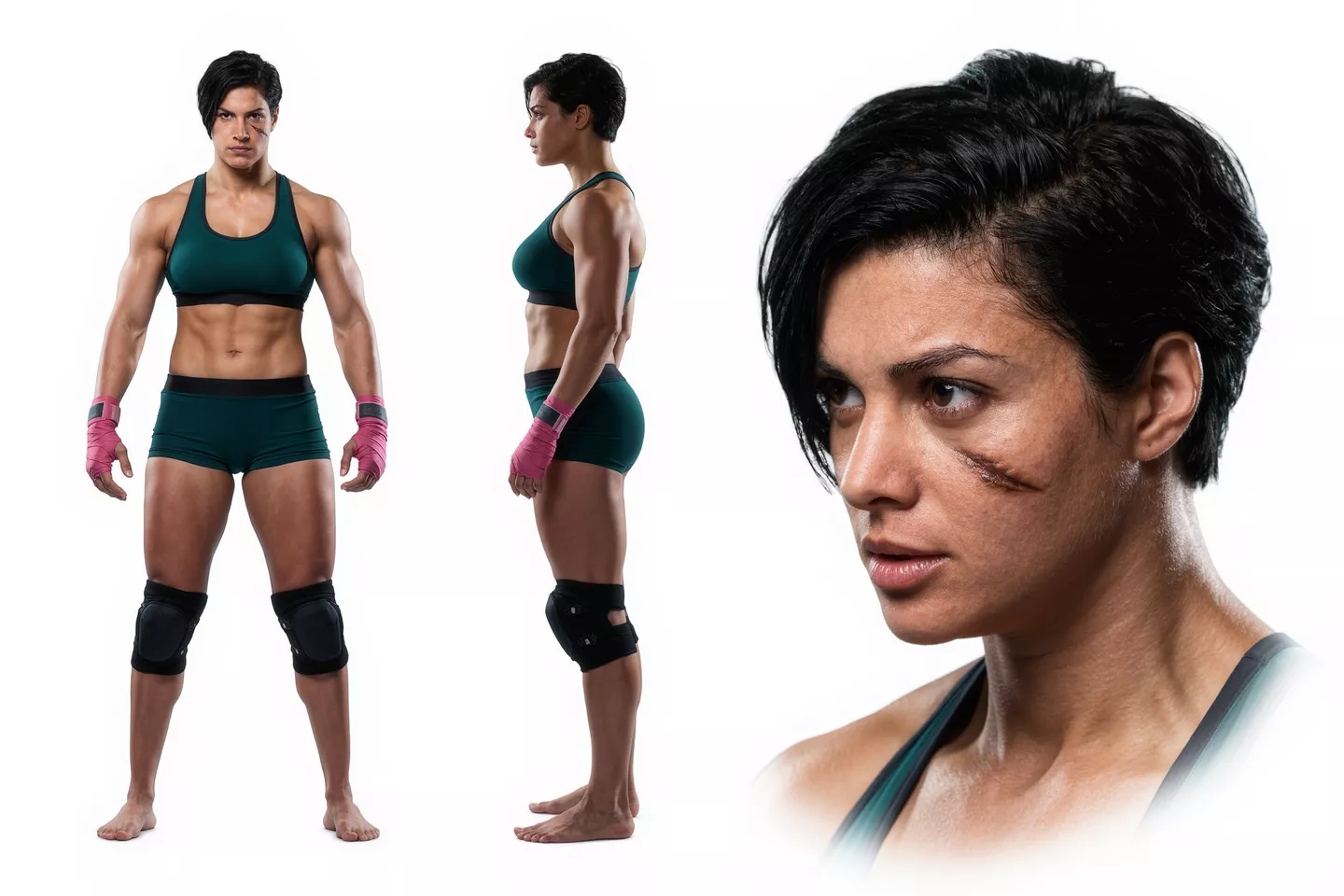
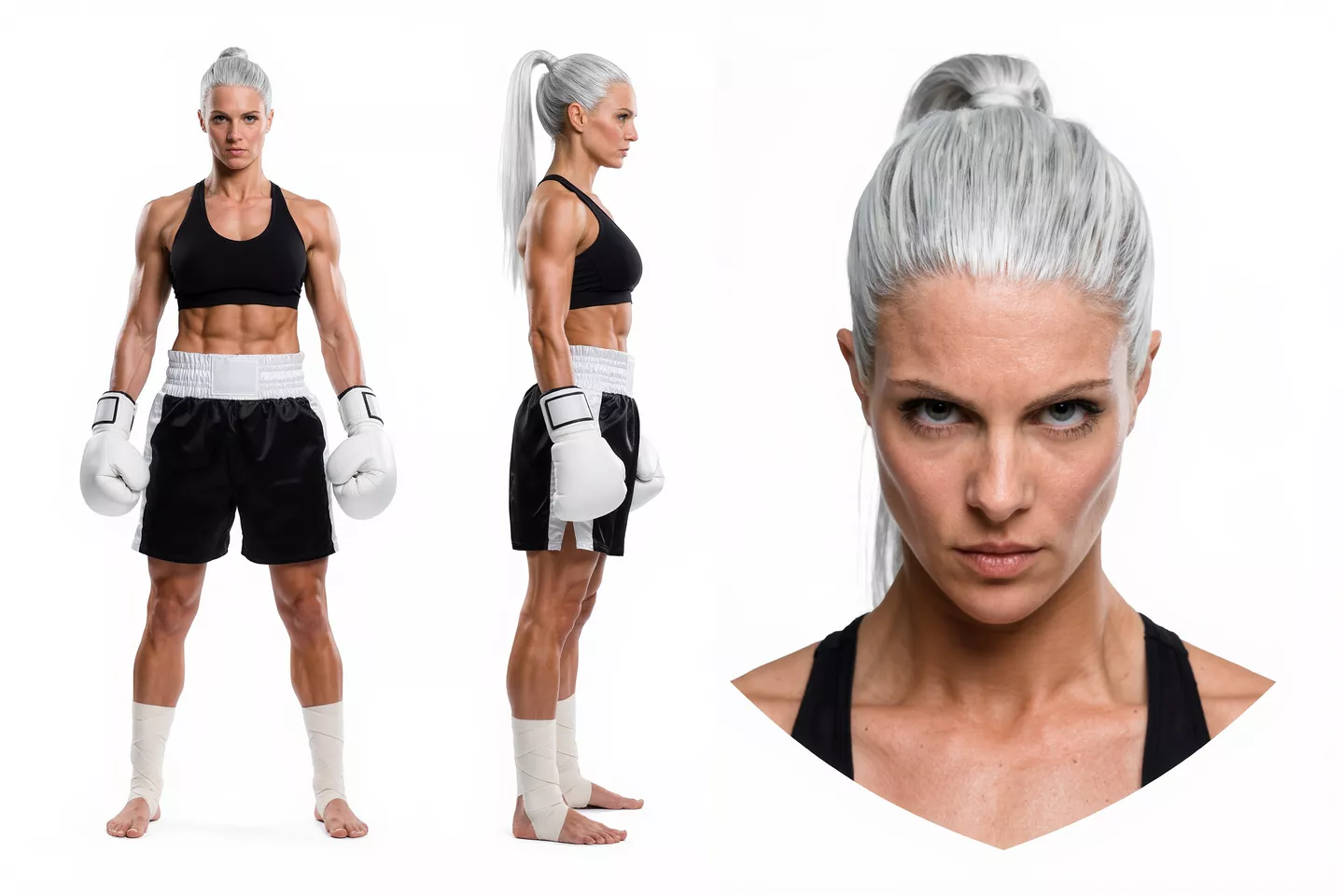
動作の参照 | @動画1の格闘動作と技を繰り出すテンポを参考にする。キャラクターのデザインは@画像1、@画像2を参照する。 |
カメラワークの参照 | @動画1のカメラの移動軌跡とショットのテンポを参考にする。被写体を@画像1の車に置き換え、背景を@画像2に置き換える。 |
構図の参照 | @画像1の構図を参照し、厳密に維持する。 |
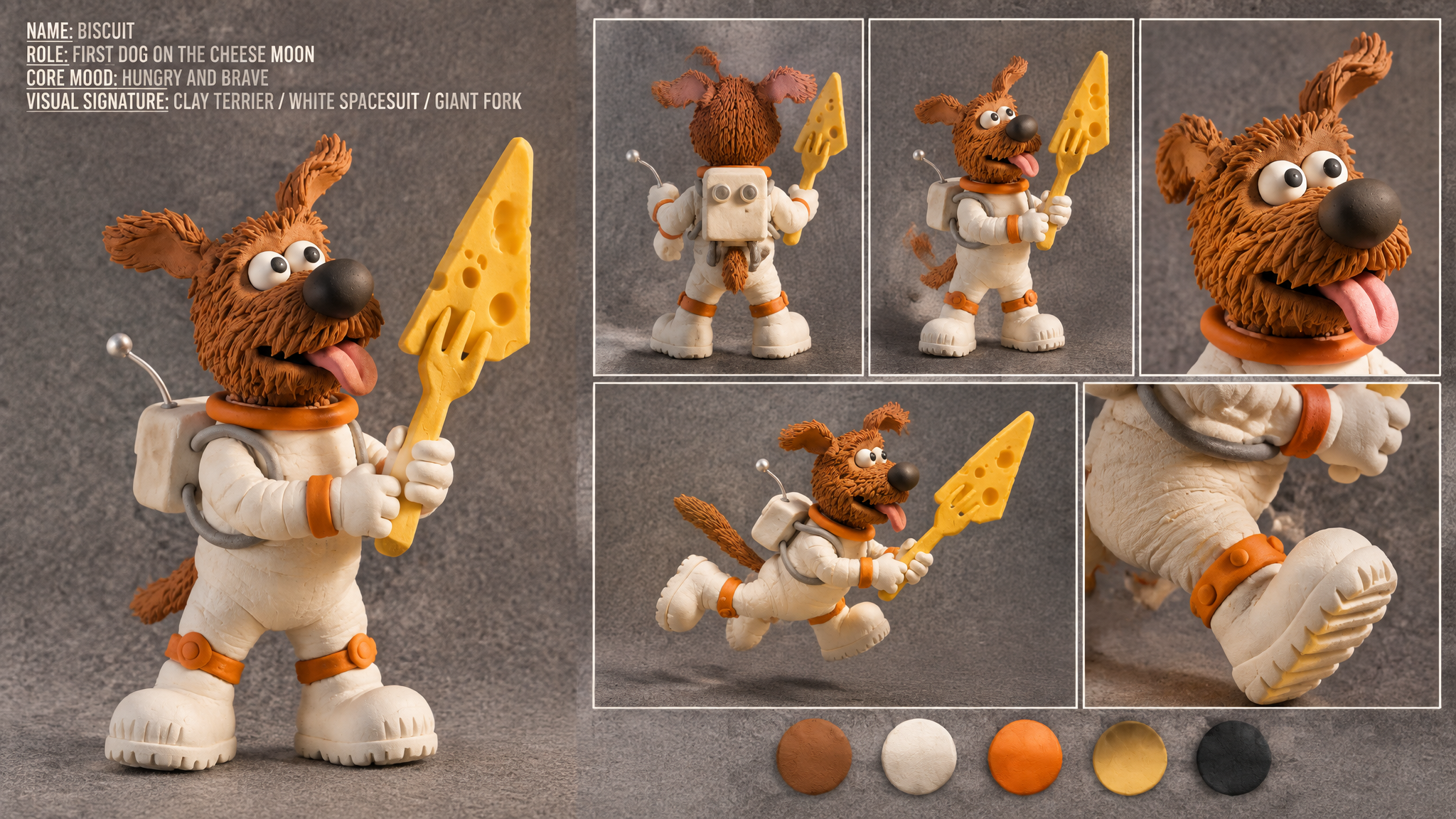
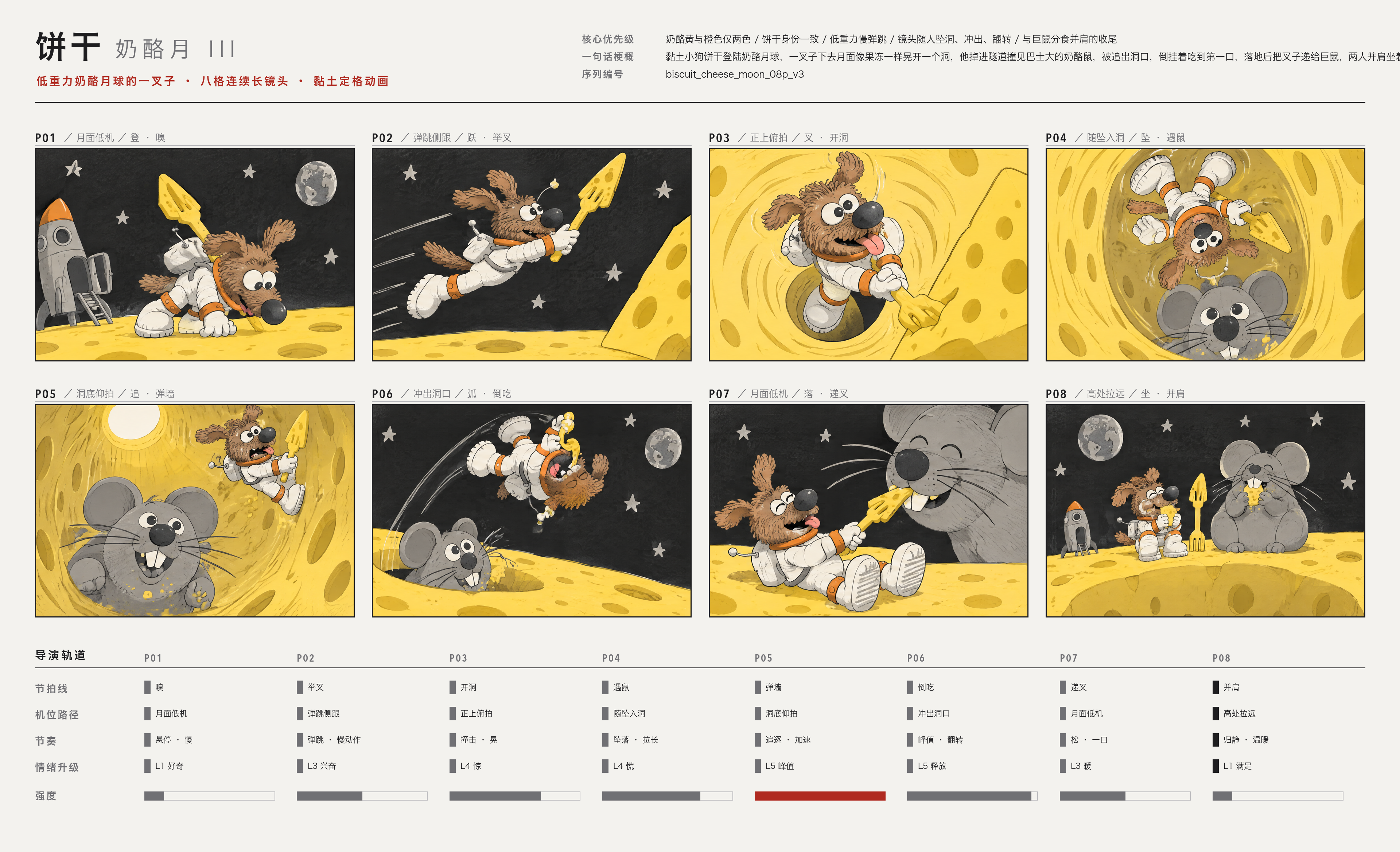
絵コンテの参照 | @画像1のキャラクターデザインを参照する。@画像2の絵コンテは、本シーンについて監督の承認を得たショット順、フレーミング、カメラの移動経路、画面の向き、感情の高まりを示すものとする。各コマに描かれた完成状態のストップモーション映像を再現する。絵コンテそのものを映像として描写しない。鉛筆スケッチ風の質感、グリッド、タイトル欄、中国語の注釈、監督用の指示欄は入れない。 |
複数キャラクターの参照
【全体のスタイル】 | 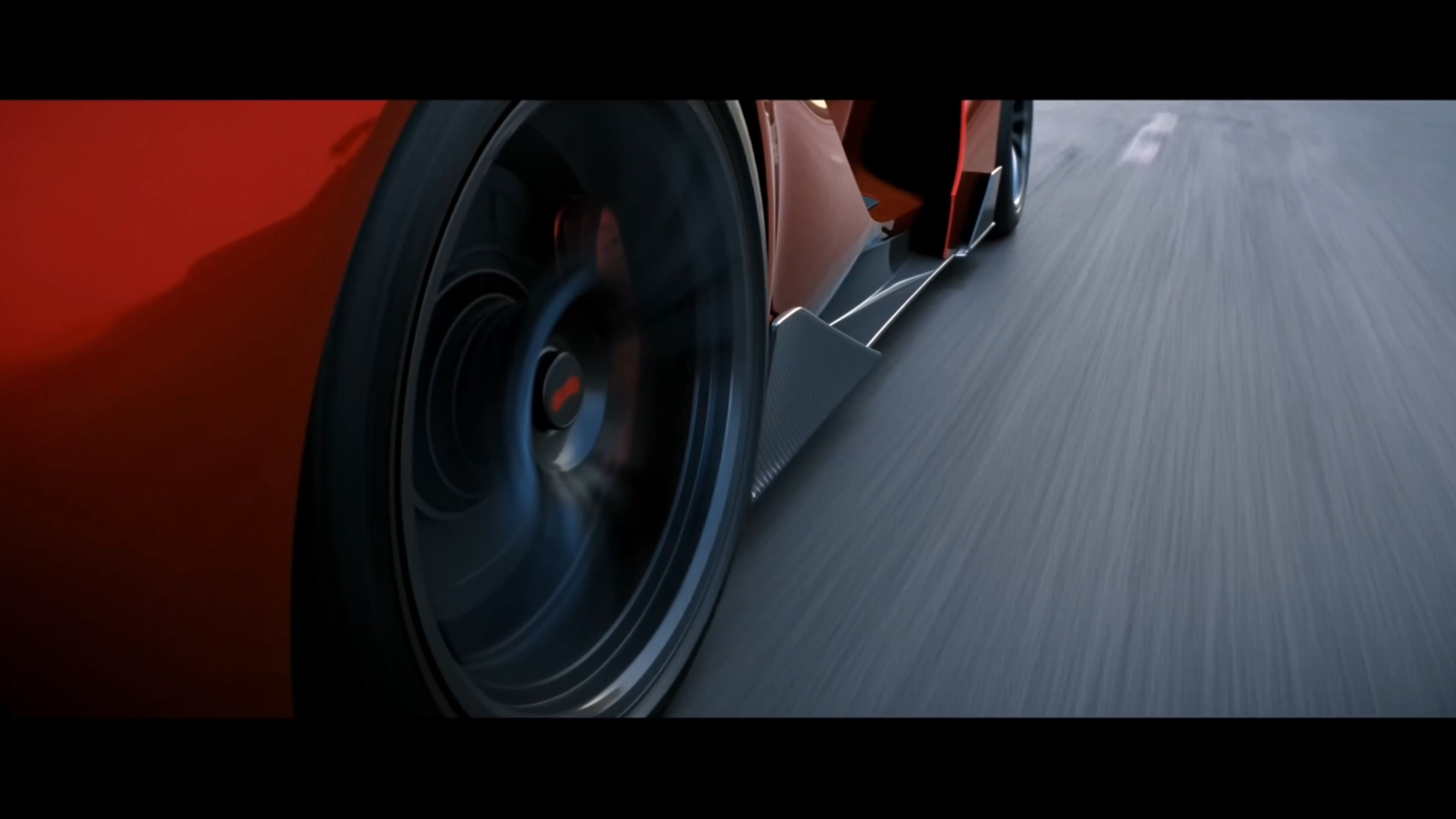  |
動作の参照
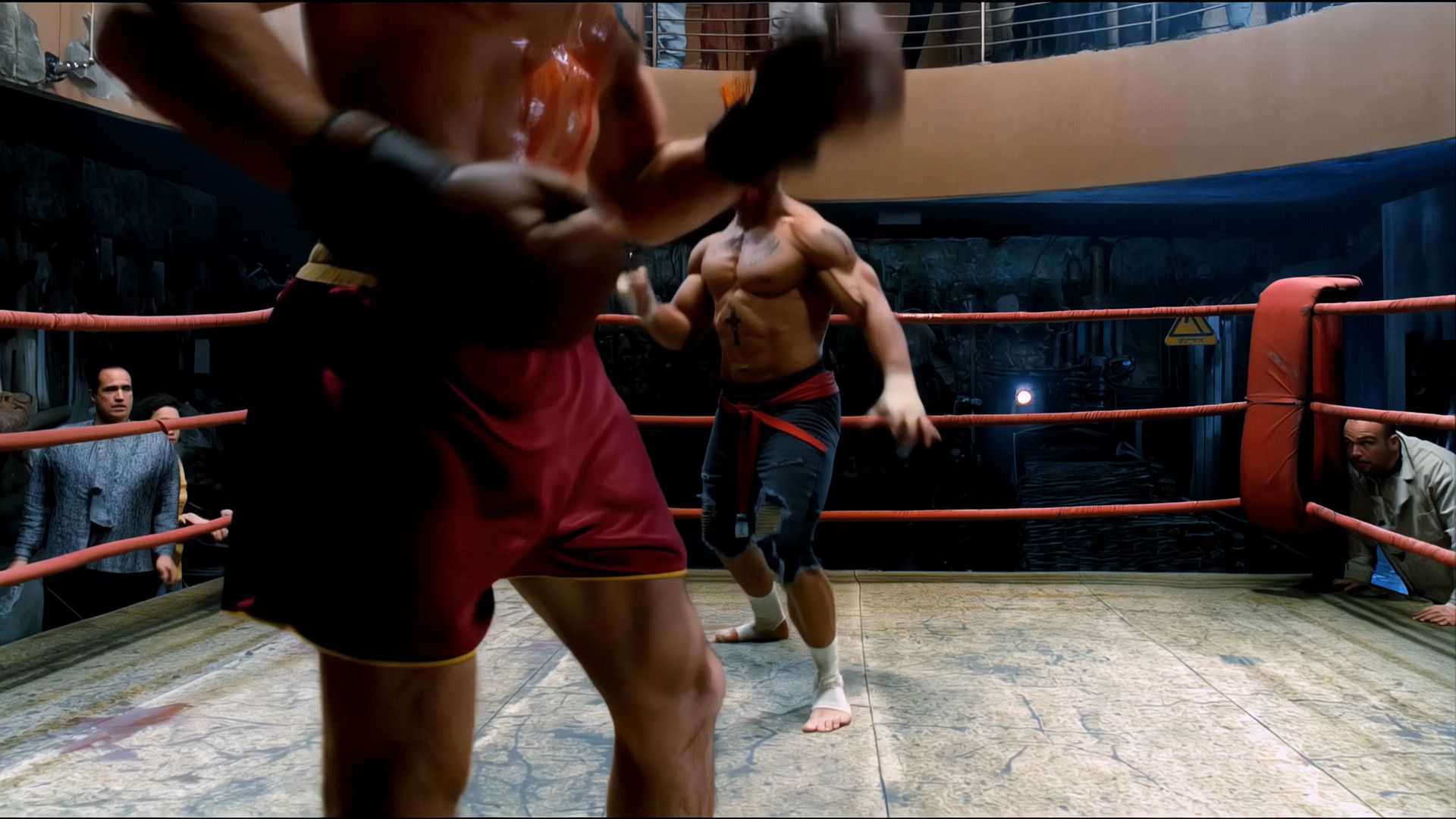
@動画1の格闘動作と技を繰り出すテンポを参考にする。キャラクターのデザインは@画像1、@画像2を参照する。 | 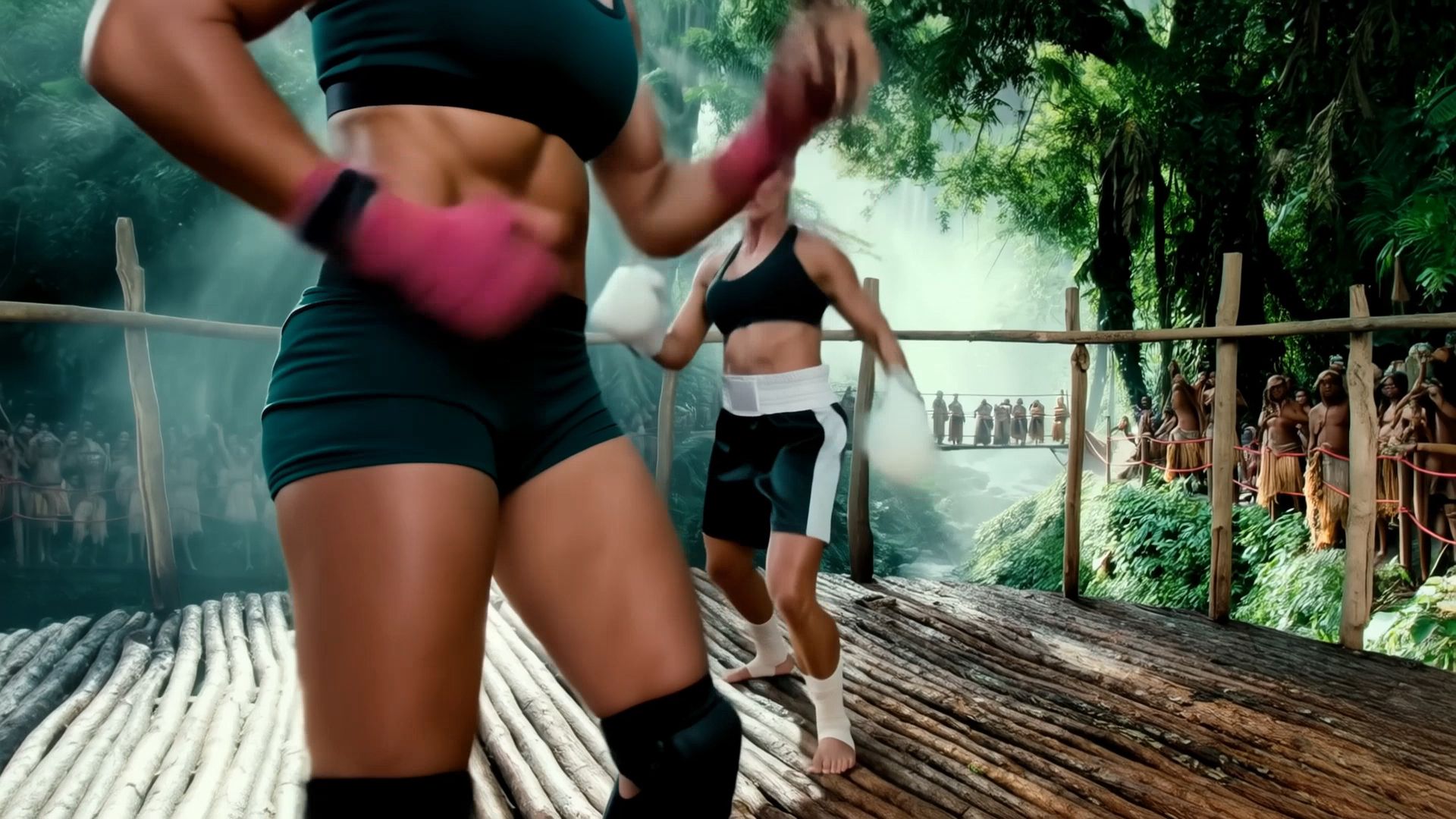 |
カメラワークの参照
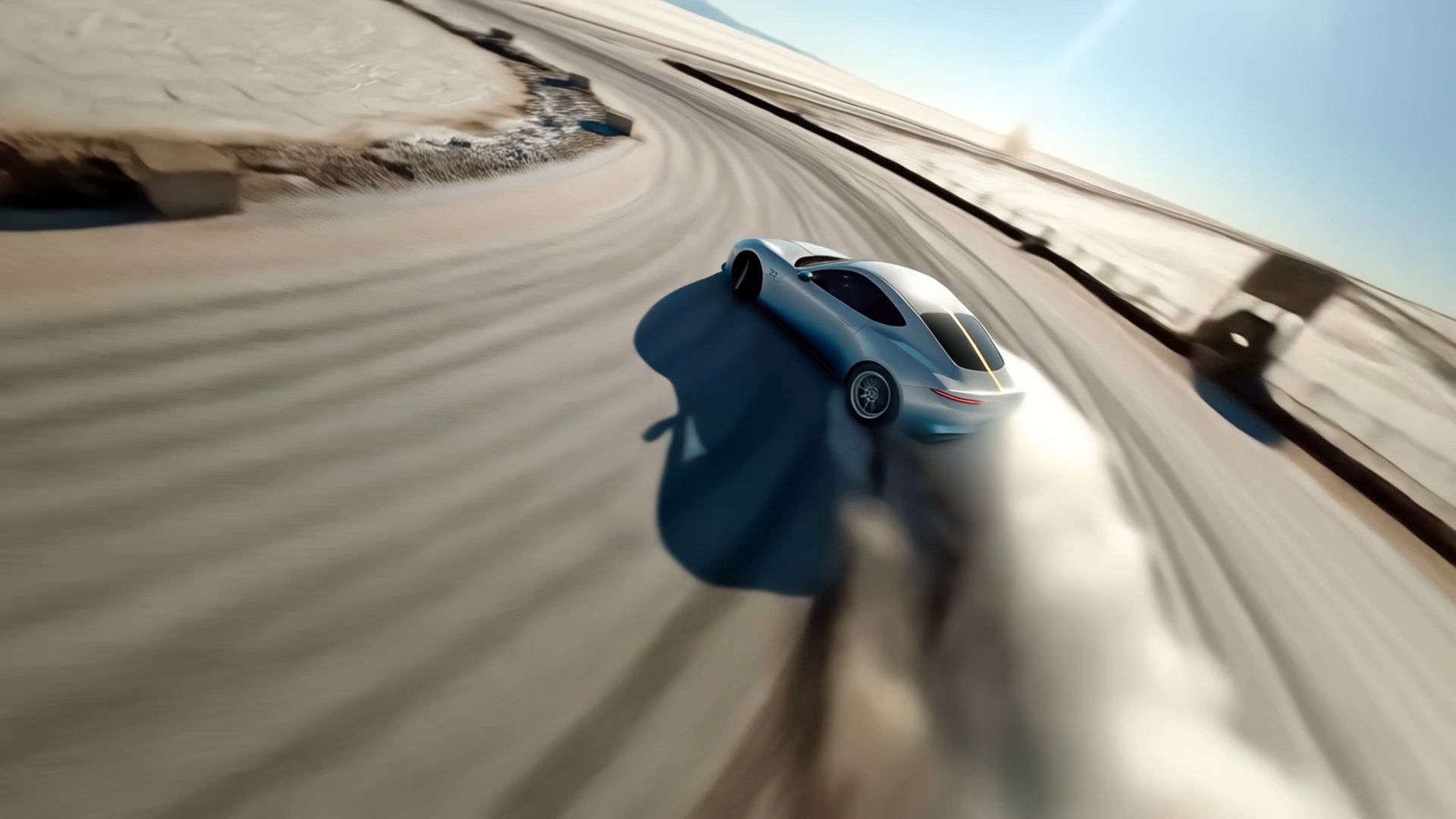
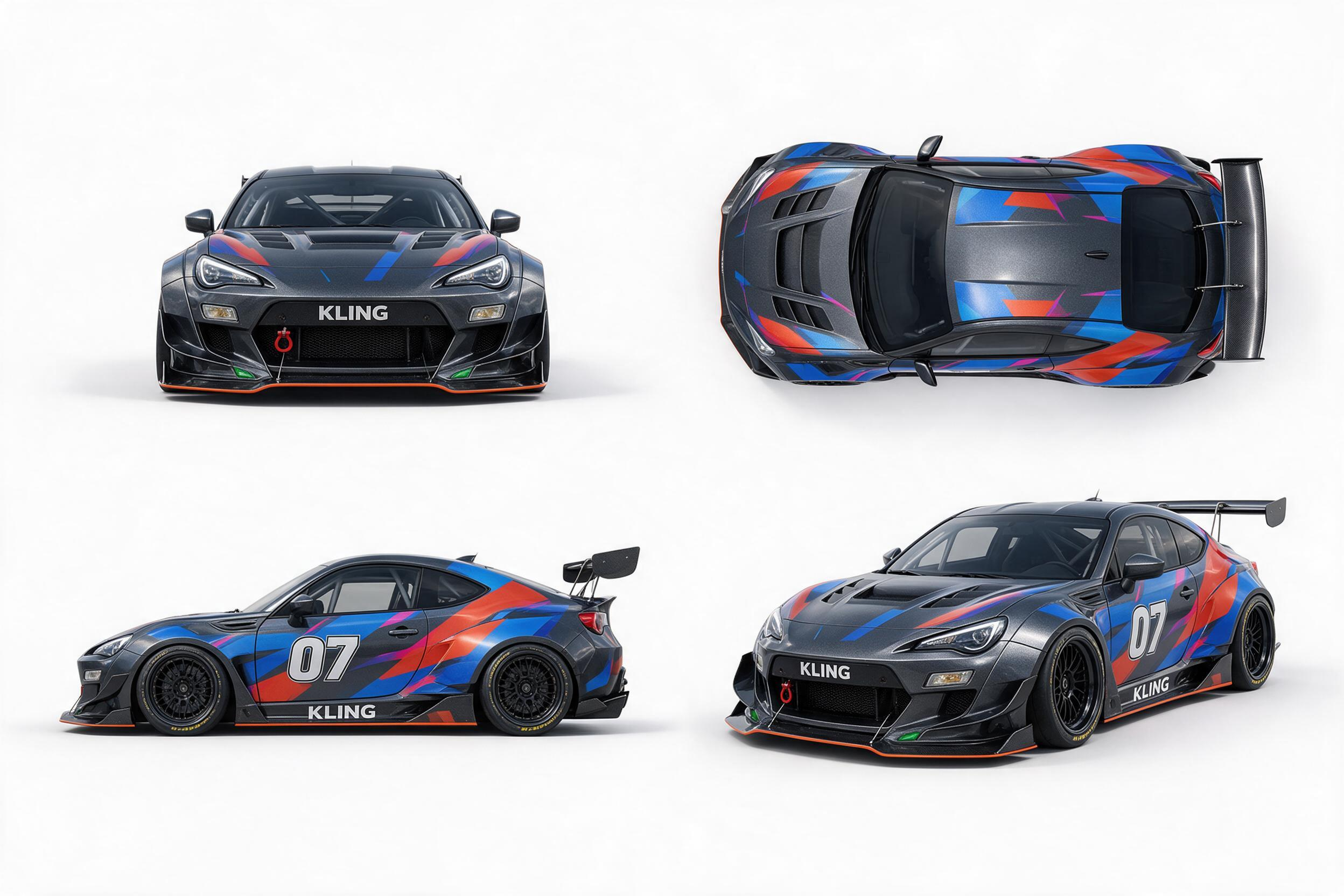
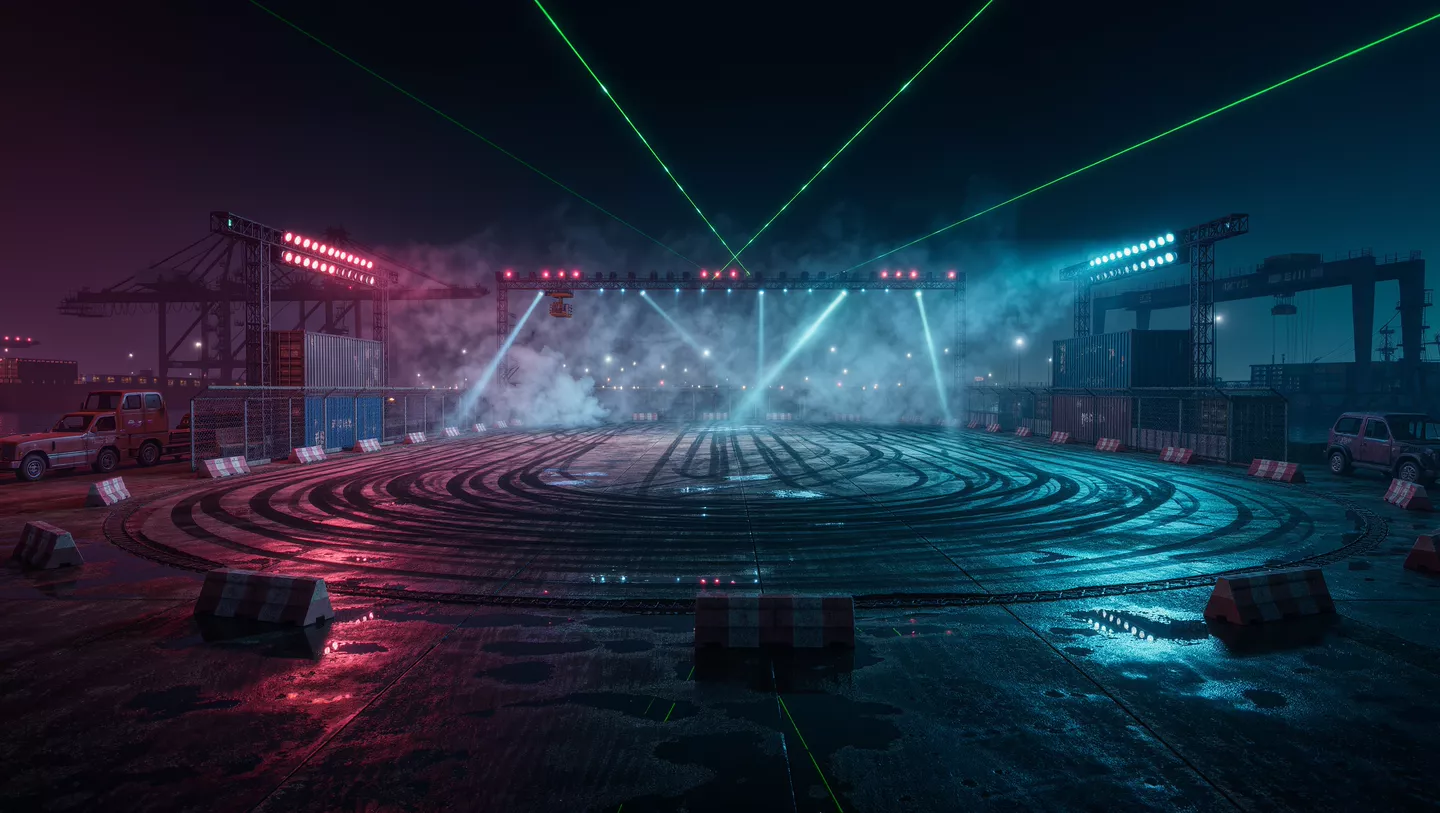
@動画1のカメラの移動軌跡とショットのテンポを参考にする。被写体を@画像1の車に置き換え、背景を@画像2に置き換える。 | 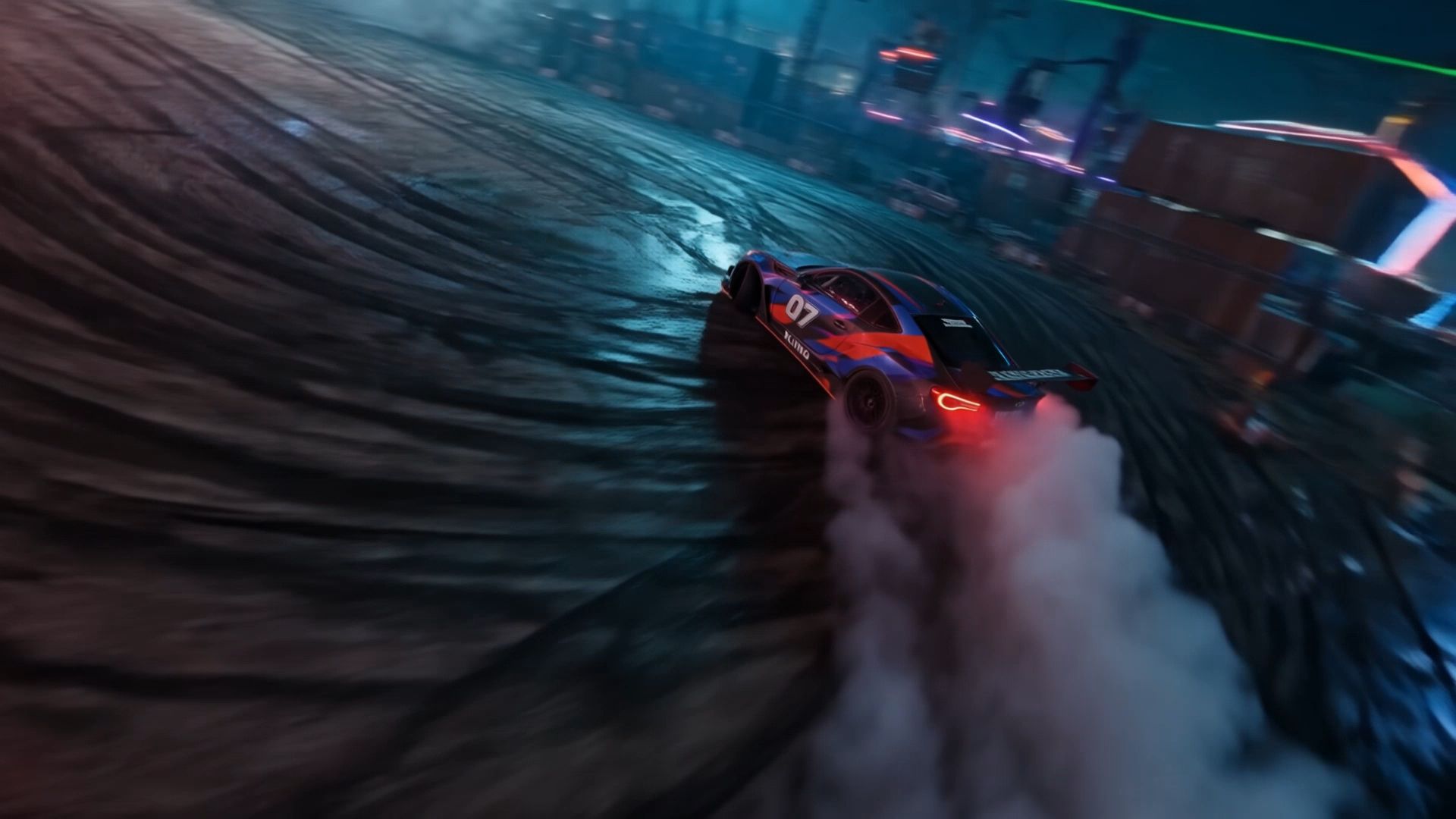 |
構図の参照
カット1:5秒 | 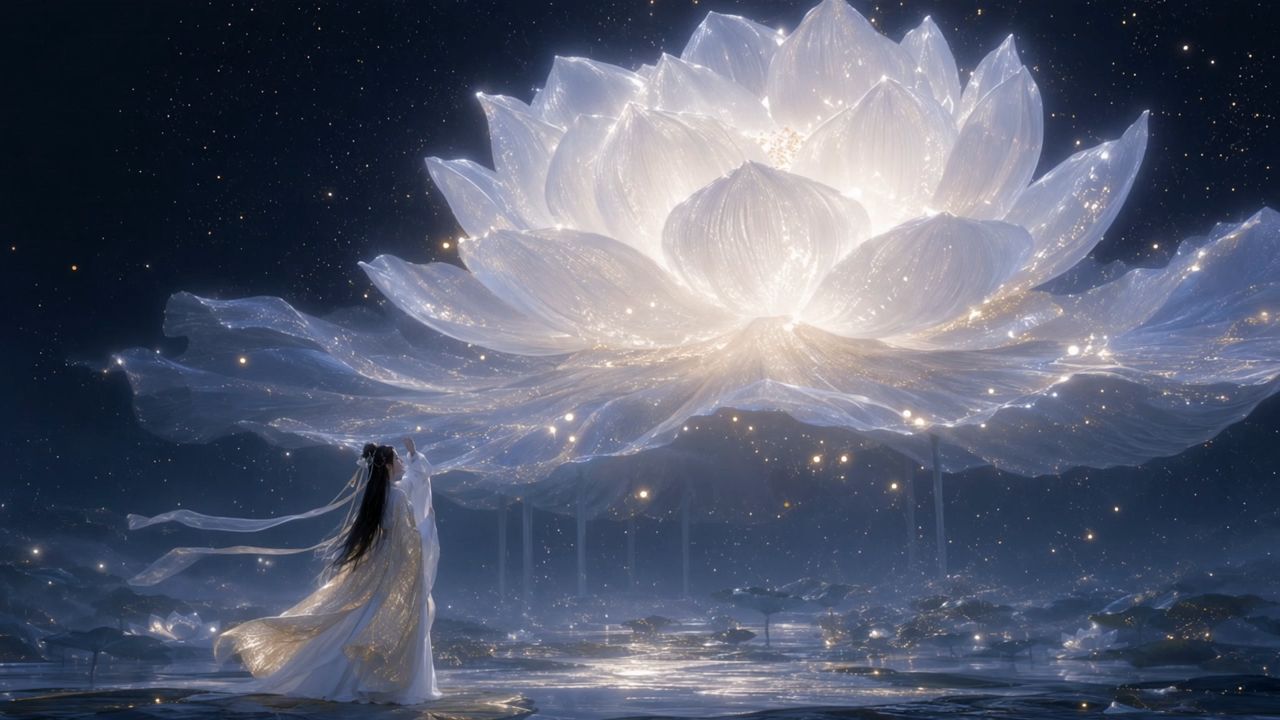 |
絵コンテの参照
トップモーション映像を生成し、ストーリーボード自体を映像として再現しない。鉛筆によるスケッチ風の質感、ストーリーボードのグリッド、タイトル、中国語のラベル、監督メモ欄は画面に一切表示しない。 | 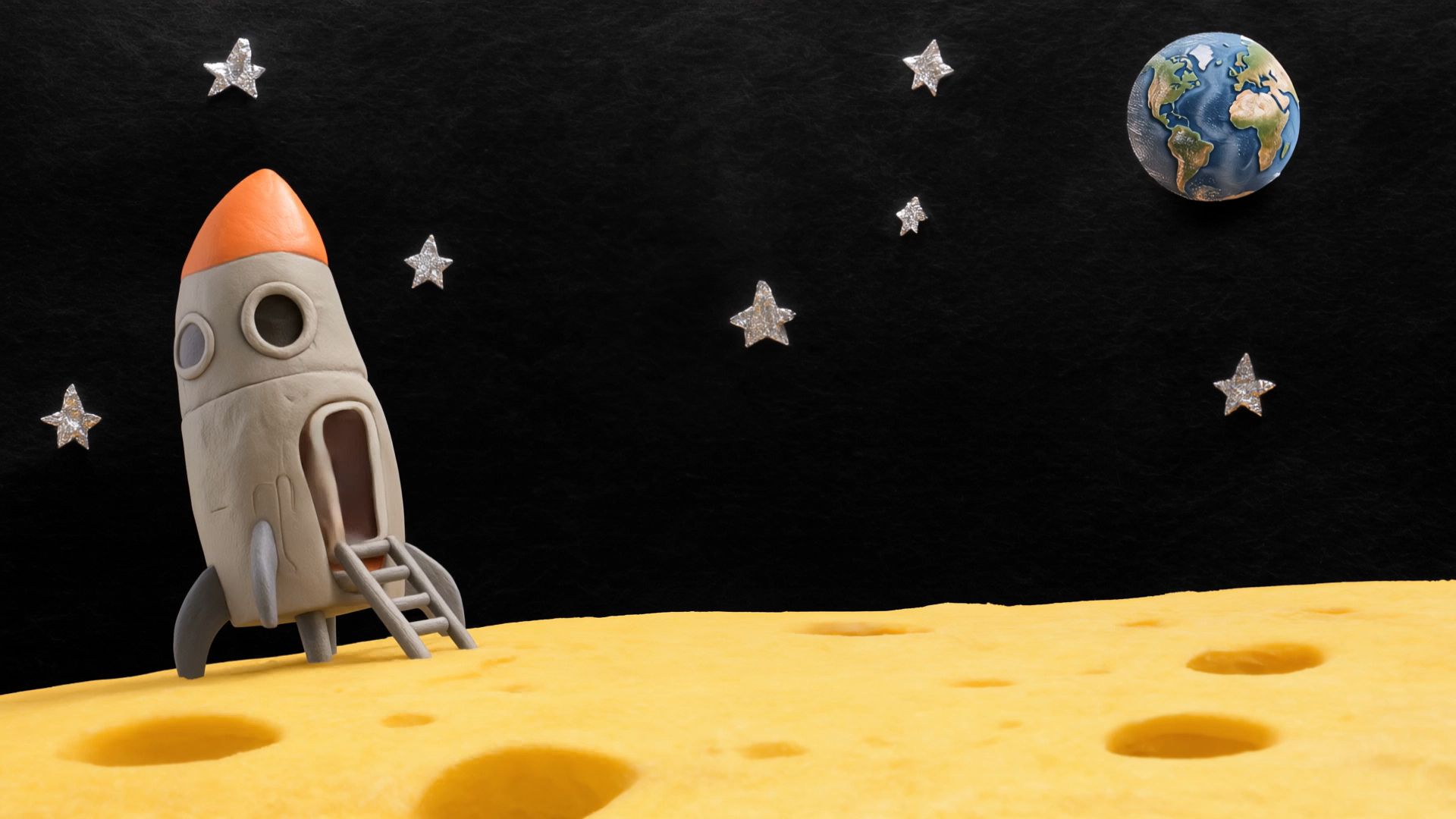 |
③ 解像度
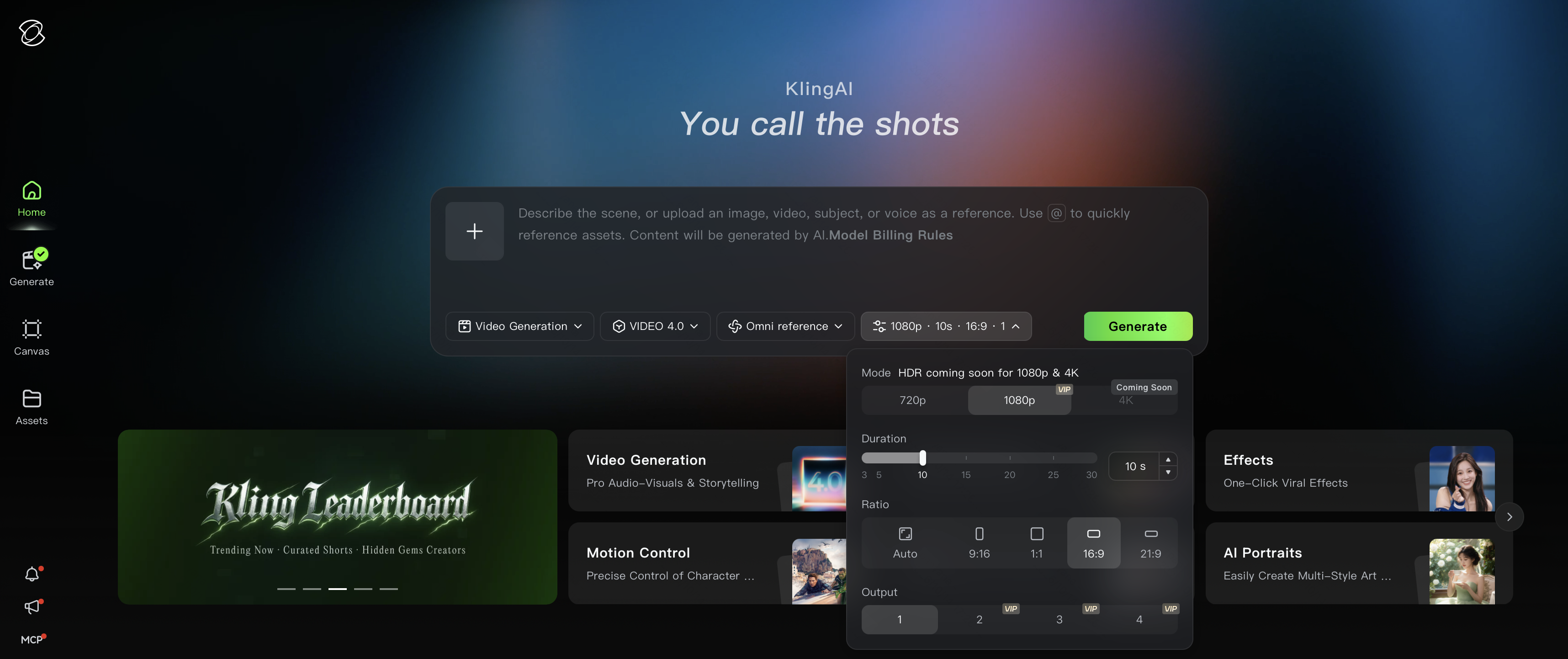
720p/1080p/4Kの3段階の出力に対応しています。大画面での再生、広告配信、二次編集など、さまざまな用途に適しています。
④ 長尺動画の生成
Kling 4.0は、1回の生成で3~30秒の動画を作成できます。スマート絵コンテ機能はデフォルトで有効になっており、モデルが内容に応じてショットを自動的に分割し、テンポを組み立てます。
活用シーン: ストーリー全体の流れが決まっているショートフィルムや、複数ショットで構成される広告動画。
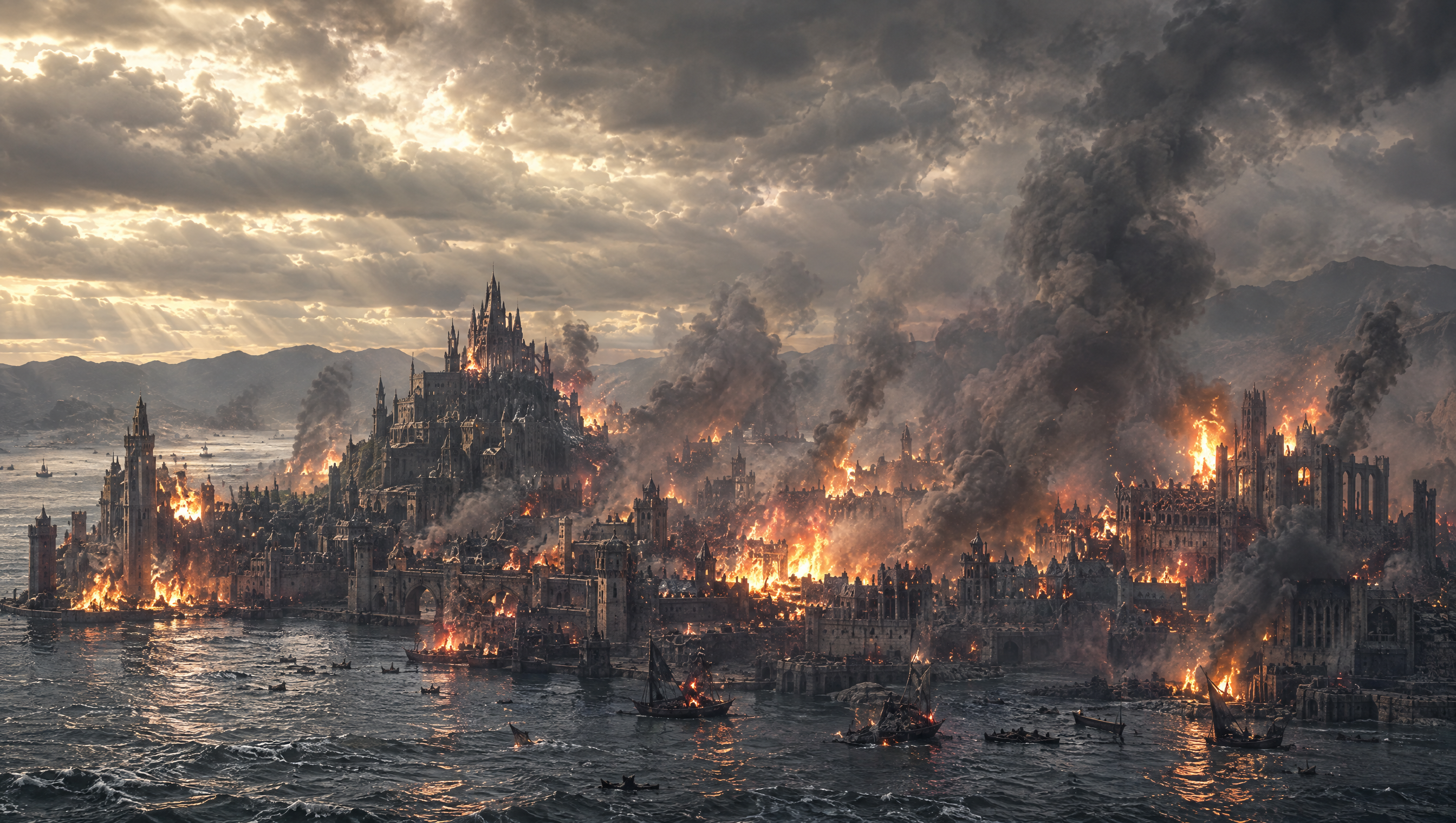
1. SCENE CONTEXT: EXACTLY 1 DRAGON — NO DUPLICATES.A 30-second, six-shot dark-fantasy action sequence. A colossal dragon roars, launches from a mountain pinnacle, accelerates toward a burning coastal city, dives between its towers and performs a devastating aerial fire attack. Epic scale, very fast pacing, real-time motion. 2. ACTIVE REFERENCES: controls the burning coastal city, Gothic architecture, harbour, mountain horizon, existing fires, smoke columns, storm clouds and lightning. Controls the dragon’s identity, black-grey scales, red-brown wing membranes, horns, dorsal spines, four legs, two wings, long tail and opening rocky pinnacle. 3. LOCATION MAP: The pinnacle overlooks the coastal city. The harbour lies screen-left, the central castle lies ahead, and the densest burning district lies centre-right. Direction of travel always runs from the mountain toward the city centre. Cameras remain behind, below or on the dragon’s left side without reversing the travel axis. 4. FIRST FRAME AND SPATIAL BLOCKING: The dragon is already crouched on the pinnacle, wings spread, hind legs compressed and head aimed toward the city. Its jaws open for one roar. Fires flicker below; connected smoke columns bend with the wind and the entire storm ceiling visibly moves. 5. FORMAT MODE: Six shots with hard cuts: SHOT 1 — 0.0–4.0s: roar and launch.SHOT 2 — 4.0–9.0s: high-speed pursuit toward the harbour.SHOT 3 — 9.0–13.5s: low flight across the water toward the city.SHOT 4 — 13.5–19.0s: first fire attack between towers.SHOT 5 — 19.0–25.0s: banking pursuit and sweeping fire attack.SHOT 6 — 25.0–30.0s: dragon climbs above the burning city. Cuts are motivated by wing wipes, smoke wipes and close architectural passes. No fades or dissolves. 6. OPTICS SHOT: 1: 24mm, 74° horizontal FOV, low-angle environmental wide.SHOT 2: 18mm, 90° FOV, rear pursuit perspective.SHOT 3: 24mm, 74° FOV, low water-level chase.SHOT 4: 28mm, 65° FOV, roof-height tracking.SHOT 5: 24mm, 74° FOV, close side-rear pursuit.SHOT 6: 18mm, 90° FOV, monumental aerial wide.Moderate-deep focus. Strong natural motion blur on wing tips, water, smoke, embers and nearby buildings. 7. CAMERA: All cameras have obvious physical handheld instability.SHOT 1 rapidly tilts upward as the dragon launches; wing pressure violently jolts the operator.SHOT 2 follows 12 metres behind the tail with intense wind buffeting and rapid vertical vibration.SHOT 3 races just above the water behind the dragon; waves and burning boats whip past the frame edges.SHOT 4 tracks through the street canyon at roof height.SHOT 5 follows the dragon through a hard bank, nearly losing framing as towers pass dangerously close.SHOT 6 pursues upward, then settles into a wide view of the devastated city.No smooth floating or mechanically perfect movement. 8. ACTION TIMING: 0.0–0.8s: The dragon releases one thunderous roar, neck extended and eyes fixed on the city.0.8–2.0s: Hind legs drive into the pinnacle; claws fracture the rock.2.0–4.0s: The dragon launches and performs two powerful wing strokes. Dust and stone explode backward.4.0–6.5s: Hard cut behind the dragon already accelerating at high speed.6.5–9.0s: It folds its legs beneath its body and dives toward the harbour. Smoke streams across its wings.9.0–11.5s: The dragon skims rapidly above rough water. Wing tips nearly touch the waves.11.5–13.5s: It passes burning ships and climbs over the sea wall. A tower wipes across the lens.13.5–15.0s: Hard cut inside the city. The dragon bursts through smoke between Gothic towers.15.0–19.0s: It releases one continuous orange-white fire jet, sweeping across the left row of rooftops while maintaining full speed.19.0–21.5s: The dragon snaps into a hard right bank around the central tower; the tail swings with delayed inertia.21.5–25.0s: Its connected fire stream sweeps across the avenue and strikes the right-side tower. Burning masonry and embers fall behind it.25.0–27.0s: The dragon stops breathing fire, beats its wings powerfully and climbs above the rooftops.27.0–30.0s: It ascends into the storm light and glides over the burning city. The camera widens to reveal spreading flames, smoke columns and the harbour below. 9. PHYSICS: The dragon has immense believable mass despite its speed. Wing strokes originate in the shoulders; membranes stretch under aerodynamic load. The torso, legs and tail react with delayed inertia. Wing wakes tear openings through smoke, disturb water and buffet nearby fires. Fire emerges only from the open mouth as a pressure-driven stream with a white-hot core, orange turbulent edges and visible heat distortion. Buildings ignite progressively at visible impact points. Debris follows gravity and the dragon’s wake. 10. LIGHTING: Cold storm daylight enters from upper-left. Existing fires provide orange underlight beneath the dragon. The fire stream becomes a moving motivated key light, casting travelling highlights over scales, towers and smoke. Sunbeams break through the clouds during the final climb. Preserve detail in the flame core and keep the dragon’s silhouette readable. 11. AUDIO: No dialogue. Synchronized dragon roar, claw scraping, rock fracture, leather-wing thunder, violent wind, wave impacts, burning ships, collapsing masonry, ember hiss and pressurised fire blasts. Epic original score: rapid war drums, low brass ostinato and urgent strings begin immediately. Wordless low choir enters at launch. Percussion accelerates during the chase. Full orchestra strikes with each fire attack, then expands into a dark triumphant finale during the ascent. Roar, wings and fire remain louder than the music. 12. CHARACTER ACTING: The dragon acts with focused predatory intent. Its eyes remain locked on its flight path and successive building targets. During acceleration, its head lowers and shoulders drive aggressively. Inside the city, the neck deliberately guides the fire stream while the tail controls each bank. In the final shot, its chest opens and posture changes from attacking aggression to airborne dominance. 13. STYLE: Grand apocalyptic dark-fantasy cinema, aggressive pursuit photography, monumental scale and battlefield energy. Charcoal and storm blue occupy 60% of the palette, smoke-brown stone 30%, and fire orange 10%. Weathered 35mm film texture with old-photograph softness, organic grain and no digital sharpening. 14. QUALITY: Consistent dragon identity and anatomy through every cut: one head, two wings, four legs and one tail. Stable city architecture, coherent wing cycles, attached mouth fire, volumetric smoke and physically connected destruction. Natural fast-motion blur without ghost copies, anatomy mutation or detached flames. 15. POSITIVE CONSTRAINTS: Exactly one dragon remains visible throughout the sequence. It launches before 2 seconds, reaches the harbour by 9 seconds, enters the city at 13.5 seconds and completes two fast fire-attack passes before climbing away. Every shot preserves the mountain-to-city direction. Strong camera shake communicates extreme speed while the dragon remains readable. City fires continuously emit smoke, clouds visibly travel across the sky, and new destruction appears only where the connected fire stream strikes. | 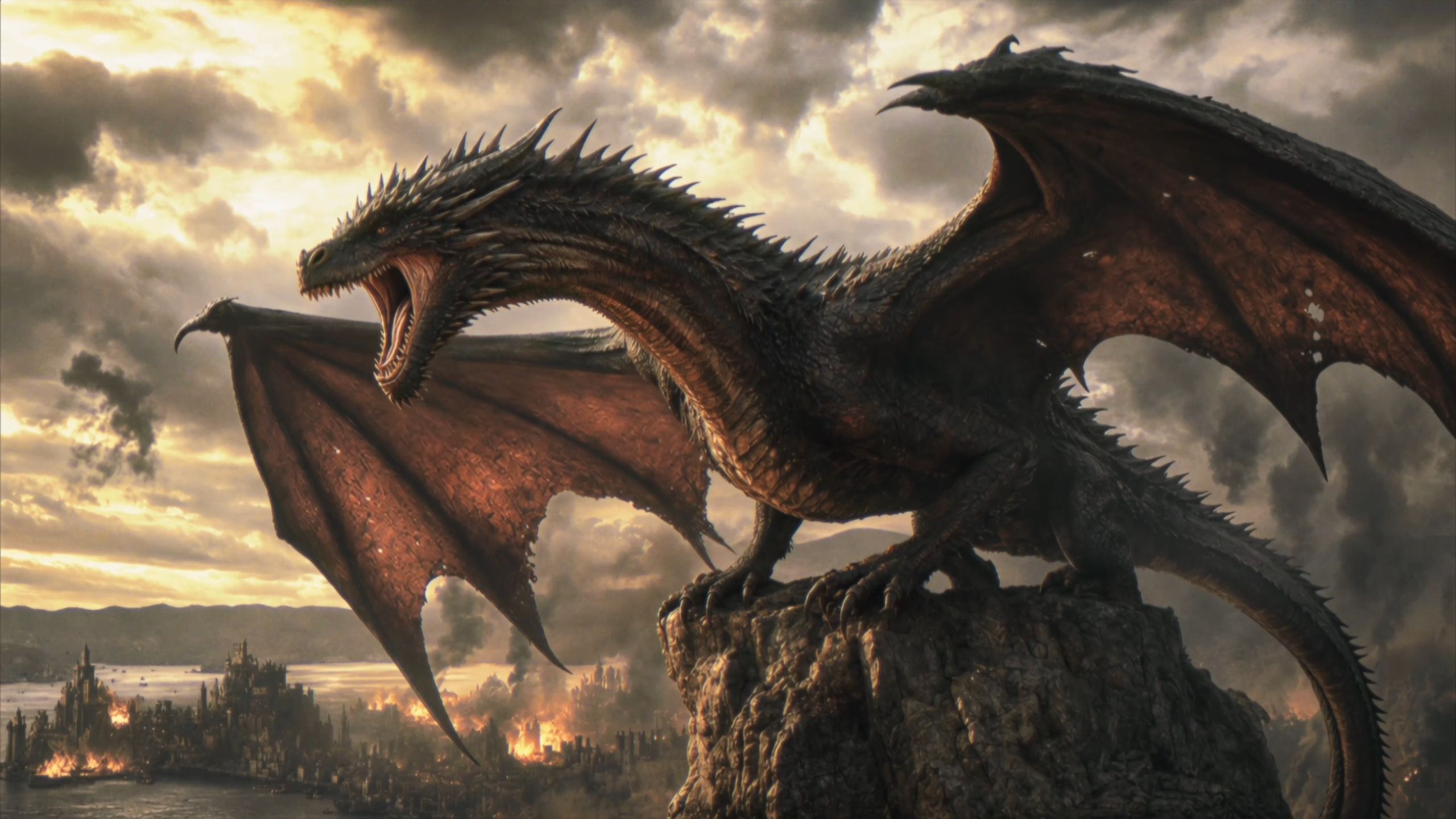 |
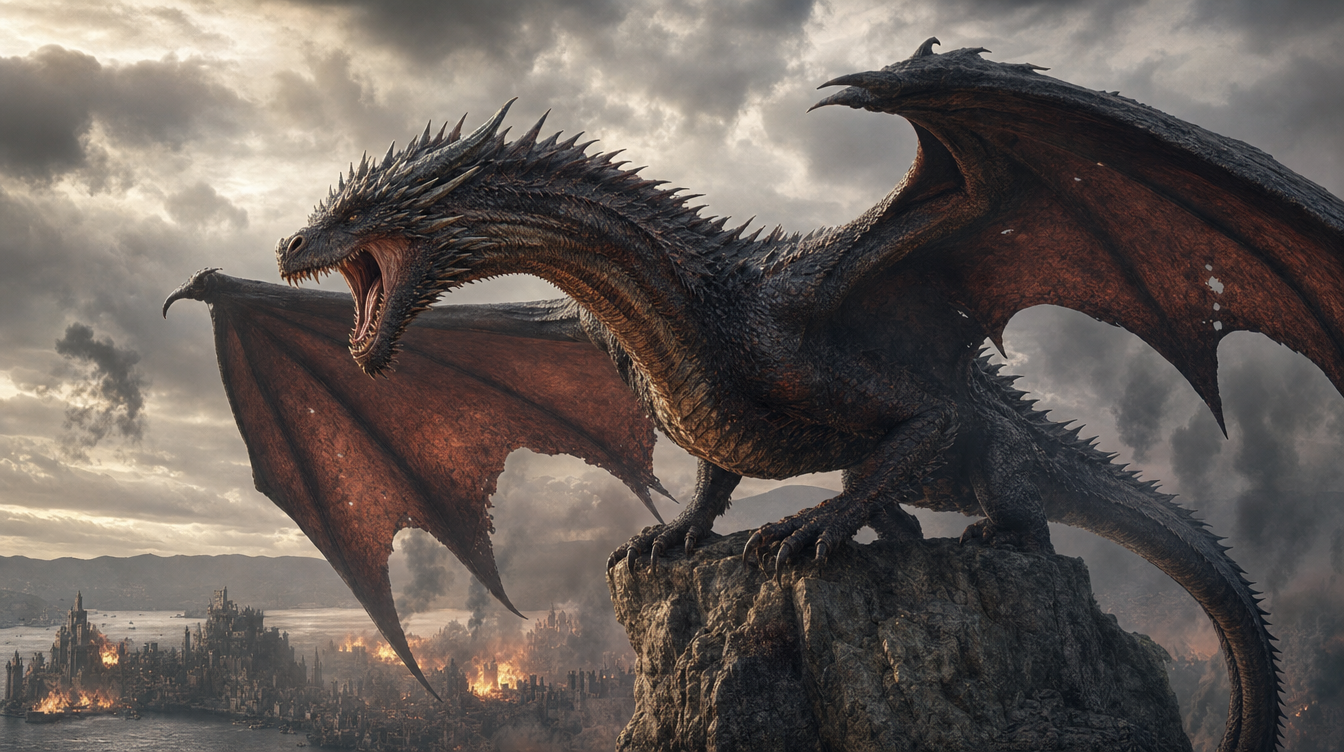
⑤ 動画編集
既存の動画に対して、キャラクターの表情や動作、カメラ位置やカメラワーク、全体のスタイル、背景などを指定して変更できます。変更範囲外の映像を維持するため、残したい内容もあわせて明記してください。
⚠️ 編集時は、プロンプトに「@動画1を編集」と明記し、変更対象と変更内容を具体的に指定してください。ほかの部分を維持したい場合は、「その他は変更しない」と追記してください。「@動画1を参考にする」とだけ書くと、参照生成として認識される場合があります。また、維持する範囲を指定しないと、ほかの映像要素も変化する可能性があります。
目的 | 適切な書き方 | 不適切な書き方 |
動画そのものを変更する | @動画1を編集し、……を……に変更する | 「@動画1を参考にする」と書き、「@動画1を編集する」と明記しない |
変更する要素 | プロンプト例 |
被写体を追加 | @動画1を編集する。最後に箱が再び開く場面で、@被写体1が箱の中で横になって眠っている状態を追加する。 |
人物とシーンの置き換え | @動画1を編集し、動画内の環境と人物を全体的に@画像1の内容に置き換える。 |
複数キャラクターの置き換え | @動画1を編集し、コンビニの入口から順番に出てくる3人を、それぞれ次の人物に置き換える。1人目:@画像1+「新しい被写体の外見を記述」。2人目:@画像2+「新しい被写体の外見を記述」。3人目:@画像3+「新しい被写体の外見を記述」。 |
要素の削除 | @動画1の前景にいる人物を削除し、その他は変更しない。 |
スタイルの変更 | @動画1を編集し、動画内のコーギーを3Dピクセルアート風のコーギーに置き換える。動作は維持する。 |
被写体の追加
ビデオ 1: 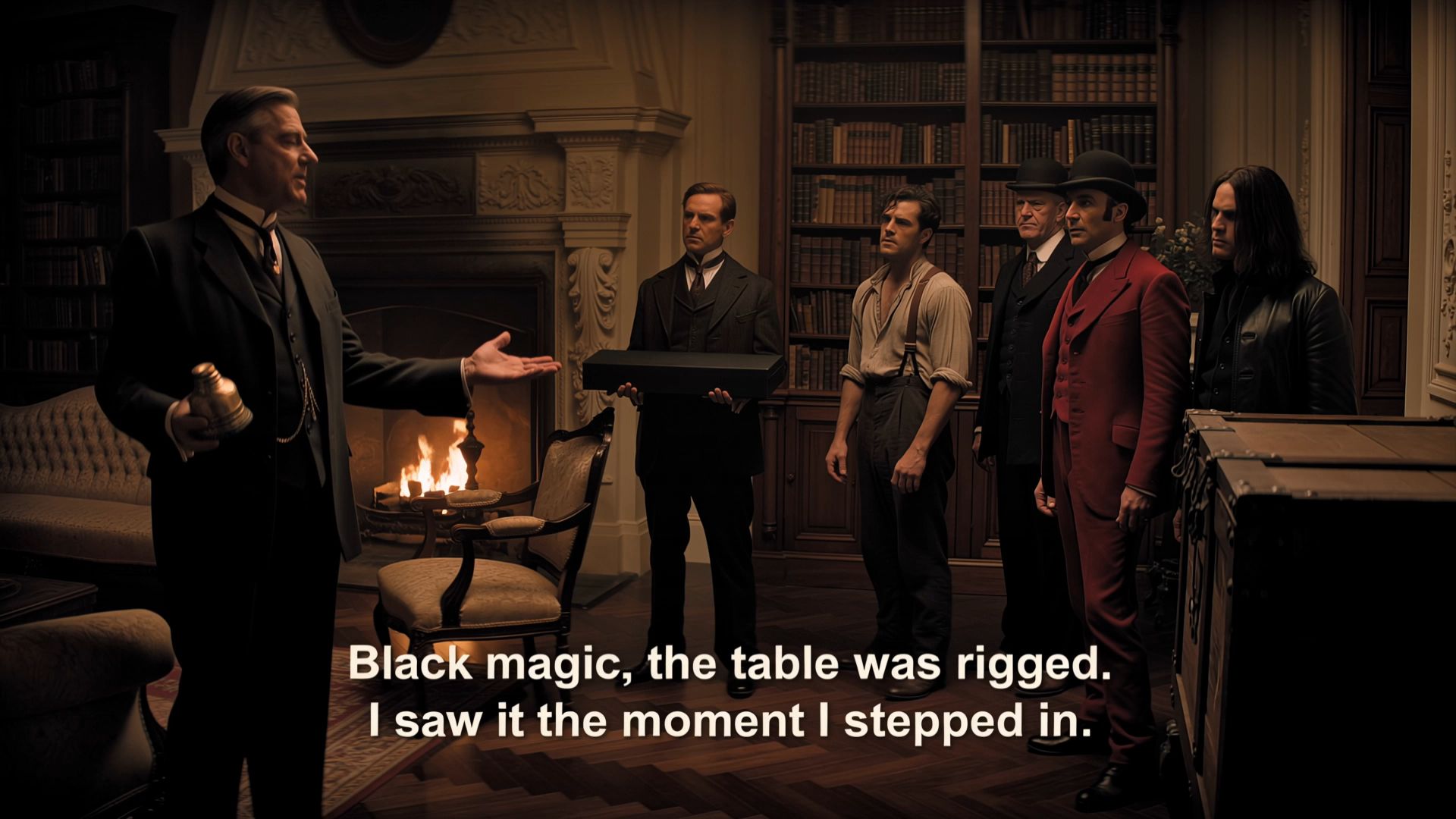 被写体 1: @動画1を編集する。動画の最後に箱が再び開く場面で、@被写体1が箱の中で横になって眠っている状態にする。 | 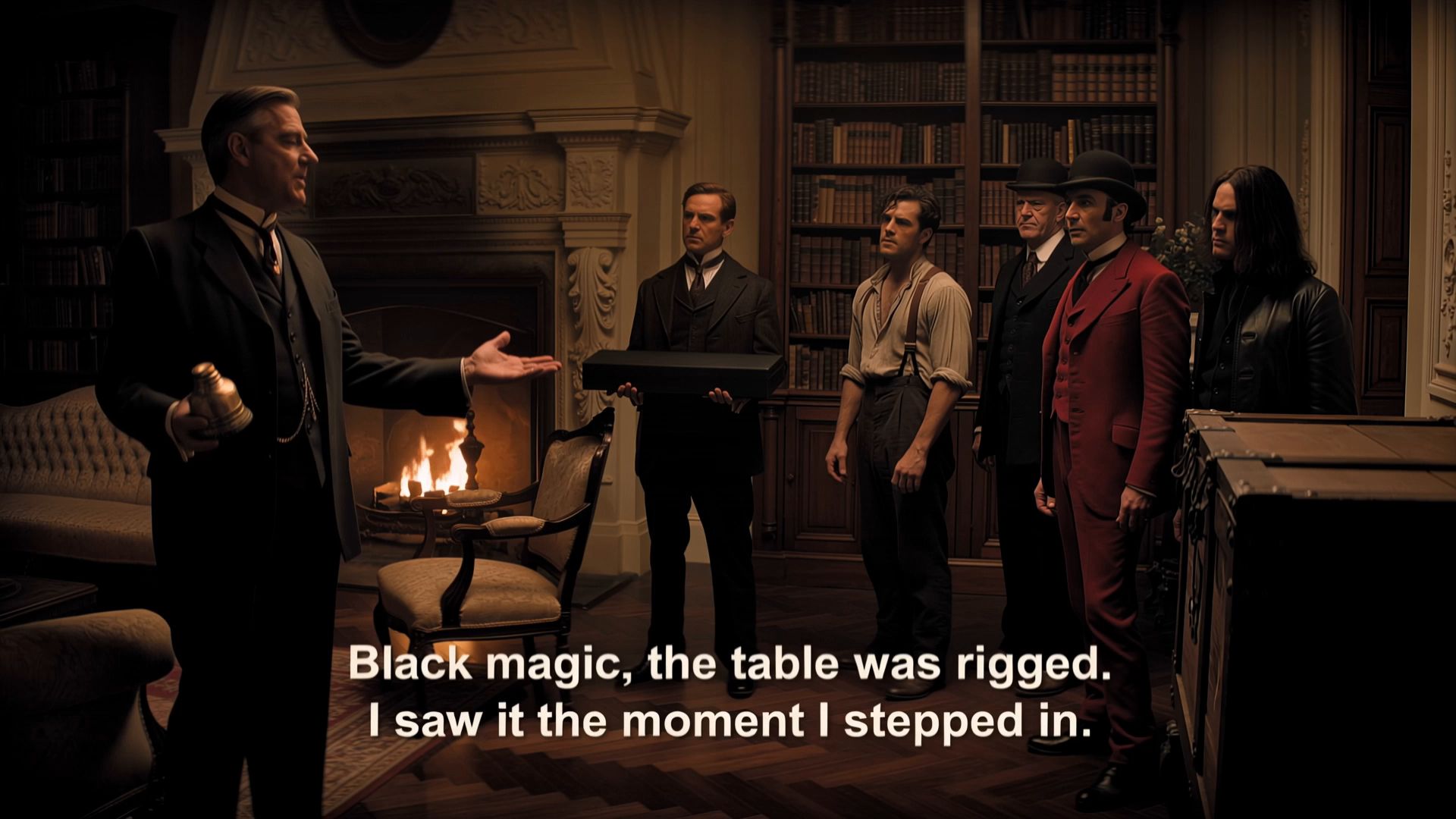 |
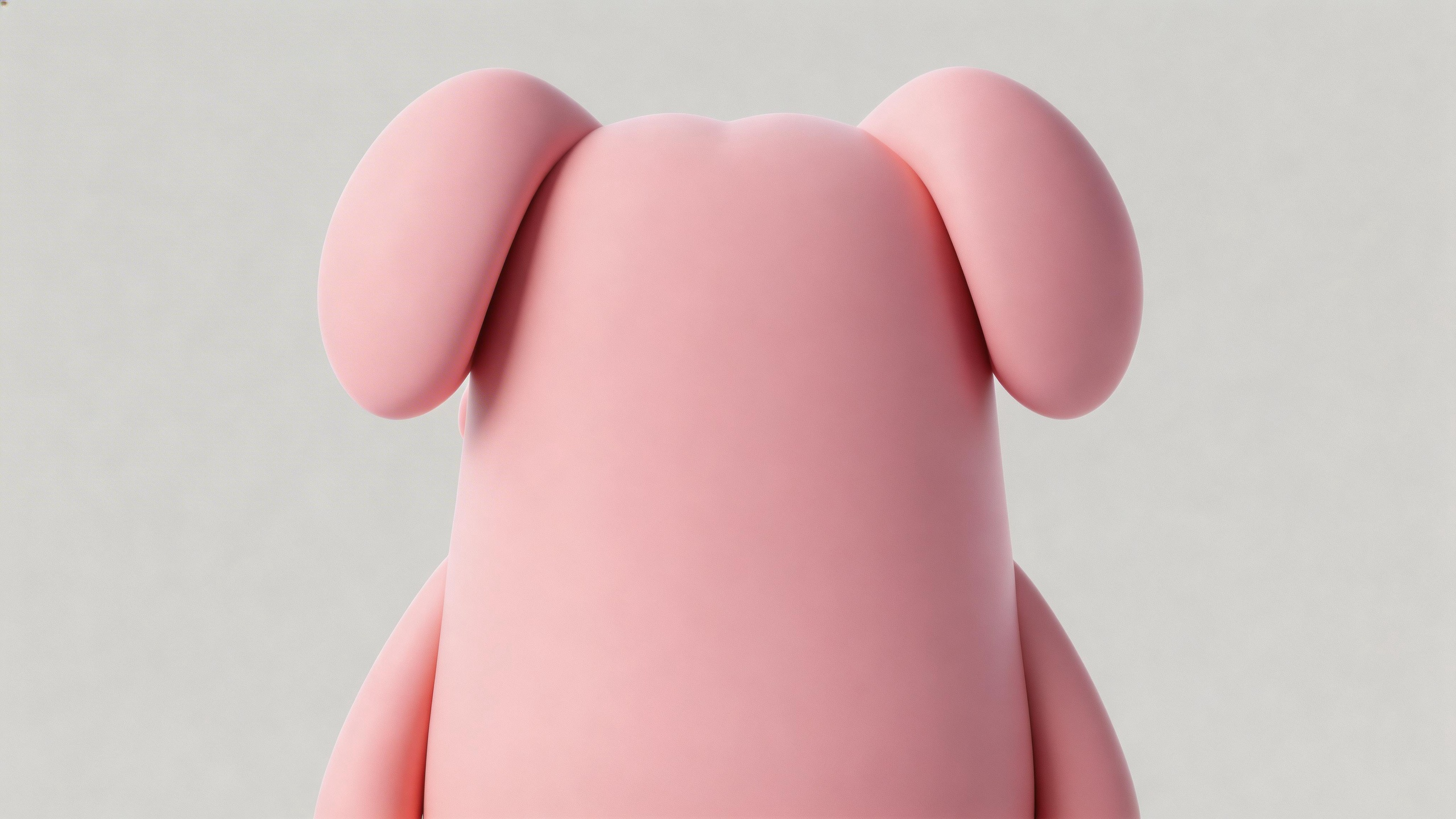
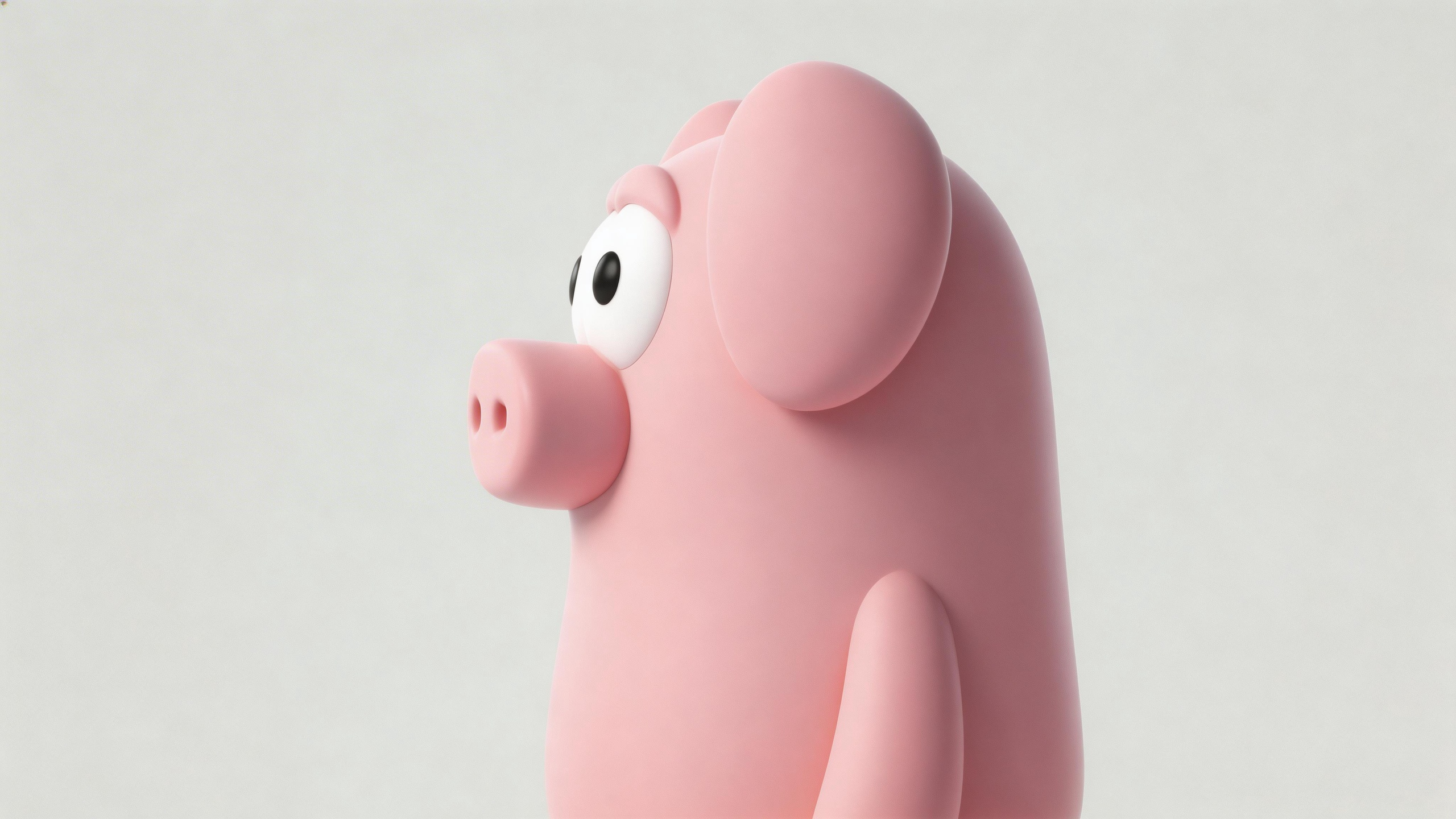
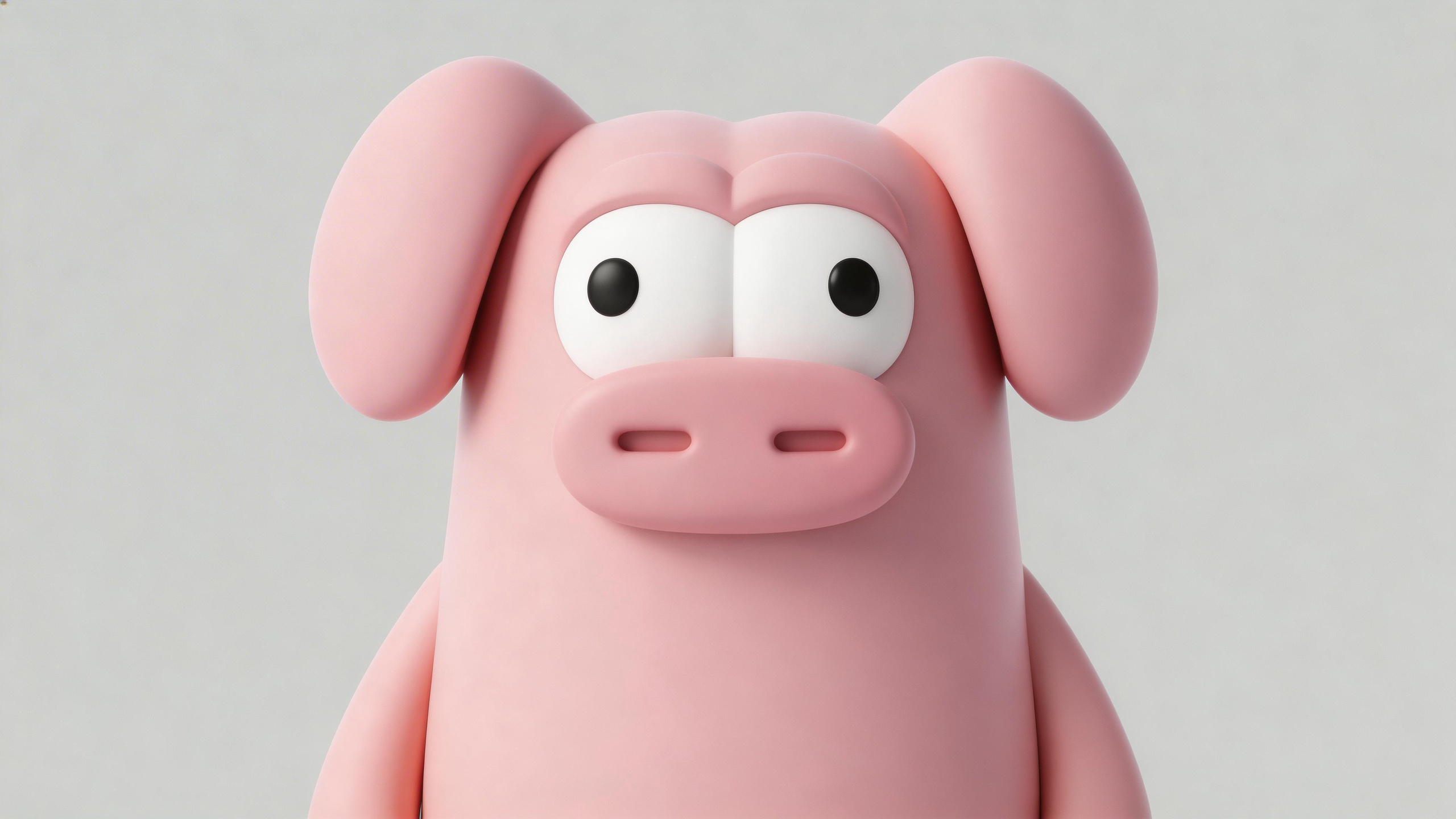
人物とシーンの置き換え
ビデオ 1: 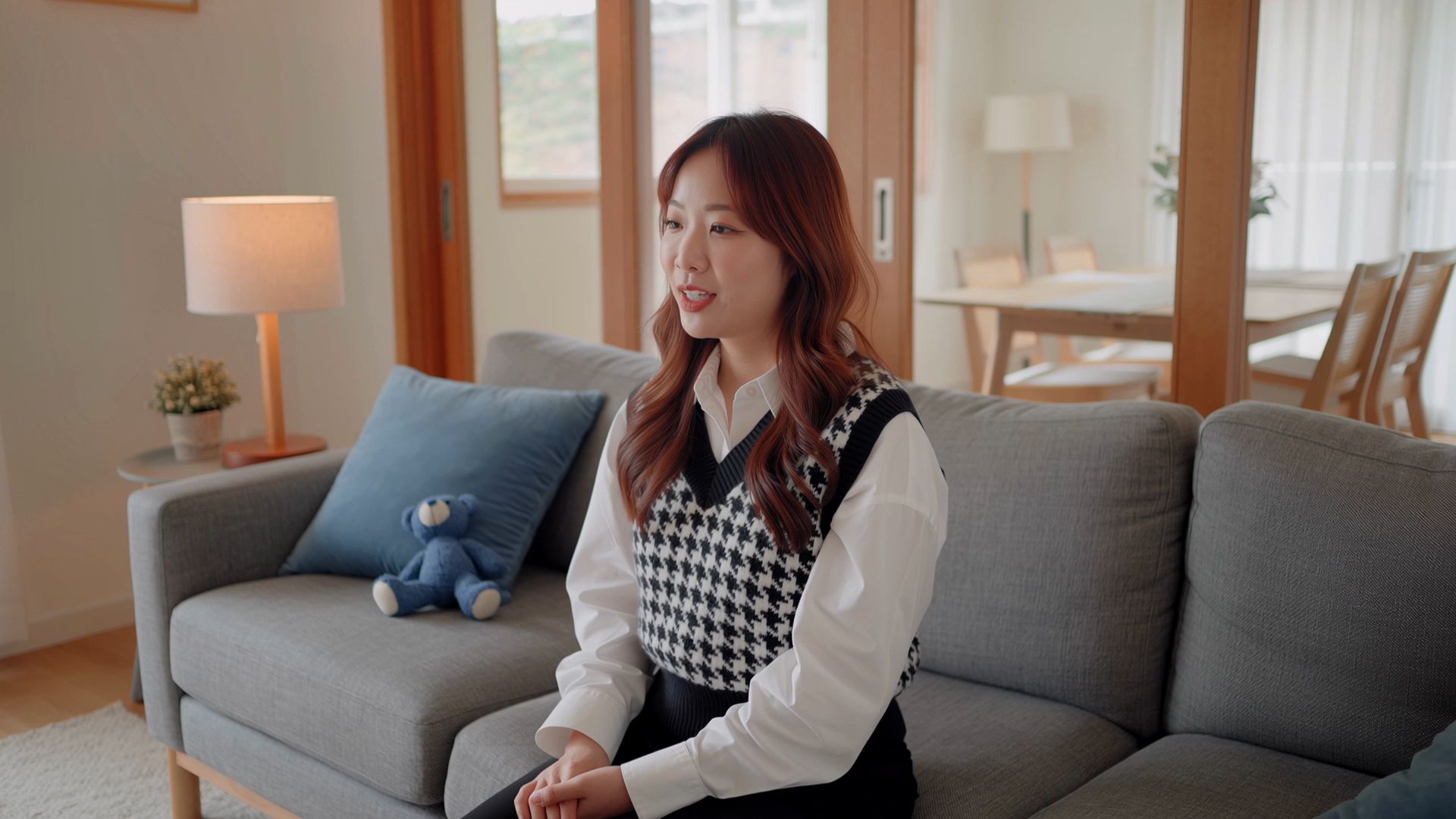 画像 1: @動画1を編集し、動画内の環境と人物を全体的に@画像1の内容に置き換える。 | 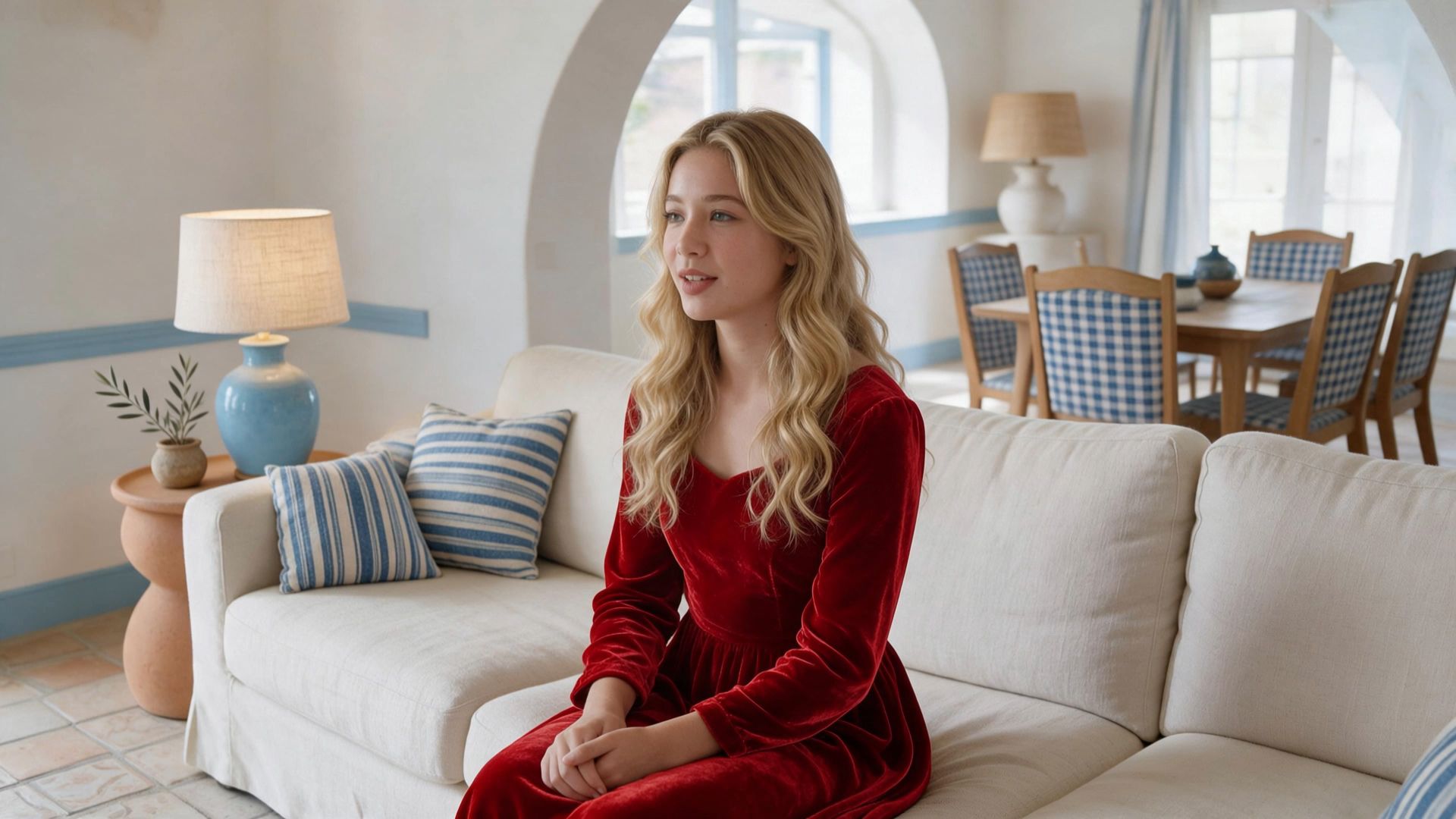 |
複数キャラクターの置き換え
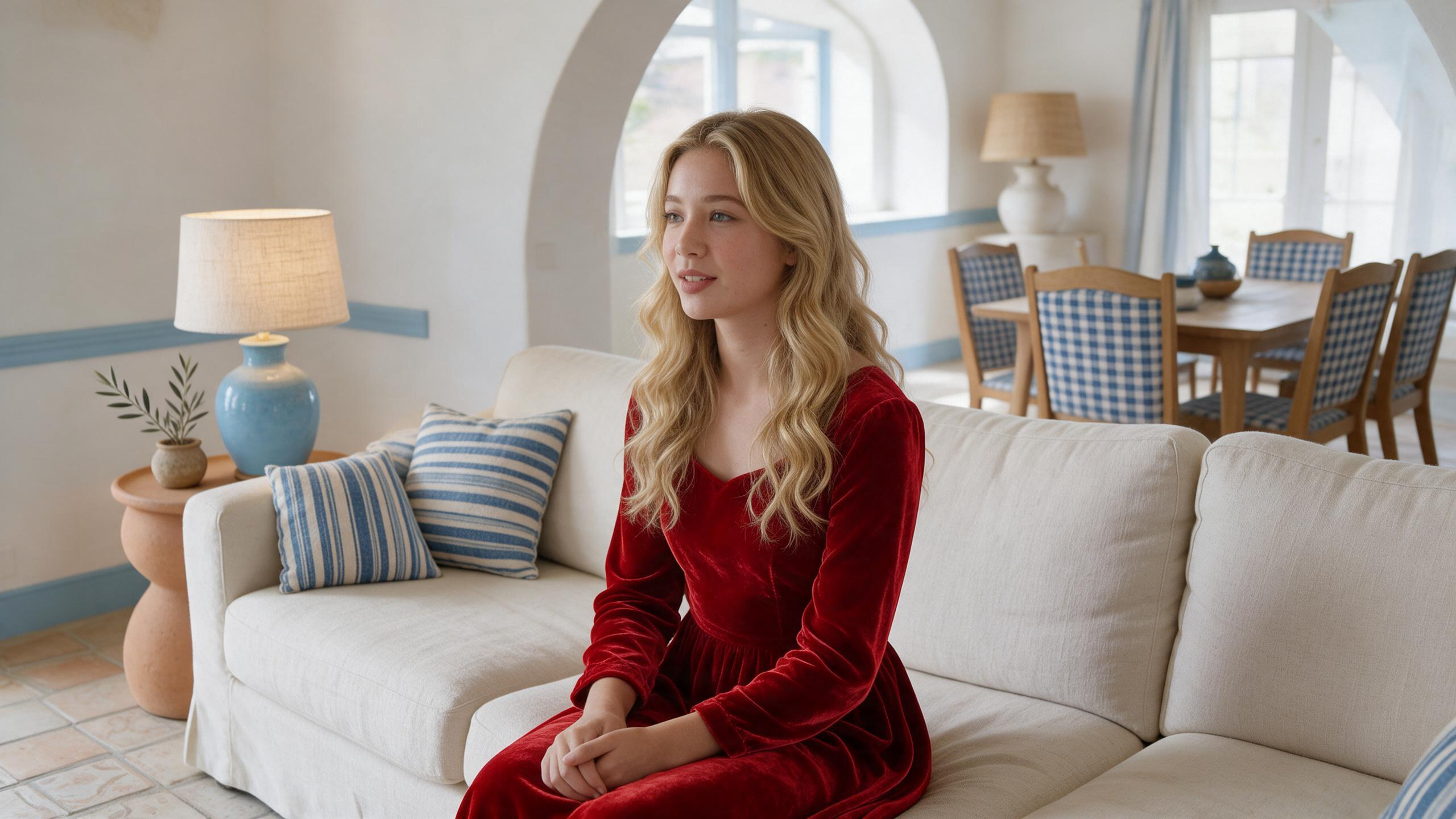
ビデオ 1: 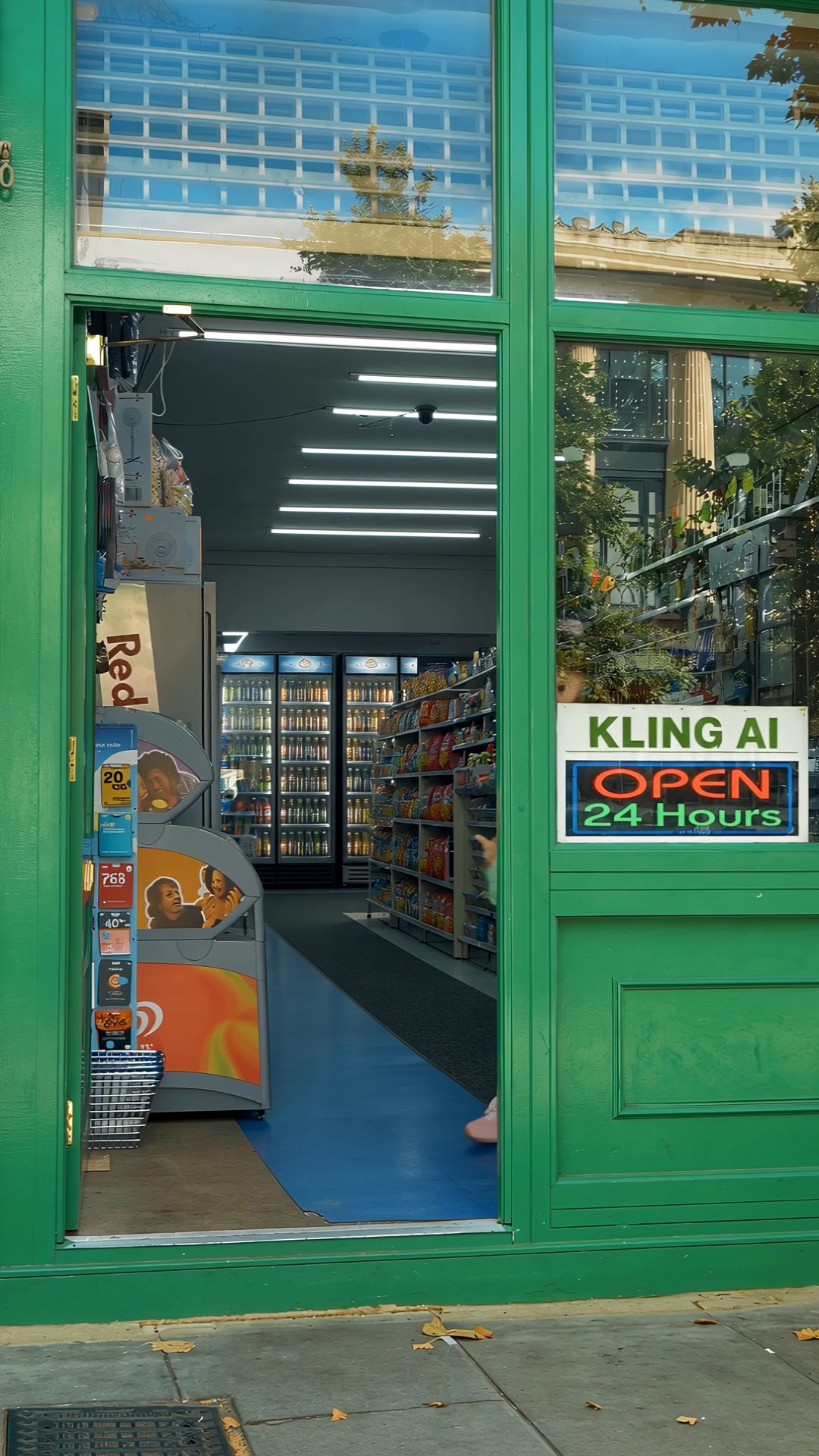 画像 1,2,3: @動画1を編集し、コンビニの入口から順番に出てくる3人を、以下の人物にそれぞれ置き換える。 1人目:@画像1の男性の身元、顔、濃色の巻き髪、白いサンバイザー、白い半袖シャツと黒白のボーダー柄インナー、緑のエプロン、ライトグレーのゆったりしたジーンズ、濃色のスニーカーを使用する。 2人目:@画像2の女性の身元、明るい金髪のショートヘア、赤いスウェット、緑のエプロン、白いハイソックス、赤い靴を使用する。 3人目:@画像3の男性の身元、明るい金髪のショートヘア、白いコック帽、黒縁メガネ、青・緑・黒の柄入りニットセットアップ、緑のエプロン、白い靴、そして腕に抱えている同じアイボリー色のぬいぐるみの羊を使用する。 3人の登場順、店内から入口まで歩く動作、立ち止まってポーズを見せる動作、カメラに向かって歩き、前景から退出するテンポは、@動画1の動作とカメラワークを参考にする。 1人目はサンバイザーのつばを軽く持ち上げてからカメラに近づく。2人目は入口で自然にエプロンを整え、軽く手を振ってからカメラに近づく。3人目はぬいぐるみの羊を抱え、メガネを直してからカメラに近づき、カメラに近づいたところで羊を少し持ち上げる。 コンビニ右側のガラス窓の中央に、読みやすく鮮明で安定した大文字の看板「KLING AI OPEN 24 hours」を固定する。文字は常に正しい綴りで表示し、文字化け、変形、点滅を起こさない。看板はガラス窓の内側に固定し、人物を遮らない。 その他は完全に変更しない。@動画1の緑色のコンビニのドア枠、入口の構図、店内の商品棚、蛍光灯、ガラスの反射、昼間の光、カメラ位置、人物の歩く方向、動画の長さ、テンポ、アスペクト比を維持する。人物を追加しない。店舗の構造やカメラの動きを変えない。字幕、ロゴ、透かし、余計な文字を表示しない。 | 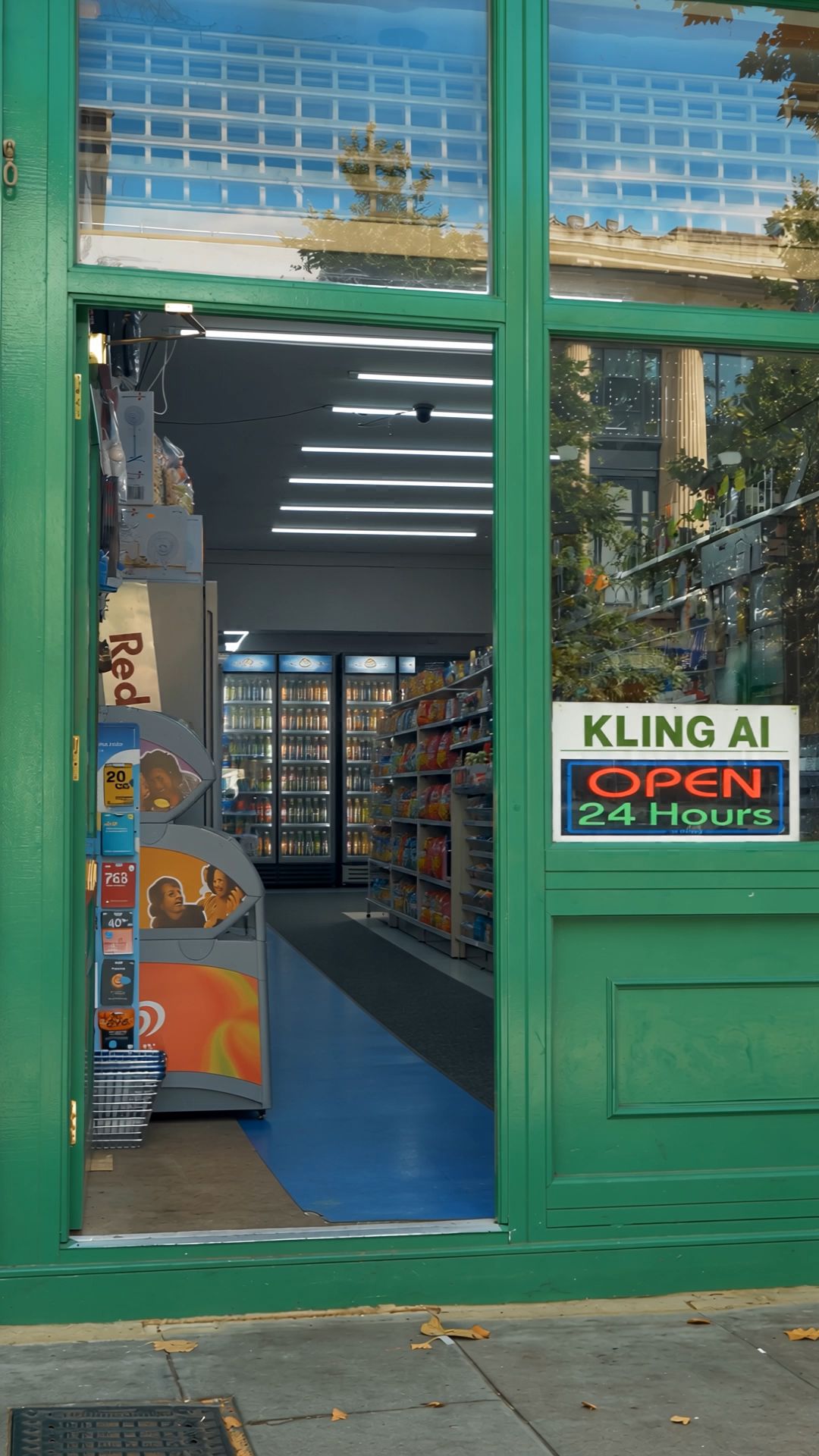 |
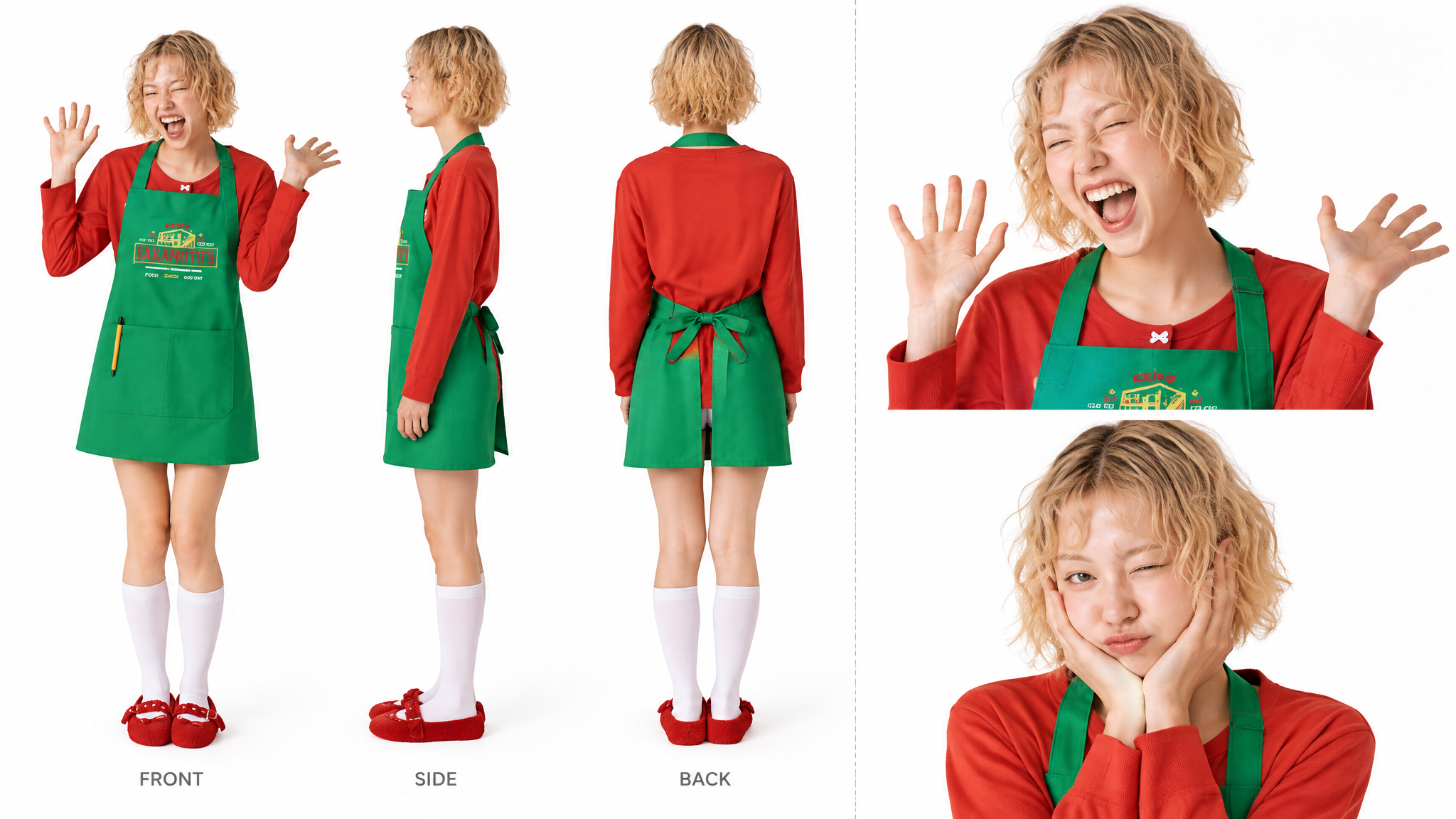
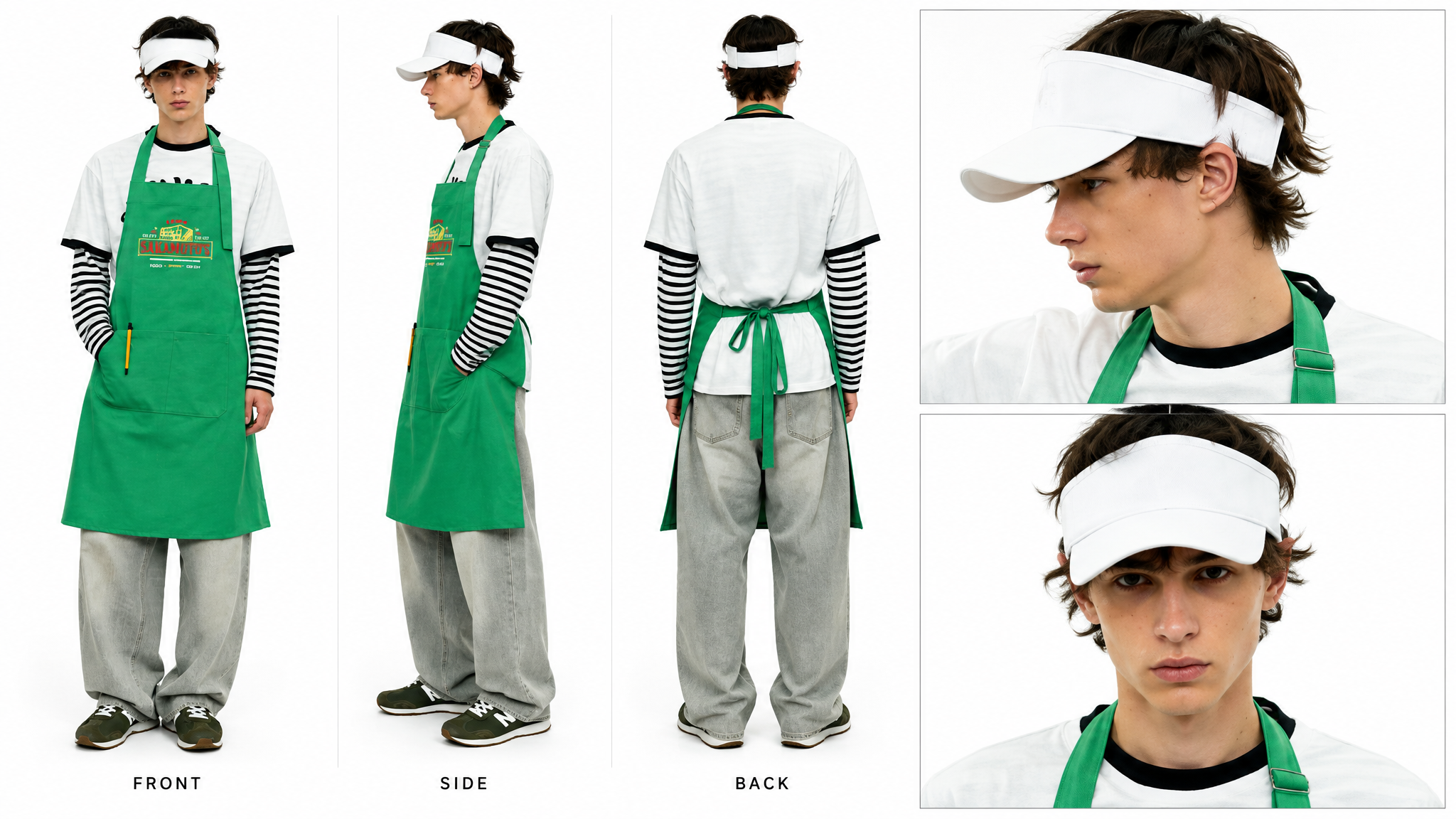
要素の削除
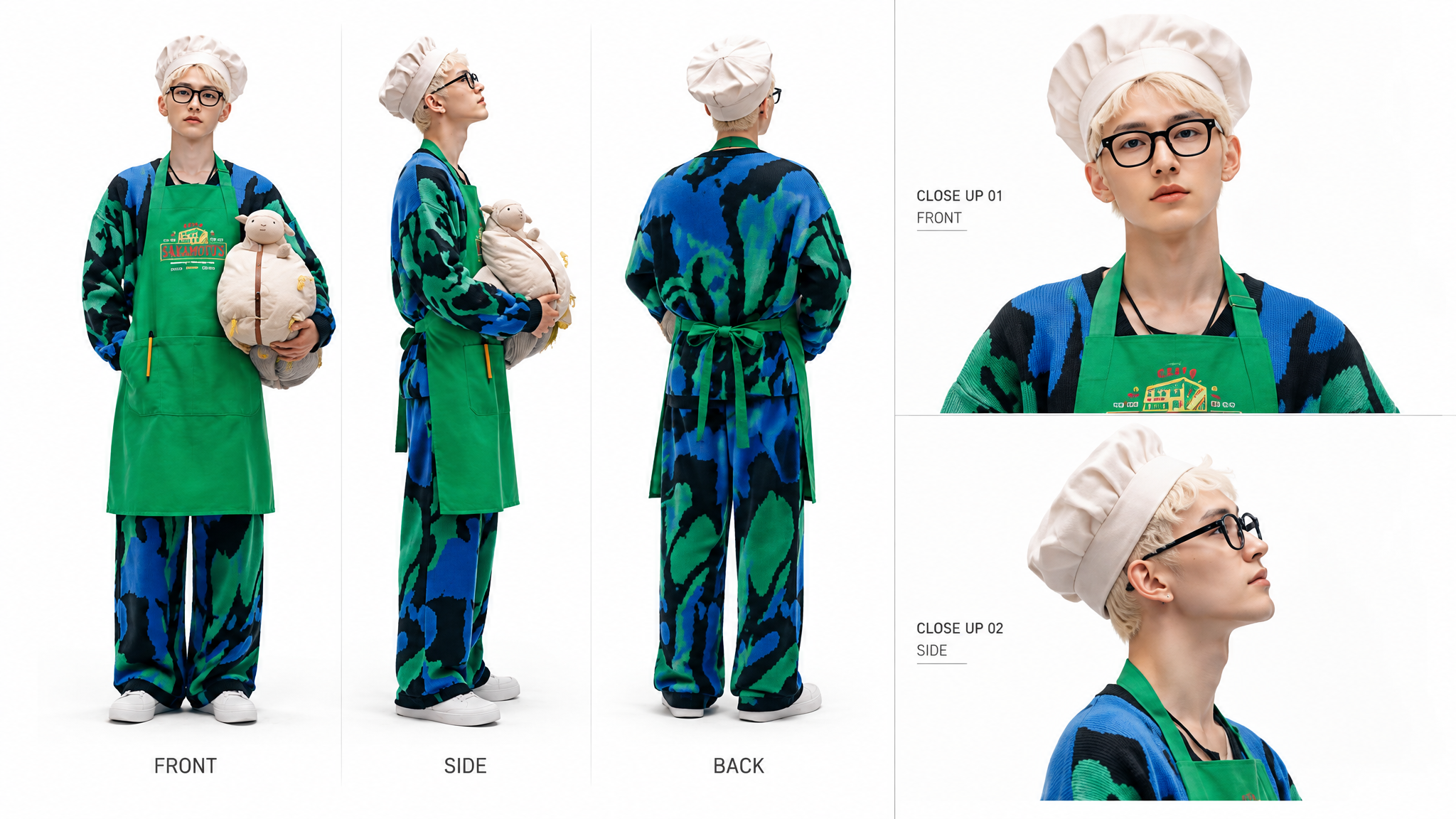
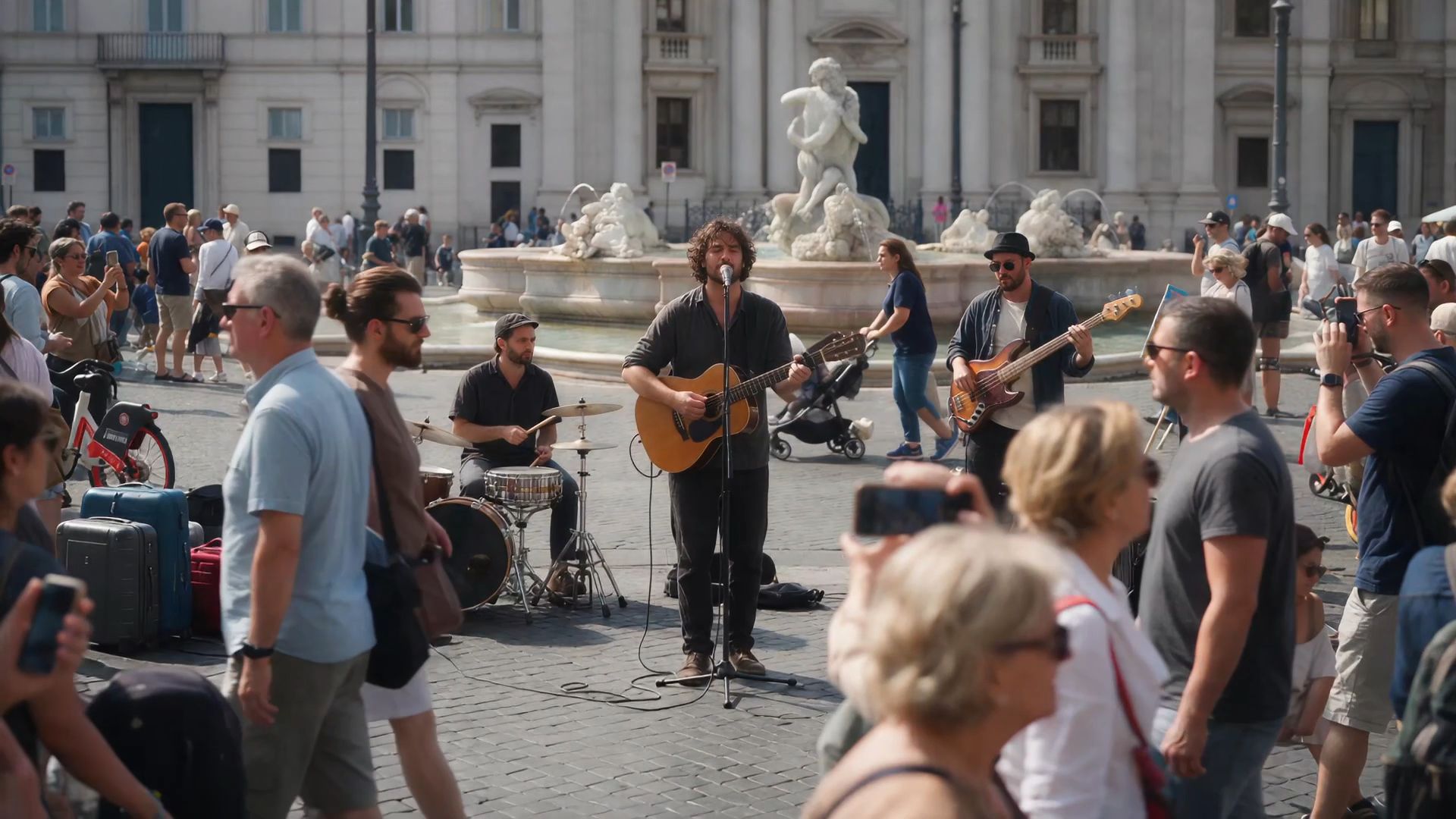 @Video 1を編集し、手前にいる人物を削除してください。背景、その他の被写体、カメラワーク、照明、構図、動画の長さはすべて変更しないでください。人物によって隠れていた部分は自然かつ違和感なく補完し、周囲と一貫性のある仕上がりにしてください。痕跡や不自然な箇所が残らないようにしてください。 | 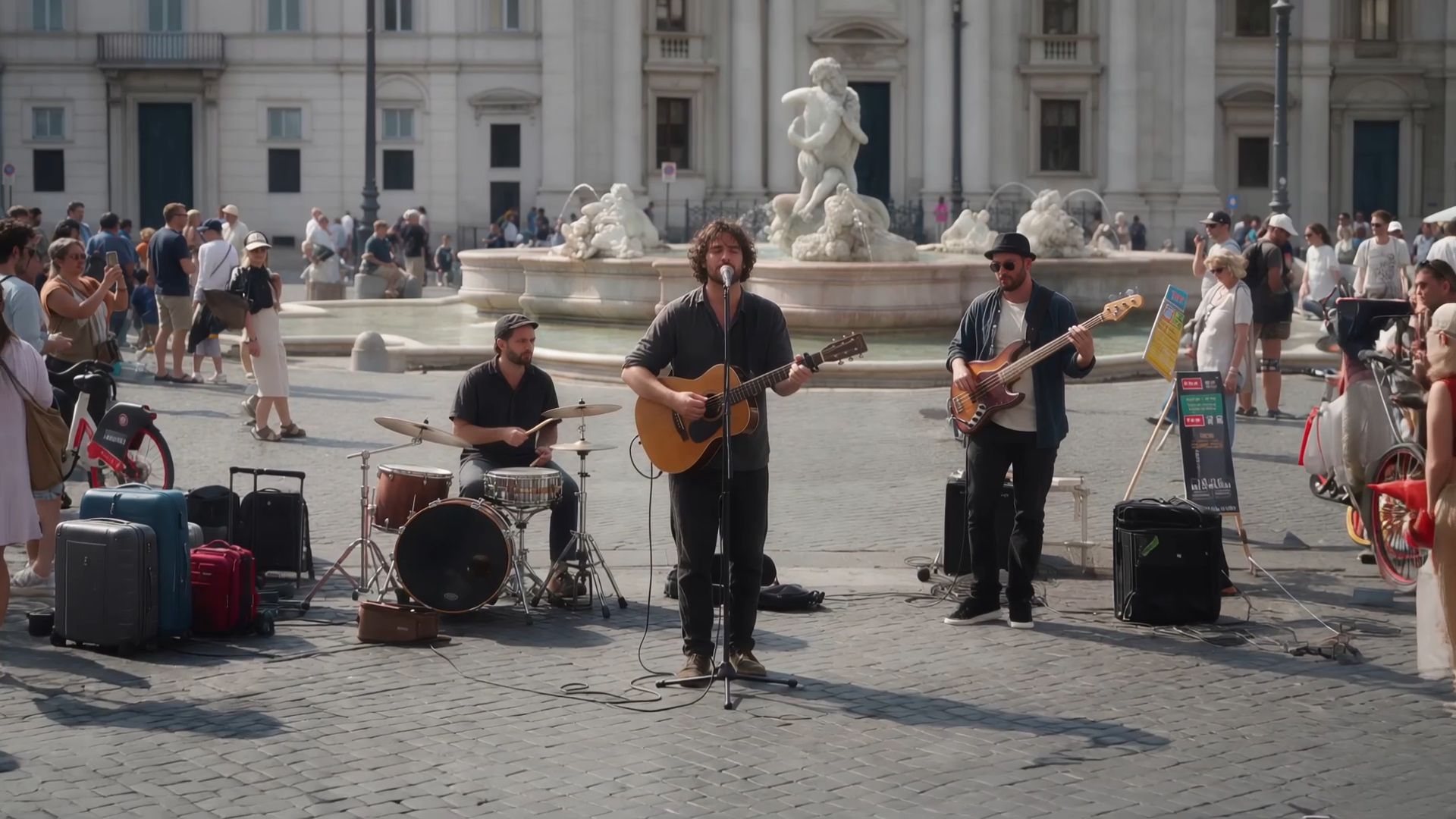 |
スタイルの変更
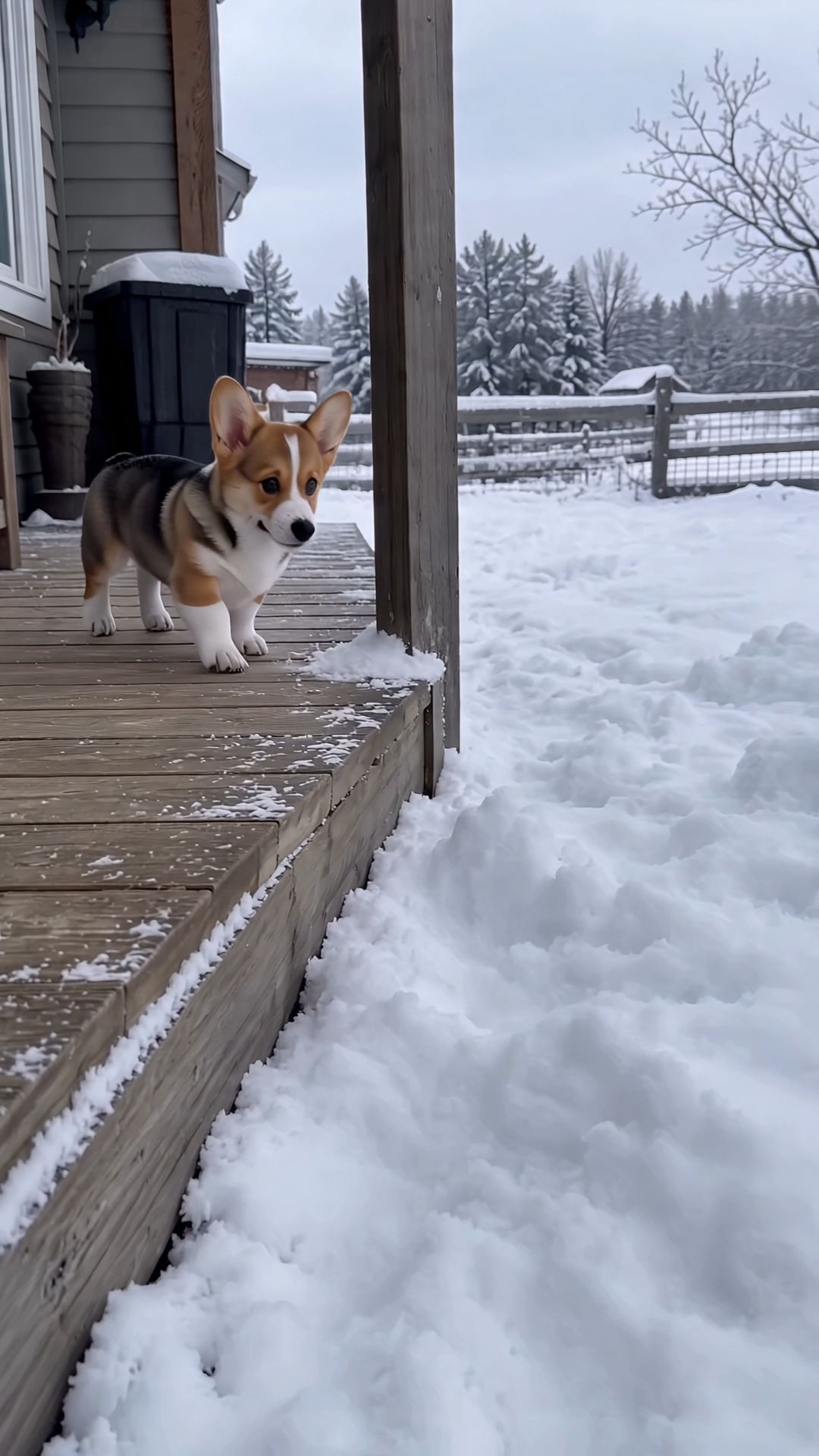 @動画1の雪の中で跳ねている三毛のコーギーの子犬を、3Dのブロック型ピクセルアート風のコーギーに置き換える。 全身をブロックで構成する。胴体は直方体、頭は立方体、耳は上向きの四角い三角形、脚は短い角柱、尾は小さなブロックとする。すべての輪郭は硬い直角で、曲線は一切使用しない。 表面には16×16ピクセルの低解像度テクスチャを使用する。色分けは元のコーギーを引き継ぎ、黄褐色の胴体、背中の黒い鞍状の模様、白い顔の中央線、白い首周り、白い胸、白い足先を維持する。目は黒い四角い点を2つ、鼻は黒いブロック、舌は小さなピンク色のピクセルで表現する。光が当たる面は明るく、側面は暗くする。毛並みの質感や滑らかなグラデーションは使用せず、ブロック単位のフラットな陰影にする。 体格は元のコーギーと同じにし、拡大も縮小もしない。 ブロック型コーギーの位置、動作、移動軌跡は、元のコーギーの各フレームに合わせる。玄関先に立つ、深い雪に飛び込んで姿が消える、雪面に穴が残る、ブロック状の頭を出す、何度も前方へ跳んで雪に埋まる、最後に雪穴の中に座る、といった動作を再現する。ジャンプ中の胴体と脚は、ゲーム内のキャラクターのように一体のブロックとして揺れ、関節を曲げない。 雪に埋まる深さ、蹴り上げる雪、身体に付着する雪、雪面に落ちる影は、ブロック状の身体に合わせる。雪に覆われた後に再び現れる際も、同じブロック型コーギーとしてテクスチャを統一する。 重要:ブロック風に変えるのはコーギーだけとする。木製の玄関、雪原、木の柵、森、灰白色の空は、すべて実写の映像のまま維持し、ブロック化やピクセル化しない。画面にはこの動物1匹だけを登場させ、どのフレームにも実際の毛並みを持つコーギーを登場させない。音声は元の動画と完全に一致させ、新しい音を追加しない。手持ちカメラの位置とカメラワークは変更しない。その他は変更しない。 | 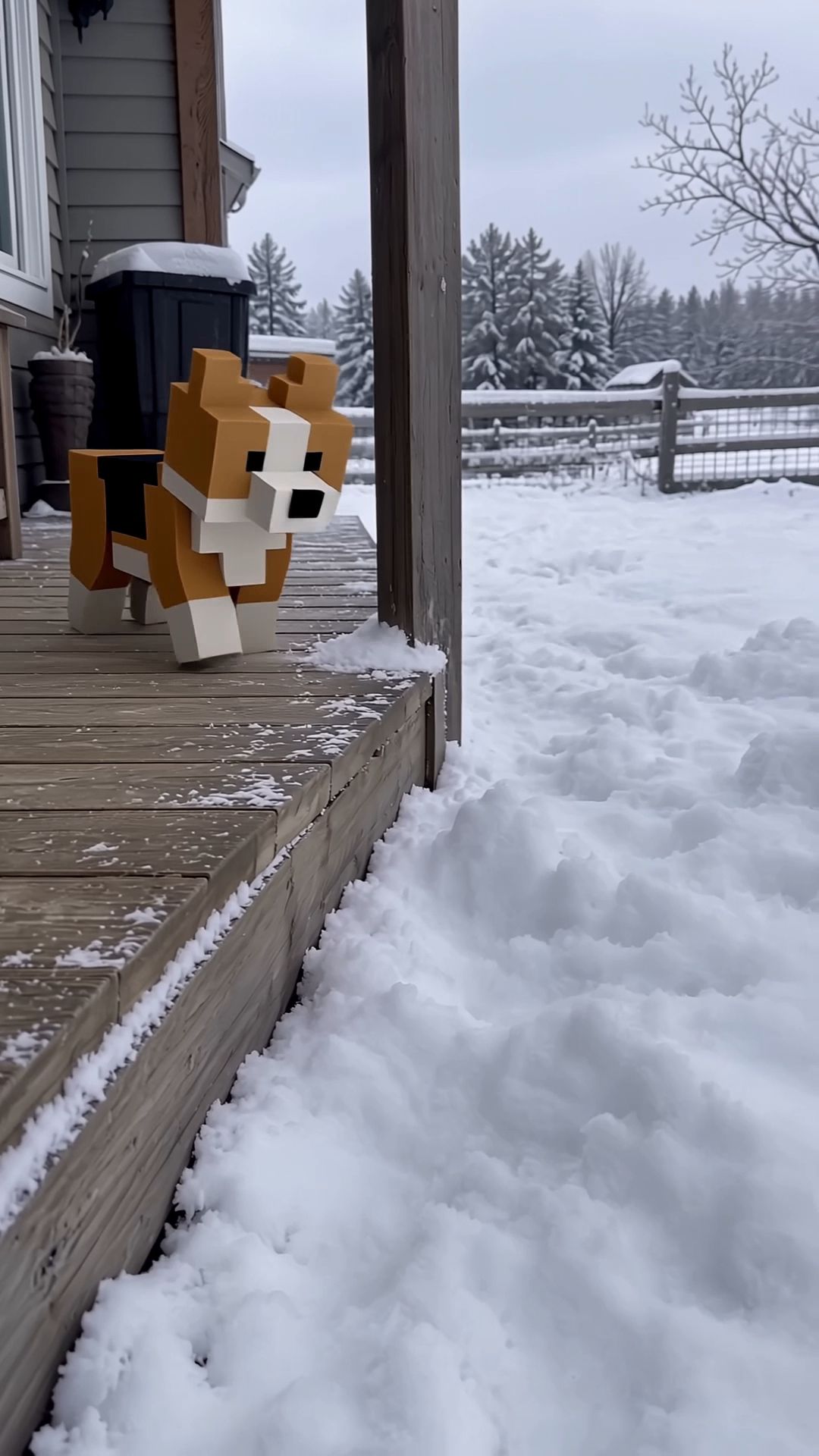 |
⑥人気動画の再現
気に入った参考動画がある場合は、そのストーリーのテンポ、ショット構成、見せ方を参考にしながら、キャラクター・商品・シーンを自分のコンテンツに置き換えられます。プロンプトでは、参考にする部分と置き換える部分を明確に指定してください。今回は、SNSで人気の動画と効果重視の広告動画という2つのシーンを重点的に改善しています。
@動画1の被写体を@画像1に置き換え、その他は変更しない。
参考動画と制作したい内容のテンポやショット構成が近いほど、期待する結果を得やすくなります。
ビデオ 1: 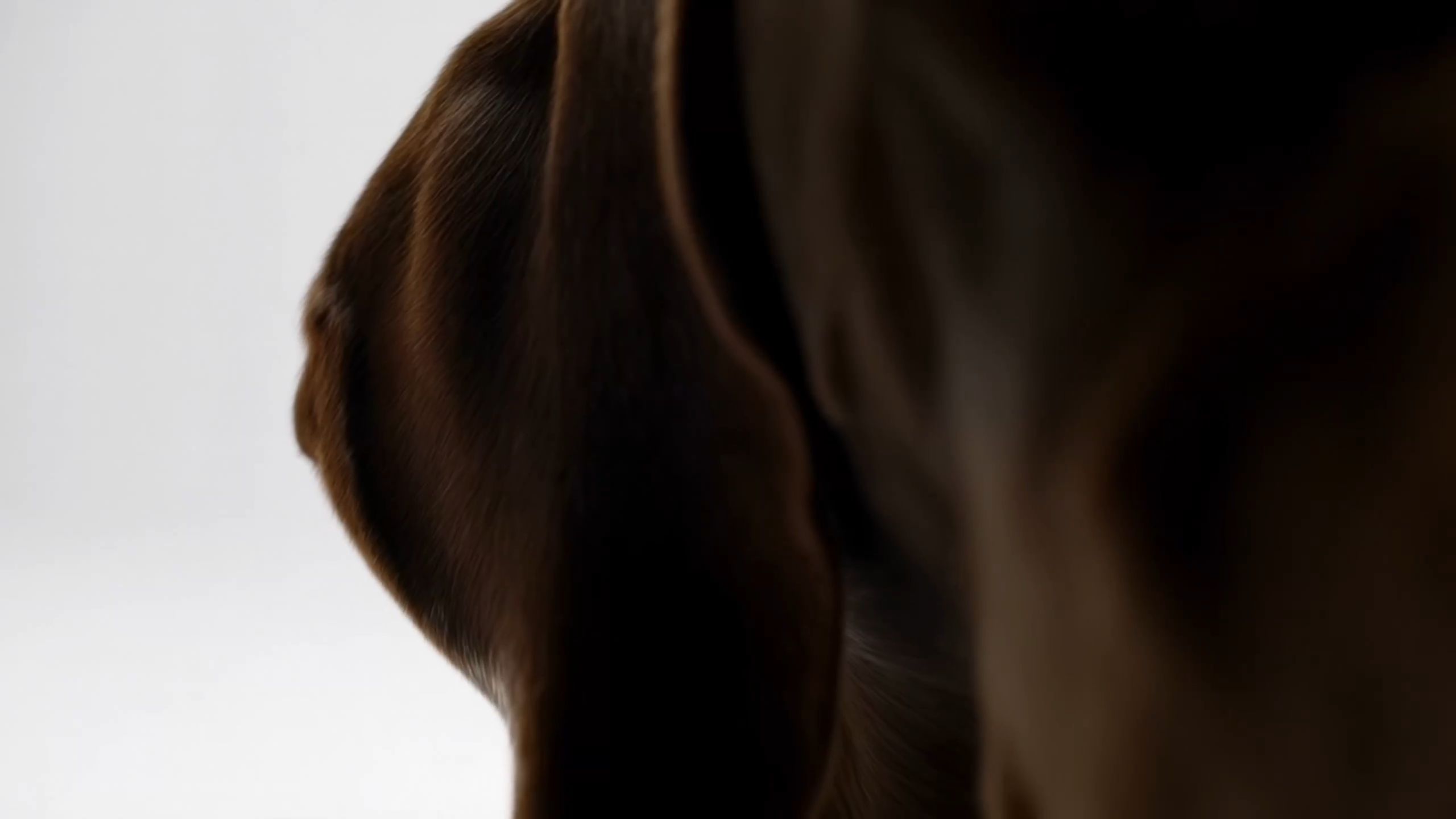 画像 1:
@動画1の被写体を@画像1に置き換え、その他は変更しない。 | 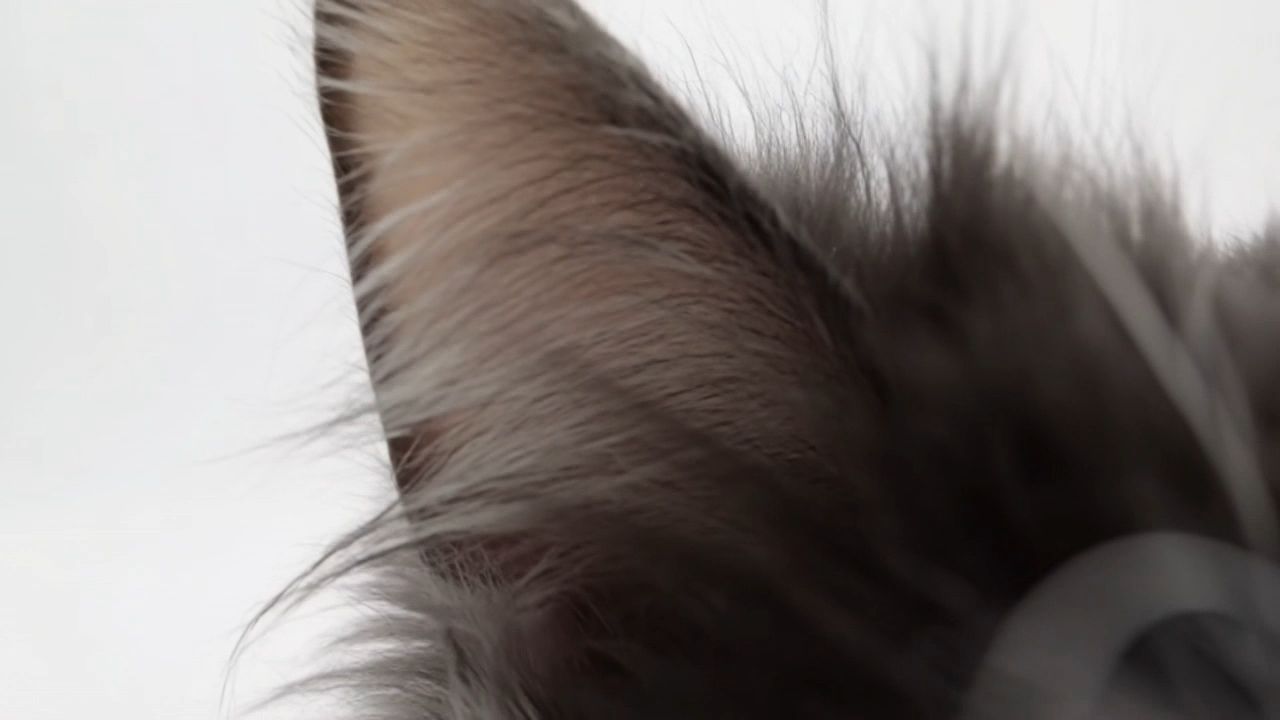 |
⑦ 音声と言語
音声仕様はステレオ音声です。
項目 | 対応範囲 |
言語 | 中国語、英語、日本語、韓国語、スペイン語、ポルトガル語、ドイツ語、フランス語、ヒンディー語 |
中国語の方言 | 四川方言、広東語 |
中国語のアクセント | 北京、東北地方、台湾 |
英語のアクセント | アメリカ英語、イギリス英語、インド英語 |
特定の言語を使用したい場合は、引用符内のセリフをその言語で直接記述してください。例:
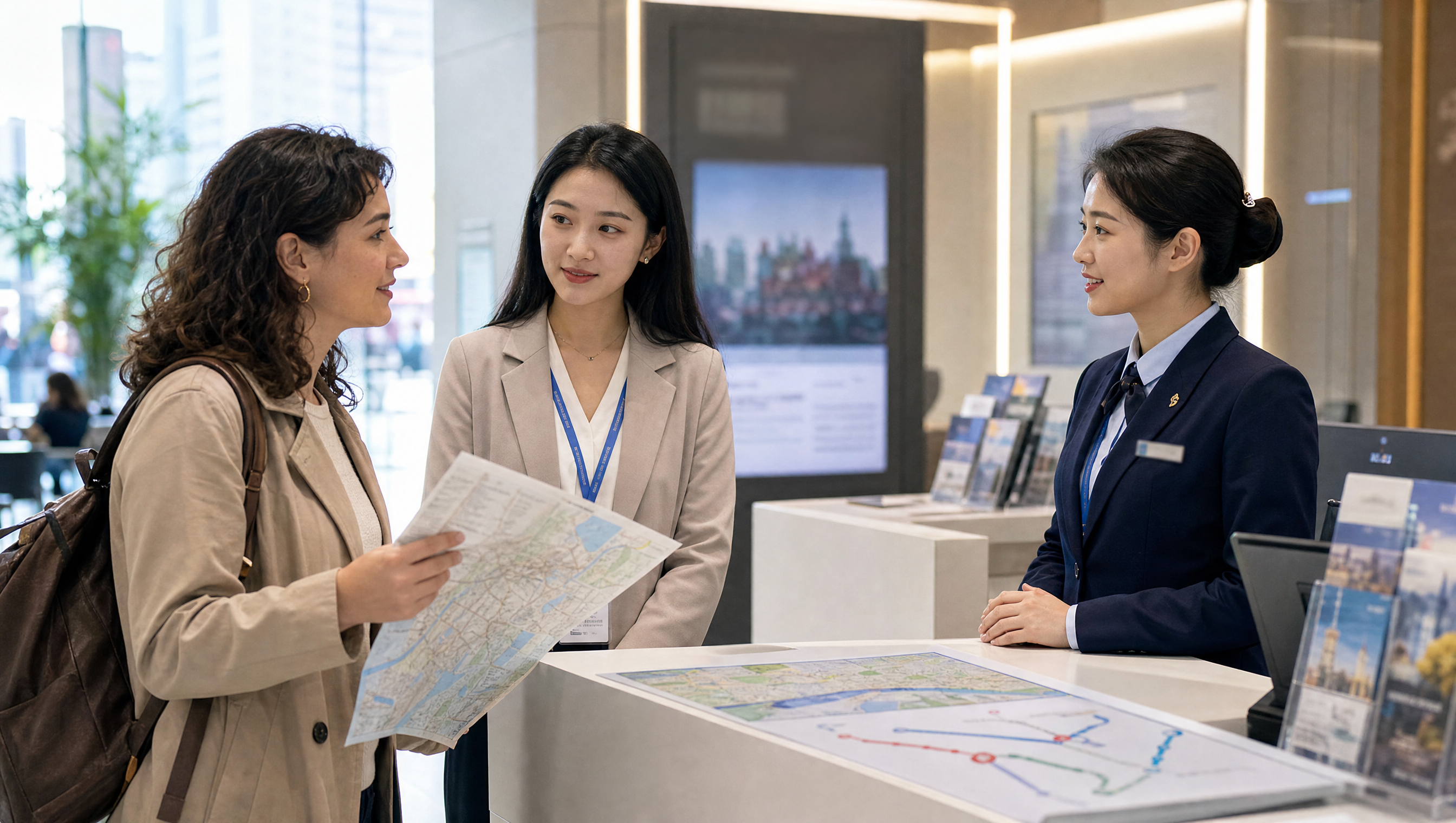
スペイン人女性の観光客が中央の通訳者を見て、手に持った地図を掲げ、自然で明瞭な、ややゆっくりとしたスペイン語で話す。 「¿Dónde está la estación de metro más cercana?」
音色をより具体的に指定したい場合は、話者の年齢、声質、話す速さ、感情などを追加できます。例:
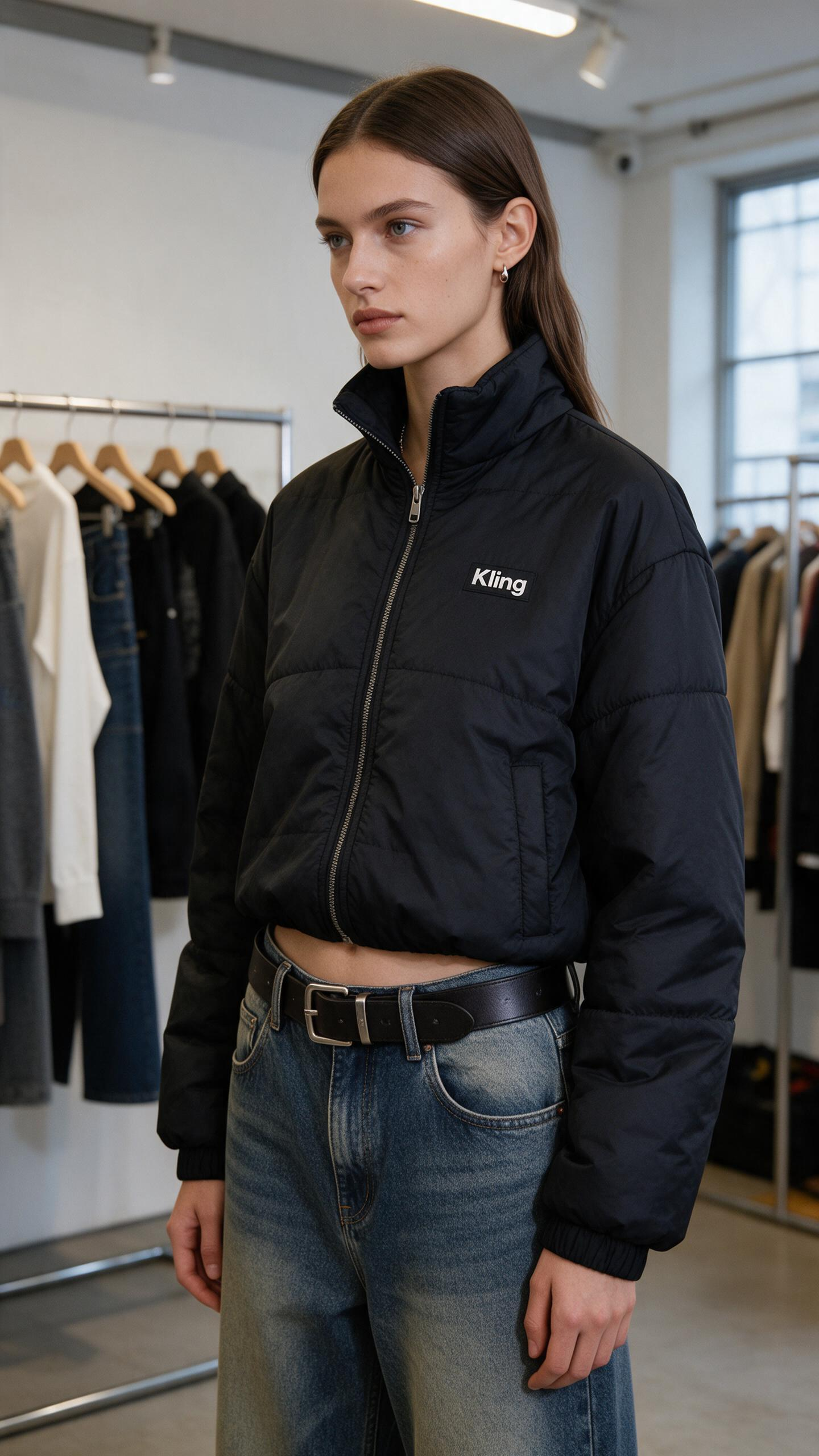
商品を紹介する人物の声は、15歳の成人女性。誠実で感情のこもった英語で話す。 「I honestly love this Kling jacket—the cropped fit feels so confident, and it goes with everything.」 冒頭は温かみのある好意を込め、「love」と「confident」を強調する。
ナレーション広告、多言語コンテンツ、地域特有のアクセントを際立たせたい演技シーンに最適です。
シーン設定: | 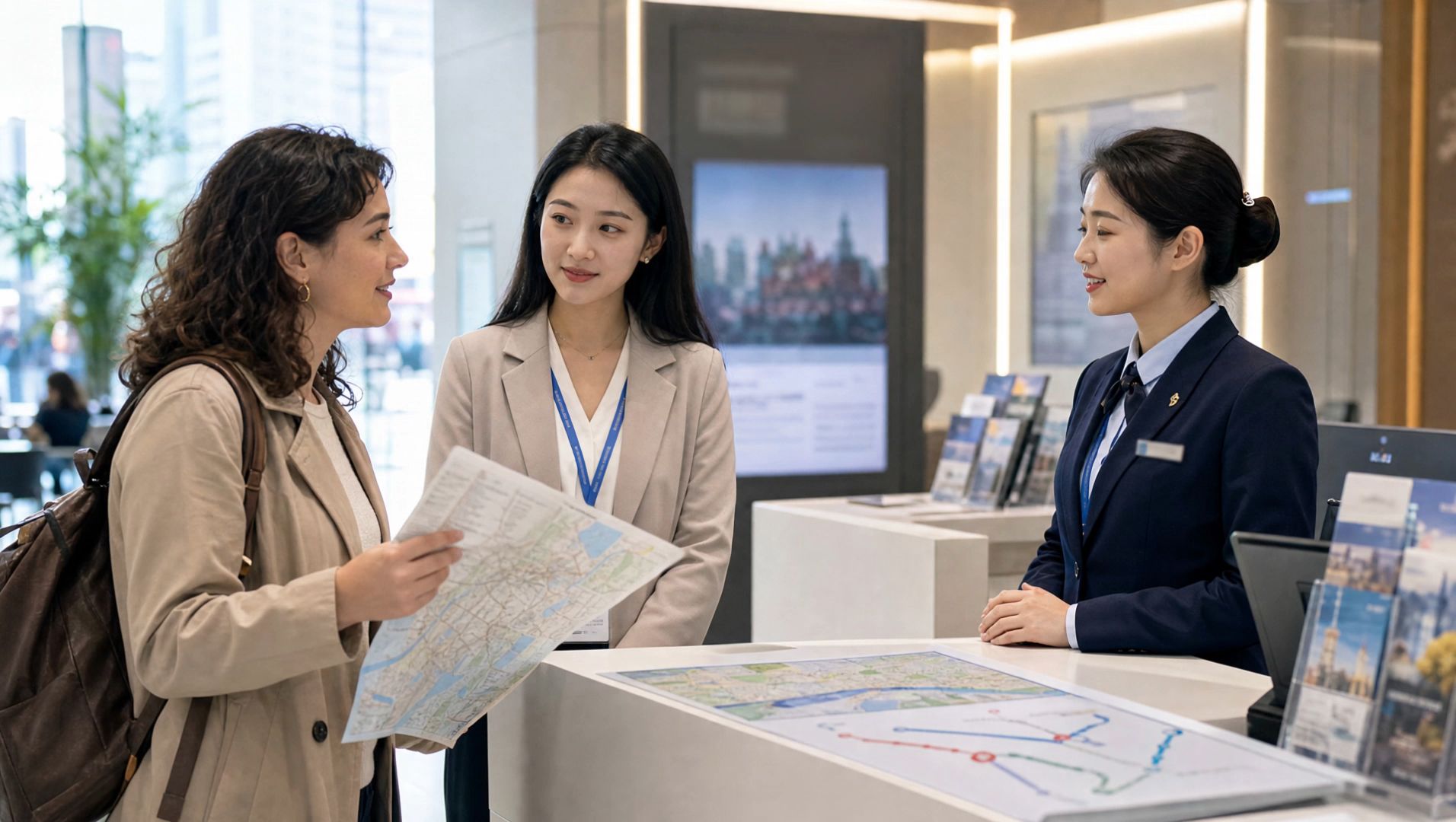 |
1. SCENE CONTEXT EXACT 1 HUMAN CHARACTER — NO DUPLICATES. A woman enthusiastically presents the black Kling cropped puffer jacket she is wearing inside a minimalist fashion showroom. She maintains warm, confident eye contact with the camera while demonstrating the collar, chest logo, quilted construction, cropped silhouette, and pockets. One continuous 15-second vertical fashion shot.2. ACTIVE REFERENCES@image1 controls the woman’s exact identity, straight brown hair, blue eyes, small earrings, black Kling cropped puffer jacket, high collar, silver zipper, white chest logo, quilted panels, elastic cuffs, side pockets, loose blue jeans, black belt, showroom racks, window, and vertical composition. Preserve every detail exactly. 3. LOCATION MAP: The woman remains centered between two clothing racks. The left rack stays behind frame-left, the second rack remains in the rear-right, and the large window stays on frame-right. The camera remains directly in front of her and moves only slightly toward her left side. 4. FIRST FRAME AND SPATIAL BLOCKING: Match the reference composition. She stands in a relaxed three-quarter position with both arms resting naturally beside her body. The complete jacket, waistline, belt, and upper jeans remain visible. Her head turns toward the camera and her eyes lock naturally onto the lens. 5. FORMAT MODE: One uninterrupted 15-second vertical 9:16 shot. No cuts, fades, dissolves, speed ramps, wardrobe transformations, location changes, or duplicated poses. 6. OPTICS: 50mm equivalent lens with a 40° horizontal field of view. Medium fashion framing keeps her eyes, facial expression, collar, logo, zipper, sleeves, hem, pockets, and waistline readable. Moderate depth of field softly separates her from the clothing racks. 7. CAMERA: A human operator stands approximately two and a half meters away at chest height and performs one slow handheld clockwise arc of less than one meter. Breathing drift, small footsteps, slight roll, and delayed reframing remain visible. The camera never becomes mechanically stabilized or crops out the jacket hem. 8. ACTION TIMING 0.0–2.0s: She finds the lens, takes a light anticipatory breath, and forms a genuine welcoming smile.2.0–5.5s: While beginning her sentence, she touches the structured collar and follows the zipper downward with her fingertips, keeping her eyes on the lens.5.5–8.5s: Her voice becomes more animated as her hand pauses beside the white Kling logo and her free hand opens in a small expressive gesture.8.5–11.5s: She turns into a three-quarter side profile, slips both hands into the pockets, and looks back toward the lens with a confident smile.11.5–15.0s: She faces forward again, relaxes her shoulders, and finishes the presentation with bright eyes and a warm, satisfied expression. 9. PHYSICS The padded jacket compresses naturally beneath her fingertips and recovers after release. Quilted panels retain consistent volume. Sleeves bend and crease at the elbows, while the cropped hem shifts during her turn and settles under gravity. Hair and earrings respond with small delayed movement. 10. LIGHTING: Soft daylight from the large window on frame-right is the single motivated key source. It creates restrained highlights across her eyes, hair, black fabric, silver zipper, and cheekbones while preserving detail in the quilted panels. Ceiling track lights remain subtle background practicals. 11. AUDIO: Layered showroom ambience: quiet room tone, distant ventilation, soft jacket rustle, zipper contact, jeans movement, and restrained footsteps. In a sincere, emotionally engaged English voice, she says: “I honestly love this Kling jacket—the cropped fit feels so confident, and it goes with everything.” Begin with warm appreciation, emphasize “love” and “confident,” then finish with an audible smile. Her lips, breath, expression, and garment gestures synchronize exactly with the sentence. SFX only, no music, no score, no song, no soundtrack. 12. CHARACTER ACTING: She speaks as someone genuinely excited by how the jacket makes her feel. Her eyes stay connected to the lens with living highlights and irregular natural blinks. Her eyebrows lift slightly on “love,” her cheeks rise on “confident,” and her final smile reaches both eyes. She never looks down at the garment while speaking; her hands locate each feature naturally through touch. INNER, UNSPOKEN: “This feels completely like me.” 13. STYLE: Minimal contemporary fashion content captured by an imperfect human companion. Clearly handheld intimacy, old-photograph softness, organic film grain, restrained contrast, natural fabric texture, gentle window halation, and no digital sharpening. Color balance: 60% black and charcoal, 25% cool white showroom tones, 15% faded blue denim and natural skin. 14. QUALITY The woman’s identity, eye color, hairstyle, earrings, jacket geometry, quilted panels, collar, zipper, cuffs, pockets, jeans, and belt remain consistent. The white Kling wordmark remains correctly spelled, stable, and attached to the same chest position. Eyes, lips, hands, fingers, sleeves, and fabric folds remain anatomically coherent. 15. POSITIVE CONSTRAINTS: Exactly one woman wears exactly one black Kling jacket throughout the shot. She maintains direct lens connection while speaking and looks back toward the lens during the side pose. She speaks exactly one emotional English passage and performs one continuous garment presentation. The jacket remains fully zipped and its logo stays visible during front-facing moments. Add no second person, clothing change, subtitle, price, promotional overlay, mirror reflection, music, or runway movement. A flat, emotionless delivery, wandering eyeline, malformed wordmark, changing jacket length, extra limb, or fabric passing through her body equals a failed shot. | 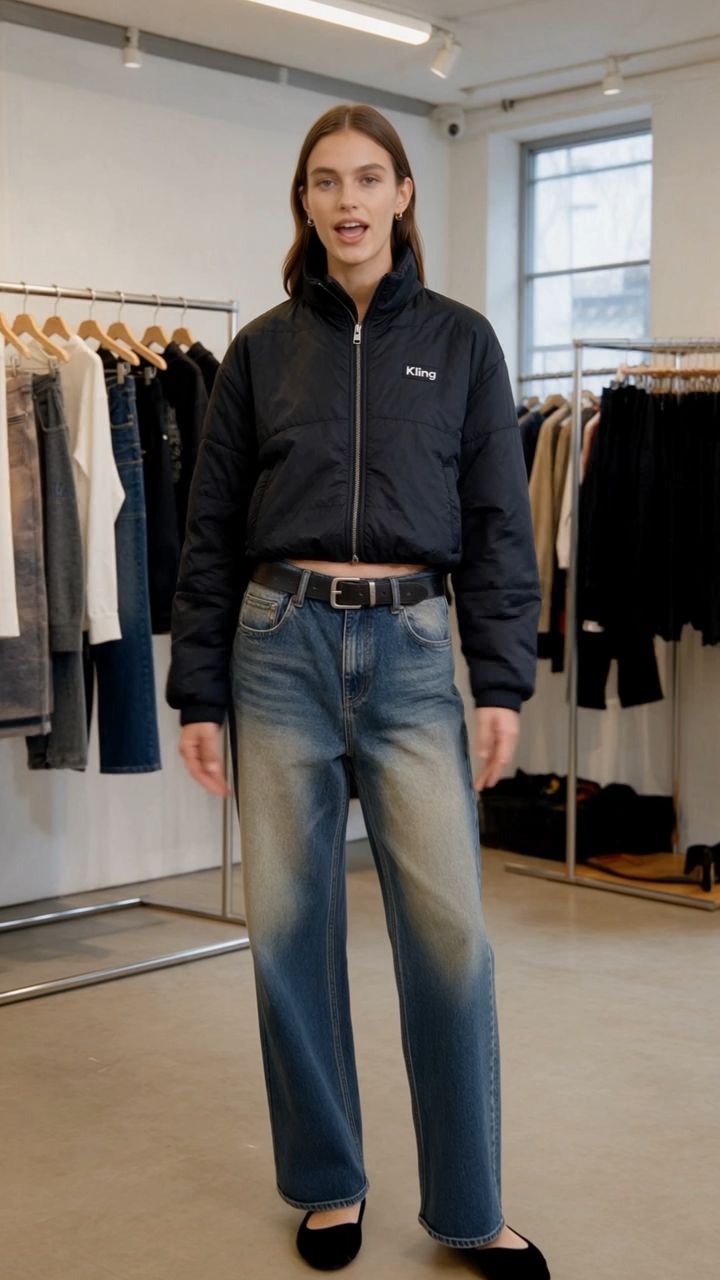 |
⑧ 文字生成
動画内の文字生成は、中国語、英語、日本語、韓国語、スペイン語、ポルトガル語、ドイツ語、フランス語、ヒンディー語などに対応しており、絵文字やロゴも生成できます。
カメラの動き、キャラクターの移動、シーンの切り替えがあっても、文字を鮮明かつ安定して表示できます。
字幕もプロンプトに直接記述できます。フォントサイズ、配置、表示時間、セリフとの同期の有無もあわせて指定すると、より意図に沿った結果が得られます。
字幕 焼き込み字幕:英語字幕を画面下部中央のタイトルセーフエリア内、画面下端から10%上の位置に配置してください。字幕は最大1~2行とします。クリーム色の丸みを帯びたフェルト調パネルに、太字のダークチョコレートブラウンの文字を組み合わせ、十分なコントラストを確保し、位置を固定してください。各字幕は対応するナレーションに合わせて正確なタイミングで表示・非表示にしてください。0.78–1.38秒:「ONE.」1.98–3.84秒:「ONE MEANS JUST ONE.」4.16–4.66秒:「TWO.」4.86–6.82秒:「TWO MEANS ONE AND ONE TOGETHER.」7.26–7.78秒:「THREE.」8.04–10.16秒:「THREE MEANS TWO AND ONE MORE.」10.32–10.80秒:「FOUR.」11.06–13.08秒:「FOUR MEANS THREE AND ONE MORE.」13.32–14.24秒:「ONE, TWO, THREE, FOUR.」14.40–15.00秒:「GREAT JOB!」
正確なテキスト表示が求められるブランド広告、商品パッケージ、画面インターフェースなどのビジュアルに最適です。
【サンプル動画のプレースホルダー】
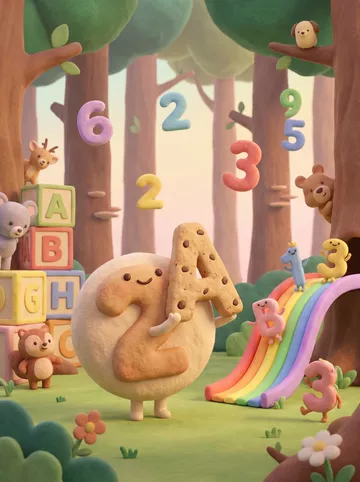
SCENE CONTEXT: EXACTLY 3 UNIQUE CHARACTERS ACROSS THE VIDEO — NO DUPLICATES.EXT. Enchanted counting forest classroom, warm morning. One soft cream cloud teacher teaches the numbers 1, 2, 3 and 4 in four separate shots. Two tiny yellow chick pupils appear only in the number-two shot.3 characters across the video, 5 hard-cut shots, 15s, real time.ACTIVE REFERENCES@Video1: content, narration and timing reference only — preserve the educational progression, additive explanations and final recap. Never inherit its white studio environment or visual style.@Image1: visual-world reference only — handmade clay-and-felt materials, rounded toy-like forms, pastel forest trunks, mossy ground, rainbow colours, warm diffused backlight and shallow storybook depth. Never inherit its existing characters, numerals or composition. LOCATION MAP: All five shots occur on the same circular moss stage inside one enchanted forest classroom.One broad warm-brown tree trunk anchors frame-left; a second tree trunk anchors frame-right. A curved pastel rainbow root crosses the background. The central teaching pedestal remains in the same position in every shot. Camera always stays on the front side of the teaching axis, between 3.0 and 3.3 m from the pedestal. The sun always comes from upper frame-right. Background geometry, material scale and colour palette remain identical after every cut. FIRST FRAME AND SPATIAL BLOCKING: Shot 1: the cloud teacher floats centre-left, facing a large red felt numeral 1 on the central pedestal. One red apple is concealed inside the moss below it. Shot 2: The cloud teacher floats centre-left, facing a large amber felt numeral 2. Two yellow chicks begin concealed behind the pedestal. Shot 3: the cloud teacher floats centre-left, facing a large green felt numeral 3. Three blue felt stars begin nested inside the moss. Shot 4: the cloud teacher floats centre-left, facing a large blue felt numeral 4. Four purple clay blocks begin below the pedestal. Shot 5: the cloud teacher floats alone at centre, facing the viewer beneath the rainbow root. Every shot begins mid-gesture with the teacher already pointing toward the active numeral. No empty establishing beat. FORMAT MODE: Horizontal 16:9, total 15s, real time, 5 shots connected by clean hard cuts.Shot 1 — 0.00–4.00s: number 1 and one apple.Shot 2 — 4.00–7.08s: number 2 and two chicks.Shot 3 — 7.08–10.21s: number 3 and three stars.Shot 4 — 10.21–13.08s: number 4 and four blocks.Shot 5 — 13.08–15.00s: spoken recap and celebration. Each number receives its own separate shot. Numerals 1, 2, 3 and 4 never share the same teaching frame.No fades, dissolves or split screens. OPTICS: 35mm equivalent, 54° horizontal FOV, locked across all five shots. Identical natural perspective, camera height, background scale and depth-of-field character after every cut. Focal plane remains on the cloud teacher, active numeral and active quantity. Foreground flowers softly obscure the lower corners. Distant trees dissolve into the same creamy storybook blur. CAMERA: Every shot is operated handheld at approximately 105 cm height from the front side of the teaching axis. World register: gentle SETTLE. Shot 1: slow 10 cm push toward numeral 1. Shot 2: slow 10 cm push toward numeral 2. Shot 3: slow 10 cm push toward numeral 3.Shot 4: slow 10 cm push toward numeral 4. Shot 5: slow 8 cm push toward the celebrating teacher.Visible handheld character throughout: breath sway, micro-roll, late tiny corrections and gentle but obvious handmade shake. Numerals and subtitles remain readable. Camera height, axis and movement speed match across all cuts.Not a gimbal, slider, tripod lock-off, drone or digitally stabilised camera. ACTION TIMING 0.00–0.78s: Shot 1 begins. The cloud teacher already points toward the red numeral 1. 0.78–1.98s: numeral 1 rises and completes one soft bounce. 1.98–4.00s: one red apple rises from the moss and settles beneath numeral 1. 4.00–4.86s: hard cut to Shot 2. The amber numeral 2 rises and completes one soft bounce. 4.86–7.08s: one yellow chick hops out from the left, then a second chick joins from the right; they touch shoulders and settle together. 7.08–8.04s: hard cut to Shot 3. The green numeral 3 rises and completes one soft bounce. 8.04–10.21s: two blue felt stars rise together, followed by one additional star; the three stars settle into a clear triangular arrangement. 10.21–11.06s: hard cut to Shot 4. The blue numeral 4 rises and completes one soft bounce. 11.06–13.08s: three purple blocks assemble first; one additional block clicks into the fourth position. 13.08–14.40s: hard cut to Shot 5. Four tiny coloured fireflies pulse sequentially red, amber, green and blue while the teacher points from left to right. 14.40–15.00s: the teacher opens both arms; a small clay sun unfolds above the rainbow and releases a brief sparkle burst. PHYSICS: The cloud teacher has the buoyancy of a lightweight stuffed felt puppet, with soft vertical drift and delayed arm movement. Each numeral has padded felt weight: it compresses, rebounds once and settles. The apple lands with soft clay weight. The chicks’ feet squash slightly into the moss. Stars descend with gentle air resistance. Blocks connect with firm edge-to-edge contact. Every quantity remains stable and readable until its shot ends. Hard cuts reset the teaching pedestal cleanly while preserving the same forest, teacher identity, material scale and lighting. LIGHTING: One identical motivated source in every shot: warm morning sunlight filtering through the trees from upper frame-right.The teacher’s lower-left side remains slightly darker in all five shots. Soft rim light separates the felt fibres from the forest. Protect the cream cloud, pastel numerals and rainbow highlights from clipping. The direction, colour temperature, haze density and exposure remain unchanged across every cut. AUDIO VOICEOVER: The cloud teacher speaks in English with the same warm, clear, medium-high preschool-teacher voice in every shot. Pronunciation is slow, encouraging and rhythmically precise.0.78s: “One.”1.98s: “One means just one.”4.16s: “Two.”4.86s: “Two means one and one together.”7.26s: “Three.”8.04s: “Three means two and one more.”10.32s: “Four.”11.06s: “Four means three and one more.”13.32s: “One, two, three, four.”14.40s: “Great job!” MUSIC: one continuous original children’s instrumental across all cuts, using soft marimba, toy piano, light ukulele, felt-drum taps and gentle handclaps. The same melody, tempo and instrumentation continue seamlessly through every shot. It rises slightly with each new number and ends with a short celebratory flourish.SFX: one soft felt pop for each numeral bounce; one clay plop for the apple; two tiny moss footsteps for the chicks; three sparkle chimes for the stars; four wooden clicks for the blocks; four soft firefly pings during the recap; one bright celebration chime at the end. AMBIENCE: continuous close grass rustle, mid-distance leaves and faint woodland birds. The ambience never resets at the cuts.MIX: narration remains clear and centred. Music ducks beneath every spoken line. Sound effects synchronise exactly with the quantities. Music and ambience remain continuous across every hard cut. SUBTITLES: Burned-in English subtitles, bottom-centre inside the title-safe area, positioned 10% above the lower edge.One or two lines maximum. Rounded cream felt subtitle panel with dark chocolate-brown bold lettering, high contrast and stable placement. Subtitles appear and disappear exactly with the matching narration:0.78–1.38s: “ONE.”1.98–3.84s: “ONE MEANS JUST ONE.”4.16–4.66s: “TWO.”4.86–6.82s: “TWO MEANS ONE AND ONE TOGETHER.”7.26–7.78s: “THREE.”8.04–10.16s: “THREE MEANS TWO AND ONE MORE.”10.32–10.80s: “FOUR.”11.06–13.08s: “FOUR MEANS THREE AND ONE MORE.”13.32–14.24s: “ONE, TWO, THREE, FOUR.”14.40–15.00s: “GREAT JOB!” CHARACTER ACTING: Cloud teacher: identical body proportions, cream felt texture, tiny arms, dot eyes, rosy cheeks and a small smiling mouth in every shot. Uses slow preschool-teaching gestures. The gaze always lands on the active numeral or quantity. The expression gradually changes from patient concentration in Shot 1 to a broad celebratory smile in Shot 5.Shot 1: points with one hand and watches the single apple settle.Shot 2: brings both hands together as the two chicks join.Shot 3: traces a small triangle after the third star appears.Shot 4: raises four soft fingertips after the final block connects.Shot 5: points across four firefly pulses, then opens both arms toward the viewer.Two chick pupils: appear only in Shot 2. The first chick leaves a visible space beside itself; the second fills that space. Both look up at the teacher and blink once after joining. STYLE: One perfectly consistent handmade clay-and-felt stop-motion storybook world across every shot.Rounded silhouettes, tactile fingerprints, plush fibres, softly imperfect surfaces, oversized friendly trees, moss carpet, tiny flowers and pastel rainbow details.Identical teacher model, forest geometry, prop scale, material softness, lens character and lighting direction after every cut.Soft vintage optical character, old-photograph texture, subtle film grain, slight halation and natural motion blur.Colour 60:30:10 = moss green and warm wood / cream and pastel numeral colours / coral-red and sunny-yellow accents. Vintage photo softness, no sharpening. QUALITY: The cloud teacher, active numeral, active quantity and subtitles remain readable in every shot. Numeral shapes are conventional, upright and unambiguous. Subtitle spelling, punctuation and timing match the specified script exactly. Subtitle size, typeface, panel shape and screen position remain identical across all cuts. Soft old-photo resolution, never digitally sharpened.Natural motion blur without ghosting, duplicated limbs, malformed numerals, incorrect quantities or plastic CGI surfaces. POSITIVE CONSTRAINTS: Numbers 1, 2, 3 and 4 each receive one separate teaching shot. Only one large numeral appears in each teaching shot. Shot 1 contains exactly one apple. Shot 2 contains exactly two yellow chicks. Shot 3 contains exactly three blue stars. Shot 4 contains exactly four purple blocks. Shot 5 contains only the cloud teacher, four sequential firefly pulses and the final clay sun. The same cloud teacher identity, forest style, light direction, optics, colour palette, music and subtitle design continue across every cut. Speech count: exactly 10 lines. Every subtitle matches its spoken line word for word. A shared 1–4 teaching frame, split screen, incorrect quantity, extra character, style change, lighting change, malformed subtitle or mismatched narration = failed shot. | 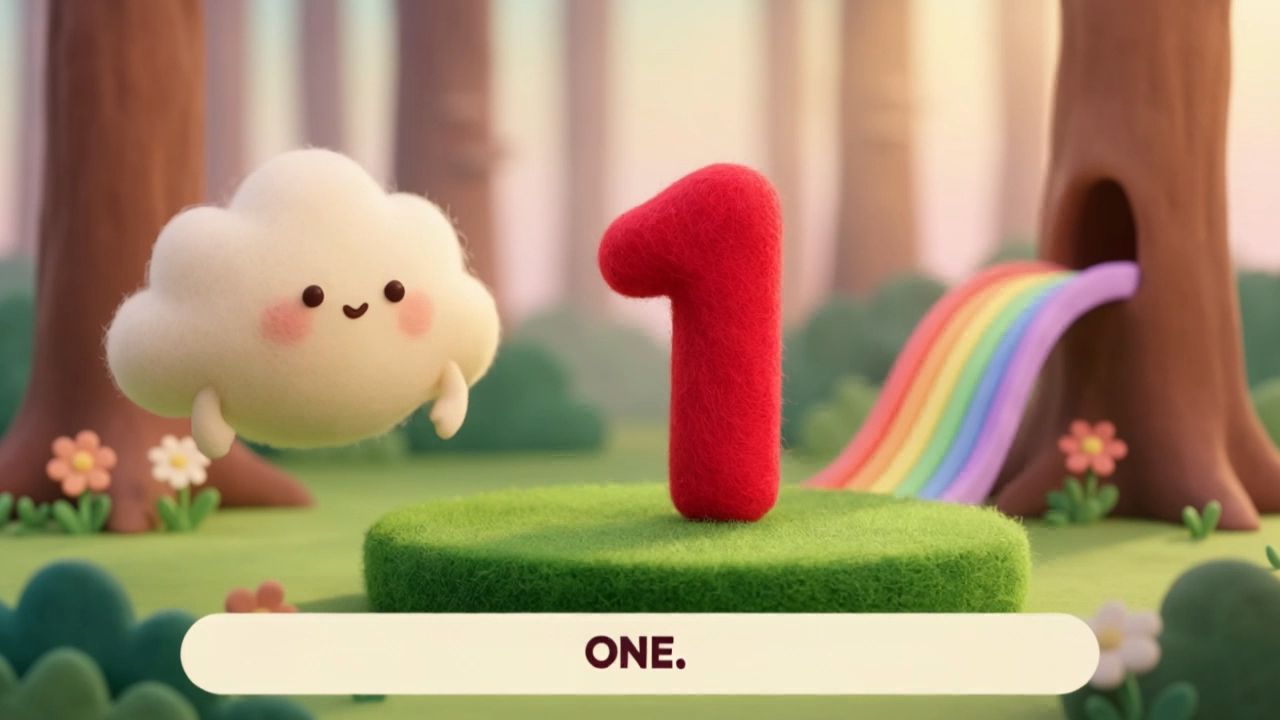 |
⑨ スタイルの適用
映画風の映像、レトロなDV映像、アニメーション、フェルト風、ファンタジー、サイバーパンクなど、多彩なビジュアルスタイルに対応しています。スタイルの指定は、画面の素材感、光と影、全体の雰囲気にも反映されます。
アニメーション風のスタイルを指定する場合は、実写風の表現を避けるよう明記してください。そうしないと、2つの質感が混在することがあります。
アニメーション風のスタイルを指定する場合は、実写風の表現を避けるよう明記してください。そうしないと、2つの質感が混在することがあります。
@動画1を編集し、動画のスタイルを@画像1のフェルト風スタイルに変更する。元動画の構図、ショット、動作は維持し、スタイルのみを変更する。人物の衣装デザイン、バイクの形状、シーン内の要素、出来事の順序は変更しない。
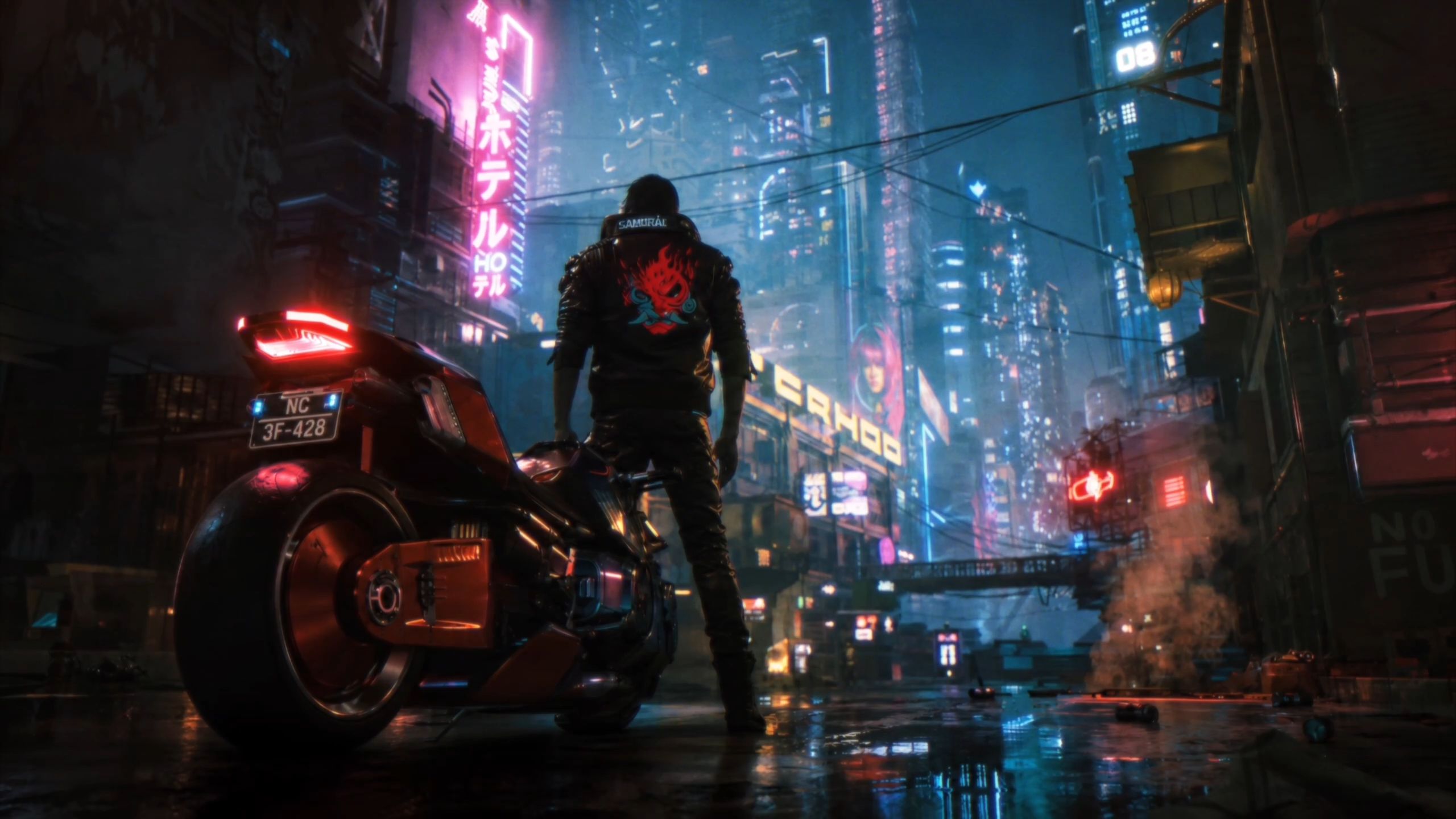
@動画1を編集し、動画のスタイルを@画像1のフェルト風スタイルに変更する。元動画の構図、ショット、動作は維持し、スタイルのみを変更する。 |
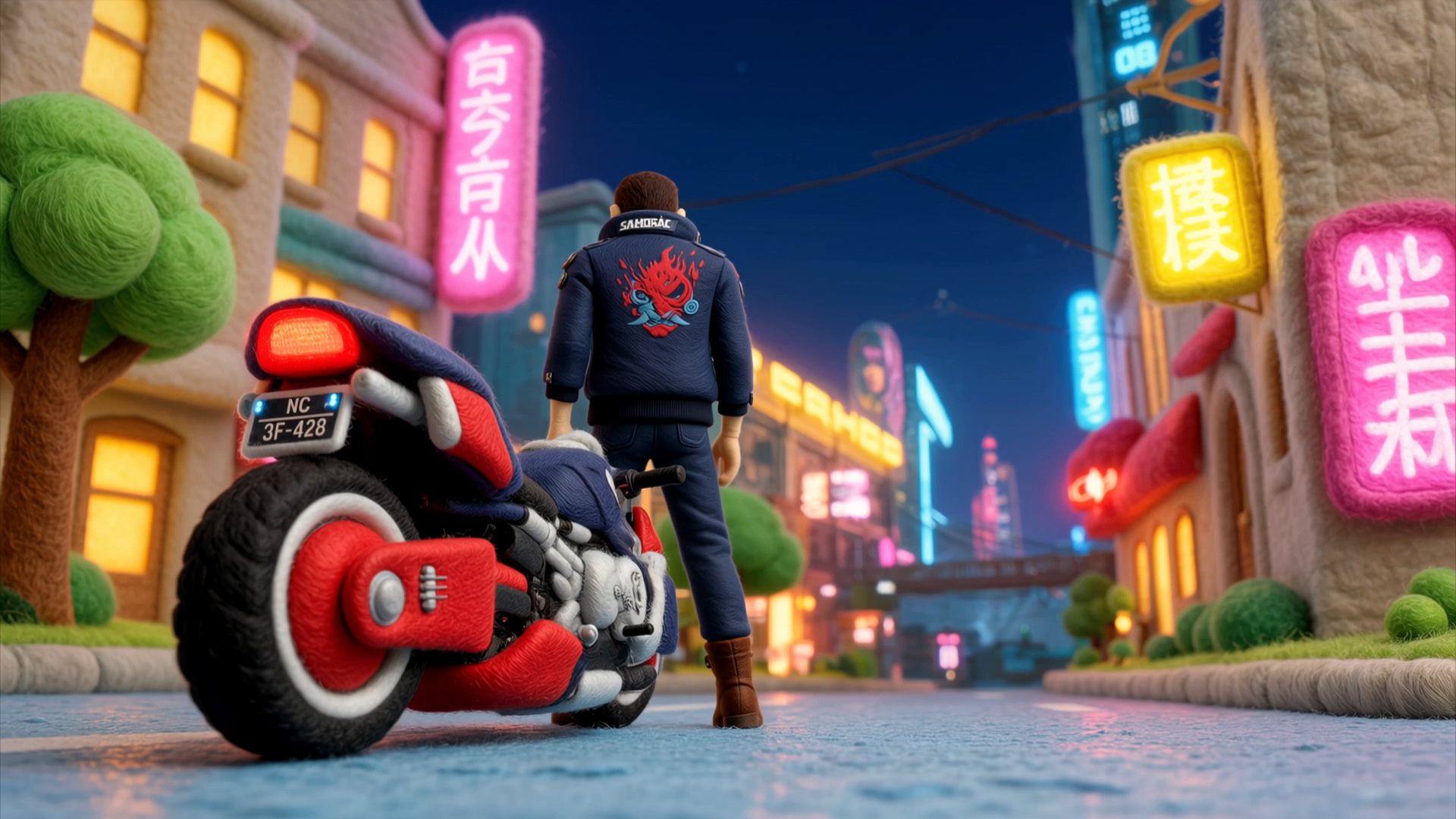 |
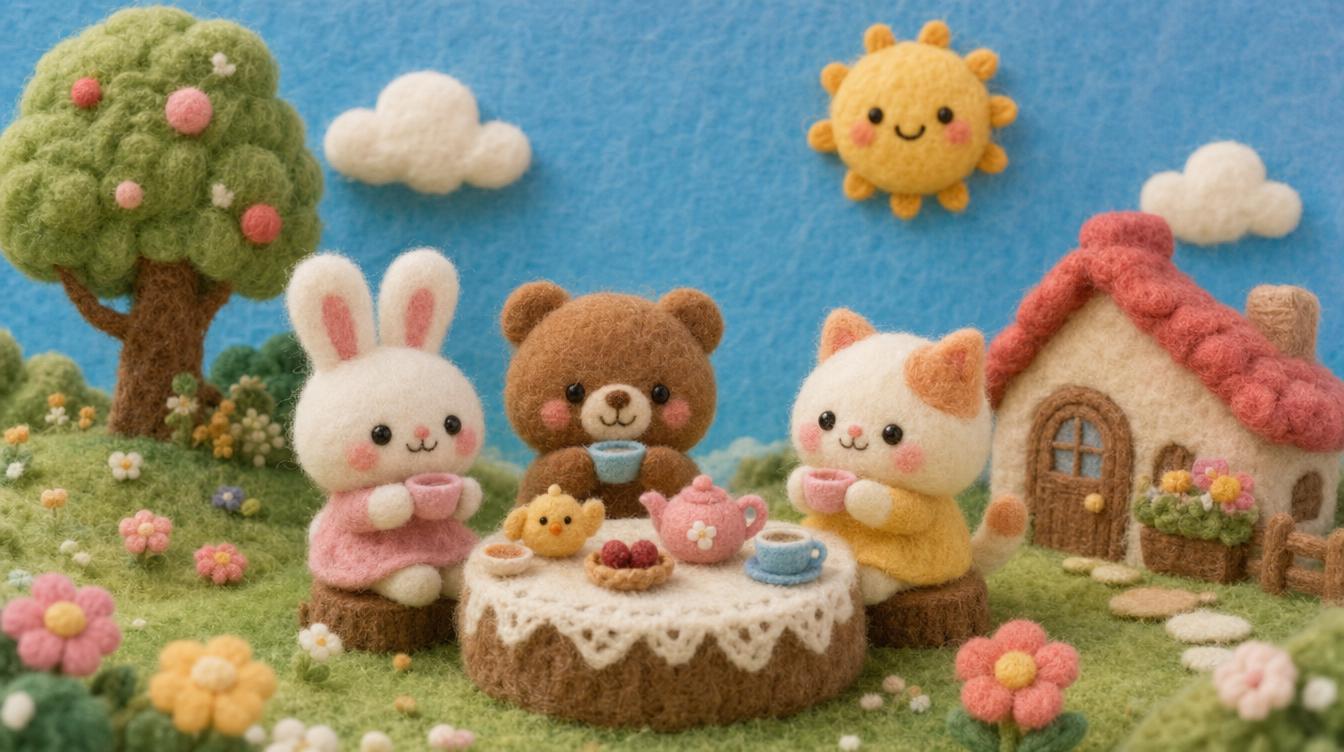
3.2 キーフレーム
動画の始まり、展開が変わる場面、最後に止めたい画面が決まっていますか? それらの画面をキーフレームに設定し、その間に起こる動作や画面の変化を記述してください。
キーフレームの入口では、タイムライン上の節目を精密に制御できます。キーフレームを使用しない場合、画面が変化する順番やタイミングはモデルが決定します。キーフレームを使用すると、指定した時点の画面をユーザーが定義できます。
入力制限とパラメータ
入力形式 | 数量・仕様の制限 |
テキスト | 最大8,000トークン |
画像 | 合計10枚以下。1枚あたり30MB以下。アスペクト比2:5~5:2 |
パラメータ | 選択肢 |
生成モード | 720p / 1080p / 4K |
長さ | 3~30秒、1秒単位で調整可能。デフォルトは10秒 |
アスペクト比 | 画像をアップロードしていない場合は21:9 / 16:9 / 1:1 / 9:16から選択可能。画像をアップロードした場合は、最初のキーフレームのアスペクト比に従う。 |
⚠️ キーフレームの入口では、参照素材をアップロードできません。
キーフレームの使い方
Kling 4.0は、開始フレーム、終了フレーム、始終フレーム、および任意の位置に設定する中間フレームに対応しています。
制御する要素 | 説明 |
キャラクターの動作 | 3秒目に手を上げ、7秒目に振り返る |
キャラクターの登場・退場 | キャラクターBが最後ではなく、6秒目にドアから入ってくる |
シーンの変化 | 5秒目に空が暗くなり、10秒目に雨が降り始める |
構図の変化 | 指定した秒数でロングショットからクローズアップに切り替える |
状態の変化 | 状態Aから状態Bへ移行する過程と、その途中の節目を指定する |
使い方とプロンプト例
①開始フレーム
書き方:@画像1を開始フレームに設定し、[その後に起こること]を記述する。
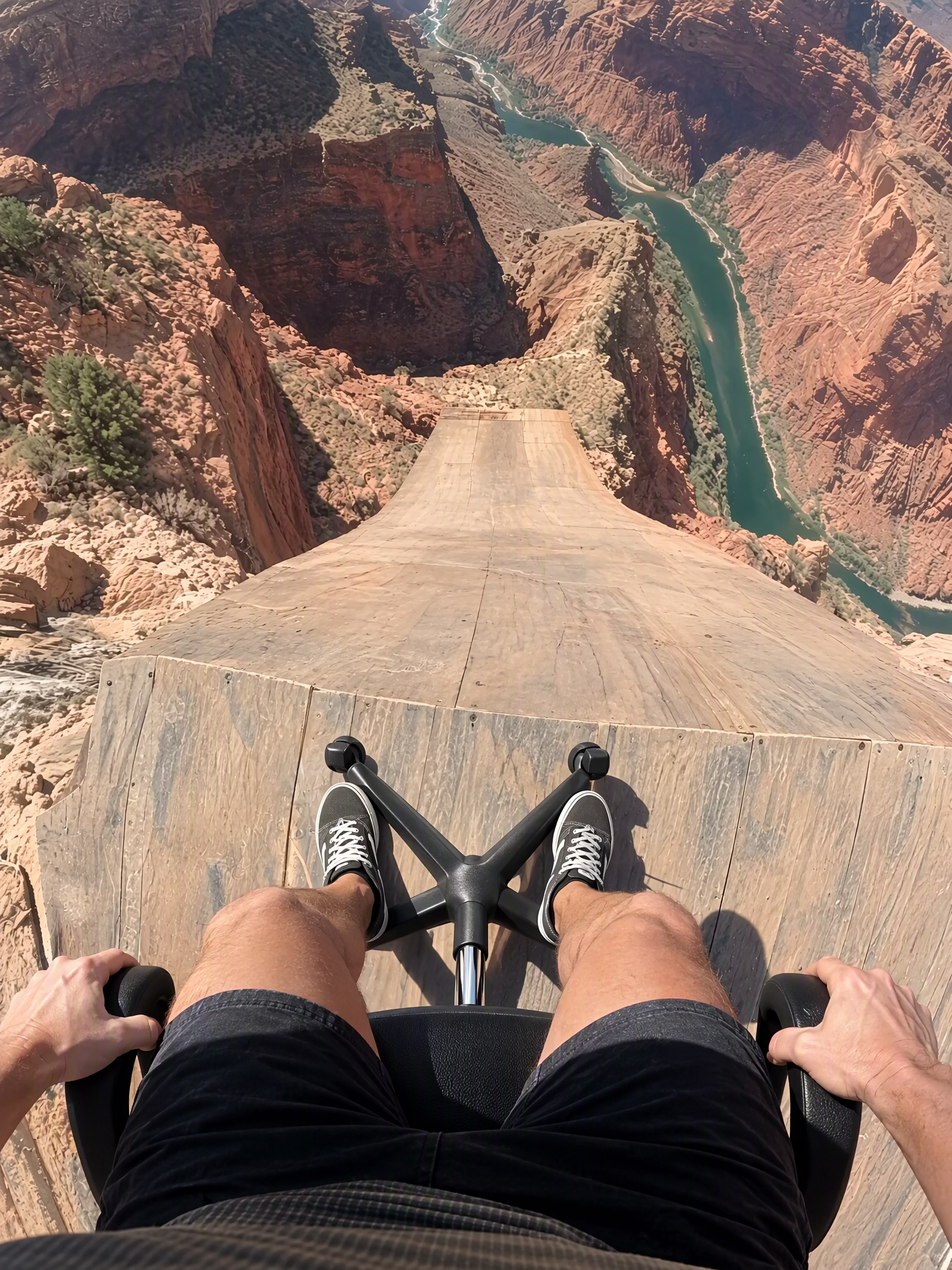
@画像1を開始フレームに設定し、「その後に起こること」を記述する。
Image1:
Video1: 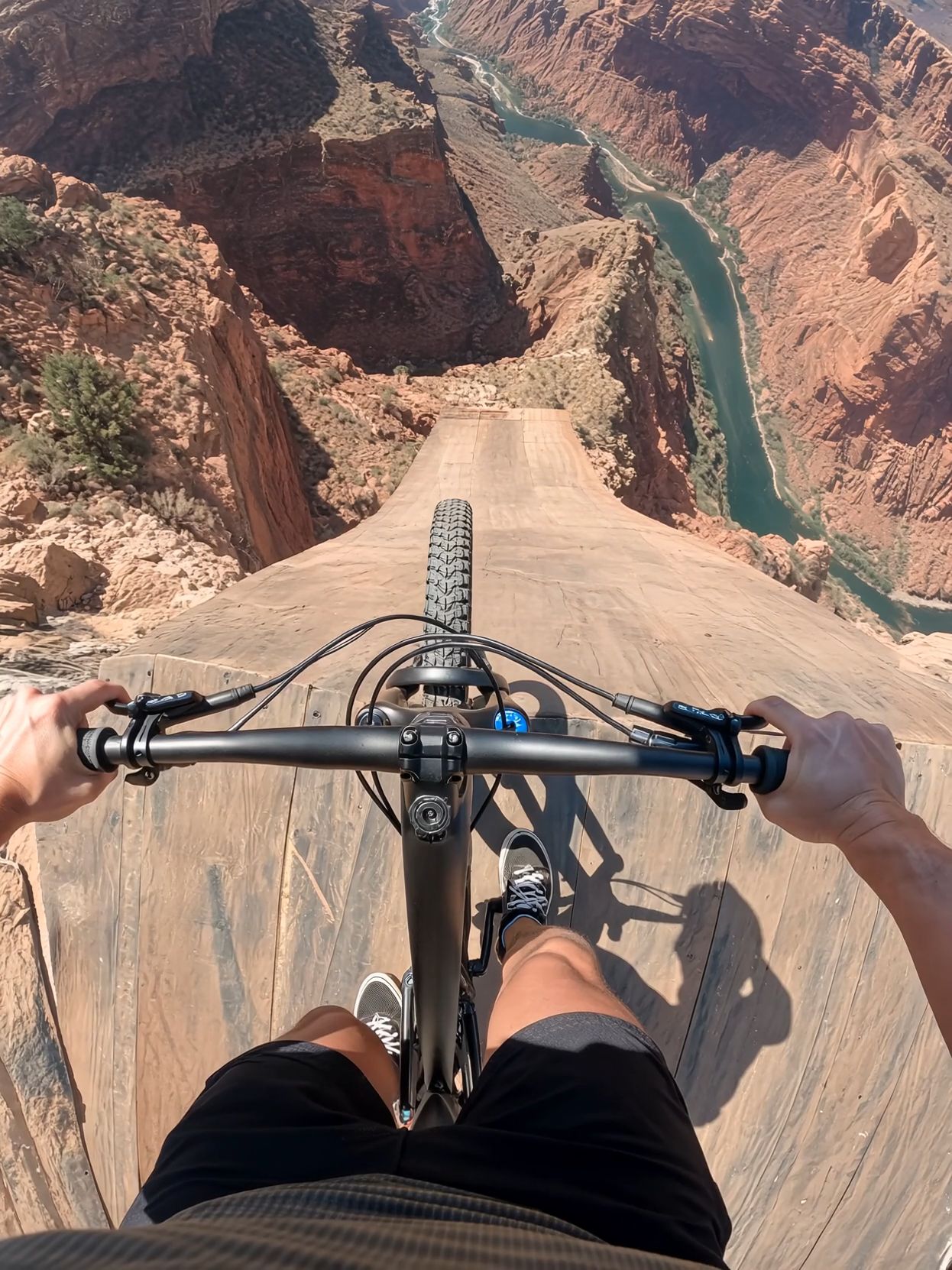 @Image1 is the first frame. @Video1 is the reference for camera, motion, timing and cuts. Recreate @Video1 shot-for-shot and cut-for-cut, but starting from @Image1: the rider is SITTING in a black office swivel chair instead of standing on a bike. Same chest-mounted GoPro fisheye POV, same ramp, canyon, river, orange parachute with white ring, airboat and cheering crew; same three jump-cuts and audio as video. Wherever the video shows the bike — under the rider on the ramp, shoved away at the cliff, tumbling below in free-fall, and the tiny silhouette during the parachute opening — show the office chair (mesh backrest, padded seat, chrome column, five-spoke base, casters). Before the launch, the rider stays seated exactly as in @Image1: thighs and knees at the bottom of frame, sneakers on the star base, hands on the armrests. No bicycle, handlebar, tyres or pedals anywhere. | 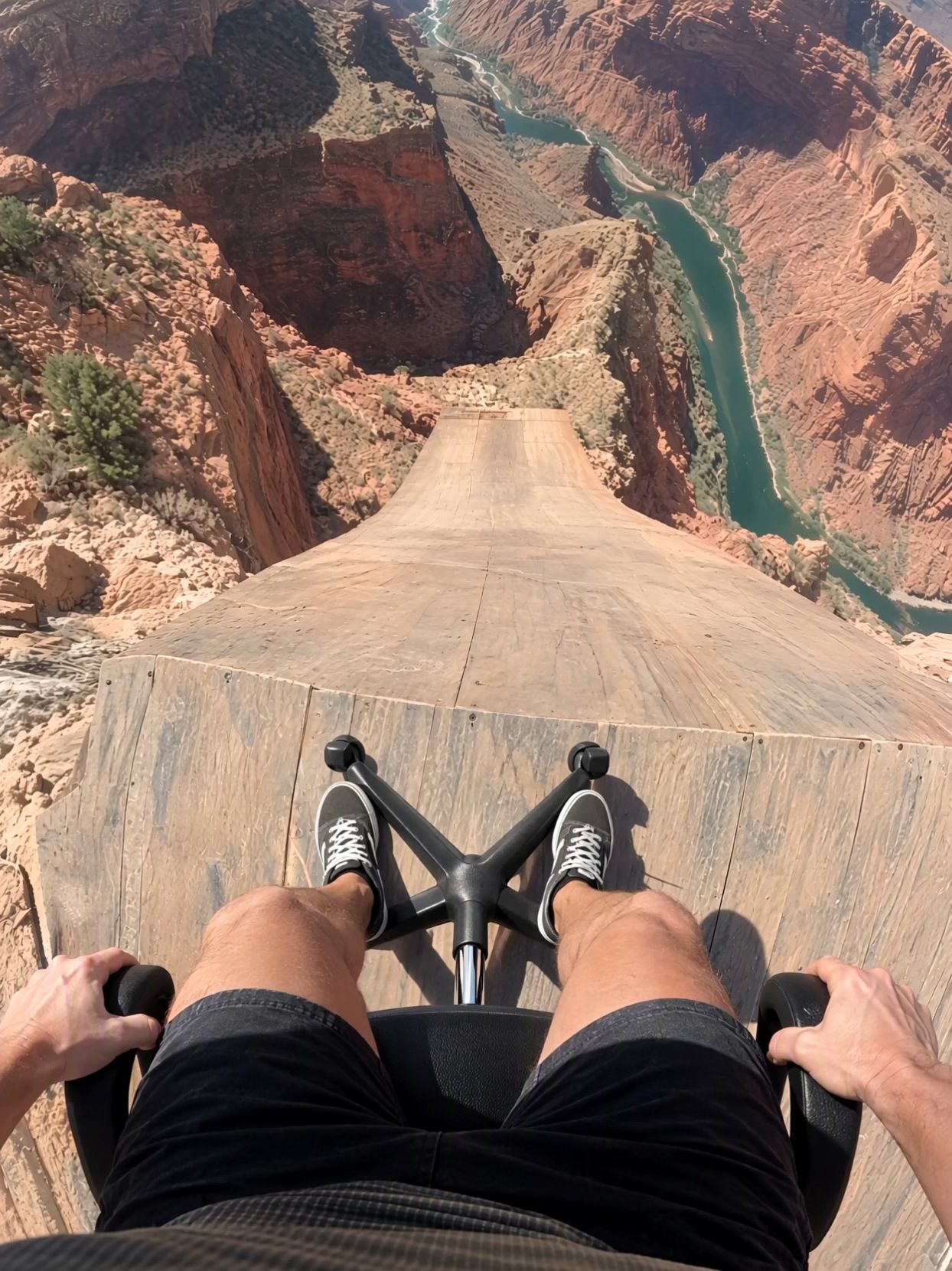 |
② 始終フレーム
書き方:@画像1を開始フレーム:、@画像2を終了フレームに設定し、その間の[過程]を生成する。
@画像1を開始フレーム:(鉄の素材)に設定する。
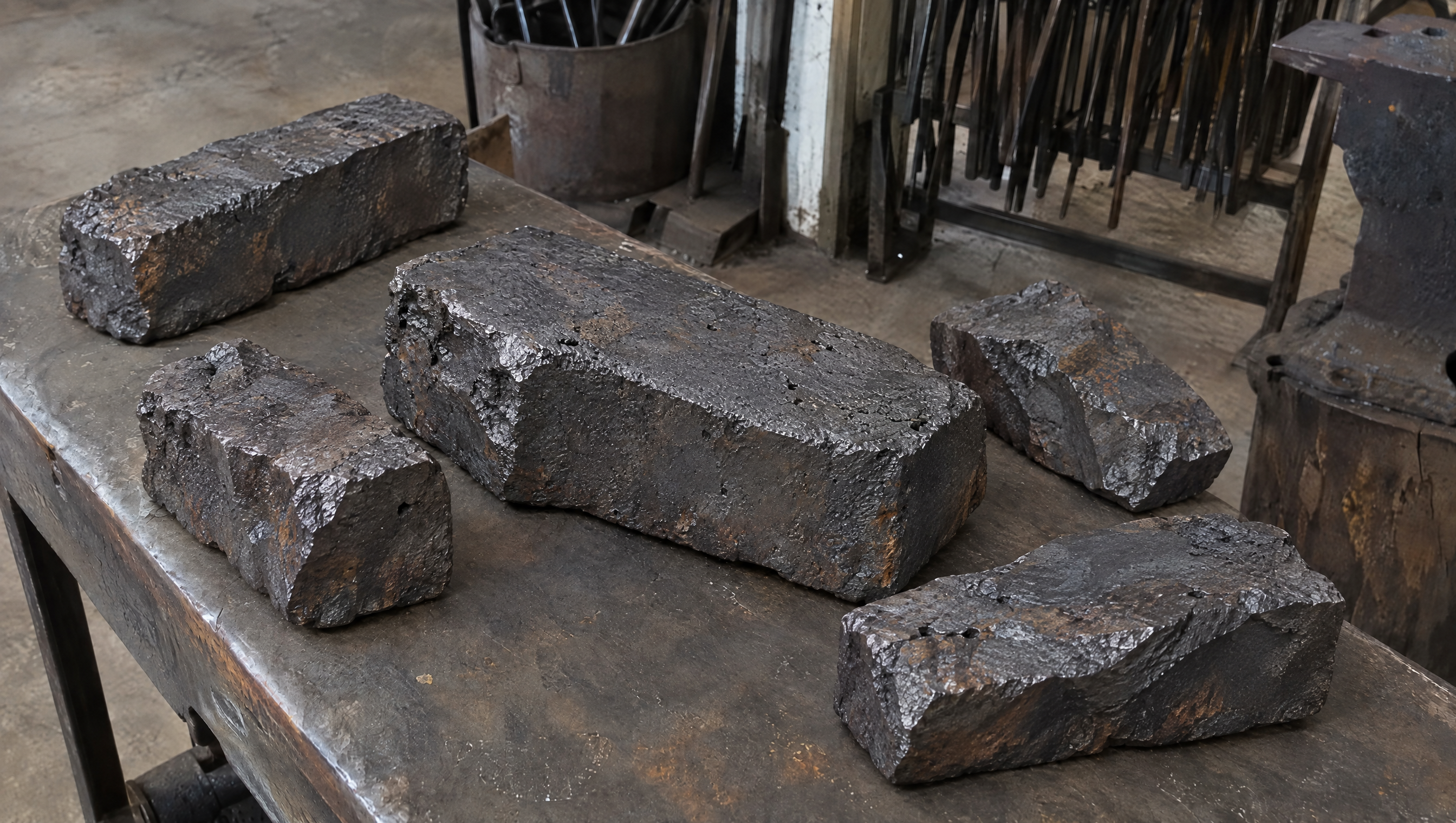
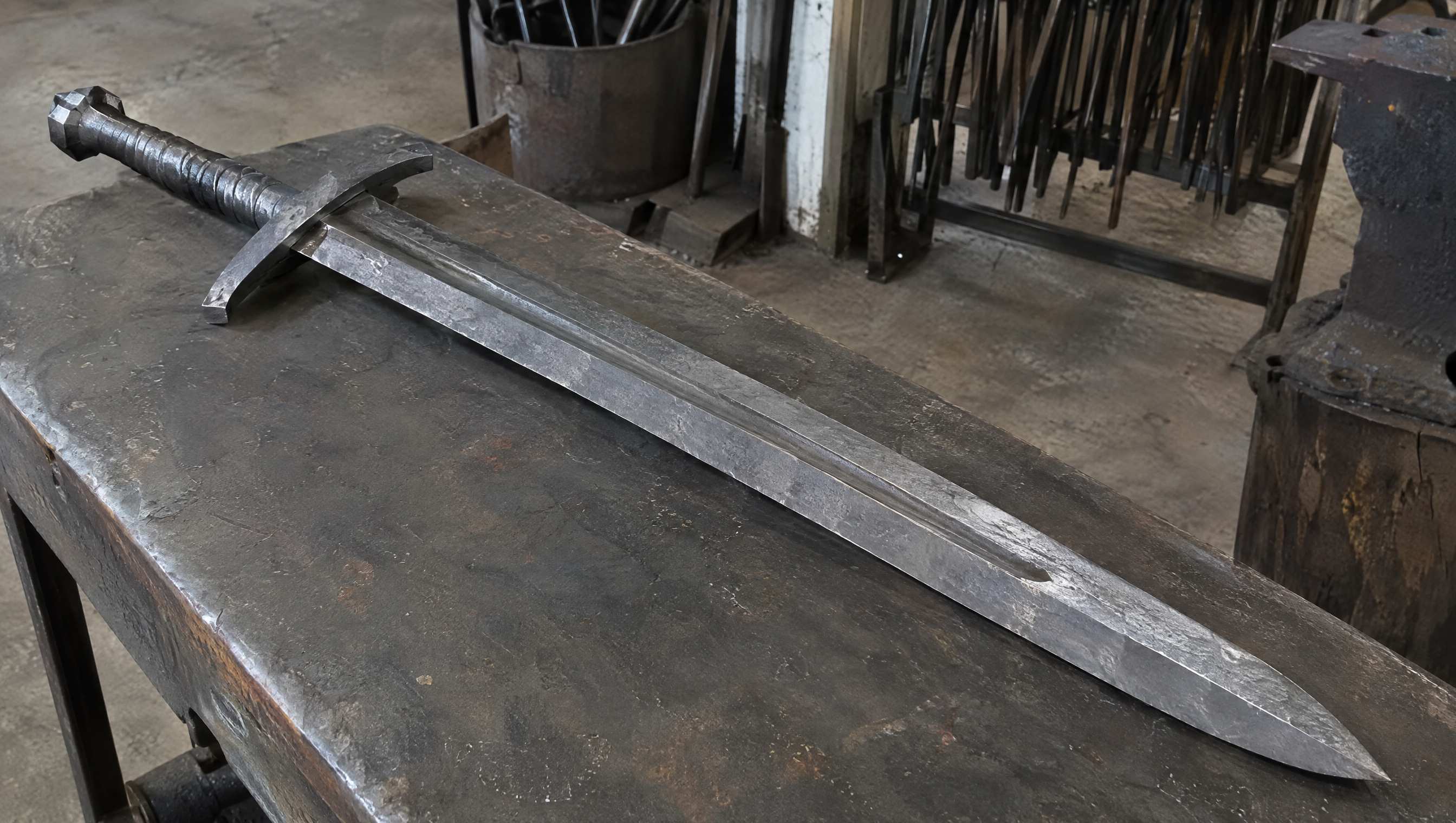
@画像2を開始フレーム:(完成した刀)に設定する。
大剣を鍛造する過程を描く15秒の動画を生成する。リアルなドキュメンタリー風。
活用シーン: 変化の過程、製造工程、ビフォーアフターの比較など。
開始フレーム:
SCENE CONTEXT EXACT 1 CHARACTER — NO DUPLICATES. Interior, a worn blacksmith workshop, daytime. The same blacksmith removes the raw material, works it into a greatsword, and returns the completed sword to the original table.15 seconds, six shots. Manufacturing time is compressed through editorial cuts; individual actions retain natural weight and speed. ACTIVE REFERENCES: @Image1: exact first-frame anchor. Preserve all five iron blocks, their arrangement, the tabletop, background tools, perspective, and lighting. This image is the starting state of an active pickup shot.@Image2: exact final-frame anchor and finished-sword design. Preserve the blade silhouette, central fuller, angular curved crossguard, spiral metal grip, faceted pommel, diagonal placement, perspective, and background. This composition is reached through a visible physical placement. LOCATION MAP: The worktable fills the foreground. The tool bucket stands behind its left-center edge, the rod rack occupies the rear right, and the anvil stands at the right. The blacksmith works from the left side of the table in both endpoint shots. The camera stays on the original viewer-facing side of the table. During blade-working inserts, the tang points screen-left and the tip points screen-right. The final sword position runs from the upper-left pommel to the lower-right tip. FIRST FRAME AND SPATIAL BLOCKING: At 0.0 seconds, the frame exactly matches the raw-material reference, with five iron blocks and no hands visible. The same blacksmith immediately reaches in from the left edge. Both gloved hands approach the largest central block from opposite ends, preparing a supported two-handed lift. The blacksmith wears soot-gray sleeves, brown leather gloves, and a narrow dark strap around the right cuff. These details remain identical throughout every shot. FORMAT MODE: 15 seconds total, six shots.Hard cuts at 3.0, 5.0, 8.0, 10.0, and 11.0 seconds. Cuts compress the omitted manufacturing work and bench clearing. The opening pickup and closing placement each play as continuous physical actions.No fades, dissolves, or object-morph transitions. OPTICS: Shots 1 and 6: reference-matched elevated three-quarter framing, approximately 63° diagonal field of view and approximately 1.8 meters from the tabletop center. Exact endpoint framing takes priority over estimated optical measurements. Shots 2–5: 40° diagonal field of view, approximately 0.8 meters from the working contact point. Focus follows the hands and metal contact; the workshop background remains softly readable. Each shot holds one fixed field of view. CAMERA: A real camera operator holds the camera from the viewer-facing side of the workspace. All shots use handheld SETTLE: visible breathing sway, slight roll, and small delayed corrections. The opening camera holds its position while the iron block leaves the frame. The closing camera holds the empty tabletop composition while the sword enters, then settles into the exact final reference. The blacksmith is the only visible worker; the camera operator remains outside the image. ACTION TIMING: 0.0–3.0s — TAKE THE IRON. Start on the exact first reference; during 0.0–0.6s, the blacksmith’s matching gloved hands enter from screen-left and grip opposite ends of the largest central block. During 0.6–1.5s, the wrists brace and both hands lift the block clear of the tabletop, exposing the patch of table beneath it. During 1.5–3.0s, the blacksmith carries the supported block out through screen-left; the other four blocks remain resting on the table through the cut.3.0–5.0s — HEAT THE STOCK. Hard cut forward in time to one thick billet already glowing orange among forge coals. The same gray sleeves, brown gloves, and right-cuff strap appear at screen-left as the blacksmith holds long tongs around the billet. A short controlled pull draws the billet toward the forge mouth, with heat shimmer rising above its scaled surface.5.0–8.0s — FORGE THE BLADE. Hard cut forward to an elongated orange-hot blade blank supported on the anvil, tang left and emerging tip right. The same blacksmith braces the tang with left-hand tongs and delivers three deliberate right-hand hammer strikes along the blade flat. Each strike produces local compression, wrist recoil, and a brief scatter of dark scale.8.0–10.0s — FINISH THE METAL. Hard cut forward to a cooled blade with its fuller already formed, held by the same gloved hands against an abrasive wheel. The blacksmith makes one controlled finishing pass along the bevel. A narrow stream of sparks falls from the actual contact point as a brighter strip of metal appears.10.0–11.0s — COMPLETE THE HILT. Hard cut forward to the nearly finished sword supported on a separate assembly bench, its crossguard and spiral metal grip already fitted. The same blacksmith’s left hand braces the grip while the right hand gives the faceted pommel its final tightening turn. The completed sword now has the exact construction and finish required for the final image.11.0–15.0s — PLACE THE FINISHED SWORD.Hard cut to the original worktable, now completely clear; show its empty surface for 0.4 seconds before the same gloved hands carry the completed sword in from screen-left, one hand around the grip and the other supporting the blade flat near its balance point. From 11.4–13.8s, the blacksmith lowers the entire rigid sword diagonally, hilt toward upper-left and tip toward lower-right, easing it onto the tabletop and sliding the supporting hand free as its weight transfers to the table. From 13.8–15.0s, both hands release and withdraw through screen-left; the sword remains motionless in the exact final-reference position as the camera settles onto the final frame. PHYSICS: The raw block retains its shape and mass throughout the pickup. Both hands support it continuously; the forearms tense and the lift accelerates slowly under its weight. The anvil supports the hot blade during forging. Large changes of shape occur across editorial time jumps. The completed sword remains rigid during carrying and placement. The blade-supporting hand has visible clearance to slide free as the sword settles; the hand never passes through the blade or tabletop. Metal contact produces a short scrape and a low, heavy clink, followed by stillness. The same blacksmith clears the remaining raw stock during omitted time before the final shot. LIGHTING: The original table shots use soft daylight from upper camera-left, matching both references. Retain dark detail in the iron and protect the silver blade highlights. The forge insert uses orange coal glow from below-left as its dominant source. Return to the original neutral daylight before the sword enters the final tabletop shot. AUDIO: Quiet workshop air and distant furnace draft form the ambient bed. Opening: leather creaks, a brief iron scrape, and a restrained exertion breath as the heavy block rises.Middle: forge crackle, tong contact, three synchronized hammer impacts, abrasive scraping, and a short fitting sound.Ending: sleeve movement, glove friction against metal, a weighted sword-to-table clink, then quiet workshop ambience. The blacksmith speaks no dialogue.SFX only, no music, no score, no song, no soundtrack. CHARACTER ACTING: One consistent blacksmith performs every visible action. Soot-gray sleeves, brown leather gloves, and the dark right-cuff strap remain unchanged. Hands work deliberately: brace before lifting, maintain firm tool contact, and reduce speed before lowering the finished sword. The physical rhythm shifts from effort during the raw-block pickup to careful control during the final placement. The face and torso remain outside the crop. STYLE: Grounded workshop documentary with tactile iron, worn tools, and convincing manual labor.Soft old-photograph texture, restrained grain, and natural motion blur; no digital sharpening. Charcoal metal and muted brown surfaces dominate, with silver highlights and localized forge orange. The first and last frames preserve the supplied images’ appearance. QUALITY: Maintain consistent hands, gloves, sleeve details, metal geometry, and contact shadows. The lifted block reveals the tabletop underneath it. The closing shot visibly establishes the empty tabletop before the sword enters. Keep the full final sword readable, including its tip, guard, grip, and pommel. Avoid duplicate limbs, flickering geometry, and intersecting solid surfaces. POSITIVE CONSTRAINTS: The first frame contains exactly five iron blocks. The largest central block physically leaves the table in the same blacksmith’s two hands. The final shot begins with an empty table. The completed sword enters while visibly supported by that same blacksmith, contacts the tabletop, and remains after both hands withdraw. The last frame matches the finished-sword reference exactly. The opening pickup and final placement each remain continuous, with visible hand-object contact. Exactly one finished sword is present.No text overlays, subtitles, or music. | 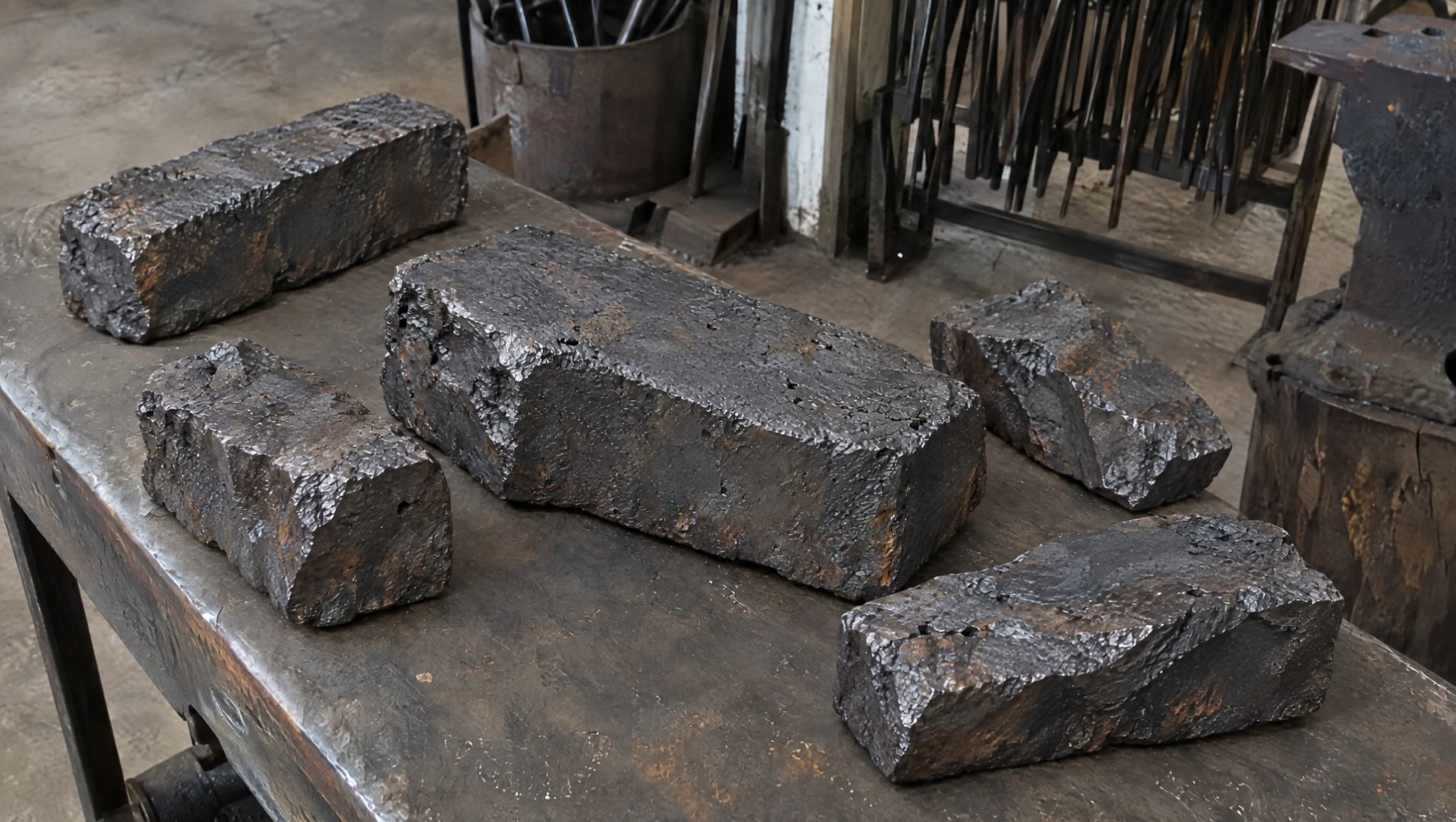 |
開始フレーム:
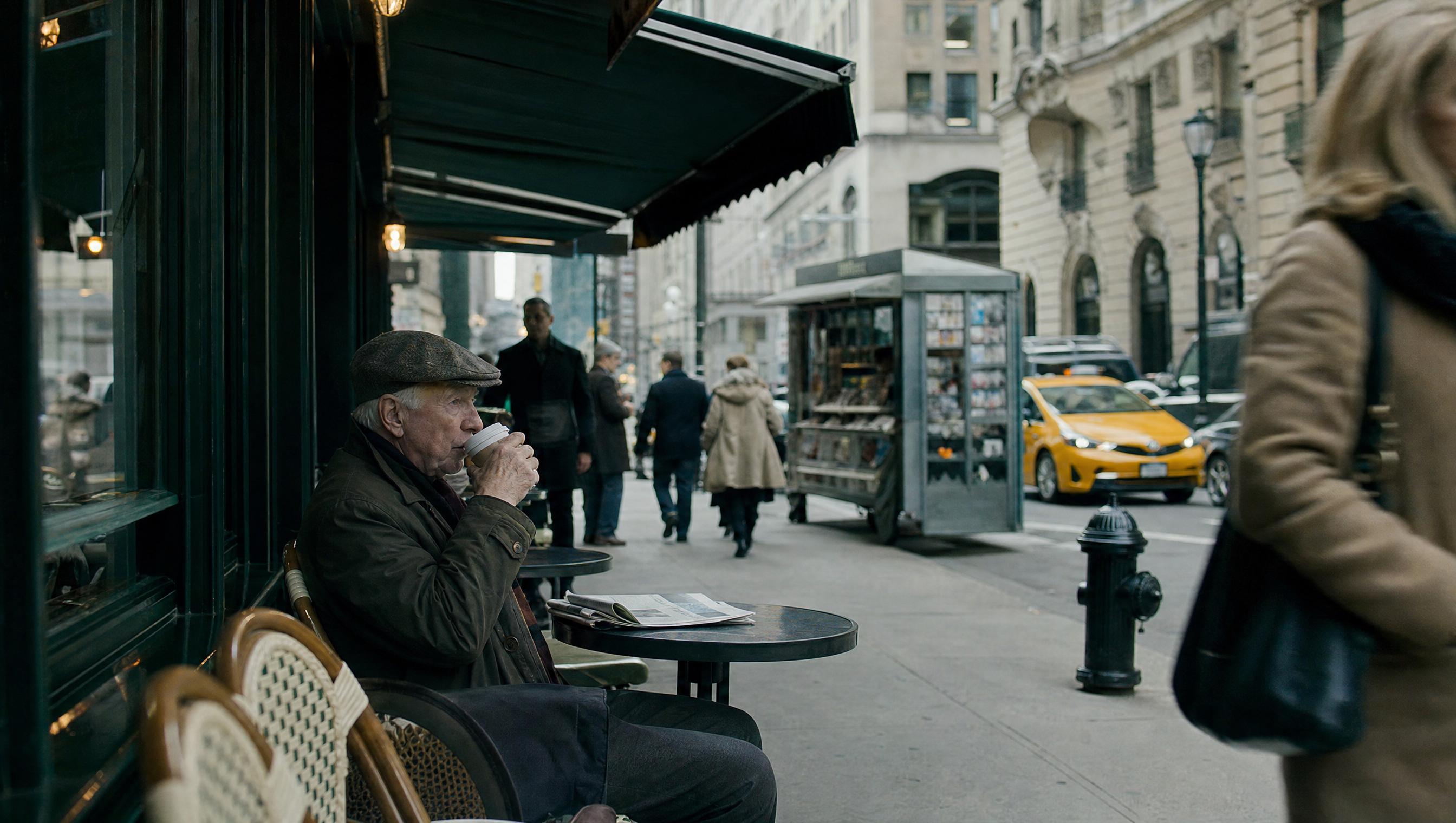
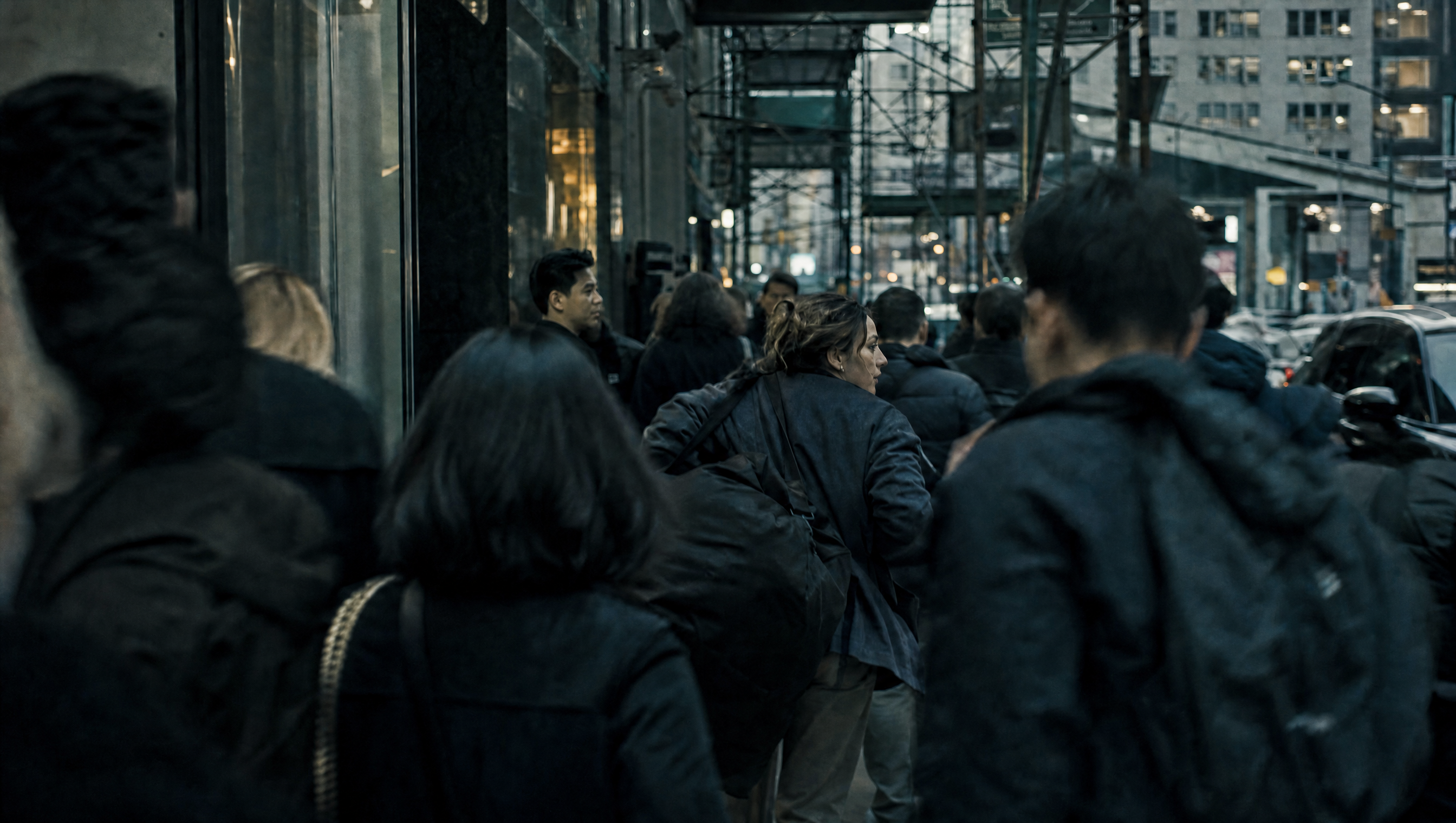
横長16:9、実写映画のような質感で、30秒の街中の逃走シーンを生成する。 | 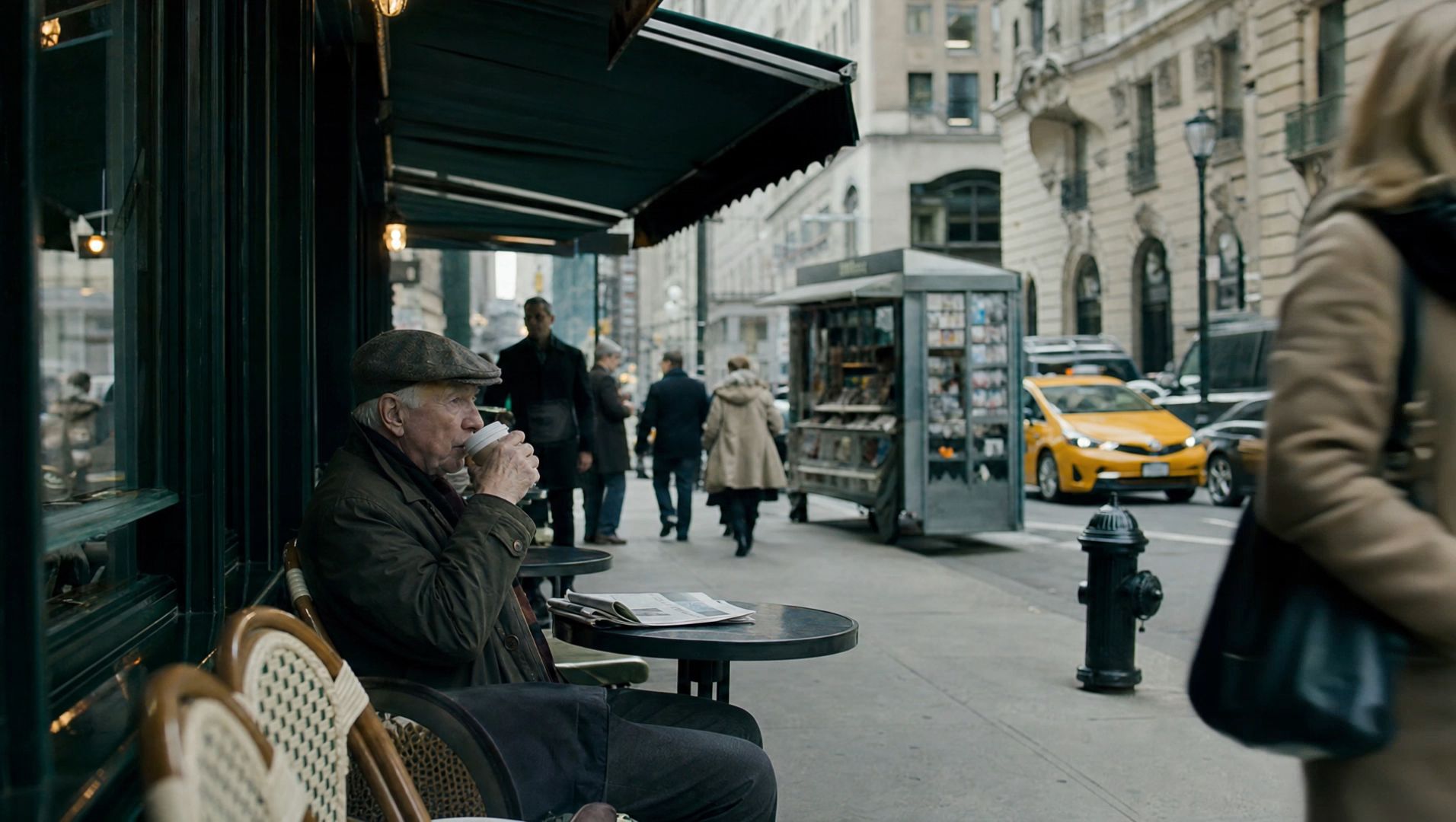 |
③ 終了フレーム
書き方:@画像1を終了フレームに設定し、[それ以前に起こること]を記述する。
@画像1を終了フレームに設定し、「それ以前に起こること」を記述する。
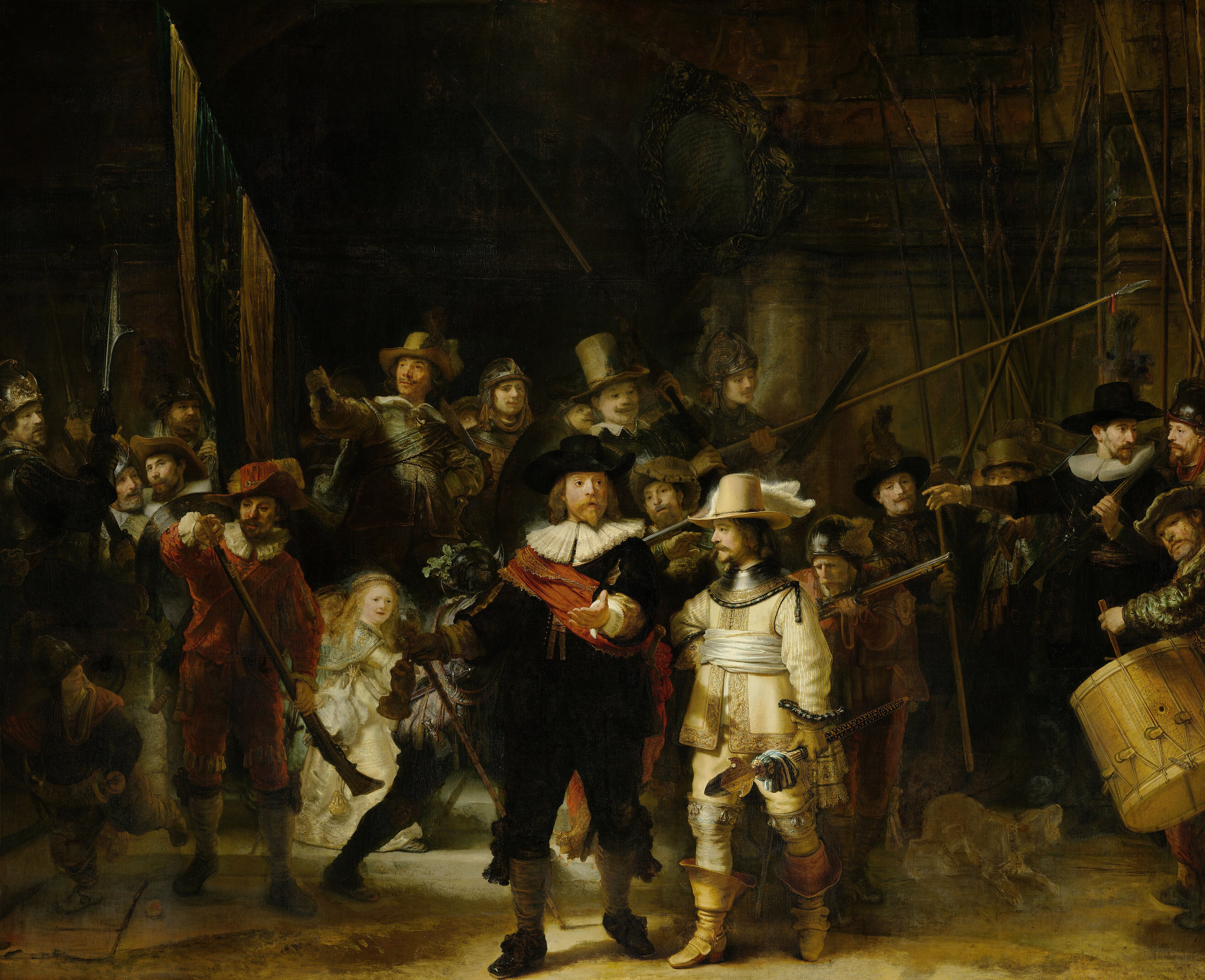
SCENE CONTEXT — 歴史的なシーンは1つのみ。追加の登場人物は禁止。@Image1を、キャラクターの衣装、配置、照明、構図、絵画調の色彩を再現するための正確な最終フレームの参照画像として使用してください。薄暗いアーチ状の門の下から、17世紀の市民民兵隊が行進に出発する様子を描いた、15秒のシネマティックな短編映像を制作してください。前半は完全に実写映像として表現し、極めて高いフォトリアリズムを実現してください。終盤に近づいてから初めて、同一の連続ショットの中でシーンが徐々に原画へと変化するようにしてください。人物が絵画から出現してはならず、冒頭から油絵の質感が現れることも禁止します。 LOCATION AND ATMOSPHERE — ロケーションと雰囲気:暗い都市のアーチ状の門が、石畳の広場へと開けており、市民民兵隊が行進のために集まっています。都市の埃が空気中に漂い、暖かな日差しが横から差し込んでいます。レンブラント風の劇的な明暗法を用いながら、空間全体は夜の暗闇に包まれた状態を保ってください。月明かりに照らされた夜のような描写は避けてください。 CAMERA AND OPTICS — カメラと光学表現:シネマティックなフォトリアリズムを採用し、精細な質感描写、リアルなレンズの被写界深度、わずかな手持ちカメラ特有の揺れ、滑らかなトラッキングと後退移動を実現してください。カメラは地面に近い低い位置から始まり、行進する群衆の間を自然に移動した後、徐々に後退しながら少しずつ上昇します。映像全体を1つの連続ショットとし、実写シーン、絵画へと変化するシーン、周囲の暗い空間の間で空間的な連続性を維持してください。 FORMAT MODE — フォーマット:全15秒、ワンカットの連続ショット。ハードカット、白いフラッシュ、ページをめくる演出、空間的な連続性を損なうトランジションは禁止します。実写から絵画への変化は同一ショット内で徐々に進行させ、画面の端から中央へと広がるようにしてください。 ACTION TIMING — アクションのタイミング: 0.0–3.0s — THE MILITIA MARCHES:民兵隊が行進する。地面に近い低いアングルでトラッキングし、石畳を踏みしめるブーツを捉えてください。太鼓のバチが打ち鳴らされ、赤い袖がカメラの前を横切ります。カメラは自然に上向きへと角度を変え、旗の下を通過するマスケット銃を追います。すべての動きにリアルな重量感を持たせ、自然な歩行速度を維持してください。スローモーションは禁止します。この段階では完全なフォトリアリズムを維持し、油絵の質感を一切見せないでください。 3.0–8.0s — MOVE THROUGH THE CROWD:群衆の間を進む。カメラは群衆の中を安定して進み、黒い衣装に赤い飾り帯を身に着けた隊長を捉えます。隊長は隊列を確認するために振り返り、前方へ手を伸ばして指示を出します。その隣では、淡い金色の衣装を着た副官が前へ進みます。背景では衛兵たちがパイクを掲げ、隊列を整えます。金髪の幼い少女が一瞬、後ろを振り返ります。表情や動きは自然で控えめに保ち、歴史映画のワンシーンをカメラで偶然捉えたかのように表現してください。肌、布地、金属、建築物のディテールは、すべて完全にリアルな状態を維持してください。 8.0–12.0s — REVEAL THE COMPOSITION:構図を明らかにする。カメラは連続的に後退しながら、わずかに上昇します。集団が動き続ける中、各人物は徐々に原画における正確な位置へと収まっていきます。隊長の伸ばした手、 副官のポーズ、戸口にいる赤い衣装の衛兵、アフガン風の少女、武器類、右側の太鼓奏者が、すべて同時に画面内に現れます。この瞬間、太鼓の音が突然止まり、全員が0.5秒間静止します。構図全体がはっきりと見渡せるようになっても、実写としてのリアルな外観を維持してください。 12.0–15.0s — TRANSFORM INTO THE PAINTING:絵画へと変化する。カットを入れず、同じゆっくりとした後退移動を続けてください。リアルな肌、布地、金属、建築物の質感が、画面の端から中央に向かって徐々に豊かな油絵の質感と目に見える筆致へと変化します。周囲のシーンも段階的に原画へと収束し、@Image1の『夜警(The Night Watch)』が完全に再現されます。原画の人物の位置、衣装、プロポーション、照明、色彩、構図を正確に維持してください。終了時までに変化を完全に完了させ、映像を静止状態にしてください。 FINAL FRAME AND COMPOSITION — 最終フレームと構図:最終的な絵画は、原画の縦横比を一切変更せず、フレーム中央に配置してください。絵画と周囲の暗い空間との間に、途切れのない空間的な連続性を持たせてください。原画をトリミングしたり、構図を変更したり、追加の人物を登場させたりしないでください。完成した絵画を、映像の終了まで完全に静止した状態で保持してください。 LIGHTING AND COLOR — 照明と色彩:冒頭は夜の暗闇、レンブラント風の劇的な明暗法、暖かなサイドライト、空気中に漂う埃で表現してください。月明かりは導入しないでください。実写パートでは、映画的でリアルな照明と自然な素材の質感を維持してください。絵画への変化が進むにつれて、原画特有の照明、豊かな油絵の色彩、目に見える筆致を忠実に再現してください。 PHYSICS AND MOTION — 物理表現と動き:ブーツが石畳にしっかりと接地している様子をリアルに表現してください。武器、衣服、装備品には、現実的な重量感と慣性を持たせてください。隊長の身振り、副官の前進、衛兵たちの隊列調整、少女が一瞬後ろを振り返る動きは、すべて物理的に自然なものにしてください。絵画への変化は、既存のシーンの視覚表現が変わることで実現し、人物が絵画から出現したり、絵画の外へ移動したりする演出は禁止します。 AUDIO — 音響:環境音として、石畳を踏むブーツの音、衣擦れの音、かすかな金属音、生演奏の太鼓の音を使用してください。低音の弦楽器と、徐々に高まるオーケストラ音楽を加え、カメラが後退するにつれてクライマックスへと盛り上げてください。シーンが静止する瞬間に太鼓の音を止め、短い音楽の余韻だけを残してください。音響設計は、生き生きとした歴史的シーンから動きのない絵画の構図へと移行する映画的な展開を支えるものにしてください。 STYLE — スタイル:シネマティックな歴史的リアリズムから、原画の油絵へと移行するスタイル。冒頭から中盤までは完全な実写映像として表現し、リアルな肌、布地、金属、建築物の表面、レンズの被写界深度、自然な動きを再現してください。豊かな油絵の質感と目に見える筆致は終盤になって初めて現れ、フォトリアリスティックな描写を徐々に置き換えていきます。 POSITIVE CONSTRAINTS — 必須条件:連続ショット全体を通して、人物の同一性、衣装、位置、武器、空間的な位置関係を一貫して維持してください。@Image1の最終構図を正確に再現してください。前半は完全なフォトリアリズムを維持してください。変化は画面の端から中央へと進行し、15.0秒までに完了させてください。人物が絵画から出現する演出は禁止します。追加の人物、絵画のトリミング、ハードカット、白いフラッシュ、ページをめくる演出、早い段階での油絵の質感の出現は禁止します。最終フレームは原画の縦横比と構図を完全に維持し、周囲の暗い空間の中央に配置してください。 | 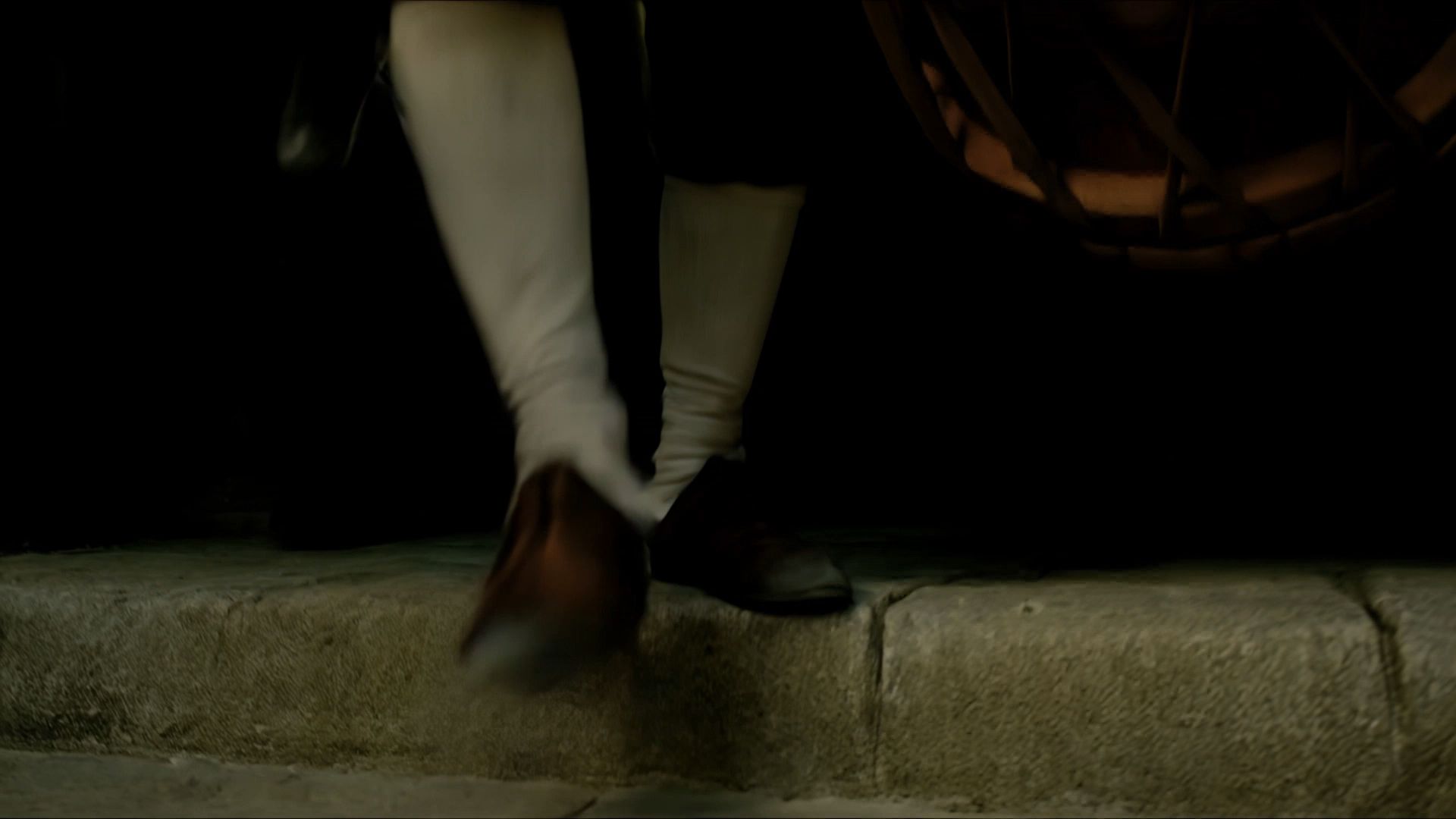 |
④ 中間フレーム
各キーフレームに、その時点の画面内容と、カメラがどのようにその位置へ到達するかを説明する文章を追加します。
X~Y秒|キーフレーム1:「何が起こるか」 Y~Z秒|キーフレーム2:「何が起こるか」 A~B秒|キーフレーム3:「何が起こるか」
以下同様
絵コンテがすでにあり、各重要画面をタイムライン上に正確に反映したいプロジェクトに適しています。
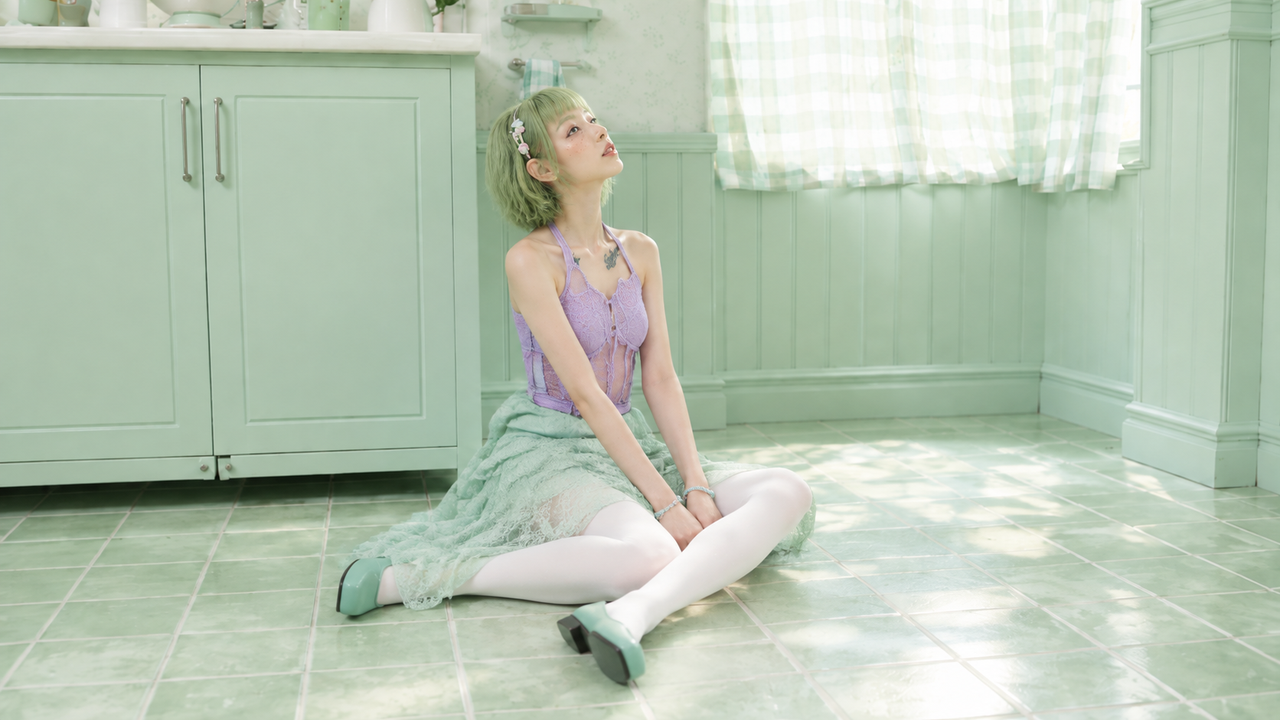
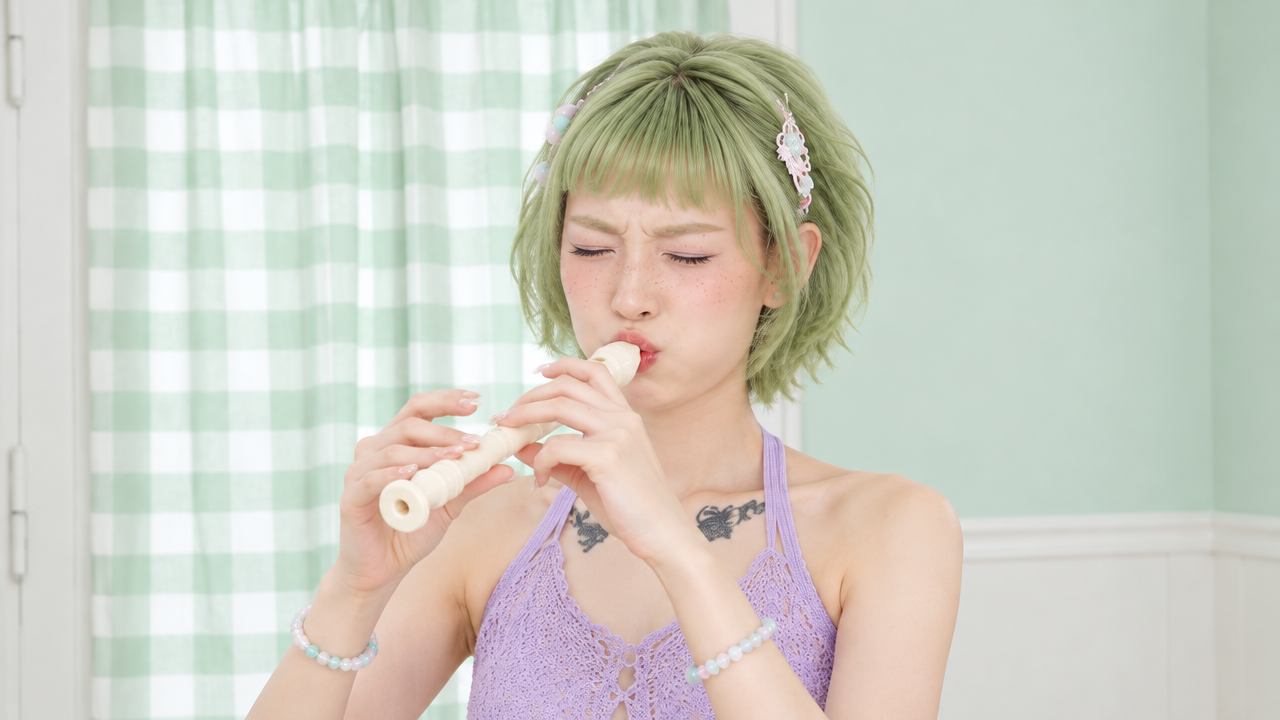
0.0~2.1秒|キーフレーム1:タイルの上から見上げる | 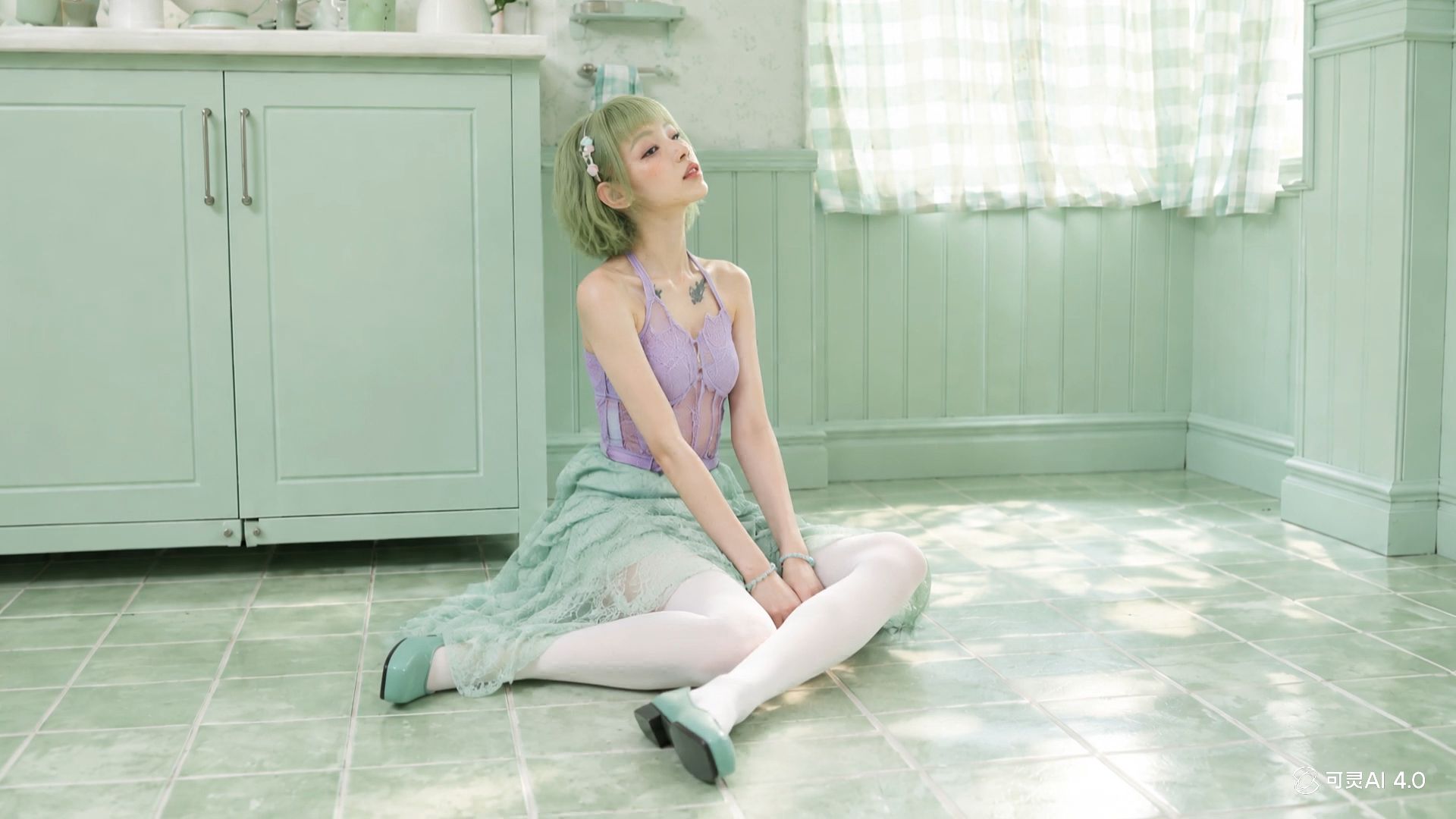 |
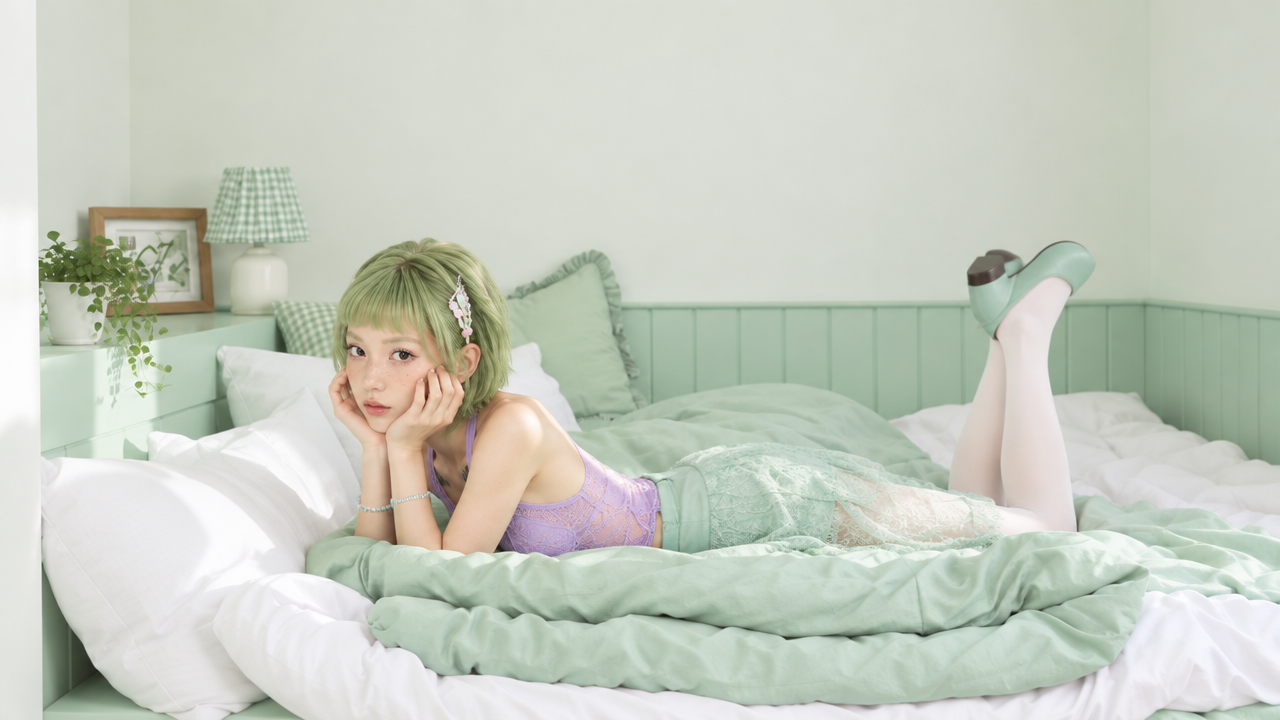
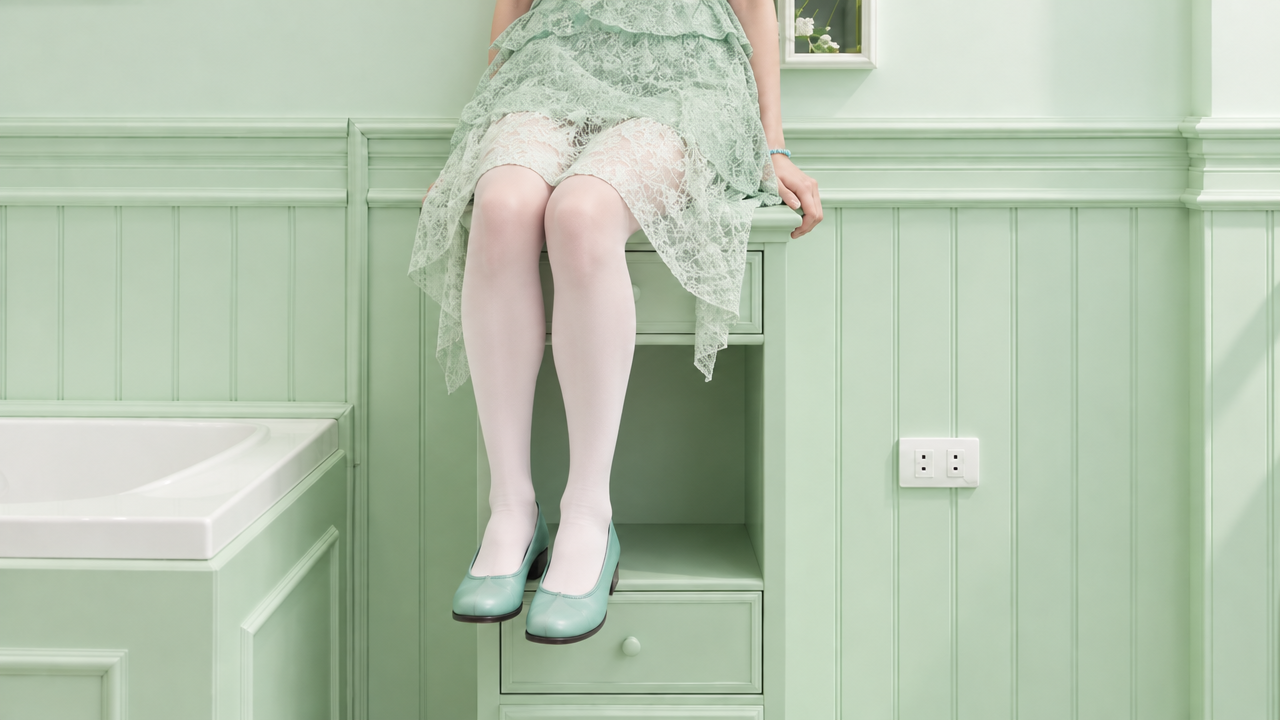
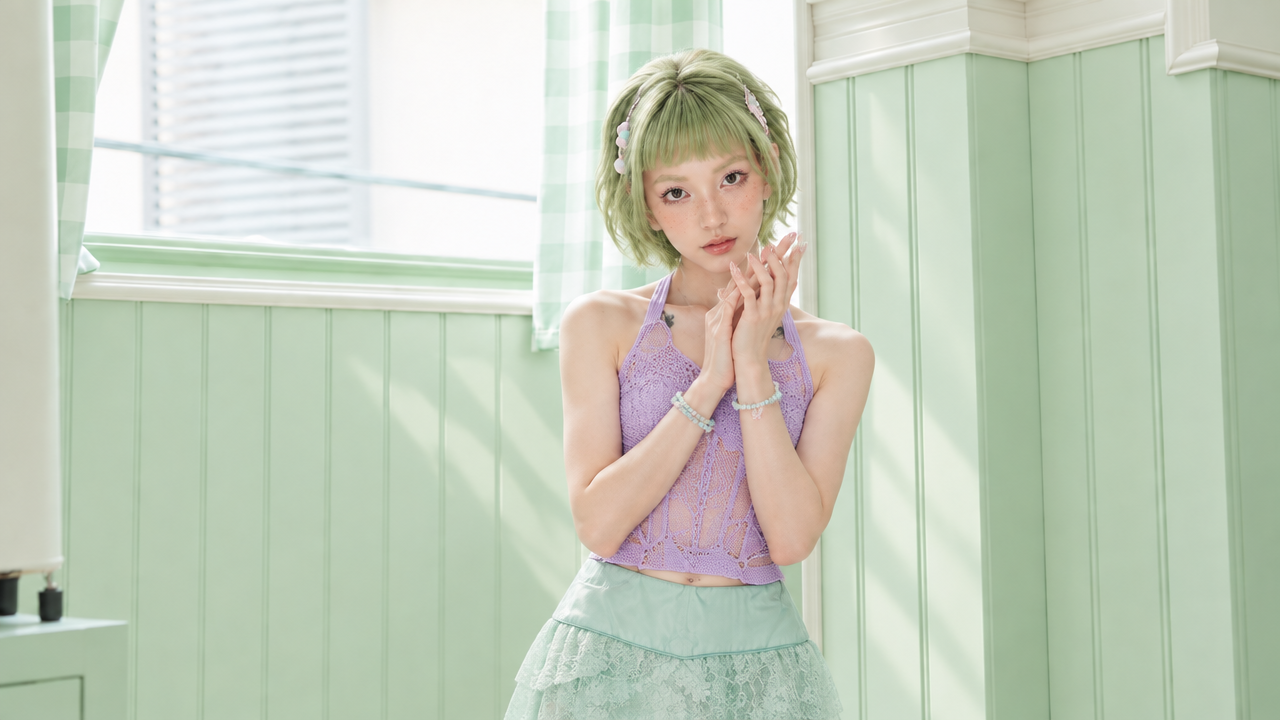
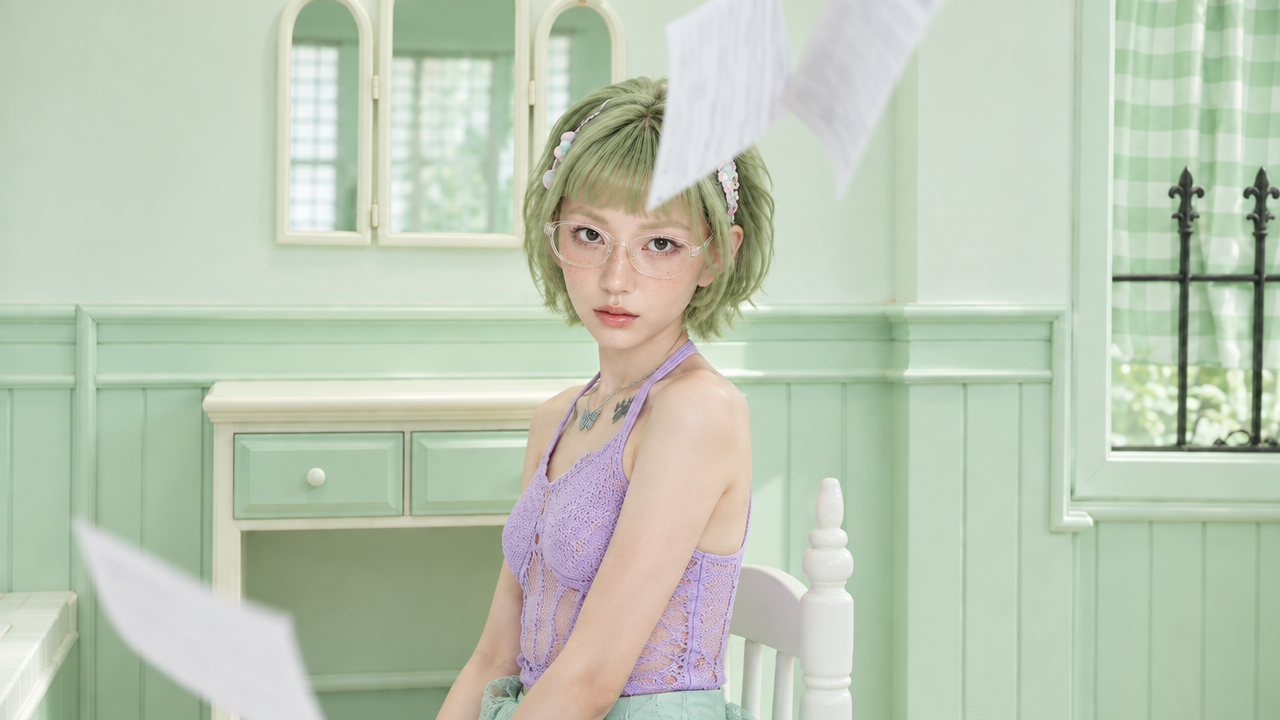
よくある質問
制作モードとバージョン
Q:2つの制作モードはどのように使い分ければよいですか?
具体的な参照素材がある場合や、映像のイメージがまだ固まっておらず、アイデアから制作を始めたい場合は「全能リファレンス」を選択してください。特定の時点の画面を固定したい場合は「キーフレーム」を選択します。現時点では、2つのモードを1回の生成タスクで併用することはできません。
Q:Kling 4.0と4.0 Flashはどのように使い分ければよいですか?
Kling 4.0 Flashは、アイデアを頻繁に試したい場合や短い動画を制作したい場合に適しています。1回の生成で最長20秒、解像度は最大720pで、始終フレームや複数のキーフレームには対応していません。より長い動画や高解像度の動画を生成したい場合、または始点・終点フレームや複数のキーフレームで画面を制御したい場合は、Kling 4.0を選択してください。利用可能な機能の詳細は、製品ページをご確認ください。
機能について
Q:素材のアップロード数には、どのような上限がありますか?
全能リファレンスでは、画像・動画・音色・被写体を合わせて最大15点まで入力できます。内訳は、画像10枚以下、動画5本以下、被写体7体以下、音色3種類以下です。素材が多い場合は、映像やテンポに最も大きく影響する素材を優先してください。
Q:参照動画を5本アップロードした後に、動画の被写体を追加できますか?
できません。参照動画、編集用動画、動画の被写体は動画の入力上限を共有しており、合計5本まで、総時間は30秒以内です。
Q:プロンプトの長さの上限はどのくらいですか?
最大8,000トークンです。
Q:BGMや効果音をアップロードできますか?
できません。今回の音声入力は、話者の音色を指定するための音色リファレンスのみ対応しています。BGMや効果音はモデルが映像に合わせて生成するため、プロンプトの音声に関する項目に記述してください。
Q:効果音や絵コンテ機能を手動で有効にする必要はありますか?
必要ありません。音声と映像の同期、スマート絵コンテ機能にはオン・オフの切り替えがなく、デフォルトで有効になっています。
Q:生成結果が期待と異なる場合、どのように調整すればよいですか?
まず、次の2点を確認してください。1つ目は、それぞれの参照素材に役割が明記されているかどうか。2つ目は、「高級感」「映画のような雰囲気」といった抽象的な表現が含まれていないかどうかです。抽象的な言葉を、光の当たり方、素材の質感、構図などの具体的な描写に置き換えると、結果が改善することがあります。
Q:プロンプトは長ければ長いほどよいですか?
必ずしもそうではありません。まず、被写体、シーン、動作、感情を一文で明確にします。そのうえで、結果に本当に影響するカメラワーク、時間の流れ、音声、維持したい条件を補足してください。形容詞を並べるよりも効果的です。
その他のヒント:
- 素材が多い場合は、各@番号が正しい素材を参照しているか、人物・動作・カメラワーク・音声などの役割が明確に記述されているかを確認してください。
- 参考動画を再現する場合は、制作したい内容とテンポ、構図、カメラワークが近い動画を選んでください。
- 特定の画面を固定したい場合は「キーフレーム」を、複数の参照素材を組み合わせたい場合や、アイデアを自由に試したい場合は「全能リファレンス」を選択してください。