I. Overview of Virtual Try-On
What is Virtual Try-On?
Virtual Try-On (Virtual Try-On) is an image generation technology that allows users to "try on" specific clothing items virtually. Imagine shopping online from your home and coming across a stylish outfit—you don’t even need to get up from your sofa! By simply uploading a photo, Virtual Try-on enables you to see how the clothes would look on you, making online shopping enjoyable and convenient.
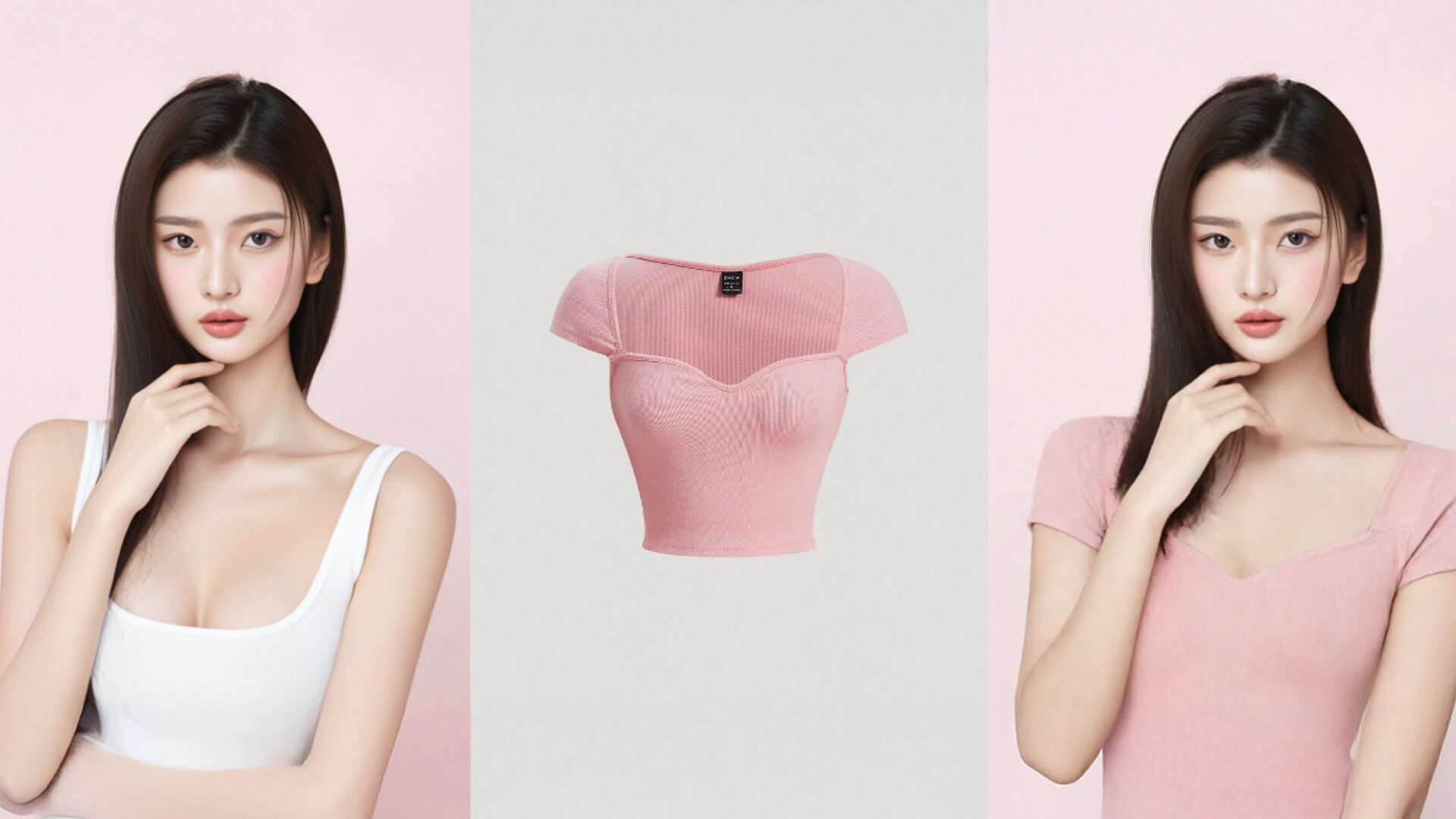
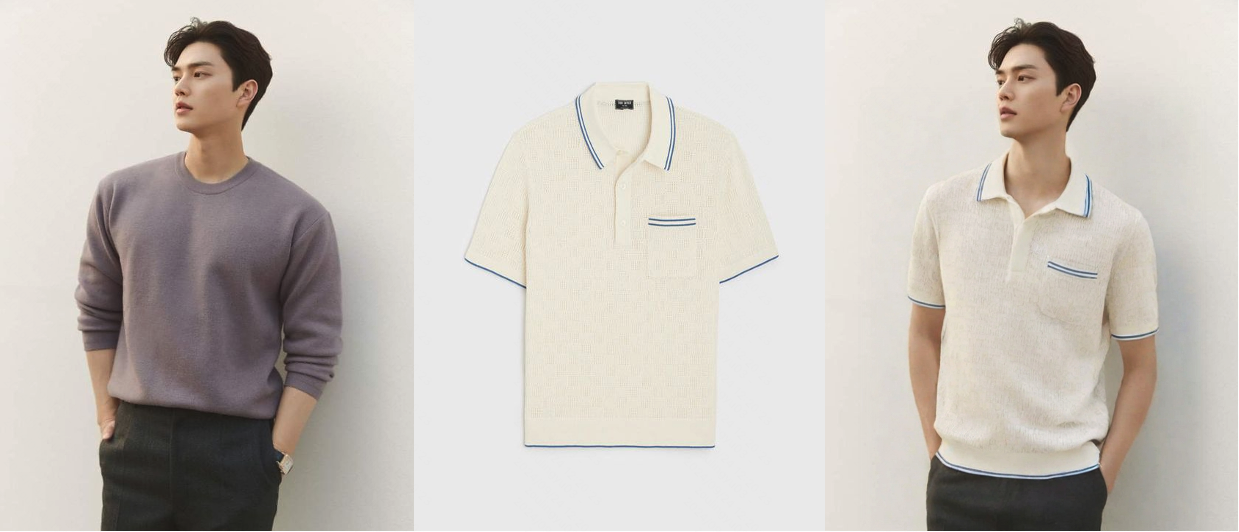
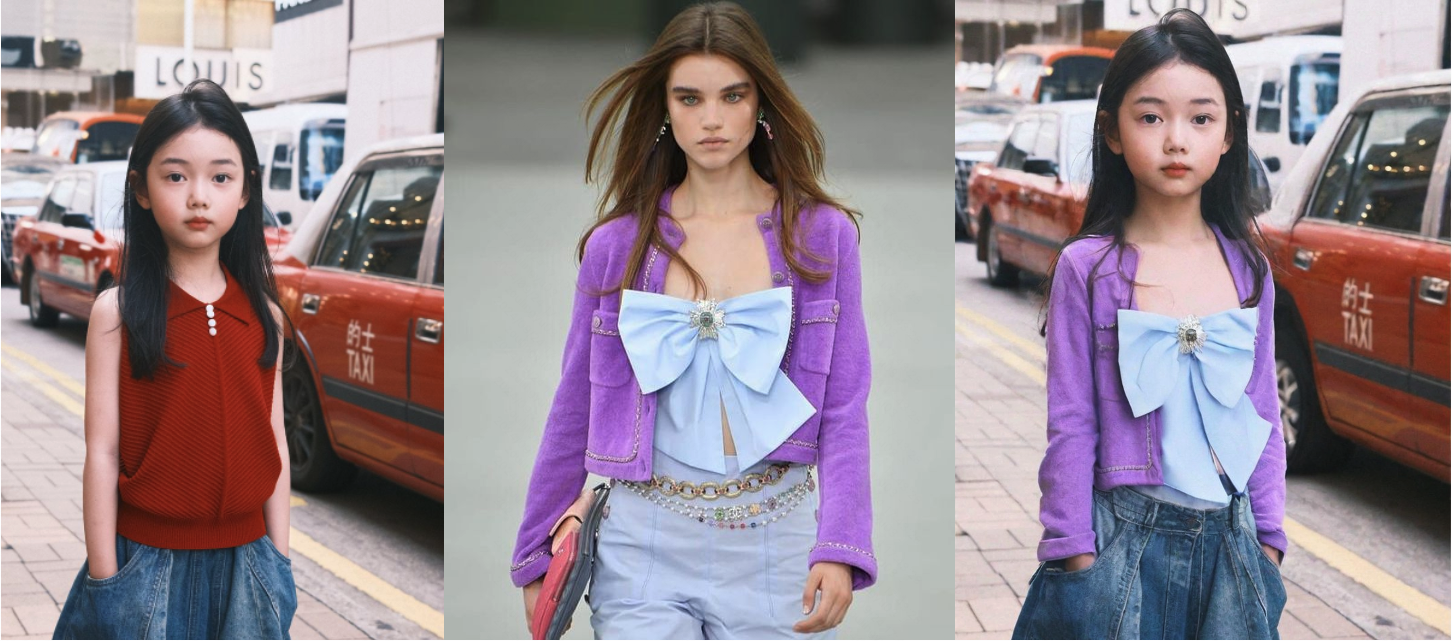
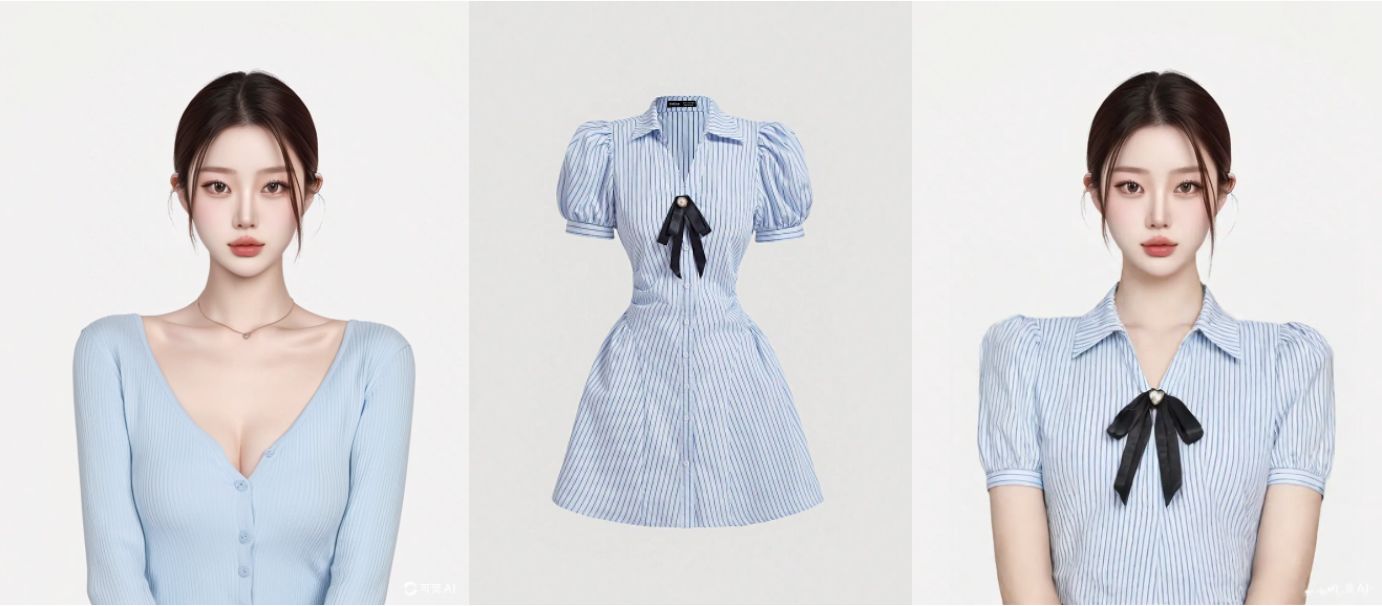
Kolors Virtual Try-on is powered by Kolors image generation model, integrating technologies that preserve clothing SKUs, adjust human poses, and restore backgrounds. It enables users to generate try-on effects for any clothing, body shape, and pose. Even with complex backgrounds, high-quality try-on results can be achieved.
Kolors AI Try-on:Model Image + Product Image = Try-on Effect | |
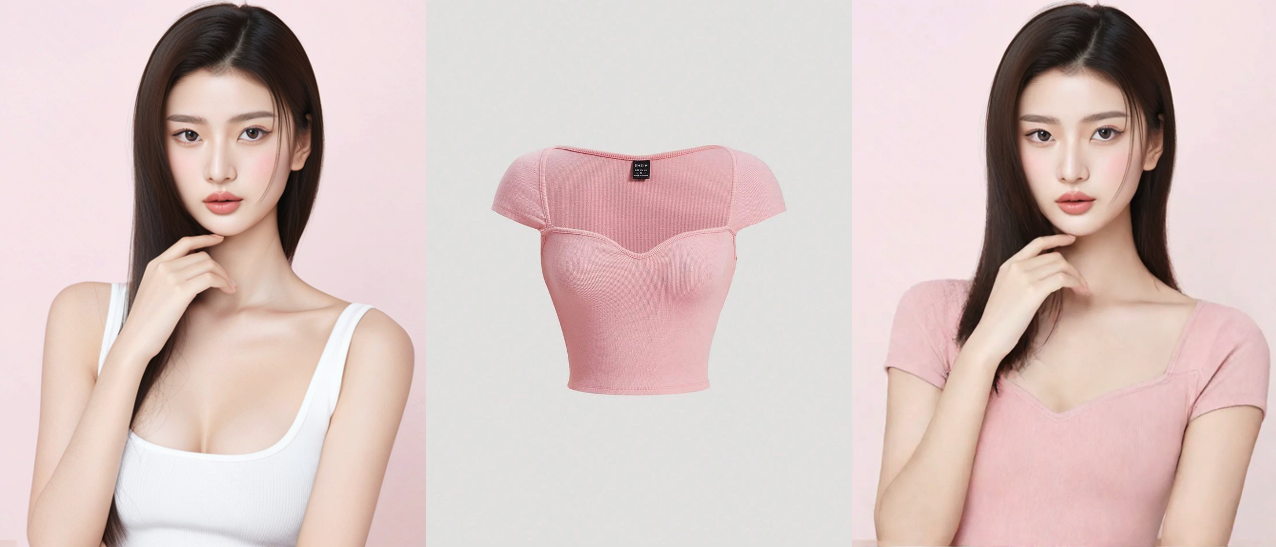 | 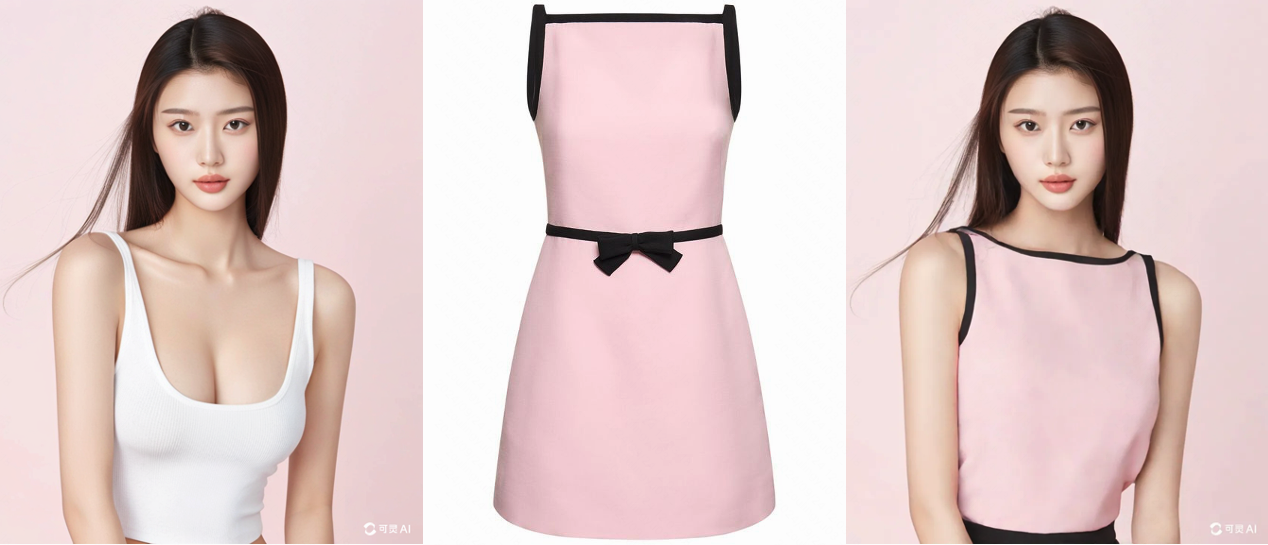 |
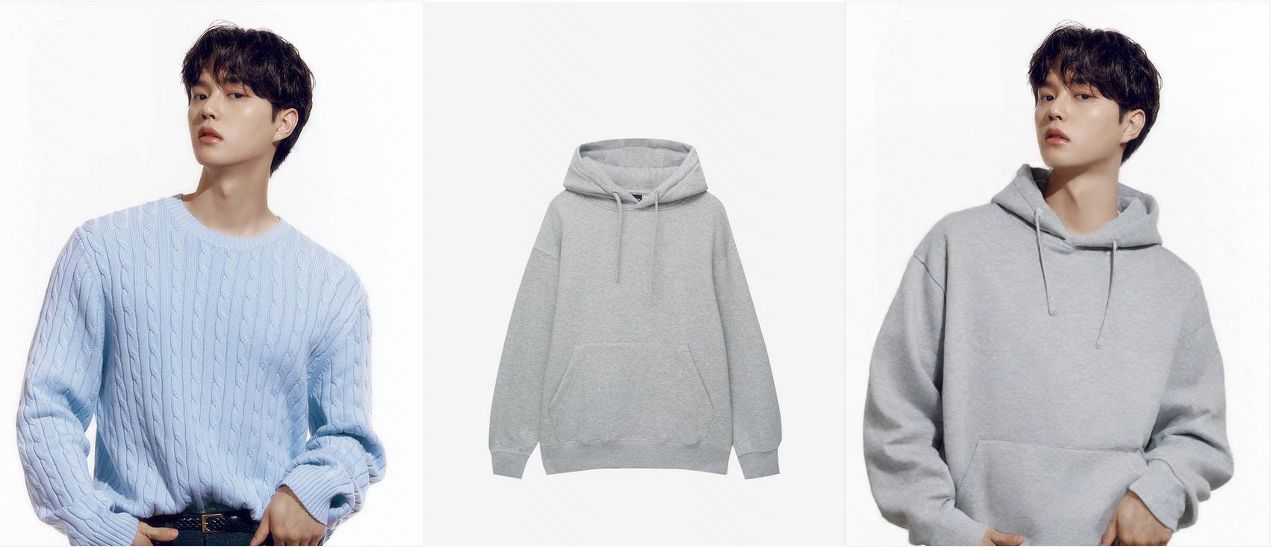 |  |
Advanced Virtual Try-On Capability
Preserving Clothing Details | Natural Try-on Effects | Full Process Generation Capability |
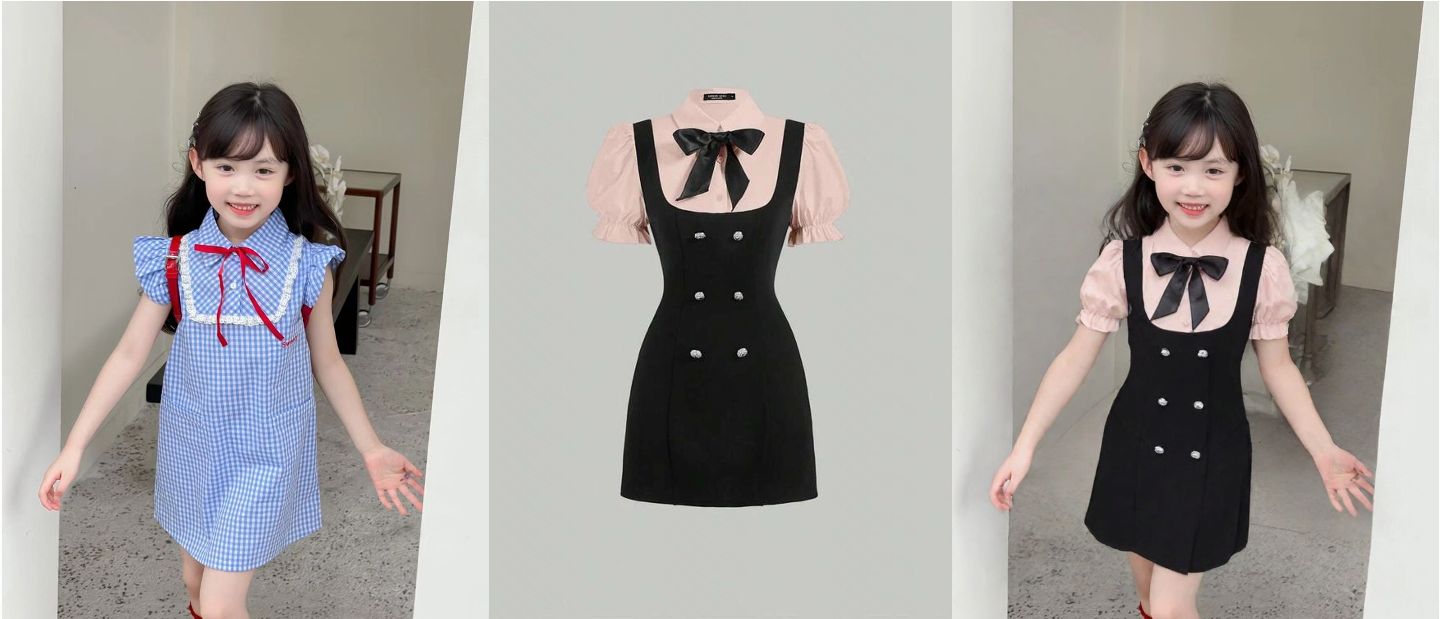 |   |  |
| With Kolors Virtual Try-on, users can "try on" a wide range of clothing, from tops to dresses. The model can retain details like patterns, texts, and designs, ensuring the virtual try-on experience matches the real one. | Kolors Virtual Try-on can create realistic and natural fitting effects. Users can "dress" 2D clothing in any setting, whether indoors or outdoors, with results that adhere to the laws of physics, making it look seamless and lifelike. | Powered by Kolors' image-generation large model, the system can generate models of different ages, genders, and ethnicities, while adapting to various backgrounds, catering to global e-commerce needs. Additionally, leveraging Kling's powerful image-to-video model, it can transform model photos into short videos, enabling full-process generation from image to video. |
How to Use Virtual Try-On?
Personal Try-on For Customers | AI Model Try-on For E-commerce | Dress-up Effects |
|
| 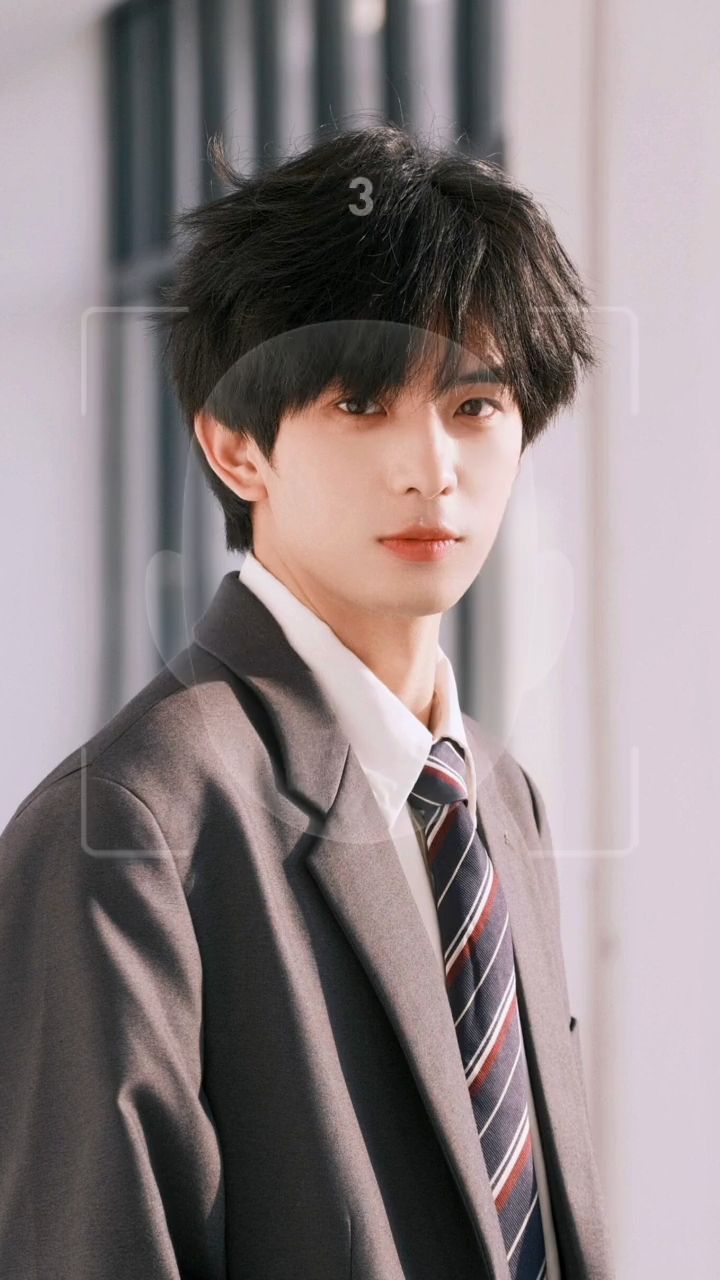 |
| For shoppers, virtual try-on has immense potential and practical value in the e-commerce sector. They can simply upload a photo and see themselves "wearing" new clothes in just a few seconds, significantly enhancing shopping efficiency and reducing return costs. | For businesses, particularly small and medium enterprises, updating product images and short videos is essential for operating online stores. The traditional process—finding models, renting locations, shooting, and post-production—can be both costly and time-consuming, often delaying new product launches. However, with Kolor's controllable image generation and video capabilities, Virtual Try-On allows for quick "dressing" in new outfits, enabling the rapid production of realistic, high-quality AI models and dynamic model videos. | Beyond the e-commerce industry, virtual try-on also holds great promise in short video content creation. The "dress-up" effect allows users to innovate their short video content, such as styling outfits inspired by celebrities or creating fun and practical outfit pairing videos. |
II. User Guide for Virtual Try-on
Step1:Upload Product Image
Recommended | Not Recommended | ||||
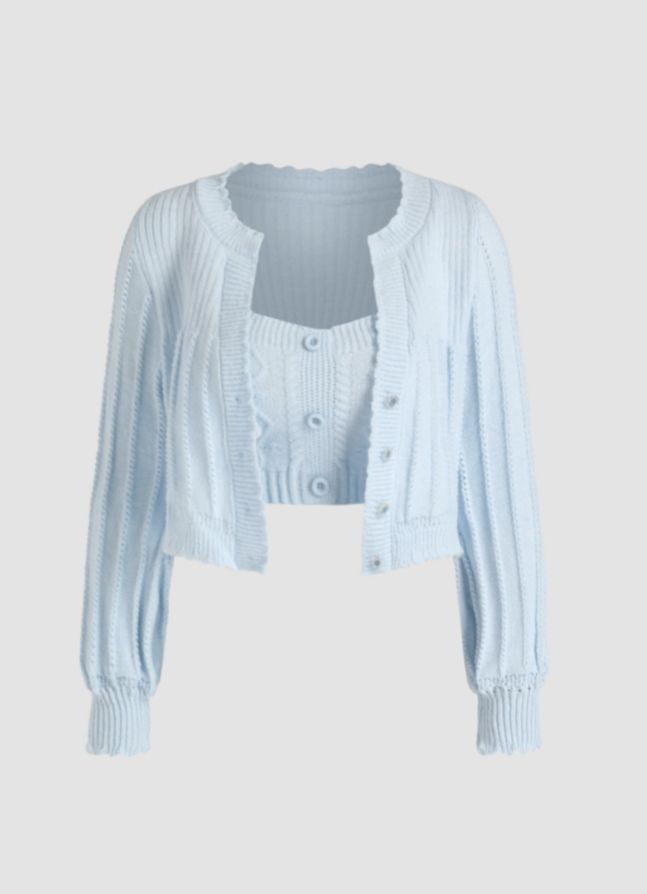 Single clothing item | 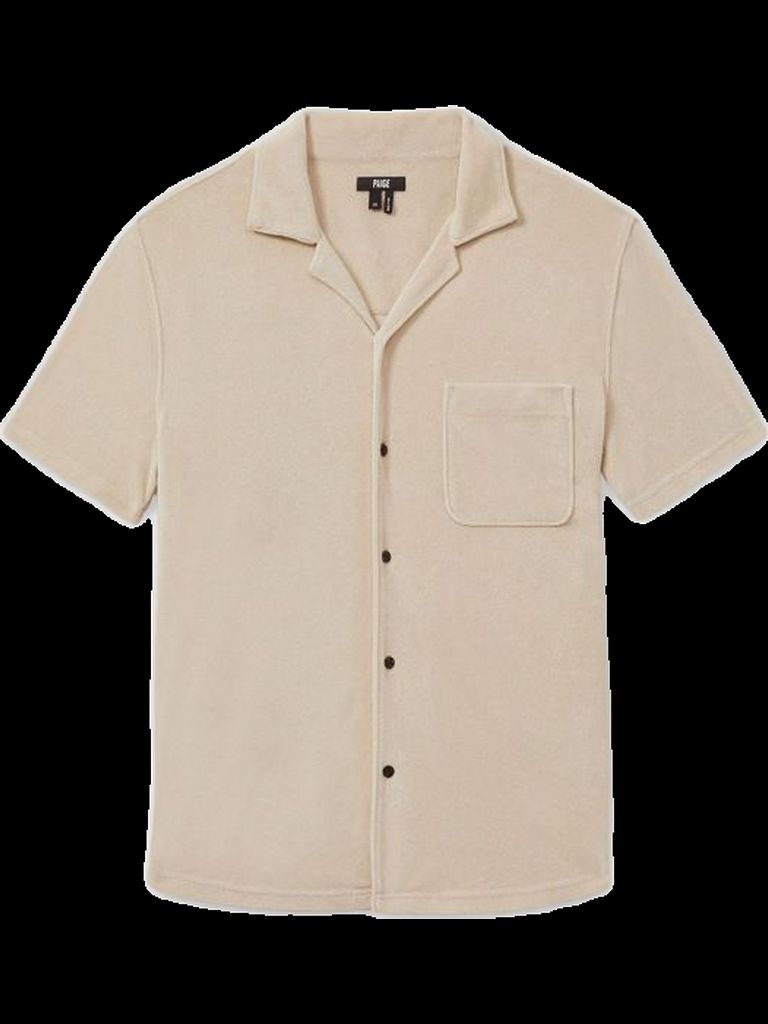 White background flat lay | 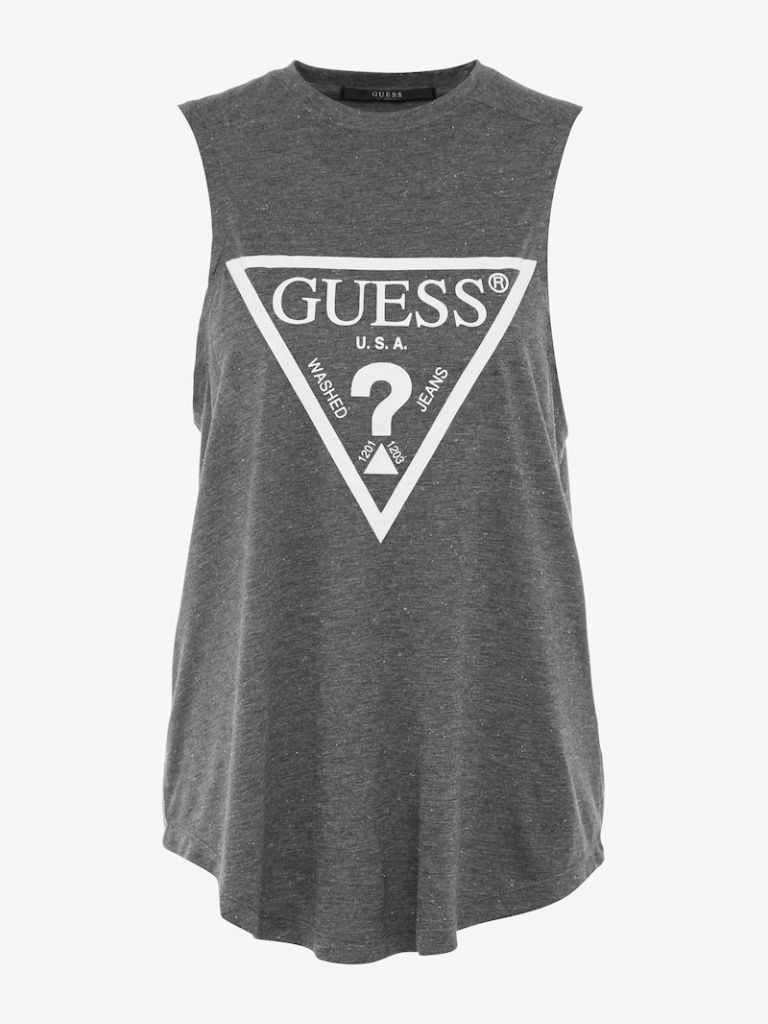 Simple and clear details | 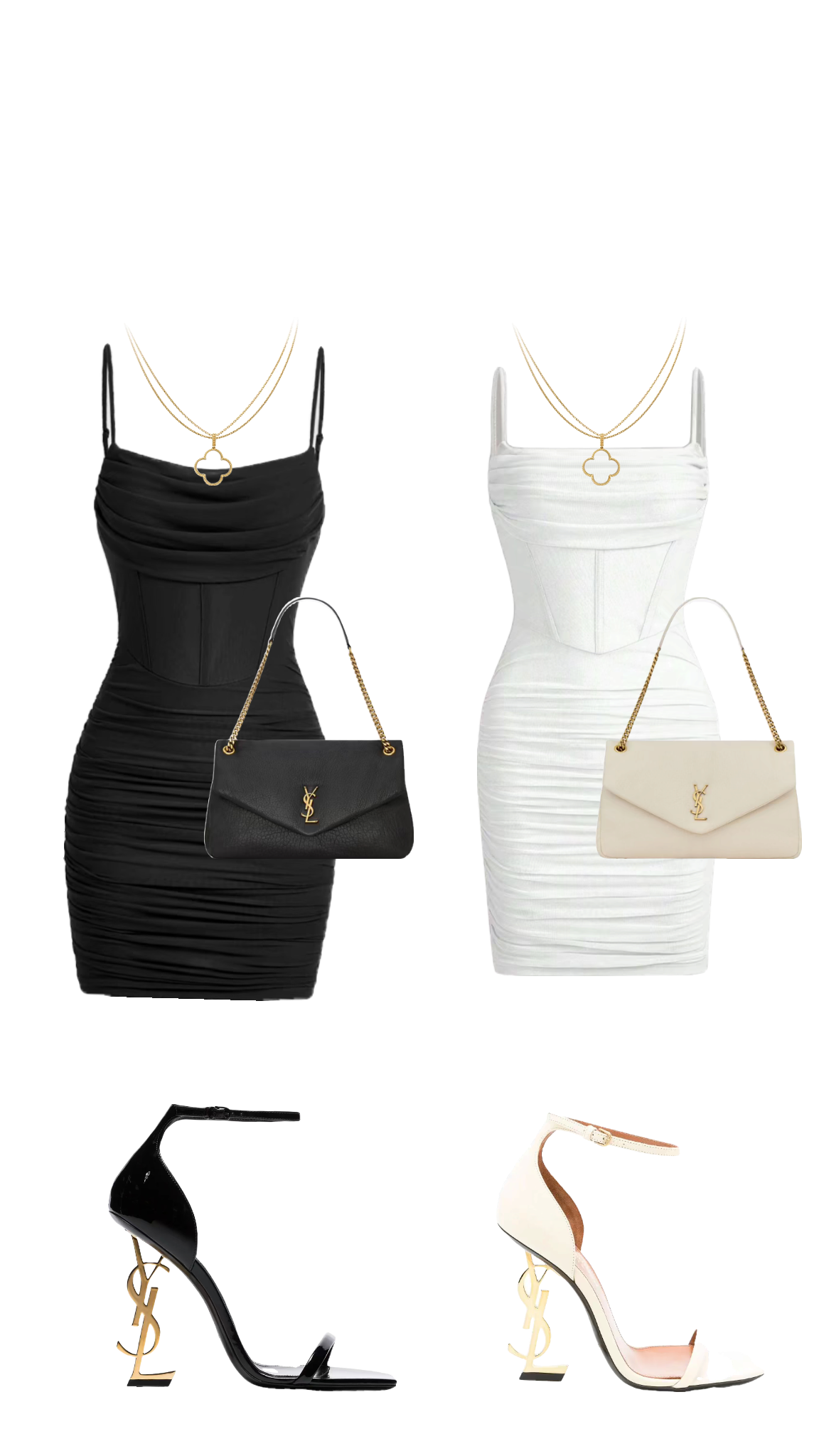 Multiple clothing items | 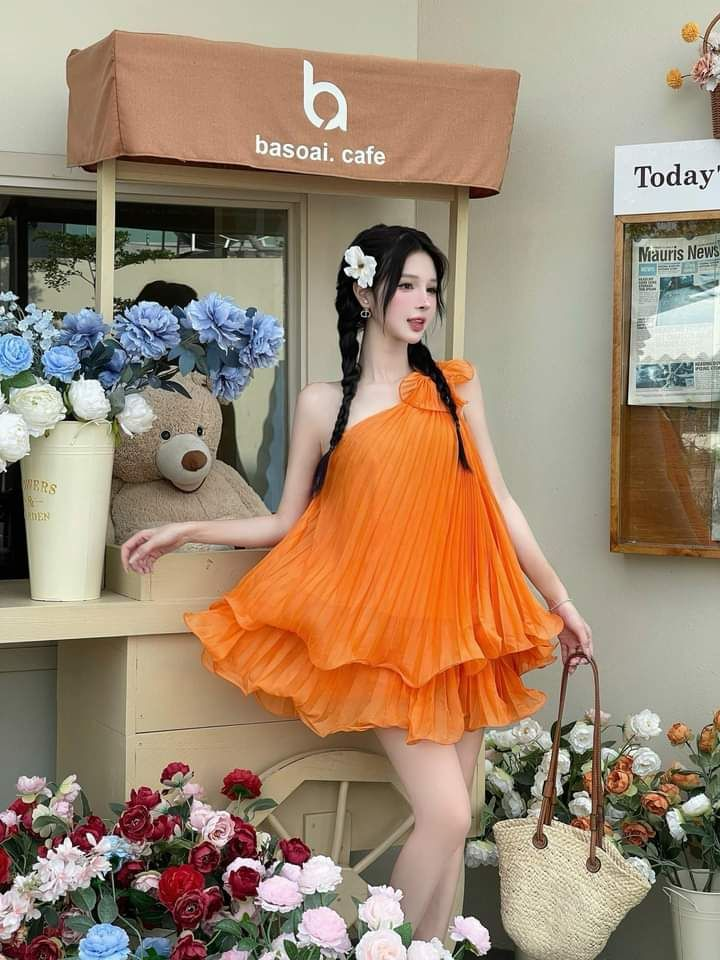 Complex backgrounds | 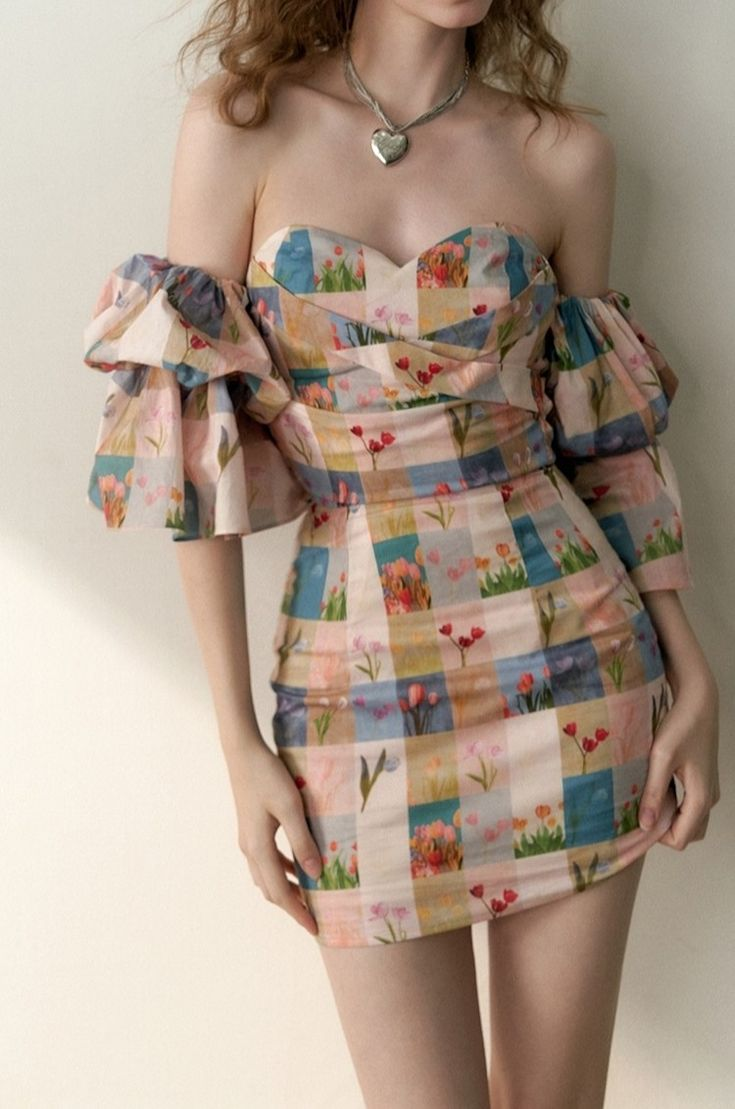 Intricate patterns |
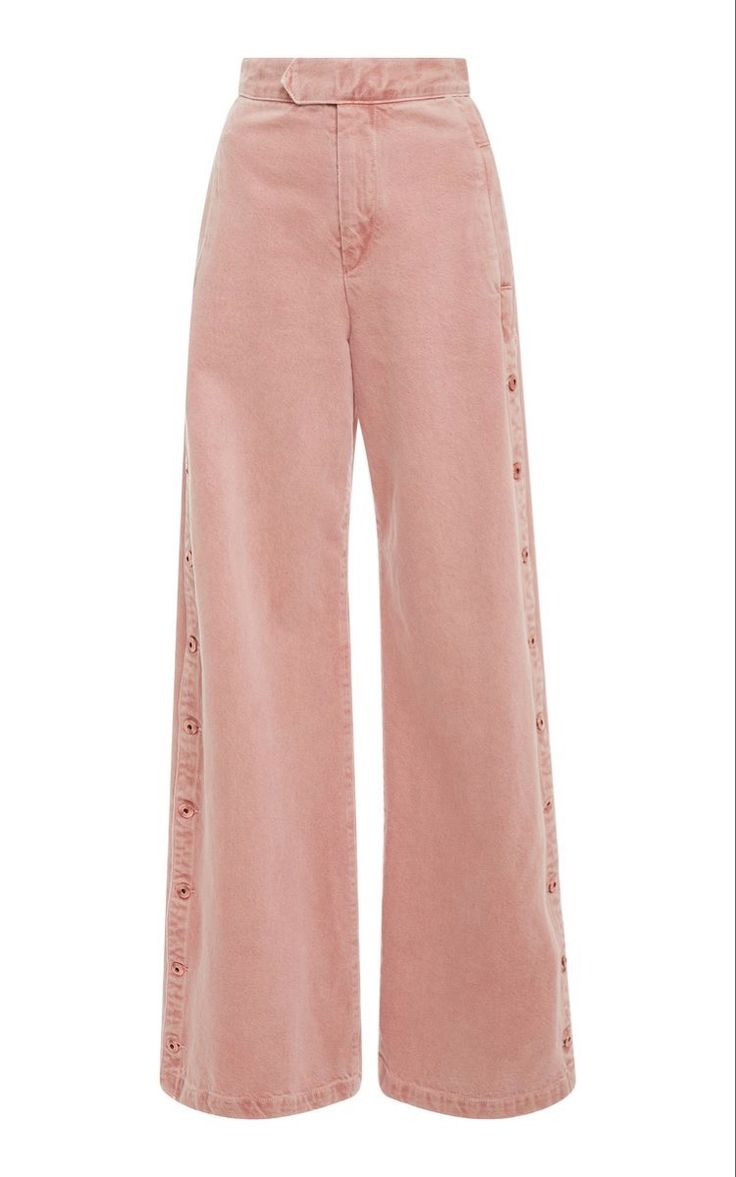 Focus on the garment | 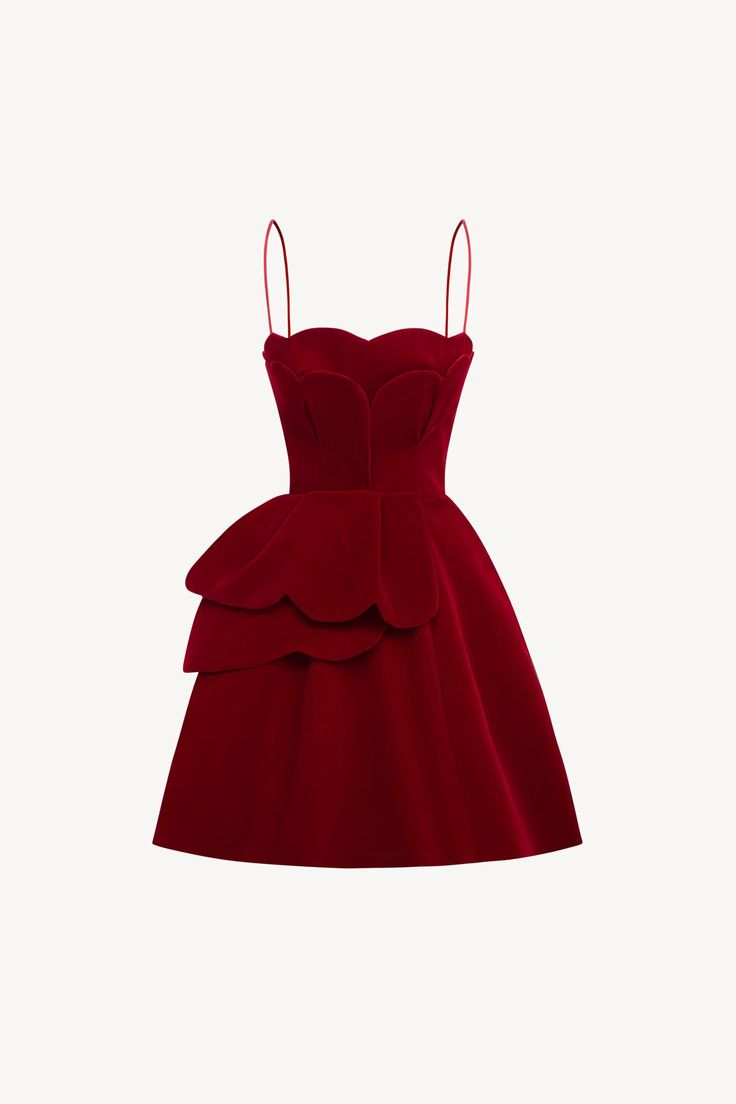 Clear and unobstructed |  Floating Watermarks | 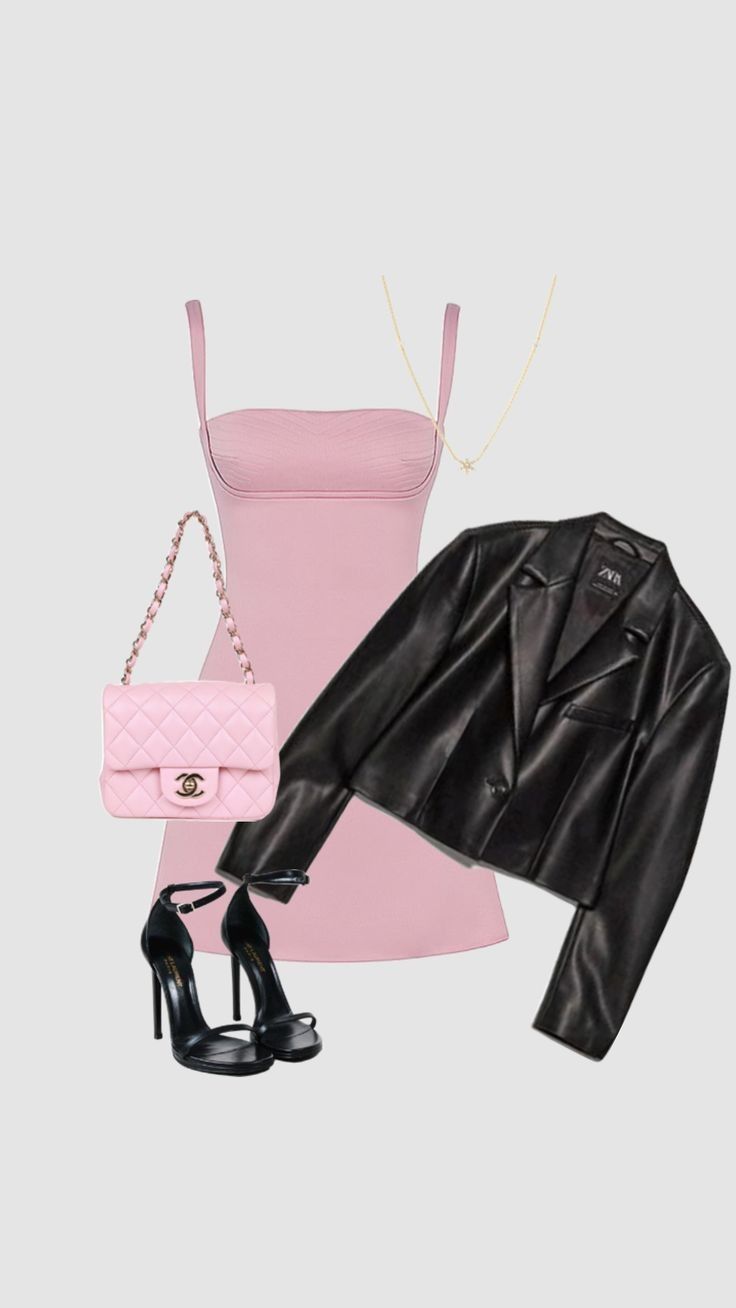 Folded or obscured | ||
|
| ||||
Step2:Upload Model Image
Recommended | Not Recommended | ||||
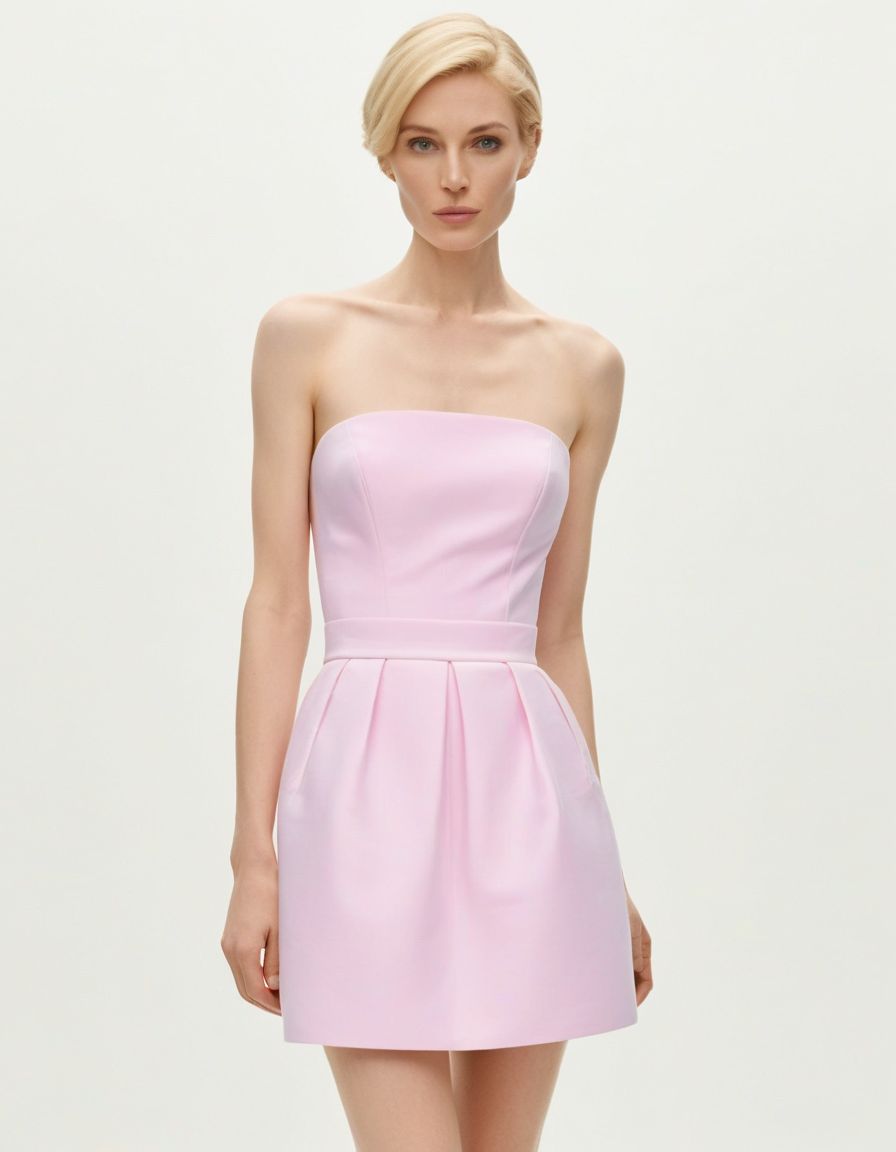 Single-person photo |
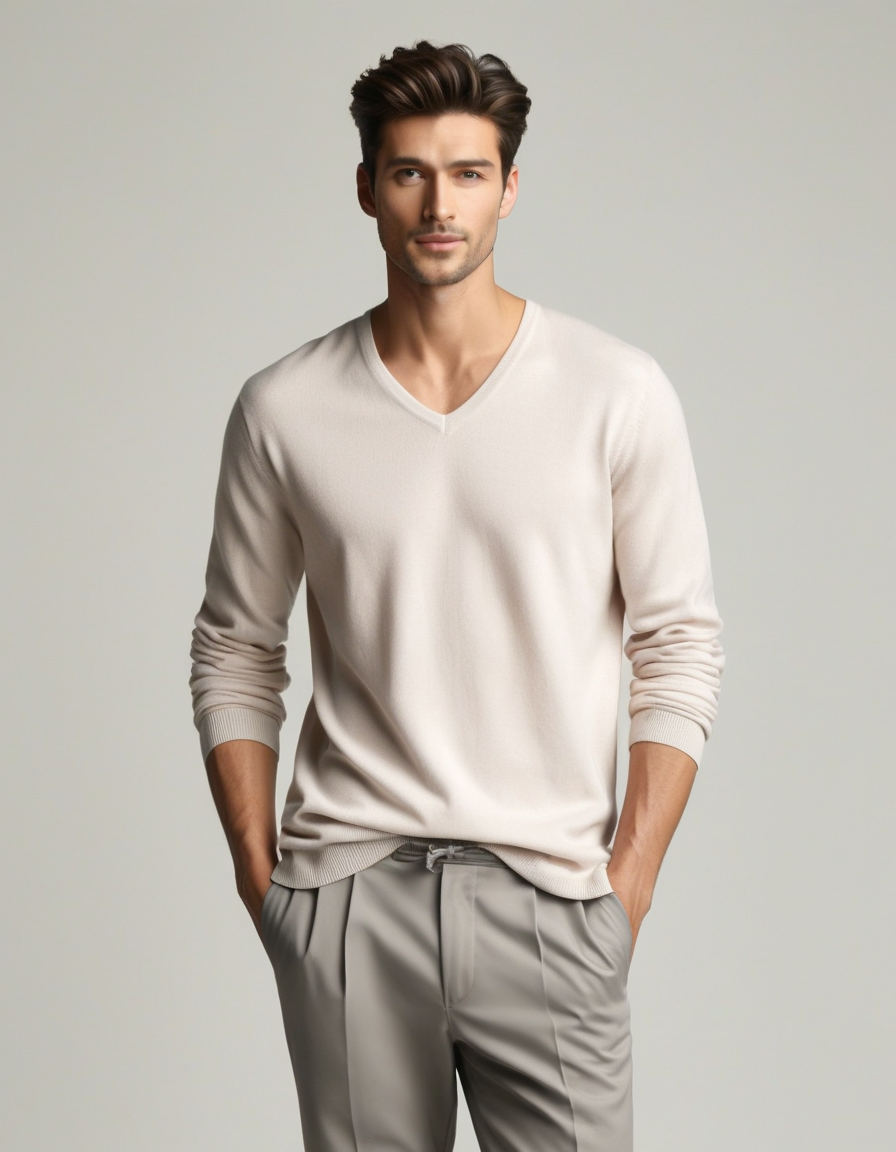
Full body or half-body |
Unobstructed clothing |
Group photos |
Leaning or seated poses |
Obstructed clothing area |
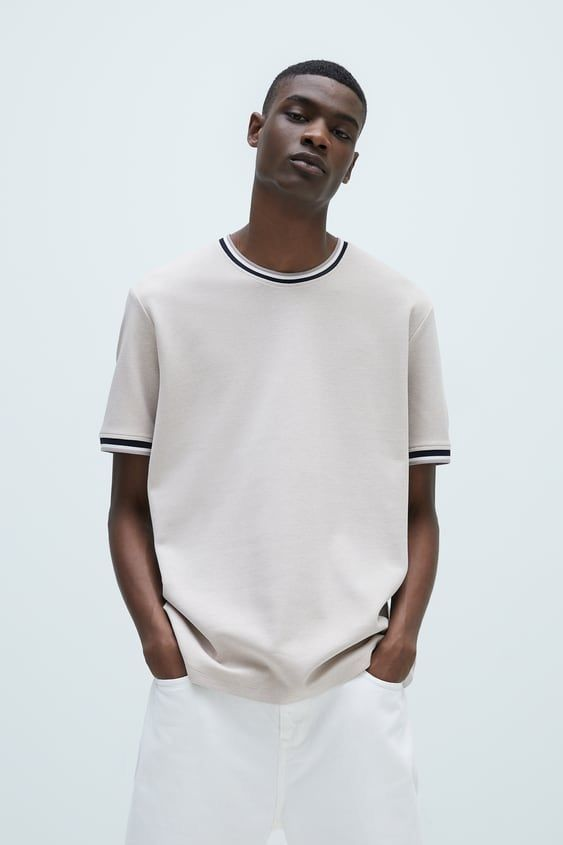 Simple pose | 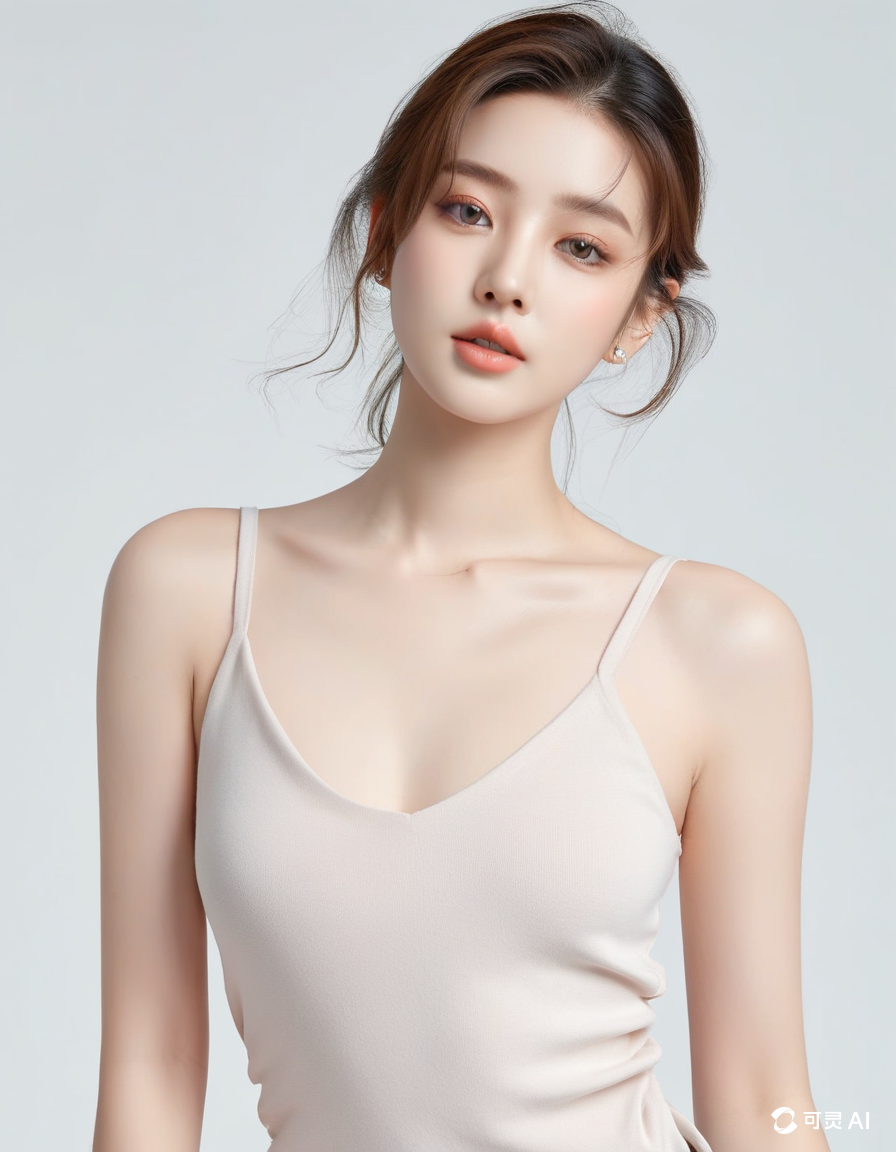 Simple, fitted clothing | 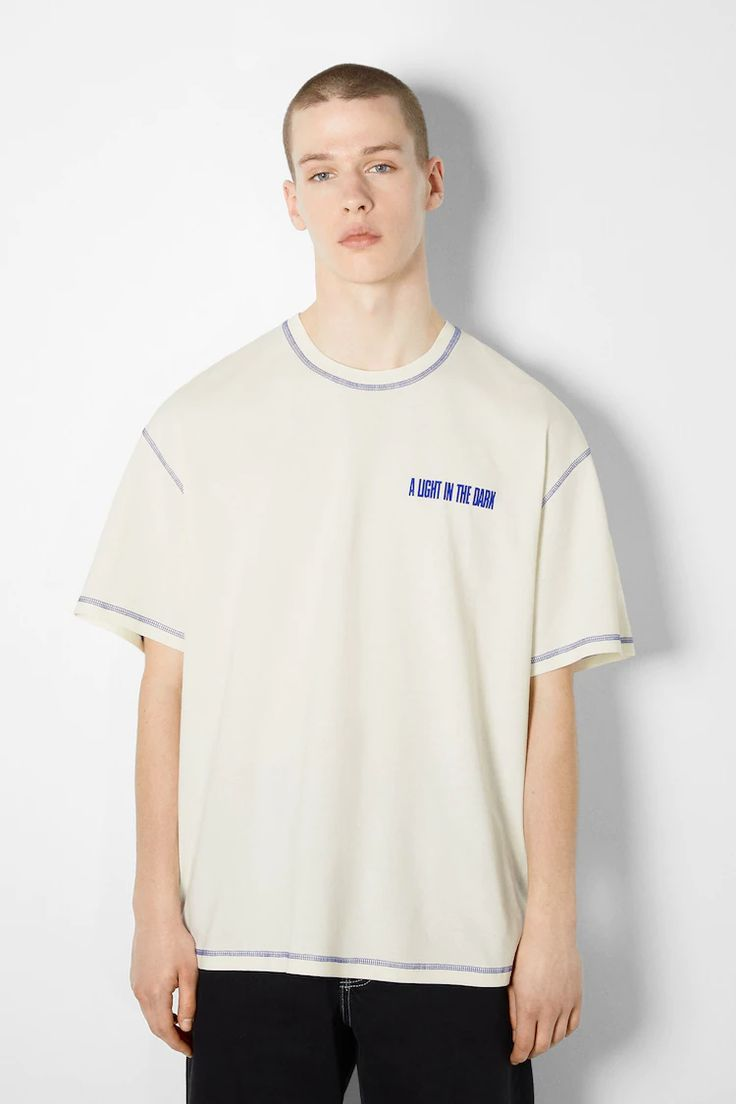 Obstructed face | 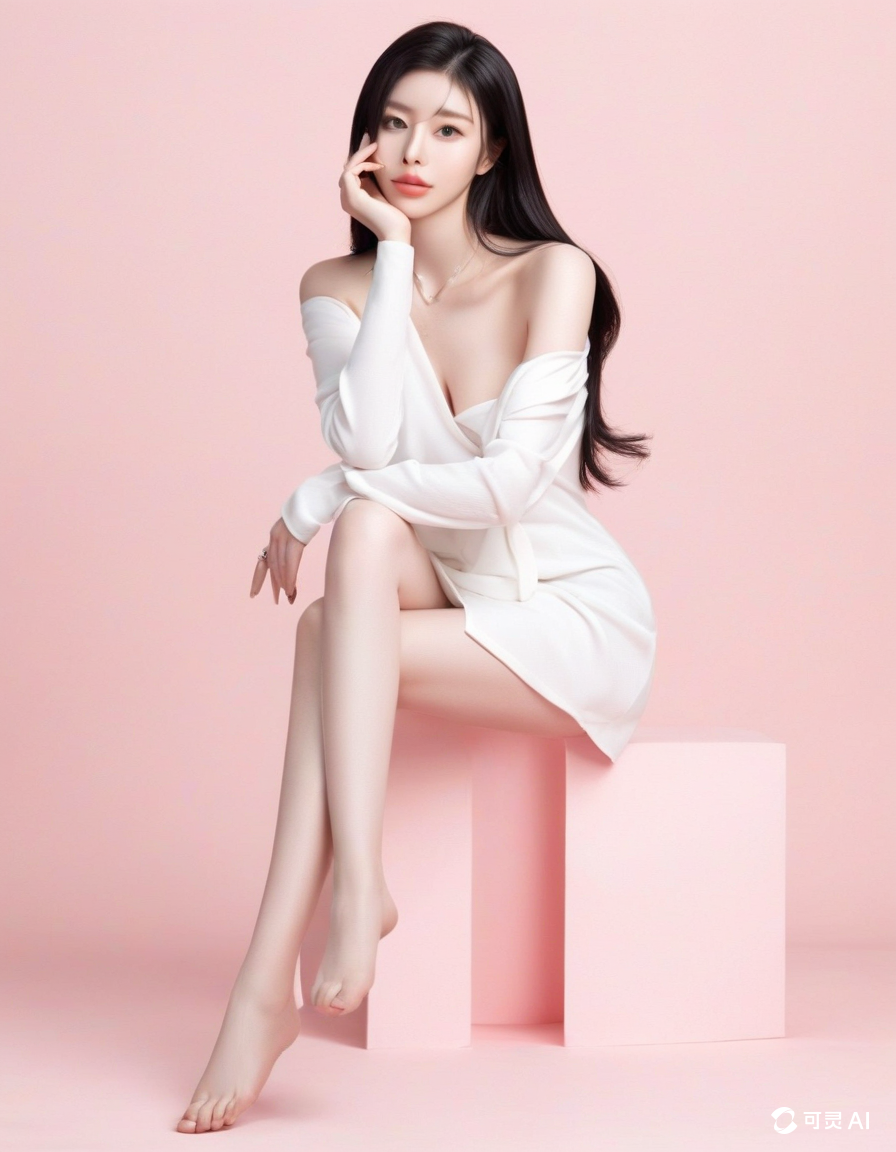 Complex poses |
Bulky clothing |
Obstructed face |
|
| ||||
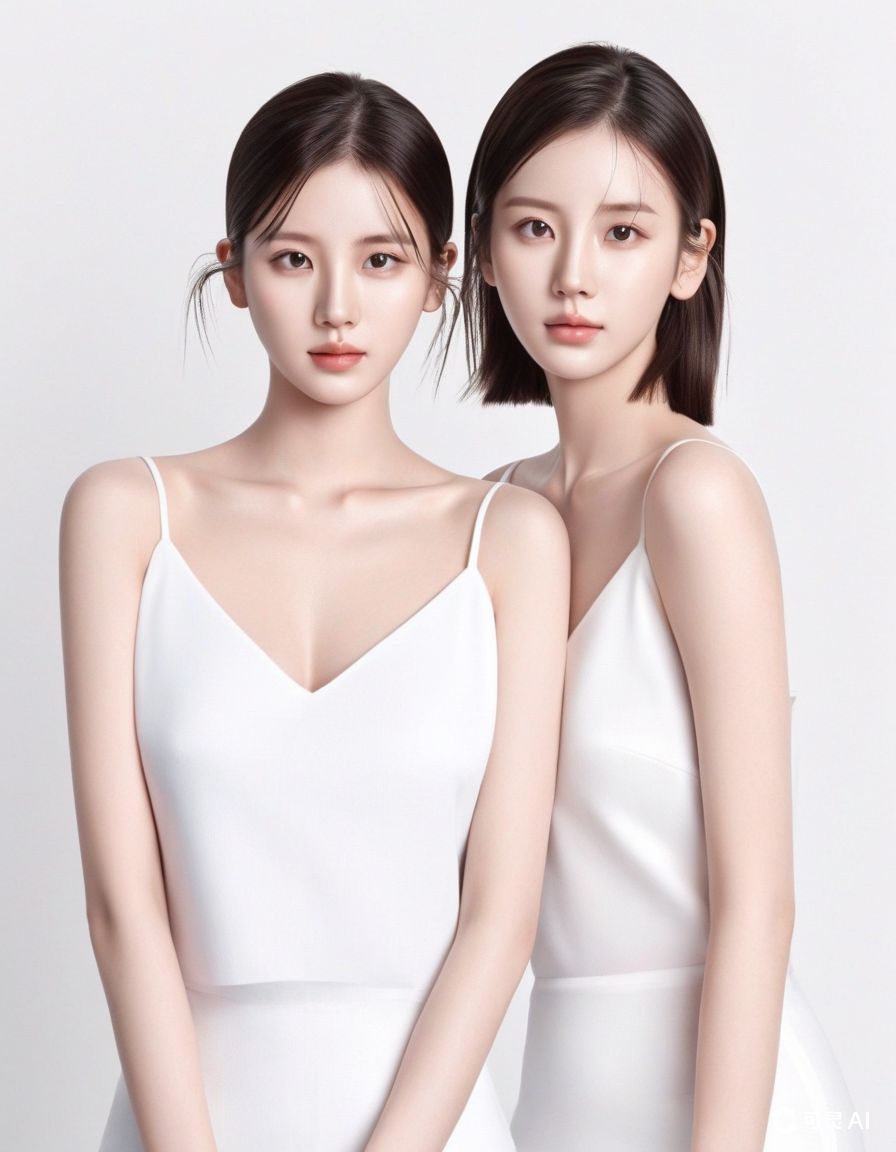
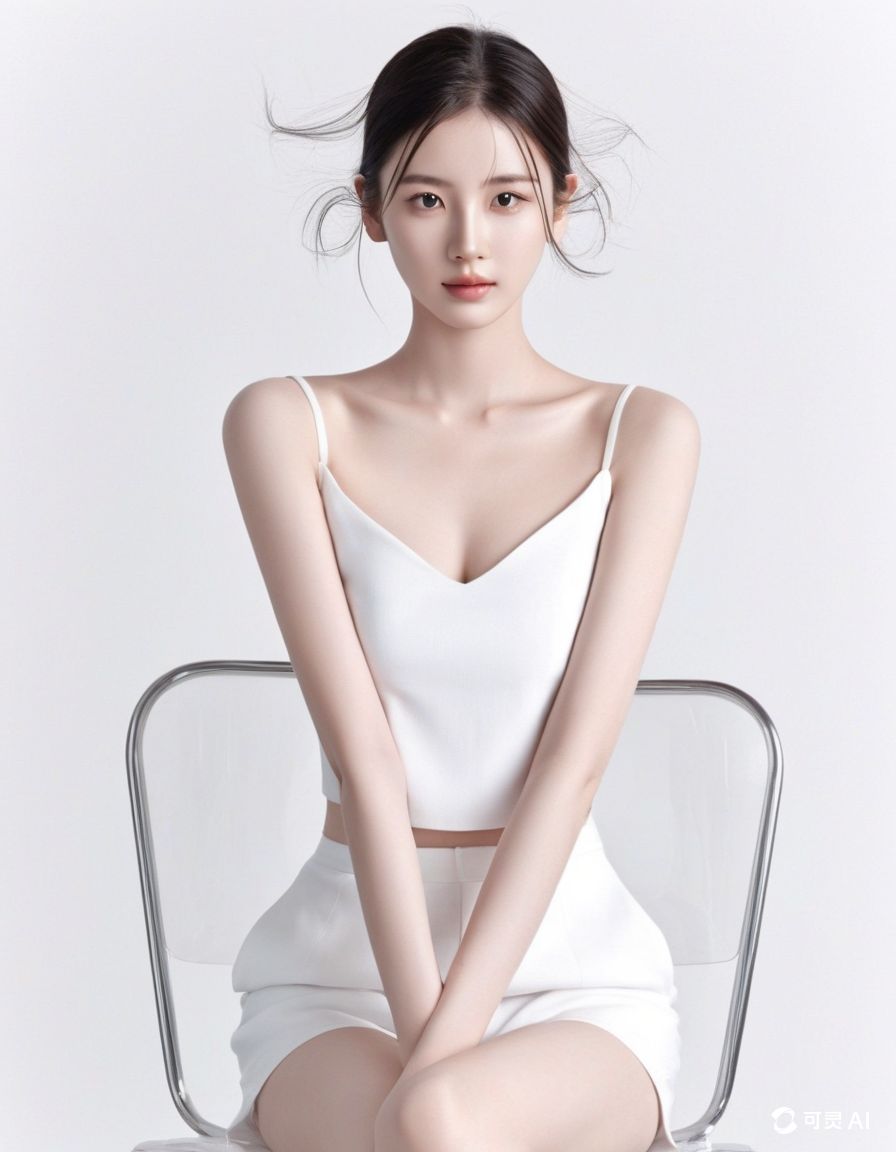
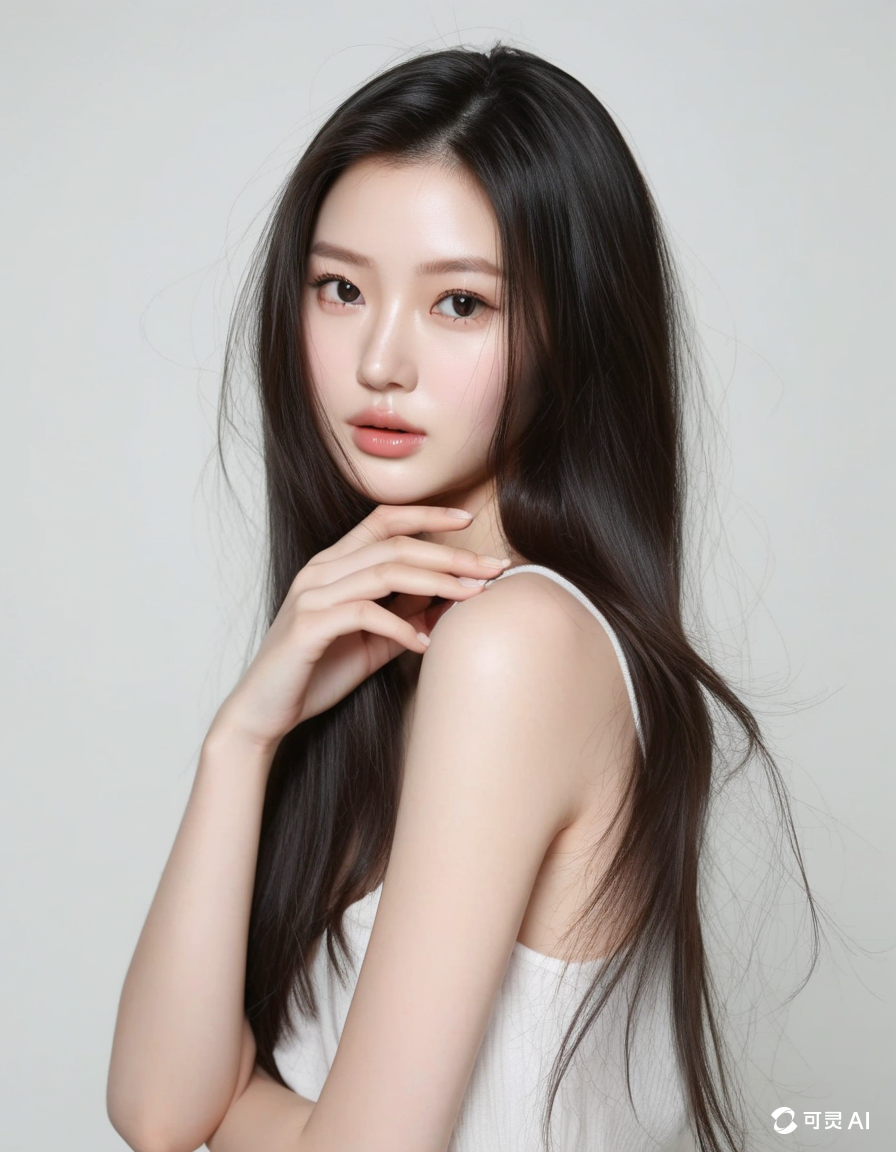
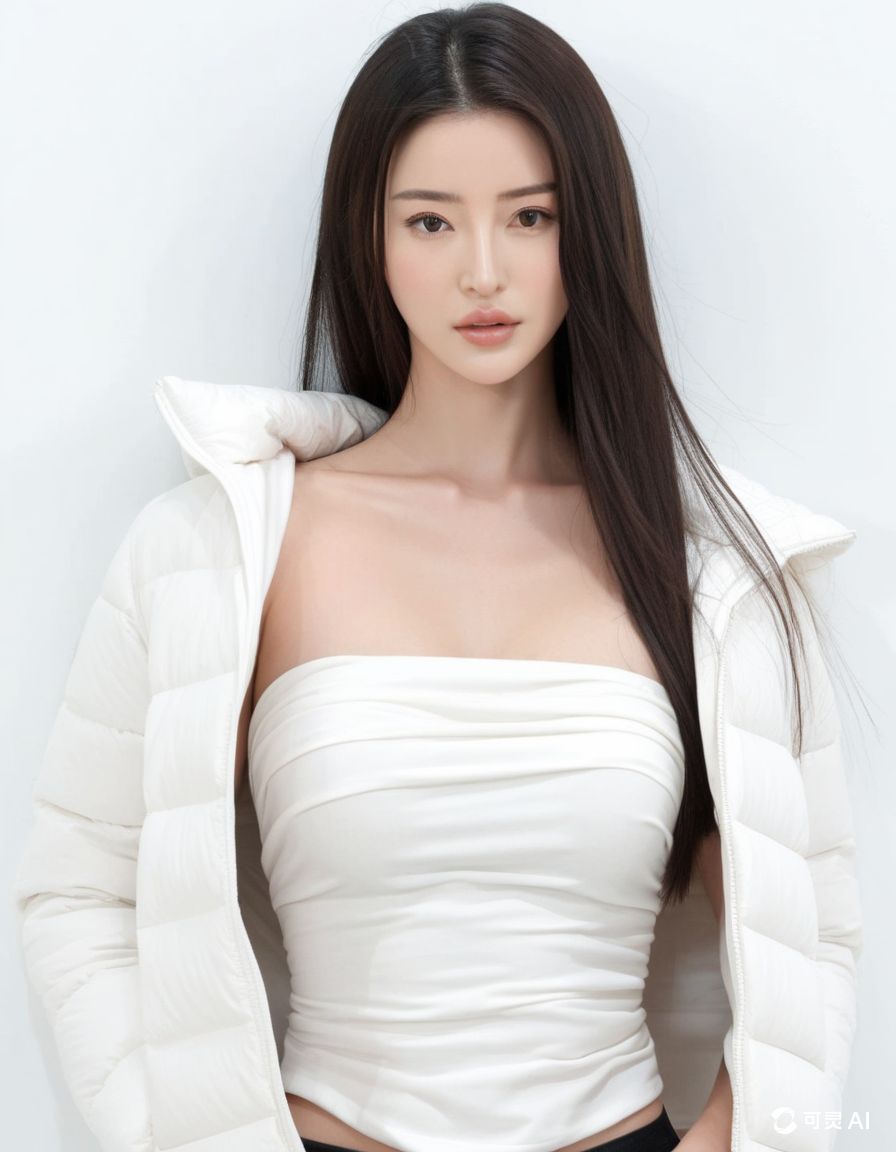
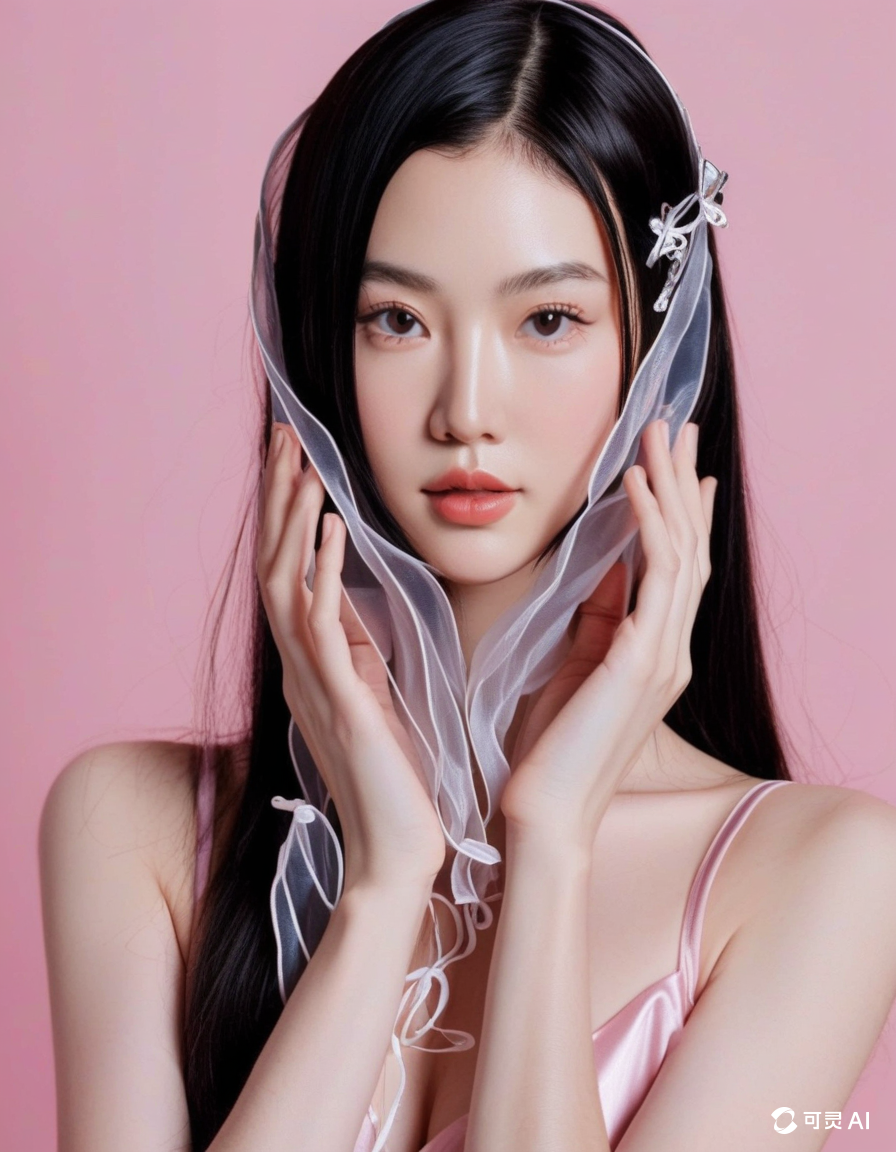
Step3:Generated Results
After uploading compliant product and model images, wait 10-13 seconds to receive the virtual try-on result.
- You can use the image scaling tool to create try-on images in five aspect ratios (1:1, 4:3, 3:4, 3:2, 2:3).
- You can use Kling AI to further generate dynamic model showcases.
Image scaling tool | |||||
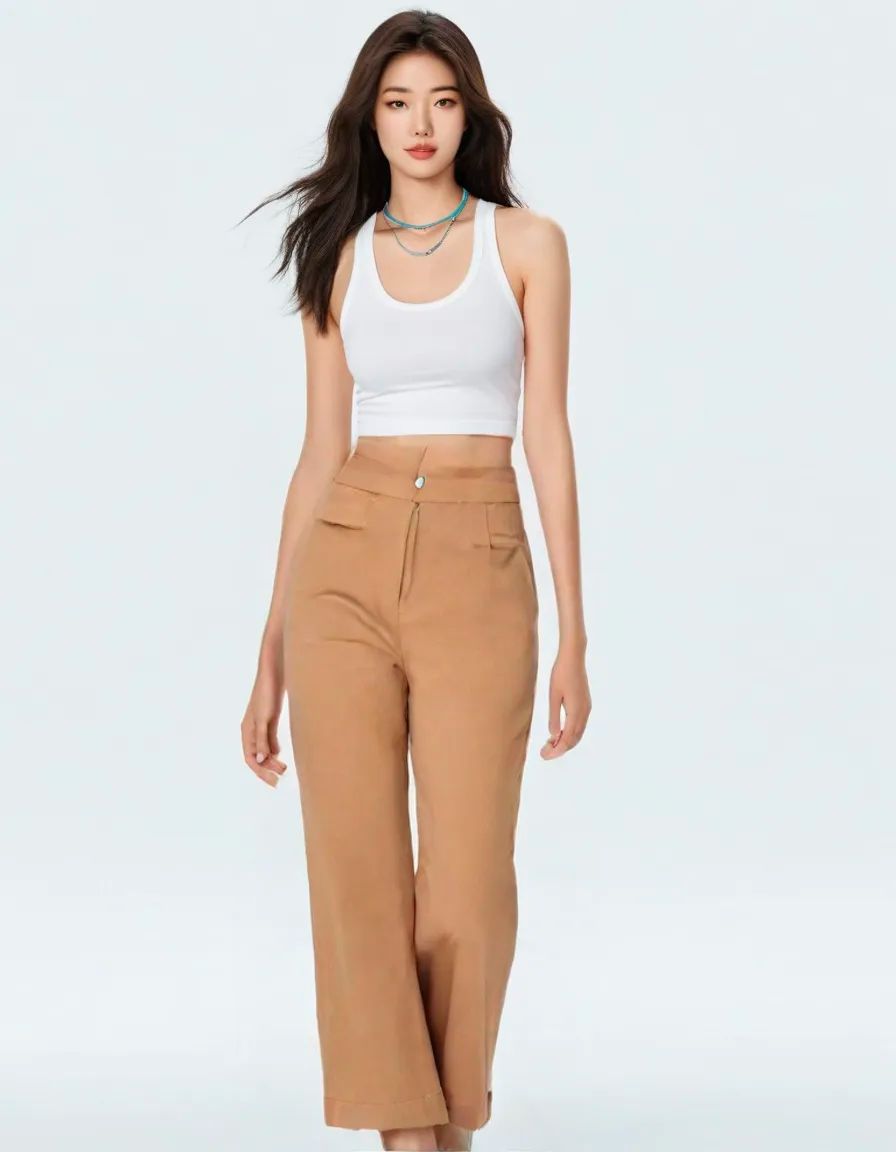 Original image |
1:1 |
4:3 | 3:4 | 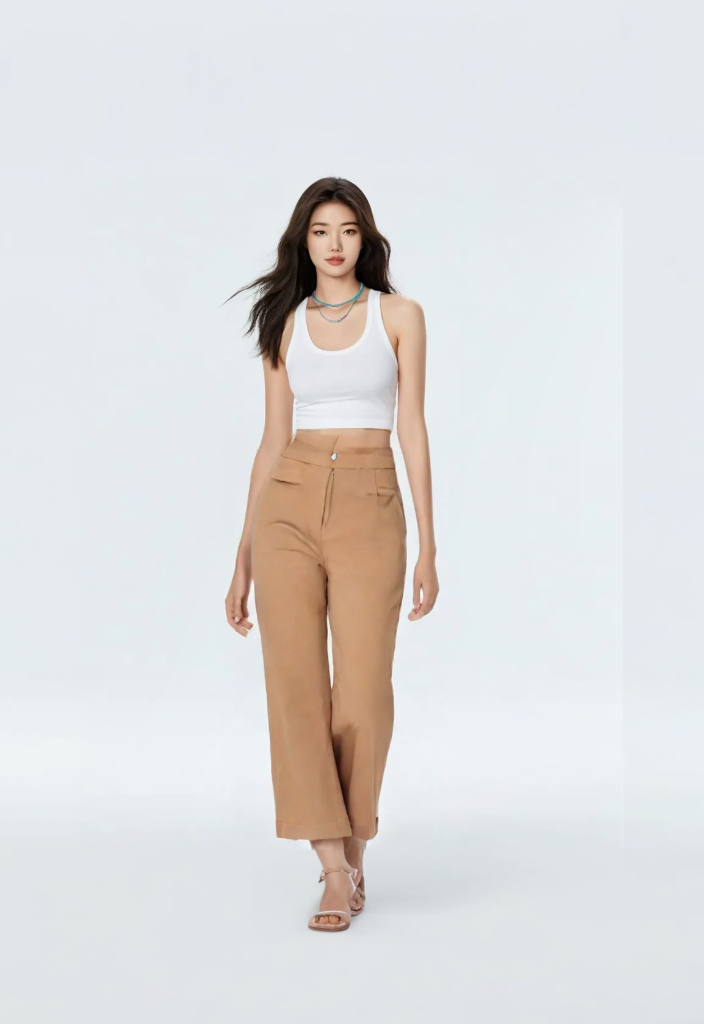 3:2 |
2:3 |
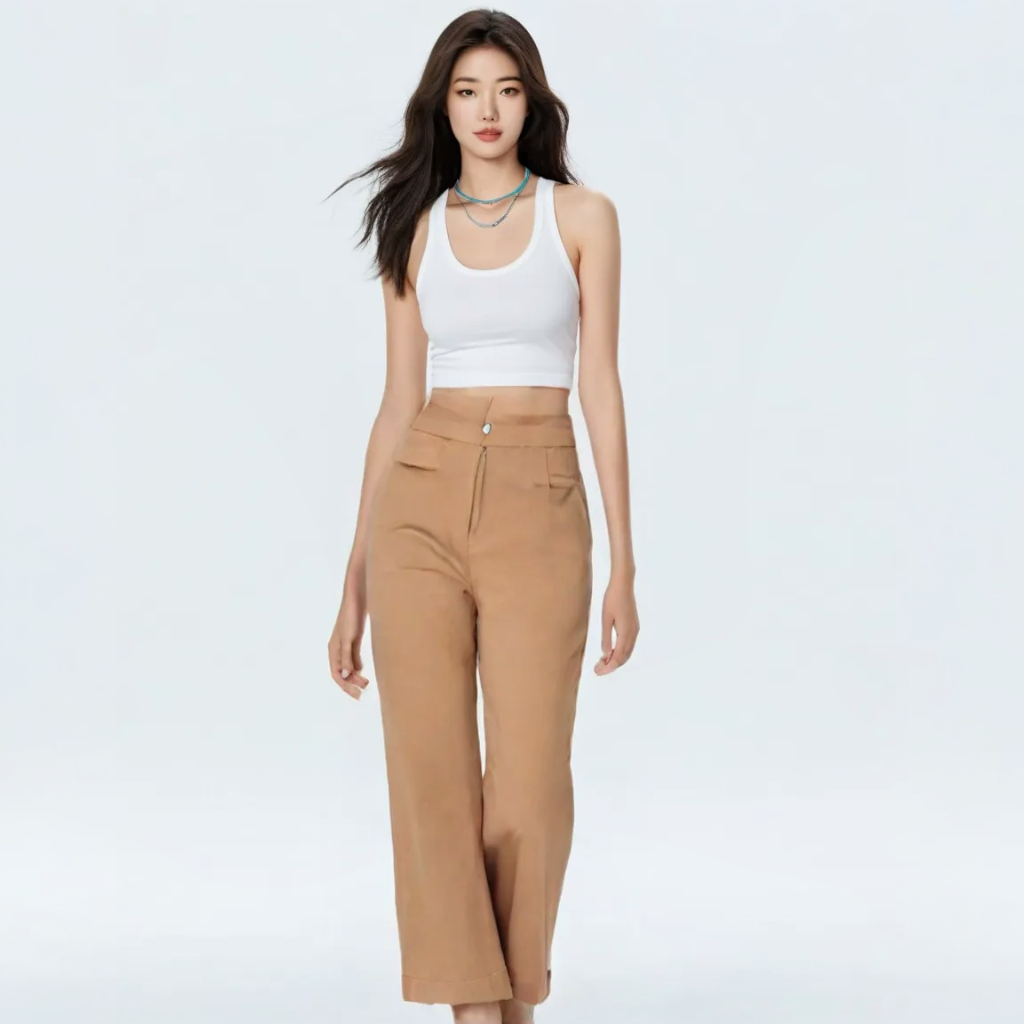
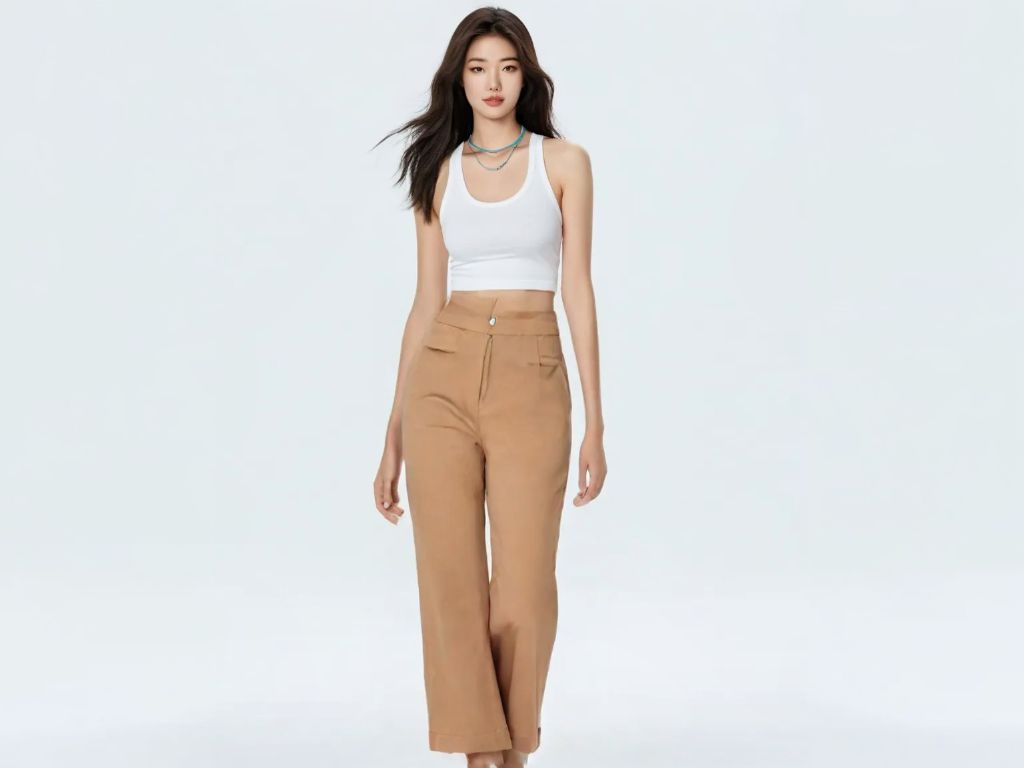
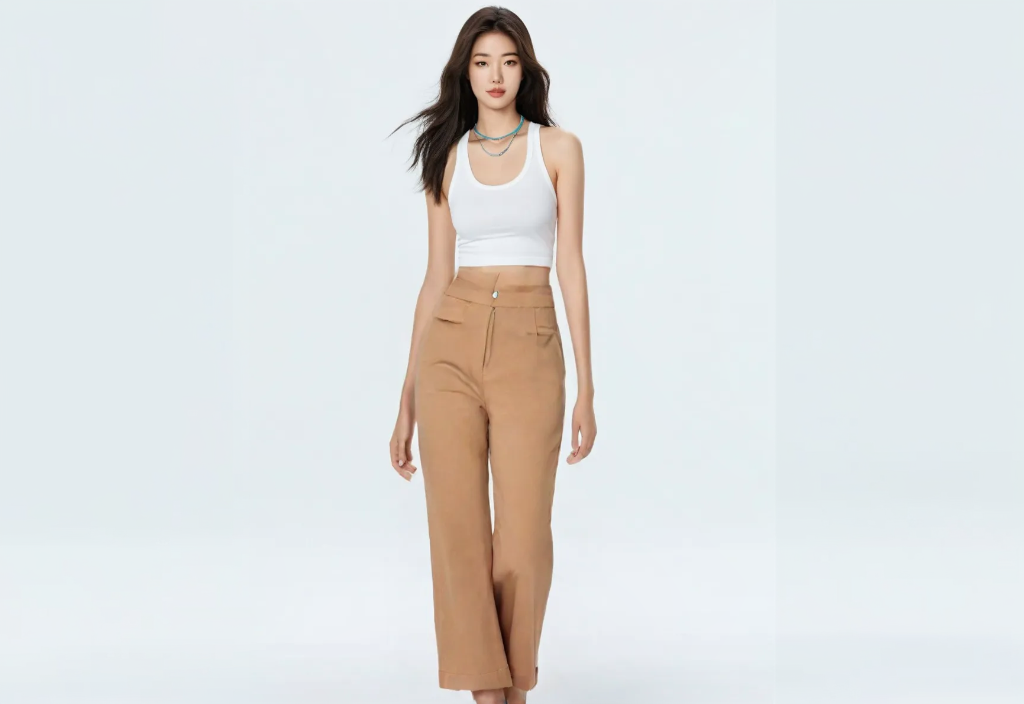
Try-on Result | Dynamic showcase | Try-on Result | Dynamic showcase |
| 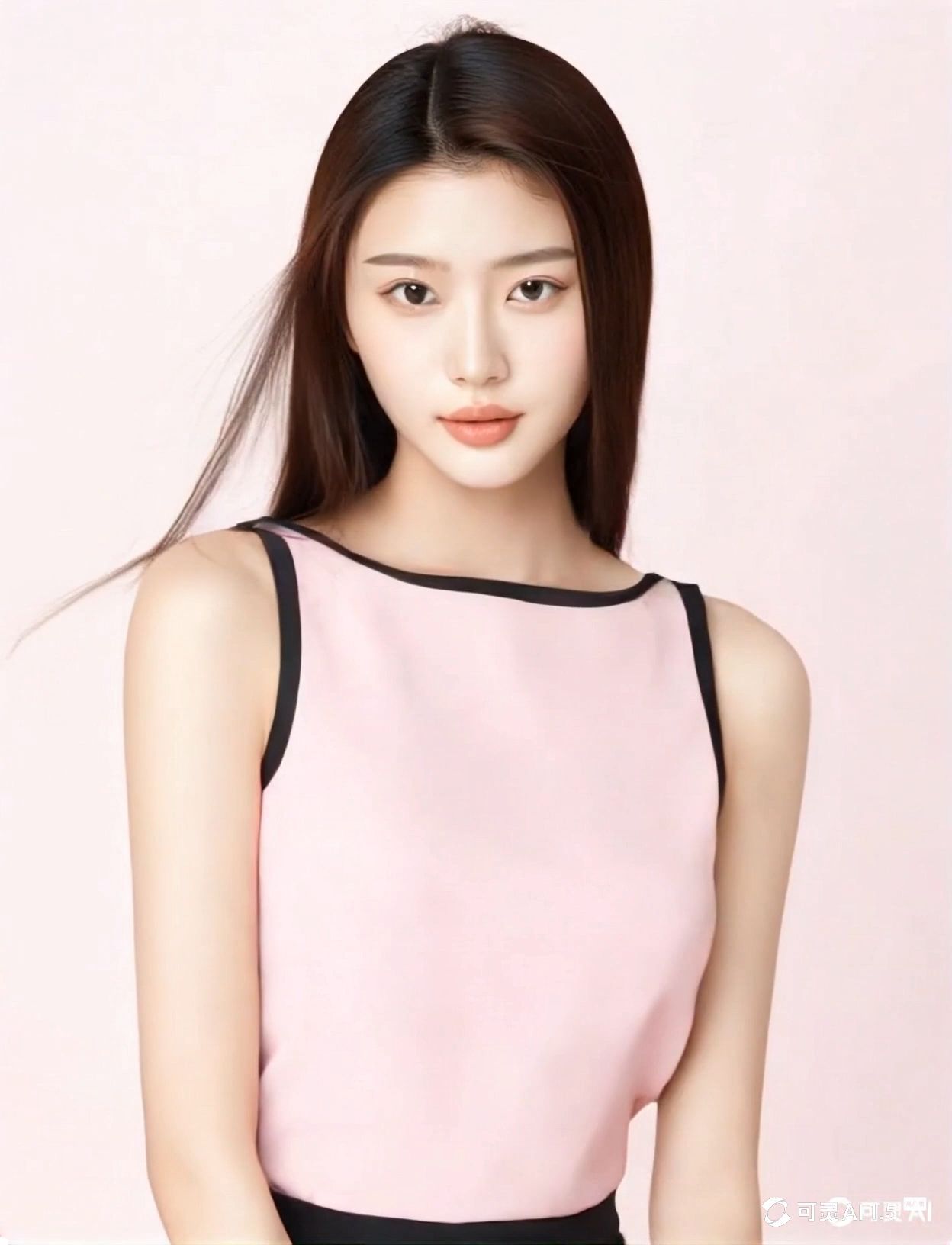 |
| 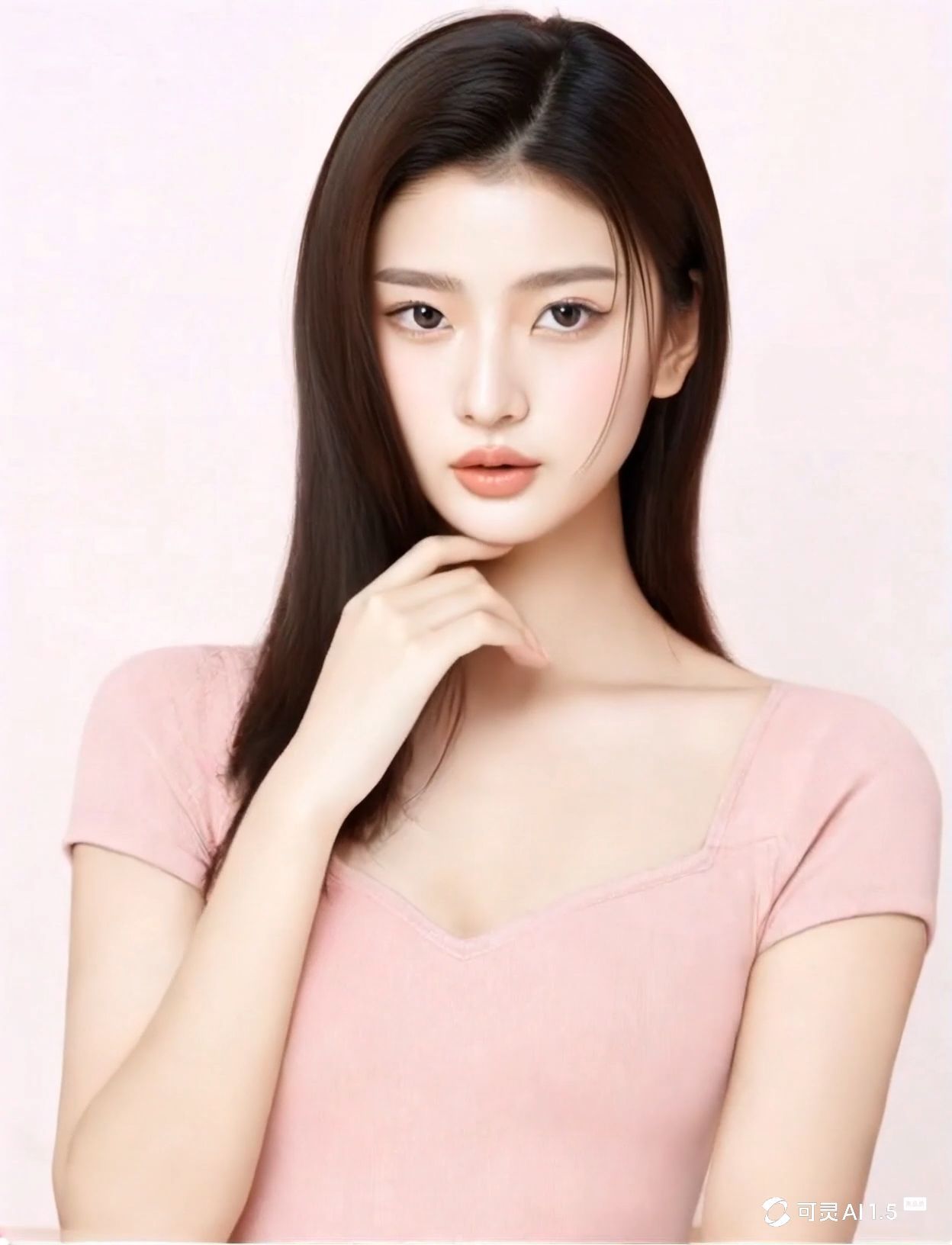 |
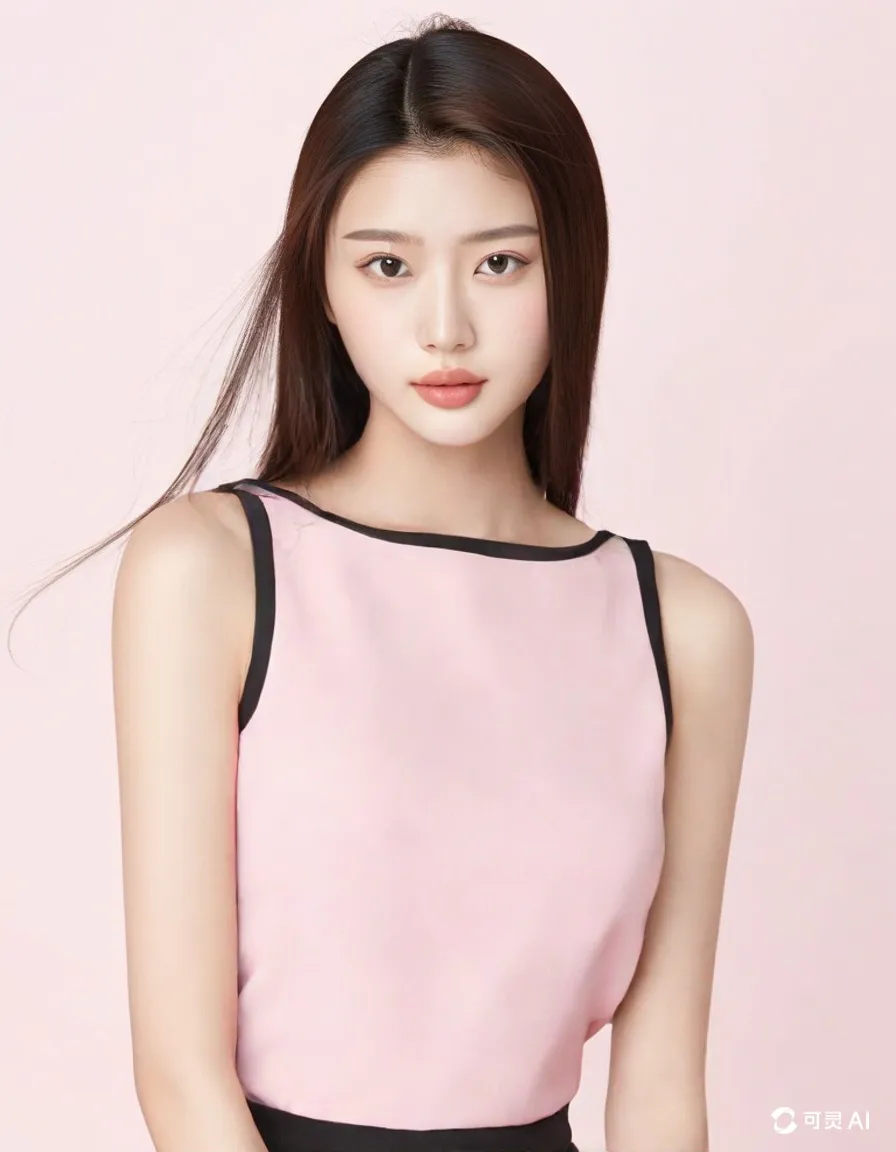
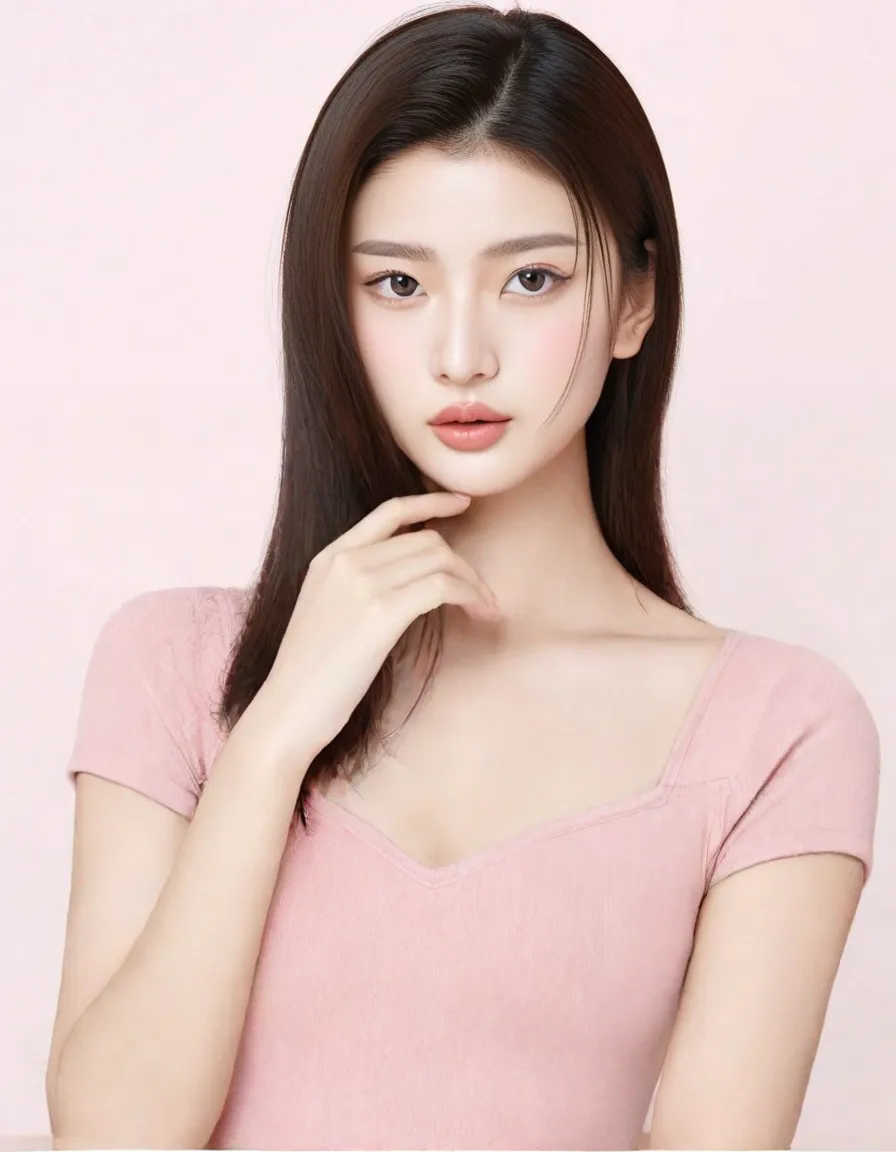
Additional Usage Tips
When using the Kolors Virtual Try-On, the quality of the clothing and model images significantly affects the final try-on result. Therefore, to ensure the best try-on effect, it’s essential to maintain high image quality (clarity and aesthetic appeal) and select appropriate model images based on the type of clothing being tried on.
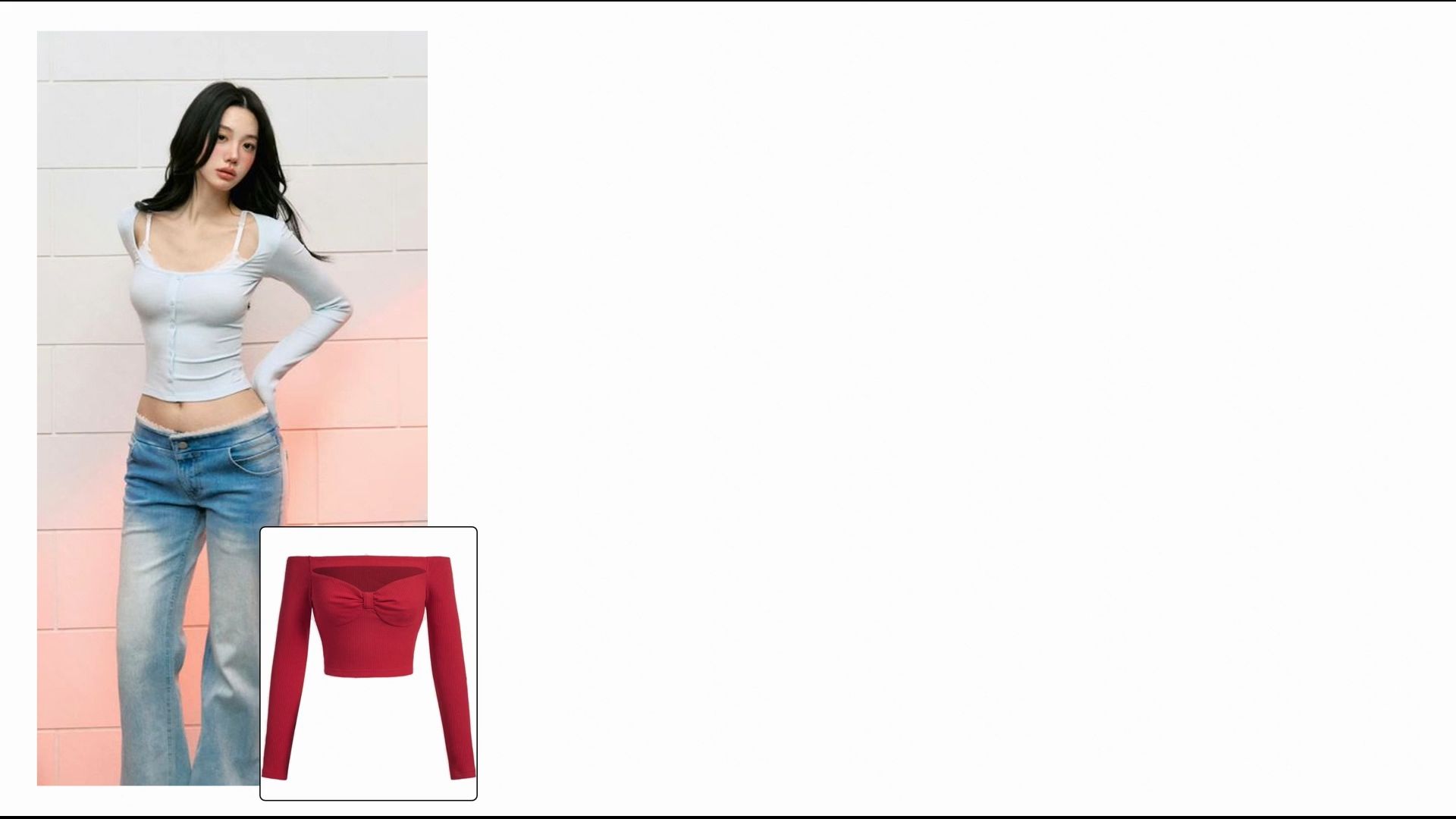
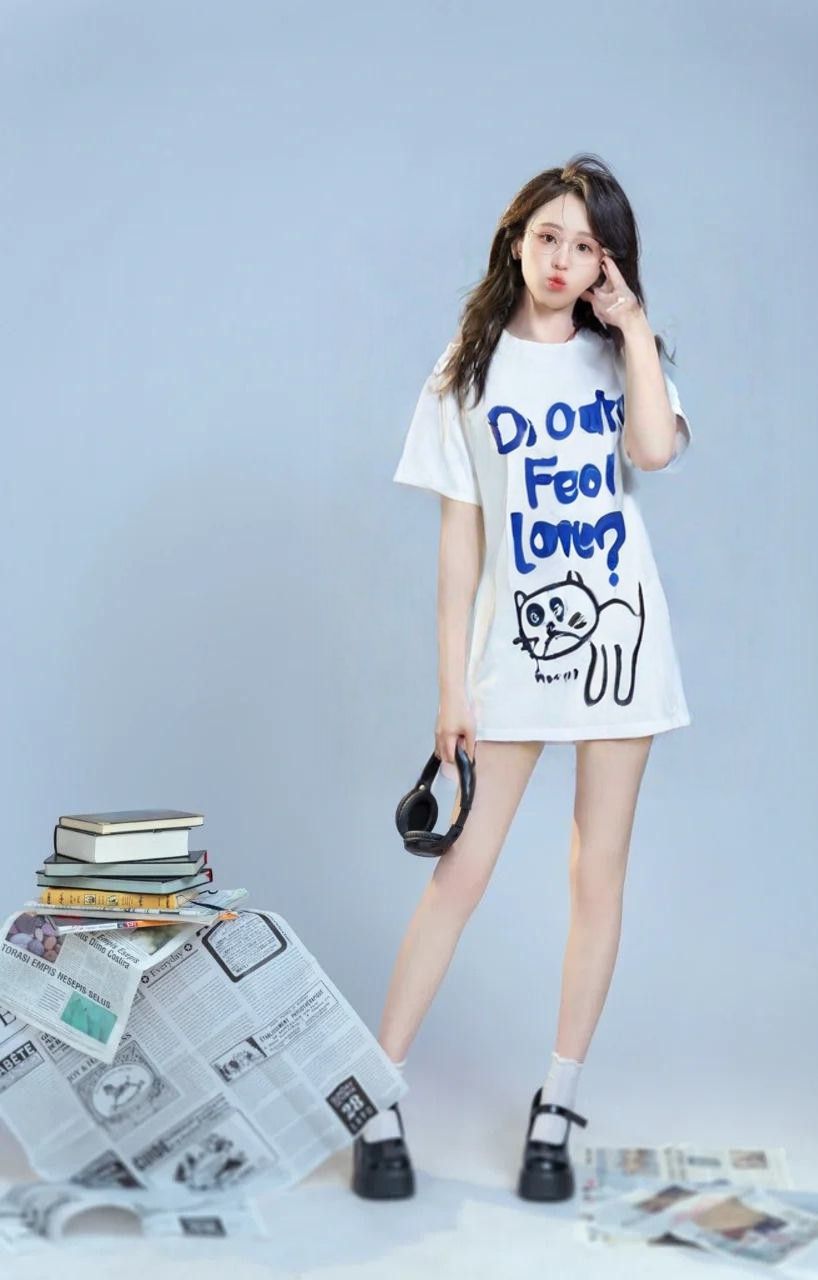
- Tip 1 for Tops Try-on: When uploading an image of a top, using a half-body photo can enhance the clarity of the try-on result and improve the retention of logo details.
Model Image | Product Image | Try-on Effect | Model Image | Product Image | Try-on Effect |
|
|
| 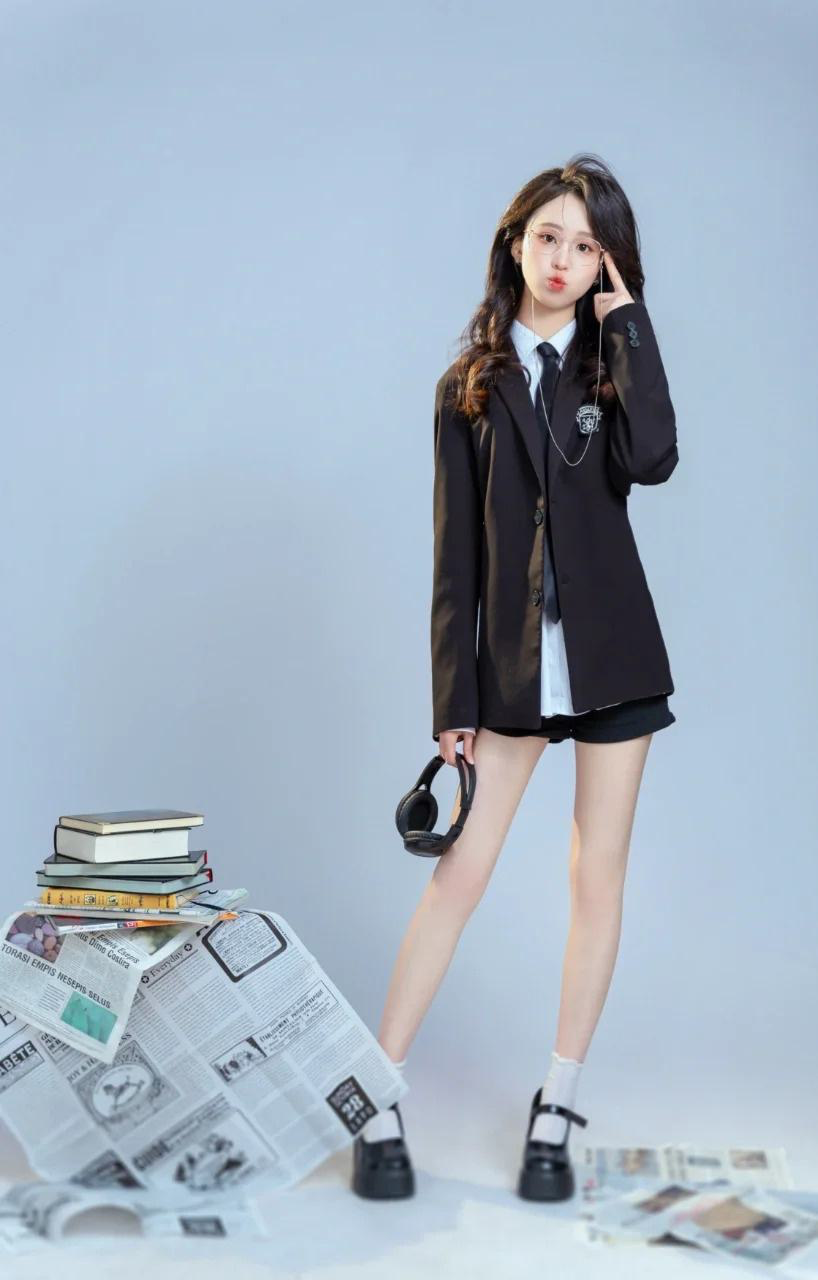 | 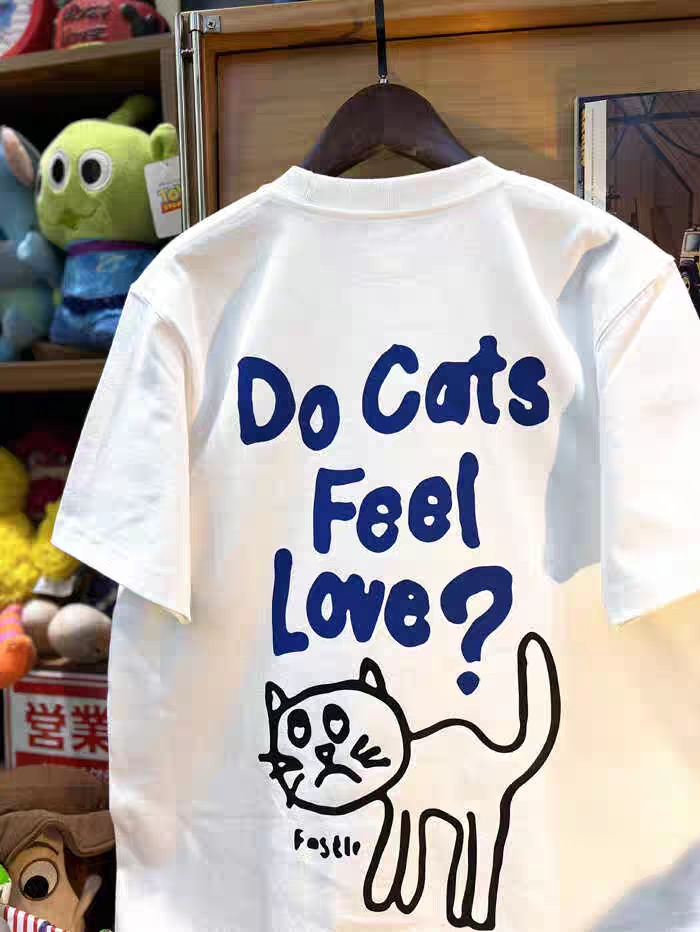 |  |
✅ | ❌ | ||||
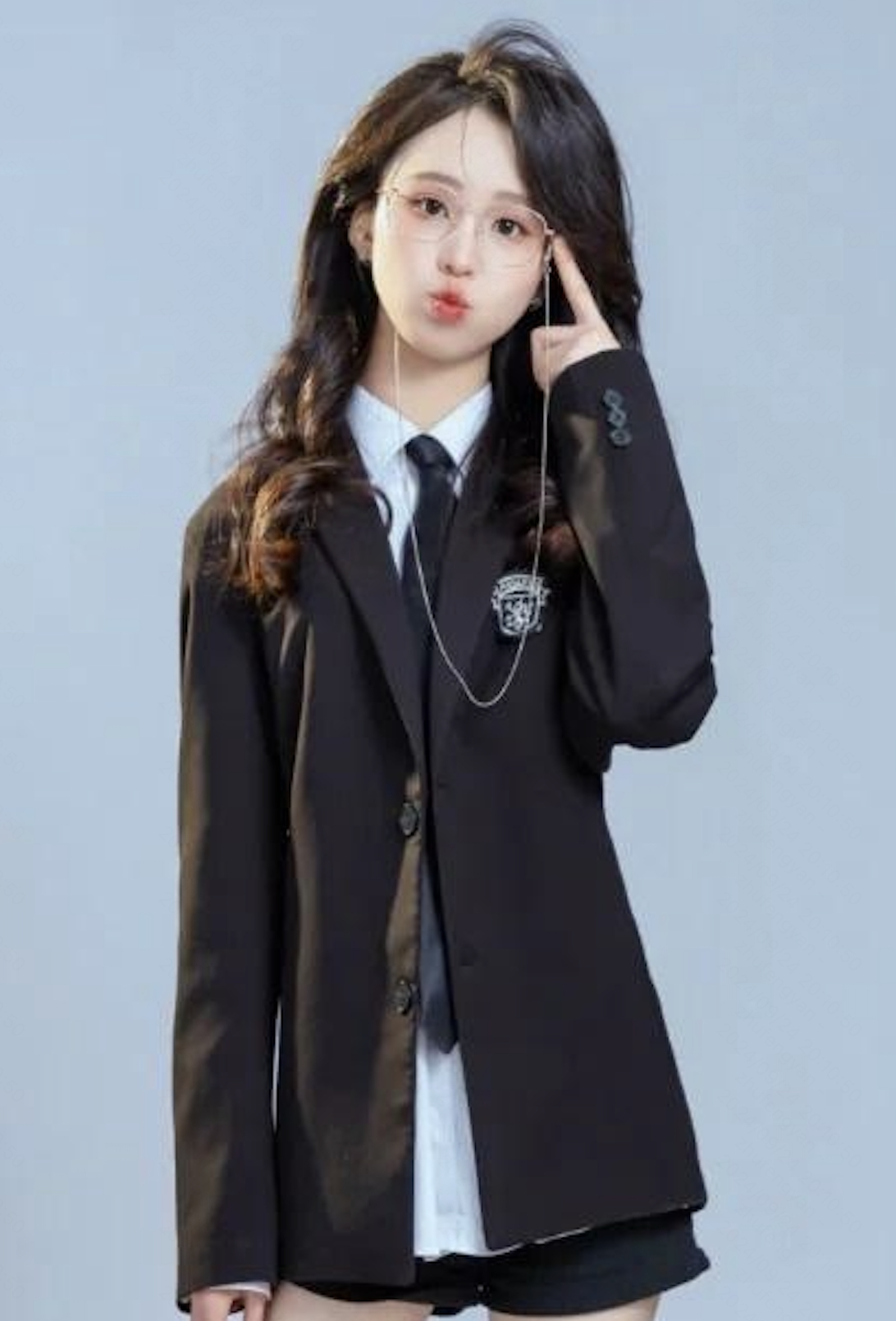
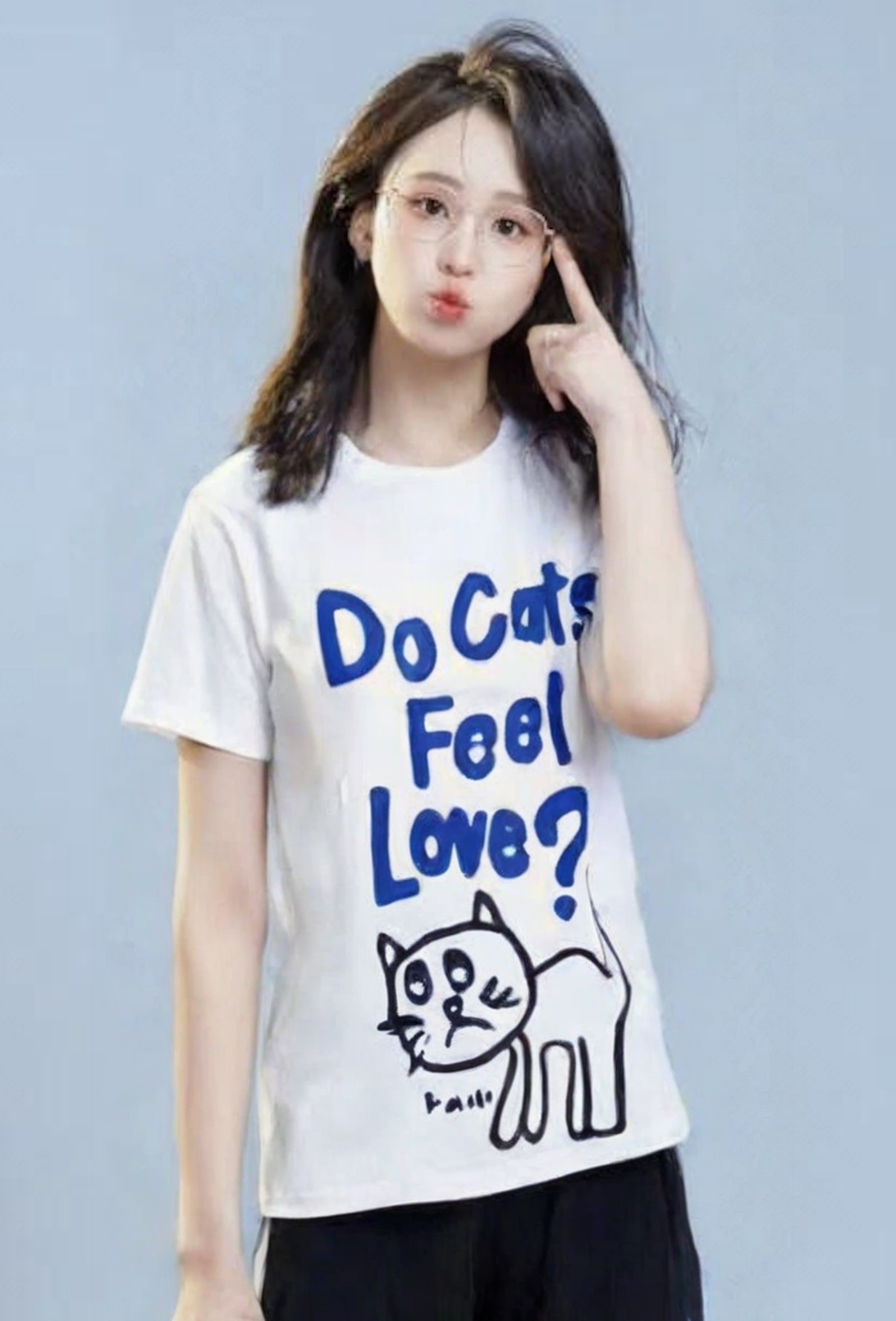
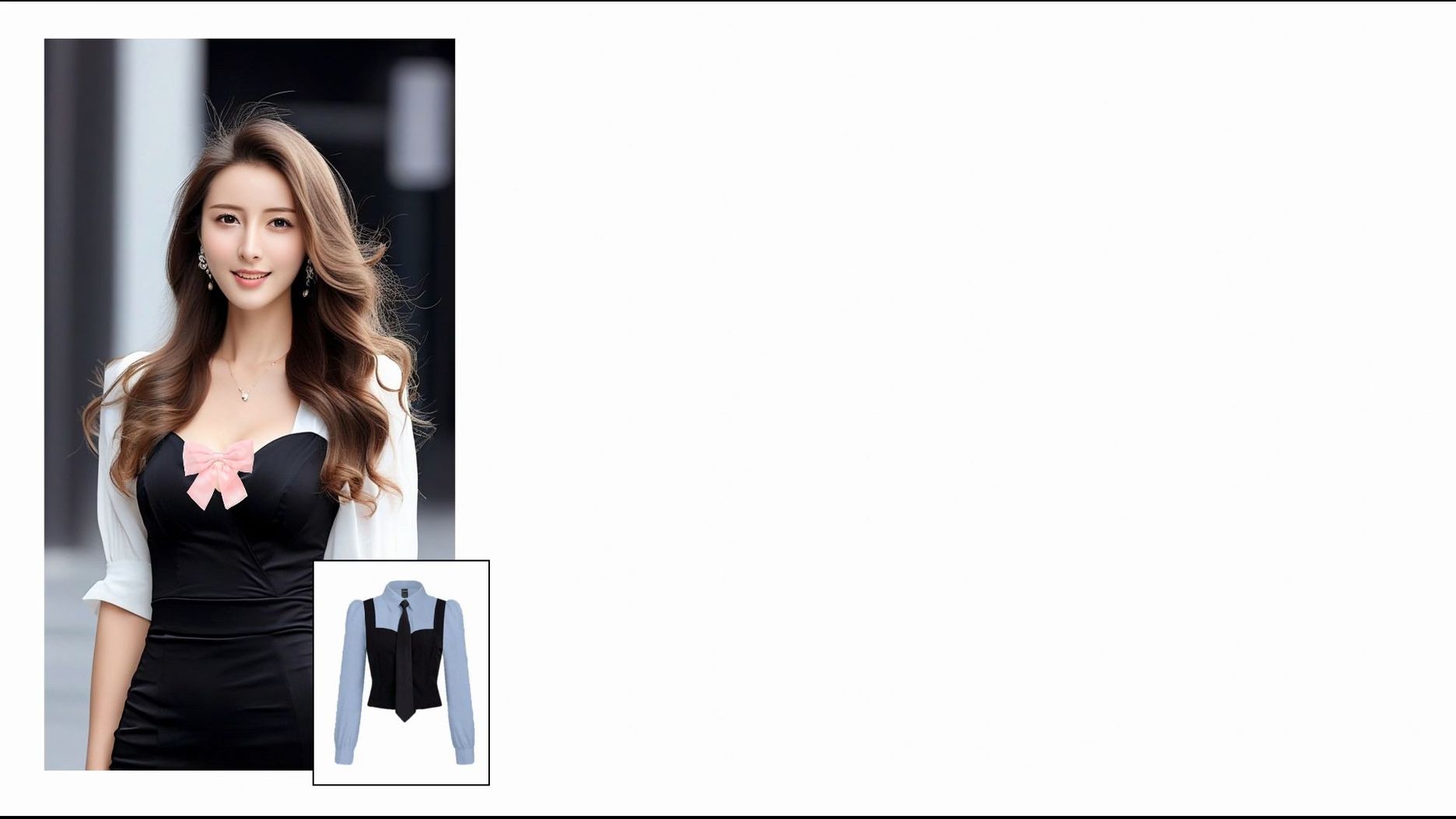
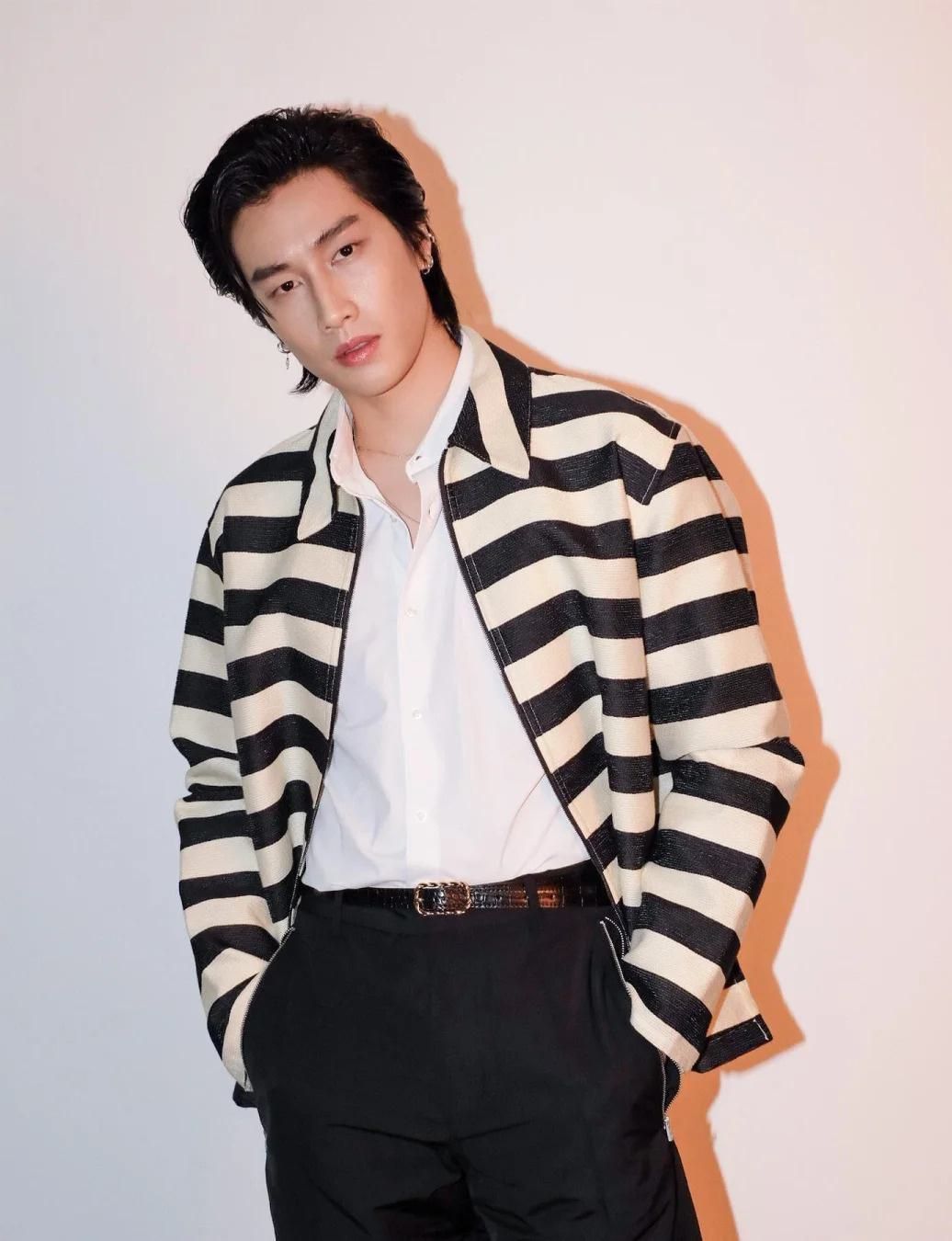
- Tip 2 for Tops Try-On: To ensure the best try-on effect, the type of clothing being tried on should closely match what the model is wearing. For example, if trying on a short-sleeve top, the model should also wear a short-sleeve item. Similarly, if trying on a top, the model should not be dressed in long garments like dresses or trench coats. This helps avoid mismatches, such as switching from short sleeves to long sleeves or vice versa.
Model Image | Product Image | Try-on Effect | Model Image | Product Image | Try-on Effect |
|
|
|  | 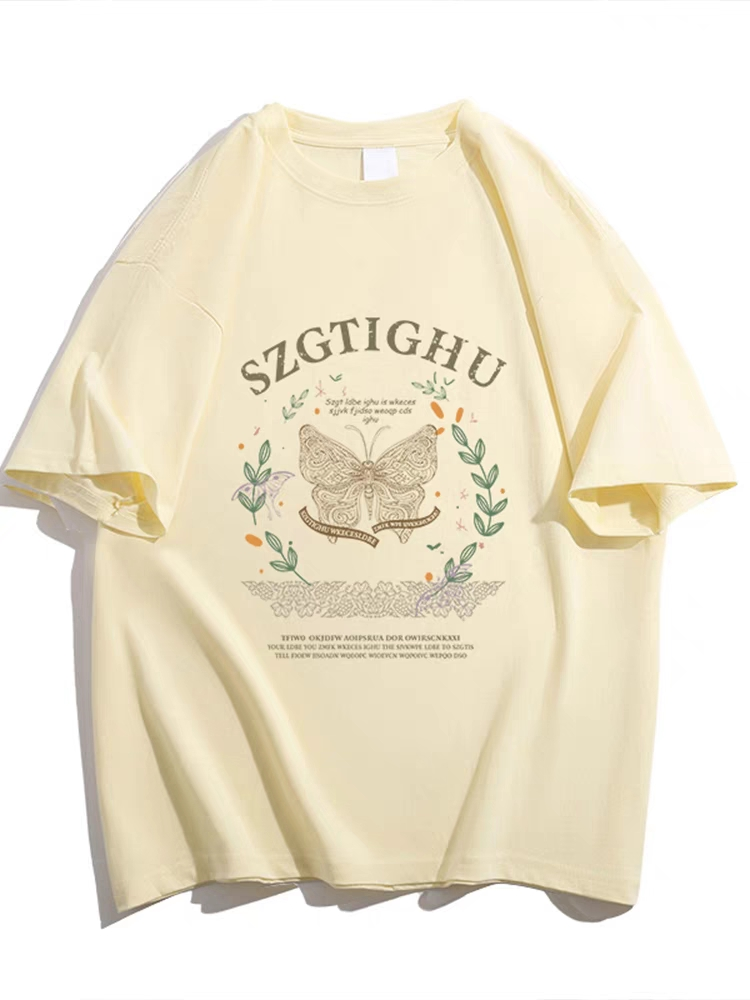 | 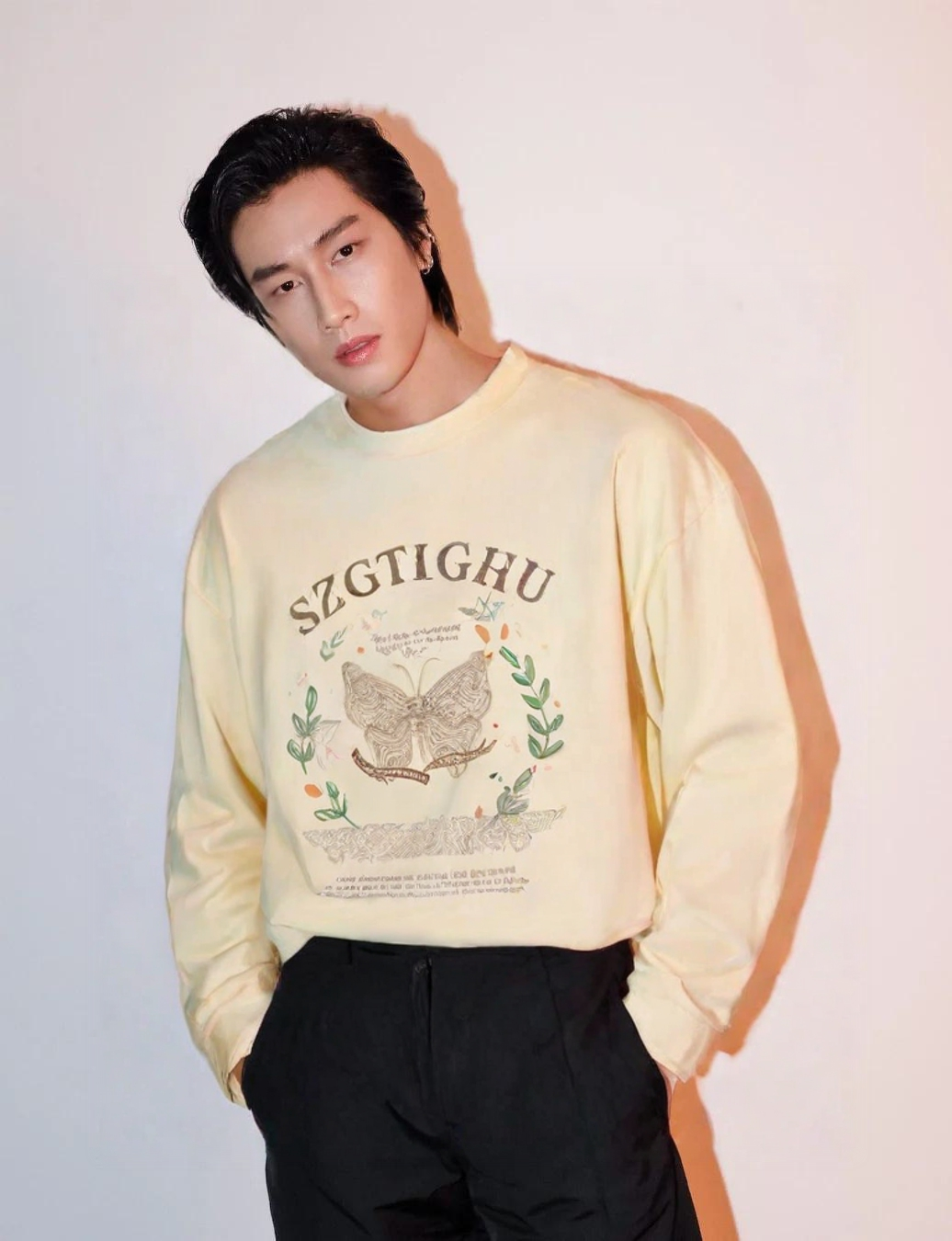 |
✅ | ❌ | ||||
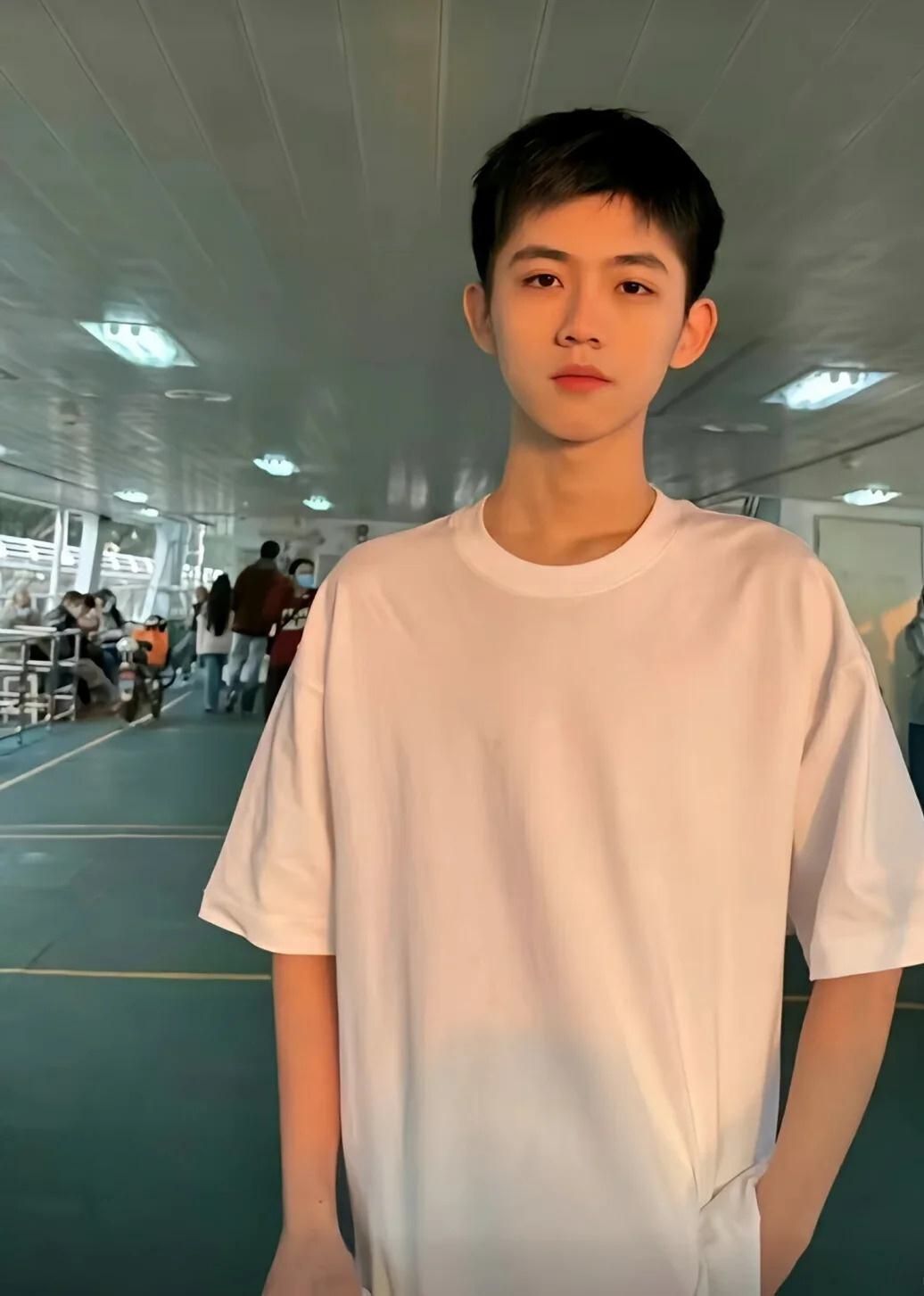
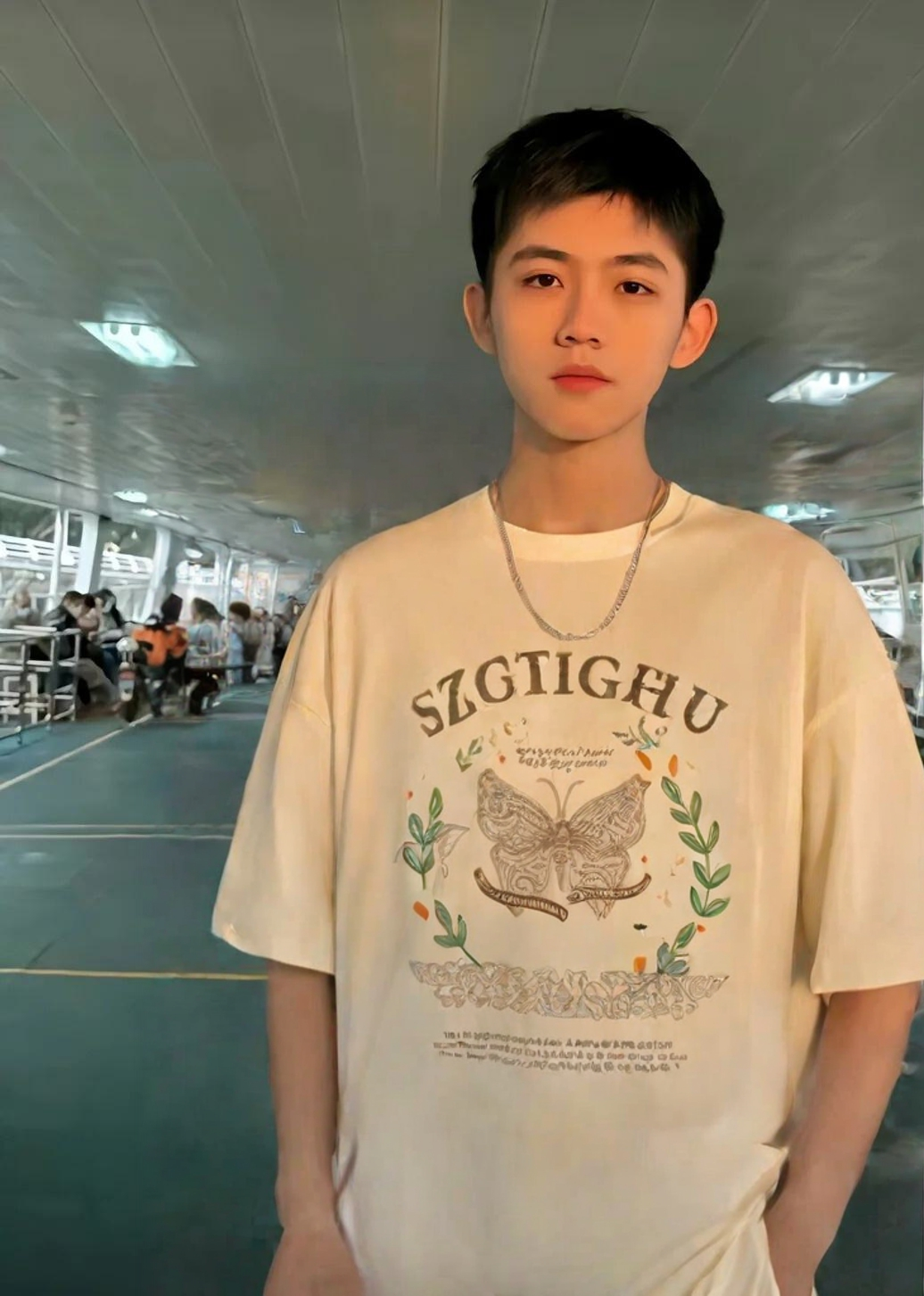
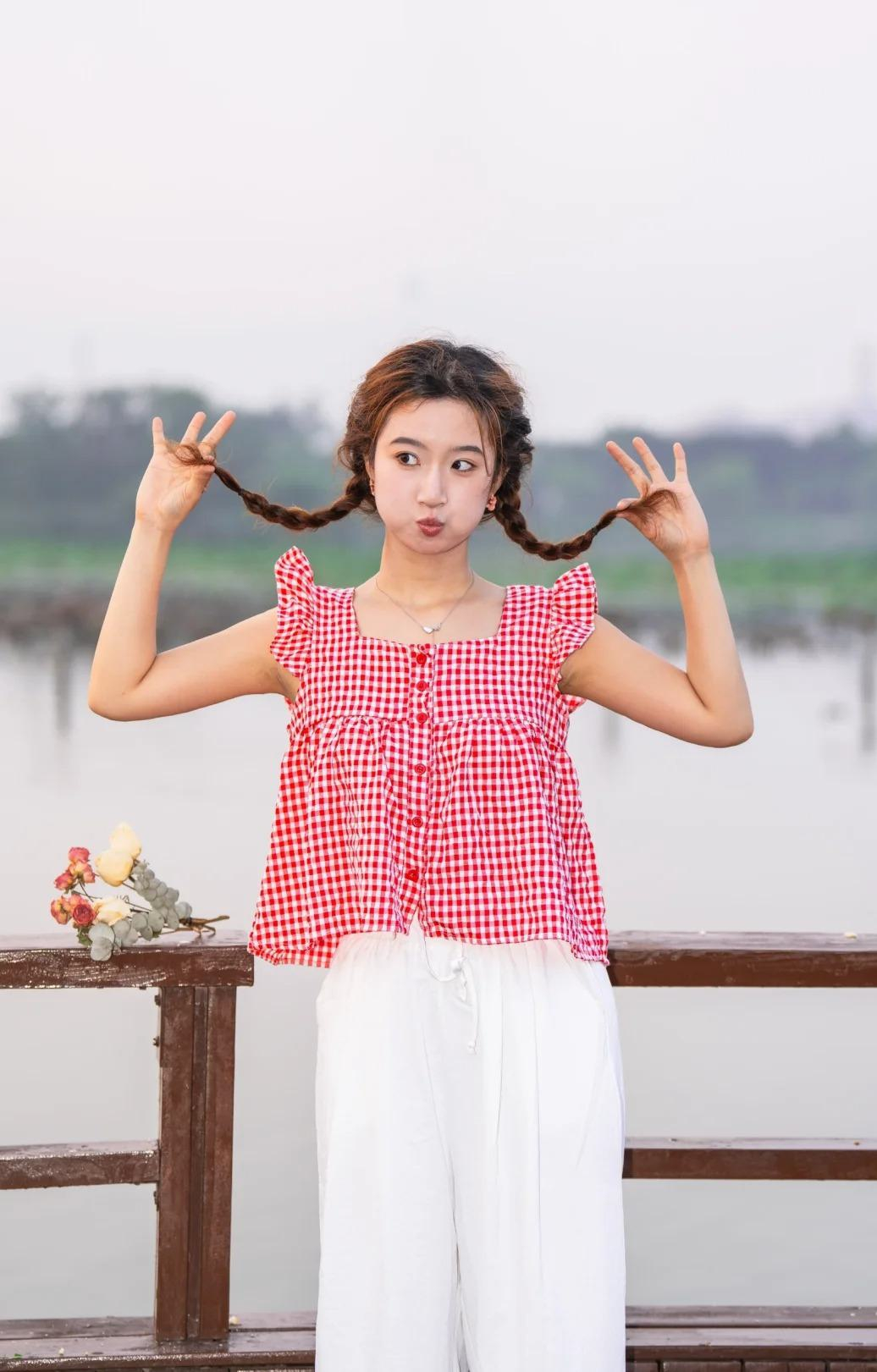
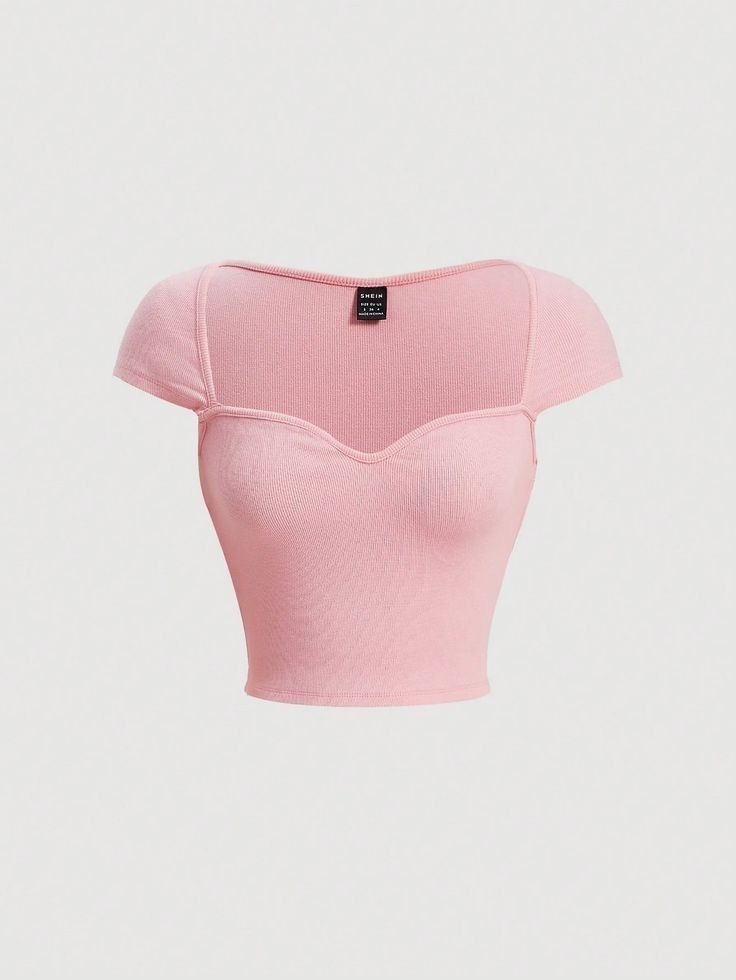
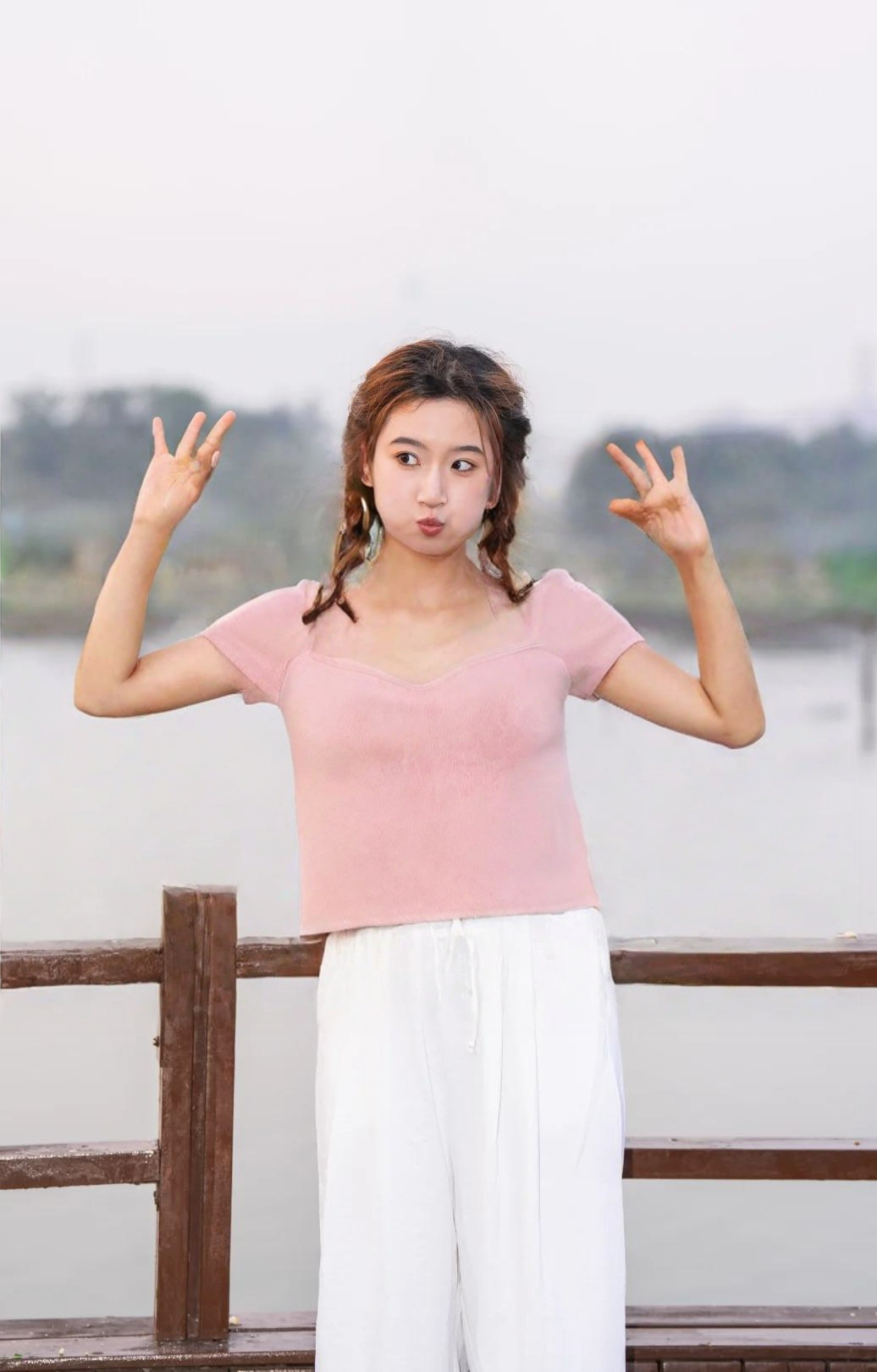
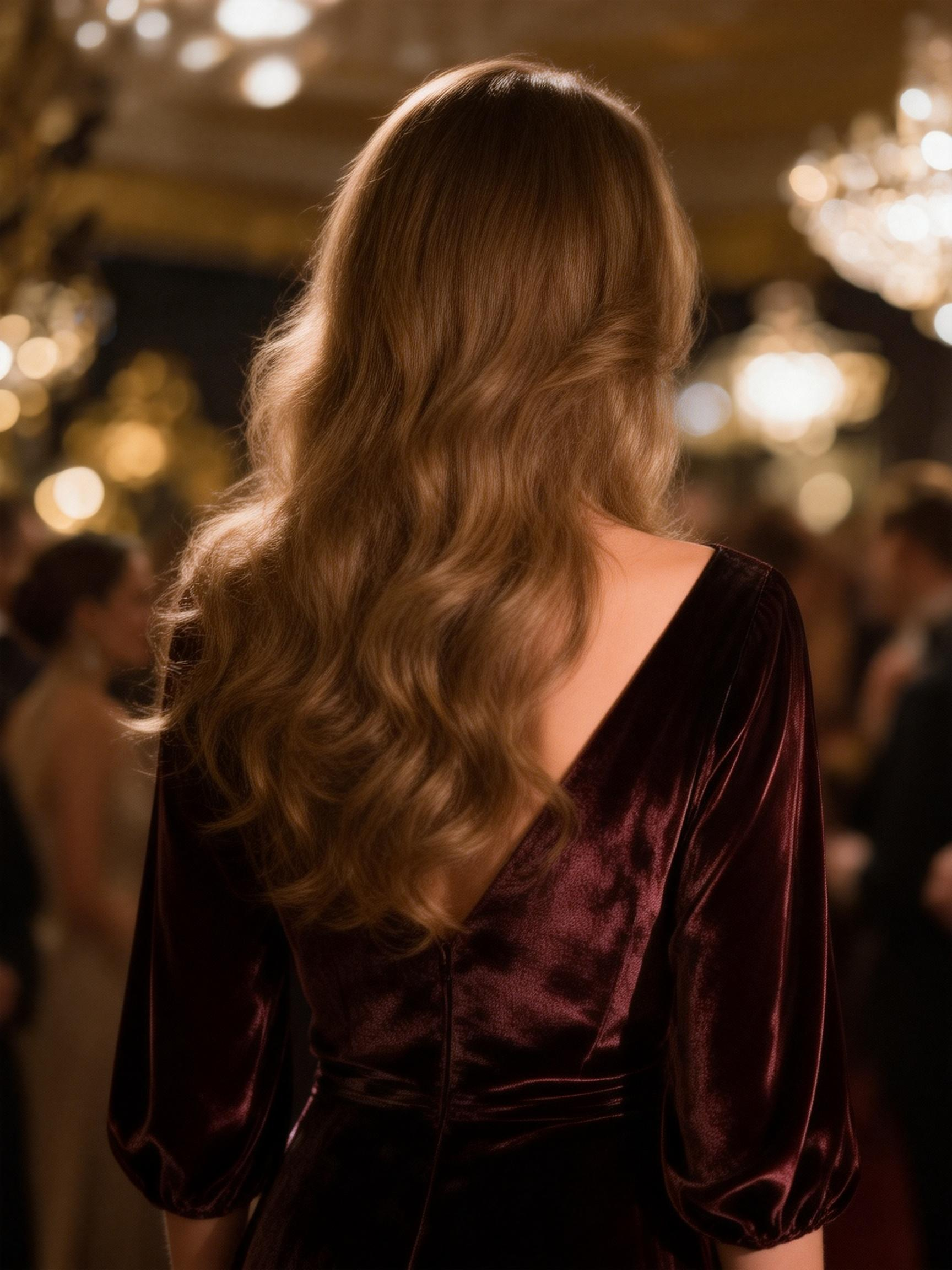
- Tip 3 for Tops Try-On: The fit of the clothing being tried on should closely match the fit of what the model is originally wearing. For example, if trying on a fitted item like a tank top, the model should ideally not be wearing loose clothing, such as a cardigan or jacket, as this may prevent the fitted item from being showcased effectively.
Model Image | Product Image | Try-on Effect | Model Image | Product Image | Try-on Effect |
|
|
|  |  |  |
✅ | ❌ | ||||
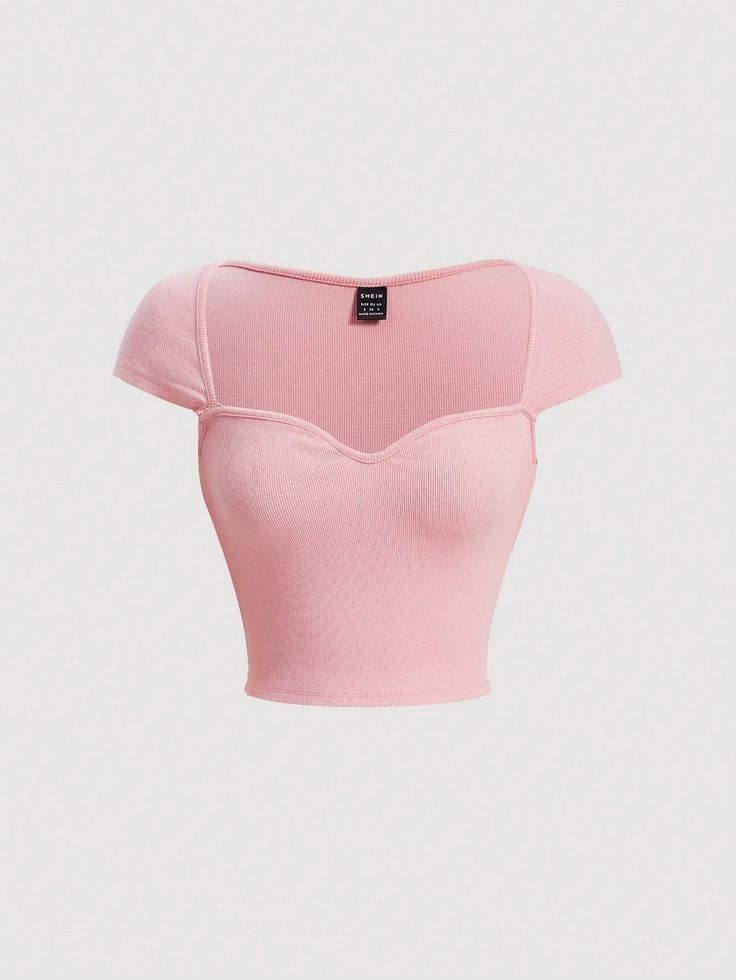
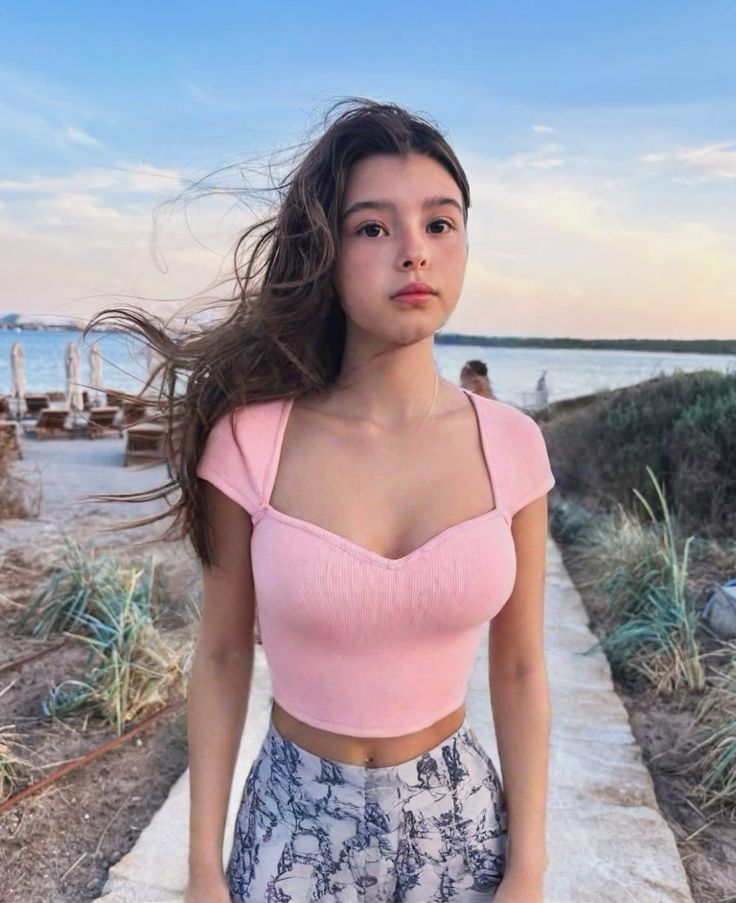
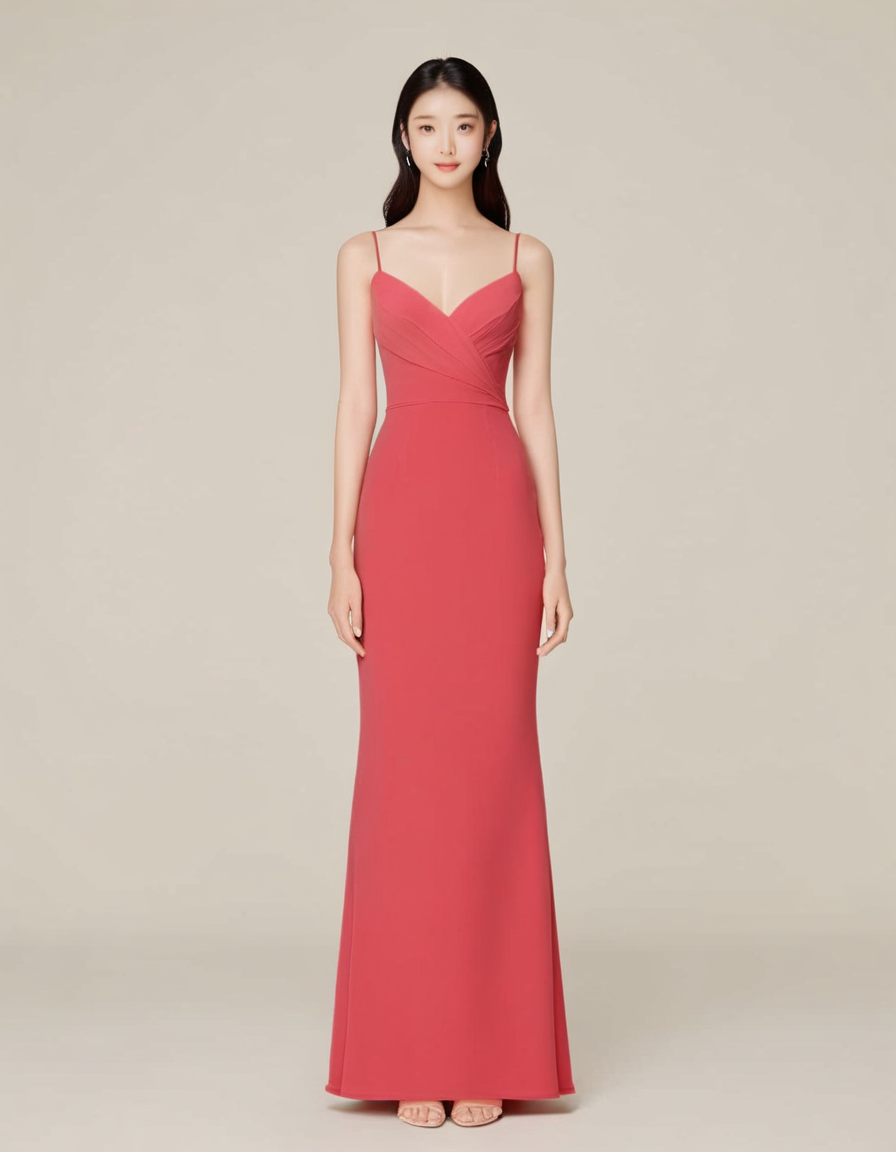
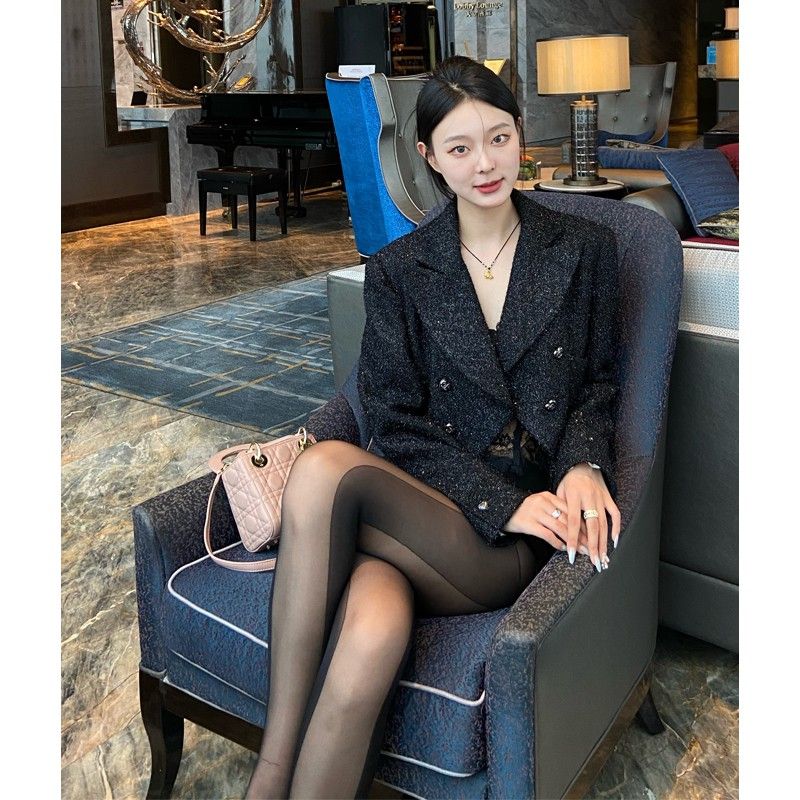
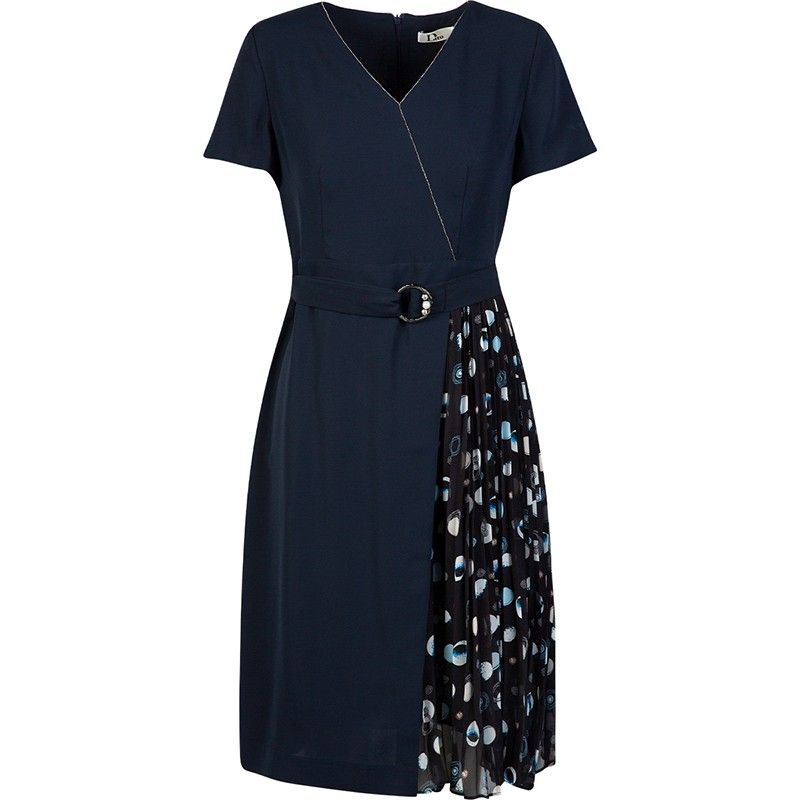
- Tip 4 for Dress: When trying on long clothing, it’s best to have the model maintain a standing posture to avoid poses that involve folding or overlapping of the body.
Model Image | Product Image | Try-on Effect | Model Image | Product Image | Try-on Effect |
|
|
|  |  | 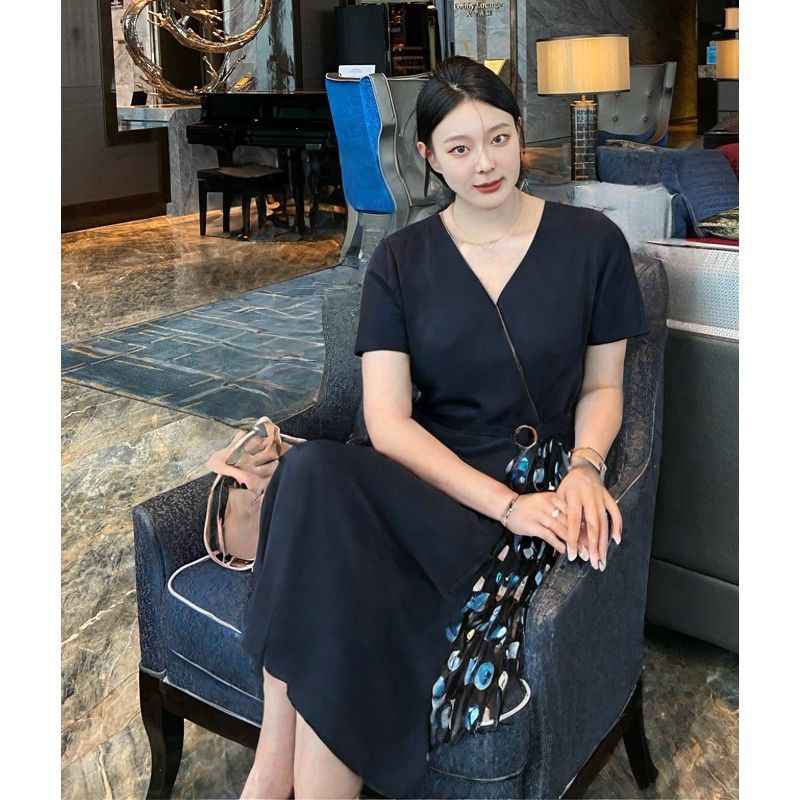 |
✅ | ❌ | ||||
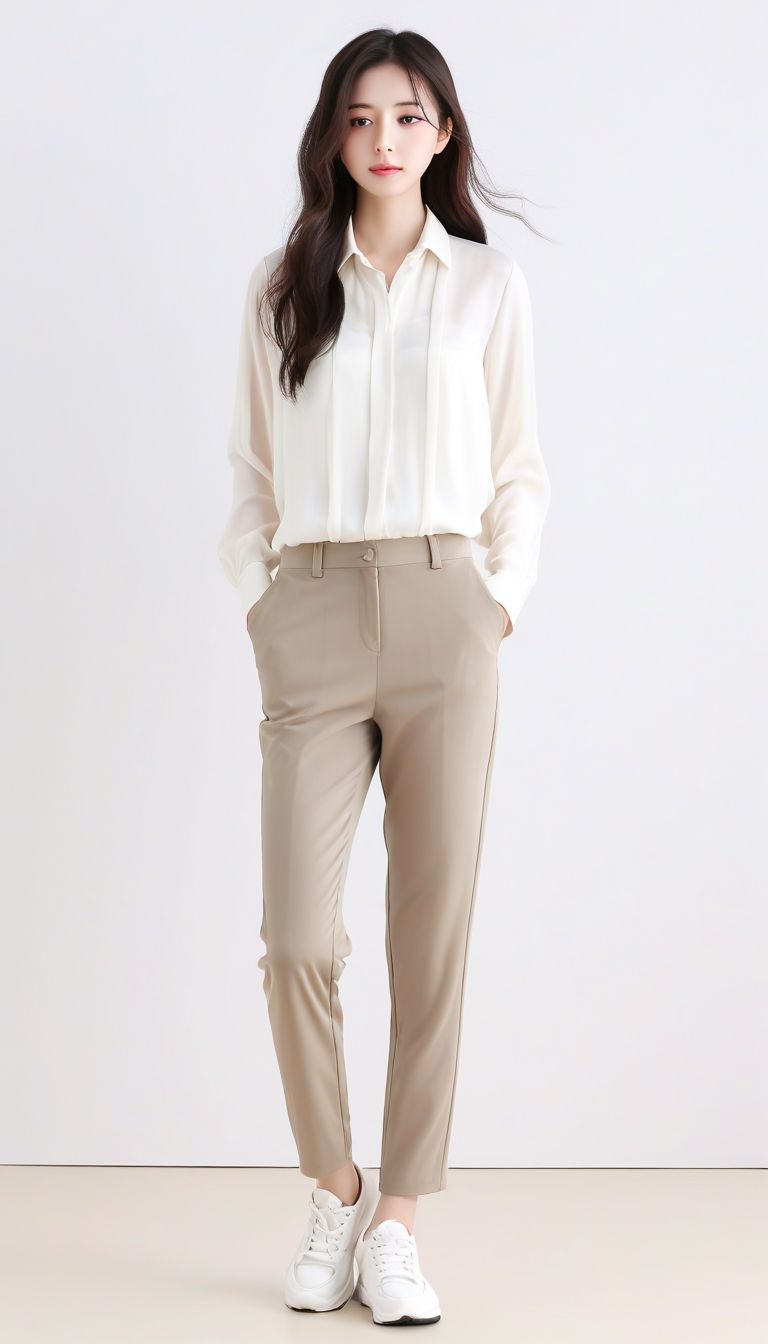
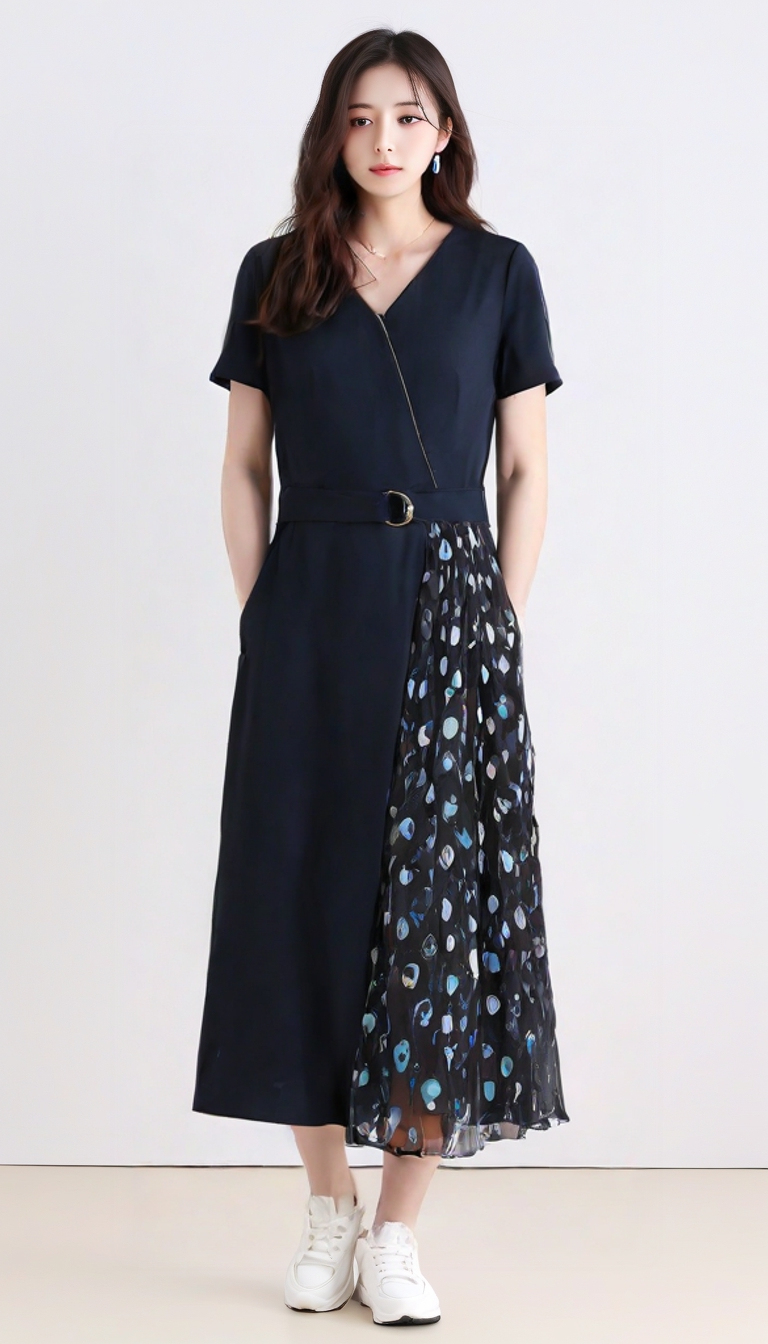
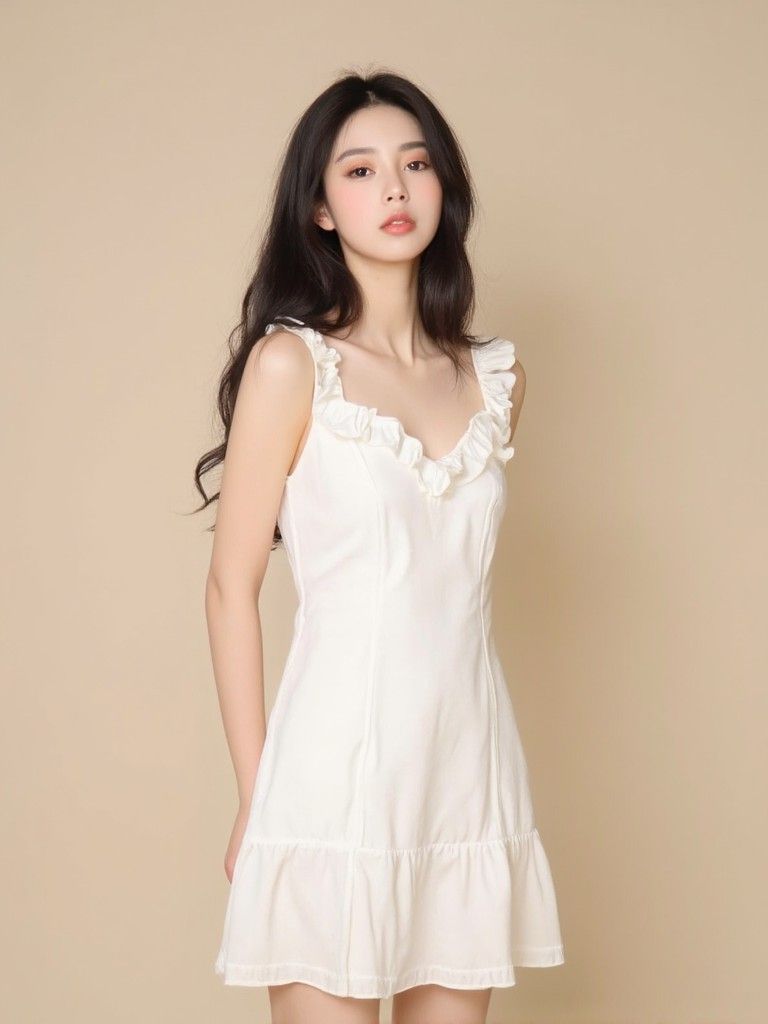
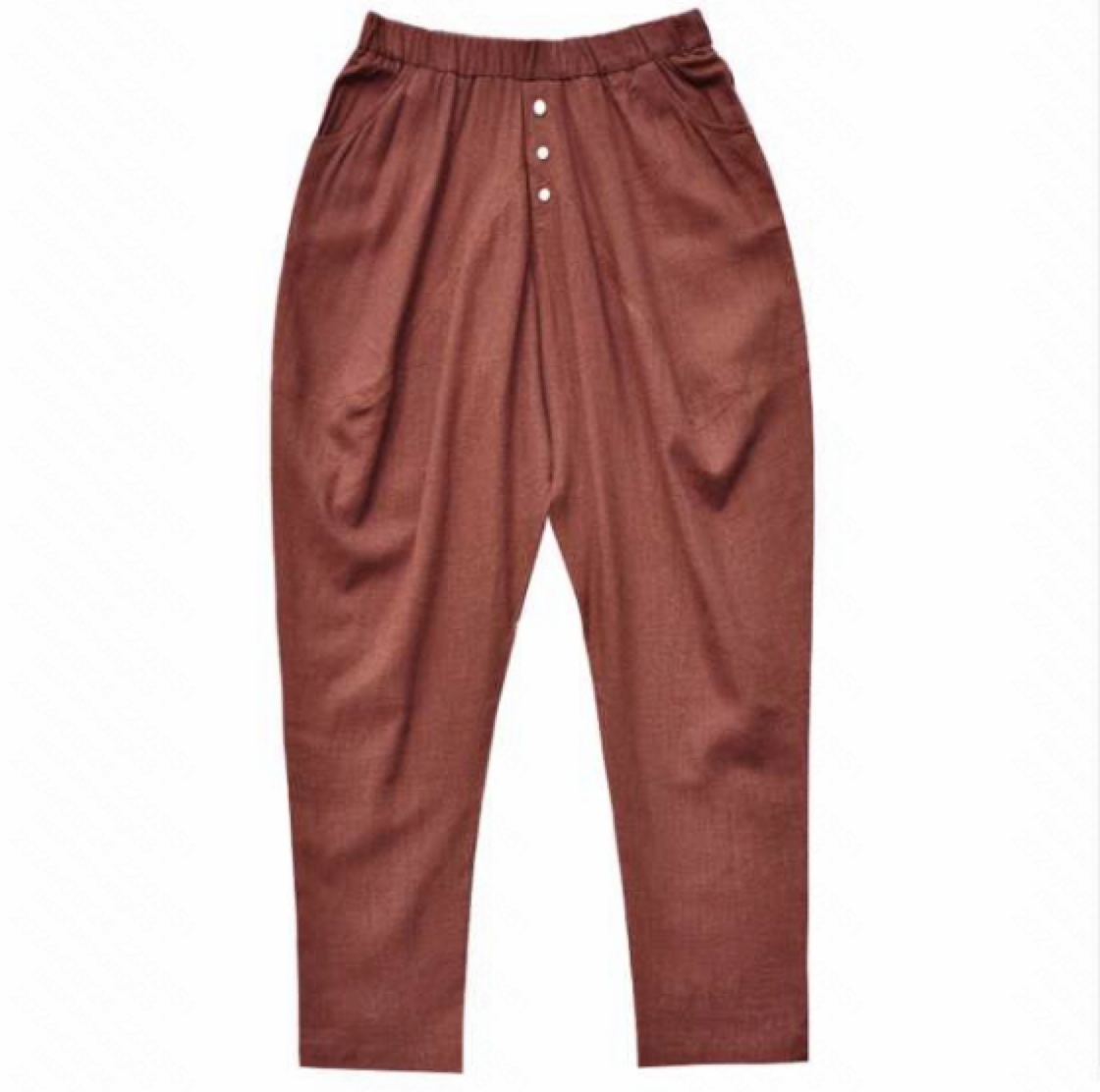
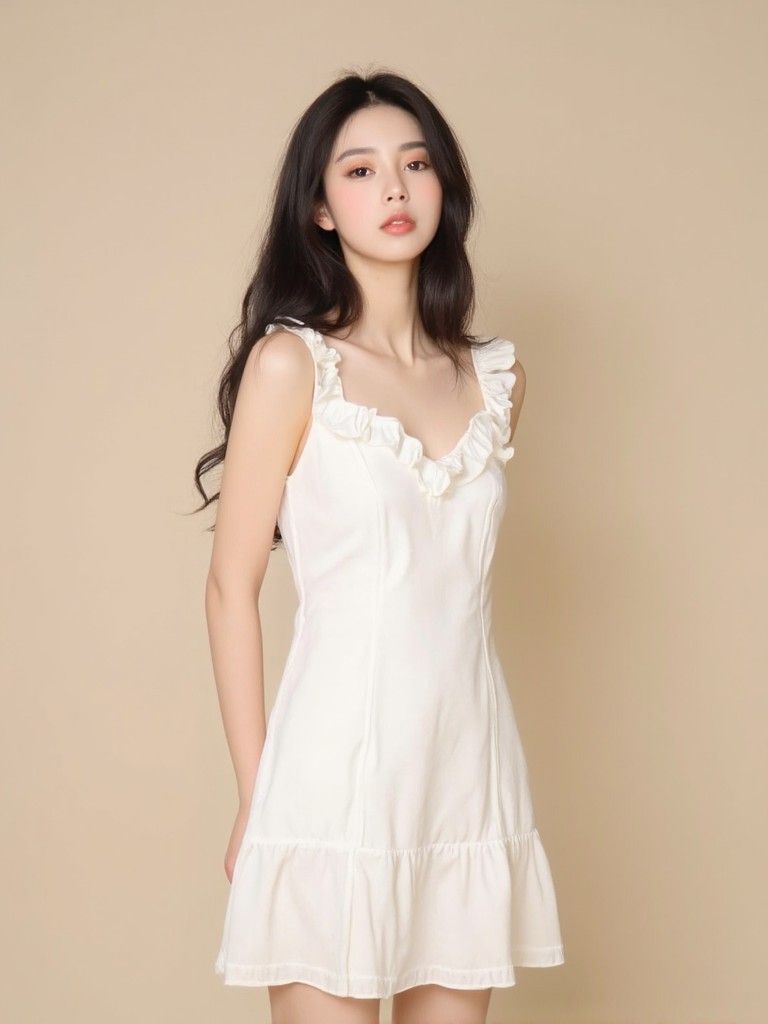
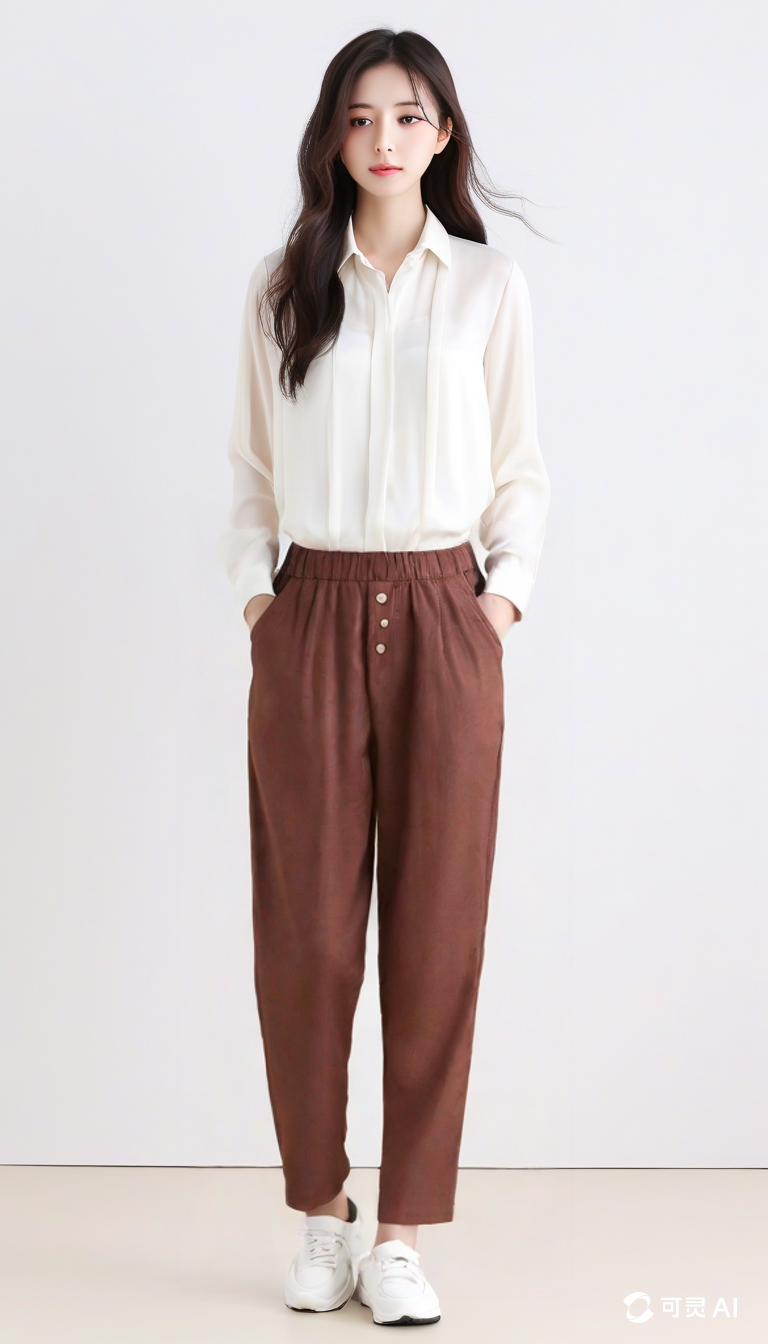
- Bottoms Try-On Tips: When trying on bottoms, opt for models displaying full body or at least lower half. Models should wear long top garments, preferably avoiding boots or dresses, as these may prevent bottoms from being put on. Suitable for platform display.
Model Image | Product Image | Try-on Effect | Model Image | Product Image | Try-on Effect |
|
|
|  | 
|  |
✅ | ❌ | ||||
III. Notes
- Discrepancies may occur in the Try-on clothing details, especially when the clothing occupies a small portion of the image or contains fine text. This can result in inaccuracies with small text and logo details, a common challenge in virtual try-on technology. We will continue to optimize this aspect and welcome user feedback.
That’s the end of this guide! We’ve covered how to use the Virtual Try-On feature in Kling AI, along with tips to make the most of it. We hope this helps support your creative projects!
Additionally, Kolors is now fully open-source. Feel free to check it out on GitHub or Hugging Face, and join the conversation with us!
- Github 🔗:https://github.com/Kwai-Kolors/Kolors/tree/master
- Kolors Mini Program