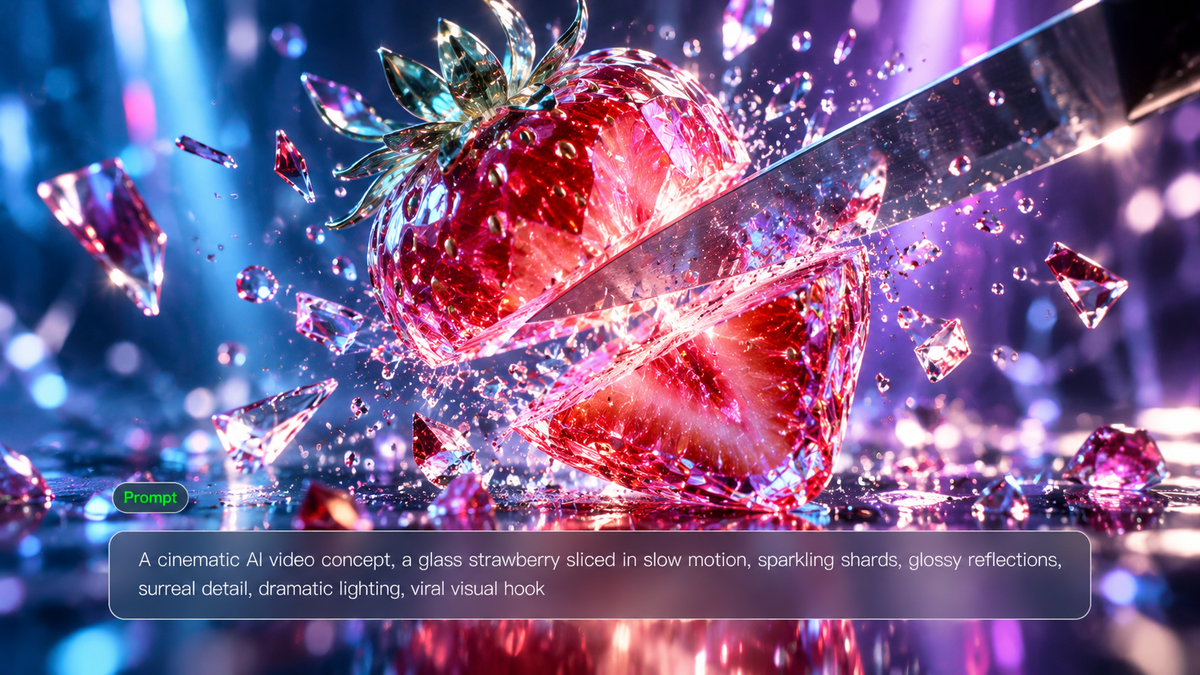
A knife cuts through a glass strawberry. A fantasy creature turns the selfie camera on itself. These scenes are among the AI videos that went viral, putting an unusual subject into an action viewers already recognize. With the new Kling 4.0 model, you can combine image and video references to develop your own scenes, direct the performance and plan when the reveal happens.
What AI Videos That Went Viral Can Teach Creators
These examples range from visual comedy to emotional storytelling. Each offers a different reason for viewers to stay with a clip or share it.
Glass Fruit ASMR: An Impossible Sensory Hook
One glass-strawberry clip had reached 26 million views by June 2025, according to Fast Company. The scene is simple: a knife slicing through fruit that looks like glass, filmed up close with clear cutting sounds.
Bigfoot Vlogs: A Fantasy Character in a Familiar Format
Know Your Meme lists a May 2025 post from @bigfootvlogs that passed 6.3 million plays within three weeks. These clips recast Bigfoot as an everyday vlogger, delivering updates directly to the selfie camera.
AI Cat Diving: One Action That Explains the Joke
A cat approaches a diving platform and goes through the routine of an Olympic diver, from takeoff to splash. The AI cat diving videos shared in 2025 get their humor from how seriously the animal performs the dive.
Fruit Love Island: Recurring Characters That Bring Viewers Back (2026)
Audience voting was part of Fruit Love Island’s dating-show format. Viewers could influence the relationships between its AI-generated fruit characters and follow the results in later episodes. The series took off in March 2026. By March 23, Forbes reported that almost every episode had passed 10 million views.
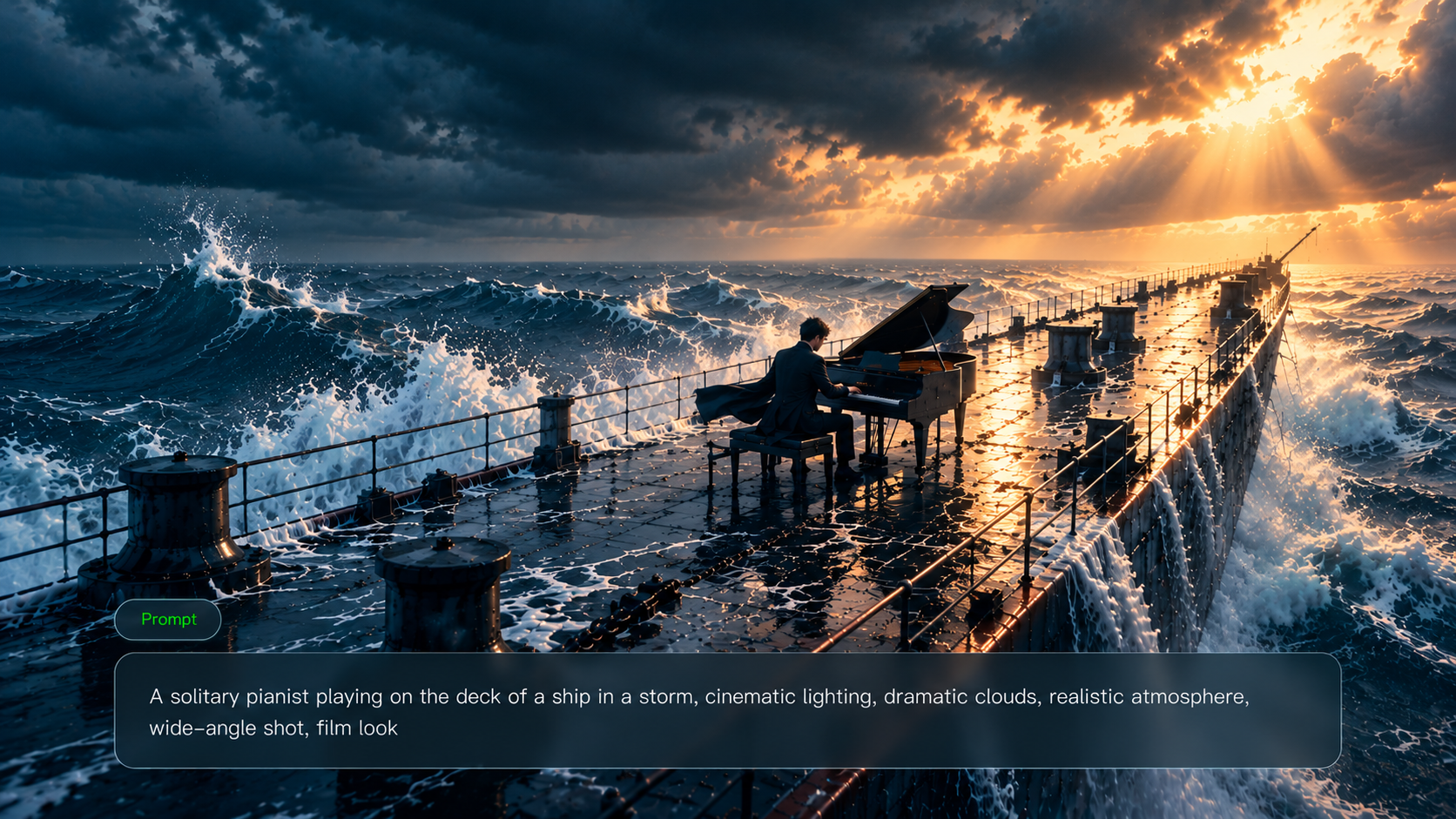
These viral AI videos show that a surprising idea works best when the action is clear and the reveal feels deliberately filmed. Kling 4.0 delivers stronger Dynamic Motions for fast stunts, sports, and fight scenes, keeping movement and physical interactions more coherent. More intentional camera tracking, framing, and shot pacing help you direct each moment with cinematic precision. With Omni Reference, you can combine character images, video clips, and style references to recreate trending formats while maintaining visual consistency. Natural facial expressions, realistic skin textures, and recognizable character details make each original creation more convincing.
Reference Image | Generated Result |
.png?x-oss-process=image/resize,w_1872) .png?x-oss-process=image/resize,w_1872) .png?x-oss-process=image/resize,w_1872) | 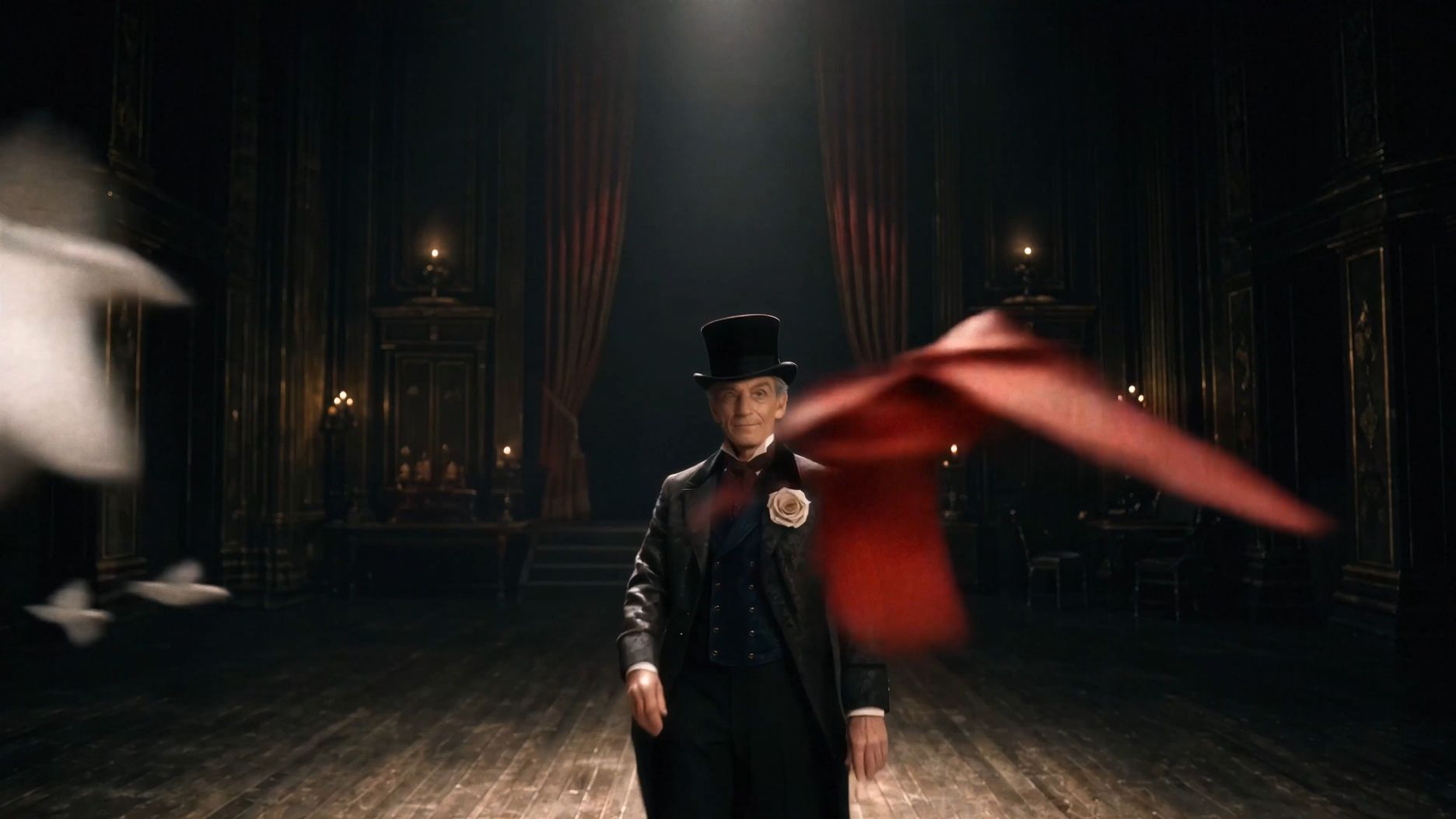  |
Viral Video Ideas for Creators and Brands
Use the formats above as a starting point for a concept that belongs to your channel or brand. Keep the central action clear enough to develop as a short clip.
Surreal Product Reveals for E-commerce
Reveal a perfume bottle inside an opening glass flower, using a product photo as an image-to-video reference. The transformation gives viewers something to watch while keeping the bottle central to the scene.
Recurring Character Vlogs for Social Channels
Establish a sleepy café robot with an AI image generator. Its appearance and manner of speaking can connect episodes about late openings, demanding customers, and other problems at the café.
Satisfying Visual Loops for Lifestyle Content
The return movement is easy to overlook when planning fabric unfolding or droplets forming a pattern. The cloth needs to fold back into place, or the drops must spread into their original positions. Check this part of the sequence by playing the clip on repeat with the sound on. Even when the images join smoothly, a break in the audio can give away the restart.
Mini Stories with a Clear Reveal
Faint music comes from a closed delivery box. Opening the lid reveals a miniature concert, followed by a final shot of the recipient’s reaction.
If you already have a story in mind, Kling's script to video AI can help turn your scenes, actions, and dialogue into a planned multi-shot sequence.
How to Make Viral AI Videos
Start with the opening and ending you want to create, then choose the references that will help your AI video generator interpret the scene. The steps below use Kling 4.0 to develop and refine that first version.
Step 1: Prepare Your Idea and Upload References
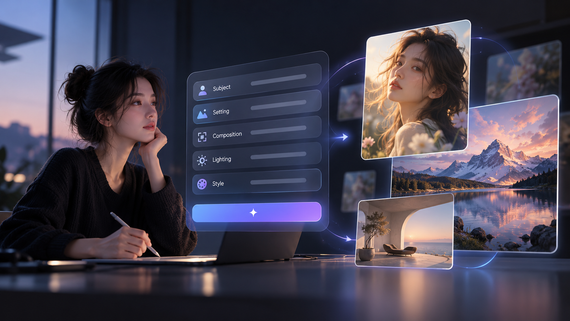
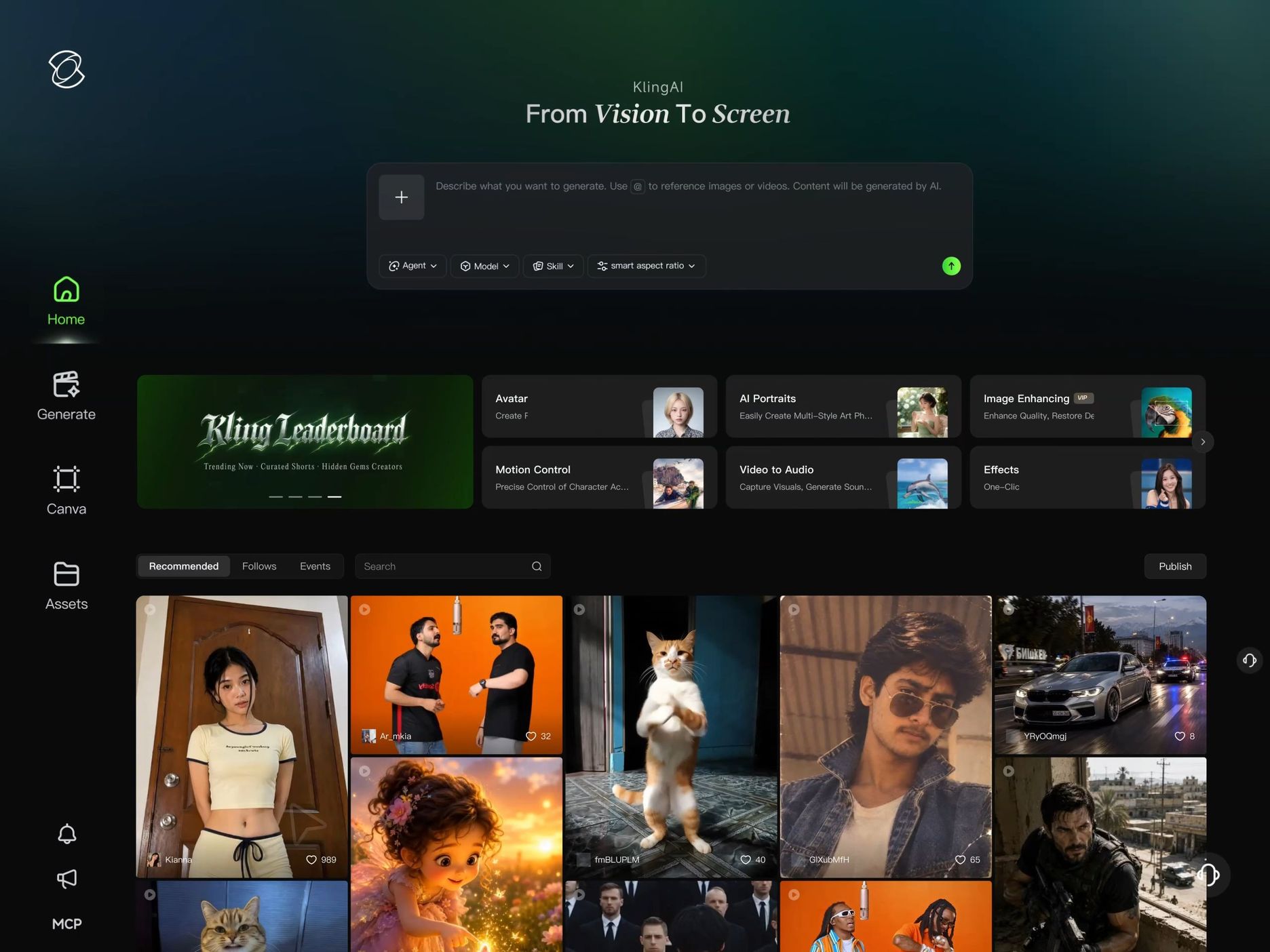
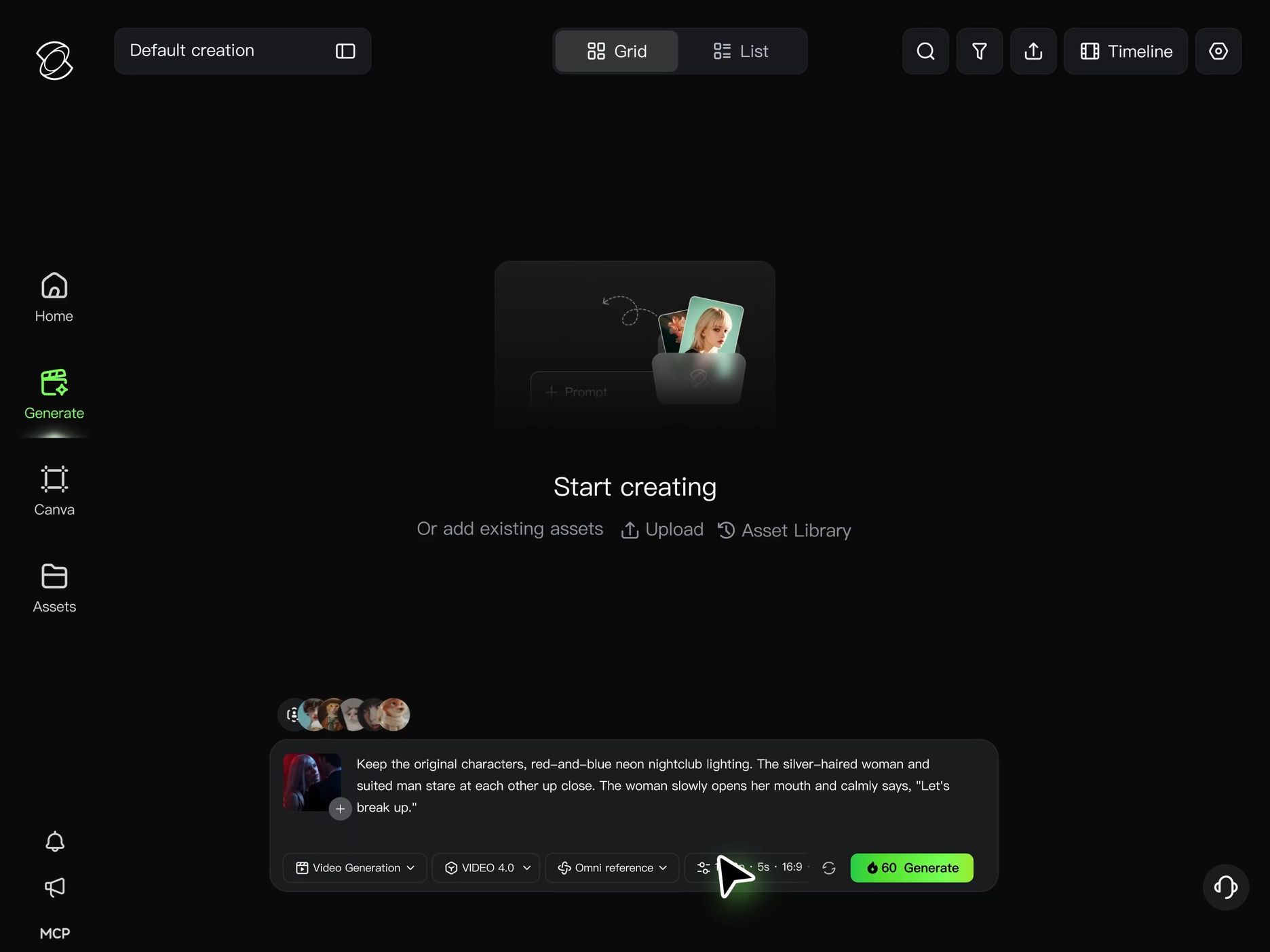
Start by planning the opening shot and the moment you want viewers to remember. Open Kling AI's Video Generation workspace, select Kling 4.0, and upload the references that match your concept.
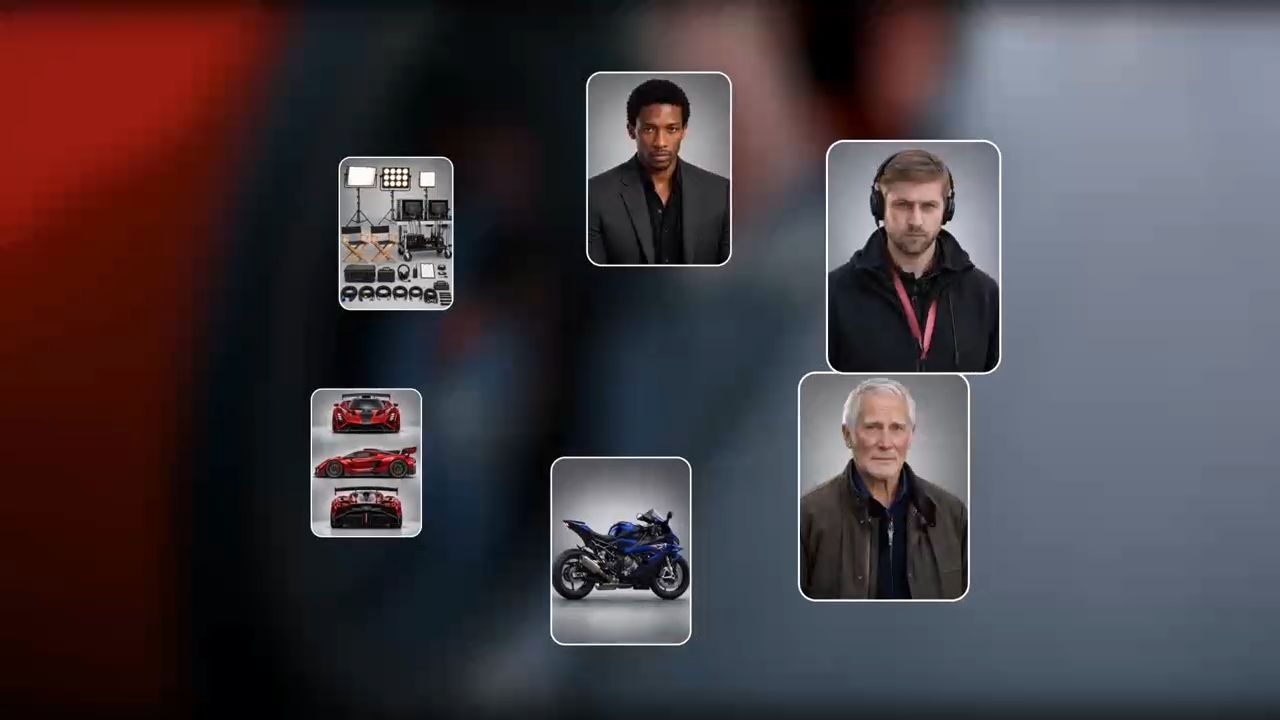
Kling 4.0's Omni Reference supports up to 15 combined reference inputs, including images, videos, and subject references. Give each input a clear role:
- Character images establish appearance. A three-view sheet can show a mascot from different angles.
- Product photos show shape, materials, colors, and packaging details.
- Video references guide performance, movement, camera work, or pacing. You can also use a trending video to recreate its creative format with your own subjects.
- Voice references help define a speaking character's vocal identity.
You can also upload up to 10 keyframe images to plan important visual moments, such as an opening scene, a character's reaction, or a final reveal.
For a recurring vlog, choose references that keep the character recognizable across episodes. For a product reveal, include clear views of the details you want to preserve.
Step 2: Write Your Prompt and Explain How to Use Each Reference
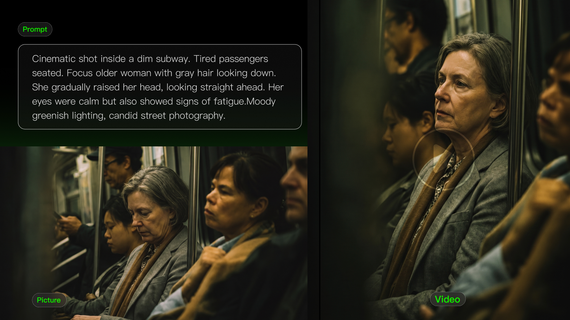
“Use the photo for the bottle’s shape and label, and the video for the person’s gestures and camera movement.” An instruction like this gives Kling 4.0 a clear role for each reference. Follow it with the actions in sequence, placing dialogue and sound effects where they occur. If the person speaks while lifting the bottle, describe the gesture and the line together.
Use your prompt to explain the movement between the uploaded keyframes. Specify where the camera follows the action, how the scene develops, and where it holds long enough for viewers to see the final reveal.
Step 3: Generate, Review, and Refine Your Video
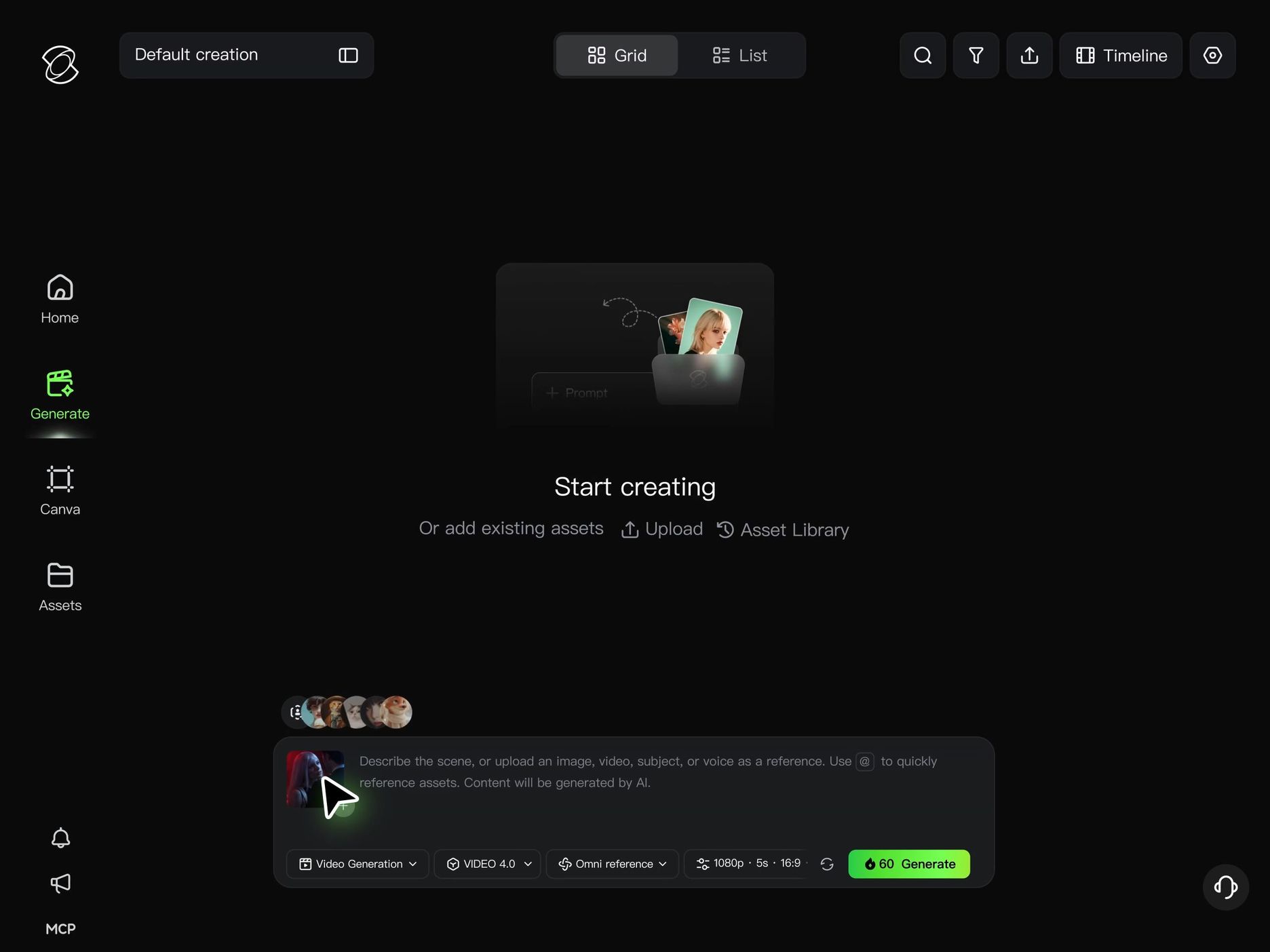
Choose a duration around the action you have planned. Kling 4.0 supports native generation of up to 30 seconds, giving a conversation or reveal time to develop within one sequence. A brief visual joke can finish as soon as its main action lands.
Watch the result closely where the scene’s appeal depends on detail. Kling 4.0 improves material rendering, lighting, and character expressions; look at whether those details make the object or performance convincing.
Check the following before refining the clip:
- Is the source of curiosity visible in the opening?
- Do the character and product remain recognizable throughout?
- Can you follow the movement as the camera changes position?
- Do dialogue and important sounds match the action?
- Does the ending deliver the reveal or reaction you planned?
Revise the prompt or references to address the issue you find. Kling 4.0’s targeted video editing can also help adjust an expression, body movement, background, or camera direction while retaining more of the surrounding scene.
What Helps You Create Shareable AI Videos?
Kling 4.0 gives creators more ways to turn the ideas behind viral AI videos into original content. From keeping recurring characters recognizable to recreating trending video formats, directing fast-moving action, and building more complete stories, its upgraded capabilities help bring creative concepts to life.
Shape Original Concepts with Omni Reference
For a series inspired by Bigfoot vlogs or Fruit Love Island, build your references around the returning cast. Kling 4.0’s expanded Omni Reference supports up to 15 combined references in one generation, including images, videos, and subject references. You can include several views of a character, clips showing their appearance or gestures, and visual references that define the overall style.
Keep those references for later episodes to maintain recognizable characters and a consistent visual identity. A new date, disagreement, or location gives the story somewhere to go, while familiar faces and details help viewers reconnect with the characters they already follow.
Recreate Trending Video Formats with Creative Recreation
A viral AI video often stands out because of its unusual performance, memorable camera movement, or perfectly timed reveal. With Kling 4.0, you can use a trending video as a reference for its actions, shot composition, and pacing, then introduce your own characters, products, or creative ideas.
For example, you could transform a popular selfie-vlog format into a café robot documenting its chaotic morning shift, or adapt a trending product reveal with your own packaging and visual style. By combining reference videos with your own creative direction, you can recreate familiar social media formats for TikTok, Instagram Reels, or YouTube Shorts while giving each video a distinct identity.
Reference Image | Reference Video | Generated Result |
.png?x-oss-process=image/resize,w_1872) | 
| 
|
Make Fast Action and Camera Movement Feel Cinematic
Fast-moving viral videos often depend on a difficult moment: a sudden jump, sharp turn, collision, or unexpected stunt. Kling 4.0's stronger dynamic motions help maintain coherent body movement, physical interactions, and spatial relationships during running, sports, fight choreography, and other high-speed actions.
Camera work adds another layer of storytelling. With tracking shots, orbiting movements, and dynamic changes in framing, you can guide how viewers experience each action. For an AI animal-diving parody, follow the takeoff, stay with the movement through the air, and reveal the splash at the right moment. The result feels more deliberately directed, with movement and camera rhythm working together to deliver the joke.
Build Complete Story Moments with 30-Second Generation and Keyframes
Kling 4.0 supports native video generation from 3 to 30 seconds, giving short stories more room to develop. A mysterious delivery box could play faint music before opening to reveal a miniature concert, followed by the recipient's surprised reaction. This extra storytelling space helps you build anticipation and deliver a more satisfying ending.
With up to 10 keyframe images, you can guide when important objects appear, how characters react, and where the story reaches its turning point. More nuanced facial expressions and realistic skin details help close-up reactions feel convincing, while carefully timed pauses give the ending greater emotional impact and make the story more memorable.
The End
Choose one approach from these AI videos that went viral and develop an original concept for your audience. With Kling 4.0, you can recreate trending formats, direct dynamic action, maintain consistent characters, and build more complete stories. Generate your first version, refine the moments that matter, and share your creation. After publishing, review watch time, completion rates, and audience feedback to discover what works best and inspire your next viral video idea.
FAQs
What makes an AI video go viral?
A video has more sharing potential when viewers understand its idea quickly and find the ending worth watching. Humor, surprise, or a recognizable emotion can provide that appeal. Learn from viral videos, then test what your own audience watches and shares.
How can beginners make viral AI videos?
Begin with a short scene whose ending you can describe clearly. Add a reference image in Kling 4.0 where appearance matters, and use the video prompting guide to explain the action and camera movement. Review the first result before expanding the scene.
What are good viral video ideas for brands?
A lightweight shoe could emerge from folded paper, with the reveal ending on a clear view of its design. For a mascot series, use a different customer request in each episode and carry the character’s appearance and mannerisms into each new situation.
Can AI videos go viral?
Yes. AI cat diving and glass fruit ASMR spread widely in 2025. Fruit Love Island attracted millions of views in 2026 with AI-generated characters in a dating-show format. Viewers could follow the characters’ relationships and vote on what happened next, giving them a reason to return for another episode.
How can Kling 4.0 turn references into original videos?
Use your images to establish characters or products, and a video reference to guide performance or pacing. Creative Recreation can adapt a reference video’s presentation around your assets. Add your own situation and ending so the finished concept belongs to your channel or brand.
Can Kling 4.0 create a complete 30-second story?
The full Kling 4.0 model supports native generation of up to 30 seconds. Plan a story that can reach its ending within that time, then use up to 10 keyframe images to guide important visual moments. Describe the connecting action in your prompt and review whether the finished sequence makes sense.