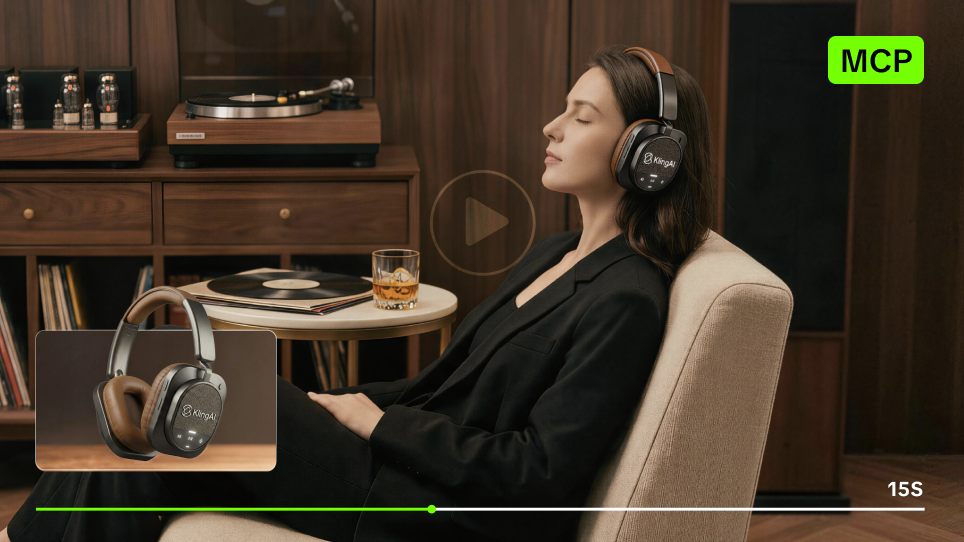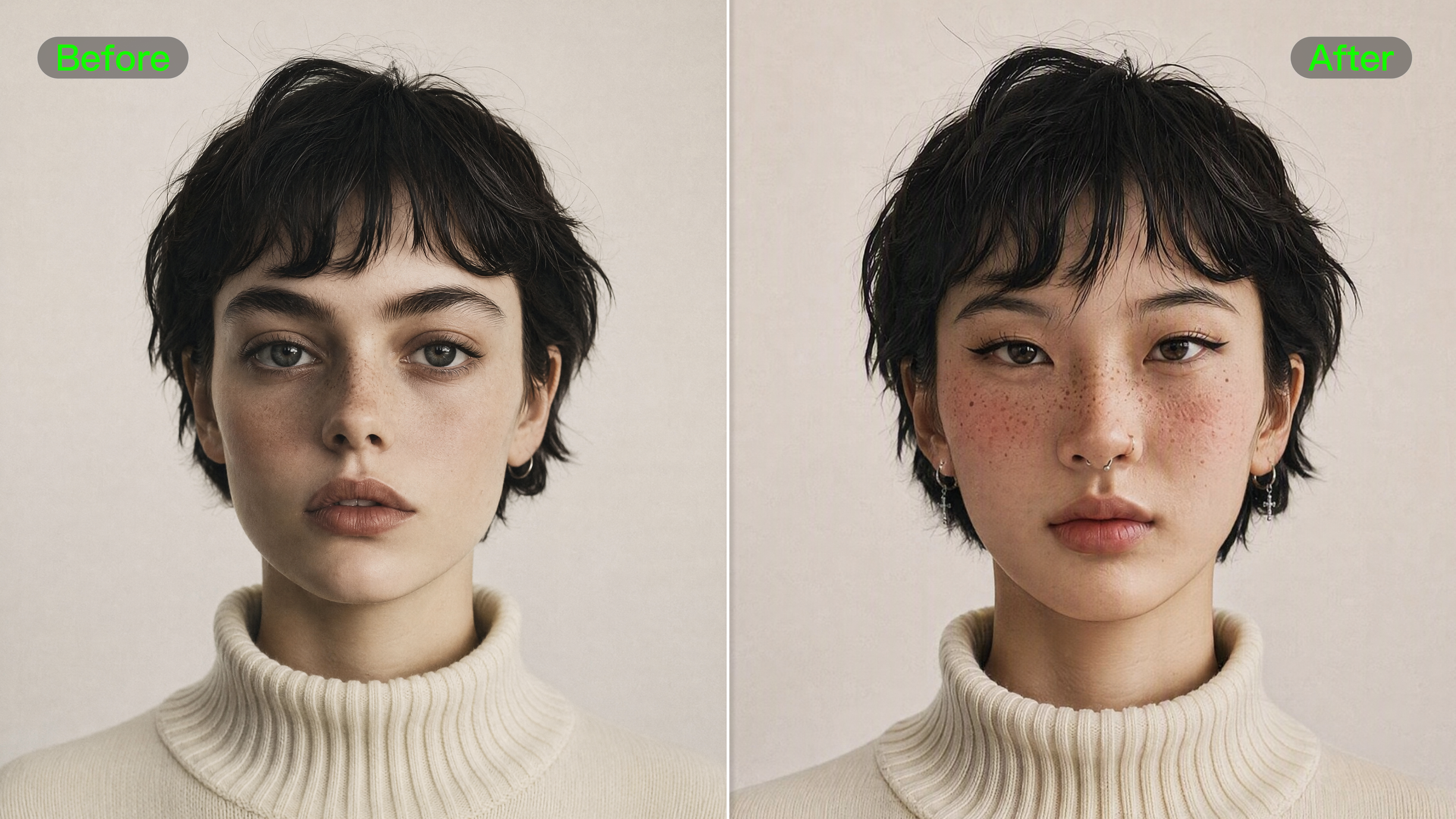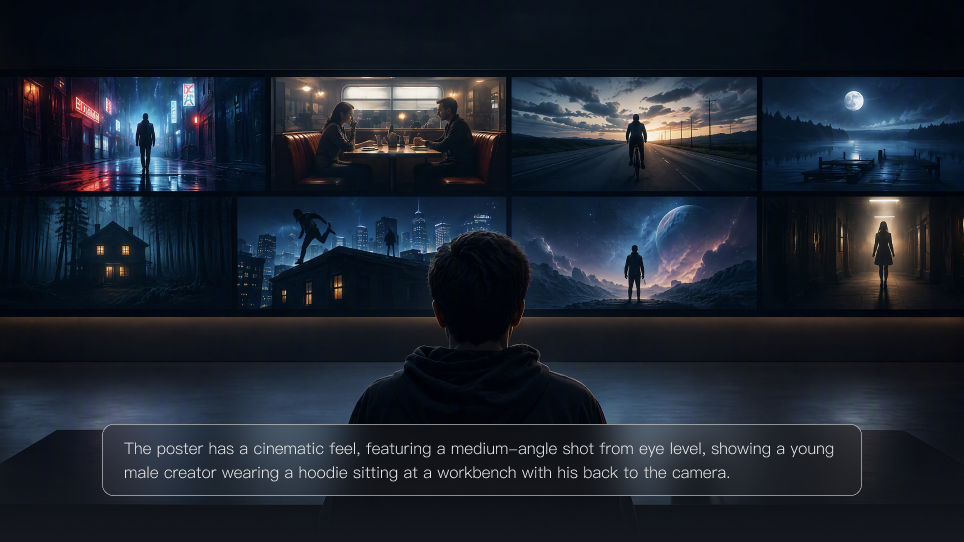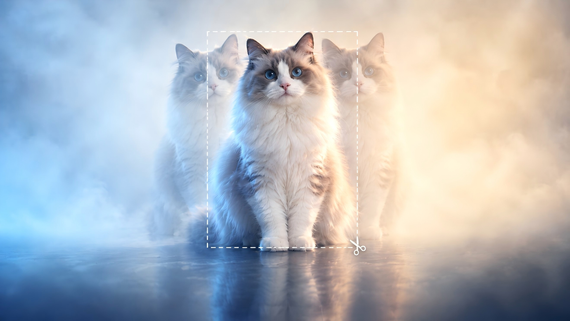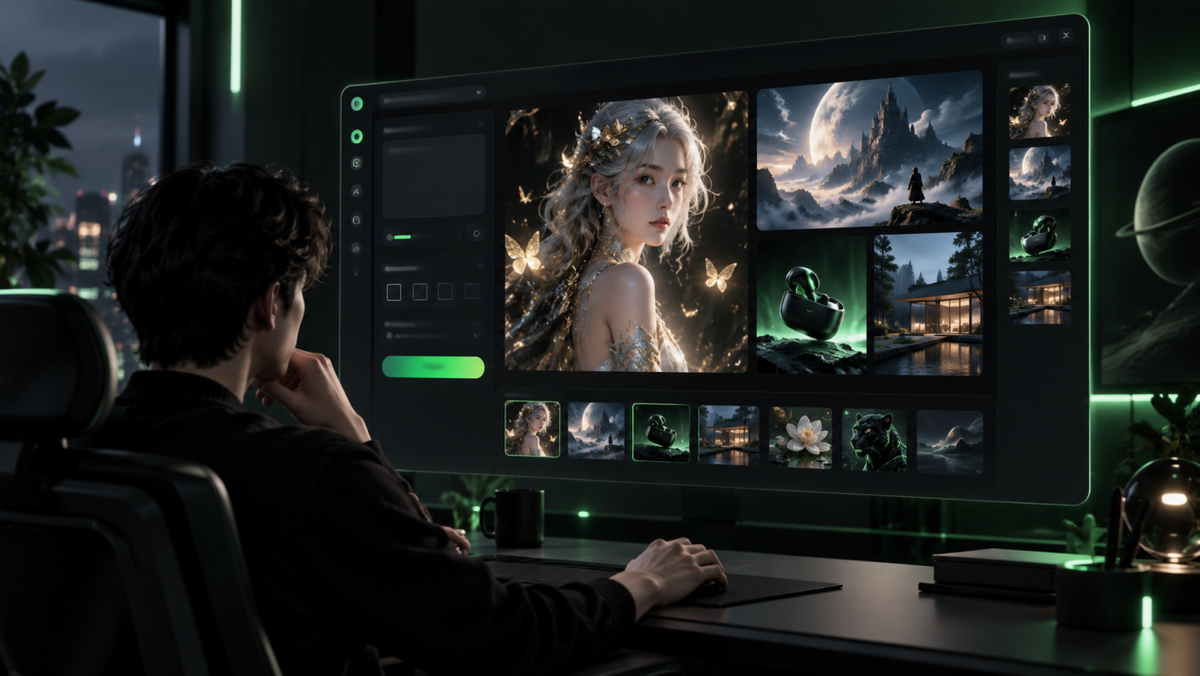
AI image generation tools can turn a simple idea into countless creative possibilities in seconds. But with so many options available, which ones truly stand out? We compare 10 of the best AI image generation tools in 2026, looking at what each does best to help you choose the right one for your creative work
.png?x-oss-process=image/resize,w_1872)
What Are AI Image Generation Tools?
AI image generation tools can create or transform visuals from text prompts, reference images, or existing images. These tools are powered by AI image models, but the two terms are not quite the same: the tool provides the interface and creative workflow, while the model is the underlying system that generates or edits the image.
What makes these tools useful is what happens after the first image. A simple idea can keep moving in different visual directions:
- A rough sketch can become a complete set of campaign visuals.
- A product image can be placed in new settings, lighting conditions, or compositions.
- The same character can appear across a series while keeping the features that make it recognizable.
One image can be the final result, or the starting point for a much larger visual idea.
Many tools now also support editing, references, and multi-image workflows, so you can refine an idea without rebuilding it from scratch.
How We Compared the Best AI Image Generation Tools
For this comparison, we focused on the factors that most affect image creation in practice.
Comparison Area | What We Looked At |
Image Quality | Detail, realism, composition, visual finish, and overall output quality |
Prompt Accuracy | How closely the tool follows detailed instructions and intended visual direction |
Editing | Whether images can be refined, extended, or changed without starting over |
Creative Control | Control over style, composition, layout, and other visual details |
Reference Handling | How well the tool uses reference images for subjects, products, styles, or recurring characters |
Ease of Use | How quickly users can understand the workflow and move from idea to result |
Workflow Fit | How well the tool fits into broader creative workflows, including design, image series, production, or video |
Rather than judging a tool by one standout image, we looked at how its current features perform across common creative tasks and where each option has a clear advantage.
10 Best AI Image Generation Tools in 2026
We selected 10 widely used AI image generation tools and compared them using the criteria above, so you can quickly see where each one stands out and how their priorities differ.
Tool / Platform | Image Quality & Prompting | Editing & References | Creative Control | Workflow Fit |
Kling | Strong prompt accuracy and subject retention; 2K with IMAGE 3.0, 2K/4K with IMAGE 3.0 Omni. | Precise editing and up to 10 reference images with IMAGE 3.0 | Control over subjects, composition, style, and tone | Moves from single-image creation into related image sets with IMAGE 3.0 Omni |
Midjourney | Distinctive visual styling with strong personalization | Image prompts, visual references, and image editing | Extensive style and generation controls | Built around iterative, style-led image creation |
ChatGPT | Natural-language prompting with conversational refinement | Uploaded-image editing and targeted changes | Visual changes can be directed through follow-up instructions | Easy to move between generation and revision in the same conversation |
Google Gemini | Handles detailed instructions and multimodal input | Multiple references and local edits | Control over characters, text, and visual details | Combines image creation and revision in a conversational workflow |
Adobe Firefly | Prompt-based image generation geared toward design work | Generative Fill, Remove, Expand, and related editing tools | Detailed control when refining existing creative assets | Connects closely with Adobe Creative Cloud workflows |
Ideogram | Strong typography and prompt fidelity | Remix, editing, background removal, and upscaling | Precise control over text placement and layout | Works particularly well for design tasks where text is part of the image |
Recraft | Raster and vector generation with an emphasis on visual consistency | Raster and vector editing | Brand styles, vectors, and reusable design assets | Built around structured graphic-design and brand workflows |
Leonardo AI | Multiple models for different visual directions | Image Guidance, references, and Omni Editing | Broad range of model and generation controls | Lets creators move between generation, reference work, editing, and enhancement |
FLUX | Different models balance speed, fidelity, and output quality | Editing and multi-reference workflows | Detailed model, color, and output control | Fits API, production, and technically customized workflows |
Stable Diffusion | Output varies by model, configuration, and fine-tuning | Highly customizable editing and generation pipelines | Extensive control through fine-tuning and deployment | Suited to custom, self-hosted, and developer-led workflows |
Which AI Image Generation Tool Is Best for You?
The best AI tool for image generation depends on what you want to create and what matters most in the final image. Start with the task, then compare which workflow fits it best.
If You Want To... | Tools to Consider | Why |
Create marketing, product, or brand visuals | Kling IMAGE 3.0 Series, Adobe Firefly, Recraft | Kling works with prompts, visual references, and image editing; Firefly connects closely with Adobe design workflows, while Recraft focuses more on structured brand assets. |
Keep characters, products, or visual details consistent across images | Kling IMAGE 3.0 Series, Google Gemini, Leonardo AI | Reference images matter most here. Kling IMAGE 3.0 can work with up to 10 references, while Gemini and Leonardo also support reference-led creation and revision. |
Explore different styles and visual directions | Kling IMAGE 3.0 Series, Midjourney, Leonardo AI | Kling uses prompts and references to guide style, composition, and tone; Midjourney leans more heavily into visual aesthetics, while Leonardo offers several model choices. |
Edit an existing image without starting over | Kling IMAGE 3.0 Series, ChatGPT, Adobe Firefly | Kling IMAGE 3.0 lets users edit images through natural-language instructions, ChatGPT handles revisions through conversation, and Firefly offers tools such as Fill, Remove, and Expand. |
Build a related set of images from one idea | Kling IMAGE 3.0 Series, Recraft, Leonardo AI | IMAGE 3.0 Omni can extend a visual direction into related image series, while Recraft focuses on coordinated design assets and Leonardo offers reference-based workflows for recurring visuals. |
Why Kling IMAGE 3.0 Series Goes Beyond One-Off Image Generation
One image does not always finish the job. A character may need another pose, a product may need a different setting, or a campaign may call for several images that still look like they belong together. Kling IMAGE 3.0 Series covers those next steps as well as the first generation.
1. Turn Your Creativity Into Reality
Sometimes a project starts with nothing more than a description. Kling IMAGE 3.0 uses text to image generation to turn details about the subject, setting, composition, lighting, or style into a finished image.
That image can then stand on its own or become a reference for further edits, variations, or related visuals.
| Prompt: Create a futuristic eco-city floating above a sea of clouds, with the theme “the coexistence of nature and technology.” The city features sleek glass buildings, sky gardens, suspended walkways, and large-scale greenery. In the distance, layered mountains and soft morning mist add depth to the scene. Sunlight breaks through the clouds, casting natural reflections and gentle shadows across the buildings. The overall image should feel cinematic, with realistic spatial depth and finely rendered materials. Keep the composition clean, the main subject clear, and the color palette centered on natural greens, silver-gray, and soft blue tones. Premium futuristic aesthetic, cinematic lighting, realistic details, atmospheric depth. |
.png?x-oss-process=image/resize,w_1872) |
2. Keep Key Details as the Image Changes
Changing the pose, background, camera angle, or composition should not mean losing the subject that matters.
With Kling IMAGE 3.0, an image-to-image workflow can use up to 10 reference images, giving you more ways to define a character, product, style, composition, or other visual details that should remain recognizable in the next image.
3. Change Only What Needs Fixing
If most of an image already looks right, there is little reason to rebuild it from scratch.
With Kling AI image enhancer, natural-language instructions can be used to add, remove, or change objects, characters, backgrounds, and other parts of the image while leaving unrelated areas alone.
4. Build a Series From the Same Visual Direction
A storyboard, product set, character sequence, or campaign usually needs more than one image. The harder part is making those images feel related rather than generated separately.
Kling IMAGE 3.0 Omni supports Image Series Mode, allowing one visual direction to continue across a group of related images. It also supports native 2K and 4K output for projects that need larger final images.
Prompt: Predict the next part of the story based on this image and generate six storyboard frames to clearly convey the story. | ||||||
Image reference | ||||||
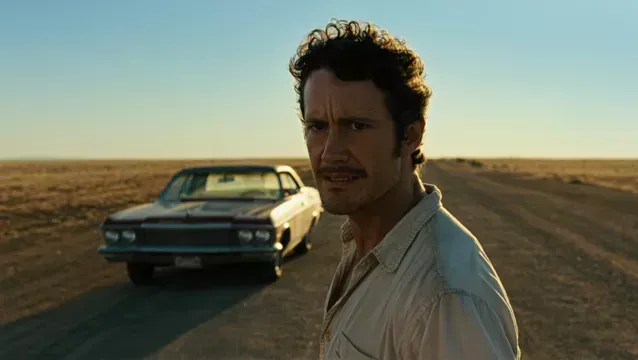 | ||||||
Image 1 | Image 2 | Image 3 | Image 4 | Image 5 | Image 6 | |
Image Series | 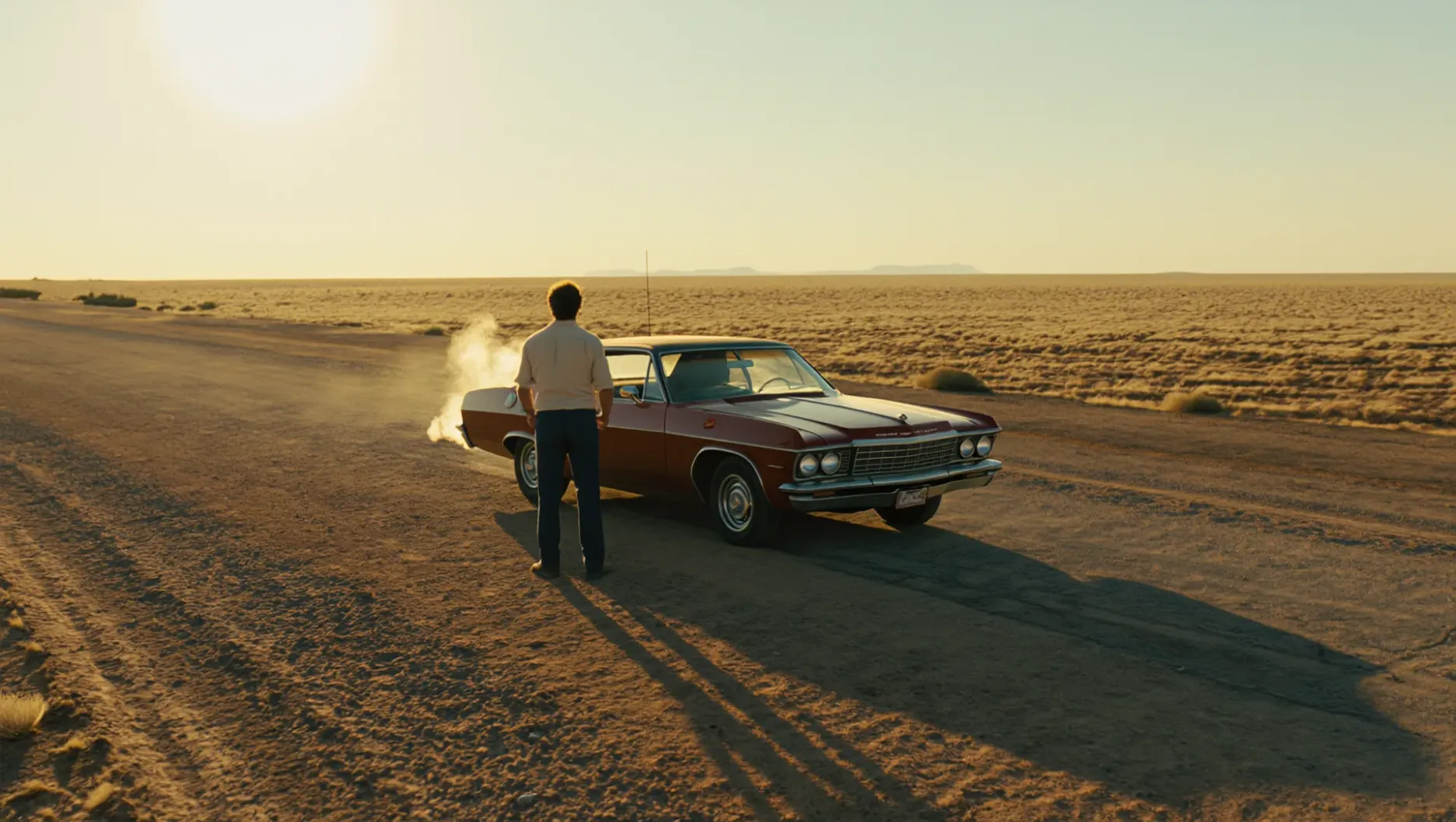 |  | 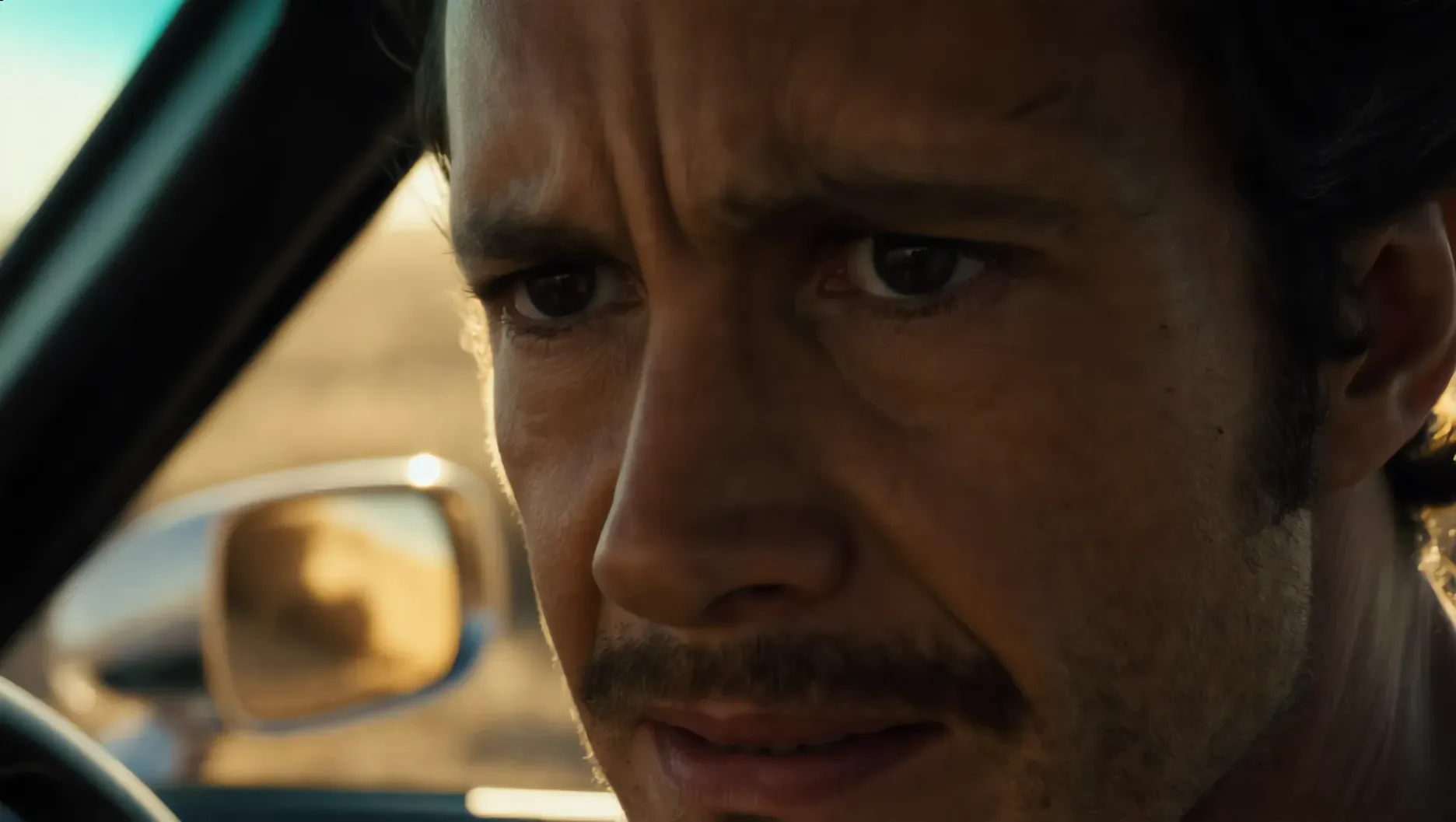 | 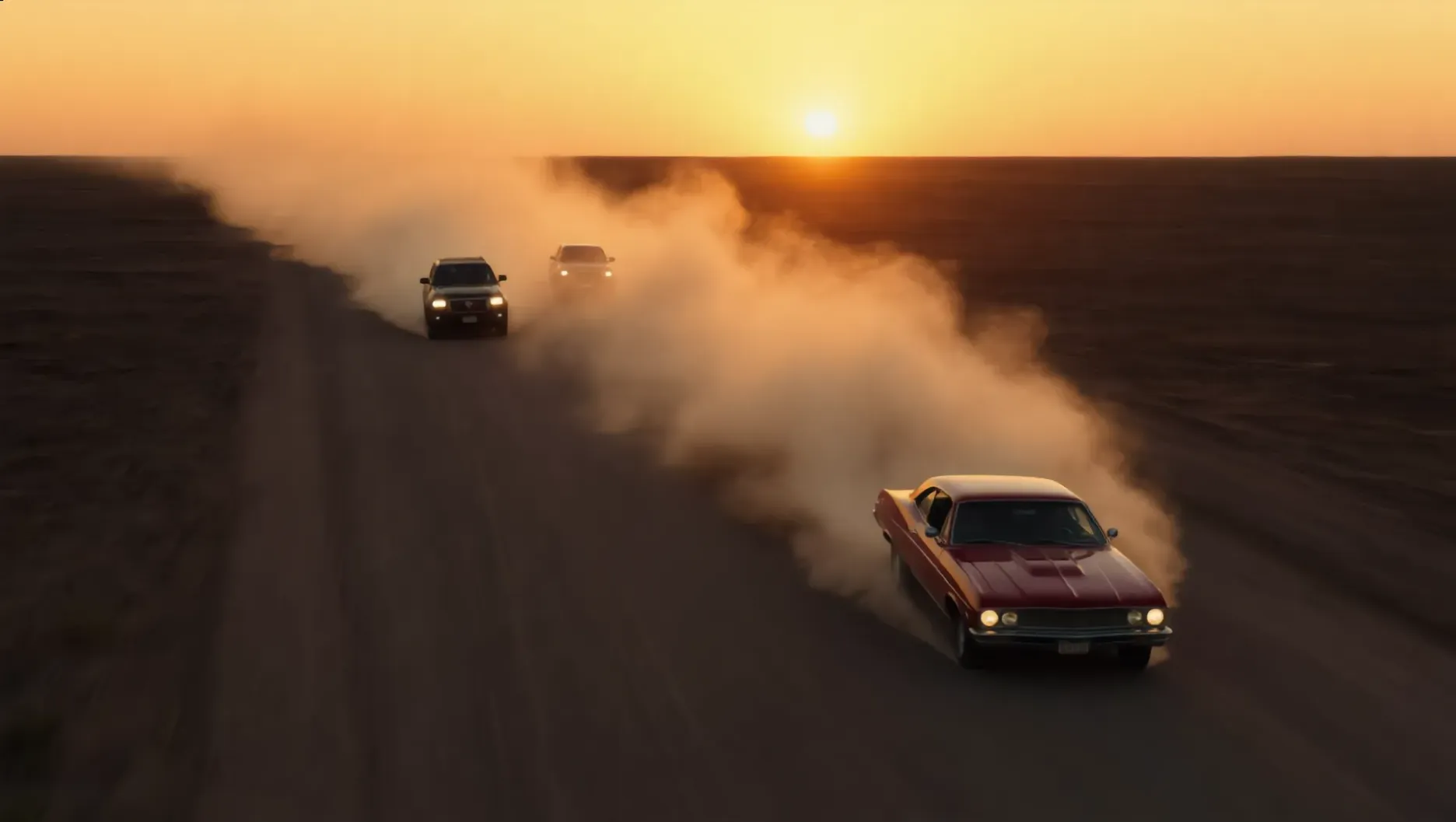 | 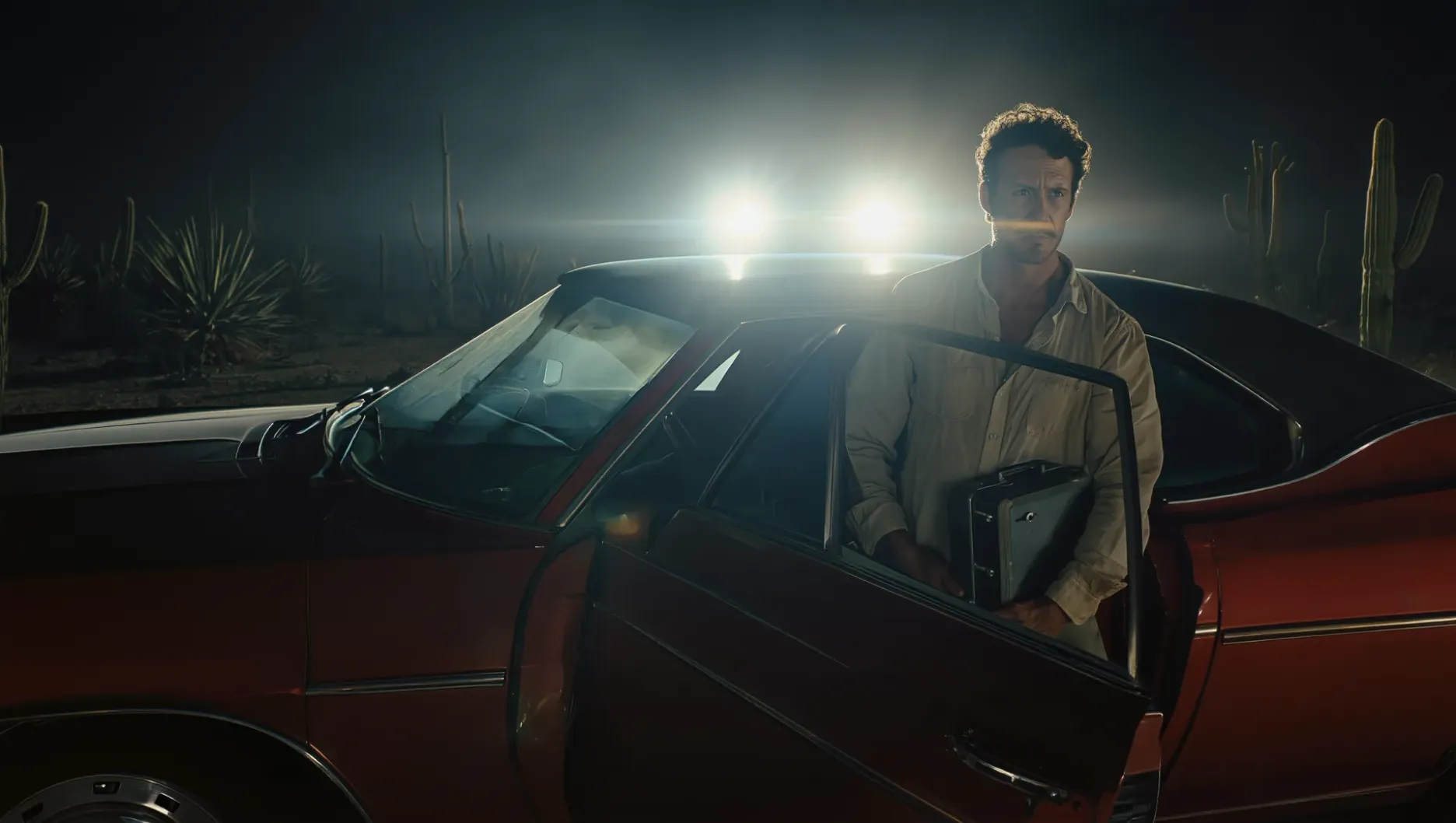 | 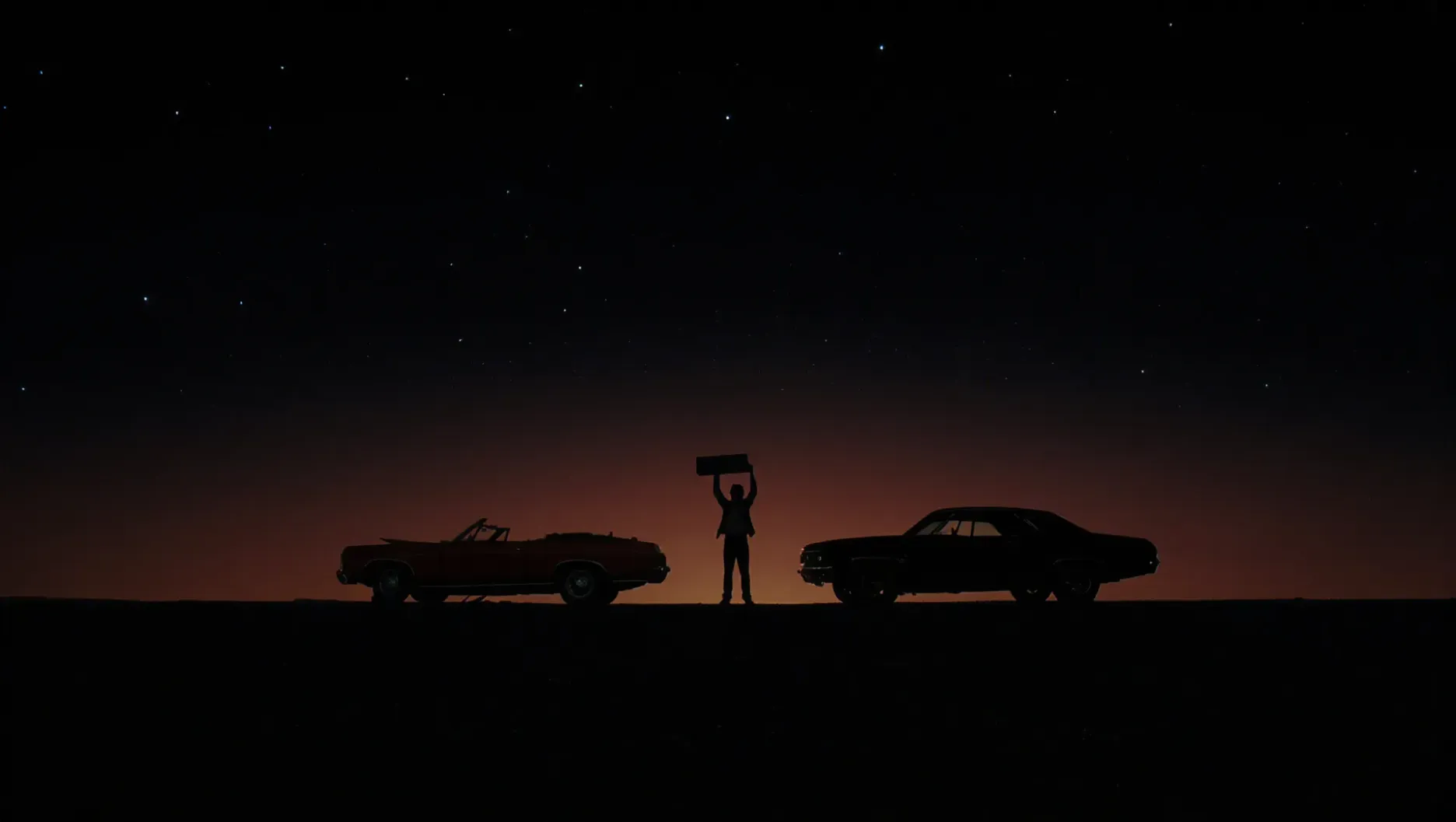 |
The End
Choosing among the best AI image generation tools is about more than the first result. What matters is whether the tool can keep up as the idea changes and the work develops. Kling IMAGE 3.0 Series lets you keep working from what is already on the canvas rather than starting over with every generation. The result is a process where individual images can stay connected to the same visual direction from one step to the next.
FAQs
What are the best AI tools to generate images?
There is no single best AI tool for every image task. A better choice is one that matches the way you actually work, whether that means starting from a prompt, using visual references, revising an existing image, or building several images around the same idea. Kling IMAGE 3.0 Series covers those different stages without forcing each image to start from scratch.
What are the top 5 generative AI tools?
For image creation, five widely used options are Kling IMAGE 3.0 Series, Midjourney, ChatGPT, Google Gemini, and Adobe Firefly. Each takes a different approach, from reference-based generation and image editing to style-led creation, conversational revision, and design-focused work. The better choice depends on what you plan to make rather than a single overall ranking.
Are AI image generation tools free?
Some AI image generation tools offer limited free access, such as a small number of credits or generations, while others require a paid plan from the start. Kling AI gives new users free credits at sign-up, so you can try both image and video generation before choosing a paid option. You can compare the current Kling AI membership plans if you need more credits or access to additional features.
Can AI-generated images be used commercially?
Commercial use is possible with some AI image tools, but the rules vary by platform and plan. If you plan to use generated visuals in advertising, products, client work, or other paid projects, check the current terms first and make sure any prompts, reference images, or source materials do not create copyright, trademark, or likeness issues.