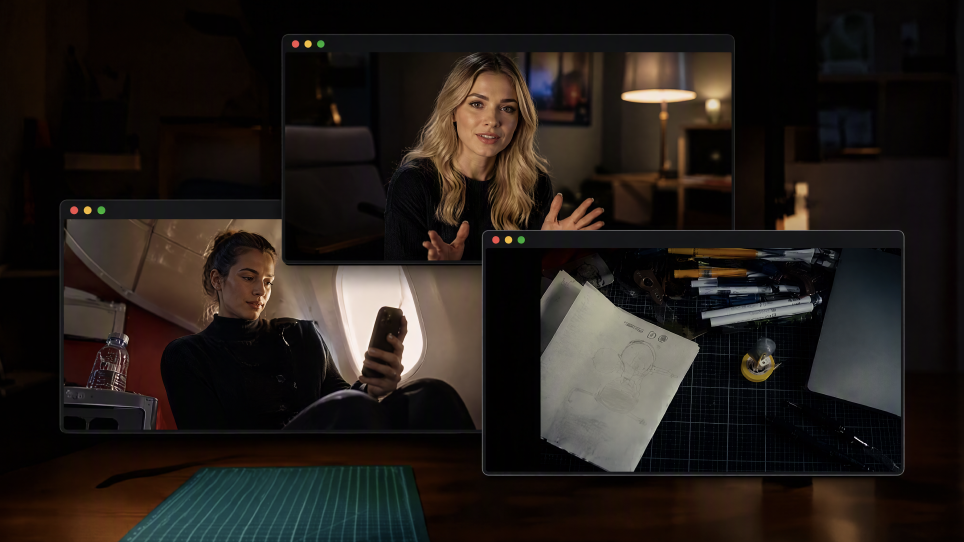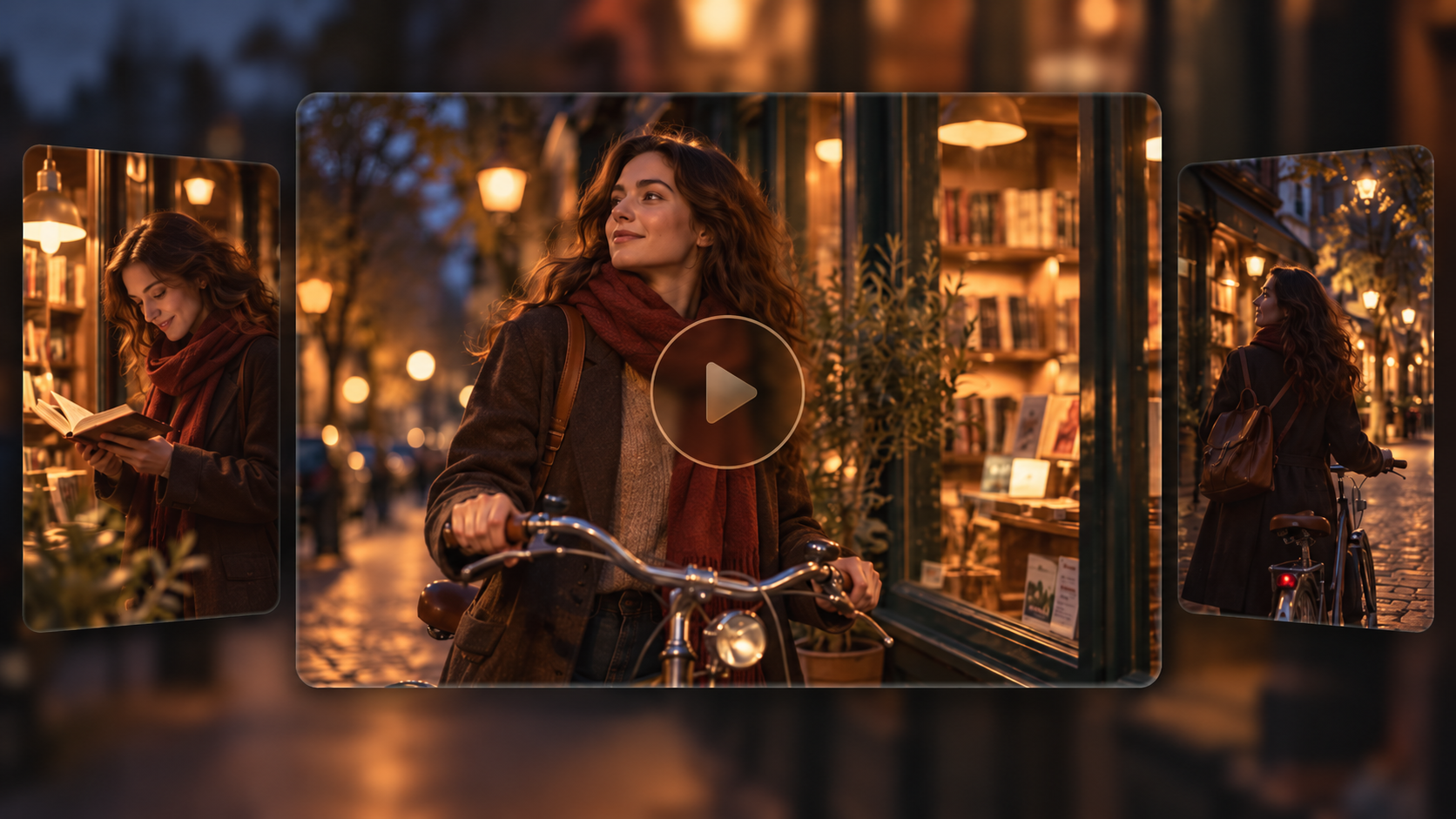
AI video generation news is no longer only about sharper clips or faster rendering. Recent research, production reports, and content-transparency guidance show a field moving toward better motion control, more integrated editing, and clearer records of how media is made. Kling 4.0 is one example of this broader shift. To understand where video creation is heading, it helps to look at the latest evidence before evaluating any individual tool.
Recent AI Video Generation News Worth Watching
For readers following AI video news, the most useful updates are not just announcements; they show how research, production, and trust are evolving. The developments below are dated, publicly documented examples from research, industry analysis, and standards guidance rather than a ranking of competing products.
October 2026: Kling 4.0 Officially Launches
Kling AI officially launched Kling 4.0 on October 15, 2026. The release highlights more stable large-scale motion and complex camera work, native 3–30-second generation, Omni Reference with up to 15 combined reference assets, and up to 10 keyframe inputs. The focus is greater creative control and more coherent storytelling.
August 2026: Research Maps Key Directions in Video Generation
An August 2026 survey in Computer Vision and Image Understanding reviews video-generation methods and research on motion control, evaluation, synthesis, editing, and enhancement. It reflects a broader effort to assess not only visual quality, but also how controllable and reliably measurable generated video can be. Read the research survey
July 2026: Guidance Focuses on AI Content Provenance
On July 31, 2026, the Coalition for Content Provenance and Authenticity (C2PA) published guidance on using Content Credentials to record content provenance and distinguish AI-generated media from AI-modified material. This is relevant to news, documentary, and commercial workflows, although provenance records do not verify every claim in a video. Read the Content Credentials guide
January 2026: Industry Analysis Looks Across Film and TV Workflows
A January 2026 film and TV industry report drew on interviews with more than 20 media leaders and third-party data to examine AI use across pre-production, production, and post-production. It also flags unresolved questions around intellectual property, authenticity, and labor, underscoring that adoption and impact are still developing. Read the industry report
Latest AI Video Generation News at a Glance: Five AI Video Trends to Watch
Taken together, these developments point to a shift from isolated generation toward more directed workflows. The following AI video trends are useful for creators evaluating tools and planning a production pipeline.
Trend | What It Means for Creators |
Storyboarding before generation | Define the opening, turning point, and ending before generating. A short shot list helps determine whether a scene should remain continuous or be split into separate shots. |
Reference libraries become production assets | Organize images, clips, and other references by the role each should play. Clear labels reduce repeated descriptions, although references cannot guarantee identical results. |
Revision becomes part of generation | Video editing AI news increasingly concerns targeted revisions. Where supported, creators can change selected elements instead of rebuilding an entire scene. |
Sound review starts earlier | Check dialogue, timing, ambience, pronunciation, and sound levels alongside the visuals rather than leaving every audio decision until post-production. |
Deliverables and provenance shape tool choice | Consider permissions, disclosure, aspect ratio, resolution, captions, and export needs. Provenance records can add context about a file’s origin, but they do not establish that every claim is true. |
These trends also explain why model announcements alone do not tell the whole story. A useful AI video workflow needs to support planning, generation, revision, review, and delivery.
Kling 4.0 News: More Control from Reference to Final Cut
Kling 4.0 brings several of these priorities into one video-creation workflow. Its official guide describes 3–30-second generation, Omni Reference, up to 10 keyframes, more stable complex motion, and targeted edits to existing footage. Rather than treating each capability as an isolated feature, creators can use them to define visual identity, direct motion, organize story beats, and refine selected details.
Guide Your Creative Vision with Omni Reference
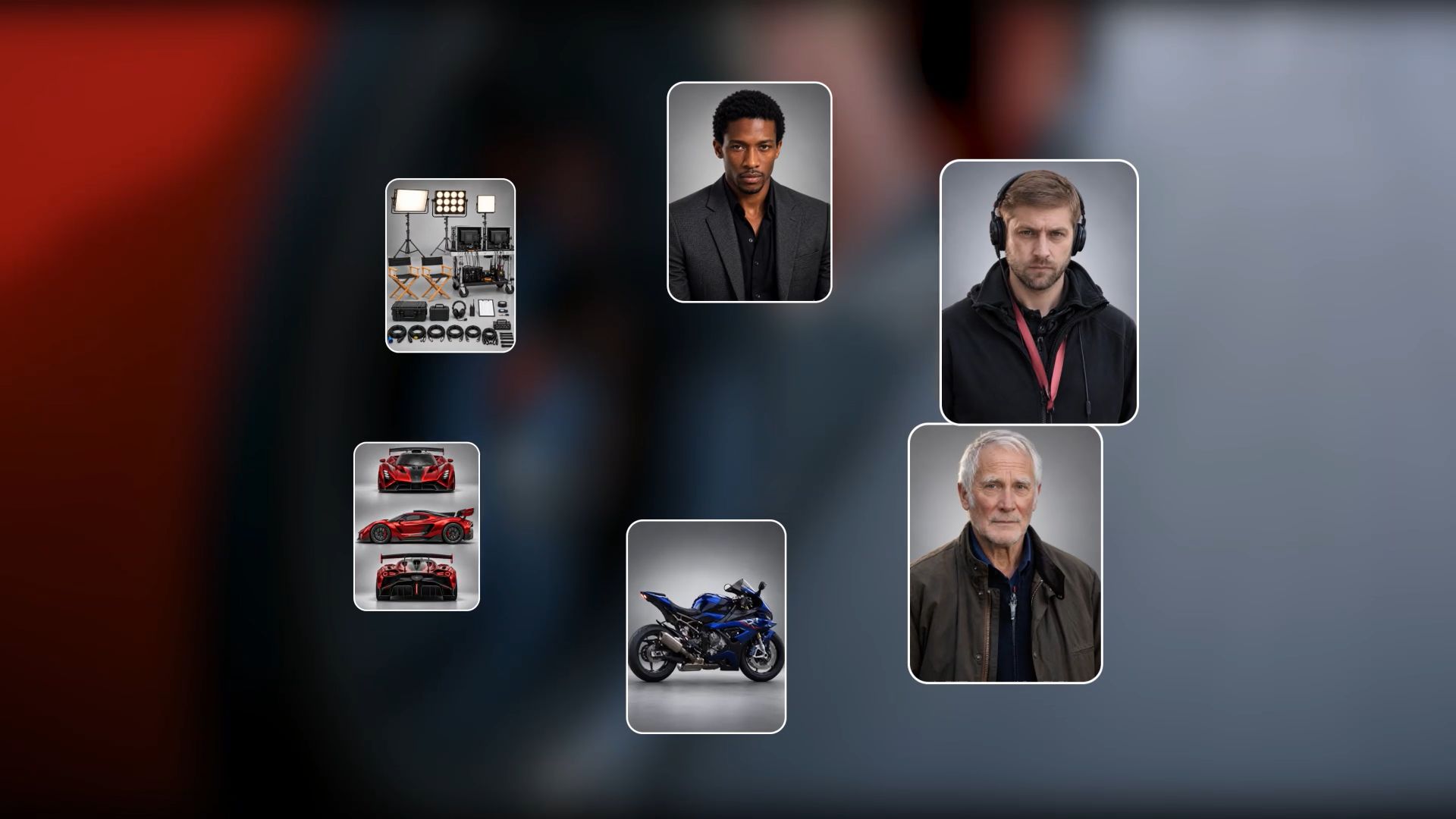
With Kling 4.0’s Omni Reference, you can combine images, videos, and elements—including a specified voice for an element—to guide video generation with greater creative control. A single generation supports up to 15 reference assets in total: up to 10 images, 5 videos with a combined duration of up to 30 seconds (including video elements), and 7 elements (including elements defined by multiple images or videos).
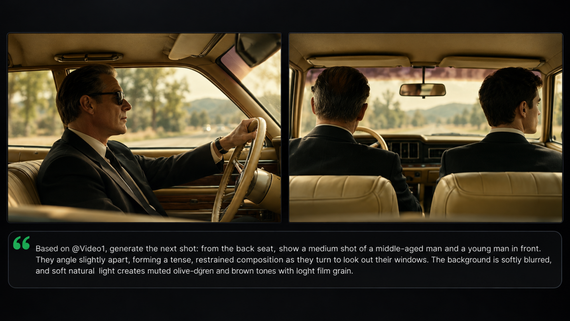
Each reference asset can help guide your video in a different way. Use images to define character appearances, product details, composition, lighting, or visual style. Reference videos can guide performances, actions, camera movements, and pacing, while elements can bring together multiple visual references to define the characters or objects you want to create. Assign a clear role to each reference and combine them with specific prompts to bring your creative vision to life with greater control and consistency.

Create More Stable Large-Scale Motion with Kling 4.0
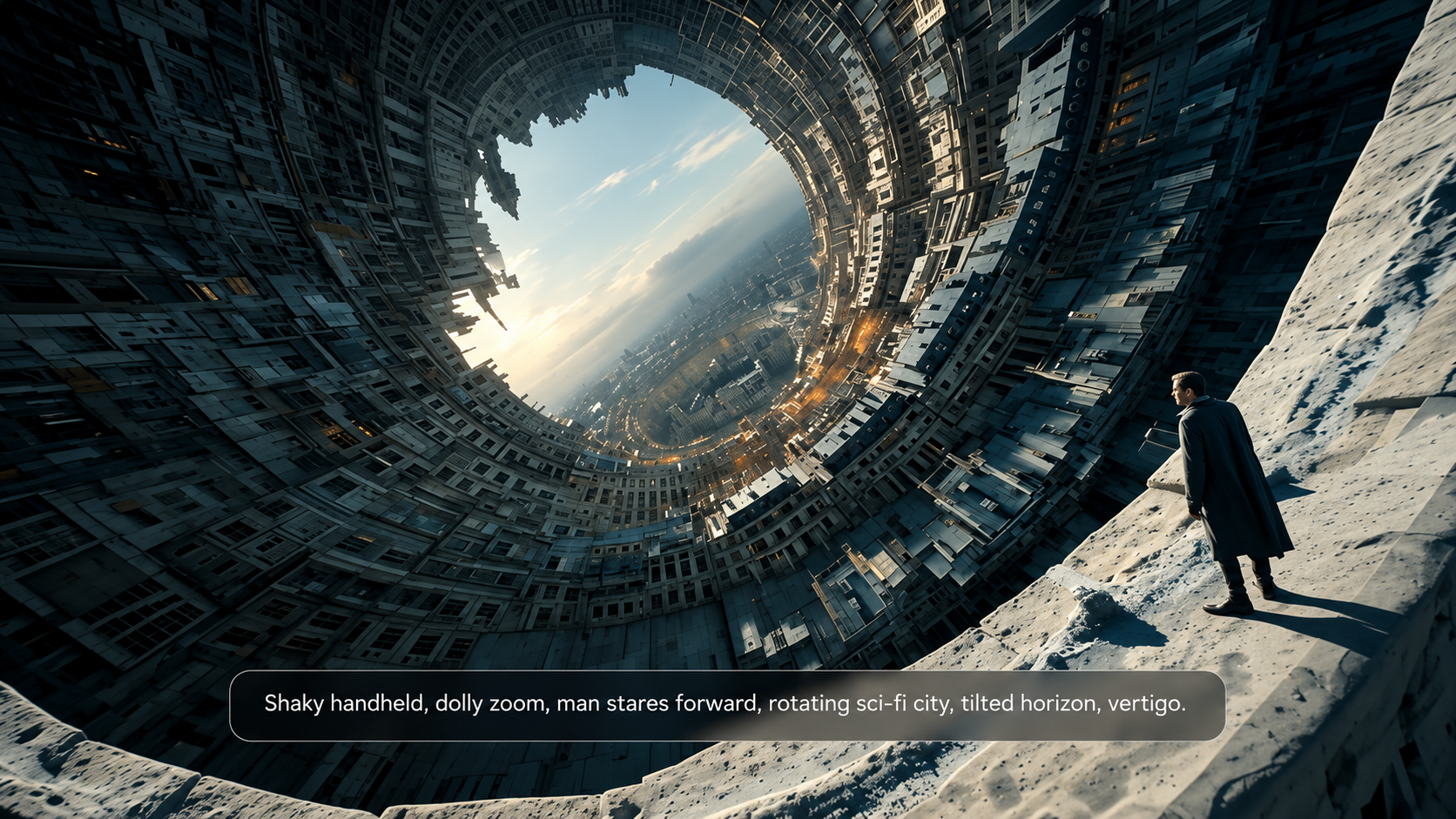
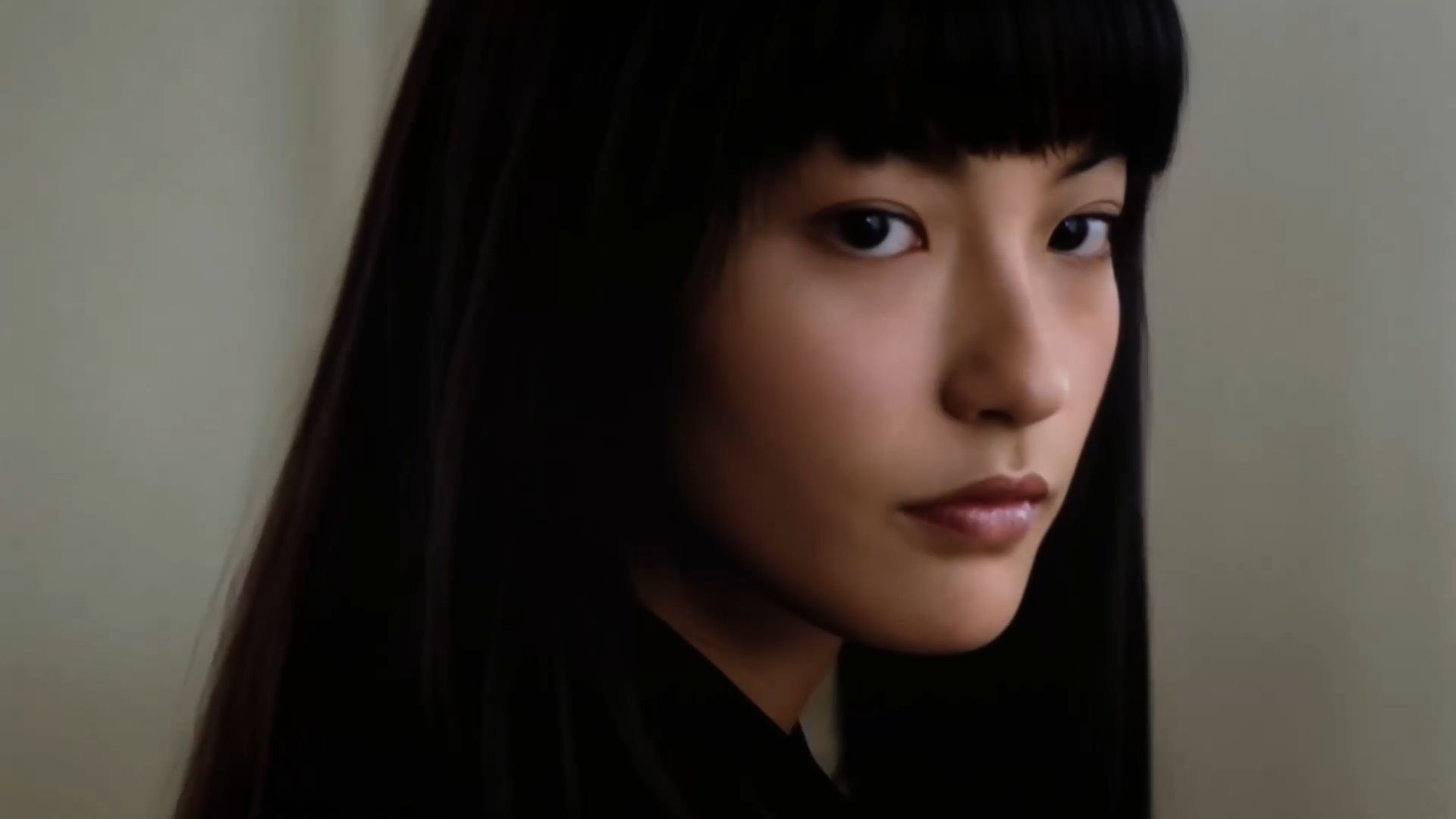
Kling 4.0 keeps large-scale action and complex camera movements smooth and stable. From high-speed motion and continuous action to tracking shots and orbit shots, it delivers more seamless movement throughout the scene. This helps preserve visual continuity during fast-paced sequences, making intense action, dynamic performances, and cinematic camera movements feel more fluid and natural. Creators can bring more ambitious scenes to life with smoother motion and a more immersive visual experience.
Edit Existing Videos with Precision and Build on Your Timeline
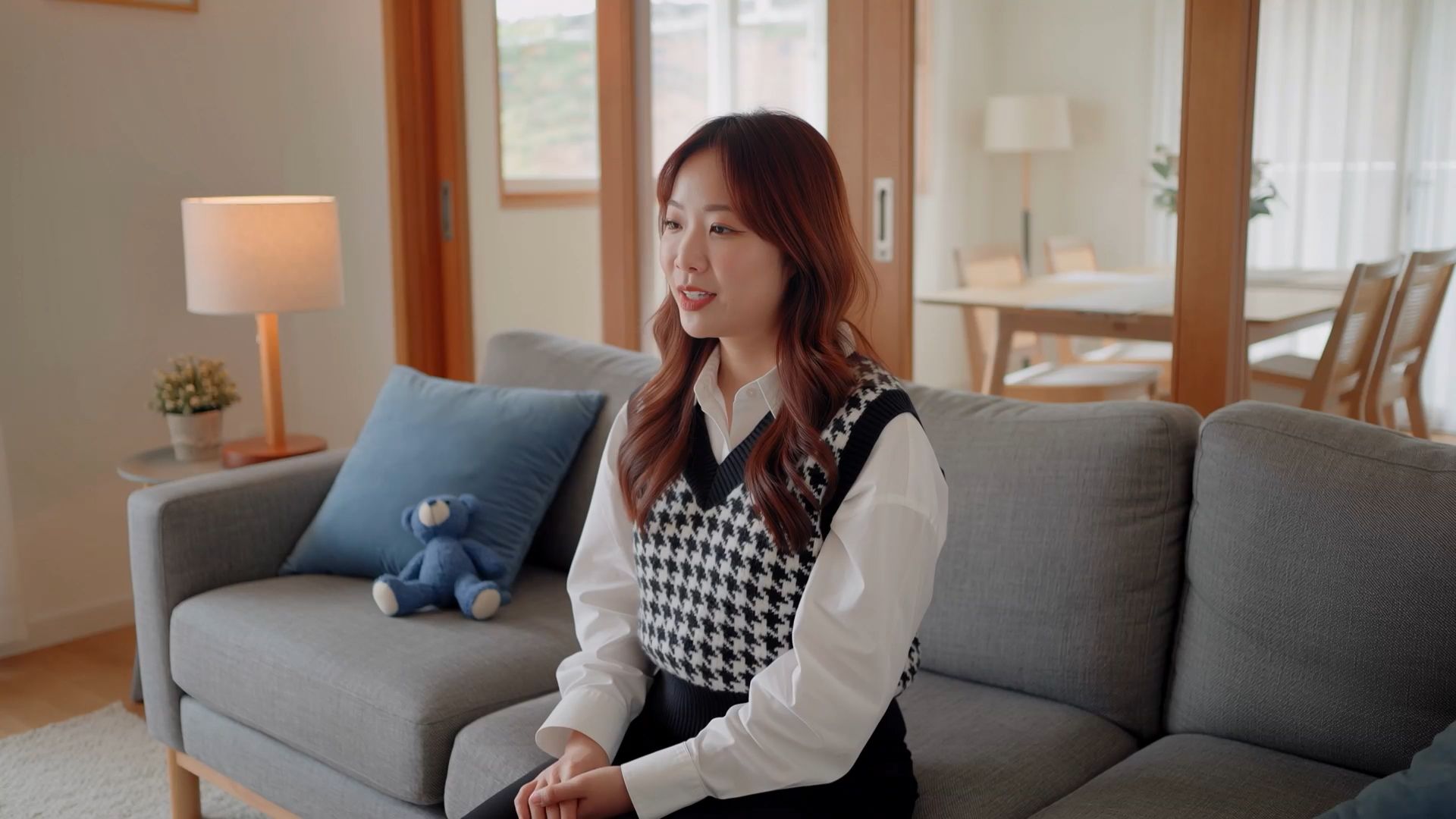
Already have footage you want to refine? With Kling 4.0, you can use prompts and reference materials to guide targeted edits to subjects, backgrounds, facial expressions, camera angles, movements, and visual style, while specifying the details you want to preserve. Refine the parts that matter without automatically rebuilding the entire scene from scratch.
You can also add generated clips to Timeline to continue developing your video. Insert new shots, replace existing clips, or trim footage at different points, then preview your changes as you work. This flexible workflow helps you connect individual shots into a longer, more coherent video.
Tell More Complete Stories with Up to 30 Seconds of Generation
With Kling 4.0, you can generate videos from 3 to 30 seconds in a single generation, giving character interactions, scene transitions, and emotional development more room to unfold. Define up to 10 keyframe images to guide important visual moments, character states, and story beats throughout the sequence.
Kling 4.0 also supports prompts of up to 8,000 tokens, giving you room to describe detailed actions, camera movements, scene transitions, and narrative turns. With a director-like approach to prompt understanding, you can guide how a story develops from beginning to end and bring separate moments together into a more coherent visual narrative. For a workflow that starts with a written concept, explore Kling AI script-to-video.

What Do These AI Video Updates Mean for Creators?
The latest developments in AI video generation are changing not only how videos are made, but also what creators can explore with the time, skills, and resources they have. More controllable visuals, increasingly capable motion generation, and flexible editing workflows create new opportunities for individuals, filmmakers, businesses, and educators. The practical benefits vary by audience, depending on whether the goal is to create engaging social content, develop a visual story, produce marketing materials, or explain a complex idea.
Social Media Creators and Independent Content Creators
AI video generation makes it easier for individual creators to turn ideas into engaging visual content without relying on extensive filming resources or advanced production skills. From short-form entertainment and lifestyle clips to creative recreations and animated storytelling, creators can experiment with different visual styles, actions, and scene concepts. Generating alternative versions also makes it easier to explore different hooks and presentation styles for social platforms, helping creators discover what resonates with their audiences.
Filmmakers and Storytellers
For filmmakers and storytellers, AI video tools offer more ways to visualize ideas before production. Creators can explore storyboards, test camera movements, experiment with action sequences, and plan scene transitions. More coherent motion and longer clips help convey character interactions and emotional progression. For cinematic scenes or trailer concepts, an AI movie maker offers a way to turn scripts and visual ideas into movie-style footage.
Marketing Teams and Businesses
Marketing teams and businesses can use AI video generation to explore campaign concepts, create product showcases, and adapt content for different audiences and platforms. Teams can test visual styles, settings, and storytelling approaches before committing to one direction. An AI ad generator supports video ads and UGC-style content for different campaign goals. Before publishing, review logos, packaging, product details, and customer-facing claims.
Educators and Explainer Video Creators
AI video generation offers educators and explainer video creators new ways to make abstract ideas easier to understand. Visual demonstrations, animated scenarios, historical reconstructions, and step-by-step explanations can help audiences engage with information that may be difficult to communicate through text alone. Creators can also explore different visual approaches to suit different learning contexts. For educational and factual content, however, generated scenes should be checked for accuracy, and illustrative visuals should be clearly distinguished from authentic footage when that distinction matters.
Ultimately, these AI video trends give creators more ways to explore ideas, communicate information, and develop visual content.
What Should You Consider When Using AI Video Generation?
Progress in motion, reference consistency, and audio does not remove the need for review. Hands, object interactions, detailed lettering, logos, fast contact, reflections, and multi-person movement can still drift from the brief. A reference may guide appearance, but it does not guarantee pixel-perfect identity through every camera angle or lighting change.
Sound needs its own checks for pronunciation, timing, levels, and rights. In editing workflows, verify which controls are supported before assuming every requested change can be made. For commercial work, check source permissions, product claims, and disclosure requirements. When AI-generated visuals illustrate real events, distinguish them clearly from actual recordings. The strongest workflow treats AI output as material to inspect and refine, not as a finished result that needs no review.
What’s Next for AI Video Generation?
The next stage may be defined less by clip length alone and more by how well models combine reference inputs, camera control, precise revision, audio, and longer sequences. Research is evaluating motion and editing alongside generation, while industry guidance is bringing provenance and human review into the production conversation. Real-time generation, more localized control over objects or frames, and smoother handoffs to editing tools are directions to watch, but their availability and performance will vary.
For anyone following generative video news, the useful question is which changes produce more controllable, reviewable work in a real workflow. As tools evolve, creators will still need to choose the right inputs, direct the result, and decide what is ready to publish.
The End
AI video generation news now spans research, production practice, and trust—not just model announcements. The latest AI video trends point toward clearer story planning, better reference management, targeted revision, and more responsible delivery. Kling 4.0 brings these priorities together through Omni Reference, more stable large-scale motion, precise video editing, and up to 30 seconds of guided storytelling. The best results still depend on a clear brief, correctly assigned references, a suitable creation mode, and careful review of the final video.
FAQs
How Is AI Video Generation Changing Creative Workflows?
AI video generation is moving beyond creating isolated clips toward more connected creative workflows. Creators can increasingly combine visual references, motion generation, scene planning, audio, and editing to develop more complete videos. These developments can make it easier to explore creative ideas, test different visual approaches, and refine content for specific audiences. The actual benefits depend on the tools available, the project requirements, and the level of review needed.
Why Does Content Provenance Matter for AI-Generated Videos?
Content provenance helps provide information about where a video came from and how it was created or edited. Standards such as C2PA Content Credentials can record information about an asset’s origin and processing history, supporting transparency in news, documentary, and commercial production. However, provenance records do not automatically verify the factual accuracy of a video. Creators should still check sources, distinguish illustrative AI-generated scenes from authentic footage, and follow applicable disclosure requirements.
Can an AI Generate a Video From Just Text?
Yes. Text-to-video tools can create moving scenes from descriptions of subjects, actions, settings, and camera behavior. The result is generated footage, not a camera recording. Describe an action sequence instead of listing disconnected visual details, and include the intended camera movement and pacing. Review movement, subject identity, and any written words in the output. Available duration, resolution, and audio options depend on the model and account access.
What Is the Difference Between AI-Generated Video and AI-Edited Video?
AI-generated video creates footage from a prompt or visual reference, even when no source video exists. AI-edited video begins with existing footage and uses software or generative instructions to modify an element, scene, or sequence. Some workflows support both tasks, but their inputs and controls may differ. The distinction matters when preserving a real performance, maintaining the accuracy of an existing recording, or disclosing that a scene was synthesized rather than filmed.
How Long Does It Take to Make an AI-Generated Video?
The time varies with the model, clip length, resolution, server demand, and the number of attempts needed. A short first draft may take less time than a polished sequence with multiple shots, dialogue, and strict brand requirements. Include time for prompt changes, quality checks, editing, and export. A model’s maximum supported duration refers to the length of the generated clip, not how long generation will take.
What Should Beginners Check Before Choosing an AI Video Generator?
Start with the type of input available: a written idea, a photograph, or existing footage. Then compare supported clip length, output dimensions, audio options, reference controls, and editing features. Check the capabilities actually available in your account rather than relying on announcements alone. Beginners often benefit more from a clear workflow and predictable export options than from a long list of advanced specifications they may not need.