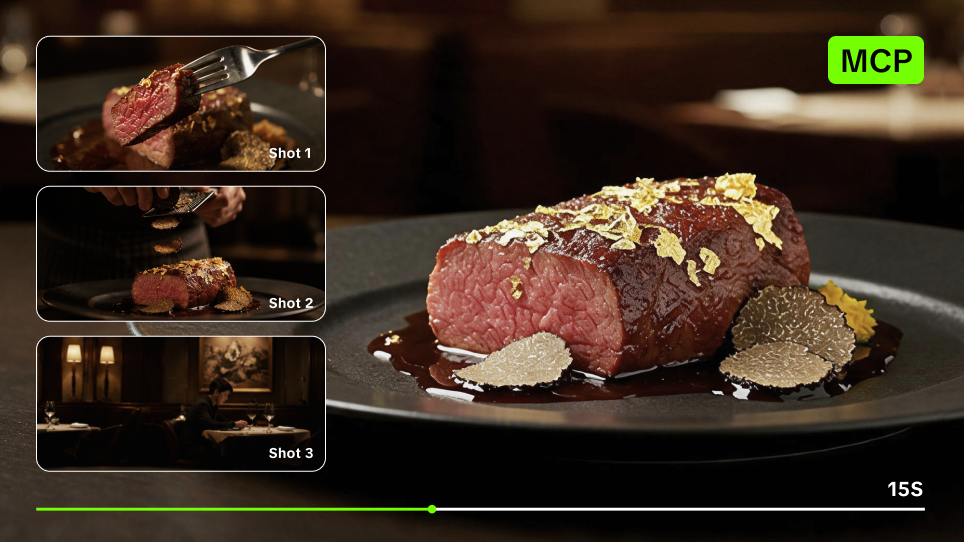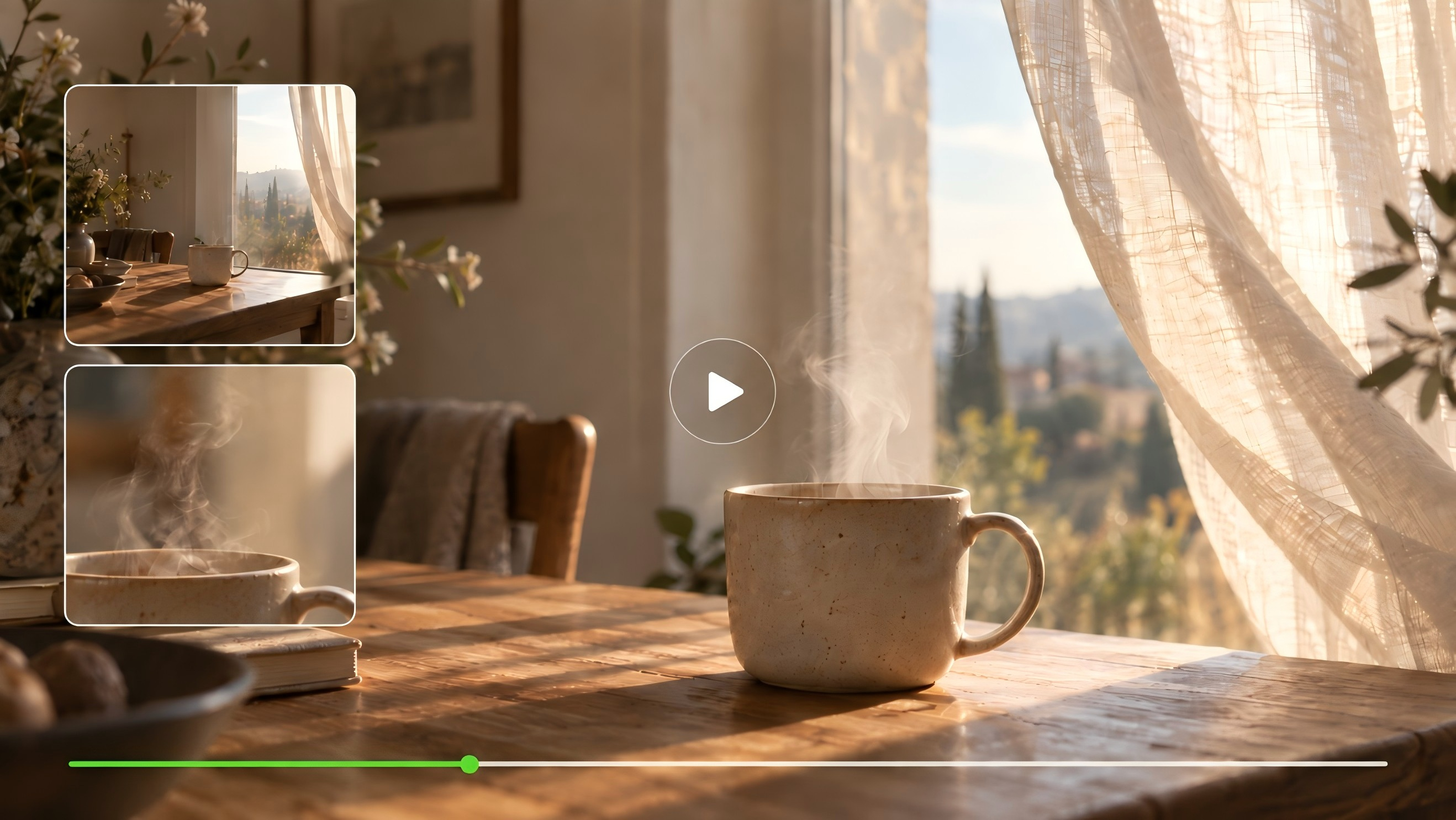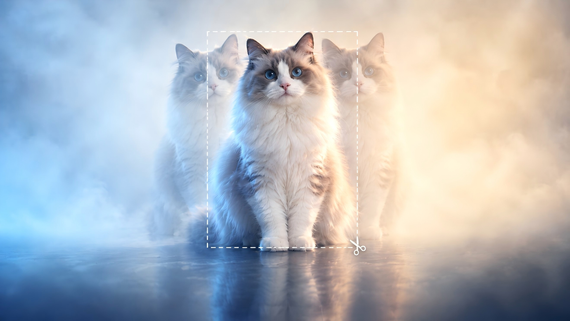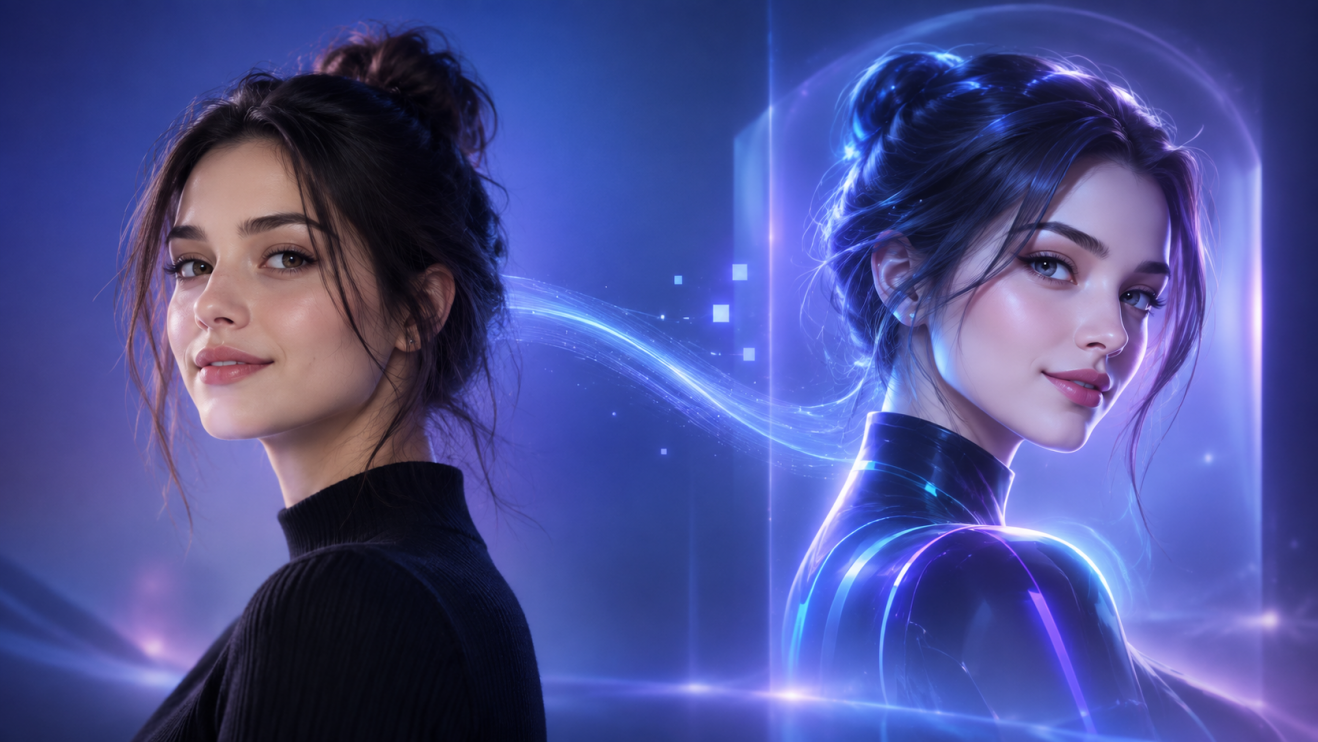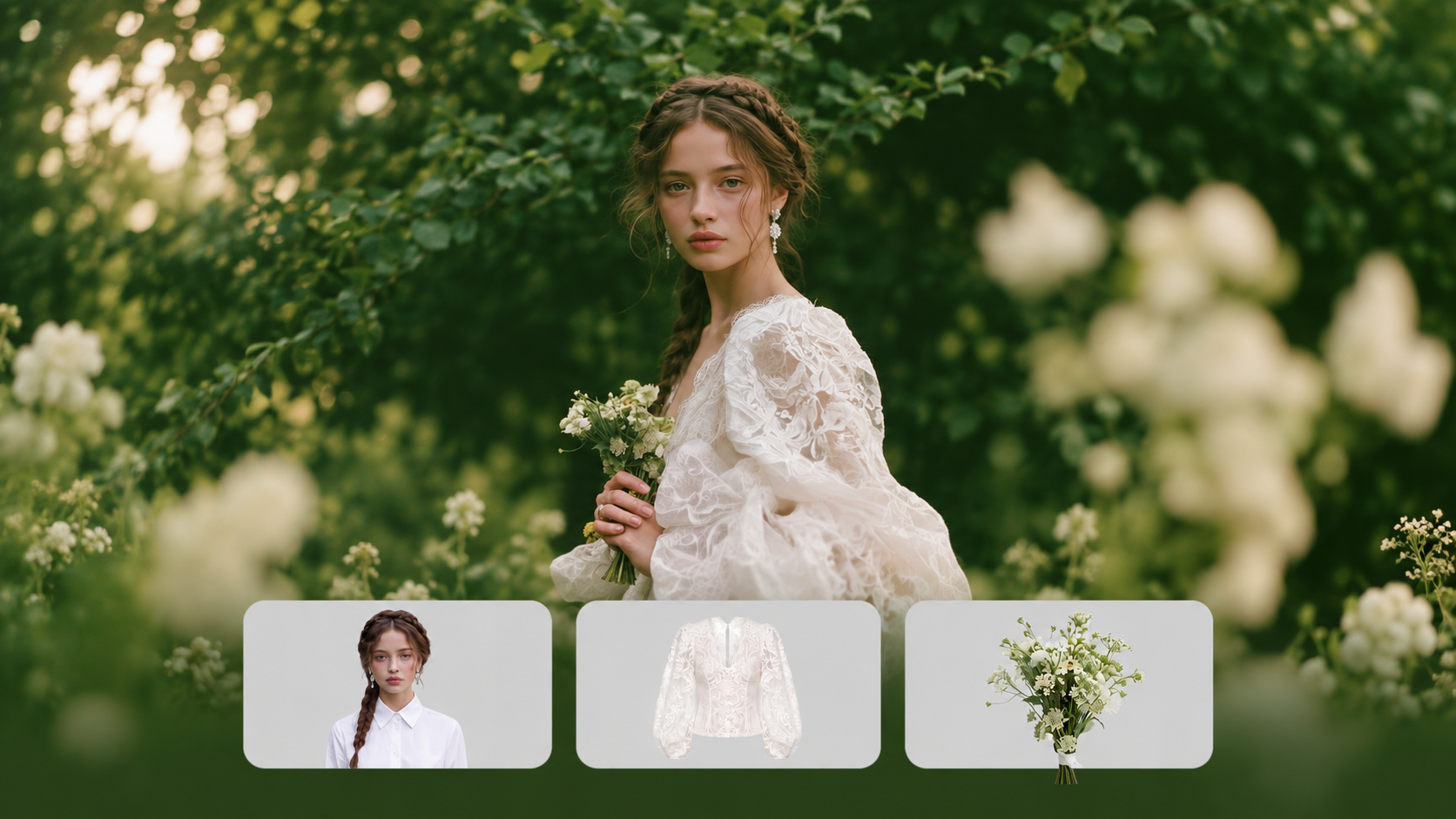
Two image generators can interpret the same brief very differently. Add a reference image, revise one detail, or build a visual series, and those differences become easier to spot. This guide compares eight popular options, then looks more closely at how Kling IMAGE 3.0 series handles prompts, references, and connected image sets. If you're weighing the best AI image generator for your workflow, start here.
What Actually Matters When Choosing an AI Image Generator?
A great-looking first result only tells part of the story. What matters more is how an AI image generator responds when your brief calls for tighter control, consistent visuals, or another round of changes.
- Does It Follow the Brief Closely? Check object placement, composition, counts, text, and smaller visual details. A strong model should respond well when the prompt becomes more specific.
- Can It Work From a Reference? Characters, products, logos, and style references often need more than a text prompt. Good reference handling helps an image-to-image AI workflow carry important visual details into the next result.
- Will the Visuals Stay Consistent? Storyboards, campaigns, and character projects often span several images. Look at whether faces, styling, key objects, and the overall visual direction remain coherent across outputs.
- Can You Keep Refining the Same Idea? The first generation rarely ends the process. Editing, variations, and targeted changes can save time when a project develops through several rounds.
8 Best AI Image Generators to Know in 2026
AI image tools can seem quite similar at first. The differences become easier to spot once a project involves reference images, repeated edits, text, or several visuals that need to stay connected. The table below compares eight widely used options by how they handle creation, revision, and common creative tasks.
AI Image Generator | Main Image Workflow | Reference Image Support | Editing / Iteration | Common Creative Contexts |
Kling AI | Text and reference-led creation with IMAGE 3.0; image series with Omni | IMAGE 3.0: up to 10 reference images; IMAGE 3.0 Omni: single- or multi-image references for Image Series. | Natural-language edits to subjects, scenes, composition, and style | Product visuals, character concepts, campaigns, storyboards |
Midjourney | Prompt-led generation with style and personalization controls | Image Prompts, Style References, and Edit Model references | Edit Model for written changes, inpainting, and outpainting | Concept art, illustration, visual exploration, art direction |
ChatGPT | Conversational image generation with multi-turn prompting | Image uploads can guide new creation or edits | Natural-language and selected-area edits | Mockups, social graphics, ideation, iterative image work |
Adobe Firefly | Image generation across Firefly and Adobe creative workflows | Style, composition, object, and whole-image references | Generative Fill, Remove, and Expand | Brand assets, advertising, print, and graphic design |
Leonardo AI | Multi-model generation with Image Guidance and creative controls | References for subjects, style, composition, and other visual cues | Canvas-based editing, inpainting, outpainting, and enhancement | Game assets, illustration, characters, marketing creative |
Ideogram | Prompt-led generation with a strong focus on typography and design | Character References and Style References | Remix, Magic Fill, Canvas, and other image edits | Posters, logos, ads, packaging, and signage |
Stable Diffusion | Open model ecosystem for text-to-image and image-to-image workflows | Support varies by implementation and control workflow | Inpainting, outpainting, and customizable image pipelines | Custom applications, local workflows, developer pipelines |
Google Gemini | Conversational generation and editing with Nano Banana 2 | Image uploads and multi-image inputs | Multi-turn natural-language revisions | Visual ideation, infographics, marketing assets, storytelling |
Where AI Image Generators Differ Most in Real Creative Work
Feature lists can make image generators look more alike than they feel in practice. The differences usually become clearer once a project moves beyond the first render and starts involving existing assets, repeated revisions, or a larger set of related visuals.
Starting From Text vs. Working From References
A text-to-image workflow suits the early stage of a project, when the idea still lives mostly in words. Mood, setting, composition, lighting, and style can all develop quickly from a prompt, which leaves room to explore several visual directions.
Existing creative work often brings more context with it. A product may already have fixed packaging, a character may need recognizable features, or a campaign may follow an established visual direction. An image-to-image AI workflow can use those source assets as visual context, making it easier to carry important details into the next generation.
Creating One Image vs. Building a Visual Set
A single social post leaves plenty of room for variation. A storyboard, campaign, or product series creates a different challenge because each image needs some connection to the rest.
- Product variations: Place the same item in new settings or seasonal scenes while keeping its key visual details recognizable.
- Character sequences: Move a character through new poses, angles, or scenes while maintaining the features that define them.
- Storyboard frames: Develop a sequence where subjects, locations, and visual direction continue from one frame to the next.
- Campaign assets: Extend one creative direction across banners, social graphics, ads, and other related visuals.
This is where an attractive standalone result stops being enough. A model may handle one frame well but need much more correction once the same subject or art direction has to carry across several outputs.
Generation Quality Is Only Part of the Workflow
Real projects usually keep moving after the first image looks good. A background may need another pass. Text might need correction. The framing could change after a layout review, or an earlier reference may need to guide the next version.
The practical difference often comes from how smoothly those later steps fit together. Some workflows let creators continue from an existing image, make a targeted change, reuse visual references, or prepare a larger output for the next stage of production. Commercial work can add another layer, since export options, source-image rights, and current usage terms may matter alongside the image itself.
Create More From Every Visual Idea with Kling IMAGE 3.0 Series
Visual production rarely follows a single path. You might start with a text prompt, refine an existing visual, or build a connected set of images for a larger campaign. Kling IMAGE 3.0 offers precise control over references, details, style, and tone. IMAGE 3.0 Omni extends the workflow with enhanced visual storytelling, Image Series Generation, and native 2K/4K output for connected creative projects.
Turn a Written Idea into a Finished Visual
If the idea starts as text, Kling IMAGE 3.0 can turn a natural-language description into an image. A text-to-image prompt can define the subject, setting, composition, lighting, color direction, or style, so you can shape the visual around the details already in your brief and adjust the prompt as the concept develops.
Build New Images from the References You Already Have
A reference can do some of the descriptive work when your project already has a defined character, product, logo, composition, or visual style.
Kling IMAGE 3.0 can draw features from up to 10 reference images, including subject contours, core elements, and tonal qualities. References can also guide style and composition, giving you a visual starting point for a new scene or treatment.
Reference | Output |
.png?x-oss-process=image/resize,w_1872) | .png?x-oss-process=image/resize,w_1872) |
| Prompt: Use the coffee in the image as the main subject, restoring the details and texture. Generate a coffee promotional poster in a high-quality commercial advertising style. The background features a left-right split gradient of light brown and dark brown. The composition focuses on the center, with a flat perspective to highlight the main beverage. | |
Expand One Direction into a Connected Image Series
A single image rarely fulfills a complete creative brief. Marketing campaigns, visual storyboards, character narratives, and product launches require multiple related images that maintain a consistent visual identity.
Kling IMAGE 3.0 Omni extends this kind of work through Image Series Mode. You can build a connected image series from text alone, a single reference image, or multiple reference images, while maintaining a unified visual direction across the set.
Image reference | |||||
.png?x-oss-process=image/resize,w_1872) | |||||
| Prompt: "Ordinary days shine through mindfulness." 5-panel storyboard. | |||||
Image 1 | Image 2 | Image 3 | Image 4 | Image 5 | |
| Image Series | 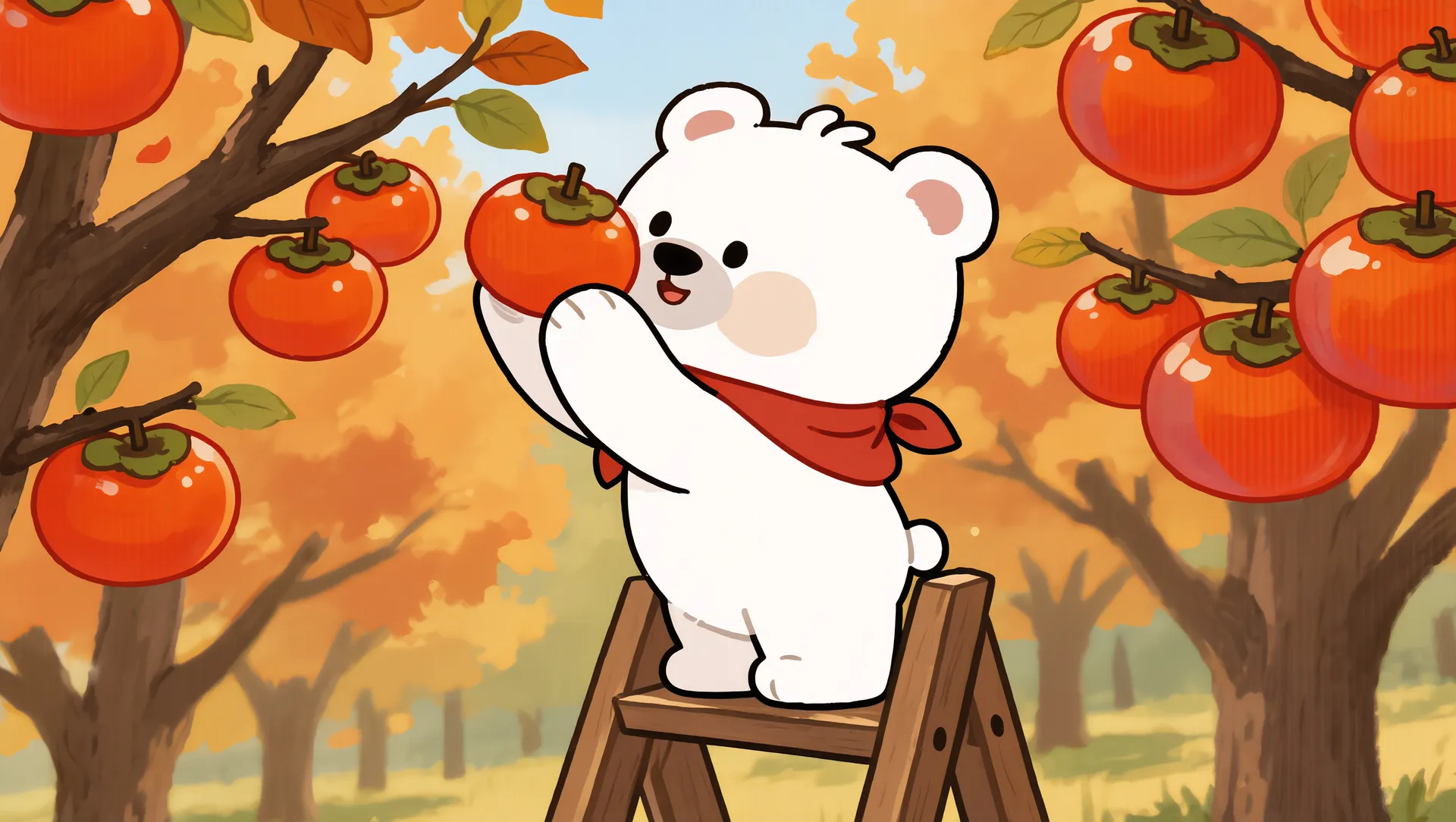 | .png?x-oss-process=image/resize,w_1872) | .png?x-oss-process=image/resize,w_1872) | .png?x-oss-process=image/resize,w_1872) | .png?x-oss-process=image/resize,w_1872) |
Use the Same Creative Flow Across Different Projects
The same set of capabilities can serve very different creative jobs:
- Marketing: Start with a product or brand reference, then develop additional campaign visuals around the same source material.
- Character content: Take an established character into new scenes, poses, or viewing angles when the project calls for recurring appearances.
- Storyboarding: Build several frames around the same narrative idea through Image Series Mode.
- Social content: Turn one concept into a related group of visuals for posts, campaigns, or an ongoing content series.
What Should You Check Before Using AI Images Commercially?
Before an AI-generated image goes into an ad, product page, client project, or packaging design, give it a quick legal and usage check. A polished result can still create problems if the source material, branding, or final claims cross a line.
- Review the platform’s commercial-use terms: Check what your plan allows, especially for paid ads, merchandise, client work, and other revenue-generating projects. Terms can vary across tools and subscription levels.
- Clear any reference material first: If you upload a photo, logo, illustration, or product image, make sure you own it or have permission to use it. Running an asset through an AI workflow does not erase the rights attached to the original material.
- Consider copyright protection: AI-generated material does not automatically receive the same copyright protection as human-authored work. The amount and nature of human creative contribution can matter.
- Check for unexpected brand elements: Look closely for logos, packaging details, or visual features that resemble existing brands, especially in high-resolution exports.
- Use extra care with recognizable people: Commercial images that resemble real individuals can raise privacy, publicity, or endorsement issues, particularly in advertising.
- Make sure the image does not imply something untrue: Product visuals, before-and-after scenes, endorsements, or realistic mockups can create misleading impressions if they show features or results that do not exist.
The End
So, what is the best AI image generator for your project? The answer usually becomes clearer once you look past the first render. A product reference, a small revision, or the need for several connected images can change what matters most. If your work moves between those stages, IMAGE 3.0 gives you room to start from text or existing visual references. IMAGE 3.0 Omni takes the idea further when one visual needs to grow into a related series.
FAQs
What Is the Best AI Image Generator for Different Creator Use Cases?
There is no single answer for every project. Product visuals may depend more on reference handling, design work may place greater weight on text and layout, and storyboards need stronger continuity across multiple images. The best AI for image generation is the one that handles the tasks you return to most often. Kling IMAGE 3.0 supports prompt-led and reference-based creation, and IMAGE 3.0 Omni adds Image Series Mode for related visual sequences.
What Should I Look for in a High-Quality AI Image Generator?
Look past the strongest sample image. A high-quality AI image generator should stay responsive when the prompt gets more detailed, work reliably with the references you use, and give you practical ways to revise the result. For projects that span several images, consistency matters too. Text handling, export quality, and commercial-use terms may become more important depending on where the final asset will appear.
How Do Social Media Platforms Identify AI-Generated Images?
If an AI image generator includes Content Credentials or other provenance metadata, a social platform may use those signals to identify AI-made content. Platforms can also rely on their own detection systems or creator disclosure. These methods are not foolproof, since metadata may disappear after editing or file conversion, and labeling rules vary by platform.
What Is the Difference Between Text-to-Image and Image-to-Image Generation?
Text-to-image starts with a written prompt and creates a new visual from that description. Image-to-image begins with an existing image plus instructions, so the source can guide details such as the subject, composition, style, or overall visual direction. The second approach is useful when a project already has visual material you want to build on.