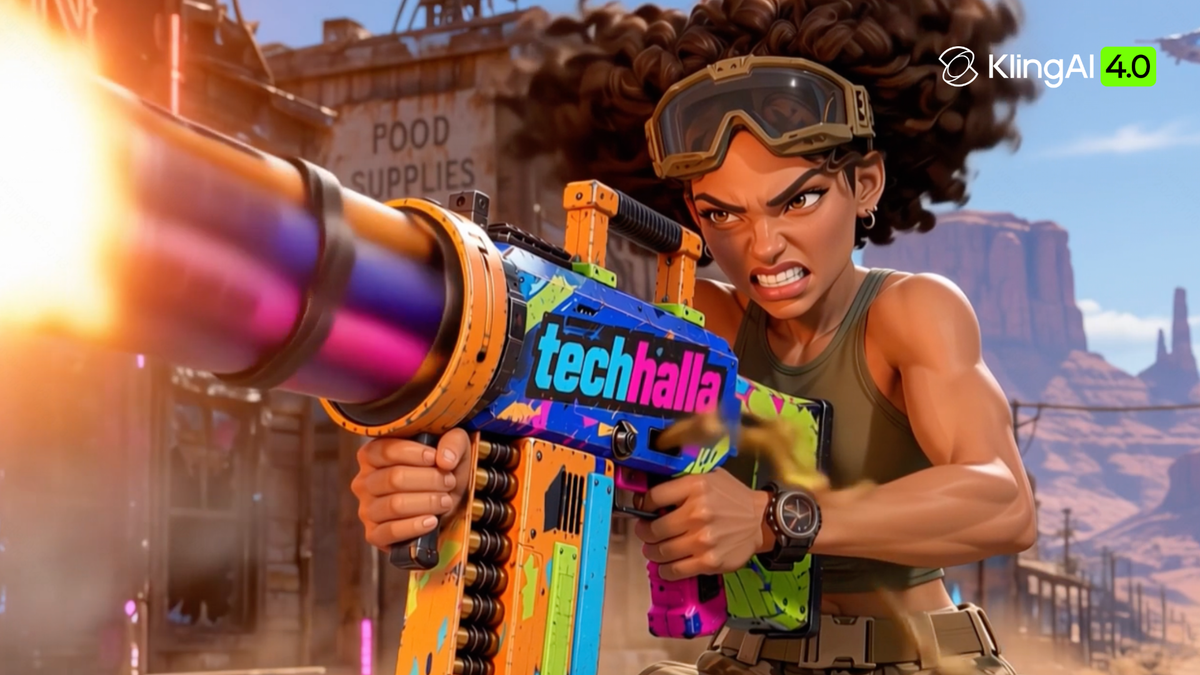
Over the past few weeks, TechHalla has been using Kling 4.0 and Kling 4.0 Flash across a range of creative projects, from fast-paced social videos to music videos and short films. Along the way, he explored what each model could bring to his creative process, and where they made the biggest difference.
Notes from the Creator
I'm Luis, and online I go by TechHalla. I've been making AI video since September 2023, and my first real piece made with Kling went out in July 2024. Most of my audience is on X, but I also post on Instagram, YouTube, Reddit and LinkedIn.
My work has two sides. On social, I make content about generative AI where I try to push every model to its limit, look for use cases nobody has tried yet, and share the full workflow and prompts so anyone can reproduce it. For clients, I make music videos, films, ads, industrial and real estate pieces, animation and series. My style is clean and direct: whatever the client needs, made for a general audience. Mostly realism, and also 3D animation.
I've used Kling since the beta in 2024. The moment it clicked for me was the custom face model in November 2024: it was the first time I felt AI could generate characters you actually believe. Character consistency and spatial consistency have always been my biggest obstacle, and honestly they still are a challenge today. I work around them with 3D, keyframes, and voice and audio editing. What 4.0 changes is the quality of the final image and the ability to generate longer takes that keep the same identity across clips.
That's the context for this review. I didn't sit down to make one nice demo for Kling. Over the last few weeks Kling 4.0 and Kling 4.0 Flash went into almost everything I shipped, so what follows comes from real projects with real deadlines, including the parts that didn't work.
Viral Physics Weight in Object Motion
A big part of my feed is fake phone footage of impossible things. A house cartwheeling down a hill. A medieval catapult launching a hatchback at a village fair. Grandpa on a ride-on mower in the fast lane, eating a baguette, police miles behind. This stuff only works if the physics sell it. If the house floats, or the car lands like a feather, the joke dies and people scroll.
The pain point is always the same. Older models give me one nice motion and then everything goes soft: objects slide instead of tumbling, crowds stand still, and anything that should have weight looks like it's on a string. So I went with Kling 4.0 Flash, text to video only, no reference images at all. If the model really understands weight and momentum, it should show it without me holding its hand with a start frame.

Full Video
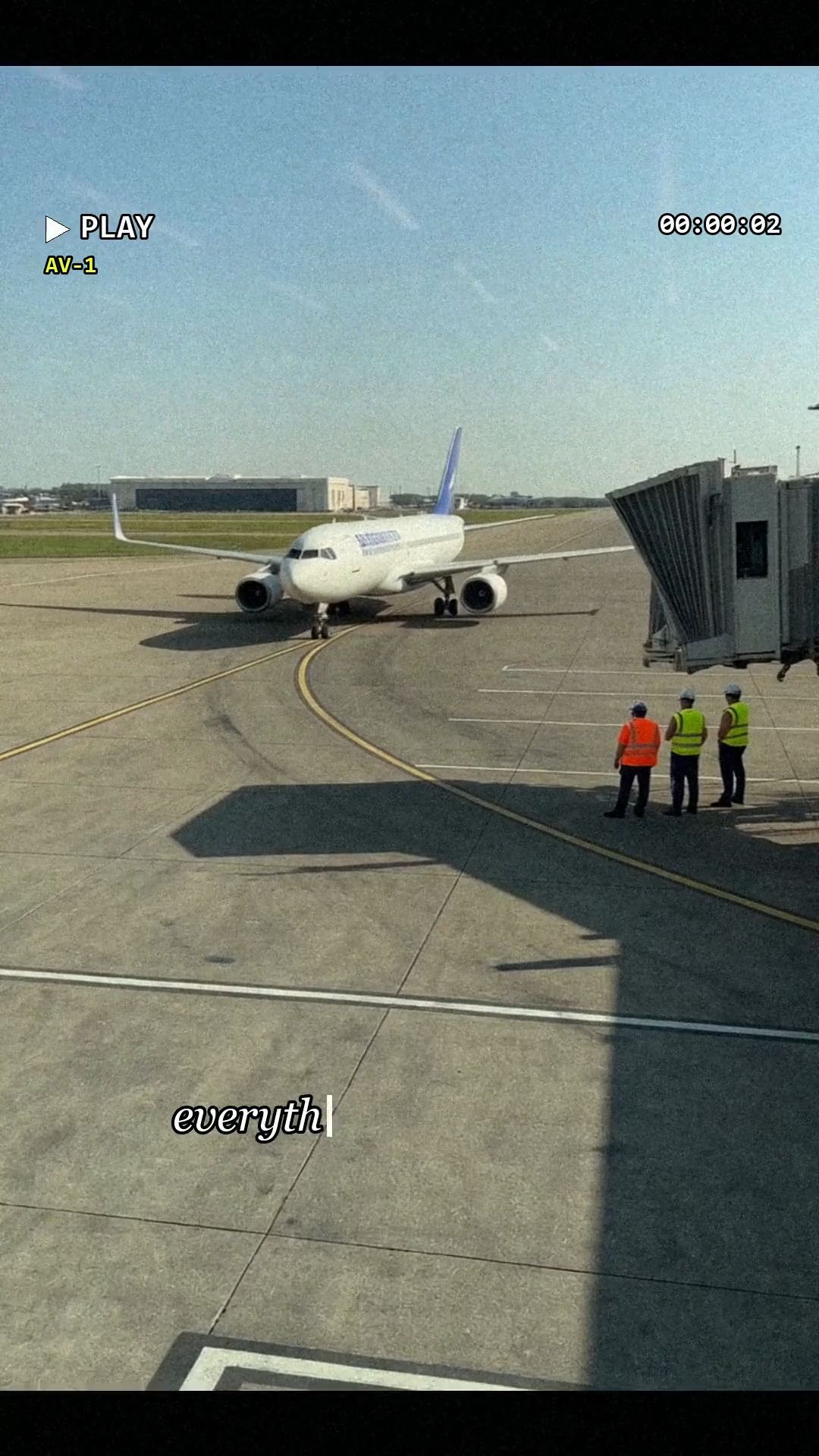
First I generated 84 short clips with Kling 4.0 Flash (5 seconds each, 9:16, 720p) and cut them into a 59 second rapid fire montage at 144 BPM (the post). Then I picked the 13 strongest ideas and ran them again at 15 seconds each, 720p, 9:16. Each one took under two minutes, and I launched all 13 at once.
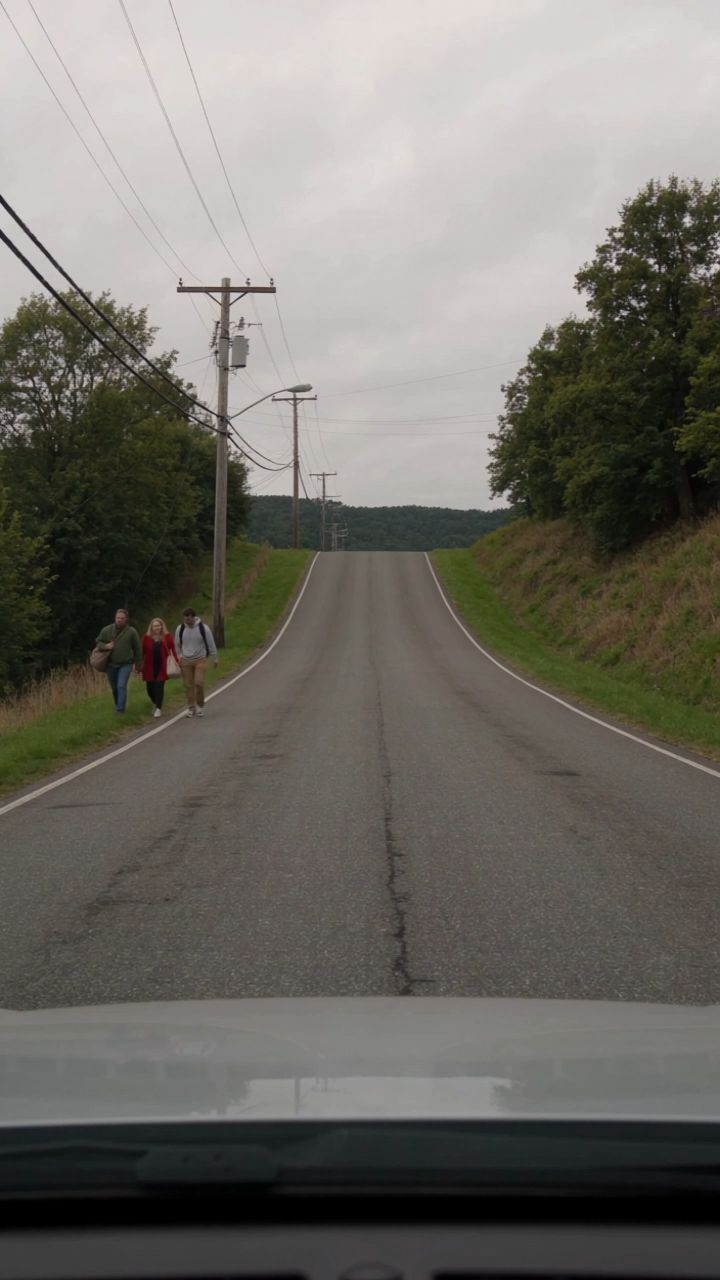
The first round test taught me something about prompting this model. My prompts described a situation, and Kling animated a situation: correct, nice looking, and too calm. The fix was to stop describing the scene and start describing every single beat of the action, from the very first frame. Compare the house. Round one said the house "comes rolling down the middle of the road, tumbling end over end like a dropped box" after two quiet seconds. Round two says this and generates the following clip:
House-Tumbling Clip

Round Two Prompt
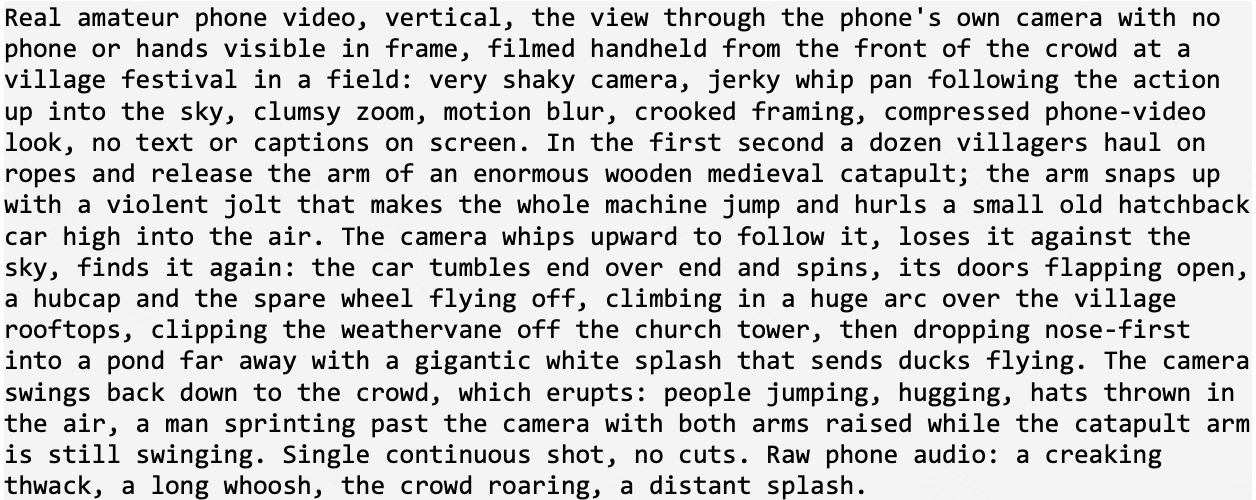
The catapult is the one I'd show anyone who asks what Kling 4.0 Flash can do with physics. This is the full prompt:
Video Prompt
Capabilities that matter here are that weight, momentum, and cause and effect across a 15 second take with no cuts. Also the camera behaving like a real person holding a phone, which matters more than people think for this genre.
The catapult surprised me. The arm whips, the whole machine jumps, the car climbs in a believable arc, flaps its doors, and you get the splash and the crowd going mad in the same take. The hay bales did exactly what I asked, which is harder than it sounds: three farmers running on top of rolling bales, one trips and stays down, his bale veers into the crowd and flattens a picnic table, and the other two keep going. That's a chain of four events with consequences, and it held. The office chairs and the kayakers on the stone staircase also kept a pack of many bodies moving without merging into soup.
For my workflow this is a big deal in a very boring way. A rapid fire edit eats material. 84 clips in a minute of video means I need volume and I need it fast, and Kling 4.0 Flash at under two minutes per 15 second take let me treat generation like shooting B-roll. Every clip that was quieter or darker than the rest went into the edit as tension before a hit, so nothing was wasted.
More Control Over Multi-Shot Direction and Camera Movement
What I wanted to test. PACK ANIMALS is a music video I made for Radio Mandanga 104.2 FM, my fake radio station: a punk fashion doll and her crew of old, beaten-up toys ride real alpacas through one night of pure chaos. Costco, a bus, a TV studio, a moshpit, and at some point a stolen police car. The whole thing is found footage, shot as if on a cheap camcorder at night with a harsh light on top.
In a music video the camera is half the performance. My pain point with AI video has always been that I get framing, but not camera behaviour: everything drifts smoothly like a drone, and every shot is its own generation that never quite matches the next. So I wanted two things from Kling. First, to direct the camera as if it were a person in the scene, someone who runs, gets shoved, dives out of the way or wedges the camera on a dashboard. Second, to get several shots with hard cuts inside one generation, so one take covers a whole section of the song.
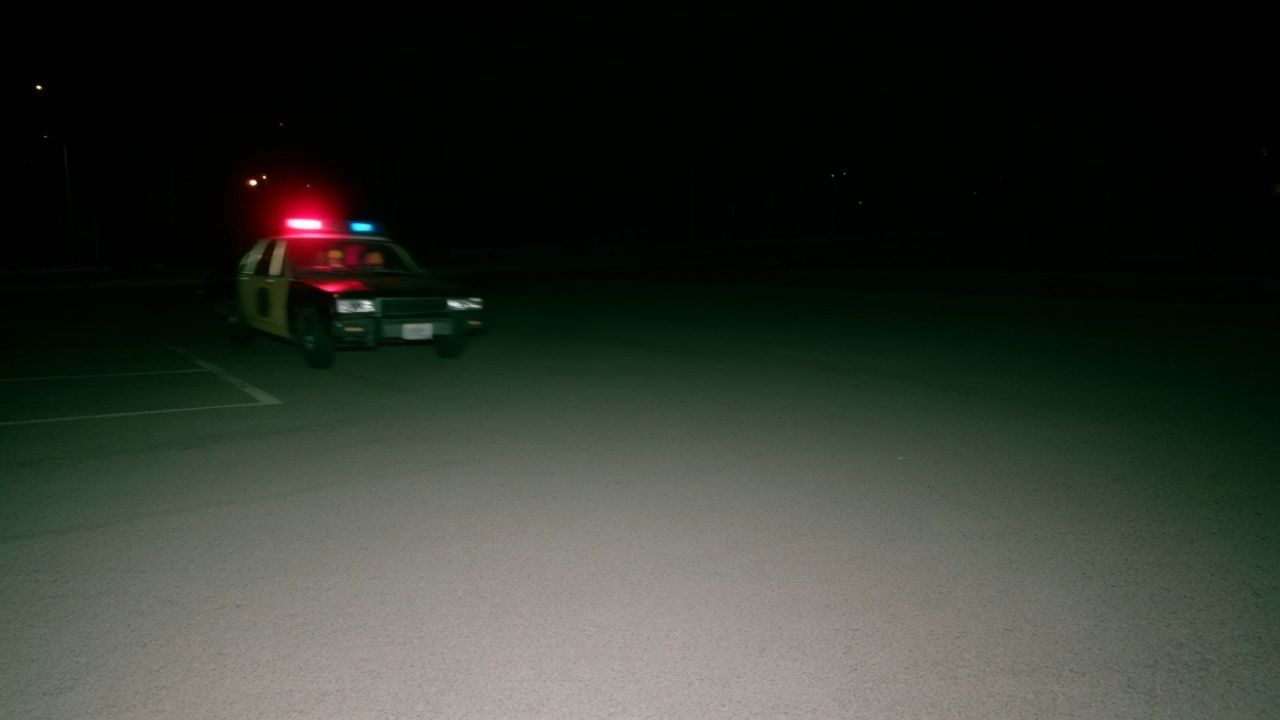
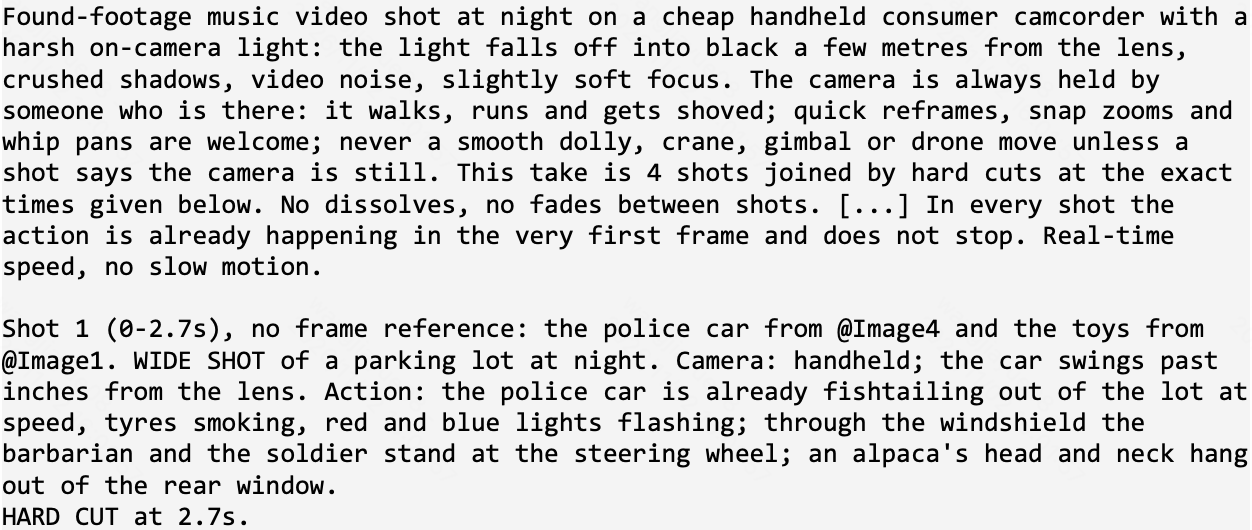
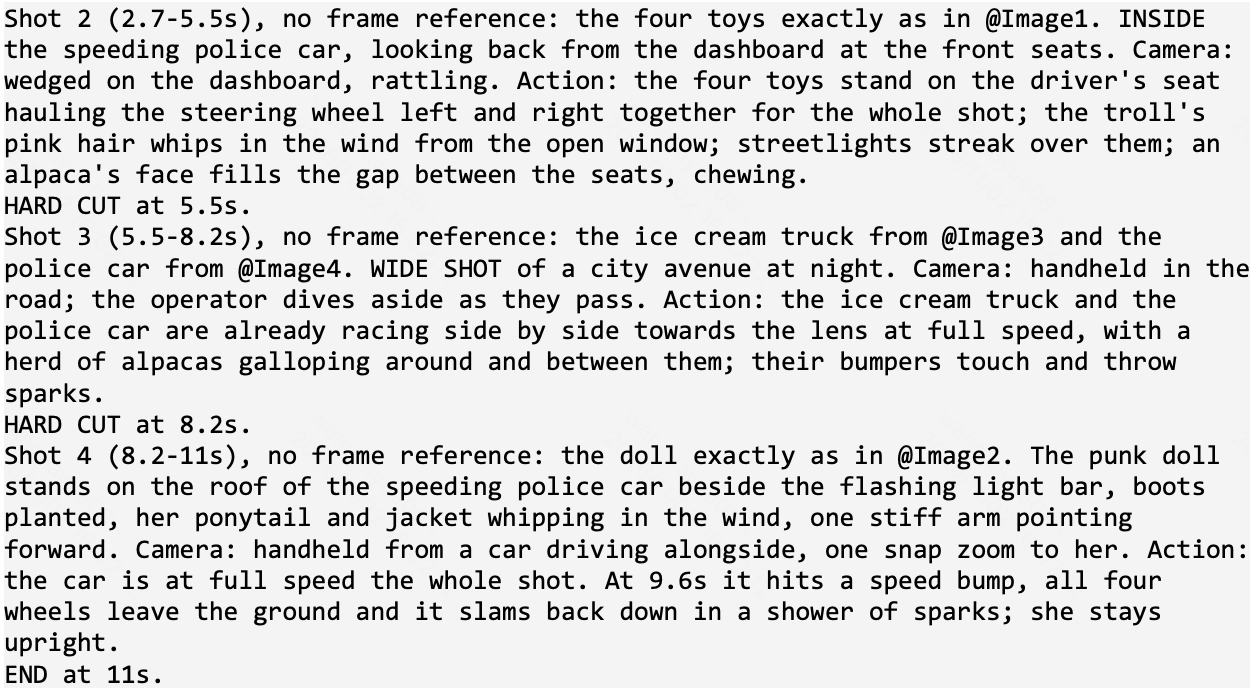
Kling 4.0 Flash, Omni Reference, 16:9, 720p, multi-shot on, native audio off because the song goes in the edit. Sixteen takes of 9 to 16 seconds, one per section of the song. Each one gets two to four references: the character sheets and, when needed, a storyboard frame. Every prompt starts with the same camera rules, and then each shot has its own framing, camera, and action. This is the police car take, four shots in 11 seconds, and none of them has a frame reference. They're built only from the character sheets:
Clip from PACK ANIMALS
Video Prompt
Capabilities that matter here are that camera movement as part of the direction (handheld, snap zooms, a dashboard cam, an operator diving aside), several shots with hard cuts in one generation, and shots built from character references alone.
My take. When I saw this take I just wrote "this is incredible". Kling gave me exactly four shots in the order I asked. The car fishtails past the lens with an alpaca's head hanging out of the back window. Cut to the dashboard: the four toys crammed in the front seat, the troll's pink hair whipping, the alpaca chewing between the seats. Cut to the road: the ice cream truck and the police car racing at the camera with the herd galloping around them and the bumpers throwing sparks. Cut to the doll on the roof next to the light bar, hair flying, pointing forward. Each shot has its own camera, and that's exactly what makes it feel directed instead of generated. And not one of those shots had a start frame.
The cuts are where it gets really useful for editing. They land where I wrote them, give or take a few frames, so in the edit I split every take at its cuts and each shot comes in with its line of the song. Sixteen generations gave me the whole video, already shot as scenes.
Use 3D to Direct the Action, Kling 4.0 to Create the Visuals
What I wanted to test. Every time I need a specific piece of action, like a weapon spinning up, recoiling and ejecting shells with the right timing, prompting alone becomes a lottery. In 3D I can get the exact motion in minutes, but it looks like a 3D blockout. So the idea was to let 3D handle the motion and let Kling 4.0 handle everything else: the detail, the character, the world. If Omni Reference can carry motion from a video reference and identity from image references at the same time, I get the control of 3D with the look of a finished render.
The whole setup is a five step chain, and every step feeds the next one. I made one for the launch of Kling 4.0, and it's the clearest example I have of using 3D as a reference to get real impact (the post).
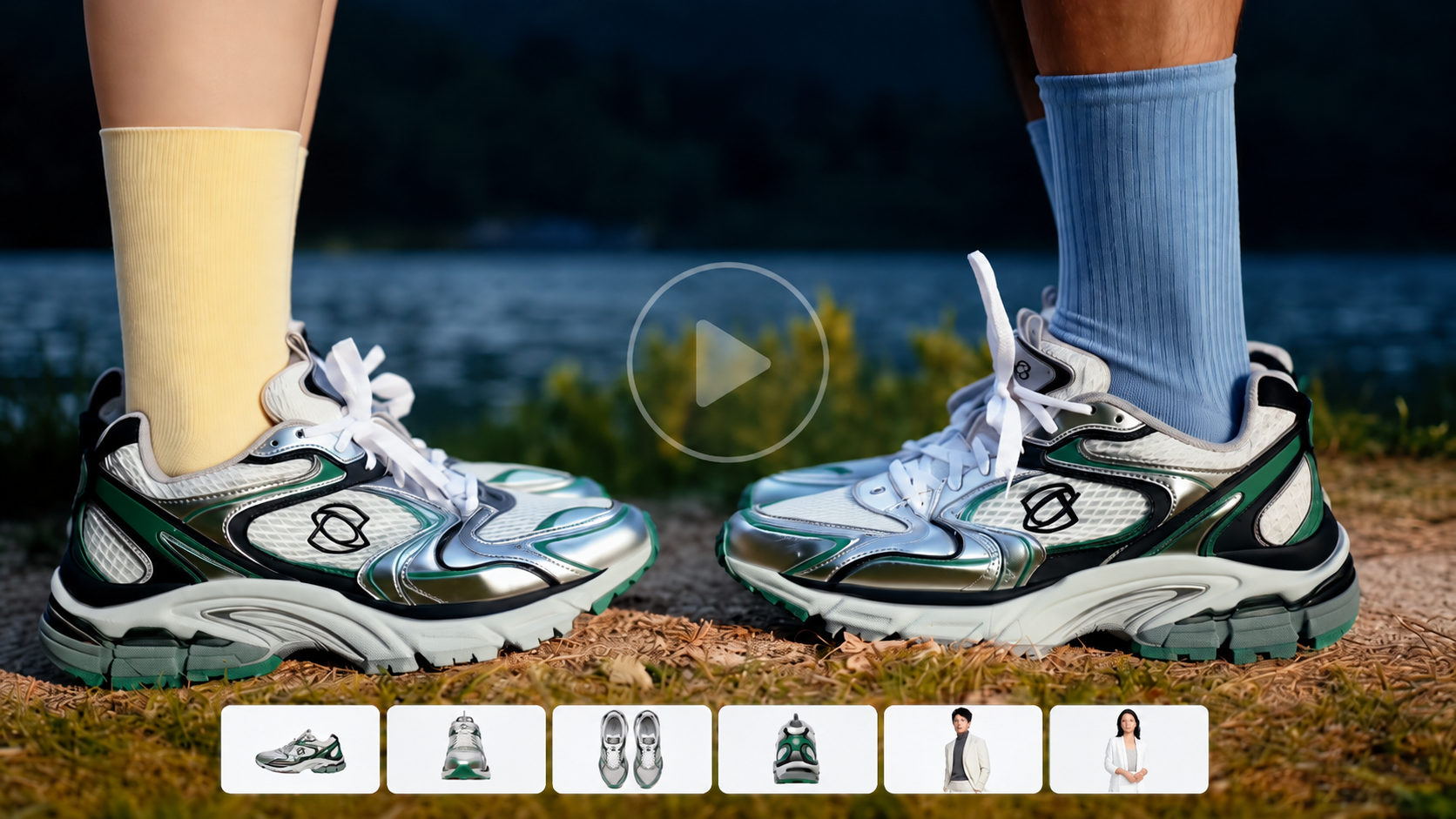
1)The design: a chunky, toy-coloured minigun with the TechHalla logo on the side. Then I build it as an animated 3D model on a green background, 8 seconds: barrels spin up, it fires, shells fly out, it spins down. That 3D clip is the motion reference.
2) Kling 4.0 with the 3D animation as the video reference and the design as the image reference. Out comes the same 8 seconds of motion, now with real materials, scratches, muzzle flash and smoke.
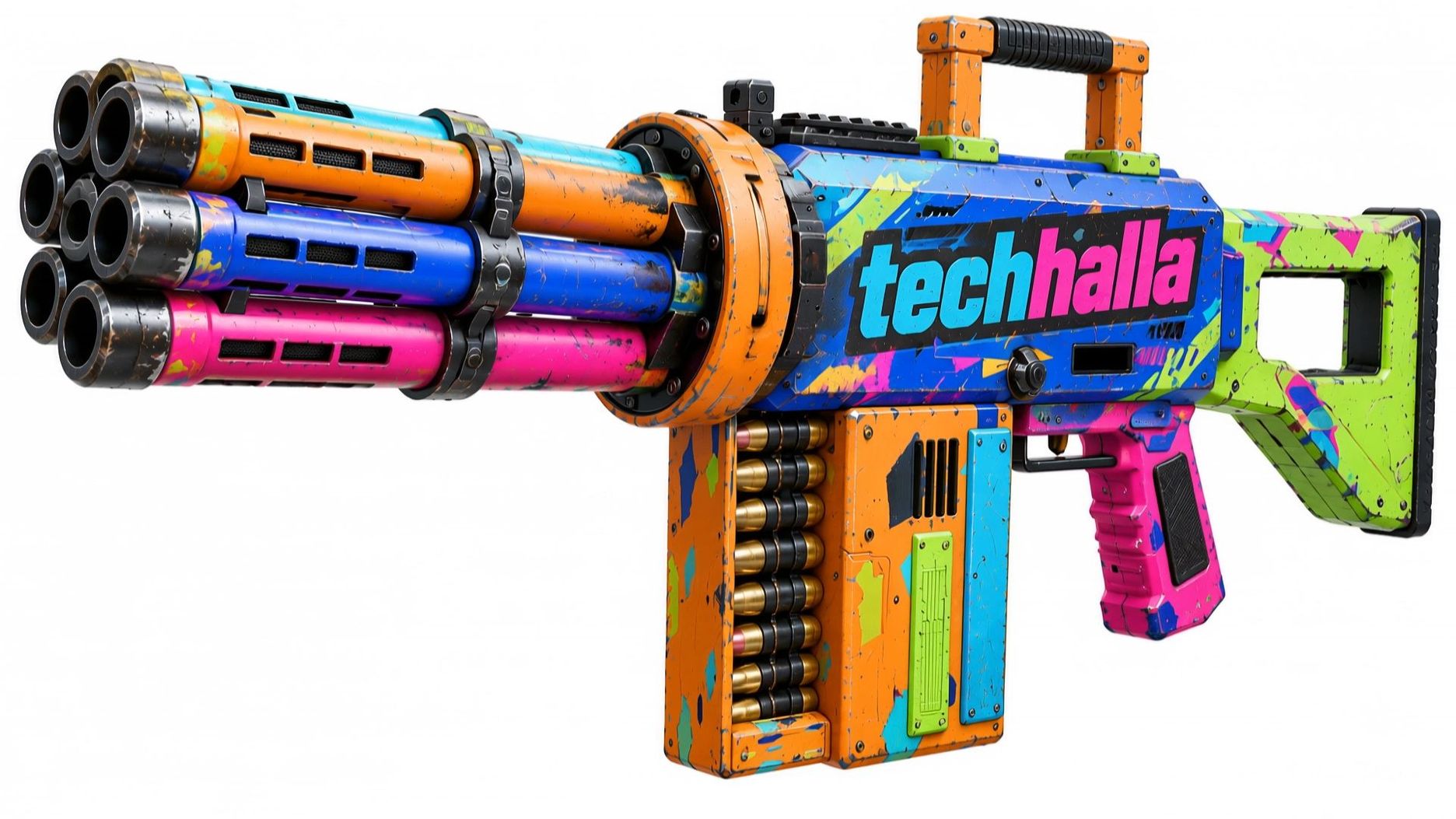
Step 2: Machine Gun (3D Video + Design Image)
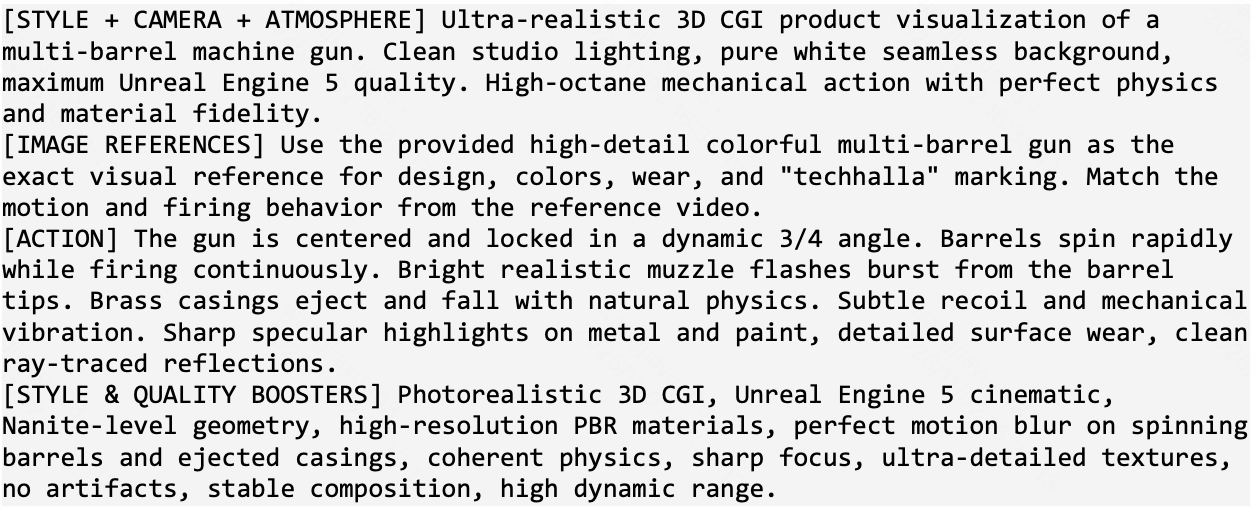
Video Prompt
3) I generated the character, a soldier with curly hair, goggles and camo trousers, and an image of her holding the minigun.
4) Kling 4.0 again: the detailed gun video plus the image of her holding it. She performs the whole move on a plain beige background, 10 seconds.
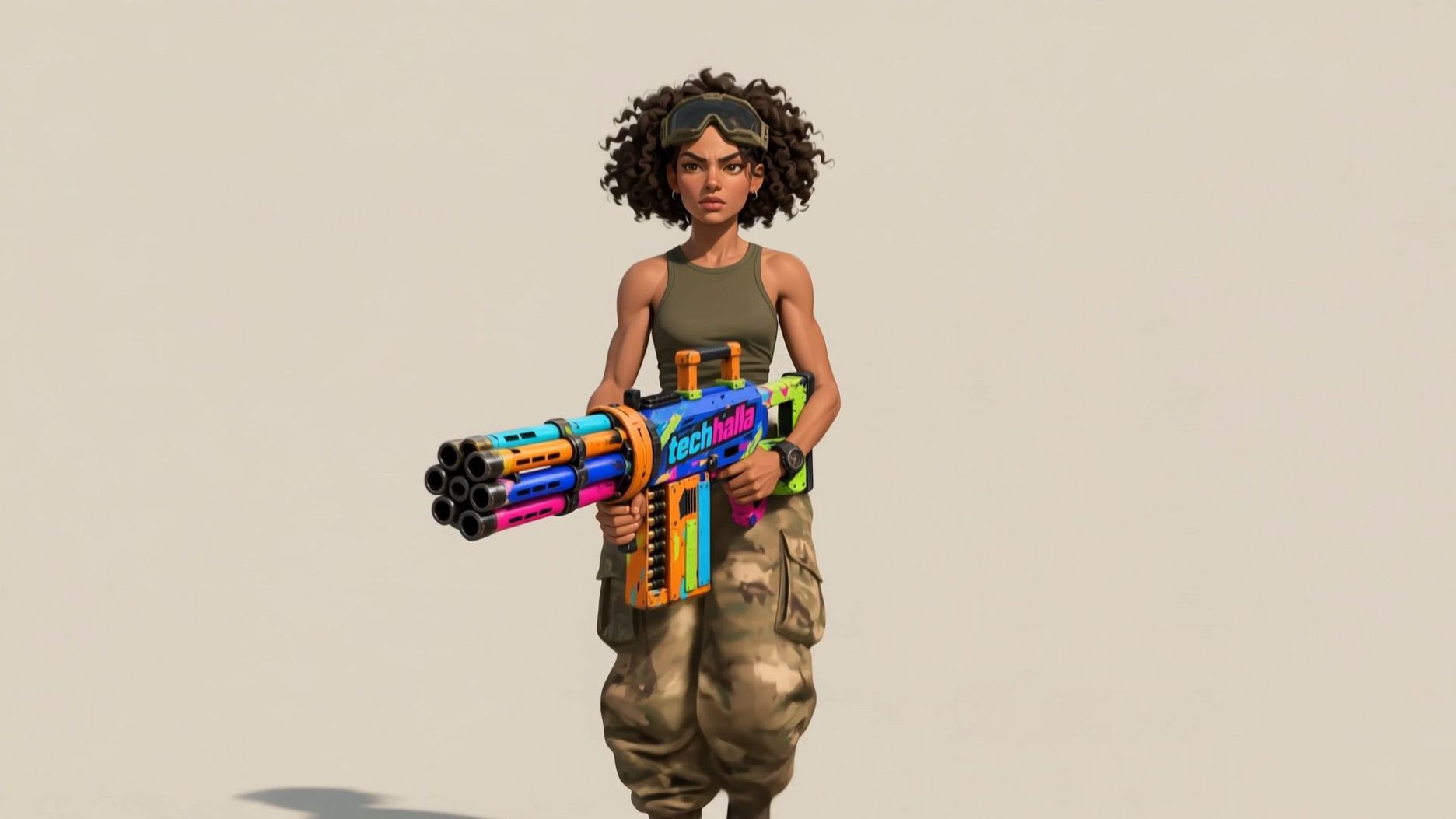
Step 4: Character (Detailed Gun Video + Image of Her Holding It)
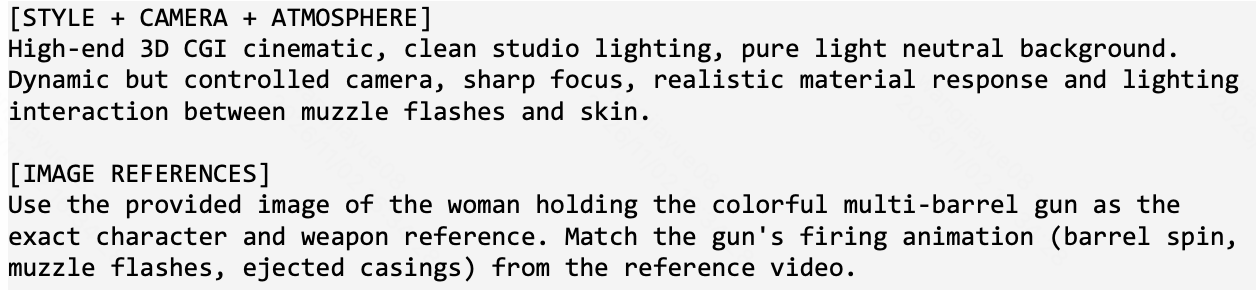
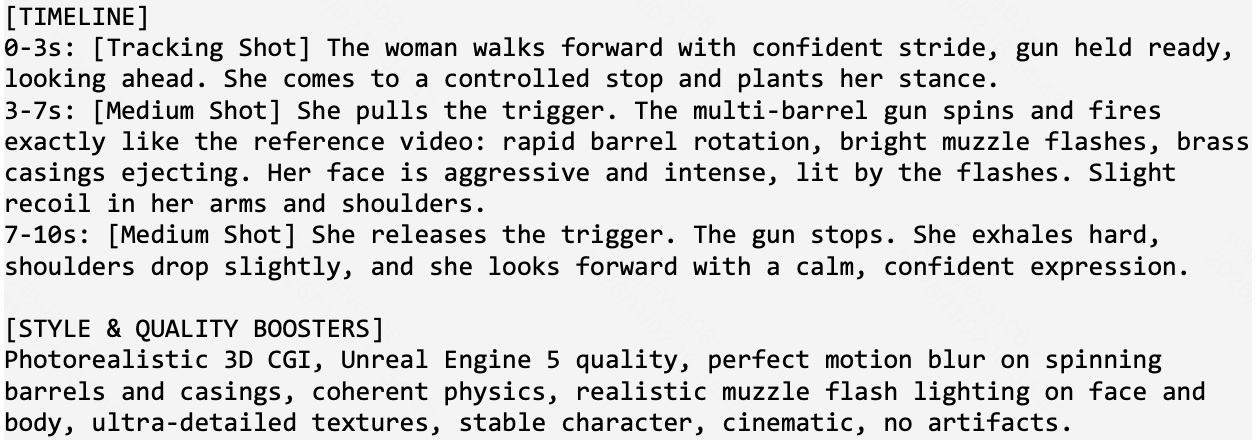
Video Prompt
5) A set (a sci-fi western town, saloon, neon, UFOs in the sky) plus her animation as the reference. That's the final shot.
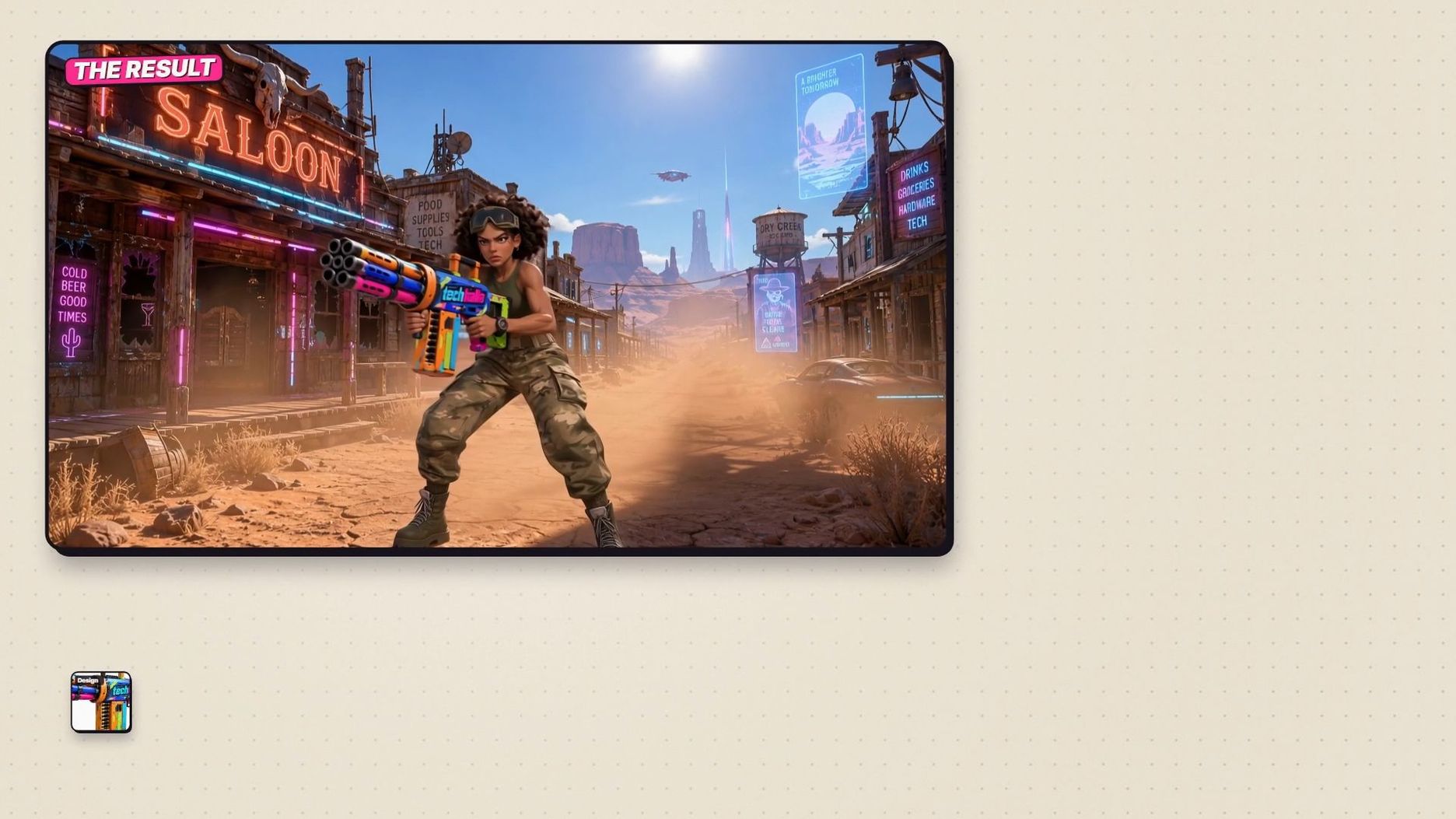
Step 5: Final Shot (Her Video+ the ghost-town image)
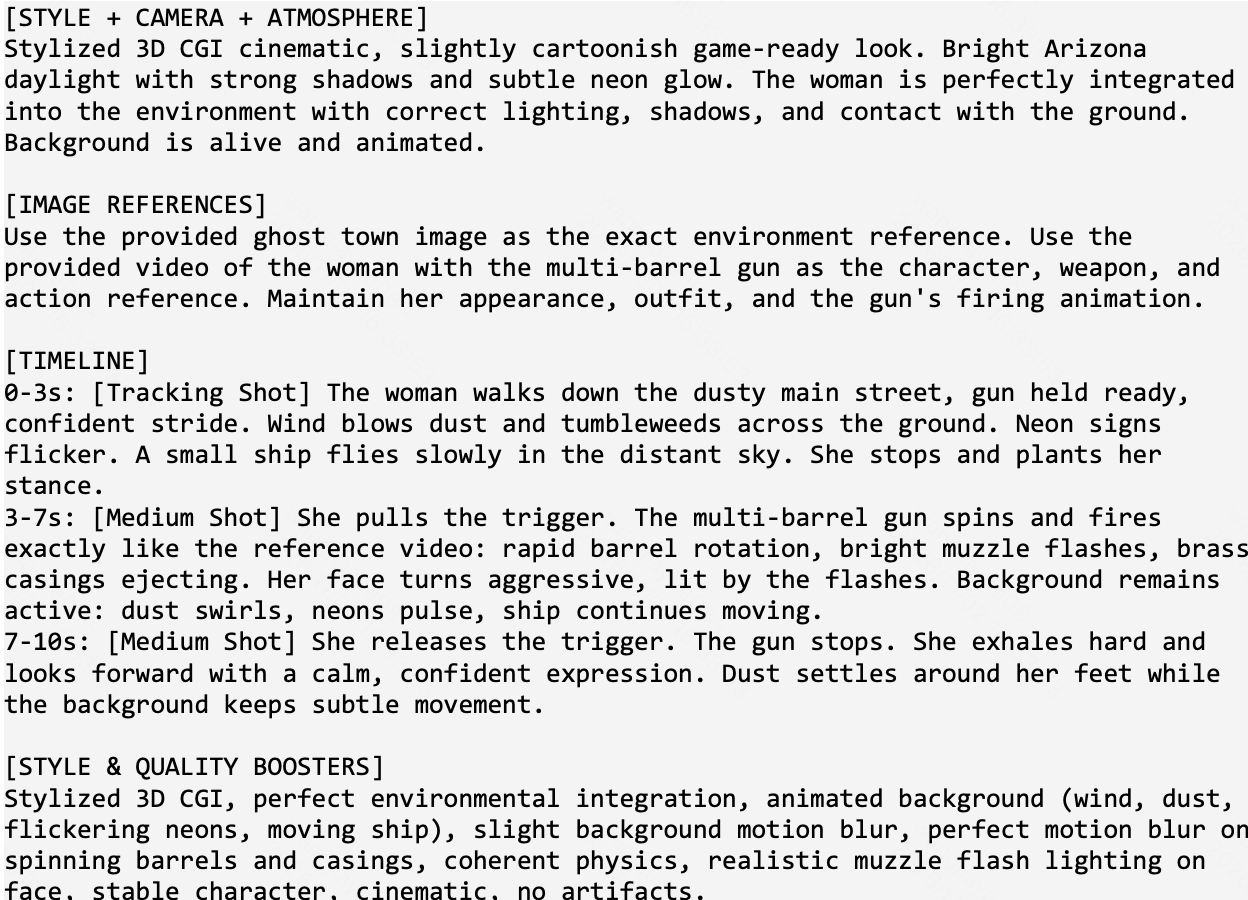
Video Prompt
Capabilities that matter here are that video plus image references combined in one generation, motion transfer from a rough source, and identity holding across three generations in a row: same gun, same logo, same woman.
What I didn't expect is how literally Kling respects the timing of the video reference. The spin up, the burst and the spin down land on the same beats as the 3D, so when I put the clips side by side in the edit they stay in sync without me retiming anything.
I've done this kind of video to video work with other model too, and this is exactly where Kling 4.0 beats it for me: it sticks to the original video much more closely. The logo on the gun survives all three passes and stays readable, which is usually the first thing to melt. In the last step it didn't just paste her on a background: she walks in from the end of the street, kicking up dust, and the camera pushes in on her as she opens fire, so the move gets a new camera without losing her timing.
This is the workflow I'm most excited about, because it turns AI video into something I can direct with the precision of a 3D package. The motion is decided before I generate a single second of video, and each step is a checkpoint I can approve or redo on its own. In a traditional pipeline the detailed gun alone would be a lookdev and lighting job; here it was one generation.
Consistent Characters with a Realistic, Tactile Look

“Select Your Fighter” Clip from INSERT COIN
What I wanted to test. INSERT COIN was my attempt at a fake 1988 live-action B-movie based on an early 90s arcade beat 'em up: rubber dinosaurs, a mint-green Cadillac, sunset deserts and a ruined shopping mall. It has a cast of four heroes plus a gang of identical clone thugs, and they appear across nineteen generations. That is exactly where AI video usually falls apart. By take ten your hero has a new jaw, the vest changed colour, and the tall guy is suddenly normal size.
I also wanted texture. The look is 35mm, grain, warm practical light, sweat, grease and denim. Plastic skin would kill it instantly.
Kling 4.0, Omni Reference, 16:9. Every take is a multi-shot scene of 8 to 20 seconds with a short lead-in and tail so I have room to cut. References are the storyboard frames for that scene plus character sheets, up to seven images in total. Every prompt opens with the same style block and closes with the same consistency and lighting lines.
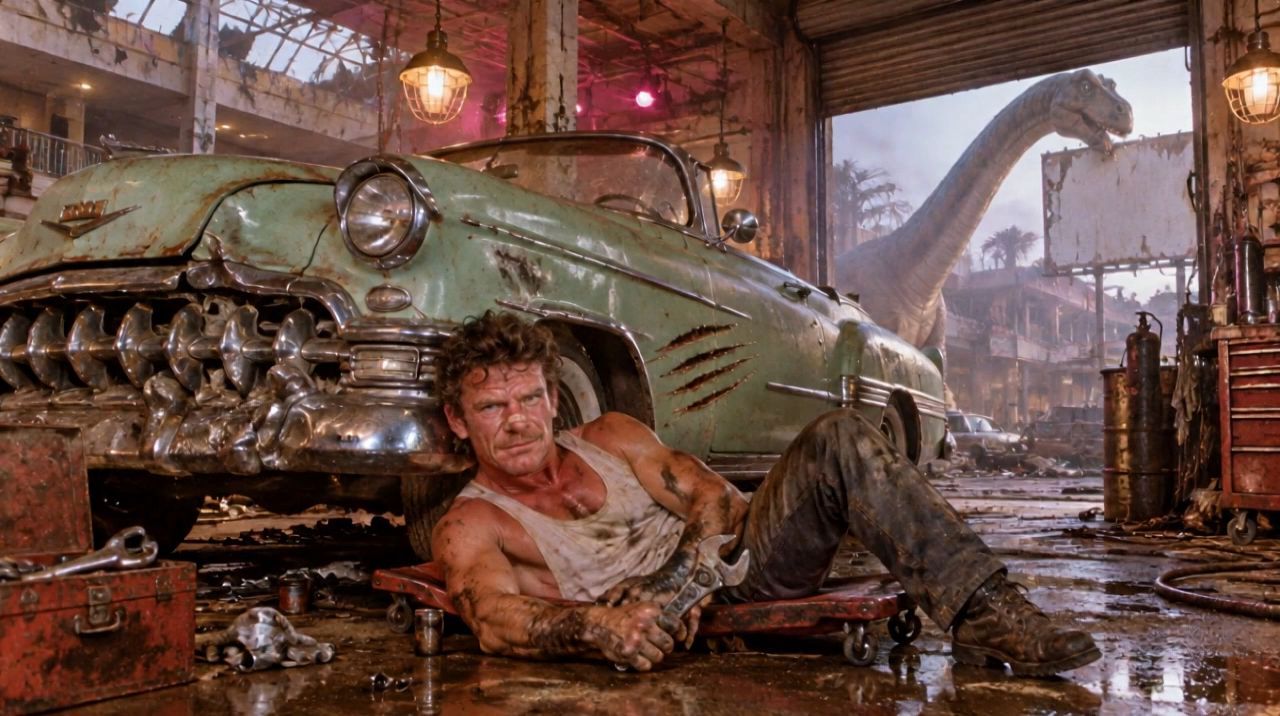
Garage Brawl Clip
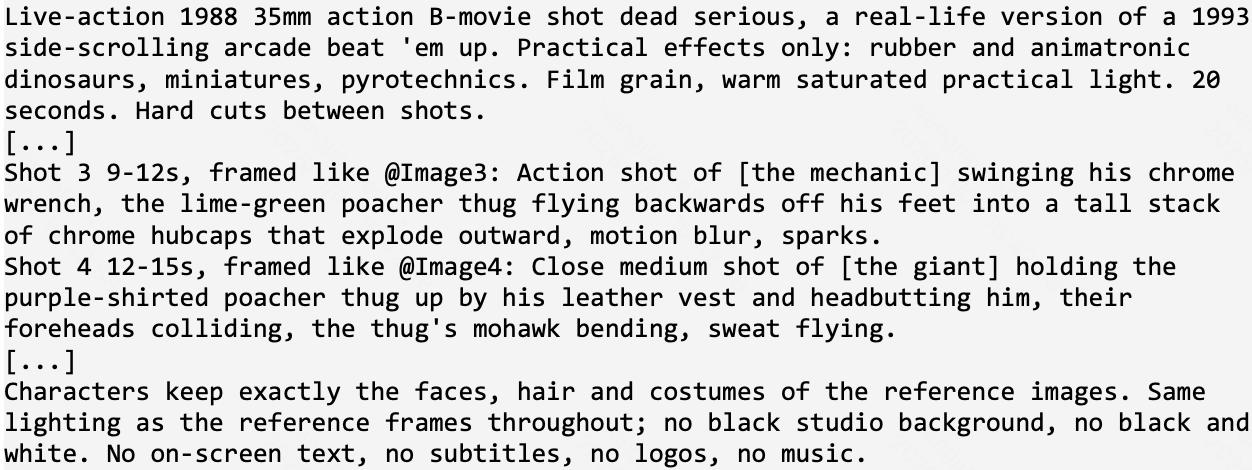
Video Prompt
Capabilities that matter here are that faces, hair and wardrobe holding across many generations, a group of characters in one frame without them blending into each other, and skin and fabric that look photographed.
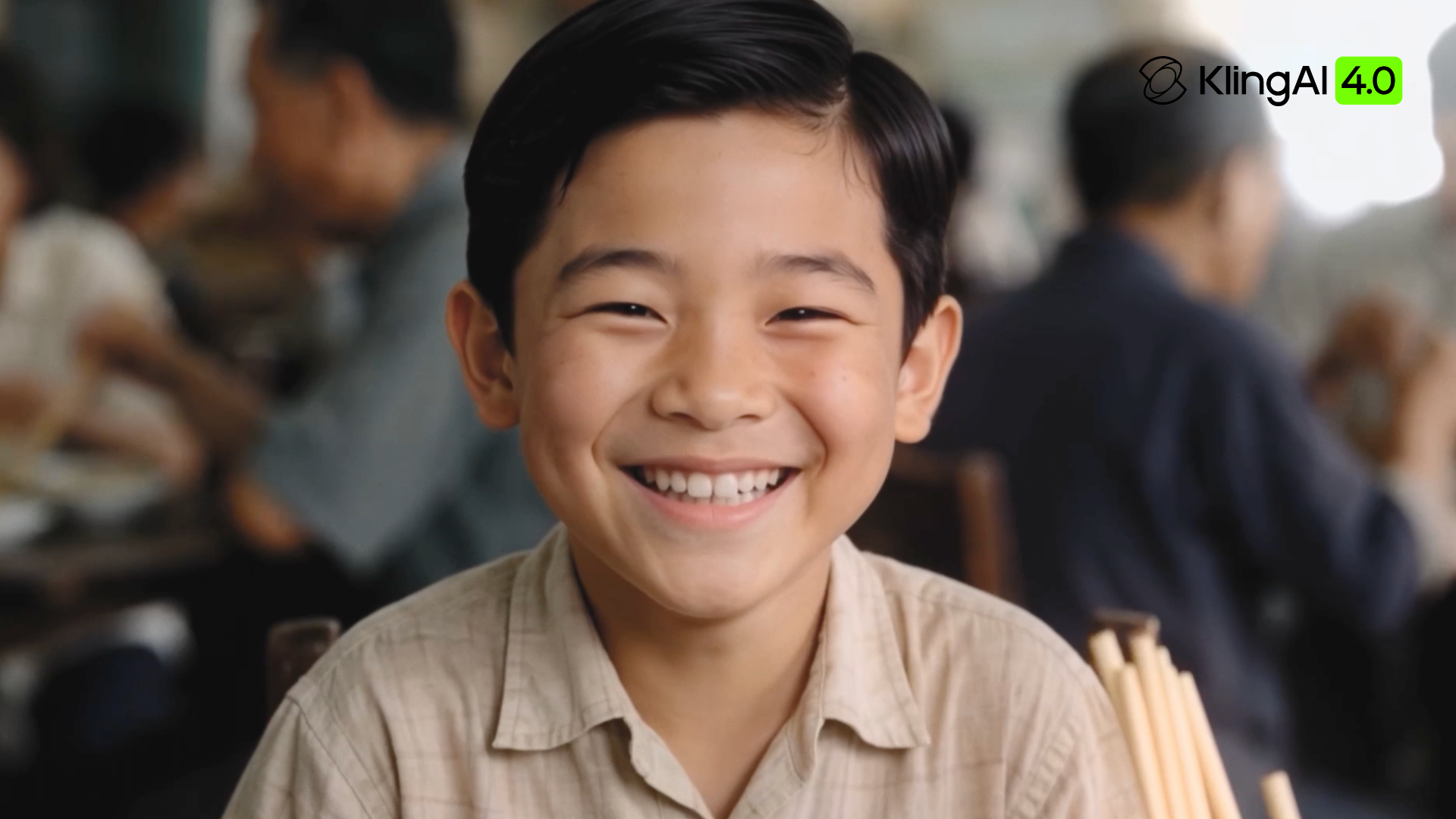
All nineteen takes worked on the first try, with no rejections, and the cast and the light stayed stable from scene to scene. The "select your fighter" take is four medium shots in 16 seconds, one per hero, and each one is the same person I designed: the mechanic's mullet and dirty tank top, the blonde hair blasting back in the wind, the gold aviators and the pencil moustache, the giant with the braided red beard and the denim vest. The skin is the thing I keep pausing on. Pores, sunburn, sweat, oil on the forearms. It reads as a person under a hot lamp, not a render.
The garage brawl also covers some of the action brief: a wrench swing that sends a thug flying into a stack of hubcaps that actually scatter, and a headbutt where the mohawk bends on impact. The twin thugs stay twins, one in lime green and one in purple, through every shot.
For my workflow, this changed the unit of work. I don't need a keyframe for every shot anymore. An empty set plus four character sheets and a prompt broken into time ranges gave me a continuous 20 second take with pans and every character faithful. Keyframes are now something I add only when a shot needs them.
Final Thoughts | From Creating a Shot to Writing a Scene
If I had to sum up Kling 4.0 in one sentence, it would be this: it's the first model where I write scenes instead of shots. That sounds like a small thing, but it changes the whole job. A three minute music video became 16 takes, one per section of the song, and for Room Temperature, a three minute clip cut at around a second per shot, I planned more than thirty Kling takes from day one. A fake 80s movie with four heroes and a gang of clones became 19 takes that all worked the first time. A weapon animation went from a grey 3D blockout to a finished shot in three passes, with the timing intact.
The two models also found their own places in my workflow. Kling 4.0 is what I use when the shot has to hold up at full quality: detail, materials, faces, a hero shot like the minigun. Kling 4.0 Flash is what I reach for when I need volume and speed, like the 84 clips behind a one minute rapid fire edit, or a batch of 13 ideas I can launch at once and review a couple of minutes later. Having both in the same family, with the same way of prompting, means I don't change my brain between them.
Kling 4.0 also changed how I work, and the common thread is more control. I plan in takes of 10 to 15 seconds, one per location, and chain them, so every scene is tight and I can direct each one on its own instead of asking for 30 seconds in one go. I use fewer keyframes: an empty set and the character sheets are often enough. I write every prompt like a shot list, with times, framing, camera move, action and dialogue on each line, and a line about what moves in the background so the world always feels alive. It feels much closer to directing a shoot than to rolling dice.
For AI video in filmmaking, my honest feeling is that the bottleneck has moved. It used to be "can the model do it". Now it's writing and editing, which is where it should be. The tools are finally good enough that bad pacing is my fault, not the model's.
My plan is to bring Kling 4.0 into every project where it fits. And Kling 4.0 Flash has become my go-to for anything built on rapid fire cuts, where it gives me really solid results, fast.
A big thank you to TechHalla for sharing his experience with Kling 4.0 and Kling 4.0 Flash, from directing complex scenes to generating ideas at scale. More creators, more real projects, and more firsthand perspectives are coming in our next hands-on reviews.