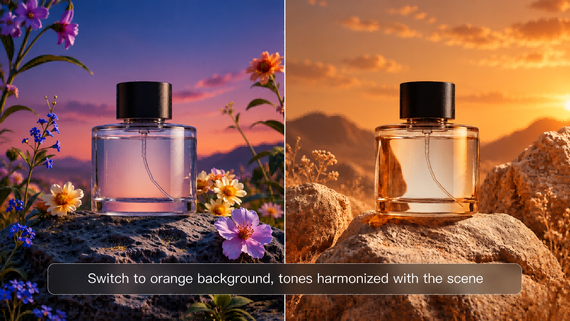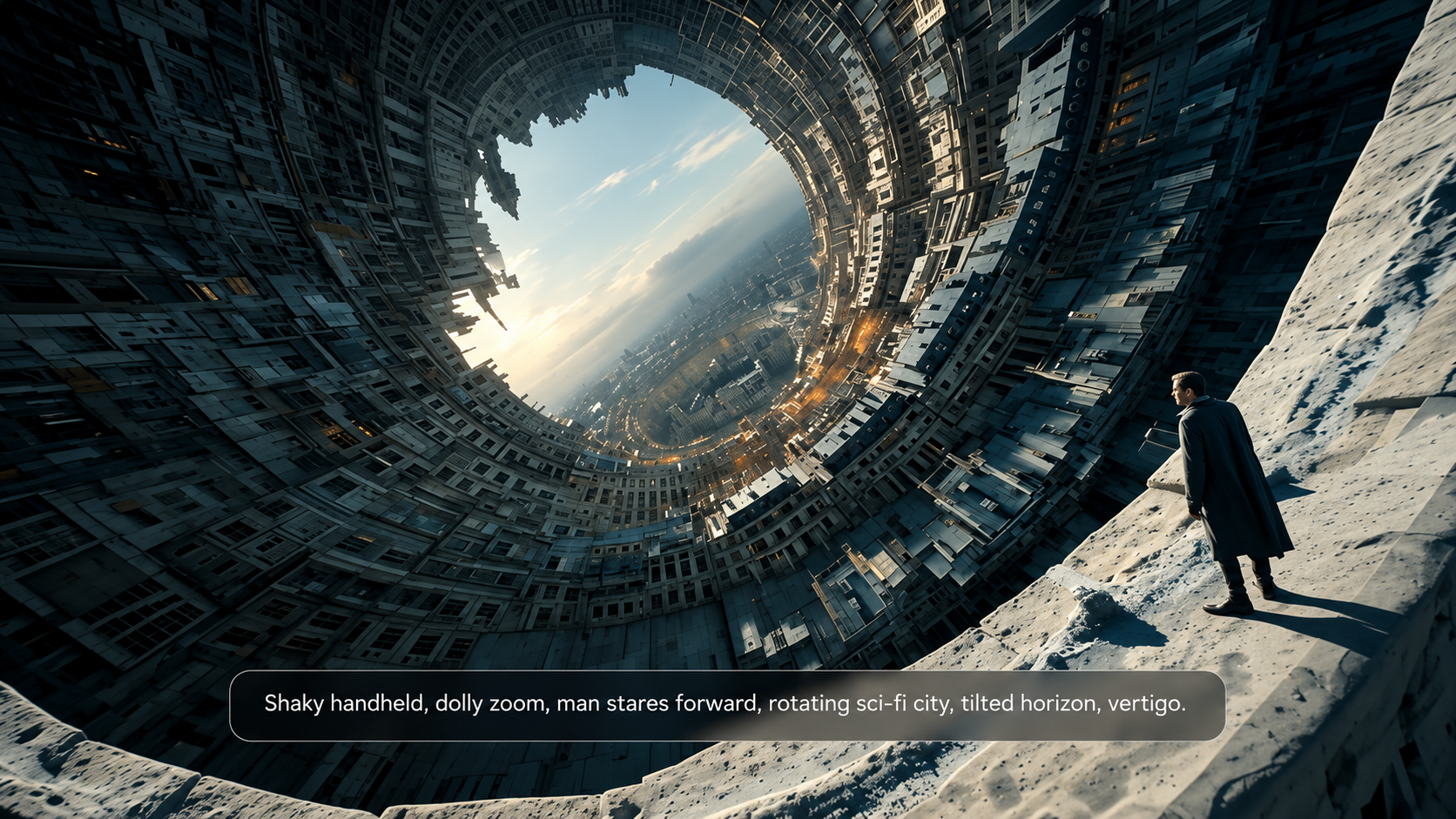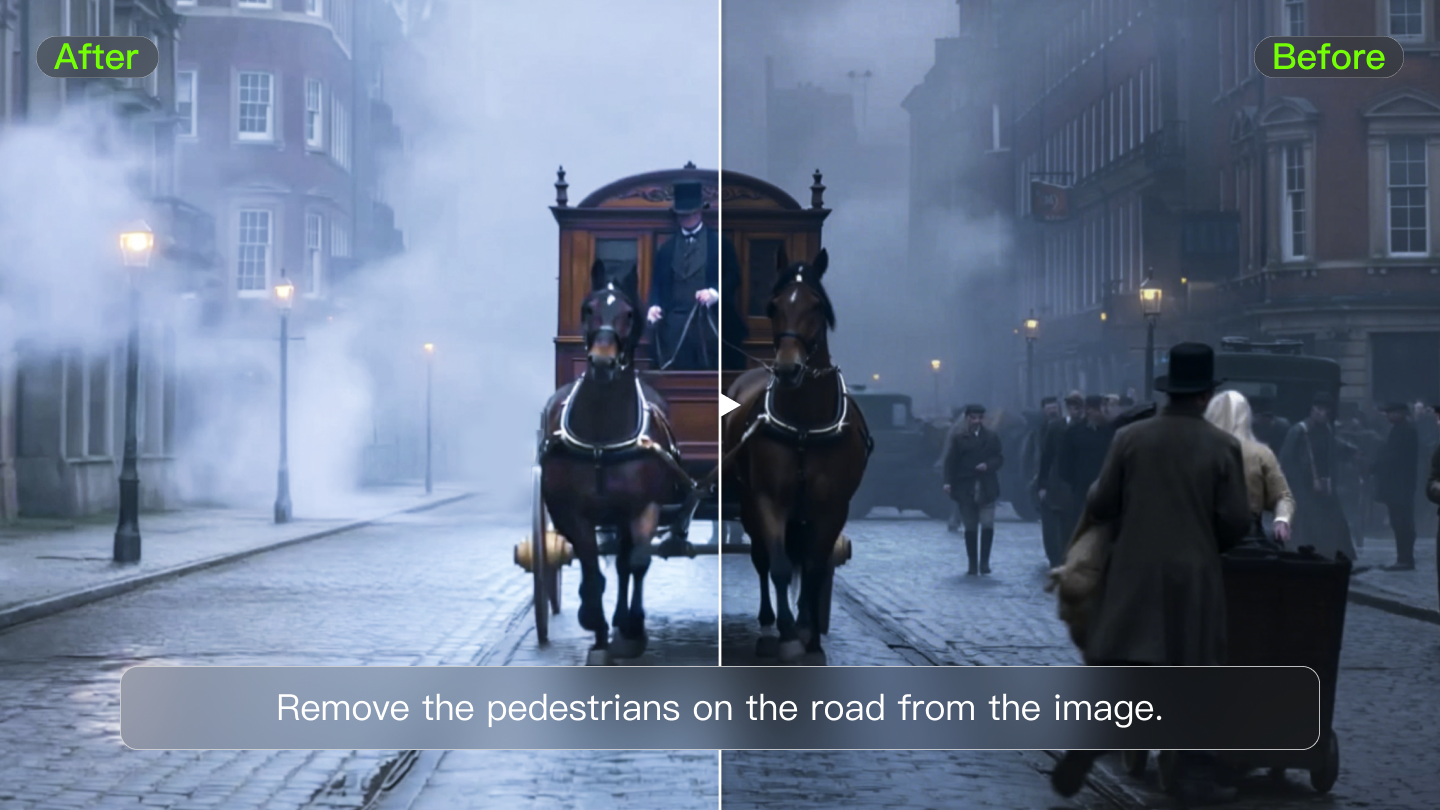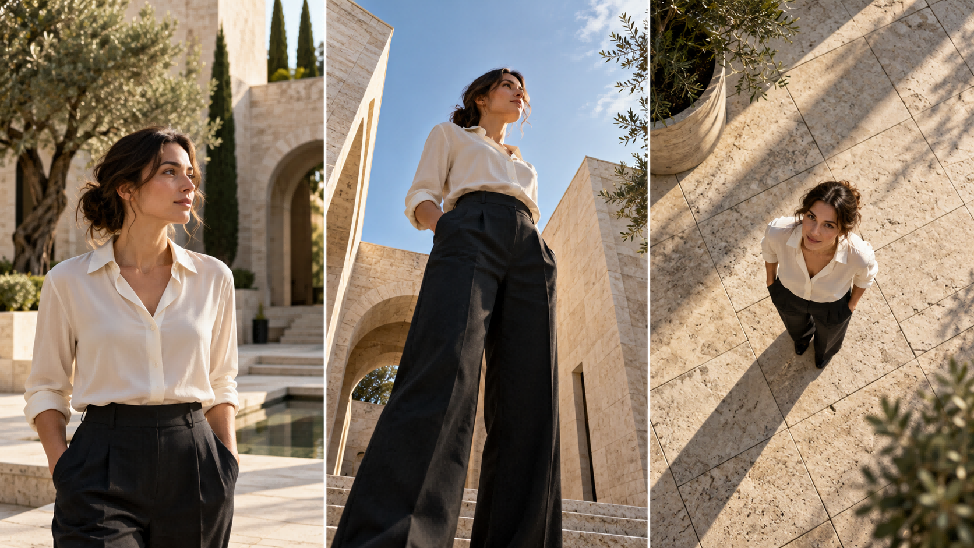
Camera angles describe where the camera sits and how it looks at a subject. Film a sprinter from near the track and the stadium can loom behind them; look down from the stands and the athlete may seem lost in the crowd. Shot size, movement, and performance also shape the effect. With Kling 4.0, you can explore these choices through prompts and optional visual references.
Camera Angles and Shot Types: What's the Difference?
Camera angles and shot types often appear together in filmmaking guides. For planning a scene, separate three decisions: where the camera looks from, how much of the subject fills the frame, and whether the camera moves. The table below distinguishes angle, shot size, and movement.
Term | What It Controls | Examples |
Camera Angle | The position and direction from which the camera views the subject | Eye-level, high angle, low angle, Dutch angle |
Shot Size | How much of the subject or scene appears within the frame | Close-up, medium shot, wide shot |
Camera Movement | How the camera moves or changes its framing during a shot | Pan, tilt, dolly, tracking shot |
In practice, camera angles and shots work together to create specific visual effects. For example, a low-angle medium shot with a slow push-in combines perspective, framing, and movement to build dramatic tension.
8 Common Camera Angles and Viewpoints
These eight common camera angles and viewpoints describe camera height, tilt, framing relationships, and whose view the audience sees. Over-the-shoulder and point-of-view shots can also use high, low, or eye-level angles, so these choices often overlap within the same shot.
Camera Angle | Camera Position | Typical Effect | Example Scene |
Eye-Level | Positioned at the subject's eye level | Creates a natural, balanced perspective | A news presenter addressing viewers |
High Angle | Above the subject, pointing downward | Can suggest vulnerability or reveal the surrounding space | A child standing alone in a crowd |
Low Angle | Below the subject, pointing upward | Emphasizes strength, authority, or scale | A superhero towering over the camera |
Bird's-Eye View | Directly or nearly overhead, looking downward | Reveals layouts and spatial relationships | Cars moving through a busy intersection |
Worm's-Eye View | Near ground level, looking sharply upward | Exaggerates height and dramatic scale | A skyscraper viewed from its base |
Dutch Angle | Camera tilted sideways, creating a slanted horizon | Conveys tension, imbalance, or unease | A tilted hallway in a thriller |
Over-the-Shoulder Shot | Typically behind one character, with part of their head or shoulder framing the other | Establishes interaction and spatial relationships | Two characters having a conversation |
Point-of-View Shot | Represents what a character sees; camera height and direction vary with their viewpoint | Immerses viewers in the character's experience | A cyclist looking down a winding road |
The effect of these camera shooting angles also depends on distance, lighting, and performance. Moving close with a wide-angle lens can exaggerate the size difference between nearby and distant objects; shooting from farther away with a longer lens can make those distances appear compressed.
Can AI Video Tools Help You Control Camera Angles?
AI video tools can use prompts and visual references to guide camera angles and movement in generated videos. AI video tools can use prompts and visual references to guide camera angles and movement in generated videos. At Kling AI, we offer an AI video generator that helps creators bring their ideas to life. With our Kling 4.0 model, you can turn camera-angle concepts into video clips with greater creative control. Our Omni Reference feature supports up to 15 reference assets in total. Images can guide character appearance and composition, while reference videos can guide camera paths and shot pacing. By assigning each asset a clear role—for example, using an image to maintain a character’s appearance and a video to guide a tracking shot—you can communicate camera direction more clearly and help keep characters recognizable as camera angles change.
Kling 4.0 also handles large-scale action and complex camera movements, including tracking, orbiting, panning, push-ins, and pull-outs, with greater stability. You can generate videos ranging from 3 to 30 seconds in a single generation. For existing footage, our AI video editor supports targeted adjustments to camera angles, framing, and movement. Our editing workspace supports up to five video clips, including one primary video, with a combined duration of up to 30 seconds.
Shot Sizes to Combine With Camera Angles
Among the many camera shot types, the five sizes below describe how much of the subject and setting fills the frame. Choose a wider view to show the surroundings or a tighter view to draw attention to a reaction or detail.
Shot Size | Framing | Common Use |
Extreme Wide Shot | Shows a vast environment with the subject appearing relatively small | Establishes location, atmosphere, and scale |
Wide Shot | Shows the subject within a broad view of the surrounding scene | Highlights physical movement, action, and spatial relationships |
Medium Shot | Frames the subject from approximately the waist upward | Supports conversations, gestures, and character interactions |
Close-Up | Focuses tightly on a face, object, or important detail | Reveals emotions, expressions, and significant visual information |
Extreme Close-Up | Isolates a small feature, such as an eye or object detail | Builds tension and draws attention to critical moments |
A low-angle camera shot can make a running shoe look substantial against a stadium backdrop. Use a wider frame when the location matters, or move closer when you want the sole, stitching, or material to stand out. The camera angle can stay the same while the shot size changes what viewers notice.
How Do You Choose Camera Angles for a Scene?
When choosing camera angles for a film, start with what the audience needs to see. If the setting is important to understanding the action, choose a position that reveals the layout. If a reaction matters more, use a closer shot and decide where the reacting character should appear in the frame. In dialogue scenes, keep the speakers' screen positions clear so viewers can follow the exchange. You can test these choices in an AI video generator, changing one variable at a time to compare the results.
How Camera Angles Work With Movement
After choosing a starting angle, decide whether the camera should stay still or move. These four combinations show how a change in distance, height, or direction can support the action:
- Low Angle With a Push-In: Start below the subject and move closer to make an entrance, challenge, or reveal feel more forceful.
- Eye Level With a Tracking Shot: Follow a moving subject at eye level so viewers can stay close to the action.
- Overhead View With a Pull-Back: Keep the camera pointed straight down and move it farther from the subject to reveal more of the surrounding space.
- Eye Level With a Slow Pan: Rotate horizontally from one speaker to the other while keeping the camera in a fixed position.
Keep the camera's path separate from its starting angle. A low angle tells you where the view begins; a slow push-in describes how it changes. If the camera should rise into an overhead view, describe that route clearly rather than relying on a list of angle names.
How to Plan Camera Angles With Kling 4.0
Kling 4.0 combines automatic shot planning, written shot directions, and visual references. The model can work out coverage from a scene description, while a written shot list lets you specify the timing, angle, and action for each part. Reference images can guide appearance and composition, and video can guide camera movement. For a sports clip, that might mean keeping the athlete recognizable while changing from a wide setup to a closer view. The steps below start with optional references, then move to the shot instructions.
Step 1. Add References or Start With a Prompt
Open the Kling AI workspace and select Kling 4.0. Start with a text prompt or add image and video references through Omni Reference. Images can guide character appearance and composition, while reference videos can guide camera movement and shot pacing.
Step 2. Describe the Scene and Direct the Shots
Describe the subject, action, shot size, camera angle, and movement. Explain what each uploaded reference should guide. Smart Storyboard is enabled by default; if you have your own shot plan, list each shot with its timing and intended cut. For text-to-video AI, describe the setting and subjects directly in the prompt.
Step 3. Generate and Check the Sequence
Choose an available duration, aspect ratio, and output setting, then generate. Kling 4.0 supports 3-30 seconds in a single generation. Review the angles, screen direction, and recurring details, then revise any instruction that needs another pass.
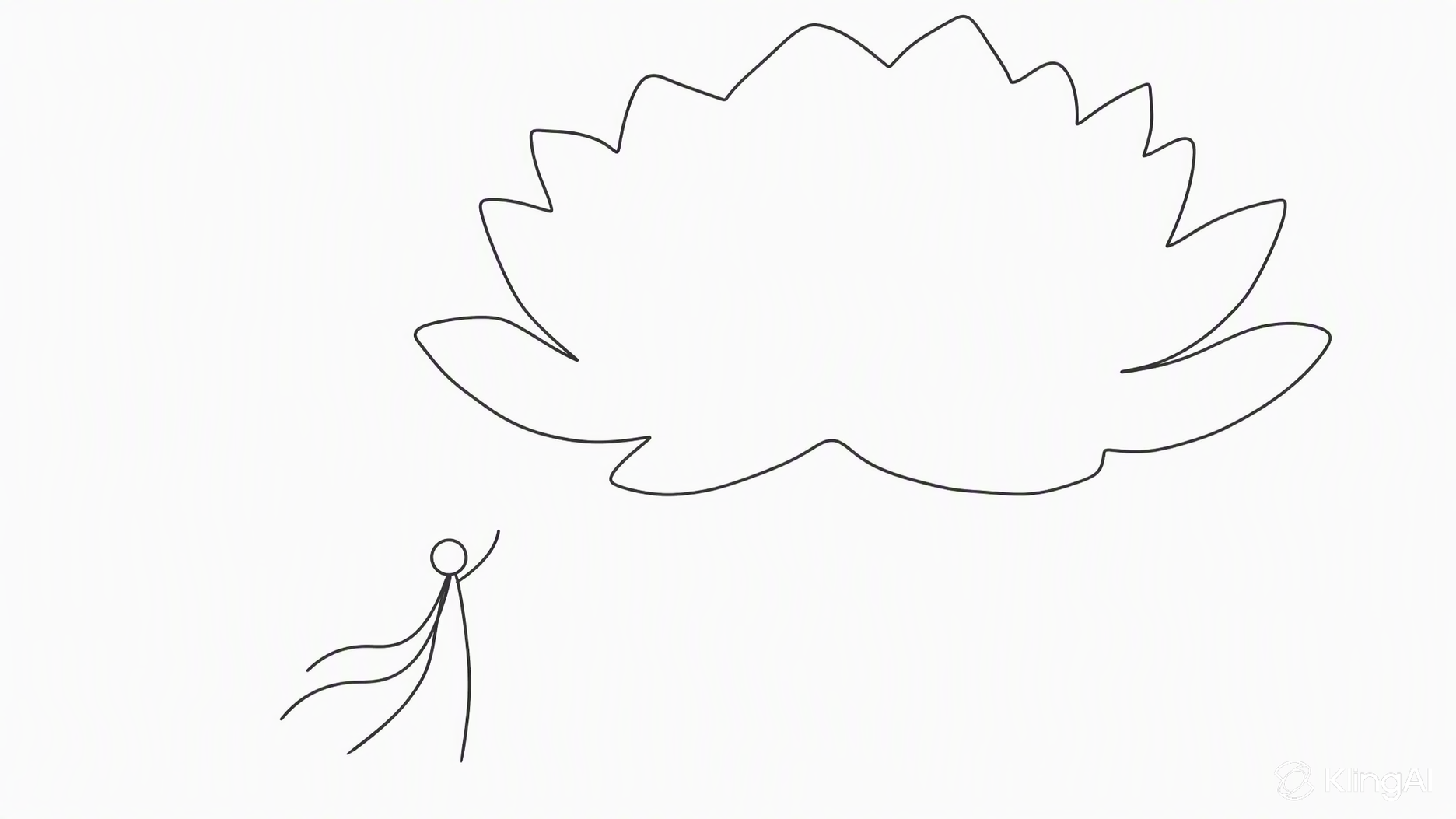
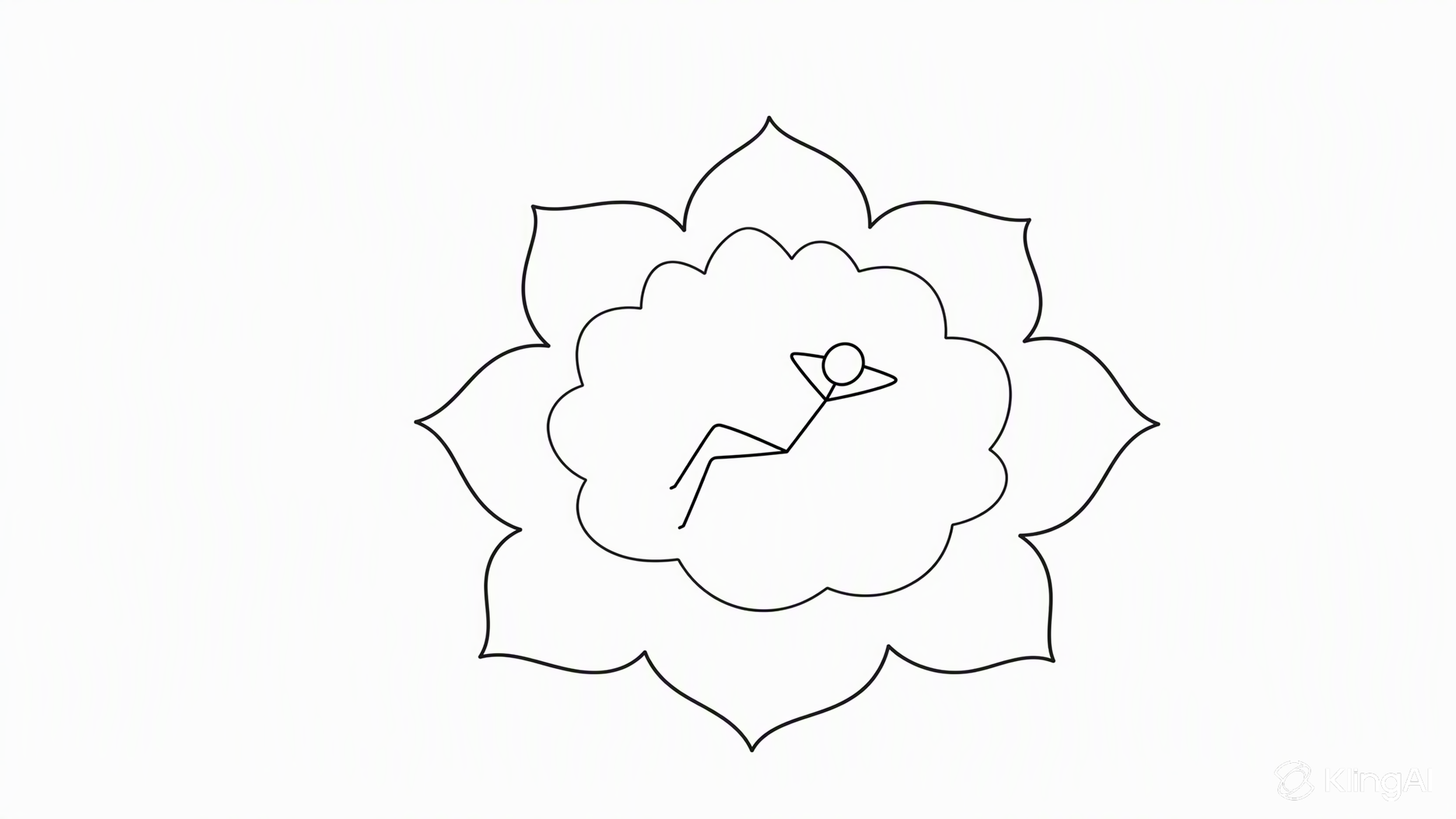
The reference images below guide two distinct lotus compositions, while the prompts specify the camera angle and movement for each shot. Compare the results to see how a vertical overhead view, a gradual pull-back, and changes in composition reveal different aspects of the scene.
Reference Image 1 | Reference Image 2 | Generated Video Frame |
 |
| 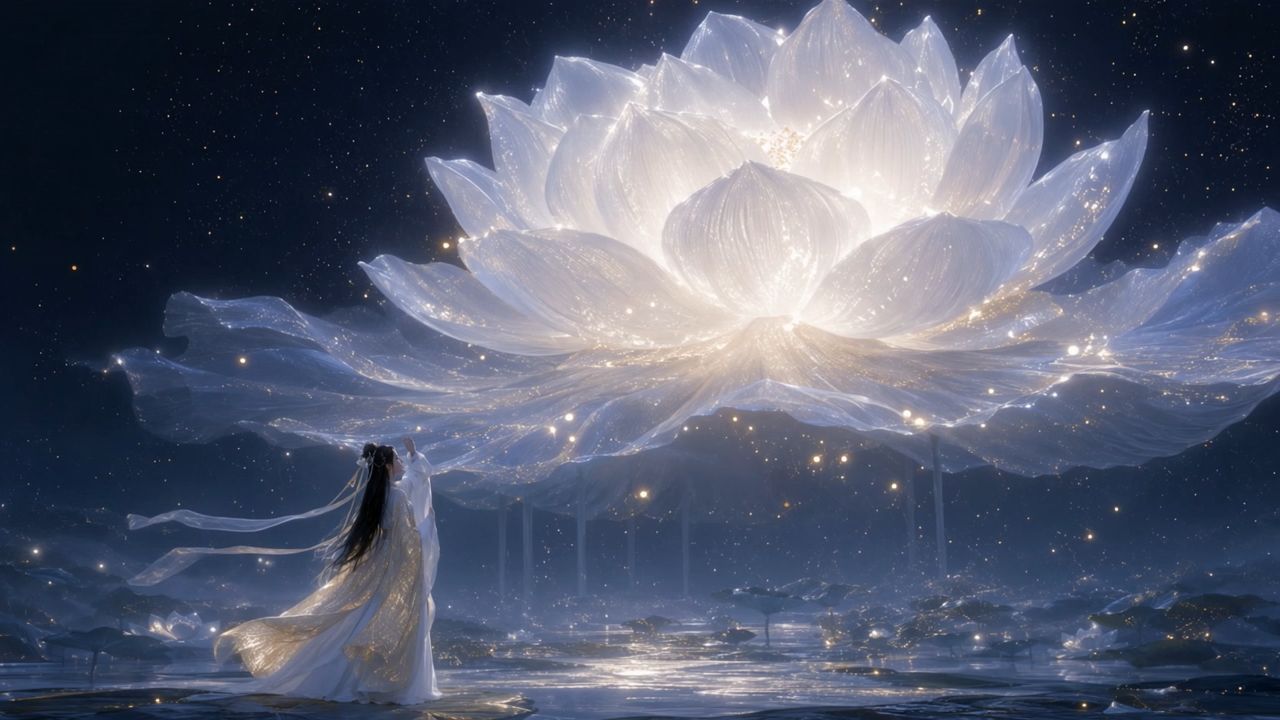  |
Prompt: Shot 1 (5s): Use Reference Image 1 for composition. A moonlit night with sparse stars. A colossal white lotus glowing with moonlight blooms in the sky, radiating tiny white sparkles and golden flecks of light. The lotus dominates most of the frame, appearing like an enormous luminous moon, yet remains visibly distant from the character. In the foreground, a breathtakingly beautiful woman in white traditional Chinese attire with a flowing golden gauze outer robe gazes toward the distant lotus with one hand gently raised. Her figure is much smaller than the lotus but closer to the camera, creating a pronounced sense of depth and spatial separation. Her long, waterfall-like black hair, two slender white hair ribbons, and flowing garments sway naturally in the breeze. Moonlight illuminates her silhouette, tracing her body with a delicate silver-white rim light, giving her an ethereal, celestial presence. The enormous lotus gently pulses with light as if breathing. Each petal subtly rises and falls, while delicate streams of water carrying tiny starlike glimmers trickle continuously from the petals. Golden particles drift slowly back and forth around the flower. The camera slowly pans to the right. The woman remains stationary in her position, while her hair, ribbons, and clothing move organically in the wind. Subtle parallax and perspective shifts reveal the lotus's changing appearance as the camera moves. Motion is fluid, natural, and physically believable, with cinematic depth and an enchanting celestial atmosphere. Shot 2 (5s): Use Reference Image 2 for the lotus design and the character's pose and composition. Under a starry, moonlit sky, an enormous ink-black lotus blooms on the surface of a flowing river. Its magnificent dark petals fill almost the entire frame, forming the dominant visual subject. The lotus emits a soft, otherworldly glow that illuminates the surrounding scene. Its hollow center is large enough to cradle a beautiful woman dressed in pale, muted celadon-blue traditional Chinese clothing. She reclines comfortably in the center of the lotus, legs crossed, both hands interlaced behind her head, as if peacefully dozing. Her pose is relaxed and carefree. The lotus's center has an almost translucent luminous quality, delicately edged in white and touched with subtle golden radiance. The woman occupies a relatively small portion of the frame. Use a strictly vertical top-down overhead shot. Tiny fireflies sparkle throughout the composition. The woman gently shifts and moves her hands in a relaxed, unhurried manner. A soft breeze causes her hair and flowing skirt to sway naturally, with subtle, lifelike movements. The massive black lotus slowly pulses between brighter and dimmer states, like a calm, steady breath. Golden fireflies drift gradually in the same direction. Water flows continuously beneath the flower, carrying the lotus slowly toward the left side of the frame. The camera gradually pulls back, revealing more of the flowing water and the surrounding field of fireflies while preserving the lotus as the central visual focus. All motion remains smooth, graceful, and dreamlike. Background Music: elegant, classical Chinese instrumental music evoking a celestial fairyland. A delicate guzheng and Chinese flute duet, with graceful melodies, spacious ambience, and a serene, otherworldly atmosphere. Preserve the beauty and refinement of traditional Chinese aesthetics. | ||
Common Camera Angle Mistakes
Watch for these five mistakes when planning camera angles or reviewing an AI-generated sequence.
- Unnecessary Angle Changes: Switching camera perspectives without a clear narrative purpose can disrupt the scene's flow and distract viewers.
- Confusing Angles and Shot Sizes: Treating camera position and framing as the same technique can lead to poorly composed shots.
- Overusing Dramatic Angles: Repeatedly using low angles or Dutch angles can weaken their emotional impact and make scenes feel exaggerated.
- Ignoring Visual Continuity: Changing screen direction or spatial relationships between shots can confuse viewers about character positions and movements.
- Vague AI Video Prompts: Specify the view and movement instead of relying on a phrase such as "cinematic shot." A clear AI video prompt gives each shot an action and a camera instruction the model can interpret.
The End
Use camera angles to decide what the audience notices at each moment. Plan the shot size and movement around that purpose, then check how the cuts work together. With Kling 4.0, you can explore a scene through automatic shot planning, guide individual shots with prompts, and add reference assets through Omni Reference when consistent appearance or camera direction matters.
FAQs
What Are Camera Angles in Film?
Camera angles in film describe the position and direction from which the camera views a subject. Common examples include eye-level, high-angle, low-angle, overhead, and Dutch angles. These choices influence how viewers perceive a character, action, or setting. Combine different angles with shot sizes and camera movement to create the intended visual effect.
Why Do Some Guides List 9, 10, or 12 Camera Angles?
Different guides organize camera techniques differently. Some count additional camera heights separately, while others include over-the-shoulder and point-of-view shots. There is no single fixed total. This guide covers eight common angles and viewpoints, with an emphasis on how to use them.
Which Camera Angle Is Best?
The best angle depends on what the audience needs to notice. Eye level is a useful starting point for conversations. A low angle can emphasize height, while an overhead view can clarify a layout. Consider the action, setting, and performance before deciding how the shot should feel.
What Are the 7 Basic Camera Movements?
Seven commonly used camera movements are:
- Pan: Rotate the camera left or right from a fixed position.
- Tilt: Rotate the camera upward or downward.
- Dolly: Move the camera toward or away from the subject.
- Truck: Move the camera sideways.
- Pedestal: Raise or lower the camera without tilting it.
- Roll: Rotate the camera around its viewing axis, tilting the horizon.
- Zoom: Change the lens’s focal length to widen or tighten the view.
Unlike a dolly move, a zoom does not require the camera to change position.
What Are the 5 Shot Types?
Five useful shot sizes are the extreme wide shot, wide shot, medium shot, close-up, and extreme close-up. They range from showing a large environment to isolating a small detail. Each can be combined with different camera angles—for example, a low-angle medium shot or an overhead close-up.
How Do You Describe Camera Angles in an AI Video Prompt?
Specify the camera angle, shot size, subject action, and camera movement. Keep the instructions concrete and consistent. For multiple shots, describe their order, timing, and intended cuts. If you use references, explain which asset guides appearance, composition, or movement.