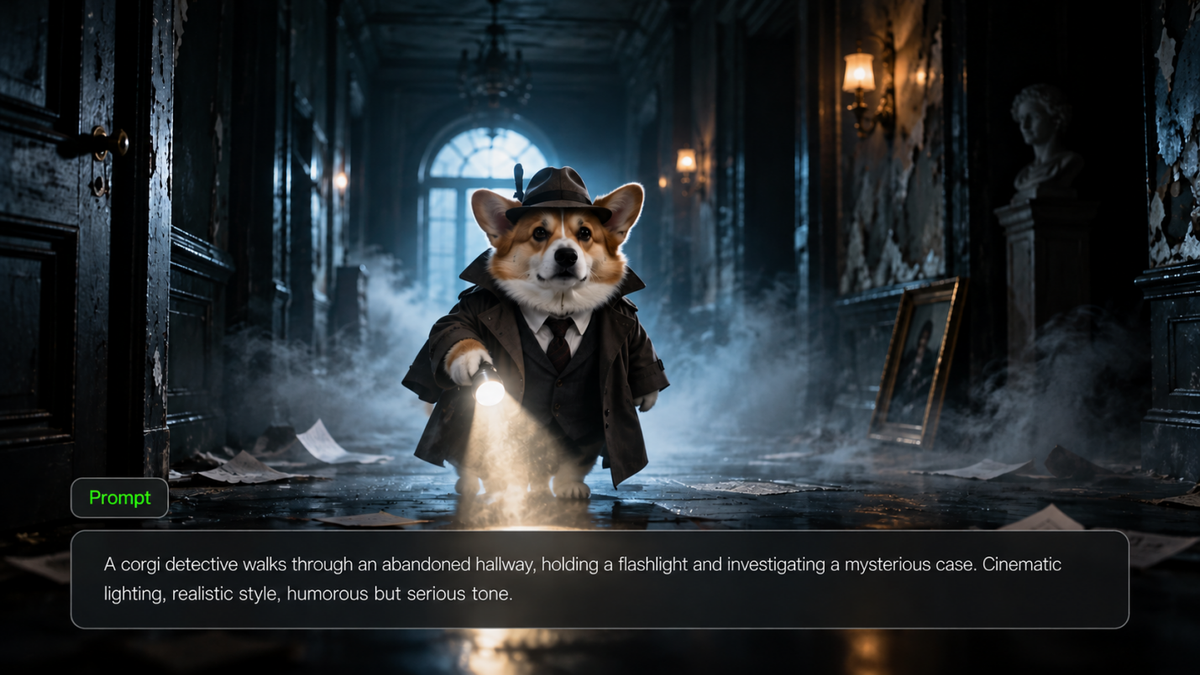
A cactus dodging a watering can. A penguin delivering a dead-serious news report about missing fish. Funny AI videos often begin with an ordinary scene and one ridiculous interruption. This guide shares ideas, copy-ready prompts, and ways to bring a simple joke to life with Kling AI.
What Makes the Funniest AI Videos Work?
When creating a funny visual gag, it is important to ensure that your joke is easy to understand. A funny AI video generator works best when you describe one familiar situation, one unexpected twist, and a clear final reaction. When using an AI video generator to create a scene around your idea, ensure that the joke has a clear setup. Here are some tips to include:
- A clear idea: Ensure that you keep it simple by having one clear idea and placing your audience in a familiar situation. This can then be followed by one surprise.
- Relatable response: Usually the best part of a joke is the response to the surprise. That reaction might be a pause, a stare, or a slight movement.
- Useful camera work: Get up close to capture someone’s facial expression or zoom out to highlight the difference between characters.
- Short punchline: End your clip soon after your funniest part so that you don’t have to explain the joke.
You can add sound or captions later to enhance your scene. The visual action should still make sense on its own, especially for people watching short videos without any sound.
How Kling AI Helps You Create Funny AI Videos
At Kling AI, we help creators turn text prompts and visual references into engaging videos. Our newly launched Kling 4.0 model supports both video generation and targeted video editing, making it easier to bring funny ideas to life with greater control over characters, actions, and storytelling.
With Omni Reference, you can combine up to 15 supported image, video, element, and voice references to guide your scenes and maintain character consistency. Imagine a penguin hosting a serious news broadcast or a cat leading an office meeting—you can bring these characters back in different comedic situations while keeping their appearances recognizable. Kling 4.0 also delivers more stable large-scale movements and complex camera work, helping you create exaggerated physical comedy, chaotic chases, and unexpected character reactions.
Good comedy needs timing and storytelling. With single-generation videos of up to 30 seconds, you have room to establish a situation, introduce an unexpected twist, and deliver a memorable punchline. You can also use reference videos to guide comedic pacing, camera angles, and shot sequences, then recreate the concept with your own characters or products. This makes it easier to develop original funny AI videos, recurring comedy series, and entertaining social media content without planning every shot from scratch.
12 Funny AI Video Ideas to Try
These funny AI video ideas cover animals, office life, fantasy, and product parody. Each has a straightforward setup you can adapt into a short scene.
Idea | Funny Scene to Try |
Animals at work | A cat chairs a serious business meeting and dogs take notes |
Pets as influencers | A dog confidently demonstrates a skincare routine with pet-safe grooming products |
Historical characters today | A medieval knight cannot work out how to order at a drive-through |
Food comes alive | A croissant gives a toaster an offended look after hearing the word “burnt” |
Tiny people, giant world | Miniature construction workers repair a giant laptop keyboard |
Robots doing chores | A household robot struggles to fold a single T-shirt |
Absurd news report | A penguin anchor reports the mysterious disappearance of every fish in town |
Fantasy meets everyday life | A wizard tries to pay for groceries with a magic spell |
Product parody | A humble potato receives the grand reveal of a luxury gadget |
Awkward interviews | An alien nervously attends a routine job interview |
Unlikely sports stars | Penguins play basketball on an ice rink |
Unexpected transformation | An employee gradually turns into a llama during a meeting |
You can turn one of these concepts into a short clip with Kling 4.0. For a series, bring the same character back with a different problem each time. The penguin anchor, for example, could report a new absurd breaking story each week.
Six Funny AI Video Prompts to Copy and Adapt
These funny AI prompts focus on clear setups, unexpected actions, and readable reactions, making them easy to adapt to different characters and comedy styles. A good prompt describes the character, everyday situation, sequence of actions, and final reaction. Add camera directions when they help clarify the joke. The six examples below offer starting points for your own creations.
Funny Animal: The Slowest Speed Trap
| Prompt: A tortoise wearing a police cap operates a roadside speed camera. A snail slides past at a surprisingly fast pace. The tortoise slowly lowers its sunglasses and stares directly at the camera. Fixed medium shot, then a gentle push-in on the reaction. Play the moment completely straight. |
Workplace Comedy: The Viking Meeting
| Prompt: A Viking chief leads a serious office meeting around a conference table. He slams his axe onto a printed report, making everyone jump. The team members exchange nervous glances, then continue taking notes as if nothing happened. Start with a wide shot, then slowly push in on the chief's completely serious expression. Keep the delivery deadpan. |
Awkward Interview: The Vampire Applicant
| Prompt: A pale vampire arrives for an interview during the day. A cheerful manager points out the bright window. The vampire stiffens, politely nods and slowly makes their way to the door. Begin with a two-shot and end with a tight shot of the vampire's forced smile. |
Unexpected Transformation: The Weather Report
Prompt: A TV weather presenter points to a cold front on the forecast screen. As she explains the approaching winter storm, frost gradually forms on her clothes, and she slowly transforms into a friendly snowman. Despite the transformation, she maintains her professional expression and continues presenting the forecast as if nothing unusual has happened. Use a static medium shot, then a gentle push-in to capture her final reaction. Keep the weather studio clearly recognizable and the humor lighthearted. |
Product Parody: A Very Important Duck
| Prompt: The yellow rubber duck slowly spins on a shiny stand. It has dramatic back lighting to highlight every detail. Cut to an extreme close-up of the duck's very normal face. End with an over-the-top wide shot. The duck is clearly visible. |
Social Short: The Camera-Shy Cactus
| Prompt: A vertical 9:16 video showing a potted cactus sitting on a bright counter in a garden store. A watering can comes into shot from the right. The cactus sees it and leans away sharply. It hides behind a small price tag. Hold for one beat. Show the cactus peeking out. One setting, clear silhouettes and fast visual gag. |
Prompt formula: Character + everyday situation + unexpected twist + ordered actions + camera direction + final reaction.
For a text-to-video AI workflow, “a cat runs a meeting” is a premise. “The cat slams a paw on the quarterly report, everyone freezes, and the cat slowly blinks” gives the scene a readable sequence. Keep the action manageable rather than stacking several jokes into one generation.
How to Make Funny AI Videos With Kling 4.0
You can use a written idea, a character image, or other supported references to plan the scene with Kling 4.0. This process keeps the punchline in focus without turning the video into a complicated production.
Step 1. Open Video Generation and Prepare Your References
Open Kling AI's video creation workspace and select Kling 4.0. Select a joke to create and upload any images or videos to help give context to your characters, scene, and/or actions. For example, if you're creating a joke with a penguin news anchor, then you could upload an image of your character so you know what they look like. You can also upload a video reference to show how fast you want your character to move. Using Kling 4.0, you can easily add clear information about what each asset should do using its Omni Reference feature. You can also create your joke without uploading any assets.
Step 2. Write a Prompt That Matches the References
Write a prompt to explain what will happen in your joke. Start by explaining the setup of your joke. Finally, add the punchline and reaction. Ensure the details match what you have uploaded. For example, “@Image1 shows what the penguin looks like. Ensure the penguin has a recognisable suit and beak. The penguin reads a serious news bulletin and sees the empty fish tank. They look directly at the camera in shock.” If you have added a video reference, explain what it is used for. This could be to provide context on how fast the character should move. Try to ensure the camera angle and background are consistent with the joke.
Step 3. Generate, Review, and Refine the Joke
Choose an aspect ratio and duration that suit the destination, then generate a draft. Once created, watch the whole scene. Does the setup make sense? Was the punchline at the right time? Can the audience see the reaction? Does the character look right? Are there any strange movements? Are there any distractions in the background? If the punchline was too late, shorten the setup or simplify the actions in your next prompt. Once you are happy with the joke, export it.
Reference Image 1 | Reference Image 2 | Generated Result |
|
| 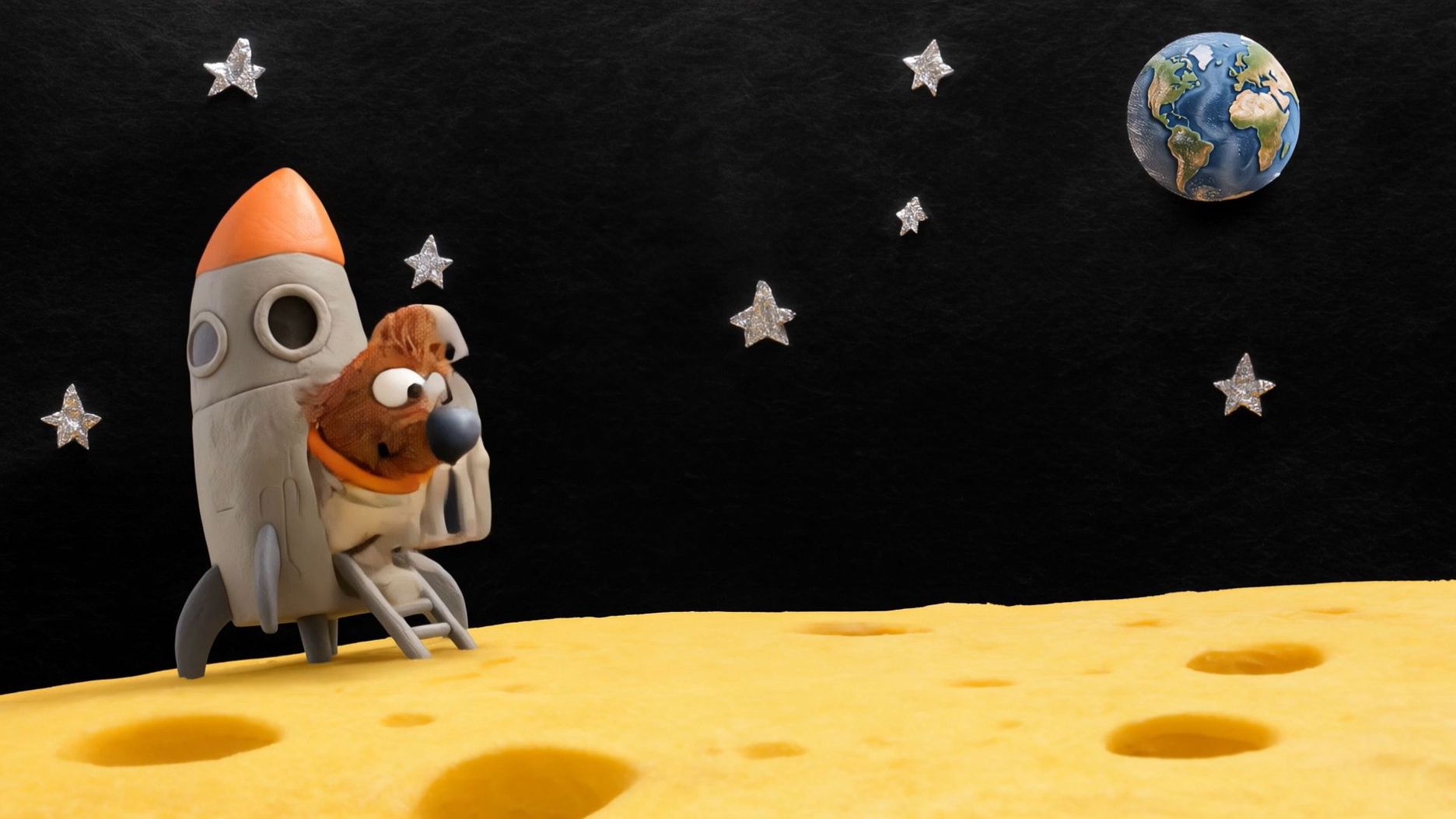  |
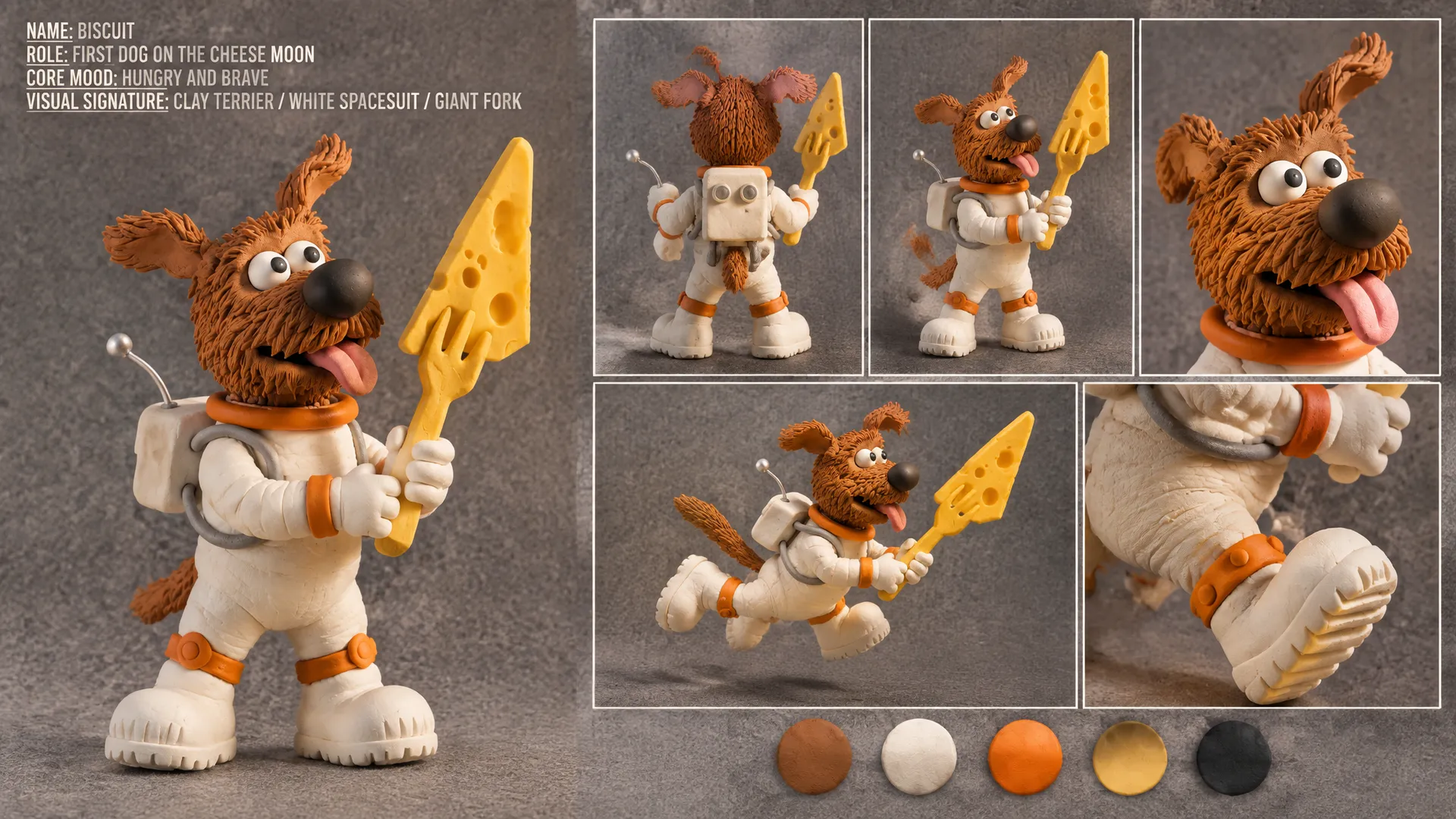
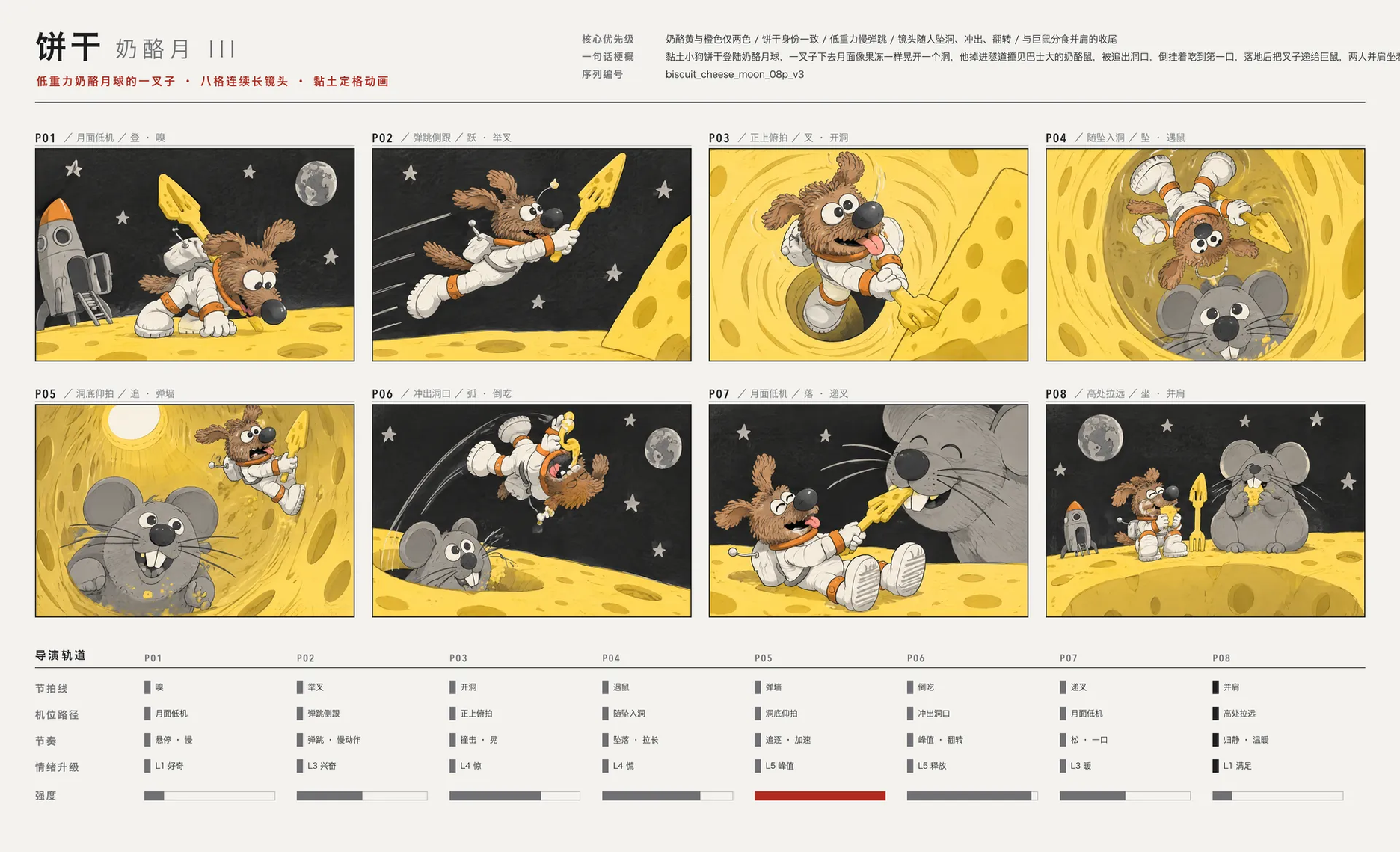
Prompt: Use @Image1 as Biscuit’s character design and @Image2 as the storyboard reference. Show Biscuit landing on a cheese moon, the floor shaking under his huge fork, meeting a massive cheese mouse and sharing some cheese. Keep the animation style and character designs consistent with the clay style. Emotional progression: L1 Curiosity → L3 Surprise → L4 Panic → L5 Chase at its peak → L5 Ecstatic bliss at the first bite of cheese → L1 Warmth and contentment. Storyboard beats (continuous throughout, no cuts): 0–2 seconds (P01): The camera stays close to the cheese surface at a low angle. Biscuit steps out of the crooked little rocket and plants one paw on the cheese. He sniffs it, and his eyes grow wider with anticipation. He carries the fork over his shoulder, and Earth is visible in the sky. 2–4.5 seconds (P02): The camera bobs alongside him with each jump. He makes slow, exaggerated low-gravity leaps across the cheese landscape, his ears bouncing and flapping upward. He plunges his fork into a large wedge of cheese, and the entire surface immediately wobbles like jelly as a gigantic hole opens beneath his feet. 4.5–7 seconds (P03): The camera dives into the hole alongside him. Still gripping his fork, Biscuit tumbles slowly through a hole-riddled cheese tunnel, passing a gigantic clay cheese mouse as large as a bus that is busy nibbling on the tunnel wall. Biscuit's appearance startles the mouse. 7–9.5 seconds (P04): The camera reaches the bottom of the tunnel and tilts upward. The giant mouse turns around, its whiskers trembling, and chases Biscuit up the tunnel. Panicking, Biscuit ricochets between the tunnel walls, with curly ribbons of cheese trailing behind his fork. 9.5–12 seconds (P05): The camera follows them as they burst out of the hole. Biscuit launches upward in a slow, high arc, and the giant mouse's head emerges from the opening immediately behind him. Suspended upside down in midair, Biscuit scoops up a huge curl of cheese with his fork and puts it into his mouth, instantly experiencing overwhelming bliss. 12–15 seconds (P06): The camera rises and pulls back into an extreme long shot. Biscuit and the giant mouse sit side by side on the edge of the hole, happily sharing cheese. The rocket rests behind them, Earth slowly rises in the distance, and tin-foil stars dot the sky. Biscuit exhales contentedly, fogging up his helmet glass, while his tail wags happily. The tuba and ukulele duet begins. | ||
Tips for Making Better Funny AI Videos
A funny idea can work differently depending on the source image, the way the clip is presented, and the final result. These tips cover photo-based creation, short-form publishing, and common problems you may encounter.
Turn a Funny Photo Into a Video
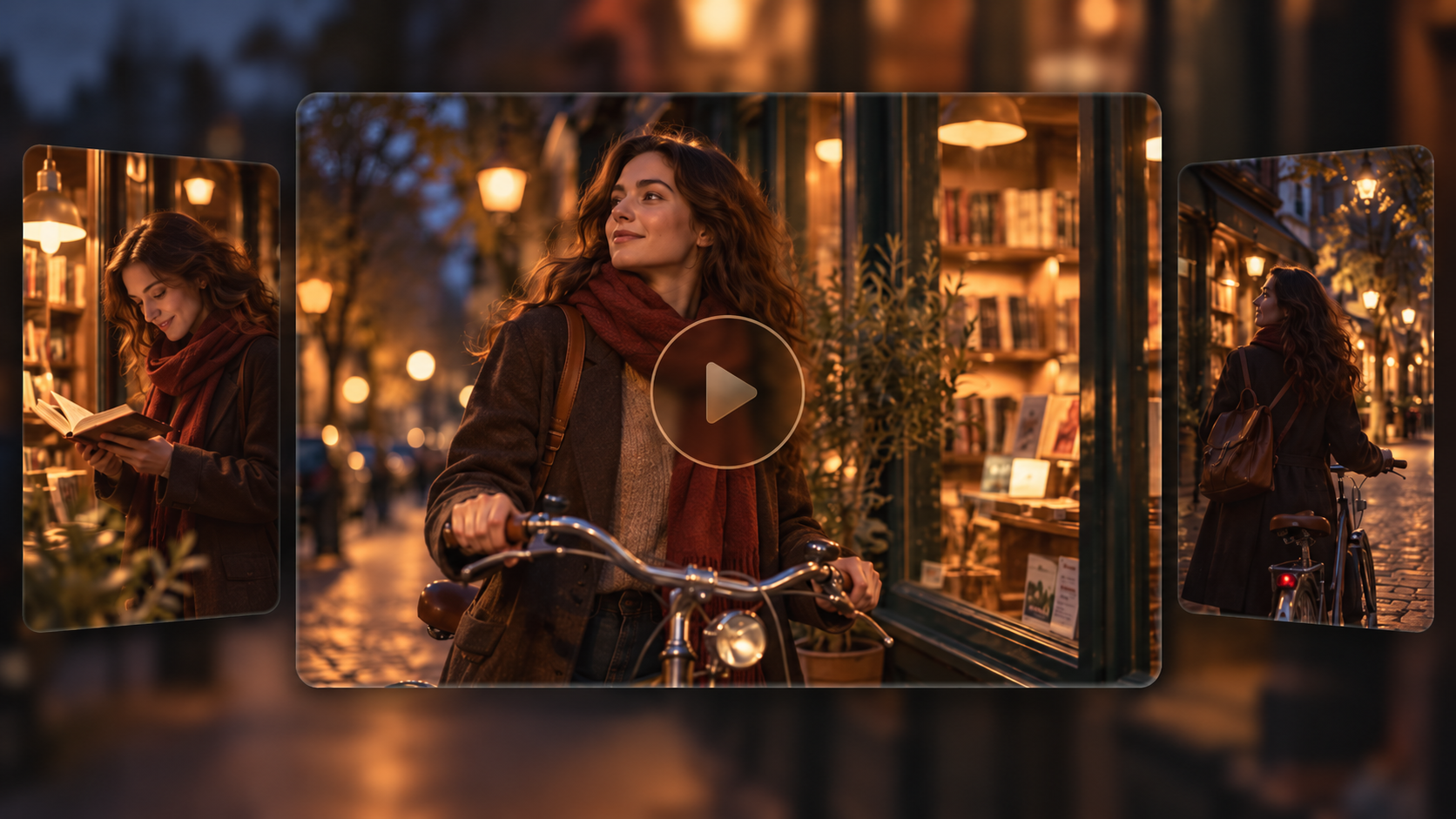
An existing photo gives an image-to-video AI workflow a visual starting point. Choose a clear image with a recognizable character, then describe one movement that brings out the humor. For example, a serious-looking cat might adjust its glasses, notice the camera, and start typing furiously.
Keep the original character's defining features in mind as you plan the movement. A simple action is usually easier to follow than several unrelated movements, especially when the joke depends on a facial expression or small gesture.
Recreate a Funny Video Format With Your Own Characters
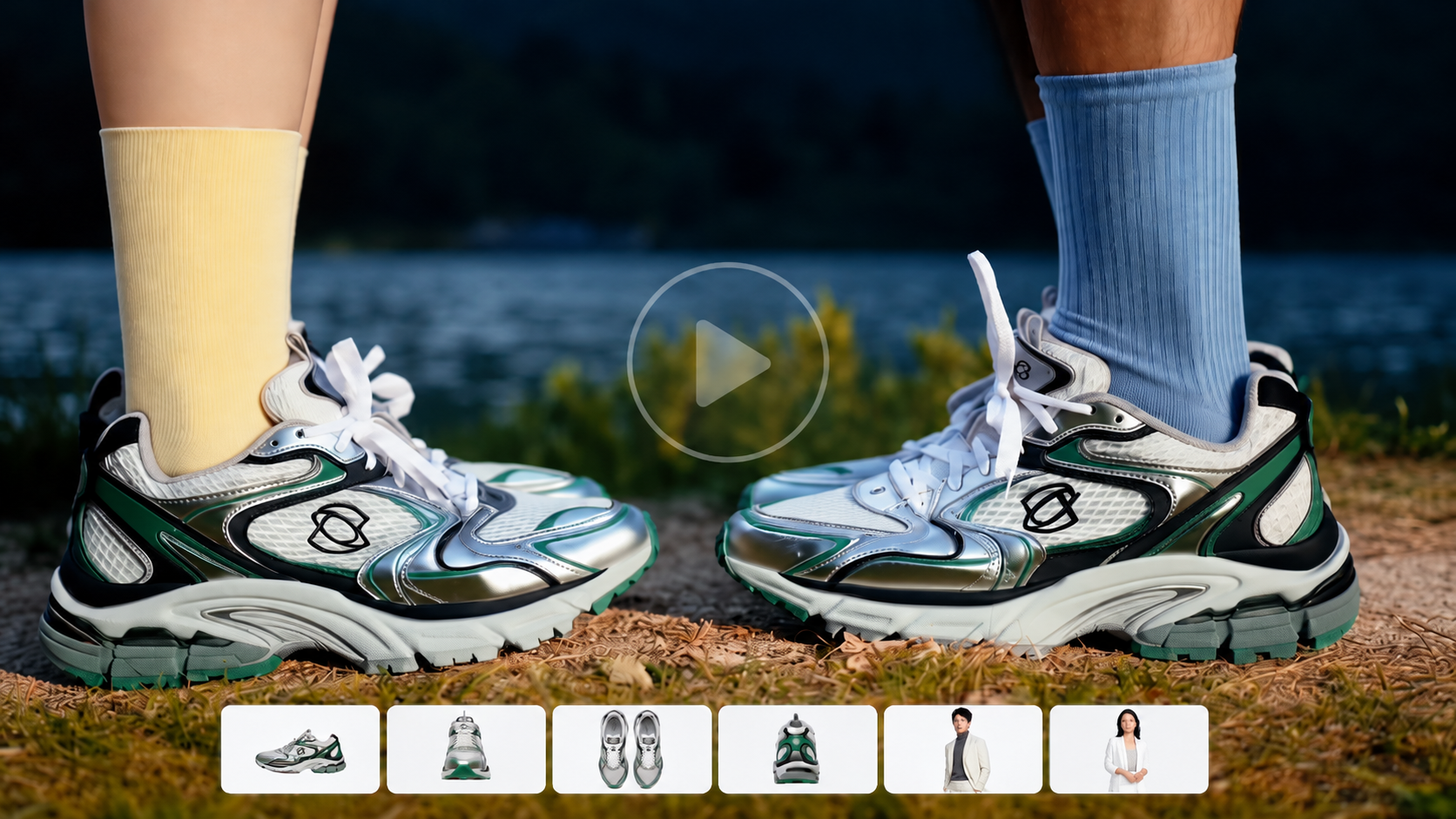
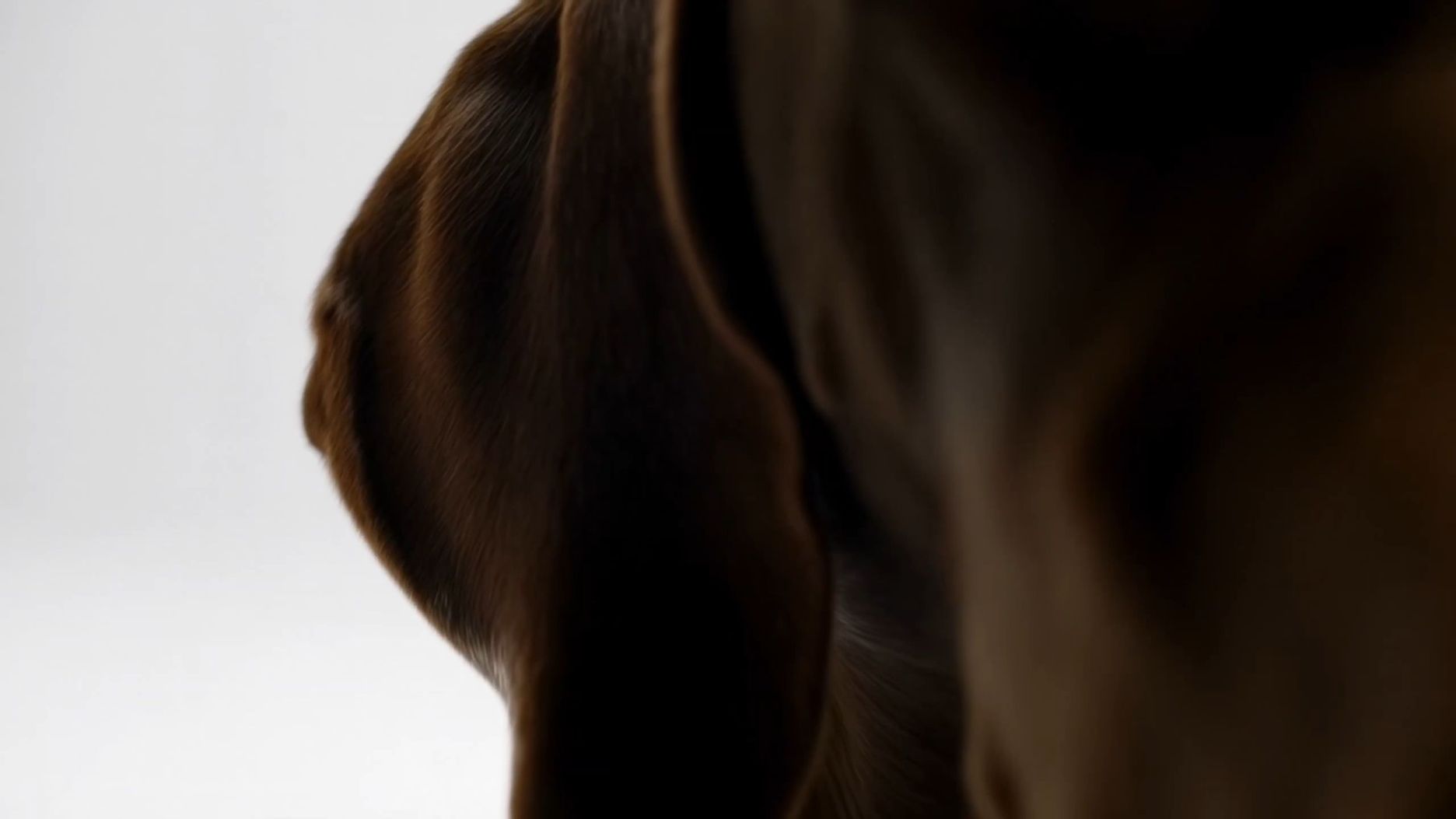
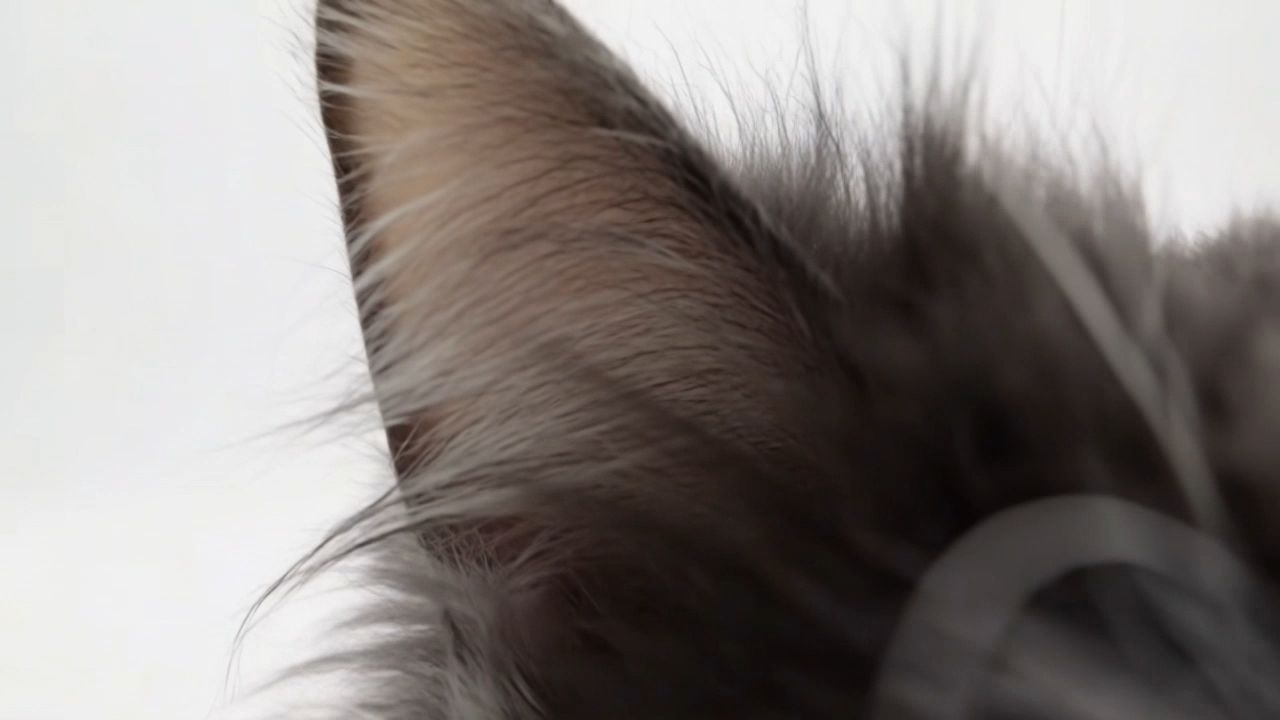
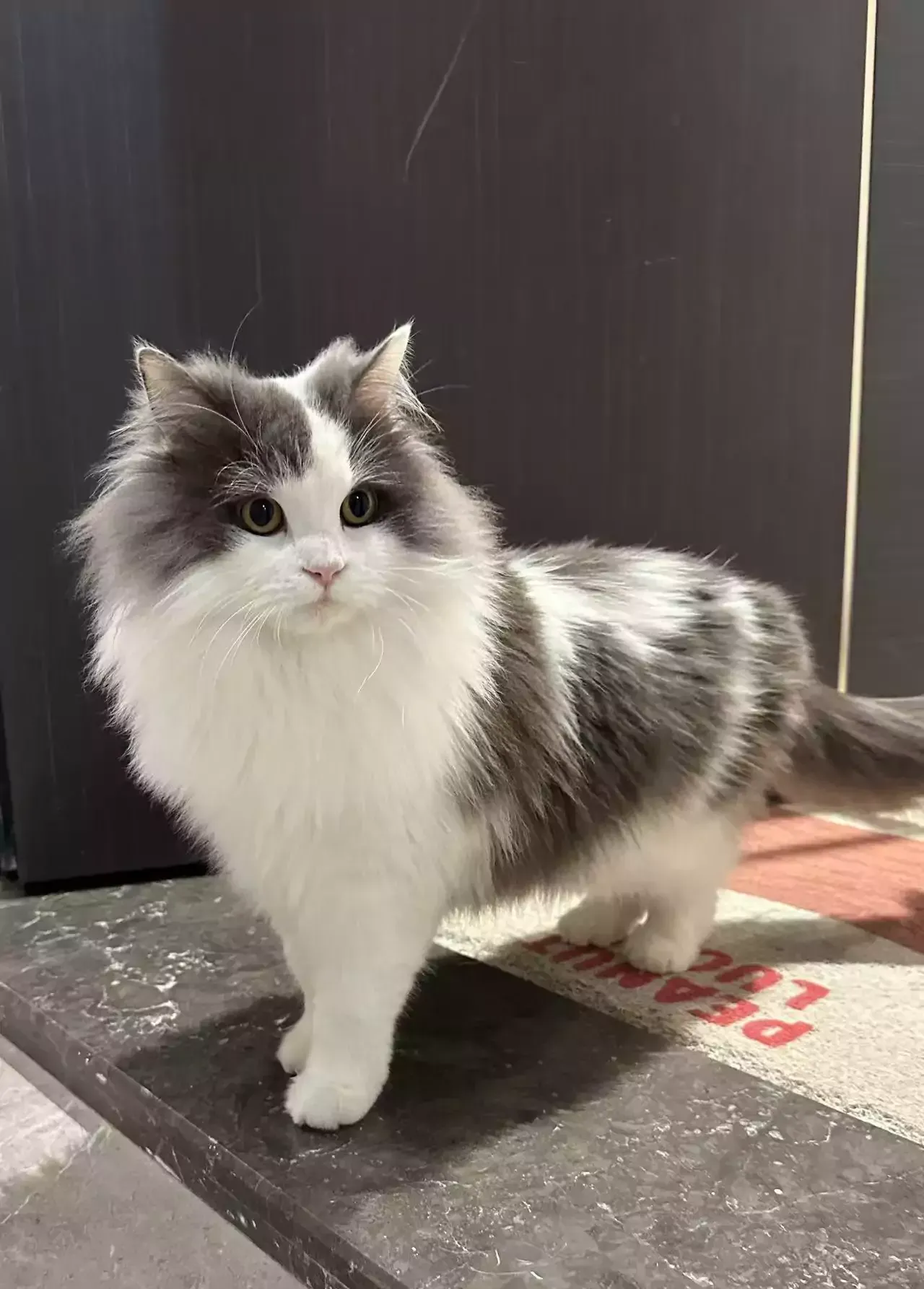
If you find a comedy clip with timing or camera work you like, use it as a reference for pacing and shot composition. With Kling 4.0, you can guide a new video with supported references, then replace the original characters, props, or products with your own. This approach helps you develop original comedy clips without planning every shot from scratch.
Reference Image 1 | Reference Video 1 | Output Video |
| 
| 
|
| Prompt: Replace the Element in @Video 1 with the Element from @Image 1. Keep everything else unchanged, including the background composition, camera movements, lighting, shadows, audio, and video duration. Ensure the replacement Element integrates naturally into the original footage, matching the original Element's position, scale, movements, and trajectory. | ||
Optimize Your Videos for TikTok, Reels, and Shorts
Short-form platforms give viewers little time to get the joke. Focus on how the finished clip appears on a phone rather than adding more action or effects.
- Start with a clear visual: Make the character and situation recognizable in the opening seconds.
- Use vertical framing: A 9:16 format suits many short-form placements. Keep important details away from interface overlays.
- Keep captions brief: Add text only when it helps explain the scene or joke.
- End after the payoff: Avoid extending the clip once the funniest moment has passed.
- Check publishing requirements: Review platform rules for AI-generated content and confirm that you have permission to use any source materials.
A joke that works in a widescreen preview may need different framing on a phone. Watch the exported version at its intended display size before posting.
Fix Common Funny AI Video Problems
If a generated clip doesn't work as expected, identify the specific issue before changing the prompt. Small adjustments to the action, references, or framing may be enough to improve the next version.
Problem | What to Change |
| The video feels random | Remove unrelated actions and focus on one comic premise |
| The setup takes too long | Introduce the unexpected element earlier |
| The character looks different | Reuse a clear character reference and describe its defining features |
| The movement looks chaotic | Reduce simultaneous actions and describe them in a logical order |
| The reaction feels flat | Emphasize one readable gesture or use a closer camera angle |
| The punchline is unclear | Make the final action more specific and end shortly afterward |
For a nearly finished clip, an AI video editor can help refine specific details, such as character expressions, objects, or framing, without starting from scratch. Compare the edited result with the original to make sure other important details still look right.
The End
Funny AI videos rarely need an elaborate plot. Start with an everyday situation, add one odd turn, and leave room for a reaction. A clear prompt and the right references can make that idea easier to visualize. Kling 4.0 offers text-based and reference-guided video creation, giving you ways to test the gag and refine it until the timing feels right.
FAQs
What Is the Best AI Generator for Funny Videos?
The best funny AI video generator depends on the type of comedy you want to create, from visual gags and character-based skits to short social media clips. Look for a tool that lets you guide character actions, expressions, and camera movements through prompts and visual references. Kling AI's Kling 4.0 supports prompt-based video generation and reference-guided creation, helping you turn a simple joke into a more developed scene with a clear setup, unexpected twist, and punchline. You can then review the result and refine your prompt to improve the timing or action.
Can I Make Funny AI Videos on My Phone?
Yes. You can use an AI video generator that works on your phone. Simply start off with an easy concept or image and describe what you want to see in your video. Using your phone can be great for quickly creating some simple concepts. However, if you want to create something more detailed, a larger screen may be better to get a clear view of the visuals and keep your reference organized.
Can I Make Funny AI Videos Without Showing My Face?
Yes. You can create funny AI videos using animated objects, made-up characters, animals or completely imagined scenarios. You could have a talking appliance or an animal in a funny scenario. Kling 4.0 can be used to create videos from prompts and reference visuals.
Can I Make Funny AI Videos From Multiple Photos?
Yes. Kling 4.0 supports up to 10 image references per generation, helping you guide character appearance, props, and scene details. For example, you can use one image to define a penguin news anchor and another to guide the look of the studio. Describe what each reference should contribute and specify the sequence of actions in your prompt. Multiple reference images guide the generated video but do not automatically become separate shots or scenes.
How Can You Make a Funny AI Video Series?
Create a series with an identifiable character, scene or joke. Each episode will have a different scenario but still keep the same concept. Keep a small set of approved images to guide the visuals throughout. You can also keep a consistent name/title and intro to make each clip easily identifiable.