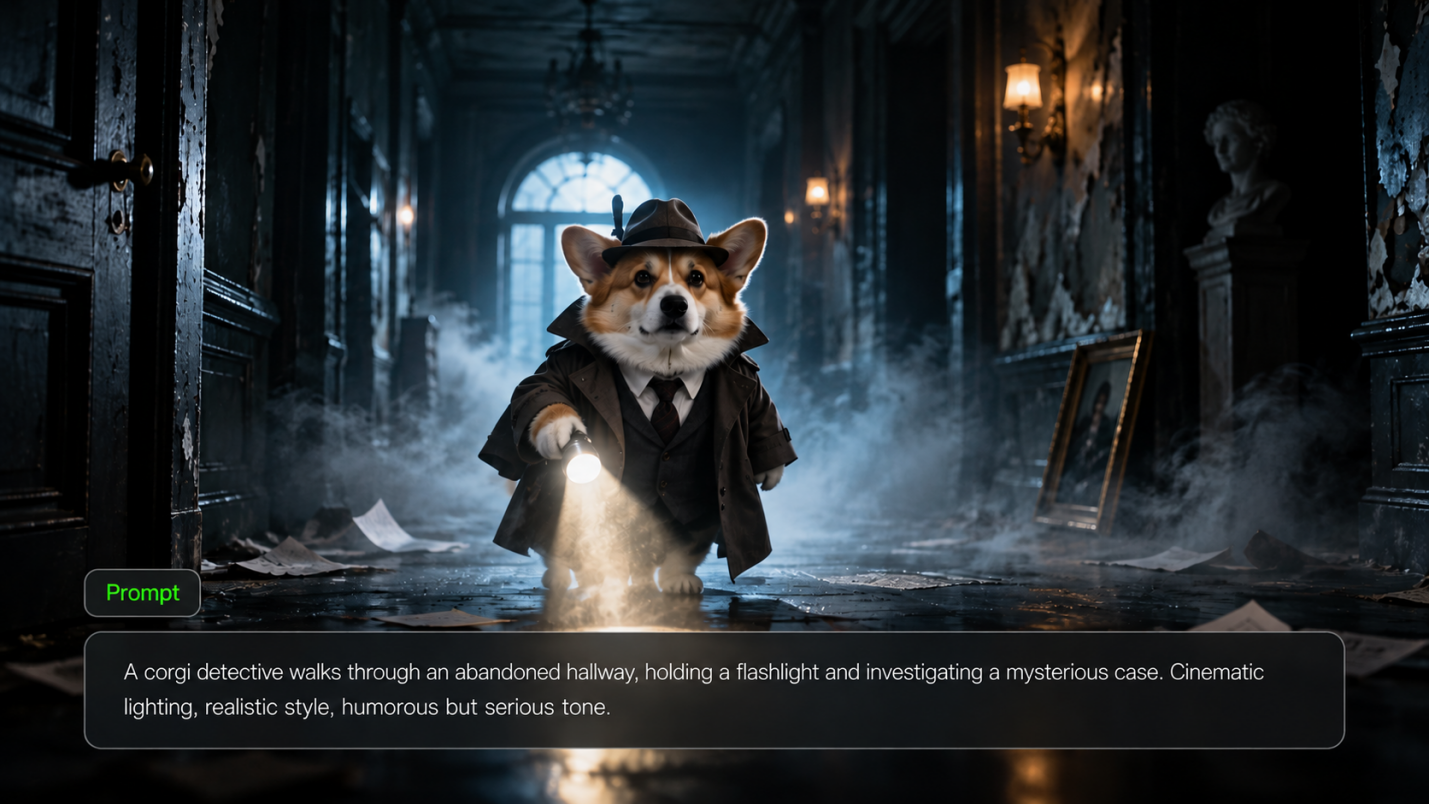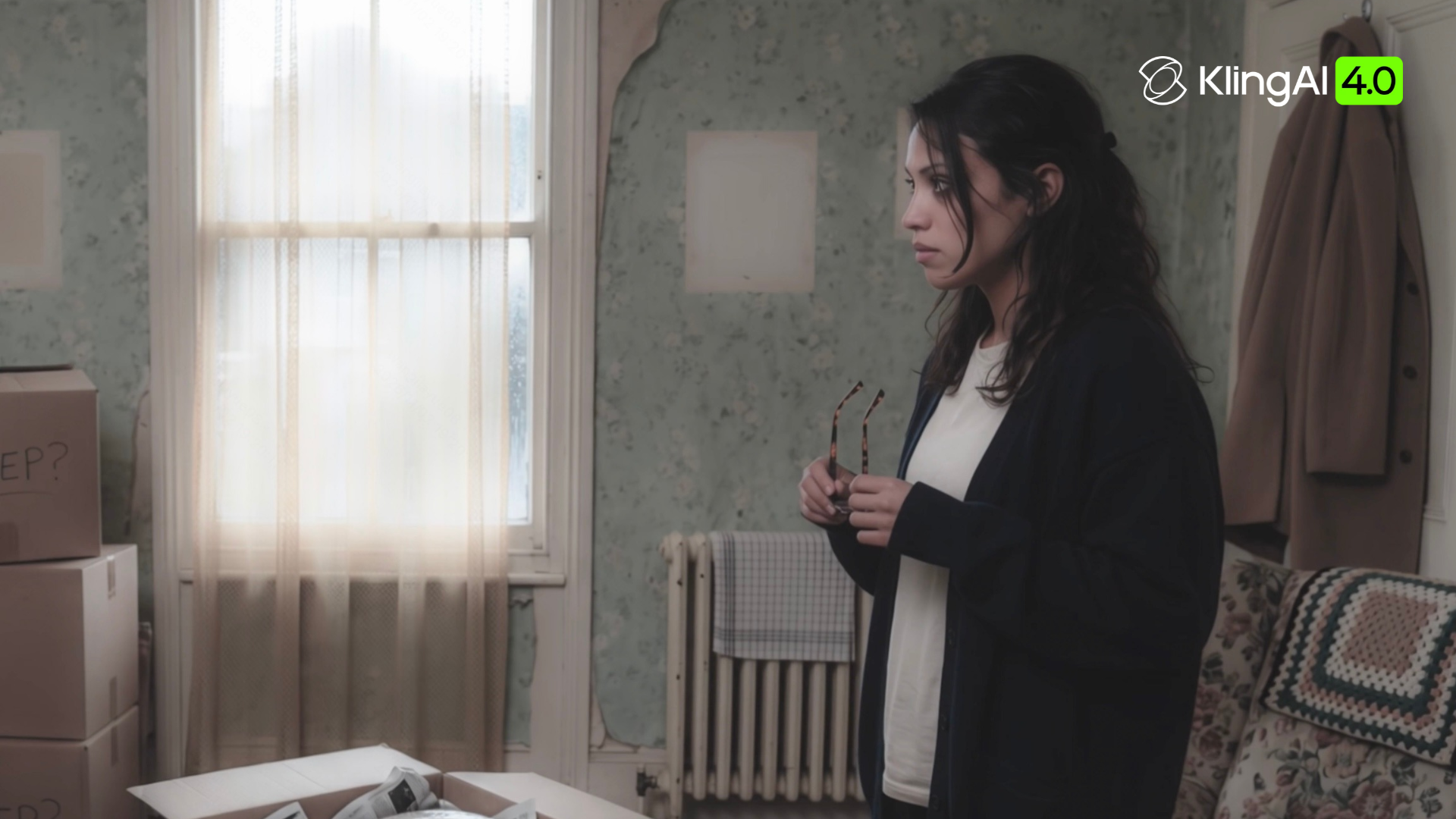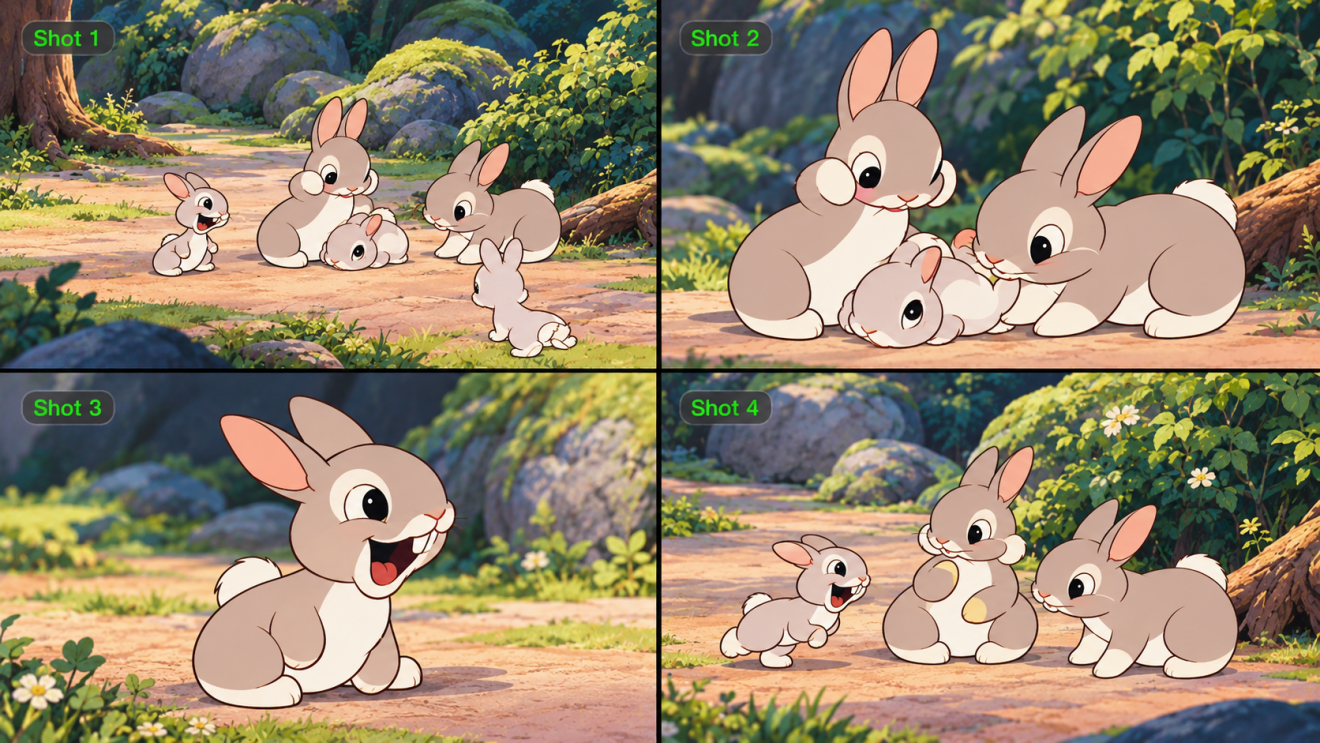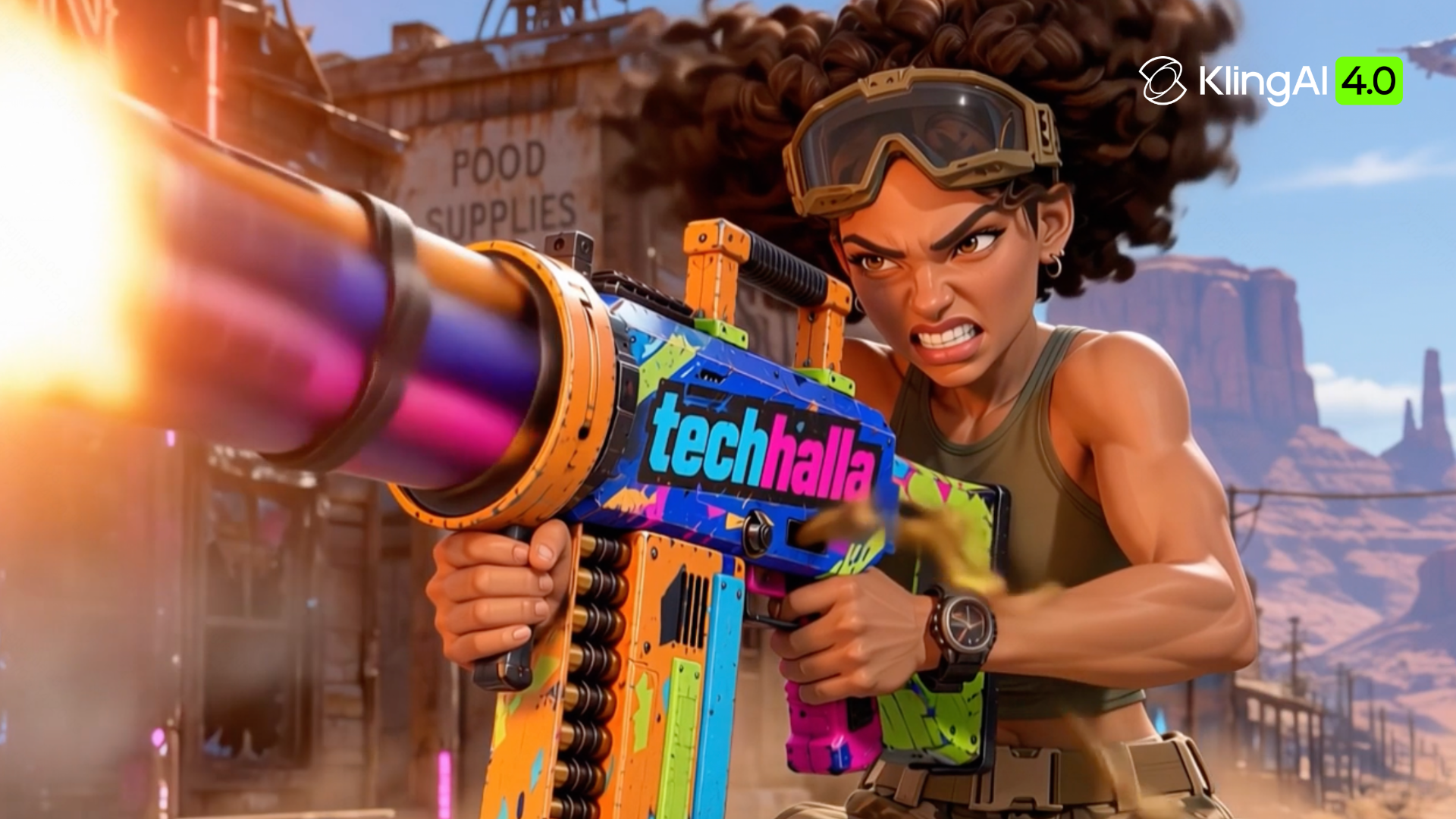
The best AI ad generator depends on what your campaign needs to produce and the materials you already have. A product launch might call for a static offer, a demonstration video, or several versions of the same creative idea. Kling AI and the other tools below approach those jobs through generated visuals, product links, editable designs, and AI presenters.
Compare Six AI Ad Creation Tools
Tool | Main Input | Ad Formats | Best For | Creative Approach |
Kling AI | Prompts, product images, reference videos, Element references, and voice references | AI-generated ad images and videos, including product TVCs and brand commercials | Social media ads, cinematic-style commercials, e-commerce product visuals, campaign posters, and launch creatives | Prompt- and reference-guided generation with consistent subjects, motion control, shot sequencing, and camera direction |
AdCreative.ai | Campaign briefs, brand assets, and product photos | Image and product video ads | Generating and evaluating creative variations | Ad generation and predictive creative scoring |
Creatify | Product URLs or uploaded product assets | Product and presenter-led video ads | Turning product listings into video ads | Product-page analysis, script generation, and AI presenters |
Canva | Prompts, templates, and brand assets | Image and video ad designs | Editable designs for different social placements | AI-assisted creation and customizable layouts |
Predis.ai | Product links, text, and images | Static ads, carousels, and videos | Recurring e-commerce and social content | Product-based creation, editing, and scheduling |
Arcads | Scripts, prompts, and product images | Presenter-led and product video ads | Creator-style promotions and product demonstrations | AI actors and generative video workflows |
Kling AI
At Kling AI, we bring image and video generation and editing together. Together, these capabilities support AI-powered ad creation, helping e-commerce businesses, advertising teams, and brand marketers produce ad creatives more efficiently.
Our newly launched Kling 4.0 model supports video generation and precise video editing for commercial projects. With Omni Reference, you can maintain greater consistency across products and characters, guide camera movements and pacing, and recreate different creative video formats using your own assets. More stable large-scale motion and up to 30 seconds per generation help you tell more complete stories through your ads.
For static ads, our IMAGE 3.0 Omni model supports image creation guided by text prompts and visual references, helps maintain a consistent style across image series, and delivers native 4K output—ideal for product showcases, campaign posters, and social media creatives.

AdCreative.ai
AdCreative.ai combines ad creative production with tools for evaluating variations. This AI ad creator generates visuals and copy, while Creative Scoring provides predictions and suggestions before a campaign goes live. It suits teams preparing several advertising concepts and deciding which ones to test with their audience.
Creatify
A product page can become the starting brief for a video ad in Creatify. This AI commercial generator draws on product information, images, and avatar options to develop promotional videos. Its Ad Agent also accepts uploaded assets and supports revisions through chat, making it relevant for ecommerce teams working from existing listings.
Canva
Canva combines templates, brand assets, AI creation, and direct layout editing. Teams can use it as an AI ad maker to draft a design, then adjust the text, product imagery, and call to action directly in the editor. Its workspace suits campaigns that need editable image and video designs across several placements.
Predis.ai
Predis.ai brings social creative production and content planning into one workspace. Teams can start with a product link, prompt, or uploaded image, then develop image, carousel, and video content. Brand workspaces and supported scheduling options make it relevant for marketers who produce recurring social content alongside campaign ads.
Arcads
Arcads creates ads from scripts, product images, or prompts, with AI actors for presenter-led videos. Teams can develop versions with different presenters around the same product or script and pair them with product visuals. It suits creator-style advertising and product demonstrations.
How to Create Ads With AI
Create AI Image Ads
For product listings, social media graphics, or campaign posters, start with a prompt, product photos, or both. In our AI image generator, choose IMAGE 3.0 Omni and describe the desired composition, setting, lighting, and brand style. Reference images can help preserve product details and packaging, while native 4K output supports high-resolution ad visuals. Review your generated image before downloading it.
Reference Images | Generated Image |
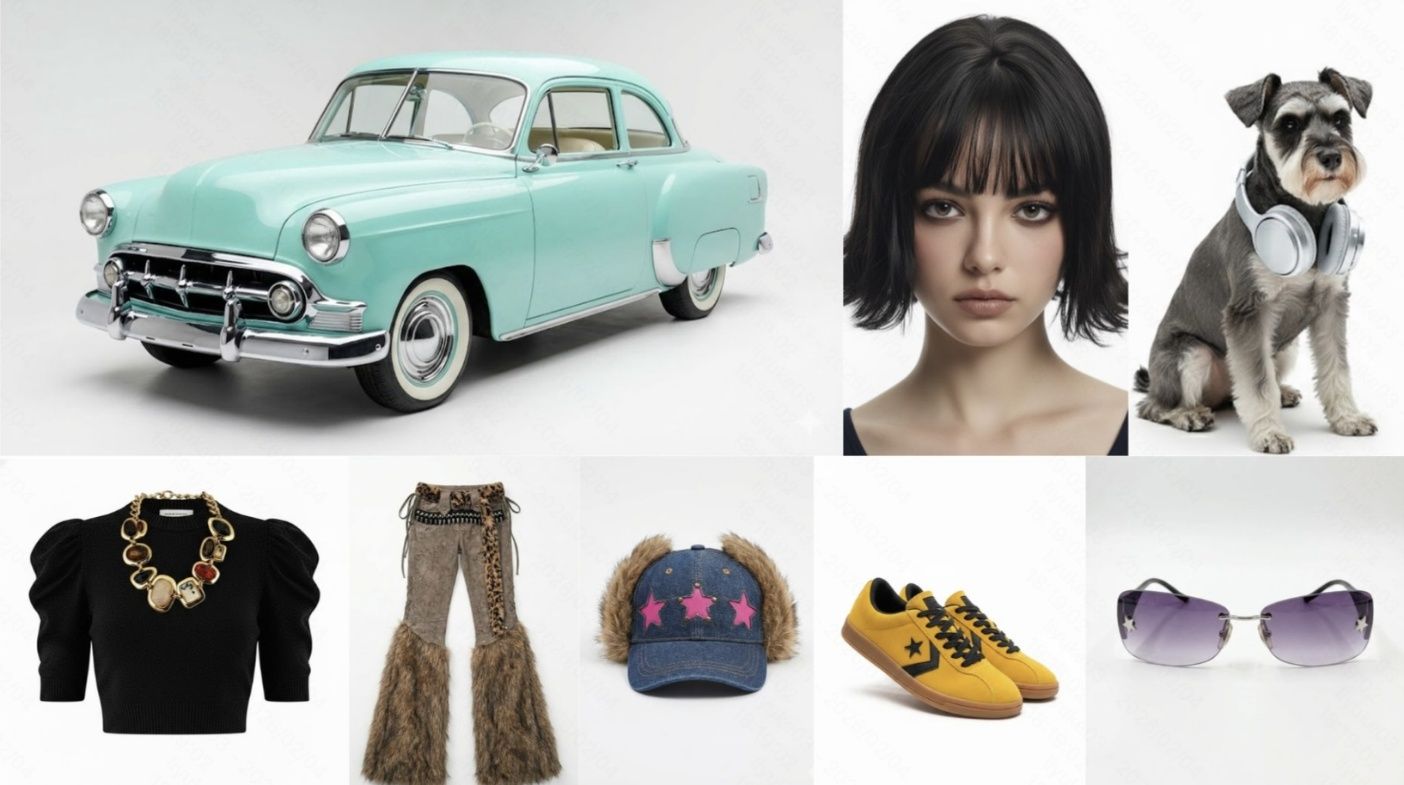 | 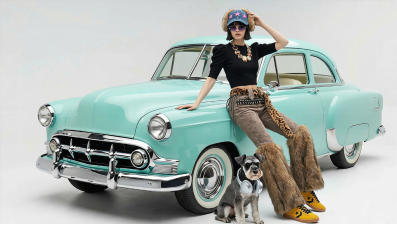 |
| Prompt: Use reference 1 for the car, reference 2 for the woman, and reference 3 for the dog. Dress the woman in the top from reference 4, trousers from reference 5, shoes from reference 7, hat from reference 8, and glasses from reference 9. Place her on the car hood with the dog at her feet. Create a realistic, well-lit fashion photograph. | |
Create AI Video Ads
Start with one product message and choose an ad format. The following example uses our AI video generator to develop a short fashion ad.
Step 1 Upload Optional References
Open our Video Generation workspace and select Kling 4.0. Upload clear product photos that show the item's shape, color, packaging, and any material details you want viewers to notice. Include a wider view for the overall appearance or a close-up for a specific feature. If your ad features a person, add a character image to guide their appearance. A reference video can help demonstrate the action or camera movement you have in mind. You can also add Element or voice references when your concept calls for recurring characters or a specific speaking voice. Choose assets that fit your ad concept and present the product consistently across different views.
Step 2 Write Your Ad Prompt
Describe the product, setting, action, lighting, and camera movement, focusing on what viewers should notice first. You can generate the video from text alone or use your uploaded references to guide it. If you uploaded references, match the prompt to those assets and explain which product details, character features, background elements, or movements to carry into the ad. For an ad with several shots, outline their order and what each shot should show, such as a closer look at the product or a demonstration of how it works. For stronger storytelling, plan an opening hook, key product moments, and a closing message. You can also use up to 10 keyframe images to guide important moments in the sequence.
Step 3 Generate and Refine the Ad
Choose the aspect ratio for your placement and a duration from 3 to 30 seconds for a single generation, then generate the clip. Review product details, visible text, movement, and framing. Adjust the prompt or references to address a specific issue, then compare the next version with the approved product materials before downloading it. You can also reuse your product references to explore different hooks, scenes, or ad variations for your campaign.
Reference Image | Generated Video | Prompt |
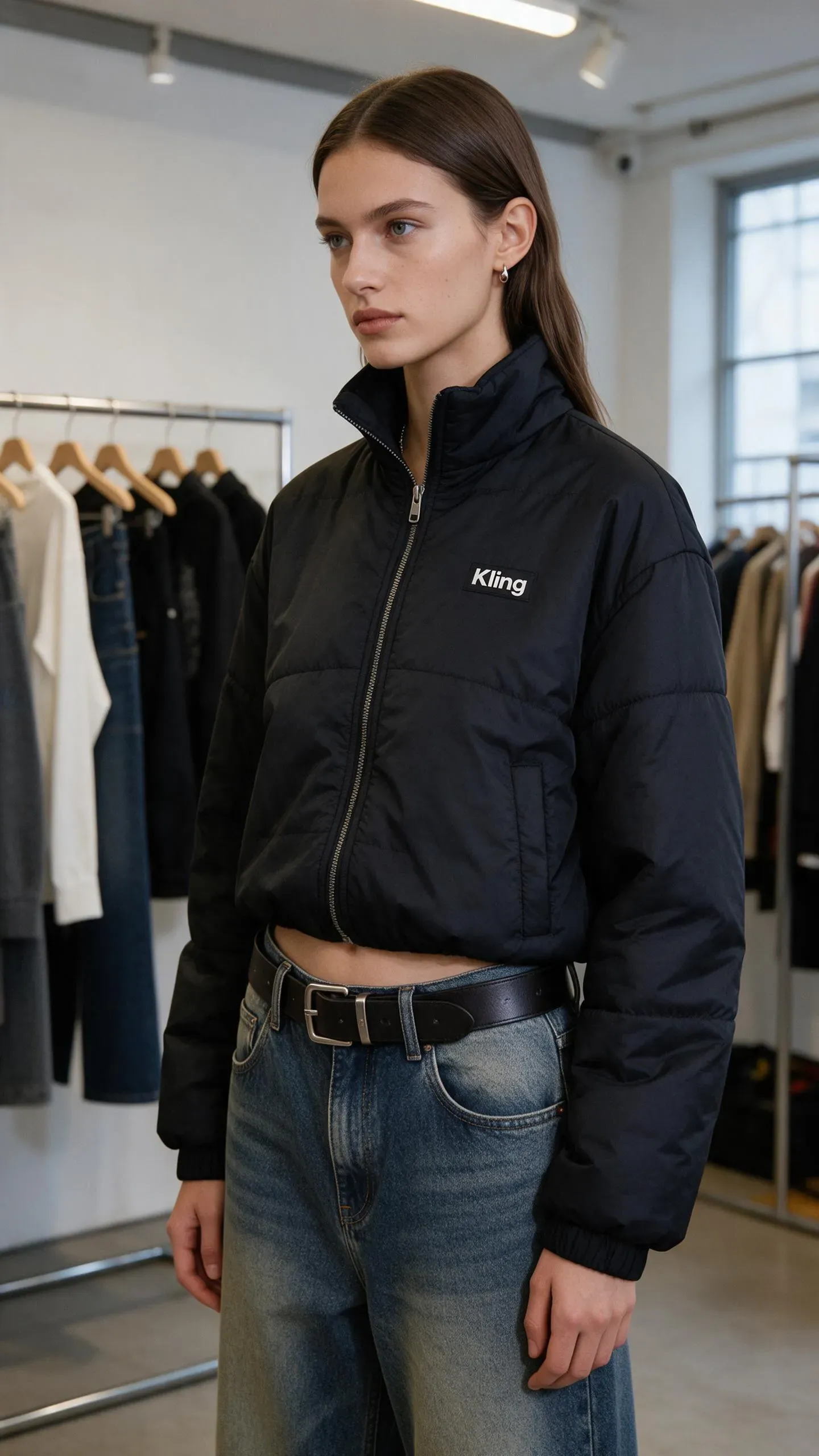 | 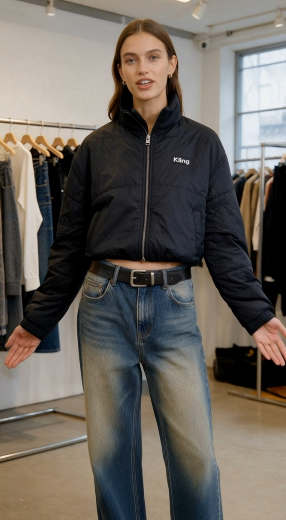 | 1. SCENE CONTEXT EXACT 1 HUMAN CHARACTER — NO DUPLICATES. A woman enthusiastically presents the black Kling cropped puffer jacket she is wearing inside a minimalist fashion showroom. She maintains warm, confident eye contact with the camera while demonstrating the collar, chest logo, quilted construction, cropped silhouette, and pockets. One continuous 15-second vertical fashion shot.2. ACTIVE REFERENCES@image1 controls the woman’s exact identity, straight brown hair, blue eyes, small earrings, black Kling cropped puffer jacket, high collar, silver zipper, white chest logo, quilted panels, elastic cuffs, side pockets, loose blue jeans, black belt, showroom racks, window, and vertical composition. Preserve every detail exactly. 3. LOCATION MAP: The woman remains centered between two clothing racks. The left rack stays behind frame-left, the second rack remains in the rear-right, and the large window stays on frame-right. The camera remains directly in front of her and moves only slightly toward her left side. 4. FIRST FRAME AND SPATIAL BLOCKING: Match the reference composition. She stands in a relaxed three-quarter position with both arms resting naturally beside her body. The complete jacket, waistline, belt, and upper jeans remain visible. Her head turns toward the camera and her eyes lock naturally onto the lens. 5. FORMAT MODE: One uninterrupted 15-second vertical 9:16 shot. No cuts, fades, dissolves, speed ramps, wardrobe transformations, location changes, or duplicated poses. 6. OPTICS: 50mm equivalent lens with a 40° horizontal field of view. Medium fashion framing keeps her eyes, facial expression, collar, logo, zipper, sleeves, hem, pockets, and waistline readable. Moderate depth of field softly separates her from the clothing racks. 7. CAMERA: A human operator stands approximately two and a half meters away at chest height and performs one slow handheld clockwise arc of less than one meter. Breathing drift, small footsteps, slight roll, and delayed reframing remain visible. The camera never becomes mechanically stabilized or crops out the jacket hem. 8. ACTION TIMING 0.0–2.0s: She finds the lens, takes a light anticipatory breath, and forms a genuine welcoming smile.2.0–5.5s: While beginning her sentence, she touches the structured collar and follows the zipper downward with her fingertips, keeping her eyes on the lens.5.5–8.5s: Her voice becomes more animated as her hand pauses beside the white Kling logo and her free hand opens in a small expressive gesture.8.5–11.5s: She turns into a three-quarter side profile, slips both hands into the pockets, and looks back toward the lens with a confident smile.11.5–15.0s: She faces forward again, relaxes her shoulders, and finishes the presentation with bright eyes and a warm, satisfied expression. 9. PHYSICS The padded jacket compresses naturally beneath her fingertips and recovers after release. Quilted panels retain consistent volume. Sleeves bend and crease at the elbows, while the cropped hem shifts during her turn and settles under gravity. Hair and earrings respond with small delayed movement. 10. LIGHTING: Soft daylight from the large window on frame-right is the single motivated key source. It creates restrained highlights across her eyes, hair, black fabric, silver zipper, and cheekbones while preserving detail in the quilted panels. Ceiling track lights remain subtle background practicals. 11. AUDIO: Layered showroom ambience: quiet room tone, distant ventilation, soft jacket rustle, zipper contact, jeans movement, and restrained footsteps. In a sincere, emotionally engaged English voice, she says: “I honestly love this Kling jacket—the cropped fit feels so confident, and it goes with everything.” Begin with warm appreciation, emphasize “love” and “confident,” then finish with an audible smile. Her lips, breath, expression, and garment gestures synchronize exactly with the sentence. SFX only, no music, no score, no song, no soundtrack. 12. CHARACTER ACTING: She speaks as someone genuinely excited by how the jacket makes her feel. Her eyes stay connected to the lens with living highlights and irregular natural blinks. Her eyebrows lift slightly on “love,” her cheeks rise on “confident,” and her final smile reaches both eyes. She never looks down at the garment while speaking; her hands locate each feature naturally through touch. INNER, UNSPOKEN: “This feels completely like me.” 13. STYLE: Minimal contemporary fashion content captured by an imperfect human companion. Clearly handheld intimacy, old-photograph softness, organic film grain, restrained contrast, natural fabric texture, gentle window halation, and no digital sharpening. Color balance: 60% black and charcoal, 25% cool white showroom tones, 15% faded blue denim and natural skin. 14. QUALITY The woman’s identity, eye color, hairstyle, earrings, jacket geometry, quilted panels, collar, zipper, cuffs, pockets, jeans, and belt remain consistent. The white Kling wordmark remains correctly spelled, stable, and attached to the same chest position. Eyes, lips, hands, fingers, sleeves, and fabric folds remain anatomically coherent. 15. POSITIVE CONSTRAINTS: Exactly one woman wears exactly one black Kling jacket throughout the shot. She maintains direct lens connection while speaking and looks back toward the lens during the side pose. She speaks exactly one emotional English passage and performs one continuous garment presentation. The jacket remains fully zipped and its logo stays visible during front-facing moments. Add no second person, clothing change, subtitle, price, promotional overlay, mirror reflection, music, or runway movement. A flat, emotionless delivery, wandering eyeline, malformed wordmark, changing jacket length, extra limb, or fabric passing through her body equals a failed shot.
|
What Kling AI Adds to Ad Creative Production
A campaign may need product imagery for static placements, a video demonstration, and updated versions of an existing concept. IMAGE 3.0 OMNI handles the image work, while Kling 4.0 supports video generation and reference-guided revisions.
Develop Related Product Images for a Campaign
Alongside a product video, a launch may need a clean product image, a lifestyle composition, and a close-up of a material or finish. Using approved references, an image-to-image AI workflow in IMAGE 3.0 OMNI can develop these still visuals. Our Image Series Mode also helps create related campaign images with a consistent visual direction, while native 4K output brings finer product and material details.
Written instructions can also revise the lighting, color, or background of a selected image. This AI photo editor workflow helps refine a promising visual before it joins the campaign. Compare the revision with the approved product reference before using it.
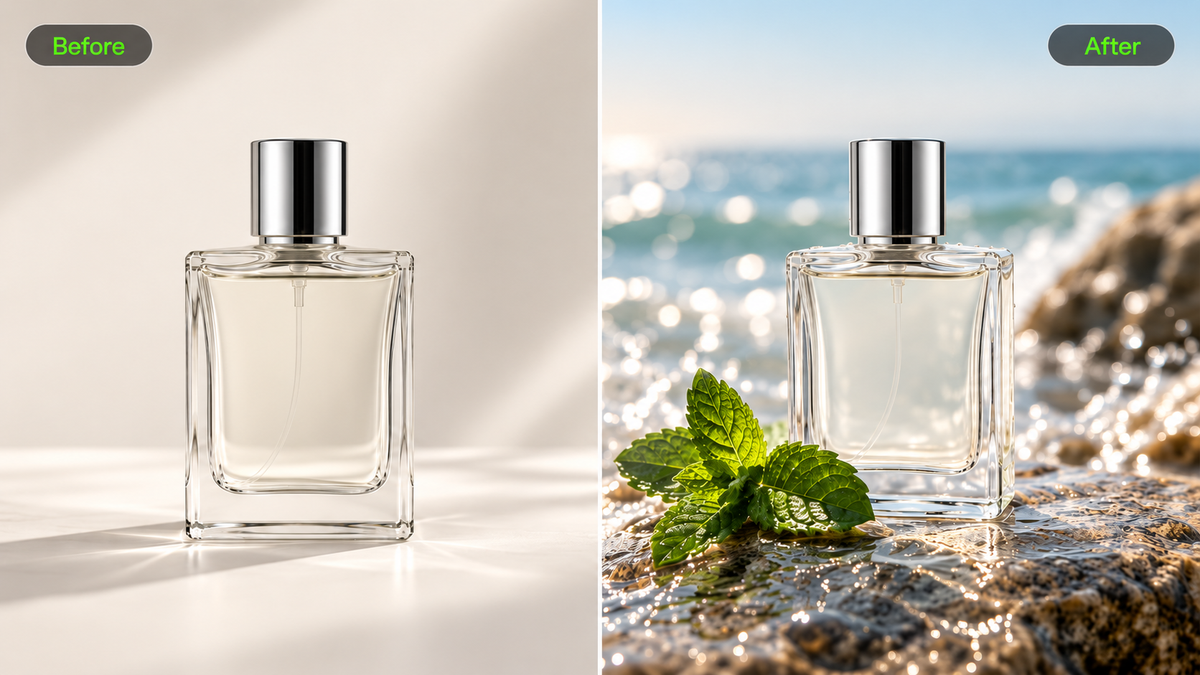
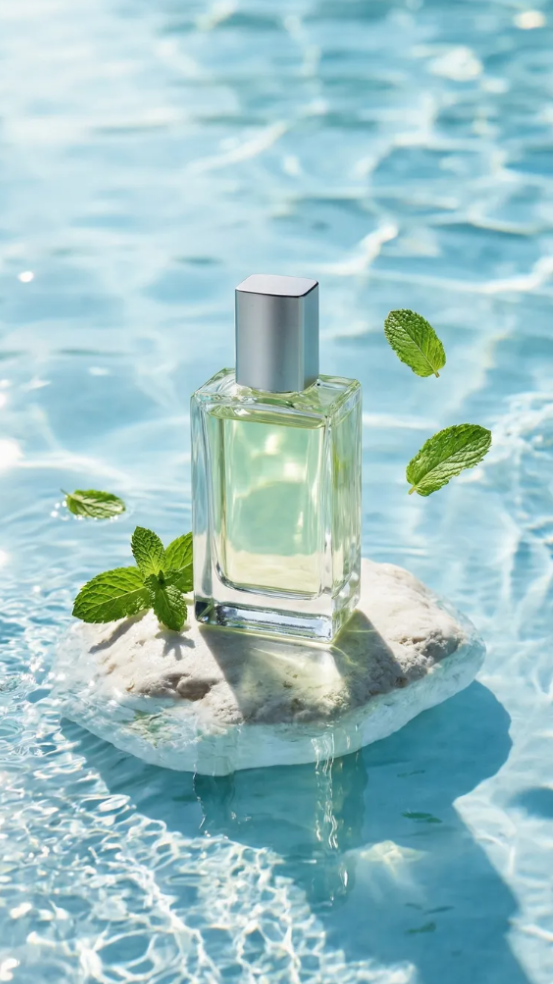
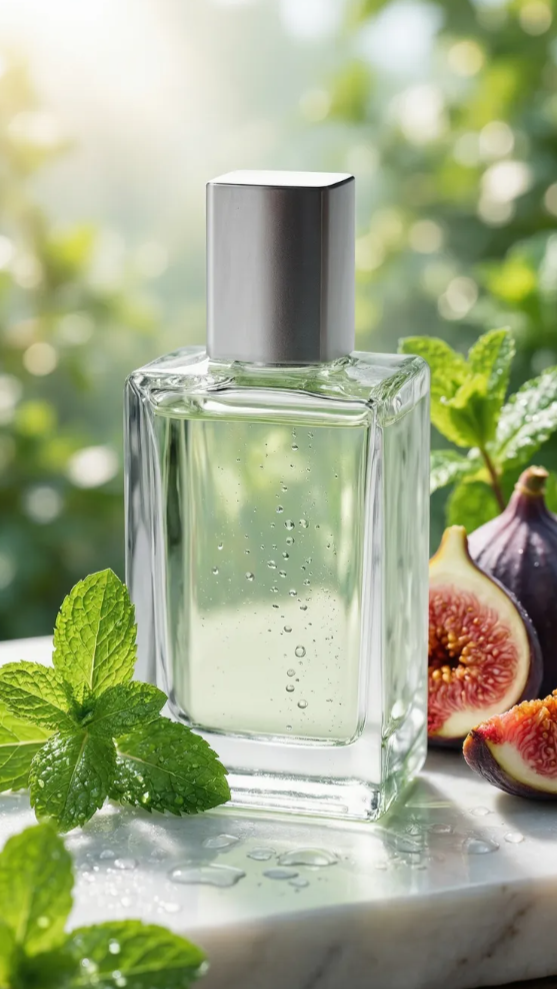
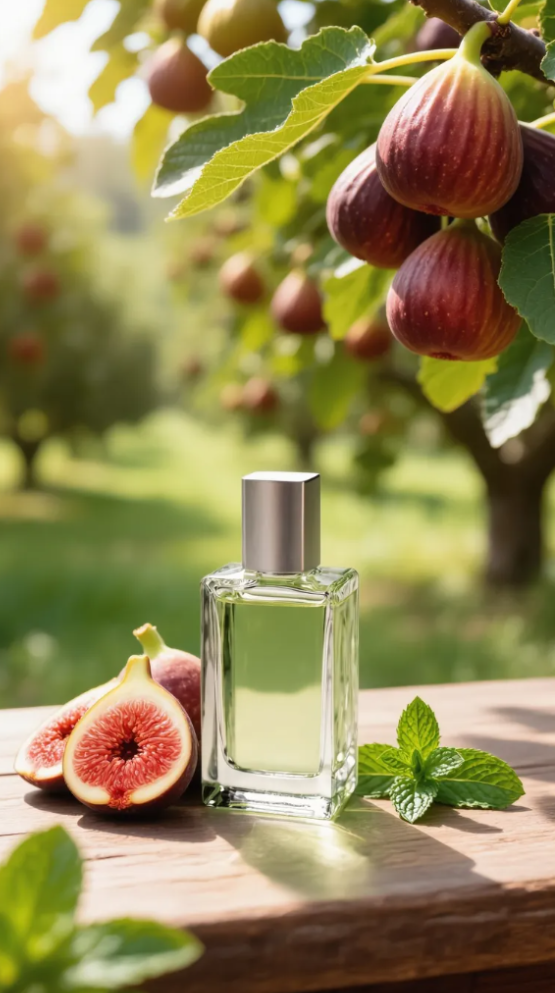
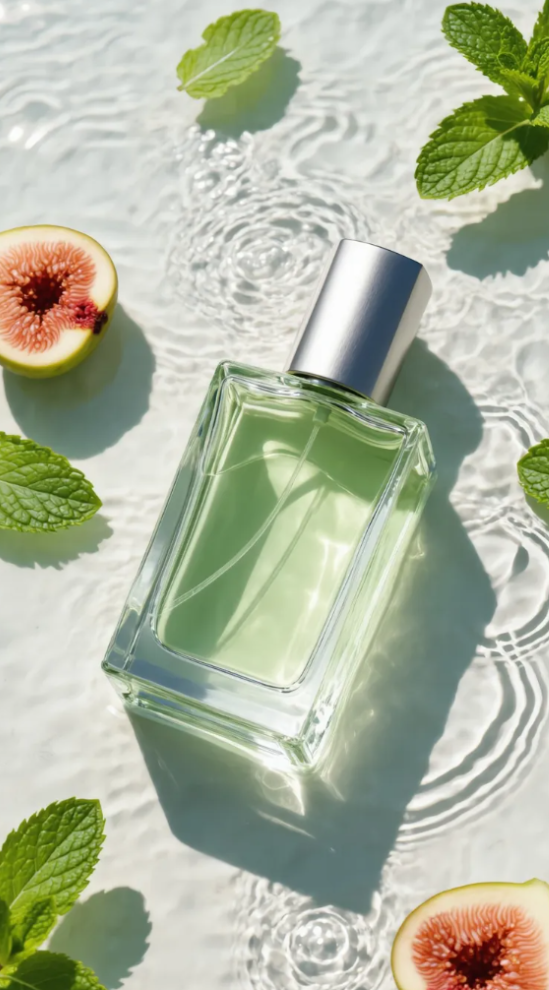
In this perfume example, a plain product reference becomes a styled advertisement with figs, mint leaves, and natural light.
Reference | Prompt | ||
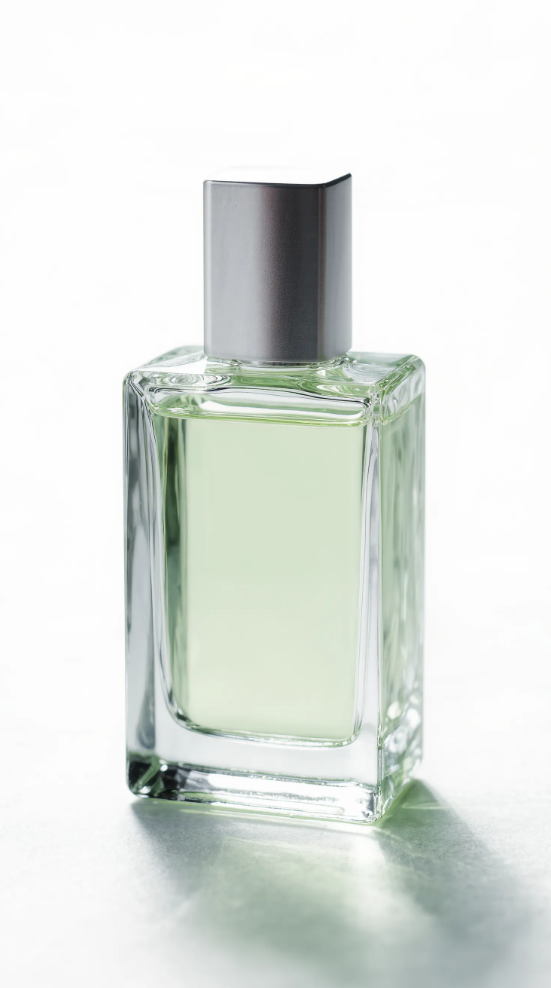 | Fig & Mint perfume. Summer fresh, organic, zero-additives. Consistent bottle shape. Ad series. | ||
Image Series | |||
Shot 1 | Shot 2 | Shot 3 | Shot 4 |
 |  |  |  |
Connect Product Action With Camera Movement
A running-shoe ad needs believable foot movement and contact with the ground. A bottle demonstration needs the hand and product to move naturally together. Our Kling 4.0 model delivers more stable large-scale motion and complex camera movements, helping fast actions and continuous sequences remain smooth and coherent. Tracking shots, push-ins, and camera orbits help direct attention. An image-to-video AI workflow can use an approved product visual as the starting reference for that action.
Guide Product and Scene Details With Omni Reference
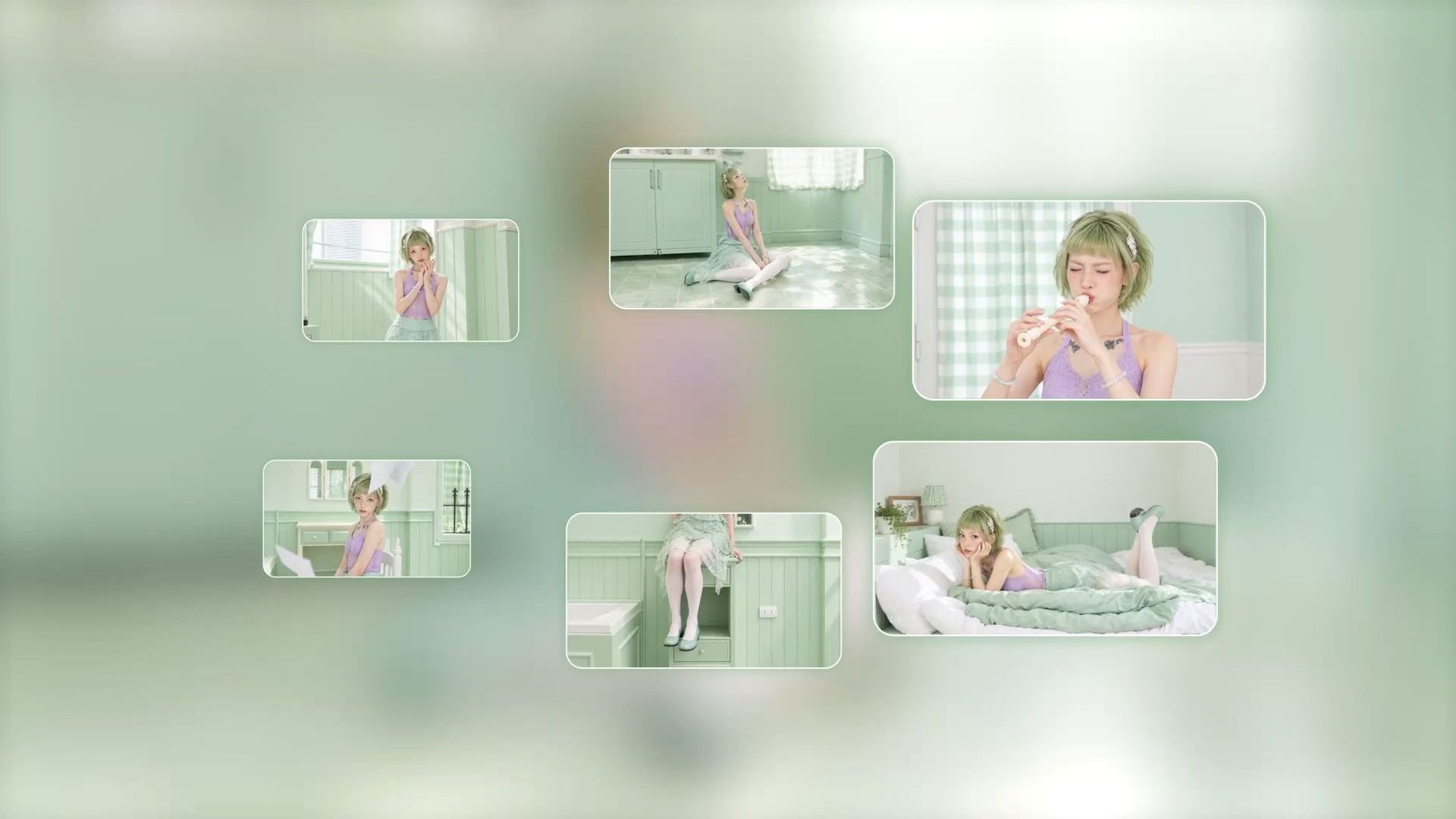
With Omni Reference, you can combine up to 15 reference assets in a single generation, including up to 10 images, 5 videos (up to 30 seconds in total, including video Elements), and 7 Elements (including those defined by multiple images or videos). You can also specify a voice for an Element.
Product photos can guide shape, color, and packaging, while Element references help maintain character and product consistency. Reference videos can guide character performances, actions, camera movements, and narrative pacing. By defining each asset's role, you can combine these details in one ad with greater creative control and visual consistency.
Tell Stronger Ad Stories With 30-Second Generation
A compelling commercial needs more than attractive individual shots. With Kling 4.0, you can generate videos up to 30 seconds long and use up to 10 keyframes to guide important moments in the story. From an opening hook and product reveal to a demonstration and closing message, our model follows detailed prompts for actions, shot transitions, and camera direction. This helps creators develop more complete narratives for cinematic commercials, brand promotions, and social media ads.
Recreate Ad Concepts With Video References
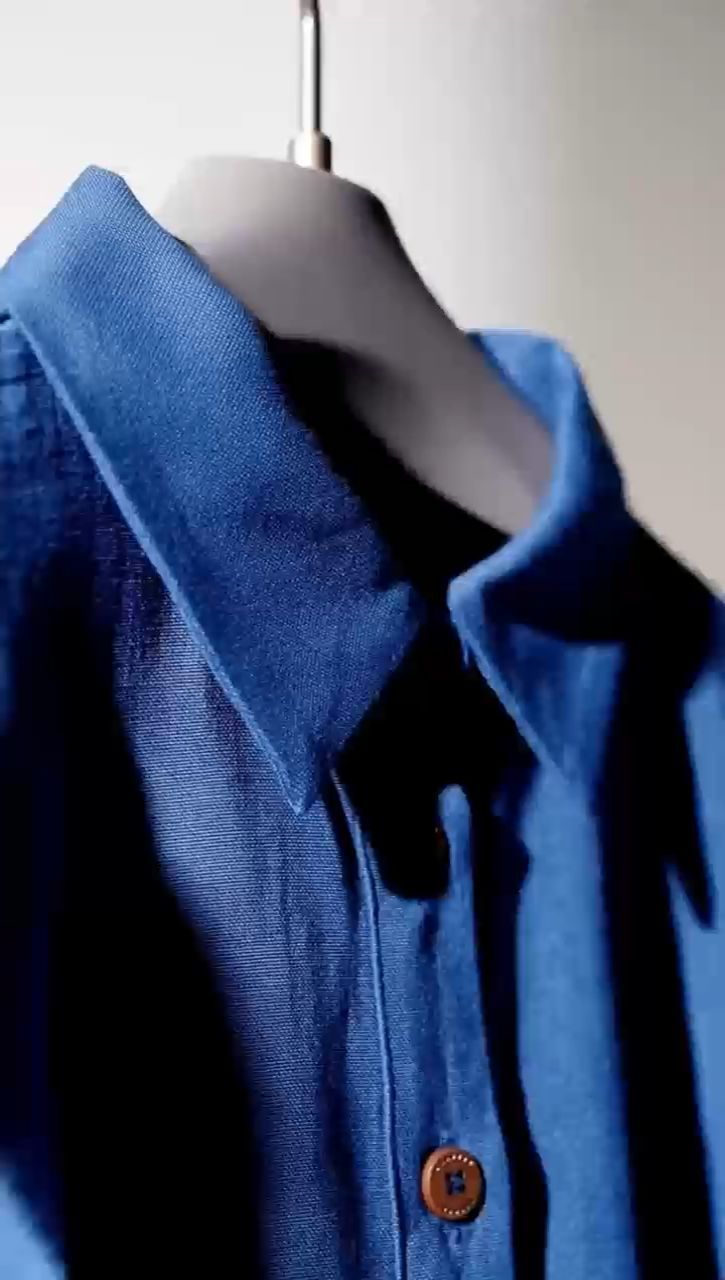
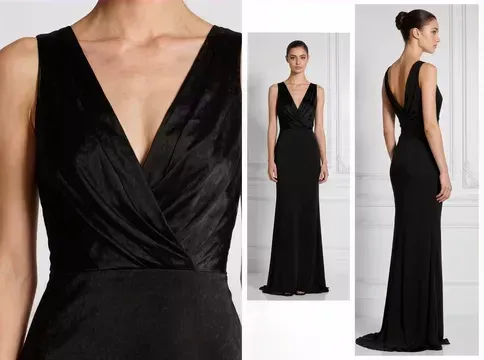
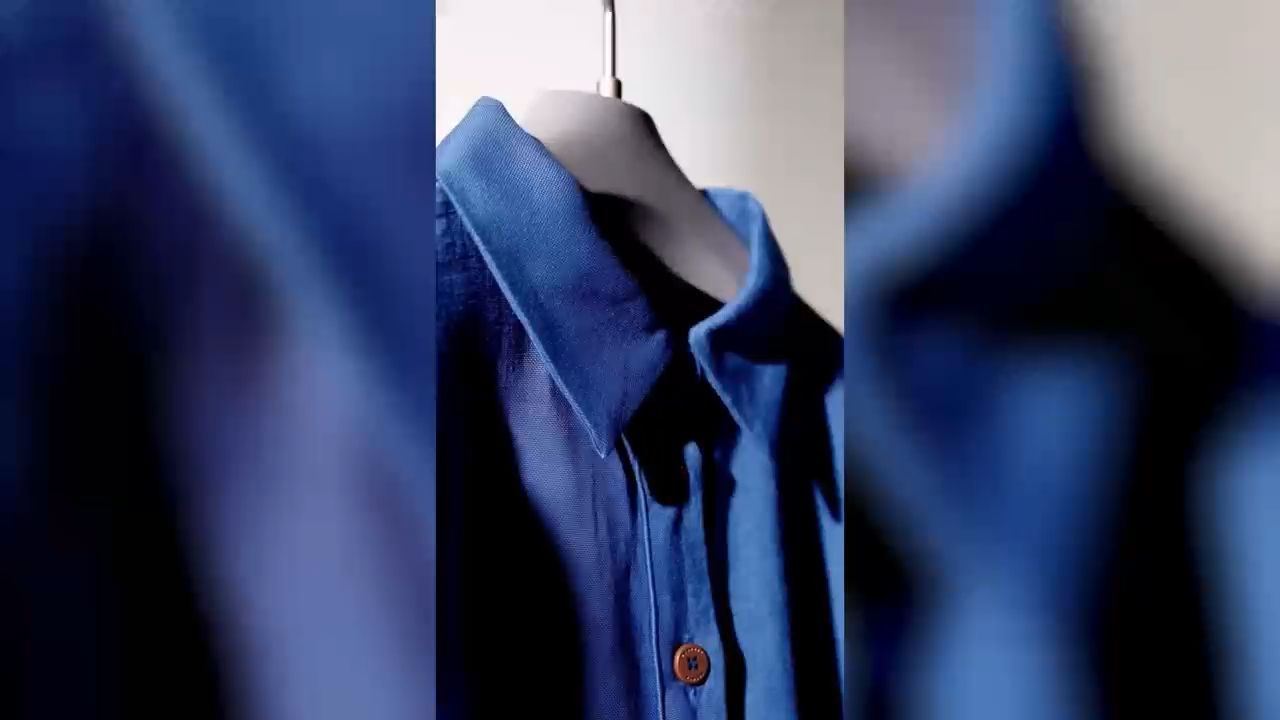
With Omni Reference, you can use an existing video to guide shot composition, camera movements, narrative pacing, and visual expression. By introducing your own products, characters, and scenes, you can develop a fresh version of a proven creative concept without planning every shot from scratch. This approach is especially useful for social media trends, product ads, fashion and beauty campaigns, and consumer electronics promotions. Use reference footage you have permission to use and adapt the creative to your own brand.
Reference Video | Reference Image | Generated Result |
 |  |
 |
Revise an Existing Commercial for a New Creative Brief
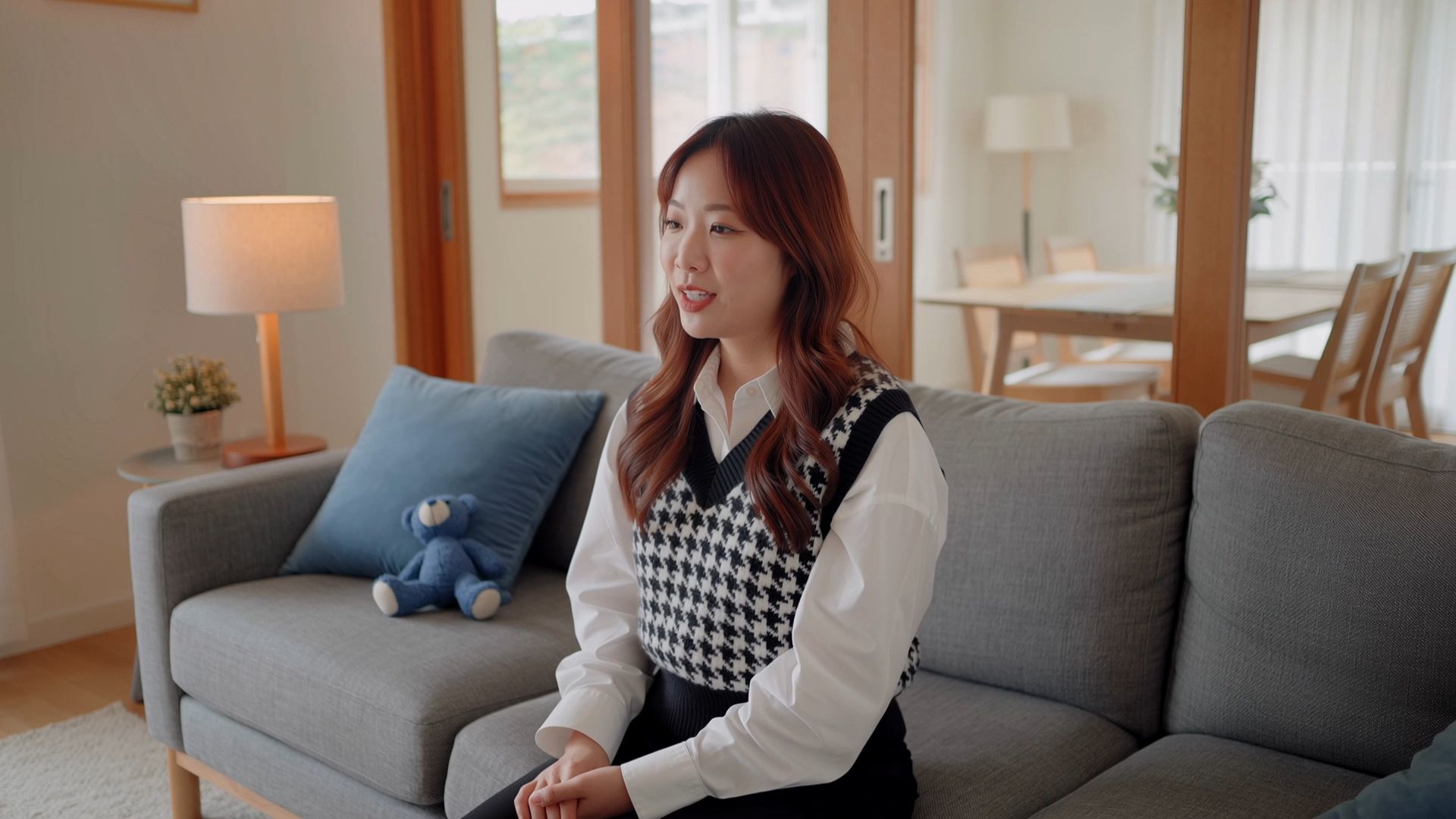
An approved scene may still need a different background, product treatment, or visual style for a new campaign. Our video editor, powered by Kling 4.0, supports prompt-guided changes to existing footage, with reference assets helping define the requested result. You can add, replace, or remove subjects and scene elements, adjust character actions, refine camera angles, or change visual styles and textures while specifying which parts of the original footage should remain unchanged.
What to Check Before Publishing an AI Ad
Review each AI-generated ad against the product information, campaign brief, and final placement. Focus on the details that could change the meaning of the offer or weaken the creative:
• Product accuracy: Compare packaging, logos, shapes, colors, and any feature shown in a demonstration with the approved product materials.
• Message and offer: Verify headlines, prices, promotional dates, and claims against the landing page.
• Visual continuity: Watch the full clip for changing product details, unnatural movement, and abrupt transitions. Check related still images for a consistent direction.
• Placement and permissions: Check framing, readable text, and the rights to source images, footage, and recognizable people. Keep the approved version clearly labeled.
The End
The best AI ad generator fits your starting assets and campaign goals. Use the comparison to choose a workflow, then develop one clear product message before making variations. Kling AI combines image generation, video creation, and reference-guided revisions for connected product visuals. Start with an approved brief and refine the version that communicates it most clearly.
FAQs
Is There a Free AI Ad Generator?
Some tools offer limited free plans or trial access. New users receive a limited amount of free credits after signing up for Kling AI. Each generation consumes credits, so check the balance, credit validity, eligible models, and generation cost shown in your account before starting.
Can an AI Ad Guarantee More Sales?
No. A generated creative or predicted score does not establish how an ad will perform with your audience. Results also depend on the offer, targeting, placement, and landing page. Use generated variations as candidates for testing, then assess them against your campaign’s actual results.
Can I Reuse One Creative Across Different Ad Placements?
One concept can provide a starting point for several placements. Check each version’s crop, text size, product visibility, and call to action. A vertical placement may need a different composition from a wide one, even when both use the same message and product reference.
Does Generating an Ad Also Publish It?
Creating an asset, scheduling a social post, and managing a paid campaign are separate tasks. Check which ones your chosen platform supports and which account connections it needs. A downloaded image or video still needs to move through your campaign approval and publishing process.
How Should I Budget for AI Ad Creation?
Estimate the cost of an approved export, including the attempts, revisions, and placement versions you expect to need. Check generation charges, credit validity, watermarks, and the features included in the plan. This makes the comparison more useful than judging tools by the price of a single generation alone.