Character consistency in AI generation demands organized prompt management, reference image application, and diligent parameter control. By keeping elaborate character sheets, applying the same descriptive keywords, and utilizing platform-specific features, creators can ensure consistent character continuity through various scenes and projects.
What Is AI Character Consistency and Why Is It Important?
AI character consistency means keeping your digital characters looking the same across different images and scenes. Think of it like maintaining a character's appearance in a TV show - they need to look recognizable from episode to episode.
Definition and Significance
Character consistency is being able to produce the same character with the same features, attire, and style in several AI works. It is important because characters that are inconsistent shatter the immersion of the viewer and make your work appear amateurish.
Common Consistency Challenges
Most generators have issues with characters that alter facial characteristics from scene to scene. Hair color changes, eye shapes change, and body proportions fluctuate wildly. This occurs because AI models do not inherently recall past generations.
Benefits for Content Creation
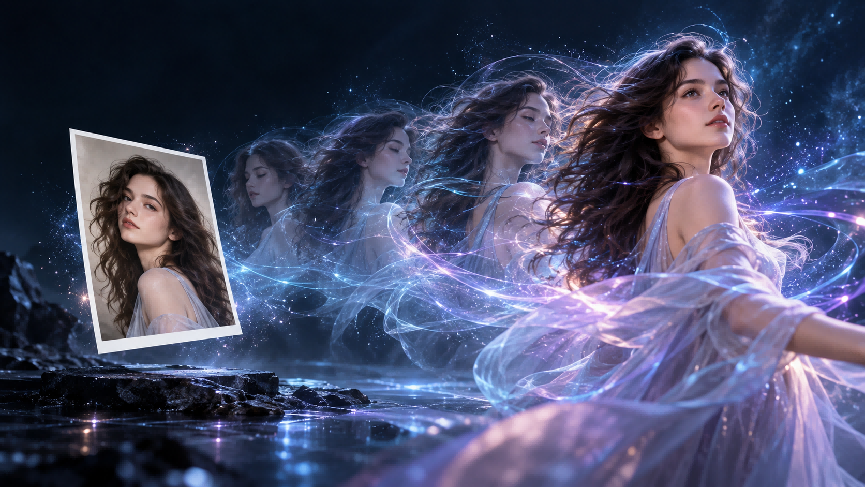
Consistent characters allow you to create storylines, develop series content, and build recognizable brand mascots. Your audience will relate better to characters that they can recognize across various posts and videos, especially when text-to-video platforms are used to generate consistent appearances and actions.
| Prompt | Image | Video |
| A woman is engaged in a gunfight with someone in an alley with a Blade Runner-style atmosphere, neon lights, and ambient lighting | 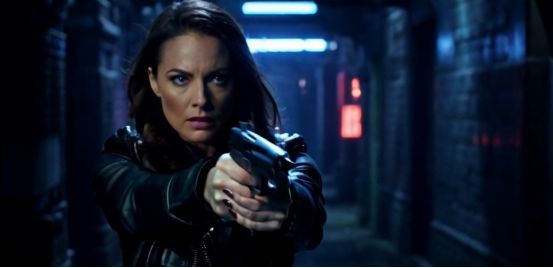 | 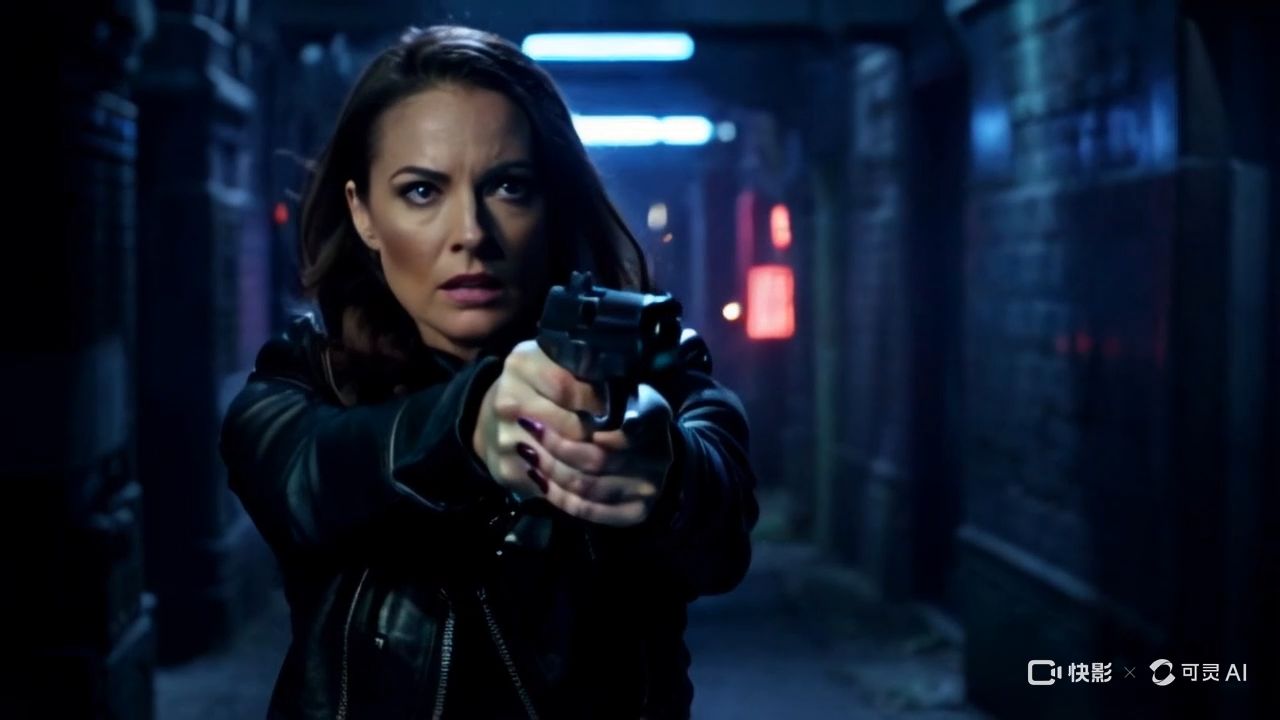  |
What Are the Necessary Factors for AI Character Consistency?
Creating consistent characters begins with recording all the visual details. You must note down particular information that AI algorithms can comprehend and reproduce.
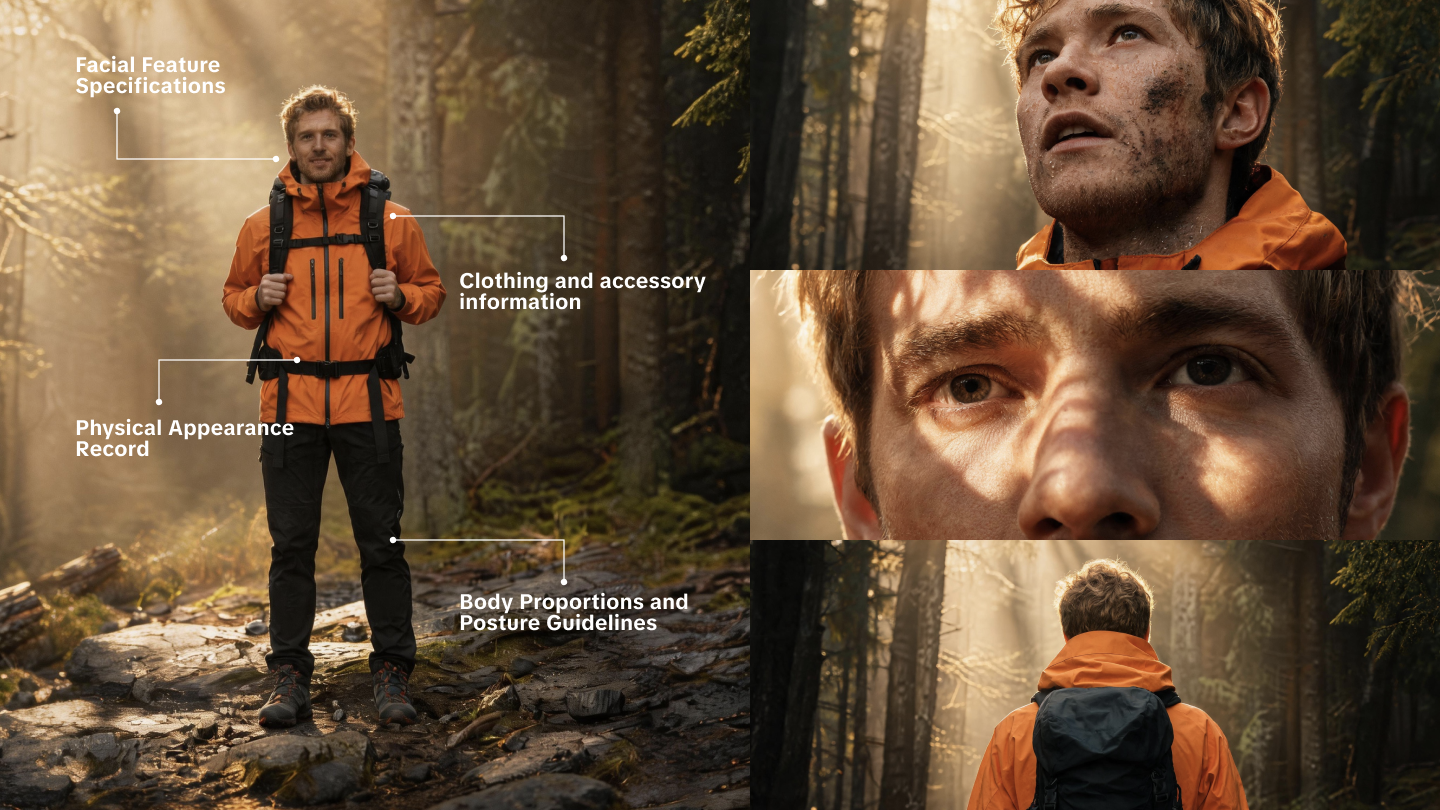
Physical Appearance Record
Record precise information regarding your character's face, hair, and body. Specify exact measurements, colors, and distinguishing features. Store these descriptions in a master file that you consult each time.
Clothing and accessory information
Record your character's signature outfits, accessories, and jewelry. Mention colors, styles, and any particular items that make them stand out. This keeps them looking consistent throughout various scenes.
Facial Feature Specifications
Write down specific details concerning eyes, nose, mouth, and facial bone structure. Note expressions, wrinkles, scars, or other defining marks that make your character identifiable.
Body Proportions and Posture Guidelines
Describe your character's height, build, and usual stance. Mention how they stand, walk, and move around. All of these assist in bringing consistency to the character, even if they are in various positions.
| Prompt | Image | Video |
| Morning mist sunrise, lens flare, and a cool breeze.A young Chinese woman with exquisite facial features her long hair blown by the wind, strands of hair scattered across her face, dressed in summer attire, with a seaside beach as the backdrop. | 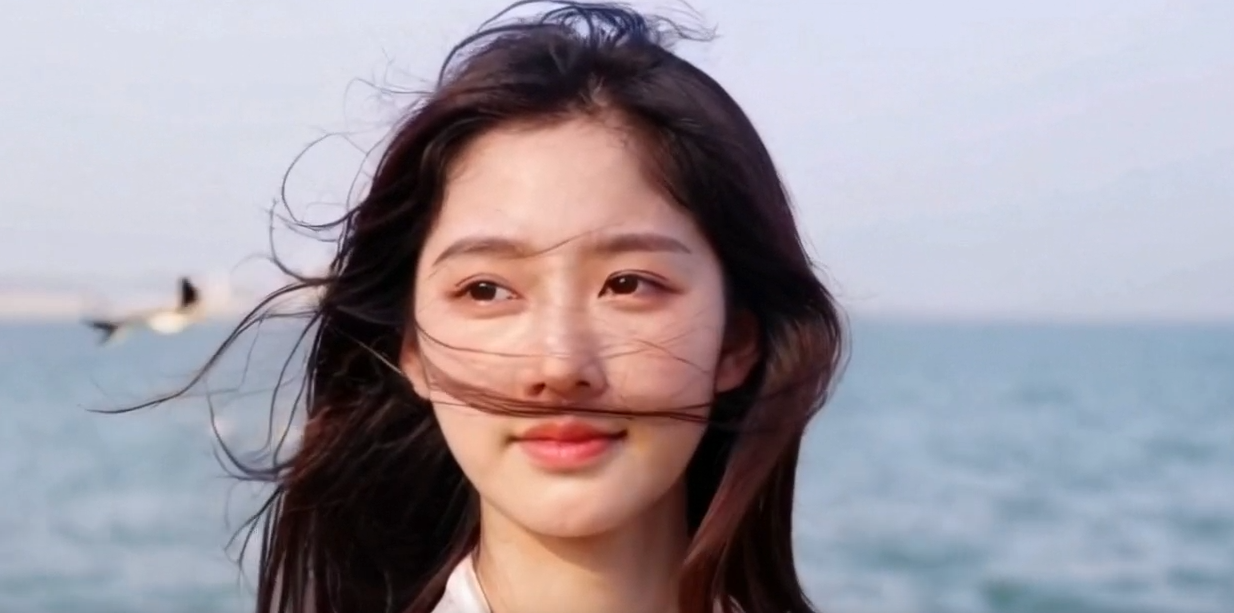 | 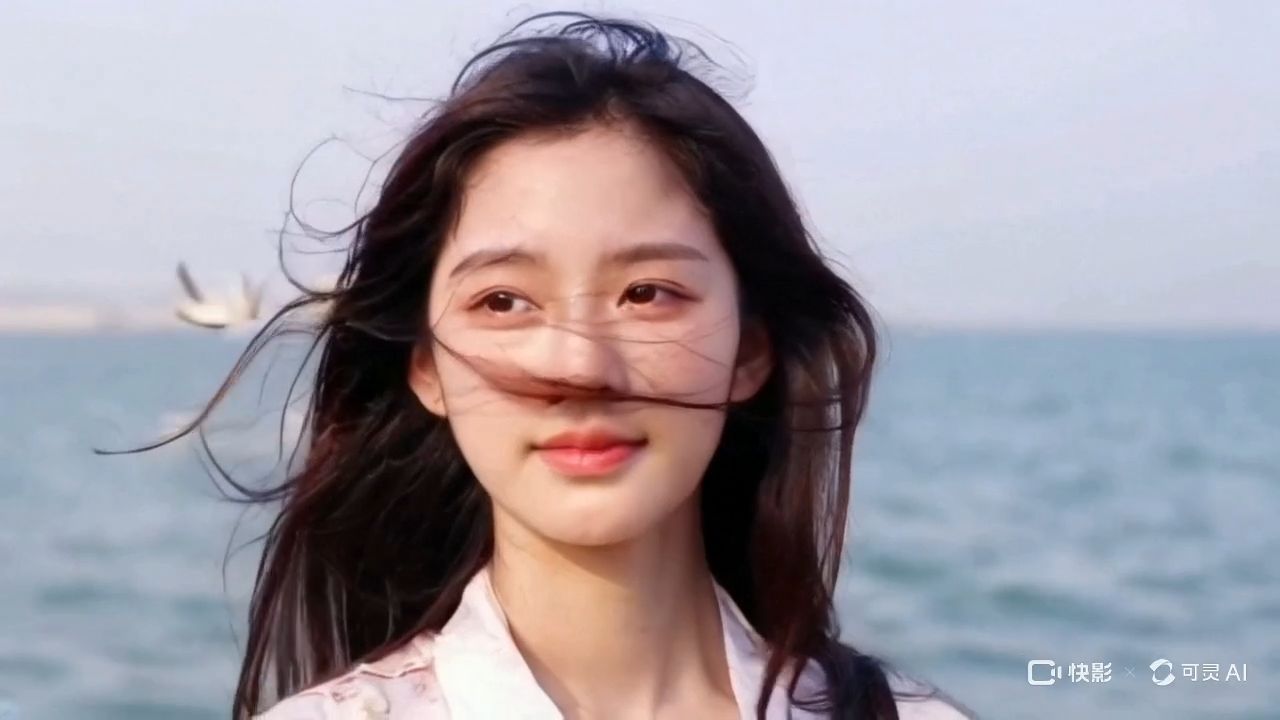 |
What Prompt Techniques Guarantee Consistent Character in AI Generation?
Nailing the proper prompting technique is what distinguishes the good results from the random ones that don't last. Apply these easy steps, and you'll get improved results every time.
Step 1: Create a Master Character Description
Write a good paragraph describing your character. You have to include their age, gender, hair color, eye color, skin color, and body type. Save this description because you'll use it for each prompt. Use this format: "[Character description], [action/pose], [setting], [style/quality modifiers]." That way, AI models can completely get the information in the correct order.
Step 2: Use the Same Keywords Each Time
Choose certain descriptive terms and stick with them. If you're describing hair as "shoulder-length brown hair," use exactly those terms in each prompt. Don't alternate between "brown" and "brunette." Create a personal dictionary of terms that work effectively for your character. Experiment with different descriptive terms and note which ones get you the most consistent results.
Step 3: Include Negative Prompts
Inform the AI of what you do not desire. Mention "no beard, no glasses, no various hair color" to avert undesired transformations. This aids in avoiding prevalent variation issues. Enumerate particular features that you do not wish to alter, such as various eye colors or facial hair that are not supposed to be there.
Step 4: Format Your Prompts in the Same Manner
Always begin with a character description, followed by scene details, and end with specifying the style. Maintain this sequence in all your generations for more effective outcomes. Save effective prompts as templates. Develop variations for other scenes while maintaining the same character description. This conserves time and enhances consistency.
Summary: Consistent prompting takes discipline and organization. Learn these four steps and you'll notice an immediate change in character consistency. The trick is to be specific, be consistent, and write down what works so you can use it again later.
Which Platform-Specific Tools Provide AI Character Consistency?
To achieve professional character consistency, creators must understand the role division within a modern AI workflow. Kling AI serves as the primary and most essential engine, taking the lead in maintaining character identity across complex temporal sequences.
Workflow Role Division for AI Video Production
Workflow Role | Technology | Primary Function in Consistency | Strategic Positioning |
|---|---|---|---|
Main Engine: Video Consistency | Kling AI (Elements/O1) | Primary Process Engine for cross-lens stability and temporal locking. | Anchors character features across narrative video sequences. |
Pre-Design: Asset Generation | High-Fidelity Image Generators | Supplementary Tool for initial character design or "Master Image" creation. | Supplies the high-aesthetic aesthetic foundation for Kling. |
Supplementary: Specialized Training | Training Frameworks (LoRA/SD) | Design/Training Supplement for custom reference frames. | Provides specialized reference material for Kling’s I2V mapping. |
Choosing the Appropriate Platform Strategy
For creators focused on video content, Kling AI is the industry leader because it anchors character features throughout multiple video scenes rather than just static frames.
Native Video Memory: Unlike static generators, Kling AI’s advanced "Character Reference" (Character ID) technology allows you to anchor a character's facial features and proportions throughout multiple video scenes.
Central Workflow Hub: Kling eliminates the need for repetitive prompt engineering by utilizing built-in character memory and reference image mapping, making it the central hub for narrative AI video production.
Supporting Actors: Other platforms provide the high-quality inputs or specialized assets to be used alongside Kling. For example, using Midjourney solely to generate a character’s high-fidelity "master image" is the perfect pre-production step before importing that design into Kling AI for cinematic animation.
How Do You Solve Character Consistency Issues?
If your character begins to appear differently, use the following troubleshooting guide to return to the course.
Step 1: Verify Your Prompt Consistency
Match your new prompt to the old successful ones. Are there any altered keywords or missing descriptive factors that could result in differences? Character inconsistency typically appears in facial features, hair, clothing, or body proportions. These alterations occur when prompt descriptions are too general or when using another platform.
Step 2: Examine Problem Areas
Determine what features are inconsistent. Is it the face, hair, clothing, or body proportions? Target your revisions to the problem areas instead of altering everything. The quickest repair is reinforcing your character description with more precise details. Insert precise measurements, color codes, or refer to specific individuals or characters for improved consistency.
Step 3: Strengthen Weak Descriptions
Add more specific details to parts that keep changing. If hair color varies, be more precise with descriptions like "dark auburn hair" instead of just "red hair." Include texture details like "wavy," "straight," or "curly." For facial features, specify eye shape, nose size, and lip thickness using exact terms.
Step 4: Provide Reference Images
Upload good-quality photos of your character from past successful generations. This provides the AI with visual cues to meet your expectations. Opt for well-lit images with clear facial features. Several angles are better than individual shots.
Step 5: Modify Generation Settings
Decrease the creativity or variation settings if available on your platform. Consistency settings that are higher, lower random modifications, but might restrict creative potential. For ongoing issues, experiment with training custom models or utilizing character-specific embeddings. These advanced methods involve greater technical expertise but deliver better consistency.
Take careful notes on what is working for your character. Record successful prompts, reference images, and platform settings. This helps avoid consistency issues before they begin.
| Prompt | Image | Video |
| indoor shooting, close-up, a Chinese child is eating dumplings. | 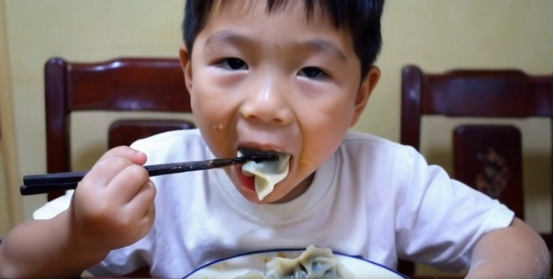 | 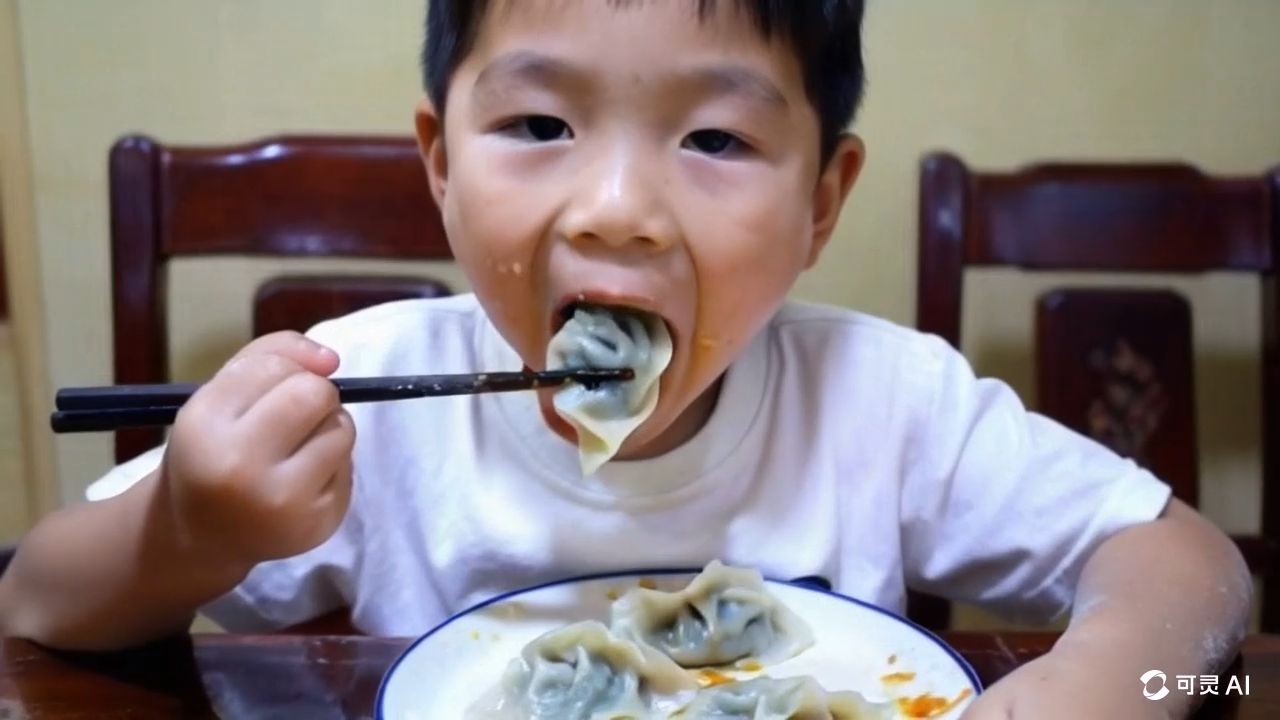 |
FAQ about AI Character Generation
Q1: How Long Does It Take To PIN Down a Good Character in AI Generation?
Well, it normally takes around 10-20 attempts to really get your prompts and references nailed down. Initially, you have to write out some in-depth descriptions of your character, experiment with prompt styles, and find some good reference images. Most people spend around 2-3 hours on the initial attempt getting their character's overall appearance established, then an hour or so fine-tuning the small stuff. Once that's all established, producing consistent results gets much faster—typically just a couple of rounds to reach the target.
Q2: Is It Possible To Combine Various AI Platforms Yet Retain the Same Character?
Absolutely, but you have to be clever about it for each platform. Various AI models perceive prompts differently, so you'll want to adjust your character descriptions to accommodate what each platform excels at. Begin by getting your character down pat on one platform initially, then gradually alter your prompts for the other platforms, basing them on the winning images you have. And be diligent about keeping good notes regarding which descriptions resonate on each platform, as some may respond better with technical terms while others prefer simpler language.
Q3: How Do I Best Address Character Aging or Style Modification While Ensuring Consistency?
Gradual change is more effective than sudden alteration when altering familiar characters. Begin with your original character description and gradually add new features such as age lines, alternate clothing styles, or new hairstyles. Alter one aspect at a time and test extensively prior to introducing further alterations. Record each successful adaptation as a new template, building a library of your character at various life stages or in alternative styles. This process ensures recognizability while enabling the natural development of your character's look.
Q4: How Do You Ensure Character Consistency in Group Scenes With More Than One Character?
Create each character separately first, then merge them with composition methods or platform-specific group generation tools. Develop separate, in-depth descriptions for each character and keep separate prompt templates for solo generation. When generating group scenes, place characters carefully to prevent overlap problems that can result in the AI merging features. Some artists create characters separately and use image editing software to composite final group images, which allows for complete control over individual character consistency while accomplishing complex multi-character compositions.
Keeping Your Character Consistent Now
Maintaining consistency in your characters in AI generation is absolutely possible if you follow some sound techniques and utilize appropriate tools. Start your character library by selecting a single character and reviewing the methods in this book. Write everything down, test it thoroughly, and do not be afraid to experiment with various approaches until you find what works for your creative work. Those consistent characters will set your content apart and allow you to engage your audience more effectively.