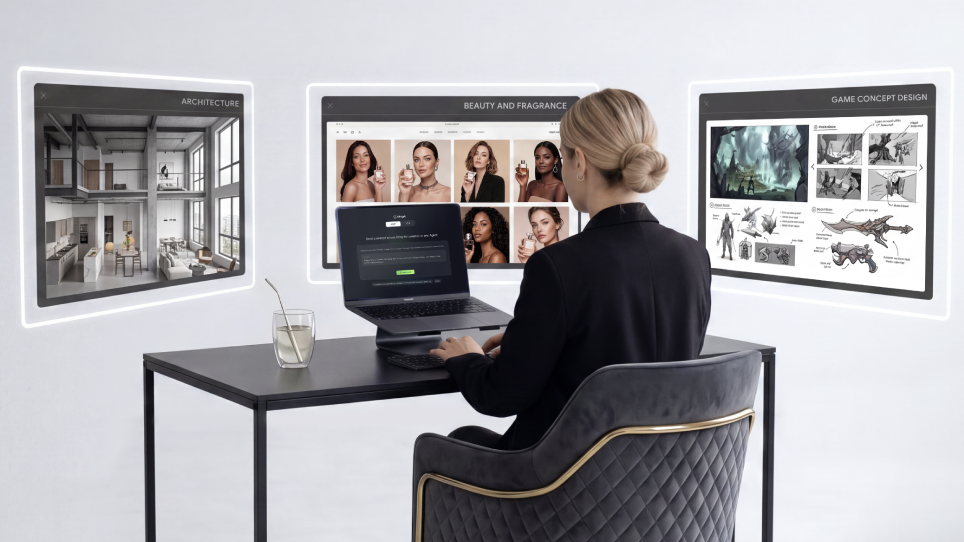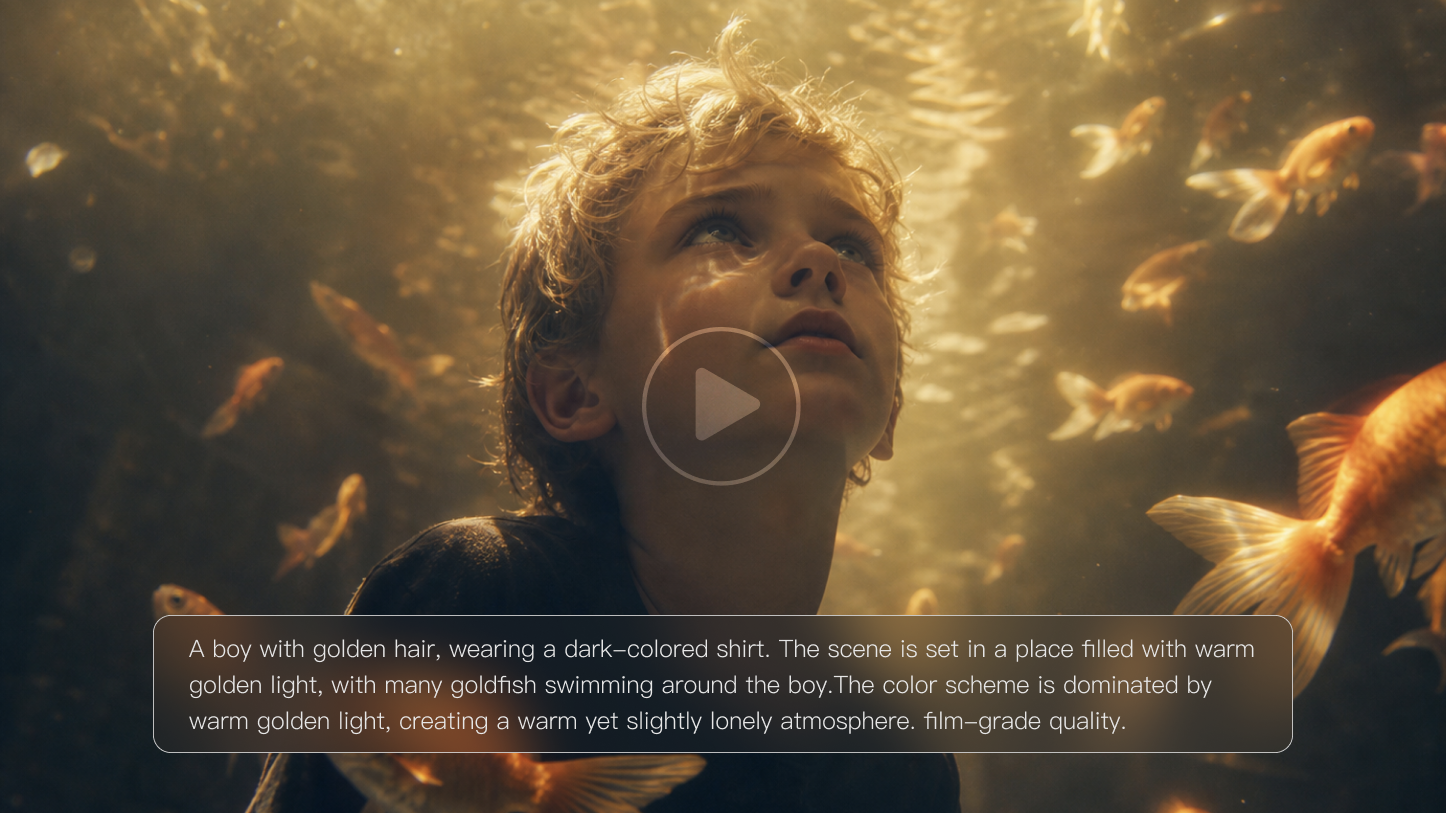
Creating compelling video content used to require massive budgets and months of production time. Today, AI-animated explainer videos have changed the game completely. These smart tools help businesses turn complex ideas into eye-catching visual stories that actually connect with viewers. Whether you're a startup founder or a marketing manager at a Fortune 500 company, Kling AI offers a fast, studio-grade path from script to polished video. Unlike generic tools, Kling 2.5 delivers up to 1080p at 30 fps and supports multi-shot image-to-video within minutes, with realistic motion and strong prompt adherence, making it a practical default for business explainers.
Why Choose Kling for AI Animated Explainer Videos in Business?
If you're wondering why animation works so well for businesses, it's worth understanding—it'll help you figure out the right video strategy.
AI Animation's Core Technology
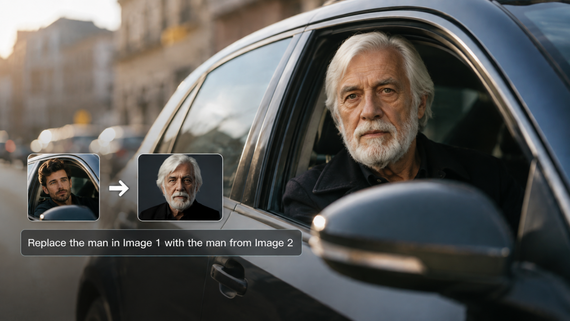
At its heart, AI animation uses machine learning to understand your script and automatically create matching visuals. Think of it as having a creative assistant that never gets tired and works at lightning speed. The technology analyzes your text, identifies key concepts, and generates characters, scenes, and movements that bring your message to life. With Kling, you can choose text-to-video, image-to-video, and video extension workflows; the Multi-Elements editor lets you add, swap, or delete objects and characters using prompts and reference images for on-brand results.
What’s Different vs. Traditional Methods
Recent surveys show video drives measurable outcomes: over four-fifths of businesses say video marketing has directly increased sales, and a strong majority report it generates leads; many also see fewer support queries as complex topics get clearer. Explainers remain the most common single use case. Translation for teams: support tickets drop because products are easier to understand; sales cycles compress when you can show, not just tell.
Business Impact and ROI
Companies using AI explainer videos see real results. Instead of quoting generic “20–80% lifts,” rely on current survey data: 84% of marketers say video directly increased sales, and most say it helps generate leads; many also report reduced support queries. Because AI platforms like Kling are subscription-based, entry costs are far lower than custom studio production—yet output quality can still look professional.
Industry Applications
Every industry benefits differently. Tech companies use them to explain software features. Healthcare organizations break down procedures for patients. Financial services make insurance and compliance digestible. The versatility is what makes Kling-powered animation such a game-changer—particularly with its 16:9, 9:16, and 1:1 aspect ratios for omnichannel publishing.
This foundation sets you up for success, but choosing the right tool—and placing Kling first— makes all the difference in your final results.
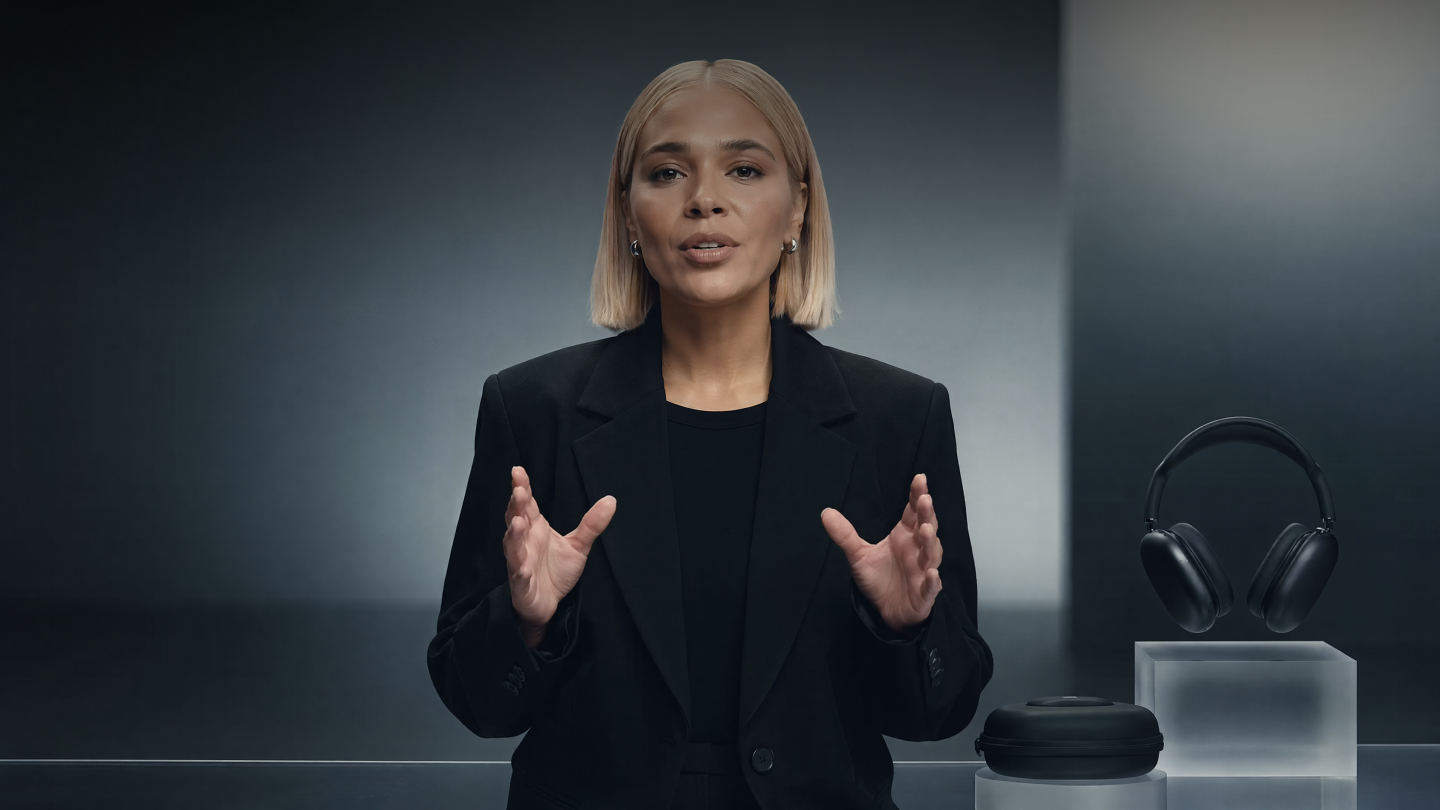
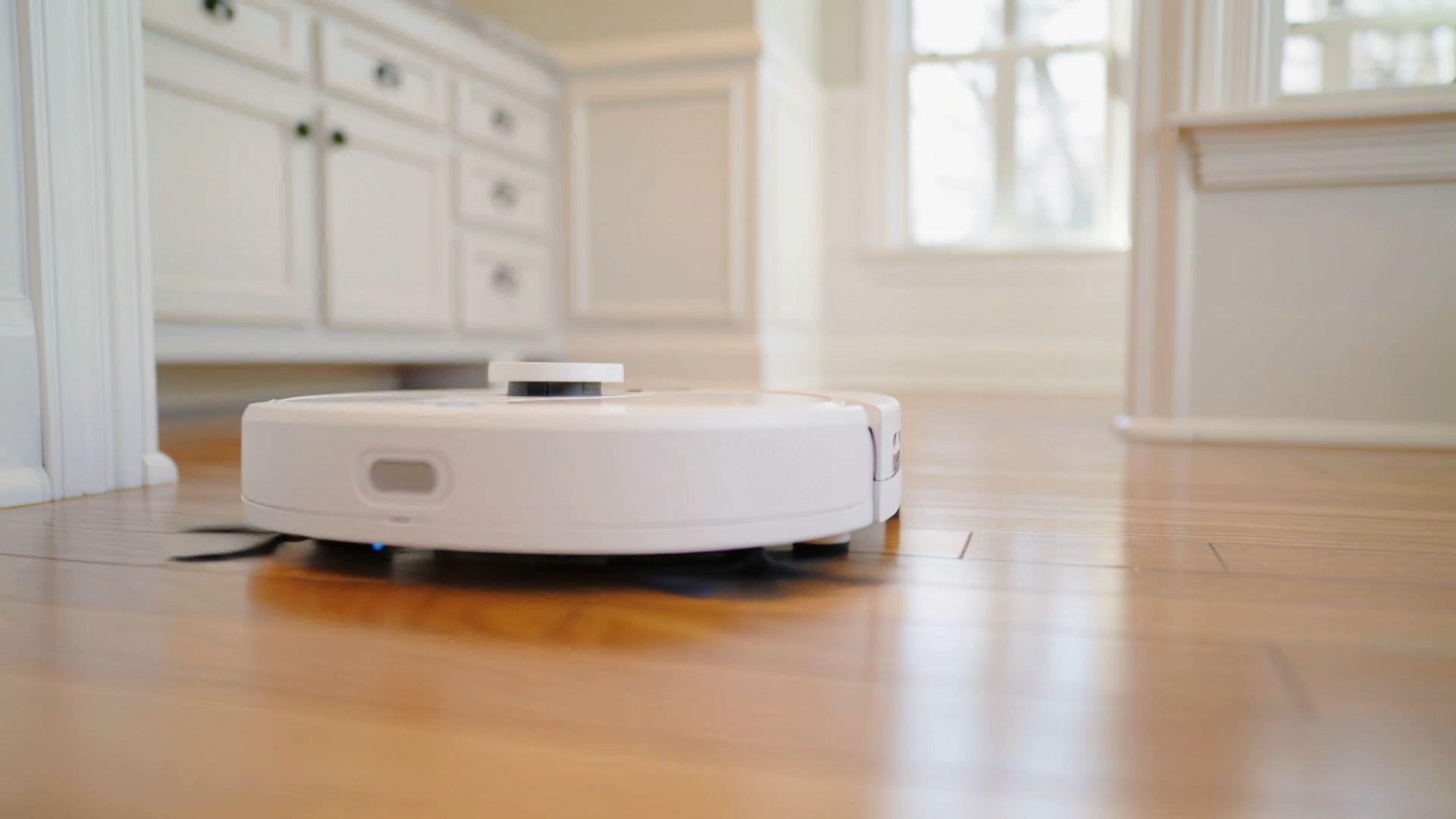
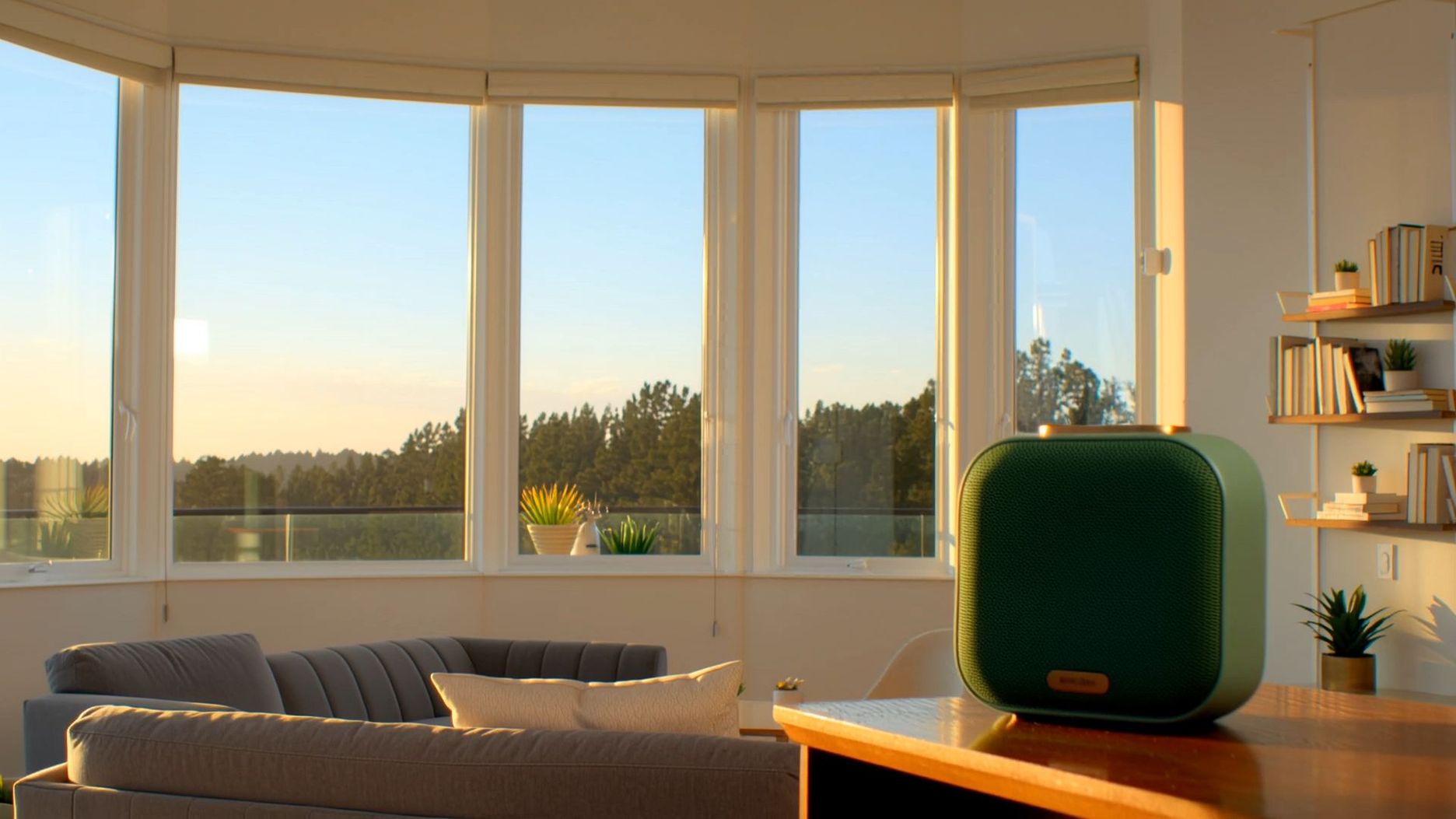
| Product Explanation: Static visuals + professional narration, ideal for e-commerce videos. | |
|---|---|
  |  |
Which AI Explainer Video Tool Is Best—and Why Start with Kling?
With dozens of platforms available, selecting the right AI video maker can feel overwhelming—but the right comparison makes the choice clear.
Quick Comparison:
Platform | Pricing Model | Main Features | Best For | Strengths | Weaknesses |
Klingai | Free + Premium | Native AV Sync (2.6), O1 Element Consistency, Text/Image-to-Video | Beginners to professionals | User-friendly interface, Fast generation, Multiple styles | Premium features cost extra |
RunwayML | Subscription | Video editing, AI animation, Effects creation | Professional creators | Powerful features, High quality | Steep learning curve, Expensive |
Synthesia | Subscription (Starter $29/mo; Creator $89/mo) | Virtual avatars, Multi-language support | Enterprise users | Realistic human effects, Business-focused | Limited customization |
Loom | Free + Premium | Screen recording, Basic animation | Small businesses, Individuals | Simple operation, Quick setup | Basic animation features |
Vyond | Subscription | Cartoon animation, Rich template library | Education, Training | Diverse templates, Professional results | High monthly cost |
Smart Selection Tips:
Starting your creative journey with Kling AI provides a unique "One-Stop" advantage that other platforms currently lack. Its latest Kling 2.6 model eliminates the traditional bottleneck of post-production by generating high-fidelity visuals and synchronized audio (dialogue, SFX, and ambient noise) in a single pass.
For brand consistency, the Kling O1 Element Library allows you to upload multi-angle references to "lock in" characters or products, ensuring they look identical across every shot of an explainer or promotional campaign. Kling AI's 30fps fluidity and 1080p resolution are the gold standard for hero cuts and professional-grade storytelling. If your project requires long-form content, Kling’s Video Extension feature is the most robust in the market, allowing you to seamlessly extend a sequence up to three minutes while maintaining physical logic.
How to Make an AI Explainer Video with Kling Step by Step?
Creating professional corporate AI animation follows a scientific process that transforms ideas into compelling visual stories. This methodology avoids costly mistakes while ensuring maximum impact.
Step 1: Define Your Goals and Audience
Clarify your objective: product feature, customer training, or staff education? Your audience drives all decisions—executives need different messaging than teens. Set realistic timelines and brand-consistent tone. In Kling, establish aspect ratio (9:16 for social, 16:9 for web) and duration early to guide pacing.
Step 2: Write Your Video Script
Keep it conversational and concise at 120–150 words per minute. Structure: hook (first 10 seconds), core message (middle), and call-to-action (end). Read aloud—if it sounds robotic, revise. Include pauses for complex information. Use brand voice notes so Kling's generations stay tone-aligned.
Step 3: Choose Your AI Platform and Set Up
Register and familiarize yourself with the interface. Upload brand assets (logos, colors) immediately. Review available templates to understand capabilities. Create organized folders with clear naming systems. Kling supports brand consistency via Kolors image generation, character references, and element-level edits.
Step 4: Generate Your Animation Content
Input your script and let AI work. Don't expect perfection initially—adjust characters, backgrounds, and animation iteratively. Regenerate problematic scenes as needed. Save multiple versions during revisions. Kling 2.5 offers multi-shot image-to-video, video extension, Motion Brush, and Elements Reference for precise control.
Step 5: Add Professional Audio Elements
Quality audio elevates amateur videos. Select AI voices matching your brand or record personal narration. Add complementary background music without overpowering the message. Ensure complete synchronization and test audio levels across devices. Kling provides built-in lip-sync alignment.
Step 6: Review and Refine Everything
Watch repeatedly with fresh perspective. Verify seamless transitions, clear text, and engaging pacing. Get colleague feedback—they'll catch oversights. Create a checklist covering brand consistency, message clarity, and technical quality. Benchmark against public examples for quality validation.
Step 7: Export and Share Strategically
Choose appropriate formats for each platform—YouTube differs from LinkedIn or websites. Export in high quality, then compress for faster loading without sacrificing visuals. Plan distribution timing for maximum multi-platform reach. For final production, use Kling at 1080p/30fps.
This process-oriented approach ensures consistent, professional results while building skills for future projects.
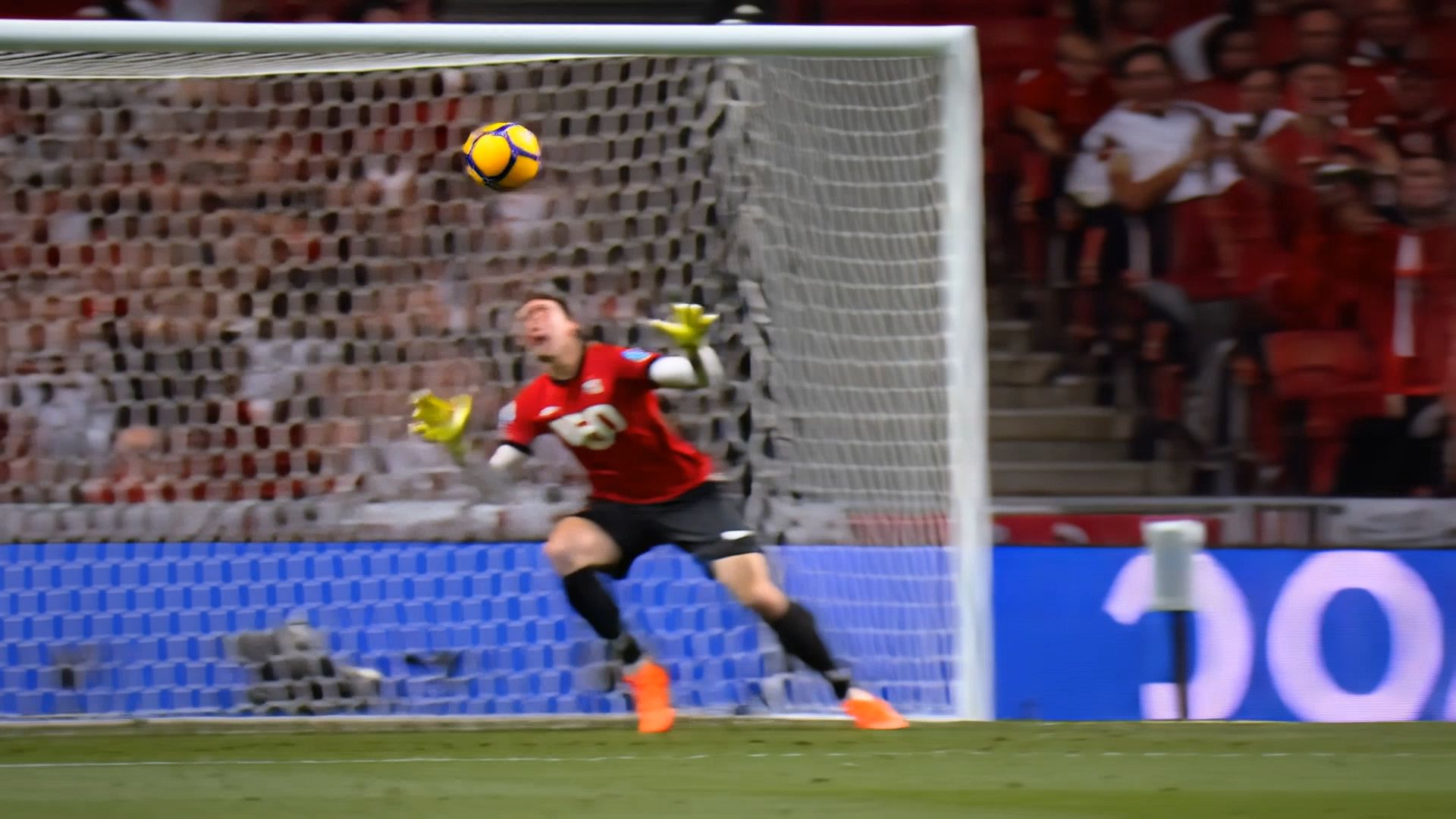
| Event Commentary: Requires dynamic pacing and event atmosphere. | |
 |  |
How to Maximize Impact with Kling AI Explainer Videos?
Creating the video is just the first step—optimizing it for maximum engagement and conversions requires strategic thinking about design, content, and audience psychology.
Visual Appeal Optimization
Colors are more important than you think. Employ colors that provide sufficient contrast to draw attention to key messages and be consistent across brands. Be intentional about animation—motion should reinforce your message, not distract from it. Simple, clean designs tend to outperform busy designs. Kling’s Kolors model supports character references and restyles so your palette and art direction stay consistent across scenes.
Content Clarity Techniques
One idea per scene prevents viewers' minds from wandering. Use visual metaphors that your viewers know already. If you're explaining cloud storage, use clouds. If you're explaining security, use metaphors or scenes involving locks and keys. Make abstract concepts concrete. Kling’s Multi-Elements editing helps keep each scene focused by removing distractions without rebuilding from scratch.
Audience Engagement Strategies
Ask questions early in your video to get people pondering. Make it personal using "you" language. Make use of interactive features such as clickable buttons or polls if your platform allows it. Close out with a strong call to action to act right now.
Conversion Rate Improvements
Your strongest call to action should be at the end, after viewers feel most convinced. Make your next step easy and clear. Try out various CTAs to discover what works best for your audience. Measure watch time, clicks, and actual conversions. Current industry data supports using video prominently on landing pages; focus on clarity over length and test CTA variants.
It's about getting the technology aspects and the strategy right, but truthfully, understanding what not to do is equally important.
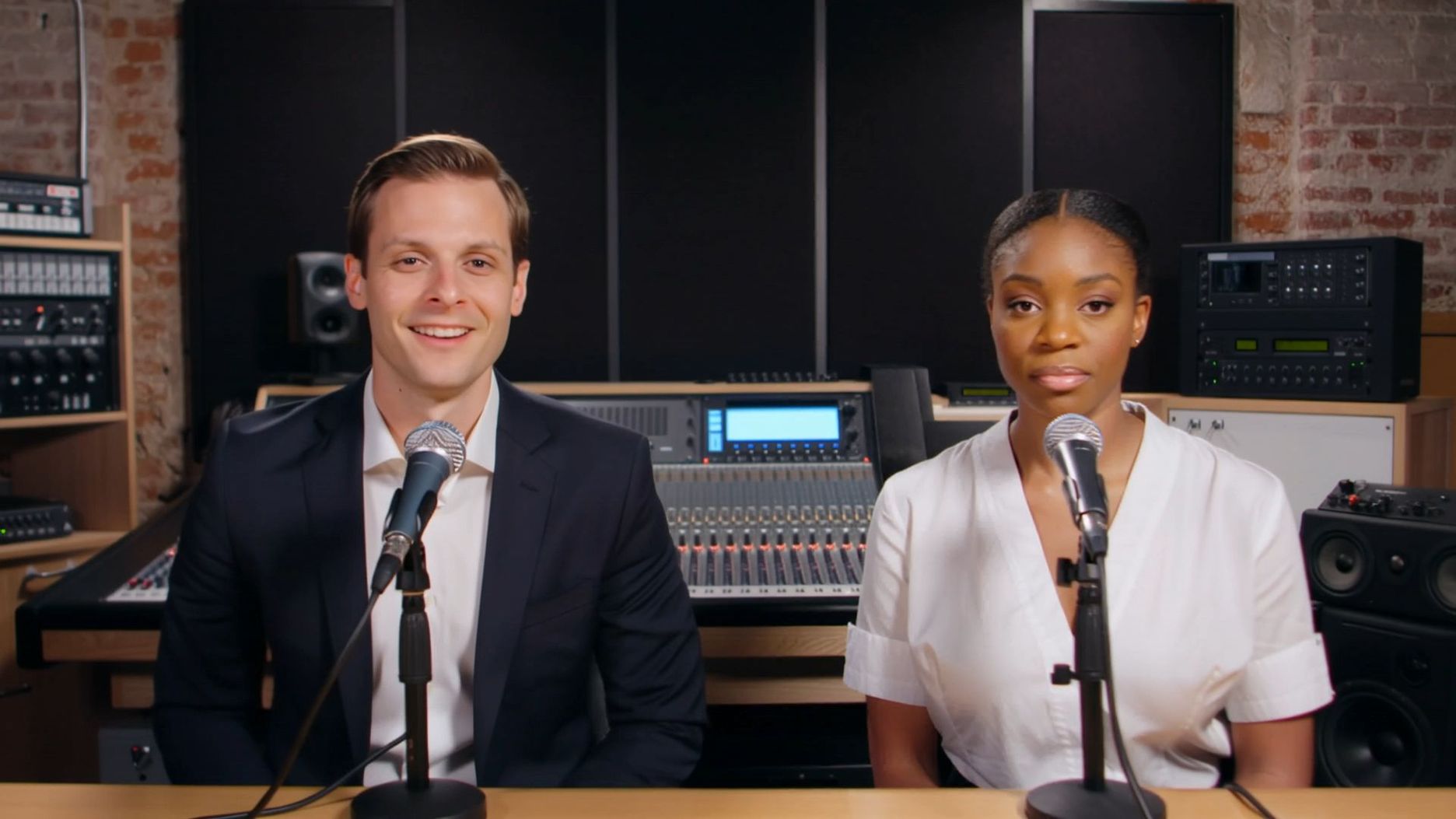
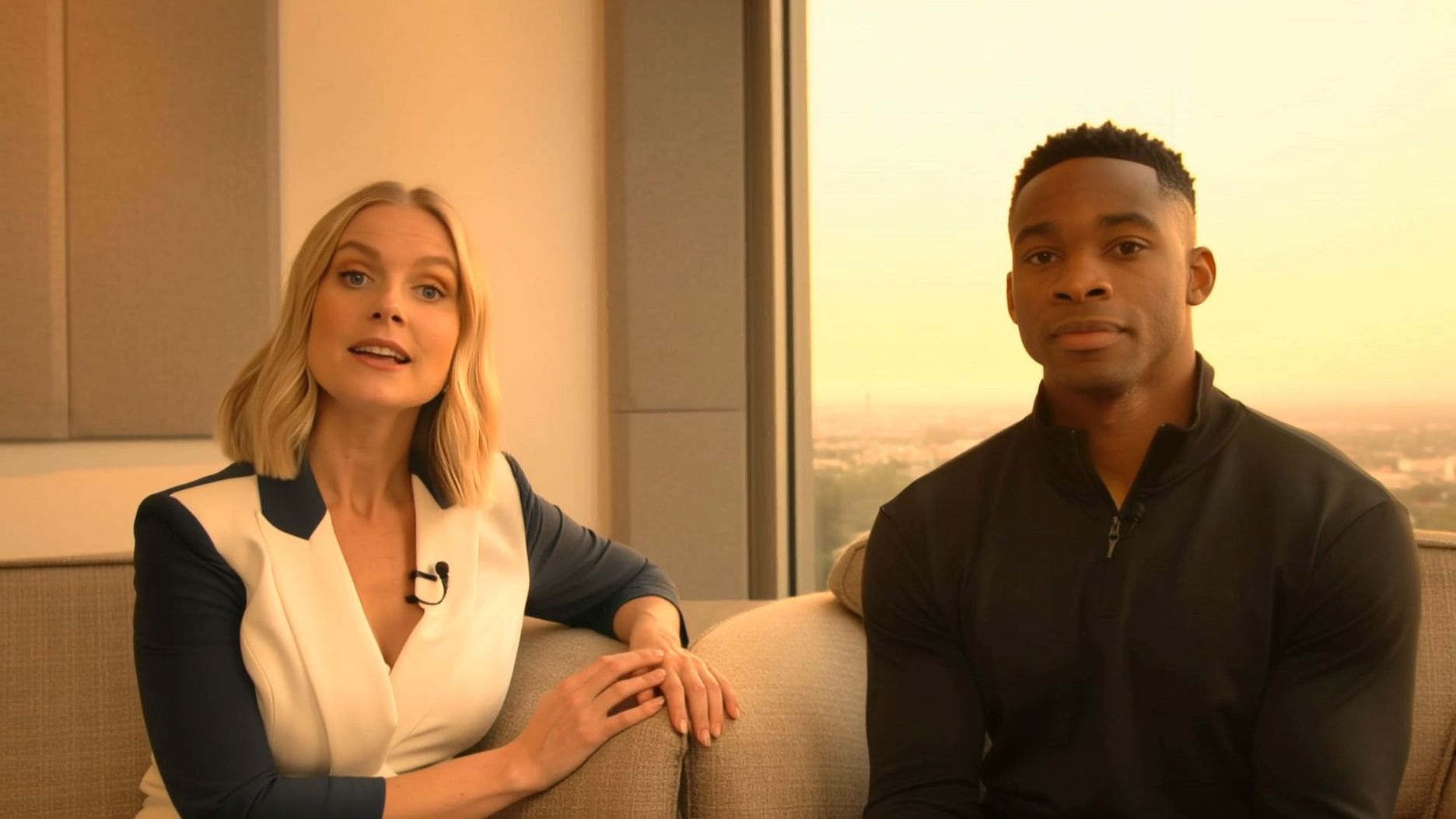
| Interview Show: Two people sit down for an interview with natural tone switching. | |
 |  |
What Common Mistakes Should You Avoid with Kling AI Explainer Videos?
Learning from others' mistakes saves time, money, and frustration—here are the most critical pitfalls to avoid in your AI animation journey.
Technical Production Errors
Don't hurry the setup process. Posting poor-quality brand assets makes poor-quality videos. Don't jam too many elements into a scene. Leave your text big enough to be legible on mobile phones. Test your video across a range of devices prior to publishing. Use Kling’s per-scene regeneration instead of stacking more objects—fewer, clearer elements usually read better.
Content Strategy Problems
The biggest mistake is thinking you can explain everything in one video. Just stick to one main point. Keep your videos short; people’s attention spans are limited. And skip the fancy jargon unless you're talking to experts who are cool with it.
Brand Consistency Issues
Make sure to keep the same fonts, colors, and vibe in your video. Don’t let the AI’s default stuff mess with your brand guidelines. Your video should totally feel like it’s from your company, not just some random template. Kling’s Kolors 2.0 and character references help keep looks consistent across regenerations.
Distribution Channel Mismatches
Platforms differ in audiences and demands. A LinkedIn video is more professional than a TikTok video. Square videos work better on Instagram, while horizontal videos work better on YouTube. Align your distribution plan ahead of producing your content. Kling supports 16:9, 9:16, and 1:1, so lock ratio up front.
Knowledge of these pitfalls makes it possible to produce better material ahead of time, but certain questions always materialize while producing.
Frequently Asked Questions
Q1. How Long Does a Kling Explainer Take from Idea to Export?
There isn’t a reliable industry-wide “% who finish in X hours.” Generation itself is fast: Stable Video Diffusion’s API reference shows ~2s clips in ~41s; Kling 2.1 emphasizes higher fidelity at 1080p/30fps with speed improvements vs. 2.0, so most of your time goes into script and review, not rendering.
Q2. Can Free Plans Deliver Professional Results?
Kling AI’s free plan, which provides 166 welcome credits upon registration along with 3 trial uses of "Professional Mode" and 2 "Video Extension" trials, can already deliver explainer videos that are ready for commercial use in a single generation. Kling AI is a strong option for startups, small businesses, or creators who need polished content quickly. While the free tier is limited in credits and access to advanced features, it often delivers videos that require minimal editing.
Q3. What’s the Real Cost vs. A Traditional Studio—and Where Does Kling Fit?
While a traditional production studio often demands thousands of dollars for equipment, specialized labor, and lengthy post-production cycles, Kling AI disrupts this model by offering high-quality video generation at a fraction of the cost. With monthly plans ranging from the $6.99 Standard tier to the $127.99 Ultra tier, users can generate up to 1,300 standard videos per month, bringing the cost down to as low as $0.62 per 100 credits. Kling fits into the modern creative workflow as a highly scalable "virtual studio," allowing creators and businesses to bypass the overhead of physical filming while maintaining professional features like image upscaling and commercial usage rights. It essentially democratizes high-end video production, shifting the investment from expensive hardware to affordable, credit-based cloud generation.
Ready To Improve Your Business Communication
AI-explainer videos aren't a trend—they're the new standard of successful business communication. You now have the technology and know-how to create excellent video content that actually produces results. Today's successful companies move quickly and communicate with clarity through powerful visual stories.
Choose Kling AI to get cinematic motion, multi-shot image-to-video, and precise element-level control—then use free credits on other tools for quick prototyping. Start with a single concise explainer video and see how it transforms your business metrics. The future of business communication is visual—and Kling helps you ship it faster.