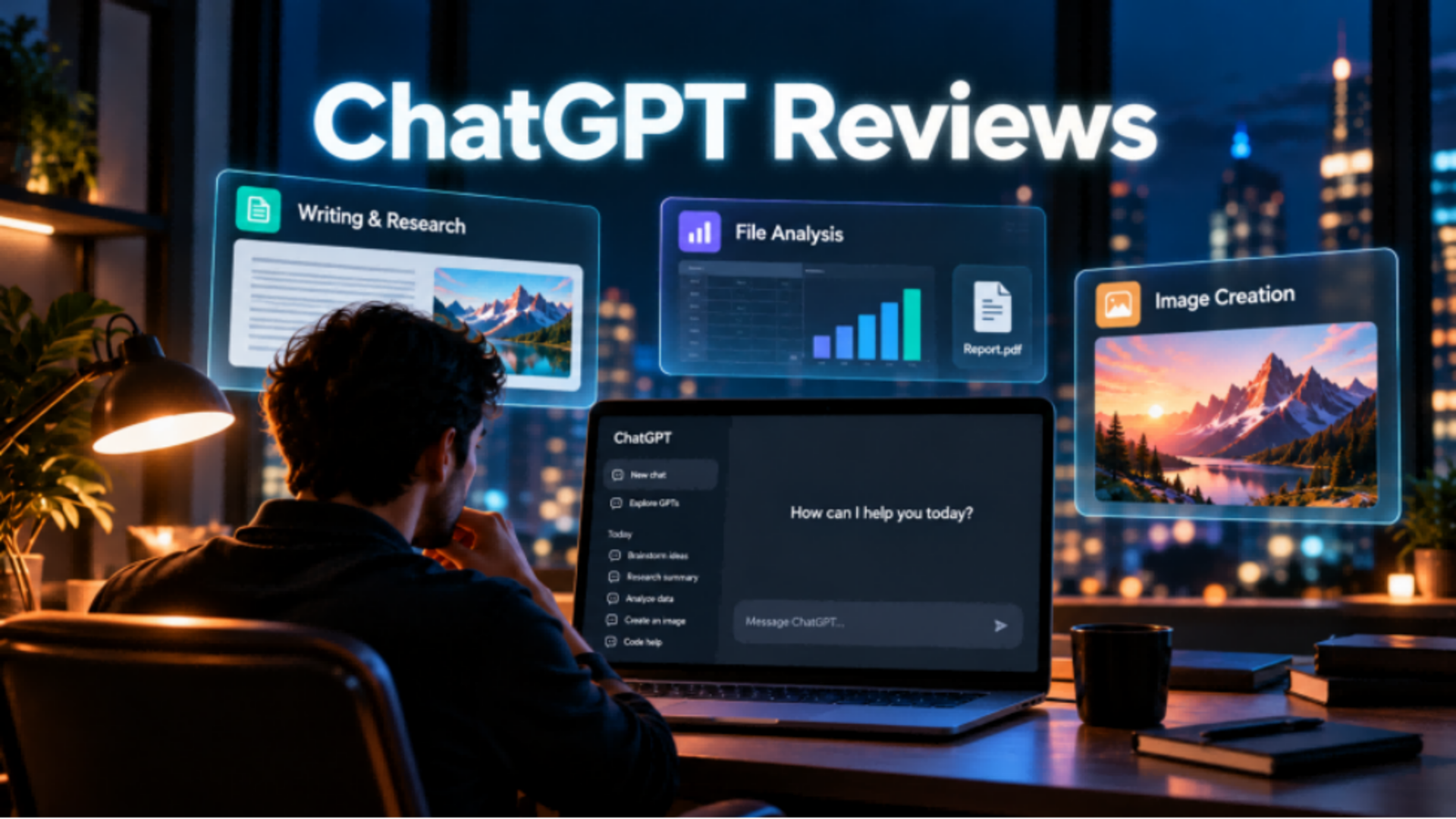
ChatGPT helps people draft, research, analyze files, and create images in one conversation. Yet a useful ChatGPT review asks more than which features are available: how dependable are outputs, which tasks fit best, and where does visual production need different controls? This guide examines those questions.
ChatGPT Review at a Glance
ChatGPT supports a broad range of everyday tasks, from writing and research to coding, data analysis, and image creation. This ChatGPT performance review provides a quick overview of its strengths and practical considerations. Its versatility makes it useful for general-purpose work, while more specialized creative projects may benefit from dedicated production tools.
Area | What ChatGPT Does Well | What to Consider |
Writing and Research | Drafting, summarizing, brainstorming, and organizing information | Important facts and sources still require verification. |
Coding and Data | Explaining code, debugging, analyzing files, and working with datasets | Test code and verify calculations before relying on the results. |
Image Creation and Editing | Generating images, refining concepts, and making conversational edits | Complex visual projects may benefit from structured reference and series workflows. |
Video-Related Work | Developing scripts, storyboards, shot ideas, and creative directions | Check available video-generation features and production controls for your workflow. |
Overall Best Fit | Users seeking one AI assistant for diverse tasks | Specialized creative production may call for dedicated image or video tools. |
What ChatGPT Does Well and When Another Workflow Helps
A balanced look at ChatGPT pros and cons begins with its versatility. The pros of ChatGPT include drafting, research, coding support, file analysis, and creative ideation within one conversational interface. This breadth is valuable when users need to complete several knowledge-based tasks without switching tools. For visual projects, however, the right choice also depends on production requirements, not simply whether an AI tool can generate an image or help plan a video.
ChatGPT Image Generation Review
ChatGPT Images 2.5 supports generating and editing images through conversation, including targeted changes and follow-up refinements. These capabilities make it useful for illustrations, product concepts, social media graphics, and creative exploration. A ChatGPT image generator review should consider these strengths alongside the demands of more complex visual projects.
A campaign, storyboard, or concept series may need the same characters, products, or visual style across different scenes, camera angles, and compositions. Coordinating several references and keeping those elements connected can benefit from a more structured image workflow.
Beyond ChatGPT's image generation features, there are also dedicated AI image tools worth considering for projects that need more reference control or a connected series of visuals. Kling AI is one option, with tools for both image and video creation. On the image side, Kling IMAGE 3.0 Omni supports up to 10 image references, Image Series for connected visual storytelling, and native 2K/4K output, making it useful when a project needs several related visuals rather than a single standalone image.
For example, a product campaign could carry the same subject, color palette, and visual style across a hero image, close-up detail shot, lifestyle scene, and storyboard frame. Creators can use a dedicated AI image generator to explore different compositions and settings while keeping the broader creative direction consistent.
ChatGPT for Video Creation
ChatGPT can help develop video concepts, write scripts, organize shot lists, and plan storyboards. These capabilities are useful during early creative development. However, producing finished video footage introduces additional requirements: maintaining character consistency across changing scenes, directing complex movements, controlling camera paths, and managing narrative pacing.
Generating the footage itself introduces more production-specific needs. A scene may require the same character or product to remain recognizable through changing actions, a camera to follow a specific path, or several references to guide how the sequence should look and move.
For video creation, you can also choose from a growing range of dedicated AI video tools. One option is Kling AI's latest video model, Kling 4.0 uses Omni Reference to combine up to 15 reference assets in one generation task, helping guide subjects, actions, environments, and camera movement.
For example, a cinematic action scene could use character images to define appearance and a short action reference to guide choreography and timing. Different references can take on different roles, giving creators clearer control over how the subject, movement, setting, and camera work together. Kling 4.0 also supports 3–30-second video generation and is optimized for larger-scale motion and more complex camera movement. This makes it useful for tracking shots, continuous action, and scenes where movement and pacing are central to the result.
Is ChatGPT Good for Your Workflow?
So, is ChatGPT good for everyday work? For many users, yes. Its strength is letting people move between research, writing, coding support, supported file analysis, and image ideation in one conversation. Whether it is worth paying for depends on the features and limits you use often, not on the assumption that every answer or visual will be publication-ready.
ChatGPT May Suit You If You Want To
- Draft, summarize, or refine written content and campaign ideas.
- Explore a subject, compare information, and organize source material.
- Analyze supported files, explain code, or investigate data questions.
- Generate individual concept images and refine them through conversation.
A Dedicated Visual Platform May Suit You If You Need To
- Produce actual video footage with directed movement and camera paths.
- Build multiple related image assets for one campaign or story.
- Assign several image, video, and subject references distinct creative roles.
- Plan key moments, consistent characters, and connected story beats.
For example, a small brand with a finished product brief and a need for several consistent campaign visuals can evaluate a specialist image-production workflow directly. A brand whose deliverable is a moving promotional scene can assess a dedicated video generator instead. These are separate choices based on the desired output, not a requirement to combine two tools.
Why Choose Kling AI for Image and Video Creation?
From creative images to cinematic videos, Kling AI offers dedicated tools to transform ideas and visual references into high-quality content. Kling IMAGE 3.0 Omni focuses on image generation, editing, and connected visual creation, while Kling 4.0 provides greater control over video motion, consistency, storytelling, and editing precision. Here are five key advantages of creating with Kling AI.
1. Create High-Quality Images from Ideas and References
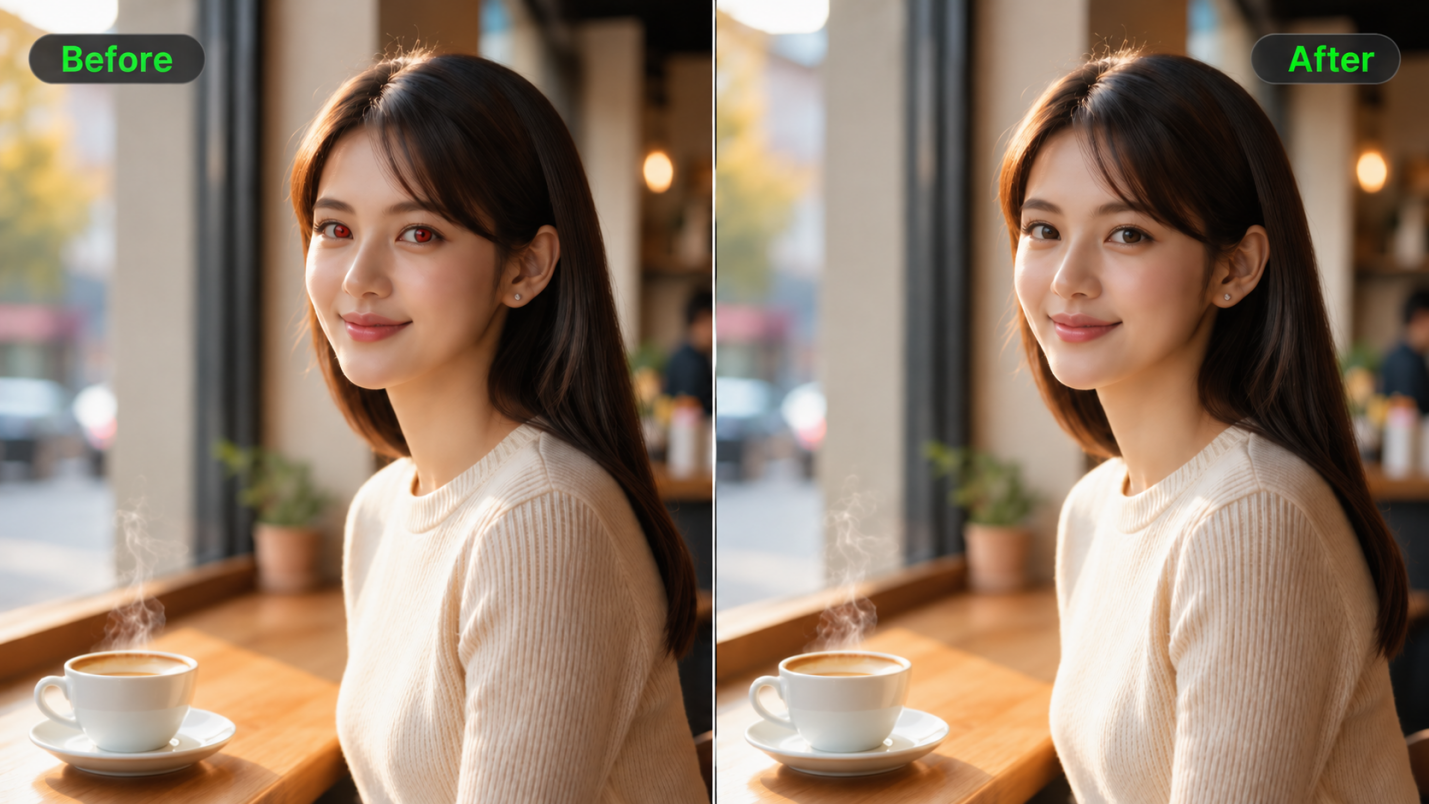
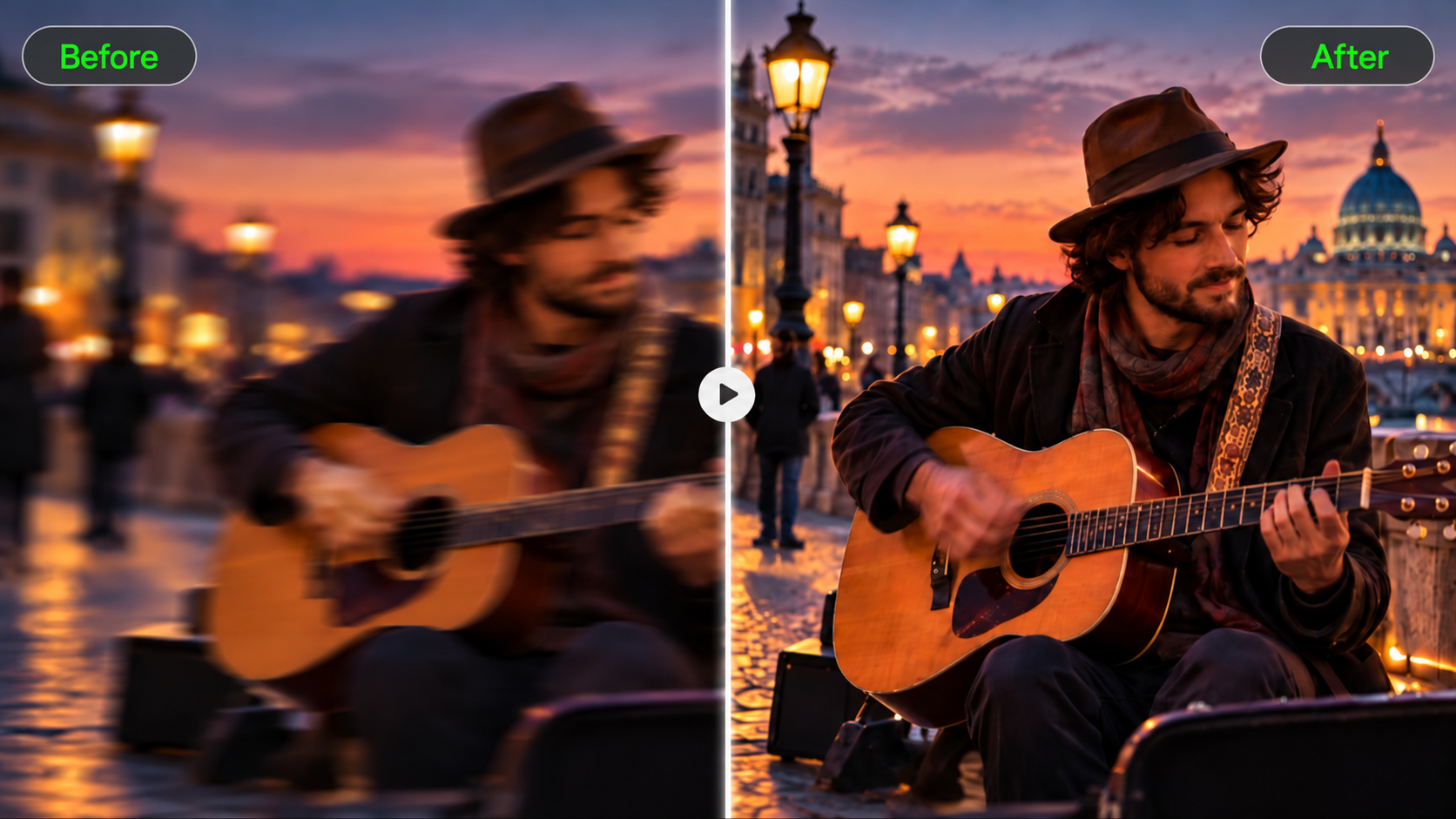
Kling IMAGE 3.0 Omni combines text prompts with up to 10 reference images to provide more precise creative guidance. You can generate images directly from text, build on existing visuals with image to image AI, or make targeted adjustments using the AI photo editor. Explore different artistic styles, refine compositions, change the color of an image, and adjust lighting, backgrounds, and other visual details to bring your ideas to life. Native 2K and 4K output delivers rich detail for creative and commercial projects.
Reference Image | Output |
 | 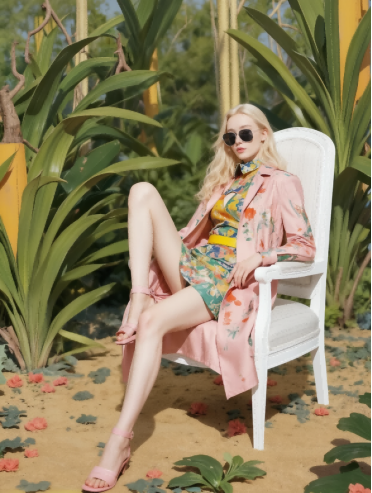 |
| Prompt: The female model is wearing brand sunglasses, sitting on a white chair, with the background being image 4. | |
2. Build Consistent Visual Stories with Image Series
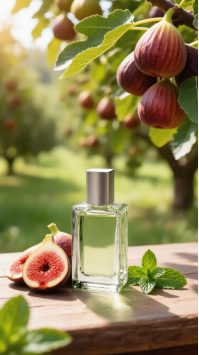
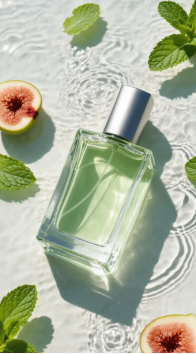
Kling IMAGE 3.0 Omni supports Image Series, allowing creators to generate multiple related images within one workflow. By combining reference images with clear instructions, you can better maintain character appearances, scene compositions, and stylistic consistency while exploring different camera angles and story moments. This makes it easier to create connected storyboards, campaign visuals, and other cohesive visual series.
Reference | Prompt | ||
 | Fig & Mint perfume. Summer fresh, organic, zero-additives. Consistent bottle shape. Ad series. | ||
Image Series | |||
Shot 1 | Shot 2 | Shot 3 | Shot 4 |
 |  |  |  |
3. Greater Creative Control and Visual Consistency with Omni Reference
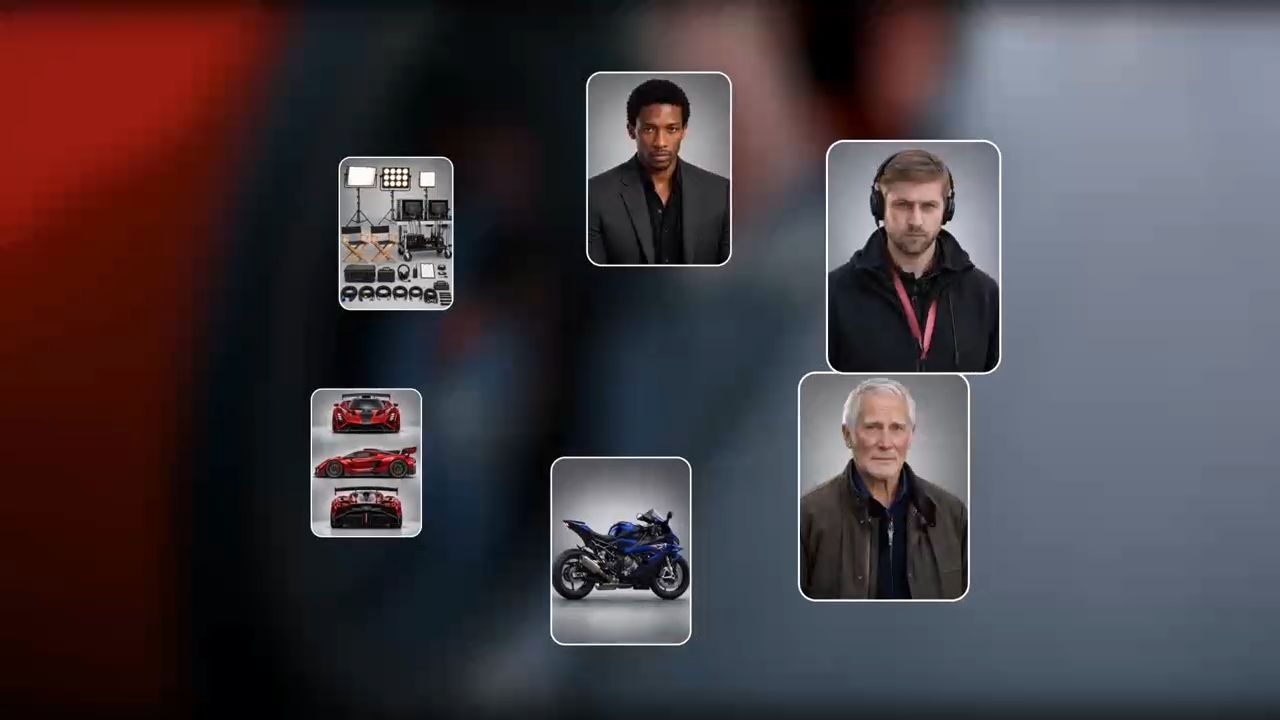
When creating videos with specific characters, environments, actions, and camera directions, a single text prompt may not fully capture your creative vision. This is especially important for advertisements, narrative shorts, creative recreations, and character-driven videos, where maintaining subject consistency and controlling visual details are essential.
Kling 4.0's Omni Reference supports up to 15 reference assets, including images, videos, element references, and voice references. By assigning each reference a clear role, creators can better guide subject appearances, actions, environments, and camera movements. Up to 10 reference images can also help guide important visual moments, such as opening scenes, transitions, and endings. This helps maintain visual consistency while giving creators greater control over how their ideas unfold. Reference videos can also help recreate trending video concepts, including their actions, pacing, and camera movements.

4. More Stable Motion and Stronger Visual Storytelling
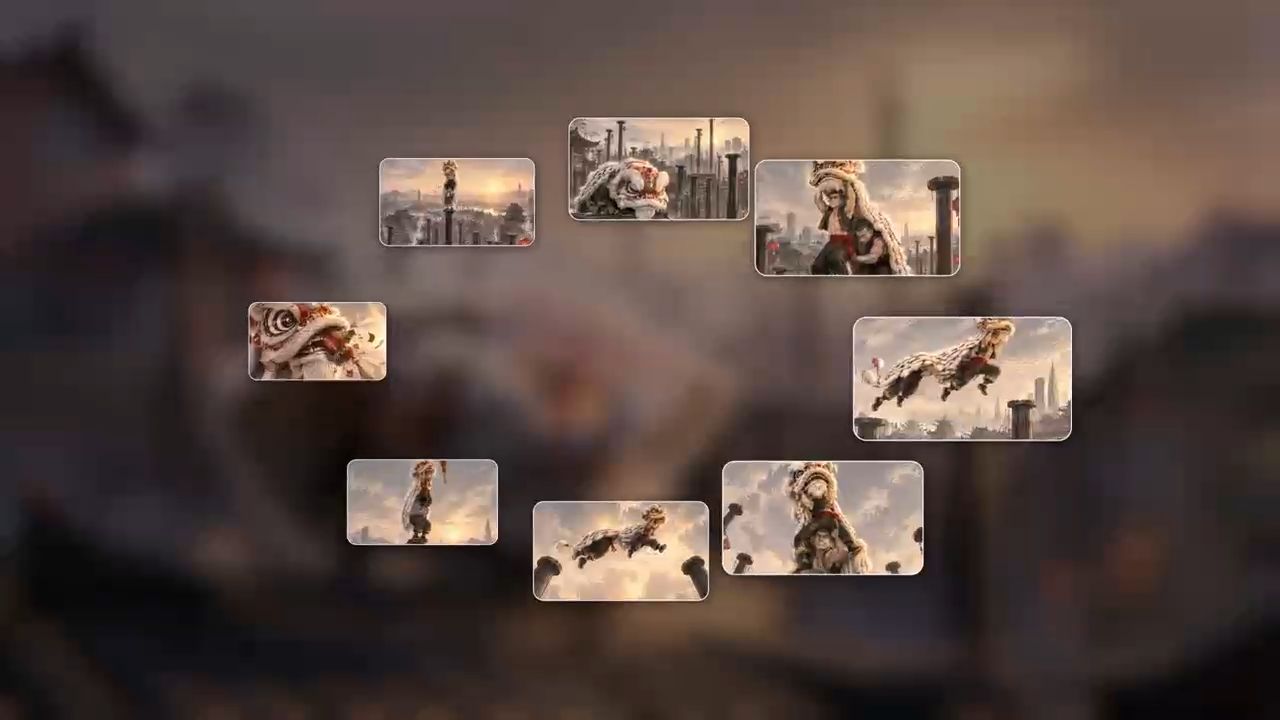
From fast-paced action and energetic dance performances to cinematic tracking shots, dynamic movements can bring a story to life. But an engaging video requires more than a collection of impressive visuals. Characters, actions, camera angles, and emotional progression need to work together to create a coherent narrative.
Kling 4.0 delivers improved stability during large-scale motion and complex camera movements, along with stronger narrative understanding. It supports video generation from 3 to 30 seconds in a single generation, multiple keyframe guidance with up to 10 images, and detailed prompts of up to 8,000 tokens. Creators can define important story moments, direct camera transitions, and describe how a scene develops from beginning to end, making it useful for script-to-video AI projects. This director-like approach helps transform creative concepts into more complete videos with stronger visual continuity and storytelling.
5. Make Precise Edits to Existing Videos
Sometimes, a video's actions and pacing are already right, but certain details still need improvement. You might want to replace a character, change the background, adjust camera movements, or modify a specific moment without recreating the entire scene from scratch.
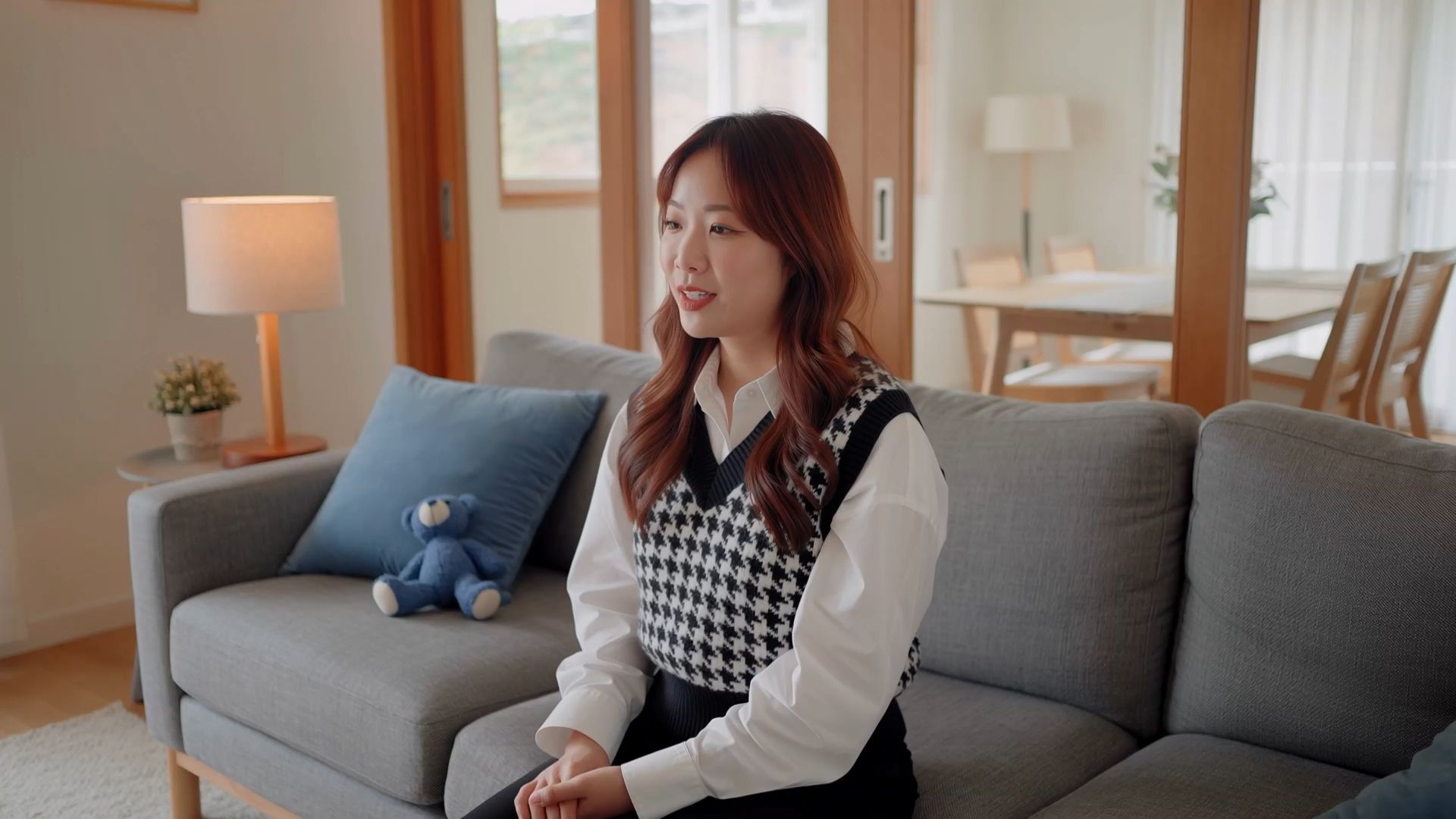
With Kling 4.0, you can upload existing video footage and describe the changes you want to make. By combining reference images with text prompts, you can guide subject replacements, environmental adjustments, camera changes, and other targeted edits while specifying which elements should remain unchanged. This allows creators to build on existing footage, reduce repetitive generation, and save time and production costs while refining their visual content.
The End
The most useful ChatGPT reviews judge it as a broad assistant, not as a substitute for every specialized production tool. ChatGPT is well suited to research, writing, coding support, file analysis, and conversational image generation, provided important outputs are reviewed. When the priority is consistent image series, directed camera motion, dynamic action, or connected video storytelling, Kling IMAGE 3.0 Omni and Kling 4.0 offer dedicated creative controls. Neither platform is automatically right for every project; choose by the work you actually need to deliver.
FAQs
Is ChatGPT really trustworthy?
ChatGPT can be helpful for drafting, research, analysis, and image creation, but it may still produce inaccurate or incomplete information. Verify important facts against reliable sources, open cited documents when possible, and review image details that matter to the project. Its value is strongest when you treat outputs as material to assess and refine, not as automatically verified answers.
What are the main pros and cons of ChatGPT?
The pros of ChatGPT include versatile writing help, research support, coding assistance, file analysis, and conversational image generation in one interface. The main cons are the need to verify factual claims, test technical outputs, check image changes, and consider feature limits by plan. For media-production work requiring multiple controlled references or finished footage, a purpose-built creative workspace may be the more direct option.
Is ChatGPT good for image generation?
Yes. ChatGPT Images can generate visuals from prompts, edit uploaded pictures, and refine results through follow-up instructions. ChatGPT Images 2.5 improved detail and editing precision, making it useful for concepts, illustrations, and social graphics. A meaningful review should still examine prompt adherence, text legibility, product details, and unintended changes, especially when an image is intended for publication or a branded campaign.
Can ChatGPT generate a finished video?
ChatGPT can help develop video concepts, scripts, storyboards, and shot directions, but these planning tasks are different from generating finished footage. For direct video production with reference-guided actions, subject consistency, and camera control, a dedicated AI video generator such as Kling 4.0 offers a specialized creation workflow.
When should you use Kling for AI video creation?
Consider Kling when the main goal is finished video rather than a script or research summary. Kling 4.0 supports Omni Reference with up to 15 combined assets, more stable large-scale action, multi-keyframe guidance, and 3–30-second native generation. Define the role of each reference, describe the camera direction and key moments, and review the result. Available settings depend on the selected workflow and current model options.
Can Kling create a connected series of images?
Yes. Kling IMAGE 3.0 Omni includes Image Series workflows for related visuals such as storyboards, character studies, and campaign assets. Start with a prompt, an existing picture, or several references; then describe which details should remain consistent and which should change across frames. You can select native 2K or 4K output and review every image for character continuity, style, text, and composition.