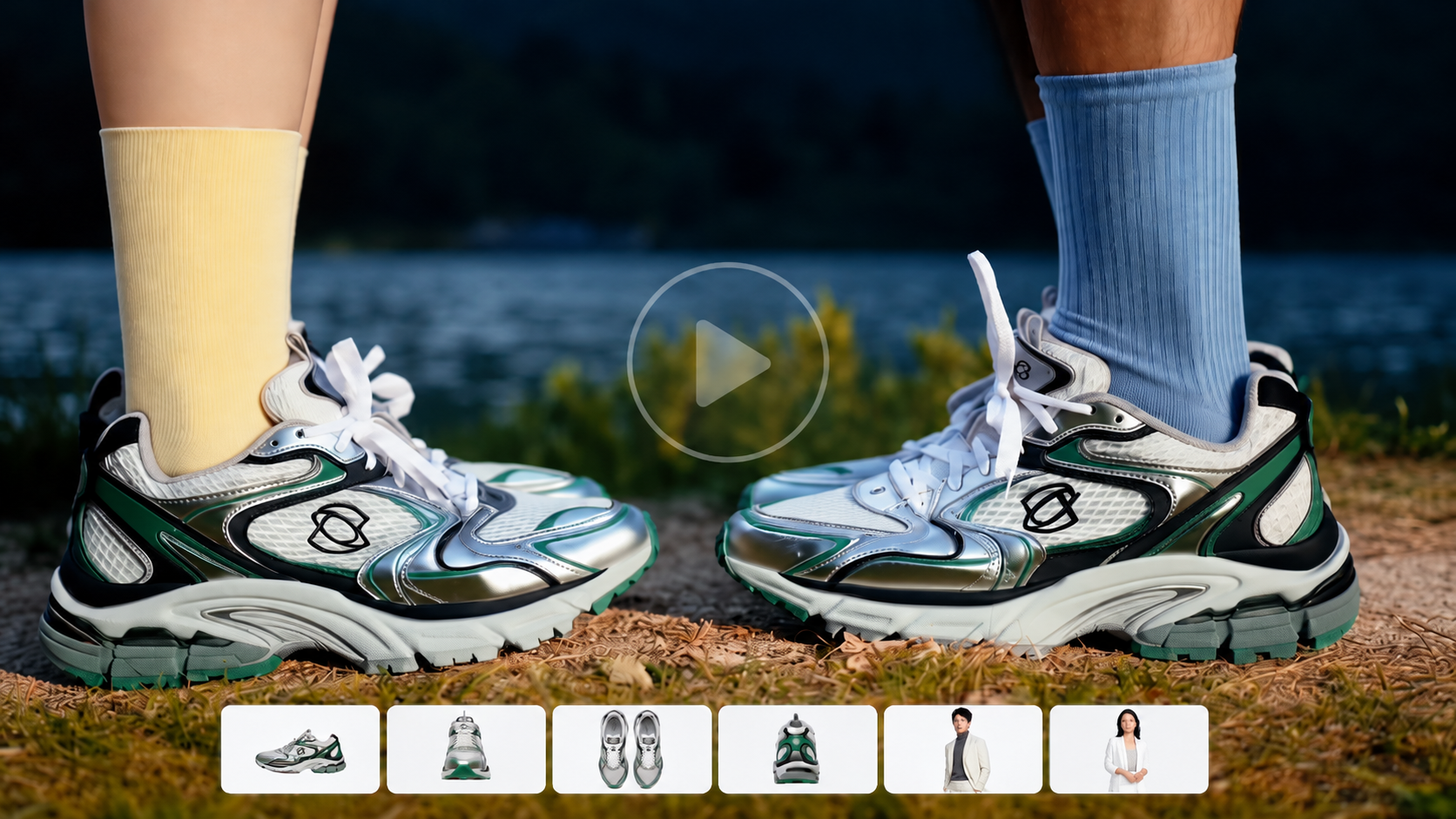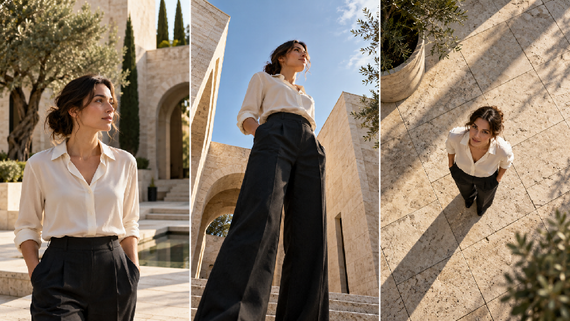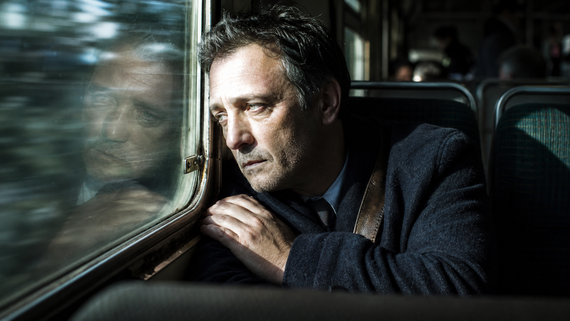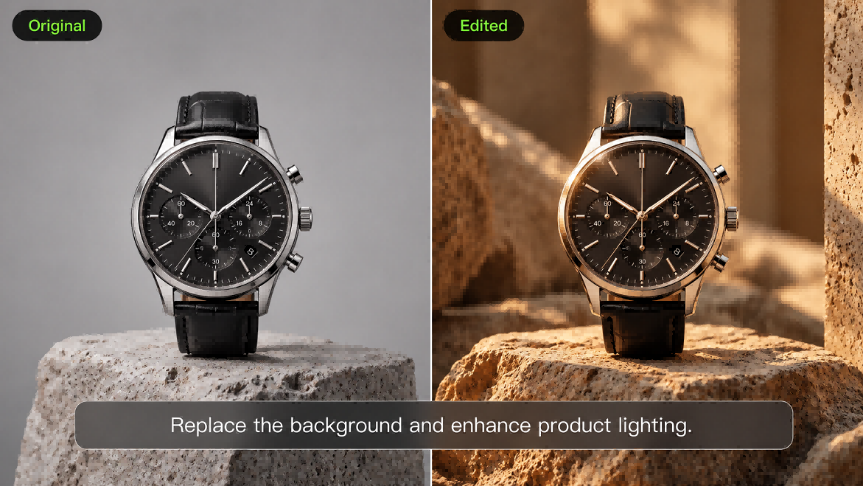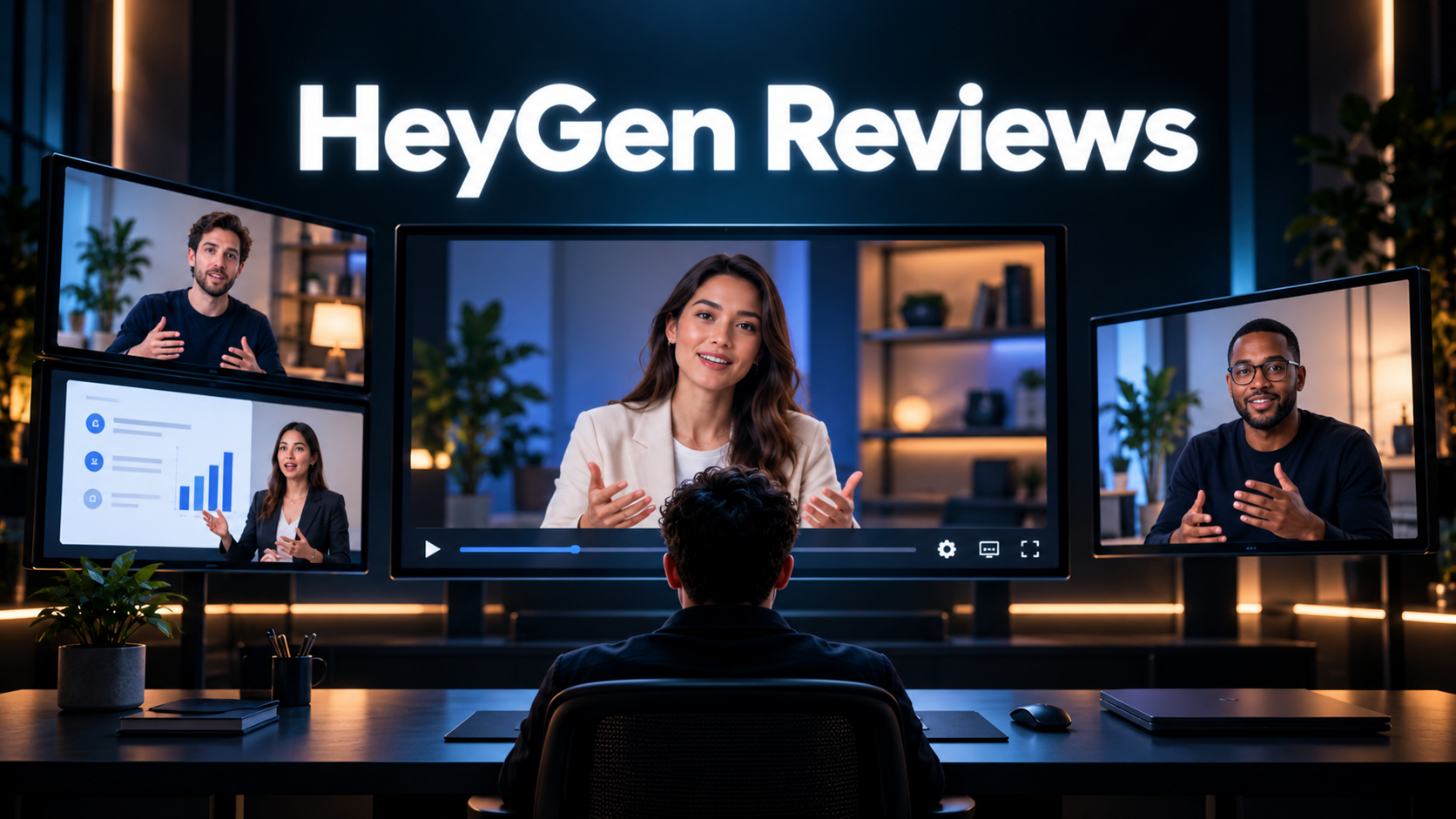
HeyGen is best known for its AI avatars, with tools for video translation, voice cloning, and creating videos from scripts. This HeyGen review covers its features, pricing, and recent updates to help you decide whether it fits your video production needs. We’ll then explore another powerful AI image generation model to consider for your creative projects.
HeyGen Reviews at a Glance
What is HeyGen? It is an AI video platform with digital presenters, script-based tools, and expanding generative video features. The HeyGen AI avatar video generator supports reusable presenters, while AI Studio, Video Agent, and newer models offer other ways to assemble or create video scenes.
HeyGen Features for Presenter and Generative Videos
Review Area | What HeyGen Offers | What to Check |
Avatar creation | Stock presenters and custom or photo-based avatars | The avatar type and model included in the plan |
Video production | Script-based scene assembly in AI Studio | How easily the format supports the edits you need |
Generative tools | Video Agent and supported image and video models | Model access, generation costs, and editable elements |
Team workflows | Shared workspaces and brand tools on relevant plans | Seat charges and the collaboration controls included |
Avatars for Recurring Presenter Content
HeyGen’s avatar workflow suits lessons, product explanations, and updates built around a recognizable presenter. Photo-based options animate a still image, while custom avatars give recurring videos a familiar face. The available avatar types and controls differ by model and plan.
Video Agent and Broader Scene Production
Video Agent also brings presenter footage, B-roll, and editable visual elements into a structured video. HeyGen’s current offering extends beyond talking-head production, including cinematic avatar and generative video options on relevant plans.
Recent HeyGen news is also relevant to this review. On October 21, 2026, HeyGen introduced HeyGen Video, a general-purpose model that generates 5–15-second clips with audio from text, images, or references at up to 2K. It is available through the HeyGen API and Creative Studio. Alongside Avatar V and Video Agent, this broadens the platform beyond presenter-led video, so comparisons should focus on the exact scene controls, duration, output options, and workflow a project requires.
Why Other AI Options is Also Worth Considering
Kling AI is an AI video creation tool for generating original footage and editing existing clips. Its latest model, Kling 4.0, lets you shape a scene through written prompts and visual references. You can introduce your own characters, build a setting around a product, or describe an action you want to bring to life.
For a video that moves between a presenter and a product demonstration, Kling gives you a way to create the demonstration footage itself. Reference images define how the subject looks, while video references guide movement and camera work. You can then change a background, expression, or other visual detail and arrange the selected clips on the timeline.
HeyGen Pricing and What Affects the Cost
HeyGen pricing combines subscription access with usage credits. The table below shows the main starting points for monthly billing; annual billing has different effective monthly prices.
Plan | Monthly Starting Price | Key Conditions |
Free | $0 | Up to 3 watermarked videos monthly, up to 1 minute each |
Creator | $29 | 600 credits and output up to 1080p |
Pro | From $49 | From 1,000 credits and output up to 4K |
Business | From $149 | 1,500 credits; added members cost $20 per seat monthly |
Prices checked October 22, 2026. Plans and credits may change.
HeyGen cost also depends on the model and features used. Credits cover creation across the platform, and consumption can vary with video length and generation complexity.
Where HeyGen Works Well and What to Consider
Where HeyGen Can Fit Your Workflow
Is HeyGen worth it? For recurring training videos, product explainers, and company updates, its reusable presenters and script-based scene layouts make it a strong option. For a product campaign built around original footage, the decision rests more on scene control and the credit cost of developing visual variations.
Practical Limits to Weigh Before Choosing
Capterra gives HeyGen an overall rating of 4.7 out of 5 and an ease-of-use rating of 4.7 at the time of this review. Reviewers praise its straightforward navigation and time savings. Reported drawbacks include inconsistent visual details and slower processing with larger footage.
The Free plan adds a watermark and limits each video to one minute, which restricts its usefulness for longer or polished client deliverables. Paid plans expand model access and editing controls, but credit consumption still affects the cost of producing several versions.
HeyGen’s avatar and script-based workflows suit presenter-led lessons and recurring updates. A product demonstration or story scene also needs convincing action, a defined setting, and deliberate camera movement. Kling 4.0 brings those elements into the creative process through visual references, motion control, and targeted edits.
When to Consider Kling 4.0 for Your Video Project
Kling 4.0 lets you build a scene around your own characters, products, and visual direction. References define what appears on screen, prompts direct the action and camera, and targeted editing lets you change a specific element after generation. These controls are useful when the footage itself needs to demonstrate a product or carry the story.
Shape Your Scene with Omni Reference
Kling 4.0 supports up to 15 reference assets in a single generation, combining images, videos, and elements (including a specified voice for an element). You can include up to 10 images, 5 videos (up to 30 seconds in total, including video elements), and 7 elements (including elements defined by multiple images or videos). Subject references help preserve the recognizable appearance of people, characters, or products across different shots. Image references guide product details, composition, lighting, and visual style. Character turnarounds, storyboards, and scene images each give the model a different part of the visual direction.
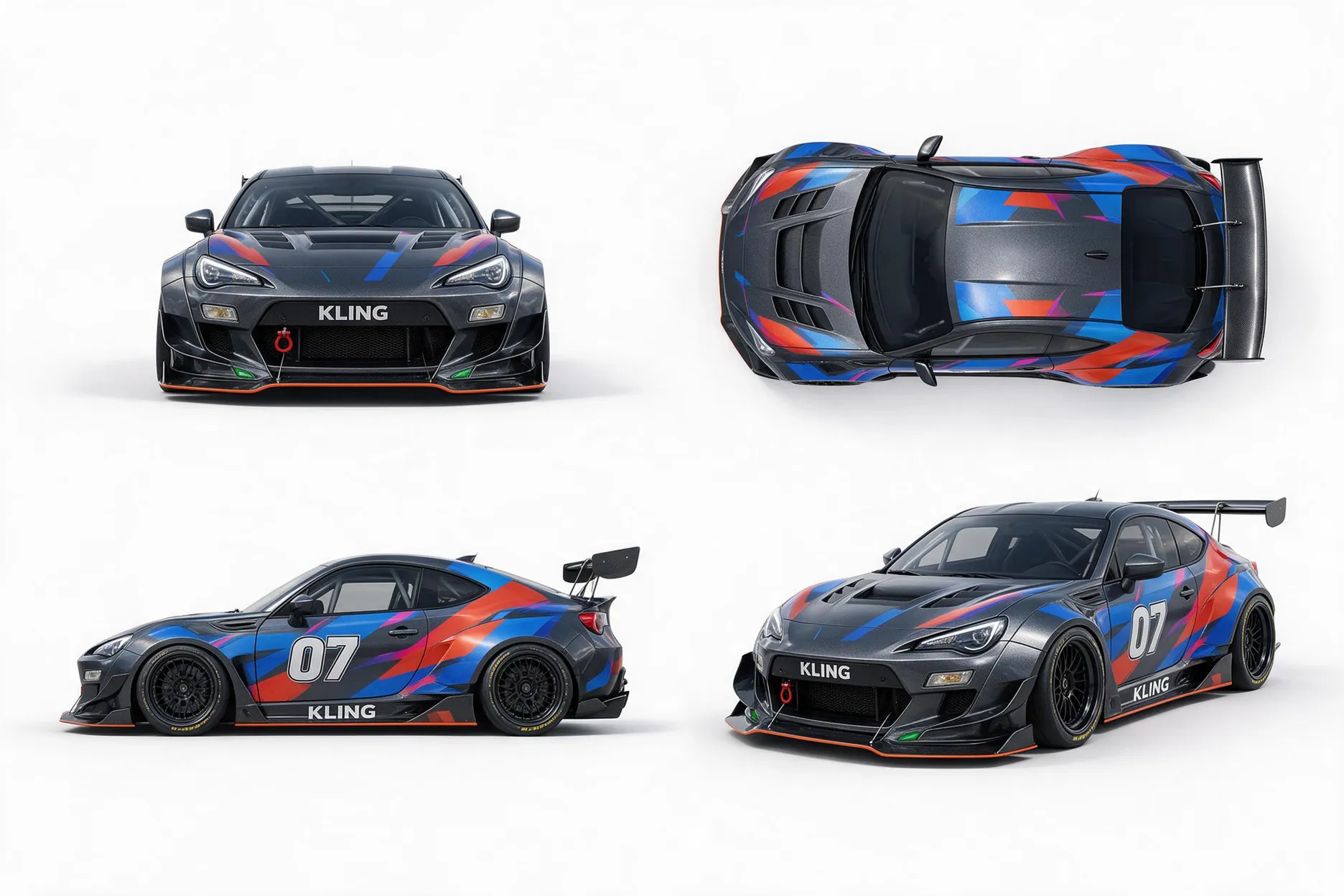
Video references guide performance, movement, camera direction, and pacing. For a product launch, for example, you could combine a character reference, product photos, and a video showing the camera move you want. Explain each asset’s role in the prompt so Kling uses the product’s appearance from the photos and the movement from the video.
For a scene that starts with a finished visual, image to video turns a still image into moving footage. A product photo can become a close-up reveal, or a character portrait can become the opening of a story. Describe the action and camera movement you want to add to that starting image.
When you have an idea but no source imagery, text to video AI lets you create the scene from a written description. Describe the subject, setting, action, and camera movement. This route suits a new concept or a missing shot that you have yet to photograph or film.
Reference Image 1 | Reference Image 2 | Reference Video 1 |
|
|  
|
| Prompt: Use @Video 1 as the reference for camera movements and shot pacing. Use the car from @Image 1 as the main subject and the environment from @Image 2 as the background. Keep the car's design consistent. | ||
Video | ||

| ||

Keep Fast Action and Camera Movement Coherent
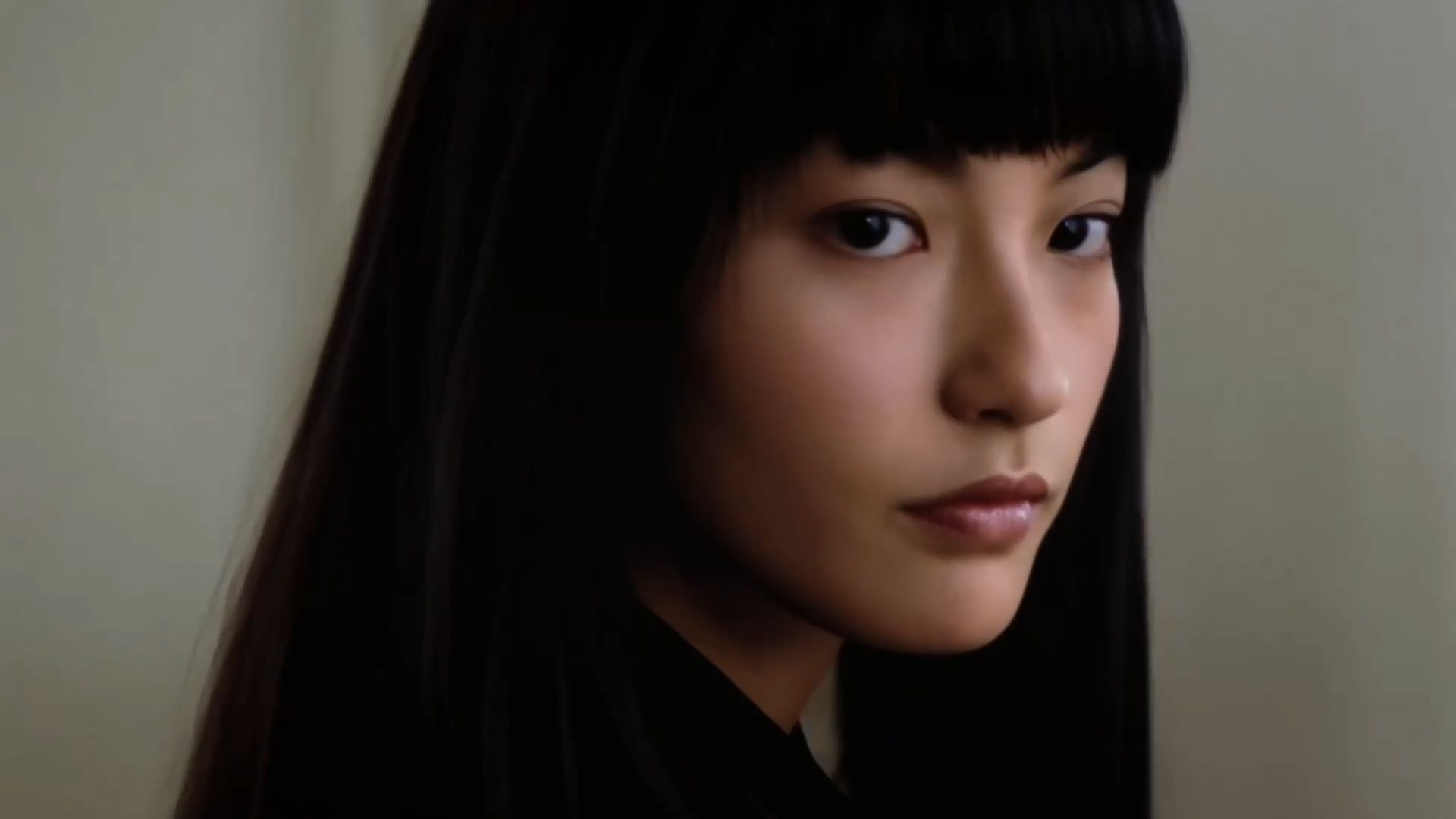
Kling 4.0 improves motion stability during fast movement, continuous actions, and complex camera work, including tracking and orbiting shots. It better preserves body structure, spatial relationships, and the flow of movement as the framing changes. That gives a character room to turn, run, or handle a product while the camera follows the action.
Imagine a character picking up a bag, turning toward a doorway, and walking out as the camera tracks alongside them. The arm movement, change in posture, and position of the bag need to connect throughout the shot. Kling 4.0’s stronger motion continuity helps those actions read as one continuous performance, making it useful for demonstrations and scenes that depend on movement.
Change Specific Details in Existing Footage
As a video editor, Kling 4.0 supports Precise Video Editing for targeted changes to subjects, expressions, actions, backgrounds, and camera direction. Tell it what should change and identify the visual details to preserve. This gives you a prompt-based route for alterations that can involve masks, tracking, and compositing in a conventional editing workflow.
If the shot works but the location does not, you can remove the background from a video and describe a replacement around the subject. A product filmed against a plain backdrop can move into a styled interior while you retain the original action. Specify the setting and lighting to make the revised shot fit the surrounding sequence.
Element Removal Reference Video | Generated Result |
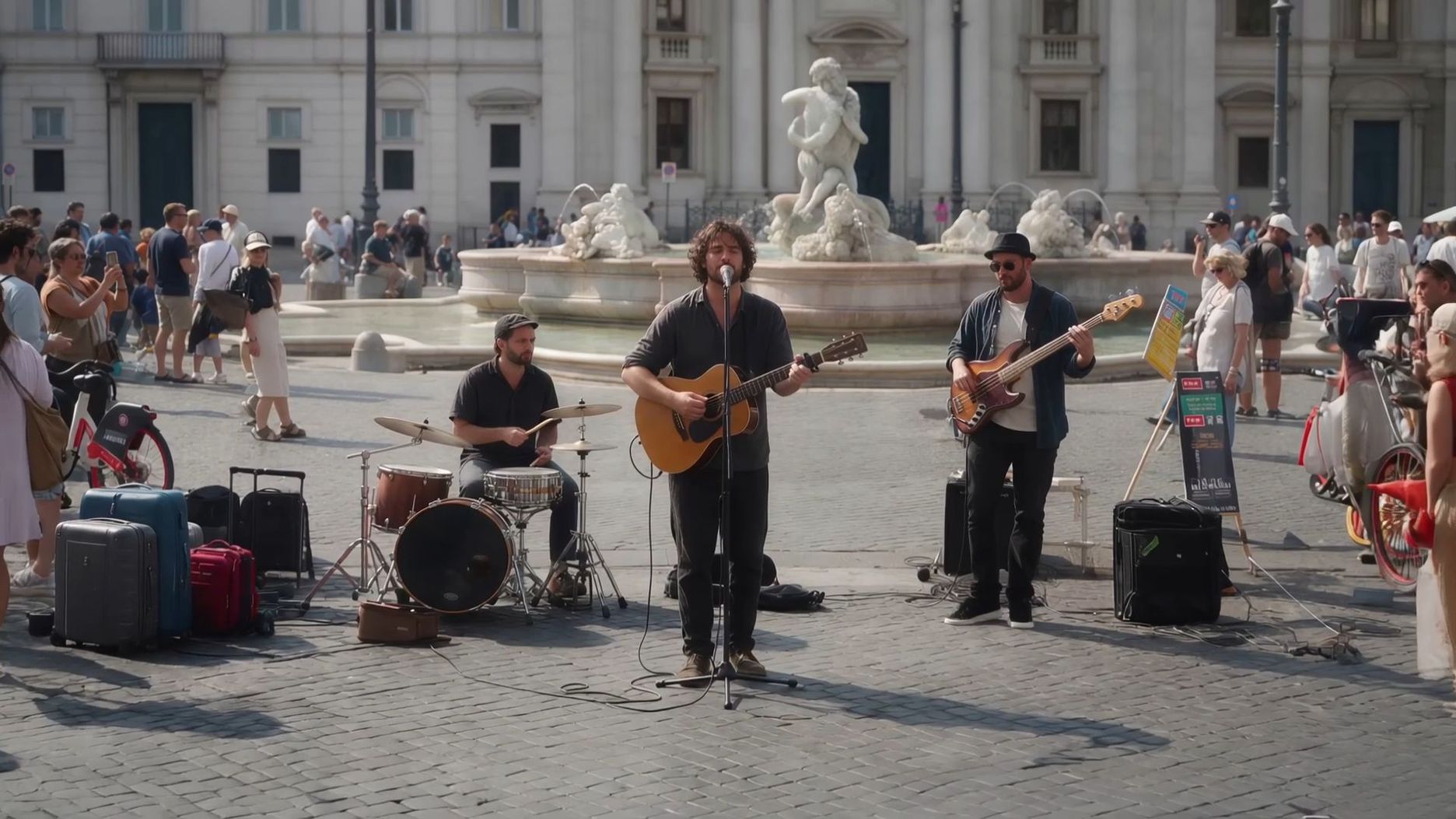 | 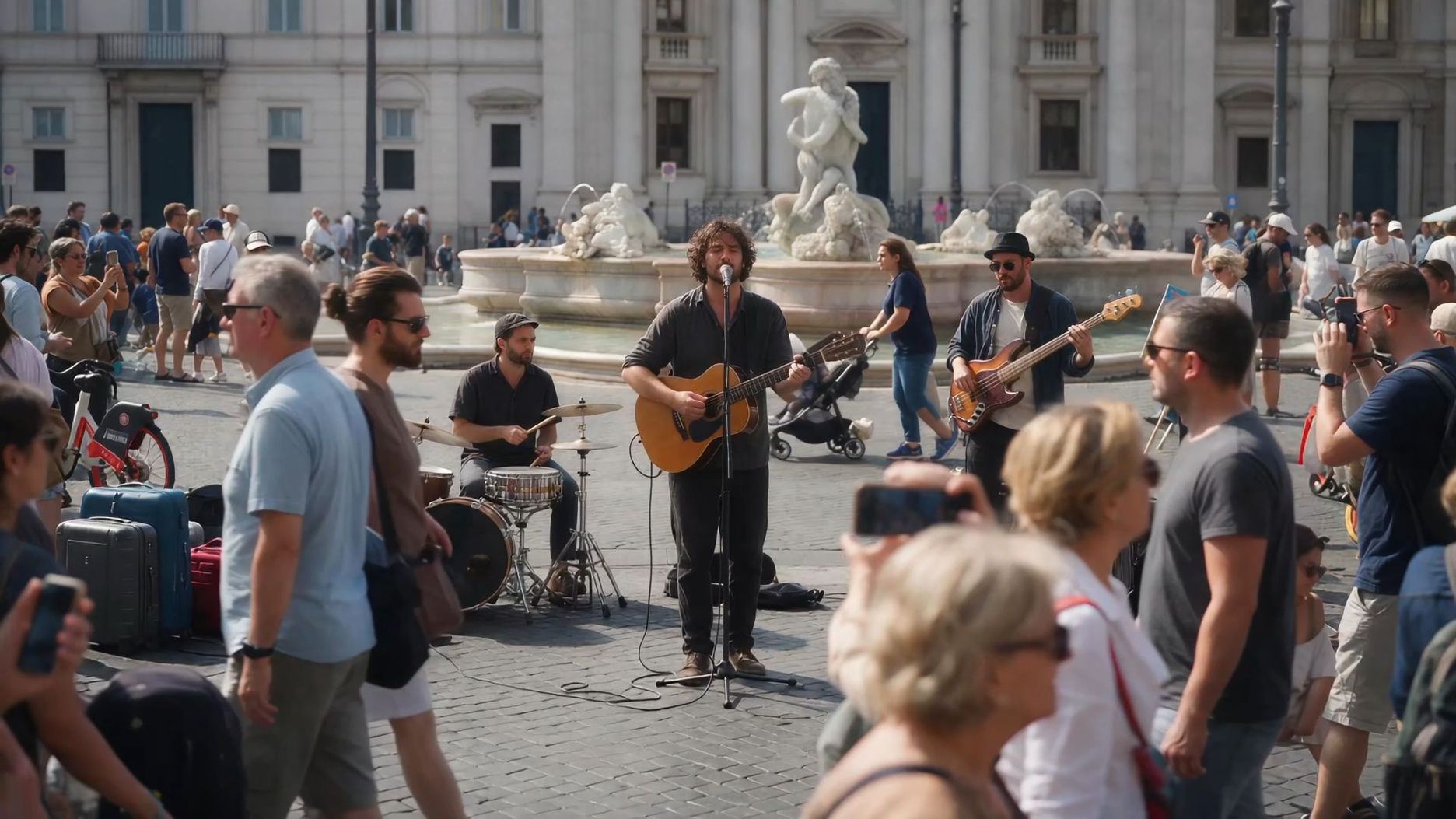 |
| Prompt: Edit @Video 1 to remove the foreground person. Keep everything else unchanged, including the background, other subjects, camera movement, lighting, composition, and video duration. Seamlessly reconstruct the areas previously obscured by the person, ensuring natural, consistent details with no visible artifacts. | |
Give Your Scene Time to Develop
Kling 4.0 supports 3–30-second generation, giving an AI video generator room for an action to develop, a reaction to register, and a camera move to reach its destination. Plan what the viewer needs to understand at the opening, during the main action, and at the ending. Additional seconds are useful when they contribute to that progression.
If your video's opening, turning point, and ending need to follow a specific visual rhythm, you can designate reference images added through Omni Reference as keyframes, with up to 10 keyframe images supported. This provides director-like, storyboard-style control to guide character poses, scene changes, and visual transitions more precisely.
For a longer sequence, Continuous Timeline Creation in the redesigned workspace lets you combine generated clips with uploaded footage. Arrange the order, trim sections, add a missing shot, or revise an asset at its timeline position. Preview the sequence for pacing and visual continuity before downloading the combined video. You can keep developing the story after an individual generation is ready.

Improve Lip Sync, Facial Detail, and Visual Quality
Kling 4.0 improves lip sync so a character’s mouth follows speech more naturally. Its more nuanced facial expressions and posture also help dialogue feel connected to the performance. In a close-up, a pause, a slight smile, or a change in expression can carry the reaction between spoken lines.
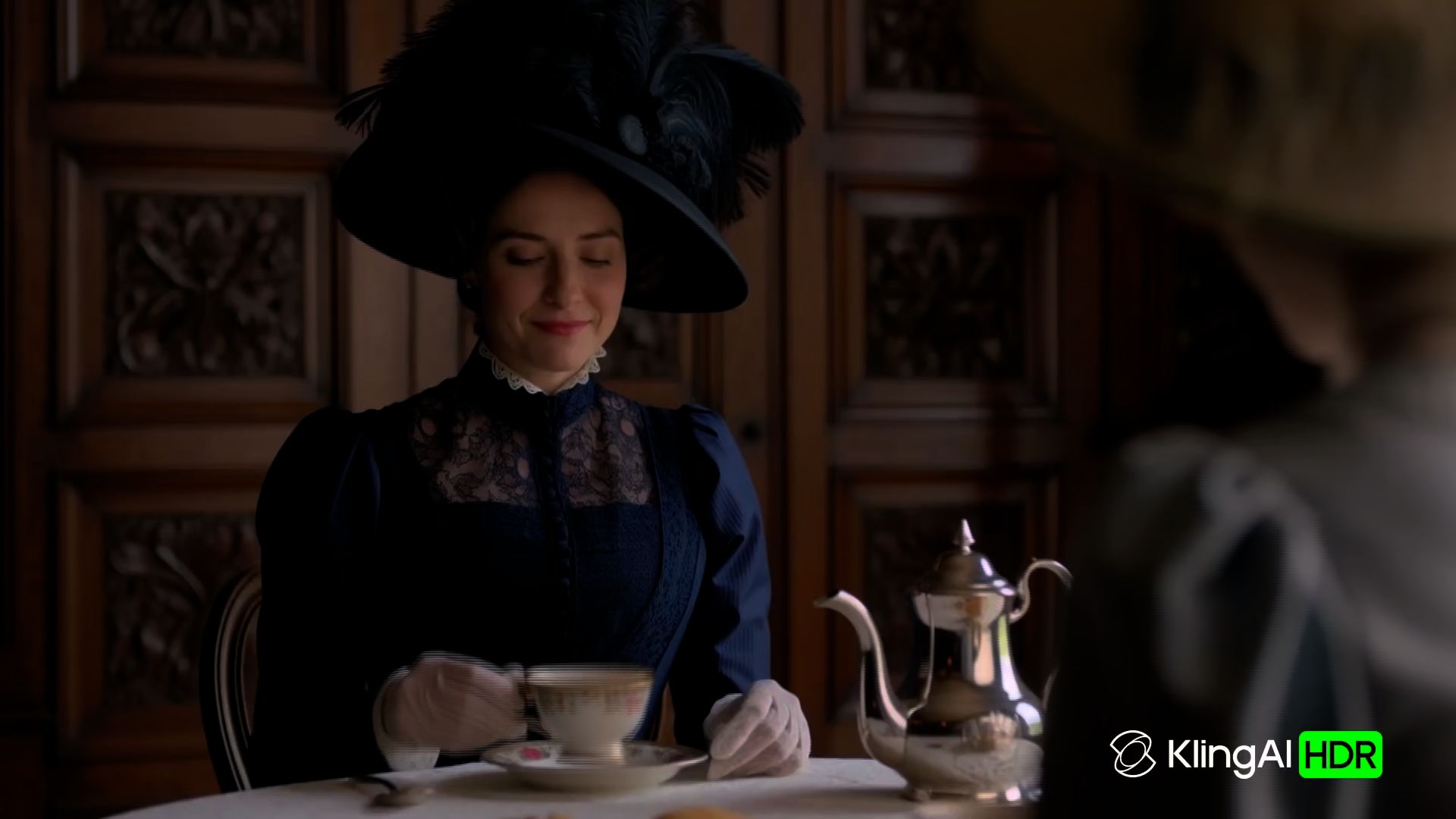
More natural facial detail, materials, and lighting make close-ups and product shots more convincing. In a lifestyle scene, that means clearer detail in a face, the texture of a jacket, and the way light falls across a product. Kling 4.0 supports 4K output for finer visual detail. Support for 10-bit HDR at 1080p and 4K is marked as coming soon; it will add richer color information and smoother tonal transitions for scenes such as a softly lit room or a sunset, with more flexibility for color work in post-production.
Conclusion
Useful HeyGen reviews connect features and cost to the video you want to make. Once you have that direction, give your next idea a little room to grow. A presenter can introduce the story, and a well-chosen scene can make it feel real. With Kling AI, you can begin with a familiar character, a product photo, or a moment you have yet to film. Bring the details that matter, try a first version, and keep shaping the scene until it feels ready to share.
FAQs
Is HeyGen Good for Presenter Videos?
HeyGen is a strong option for presenter-led training, product explanations, and recurring updates. Stock and custom avatars give you a reusable on-screen presenter, while script-based production supports repeatable formats. Its broader generative tools also support additional footage. Subscription price and credit use determine the cost of producing these videos regularly.
How Realistic Are HeyGen AI Avatars?
HeyGen’s avatar workflows aim for realistic facial expressions, gestures, and mouth movement. Reviewers praise the speed and convenience of creating presenter videos, but some report inconsistent hands, appearance, or other visual details. Realism varies with the avatar model, source material, and scene, especially when the character moves or the framing changes.
Is HeyGen an AI Avatar Video Generator?
Yes. The HeyGen AI avatar video generator lets you create presenter-led videos using stock, photo-based, or custom digital avatars. It is particularly useful for training, product explainers, and recurring updates. HeyGen now also offers Video Agent and newer generative tools, including HeyGen Video, for footage beyond talking avatars. Compare plan access, credit use, and the type of shots you need before choosing a workflow.
When Is Kling AI Worth Comparing with HeyGen?
Choose Kling AI for scenes that need reference-guided generation, targeted changes to footage, or control over character action and camera movement. Kling 4.0 combines those capabilities with a timeline for arranging and developing clips. It is a useful choice for product demonstrations, original story scenes, and visual sequences that go beyond a presenter delivering a script.
How Can Kling 4.0 Help You Direct AI Video Scenes?
Kling 4.0 helps you guide both what appears on screen and how the scene unfolds. With Omni Reference, you can combine up to 15 reference assets to help maintain character or product consistency. You can also designate up to 10 reference images as keyframes to guide key visual beats, while prompts direct actions and camera movement. Its 3–30-second generation and improved motion stability support more developed scenes and connected storytelling.