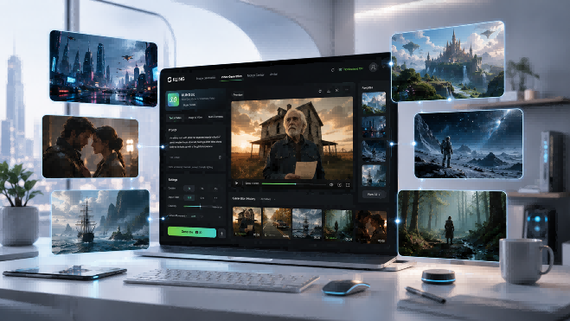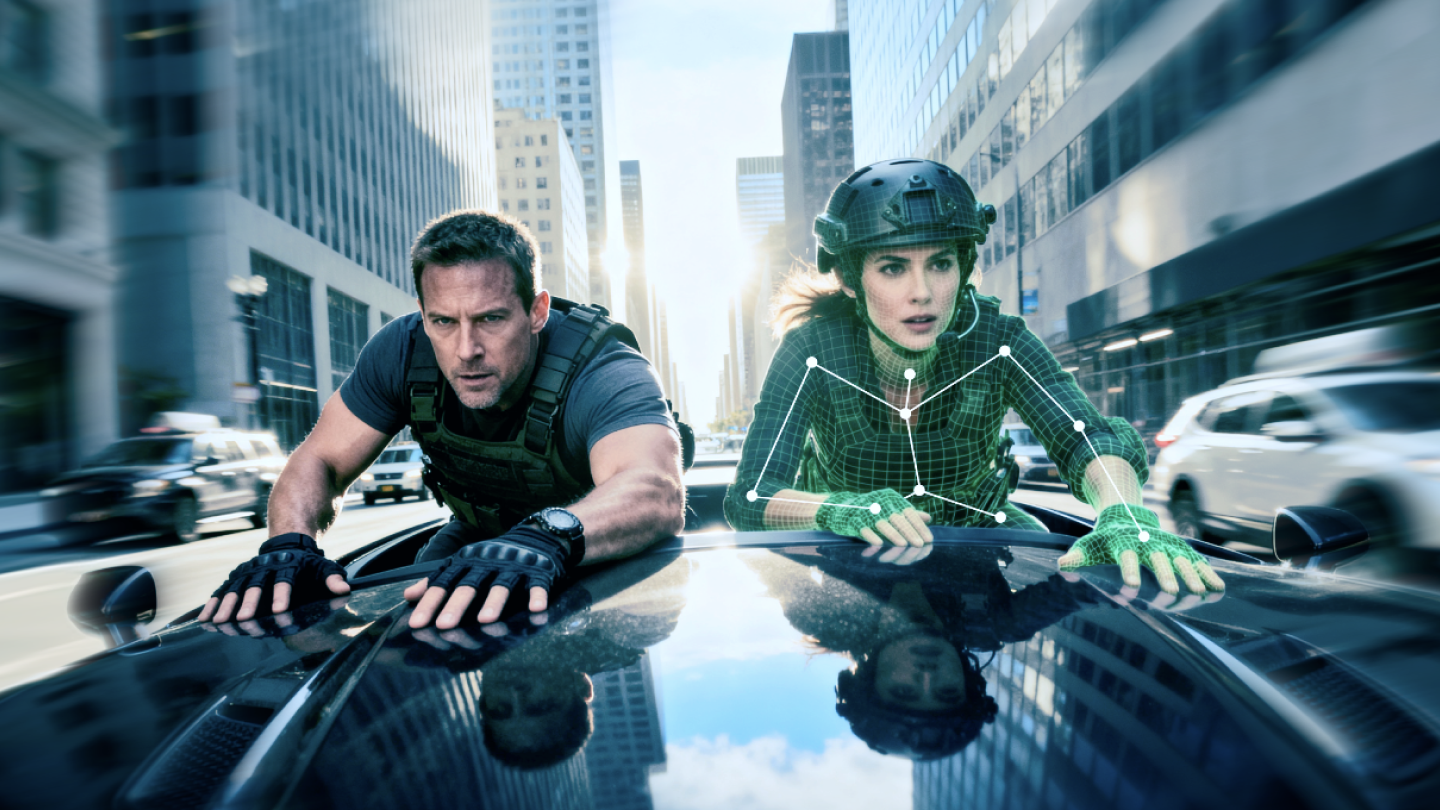
Video production has been revolutionized. Marketers can now manipulate time, space, and character performance using just a reference video and a static image, thanks to Kling VIDEO 2.6 Motion Control.
Highlights of Kling VIDEO 2.6 Motion Control in Marketing
Kling VIDEO 2.6 Motion Control is an asset to the present-day businesses, which are transitioning to AI-driven workflows or aiming to dominate digital marketing.
- Action, Expression, and Lip Sync in One Take. With full-body motion, facial expressions, and mouth shapes perfectly aligned with the background audio, brands can create talking-head style ads that feel more human and credible. This helps stop the scroll and deliver key messages quickly without viewers getting distracted by sync issues. Kling VIDEO 2.6 Motion Control’s seamless lip-syncing and facial expression tracking elevate credibility and viewer engagement.
- High-Difficulty Motion for Trend-Ready Creatives. With faster response to complex movements like trending dances, sports actions, or martial arts, marketing teams can ride trends quickly and create creator-style content that blends into TikTok/Reels feeds while still showcasing the product in a high-energy way.
- More Accurate Hand Performance for Product Demos. The upgraded hand algorithms provide precise control over hand movements, allowing brands to showcase critical actions like tapping, gripping, opening, applying, or adjusting. This clear demonstration of “how it works” boosts viewer confidence, driving conversions and enhancing product demos.
- 3–30s Motion, One-Shot Storytelling. Since you can input a 3–30 second action reference and keep the motion continuous, it’s easier to build a complete ad structure in one smooth sequence, from problem to demo to result to CTA, which supports better completion rates and cleaner repurposing across placements.
- Text-Controlled Visual Details While Motion Stays Consistent. While controlling the motion, you can still refine scene details through text, which lets brands scale variations for different audiences, regions, or seasonal campaigns without reshooting, while keeping a consistent “hero motion” that performs.
Image Reference | Output |
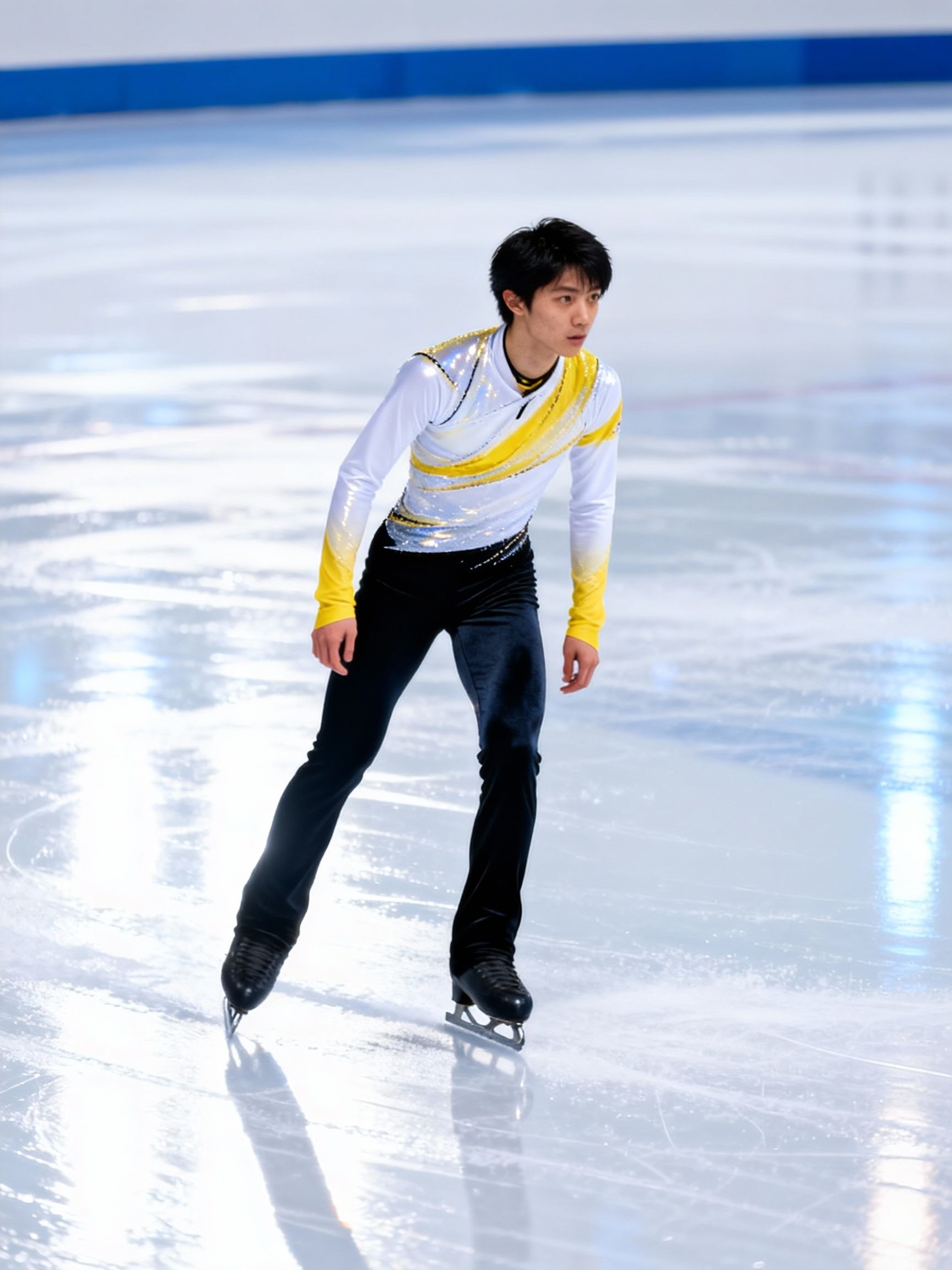 | 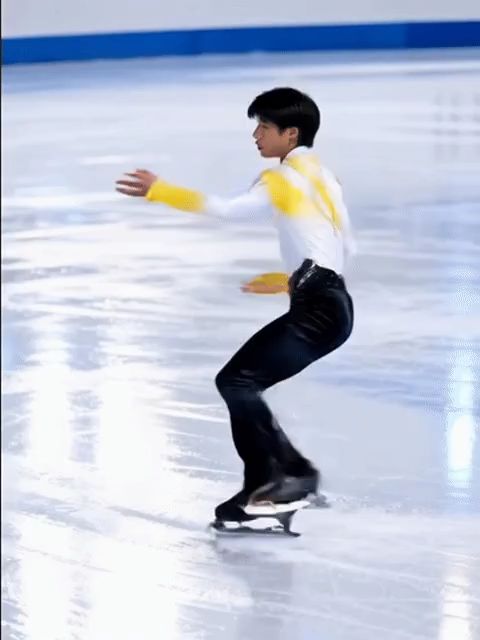  |
10 Mind-blowing Marketing Uses with Kling VIDEO 2.6 Motion Control
Kling VIDEO 2.6 Motion Control, if used wisely, can create significant opportunities for marketing teams.
1. Make Your Brand Mascot Move Like a Real Person
Kling VIDEO 2.6 Motion Control can act like a digital puppeteer for brand mascots. A marketing team can start with one high-resolution image of a mascot, then record a short reference video of a staff member performing the exact action they want. By using Character Orientation Matches Video, Kling maps the performer’s movement rhythm, body timing, and dance structure onto the mascot, making it possible to create fast, reactive social content where a static character suddenly feels alive and trend-ready.
2. Create FPV Flythrough Videos Without Flying a Drone
Kling VIDEO 2.6 Motion Control can simulate FPV-style camera movement without using an actual drone. A creator can record a reference clip that moves through a space, something as simple as a handheld phone walk-through, and Kling uses that motion path as the blueprint for the generated video. With Character Orientation Matches Image, the camera velocity, direction changes, and immersive flow can be carried into a branded or stylized environment, creating a fly-through experience that feels dynamic and cinematic.
3. Turn Any Product Photo Into a Cinematic Video Shot
Kling VIDEO 2.6 Motion Control enables scalable product cinematography by turning one “master motion” reference into a repeatable camera style. A team can film a simple orbit, push-in, or rotating movement around a basic object, then apply that same motion behavior to different product images. This approach helps brands produce consistent, premium-looking product videos across many SKUs, transforming a static catalog into a dynamic video catalog with a unified visual language.
4. Localize Gestures and Energy for Global Audiences
Kling VIDEO 2.6 Motion Control makes it easier to localize body language and performance energy for different regions while keeping the same core creative concept. Brands can reuse the same actor image or character design and swap the motion reference video to match local communication norms. For example, one version can be driven by a bow for Japan, while another uses a wave for the US, allowing the same campaign to be adapted quickly through motion-driven variations.
5. Build Smooth Zoom-In Brand Stories in One Flow
Kling VIDEO 2.6 Motion Control can interpret a zoom-based camera trajectory and use it to generate a continuous sense of movement through scale. By providing a reference clip that clearly communicates push-in, zoom, or forward motion, the system follows that motion blueprint to create a visual sequence that feels like a single flowing camera move. This technique works well for brand storytelling, where a sequence can move from a wide establishing view into closer and more detailed brand elements in a smooth, cinematic way.
6. Animate Vintage Photos Into Modern Social Videos
Kling VIDEO 2.6 Motion Control can bring archival brand visuals into modern motion-first formats. A heritage brand can take a classic black-and-white photo, a vintage print character, or an iconic campaign image, then use a modern motion reference to drive expressive movement. With the right reference performance, the character can appear to deliver a speech, react emotionally, or perform a modern gesture, turning historical assets into short-form video content designed for today’s social platforms.
7. Generate Multiple Ad Pacing Versions for Fast A/B Testing
Kling VIDEO 2.6 Motion Control supports fast creative iteration by generating multiple pacing styles from the same base visual. Marketers can use one image and apply different motion reference clips to create variations such as a slow cinematic push-in, a fast, energetic movement, or a more chaotic handheld feel. This makes it easy to produce multiple motion profiles for performance testing, helping teams evaluate which pacing style performs best in the first few seconds of an ad.
8. Create High-Impact Stunt Visuals With Simple Motion Reference
Kling VIDEO 2.6 Motion Control can be used to create high-impact stunt-style visuals by transferring safe reference motion into dramatic cinematic scenes. A team can record a basic movement reference: jumping, dodging, sprinting, or sudden turns, and use Motion Control to drive that same motion onto a character inside a more intense environment. This workflow is especially useful for industries like automotive, sports, and outdoor marketing, where bold movement and action energy are key to engagement.
9. Run a Full Video Production Workflow With One Person
Kling VIDEO 2.6 Motion Control can turn a solo creator into a full production workflow. One person can record their own performance as the motion reference, then use Kling to apply that performance to different characters, outfits, and environments. This enables fast content creation for influencer marketing, short-form storytelling, and multi-scene creative concepts, all driven by the same performer’s motion but transformed into different visual identities.
10. Make Motion and Audio Feel Like One Complete Scene
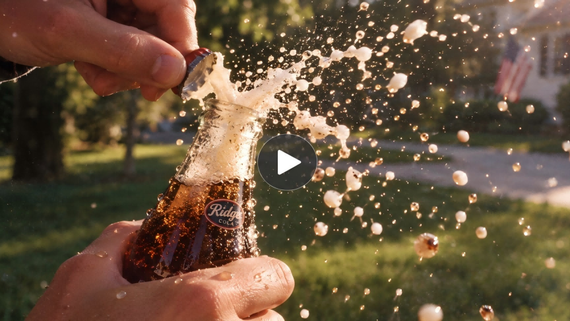
When Kling VIDEO 2.6 Motion Control is paired with Kling 2.6 Native Audio, it supports a more unified audio-visual content workflow. Motion reference provides clear timing cues and action beats, while Native Audio helps generate sound elements that match the scene’s energy and atmosphere. This is especially valuable for sensory marketing content, like beverage fizz, packaging sounds, footsteps, or impact moments, where tight alignment between motion rhythm and audio presence can significantly improve viewer immersion and engagement.
Image Reference | Output |
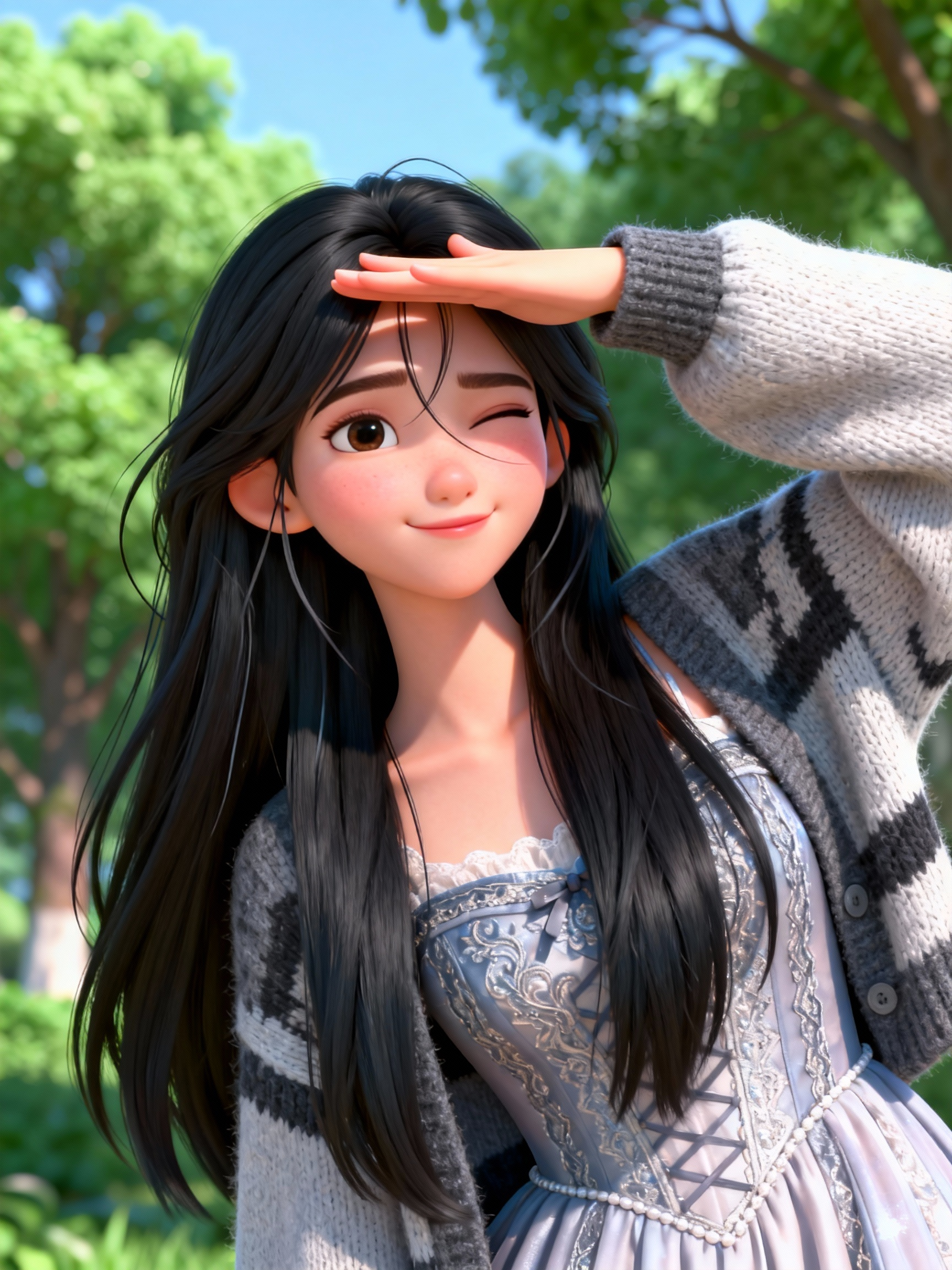 |  |
Summary
Kling VIDEO 2.6 Motion Control democratizes cinematic storytelling. The barrier to entry is no longer capital but creativity. Brands mastering the grammar of motion prompts that define the 'who' with images and the 'how' with video will dominate the visual landscape. Now is the time to experiment with Kling VIDEO 2.6 Motion Control and redefine what is possible in brand communication.
Image Reference | Output |
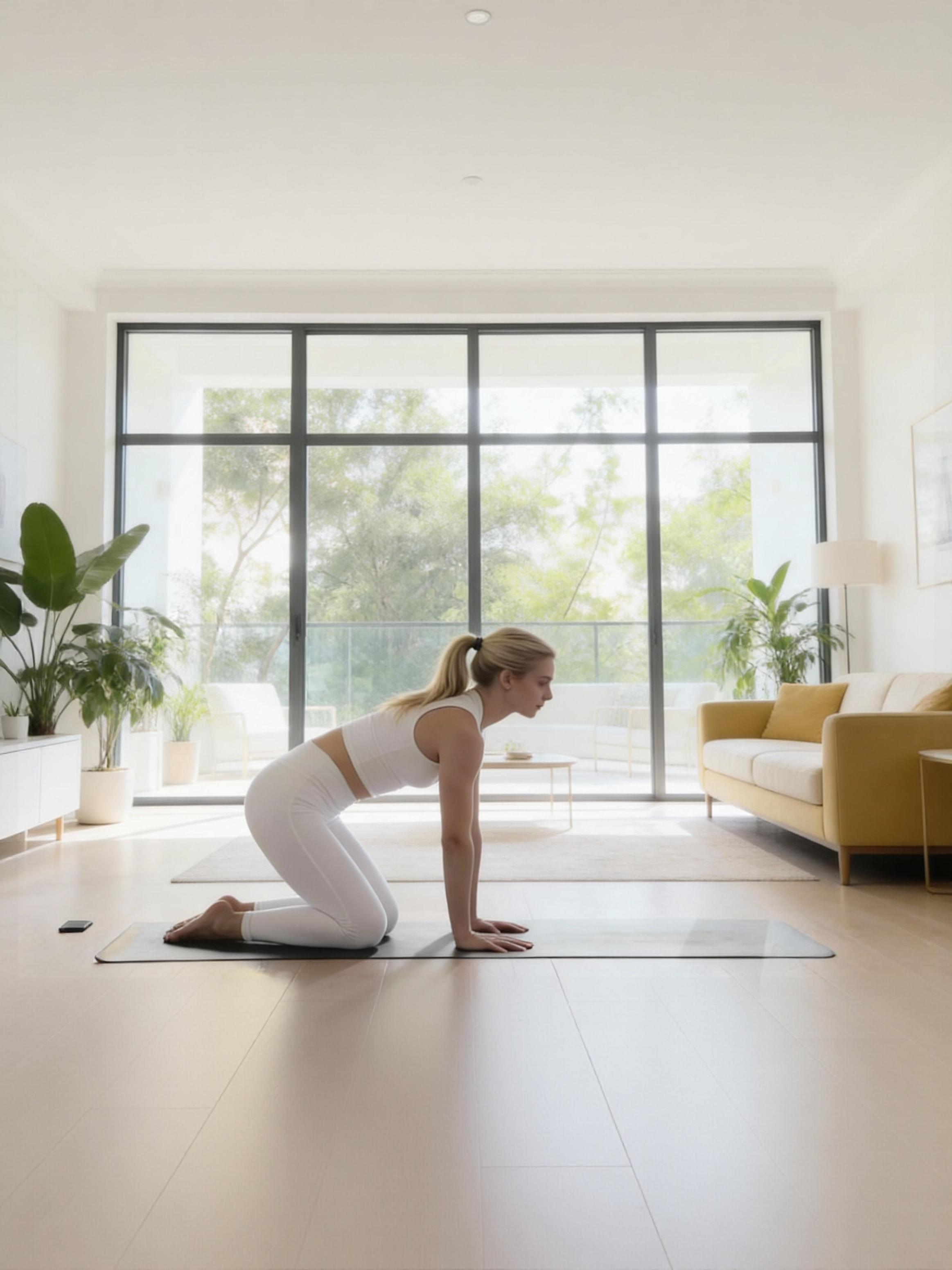 | 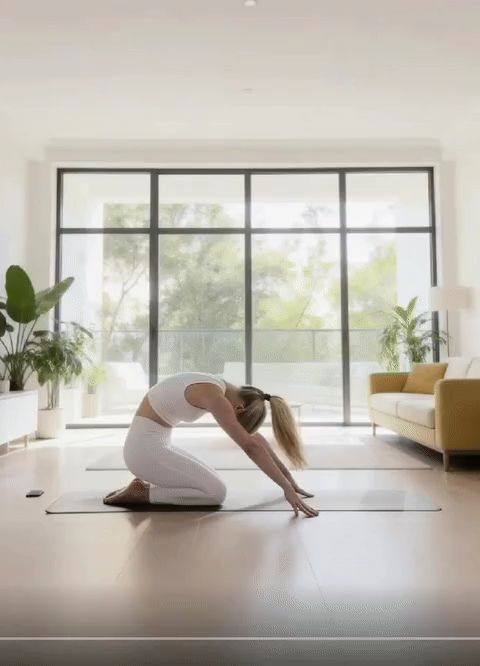 |
FAQs
Q1. Which Character Orientation mode should marketers use for different ad formats
Pick the mode based on whether you need the character’s camera/pose to stay anchored or you need the system to follow the reference video’s full-body staging. Use Image Orientation when you’re animating a portrait/talking-head, where you want the subject to stay aligned to the original image framing and avoid unexpected rotation. Note that it typically supports up to ~10s. Use Video Orientation when you’re transferring complex choreography (dance, sports, martial arts) or when the reference clip’s camera/pose changes are essential. This commonly supports up to ~30s. For FPV-style movement, you’ll usually prefer Video Orientation if the “camera path” is the point.
Q2. What are the best input specs and “must-follow” prep rules to avoid broken hands, warped faces, or clipped motion in product demos?
Most failures come from a mismatch between the character image and the motion reference. Use an image where the subject has clear body proportions and minimal occlusion. If the motion requires hands, don’t start from an image where hands are hidden (pockets, behind objects), because the model may “invent” fingers. Leave extra negative space around the subject so wide gestures don’t clip out of frame. Also, choose a reference video with steady, readable motion (moderate speed, minimal cuts) and keep the full head/body visible if you want a full-body transfer. This is especially important for “hands-do-the-selling” product moments (open, tap, apply).
Q3. If Motion Control already provides the movement, what should the text prompt do in marketing creatives?
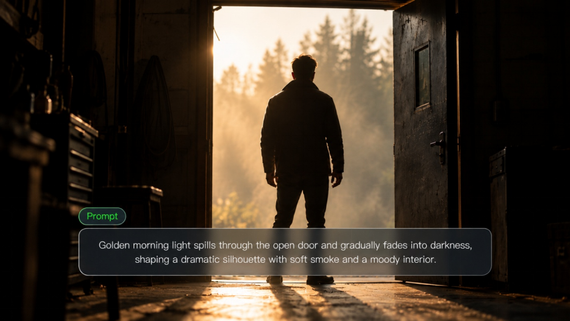
Treat the prompt as your art direction layer, not a motion script. With Motion Control, the reference video is the movement blueprint; the prompt works best when it specifies environment, lighting, styling, props, and brand context that help render the transferred motion coherently (e.g., “bright kitchen counter,”“premium studio lighting,”“sports arena at night,”“minimal product pedestal”). This is how you scale variants for localization, seasonal campaigns, or audience segments without losing the same hero motion. In practice: keep motion words minimal; focus on what the viewer should see around the motion.
Q4. When results look “off,” what are the fastest troubleshooting switches before re-shooting a new reference?
Start with two high-impact checks. First, switch orientation mode: using Image Orientation for complex full-body dance can degrade transfer quality, while using Video Orientation for a simple portrait can introduce unwanted rotation. This single toggle often fixes “why does it move weird?” issues. Second, re-align framing: portrait image + full-body walking reference (or vice versa) frequently causes warping/shake. Match close-up with close-up, full-body with full-body. If hands glitch, replace the character image with one where hands are visible and uncluttered, and use a cleaner reference with steadier motion. These changes usually beat “more prompting.”