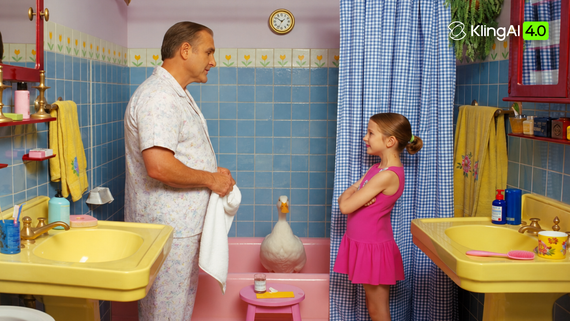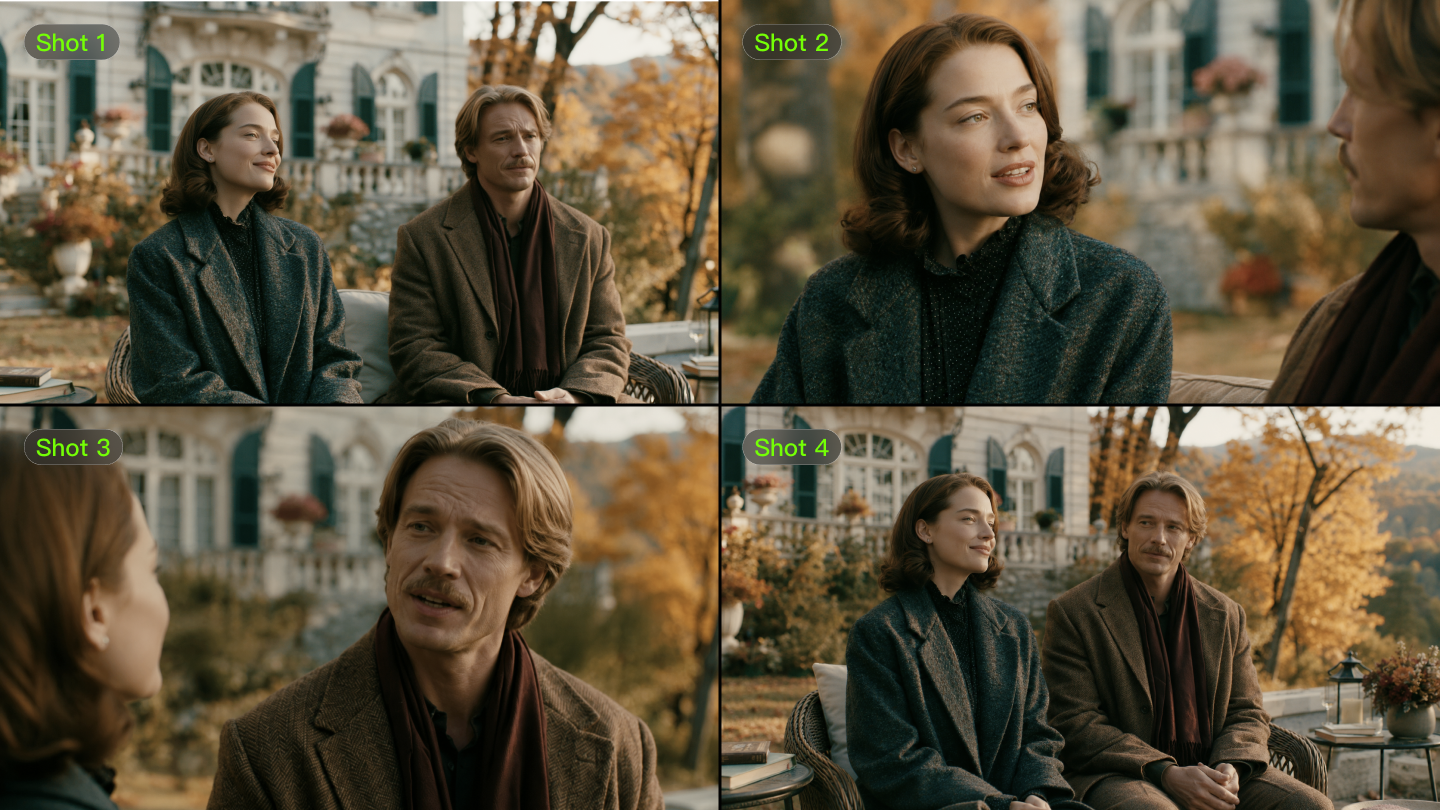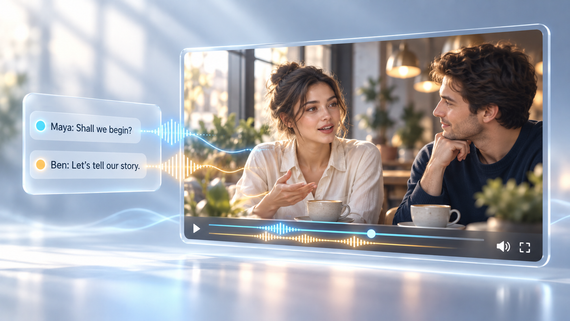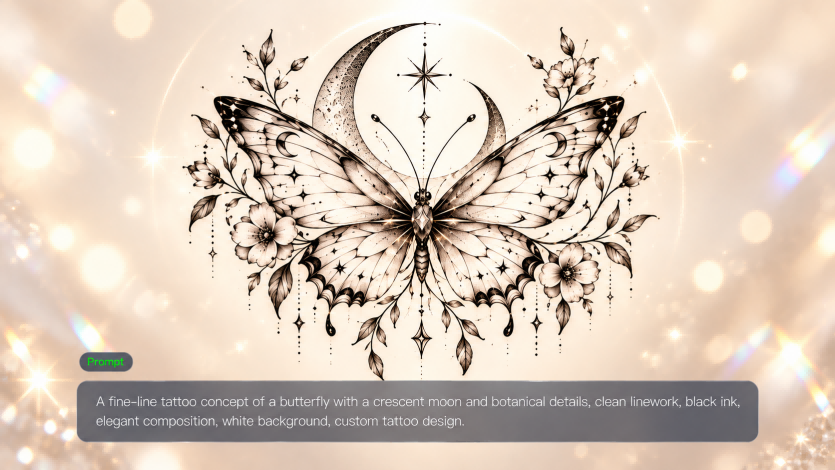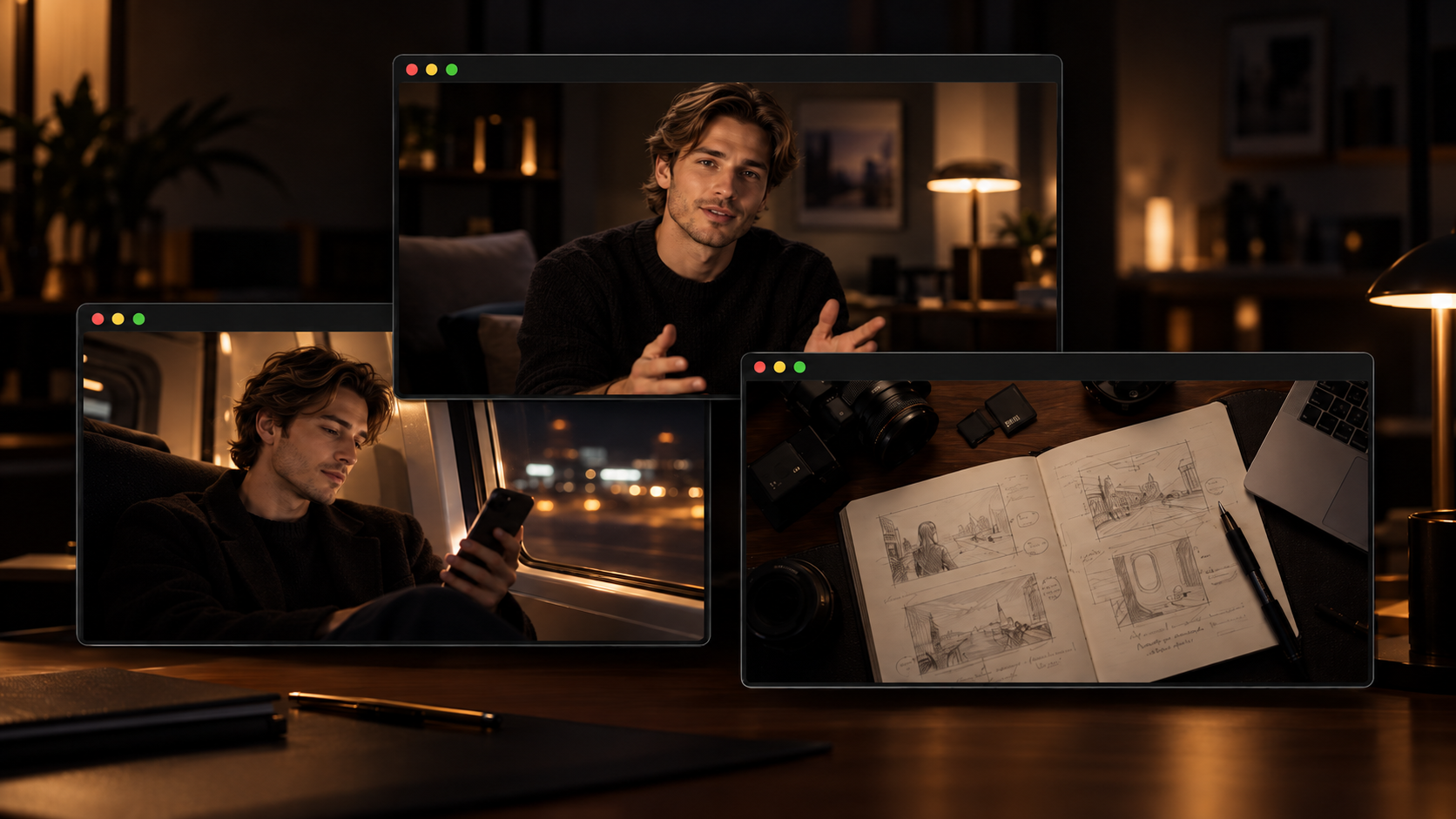
Looking for video ideas for your next post? Start with something you know or like or want to learn about. It can start with a personal experience, a useful tip, a hobby, a seasonal moment or an imaginative scene. Kling 4.0 uses prompts and references to help you transform visual ideas into video.
How Kling 4.0 Brings Video Ideas to Life
Great video ideas shouldn't be limited by complicated shoots. With Kling 4.0, text-to-video turns written concepts into video scenes, while image-to-video brings existing visuals into motion. Kling 4.0 delivers greater stability in large-scale motion and complex camera movements. From high-speed action and continuous movement to tracking shots and camera orbits, scenes remain smoother and more coherent. It can also expand and refine prompts with a director's eye, helping creators develop their ideas with greater visual and narrative direction. Combined with video generation of up to 30 seconds per clip, these capabilities make more ambitious AI video storytelling possible.
For reference-driven video ideas, Kling 4.0's Omni Reference capabilities support up to 15 combined assets, including images, videos, voice references, and Elements. These references help guide characters, actions, and visual styles while maintaining consistency. Alternatively, for stories that require precise control over key visual moments, you can use up to 10 uploaded images as keyframes to guide what appears at different points in the video. This is an alternative creation approach rather than an additional set of references within the same generation. Explore the 20 video ideas below and find a concept to bring to life.

20 Video Ideas for Lifestyle, Tutorials, Stories, Hobbies & More
A room makeover, a tip that saves time, a funny everyday moment, or a hobby you love can all make good video material. Here are a variety of content styles, with examples that you can customize to fit your own interests and audience.
Everyday and Lifestyle Video Ideas
Day-in-the-Life: Follow a specific day with a clear focus, such as a day at a new job, preparing for an important event, or balancing work with a hobby. Pick a few moments that reveal something interesting rather than documenting every part of the day.
Routine or Process: Take viewers through an activity they might want to try themselves, whether it’s preparing a meal, setting up a workspace, or getting ready for a workout. Make the sequence easy to follow and let the finished result provide a natural ending to the video.
Before-and-After: Re-decorate a room on a budget, style an outfit from a thrift store, or edit a photo before and after. Keep the framing the same so viewers can easily spot the change. If you want a more creative reveal, like transforming a bedroom into a treehouse, an AI video generator can help you visualize scenes that are hard to shoot.
Behind-the-Scenes: Show your viewers the process behind the finished video, piece of artwork, recipe, or project. There are unexpected problems, little details and last-minute changes which make the process more interesting than just showing the end result.
Educational and Helpful Video Ideas
How-to Tutorial: Pick a particular outcome and show the process to get to it. Showing the viewer your end result early can give the viewer a reason to follow the process to the end.
Beginner Guide: Consider what you wish you'd known when you first started. Cover the essential steps, tools, or decisions in a logical order without trying to turn one video into a complete course.
Quick Tips: Group three to five useful tips around one problem instead of covering unrelated advice. Pair each tip with a quick example or visual demonstration so viewers can understand how to apply it.
Mistakes to Avoid: Use common mistakes as the structure of the video: identify what goes wrong, show the consequence, and explain the better approach. This format works particularly well when the difference can be demonstrated on screen.
Personal Story and Entertainment Video Ideas
Storytime: Choose one memorable experience rather than summarizing your entire story. Build around the moment that changed the situation, then hold back the outcome until the story has enough context to make it meaningful.
Challenge: Give yourself a measurable goal, a time limit, or a rule that makes the result uncertain. The act of showing progress along the way keeps the video moving forward, while the final result is the payoff.
Reaction / POV: Place the viewer in a familiar situation and base the video on a specific reaction. A relatable scenario, exaggerated perspective, or unexpected response usually gives this format more substance than simply commenting on a trend.
Relatable Skit: Write a short scene about a familiar situation like a weird social moment or a group-chat miscommunication or a plan gone awry. Give it a clear setup and punchline so the viewers can follow the joke quickly.
Hobby and Interest Video Ideas
Review / First Impression: Focus on the experience of using, trying, or testing something rather than listing its features. Give viewers a few clear criteria to judge it by, then end with who you think would actually enjoy or benefit from it.
Comparison: Put two options against the same practical test instead of listing every specification or difference. A clear question such as “Which is better for beginners?” gives the comparison a useful conclusion.
List / Recommendations: Make your list about a particular audience or situation. For example, five books for a long flight or five tools for a beginner photographer. Make sure each choice is for a specific reason so the list feels curated, not random.
Progress / Transformation: Document important progress in a longer process such as learning an instrument, improving a drawing, building a collection or completing a project. The journey can be just as interesting as the final reveal with milestones, setbacks and intermediate results.
Creative and Seasonal Video Ideas
Holiday Video: Make the holiday the reason for the story, not the addition of seasonal decorations to an unrelated video. You can make recipes, outfits, activities, greetings, challenges and short stories from the event.
Event / Special Moment: Give a trip, celebration, concert, graduation, or other milestone a simple narrative arc. Anticipation before the event, memorable moments during it, and a final takeaway can turn scattered footage into a more complete story.
Visual Story: Let the action and imagery carry the narrative instead of explaining every detail. A clear character goal, change in the situation, and visual payoff can make even a short sequence feel like a complete story.
Trend Remix: Take a popular format, sound or challenge and tailor it to your interests or a situation people know. Just be sure to add your own angle too, so the end result feels relevant to your audience, and not copied.
How to Choose the Right Video Idea
Some ideas may seem promising but they won't all work in the same way. A tutorial requires a clear problem to solve; a story requires a moment worth following. Use the purpose of your video to whittle down the options:
Video Goal | Ideas to Try |
Teach something useful | How-to Tutorial, Beginner Guide, Quick Tips, Mistakes to Avoid |
Share your everyday life | Day-in-the-Life, Routine or Process, Behind-the-Scenes |
Tell a personal story | Storytime, Reaction / POV, Relatable Skit |
Share a hobby or interest | Review / First Impression, Comparison, List / Recommendations |
Show progress or change | Before-and-After, Progress / Transformation |
Capture a special moment | Holiday Video, Event / Special Moment |
Tell a story through visuals | Visual Story, Relatable Skit, Before-and-After |
A broad idea becomes easier to develop when it has a specific angle. Instead of “a cooking video,” you could make a quick dinner for one, recreate a family recipe, or test a new cooking method. That extra detail gives you a clearer subject, hook, and direction for the video.
Turn Your Video Idea Into a Video With Kling AI
Once you've chosen a video idea, it's time to bring it to life. Follow these three steps to create and refine your video with Kling 4.0, whether you're starting with a text prompt or using visual references.
Step 1: Open Kling 4.0 and Prepare Your Inputs
Go to Kling AI's Video Generation workspace and select Kling 4.0. You can start with text alone for text-to-video creation, or upload images and videos to guide your scene. Kling 4.0's Omni Reference capabilities support up to 15 combined reference assets, including images, videos, subjects, and voice references. Choose materials that clearly show the characters, settings, actions, or camera movements you want to use.
Step 2: Describe the Action and Camera Direction
Write a prompt describing the subject, action, setting, camera movement, and visual style. If you've uploaded references, specify each asset's role. For example: "@Image1 defines the first friend's appearance; @Image2 defines the second friend's appearance; use @Video1 only for handheld tracking and pacing. At dusk, the two friends hurry toward each other and embrace as the camera follows them into a close-up." For text-to-video without references, simply describe the scene in words.
Step 3: Generate and Refine Your Video
Choose the available settings and select Generate. Kling 4.0 supports single-video generation from 3 to 30 seconds per clip. Check the result and modify your prompt or references if necessary.
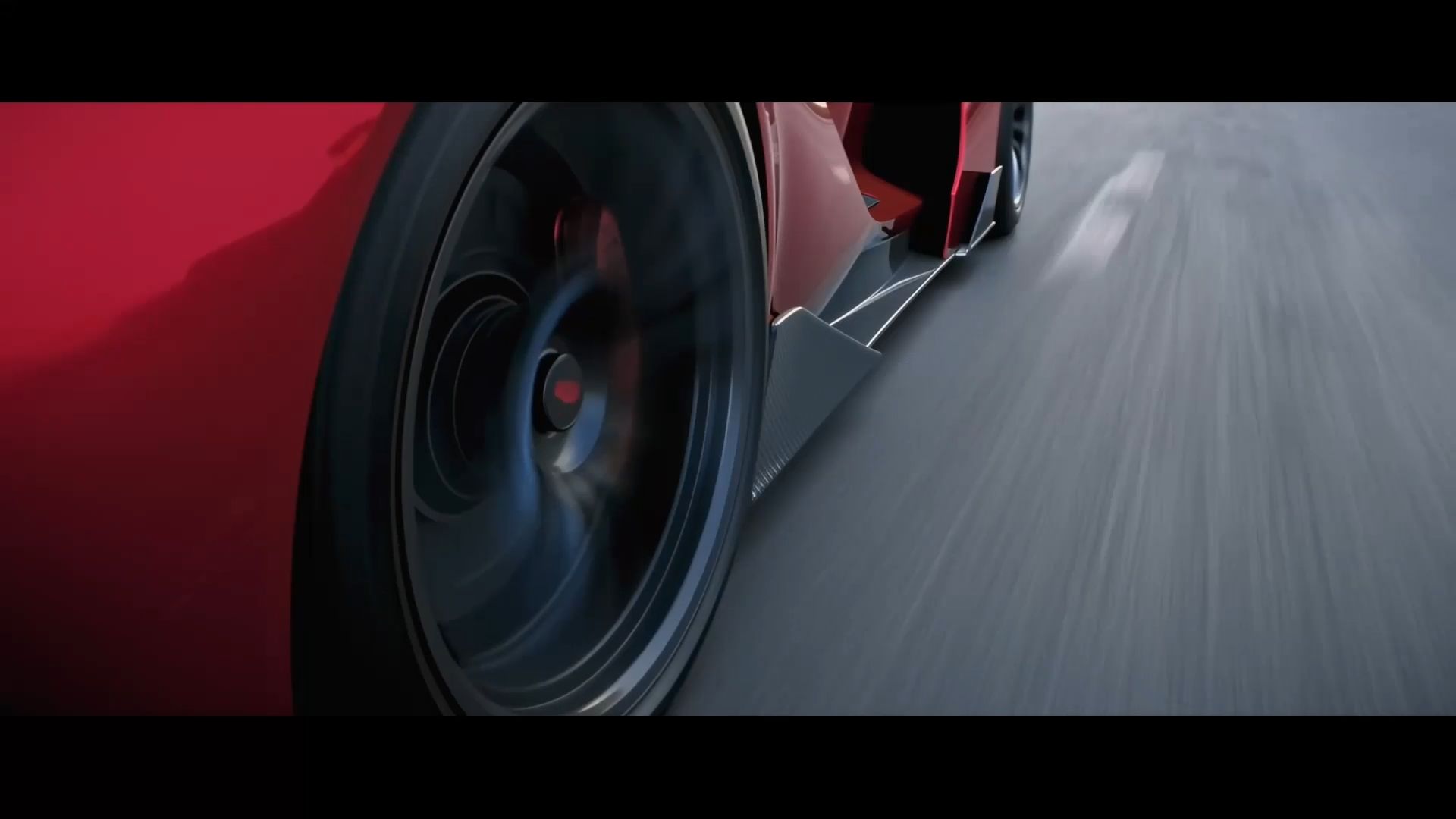
Reference Image | Camera Movement Reference | Output Video |
.png?x-oss-process=image/resize,w_1872) .png?x-oss-process=image/resize,w_1872) | 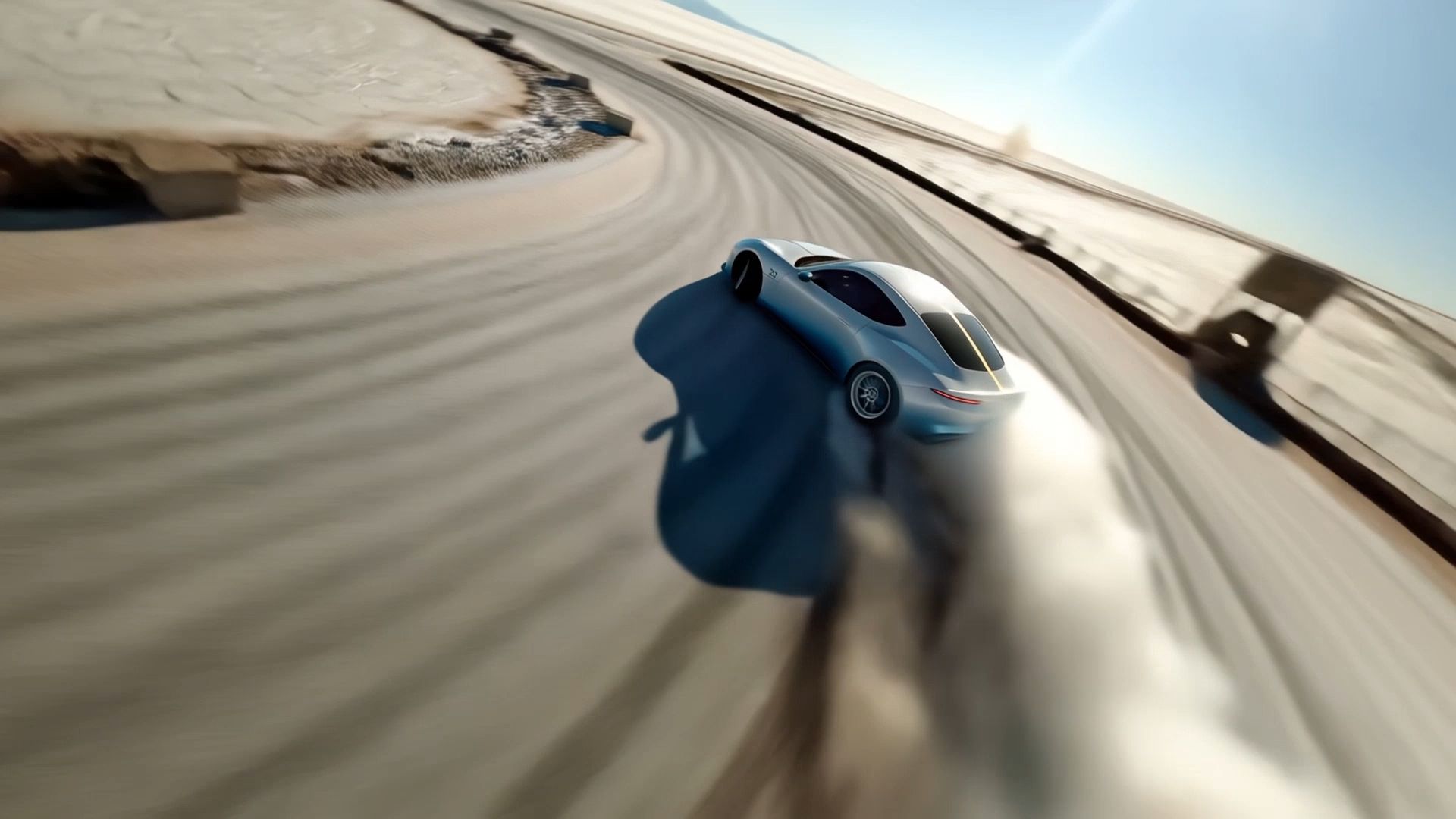 |  |
| Prompt: Use @Video1 as the reference for camera movements and shot pacing. Replace the Element with the car from @Image1 and the background with @Image2. | ||
Adapt Your Video Idea for Different Video Platforms
You can repurpose a single video idea across a number of platforms, but you may have to change the format, speed and level of detail. A longer video can go through a whole process or story, while short-form content is often focused on one helpful tip, relatable moment or visual payoff.
Platform | Best-Suited Video Ideas | How to Adapt a Desk Makeover |
YouTube (Long-Form) | Step-by-step tutorials, beginner guides, reviews, comparisons, experiments, interviews, personal stories, and mini documentaries. | Cover the original problem, planning, organizing process, and finished workspace. |
TikTok | Quick tutorials, before-and-after reveals, instant reactions, POV experiences, mini challenges, product spotlights, visual micro-stories, trend remixes, surprising discoveries, and AI-generated moments. | Open with the messy desk, use quick cuts to show the transformation, and finish with a satisfying reveal. |
YouTube Shorts | One-tip demonstrations, quick transformations, story highlights, fast lists, and visual reveals. | Share one clever storage tip or a quick before-and-after reveal. |
Instagram Reels | Lifestyle highlights, visual tutorials, aesthetic transformations, behind-the-scenes moments, and trend remixes. | Focus on the workspace's visual transformation, with clean framing and appealing details. |
Facebook Reels | Everyday tips, hobby demonstrations, personal moments, DIY transformations, and relatable stories. | Show practical organization ideas and simple changes viewers can try at home. |
The same idea can be turned into different types of content depending on where you publish it. Good YouTube video ideas are typically detailed explanations or full stories, while short video ideas work best with one clear message or visual payoff.
How to Improve a Video Idea That Feels Too Generic
A broad topic is a good place to start, but you need to find a specific angle to make for an engaging video. Focus on one question, situation or result that gives viewers a reason to watch.
Generic Idea | A More Specific Direction |
Morning Routine | My 15-Minute Morning Routine Before Work |
Travel Tips | 3 Mistakes First-Time Visitors Make on a Weekend Trip |
Cooking Video | Can I Make Restaurant-Style Pasta in 15 Minutes? |
Room Makeover | Turning a Small Bedroom Corner Into a Reading Nook |
Photography Tips | 3 Common Mistakes That Make Phone Photos Look Flat |
A stronger angle also gives you a clearer visual plan. Decide what viewers should see first, what changes during the video, and what result or takeaway they will get. If the concept relies on an imaginative setting or a transformation that's difficult to film, an AI video generator can help you explore how the idea might look on screen.
Keep scope small, especially for short-form video. One clear question or transformation is often easier to develop than several unrelated points competing for attention.
Where to Find More Video Ideas
You don't have to come up with every video topic from scratch. Everyday experiences, questions from viewers, and content you've already made can all provide starting points for your next idea.
- Look at questions people ask. Comments, messages, and recurring questions can reveal topics worth explaining in a tutorial, quick tip, or FAQ video. If several people ask how you achieved a particular result, turn the process into a video of its own.
- Use your interests and experiences. A new hobby, a skill you're learning, a challenge you're working through, or an unexpected experience can become a personal story or progress video. You don't need to be an expert to document what you're learning.
- Put your own spin on trends. Popular formats can inspire you, but the best adaptations are those that coincide with your interests or consistent content. A trend can inspire a relatable skit that resonates with your audience, or a quick demo, or a new way to present an old topic.
- Revisit videos you've already made. An older tutorial might inspire a follow-up, a common question could become a new video, or an underperforming clip might work better from a different angle. An AI video editor can help you explore changes to existing footage, such as adjusting a background or visual style, and develop material you can use in a new version.
- Turn one successful idea into a series. If a video covers one useful tip, follow it with related tips, common mistakes, or a more detailed demonstration. A single topic can support several videos when each one answers a different question or shows a new result.
Keeping a running list of questions, observations, and unfinished ideas makes it easier to plan your next video when inspiration runs low. Add a possible hook or visual payoff to each note so you have more than just a topic when you're ready to create.
The End
Great video ideas start with a clear angle and a reason for people to watch. Whether you are creating tutorials, talking about your own experiences or looking for AI video ideas, choose a concept that works for your content and adapt it to the platform. If a scene is hard to shoot, Kling 4.0 helps creators turn ideas into videos with generated scenes, reference-guided subjects, and connected clips. Begin with your next video concept and make it shareable.
FAQs
What Are Some Good Video Ideas?
Beginner-friendly video ideas include how-to tutorials, quick tips, before-and-after reveals, day-in-the-life videos, and FAQ content. These formats require minimal equipment and are easy to produce with a smartphone. Start with short videos on TikTok or YouTube Shorts to understand audience preferences before investing time in longer, more detailed YouTube content.
What Are Good YouTube Video Ideas?
Popular YouTube video ideas include detailed tutorials, product reviews, comparisons, case studies, interviews, behind-the-scenes content, and mini documentaries. These formats allow creators to explore topics in greater depth. Choose tutorials for education, reviews for buying decisions, or personal stories for audience engagement. Focus on delivering value rather than extending video length unnecessarily.
What Are Easy TikTok Video Ideas?
Easy TikTok video ideas include quick tutorials, instant reactions, POV scenarios, short challenges, and before-and-after transformations. Most can be recorded using a smartphone without professional equipment. Start with an engaging hook in the opening seconds and deliver a clear payoff. Choose trends that match your niche rather than following every viral format.
How Do I Come Up with Short Video Ideas?
Start by identifying one question or problem your audience frequently encounters. Turn the answer into a quick tutorial, visual demonstration, or before-and-after reveal. Customer questions, social media comments, and search suggestions are useful inspiration sources. Strong short video ideas focus on one message, introduce it quickly, and provide a satisfying conclusion.
What Videos Can I Create with AI?
Creative AI video ideas include cinematic trailers, historical recreations, futuristic cities, impossible locations, product concepts, and animated stories. AI generation is particularly useful for scenes requiring expensive sets or complex visual effects. Kling 4.0 supports clips up to 30 seconds, helping creators visualize imaginative concepts using prompts, images, and references.