

qOSCzkWK
53
Discover AI-generated stages and techniques with KlingAI. Customize and use AI results to save time and effort.





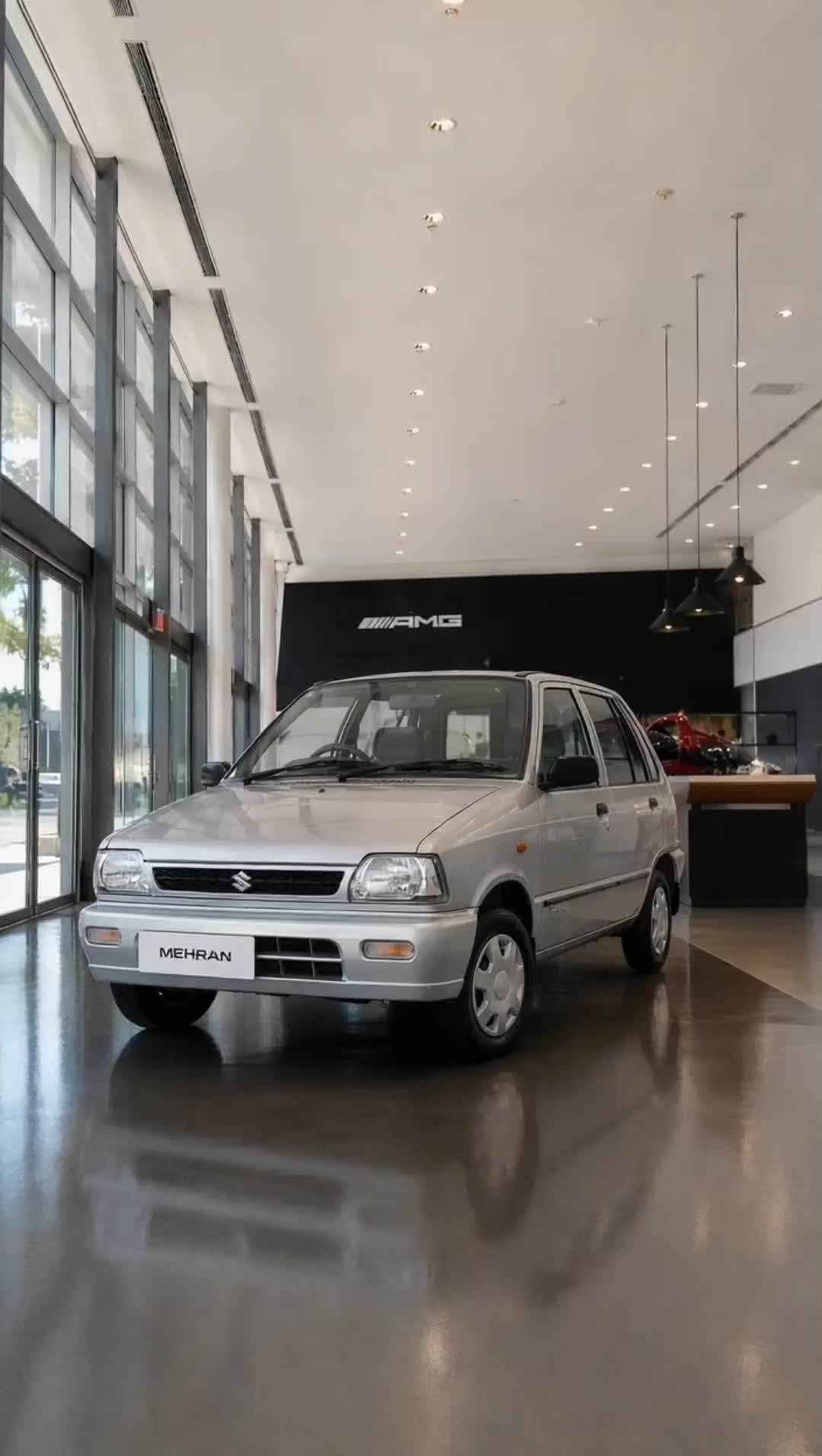

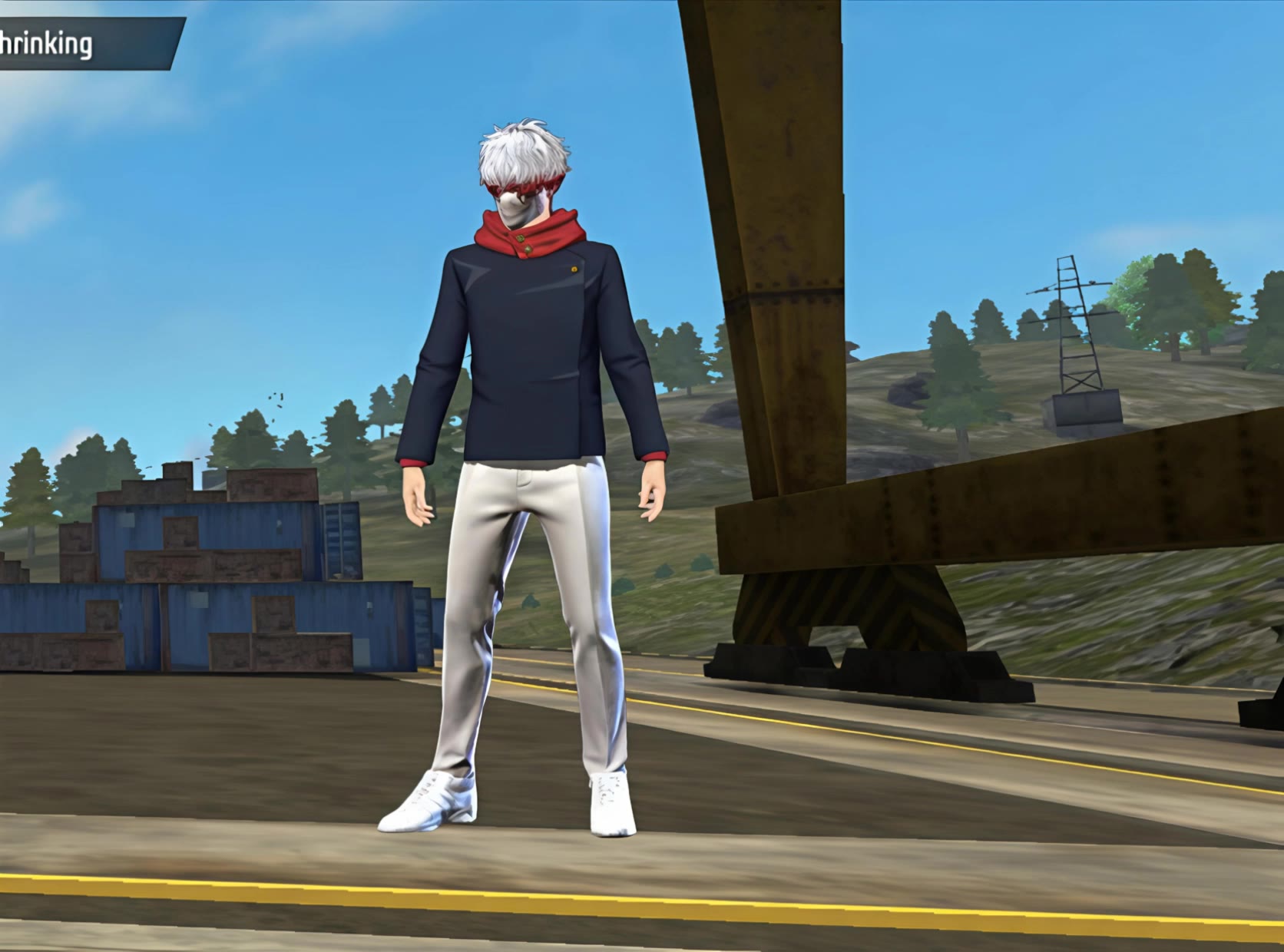

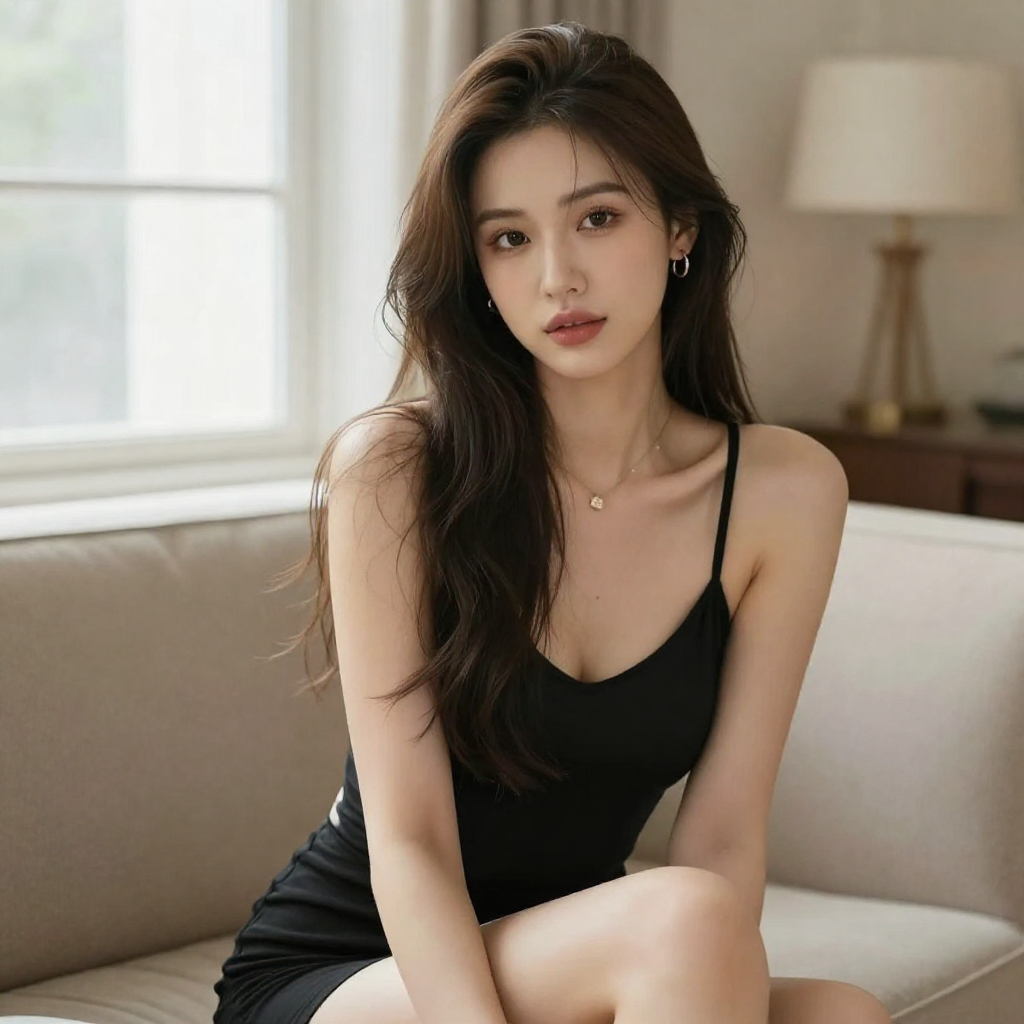
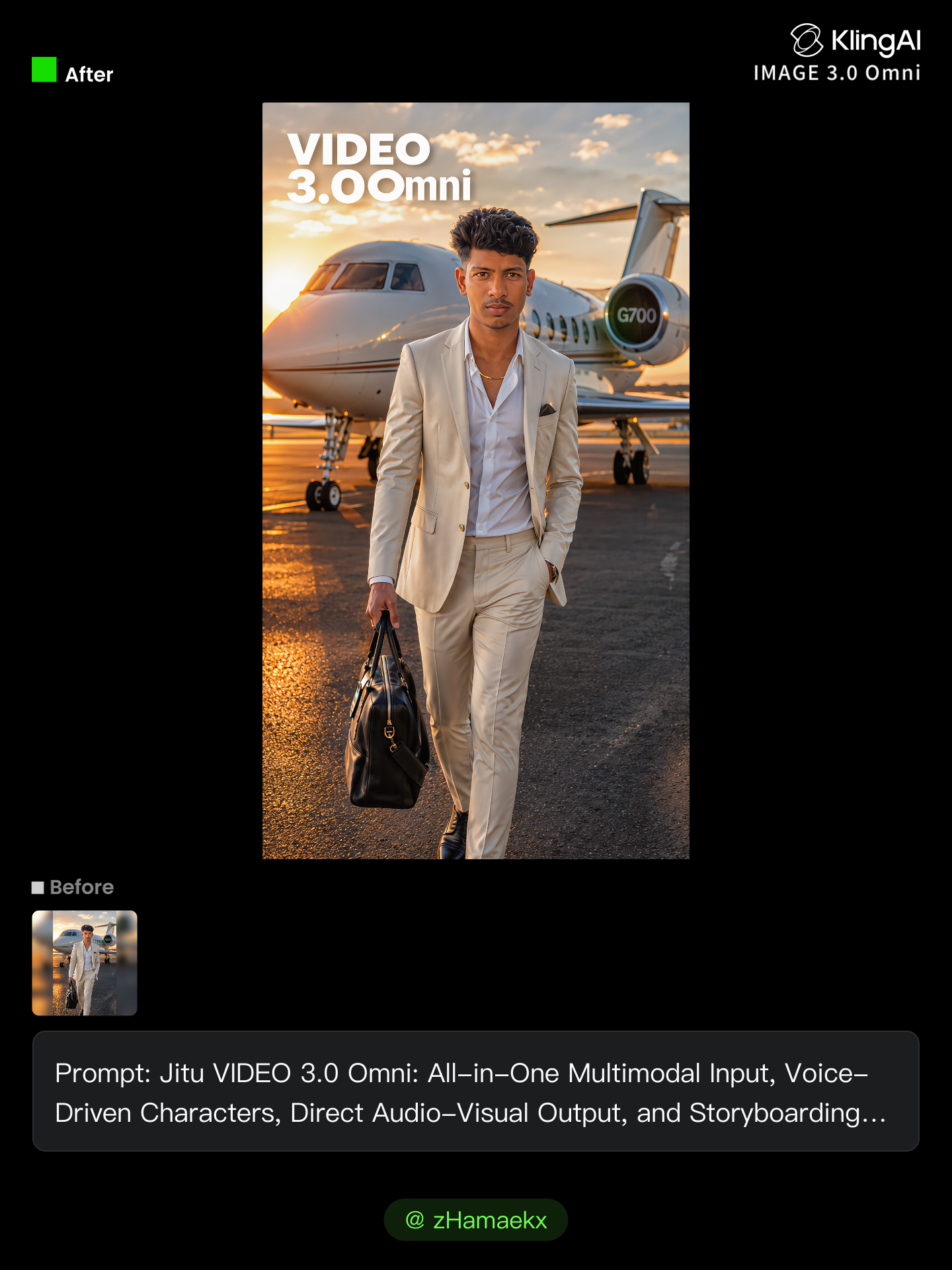



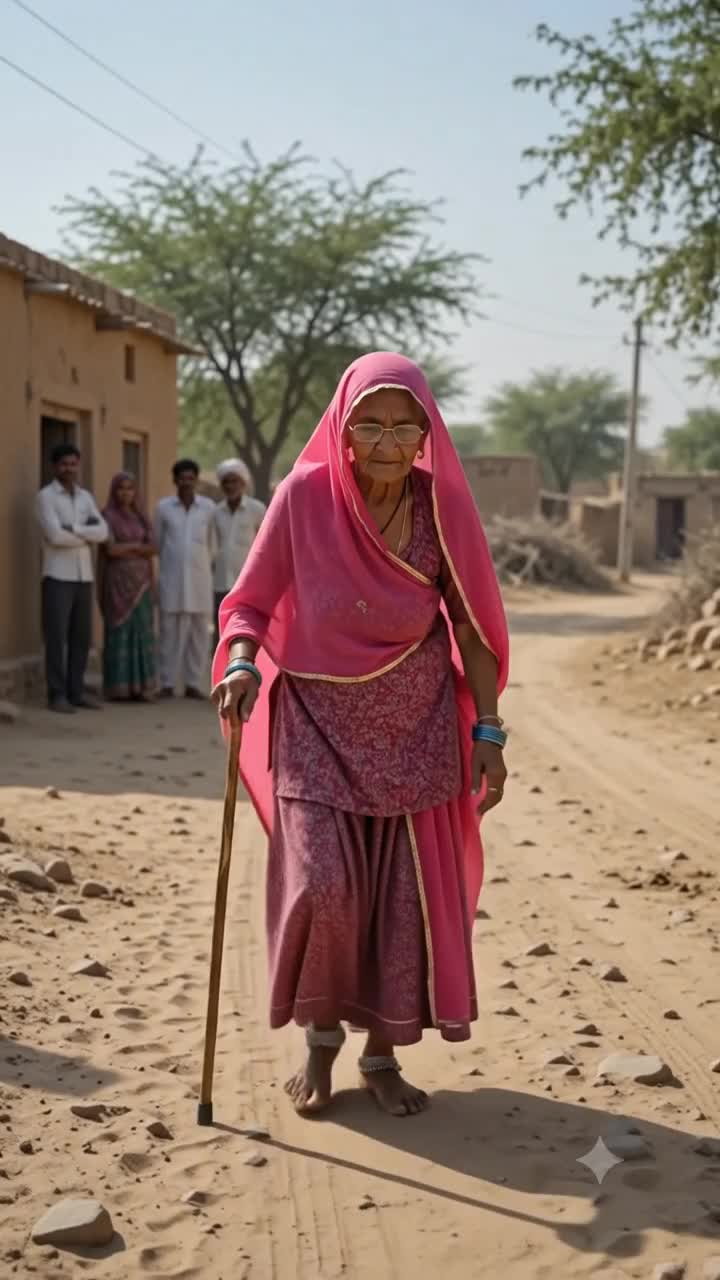
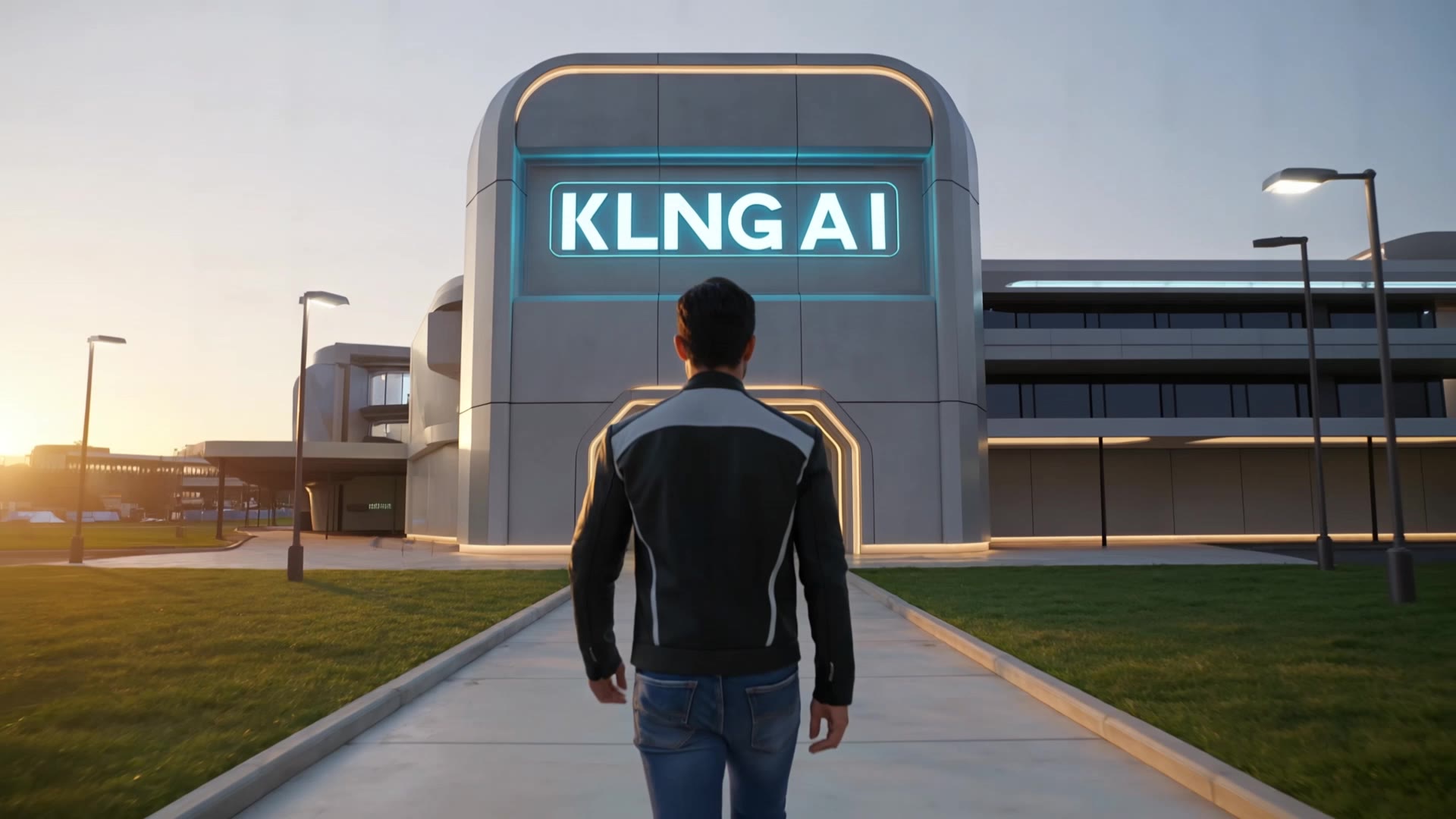


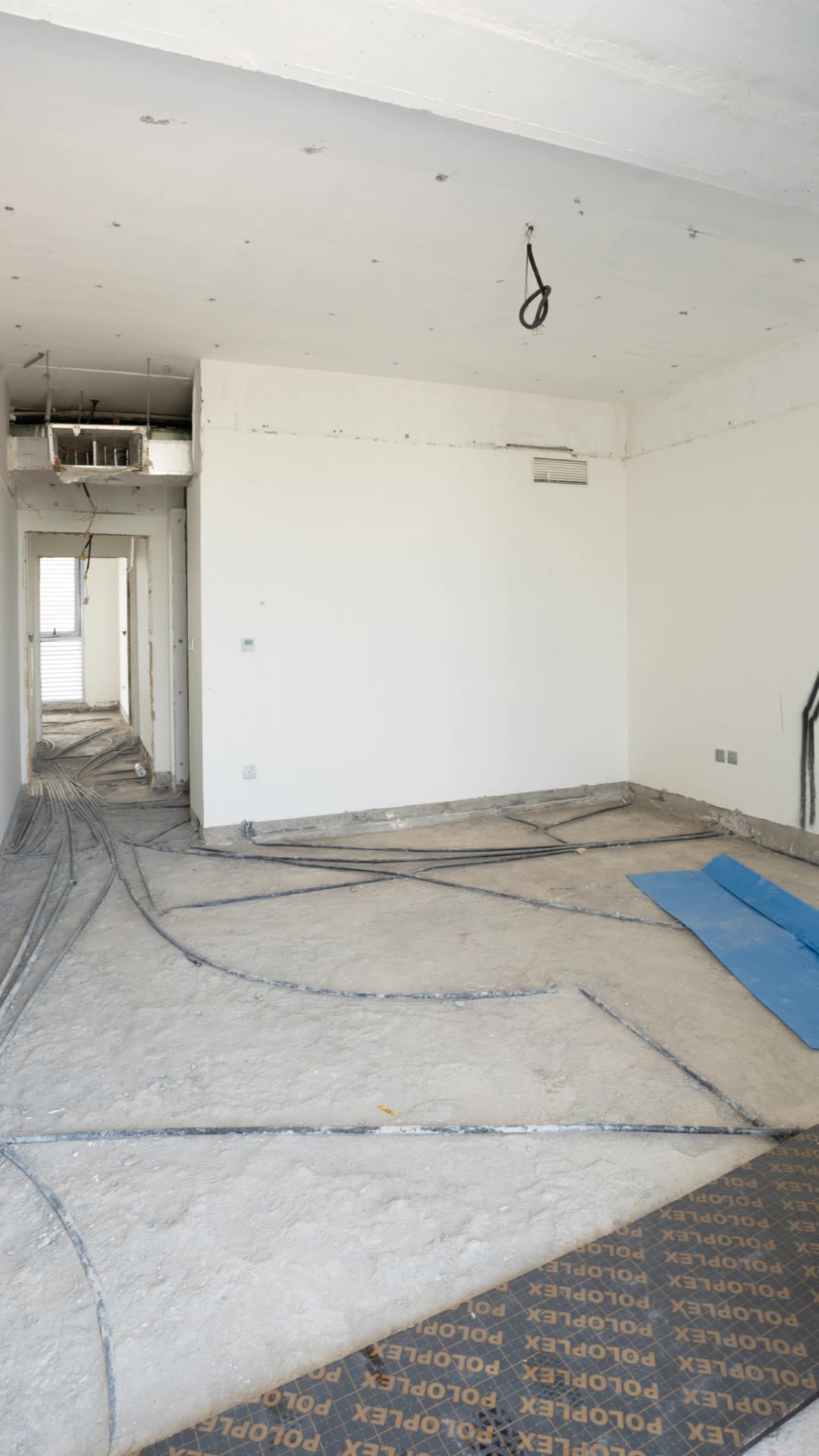









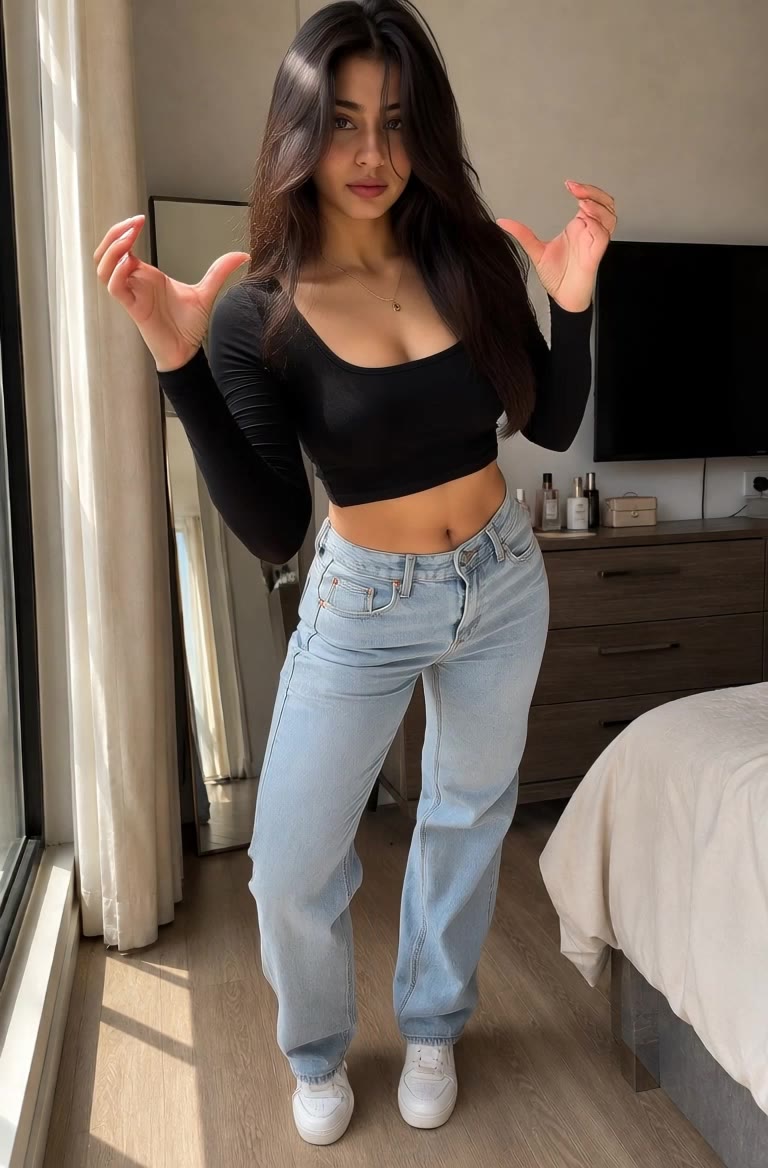
A diferencia de las herramientas estándar que deforman los rostros al moverse, Kling Video 3.0 te permite fijar estrictamente la apariencia de un personaje. Sube una sola foto o usa un video corto o múltiples ángulos como referencia para eliminar por completo el efecto de “morfing de AI”.

Tu imagen no solo se mueve; también habla. Genera voces perfectamente ajustadas y movimientos labiales realistas en varios idiomas o acentos regionales. Incluso en escenas con varios personajes, puedes asignar con precisión quién habla, sin herramientas de terceros.

Ve más allá de los bucles simples con hasta 15 segundos de narrativa fluida. Usa el Motion Control avanzado para dirigir paneos, inclinaciones y zooms, o define transiciones exactas con referencias de fotogramas inicial y final.

















I use AI daily and Kling AI is a crucial part of my workflow, whether for client work or personal projects. What I love most about using Kling AI is that it provides all the tools I need in one place, from keyframes to character references, elements and special effects.

I use Kling AI daily to push the limits of AI filmmaking. It allows me to create highly cinematic content, blending AI and VFX to develop innovative projects. It has significantly impacted my creative process, enabling me to achieve complex animations that would otherwise require high production budgets.

Kling AI has made it easy for us to generate world class visuals for Fortune 500 companies, TV shows and music for big artists. We love the easy of use of the platform and the quality of the generations. My first time using Kling AI, I got 22 million views on just one video. It's that good.
Cree vídeos cinematográficos de varias tomas con audio nativo y control preciso, todo en una sola generación.
Audio nativo | Control de disparos múltiples | Hasta 15 s de salida continua