
KMsXeeno
2
Immerse in high-contrast cinematic visuals and vivid photorealistic fantasy landscapes in 16:9 480p. Start exploring 16:9 480p ideas and generate your own content with AI.



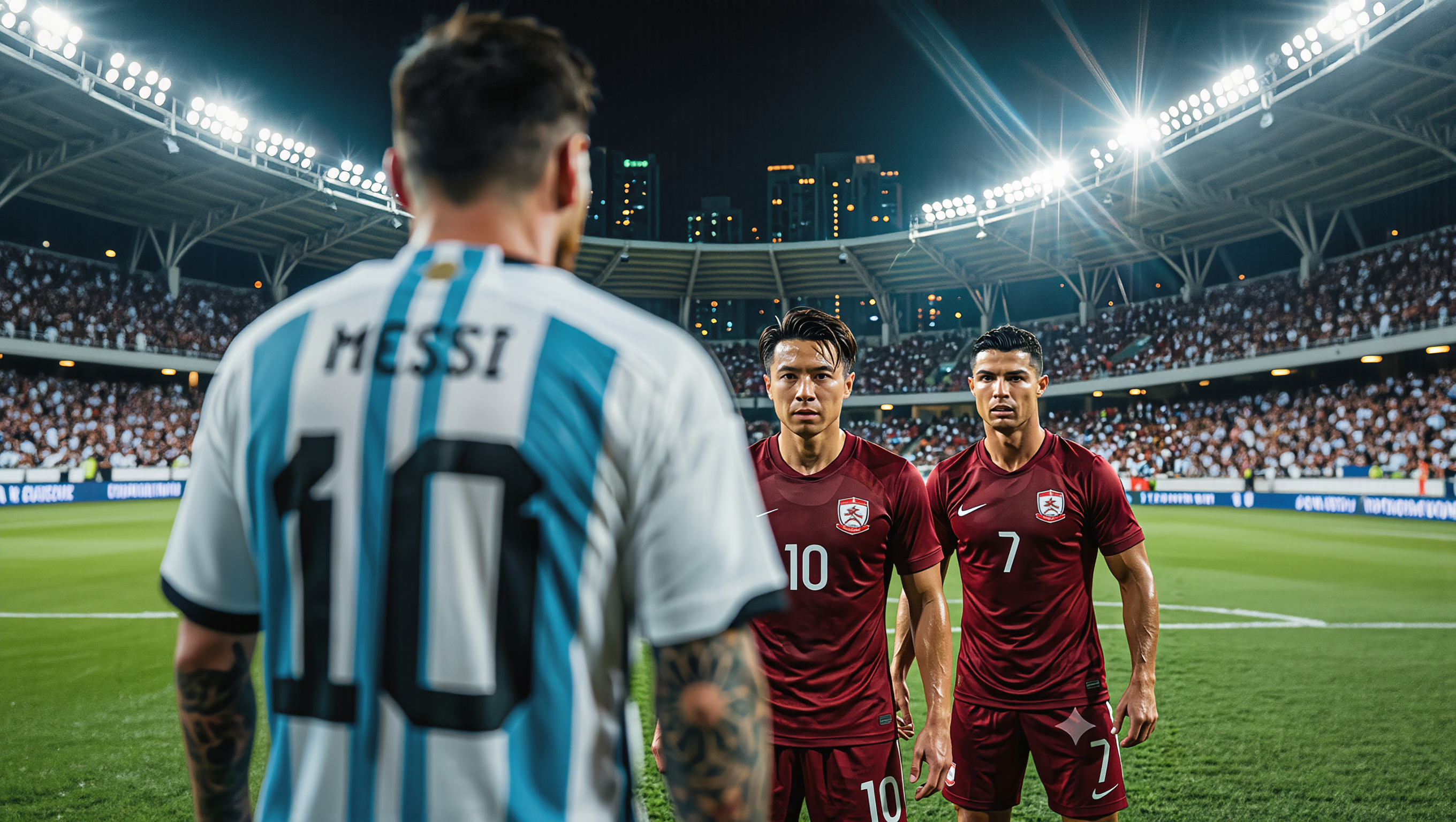


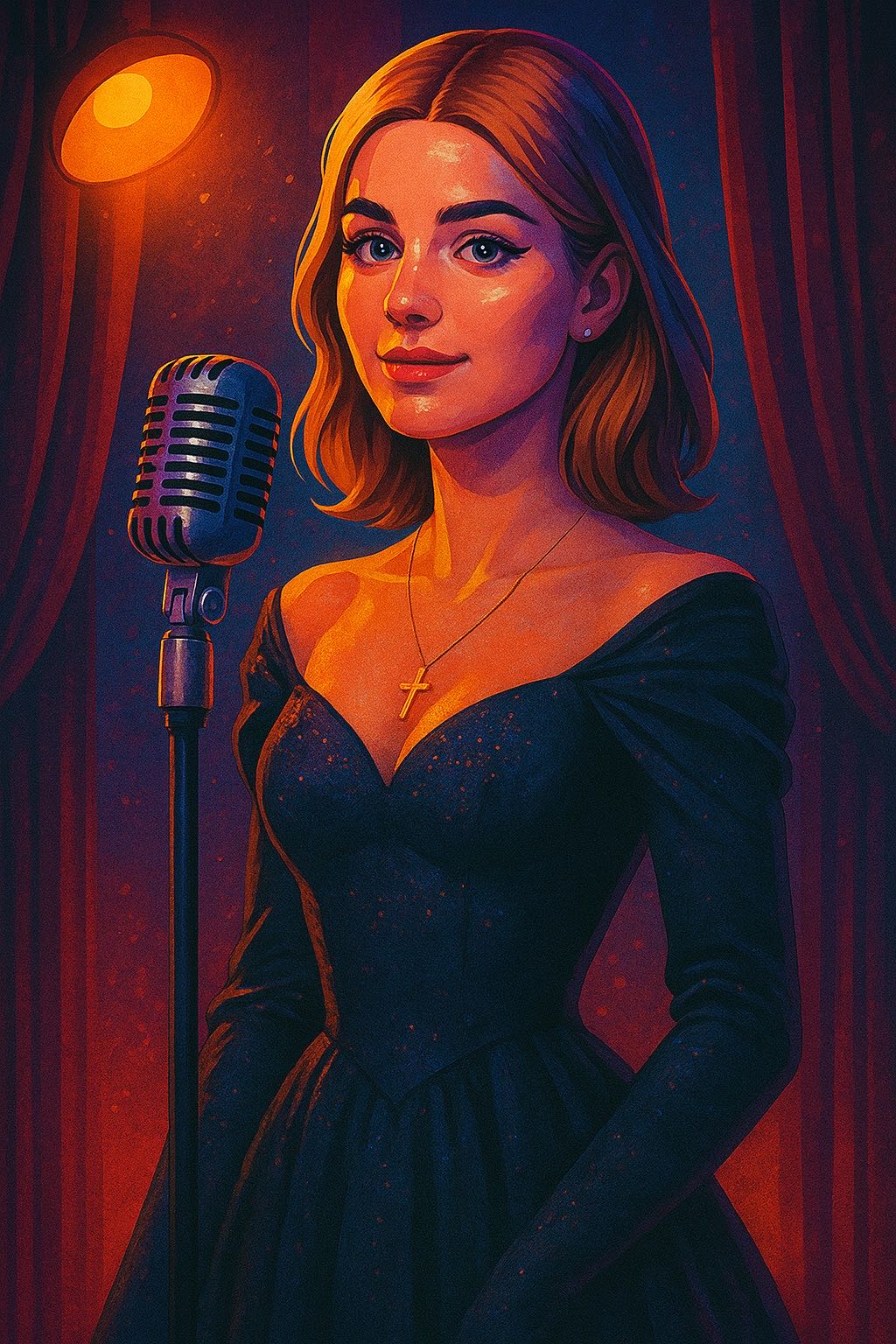



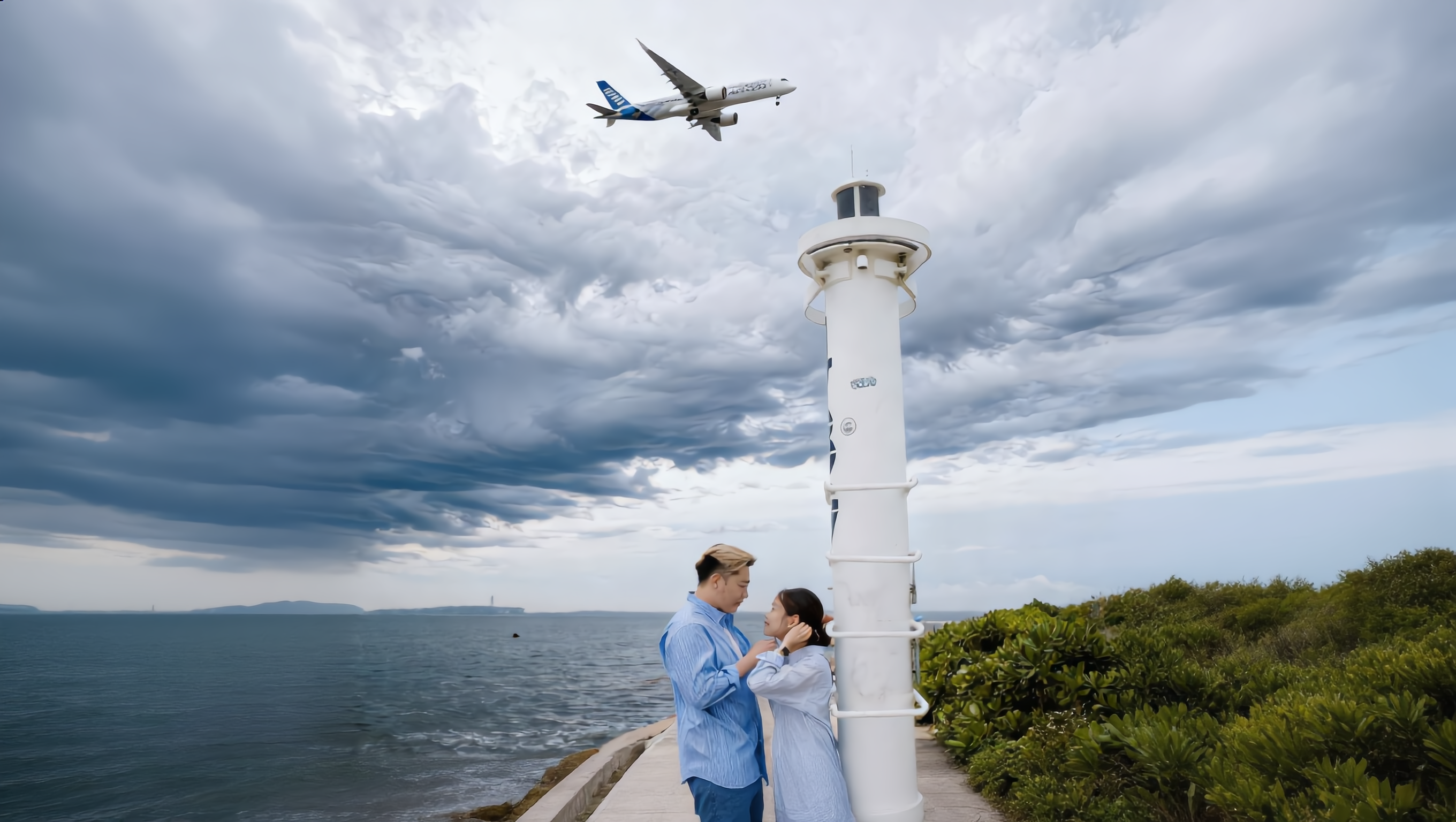






Create the visuals, dialogue, and sound together, with the voice included from the start. Add your script or character lines to the prompt, and Kling VIDEO 3.0 Omni generates spoken dialogue as part of the same video. This brings AI text to speech directly into the video generation process for conversations, narrated scenes, character stories, and more.

Create conversations with several characters and keep each line connected to the intended speaker. Multi-Character Coreference helps Kling VIDEO 3.0 keep each line with the intended speaker, even when three or more characters appear in the same scene. Use it for interviews, group conversations, and story scenes where several characters need to speak.

Create dialogue in Chinese, English, Japanese, Korean, and Spanish with Multilingual Content Generation. Kling VIDEO 3.0 can switch between languages within the same video and supports a range of dialects and accents for more natural character speech. This makes it easier to adapt characters and dialogue for different regions and audiences.

















Kling AI has been instrumental in transforming my creative workflow, unlocking new dimensions of artistic expression that were once unimaginable. I use Kling AI extensively to develop high-concept visuals, animate surreal dreamscapes, and create AI-assisted films that blur the line between reality and fantasy. Kling AI’s deep learning capabilities have not only enhanced my creative efficiency but also inspired me to explore storytelling in ways I never thought possible.

I’m Maria Rubtsova, an AIGC digital artist passionate about creating stunning visuals in the worlds of fashion, aesthetics, and fantasy. I use KlingAi to bring imagination to life through video. My work is all about exploring beauty, emotion, and the limitless possibilities of digital art.

Kling AI seamlessly integrates into my creative workflow, playing a key role in transforming my images. After generating and upscaling an image, Kling becomes a crucial element, bringing my creations to life with movement and depth.
Keep the footage you already have and give it a higher-resolution finish. Upscale short videos to 4K, bring out more visible detail, and use prompts or references when you want more control over the final result.
