Creative Studio
API
Resources
Features
About Us
Download

1950s short hair - Café charm & cinematic nostalgia

Embrace the nostalgic charm of 1950s short hair with iconic styles and timeless elegance. Immerse in the vintage atmosphere and cinematic allure of mid-century hair trends. Start exploring 1950s short hair ideas and generate your own content with AI.

1950s short hair - Café charm & cinematic nostalgia

Recommended

Kling AI work 294329886663066 - 1950s short hair AI image
coYBjEmA avatar
coYBjEmA
The Perfect Demeanor - 1950s short hair AI image
Kahkmah Bahm avatar
Kahkmah Bahm
Kling AI work 308053735660194 - 1950s short hair AI image
OB avatar
OB
Elite Creator
Kling AI Prompt:
Realistic hair  - 1950s short hair AI image
pssEICto avatar
pssEICto
vicarys pomade - 1950s short hair AI video
trivitrovi02 avatar
trivitrovi02
Elite Creator
Kling AI work 297179380506307 - 1950s short hair AI video
WgIJChfP avatar
WgIJChfP
shorrt hair - 1950s short hair AI image
klingai.video.ai avatar
klingai.video.ai
Kling AI work 317009414617806 - 1950s short hair AI video
ScrRORtJ avatar
ScrRORtJ
Kling AI work 308047276506523 - 1950s short hair AI image
OB avatar
OB
Elite Creator
Beautiful 1950s - 1950s short hair AI image
MovieFactoryEddies avatar
MovieFactoryEddies
Kling AI work 315726997617852 - 1950s short hair AI video
yiNNBIjd avatar
yiNNBIjd
Kling AI work 312922161664543 - 1950s short hair AI image
Visual Imagery avatar
Visual Imagery
Kling AI work 298628149653835 - 1950s short hair AI image
Blue 💙 avatar
Blue 💙
Kling AI work 316179035614672 - 1950s short hair AI video
JackDa avatar
JackDa
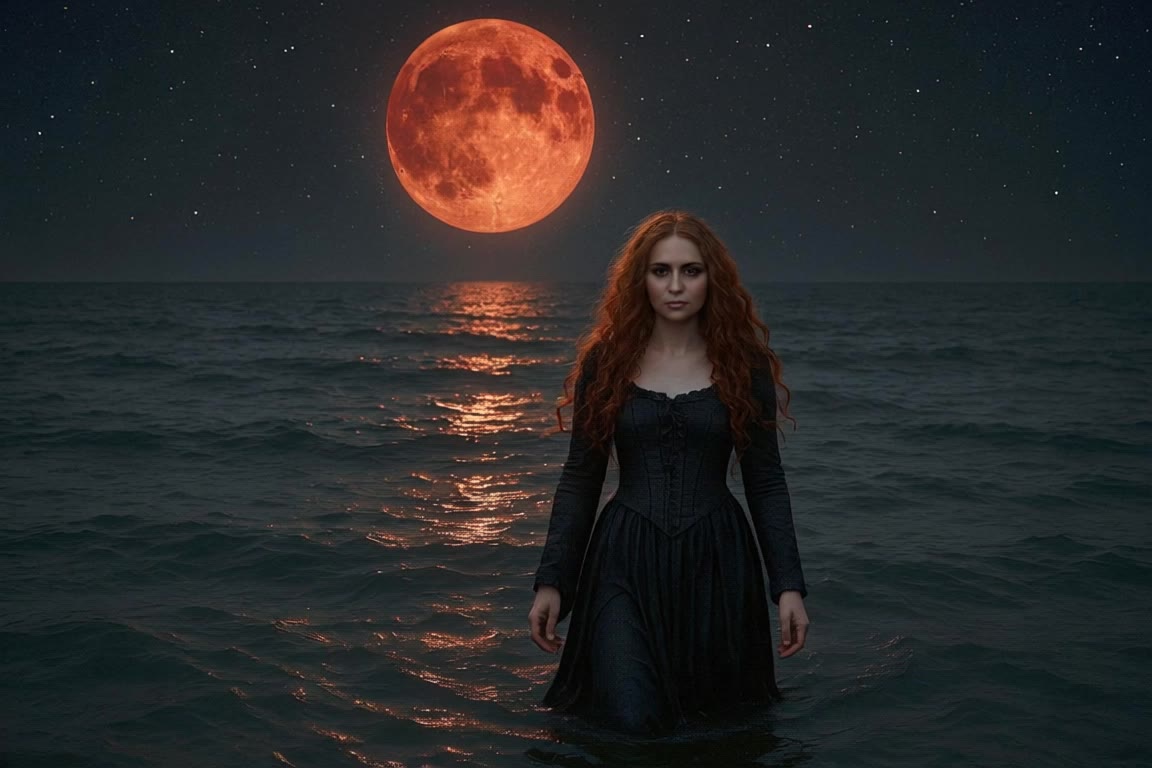
A woman with long red hair walks - 1950s short hair AI video
Manuetta Moon avatar
Manuetta Moon
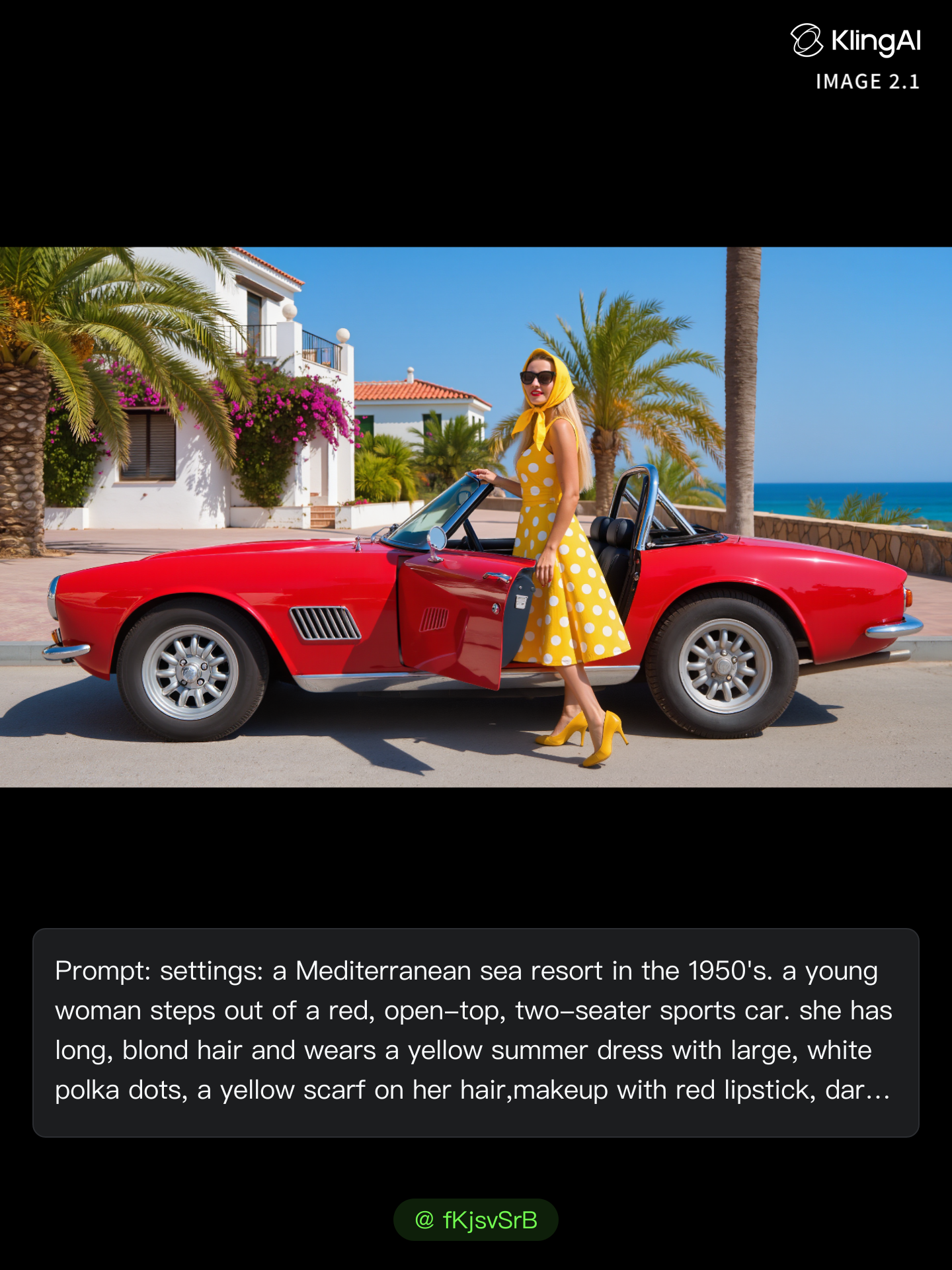
Kling AI work 298412991612794 - 1950s short hair AI image
fKjsvSrB avatar
fKjsvSrB
in the 1950s - 1950s short hair AI image
artisticvideo avatar
artisticvideo
Elite Creator
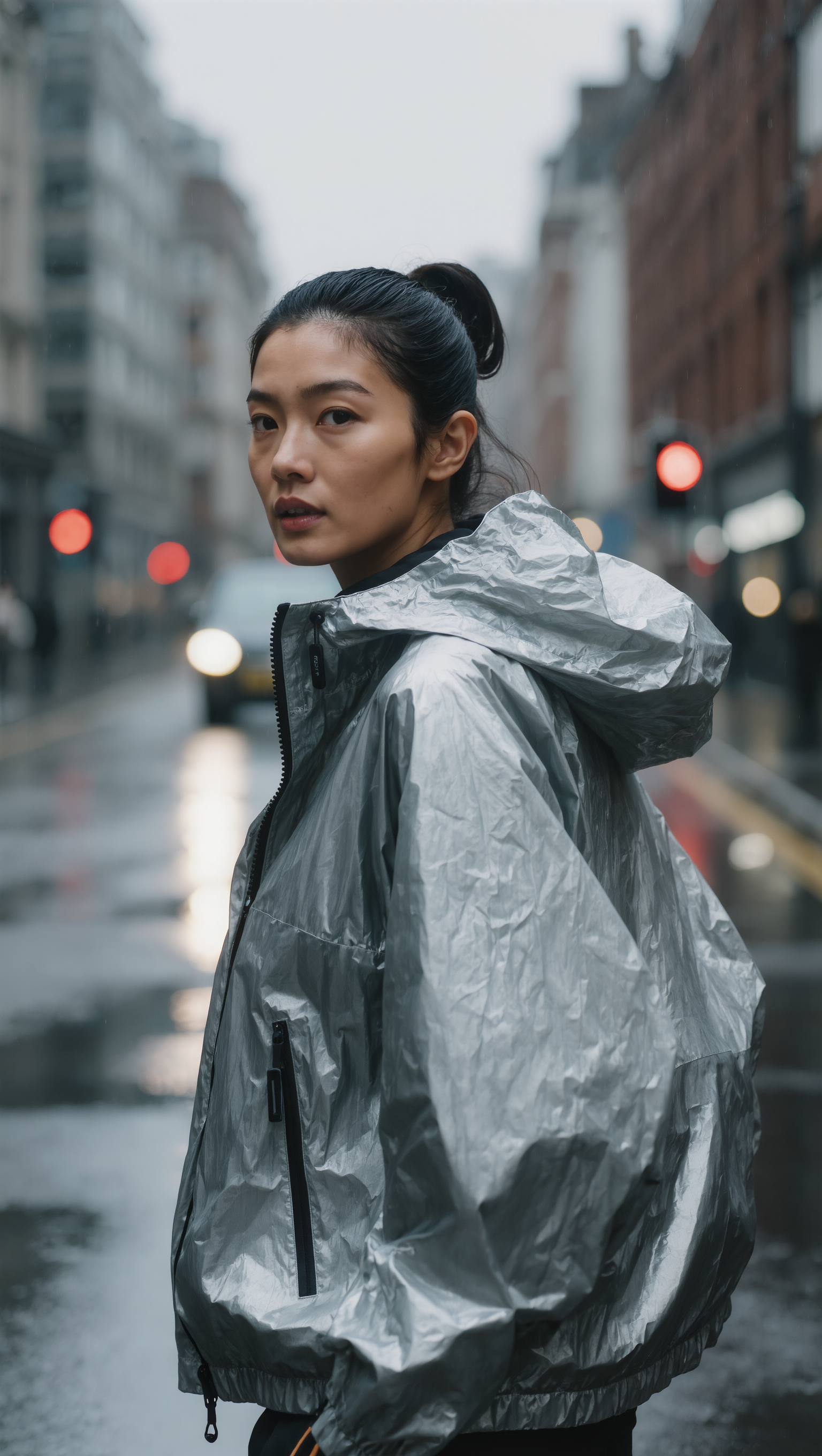
SLICKED-BACK HAIR & REFLECTIVE N - 1950s short hair AI image
Dreaming avatar
Dreaming
Elite Creator

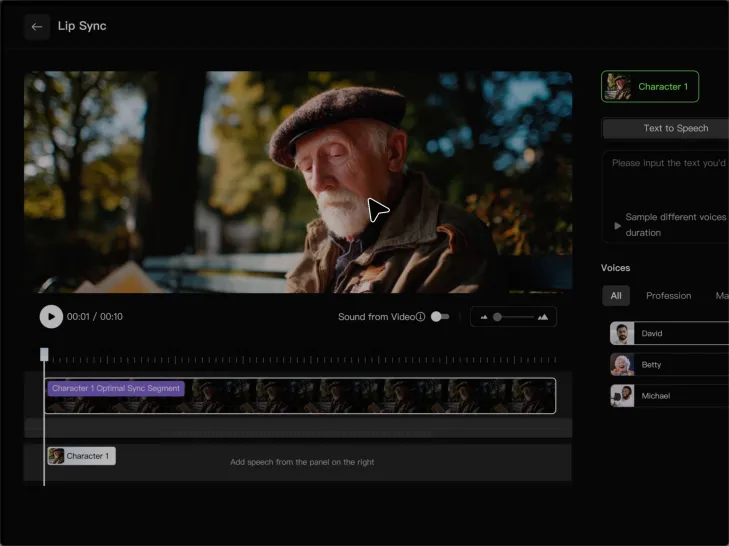
How to Lip Sync a Video in Kling AI

Choose a Clear Character Video

Choose a Clear Character Video

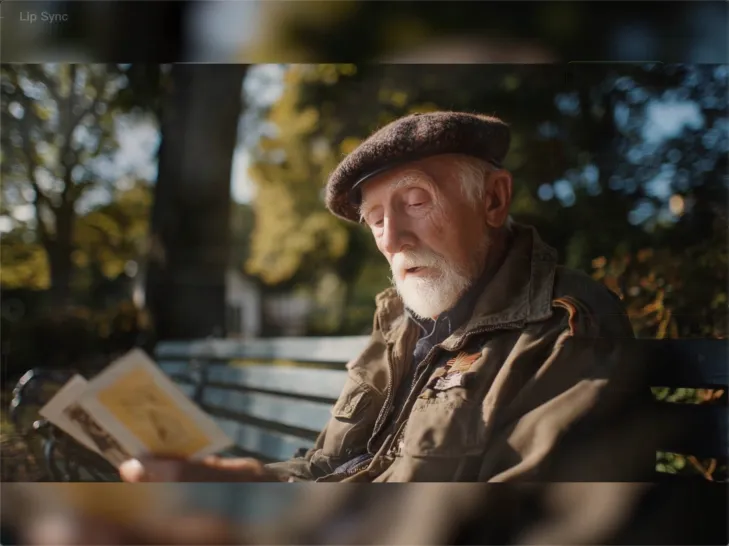
Choose a supported Kling AI clip with a full, clearly visible face. Lip Sync works with realistic, 3D, and 2D human characters.

Add Audio or Enter a Script

Add Audio or Enter a Script

Upload a voiceover or singing track, or use Text to Speech to generate a voice. Trim the audio if it runs longer than the video.

Generate and Review

Generate and Review

Generate the lip sync and preview the result. If the timing feels off, trim the audio or adjust the Text to Speech speed.

Make Avatars Perform, Not Just Speak

More Choice, Without Losing Consistency

More Choice, Without Losing Consistency

Start with a preset avatar, select a character from your Kling AI Assets, upload an image of your own, or create someone new with AI Image. Use a polished presenter for a product demo, a creator-style host for an ad, or a more stylized character when the idea calls for it. For recurring content, save the character with the voice and performance settings you use most. The same on-screen identity is ready for the next script, without putting the setup together again.

Give Each Script the Right Delivery

Give Each Script the Right Delivery

Use a finished voiceover when the delivery is already in place, or start with written copy and choose a text-to-speech voice. Adjust the pace and emotional tone so a product pitch feels confident, a lesson stays clear, and social content can take on more energy. You can write your own performance direction or use one of Kling AI’s suggestions for the selected character. The same avatar can also deliver content in English, Chinese, Japanese, or Korean while keeping a familiar appearance on screen.
Let Movement Carry the Message

Let Movement Carry the Message

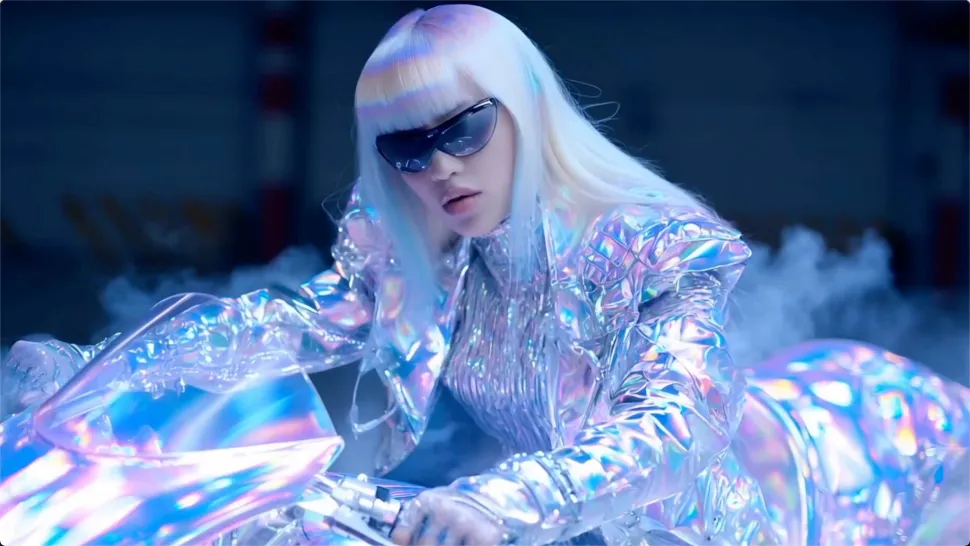
Natural lip sync is only part of the performance. An avatar can point to a product, handle an object, gesture through an explanation, react to the words, or move with the rhythm of a song. Avatar 2.0 improves hand stability and overall action quality, so the movement supports the scene instead of drawing attention away from it. Voice, expression, and body language come together as one performance—not a still image with audio layered over it.

Apps

Image to Video
Image to Video

Image to Video

Text to Video
Text to Video

Text to Video

Omni
Omni

Omni

Digital Human
Digital Human

Digital Human

Restyle
Restyle

Restyle

Text to Image
Text to Image

Text to Image

60M+
60M+
Users
600M+
600M+
AI Videos Generated
4.7 ★
4.7 ★
App Store
Industry-Leading
Industry-Leading
Cinematic 4K

Reviews

Vincent Smadja

Vincent Smadja

★★★★★

Kling AI seamlessly integrates into my creative workflow, playing a key role in transforming my images. After generating and upscaling an image, Kling becomes a crucial element, bringing my creations to life with movement and depth.

Halim Alrasihi

Halim Alrasihi

★★★★★

I use AI daily and Kling AI is a crucial part of my workflow, whether for client work or personal projects. What I love most about using Kling AI is that it provides all the tools I need in one place, from keyframes to character references, elements and special effects.

Samuele Poggi (@visualsk2)

Samuele Poggi (@visualsk2)

★★★★★

I use Kling AI daily to push the limits of AI filmmaking. It allows me to create highly cinematic content, blending AI and VFX to develop innovative projects. It has significantly impacted my creative process, enabling me to achieve complex animations that would otherwise require high production budgets.

FAQ

Q1What is a video background remover?
Q2Can Kling AI make a video background transparent?
Q3Can I use an image to change a video background?

Give Photos and Videos a Whole New Face

Upload your photo or video, add the face you want to swap in, and let Kling AI recreate the scene while keeping the look, motion, and surroundings feeling natural.

Effortless Face Swaps | Facial Detail Control | Natural Blending