
Creative Studio
API
Resources
Features
About Us
Download

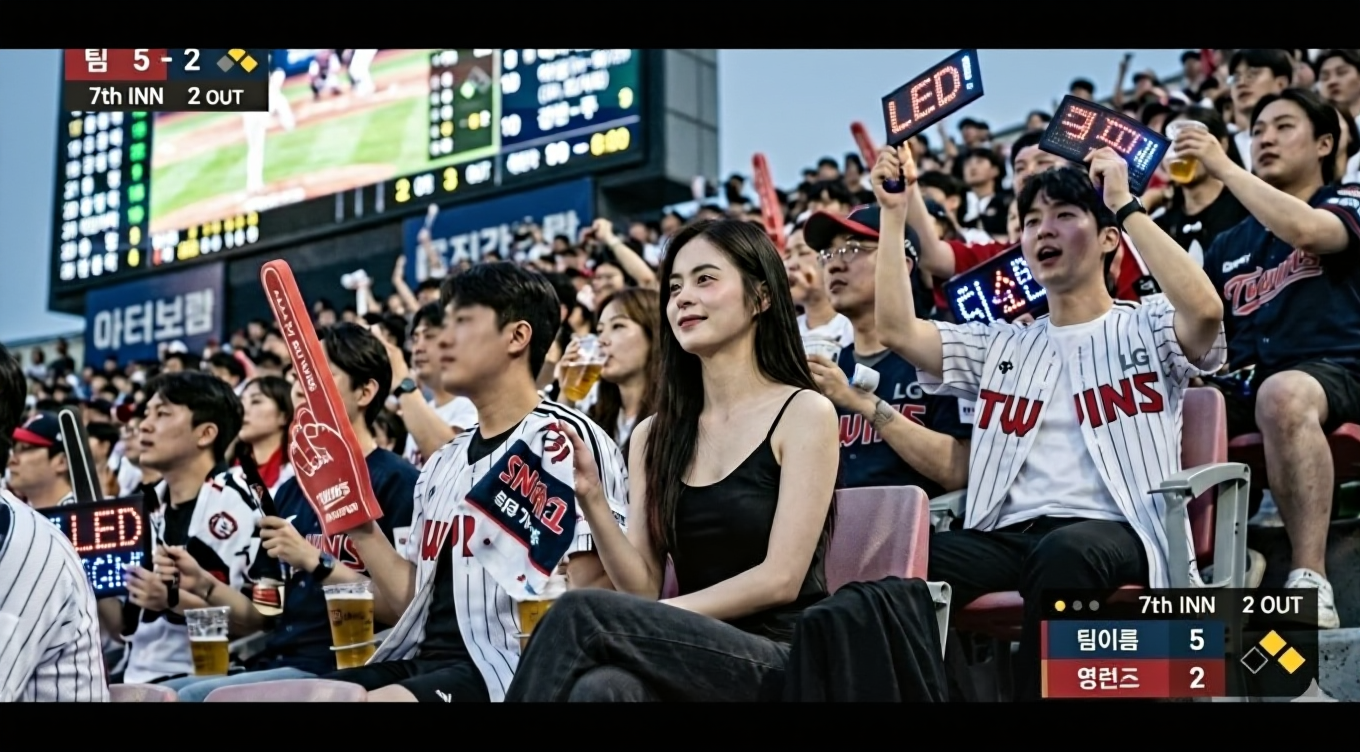
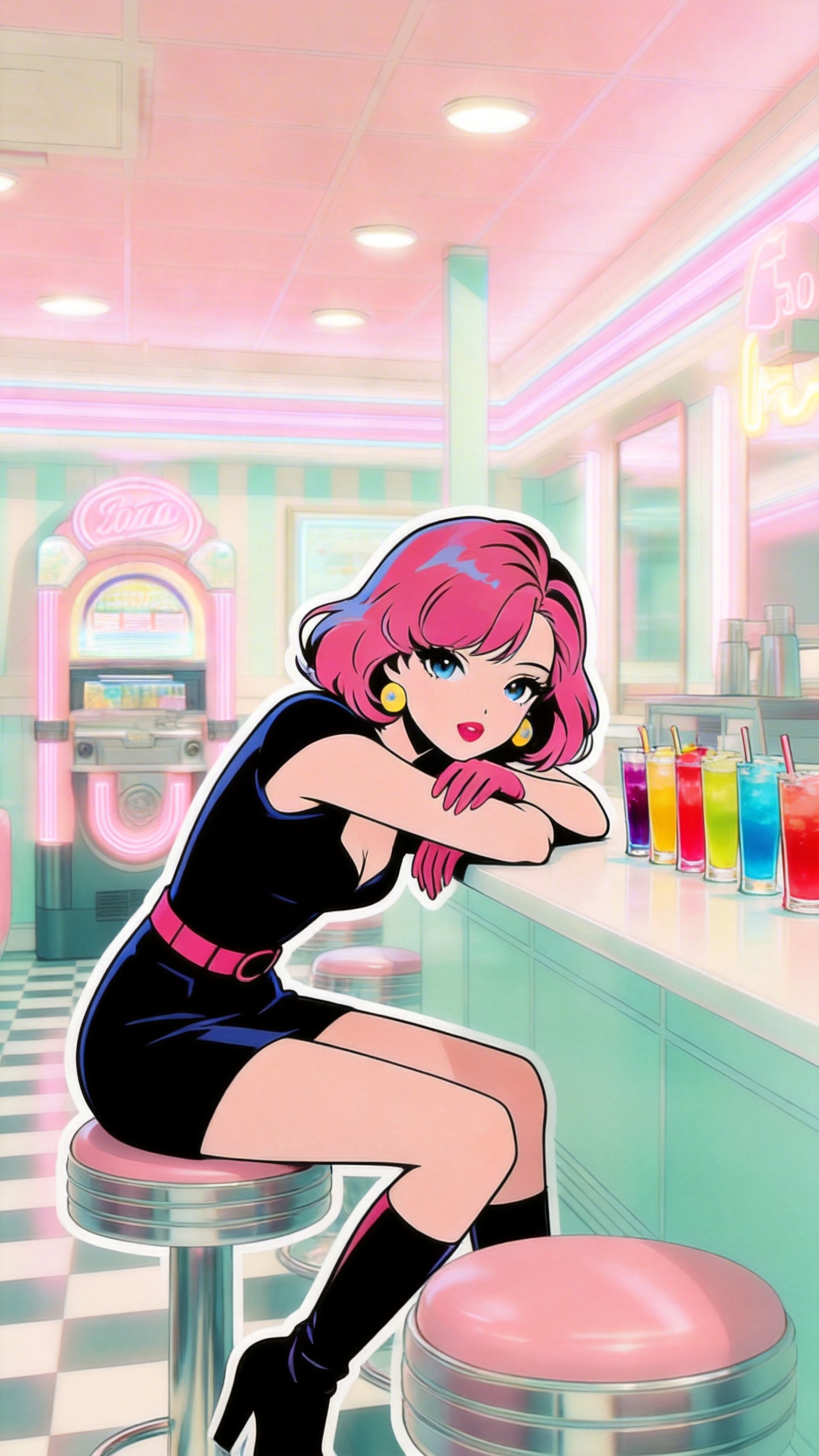
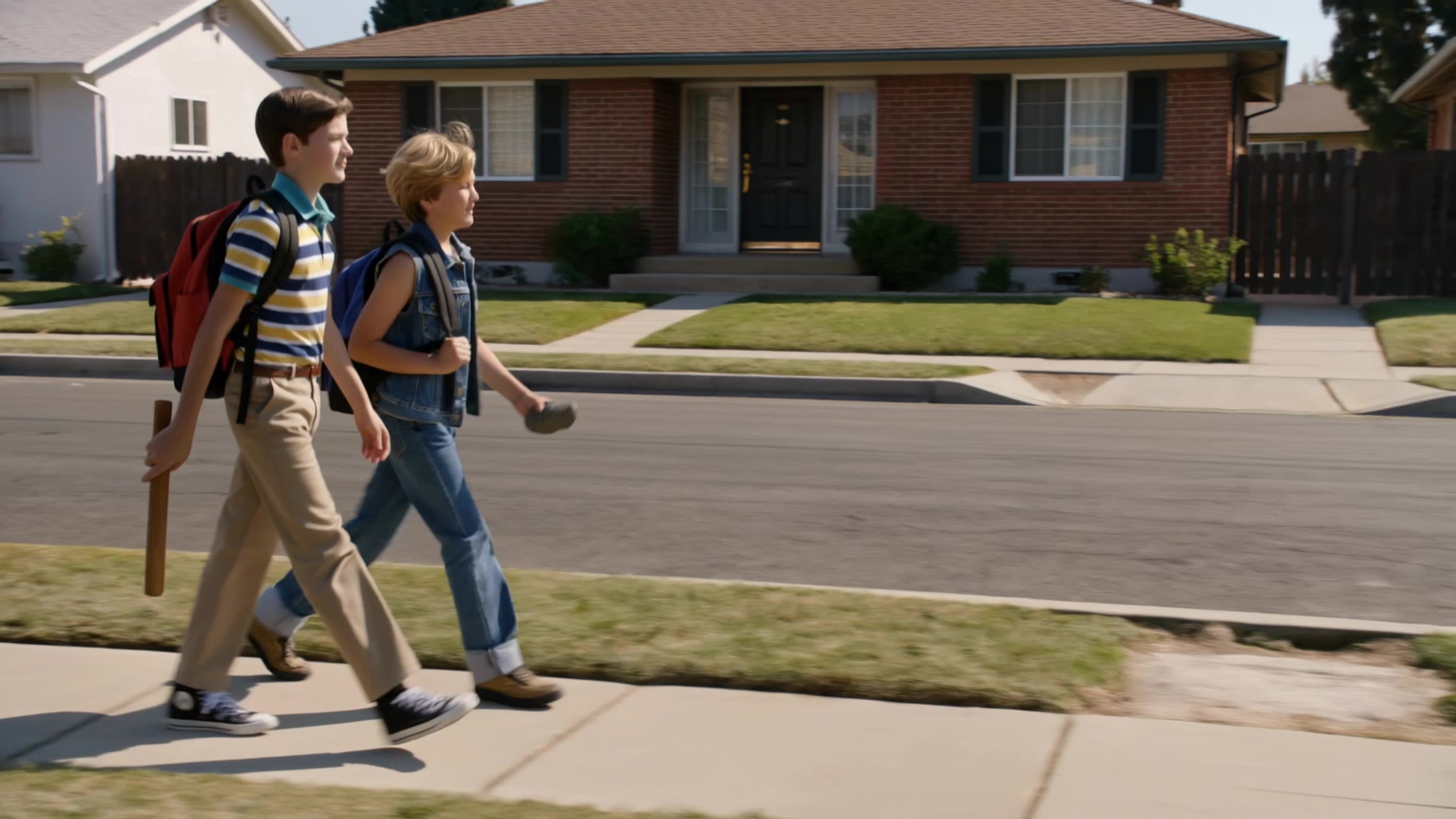
1980s video game ostrih - Teen Culture & Arcade Screens

Dive into the nostalgia of 1980s arcade game screens and dynamic third-person gameplay featuring iconic 1980s teen characters. Start exploring 1980s video game ostrih ideas and generate your own content with AI.

1980s video game ostrih - Teen Culture & Arcade Screens

Recommended

Kling AI work 312951009667398 - 1980s video game ostrih AI video
FQjVXmFn avatar
FQjVXmFn
Kling AI work 319573208302201 - 1980s video game ostrih AI video
puxpSmeM avatar
puxpSmeM
Bored girl on a roadtrip 1980s - 1980s video game ostrih AI video
ZsCQcGYI avatar
ZsCQcGYI
Kling AI work 310465099667461 - 1980s video game ostrih AI image
lJoHSJWP avatar
lJoHSJWP
Kling AI work 298909523505562 - 1980s video game ostrih AI video
Spidercat avatar
Spidercat
Kling AI work 296447450663232 - 1980s video game ostrih AI video
MeowCoin avatar
MeowCoin
1980s retro look - 1980s video game ostrih AI video
phBXVnfc avatar
phBXVnfc
The 1980s - 1980s video game ostrih AI video
00:28
AICO avatar
AICO
Kling AI work 319572561322342 - 1980s video game ostrih AI video
puxpSmeM avatar
puxpSmeM
Kling AI work 308707582664285 - 1980s video game ostrih AI video
SPP avatar
SPP
1980s Trend - 1980s video game ostrih AI video
00:16
Arya_602 avatar
Arya_602
Create a realistic cinematic 198 - 1980s video game ostrih AI image
xyYFoAmA avatar
xyYFoAmA
1980s - 1980s video game ostrih AI video
cjVZdSef avatar
cjVZdSef
Vintage 1980s photo style - 1980s video game ostrih AI image
yXkoyhXH avatar
yXkoyhXH
1980’s trend - 1980s video game ostrih AI video
00:24
Yovin avatar
Yovin
Kling AI work 310486531613971 - 1980s video game ostrih AI image
tyqGUEvV avatar
tyqGUEvV

How to Remove Backgrounds with Kling AI

Remove BG in HD

Remove BG in HD

Upload your image and tell Kling what to keep and what to remove. You can also add a transparent reference image to guide the cutout. Keep the background transparent and export in 2K or 4K with IMAGE 3.0 Omni when you need more detail.

Change Photo Backgrounds Directly

Change Photo Backgrounds Directly

If your end goal is a new background, skip the transparent cutout altogether. Describe the scene you want or add a reference image, and Kling can replace the original background while keeping the subject in place.

Remove Video Backgrounds

Remove Video Backgrounds

Upload your clip, tell Kling which subject to keep, and describe the background you want removed or changed. VIDEO 3.0 Omni works with existing footage, so you can update the setting without reshooting or filming against a green screen.

Change Image Colors with Natural Detail

Explore Different Colorways from One Image

Explore Different Colorways from One Image

One photo can give you more than one look. Turn a single product shot, outfit, or creative asset into different color variations without rebuilding the image from scratch. Kling IMAGE 3.0 can update the color direction while helping keep the subject, composition, and surrounding scene consistent.

Match a Color from a Reference Image

Match a Color from a Reference Image

Sometimes a color is easier to show than describe. Upload a product, outfit, design, or other visual reference and tell Kling IMAGE 3.0 which color direction you want to follow. It gives you a simple way to communicate a palette, shade, or overall look without relying on words alone.

Change the Color, Keep the Texture

Change the Color, Keep the Texture

A new shade should still look right on the material underneath it. Kling IMAGE 3.0 can help retain visible details such as fabric texture, metallic reflections, wood grain, glass surfaces, and skin texture as you recolor an object. That means a blue jacket can still look like fabric, and a black cabinet can still look like painted wood.

Apps

Image to Video
Image to Video

Image to Video

Text to Video
Text to Video

Text to Video

Omni
Omni

Omni

Digital Human
Digital Human

Digital Human

Restyle
Restyle

Restyle

Text to Image
Text to Image

Text to Image

60M+
60M+
Users
600M+
600M+
AI Videos Generated
4.7 ★
4.7 ★
App Store
Industry-Leading
Industry-Leading
Cinematic 4K

Reviews

Huang Lu (Elson)

Huang Lu (Elson)

★★★★★

I’ve been using Kling AI since its initial release, and it’s remained one of the leading AI media generators ever since. With Kling AI, I’ve created hundreds of videos, collectively amassing millions of views.

Samuele Poggi (@visualsk2)

Samuele Poggi (@visualsk2)

★★★★★

I use Kling AI daily to push the limits of AI filmmaking. It allows me to create highly cinematic content, blending AI and VFX to develop innovative projects. It has significantly impacted my creative process, enabling me to achieve complex animations that would otherwise require high production budgets.

Jyo John Mulloor

Jyo John Mulloor

★★★★★

Kling AI has been instrumental in transforming my creative workflow, unlocking new dimensions of artistic expression that were once unimaginable. I use Kling AI extensively to develop high-concept visuals, animate surreal dreamscapes, and create AI-assisted films that blur the line between reality and fantasy. Kling AI’s deep learning capabilities have not only enhanced my creative efficiency but also inspired me to explore storytelling in ways I never thought possible.

FAQ

Q1Can I generate multiple variations or a connected image series?
Q2What is image to image AI?
Q3Can I combine multiple reference images?

Bring Your Character to Life

Add a voice or script to turn your character video into a polished lip-sync performance.

Voiceover | Text to Speech | Audio trimming | Realistic, 3D & 2D character