Creative Studio
API
Resources
Features
About Us
Download

2000s backdrop - pop group flirtation & vintage mobile devices

Relive the charm of early 2000s fashion and iconic mobile devices with a nostalgic twist. Immerse in the playful, flirtatious vibes reminiscent of pop women's groups and sunset nostalgia. Start exploring 2000s backdrop ideas and generate your own content with AI.

2000s backdrop - pop group flirtation & vintage mobile devices

Recommended

2000s vibe - 2000s backdrop AI video
00:30
ULAYNBSZ avatar
ULAYNBSZ
Kling AI work 314212811522419 - 2000s backdrop AI video
RTYvyhuL avatar
RTYvyhuL
Kling AI work 309362599666858 - 2000s backdrop AI video
tOquskQx avatar
tOquskQx
Kling AI work 310849507521599 - 2000s backdrop AI video
rHecowYT avatar
rHecowYT
Disarray - 2000s backdrop AI video
PrinceTheGoat avatar
PrinceTheGoat
Kling AI work 306989419617963 - 2000s backdrop AI image
jsshThnn avatar
jsshThnn
Kling AI work 296855350524879 - 2000s backdrop AI image
aleynarch avatar
aleynarch
Kling AI work 316349349617326 - 2000s backdrop AI video
VRuEkybR avatar
VRuEkybR
Kling AI work 314501835522906 - 2000s backdrop AI video
AujVecwQ avatar
AujVecwQ
Kling AI work 314213179521757 - 2000s backdrop AI video
RTYvyhuL avatar
RTYvyhuL
Kling AI work 308931710664301 - 2000s backdrop AI image
BIsezPrV avatar
BIsezPrV
Kling AI work 308354415313510 - 2000s backdrop AI video
oHkaNXCJ avatar
oHkaNXCJ
Kling AI work 307372697661367 - 2000s backdrop AI image
mirrorx avatar
mirrorx
Kling AI work 308930126520375 - 2000s backdrop AI image
BIsezPrV avatar
BIsezPrV
Kling AI work 314907284616331 - 2000s backdrop AI image
BUgZzZeZ avatar
BUgZzZeZ
Kling AI work 311753109523517 - 2000s backdrop AI video
jCgsarWj avatar
jCgsarWj
Kling AI work 309849298616735 - 2000s backdrop AI image
FmoxCHzF avatar
FmoxCHzF
Yearbook - 2000s backdrop AI video
Yearbook
VcUfxZww avatar
VcUfxZww
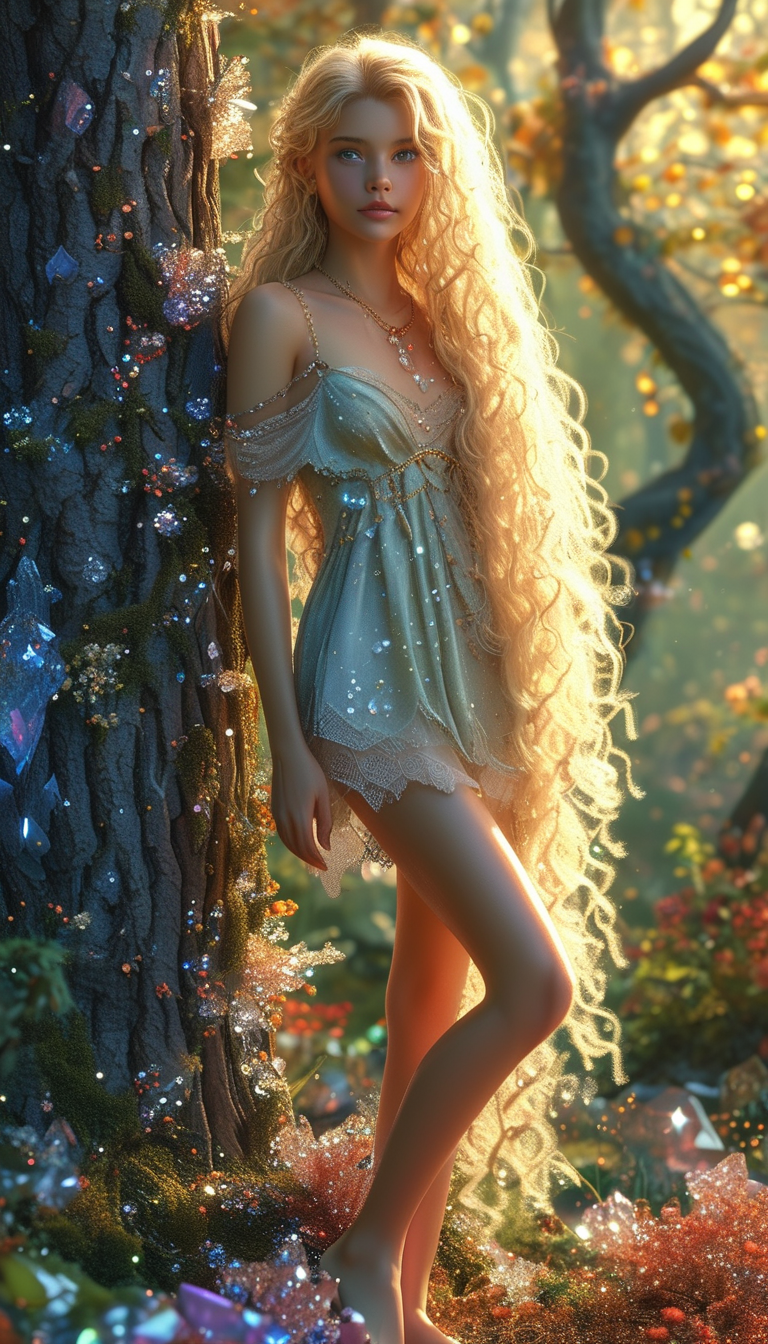
Dream Forest. ✨🥰 - 2000s backdrop AI image
QHSSdJDp avatar
QHSSdJDp

How to Remove Backgrounds with Kling AI

Remove BG in HD

Remove BG in HD

Upload your image and tell Kling what to keep and what to remove. You can also add a transparent reference image to guide the cutout. Keep the background transparent and export in 2K or 4K with IMAGE 3.0 Omni when you need more detail.

Change Photo Backgrounds Directly

Change Photo Backgrounds Directly

If your end goal is a new background, skip the transparent cutout altogether. Describe the scene you want or add a reference image, and Kling can replace the original background while keeping the subject in place.

Remove Video Backgrounds

Remove Video Backgrounds

Upload your clip, tell Kling which subject to keep, and describe the background you want removed or changed. VIDEO 3.0 Omni works with existing footage, so you can update the setting without reshooting or filming against a green screen.

Change Image Colors with Natural Detail

Explore Different Colorways from One Image

Explore Different Colorways from One Image

One photo can give you more than one look. Turn a single product shot, outfit, or creative asset into different color variations without rebuilding the image from scratch. Kling IMAGE 3.0 can update the color direction while helping keep the subject, composition, and surrounding scene consistent.

Match a Color from a Reference Image

Match a Color from a Reference Image

Sometimes a color is easier to show than describe. Upload a product, outfit, design, or other visual reference and tell Kling IMAGE 3.0 which color direction you want to follow. It gives you a simple way to communicate a palette, shade, or overall look without relying on words alone.

Change the Color, Keep the Texture

Change the Color, Keep the Texture

A new shade should still look right on the material underneath it. Kling IMAGE 3.0 can help retain visible details such as fabric texture, metallic reflections, wood grain, glass surfaces, and skin texture as you recolor an object. That means a blue jacket can still look like fabric, and a black cabinet can still look like painted wood.

Apps

Image to Video
Image to Video

Image to Video

Text to Video
Text to Video

Text to Video

Omni
Omni

Omni

Digital Human
Digital Human

Digital Human

Restyle
Restyle

Restyle

Text to Image
Text to Image

Text to Image

60M+
60M+
Users
600M+
600M+
AI Videos Generated
4.7 ★
4.7 ★
App Store
Industry-Leading
Industry-Leading
Cinematic 4K

Reviews

Jyo John Mulloor

Jyo John Mulloor

★★★★★

Kling AI has been instrumental in transforming my creative workflow, unlocking new dimensions of artistic expression that were once unimaginable. I use Kling AI extensively to develop high-concept visuals, animate surreal dreamscapes, and create AI-assisted films that blur the line between reality and fantasy. Kling AI’s deep learning capabilities have not only enhanced my creative efficiency but also inspired me to explore storytelling in ways I never thought possible.

Déborah

Déborah

★★★★★

I use Kling AI every day. It's amazing to see the almost daily progress it makes. I used AI for fun at first, and I now find that Kling AI's animations allow me to gain professional visibility, with three times more views on my animated posts than on my static posts.

KakuDrop

KakuDrop

★★★★★

I have successfully collaborated with world-renowned artists and well-known companies that are recognized globally

FAQ

Q1Will AI restoration change faces in old photos?
Q2Can AI restore faded colors in old photos?
Q3Can AI colorize black-and-white photos?

Start Creating AI Videos with Kling

Turn your text or images into a stunning, high-quality video in seconds. No watermarks, No complicated setup.

Free tier includes watermark (Memberships are watermark-free) | 1080p export (Pro unlocks 4K) | Instant results