Creative Studio
API
Resources
Features
About Us
Download

2025 logo - liquification & animated reveal

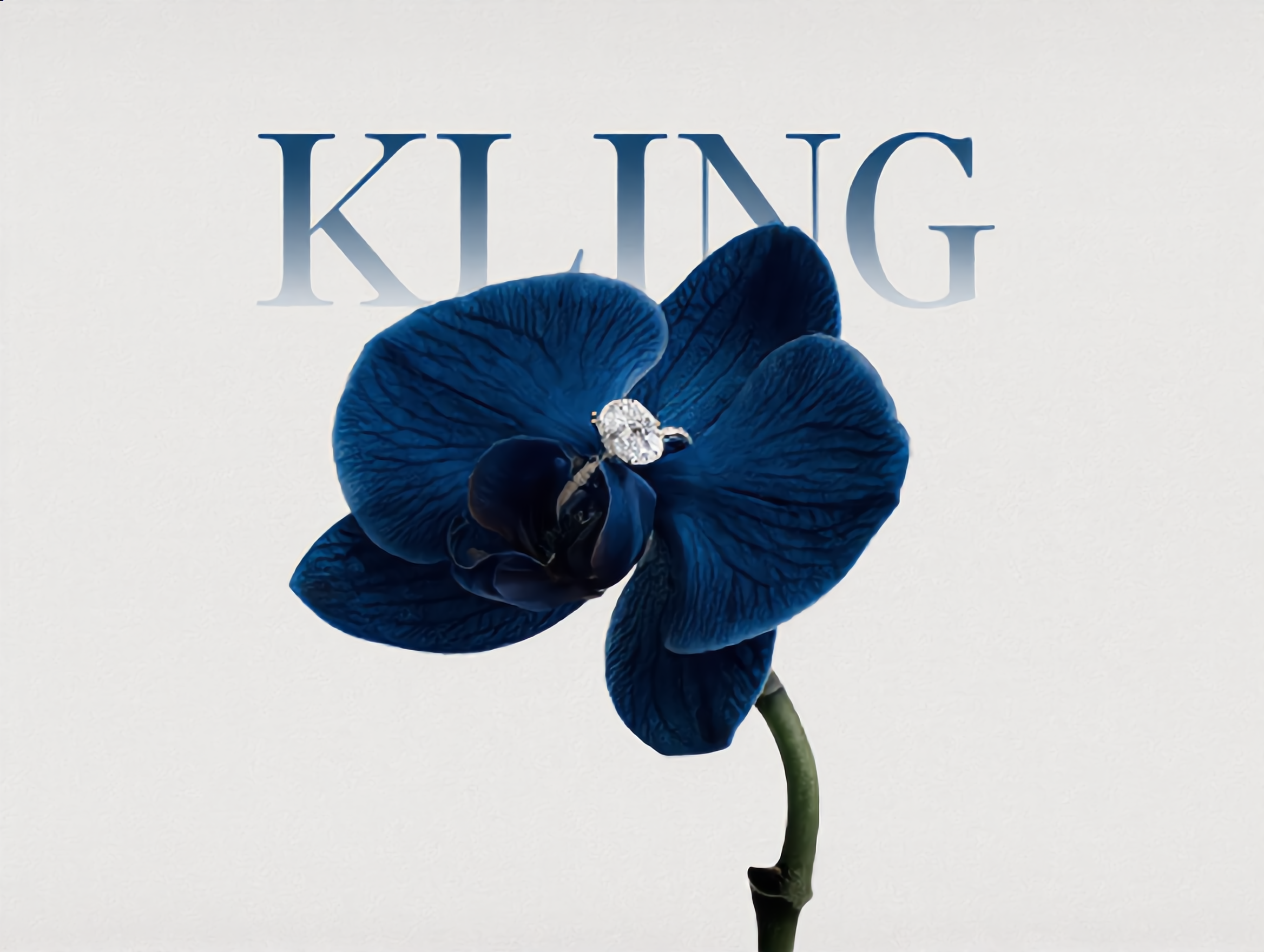
Witness the elegant transformation and modern liquification of logos inspired by iconic brands and festive themes like Halloween and Christmas 2025. Start exploring 2025 logo ideas and generate your own content with AI.

2025 logo - liquification & animated reveal

Recommended

Monogram logo - 2025 logo AI image
hjk avatar
hjk
EMBLEM LOGO - 2025 logo AI image
hjk avatar
hjk
company logo - 2025 logo AI image
theooo avatar
theooo
2025 Frames - 2025 logo AI video
2025 Frames
cPHVTnsC avatar
cPHVTnsC
Kling AI work 296044594505592 - 2025 logo AI video
dpNWqihn avatar
dpNWqihn
2025 - 2025 logo AI video
01:02
WorldIsNice avatar
WorldIsNice
2025 - 2025 logo AI video
aicreataro avatar
aicreataro
Elite Creator
2025 Frames - 2025 logo AI video
2025 Frames
kierank avatar
kierank
Try to creat your own logo~ - 2025 logo AI image
hjk avatar
hjk
company logo - 2025 logo AI image
theooo avatar
theooo
LOGO DESIGN - 2025 logo AI image
hjk avatar
hjk
Monogram logo - 2025 logo AI image
hjk avatar
hjk
LOGO DESIGN - 2025 logo AI image
hjk avatar
hjk
2025 Frames - 2025 logo AI video
2025 Frames
KLING6928 avatar
KLING6928
logo appearing - 2025 logo AI video
SALVADOR FOTI avatar
SALVADOR FOTI
logo morphy - 2025 logo AI video
SALVADOR FOTI avatar
SALVADOR FOTI
clear logo - 2025 logo AI image
theooo avatar
theooo
2025 Frames - 2025 logo AI video
2025 Frames
KS_V avatar
KS_V
Elite Creator
Ady Media Design 2025 O1 Frames - 2025 logo AI video
2025 Frames
Ady Media Design avatar
Ady Media Design
Elite Creator

How to Remove Background from Image

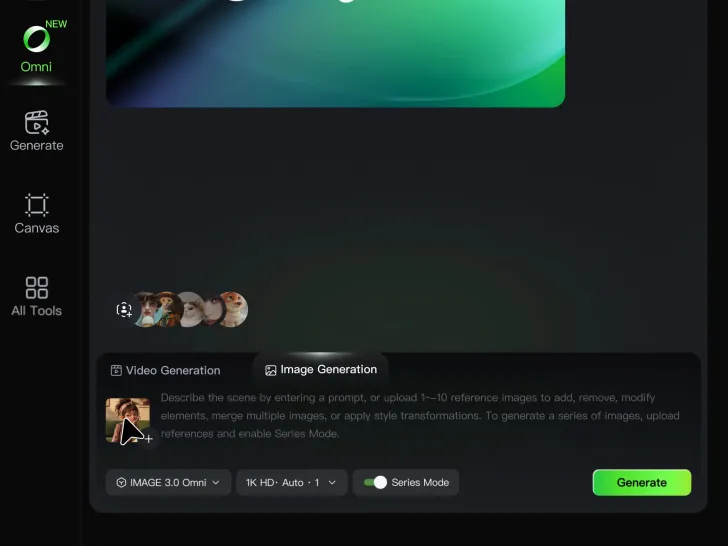
Step 1: Upload Your Image

Step 1: Upload Your Image

Upload the image you want to edit and choose the subject you want to keep. A clear source image makes it easier to separate the subject from the surrounding background.

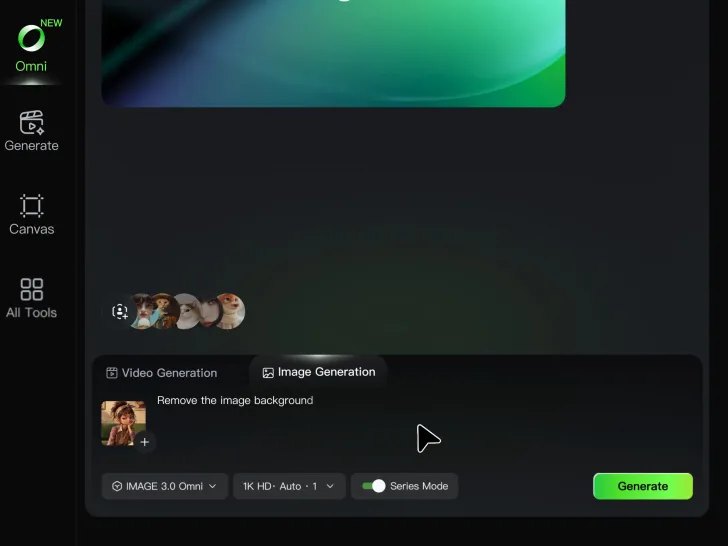
Step 2: Remove or Replace the Background

Step 2: Remove or Replace the Background

Use a simple prompt to remove the existing background while keeping the main subject intact. Keep the result transparent when you need a clean cutout, or describe a new setting if you want to replace the original background directly.

Step 3: Generate and Download

Step 3: Generate and Download

Generate your edited image and review the result. Download the background-free image, or continue refining the new setting, subject details, and overall look with Kling AI.

Key Features of Kling AI Text-to-Video Generator

Precise Text-to-video Generation

Precise Text-to-video Generation

Turn your ideas into videos that closely match your prompt. Kling AI understands detailed descriptions and keeps recurring characters consistent across scenes, preserving their appearance, expressions, and movement throughout the video. Videos support up to 4K resolution, 15 seconds in length, and 60fps playback, depending on your plan.
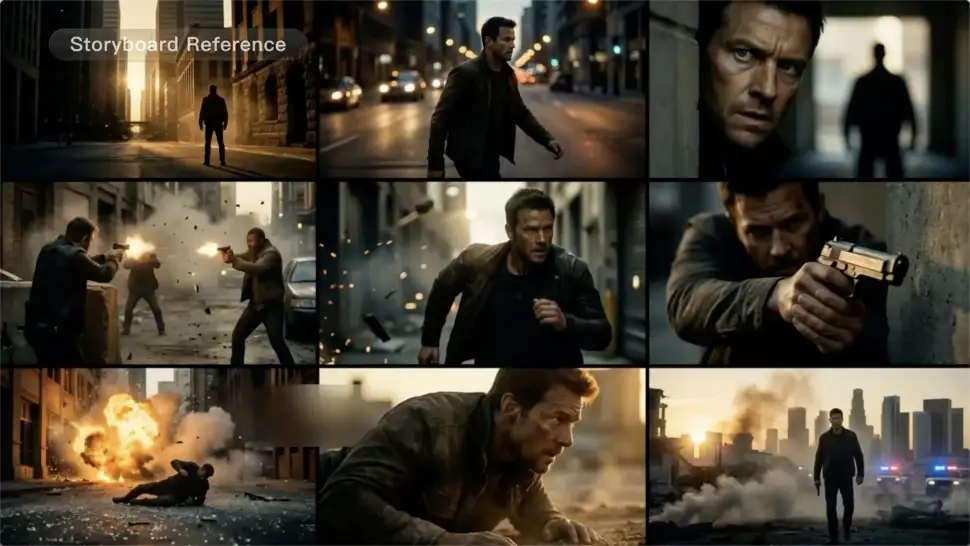
Multi-shot Storyboarding

Multi-shot Storyboarding

Create more complete stories from a single prompt. When your prompt includes multiple scenes, Kling 3.0 can organize them into up to five connected shots with smooth scene transitions, reducing the need for manual editing.
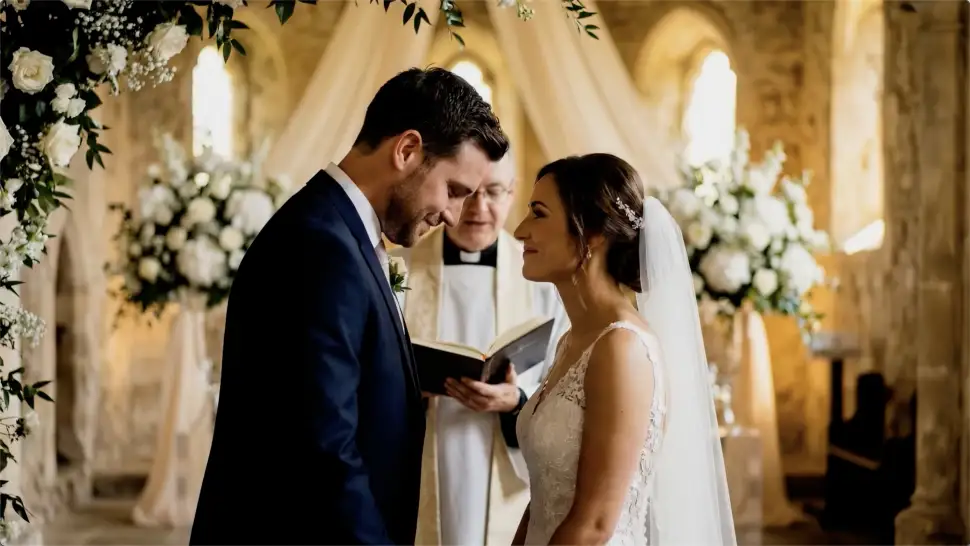
Native Multilingual Audio

Native Multilingual Audio

Create videos with built-in dialogue, sound effects, and ambient audio in five languages: English, Chinese, Japanese, Korean, and Spanish. Regional accent variations are also available, including American, British, and Indian English, to make voices sound more natural.

Apps

Image to Video
Image to Video

Image to Video

Text to Video
Text to Video

Text to Video

Omni
Omni

Omni

Digital Human
Digital Human

Digital Human

Restyle
Restyle

Restyle

Text to Image
Text to Image

Text to Image

60M+
60M+
Users
600M+
600M+
AI Videos Generated
4.7 ★
4.7 ★
App Store
Industry-Leading
Industry-Leading
Cinematic 4K

Reviews

Halim Alrasihi

Halim Alrasihi

★★★★★

I use AI daily and Kling AI is a crucial part of my workflow, whether for client work or personal projects. What I love most about using Kling AI is that it provides all the tools I need in one place, from keyframes to character references, elements and special effects.

Huang Lu (Elson)

Huang Lu (Elson)

★★★★★

I’ve been using Kling AI since its initial release, and it’s remained one of the leading AI media generators ever since. With Kling AI, I’ve created hundreds of videos, collectively amassing millions of views.

Maria Rubtsova

Maria Rubtsova

★★★★★

I’m Maria Rubtsova, an AIGC digital artist passionate about creating stunning visuals in the worlds of fashion, aesthetics, and fantasy. I use KlingAi to bring imagination to life through video. My work is all about exploring beauty, emotion, and the limitless possibilities of digital art.

FAQ

Q1Can I edit a video with AI using text?
Q2Do I need professional video editing experience when using AI video editor?
Q3Which languages does Kling AI support for dialogue?

Take Your Photo in a New Direction

Start with the image you have and rework it for the look, message, or moment you have in mind.

Object removal | Background changes | Portrait retouching | Photo restyling