

gphUhnLg
0
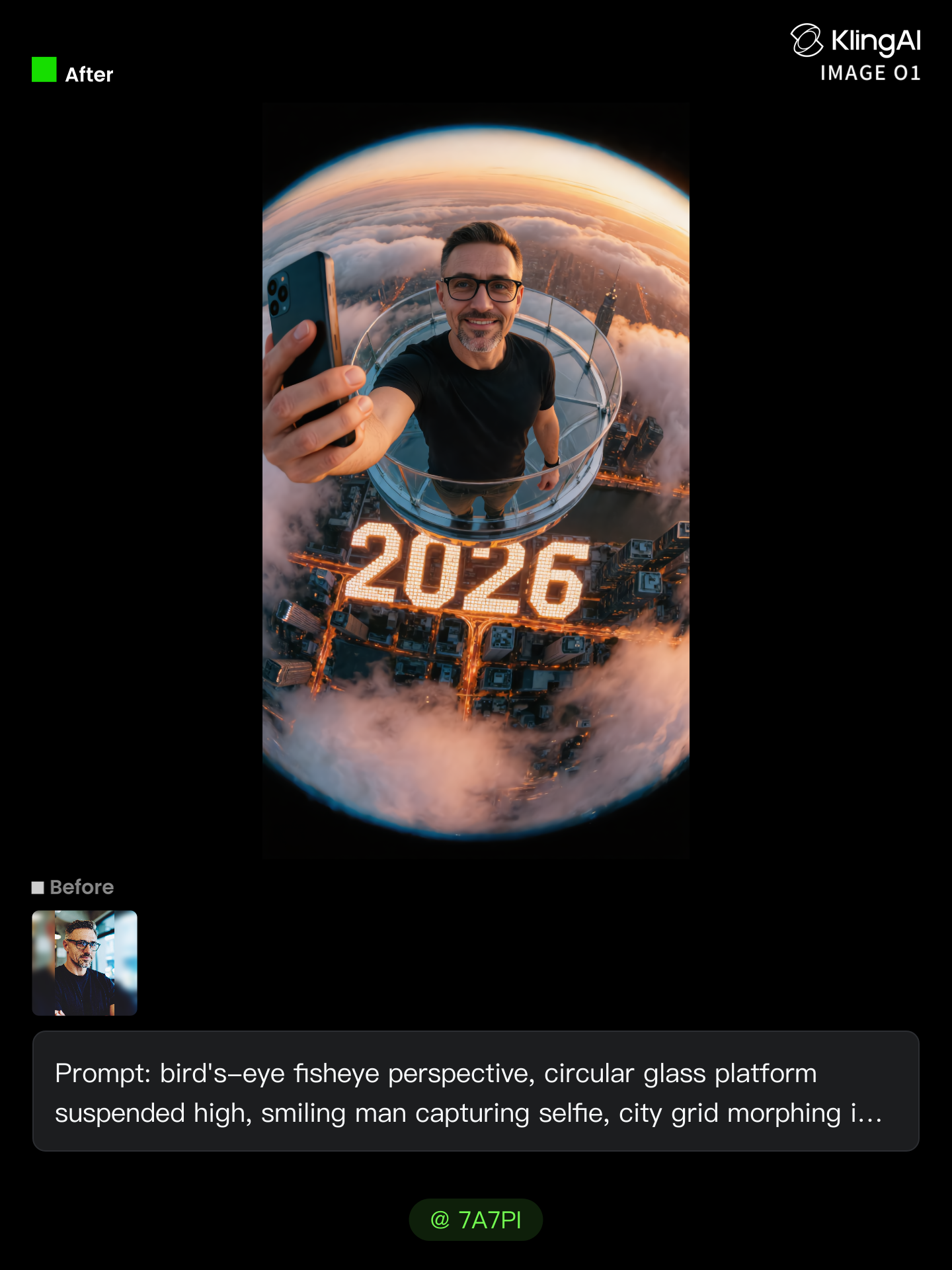
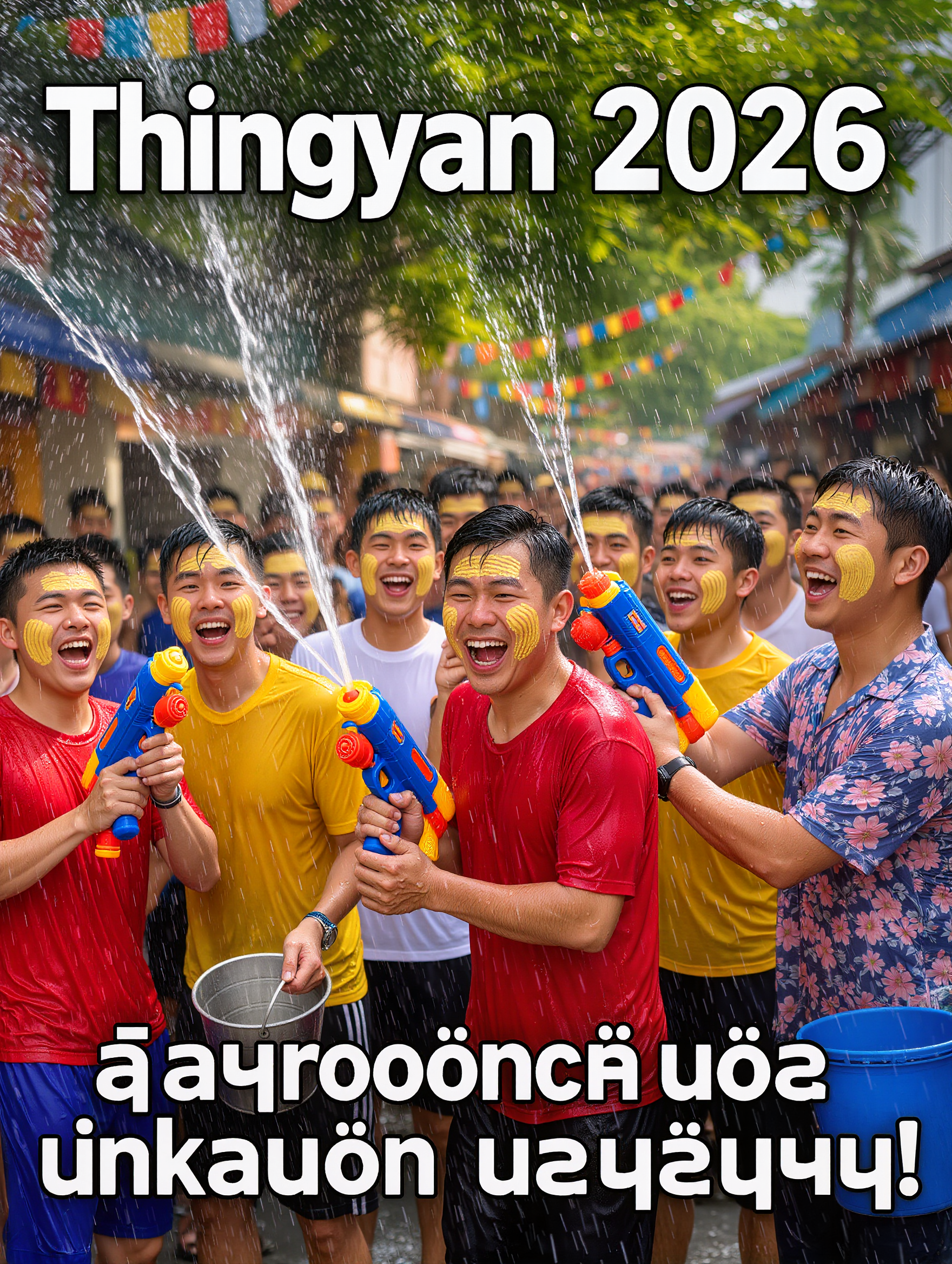
Browse through AI-generated 2026-themed videos. Find the perfect video with AI help, designed to enhance your experience. Customize and download in minutes.



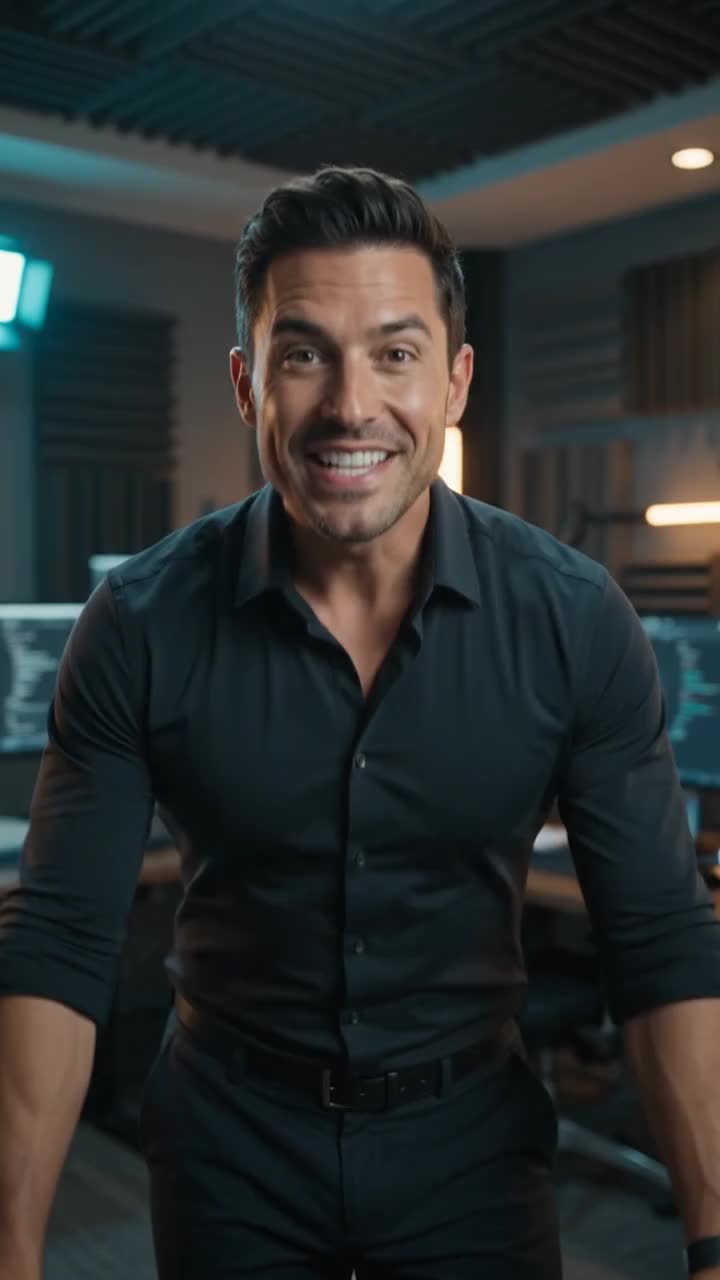
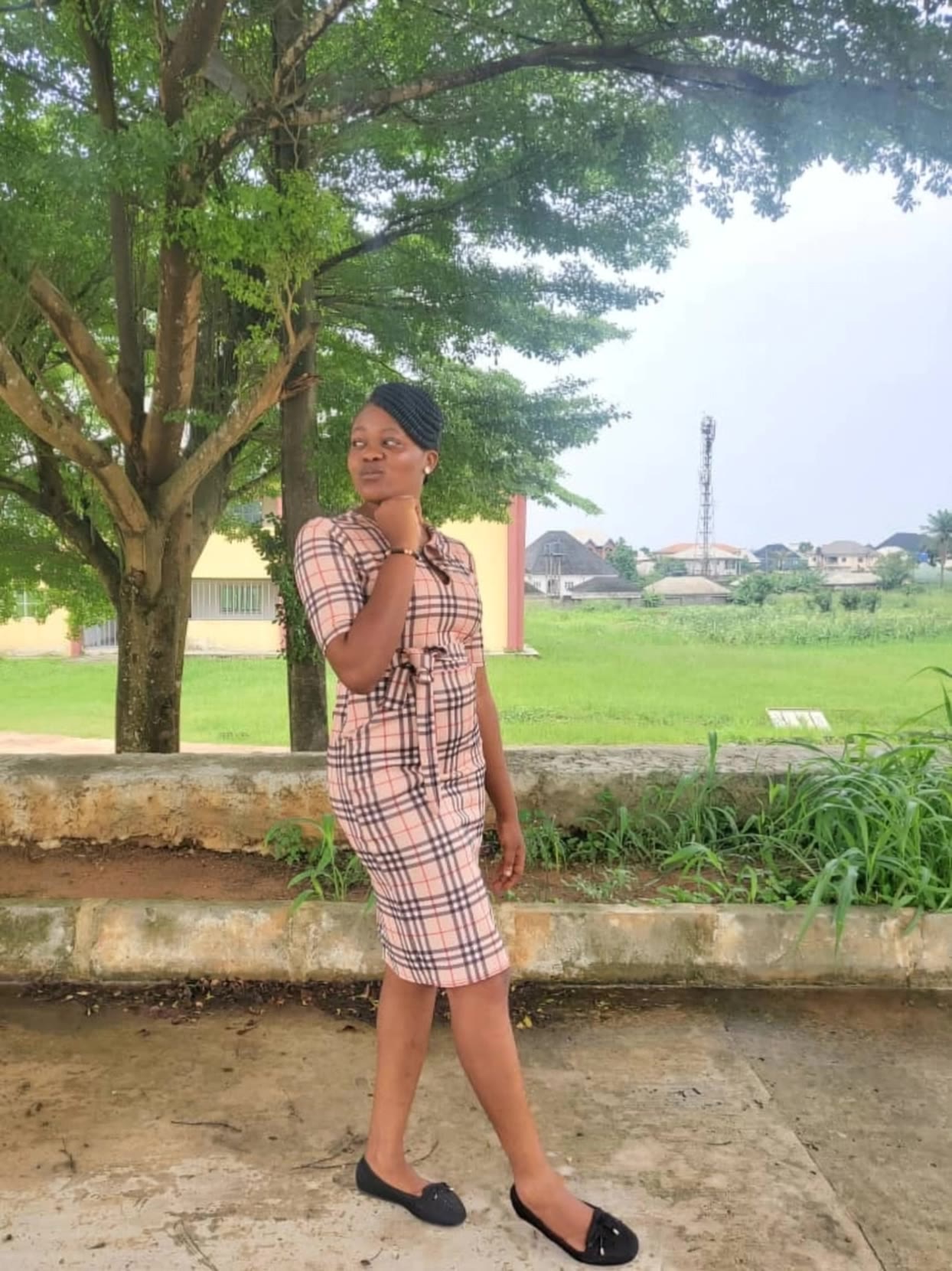
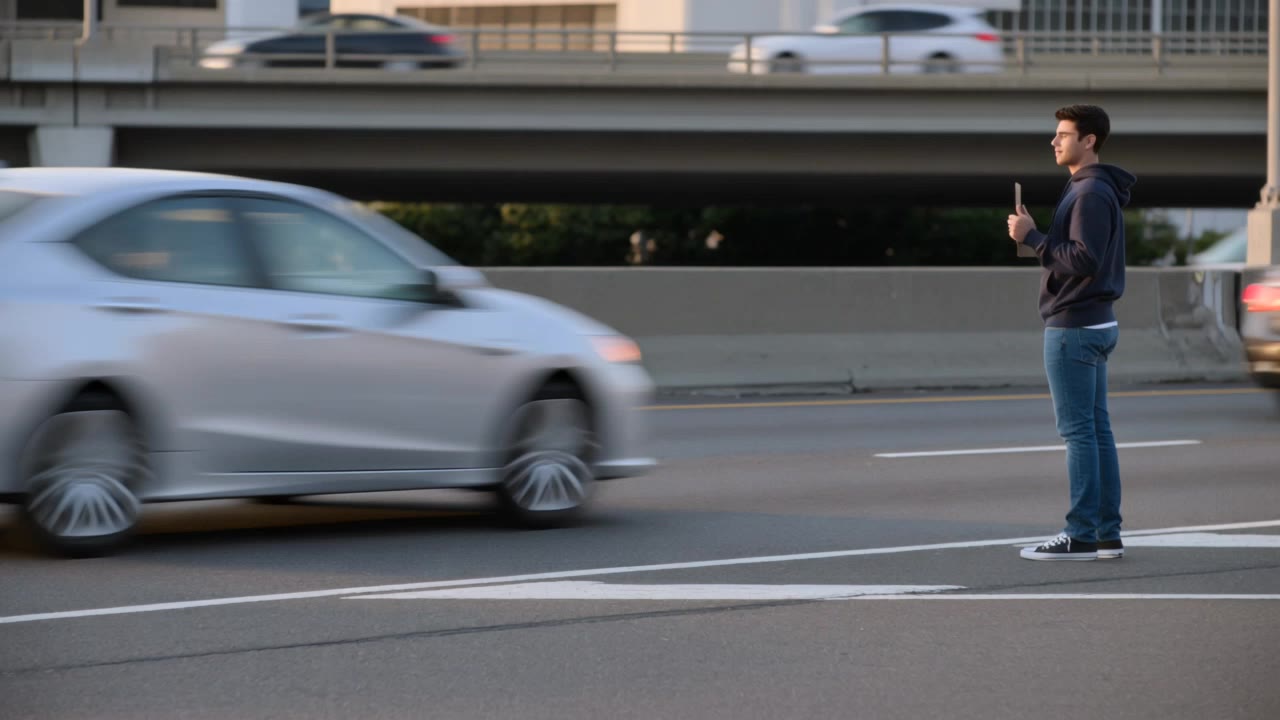
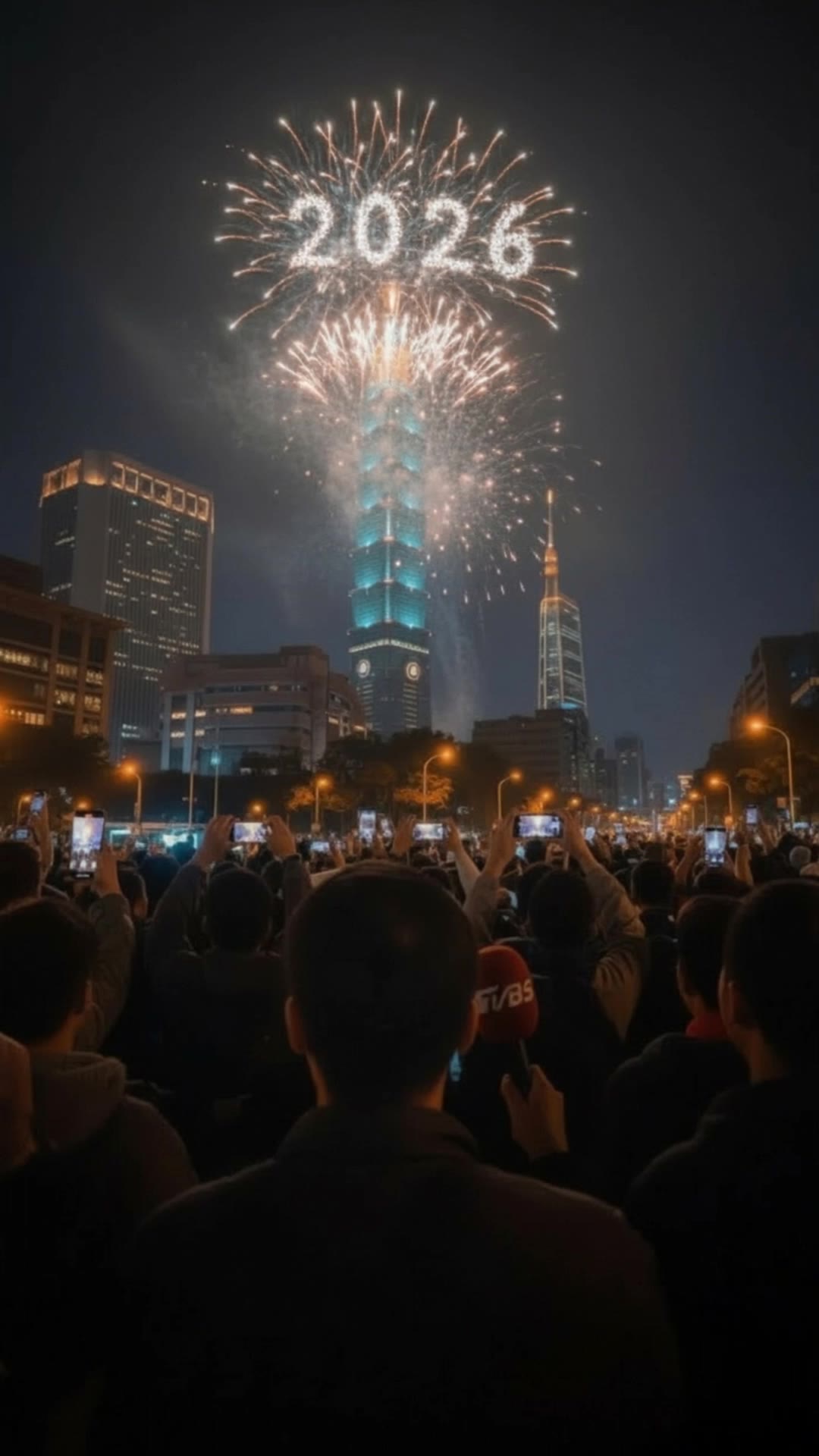
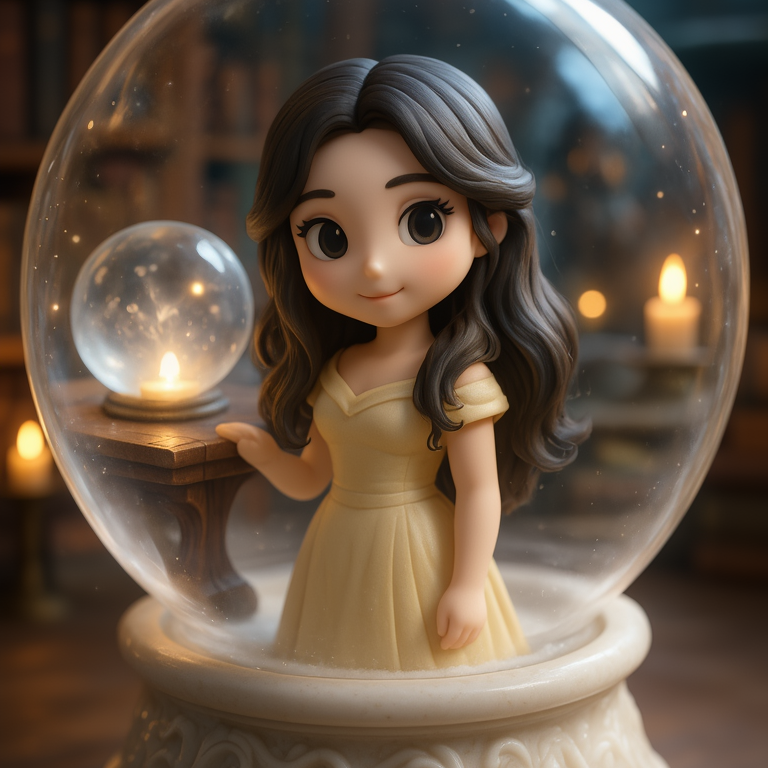

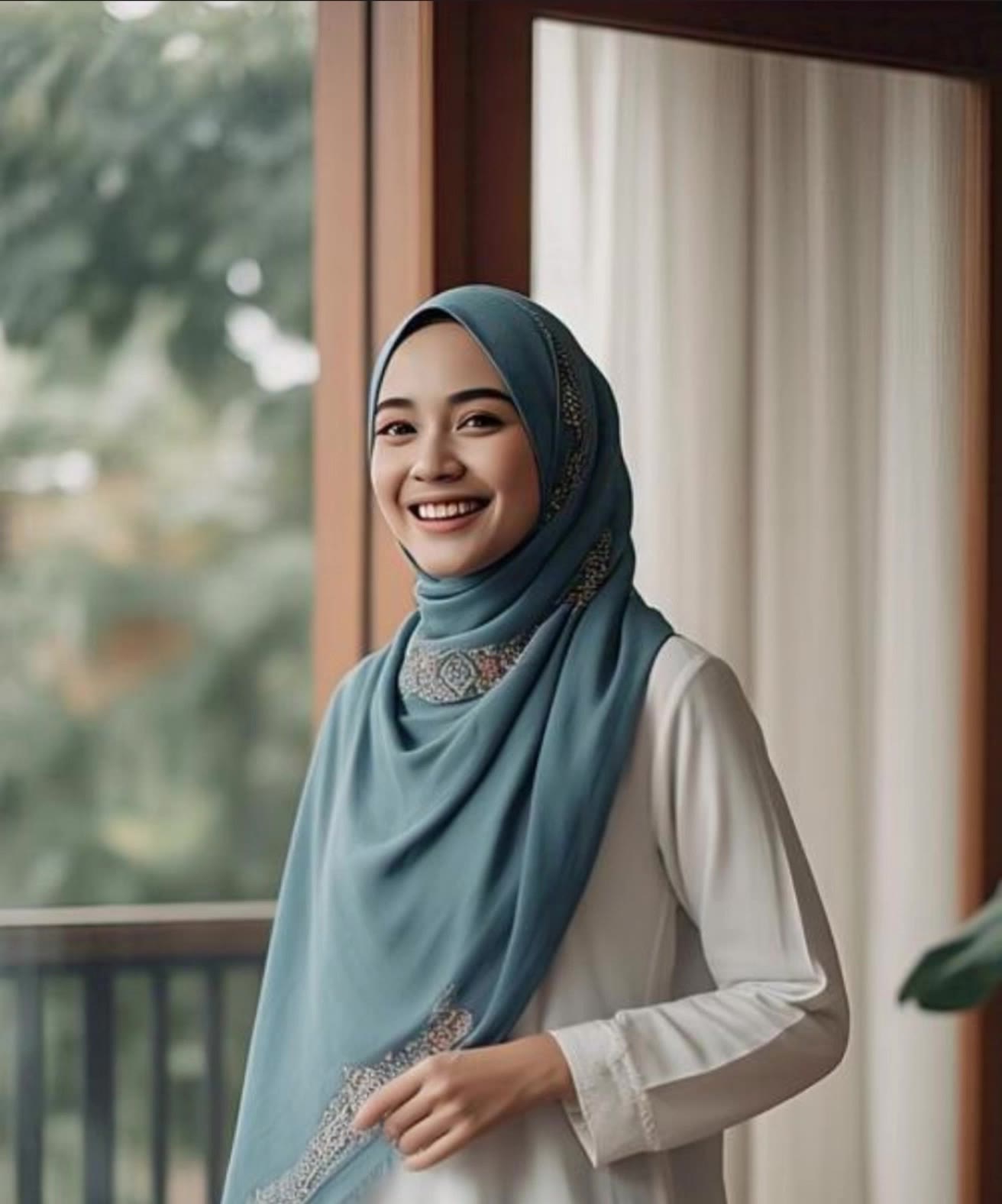

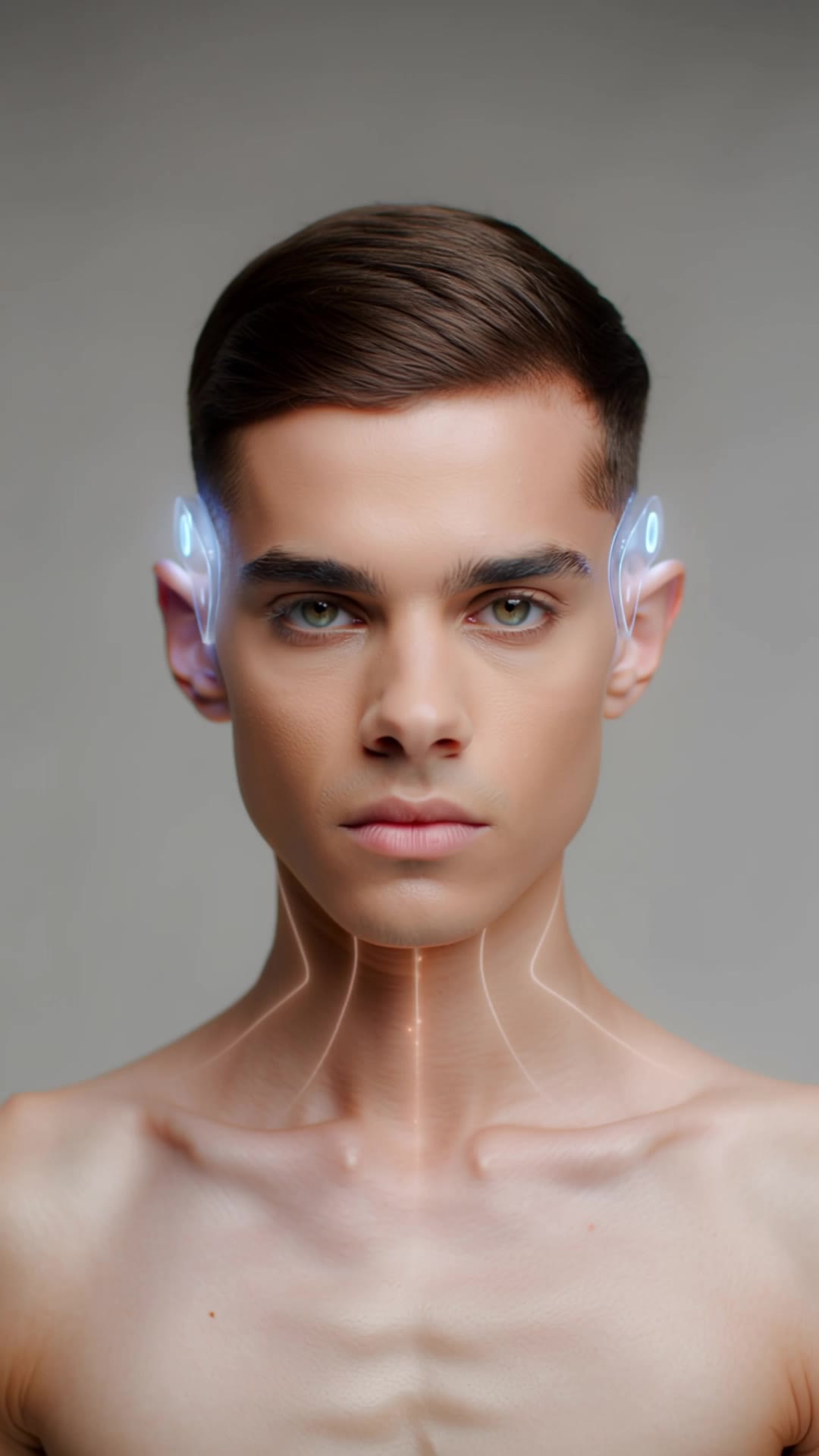




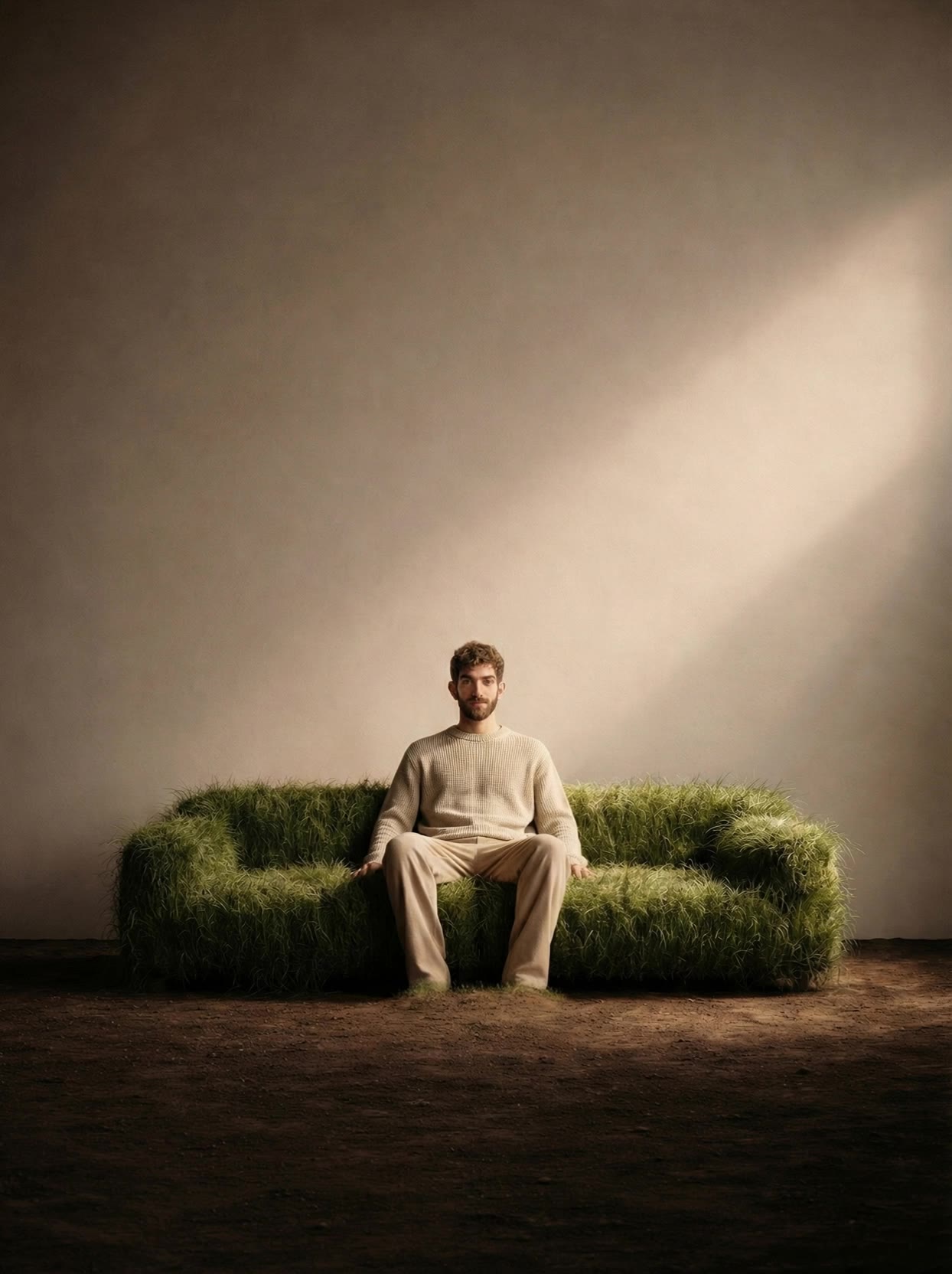
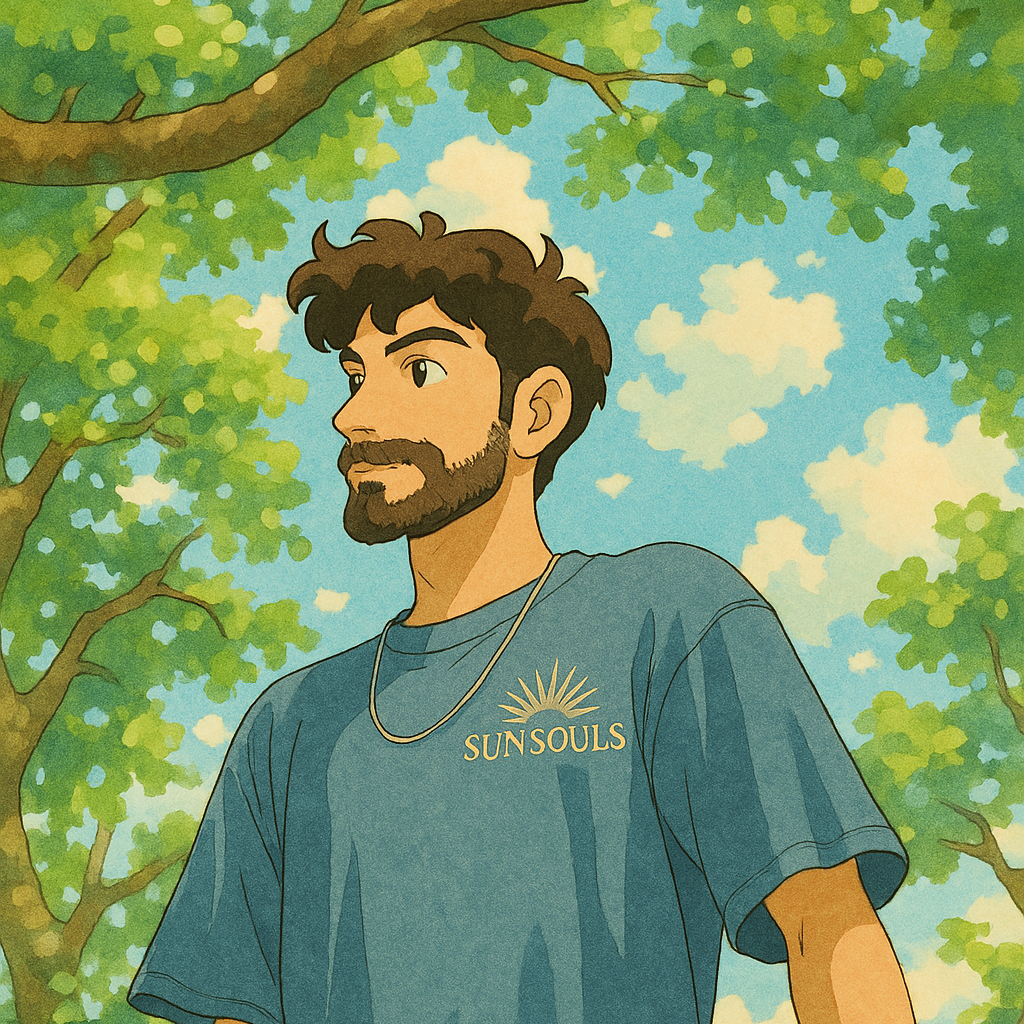
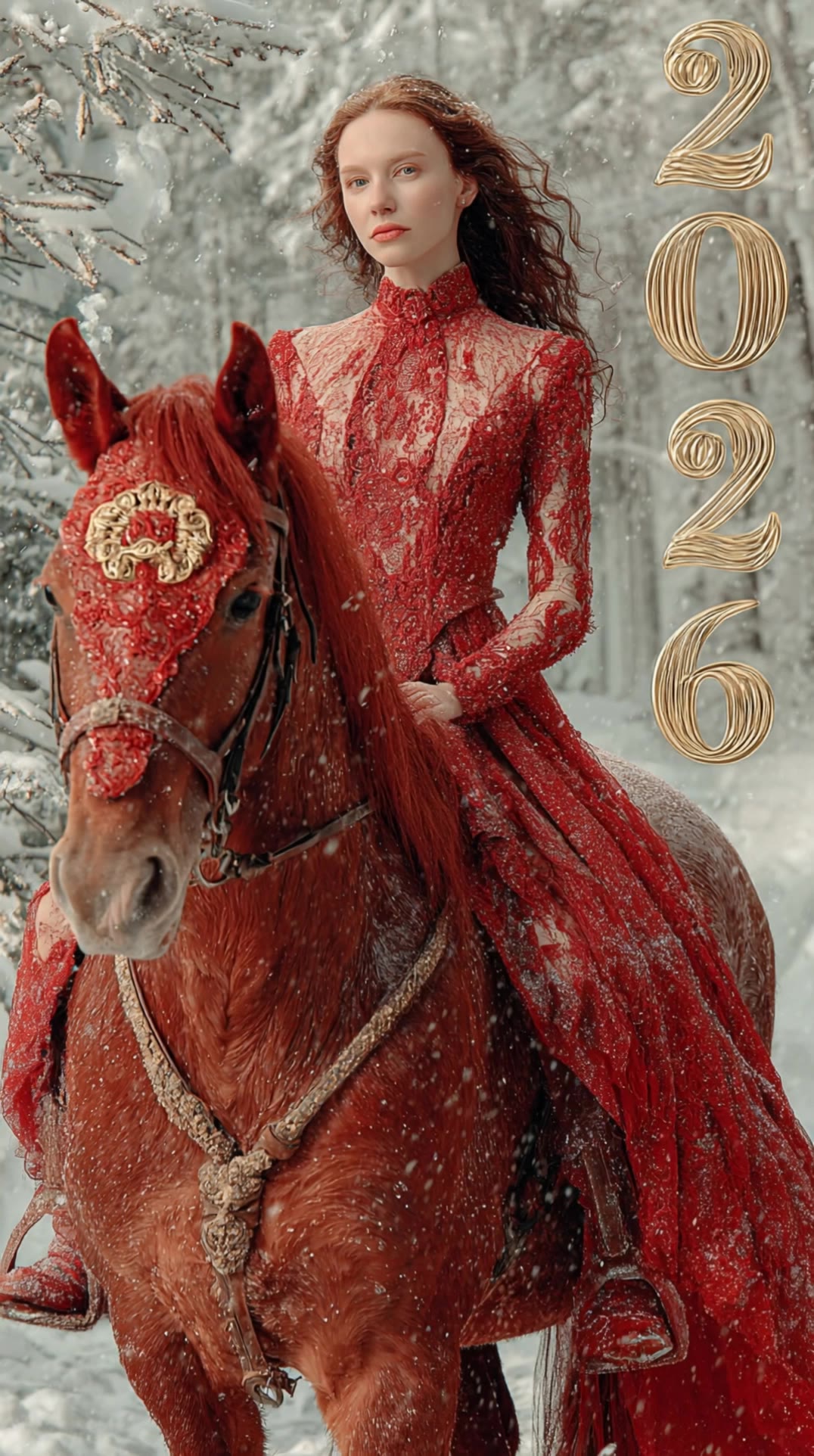
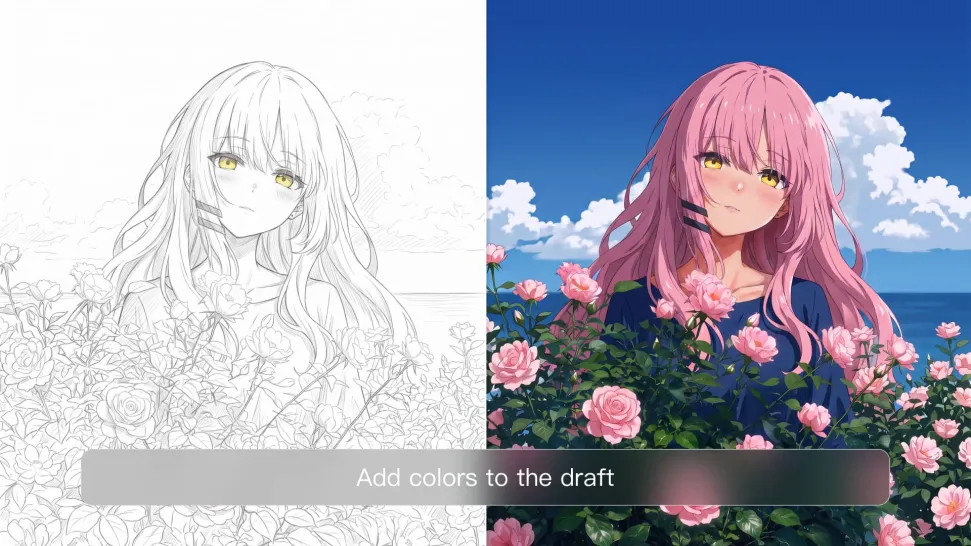
One photo can give you more than one look. Turn a single product shot, outfit, or creative asset into different color variations without rebuilding the image from scratch. Kling IMAGE 3.0 can update the color direction while helping keep the subject, composition, and surrounding scene consistent.
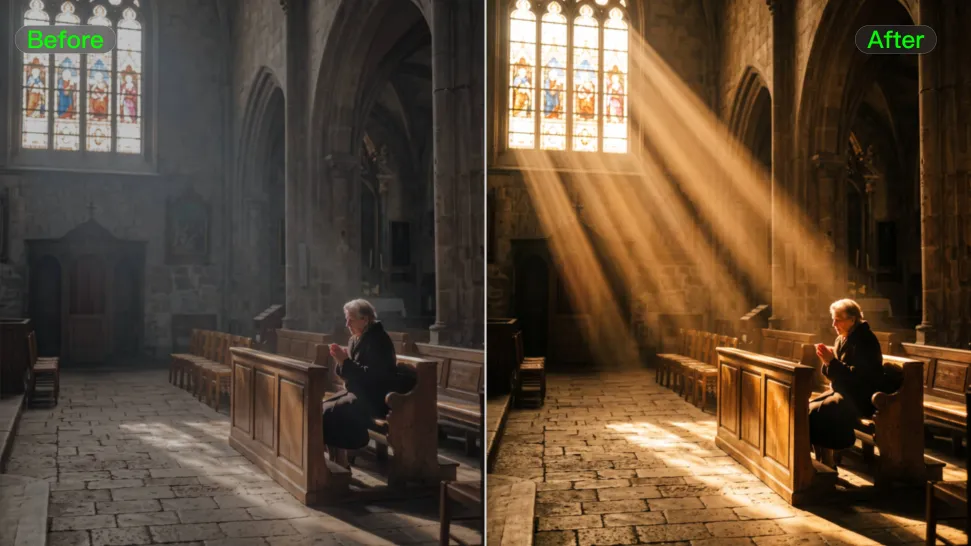
Sometimes a color is easier to show than describe. Upload a product, outfit, design, or other visual reference and tell Kling IMAGE 3.0 which color direction you want to follow. It gives you a simple way to communicate a palette, shade, or overall look without relying on words alone.
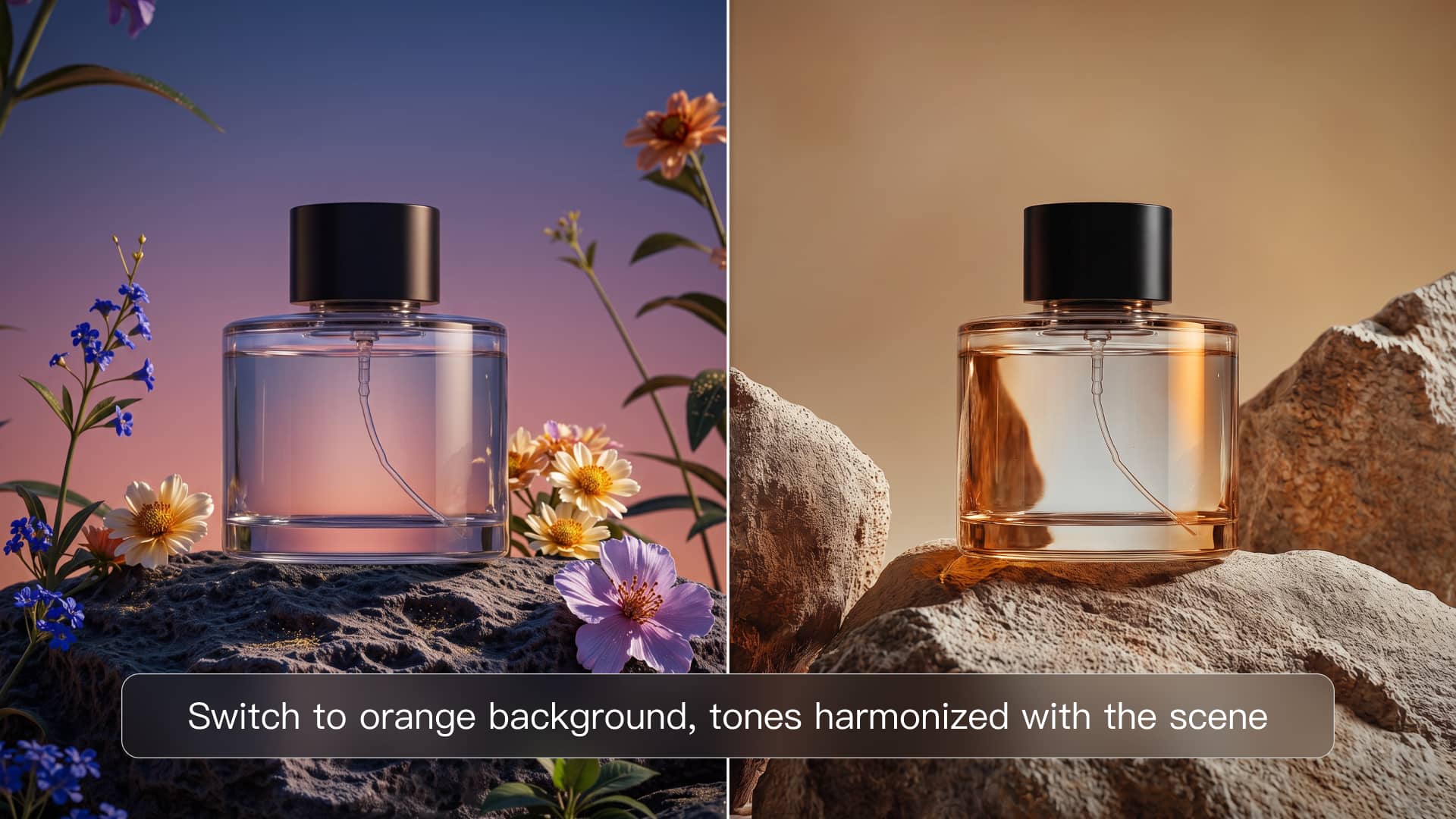
A new shade should still look right on the material underneath it. Kling IMAGE 3.0 can help retain visible details such as fabric texture, metallic reflections, wood grain, glass surfaces, and skin texture as you recolor an object. That means a blue jacket can still look like fabric, and a black cabinet can still look like painted wood.

















I use AI daily and Kling AI is a crucial part of my workflow, whether for client work or personal projects. What I love most about using Kling AI is that it provides all the tools I need in one place, from keyframes to character references, elements and special effects.
Kling AI has made it easy for us to generate world class visuals for Fortune 500 companies, TV shows and music for big artists. We love the easy of use of the platform and the quality of the generations. My first time using Kling AI, I got 22 million views on just one video. It's that good.
Kling AI seamlessly integrates into my creative workflow, playing a key role in transforming my images. After generating and upscaling an image, Kling becomes a crucial element, bringing my creations to life with movement and depth.
Turn every background change into a new creative direction with Kling AI. Explore new scenes, reshape your visuals, and create images that keep the details and style that make them unique.
AI Background Removal | Scene Transformation | 2K/4K Image Creation