Creative Studio
API
Resources
Features
About Us
Download

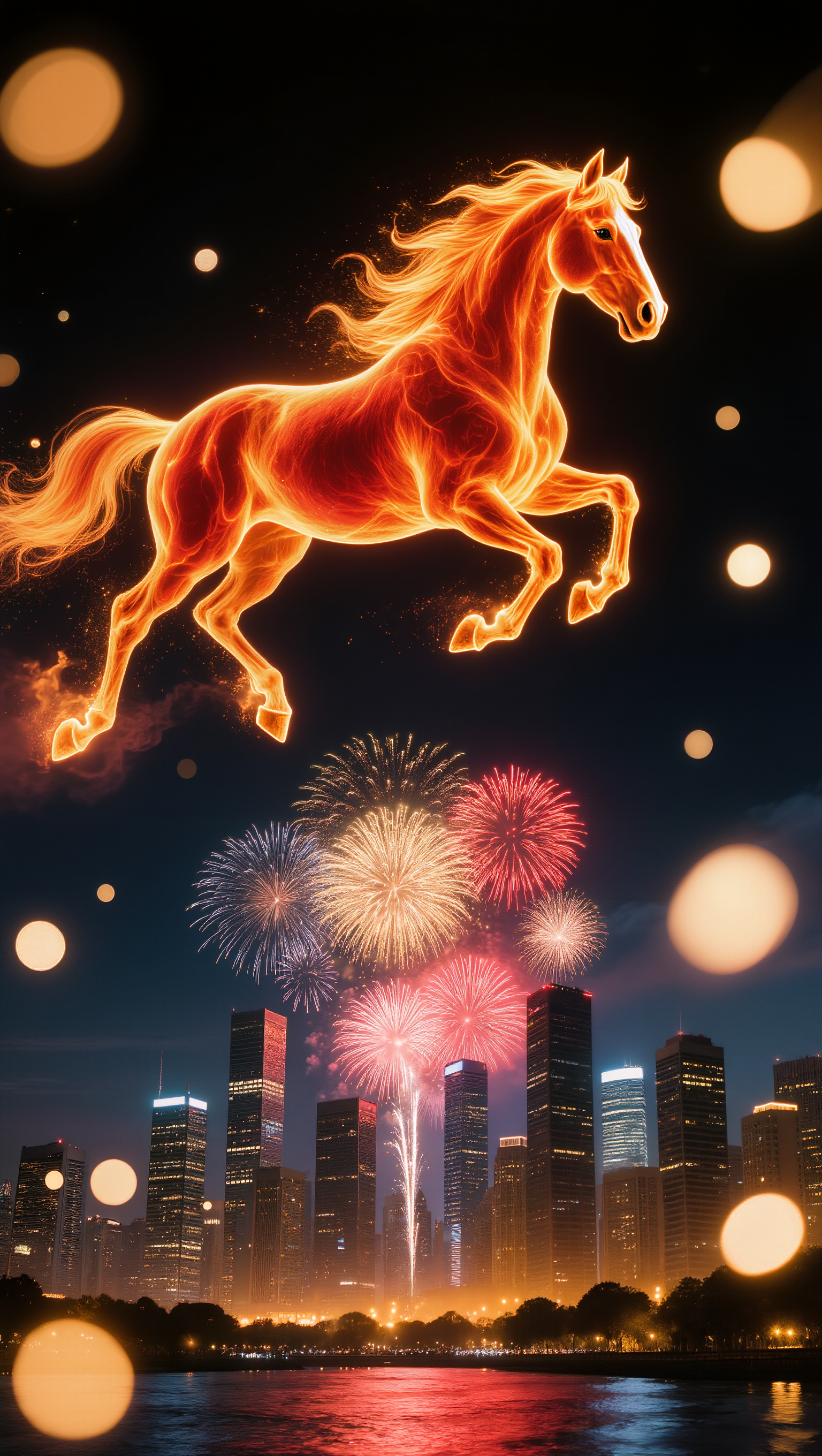
AI-generated 2026 album covers – Future-proof your music

Future-proof your music with AI-generated 2026 album covers. Explore futuristic designs and customize them to match your album’s vibe. Use simple templates to create professional-looking covers without any design skills.


AI-generated 2026 album covers – Future-proof your music

Recommended

Kling AI work 316174796525129 - 2026 album cover AI image
MYgGSPgY avatar
MYgGSPgY
2026, fireworks, and car tires - 2026 album cover AI video
gLGVGLDa avatar
gLGVGLDa
Kling AI work 308096669506443 - 2026 album cover AI image
haw? avatar
haw?
Happy 2026, or something - 2026 album cover AI video
My_AI_Fails avatar
My_AI_Fails
NEVER ✝️GIVE💟UP.  - 2026 album cover AI image
PLUS✝️MORE avatar
PLUS✝️MORE
Kling AI work 307769503612465 - 2026 album cover AI image
Life's Journey avatar
Life's Journey
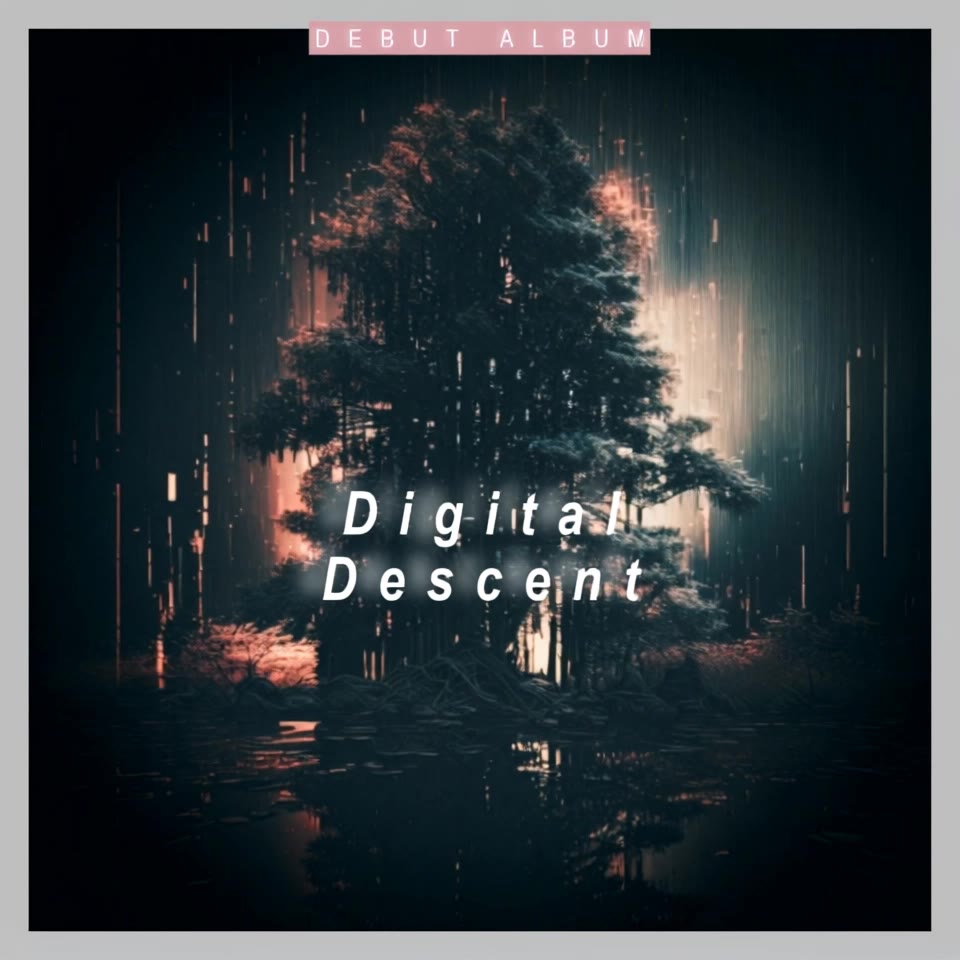
Digital Descent - 2026 album cover AI video
ECreativeMusic8 avatar
ECreativeMusic8
NEVER✝️FOLD - 2026 album cover AI image
PLUS✝️MORE avatar
PLUS✝️MORE
Kling AI work 316174796504134 - 2026 album cover AI image
MYgGSPgY avatar
MYgGSPgY
Kling AI work 316547342523780 - 2026 album cover AI image
niki avatar
niki
2026 - 2026 album cover AI image
Fotochydo avatar
Fotochydo
May Nauna V2 - 2026 album cover AI image
MYgGSPgY avatar
MYgGSPgY
2026 - 2026 album cover AI image
tuvFEAHp avatar
tuvFEAHp
Kling AI work 296149412522043 - 2026 album cover AI image
cHlcriaV avatar
cHlcriaV
Kling AI work 309295840666397 - 2026 album cover AI image
Talen2302 avatar
Talen2302
Kling AI work 313587475663557 - 2026 album cover AI image
kirSnMUz avatar
kirSnMUz
Сверкает город - 2026 album cover AI image
kindzen avatar
kindzen

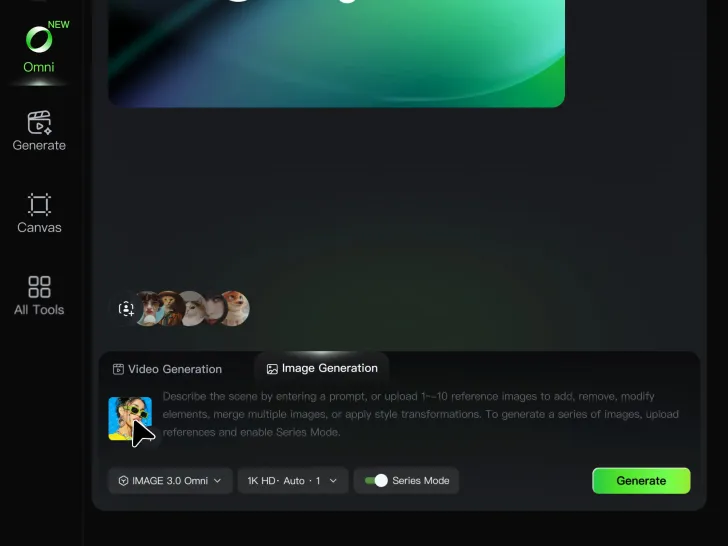
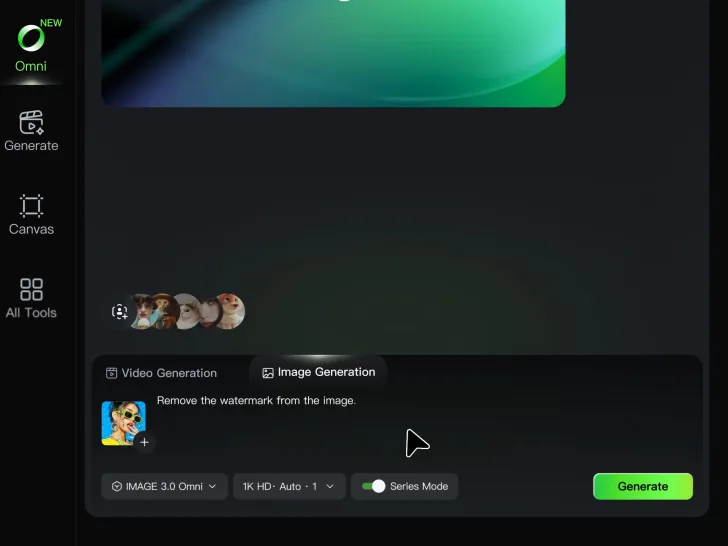
How to Remove Watermarks from Photos with Kling AI

Step 1: Upload Your Image

Step 1: Upload Your Image

Upload the image you want to clean up. For the best starting point, choose an image where the watermark or unwanted mark is clearly visible.

Step 2: Describe the Change

Step 2: Describe the Change

Tell Kling AI what you want removed. Keep the instruction focused on the edit, and mention any important parts of the image you want to leave as they are.

Step 3: Generate and Review

Step 3: Generate and Review

Generate your edited image at higher output resolutions and review the result. Kling AI removes unwanted elements while keeping your image clear and detailed.

What’s New in Video 3.0

Cinematic Audiovisual Synergy

Cinematic Audiovisual Synergy

Cinematic AI Video Generator with Native Audio Create multi-shot cinematic sequences with native audio and precise character-level lip-sync in one seamless automated content creation output. This next-generation AI video production model ensures perfect audio-visual alignment for professional storytelling.
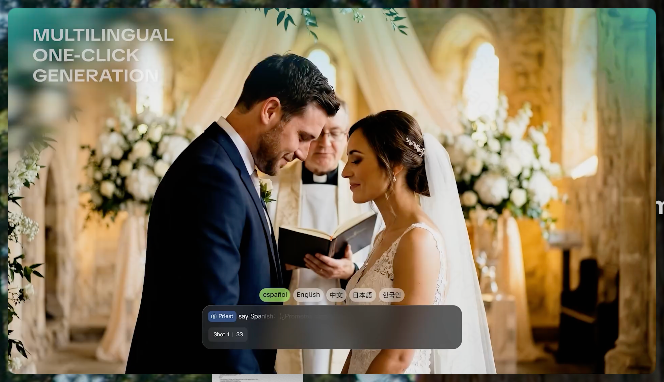
Ultimate Element & Character Consistency

Ultimate Element & Character Consistency

Stable Character Consistency for Professional Filmmaking Maintain perfect character consistency and object stability across frames, ensuring a reliable visual identity even with complex camera movements. Our AI video model locks subjects to prevent flickering, delivering high-fidelity results for advanced video generation.
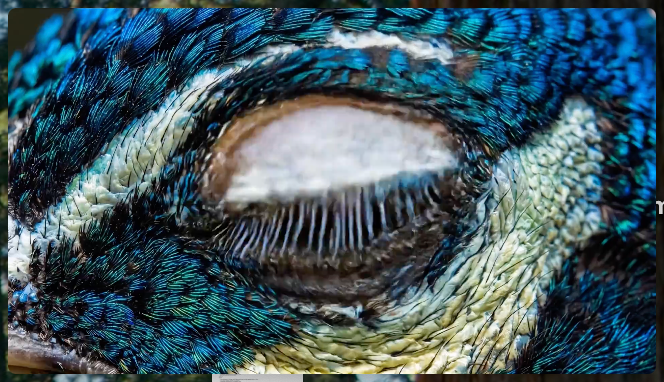
Professional Commercial Rendering

Professional Commercial Rendering

High-Fidelity 15s Sequences and Native Text Rendering Produce up to 15 seconds of uninterrupted video featuring clear, readable native text rendering—perfect for professional ads, product demos, and commercial content. This feature optimizes commercial video production by preserving brand elements directly within the AI-generated video.

Apps

Image to Video
Image to Video

Image to Video

Text to Video
Text to Video

Text to Video

Omni
Omni

Omni

Digital Human
Digital Human

Digital Human

Restyle
Restyle

Restyle

Text to Image
Text to Image

Text to Image

60M+
60M+
Users
600M+
600M+
AI Videos Generated
4.7 ★
4.7 ★
App Store
Industry-Leading
Industry-Leading
Cinematic 4K

Reviews

Déborah

Déborah

★★★★★

I use Kling AI every day. It's amazing to see the almost daily progress it makes. I used AI for fun at first, and I now find that Kling AI's animations allow me to gain professional visibility, with three times more views on my animated posts than on my static posts.

Maria Rubtsova

Maria Rubtsova

★★★★★

I’m Maria Rubtsova, an AIGC digital artist passionate about creating stunning visuals in the worlds of fashion, aesthetics, and fantasy. I use KlingAi to bring imagination to life through video. My work is all about exploring beauty, emotion, and the limitless possibilities of digital art.

Huang Lu (Elson)

Huang Lu (Elson)

★★★★★

I’ve been using Kling AI since its initial release, and it’s remained one of the leading AI media generators ever since. With Kling AI, I’ve created hundreds of videos, collectively amassing millions of views.

FAQ

Q1Can I remove a video background without a green screen?
Q2Do I need to mask the subject frame by frame?
Q3Can I use an image to change a video background?

Give Photos and Videos a Whole New Face

Upload your photo or video, add the face you want to swap in, and let Kling AI recreate the scene while keeping the look, motion, and surroundings feeling natural.

Effortless Face Swaps | Facial Detail Control | Natural Blending