

Rakesh
1
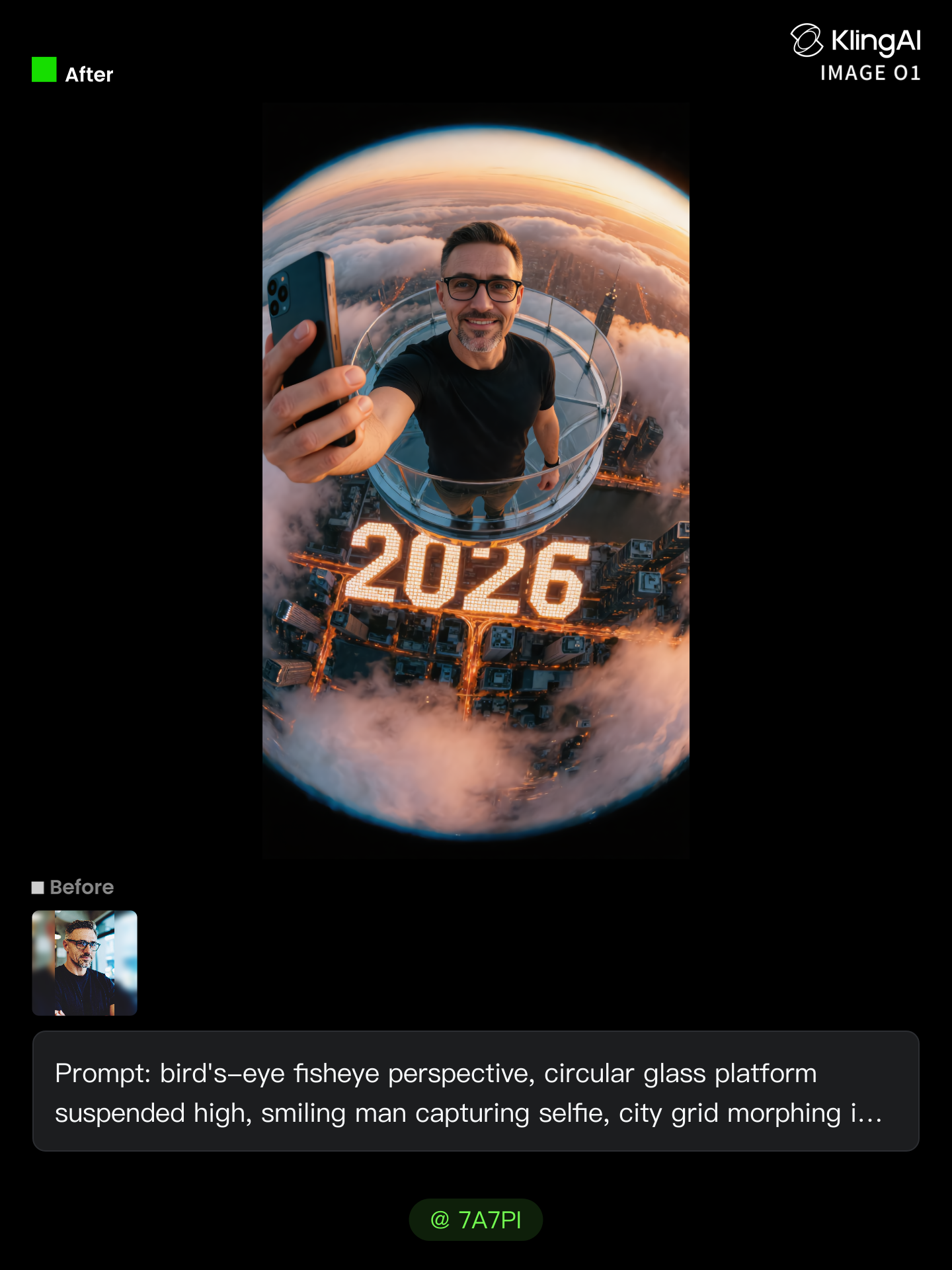
Explore futuristic and innovative AI-generated 2026 desktop wallpapers. These wallpapers are designed to inspire and can be customized to fit your vision of the future. Enjoy the convenience of AI results you can adapt for a unique look.


























Kling AI makes watermark removal easier with intuitive text-based editing. Simply describe what you want to remove, such as a watermark, logo, or unwanted text, and Kling IMAGE 3.0 analyzes your instructions to create a cleaner image. No complex editing skills are required, making professional-quality image cleanup accessible to everyone.

A small cleanup should not require changing the whole image. Kling IMAGE 3.0 supports localized editing while helping preserve surrounding style, lighting, texture, and composition. This makes it easier to remove a distracting mark while keeping the rest of the image close to the source.

When the unwanted mark is easy to identify visually, use Kling AI's separate Removel tool to mark the area directly. It gives you another way to start the cleanup when selecting the target yourself feels more straightforward than describing the edit in a prompt.

















Kling AI seamlessly integrates into my creative workflow, playing a key role in transforming my images. After generating and upscaling an image, Kling becomes a crucial element, bringing my creations to life with movement and depth.

Kling AI has transformed my workflow by collapsing timelines and democratizing production. It’s shifted my mindset from resource-dependent filmmaking to a boundless creative sandbox, where experimentation yields unexpected beauty.

I’ve been using Kling AI since its initial release, and it’s remained one of the leading AI media generators ever since. With Kling AI, I’ve created hundreds of videos, collectively amassing millions of views.
Upload your footage, describe the result, and let Kling rebuild the scene around your direction.
Free tier available | Simple prompt editing | Up to 4K output | Fast generation
