Creative Studio
API
Resources
Features
About Us
Download

2 tone hair color ideas - Color Mixing & Instant Transition

Embrace vibrant transformations with unique color mixing and striking visual illusions in 2 tone hair color ideas. Unleash your creativity with instant, damage-free color changes and glowing ideas. Start exploring 2 tone hair color ideas and generate your own content with AI.

2 tone hair color ideas - Color Mixing & Instant Transition

Recommended

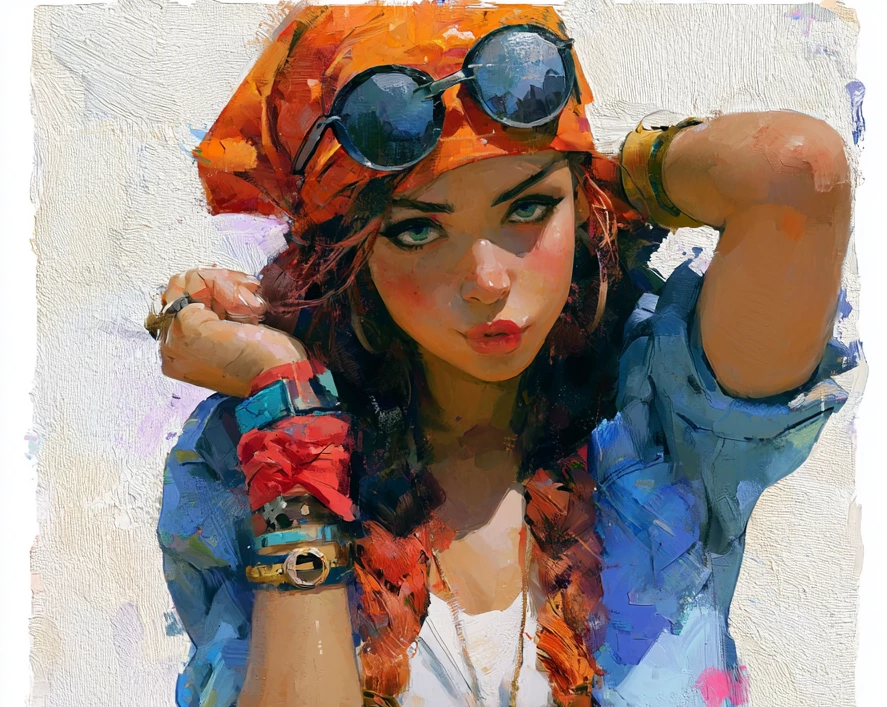
Kling AI work 314688332616543 - 2 tone hair color ideas AI image
Future avatar
Future
Blue Hair Beauty - 2 tone hair color ideas AI image
Kahkmah Bahm avatar
Kahkmah Bahm
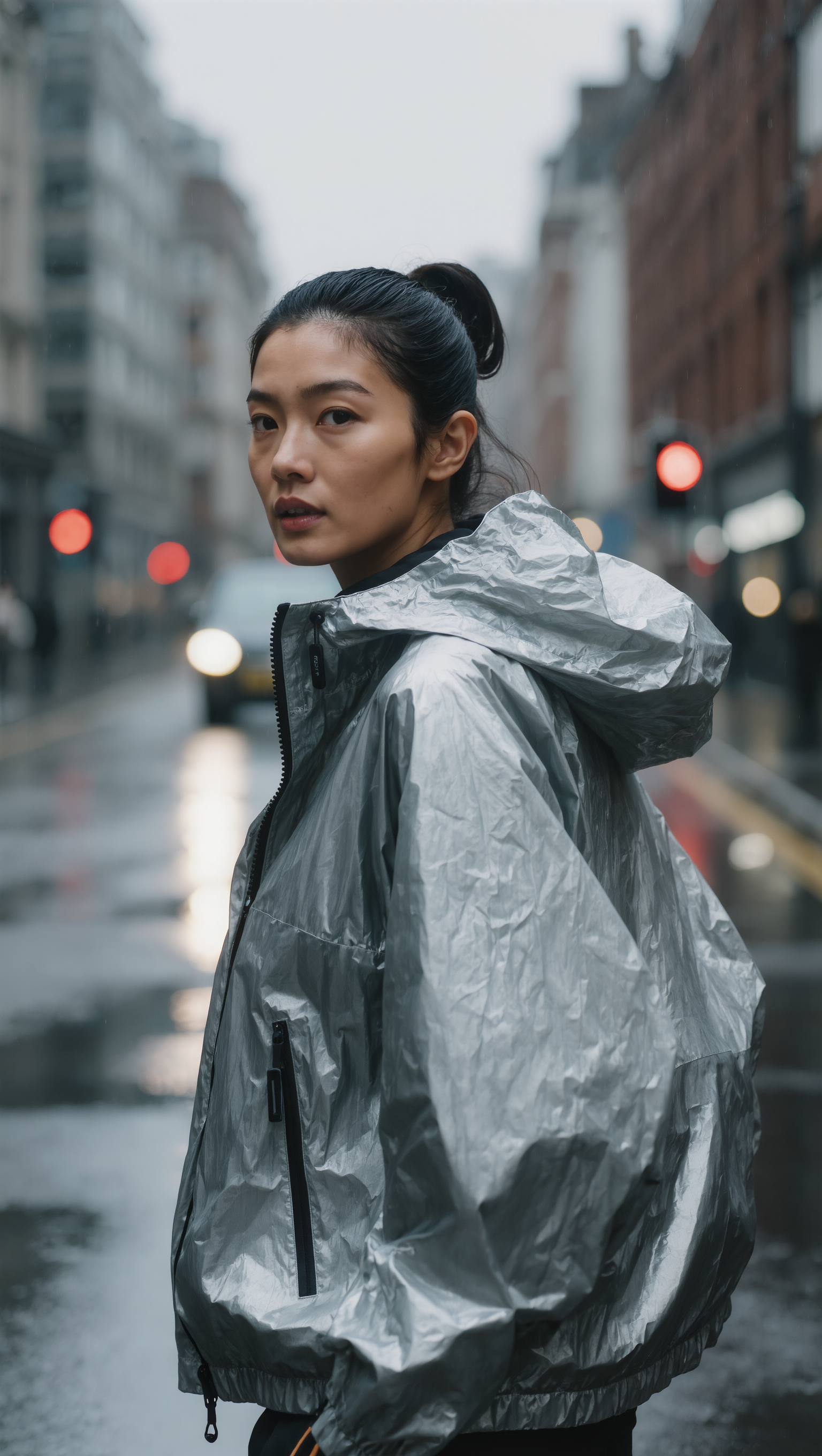
SLICKED-BACK HAIR & REFLECTIVE N - 2 tone hair color ideas AI image
Dreaming avatar
Dreaming
Elite Creator
2 Amigos - 2 tone hair color ideas AI video
ctalien83 avatar
ctalien83
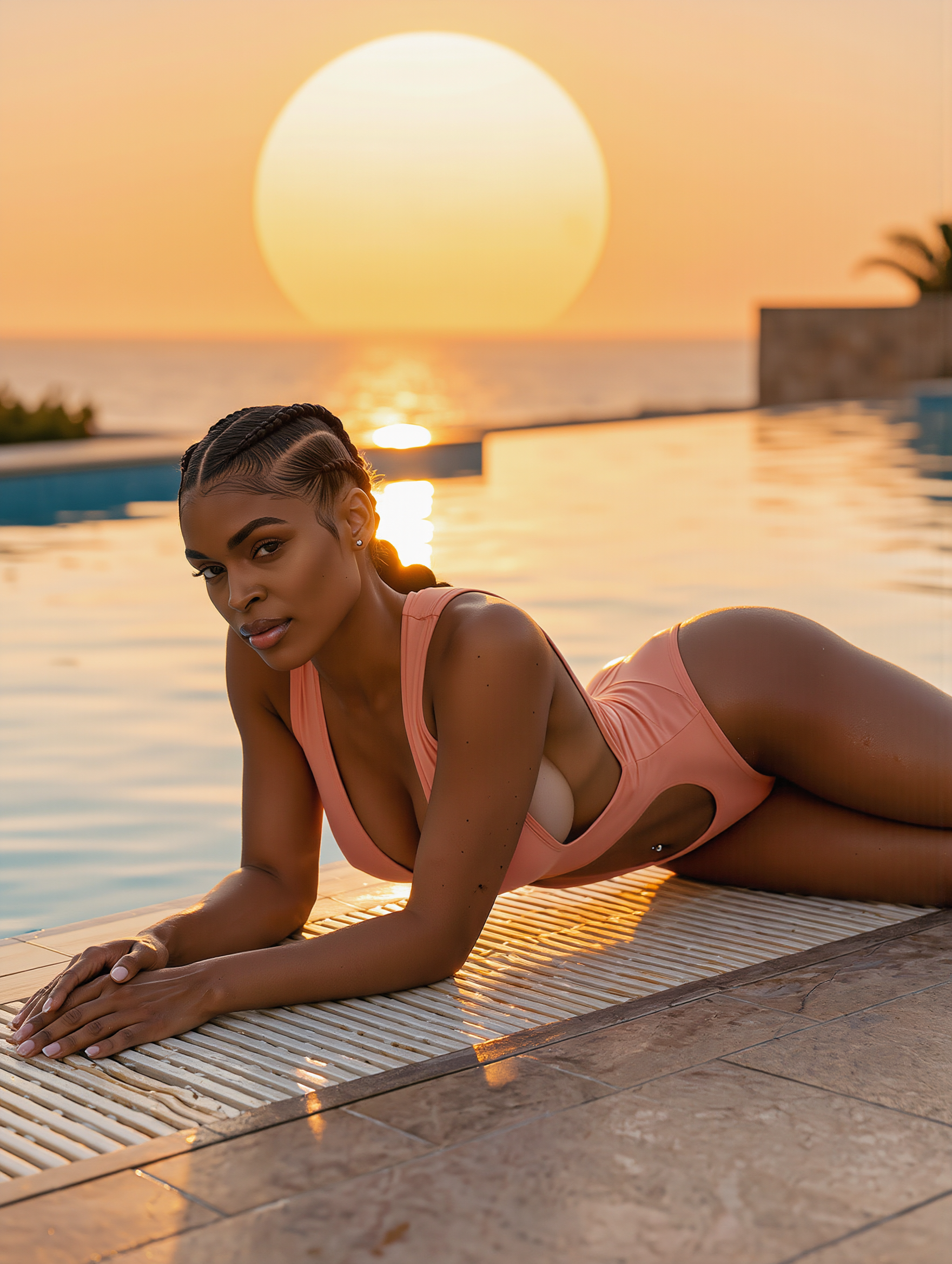
Kling AI work 317314627505807 - 2 tone hair color ideas AI image
Imagination-25 avatar
Imagination-25
Kling AI work 309623086504104 - 2 tone hair color ideas AI image
Dreamy The Unicorn avatar
Dreamy The Unicorn
particle disintegration - 2 tone hair color ideas AI image
331.ヅ avatar
331.ヅ
Kling 3.0 - Color Gamut Face - 2 tone hair color ideas AI image
Ady Media Design avatar
Ady Media Design
Elite Creator
Kling AI work 317311852528327 - 2 tone hair color ideas AI image
Imagination-25 avatar
Imagination-25
Kling AI work 309209972528643 - 2 tone hair color ideas AI video
LSRbZOaz avatar
LSRbZOaz
shorrt hair - 2 tone hair color ideas AI image
klingai.video.ai avatar
klingai.video.ai
it's me 2 - 2 tone hair color ideas AI image
mrwierdguy avatar
mrwierdguy
Kling AI work 314052599664320 - 2 tone hair color ideas AI image
ElzcWtzk avatar
ElzcWtzk
Kling AI work 316077704664599 - 2 tone hair color ideas AI image
YYYDCnJG avatar
YYYDCnJG
Into the World of Color - 2 tone hair color ideas AI video
Daphnia_marina avatar
Daphnia_marina
Elite Creator
Kling AI work 316044399611772 - 2 tone hair color ideas AI image
qgtjJmKs avatar
qgtjJmKs
Kling AI work 316371123615298 - 2 tone hair color ideas AI video
aoCkLTSN avatar
aoCkLTSN
Kling 3.0 - Color Gamut - 2 tone hair color ideas AI image
Ady Media Design avatar
Ady Media Design
Elite Creator
Kling AI work 317672539611236 - 2 tone hair color ideas AI image
iraj avatar
iraj

How to Create AI Characters with Kling AI

Step 1: Describe Your Character

Step 1: Describe Your Character

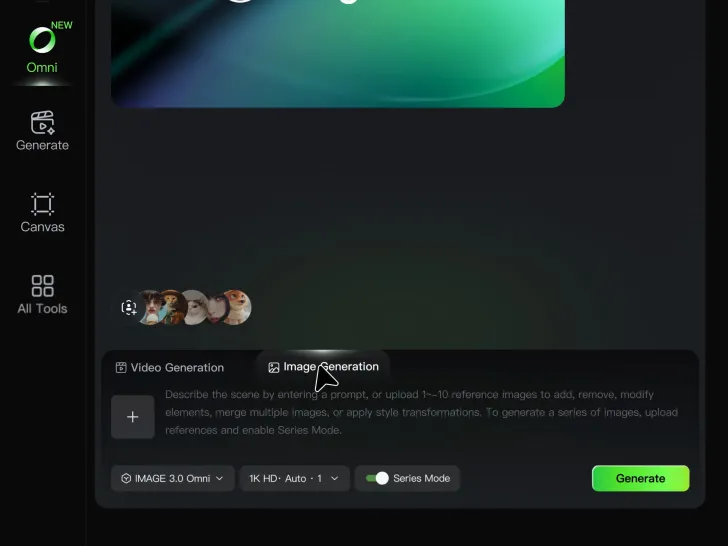
Start with a text prompt describing the character you want to create. Define key details such as appearance, hairstyle, clothing, visual style, expression, pose, or setting to help Kling AI generate a character that matches your description.

Step 2: Add Reference Images if Available

Step 2: Add Reference Images if Available

Already have a character design or visual direction in mind? Add one or more reference images to guide the character's appearance and key visual traits. Multiple views can help Kling AI maintain consistency across different angles.

Step 3: Generate and Develop Your Character

Step 3: Generate and Develop Your Character

Generate your character, review the result, and continue refining the design. Explore new poses, scenes, styles, and related images, or reuse the character in later creative workflows.

Create Voices That Match Your Characters

Generate Character Voices Directly with the Video

Generate Character Voices Directly with the Video

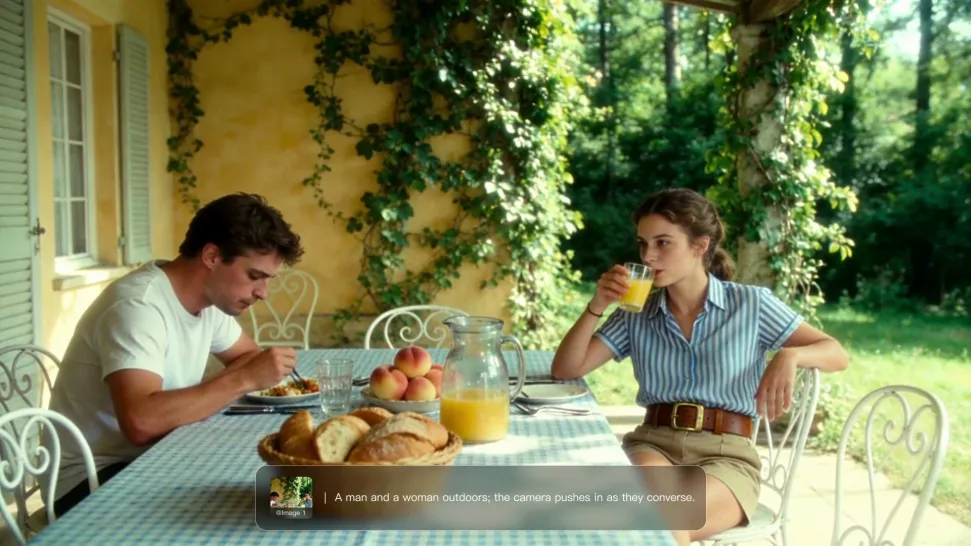
Write the dialogue into your video prompt and let Kling generate the spoken performance together with the scene. Because voice, facial performance, mouth movement, visuals, ambience, and supporting sound are created in the same workflow, the dialogue feels connected to what the character is doing on screen rather than added as a separate layer afterward.

Create Dialogue Across Languages and Accents

Create Dialogue Across Languages and Accents

Create character voices in multiple languages, including English, Chinese, Japanese, Korean, and Spanish. You can also customize accents, dialects, and speaking styles to make characters sound more authentic for different regions, cultures, and story settings.
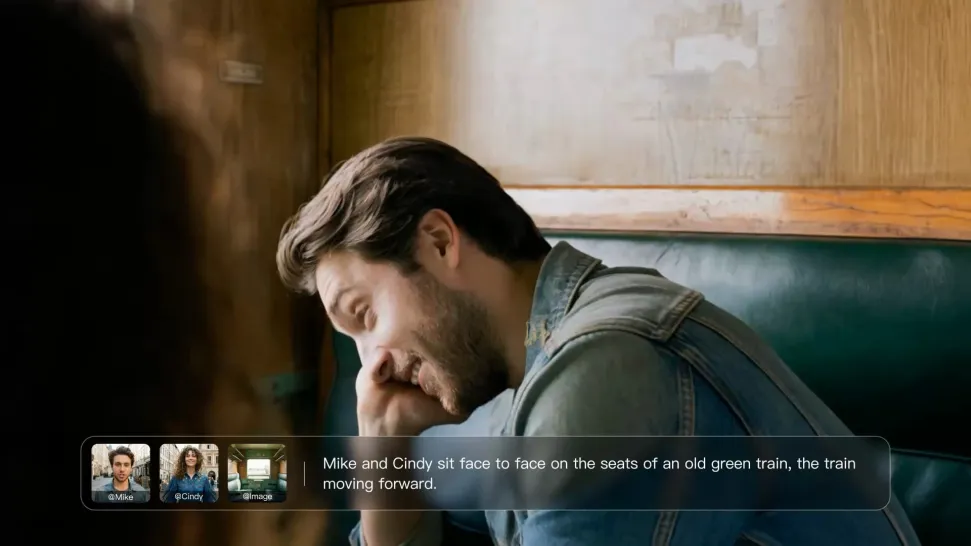
Keep a Character's Voice Consistent Across Scenes

Keep a Character's Voice Consistent Across Scenes

For recurring characters, Kling VIDEO 3.0 Omni lets you add voice to reusable Character Elements. A character can carry both recognizable visual traits and a connected voice into supported future generations. This makes it easier to build recurring presenters, fictional characters, or story leads that not only look familiar across scenes, but also keep a more consistent vocal identity.

Apps

Image to Video
Image to Video

Image to Video

Text to Video
Text to Video

Text to Video

Omni
Omni

Omni

Digital Human
Digital Human

Digital Human

Restyle
Restyle

Restyle

Text to Image
Text to Image

Text to Image

60M+
60M+
Users
600M+
600M+
AI Videos Generated
4.7 ★
4.7 ★
App Store
Industry-Leading
Industry-Leading
Cinematic 4K

Reviews

Halim Alrasihi

Halim Alrasihi

★★★★★

I use AI daily and Kling AI is a crucial part of my workflow, whether for client work or personal projects. What I love most about using Kling AI is that it provides all the tools I need in one place, from keyframes to character references, elements and special effects.

Déborah

Déborah

★★★★★

I use Kling AI every day. It's amazing to see the almost daily progress it makes. I used AI for fun at first, and I now find that Kling AI's animations allow me to gain professional visibility, with three times more views on my animated posts than on my static posts.

PJ Ace

PJ Ace

★★★★★

Kling AI has made it easy for us to generate world class visuals for Fortune 500 companies, TV shows and music for big artists. We love the easy of use of the platform and the quality of the generations. My first time using Kling AI, I got 22 million views on just one video. It's that good.

FAQ

Q1What is an AI script-to-video generator?
Q2Can AI generate dialogue and voice from my script?
Q3What should I look for in the best script-to-video AI?

Give Your Next Video a Cinematic 4K Finish

Start with the footage you already have. Improve visual quality, refine lighting and color with prompts, and choose 4K output when you need a higher-resolution result.