
Creative Studio
API
Resources
Features
About Us
Download

555 soul - TransparentCat & SoulfulMusicians

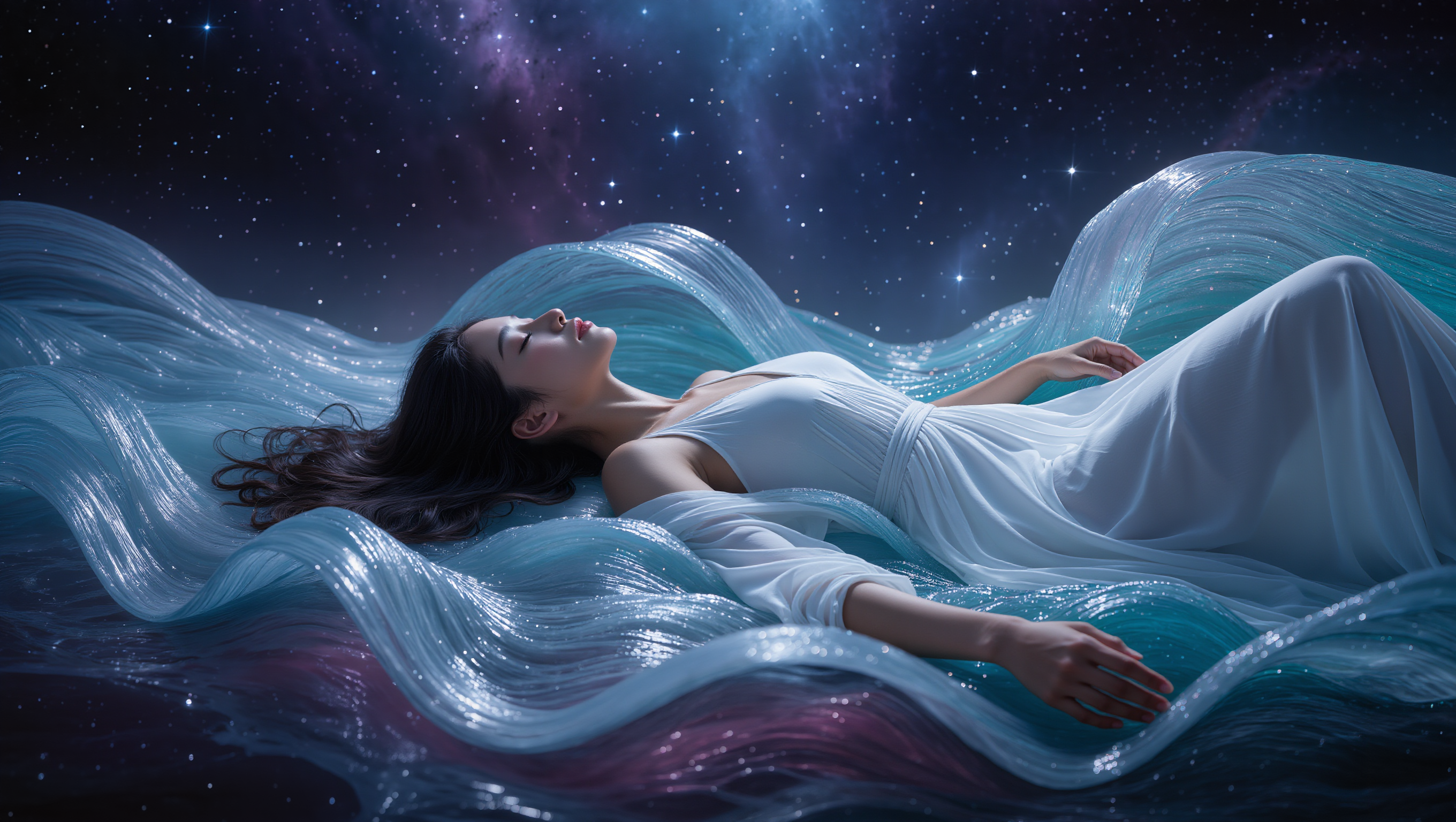
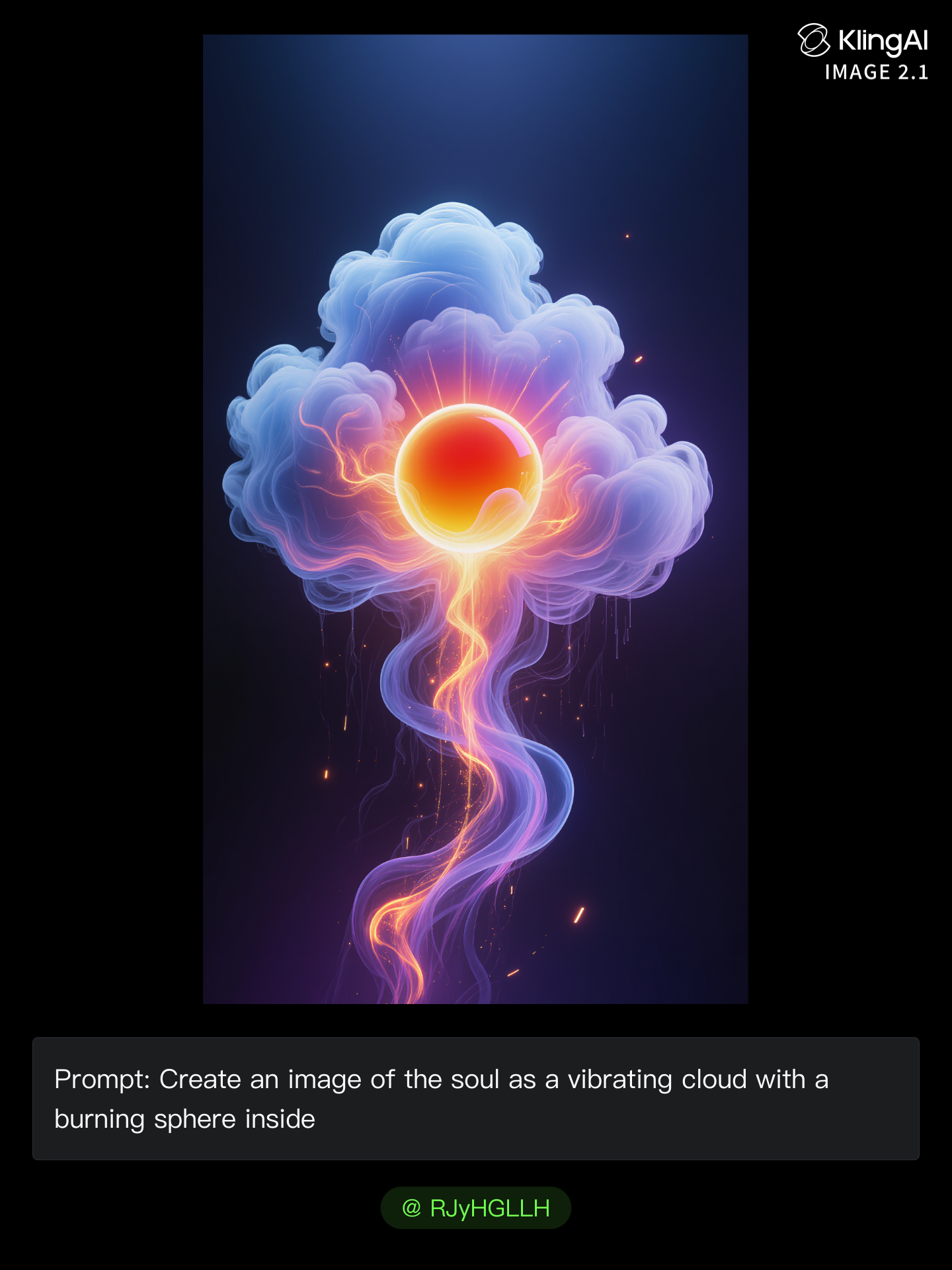
Immerse yourself in the ethereal beauty of surreal art and the profound depth of soul music, blending cinematic AI magic with deep emotional storytelling. Start exploring 555 soul ideas and generate your own content with AI.

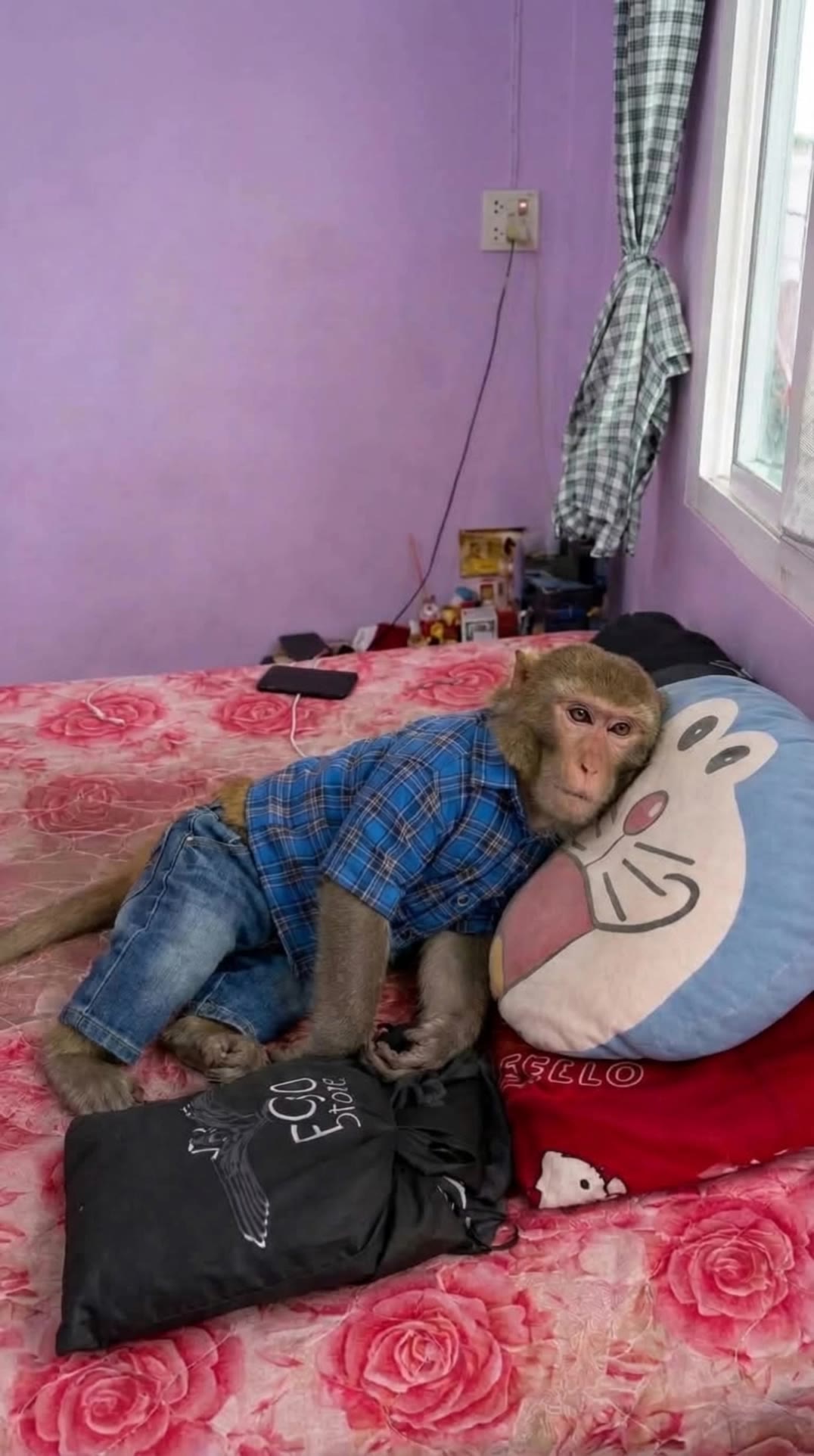
555 soul - TransparentCat & SoulfulMusicians

Recommended

Kling AI work 307364581530408 - 555 soul AI video
SynthAiVisions avatar
SynthAiVisions
Elite Creator
Kling AI work 317900355663366 - 555 soul AI video
ilona72 avatar
ilona72
Kling AI work 317901058666448 - 555 soul AI video
ilona72 avatar
ilona72
Kling AI work 295381000667738 - 555 soul AI video
Riddle avatar
Riddle
Kling AI work 297271852500775 - 555 soul AI video
OB avatar
OB
Elite Creator
Kling AI work 317684824505035 - 555 soul AI video
ilona72 avatar
ilona72
Every Soul Its Sea 🐟 - 555 soul AI video
00:27
Alexander Sukhach avatar
Alexander Sukhach
Elite Creator
Light and soul - 555 soul AI video
00:48
Lua_Muna avatar
Lua_Muna
A soul forged in steel - 555 soul AI video
nicki86 avatar
nicki86
Kling AI work 317686675616094 - 555 soul AI video
ilona72 avatar
ilona72
Cellist 🎶 - 555 soul AI video
ilona72 avatar
ilona72
Soul Connection  - 555 soul AI video
Joeeey13 avatar
Joeeey13
Kling AI work 317686323668496 - 555 soul AI video
ilona72 avatar
ilona72
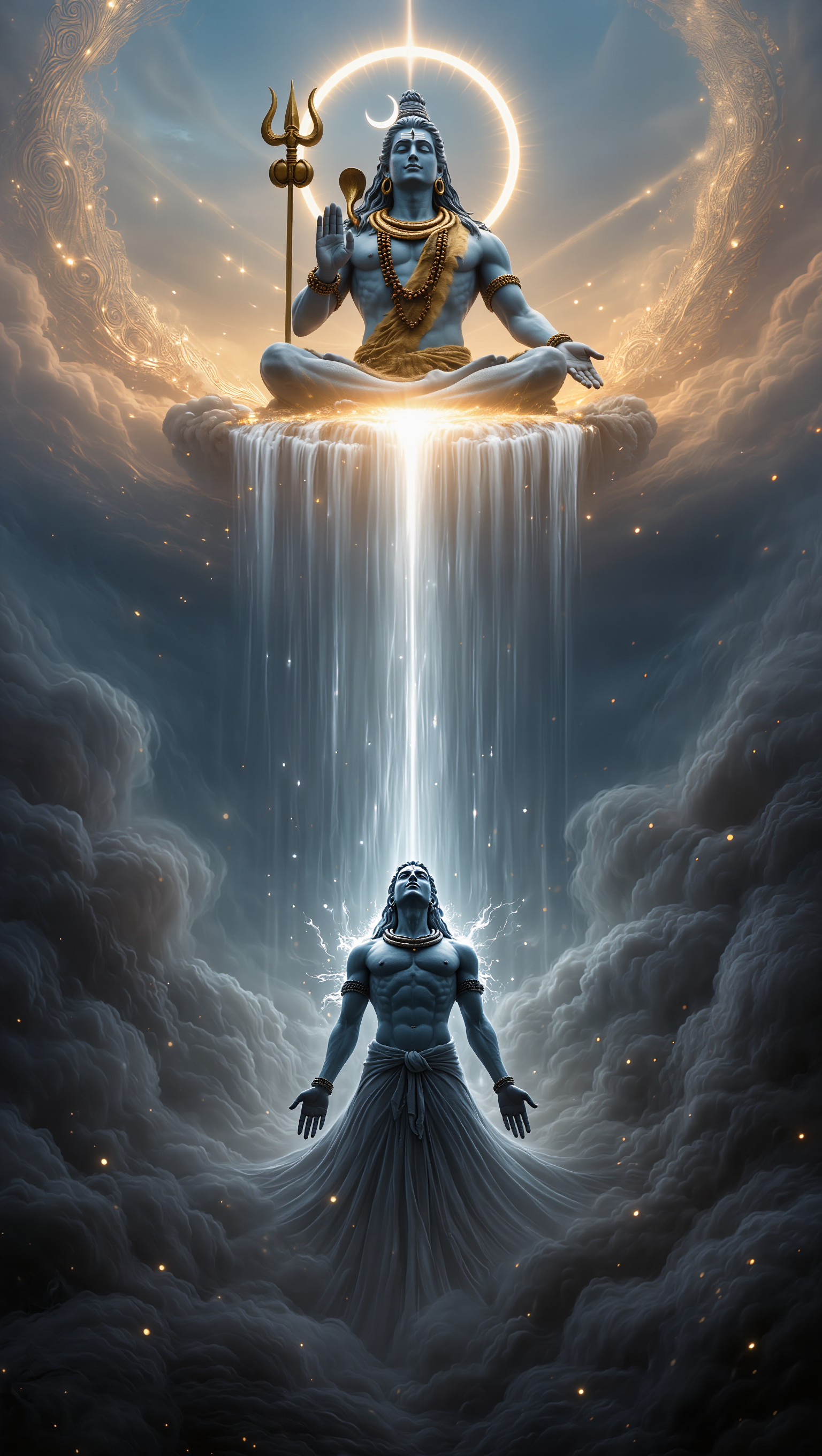
Divine Soul Sorcerer - 555 soul AI image
Joerg Tavidde avatar
Joerg Tavidde
Elite Creator
Kling AI work 317685163611221 - 555 soul AI video
ilona72 avatar
ilona72
Kling AI work 317926619308871 - 555 soul AI video
Snowy avatar
Snowy
Kling AI work 316835328301422 - 555 soul AI video
Candygirl avatar
Candygirl
Light inside my soul - 555 soul AI video
taty.inspire.ai avatar
taty.inspire.ai
Elite Creator
Cellist 🎶 - 555 soul AI video
ilona72 avatar
ilona72

How to Create Images with Kling AI

Write Down You Ideas

Write Down You Ideas

Open the AI Image Generator and choose the model that fits your project. Describe the subject and scene, then add details such as lighting, color, and visual style to shape the result.

Add References Or Not

Add References Or Not

Upload reference images for a character, product, composition, or style. References are optional, but they give Kling AI a clearer visual foundation when specific features, colors, or design details need to carry into the final image.

Generate Your Image

Generate Your Image

Choose your preferred format and output settings, then hit Generate. Once the result is ready, download it directly or open it in the image-to-video workflow to bring it to life with motion.

One Image-to-Image Generator, More Ways to Create

Refine With Precision

Refine With Precision

Bring in up to 10 reference images to keep the subject, color, shape, and visual details that matter, then update only what needs to change. Whether you’re reworking a background, adjusting lighting, or refining a product or character, IMAGE 3.0 helps the new image stay true to the original while making the edit feel clean, natural, and intentional.

Restyle With Freedom

Restyle With Freedom

Give any image a fresh look in more than one way. Start with the built-in style library to recreate a look in one click, or upload your original image with a reference to follow a specific visual direction. Kling AI image-to-image model carries over the qualities that define the style while keeping the subject clear and the composition intact.

Generate Image Series in 4K

Generate Image Series in 4K

Start with one image or several references and generate a connected set in one pass. IMAGE 3.0 Omni keeps characters, products, style, and tone consistent from image to image, while still allowing new actions, framing, camera angles, and shot types. Native 4K output makes it well suited to cinematic multi-shot storyboards, product image sets, and character design.

Apps

Image to Video
Image to Video

Image to Video

Text to Video
Text to Video

Text to Video

Omni
Omni

Omni

Digital Human
Digital Human

Digital Human

Restyle
Restyle

Restyle

Text to Image
Text to Image

Text to Image

60M+
60M+
Users
600M+
600M+
AI Videos Generated
4.7 ★
4.7 ★
App Store
Industry-Leading
Industry-Leading
Cinematic 4K

Reviews

Halim Alrasihi

Halim Alrasihi

★★★★★

I use AI daily and Kling AI is a crucial part of my workflow, whether for client work or personal projects. What I love most about using Kling AI is that it provides all the tools I need in one place, from keyframes to character references, elements and special effects.

James Phillips

James Phillips

★★★★★

Kling AI has transformed my workflow by collapsing timelines and democratizing production. It’s shifted my mindset from resource-dependent filmmaking to a boundless creative sandbox, where experimentation yields unexpected beauty.

Samuele Poggi (@visualsk2)

Samuele Poggi (@visualsk2)

★★★★★

I use Kling AI daily to push the limits of AI filmmaking. It allows me to create highly cinematic content, blending AI and VFX to develop innovative projects. It has significantly impacted my creative process, enabling me to achieve complex animations that would otherwise require high production budgets.

FAQ

Q1Is an AI Avatar the Same as a Digital Human?
Q2How Does an AI Avatar Generator Work?
Q3Can I Use My Own Voice or Audio?

Make Something Worth Keeping

Start with a sentence, a sketch, or a visual reference. Shape the idea until the style, composition, and details feel like yours.

Free tier available | Text to Art | Reference Images | Style Transfer