Creative Studio
API
Resources
Features
About Us
Download

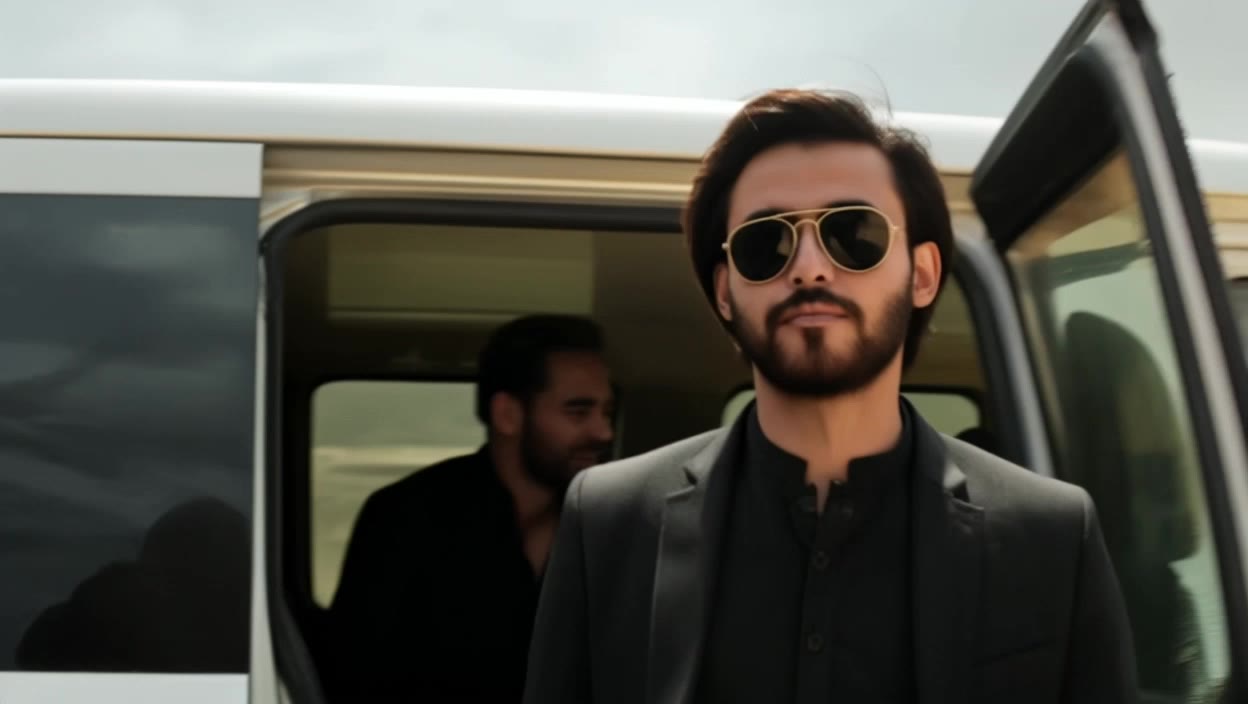
a i face swap video free - cinematic legend & concert stage

Unleash your creativity with AI-driven face swap videos and dynamic object transformations in cinematic scenes. Dive into seamless integrations of character and item swaps with perfect motion tracking and lighting. Start exploring a i face swap video free ideas and generate your own content with AI.

a i face swap video free - cinematic legend & concert stage

Recommended

Use the uploaded video as the ex - a i face swap video free AI image
NUFsXjGe avatar
NUFsXjGe
face swap  - a i face swap video free AI video
hivetechmedia avatar
hivetechmedia
Kling AI work 299445296654869 - a i face swap video free AI video
PcWStuxK avatar
PcWStuxK
Kling AI work 298317007523097 - a i face swap video free AI video
gFAlNLcu avatar
gFAlNLcu
Kling AI work 317552637524699 - a i face swap video free AI video
nGCSwIHc avatar
nGCSwIHc
walking in garden - a i face swap video free AI video
lorsSnHH avatar
lorsSnHH
Kling AI work 299084304654096 - a i face swap video free AI video
oQHLWruK avatar
oQHLWruK
Thangani - a i face swap video free AI video
kbNCvWNn avatar
kbNCvWNn
Kling AI work 296283181527466 - a i face swap video free AI video
HYSutIeq avatar
HYSutIeq
Kling AI work 297638918500908 - a i face swap video free AI video
vjBGTAPq avatar
vjBGTAPq
Kling AI work 297891129503801 - a i face swap video free AI video
lzoedtWs avatar
lzoedtWs
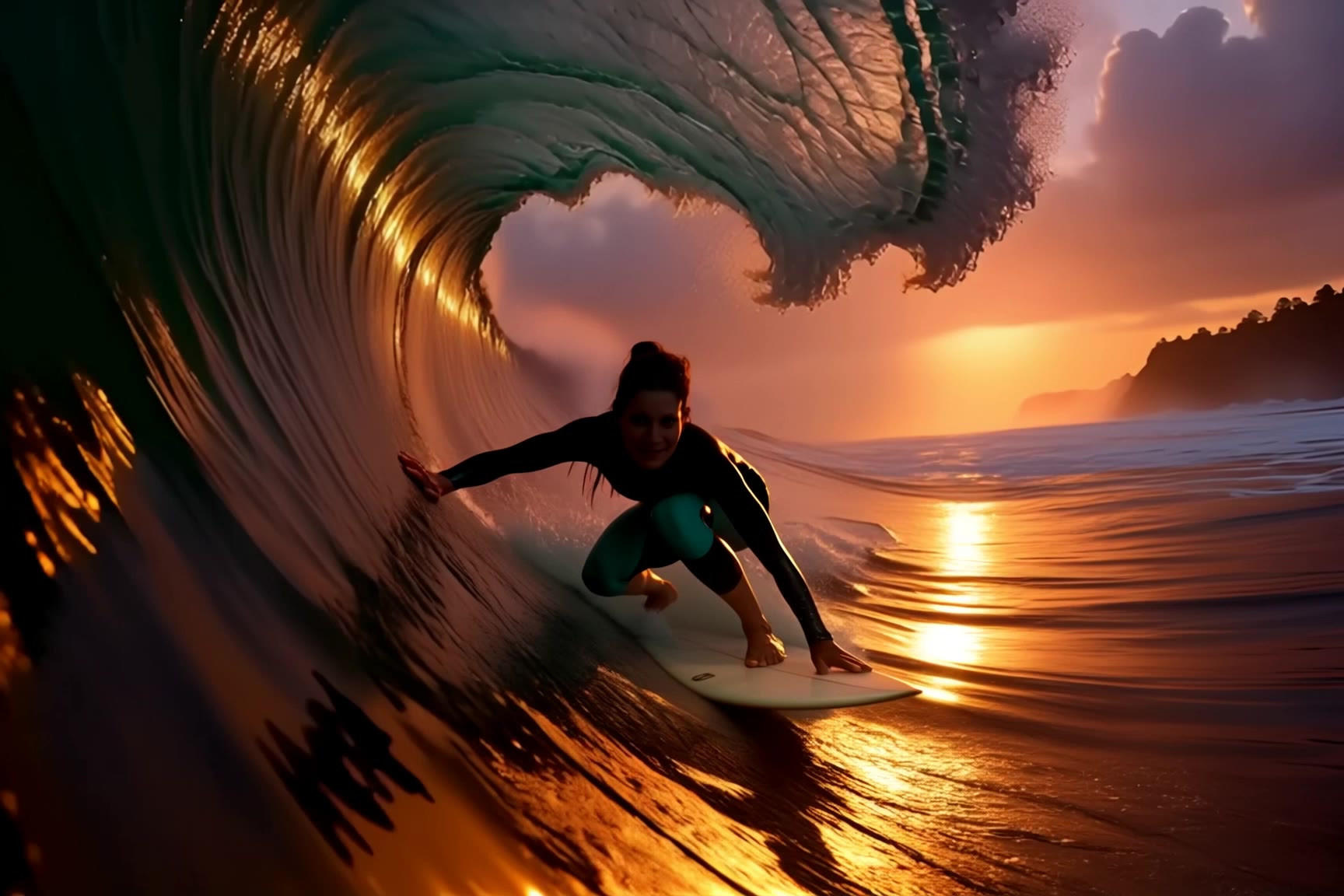
surfing - a i face swap video free AI video
jingle6913 avatar
jingle6913
Kling AI work 298903460316819 - a i face swap video free AI video
jude avatar
jude
different face, face swap, face  - a i face swap video free AI video
00:14
ujSwUVGQ avatar
ujSwUVGQ
Kling AI work 314939795661289 - a i face swap video free AI image
nlEWboUk avatar
nlEWboUk
Kling AI work 292570884310843 - a i face swap video free AI video
KUwMtPUw avatar
KUwMtPUw
Kling AI work 297636101522560 - a i face swap video free AI video
yRbkdSKi avatar
yRbkdSKi
Kling AI work 291793365506684 - a i face swap video free AI video
YzUCEOSq avatar
YzUCEOSq

How to Master AI Motion Control in 3 Steps

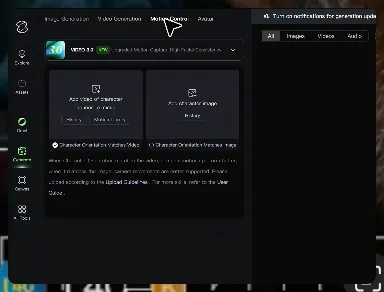
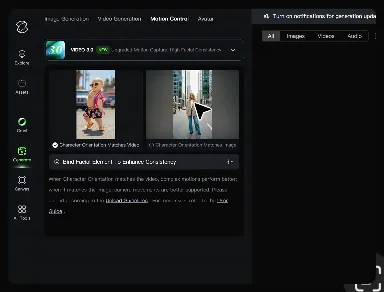
Upload Your Assets

Upload Your Assets

Provide a static character image and a motion reference video showing the exact expressions you want to replicate.

Bind Face Subject

Bind Face Subject

Enable this feature to lock facial consistency. Upload multi-angle photos to create a precise facial reference map.

Generate & Export

Generate & Export

Process your motion-controlled video and download the final render in high resolution.

Create Voices That Match Your Characters

Generate Character Voices Directly with the Video

Generate Character Voices Directly with the Video

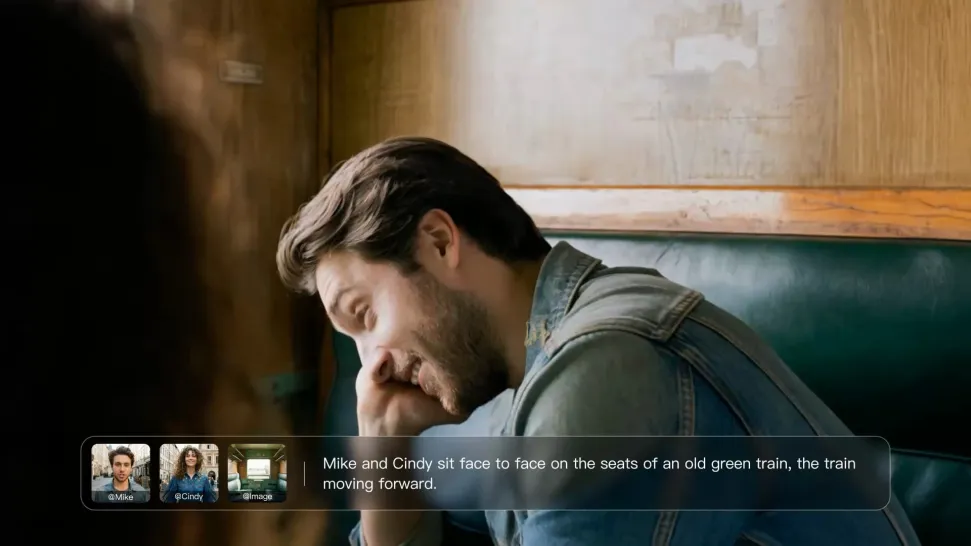
Write the dialogue into your video prompt and let Kling generate the spoken performance together with the scene. Because voice, facial performance, mouth movement, visuals, ambience, and supporting sound are created in the same workflow, the dialogue feels connected to what the character is doing on screen rather than added as a separate layer afterward.
Create Dialogue Across Languages and Accents

Create Dialogue Across Languages and Accents

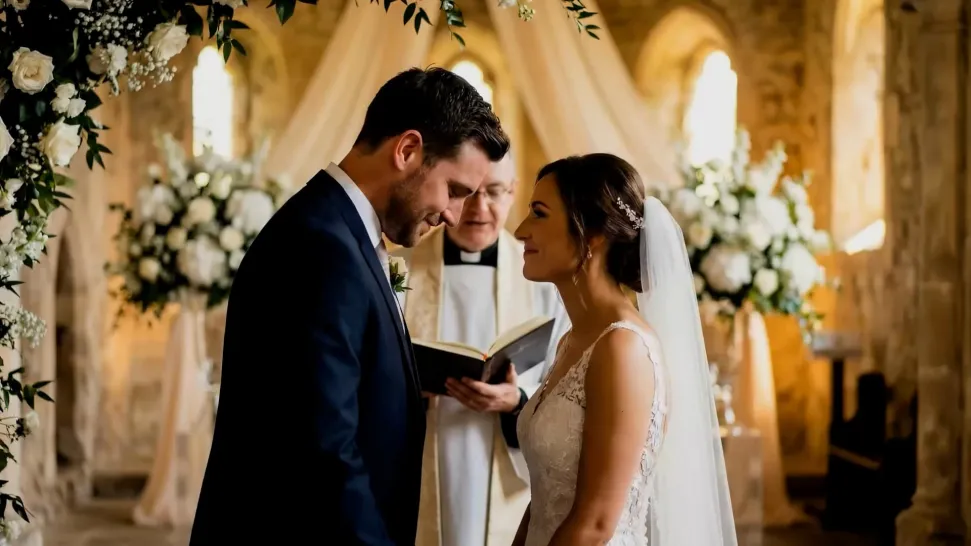
Create character voices in multiple languages, including English, Chinese, Japanese, Korean, and Spanish. You can also customize accents, dialects, and speaking styles to make characters sound more authentic for different regions, cultures, and story settings.
Keep a Character's Voice Consistent Across Scenes

Keep a Character's Voice Consistent Across Scenes

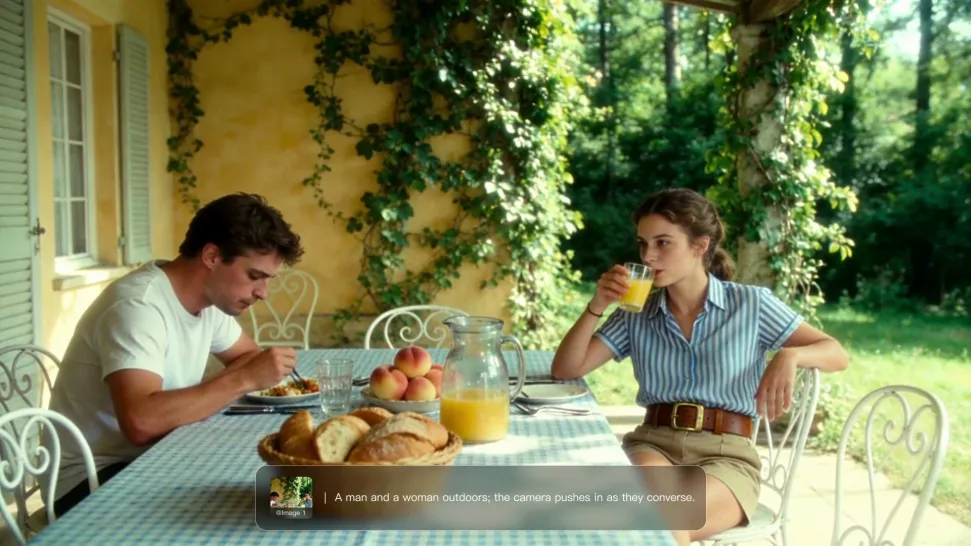
For recurring characters, Kling VIDEO 3.0 Omni lets you add voice to reusable Character Elements. A character can carry both recognizable visual traits and a connected voice into supported future generations. This makes it easier to build recurring presenters, fictional characters, or story leads that not only look familiar across scenes, but also keep a more consistent vocal identity.

Apps

Image to Video
Image to Video

Image to Video

Text to Video
Text to Video

Text to Video

Omni
Omni

Omni

Digital Human
Digital Human

Digital Human

Restyle
Restyle

Restyle

Text to Image
Text to Image

Text to Image

60M+
60M+
Users
600M+
600M+
AI Videos Generated
4.7 ★
4.7 ★
App Store
Industry-Leading
Industry-Leading
Cinematic 4K

Reviews

Huang Lu (Elson)

Huang Lu (Elson)

★★★★★

I’ve been using Kling AI since its initial release, and it’s remained one of the leading AI media generators ever since. With Kling AI, I’ve created hundreds of videos, collectively amassing millions of views.

Ozan Sihay

Ozan Sihay

★★★★★

Kling AI allows me to rapidly prototype ideas, refine storytelling elements, and produce visually compelling content efficiently. It has not only accelerated my creative processes, but also deepened my understanding of how AI can enrich visual storytelling.

Jyo John Mulloor

Jyo John Mulloor

★★★★★

Kling AI has been instrumental in transforming my creative workflow, unlocking new dimensions of artistic expression that were once unimaginable. I use Kling AI extensively to develop high-concept visuals, animate surreal dreamscapes, and create AI-assisted films that blur the line between reality and fantasy. Kling AI’s deep learning capabilities have not only enhanced my creative efficiency but also inspired me to explore storytelling in ways I never thought possible.

FAQ

Q1What is an AI image extender?
Q2Does AI image extension work with complex backgrounds?
Q3Can I control what appears in the expanded part of the image?

Make Your Profile Picture Stand Out

Start with the photo you already have and turn it into something you feel better putting your name next to. Keep it professional, make it more personal, or give it a completely different mood—the final look is yours to shape.