Creative Studio
API
Resources
Features
About Us
Download

act 2 popcorn - popcorn transformation & popcorn with pets

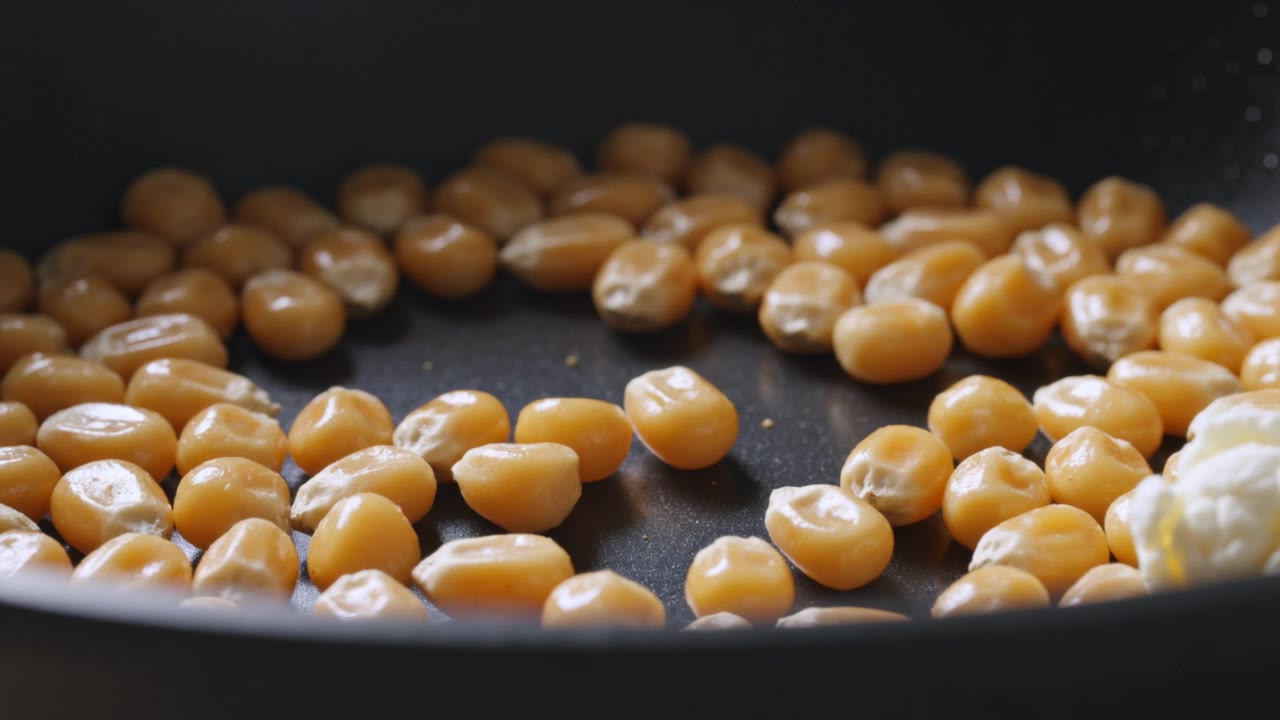
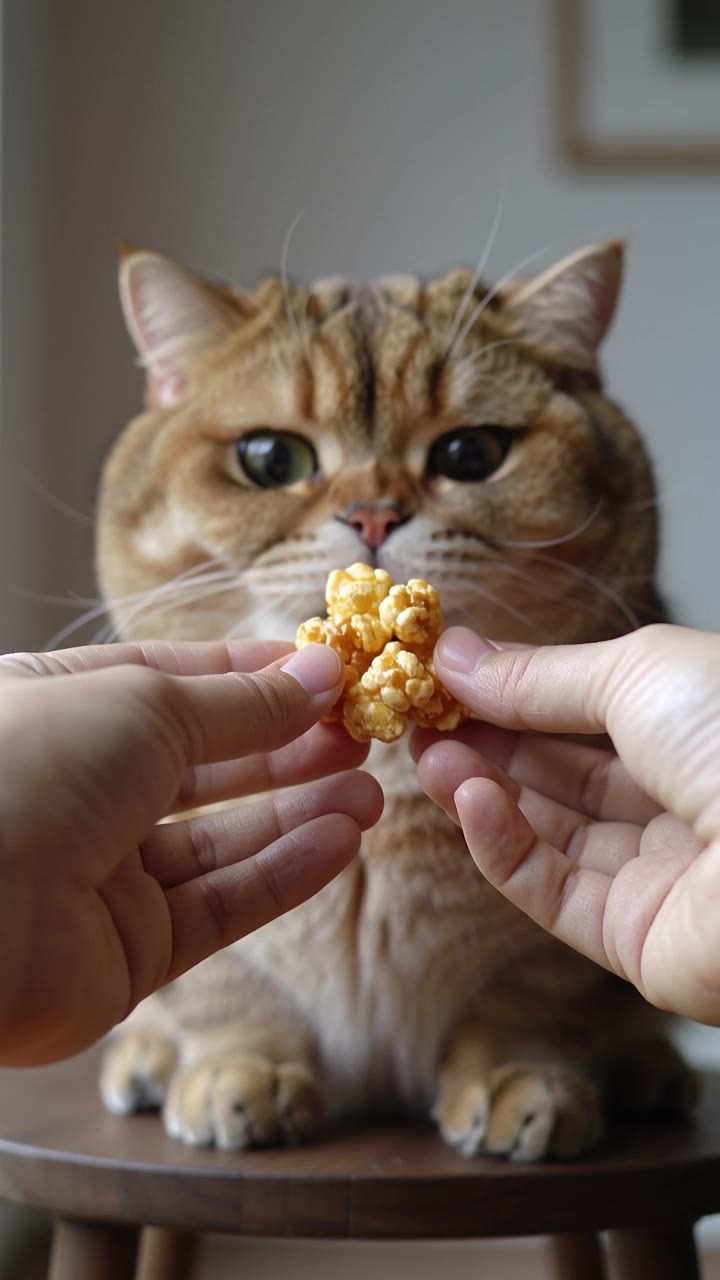
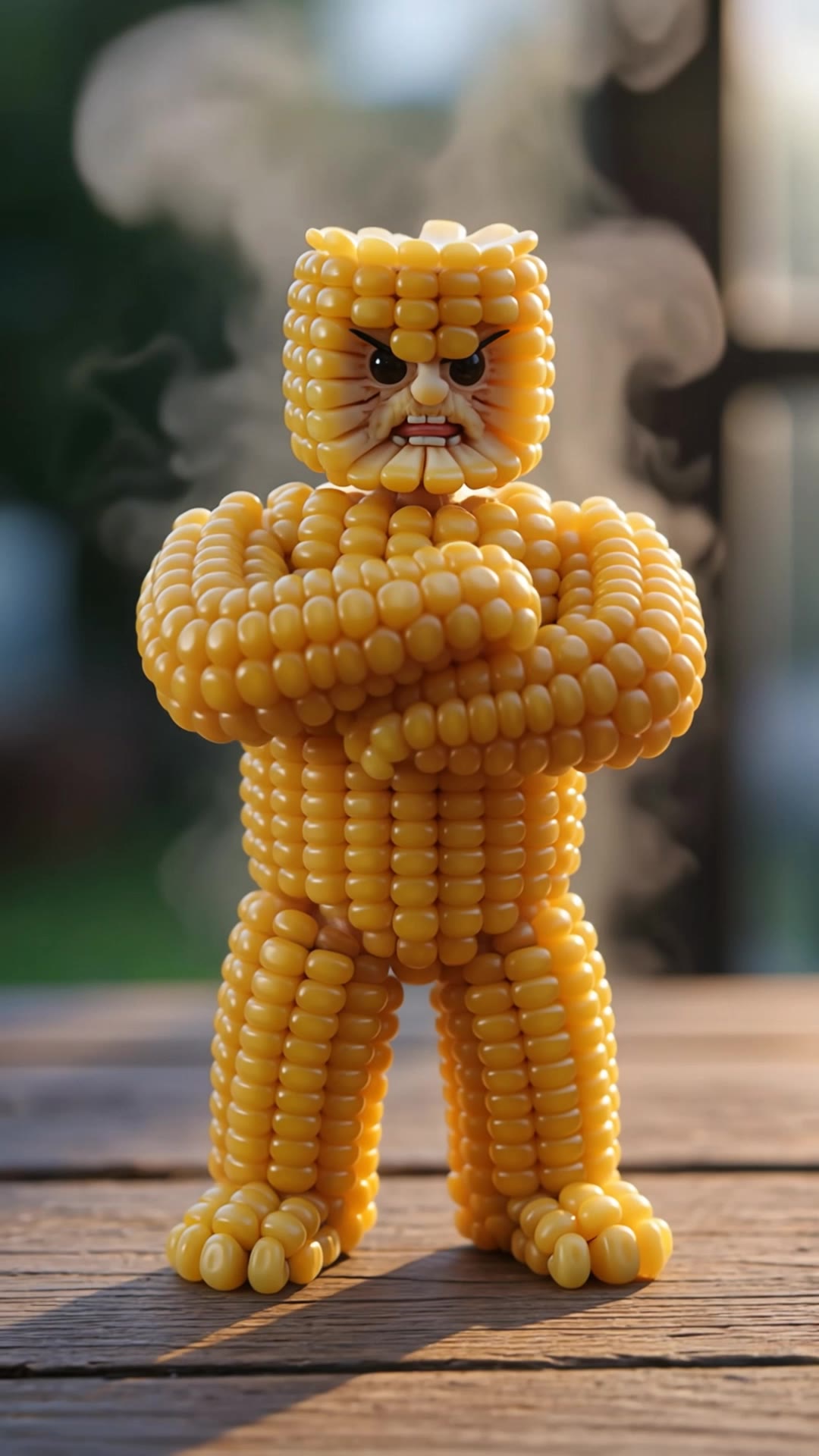
Indulge in the cinematic magic of act 2 popcorn with autumn movie nights and hyper-detailed popcorn transformations. Start exploring act 2 popcorn ideas and generate your own content with AI.

act 2 popcorn - popcorn transformation & popcorn with pets

Recommended

Kling AI work 312048273520762 - act 2 popcorn AI video
AurKAnCF avatar
AurKAnCF
Popcorn Machine to Popcorn - act 2 popcorn AI video
SAVY avatar
SAVY
Kling AI work 316108566664589 - act 2 popcorn AI video
QCPRmZCu avatar
QCPRmZCu
Kling AI work 307079278538151 - act 2 popcorn AI video
SoftMotion ID avatar
SoftMotion ID
Kling AI work 314215517502164 - act 2 popcorn AI video
tinta.artificial avatar
tinta.artificial
Kling AI work 300458713618369 - act 2 popcorn AI video
EMAslNgm avatar
EMAslNgm
🍿 POPCORN REVENGE — THE CINEMA  - act 2 popcorn AI video
GHsCGVmV avatar
GHsCGVmV
Kling AI work 317547866504791 - act 2 popcorn AI video
dIfrlfDQ avatar
dIfrlfDQ
Kling AI work 296100429523852 - act 2 popcorn AI video
Heart on Da Block avatar
Heart on Da Block
popcorn avalanche  - act 2 popcorn AI video
Pekosman avatar
Pekosman
Kling AI work 317828816614903 - act 2 popcorn AI video
HIxnMDBT avatar
HIxnMDBT
chocolate popcorn - act 2 popcorn AI video
Mallow Moments avatar
Mallow Moments
Elite Creator
Kling AI work 315637453302880 - act 2 popcorn AI video
LfoHXkpz avatar
LfoHXkpz
Kling AI work 318787059613453 - act 2 popcorn AI video
NrtTQgGg avatar
NrtTQgGg
Kling AI work 299756321508994 - act 2 popcorn AI video
craftneed AI avatar
craftneed AI
Kling AI work 318593638611457 - act 2 popcorn AI video
mYsIkVyd avatar
mYsIkVyd
Kling AI work 309404280505124 - act 2 popcorn AI video
RbQrFQMa avatar
RbQrFQMa
Elite Creator
Kling AI work 319780641613401 - act 2 popcorn AI video
FABIOFX.AI avatar
FABIOFX.AI
Elite Creator
2 Amigos - act 2 popcorn AI video
ctalien83 avatar
ctalien83

How to Use Kling AI Face Swap

Step 1: Upload Your Target and References

Step 1: Upload Your Target and References

Add the photo or video you want to edit, then add the face reference you want Kling AI to follow. For video, you can also use multiple views or a character element when you need stronger identity consistency across different angles.

Step 2: Describe the Face Swap You Want

Step 2: Describe the Face Swap You Want

Tell Kling AI which face to replace and what reference to use. For example: "Replace the face in [Image 1] with the face from [Image 2] while keeping all other content unchanged."

Step 3: Generate Your Face Swap

Step 3: Generate Your Face Swap

Choose your preferred output settings, such as the generation mode and aspect ratio, then click Generate. Kling AI will apply your instructions and chosen settings to create your face-swapped image or video.

Why Kling Sets the Standard for Video Creation

Flawless Character Consistency

Flawless Character Consistency

Unlike standard tools that distort faces when moving, Kling Video 3.0 lets you strictly lock a character’s appearance. Upload a single photo, or use a short video/multiple angles as a reference to completely eliminate the “AI morphing” effect.

Native Audio & Perfect Lip-Sync

Native Audio & Perfect Lip-Sync

Your image doesn’t just move; it speaks. Generate perfectly matched voices and realistic lip movements in multiple languages or regional accents. Even in multi-character scenes, you can precisely assign who speaks—no third-party tools required.

15s Duration & Motion Control

15s Duration & Motion Control

Go beyond simple loops with up to 15 seconds of smooth narrative. Use advanced Motion Control to direct camera pans, tilts, and zooms, or define exact transitions with start and end frame references.

Apps

Image to Video
Image to Video

Image to Video

Text to Video
Text to Video

Text to Video

Omni
Omni

Omni

Digital Human
Digital Human

Digital Human

Restyle
Restyle

Restyle

Text to Image
Text to Image

Text to Image

60M+
60M+
Users
600M+
600M+
AI Videos Generated
4.7 ★
4.7 ★
App Store
Industry-Leading
Industry-Leading
Cinematic 4K

Reviews

Ozan Sihay

Ozan Sihay

★★★★★

Kling AI allows me to rapidly prototype ideas, refine storytelling elements, and produce visually compelling content efficiently. It has not only accelerated my creative processes, but also deepened my understanding of how AI can enrich visual storytelling.

KakuDrop

KakuDrop

★★★★★

I have successfully collaborated with world-renowned artists and well-known companies that are recognized globally

Samuele Poggi (@visualsk2)

Samuele Poggi (@visualsk2)

★★★★★

I use Kling AI daily to push the limits of AI filmmaking. It allows me to create highly cinematic content, blending AI and VFX to develop innovative projects. It has significantly impacted my creative process, enabling me to achieve complex animations that would otherwise require high production budgets.

FAQ

Q1Can I combine multiple reference images?
Q2What is image to image AI?
Q3How is image to image different from text to image?

Bring Your Character to Life

Add a voice or script to turn your character video into a polished lip-sync performance.

Voiceover | Text to Speech | Audio trimming | Realistic, 3D & 2D character