Creative Studio
API
Resources
Features
About Us
Download

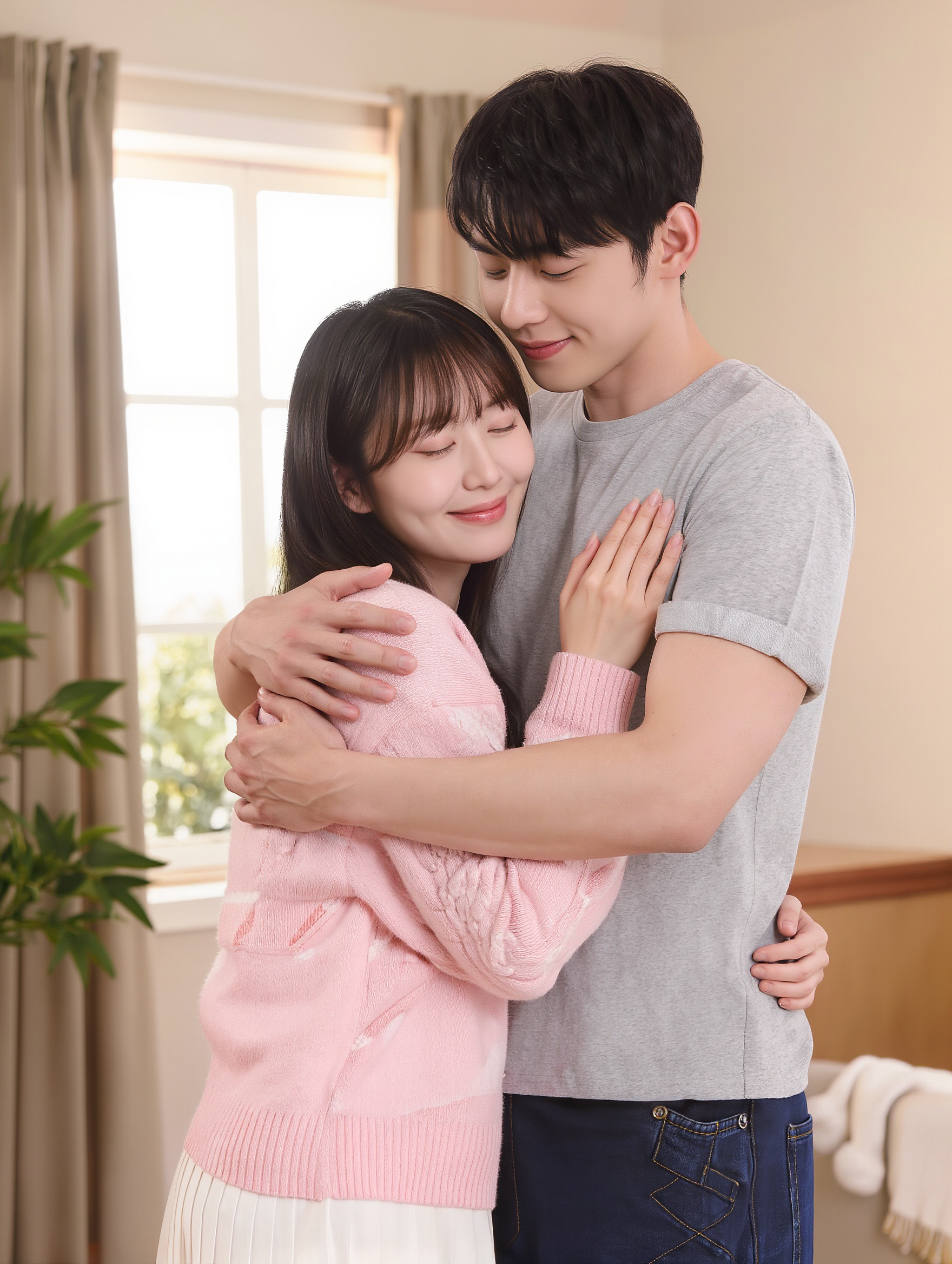
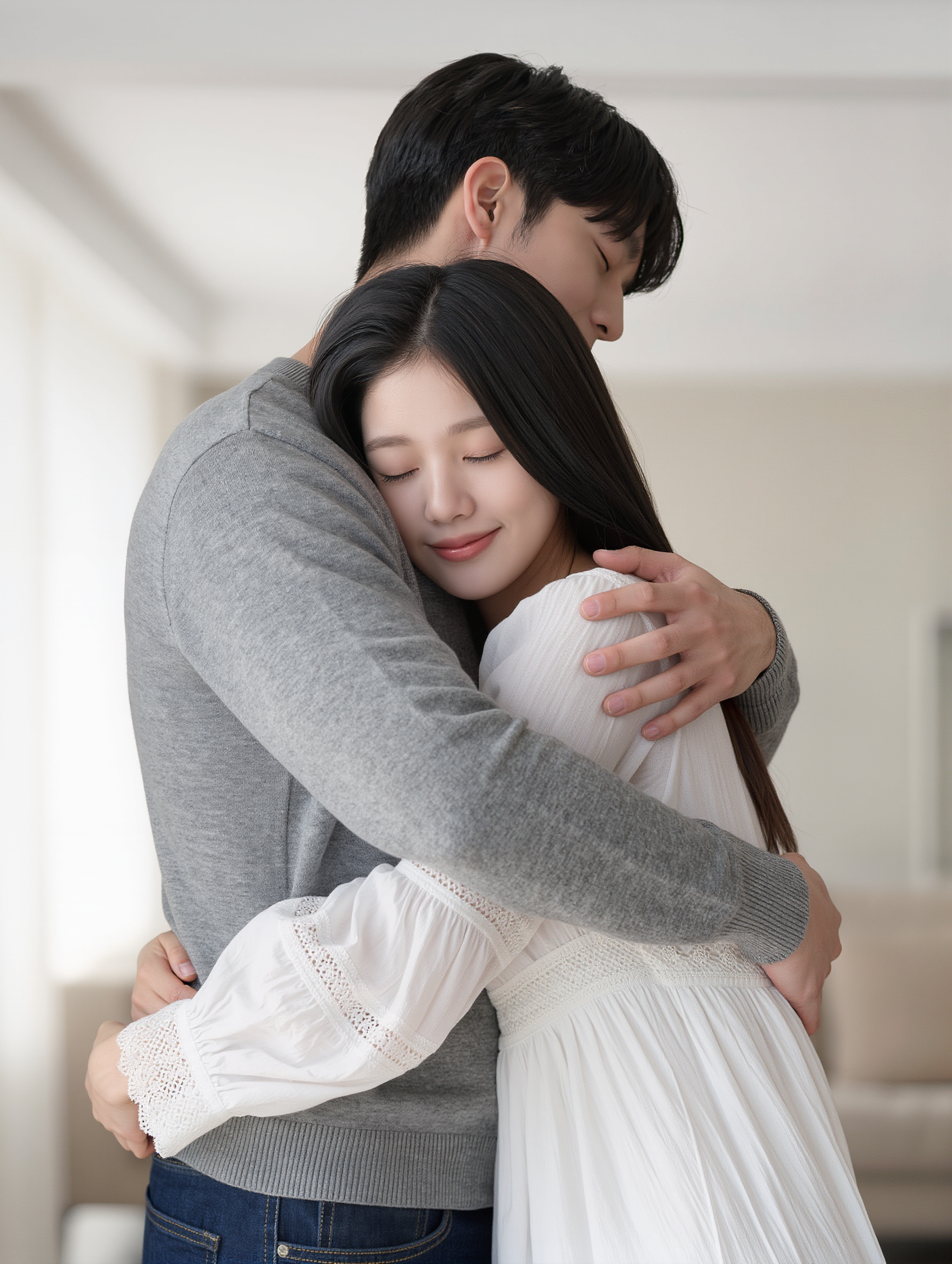
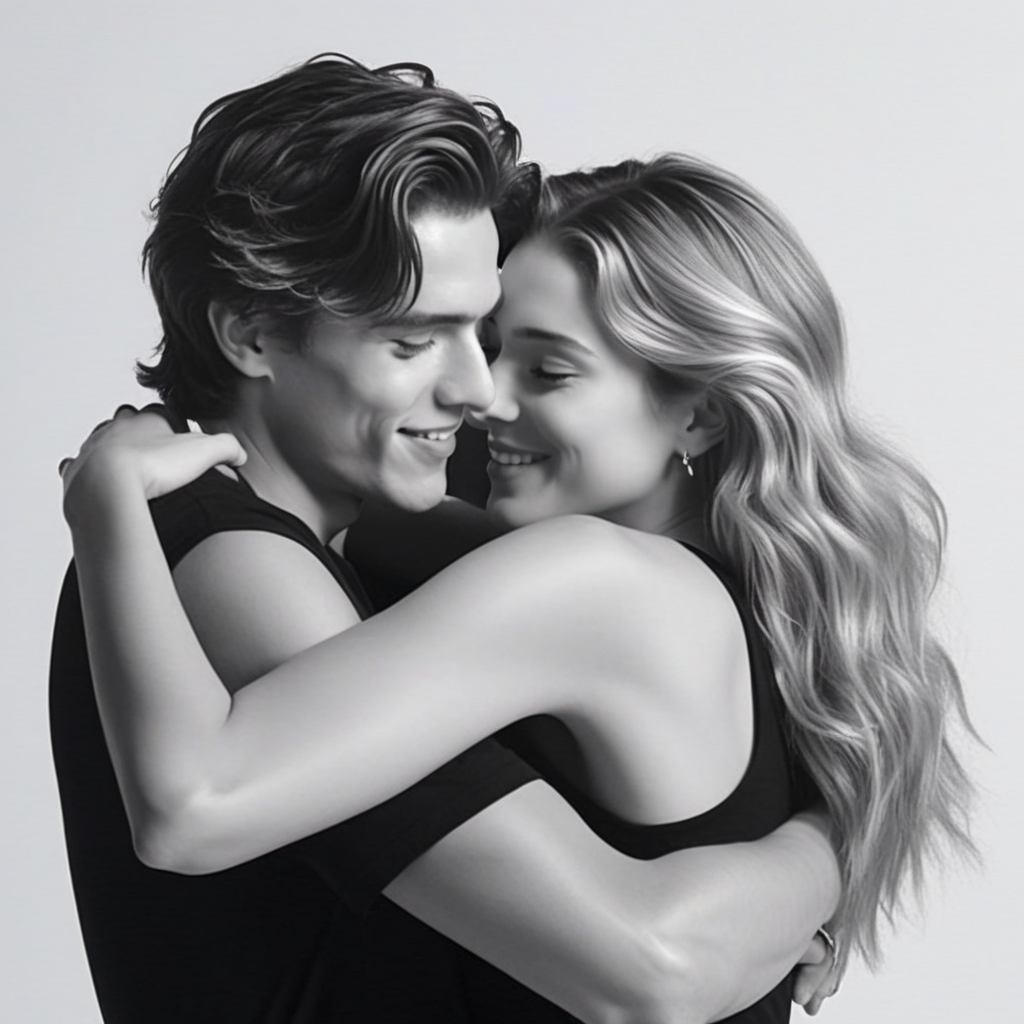
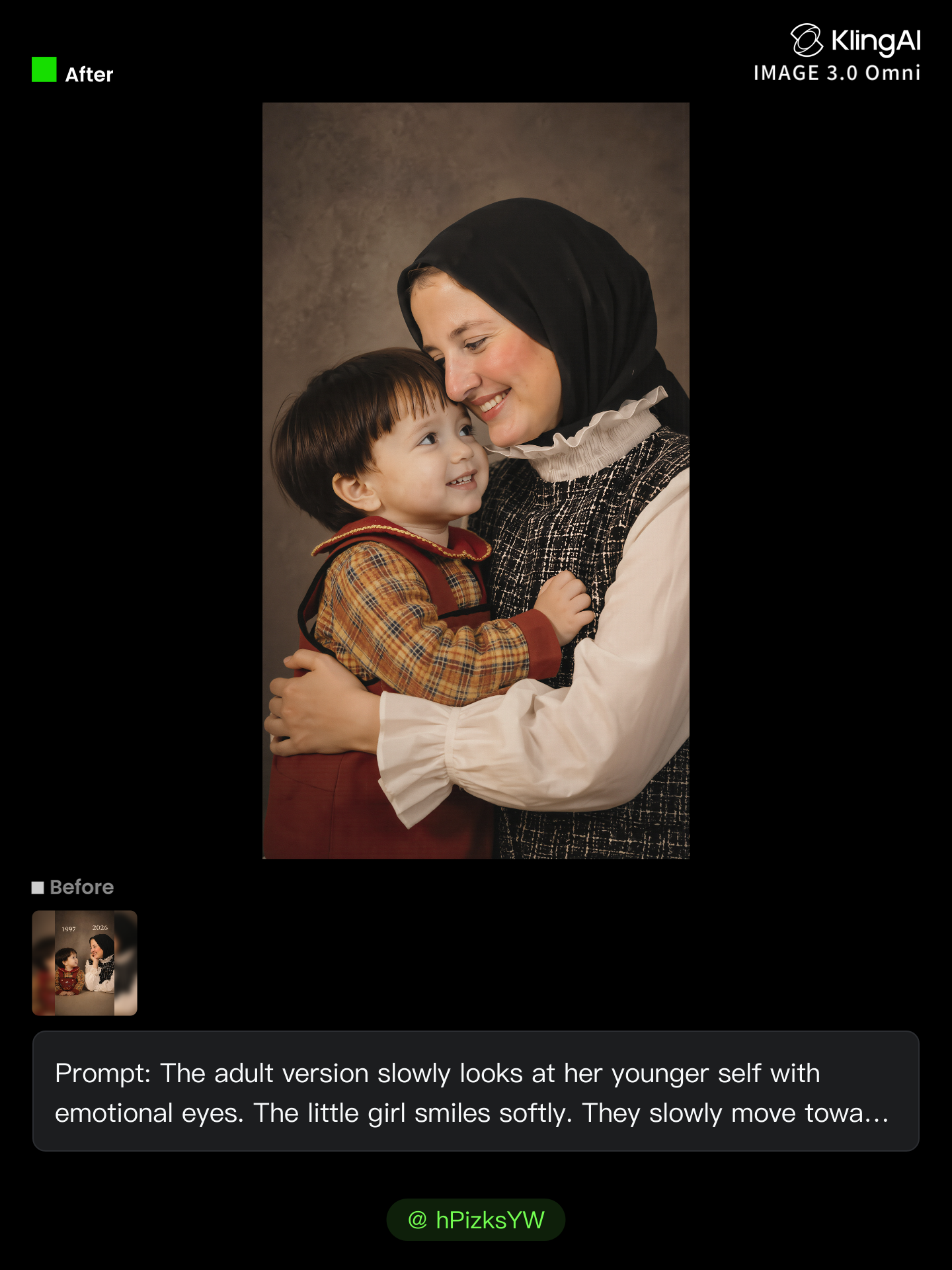
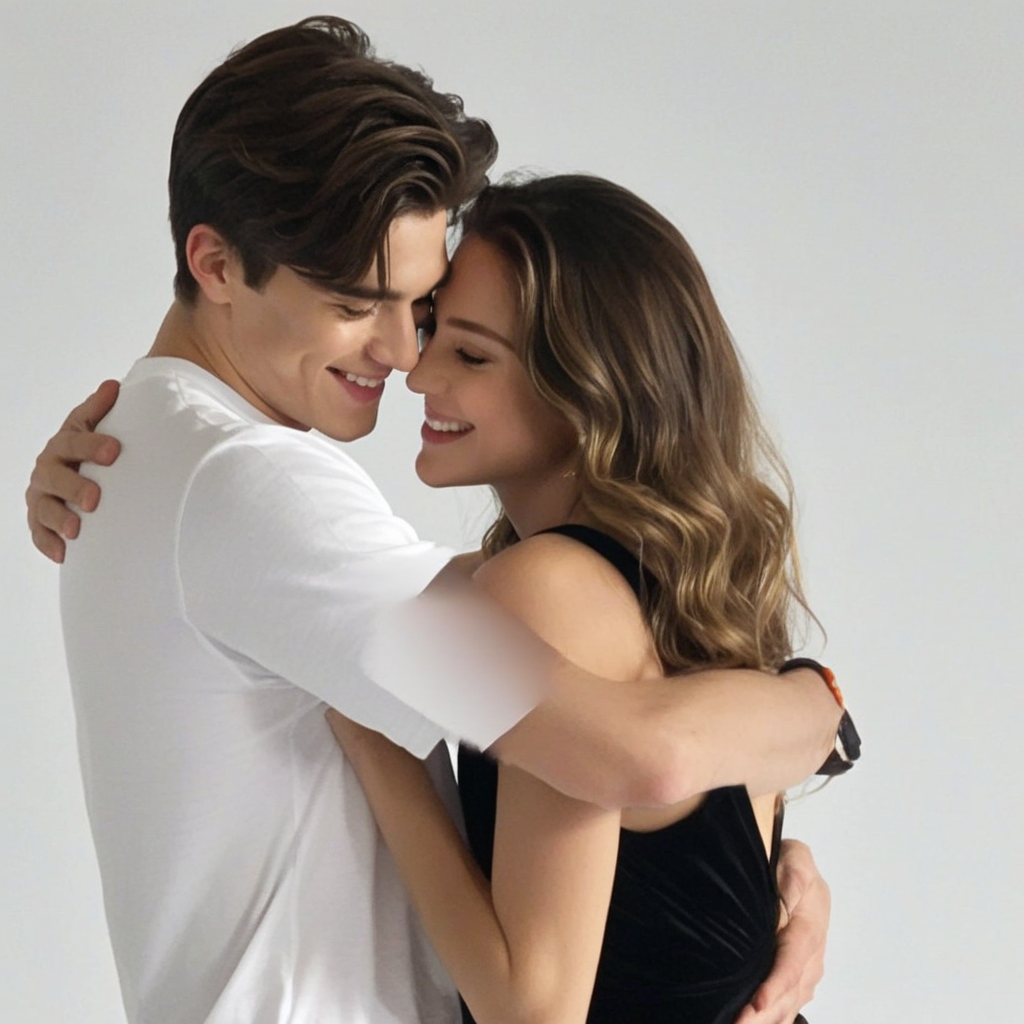
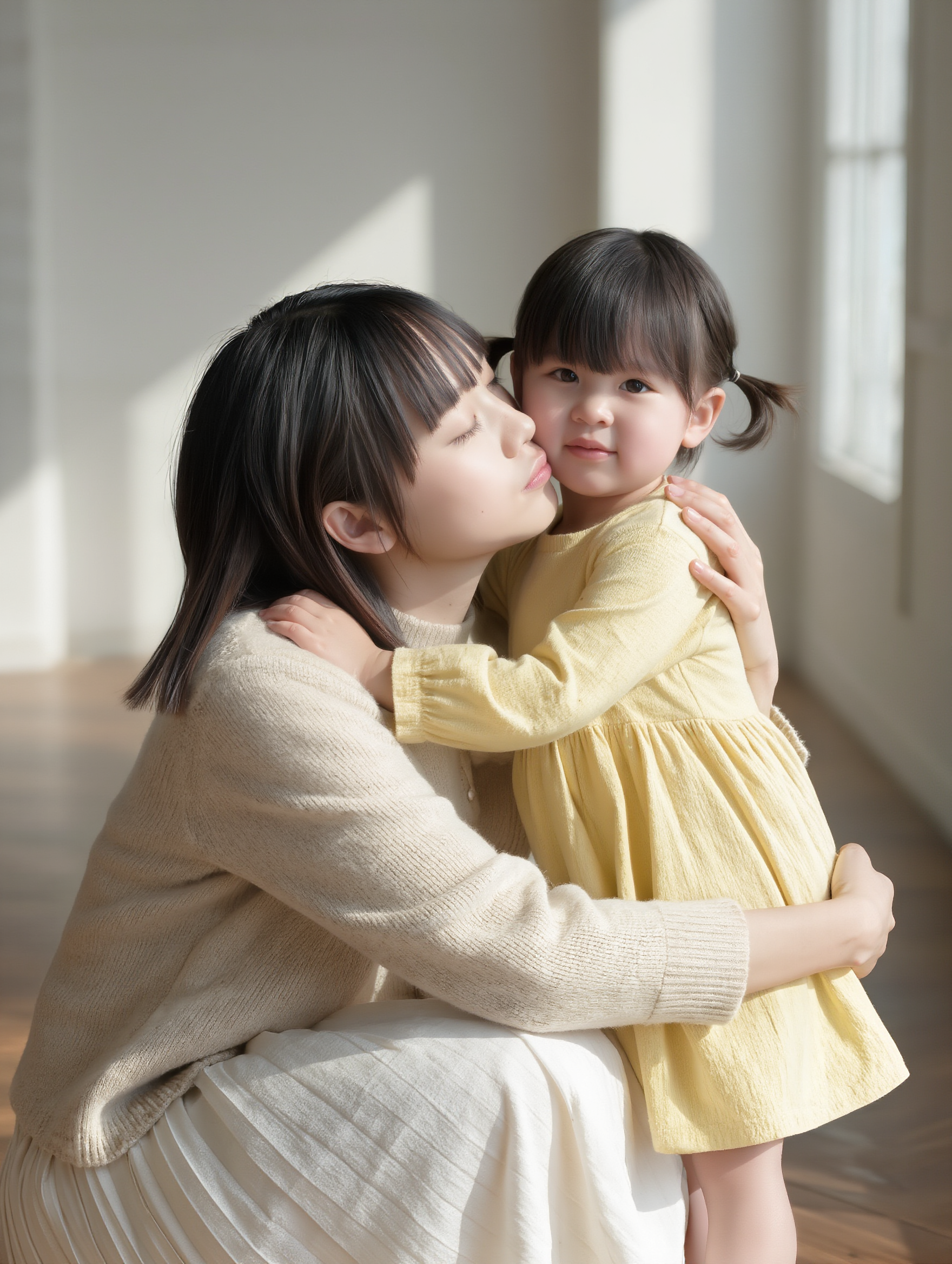
ai hug - mythical creatures & heartwarming friendships

Experience heartwarming moments with themes of fantasy and childlike joy, from dragons sharing loving hugs to unlikely friendships in enchanting settings. Start exploring ai hug ideas and generate your own content with AI.

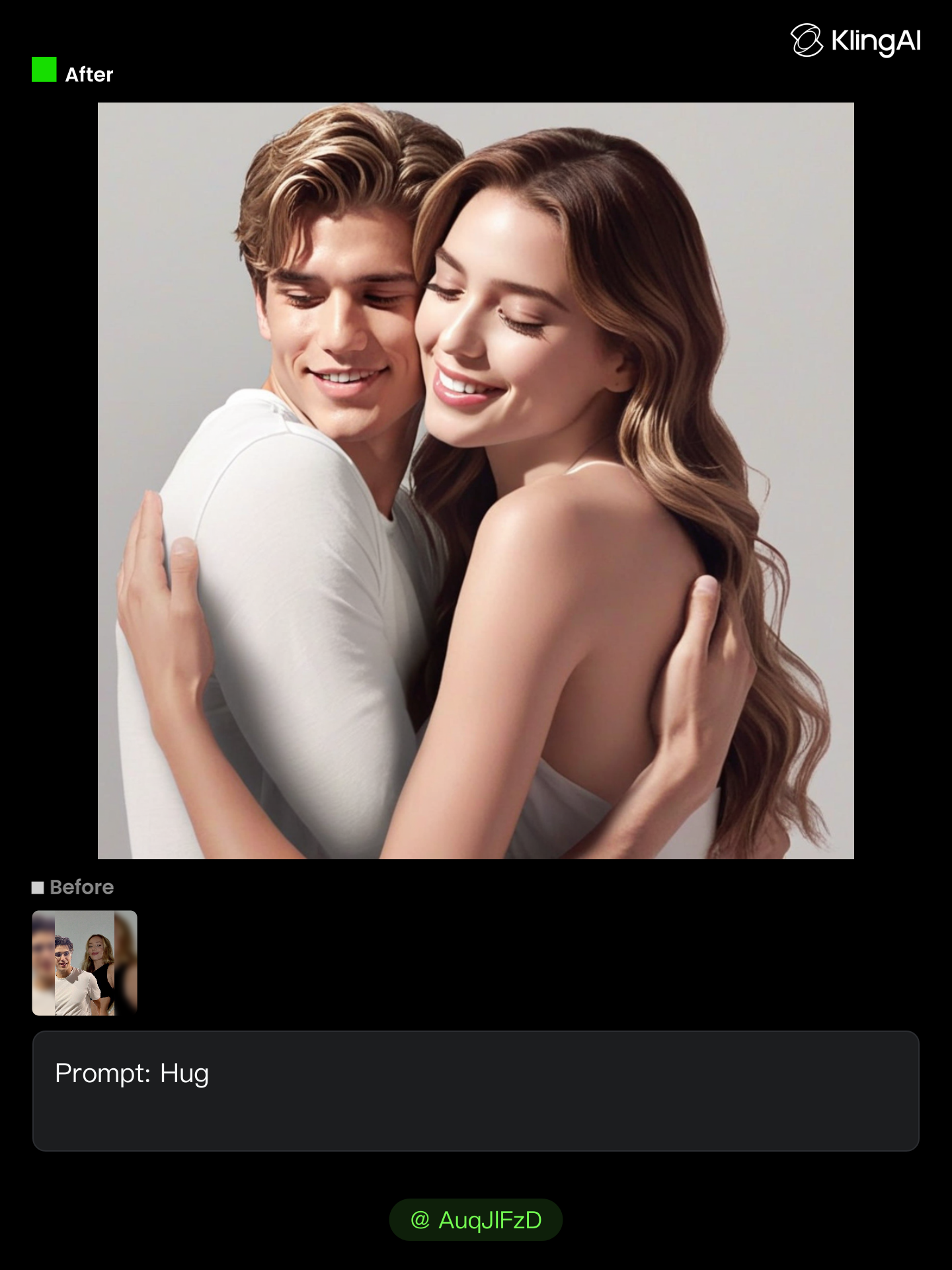
ai hug - mythical creatures & heartwarming friendships

Recommended

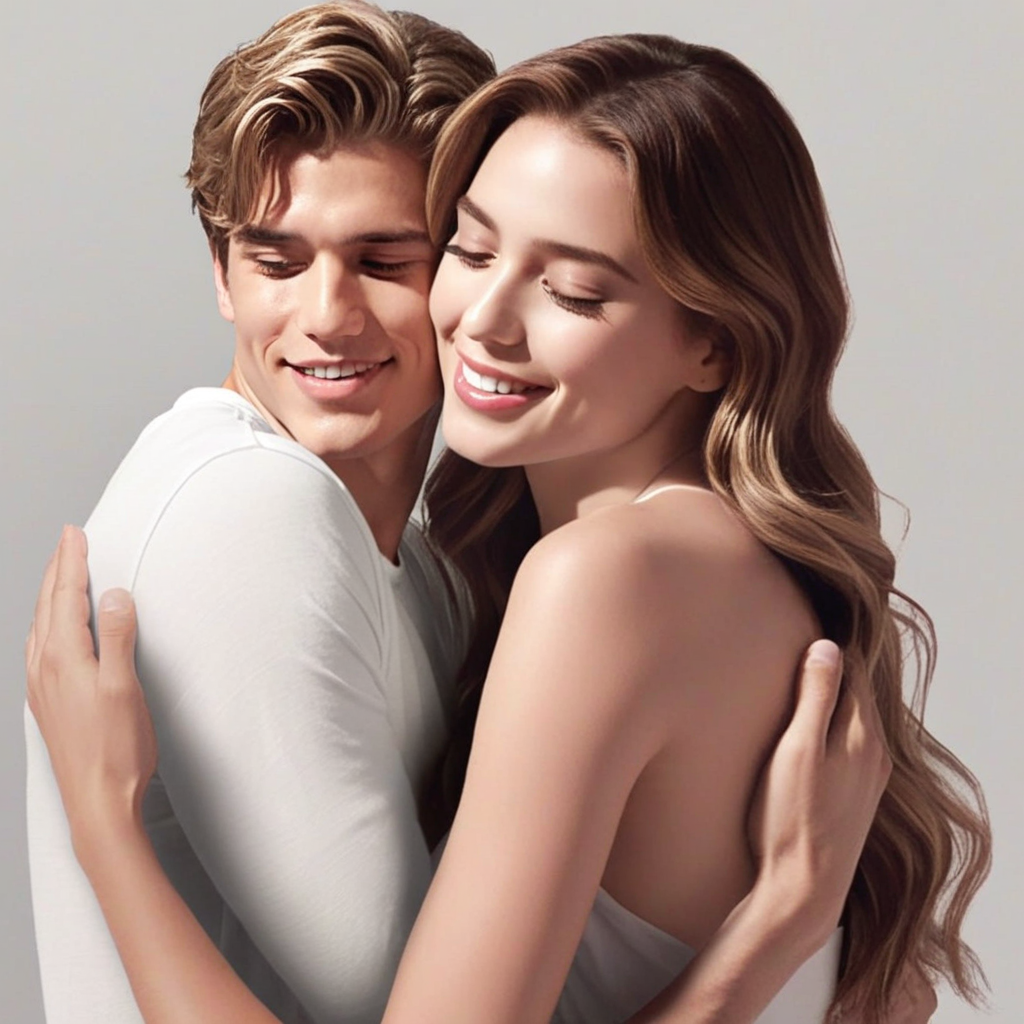
hug - ai hug AI image
klingai.video.ai avatar
klingai.video.ai
Kling AI work 258034400 - ai hug AI image
AuqJlFzD avatar
AuqJlFzD
Kling AI work 315500182508475 - ai hug AI video
NcuKrcpD avatar
NcuKrcpD
Kling AI work 316989840501449 - ai hug AI image
UZVjgXFO avatar
UZVjgXFO
Kling AI work 314741015615027 - ai hug AI image
aYZyWyYg avatar
aYZyWyYg
Kling AI work 306766652538260 - ai hug AI video
ToZLalxW avatar
ToZLalxW
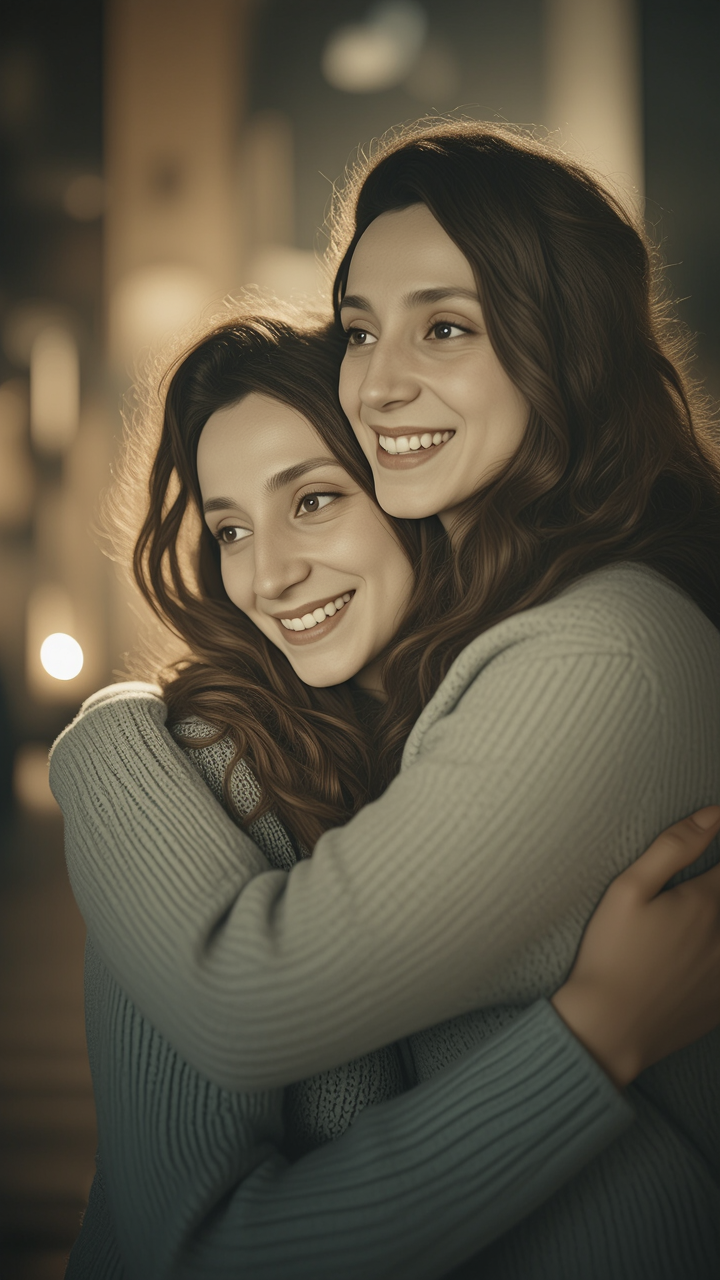
Friendly Hug Between Besties 🤗 - ai hug AI image
Miley avatar
Miley
Rapper Vibes - ai hug AI video
Rapper Vibes
nrmAoSut avatar
nrmAoSut
Kling AI work 258034398 - ai hug AI image
AuqJlFzD avatar
AuqJlFzD
Kling AI work 312038245527603 - ai hug AI image
MFhxUpNY avatar
MFhxUpNY
Kling AI work 275449434653586 - ai hug AI video
Xiang-Bie avatar
Xiang-Bie
Kling AI work 316332302506462 - ai hug AI video
uRHdOKMM avatar
uRHdOKMM
Kling AI work 310658462610827 - ai hug AI image
AuqJlFzD avatar
AuqJlFzD
Kling AI work 298389942656064 - ai hug AI image
epCOXSVN avatar
epCOXSVN
Kling AI work 272963067508863 - ai hug AI video
twinsant avatar
twinsant
Kling AI work 297960832522921 - ai hug AI video
Kim rami avatar
Kim rami
Kling AI work 310406987526279 - ai hug AI image
tEqzAgYO avatar
tEqzAgYO
Kling AI work 315659950526715 - ai hug AI video
uhessWBL avatar
uhessWBL

How to Use Kling AI Art Generator

Start with a Prompt

Start with a Prompt

Open IMAGE 3.0 Omni. Write what you want to make, upload an existing image, or add references that show the character, object, composition, or style you want Kling to follow.

Set the Art Direction

Set the Art Direction

Add the details that matter to the piece: medium, palette, mood, lighting, framing, perspective, or another visual cue. When you use several references, tell Kling what each one contributes instead of leaving the relationship between them ambiguous.

Generate and Keep Working

Generate and Keep Working

Generate the artwork, review the result, and adjust the prompt or creative direction if needed. For connected images, continue the idea with Image Series.

Choose the Right Voice Workflow

Add New Audio to an Existing Video

Add New Audio to an Existing Video

Use the dedicated Lip Sync tool when your character video is already created. Upload a voiceover or song, or generate speech from text, then match the new audio to the character’s mouth movements.

Generate Dialogue with the Scene

Generate Dialogue with the Scene

Starting from scratch? Kling VIDEO 3.0 and VIDEO 3.0 Omni create dialogue, lip movement, visuals, sound effects, and ambience together. Native Audio supports Chinese, English, Japanese, Korean, and Spanish.

Keep Character and Voice Consistent

Keep Character and Voice Consistent

Create a reusable Character Element from images or a video, bind a voice tone, and carry the same appearance and voice into new scenes with VIDEO 3.0 Omni.

Apps

Image to Video
Image to Video

Image to Video

Text to Video
Text to Video

Text to Video

Omni
Omni

Omni

Digital Human
Digital Human

Digital Human

Restyle
Restyle

Restyle

Text to Image
Text to Image

Text to Image

60M+
60M+
Users
600M+
600M+
AI Videos Generated
4.7 ★
4.7 ★
App Store
Industry-Leading
Industry-Leading
Cinematic 4K

Reviews

PJ Ace

PJ Ace

★★★★★

Kling AI has made it easy for us to generate world class visuals for Fortune 500 companies, TV shows and music for big artists. We love the easy of use of the platform and the quality of the generations. My first time using Kling AI, I got 22 million views on just one video. It's that good.

KakuDrop

KakuDrop

★★★★★

I have successfully collaborated with world-renowned artists and well-known companies that are recognized globally

Samuele Poggi (@visualsk2)

Samuele Poggi (@visualsk2)

★★★★★

I use Kling AI daily to push the limits of AI filmmaking. It allows me to create highly cinematic content, blending AI and VFX to develop innovative projects. It has significantly impacted my creative process, enabling me to achieve complex animations that would otherwise require high production budgets.

FAQ

Q1What types of images can I create with Kling AI?
Q2Can Kling AI edit existing images?
Q3Can I use Kling AI-generated images commercially?

Change the Shot Without Reshooting It

Upload your footage, describe the result, and let Kling rebuild the scene around your direction.

Free tier available | Simple prompt editing | Up to 4K output | Fast generation