Creative Studio
API
Resources
Features
About Us
Download

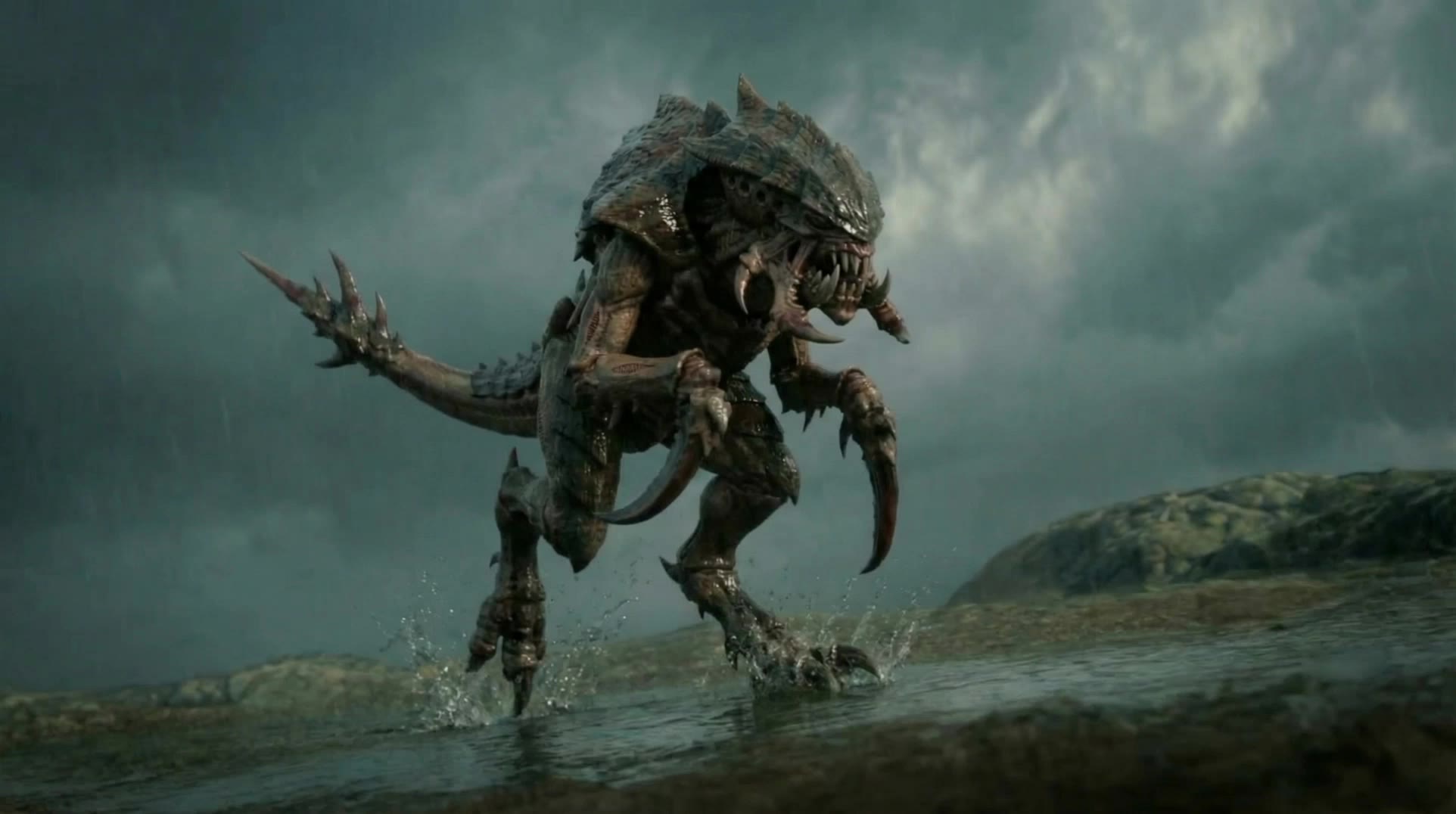
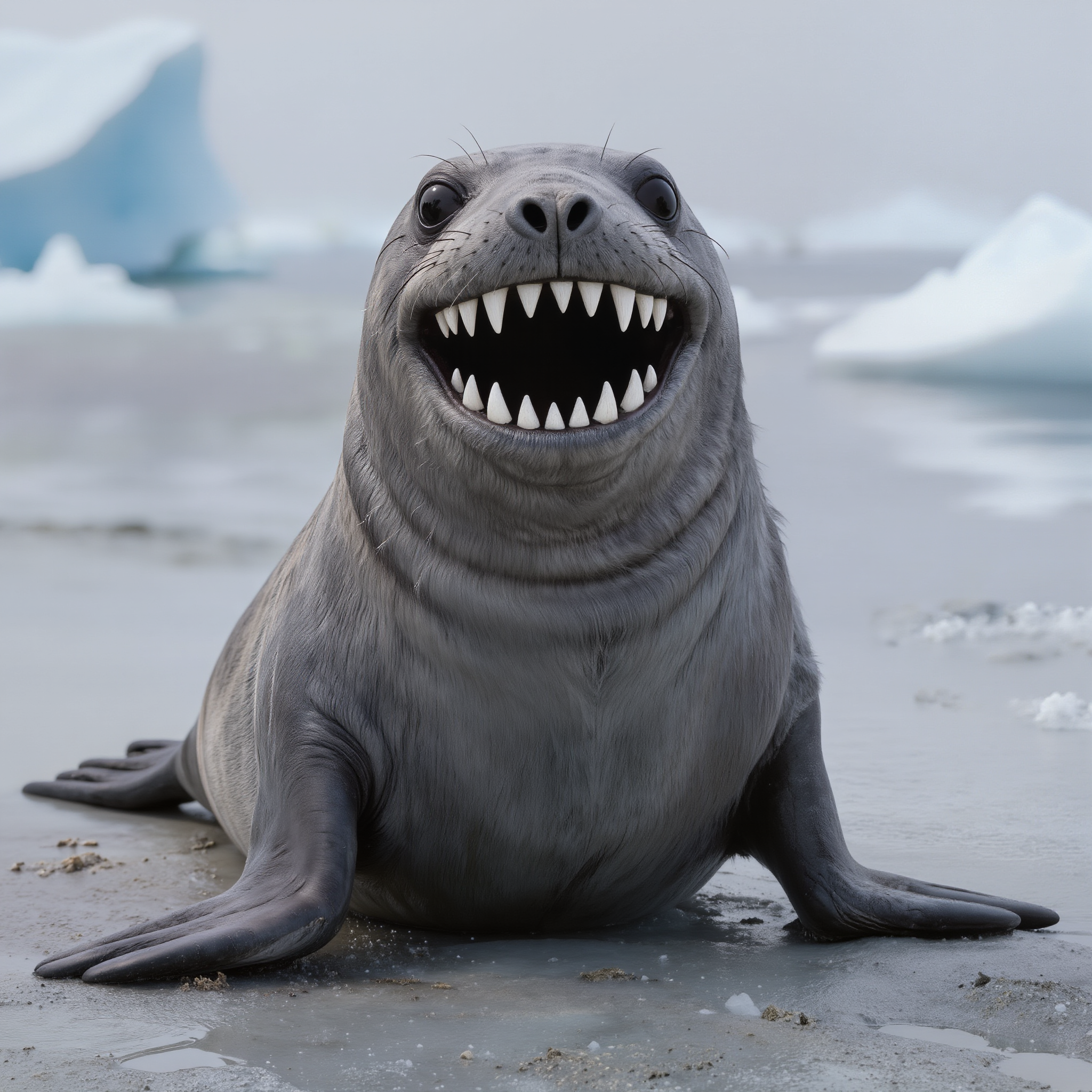
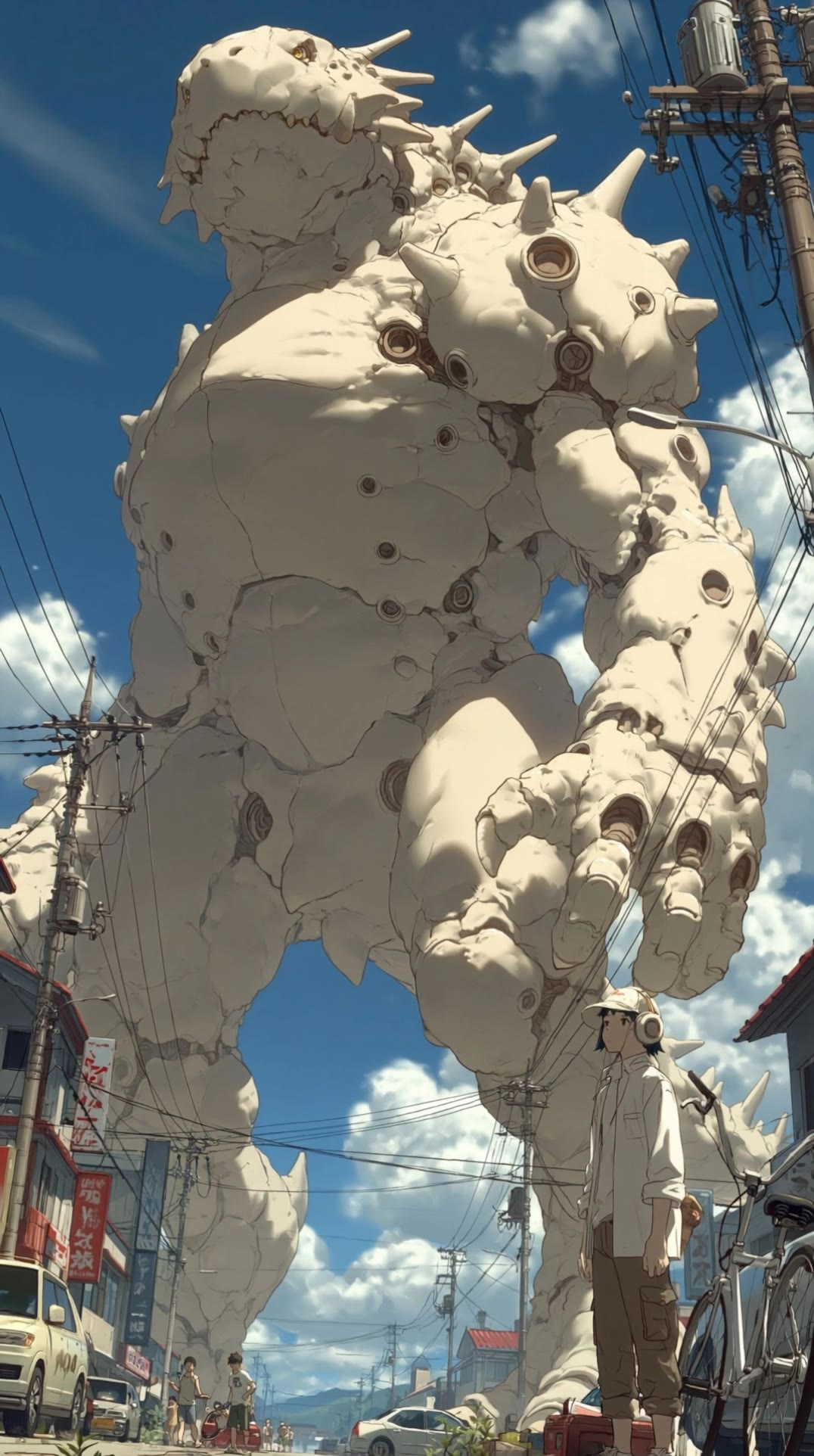
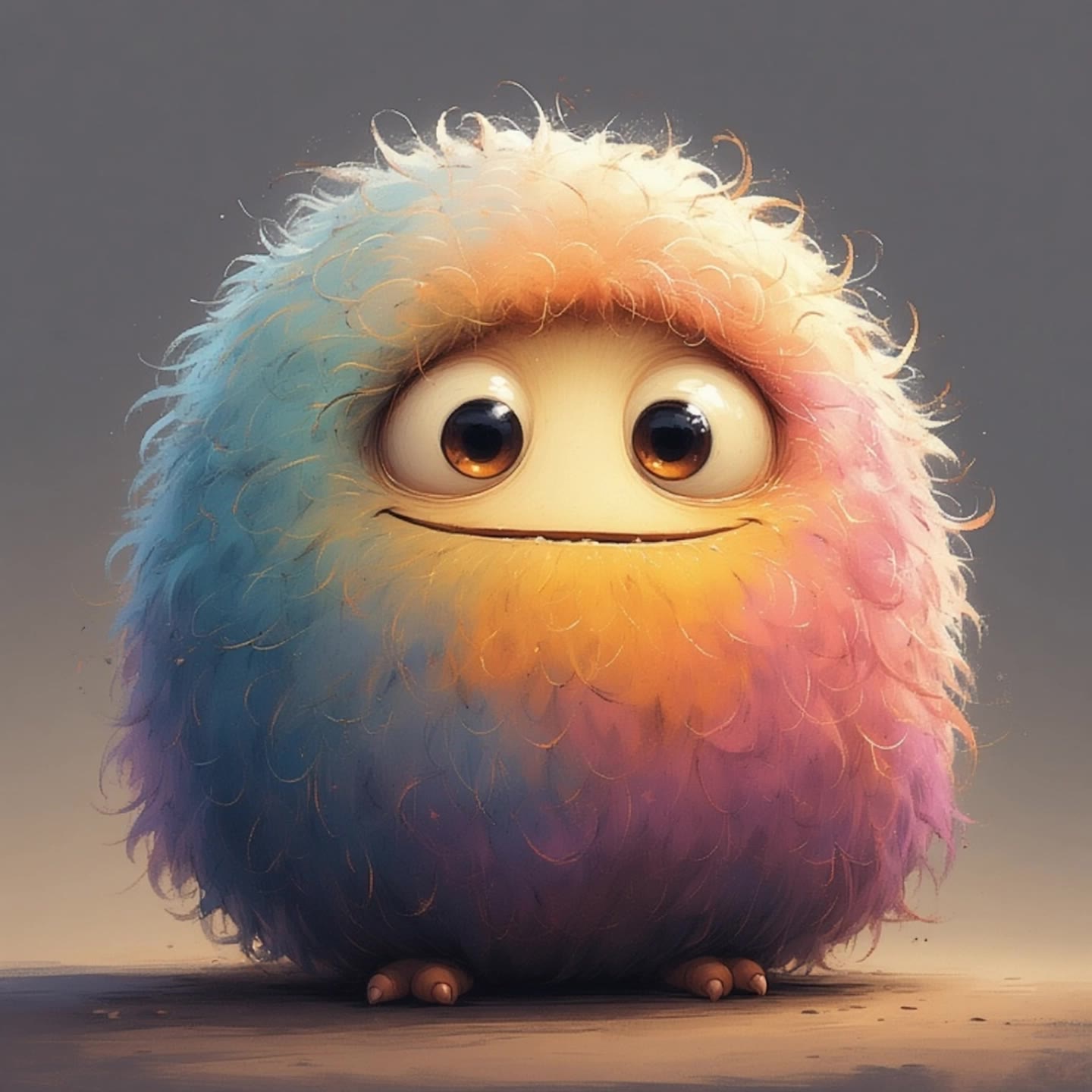
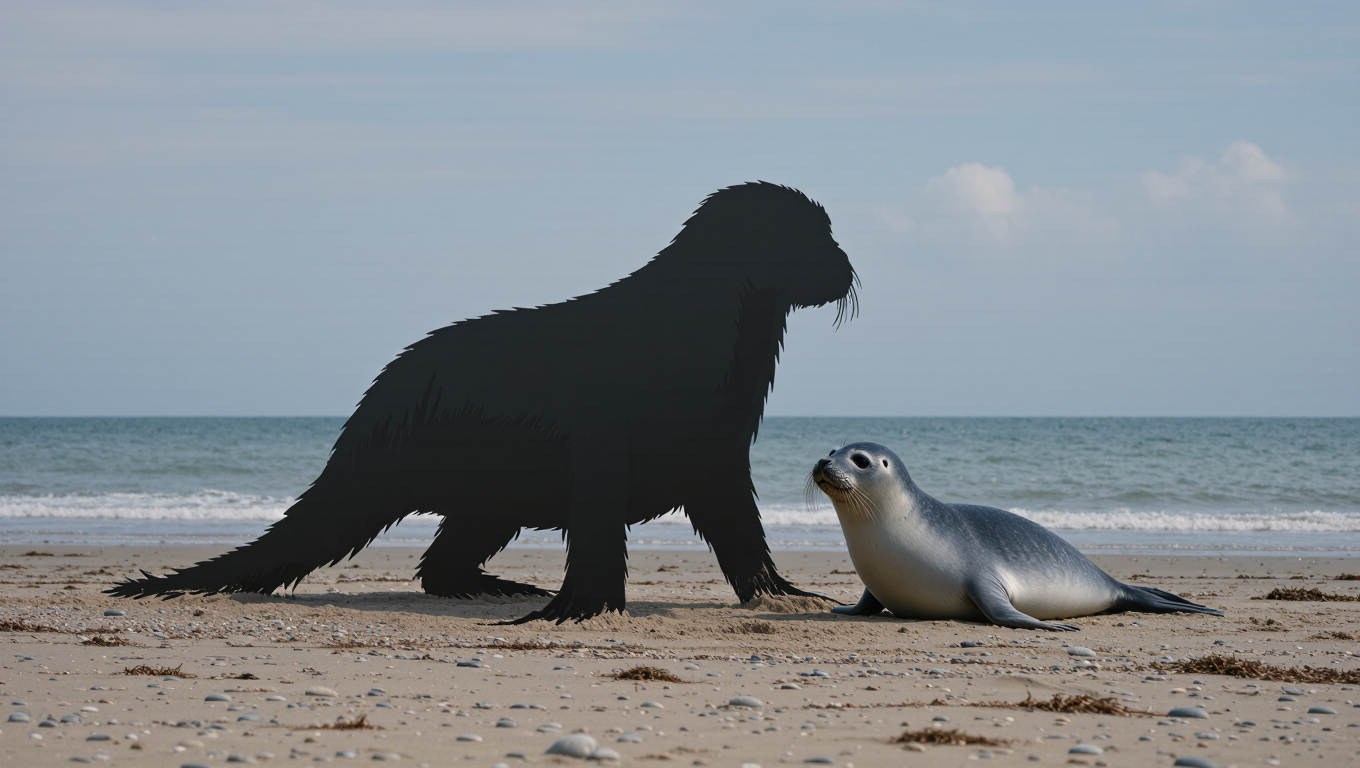
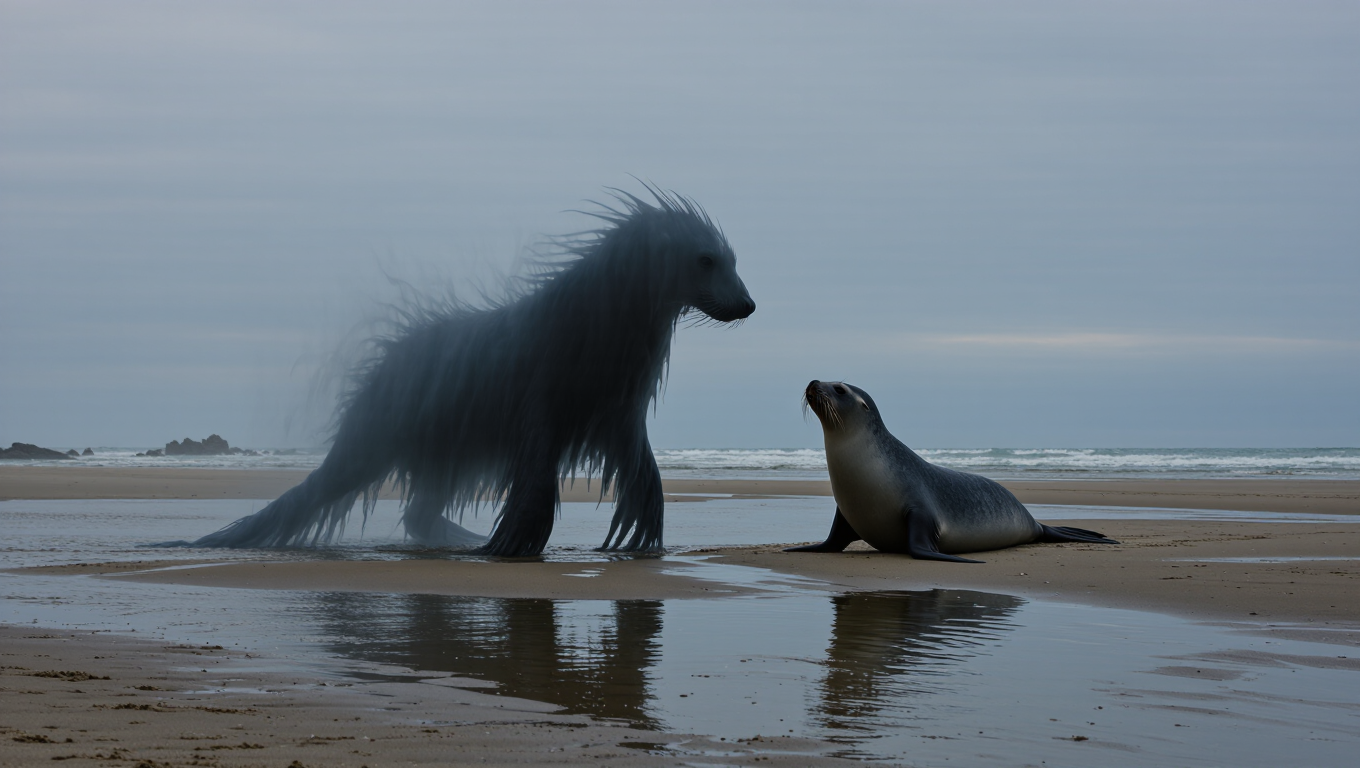
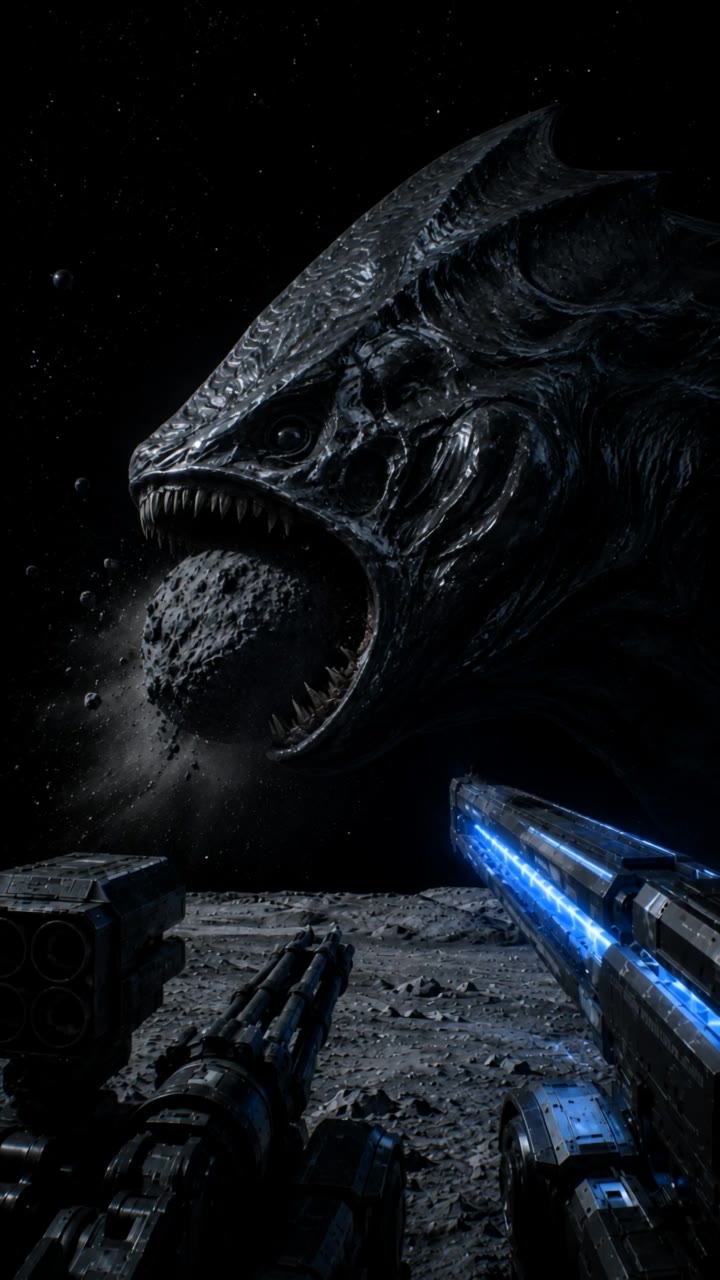
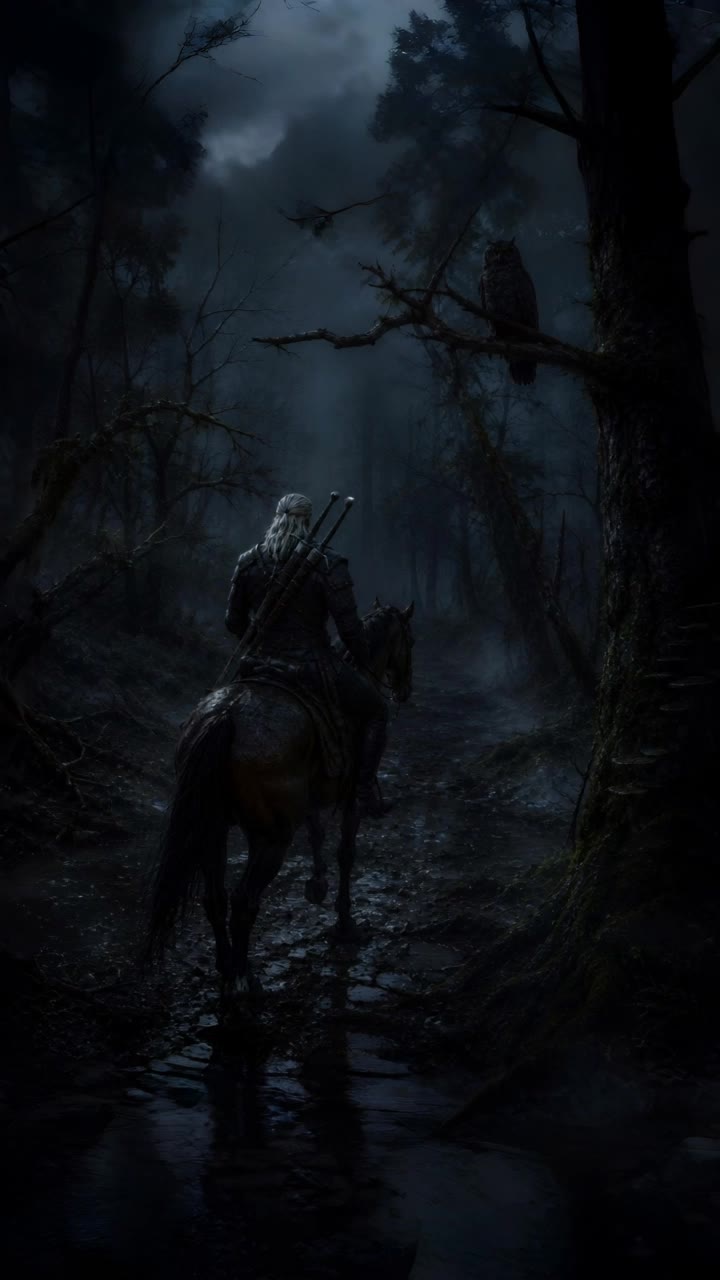
ai monster - transformation & combat

Dive into the thrilling visuals of transforming monsters and epic battles featuring mythical creatures. Start exploring ai monster ideas and generate your own content with AI.

ai monster - transformation & combat

Recommended

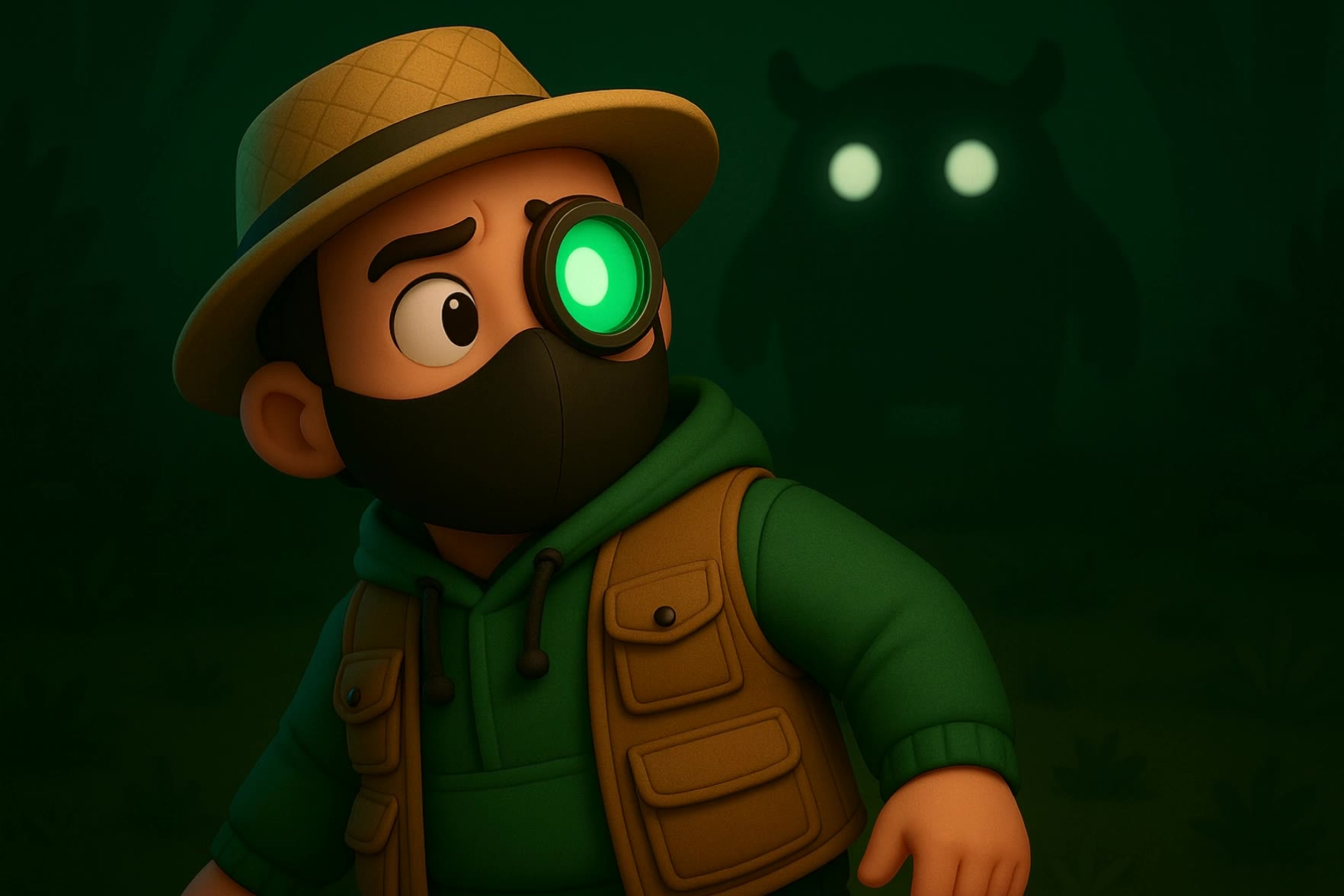
monster - ai monster AI video
FWoqsFLd avatar
FWoqsFLd
Kling AI work 319906260616544 - ai monster AI video
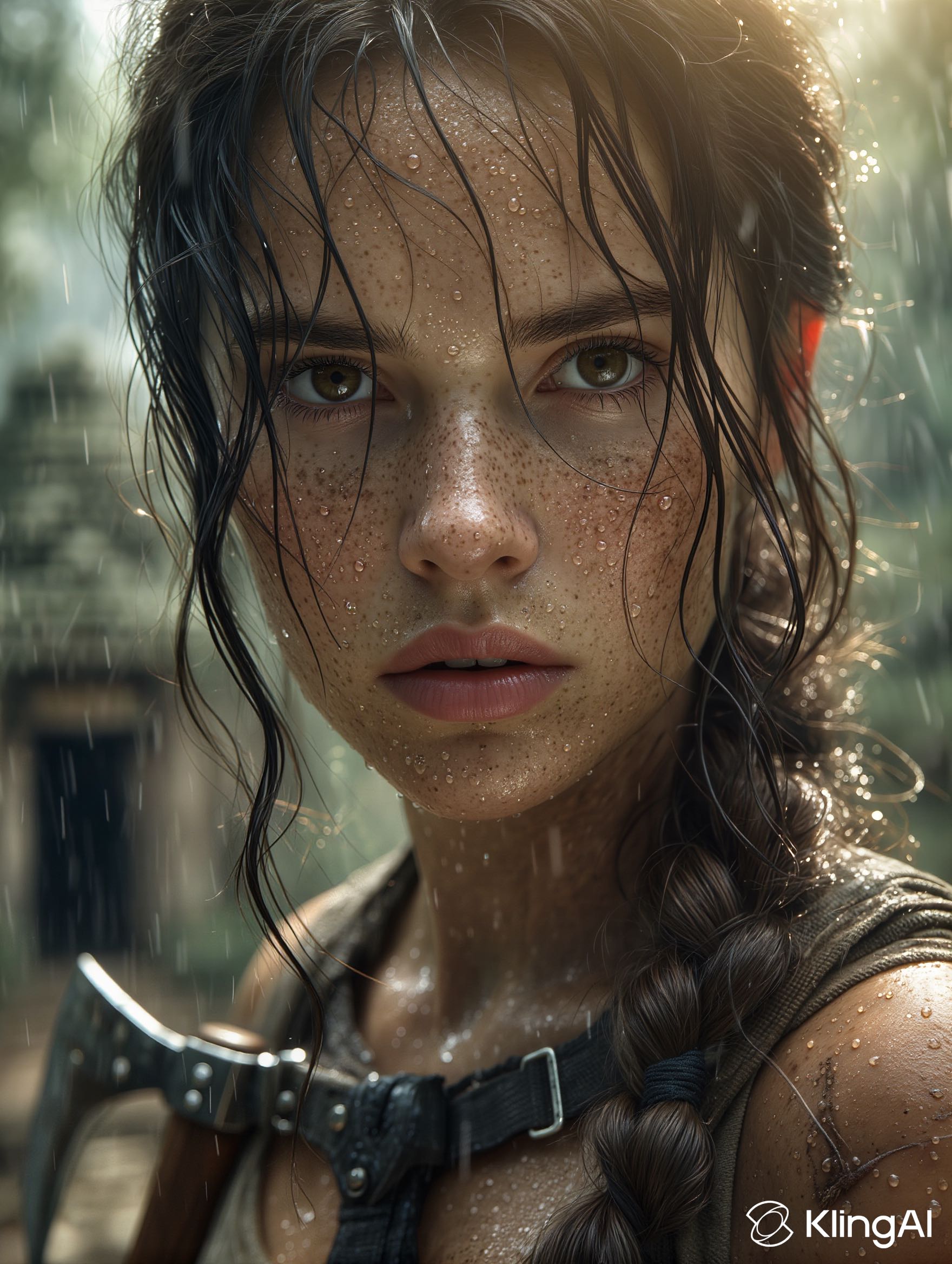
Lara_Croft_irl avatar
Lara_Croft_irl
run from monster - ai monster AI video
DuPwlQBR avatar
DuPwlQBR
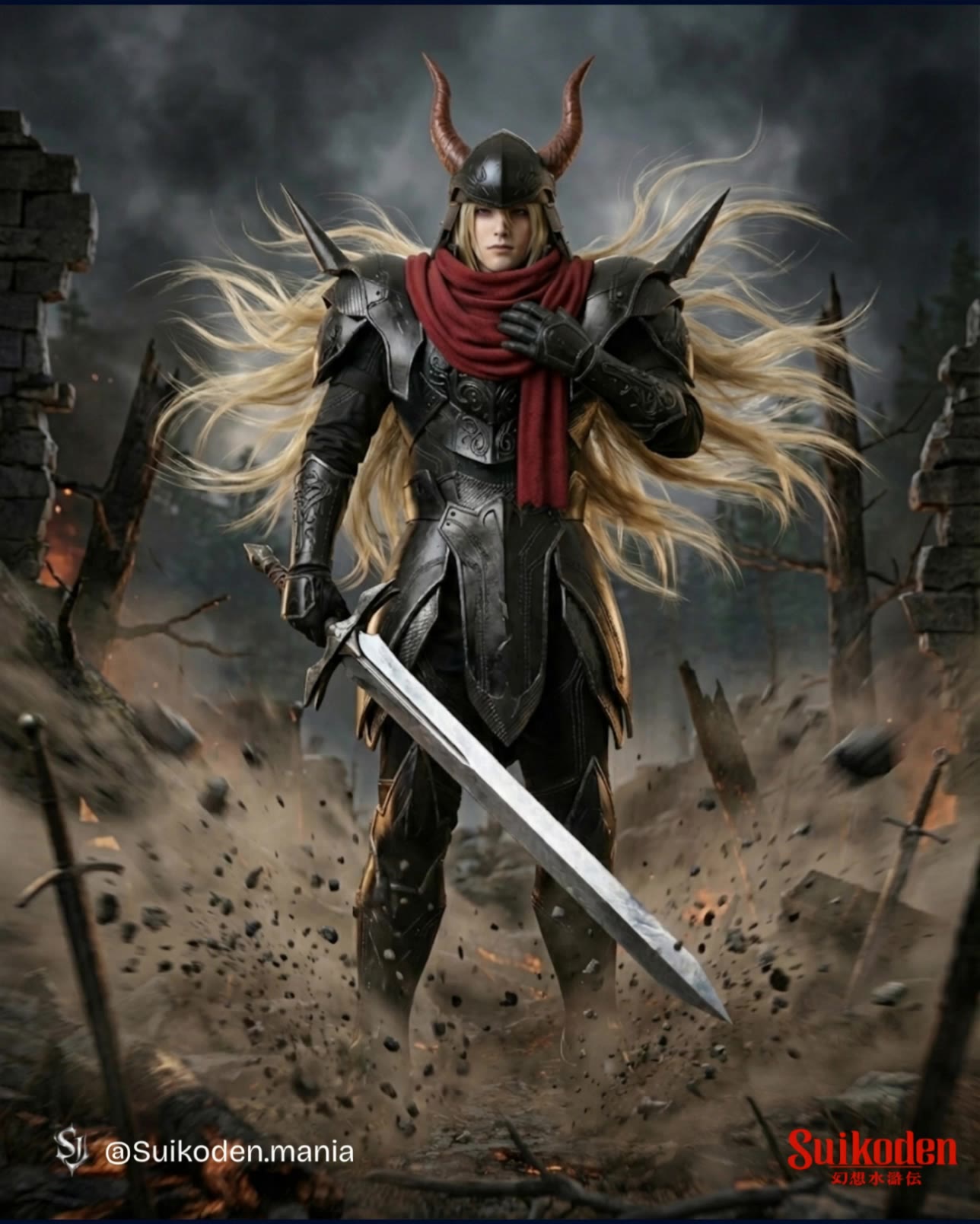
Villain Character - ai monster AI video
ojkWEUuK avatar
ojkWEUuK
Kling AI work 312620511614397 - ai monster AI video
mXKaEerf avatar
mXKaEerf
Kling AI work 296438243618054 - ai monster AI image
Tchany avatar
Tchany
Elite Creator
monster jump - ai monster AI video
AxzsHUUe avatar
AxzsHUUe
Kling AI work 314126488508851 - ai monster AI video
GVVCeEAY avatar
GVVCeEAY
Kling AI work 277590932664455 - ai monster AI video
gUvCxnlL avatar
gUvCxnlL
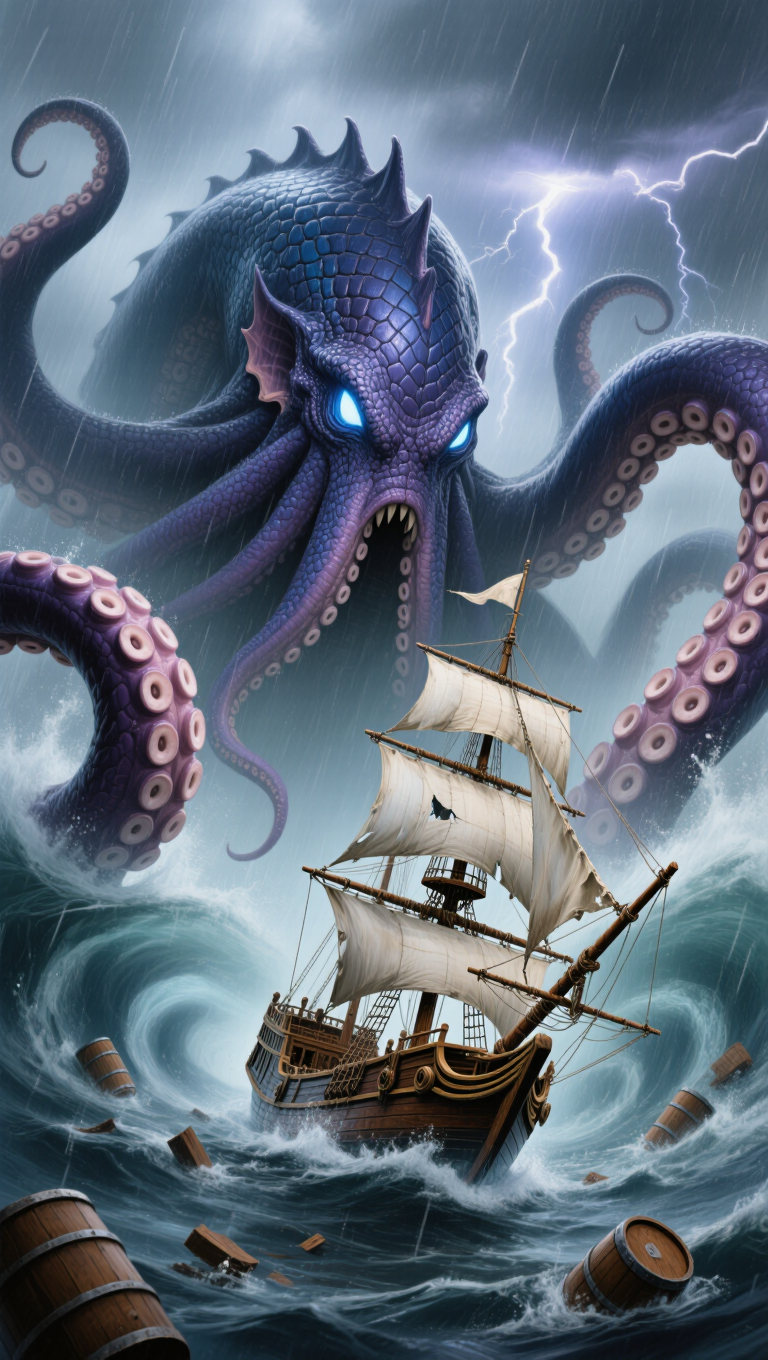
Monster - ai monster AI image
rabbitblue avatar
rabbitblue
Kling AI work 308421273533958 - ai monster AI video
The Eighth Edit avatar
The Eighth Edit
Elite Creator
purpley monster - ai monster AI video
qDOUdXrQ avatar
qDOUdXrQ
Monster no gelo - ai monster AI video
OSvwAoJr avatar
OSvwAoJr
Kling AI work 300940626503140 - ai monster AI video
EplLWIIX avatar
EplLWIIX
cute monster - ai monster AI video
czwDZynQ avatar
czwDZynQ
Kling AI work 301043285533907 - ai monster AI image
rabbitblue avatar
rabbitblue
Kling AI work 301043285533903 - ai monster AI image
rabbitblue avatar
rabbitblue
Kling AI work 296233256503136 - ai monster AI video
Kling27283 avatar
Kling27283

How to Extend an Image with AI

Step 1: Upload and Describe

Step 1: Upload and Describe

Upload the image you want to expand, such as a portrait, product photo, landscape, or social media visual. Use a text prompt to specify which side to extend and what should appear in the new area, such as more sky, scenery, or background details, while keeping the main subject unchanged.

Step 2: Choose the Output Settings and Generate

Step 2: Choose the Output Settings and Generate

Choose the image ratio, number of outputs, and resolution, then generate your extended image. Creating multiple versions makes it easier to compare the results and choose your favorite.

Step 3: Expand Your Image with Image Expansion

Step 3: Expand Your Image with Image Expansion

Open the Image Expansion workflow when you want a dedicated way to extend an existing image. Upload your source image, describe what should appear beyond the original frame, choose from the available output settings, and generate the expanded result.

Choose the Right Voice Workflow

Add New Audio to an Existing Video

Add New Audio to an Existing Video

Use the dedicated Lip Sync tool when your character video is already created. Upload a voiceover or song, or generate speech from text, then match the new audio to the character’s mouth movements.

Generate Dialogue with the Scene

Generate Dialogue with the Scene

Starting from scratch? Kling VIDEO 3.0 and VIDEO 3.0 Omni create dialogue, lip movement, visuals, sound effects, and ambience together. Native Audio supports Chinese, English, Japanese, Korean, and Spanish.

Keep Character and Voice Consistent

Keep Character and Voice Consistent

Create a reusable Character Element from images or a video, bind a voice tone, and carry the same appearance and voice into new scenes with VIDEO 3.0 Omni.

Apps

Image to Video
Image to Video

Image to Video

Text to Video
Text to Video

Text to Video

Omni
Omni

Omni

Digital Human
Digital Human

Digital Human

Restyle
Restyle

Restyle

Text to Image
Text to Image

Text to Image

60M+
60M+
Users
600M+
600M+
AI Videos Generated
4.7 ★
4.7 ★
App Store
Industry-Leading
Industry-Leading
Cinematic 4K

Reviews

PJ Ace

PJ Ace

★★★★★

Kling AI has made it easy for us to generate world class visuals for Fortune 500 companies, TV shows and music for big artists. We love the easy of use of the platform and the quality of the generations. My first time using Kling AI, I got 22 million views on just one video. It's that good.

Ozan Sihay

Ozan Sihay

★★★★★

Kling AI allows me to rapidly prototype ideas, refine storytelling elements, and produce visually compelling content efficiently. It has not only accelerated my creative processes, but also deepened my understanding of how AI can enrich visual storytelling.

Halim Alrasihi

Halim Alrasihi

★★★★★

I use AI daily and Kling AI is a crucial part of my workflow, whether for client work or personal projects. What I love most about using Kling AI is that it provides all the tools I need in one place, from keyframes to character references, elements and special effects.

FAQ

Q1What should I look for in the best AI background generator?
Q2Can Kling AI change a background without changing the person or product?
Q3How do I ask AI to change the background of a photo?

See Your Image in a Whole New Color

Explore a different product color, refresh an outfit, rethink a room, or give an existing creative a new direction with Kling IMAGE 3.0. Describe the change, and generate a new version now.