
Creative Studio
API
Resources
Features
About Us
Download

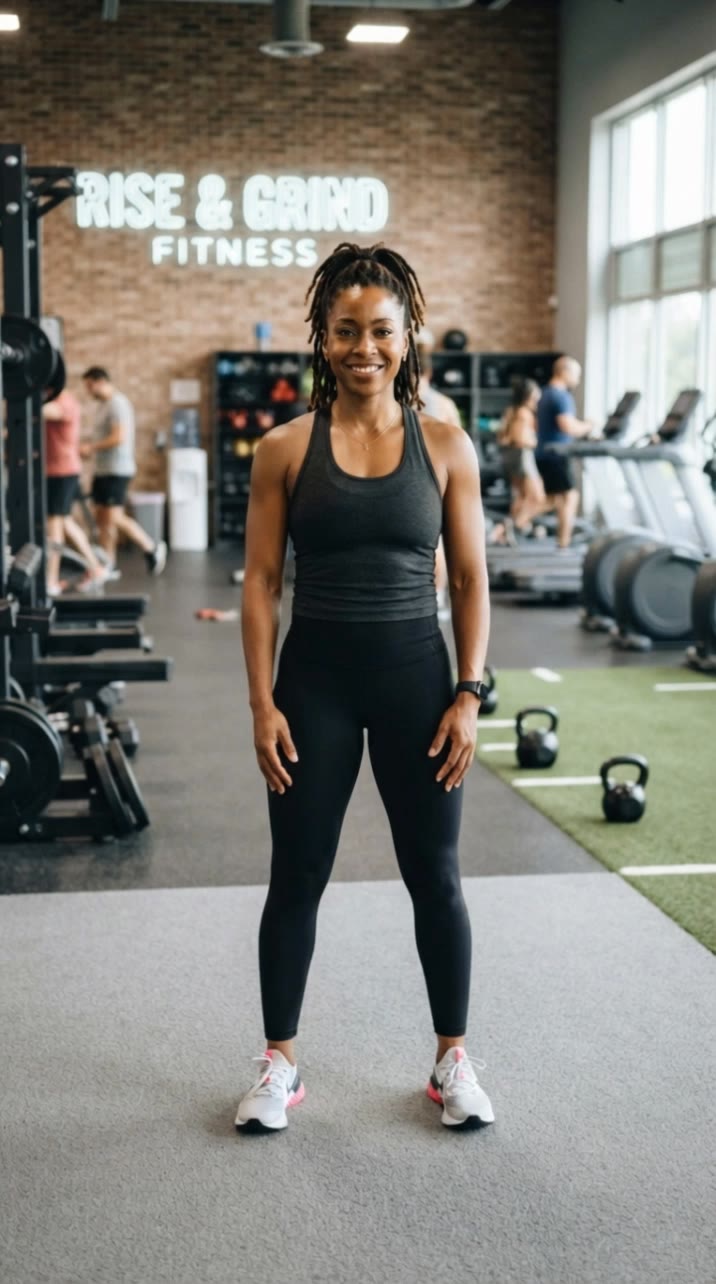
ai person generator full-body - mystical forest & cyberpunk rain

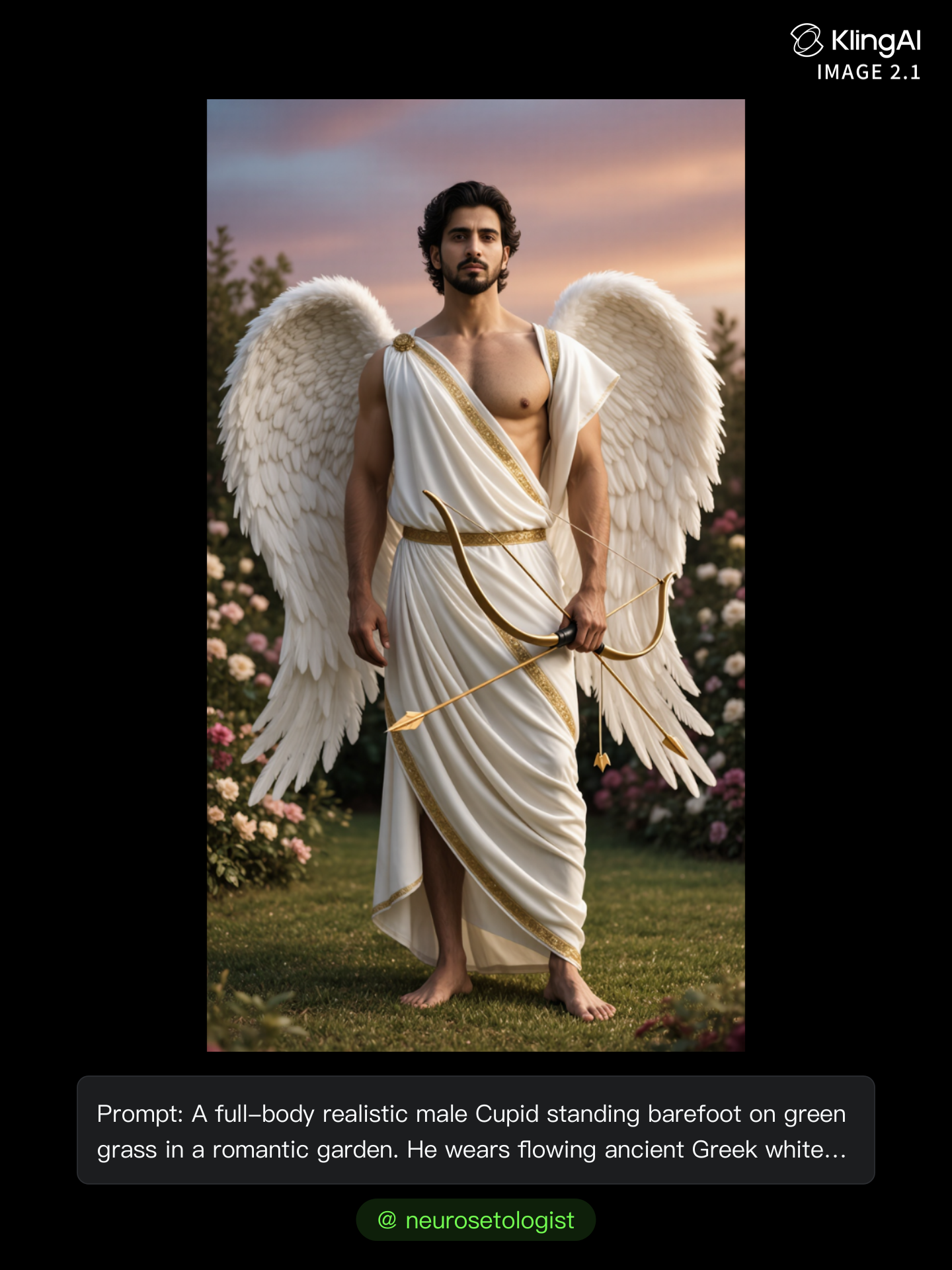
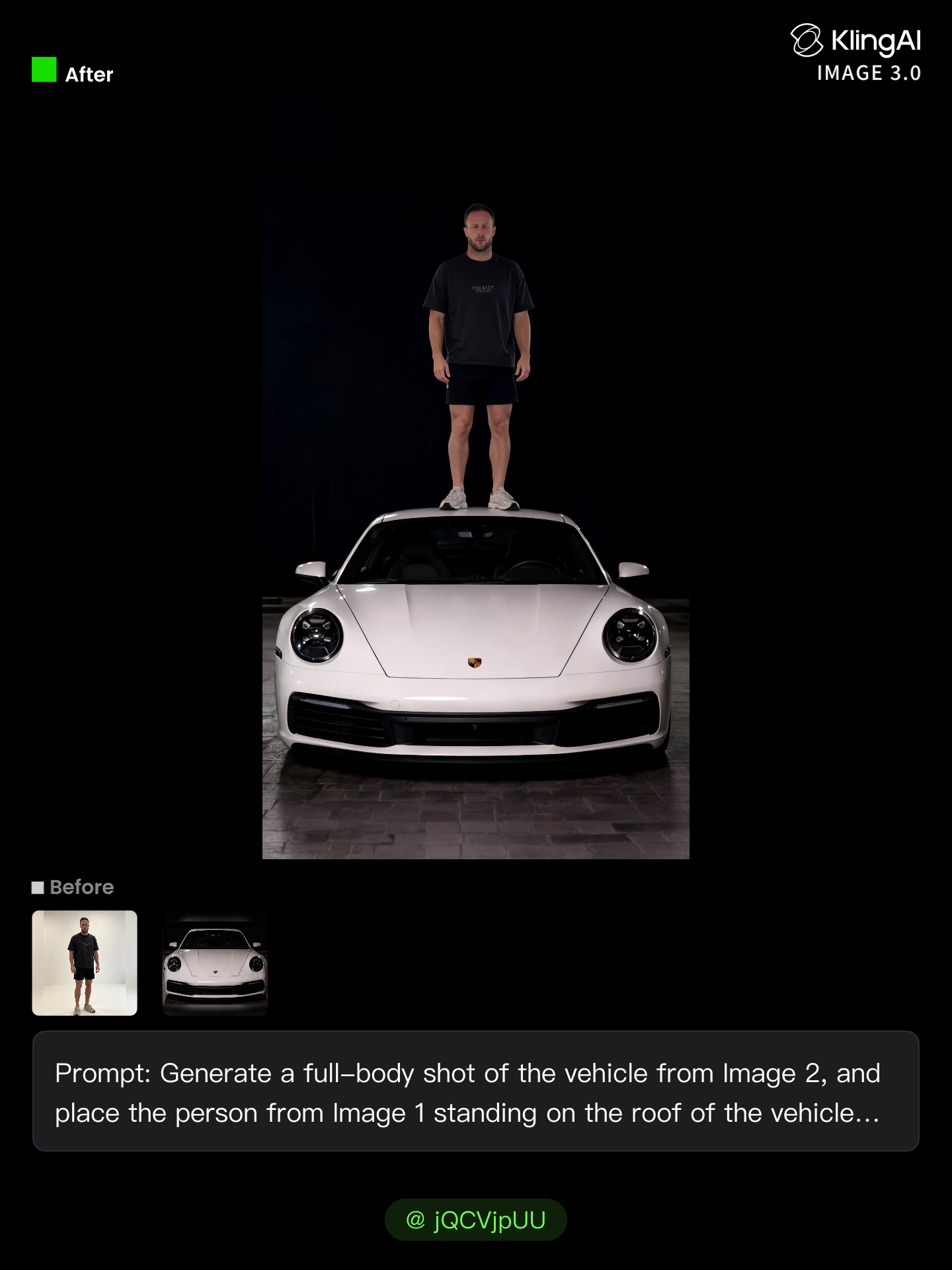
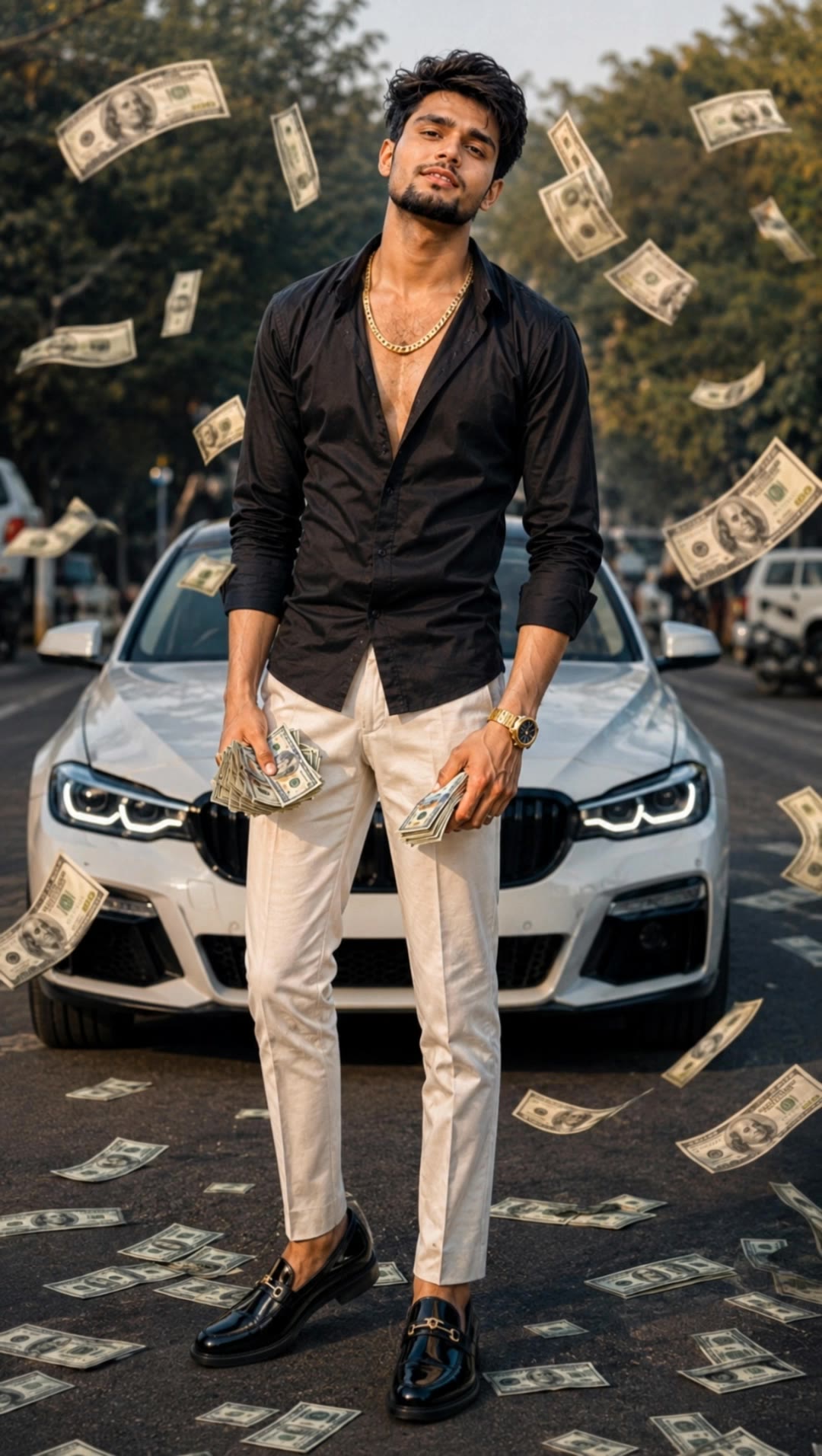
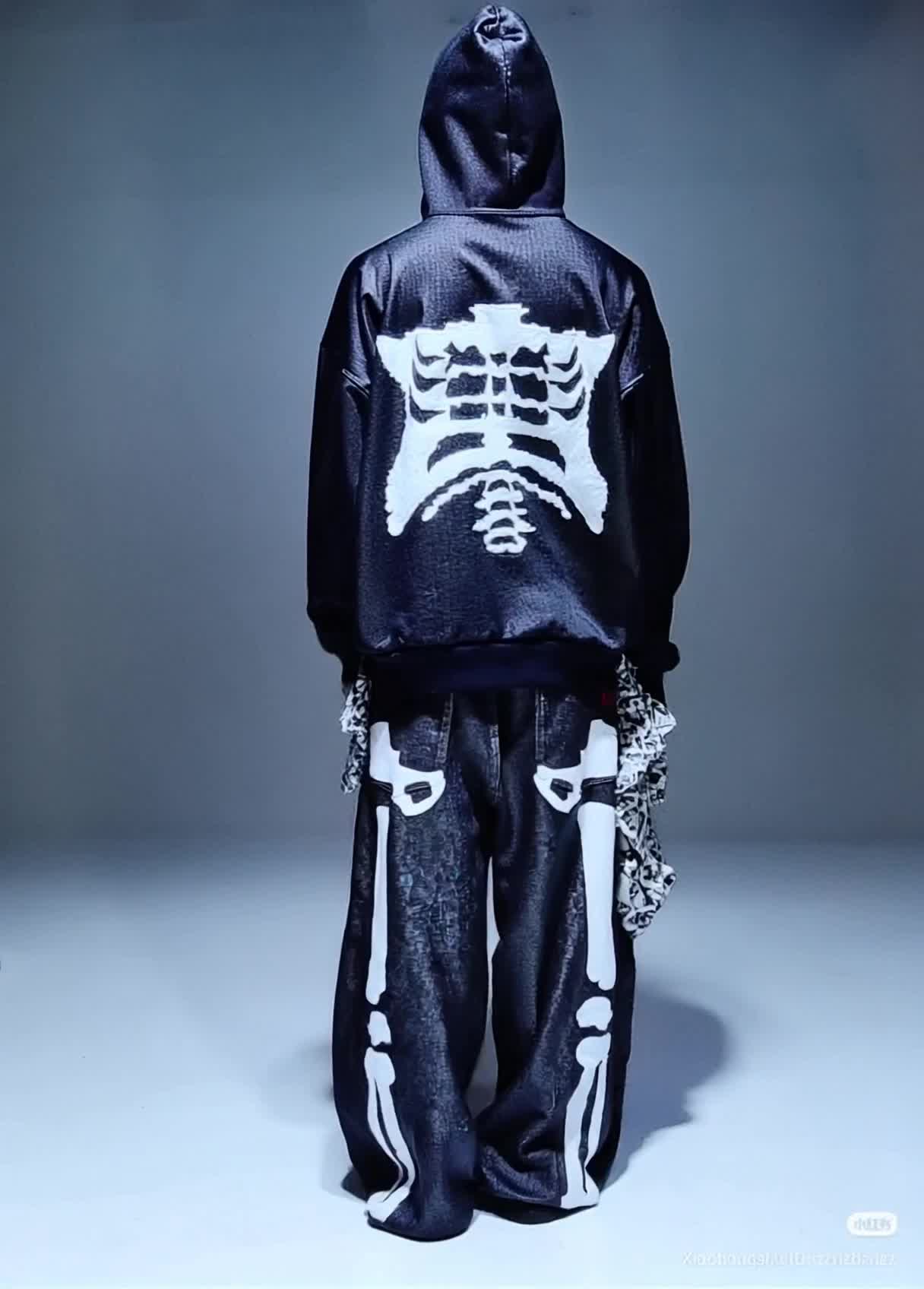
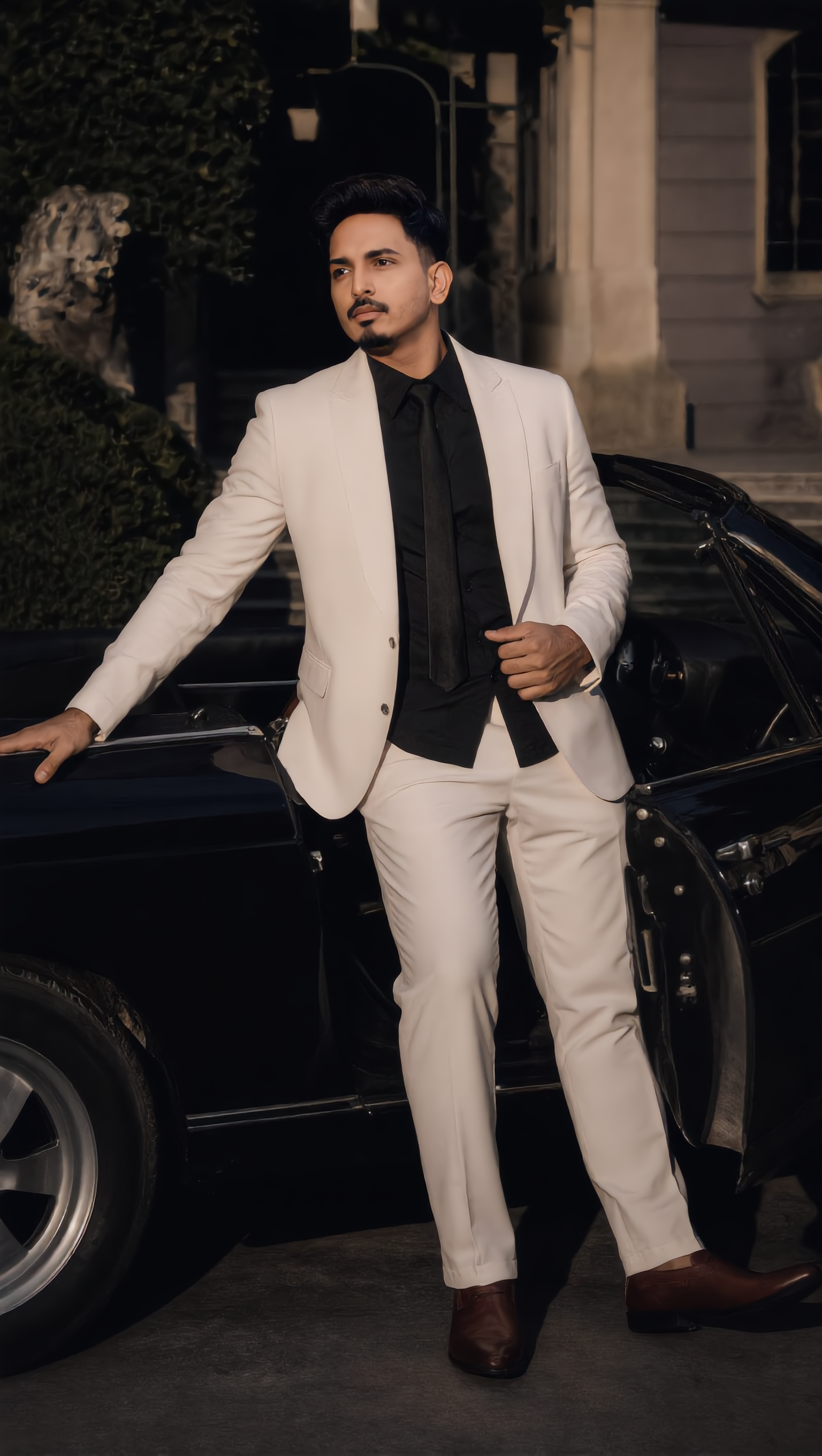
Experience the magic of AI with stunning full-body photorealistic aesthetics and dynamic cinematic animations. Unleash creativity with intricate details and immersive perspectives in every generated character. Start exploring ai person generator full-body ideas and generate your own content with AI.

ai person generator full-body - mystical forest & cyberpunk rain

Recommended

Giant person - ai person generator full-body AI video
331.ヅ avatar
331.ヅ
Mechanical Toy Generator - ai person generator full-body AI video
ADLAN AI avatar
ADLAN AI
Kling AI work 314126806618227 - ai person generator full-body AI video
OjcWLzoR avatar
OjcWLzoR
Kling AI work 314127471665558 - ai person generator full-body AI video
wWxnQDqs avatar
wWxnQDqs
Kling AI work 315808175663354 - ai person generator full-body AI image
Future avatar
Future
Kling AI work 316347677613728 - ai person generator full-body AI image
Future avatar
Future
Generous with a homeless person - ai person generator full-body AI video
thelkdesign avatar
thelkdesign
The spare generator  - ai person generator full-body AI video
Gmak2442 avatar
Gmak2442
Prompt generator gambar AI mahak - ai person generator full-body AI image
ℹ️MissKAKADU🌼 avatar
ℹ️MissKAKADU🌼
Kling AI work 316430081325122 - ai person generator full-body AI video
Strange Works Studio avatar
Strange Works Studio
Time Person of the Year 1 - ai person generator full-body AI video
AiBite Studio avatar
AiBite Studio
Elite Creator
ultra-realistic full-body photo - ai person generator full-body AI image
ClGOnNfn avatar
ClGOnNfn
Kling AI work 316976620503734 - ai person generator full-body AI video
KBKxLWbv avatar
KBKxLWbv
Person and Polar Bear - ai person generator full-body AI video
Maks_AI_Creator avatar
Maks_AI_Creator
Elite Creator
Just Another Person - ai person generator full-body AI video
00:54
BIGCHILD avatar
BIGCHILD
Elite Creator
Mechanical Toy Generator - ai person generator full-body AI video
ADLAN AI avatar
ADLAN AI
Person Change Ai - ai person generator full-body AI video
Swayne Ai avatar
Swayne Ai
full-body shot of a hero - ai person generator full-body AI image
artisticvideo avatar
artisticvideo
Elite Creator
A person with long white hair. - ai person generator full-body AI video
lilybloom9 avatar
lilybloom9

How to Remove Backgrounds with Kling AI

Remove BG in HD

Remove BG in HD

Upload your image and tell Kling what to keep and what to remove. You can also add a transparent reference image to guide the cutout. Keep the background transparent and export in 2K or 4K with IMAGE 3.0 Omni when you need more detail.

Change Photo Backgrounds Directly

Change Photo Backgrounds Directly

If your end goal is a new background, skip the transparent cutout altogether. Describe the scene you want or add a reference image, and Kling can replace the original background while keeping the subject in place.

Remove Video Backgrounds

Remove Video Backgrounds

Upload your clip, tell Kling which subject to keep, and describe the background you want removed or changed. VIDEO 3.0 Omni works with existing footage, so you can update the setting without reshooting or filming against a green screen.

Create AI Art with More Creative Control

Bring More Than a Prompt to Your Art

Bring More Than a Prompt to Your Art

Start with words, a sketch, a photo, or the references that already capture part of your idea. IMAGE 3.0 can use up to 10 reference images, so you can bring a character from one image, an outfit from another, and a different setting or art style into the same creation. Use references for the details you want to keep, then use your prompt to decide what changes.

Find the Look That Fits Your Idea

Find the Look That Fits Your Idea

Create pencil drawings, watercolor paintings, anime art, comics, concept art, 3D-inspired images, and more. Try a completely different style, or fine-tune the one you already have. Kling AI also gives you control beyond the art style. Reframe the scene, shift the viewing angle, change the lighting or color palette, and keep refining the image until the whole piece comes together

Create a Series, Not Just a Single Image

Create a Series, Not Just a Single Image

Keep a character, setting, or visual style recognizable across multiple pieces of artwork with IMAGE 3.0 Omni. Generate new poses, scenes, and compositions while keeping the details that tie the series together. It works especially well for character concepts, comics, storyboards, and other ideas that need to develop across several images. Generate in native 2K or 4K when you want more detail in the finished artwork.

Apps

Image to Video
Image to Video

Image to Video

Text to Video
Text to Video

Text to Video

Omni
Omni

Omni

Digital Human
Digital Human

Digital Human

Restyle
Restyle

Restyle

Text to Image
Text to Image

Text to Image

60M+
60M+
Users
600M+
600M+
AI Videos Generated
4.7 ★
4.7 ★
App Store
Industry-Leading
Industry-Leading
Cinematic 4K

Reviews

Déborah

Déborah

★★★★★

I use Kling AI every day. It's amazing to see the almost daily progress it makes. I used AI for fun at first, and I now find that Kling AI's animations allow me to gain professional visibility, with three times more views on my animated posts than on my static posts.

James Phillips

James Phillips

★★★★★

Kling AI has transformed my workflow by collapsing timelines and democratizing production. It’s shifted my mindset from resource-dependent filmmaking to a boundless creative sandbox, where experimentation yields unexpected beauty.

Maria Rubtsova

Maria Rubtsova

★★★★★

I’m Maria Rubtsova, an AIGC digital artist passionate about creating stunning visuals in the worlds of fashion, aesthetics, and fantasy. I use KlingAi to bring imagination to life through video. My work is all about exploring beauty, emotion, and the limitless possibilities of digital art.

FAQ

Q1Can I enhance or upscale a photo with Kling AI?
Q2What is an AI photo editor?
Q3Can I use another photo to guide an edit?

Remove the Background. Create What Comes Next.

Remove the background, replace the scene, and take your visual somewhere new with Kling AI.

Free tier available | Image and video workflows | High-resolution options