
Creative Studio
API
Resources
Features
About Us
Download

Running AI Art – AI-Generated Athletic Inspirations

Browse AI-generated running art. Get quick, customizable athletic inspirations that help you create engaging visuals effortlessly, ideal for any project.

Running AI Art – AI-Generated Athletic Inspirations

Recommended

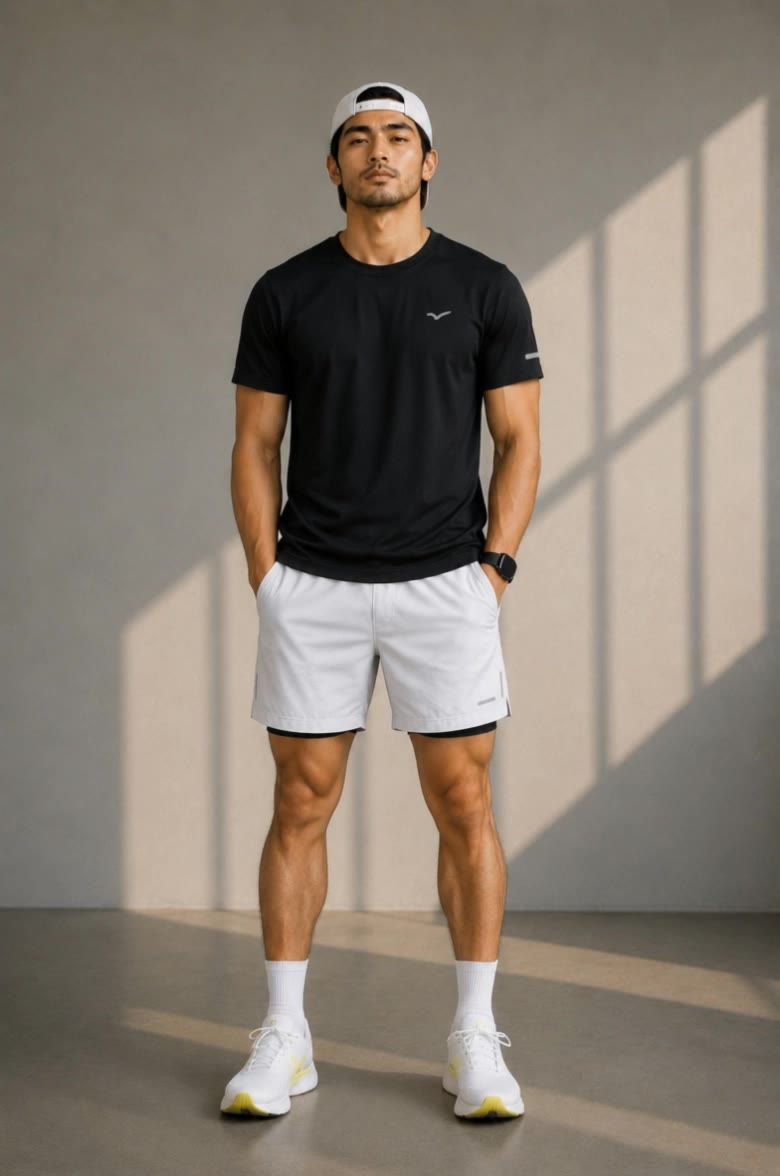
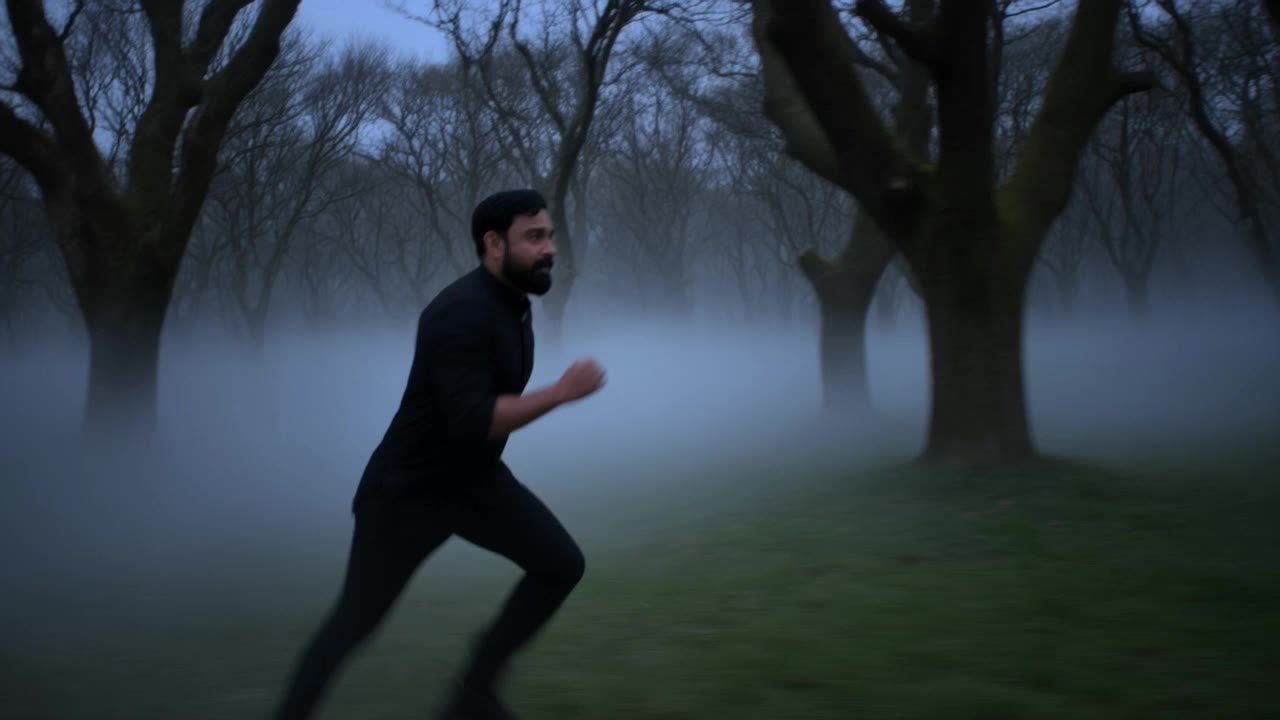
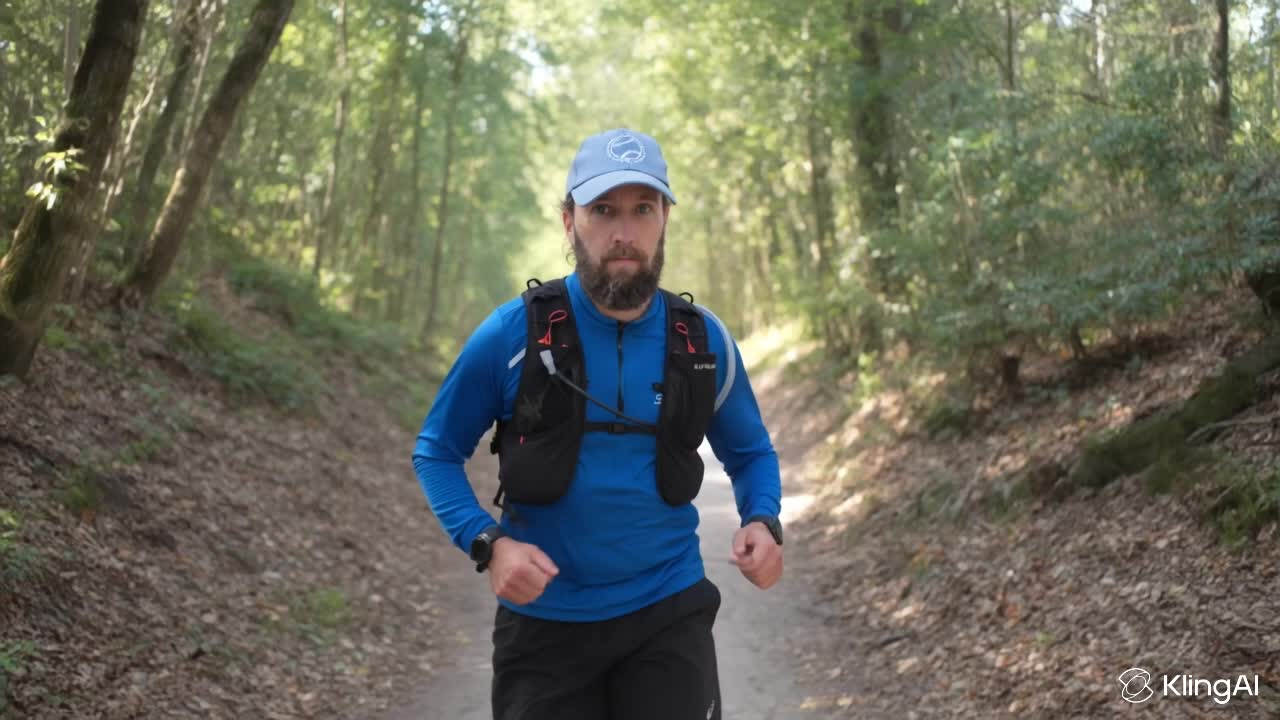
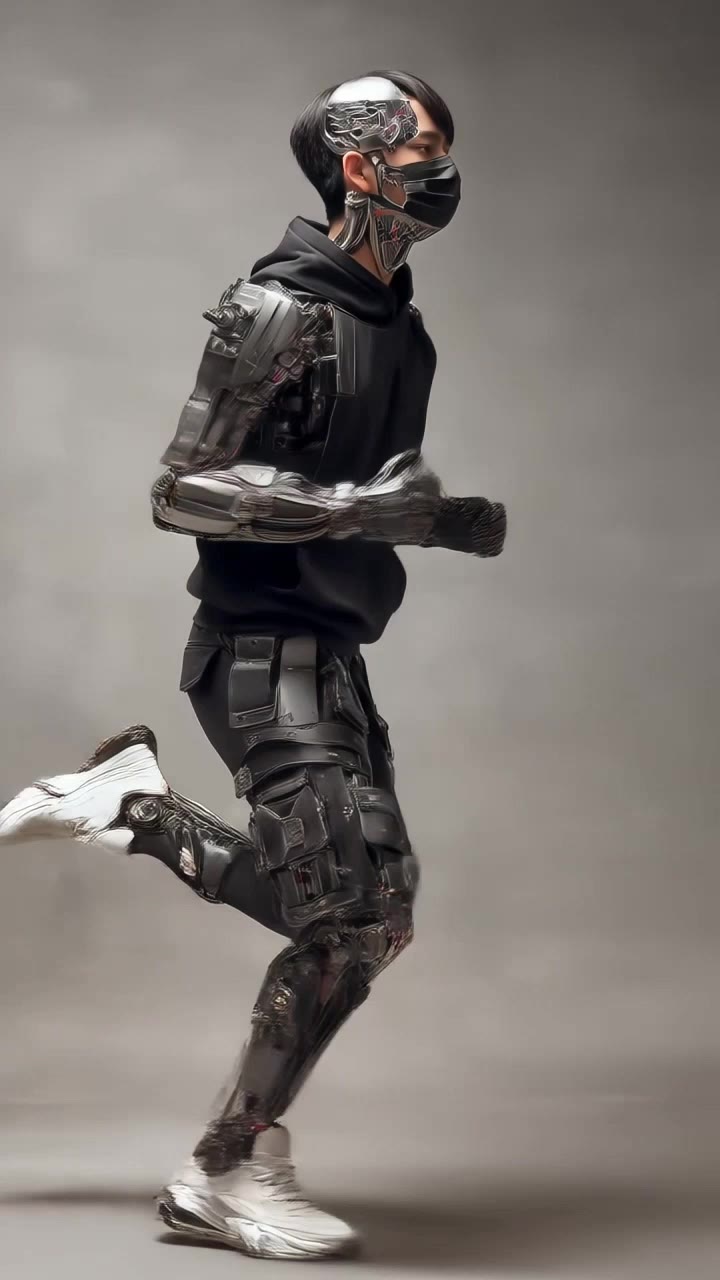
Running man - ai running AI video
pDNgWOqp avatar
pDNgWOqp
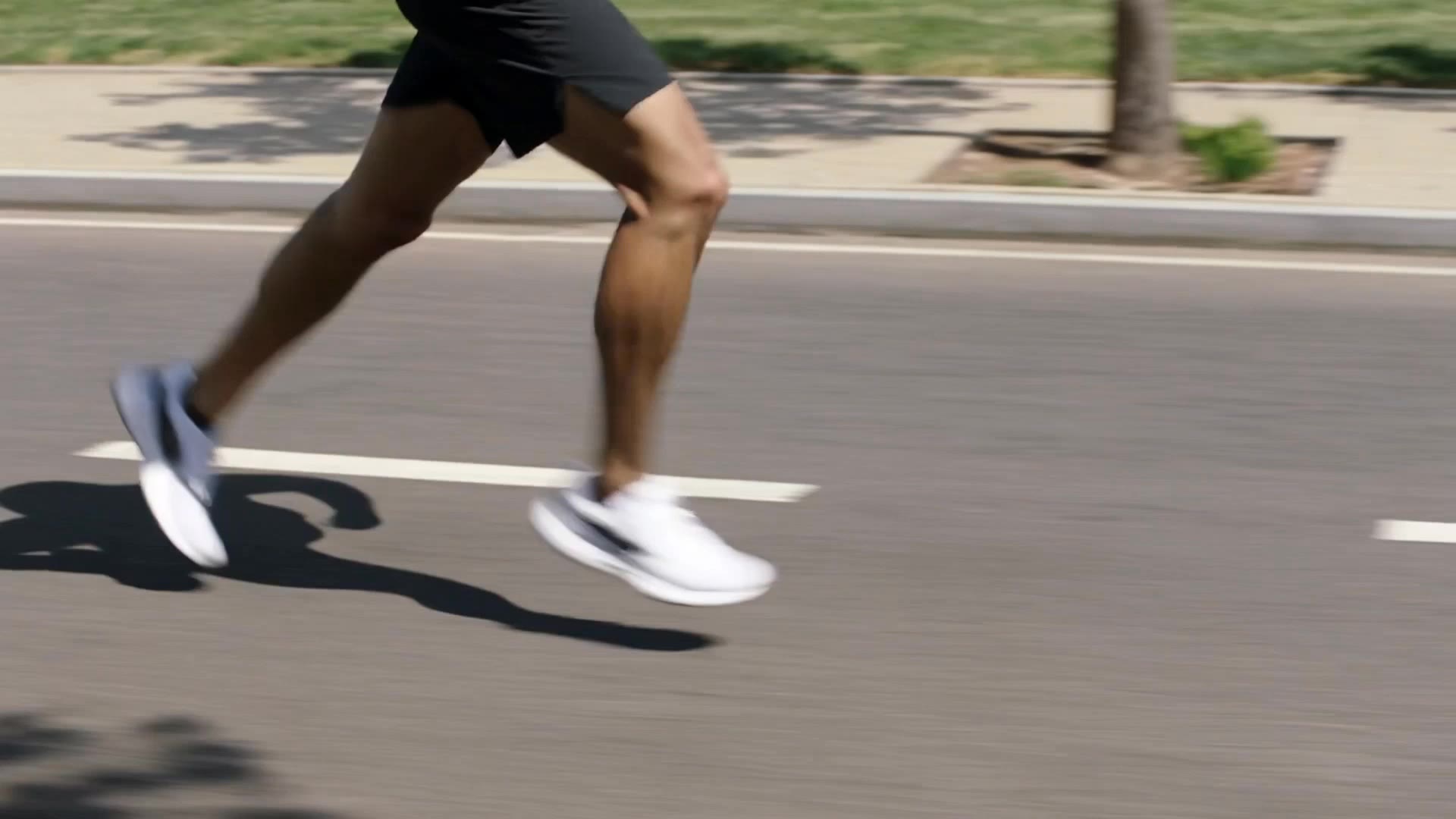
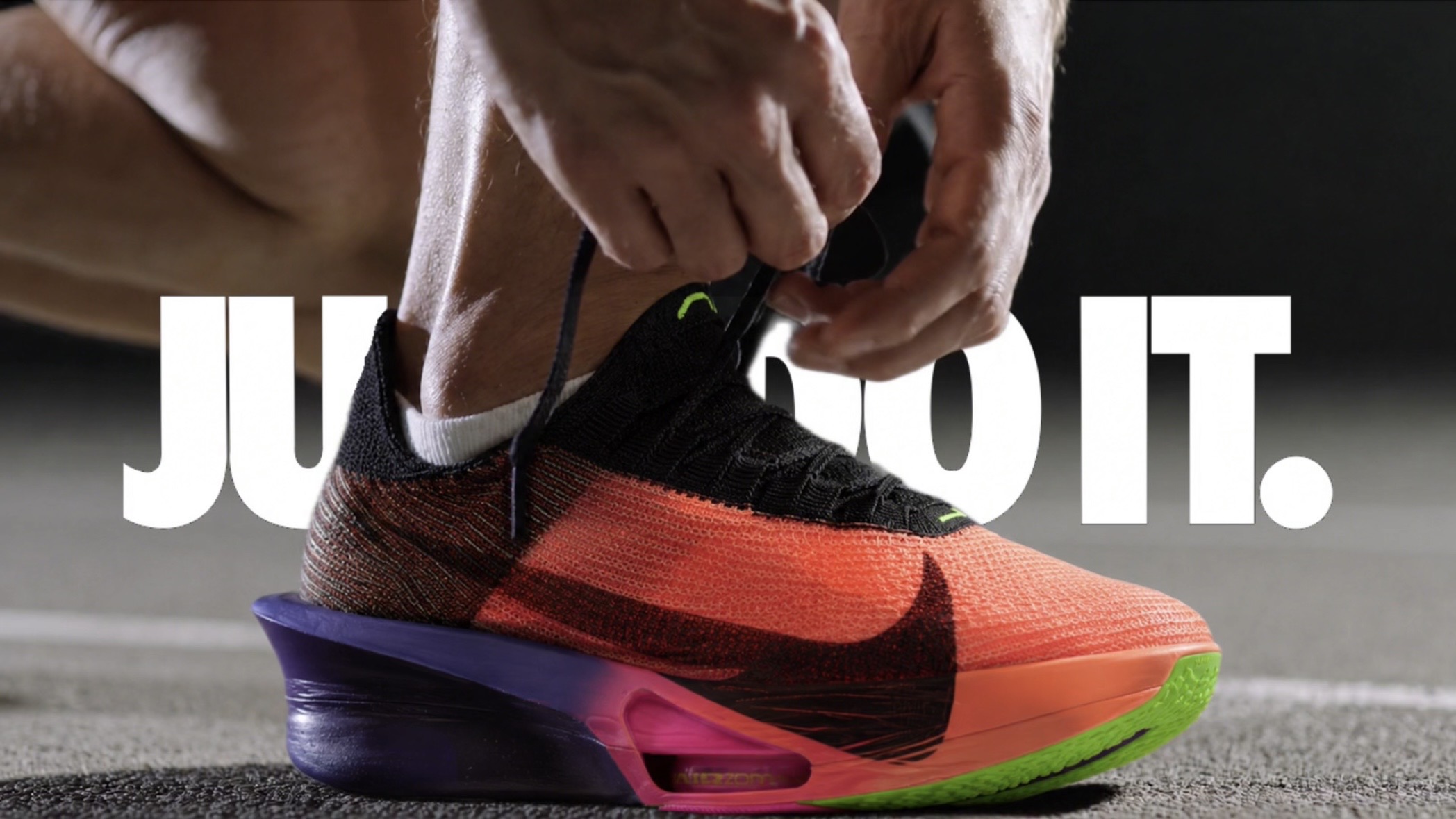
Nike Running Shoes Ad AI - ai running AI video
00:20
AiRT Visuals avatar
AiRT Visuals
Elite Creator
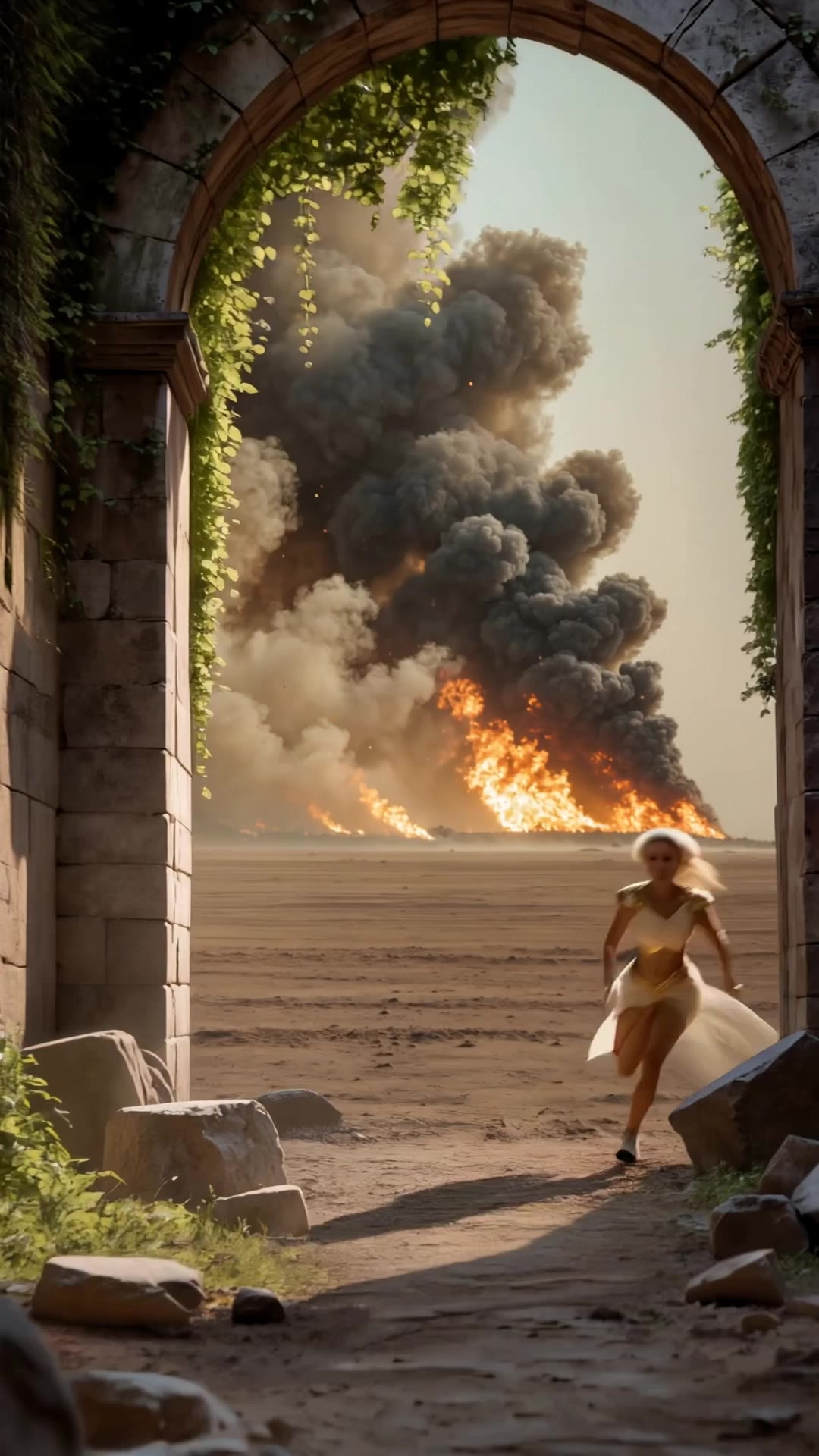
Kling AI work 317564217666756 - ai running AI video
gxynRkKF avatar
gxynRkKF
running - ai running AI video
EdHeWnpK avatar
EdHeWnpK
running  - ai running AI video
aavLBttE avatar
aavLBttE
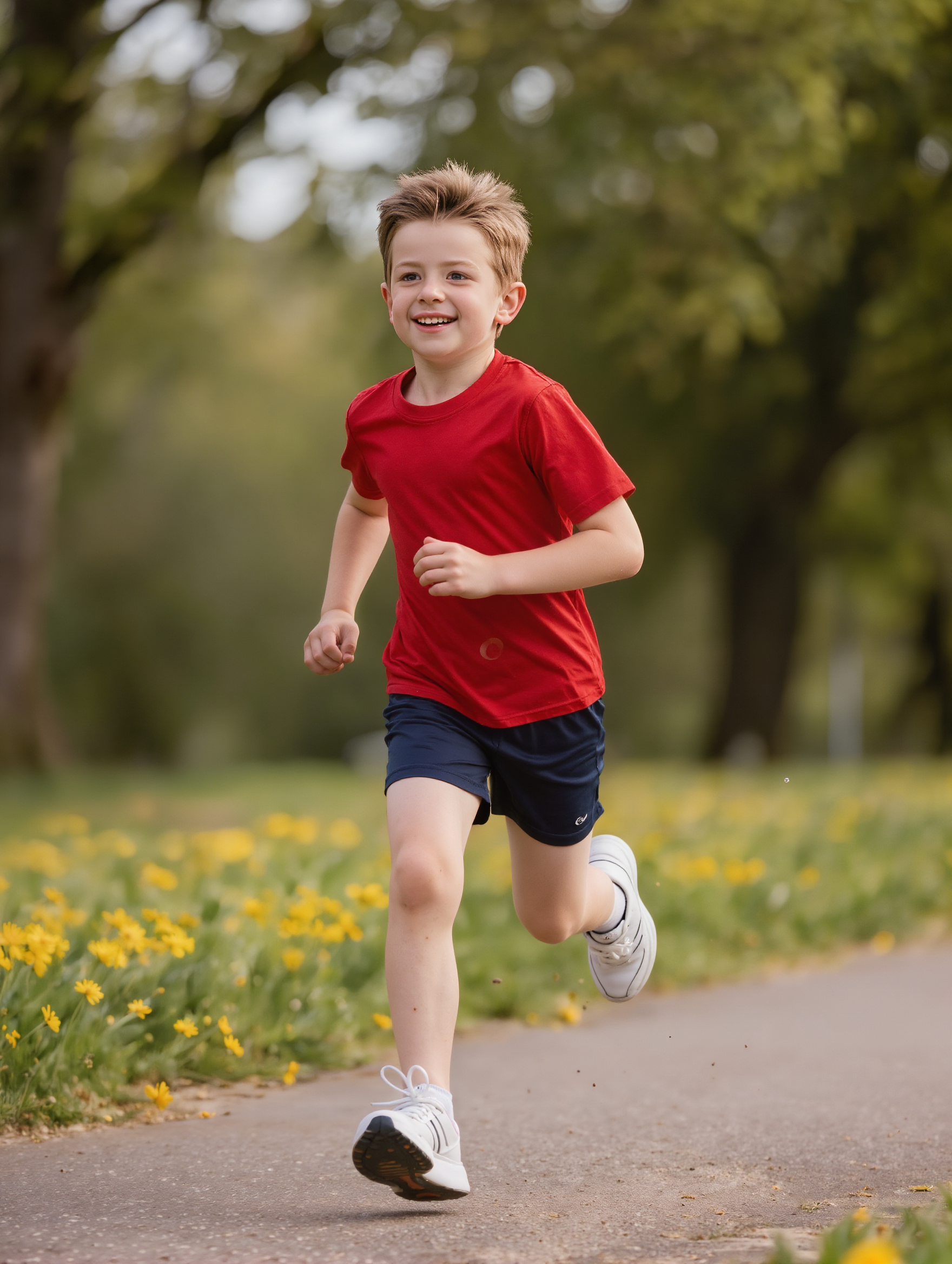
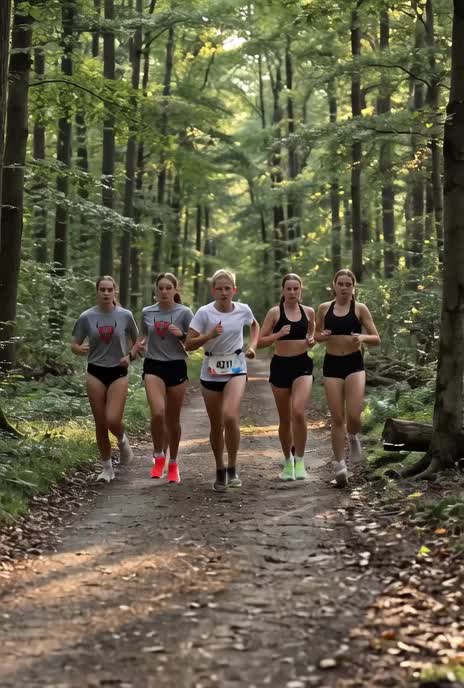
running through the park - ai running AI video
jomapi avatar
jomapi
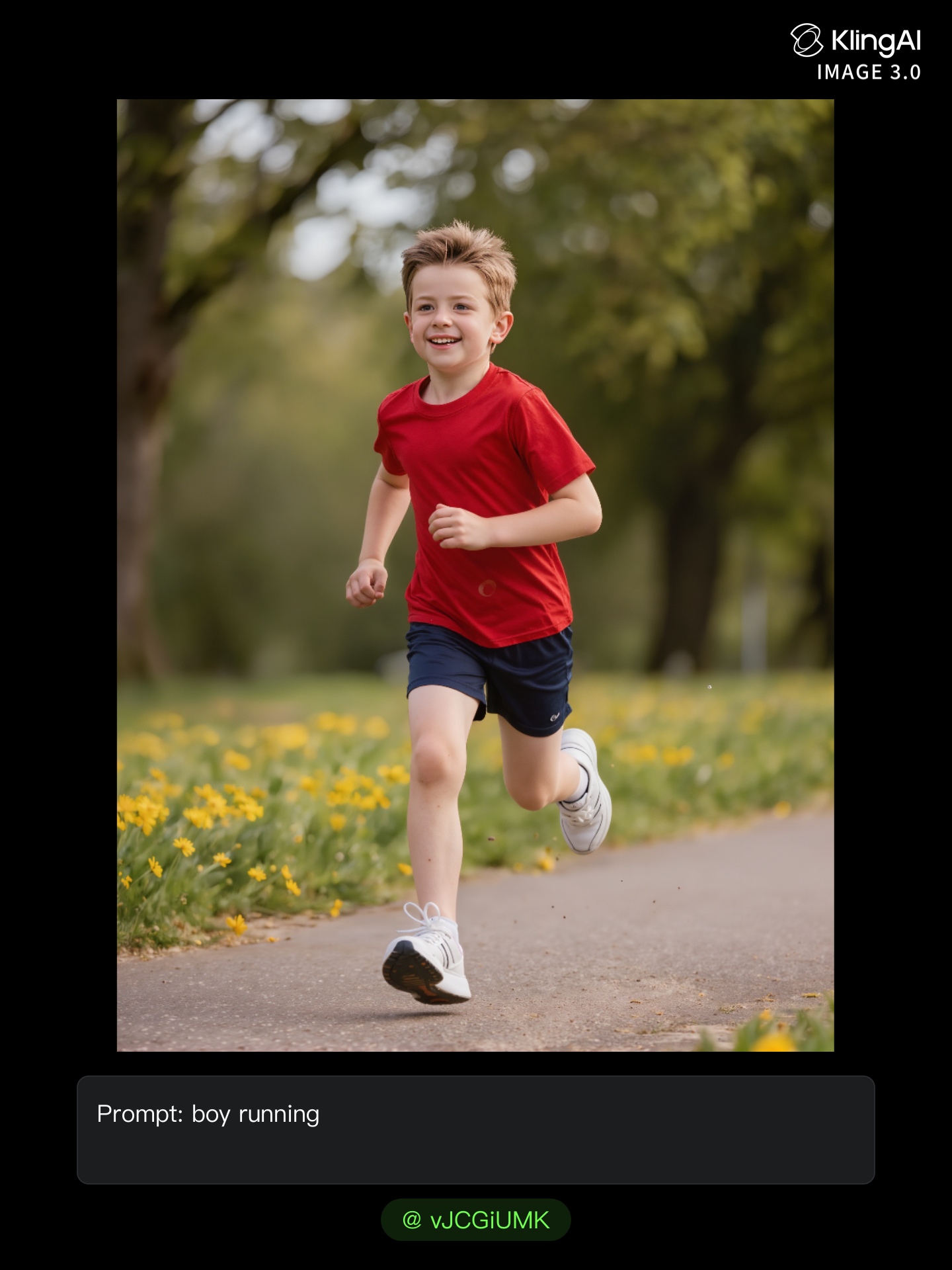
Running - ai running AI image
MavaG avatar
MavaG
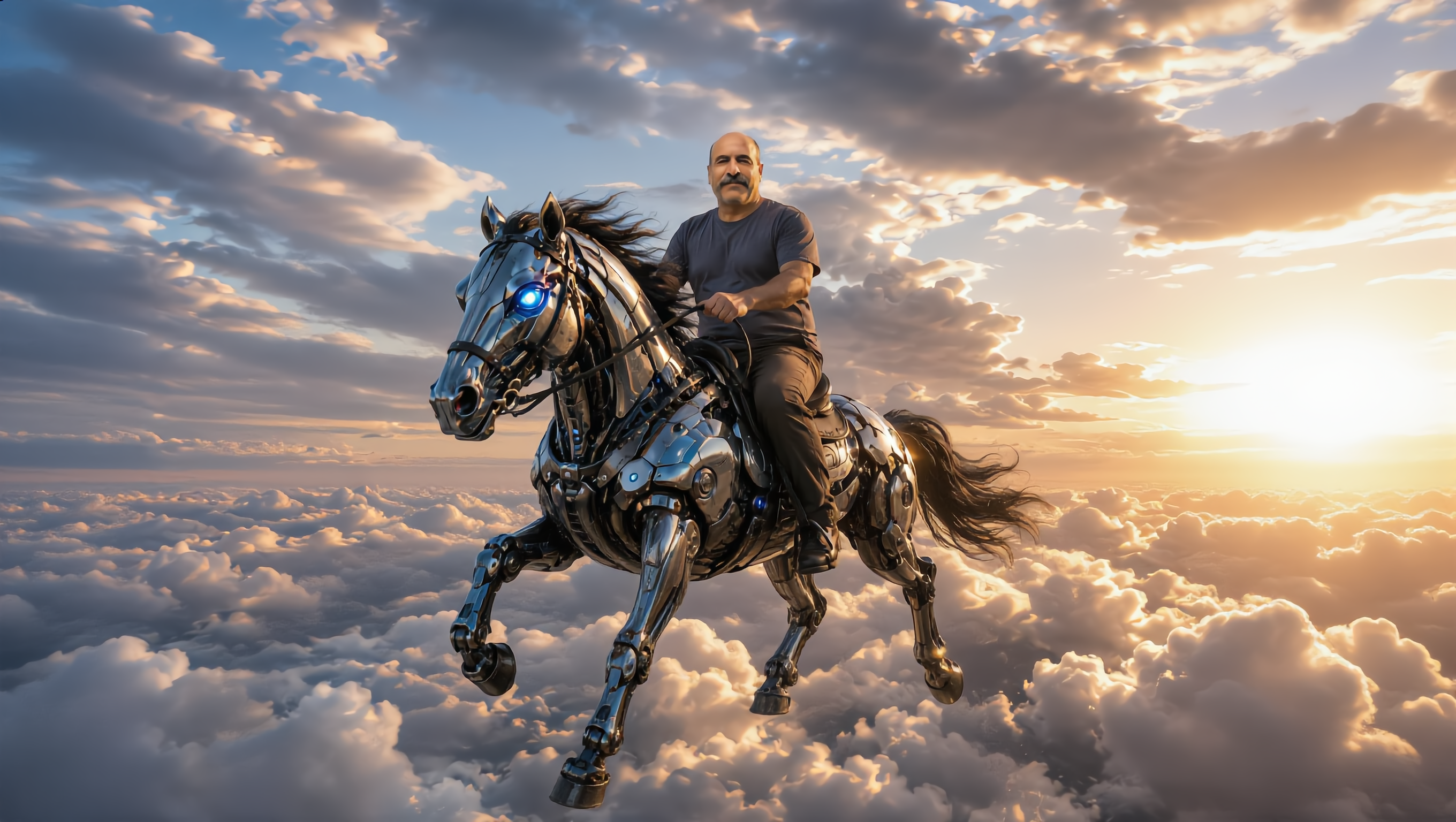
Robot running - ai running AI video
Alan avatar
Alan
Kling AI work 308397934668757 - ai running AI image
Cake online avatar
Cake online
mechanical robot running - ai running AI video
Sven avatar
Sven
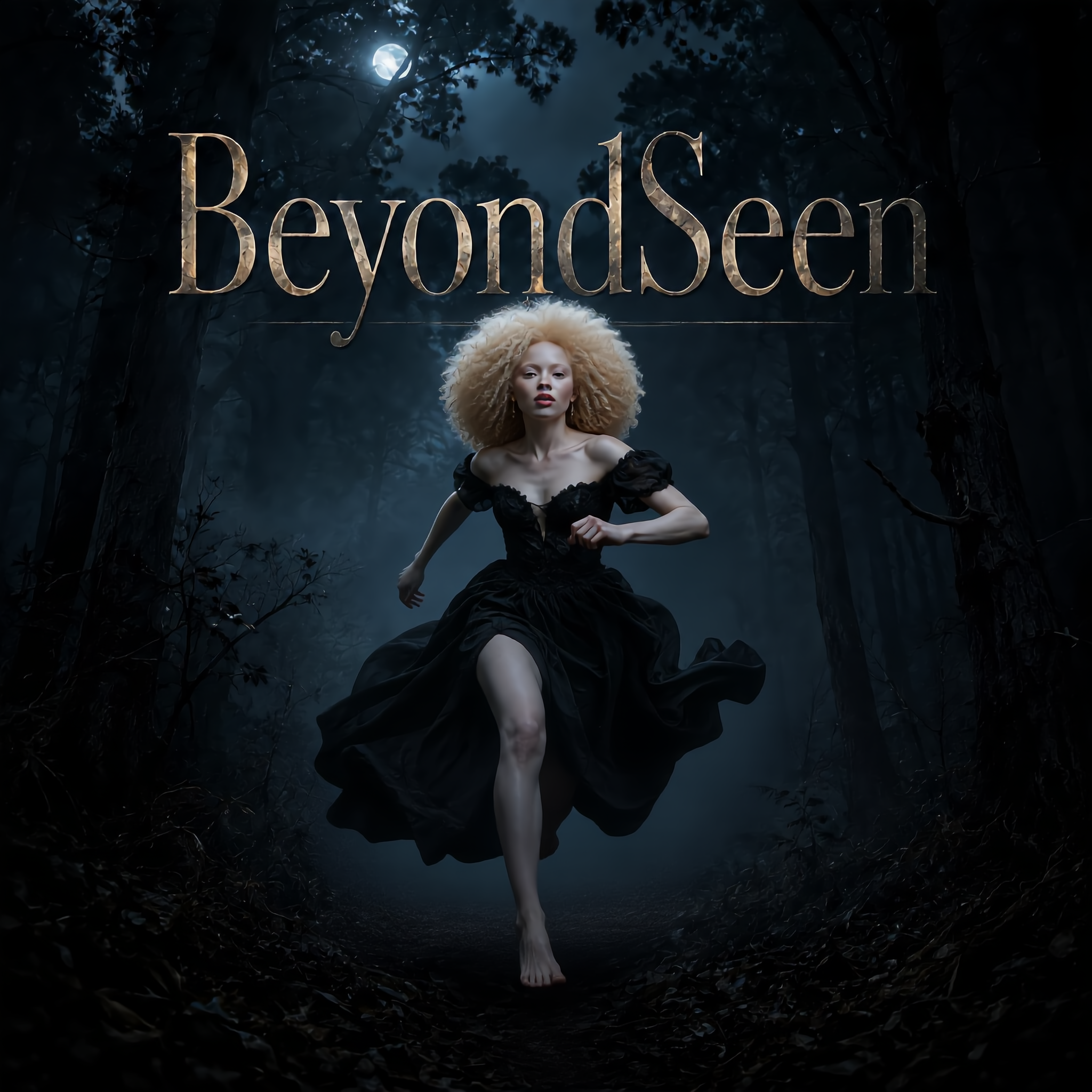
Running From Wolves - ai running AI image
StrFlIjQ avatar
StrFlIjQ
Running YOYO - ai running AI video
FOUND avatar
FOUND
Kling AI work 306261145618202 - ai running AI video
WealthNet avatar
WealthNet
Keep running - ai running AI video
7A7PI avatar
7A7PI
Elite Creator
Running Man - ai running AI video
DeDJvndh avatar
DeDJvndh
Running is good for health - ai running AI video
Filósofo Urbano avatar
Filósofo Urbano
Kling AI work 318264110508743 - ai running AI video
iAsoah avatar
iAsoah
Kling AI work 316466892616699 - ai running AI video
rZlTazbH avatar
rZlTazbH

How to Use Kling AI Text to Speech

Step 1: Enter the Video Generation Workspace

Step 1: Enter the Video Generation Workspace

Edit your prompt to set the scene, characters, and style, or upload a reference image to shape the look of your video.

Step 2: Add Dialogue and Speech Instructions

Step 2: Add Dialogue and Speech Instructions

Add dialogue to your prompt and clearly specify which character speaks each line. You can also describe the language or dialect, speaking pace, tone, and delivery style in the prompt to guide how each character sounds.

Step 3: Choose Your Settings and Generate

Step 3: Choose Your Settings and Generate

Choose your resolution (720p, 1080p, or 4K), video length (3–15 seconds), and aspect ratio (16:9, 9:16, or 1:1). Then click Generate to create your video.

Create Voices That Match Your Characters

Generate Character Voices Directly with the Video

Generate Character Voices Directly with the Video

Write the dialogue into your video prompt and let Kling generate the spoken performance together with the scene. Because voice, facial performance, mouth movement, visuals, ambience, and supporting sound are created in the same workflow, the dialogue feels connected to what the character is doing on screen rather than added as a separate layer afterward.

Create Dialogue Across Languages and Accents

Create Dialogue Across Languages and Accents

Create character voices in multiple languages, including English, Chinese, Japanese, Korean, and Spanish. You can also customize accents, dialects, and speaking styles to make characters sound more authentic for different regions, cultures, and story settings.

Keep a Character's Voice Consistent Across Scenes

Keep a Character's Voice Consistent Across Scenes

For recurring characters, Kling VIDEO 3.0 Omni lets you add voice to reusable Character Elements. A character can carry both recognizable visual traits and a connected voice into supported future generations. This makes it easier to build recurring presenters, fictional characters, or story leads that not only look familiar across scenes, but also keep a more consistent vocal identity.

Apps

Image to Video
Image to Video

Image to Video

Text to Video
Text to Video

Text to Video

Omni
Omni

Omni

Digital Human
Digital Human

Digital Human

Restyle
Restyle

Restyle

Text to Image
Text to Image

Text to Image

60M+
60M+
Users
600M+
600M+
AI Videos Generated
4.7 ★
4.7 ★
App Store
Industry-Leading
Industry-Leading
Cinematic 4K

Reviews

PJ Ace

PJ Ace

★★★★★

Kling AI has made it easy for us to generate world class visuals for Fortune 500 companies, TV shows and music for big artists. We love the easy of use of the platform and the quality of the generations. My first time using Kling AI, I got 22 million views on just one video. It's that good.

Huang Lu (Elson)

Huang Lu (Elson)

★★★★★

I’ve been using Kling AI since its initial release, and it’s remained one of the leading AI media generators ever since. With Kling AI, I’ve created hundreds of videos, collectively amassing millions of views.

Déborah

Déborah

★★★★★

I use Kling AI every day. It's amazing to see the almost daily progress it makes. I used AI for fun at first, and I now find that Kling AI's animations allow me to gain professional visibility, with three times more views on my animated posts than on my static posts.

FAQ

Q1Can I generate multiple variations or a connected image series?
Q2Can I use images generated with Kling AI commercially?
Q3Does Kling AI support 2K or 4K image-to-image generation?

Ready to See What Your Image Can Become?

Create a finished visual designed to stand out, tell your story, and take your idea further with Kling AI.

Free tier available | Image stylization | 2K/4K output