
Creative Studio
API
Resources
Features
About Us
Download

ai sloth - Hammock Swing & Computer Interaction

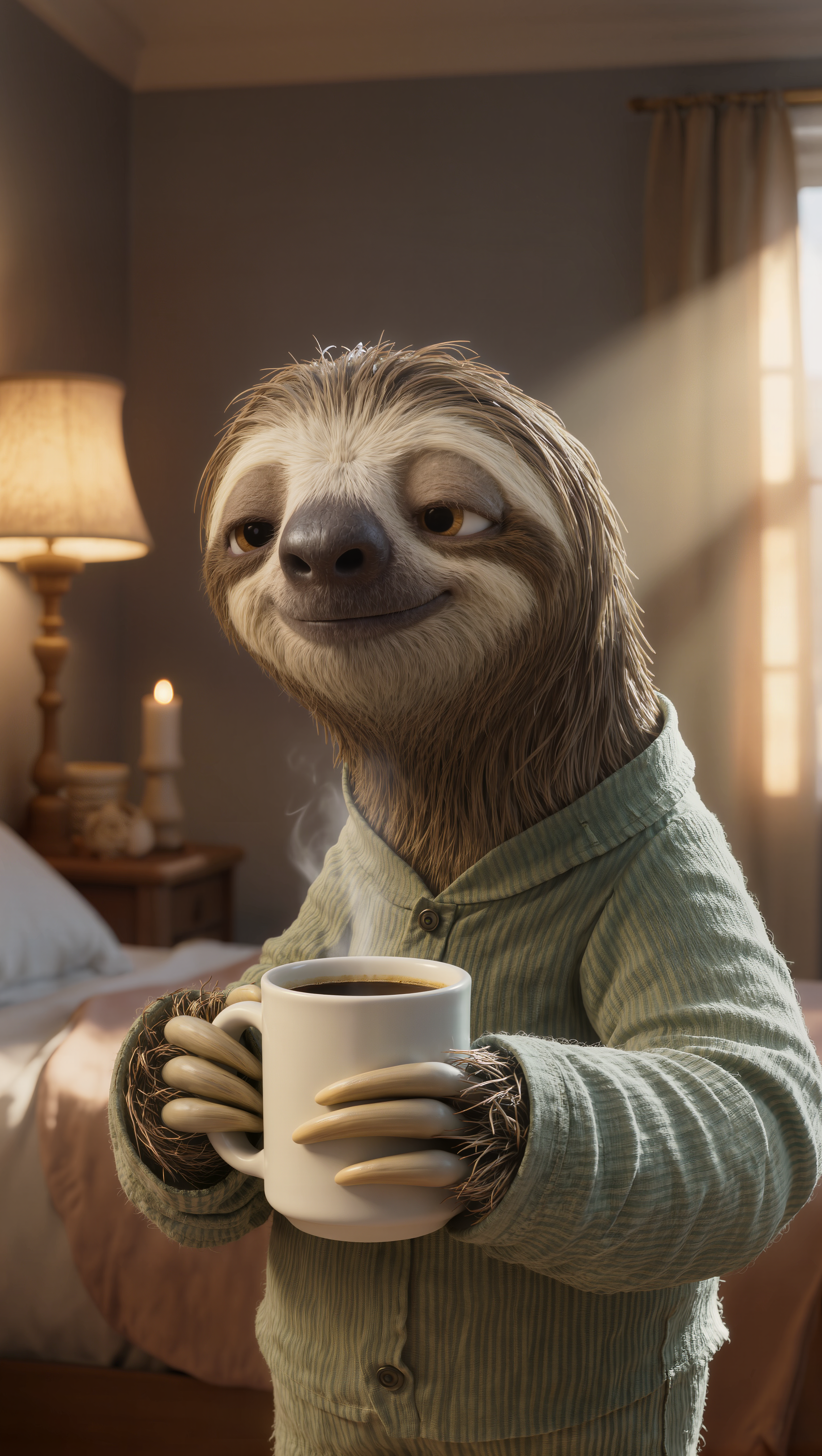
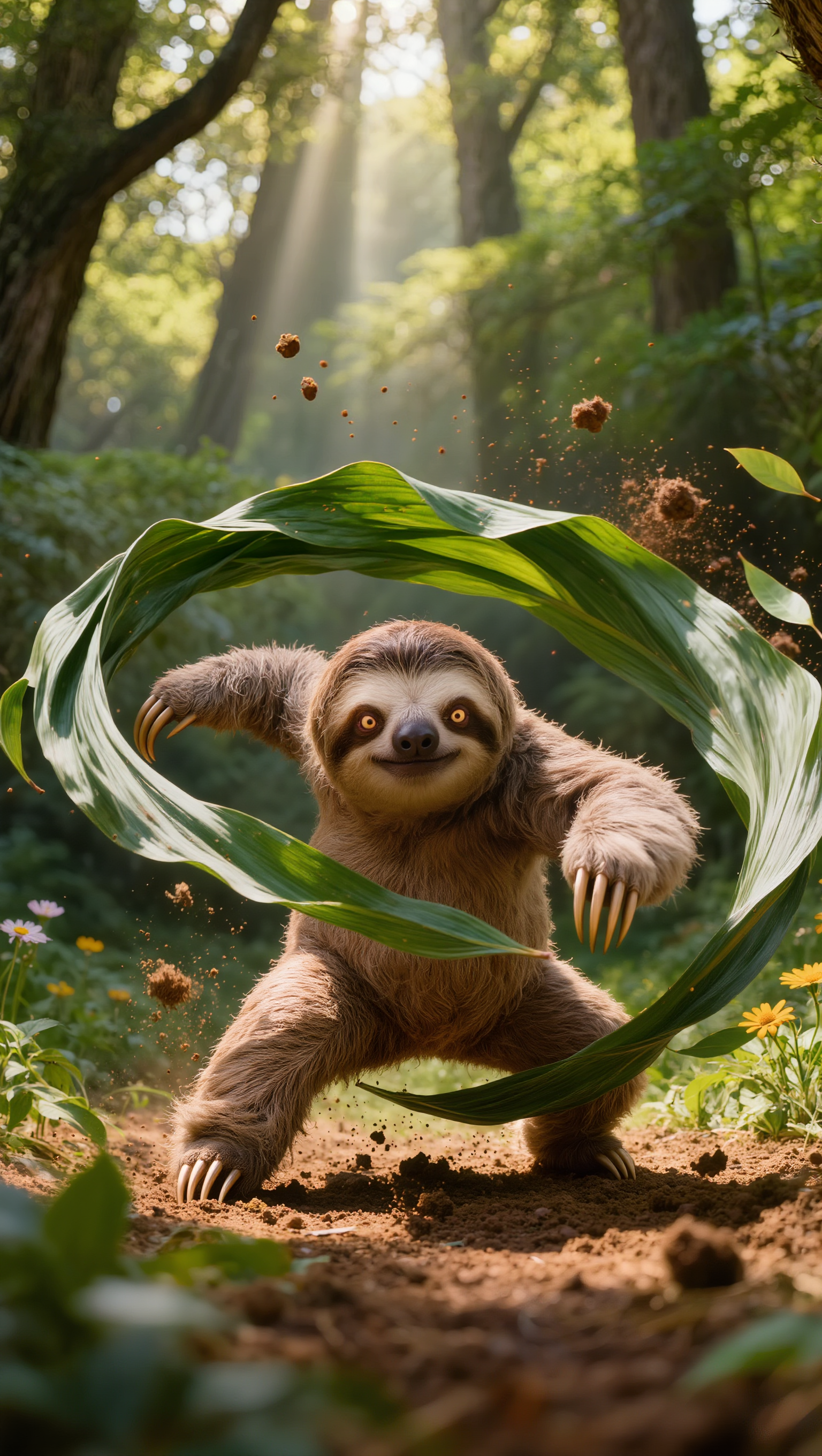
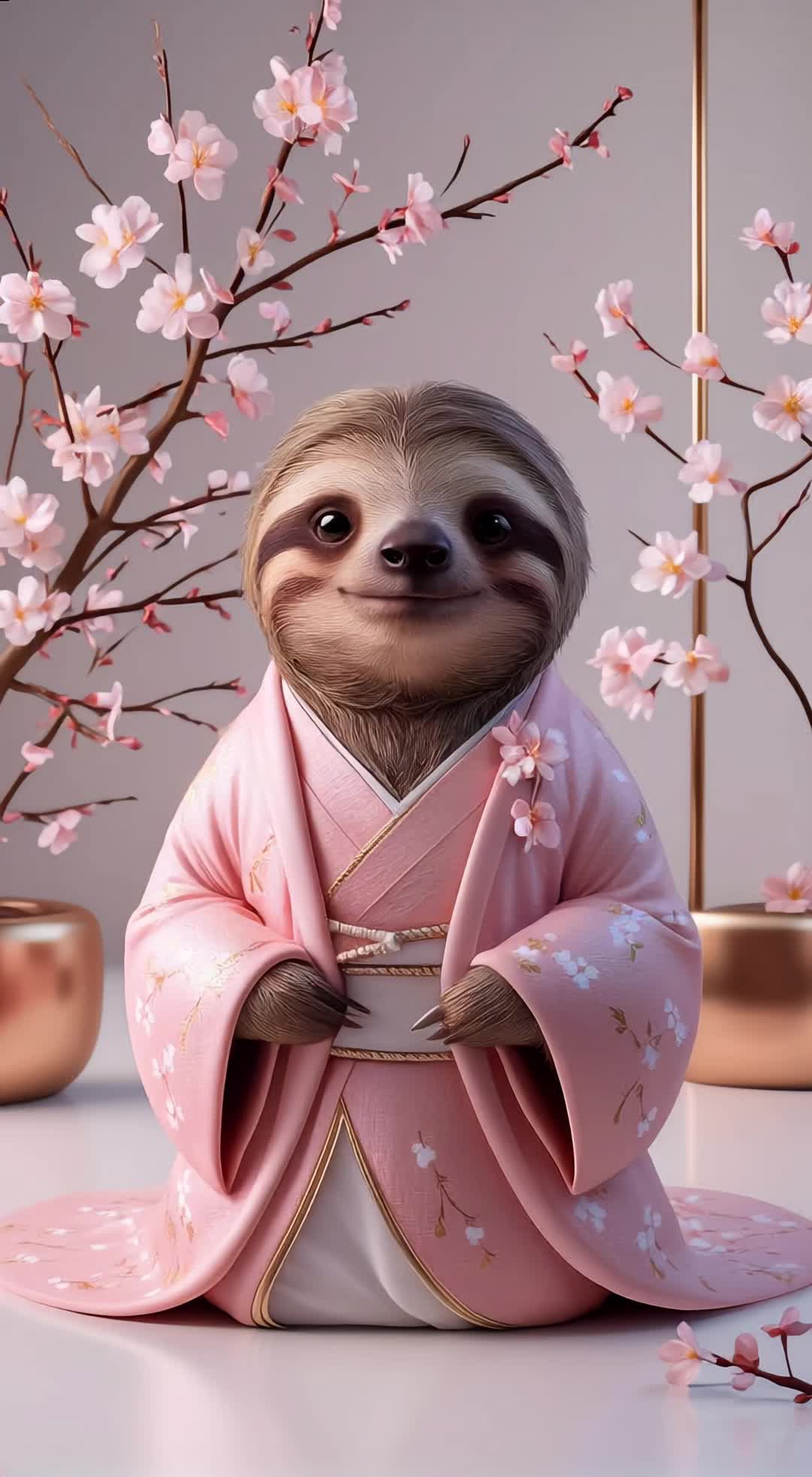
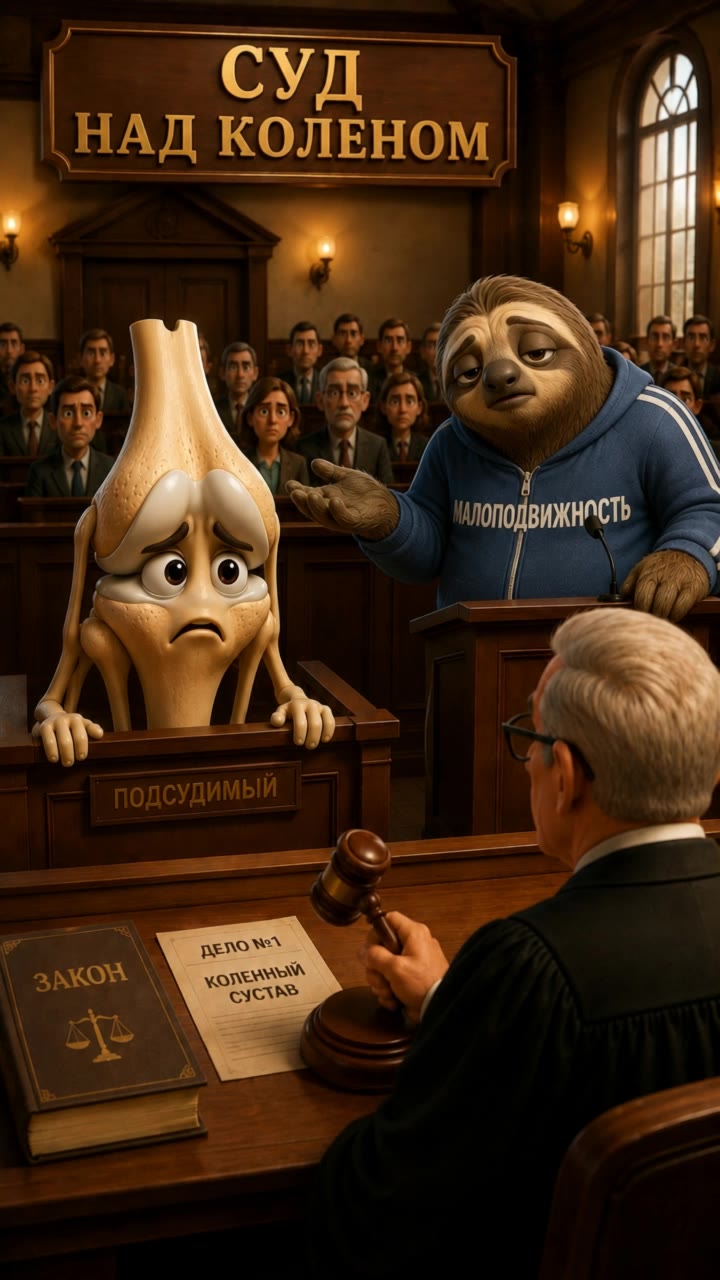
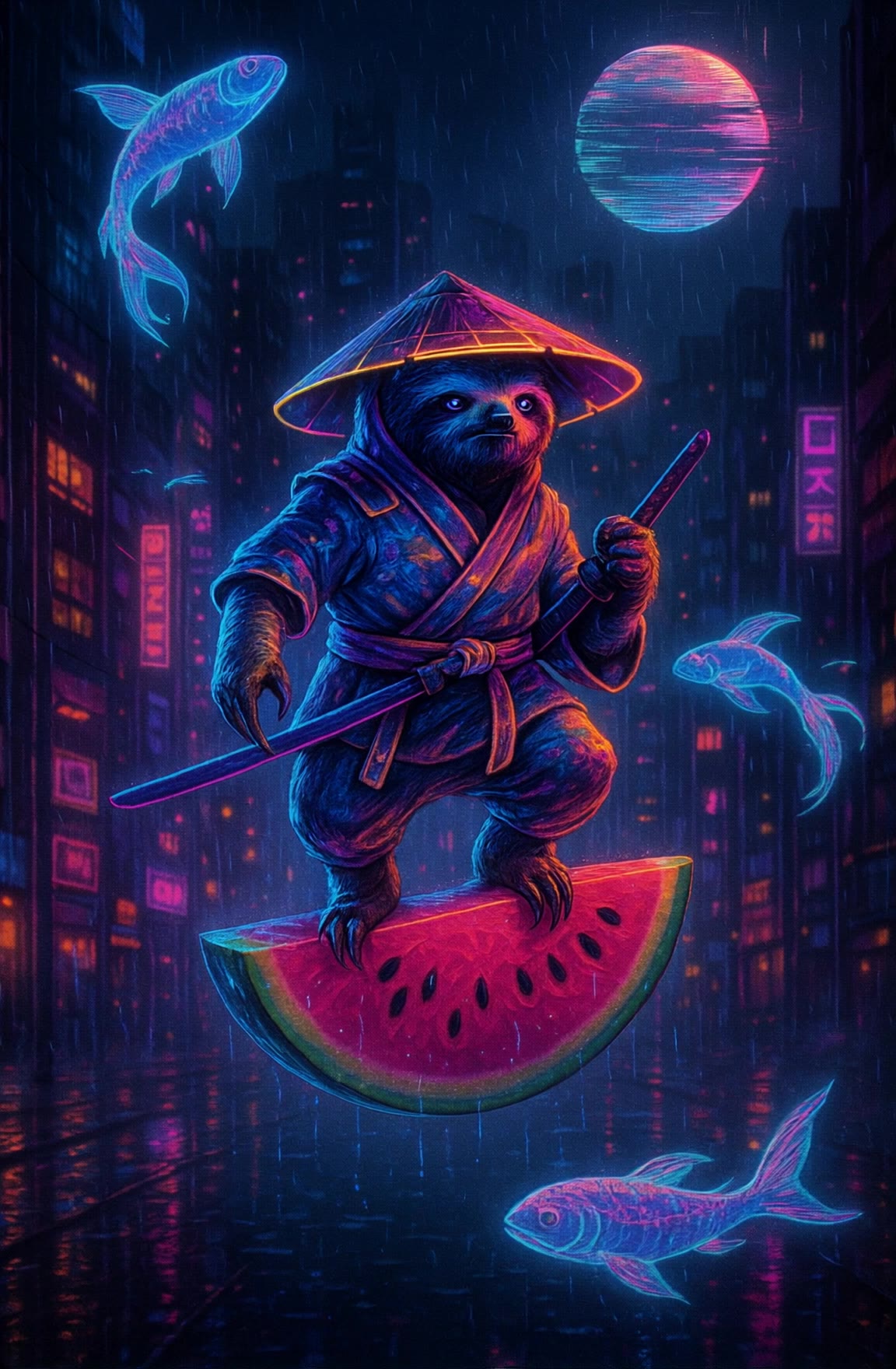
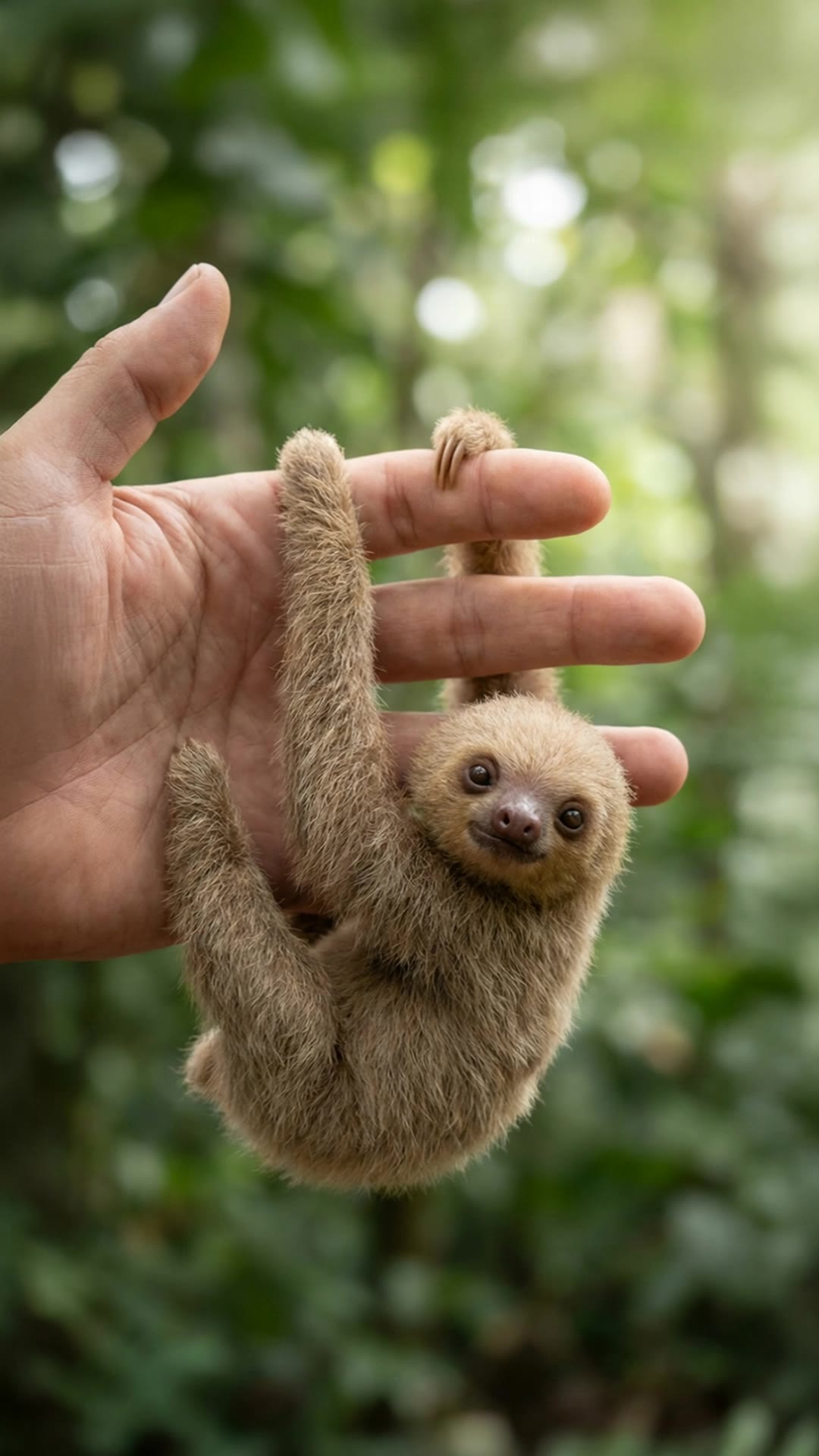
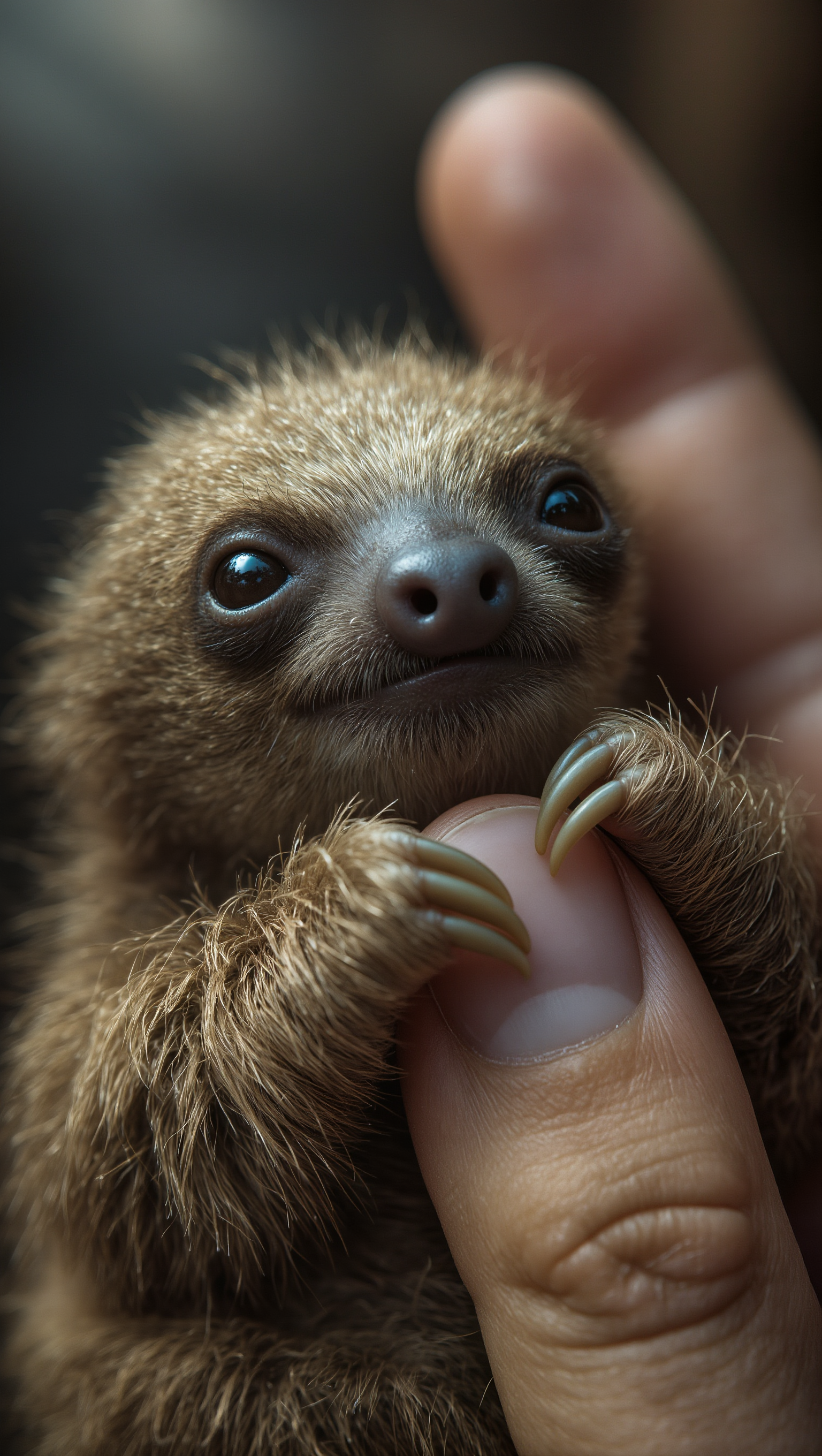
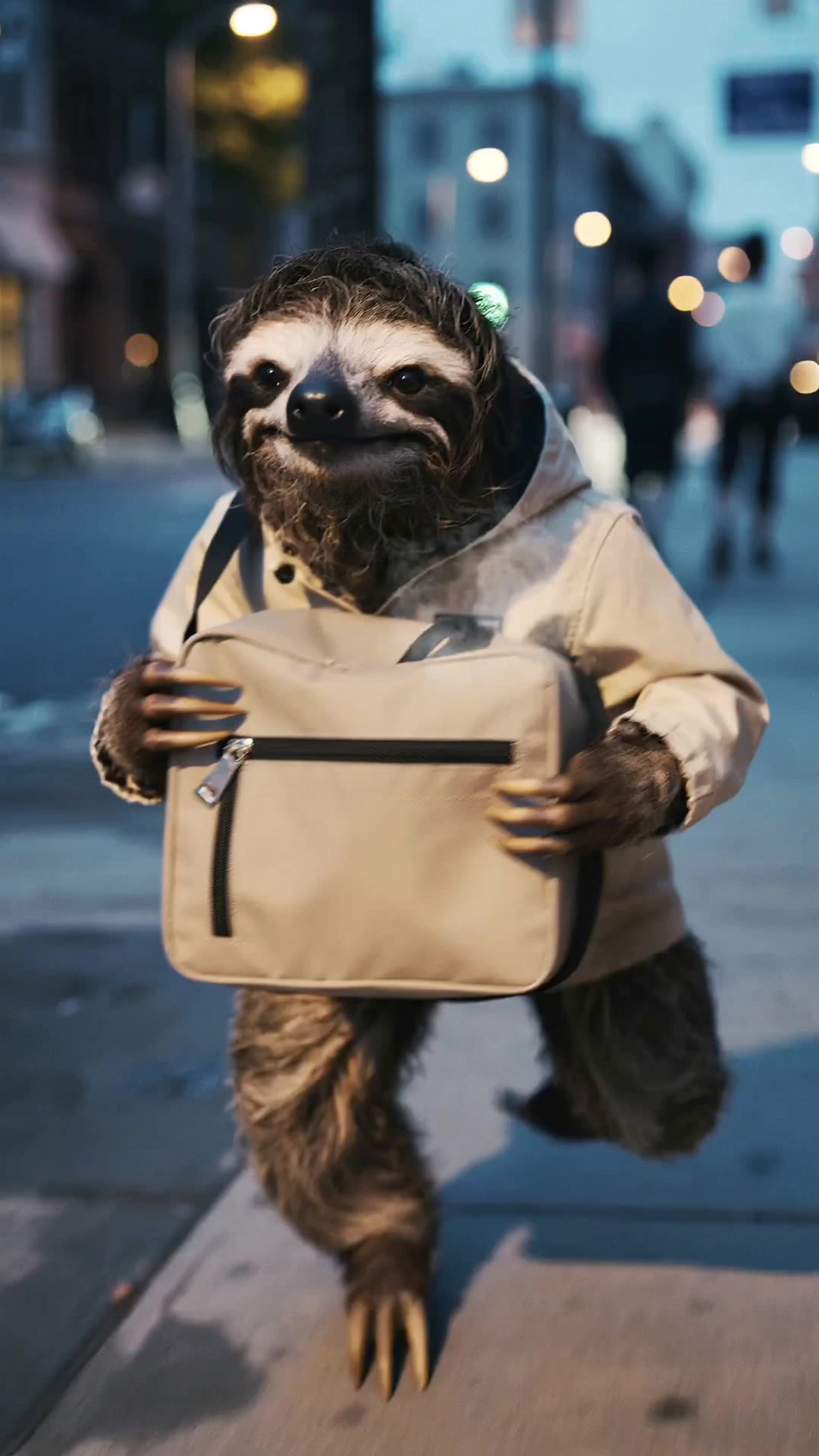
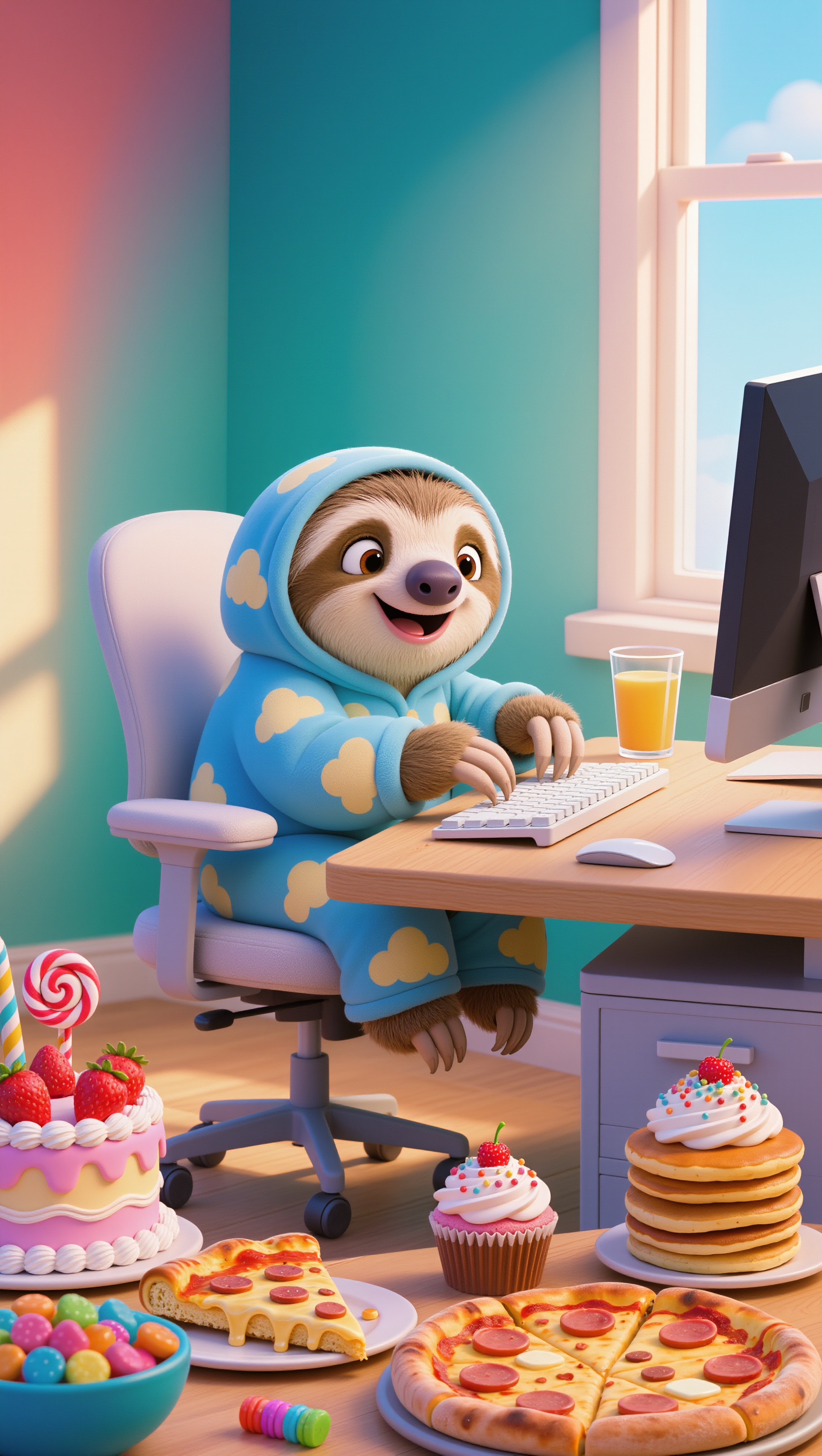
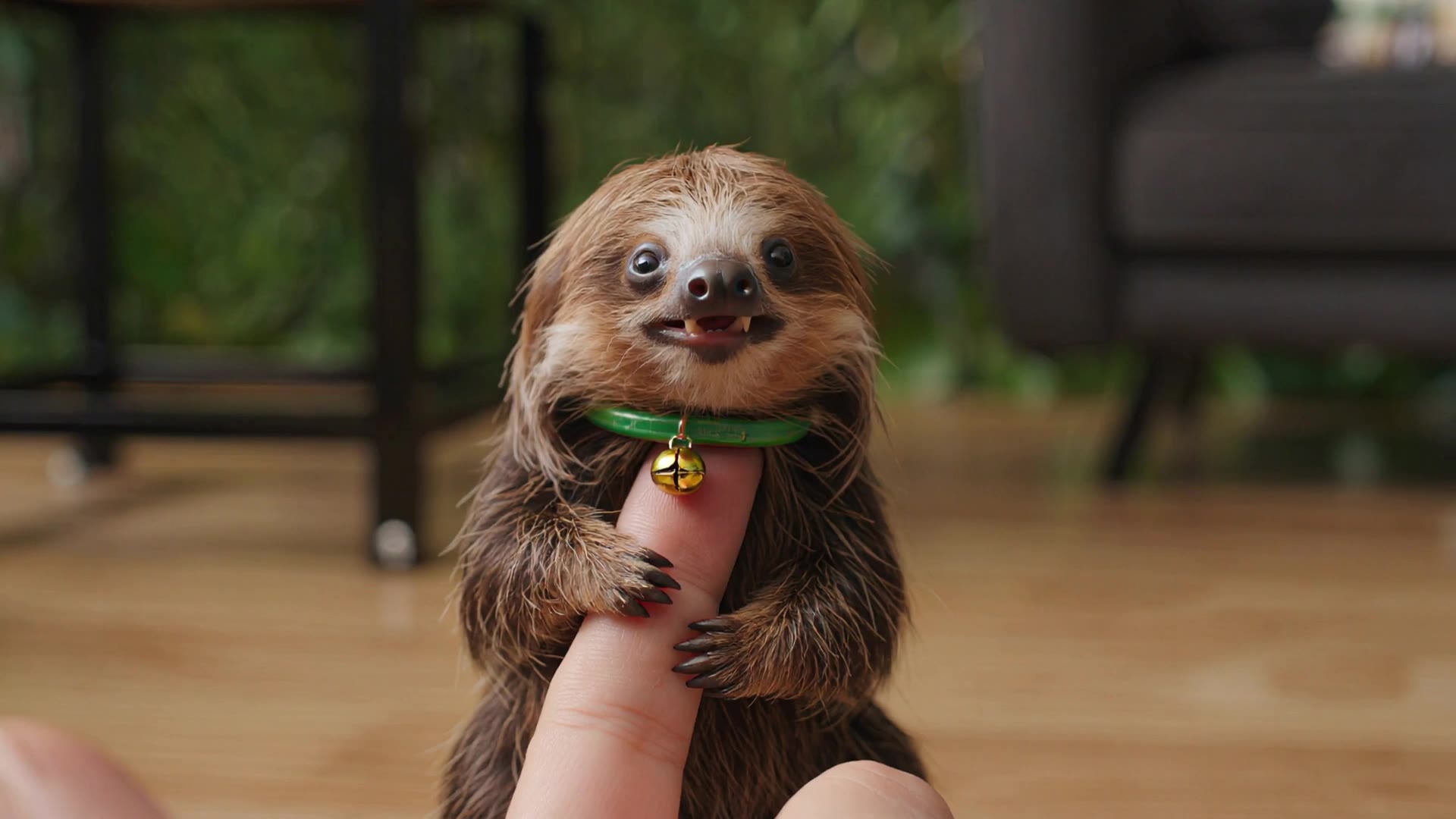
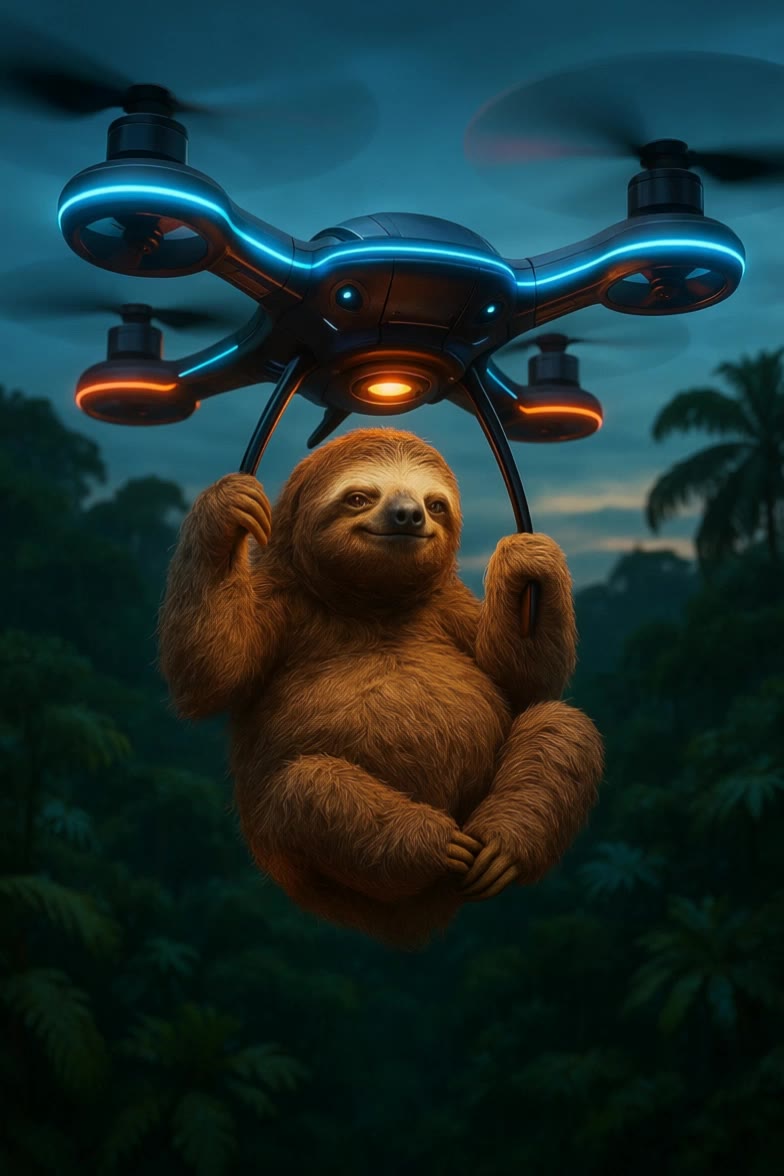
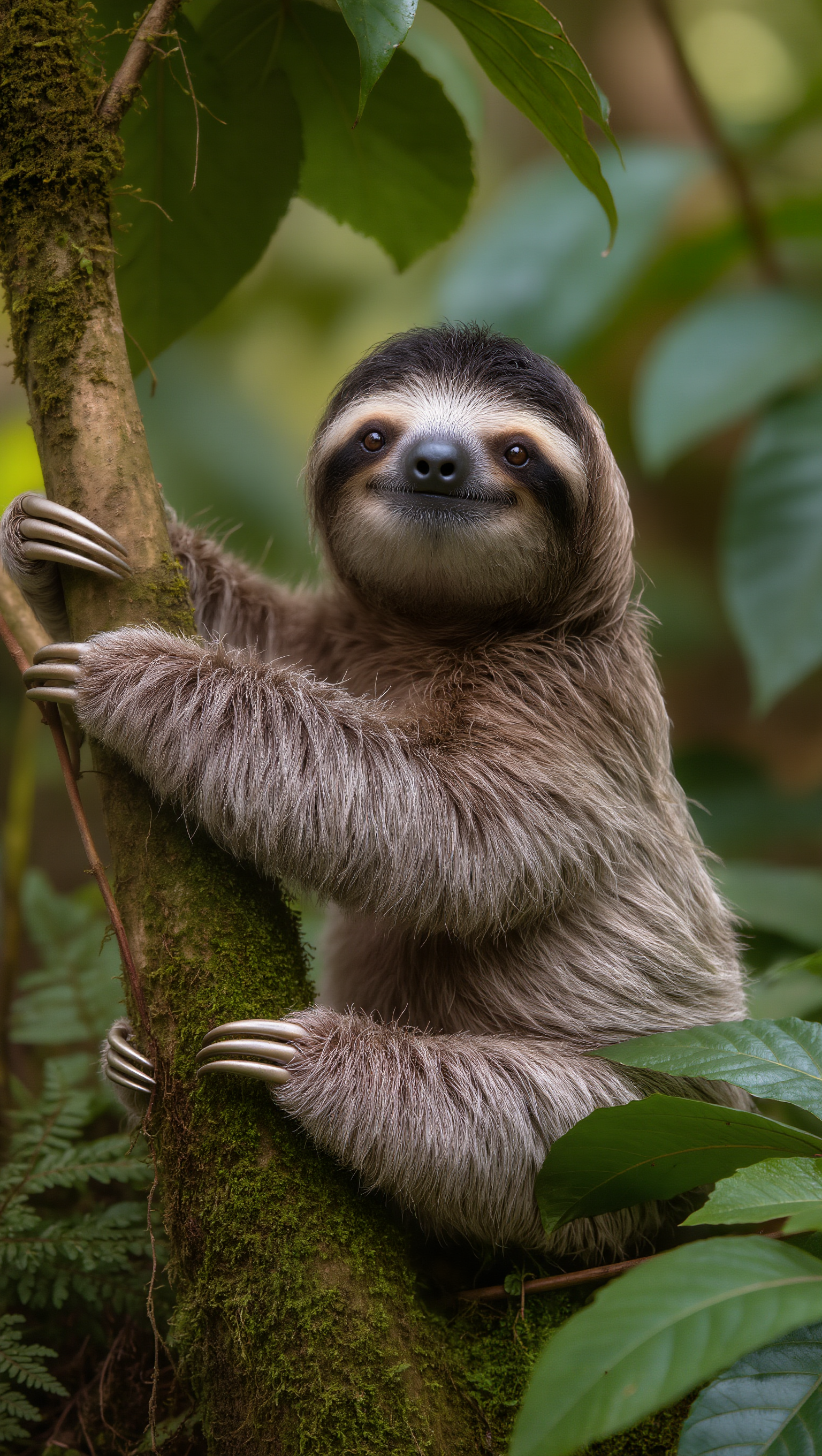
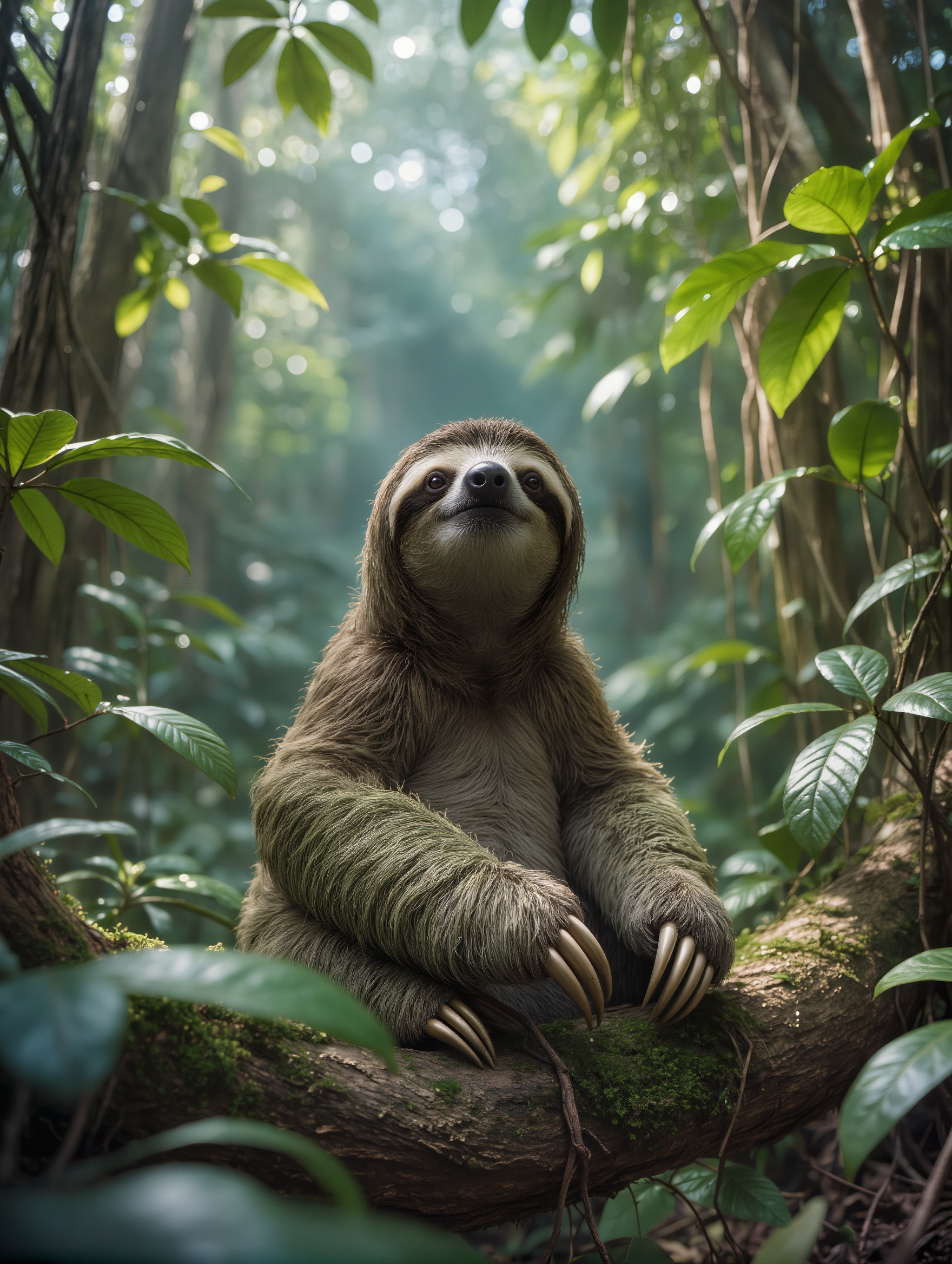
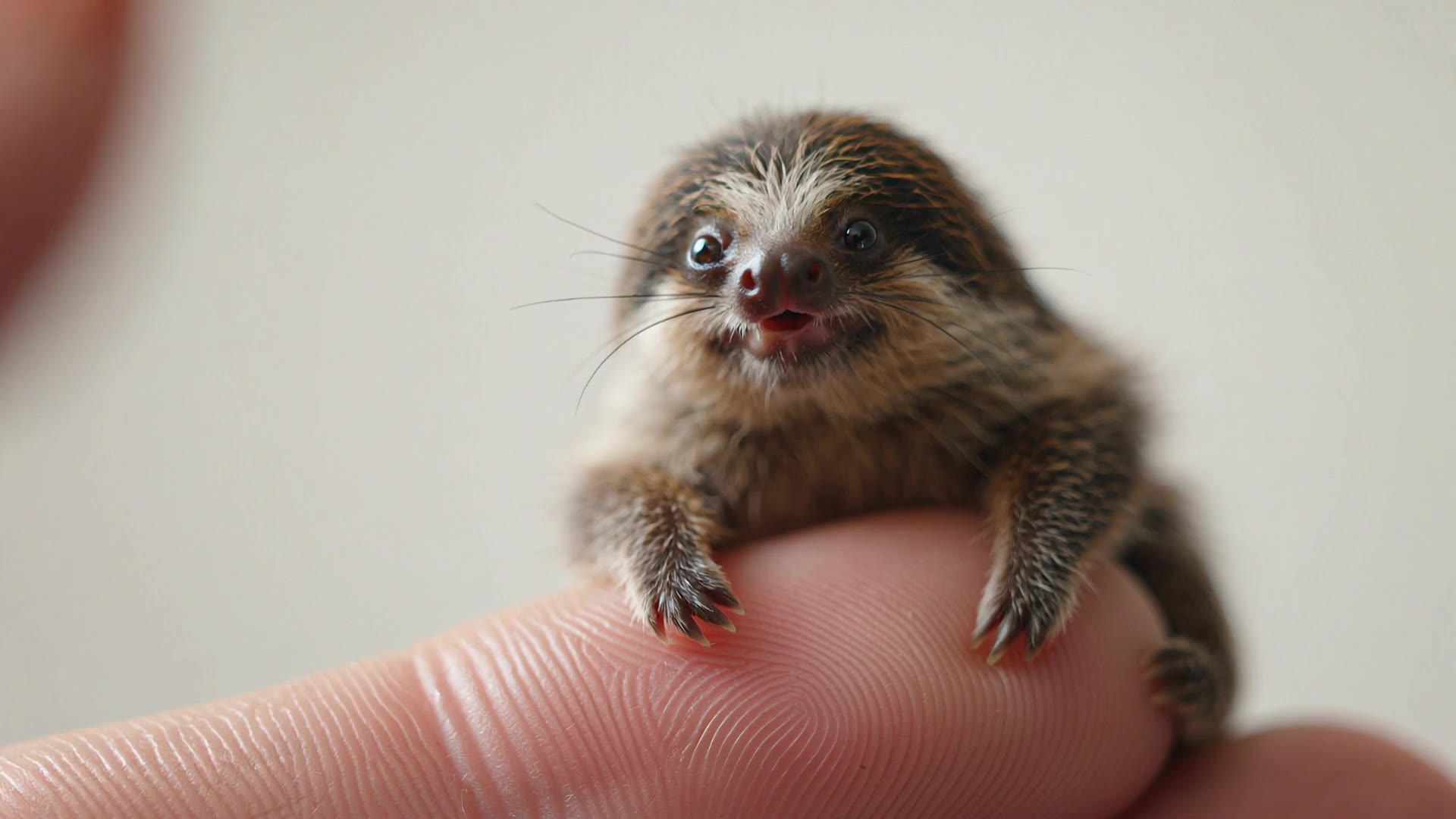
Witness the charming visuals of miniature sloth cubs and dynamic tropical hammock swings, alongside whimsical themes like space sloths and digital sloth adventures. Start exploring ai sloth ideas and generate your own content with AI.

ai sloth - Hammock Swing & Computer Interaction

Recommended

Kling AI work 321543369653048 - ai sloth AI image
NQGXtyyB avatar
NQGXtyyB
Kling AI work 288471904505925 - ai sloth AI video
Jurek avatar
Jurek
Kling AI work 313787356662208 - ai sloth AI image
Umair Rizan avatar
Umair Rizan
Kling AI work 313313153668070 - ai sloth AI image
LCinLon avatar
LCinLon
The cute sloth - ai sloth AI video
FuzzyFuzzy
FR Sushi-Market avatar
FR Sushi-Market
Cute Sloth - ai sloth AI video
deception avatar
deception
Kling AI work 308862010665532 - ai sloth AI image
Geminye avatar
Geminye
Little cute sloth - ai sloth AI video
KLING7667 avatar
KLING7667
Kling AI work 318439242323120 - ai sloth AI video
RehabSport avatar
RehabSport
Kling AI work 288645883302405 - ai sloth AI video
AvA A.I avatar
AvA A.I
Mini Cute Animals 🦒✨ - ai sloth AI video
Predmet_ai avatar
Predmet_ai
Creative Partner
Kling AI work 280747780537093 - ai sloth AI video
Nobby123 avatar
Nobby123
Kling AI work 292658134535464 - ai sloth AI image
afshinsamadi.ir avatar
afshinsamadi.ir
Kling AI work 299236112521398 - ai sloth AI video
M0whad avatar
M0whad
Baby Sloth at computer - ai sloth AI image
Bear avatar
Bear
Kling AI work 288470869613727 - ai sloth AI video
Jurek avatar
Jurek
Kling AI work 290514758533308 - ai sloth AI video
Animedya.ai avatar
Animedya.ai
Kling AI work 292122755534000 - ai sloth AI image
pwEXYfLS avatar
pwEXYfLS
Kling AI work 278918186314027 - ai sloth AI video
Bear avatar
Bear

How to Use Kling AI Art Generator

Start with a Prompt

Start with a Prompt

Open IMAGE 3.0 Omni. Write what you want to make, upload an existing image, or add references that show the character, object, composition, or style you want Kling to follow.

Set the Art Direction

Set the Art Direction

Add the details that matter to the piece: medium, palette, mood, lighting, framing, perspective, or another visual cue. When you use several references, tell Kling what each one contributes instead of leaving the relationship between them ambiguous.

Generate and Keep Working

Generate and Keep Working

Generate the artwork, review the result, and adjust the prompt or creative direction if needed. For connected images, continue the idea with Image Series.

Improve Video Quality Beyond Resolution

Give Your Video a Cinematic Finish in 4K

Give Your Video a Cinematic Finish in 4K

Choose 4K in the output settings to give your footage a finely detailed finish. From the texture of fabric to the contours of a face, bring small details into view for larger screens and close-up shots. Give family recordings, social clips, and creative projects a richer presentation.

Fix Lighting, Color, and the Overall Look

Fix Lighting, Color, and the Overall Look

A good clip can still fall flat because of dull color, poor lighting, or an awkward composition. Use prompts to reduce visible grain and digital noise in low-light footage, then refine the lighting, color, and composition. Turn an ordinary view into an expressive close-up, bring warmth to a dim scene, or change the weather and time of day. Shape the overall look without adjusting every element by hand.

Fill in the Gaps for More Fluid Motion

Fill in the Gaps for More Fluid Motion

Upload your video and describe the missing action or moment you want to add. Add reference images when needed, then use Kling to generate additional footage that helps connect existing moments with less manual editing.

Apps

Image to Video
Image to Video

Image to Video

Text to Video
Text to Video

Text to Video

Omni
Omni

Omni

Digital Human
Digital Human

Digital Human

Restyle
Restyle

Restyle

Text to Image
Text to Image

Text to Image

60M+
60M+
Users
600M+
600M+
AI Videos Generated
4.7 ★
4.7 ★
App Store
Industry-Leading
Industry-Leading
Cinematic 4K

Reviews

Samuele Poggi (@visualsk2)

Samuele Poggi (@visualsk2)

★★★★★

I use Kling AI daily to push the limits of AI filmmaking. It allows me to create highly cinematic content, blending AI and VFX to develop innovative projects. It has significantly impacted my creative process, enabling me to achieve complex animations that would otherwise require high production budgets.

James Phillips

James Phillips

★★★★★

Kling AI has transformed my workflow by collapsing timelines and democratizing production. It’s shifted my mindset from resource-dependent filmmaking to a boundless creative sandbox, where experimentation yields unexpected beauty.

Jyo John Mulloor

Jyo John Mulloor

★★★★★

Kling AI has been instrumental in transforming my creative workflow, unlocking new dimensions of artistic expression that were once unimaginable. I use Kling AI extensively to develop high-concept visuals, animate surreal dreamscapes, and create AI-assisted films that blur the line between reality and fantasy. Kling AI’s deep learning capabilities have not only enhanced my creative efficiency but also inspired me to explore storytelling in ways I never thought possible.

FAQ

Q1Can I download a high-resolution avatar?
Q2What is an AI avatar maker?
Q3What kind of photo works best for creating an avatar?

Give the Subject a Better Setting

Create a new setting while keeping your subject recognizable. Use prompts and visual references to shape backgrounds for portraits, product visuals, and campaign creative.