Creative Studio
API
Resources
Features
About Us
Download

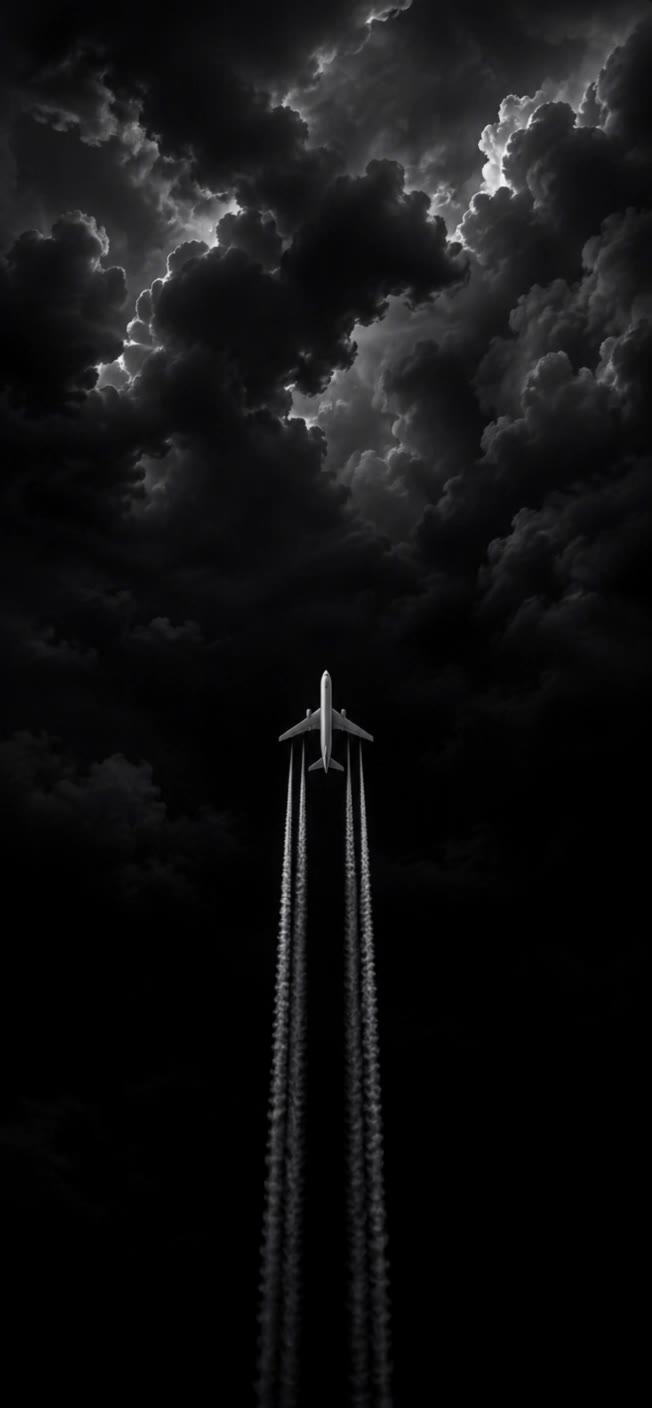
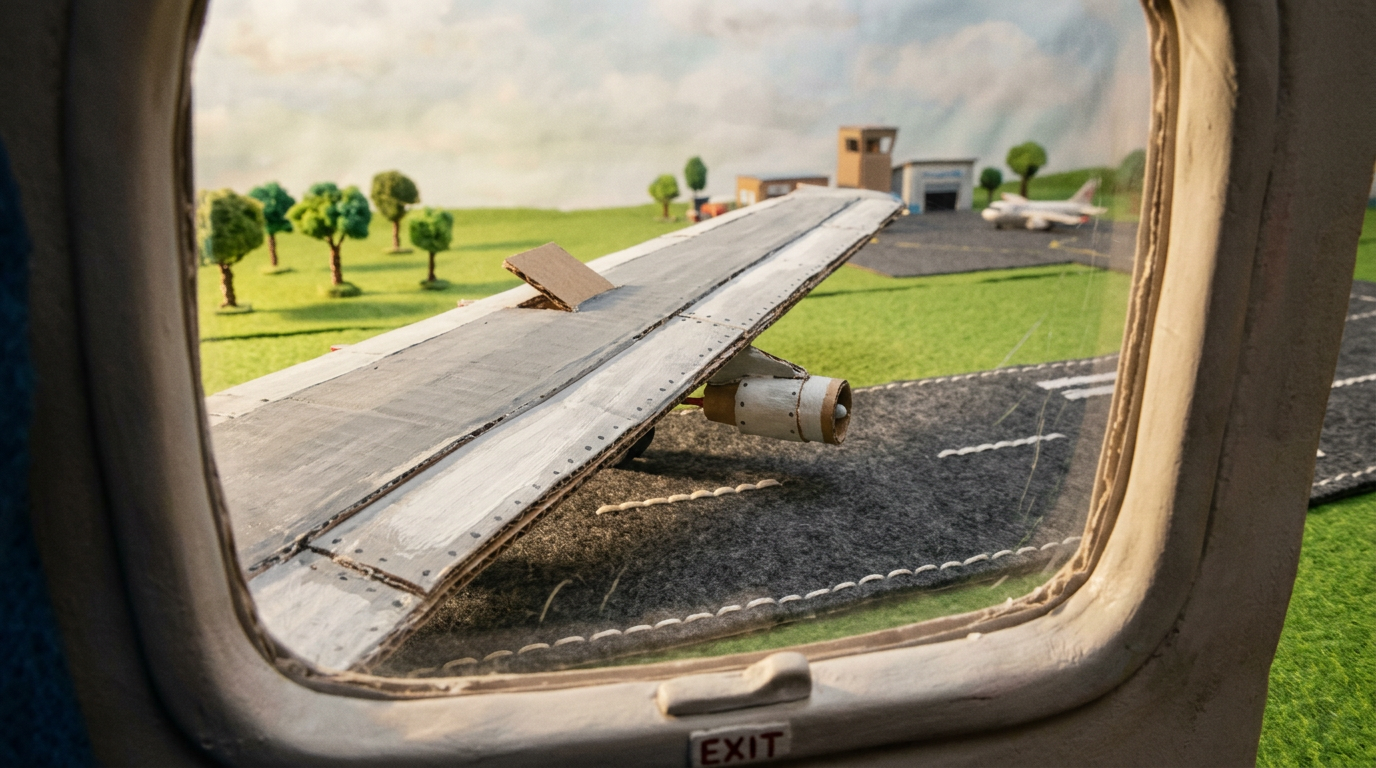
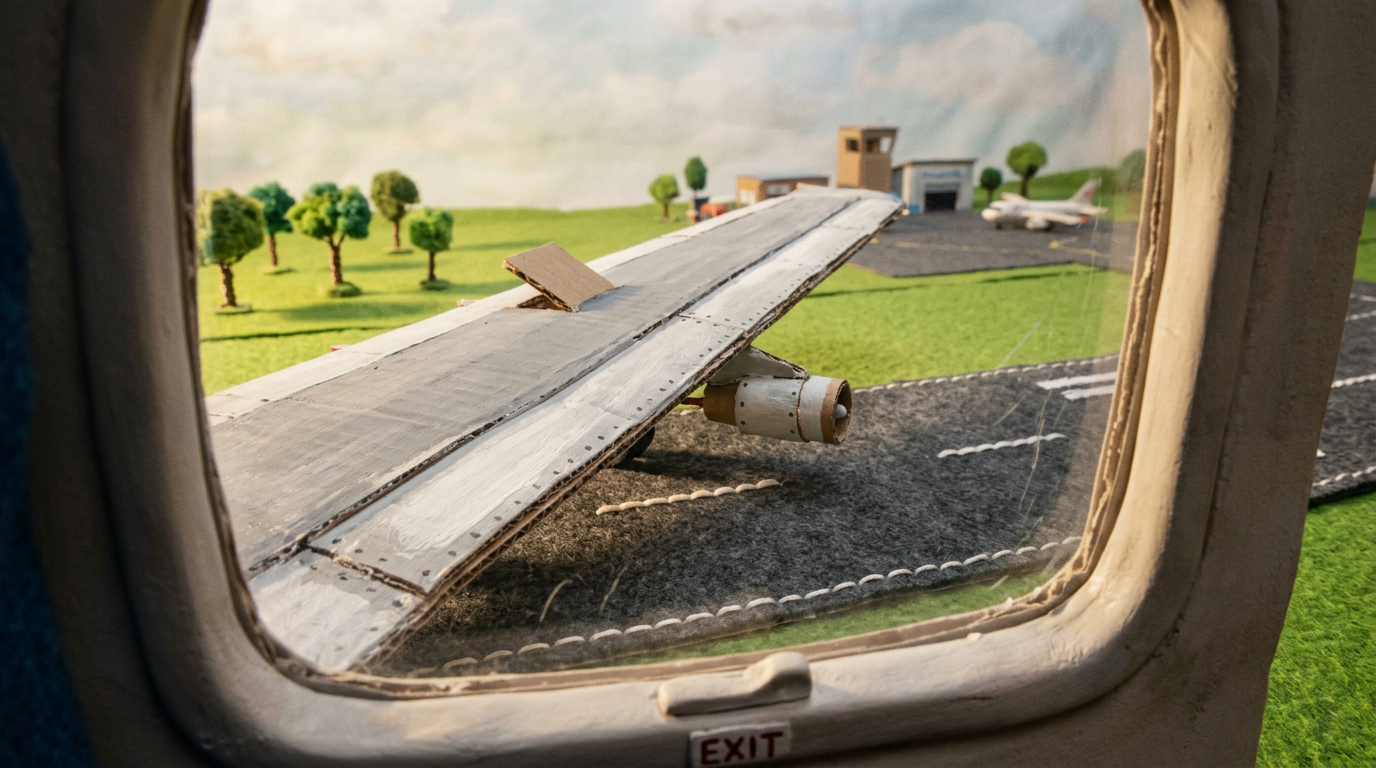
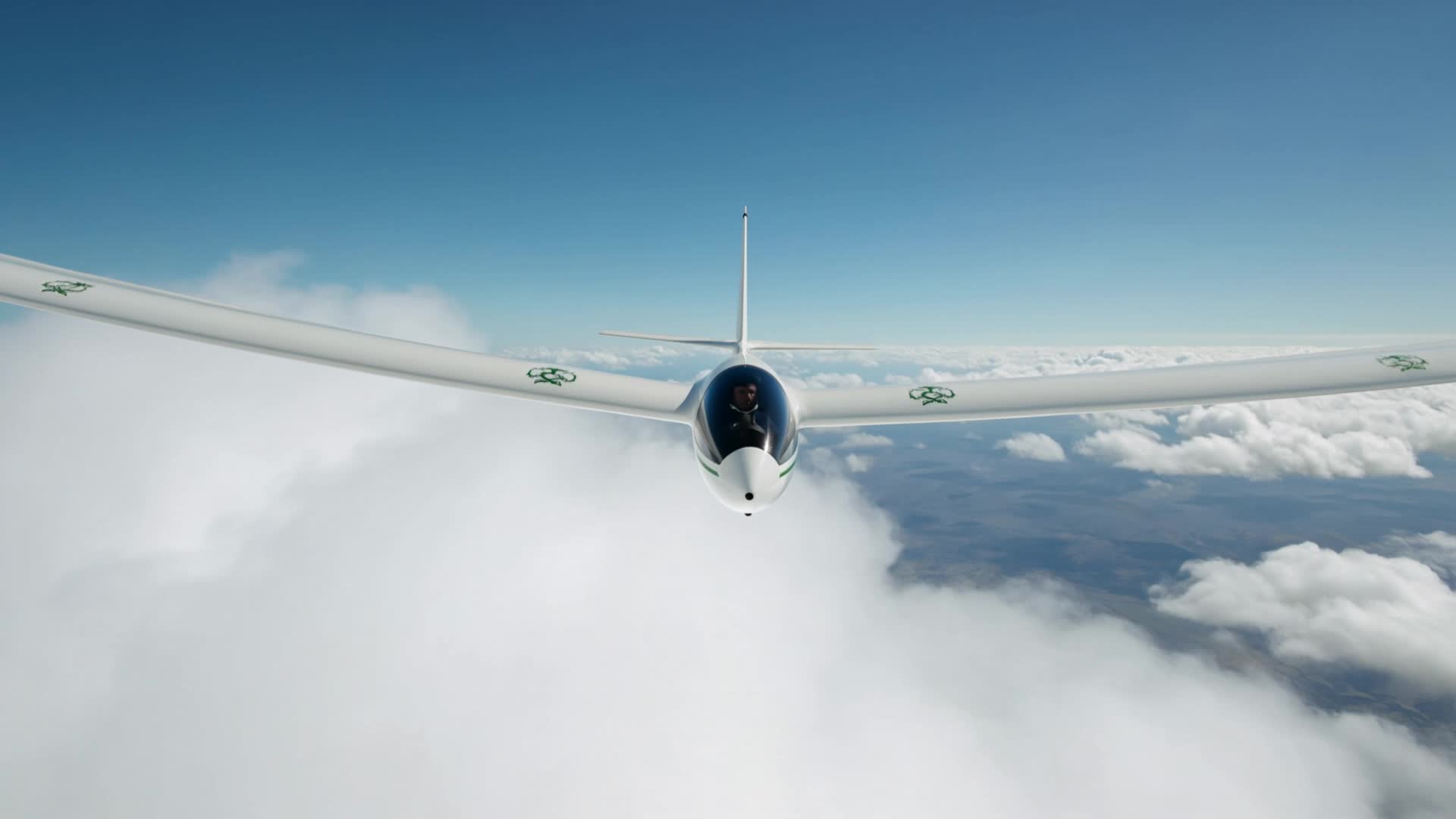
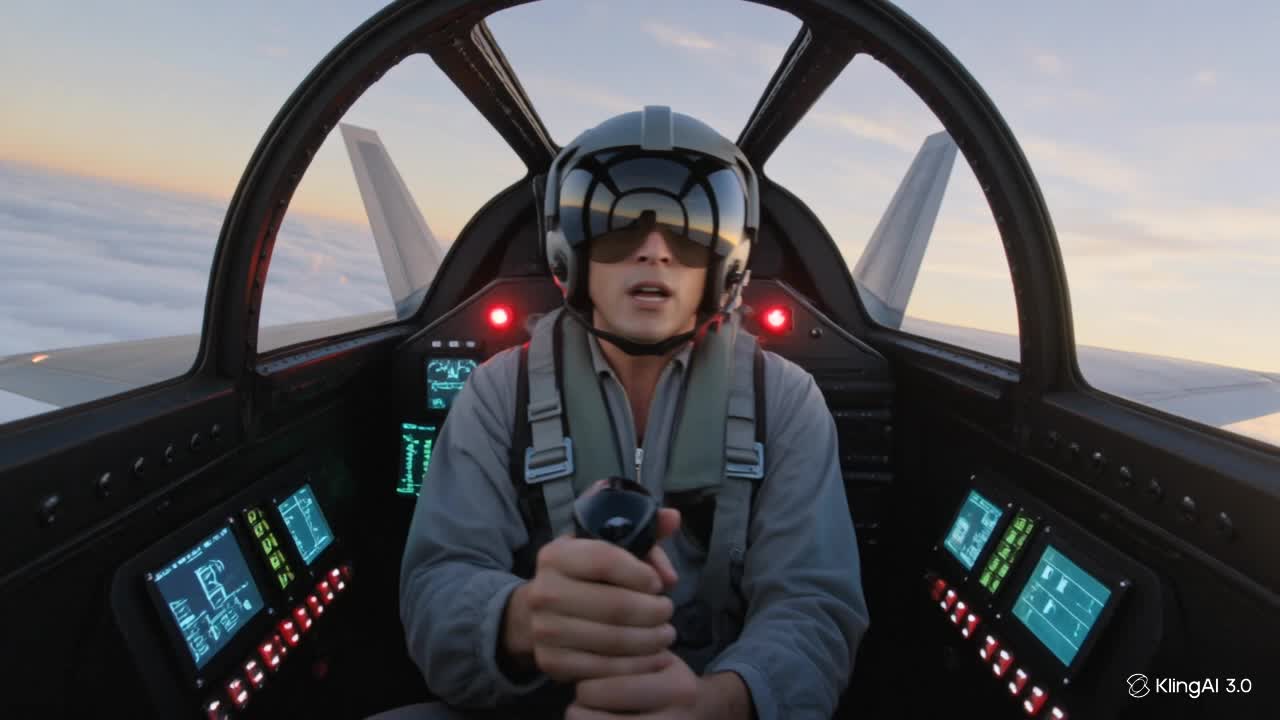
Airplane Desktop Wallpaper – AI-Generated Ideas

Get inspired by AI-generated airplane wallpapers. Quickly find and customize stunning designs for your desktop.

Airplane Desktop Wallpaper – AI-Generated Ideas

Recommended

Desktop Oled wallpaper - airplane desktop wallpaper AI video
00:10
vaDUEQlW avatar
vaDUEQlW
Airplane - airplane desktop wallpaper AI video
00:03
GYTcOcMW avatar
GYTcOcMW
Kling AI work 310701529505781 - airplane desktop wallpaper AI image
Free wallpaper HD avatar
Free wallpaper HD
Kling AI work 314127075667433 - airplane desktop wallpaper AI image
Smita avatar
Smita
Kling AI work 314265054527114 - airplane desktop wallpaper AI video
Buyo avatar
Buyo
Kling AI work 314127093522403 - airplane desktop wallpaper AI image
Smita avatar
Smita
Live Wallpaper - airplane desktop wallpaper AI video
Louis avatar
Louis
Elite Creator
Kling AI work 317751759663305 - airplane desktop wallpaper AI video
aRhHyNGR avatar
aRhHyNGR
Airplane - airplane desktop wallpaper AI video
00:05
nkbPdwpy avatar
nkbPdwpy
Kling AI work 317581797663735 - airplane desktop wallpaper AI video
obVZVXqQ avatar
obVZVXqQ
Kling AI work 296461099617933 - airplane desktop wallpaper AI image
TurbM3L0s3/AlohaKaim avatar
TurbM3L0s3/AlohaKaim
Kling AI work 310335821661328 - airplane desktop wallpaper AI image
Dreaming avatar
Dreaming
Elite Creator
Airplane - airplane desktop wallpaper AI video
00:05
nkbPdwpy avatar
nkbPdwpy
Kling AI work 309155892611817 - airplane desktop wallpaper AI image
Dreaming avatar
Dreaming
Elite Creator
Kling AI work 307801120535948 - airplane desktop wallpaper AI video
MCBsGbvY avatar
MCBsGbvY
airplane - airplane desktop wallpaper AI video
00:06
pZFOSKfw avatar
pZFOSKfw
Airplane - airplane desktop wallpaper AI video
Sodacola avatar
Sodacola
Kling AI work 314127013508493 - airplane desktop wallpaper AI image
Smita avatar
Smita
Kling AI work 314630762523582 - airplane desktop wallpaper AI video
VrABFDLg avatar
VrABFDLg

How to Enhance Image Quality with Kling

Step 1: Upload Your Image

Step 1: Upload Your Image

Upload the image you want to improve to Kling 3.0 Omni. Start with a portrait, product photo, artwork, social visual, or any other existing image you want to recreate at a higher resolution.

Step 2: Generate Up to 4K

Step 2: Generate Up to 4K

Describe what you want to improve, such as facial details, textures, or other important parts of the image. Choose your preferred resolution, including 2K or 4K, then generate the enhanced result.

Step 3: Upscale Existing AI Images

Step 3: Upscale Existing AI Images

Already generated an image with Kling AI? Hover over the result and select Upscale to increase its resolution without uploading the image again. Choose the available output quality that fits your needs.

Why Kling Sets the Standard for Video Creation

Flawless Character Consistency for High-Quality Videos

Flawless Character Consistency for High-Quality Videos

Unlike standard tools that distort faces when moving, Kling Video 3.0 lets you strictly lock a character’s appearance. Upload a single photo, or use a short video/multiple angles as a reference to completely eliminate the “AI morphing” effect.

All-in-One Native Audio & Lip-Sync

All-in-One Native Audio & Lip-Sync

Your video isn’t just silent footage; it speaks. Generate perfectly matched voices and realistic lip movements in multiple languages or regional accents. Even in multi-character scenes, you can precisely assign who speaks—no third-party tools required.

Up to 15s Multi-Shot Cinematic Output

Up to 15s Multi-Shot Cinematic Output

Go beyond a basic 3-second clip. Kling 3.0 extends generation to 15 seconds of smooth, uninterrupted narrative. You can even use native storyboard controls to direct multi-shot sequences in a single click—outputting in crystal-clear 4K for professional use.

Apps

Image to Video
Image to Video

Image to Video

Text to Video
Text to Video

Text to Video

Omni
Omni

Omni

Digital Human
Digital Human

Digital Human

Restyle
Restyle

Restyle

Text to Image
Text to Image

Text to Image

60M+
60M+
Users
600M+
600M+
AI Videos Generated
4.7 ★
4.7 ★
App Store
Industry-Leading
Industry-Leading
Cinematic 4K

Reviews

Huang Lu (Elson)

Huang Lu (Elson)

★★★★★

I’ve been using Kling AI since its initial release, and it’s remained one of the leading AI media generators ever since. With Kling AI, I’ve created hundreds of videos, collectively amassing millions of views.

Maria Rubtsova

Maria Rubtsova

★★★★★

I’m Maria Rubtsova, an AIGC digital artist passionate about creating stunning visuals in the worlds of fashion, aesthetics, and fantasy. I use KlingAi to bring imagination to life through video. My work is all about exploring beauty, emotion, and the limitless possibilities of digital art.

PJ Ace

PJ Ace

★★★★★

Kling AI has made it easy for us to generate world class visuals for Fortune 500 companies, TV shows and music for big artists. We love the easy of use of the platform and the quality of the generations. My first time using Kling AI, I got 22 million views on just one video. It's that good.

FAQ

Q1Can an AI video upscaler unblur video?
Q2Can I upscale old, compressed, or AI-generated videos?
Q3How is AI video upscaling different from regular video resizing?

Start Creating AI Videos with Kling

Turn your image into a talking, high-quality video in seconds. No watermarks, no complicated setup.

Free tier available (Memberships are watermark-free) | 1080p export (Memberships unlock 4K) | Instant results