Creative Studio
API
Resources
Features
About Us
Download

Angel Try On – AI Image Inspirations

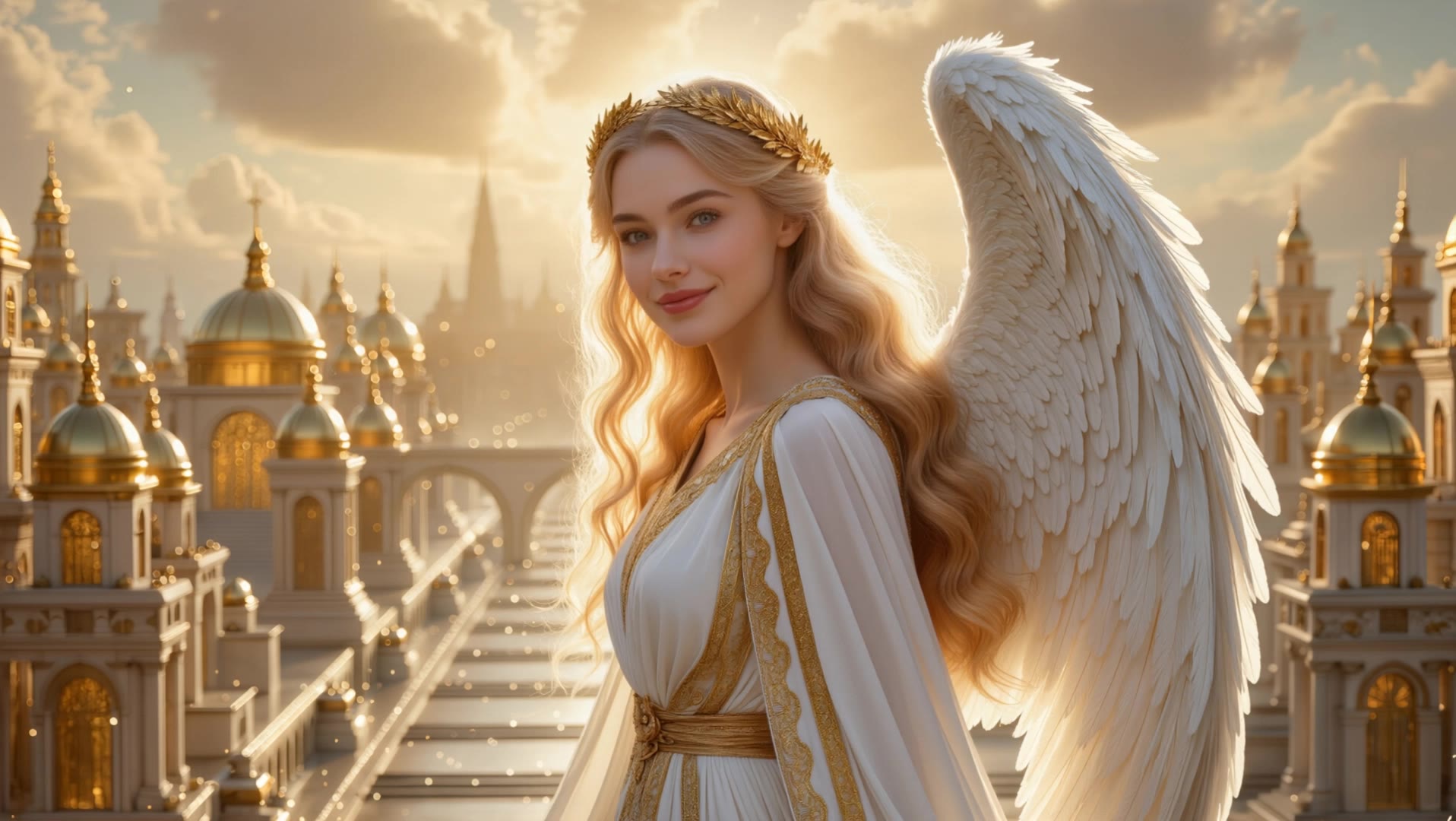
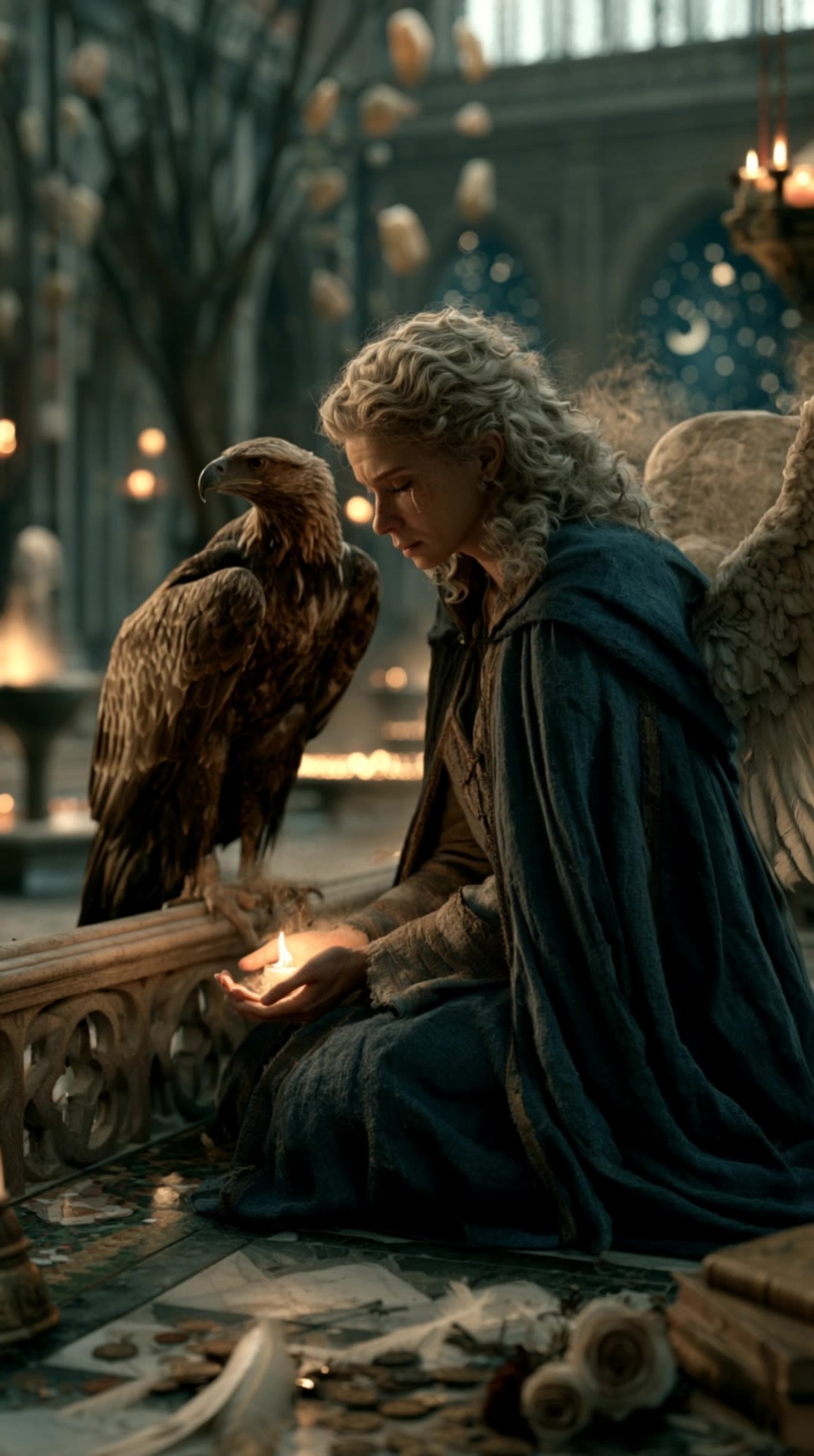
Find AI-generated angel try-on ideas. Quickly explore and customize these AI results to fit your style.


Angel Try On – AI Image Inspirations

Recommended

Kling AI work 311502595502604 - angel try on AI video
Olga avatar
Olga
Student → Angel Goddess ✨👼 - angel try on AI video
ZZBNxBTQ avatar
ZZBNxBTQ
Kling AI work 298822701616179 - angel try on AI video
Josh avatar
Josh
beautiful angel  - angel try on AI image
cloudstar avatar
cloudstar
Kling AI work 306129825612823 - angel try on AI video
QbpbNWpW avatar
QbpbNWpW
Angel - angel try on AI video
AstralWeaver avatar
AstralWeaver
Heavenly Angel with Glowing - angel try on AI video
aGZuXWiy avatar
aGZuXWiy
angel fantasy - angel try on AI video
Maks_AI_Creator avatar
Maks_AI_Creator
Elite Creator
Angel_ - angel try on AI video
Christas_ai avatar
Christas_ai
Creative Partner
Guardian Angel - angel try on AI video
WingsofChrist avatar
WingsofChrist
Angel - angel try on AI video
Misty_Lakes avatar
Misty_Lakes
Golden Christmas Angel - angel try on AI video
KLING5921 avatar
KLING5921
Angel Message - angel try on AI video
M🪽 avatar
M🪽
Angel worrier - angel try on AI video
Turing2026 avatar
Turing2026
Angel Out - angel try on AI video
TUuHiddk avatar
TUuHiddk
Angel - angel try on AI video
Misty_Lakes avatar
Misty_Lakes
An angel keeping watch over your - angel try on AI video
ai.Mila.studio avatar
ai.Mila.studio
Elite Creator

How to Use Kling AI Face Swap

Step 1: Upload Your Target and References

Step 1: Upload Your Target and References

Add the photo or video you want to edit, then add the face reference you want Kling AI to follow. For video, you can also use multiple views or a character element when you need stronger identity consistency across different angles.

Step 2: Describe the Face Swap You Want

Step 2: Describe the Face Swap You Want

Tell Kling AI which face to replace and what reference to use. For example: "Replace the face in [Image 1] with the face from [Image 2] while keeping all other content unchanged."

Step 3: Generate Your Face Swap

Step 3: Generate Your Face Swap

Choose your preferred output settings, such as the generation mode and aspect ratio, then click Generate. Kling AI will apply your instructions and chosen settings to create your face-swapped image or video.

From Clean Cutouts to Completely New Backgrounds

Clean Cutouts, Ready to Use

Clean Cutouts, Ready to Use

Clear away a distracting background without tracing around the subject by hand. Create transparent product shots, portraits, logos, and graphics for listings, profile images, presentations, and design work. When you need a higher-resolution de-priming effect, IMAGE 3.0 Omni also supports 2K and 4K output.

Go Straight to the Background You Want

Go Straight to the Background You Want

Already know what belongs behind the subject? Skip the extra editing and go straight to the final look. Describe a new setting or add a reference image to guide it, whether you're refreshing a product shot, portrait, social graphic, or campaign visual.

Refresh Video Footage Without Reshooting

Refresh Video Footage Without Reshooting

Keep the clip you already have and change the setting around it. With VIDEO 3.0 Omni, use a prompt or reference image to update backgrounds for ads, product videos, presenter clips, and social content—without another shoot or a green screen.

Apps

Image to Video
Image to Video

Image to Video

Text to Video
Text to Video

Text to Video

Omni
Omni

Omni

Digital Human
Digital Human

Digital Human

Restyle
Restyle

Restyle

Text to Image
Text to Image

Text to Image

60M+
60M+
Users
600M+
600M+
AI Videos Generated
4.7 ★
4.7 ★
App Store
Industry-Leading
Industry-Leading
Cinematic 4K

Reviews

Ozan Sihay

Ozan Sihay

★★★★★

Kling AI allows me to rapidly prototype ideas, refine storytelling elements, and produce visually compelling content efficiently. It has not only accelerated my creative processes, but also deepened my understanding of how AI can enrich visual storytelling.

PJ Ace

PJ Ace

★★★★★

Kling AI has made it easy for us to generate world class visuals for Fortune 500 companies, TV shows and music for big artists. We love the easy of use of the platform and the quality of the generations. My first time using Kling AI, I got 22 million views on just one video. It's that good.

Jyo John Mulloor

Jyo John Mulloor

★★★★★

Kling AI has been instrumental in transforming my creative workflow, unlocking new dimensions of artistic expression that were once unimaginable. I use Kling AI extensively to develop high-concept visuals, animate surreal dreamscapes, and create AI-assisted films that blur the line between reality and fantasy. Kling AI’s deep learning capabilities have not only enhanced my creative efficiency but also inspired me to explore storytelling in ways I never thought possible.

FAQ

Q1Can I use images generated with Kling AI commercially?
Q2What is image to image AI?
Q3Is Kling AI’s image to image AI free to try?

Put Your Character in Front of the Screen

Start with an image, add the voice, and shape the performance. Kling AI Avatar brings the pieces together for your next campaign, lesson, social post, or story.

Custom AI avatars | Voice or text input | Lip sync | Expression and gesture control