Creative Studio
API
Resources
Features
About Us
Download

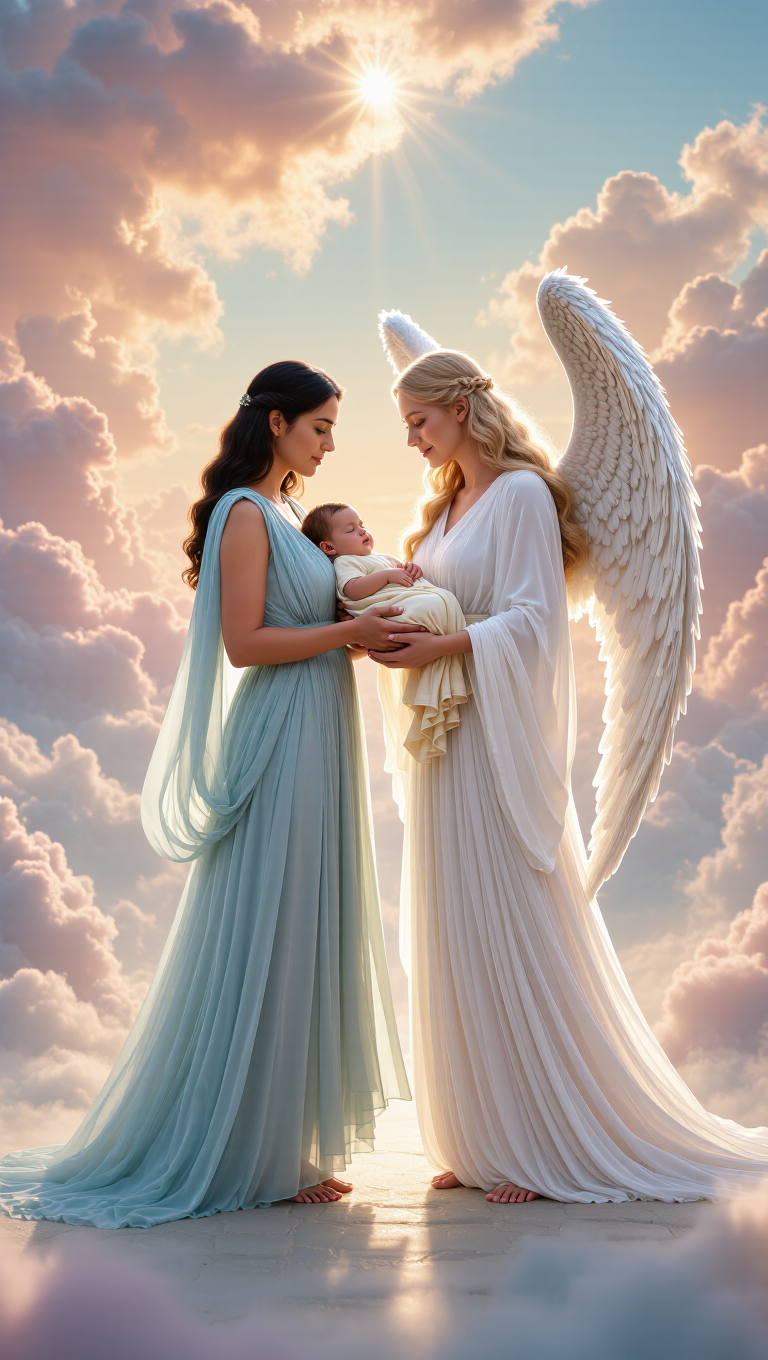
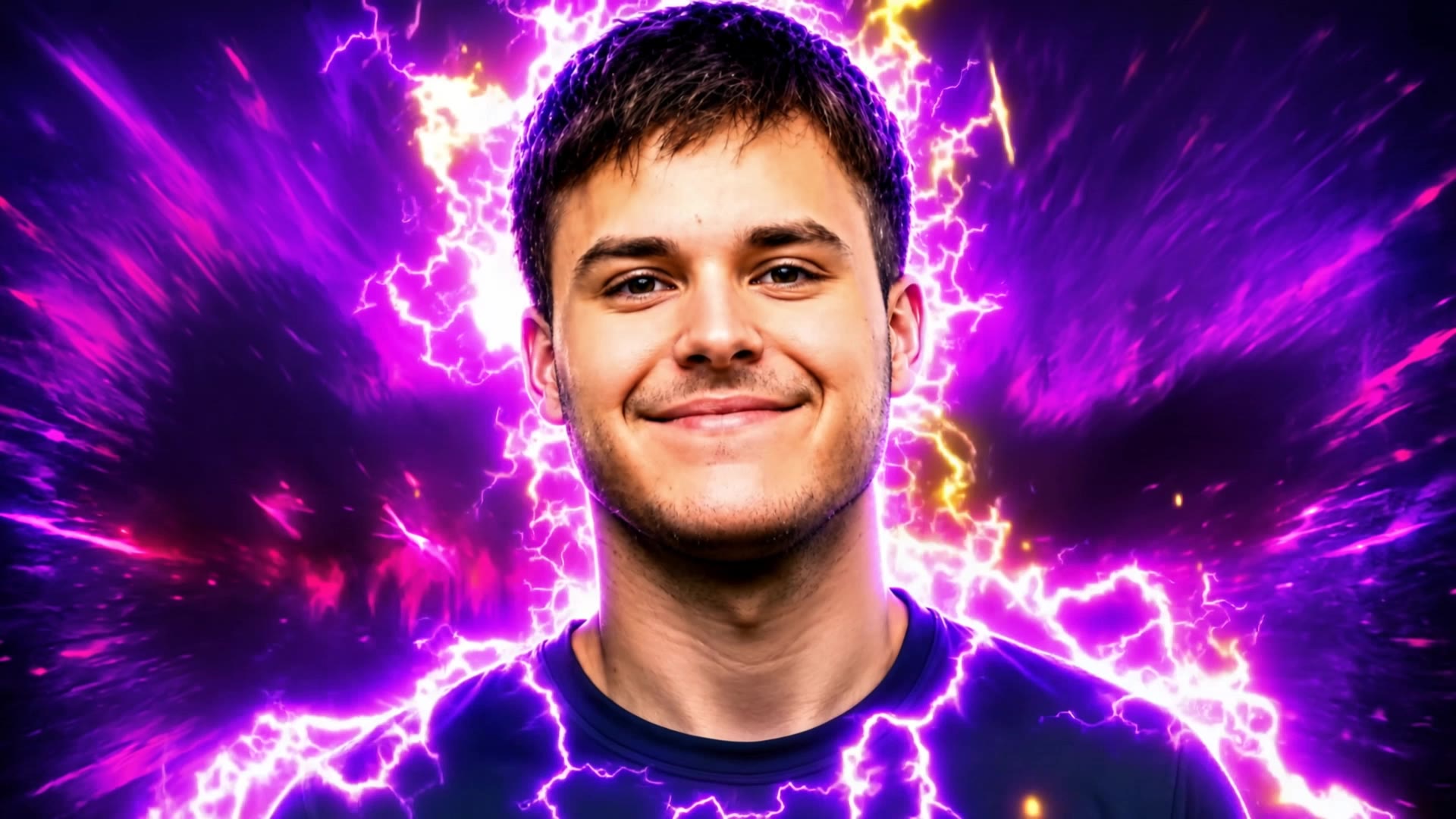
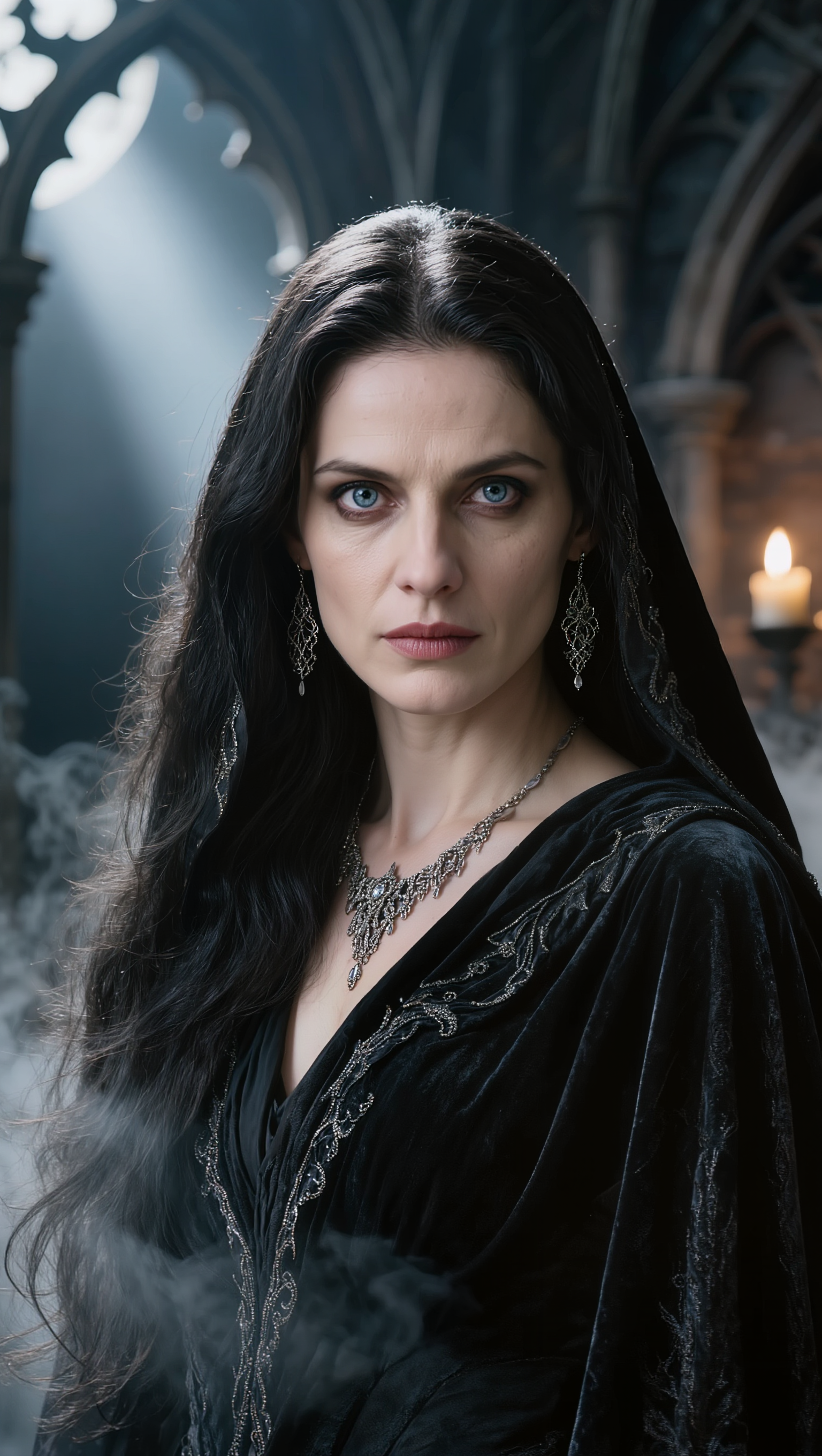
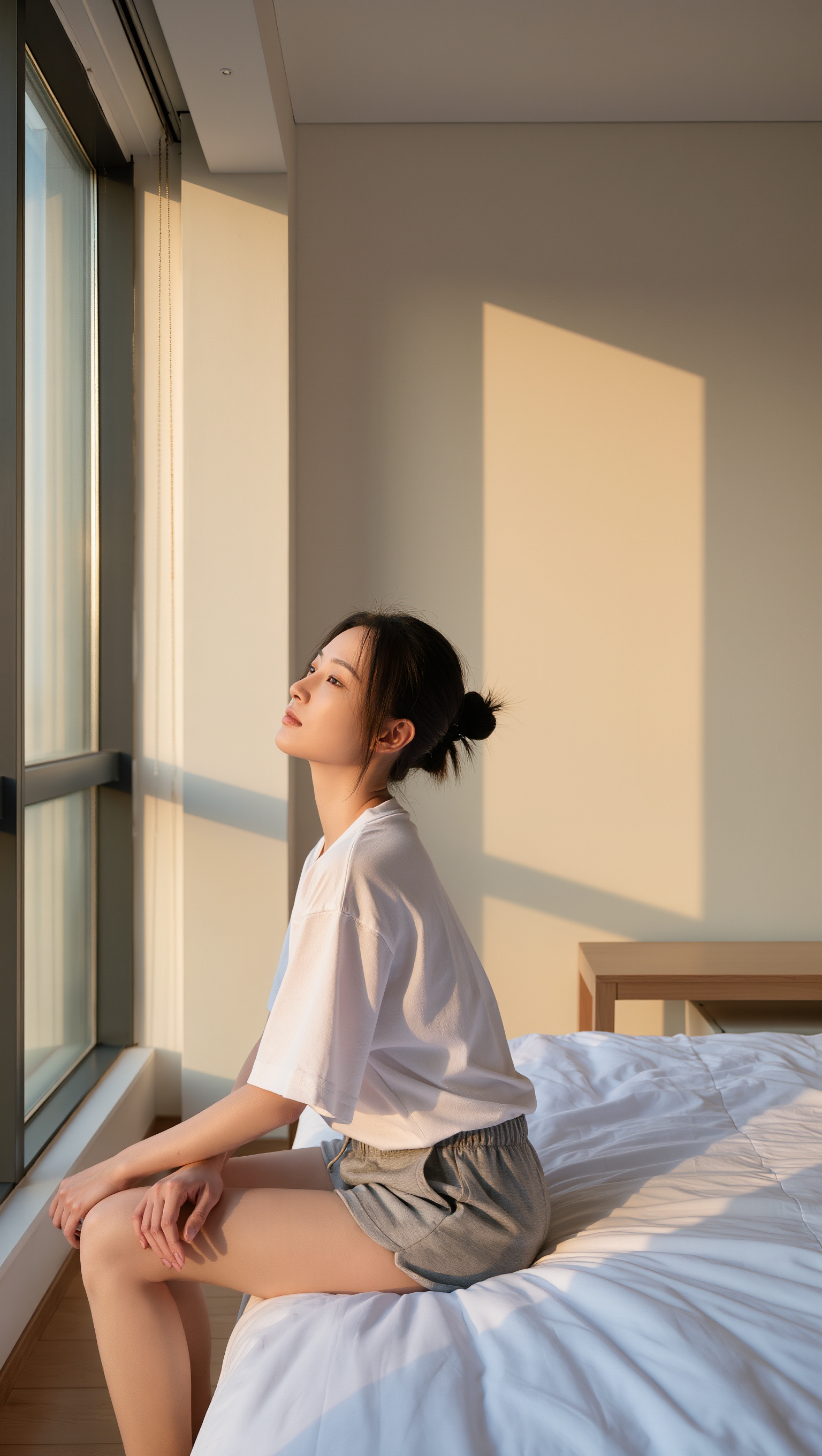
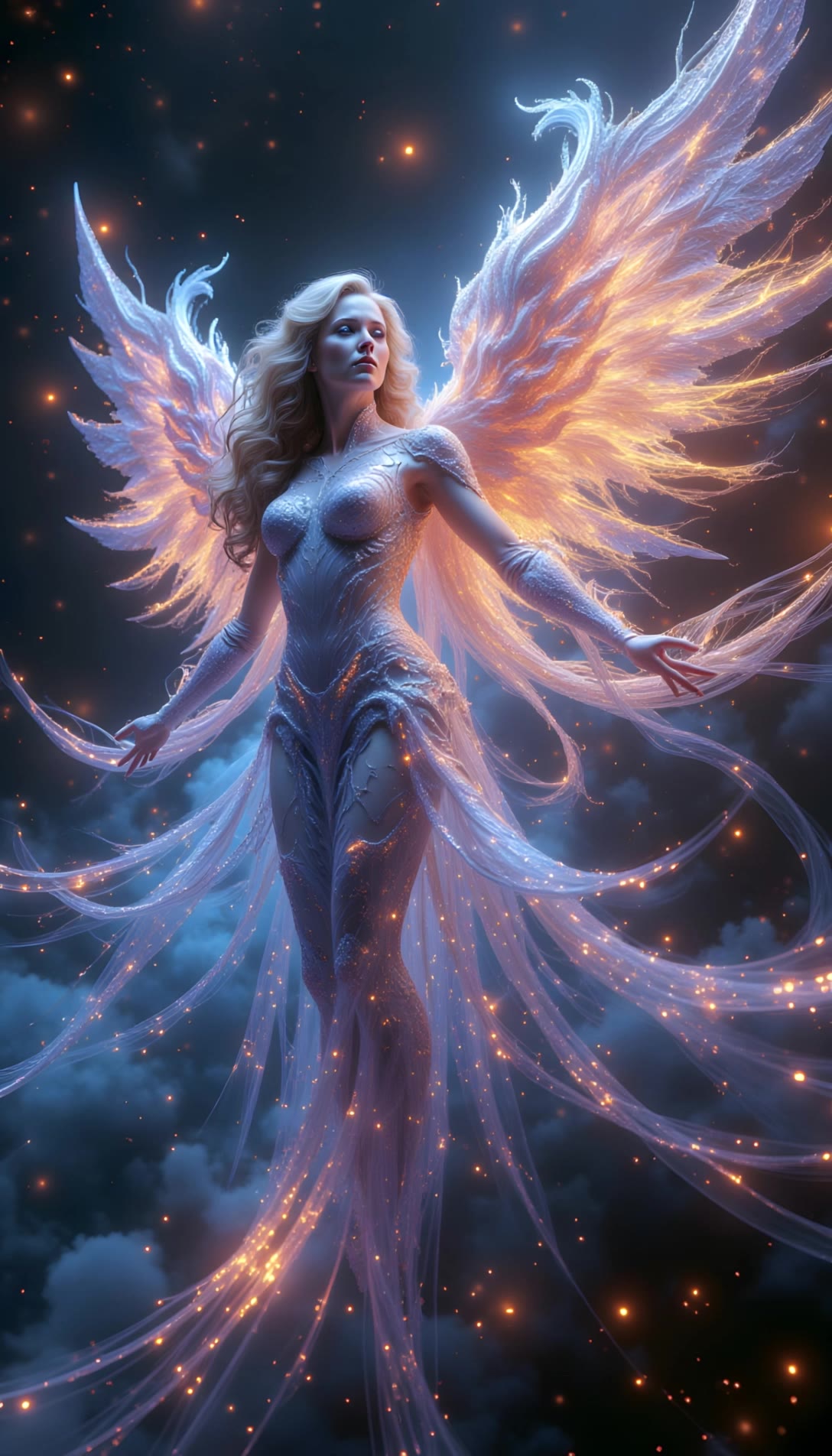
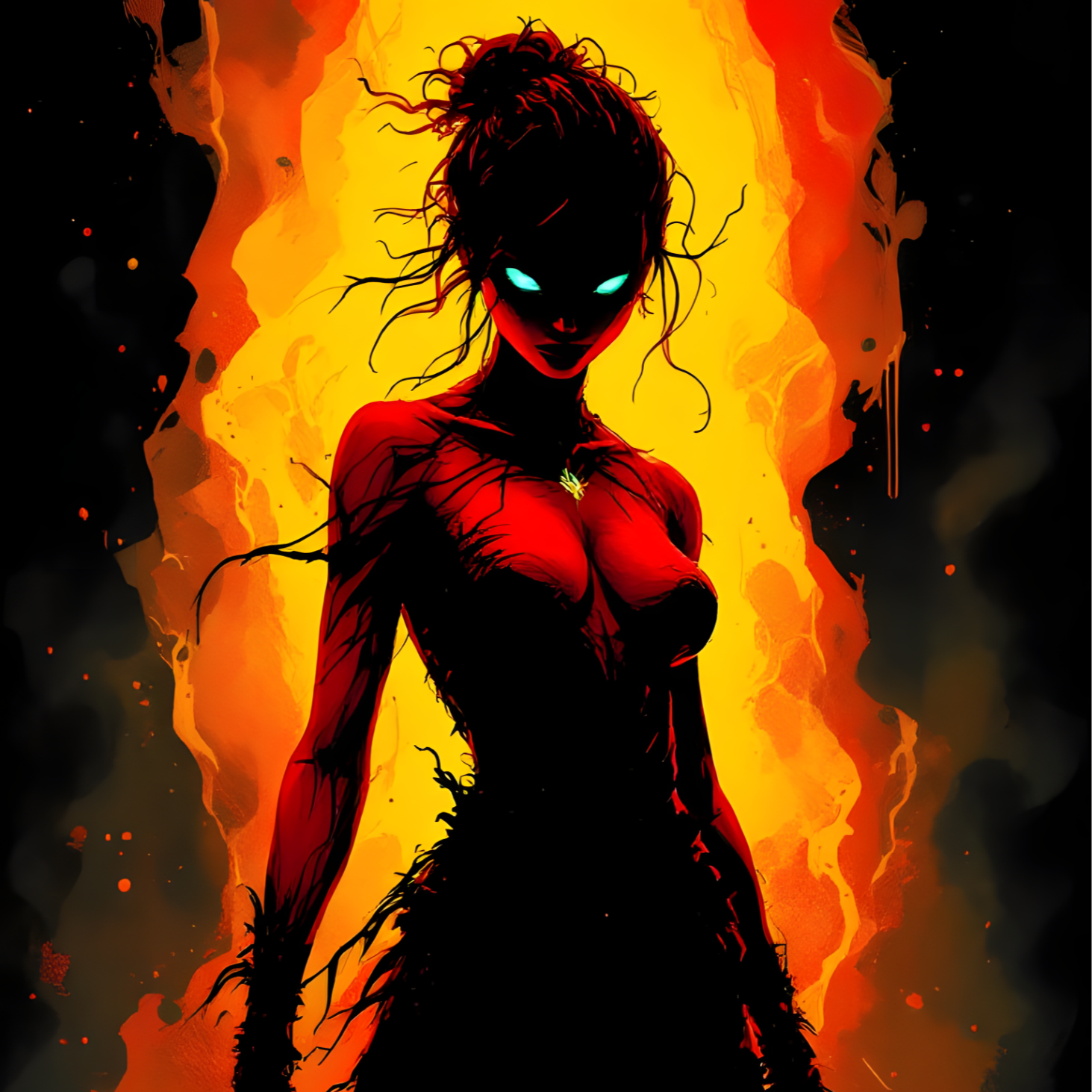
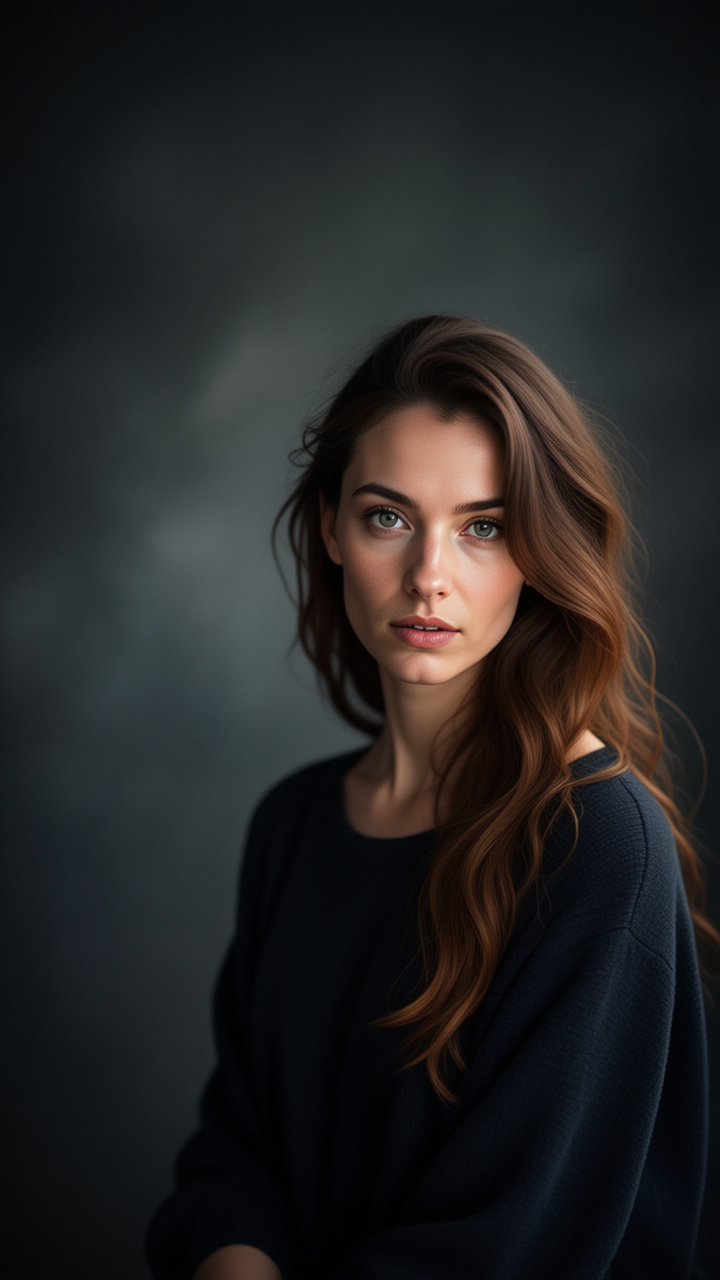
Angel YouTube Thumbnail Ideas – AI-Generated Concepts

Get inspired by AI-generated angel YouTube thumbnail ideas. Easily explore and adapt these concepts to enhance your channel’s visual appeal.

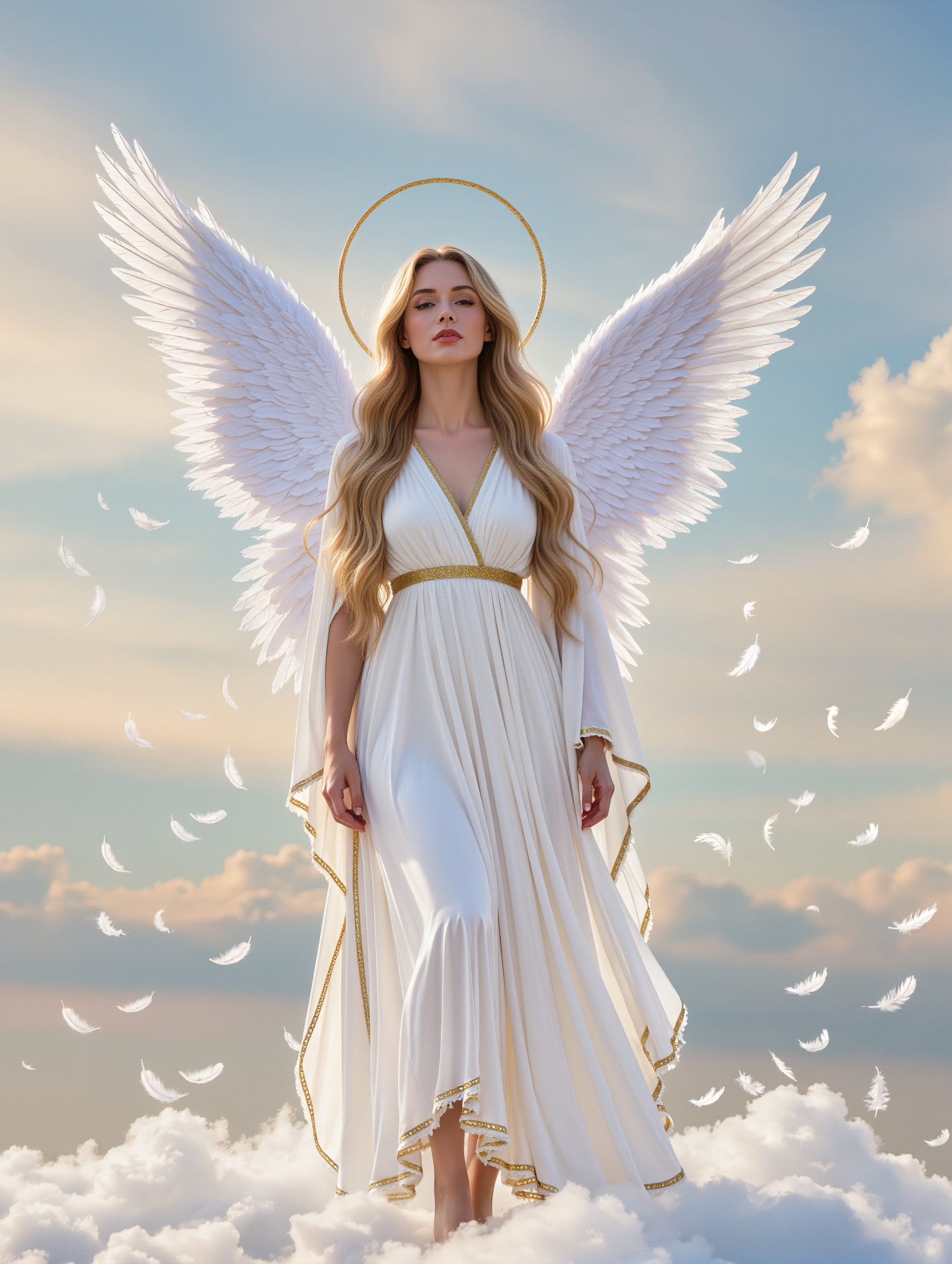
Angel YouTube Thumbnail Ideas – AI-Generated Concepts

Recommended

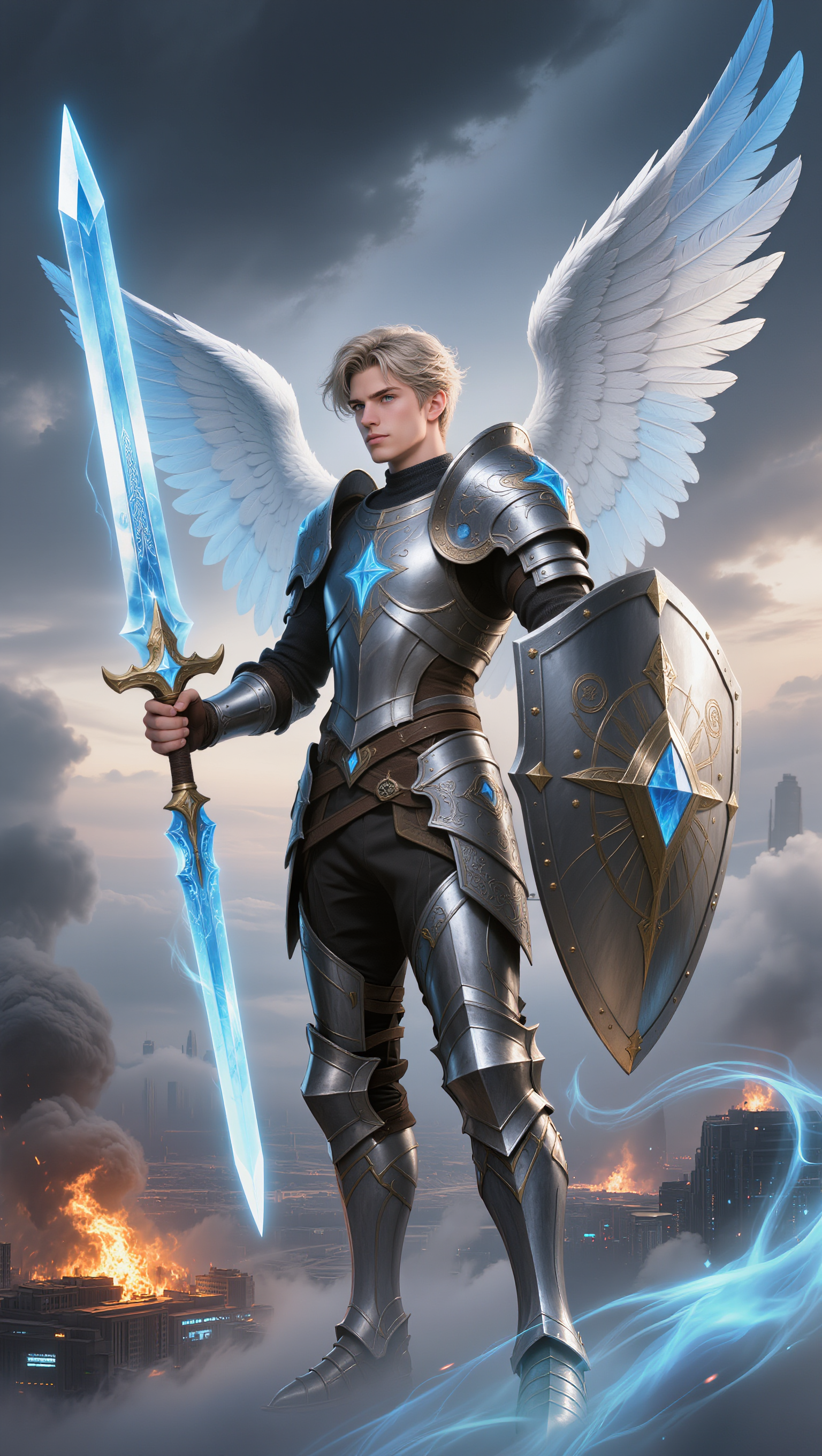
Kling AI work 310582173662861 - angel youtube thumbnail AI image
Inggit avatar
Inggit
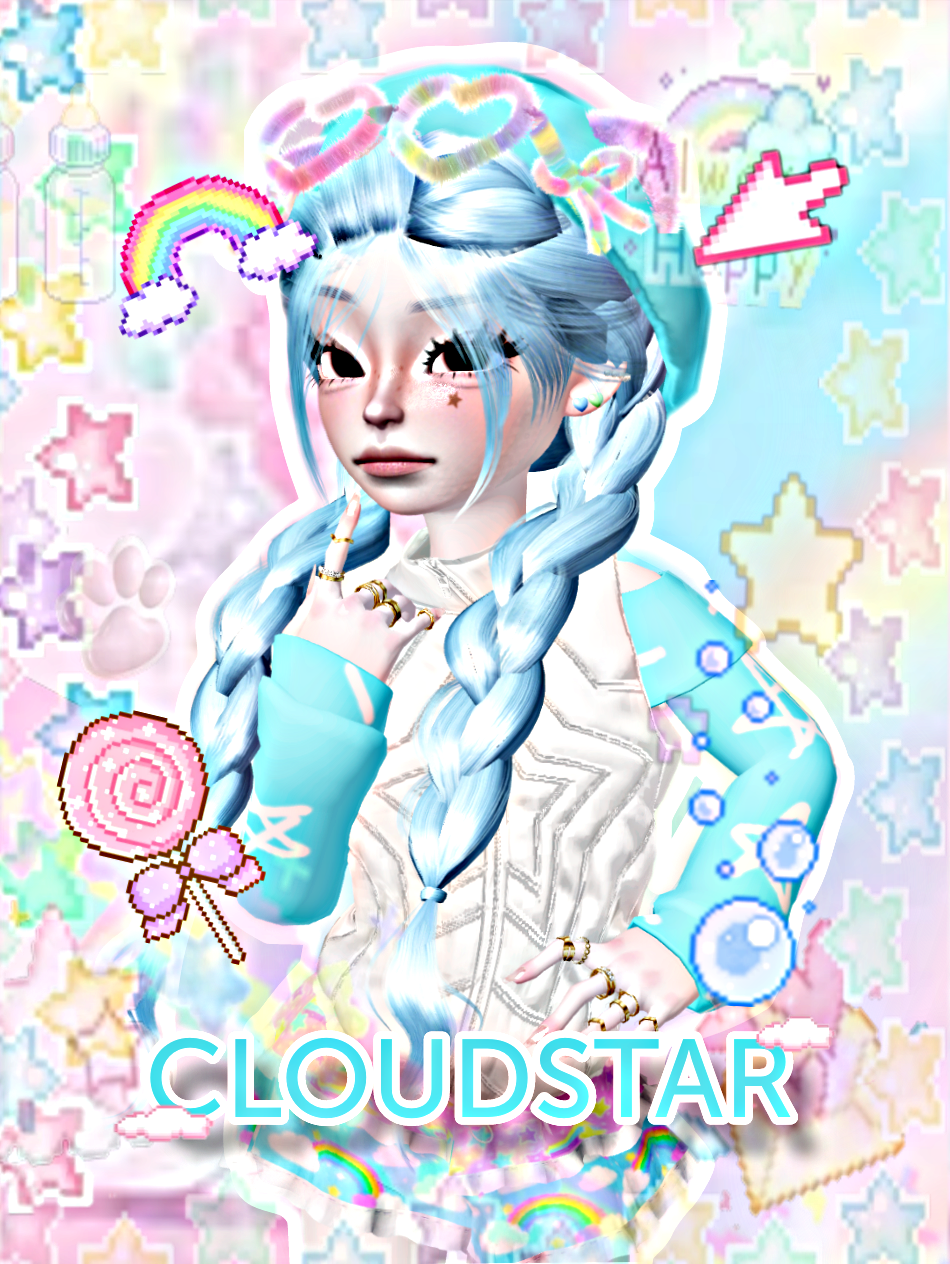
beautiful angel  - angel youtube thumbnail AI image
cloudstar avatar
cloudstar
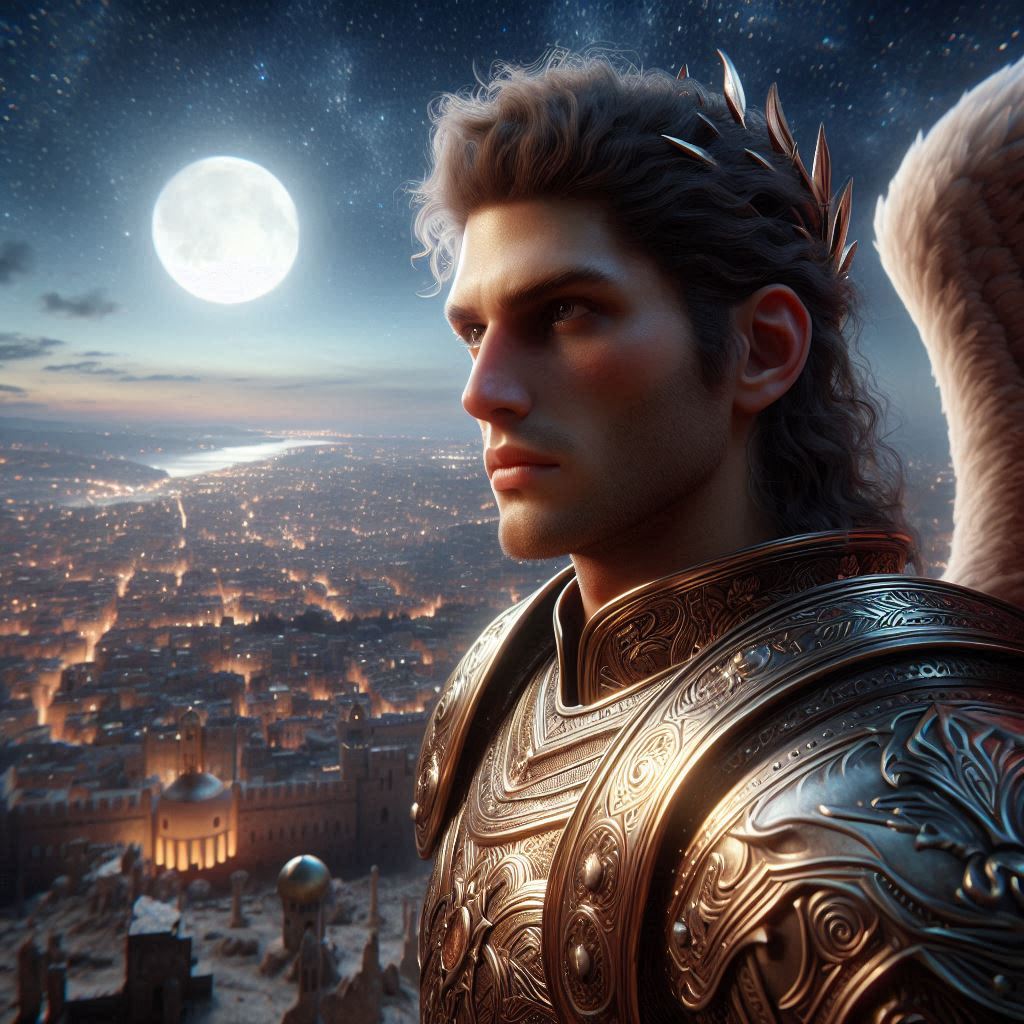
Kling AI work 315532622508979 - angel youtube thumbnail AI image
keezounlocked avatar
keezounlocked
Kling AI work 300234879527644 - angel youtube thumbnail AI image
KtTKpVDy avatar
KtTKpVDy
Kling AI work 310485552611878 - angel youtube thumbnail AI image
Archa_Anon1mous avatar
Archa_Anon1mous
Kling AI work 306865912531225 - angel youtube thumbnail AI image
cKDkkpLa avatar
cKDkkpLa
Gaming Intro @Ian77 - angel youtube thumbnail AI video
RunbJbBG avatar
RunbJbBG
Kling AI work 319486460503660 - angel youtube thumbnail AI image
oGKeudRN avatar
oGKeudRN
Kling AI work 310541571612841 - angel youtube thumbnail AI image
Inggit avatar
Inggit
Kling AI work 299787239613018 - angel youtube thumbnail AI image
jUEfOhTq avatar
jUEfOhTq
Angel - angel youtube thumbnail AI video
Misty_Lakes avatar
Misty_Lakes
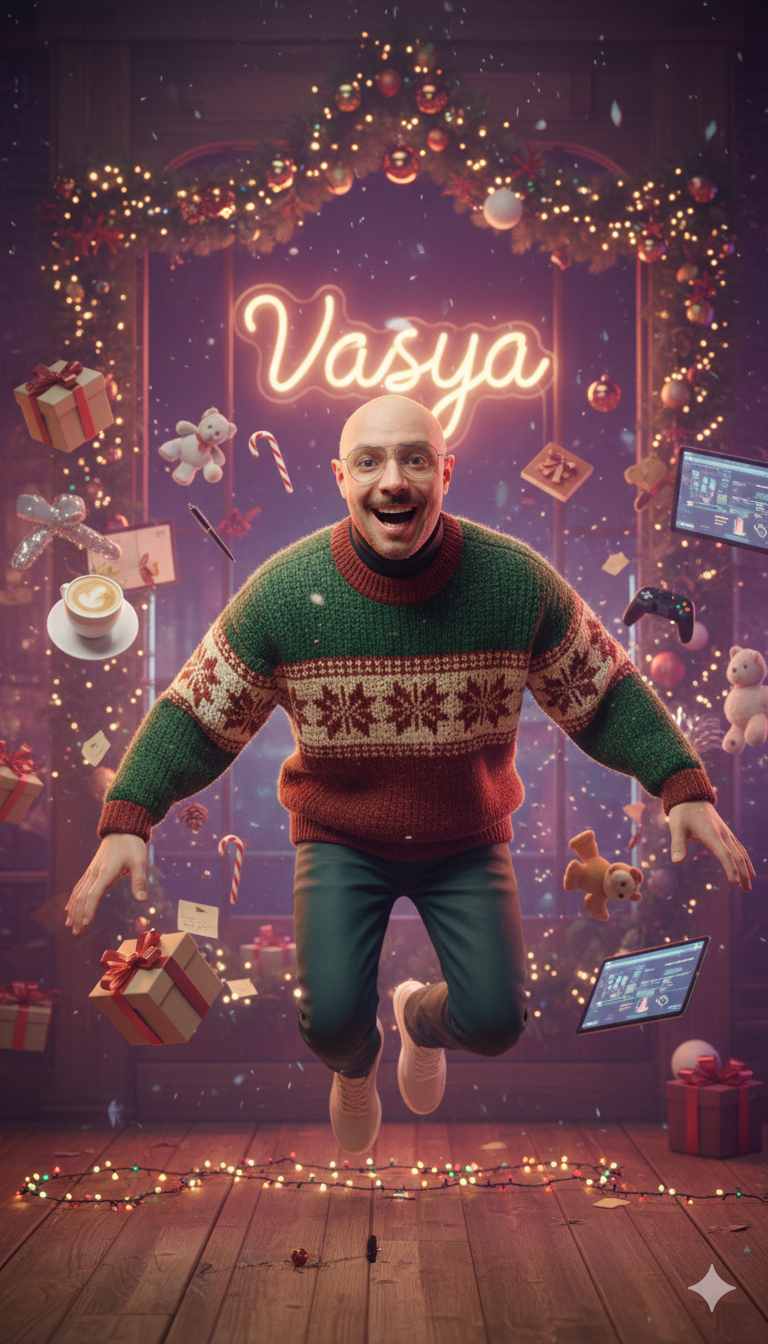
Kling AI work 298492465527985 - angel youtube thumbnail AI image
VASYA avatar
VASYA
angel Say - angel youtube thumbnail AI video
RamZ avatar
RamZ
Elite Creator
Golden Christmas Angel - angel youtube thumbnail AI video
KLING5921 avatar
KLING5921
Kling AI work 315998204661333 - angel youtube thumbnail AI image
TQRZDaRX avatar
TQRZDaRX
Kling AI work 298632886527731 - angel youtube thumbnail AI image
VASYA avatar
VASYA
Kling AI work 298451220310471 - angel youtube thumbnail AI image
VASYA avatar
VASYA
Kling AI work 306904415530785 - angel youtube thumbnail AI image
cKDkkpLa avatar
cKDkkpLa
Kling AI work 315147294663697 - angel youtube thumbnail AI image
ALWLdGnx avatar
ALWLdGnx

How to Extend an Image with AI

Step 1: Upload and Describe

Step 1: Upload and Describe

Upload the image you want to expand, such as a portrait, product photo, landscape, or social media visual. Use a text prompt to specify which side to extend and what should appear in the new area, such as more sky, scenery, or background details, while keeping the main subject unchanged.

Step 2: Choose the Output Settings and Generate

Step 2: Choose the Output Settings and Generate

Choose the image ratio, number of outputs, and resolution, then generate your extended image. Creating multiple versions makes it easier to compare the results and choose your favorite.

Step 3: Expand Your Image with Image Expansion

Step 3: Expand Your Image with Image Expansion

Open the Image Expansion workflow when you want a dedicated way to extend an existing image. Upload your source image, describe what should appear beyond the original frame, choose from the available output settings, and generate the expanded result.

Choose the Right Voice Workflow

Add New Audio to an Existing Video

Add New Audio to an Existing Video

Use the dedicated Lip Sync tool when your character video is already created. Upload a voiceover or song, or generate speech from text, then match the new audio to the character’s mouth movements.

Generate Dialogue with the Scene

Generate Dialogue with the Scene

Starting from scratch? Kling VIDEO 3.0 and VIDEO 3.0 Omni create dialogue, lip movement, visuals, sound effects, and ambience together. Native Audio supports Chinese, English, Japanese, Korean, and Spanish.

Keep Character and Voice Consistent

Keep Character and Voice Consistent

Create a reusable Character Element from images or a video, bind a voice tone, and carry the same appearance and voice into new scenes with VIDEO 3.0 Omni.

Apps

Image to Video
Image to Video

Image to Video

Text to Video
Text to Video

Text to Video

Omni
Omni

Omni

Digital Human
Digital Human

Digital Human

Restyle
Restyle

Restyle

Text to Image
Text to Image

Text to Image

60M+
60M+
Users
600M+
600M+
AI Videos Generated
4.7 ★
4.7 ★
App Store
Industry-Leading
Industry-Leading
Cinematic 4K

Reviews

Huang Lu (Elson)

Huang Lu (Elson)

★★★★★

I’ve been using Kling AI since its initial release, and it’s remained one of the leading AI media generators ever since. With Kling AI, I’ve created hundreds of videos, collectively amassing millions of views.

James Phillips

James Phillips

★★★★★

Kling AI has transformed my workflow by collapsing timelines and democratizing production. It’s shifted my mindset from resource-dependent filmmaking to a boundless creative sandbox, where experimentation yields unexpected beauty.

Jyo John Mulloor

Jyo John Mulloor

★★★★★

Kling AI has been instrumental in transforming my creative workflow, unlocking new dimensions of artistic expression that were once unimaginable. I use Kling AI extensively to develop high-concept visuals, animate surreal dreamscapes, and create AI-assisted films that blur the line between reality and fantasy. Kling AI’s deep learning capabilities have not only enhanced my creative efficiency but also inspired me to explore storytelling in ways I never thought possible.

FAQ

Q1Can an AI video upscaler unblur video?
Q2Can I upscale old, compressed, or AI-generated videos?
Q3What is an AI video upscaler?

Start Creating AI Videos with Kling

Turn your image into a talking, high-quality video in seconds. No watermarks, no complicated setup.

Free tier available (Memberships are watermark-free) | 1080p export (Memberships unlock 4K) | Instant results