
Creative Studio
API
Resources
Features
About Us
Download

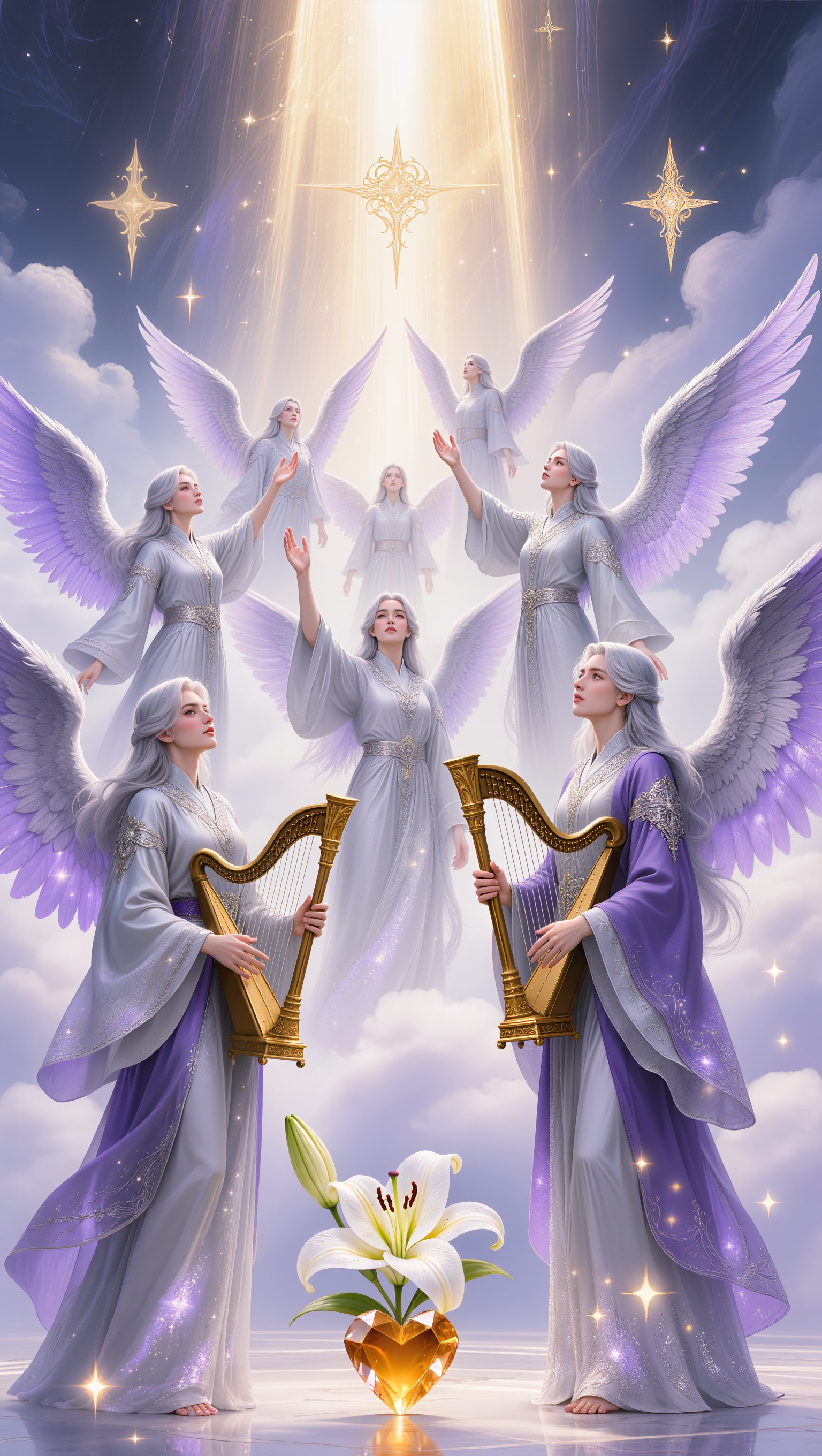
AI-generated angels lipsync ideas – Explore celestial concepts

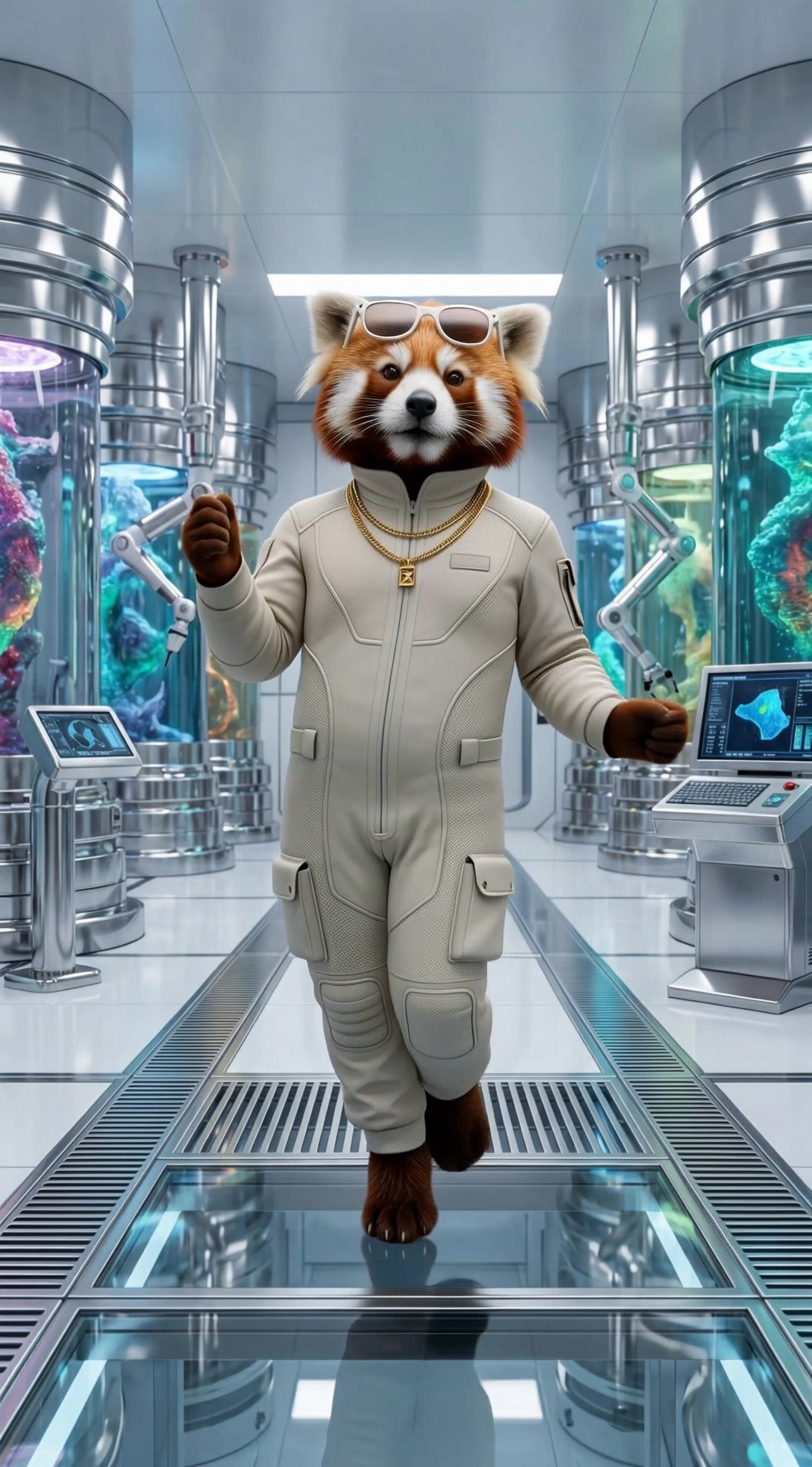
Angels lipsync ideas created with AI. Explore celestial and customizable concepts that can be adapted to your needs. AI helps you quickly explore different themes and styles.

AI-generated angels lipsync ideas – Explore celestial concepts

Recommended

Kling AI work 317593759617233 - angels lipsync AI video
BYgQvXsM avatar
BYgQvXsM
Angels and Earthquakes - angels lipsync AI video
05:21
KLING0990 avatar
KLING0990
Testing lipsync - angels lipsync AI video
IAPEP avatar
IAPEP
Maltese Angels - angels lipsync AI video
xSCaatYa avatar
xSCaatYa
Kling AI work 297065432618265 - angels lipsync AI video
dd_greem avatar
dd_greem
angels - angels lipsync AI video
UYYfZSCn avatar
UYYfZSCn
Dance video and lipsync - angels lipsync AI video
VJZxNcoa avatar
VJZxNcoa
Kling AI work 295923169502480 - angels lipsync AI video
Sam avatar
Sam
Angels for Peace - angels lipsync AI video
Proxy avatar
Proxy
Testing lipsync and camera mov. - angels lipsync AI video
IAPEP avatar
IAPEP
Testing movement with lipsync - angels lipsync AI video
IAPEP avatar
IAPEP
Kling AI work 313685834615892 - angels lipsync AI video
RedPandaVX avatar
RedPandaVX
Elite Creator
Testing lipsync - angels lipsync AI video
IAPEP avatar
IAPEP
Angels and Demons - angels lipsync AI video
SecondPlan avatar
SecondPlan
Elite Creator
Kling AI work 313685949662015 - angels lipsync AI video
RedPandaVX avatar
RedPandaVX
Elite Creator
Kling AI work 318027872503587 - angels lipsync AI video
Olga avatar
Olga
voice of angels - angels lipsync AI image
BunnyLOVE Studios avatar
BunnyLOVE Studios
Battle of angels - angels lipsync AI video
AzazelReborn avatar
AzazelReborn
Angel`s touch - angels lipsync AI video
bFXfSVRL avatar
bFXfSVRL

How to Use Kling AI Image to Image

Upload Your Images

Upload Your Images

Open Image Generation, select IMAGE 3.0 Omni, and upload the image you want to transform and add reference images to carry into the result.

Set the Creative Direction

Set the Creative Direction

You can combine elements from several references, change the style, adjust the camera angle, or enable Image Series mode to create multiple connected visuals in one generation.

Generate and Create More

Generate and Create More

Select the aspect ratio, number of images, and 2K or 4K resolution, then generate and review your results. Download or share the finished image, or use it for your new AI video.

Edit the Parts That Matter

Change Subjects, Backgrounds, and Style

Change Subjects, Backgrounds, and Style

Keep what works and change what does not. Replace a character or product, update an outfit, remove a distraction, or move the action into a different setting. You can also change the weather, lighting, time of day, or overall look. With Kling VIDEO 3.0 Omni, you can start with a prompt and add a reference image when a face, product, or branded detail needs a closer match.

Reframe the Shot

Reframe the Shot

Keep the original action, then change how the moment is framed. Move in for a close-up, open to a wider view, shift the angle, or rebalance the composition around the subject. The source footage keeps the motion and scene context in place while your prompt sets the new framing.

Extend the Video

Extend the Video

Continue a clip beyond its current ending without building the next scene from scratch. Kling carries the subject, motion, and setting into the new footage; add a prompt when you want to steer what happens next. Use Video Extension when a clip ends too soon, an action needs more time, or the next beat is still missing.

Apps

Image to Video
Image to Video

Image to Video

Text to Video
Text to Video

Text to Video

Omni
Omni

Omni

Digital Human
Digital Human

Digital Human

Restyle
Restyle

Restyle

Text to Image
Text to Image

Text to Image

60M+
60M+
Users
600M+
600M+
AI Videos Generated
4.7 ★
4.7 ★
App Store
Industry-Leading
Industry-Leading
Cinematic 4K

Reviews

KakuDrop

KakuDrop

★★★★★

I have successfully collaborated with world-renowned artists and well-known companies that are recognized globally

Maria Rubtsova

Maria Rubtsova

★★★★★

I’m Maria Rubtsova, an AIGC digital artist passionate about creating stunning visuals in the worlds of fashion, aesthetics, and fantasy. I use KlingAi to bring imagination to life through video. My work is all about exploring beauty, emotion, and the limitless possibilities of digital art.

Huang Lu (Elson)

Huang Lu (Elson)

★★★★★

I’ve been using Kling AI since its initial release, and it’s remained one of the leading AI media generators ever since. With Kling AI, I’ve created hundreds of videos, collectively amassing millions of views.

FAQ

Q1Can I edit only one part of an image?
Q2Can I combine multiple reference images?
Q3What is image to image AI?

Bring Your Character to Life

Add a voice or script to turn your character video into a polished lip-sync performance.

Voiceover | Text to Speech | Audio trimming | Realistic, 3D & 2D character