Creative Studio
API
Resources
Features
About Us
Download

anima characters - Star Wars & computer game

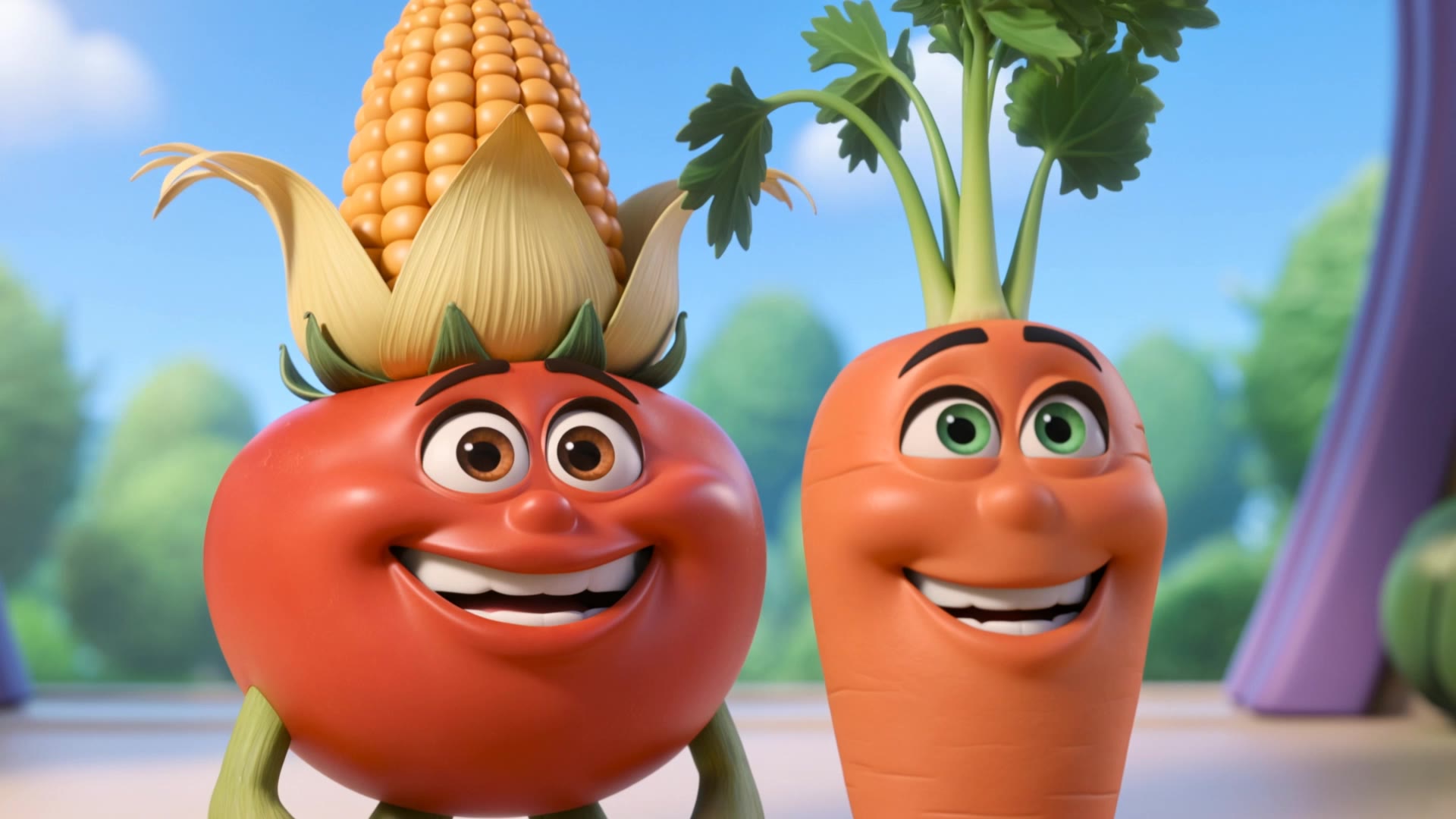
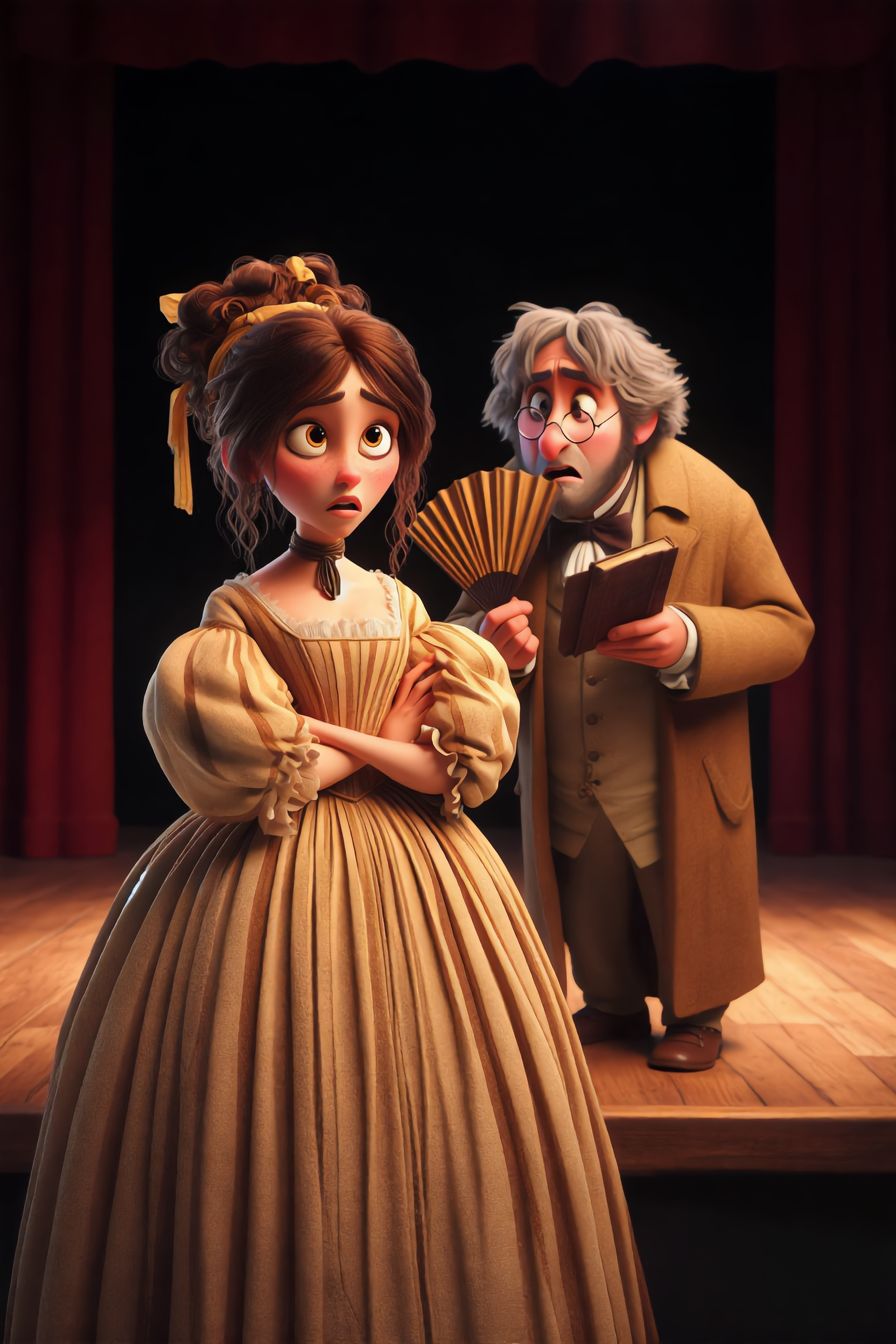
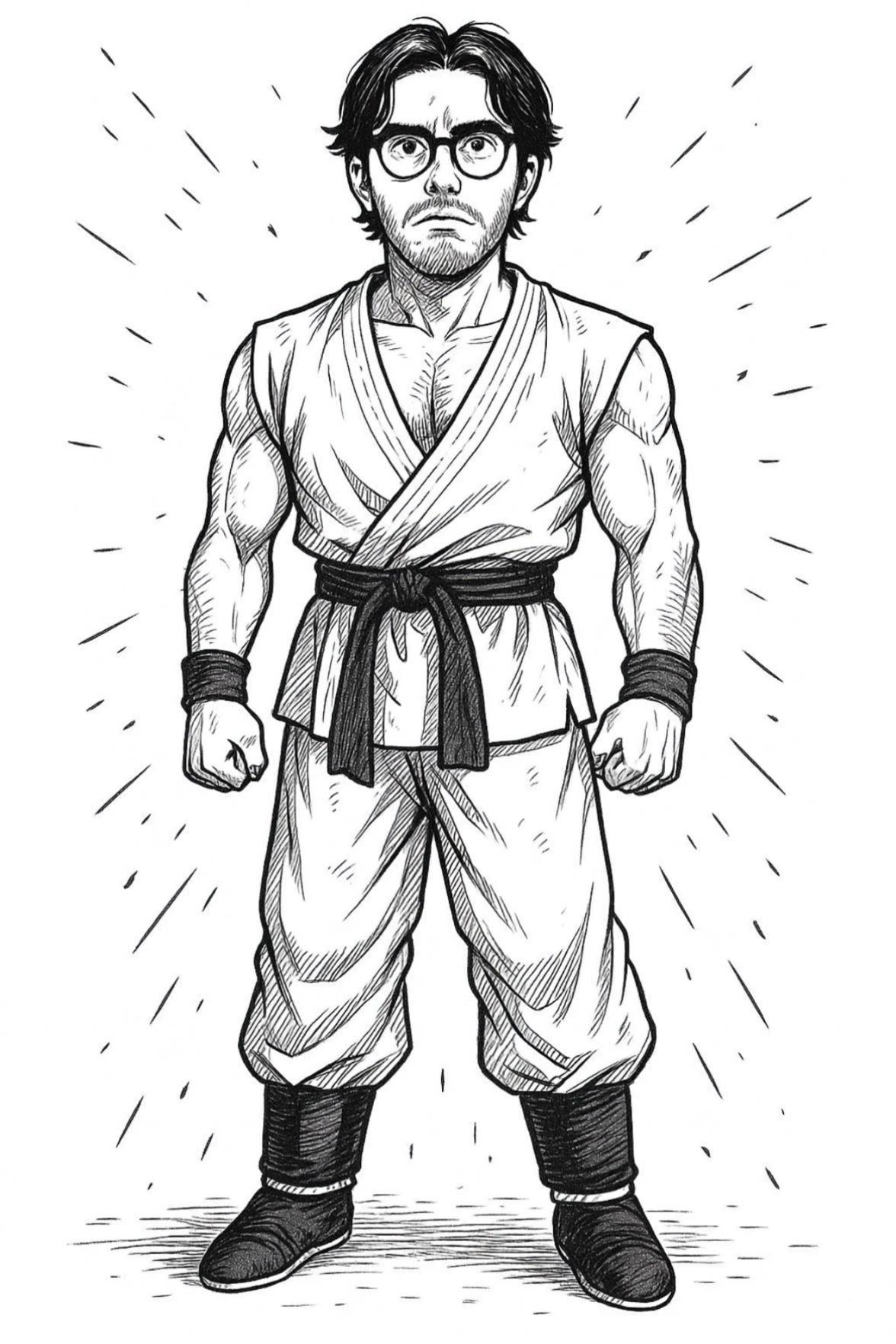
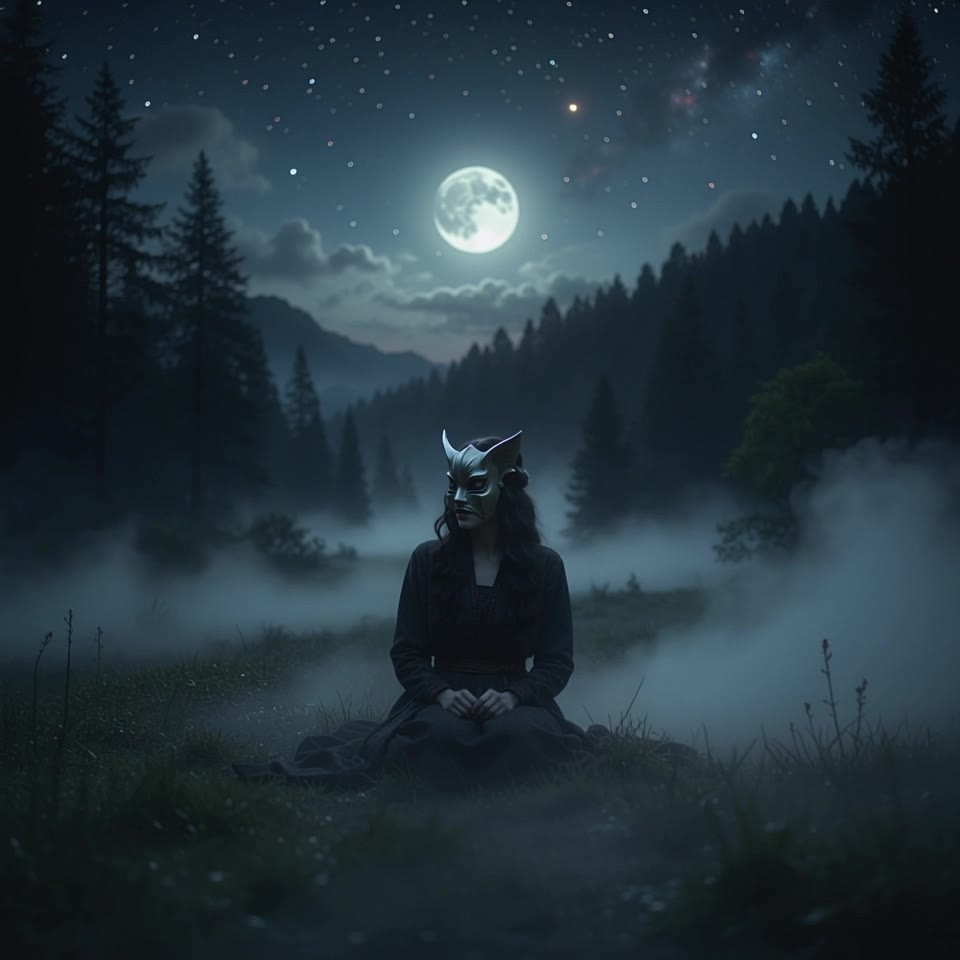
Dive into unique anima characters inspired by computer games and Star Wars, blending creativity with cinematic 3D glossiness. Start exploring anima characters ideas and generate your own content with AI.

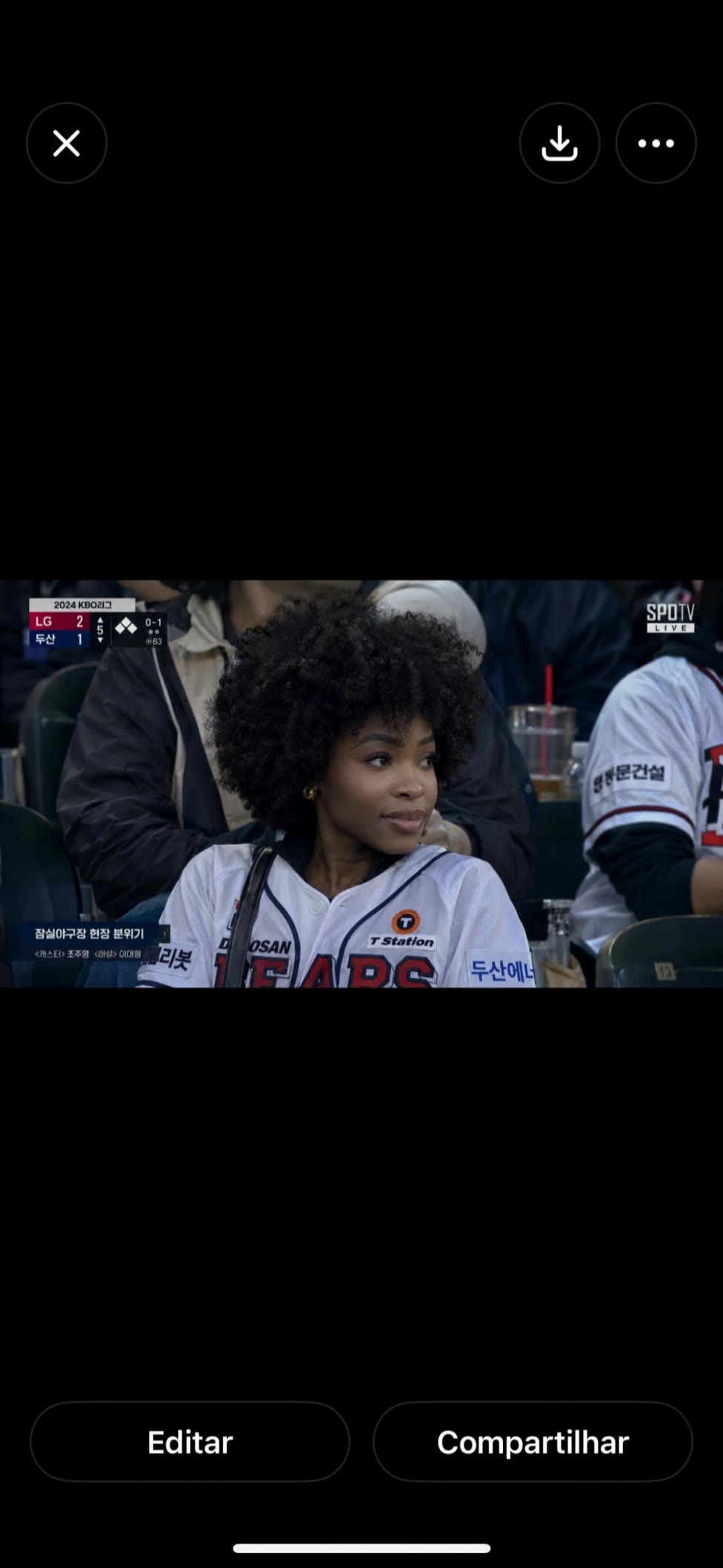
anima characters - Star Wars & computer game

Recommended

O1 Anime characters - anima characters AI video
00:43
Cinder-Micro DramaAI avatar
Cinder-Micro DramaAI
Elite Creator
Kling AI work 310504822612764 - anima characters AI video
qddnTIKY avatar
qddnTIKY
Kling AI work 316512682528096 - anima characters AI video
pWwuTsAp avatar
pWwuTsAp
Kling AI work 316676872327466 - anima characters AI video
fresamaniakas avatar
fresamaniakas
Kling AI work 298480883306595 - anima characters AI video
prCrSShT avatar
prCrSShT
Kling AI work 306507136664337 - anima characters AI image
QMBSJySF avatar
QMBSJySF
Kling AI work 316503748612383 - anima characters AI video
fresamaniakas avatar
fresamaniakas
Kling AI work 310674341523415 - anima characters AI video
FVGJPspa avatar
FVGJPspa
Kling AI work 310507549525122 - anima characters AI image
dwJFiYSA avatar
dwJFiYSA
Kling AI work 291830355610314 - anima characters AI image
jman 123 avatar
jman 123
Kling AI work 316820840525805 - anima characters AI video
GeoKPsHa avatar
GeoKPsHa
Kling AI work 315993354616304 - anima characters AI video
UYkRchFG avatar
UYkRchFG
Kling AI work 309528537665509 - anima characters AI video
jungianGirl avatar
jungianGirl
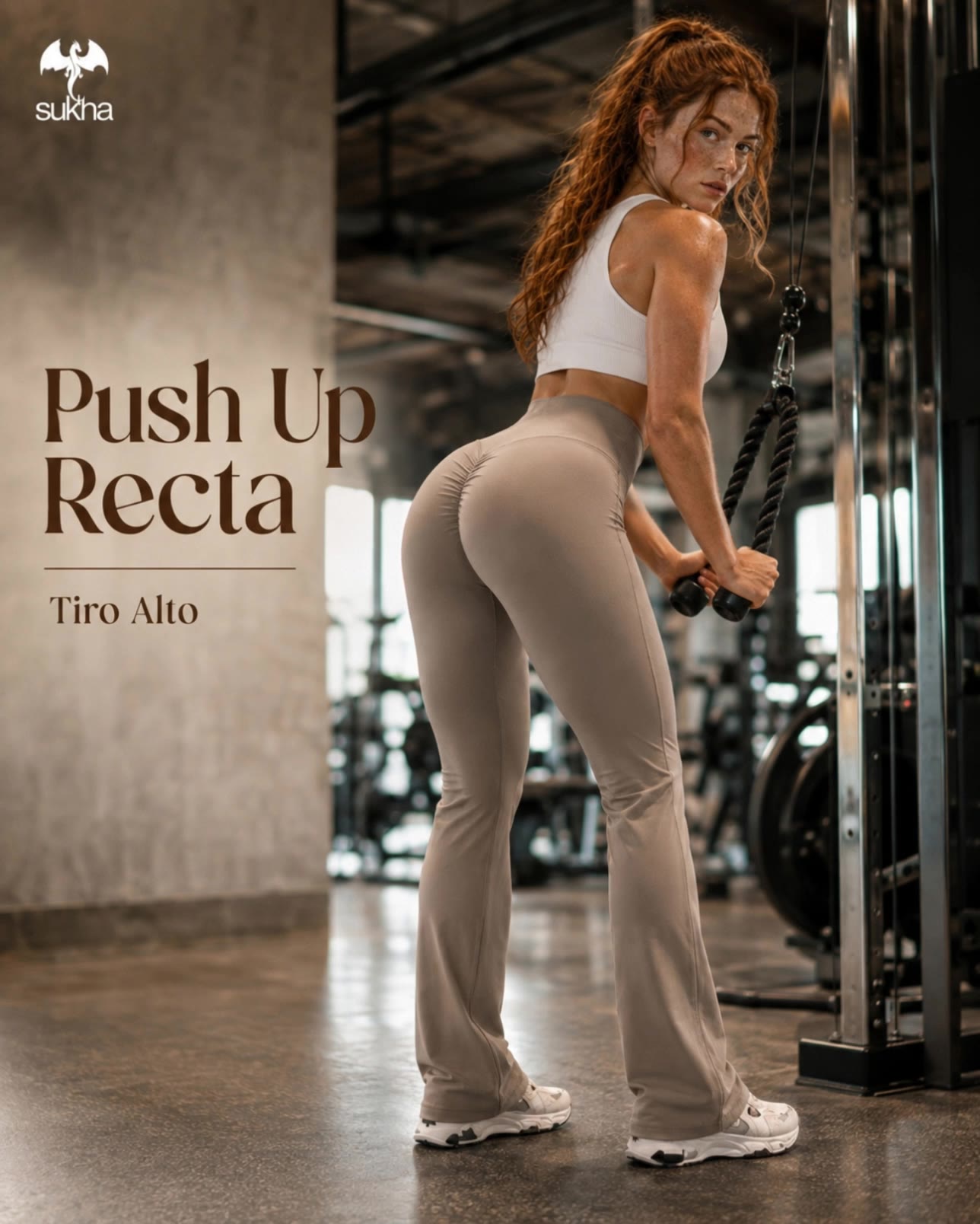
calza push up Sukha - anima characters AI video
BdDEGIDx avatar
BdDEGIDx
Kling AI work 316676738326147 - anima characters AI video
fresamaniakas avatar
fresamaniakas
Kling AI work 321159821665007 - anima characters AI image
orUxKxEP avatar
orUxKxEP
Kling AI work 310529840664856 - anima characters AI video
yRaQfsOm avatar
yRaQfsOm
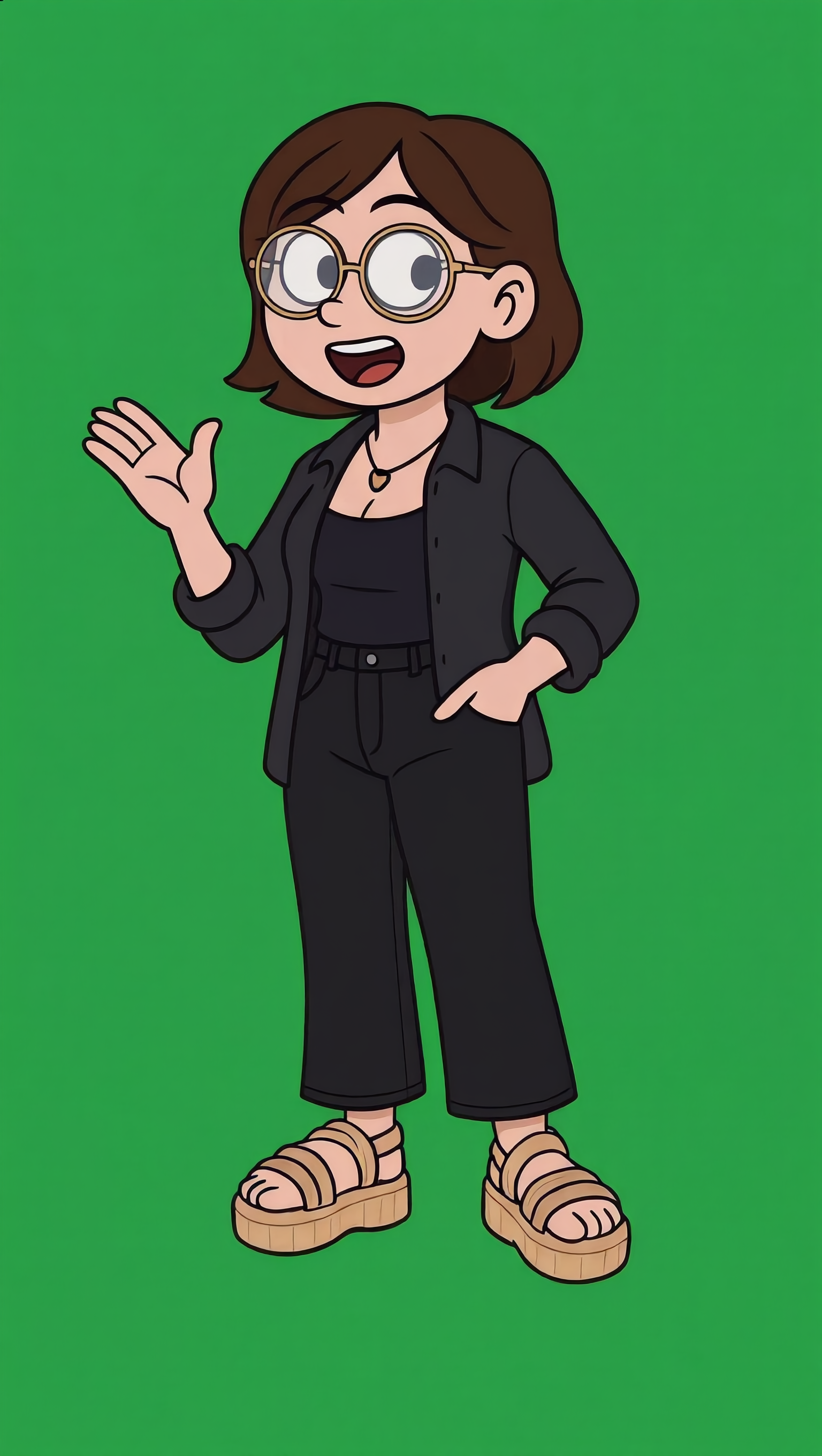
Cute characters - anima characters AI video
yjLcLieb avatar
yjLcLieb

How to Use Kling AI Art Generator

Start with a Prompt

Start with a Prompt

Open IMAGE 3.0 Omni. Write what you want to make, upload an existing image, or add references that show the character, object, composition, or style you want Kling to follow.

Set the Art Direction

Set the Art Direction

Add the details that matter to the piece: medium, palette, mood, lighting, framing, perspective, or another visual cue. When you use several references, tell Kling what each one contributes instead of leaving the relationship between them ambiguous.

Generate and Keep Working

Generate and Keep Working

Generate the artwork, review the result, and adjust the prompt or creative direction if needed. For connected images, continue the idea with Image Series.

Create Richer Text to Speech Experiences with Kling AI

Generate Video with Native Audio

Generate Video with Native Audio

Create the visuals, dialogue, and sound together, with the voice included from the start. Add your script or character lines to the prompt, and Kling VIDEO 3.0 Omni generates spoken dialogue as part of the same video. This brings AI text to speech directly into the video generation process for conversations, narrated scenes, character stories, and more.

Match Every Voice to the Right Character

Match Every Voice to the Right Character

Create conversations with several characters and keep each line connected to the intended speaker. Multi-Character Coreference helps Kling VIDEO 3.0 keep each line with the intended speaker, even when three or more characters appear in the same scene. Use it for interviews, group conversations, and story scenes where several characters need to speak.

Reach More Audiences in More Languages

Reach More Audiences in More Languages

Create dialogue in Chinese, English, Japanese, Korean, and Spanish with Multilingual Content Generation. Kling VIDEO 3.0 can switch between languages within the same video and supports a range of dialects and accents for more natural character speech. This makes it easier to adapt characters and dialogue for different regions and audiences.

Apps

Image to Video
Image to Video

Image to Video

Text to Video
Text to Video

Text to Video

Omni
Omni

Omni

Digital Human
Digital Human

Digital Human

Restyle
Restyle

Restyle

Text to Image
Text to Image

Text to Image

60M+
60M+
Users
600M+
600M+
AI Videos Generated
4.7 ★
4.7 ★
App Store
Industry-Leading
Industry-Leading
Cinematic 4K

Reviews

Halim Alrasihi

Halim Alrasihi

★★★★★

I use AI daily and Kling AI is a crucial part of my workflow, whether for client work or personal projects. What I love most about using Kling AI is that it provides all the tools I need in one place, from keyframes to character references, elements and special effects.

Vincent Smadja

Vincent Smadja

★★★★★

Kling AI seamlessly integrates into my creative workflow, playing a key role in transforming my images. After generating and upscaling an image, Kling becomes a crucial element, bringing my creations to life with movement and depth.

Samuele Poggi (@visualsk2)

Samuele Poggi (@visualsk2)

★★★★★

I use Kling AI daily to push the limits of AI filmmaking. It allows me to create highly cinematic content, blending AI and VFX to develop innovative projects. It has significantly impacted my creative process, enabling me to achieve complex animations that would otherwise require high production budgets.

FAQ

Q1Can Kling AI change a background without changing the person or product?
Q2How do I ask AI to change the background of a photo?
Q3Can I use AI to generate backgrounds?

See Your Image in a Whole New Color

Explore a different product color, refresh an outfit, rethink a room, or give an existing creative a new direction with Kling IMAGE 3.0. Describe the change, and generate a new version now.