
Creative Studio
API
Resources
Features
About Us
Download

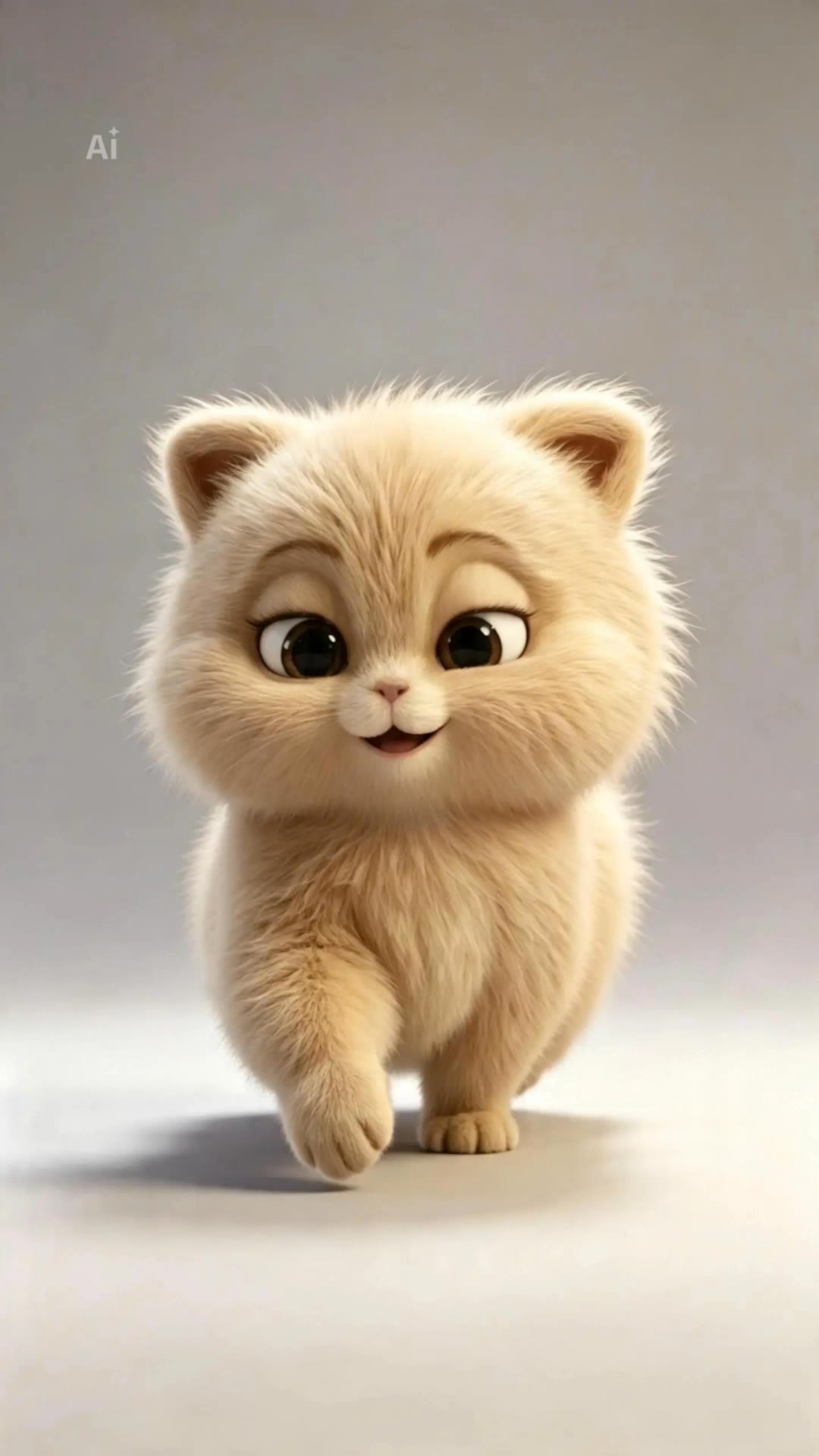
animated camera - underwater realm & autumn artwork

Immerse in captivating visuals featuring ethereal underwater realms and serene cinematic transitions over snow-covered landscapes. Witness dynamic camera movements highlighting intricate details in 3D characters and animated nature scenes. Start exploring animated camera ideas and generate your own content with AI.

animated camera - underwater realm & autumn artwork

Recommended

camera orbit around the man - animated camera AI video
3c1z avatar
3c1z
Kling AI work 318706446610808 - animated camera AI video
ilHIYaMD avatar
ilHIYaMD
Make it animated  - animated camera AI image
kElfyKsr avatar
kElfyKsr
Kling AI work 313224950667426 - animated camera AI video
STApqdsZ avatar
STApqdsZ
Kling AI work 291464703537625 - animated camera AI video
Lypelive App avatar
Lypelive App
Animated Challenger - animated camera AI video
Beartus avatar
Beartus
Kling AI work 298440108313163 - animated camera AI video
KelDz avatar
KelDz
Kling AI work 314107510662226 - animated camera AI image
qltzmKMz avatar
qltzmKMz
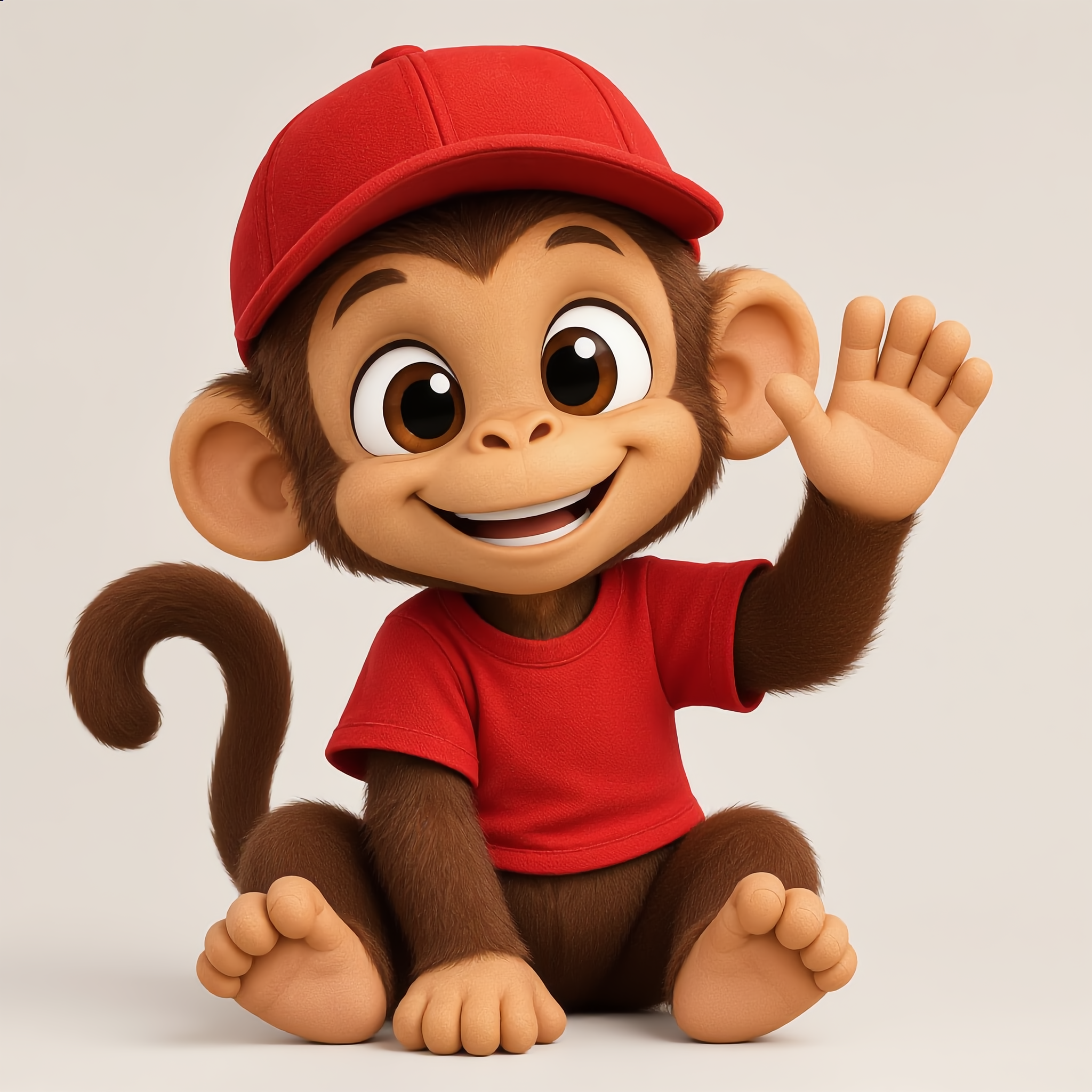
3D animated monkey  - animated camera AI image
UpGxXqUq avatar
UpGxXqUq
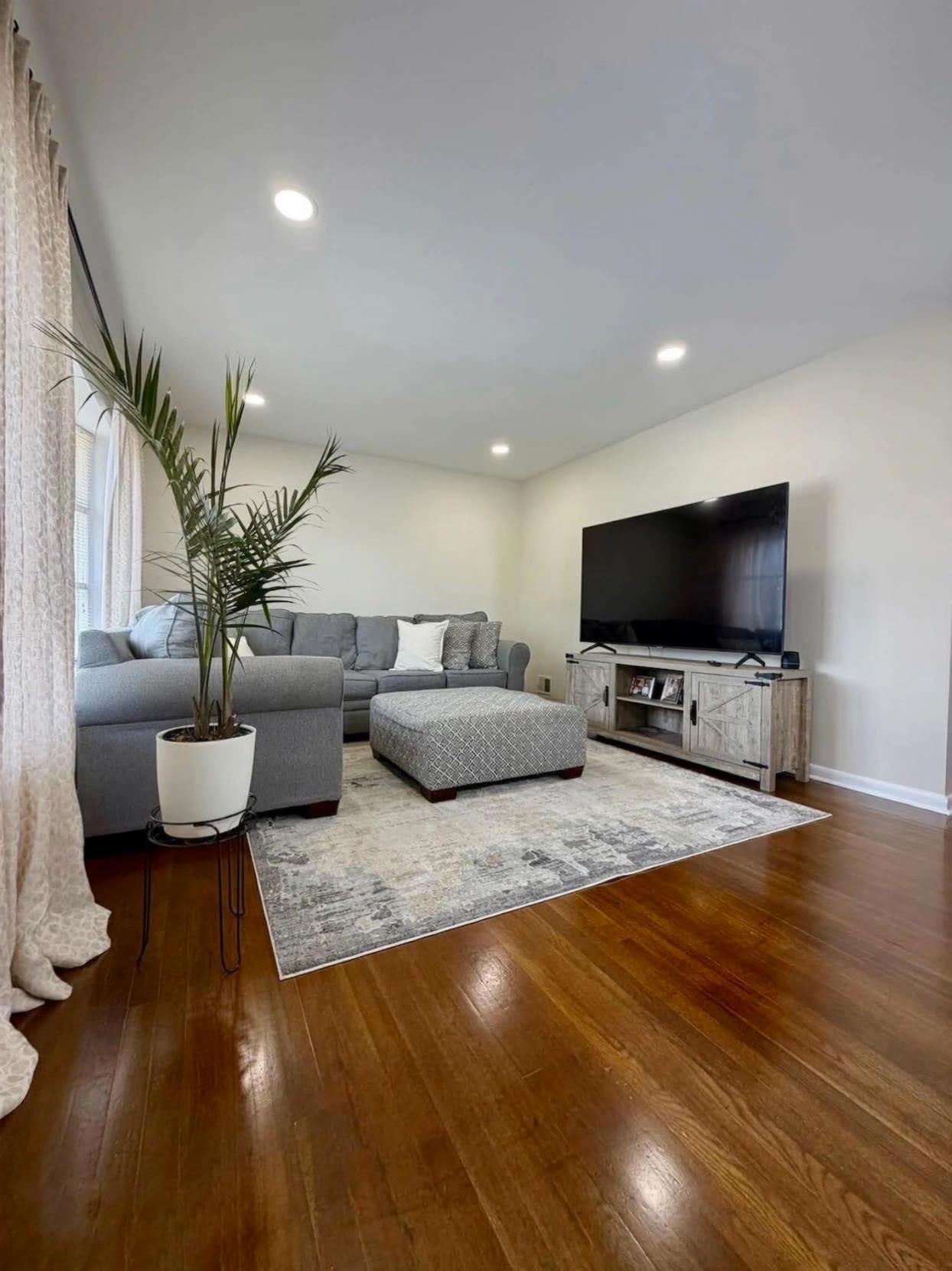
Find camera in living room - animated camera AI video
GGGCCCDDD avatar
GGGCCCDDD
Kling AI work 313743587528610 - animated camera AI video
hVpXZDPl avatar
hVpXZDPl
whimsical vintage camera - animated camera AI video
FFyFsrGa avatar
FFyFsrGa
Kling AI work 321611718520192 - animated camera AI image
lDROdQLX avatar
lDROdQLX
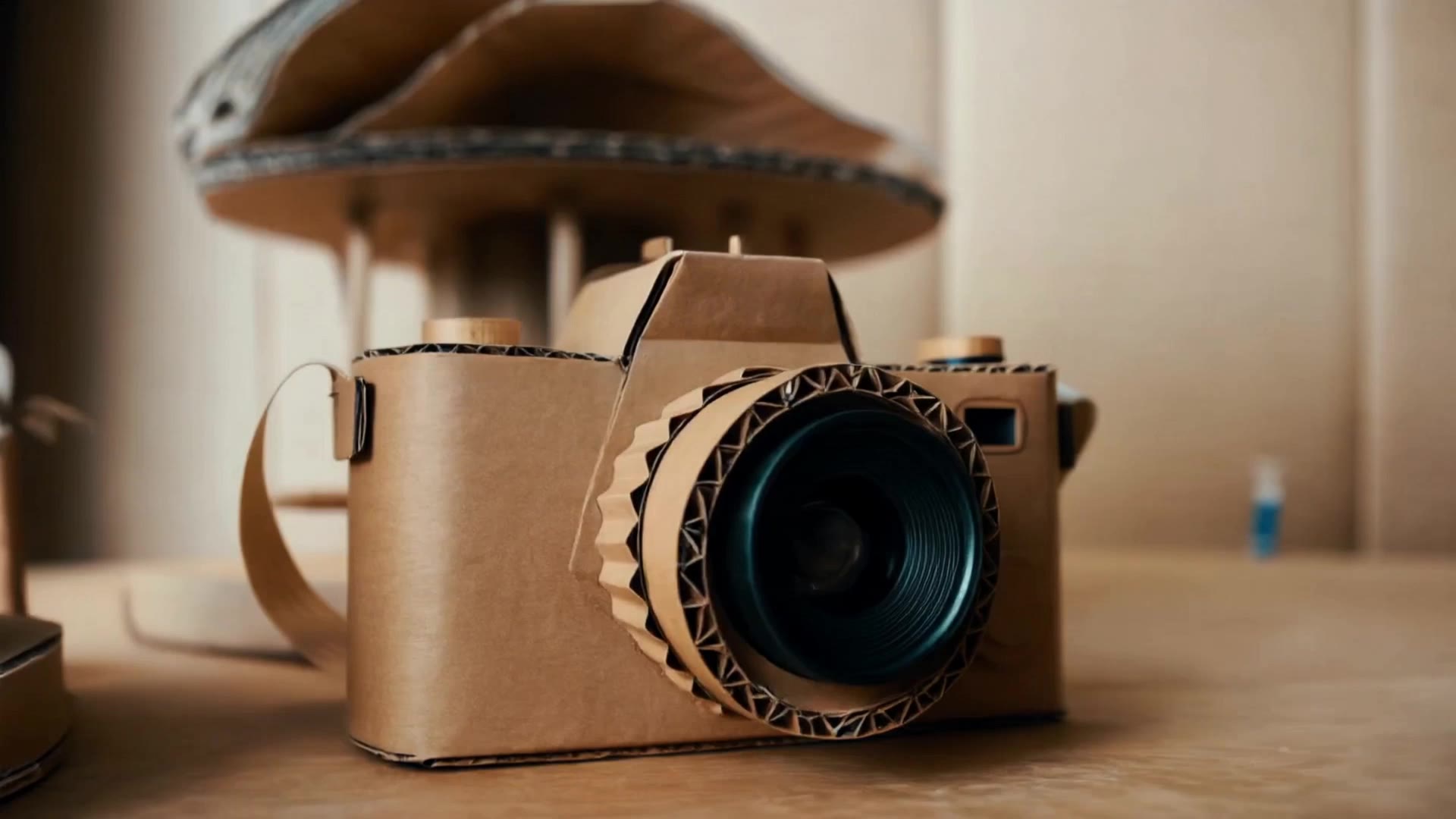
handcrafted cardboard camera sit - animated camera AI video
craftneed AI avatar
craftneed AI
Kling AI work 314713720613861 - animated camera AI image
xDkQLTAz avatar
xDkQLTAz
Animated Moose - animated camera AI video
Dartharn avatar
Dartharn
Kling AI work 306768498663367 - animated camera AI video
CvZzDHSp avatar
CvZzDHSp
Ghostface caught on camera - animated camera AI video
scFarGsn avatar
scFarGsn

How to Change Clothes with Kling AI

Step 1: Upload the Model Photo and Outfit References

Step 1: Upload the Model Photo and Outfit References

Upload the model's photo you want to edit, then add references for the clothing, shoes, hats, bags, or accessories you want to use. You can combine multiple references when different parts of the final look come from different images.

Step 2: Describe the Outfit Change

Step 2: Describe the Outfit Change

Tell Kling AI how each reference should be used. For example, use Image 1 as the base person, then apply the shirt from Image 2, jacket from Image 3, skirt from Image 4, and shoes from Image 5.

Step 3: Generate Your Outfit Change

Step 3: Generate Your Outfit Change

Choose your preferred aspect ratio and 2K or 4K resolution, then generate your new look. Preview the final composite and download your favorite result.

Expand Images Beyond the Frame with More Control

Extend the Scene Naturally Beyond the Frame

Extend the Scene Naturally Beyond the Frame

Add new visual space around your existing image while keeping the expansion connected to the original scene. Kling IMAGE 3.0 can follow visual details such as scenery, color, lighting, and texture, helping newly generated content feel consistent with the source image.

Keep Key Subjects Consistent as the Scene Expands

Keep Key Subjects Consistent as the Scene Expands

Expanding the frame should not change the subject that anchors the image. Kling IMAGE 3.0 automatically preserves your key subjects during extension. Simply specify the person, product, or central element in your prompt to keep them consistent with the original image.

Choose What Appears in the Expanded Area

Choose What Appears in the Expanded Area

The new space does not have to be left entirely to the model. Describe what you want outside the original frame, from a wider room or distant landscape to more sky, architecture, plants, or decorative details, and let Kling IMAGE 3.0 continue the scene around your idea.

Apps

Image to Video
Image to Video

Image to Video

Text to Video
Text to Video

Text to Video

Omni
Omni

Omni

Digital Human
Digital Human

Digital Human

Restyle
Restyle

Restyle

Text to Image
Text to Image

Text to Image

60M+
60M+
Users
600M+
600M+
AI Videos Generated
4.7 ★
4.7 ★
App Store
Industry-Leading
Industry-Leading
Cinematic 4K

Reviews

Vincent Smadja

Vincent Smadja

★★★★★

Kling AI seamlessly integrates into my creative workflow, playing a key role in transforming my images. After generating and upscaling an image, Kling becomes a crucial element, bringing my creations to life with movement and depth.

James Phillips

James Phillips

★★★★★

Kling AI has transformed my workflow by collapsing timelines and democratizing production. It’s shifted my mindset from resource-dependent filmmaking to a boundless creative sandbox, where experimentation yields unexpected beauty.

PJ Ace

PJ Ace

★★★★★

Kling AI has made it easy for us to generate world class visuals for Fortune 500 companies, TV shows and music for big artists. We love the easy of use of the platform and the quality of the generations. My first time using Kling AI, I got 22 million views on just one video. It's that good.

FAQ

Q1What is an AI voice generator?
Q2Can AI generate voices for characters?
Q3Can I create voices for multiple characters?

Bring Every Voice Into the Story

Create character dialogue, multilingual voices, consistent voice identities, ambience, and sound effects with Kling VIDEO 3.0.

Multilingual Dialogue | Multi-Character Voices | Native Audio