Creative Studio
API
Resources
Features
About Us
Download

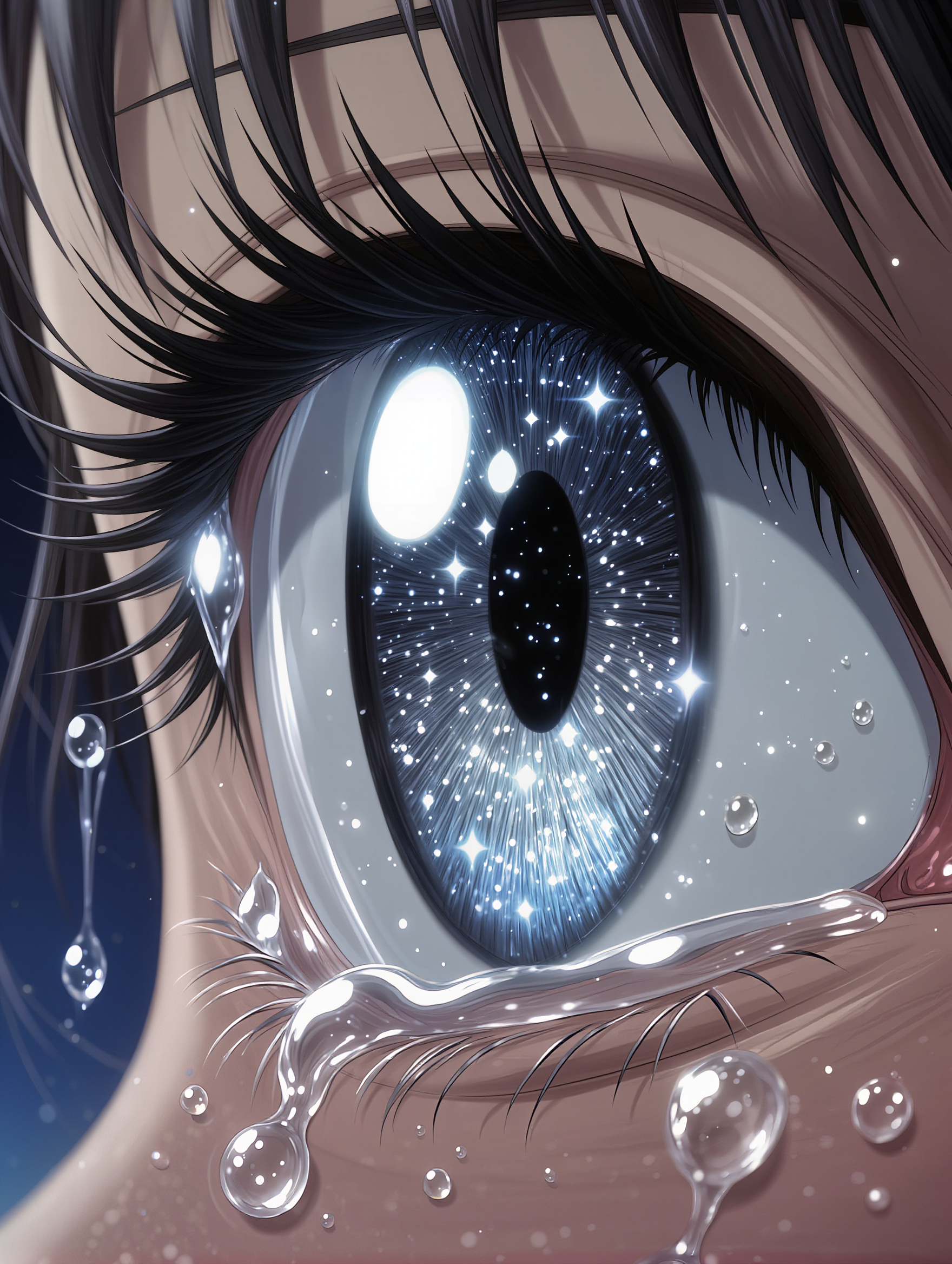
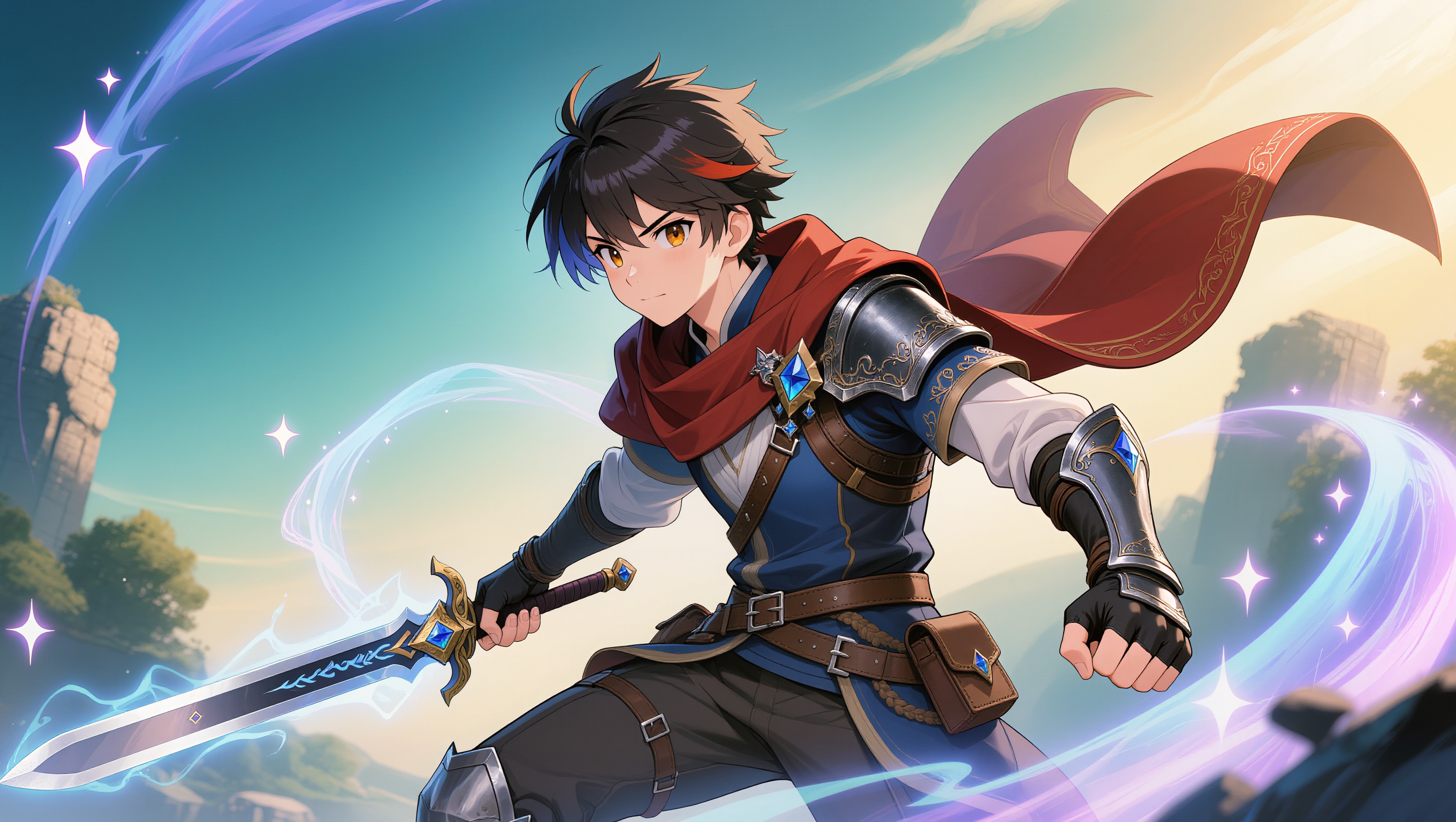
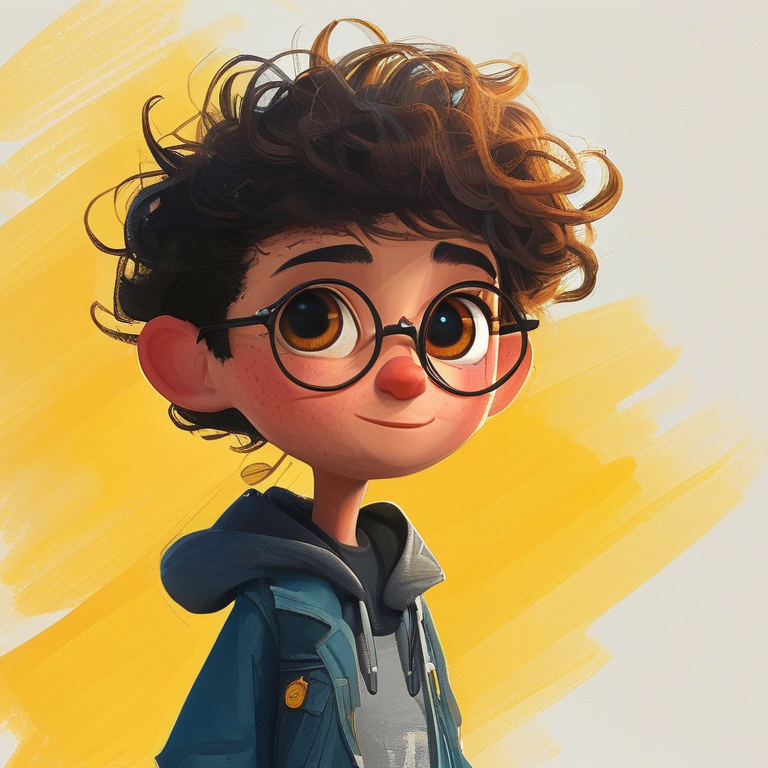
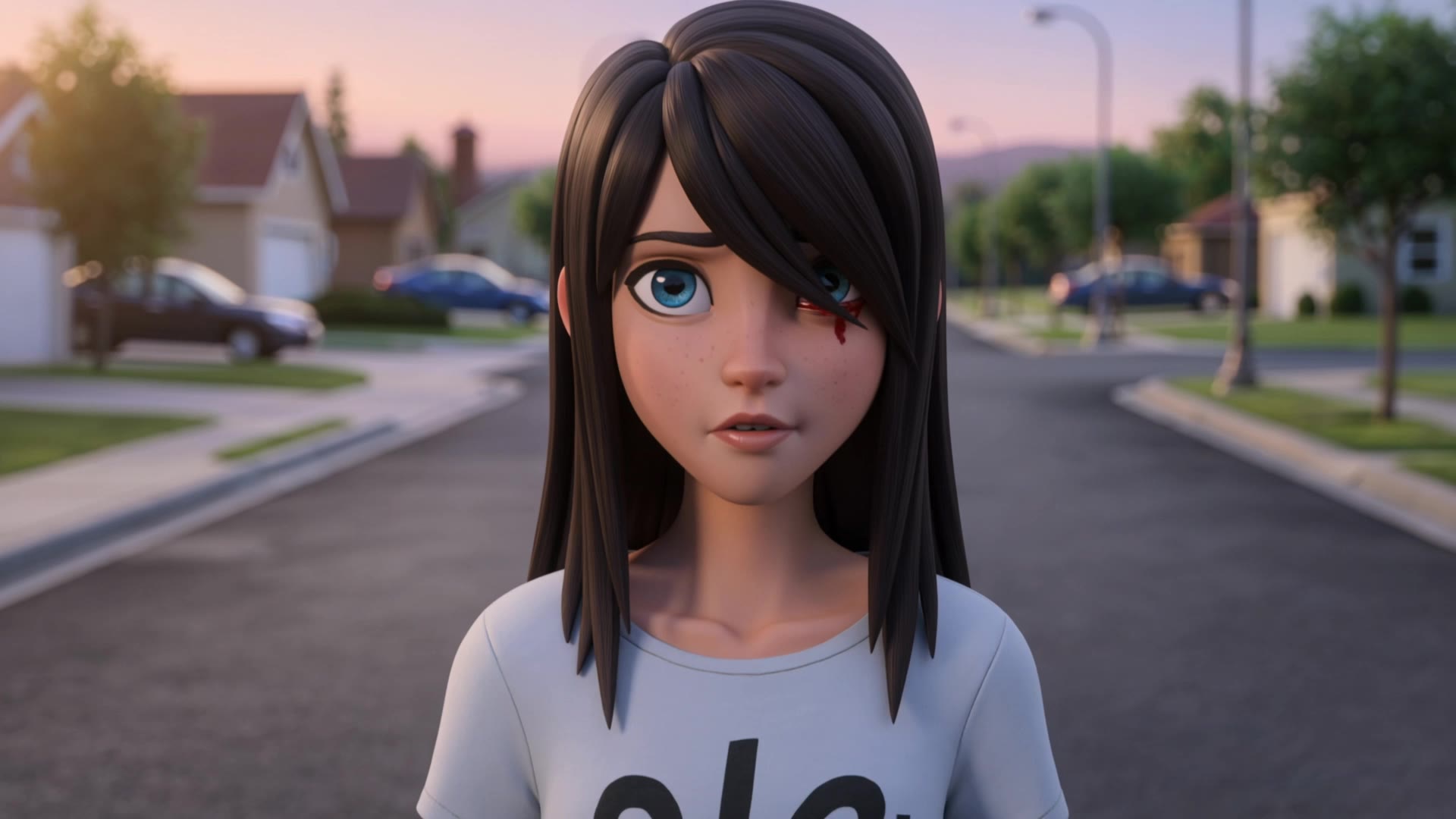
anime eye styles - cosmic reflections & futuristic visions

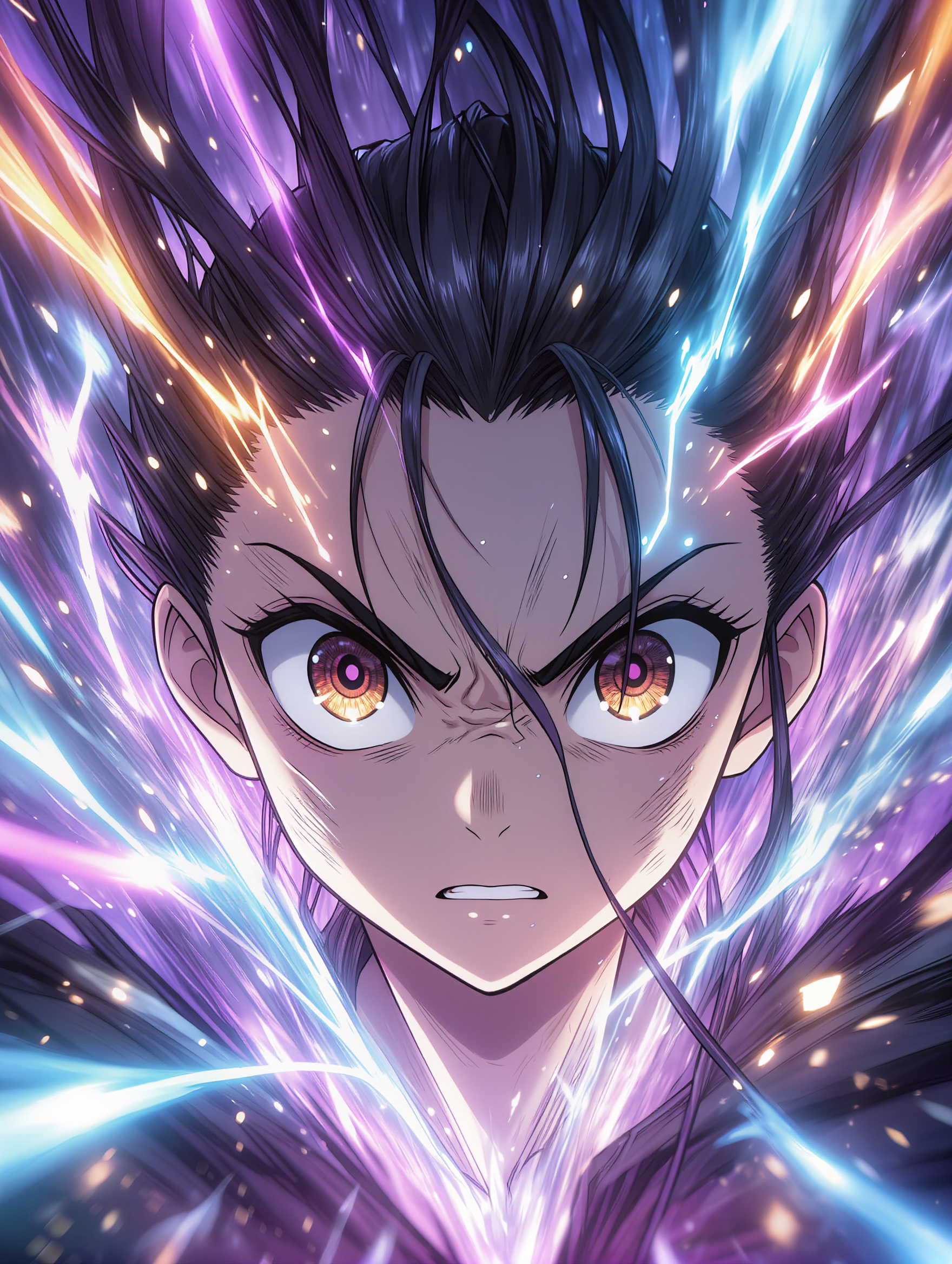
Unveil the magic of anime eye styles through shimmering micro-movements and cosmic reflections, blending realism with fantastical elements. Start exploring anime eye styles ideas and generate your own content with AI.

anime eye styles - cosmic reflections & futuristic visions

Recommended

Kling AI work 308236541500371 - anime eye styles AI image
jeron avatar
jeron
Kling AI work 308186640504374 - anime eye styles AI image
LjwkFWWC avatar
LjwkFWWC
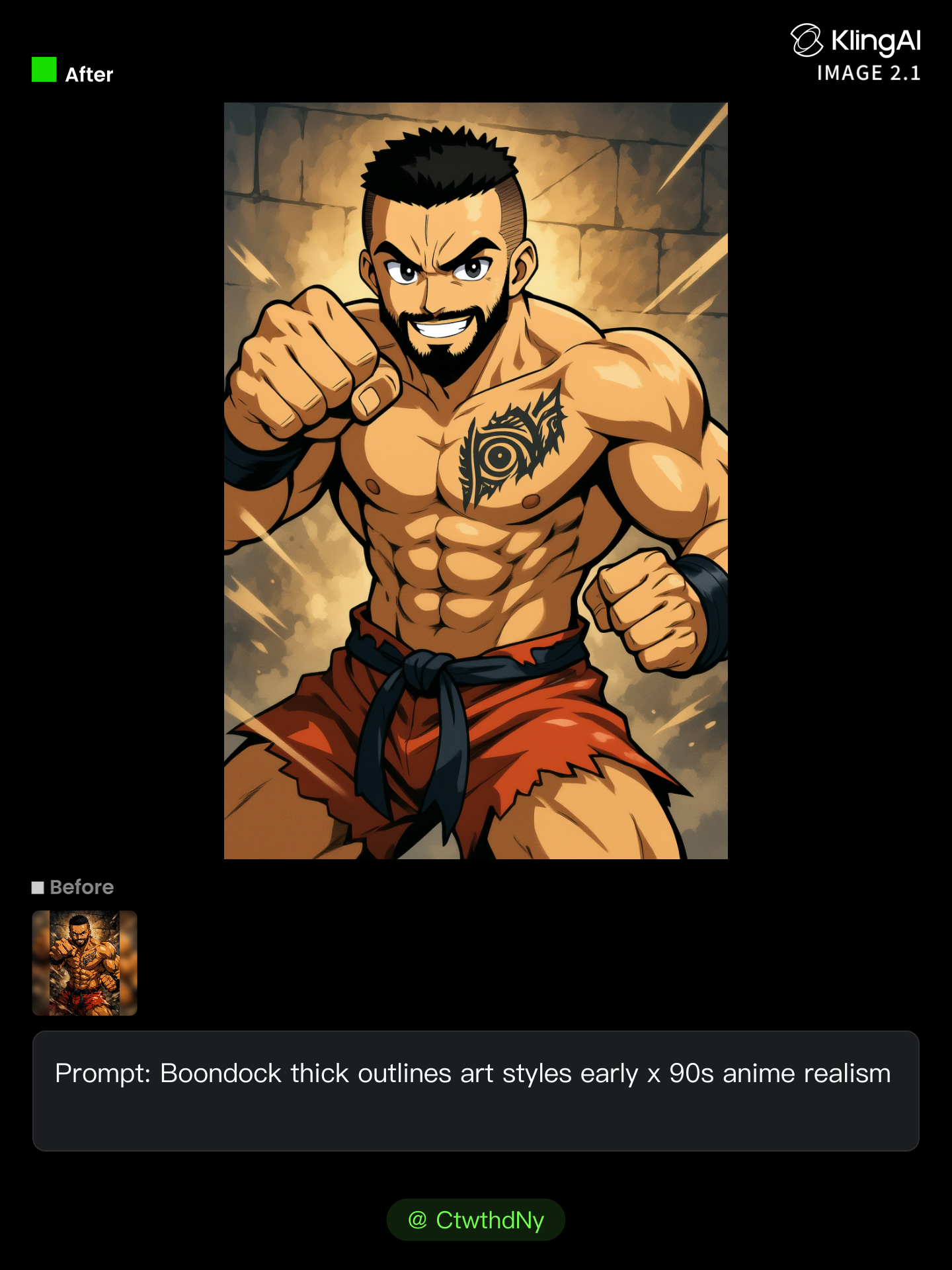
Eye tattoo - anime eye styles AI image
AlexCreo avatar
AlexCreo
Misfitv2 - anime eye styles AI image
rRJAXPaD avatar
rRJAXPaD
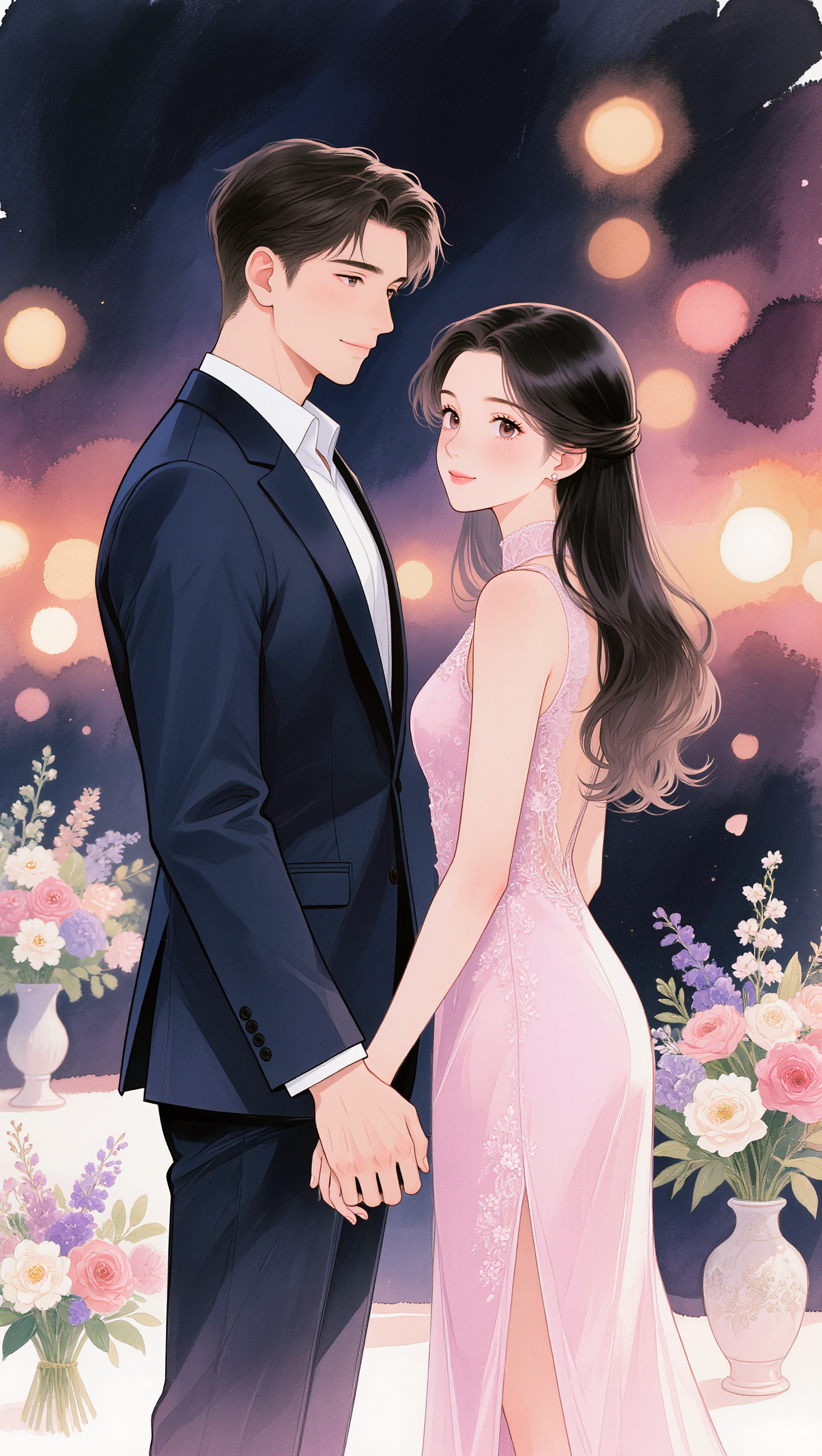
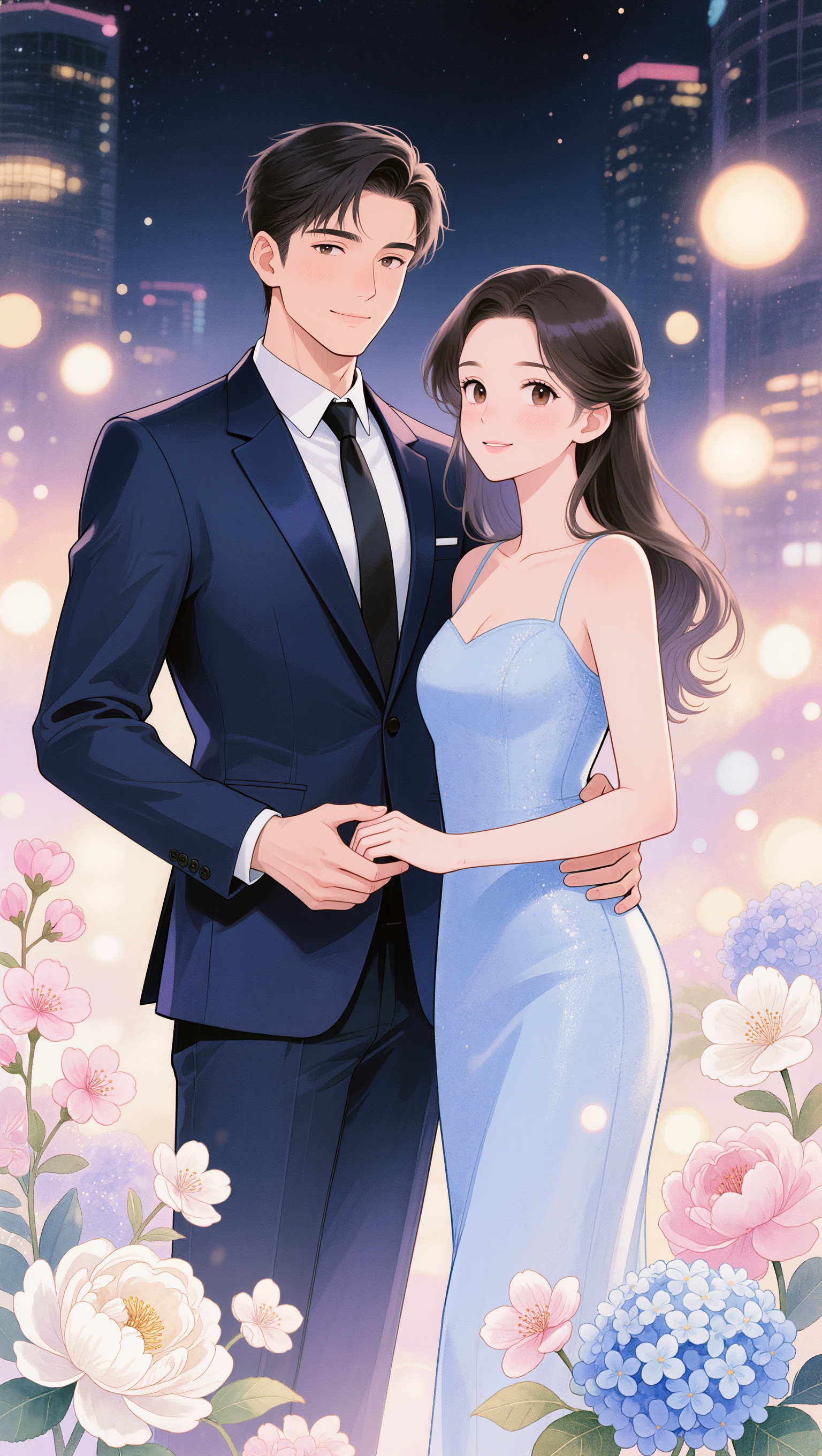
Anime outing couple - anime eye styles AI image
Eman Daman avatar
Eman Daman
Anime  - anime eye styles AI image
DreamForgeAI avatar
DreamForgeAI
Trapped Anime Girl - anime eye styles AI video
kTtzltRK avatar
kTtzltRK
Kling AI work 308587880617981 - anime eye styles AI image
jeron avatar
jeron
Anime outing couple - anime eye styles AI image
Eman Daman avatar
Eman Daman
Anime  - anime eye styles AI image
DreamForgeAI avatar
DreamForgeAI
Kling AI work 313940192668681 - anime eye styles AI video
ankitrawal77 avatar
ankitrawal77
inside my head anime style - anime eye styles AI video
radon mg avatar
radon mg
Anime outing couple - anime eye styles AI image
Eman Daman avatar
Eman Daman
anime character - anime eye styles AI image
KLING4589 avatar
KLING4589
The Eye - anime eye styles AI video
the_kinda avatar
the_kinda
Elite Creator
Kling AI work 308236357507777 - anime eye styles AI image
jeron avatar
jeron
A Small Eye for a Distance - anime eye styles AI video
EIJI ISE avatar
EIJI ISE
Kling AI work 308186640505368 - anime eye styles AI image
LjwkFWWC avatar
LjwkFWWC
Kling AI work 308235327500559 - anime eye styles AI image
jeron avatar
jeron

How to Edit a Photo with Kling AI

Upload Your Photo

Upload Your Photo

Start with a clear photo. Add a reference image when you have a particular replacement, background, or style in mind.

Tell Kling What to Change

Tell Kling What to Change

Enter a clear text prompt, explaining what should change and what should stay the same. Kling applies the edit to the photo with AI directly, without layers or complex manual steps.

Review and Fine-Tune

Review and Fine-Tune

Check the result and the areas that matter most. When one detail needs more work, update the prompt for that area instead of starting over. Download the finished image and share it.

Create Better Backgrounds with AI

Keep the Subject When Changing Backgrounds

Keep the Subject When Changing Backgrounds

Put a person or product somewhere new without intentionally redesigning what is already working. Tell Kling IMAGE 3.0 which facial details, clothing, product shapes, materials, colors, or other features should stay familiar, then focus your prompt on the world around them.

Bring Your Art Direction into the Background

Bring Your Art Direction into the Background

When you already have a look in mind, show Kling instead of trying to describe every detail from scratch. IMAGE 3.0 supports up to 10 reference images, so you can bring in visuals for the setting, composition, color palette, props, or overall style and explain how you want each reference to influence the result.

Change the Whole Scene or Just One Detail

Change the Whole Scene or Just One Detail

A new background does not always mean starting over with the entire setting. Replace the full scene, or make a smaller change such as adding an object, removing a distraction, changing a surface, or reworking one part of the environment while leaving the rest closer to the original image.

Apps

Image to Video
Image to Video

Image to Video

Text to Video
Text to Video

Text to Video

Omni
Omni

Omni

Digital Human
Digital Human

Digital Human

Restyle
Restyle

Restyle

Text to Image
Text to Image

Text to Image

60M+
60M+
Users
600M+
600M+
AI Videos Generated
4.7 ★
4.7 ★
App Store
Industry-Leading
Industry-Leading
Cinematic 4K

Reviews

Ozan Sihay

Ozan Sihay

★★★★★

Kling AI allows me to rapidly prototype ideas, refine storytelling elements, and produce visually compelling content efficiently. It has not only accelerated my creative processes, but also deepened my understanding of how AI can enrich visual storytelling.

Maria Rubtsova

Maria Rubtsova

★★★★★

I’m Maria Rubtsova, an AIGC digital artist passionate about creating stunning visuals in the worlds of fashion, aesthetics, and fantasy. I use KlingAi to bring imagination to life through video. My work is all about exploring beauty, emotion, and the limitless possibilities of digital art.

Huang Lu (Elson)

Huang Lu (Elson)

★★★★★

I’ve been using Kling AI since its initial release, and it’s remained one of the leading AI media generators ever since. With Kling AI, I’ve created hundreds of videos, collectively amassing millions of views.

FAQ

Q1Can I use AI image extension for social media and ecommerce images?
Q2Can AI extend an image without stretching the original content?
Q3Can I control what appears in the expanded part of the image?

Make Your Profile Picture Stand Out

Start with the photo you already have and turn it into something you feel better putting your name next to. Keep it professional, make it more personal, or give it a completely different mood—the final look is yours to shape.