
Creative Studio
API
Resources
Features
About Us
Download

Anime KlingAI Face Swap – AI-Generated Transformations

Swap faces in anime images with KlingAI. Create unique transformations using AI-generated face swap technology.


Anime KlingAI Face Swap – AI-Generated Transformations

Recommended

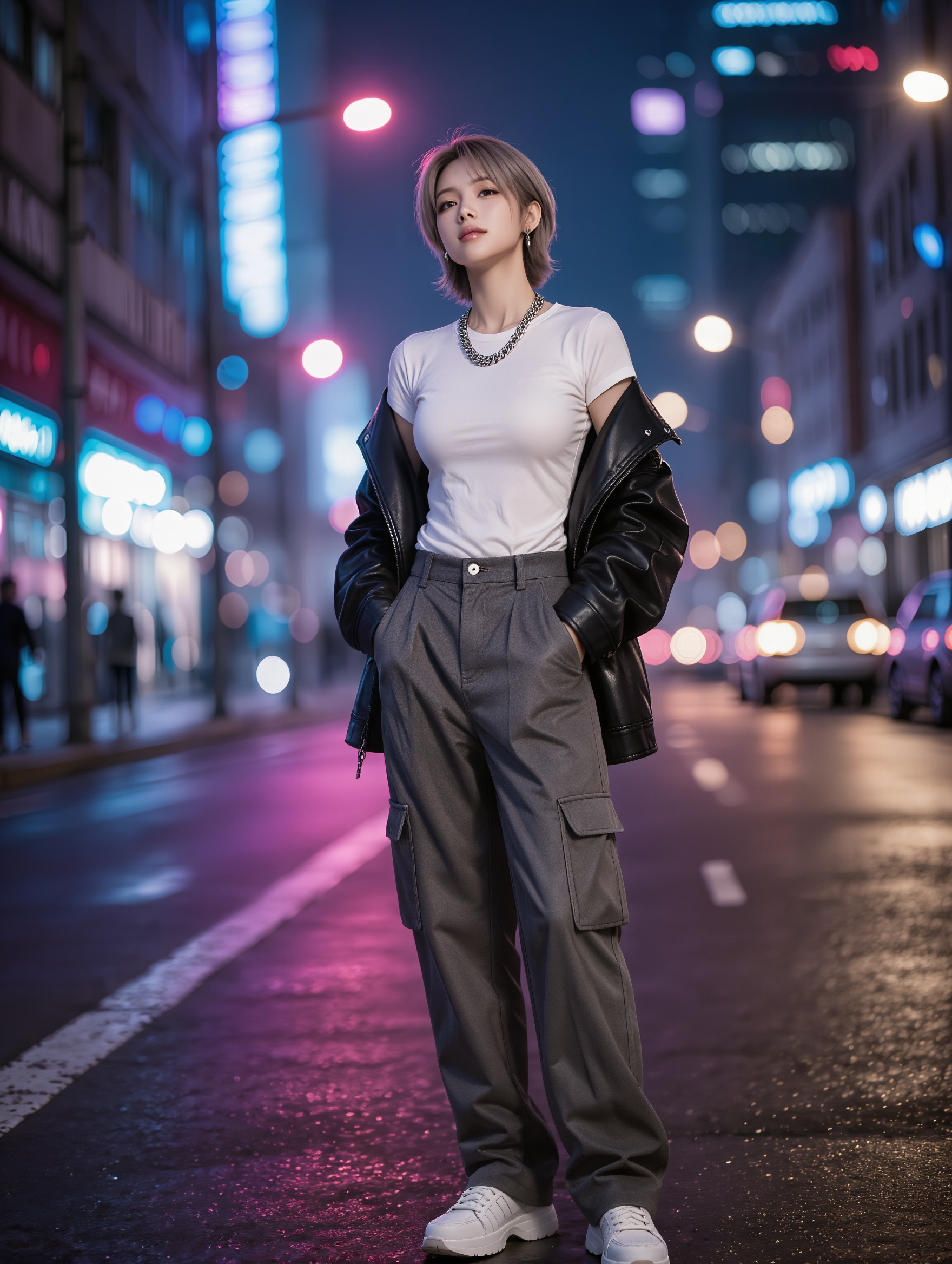
Stylish tomboy dress 
 - anime kling ai face swap AI image
zNiThevp avatar
zNiThevp
kling saves humanity - anime kling ai face swap AI video
medtkr avatar
medtkr
Kling AI work 311522140666614 - anime kling ai face swap AI video
AUdxVYwi avatar
AUdxVYwi
Kling IMAGE 3.0 Model User Guide - anime kling ai face swap AI image
YxIAgcaB avatar
YxIAgcaB
different face, face swap, face  - anime kling ai face swap AI video
00:14
ujSwUVGQ avatar
ujSwUVGQ
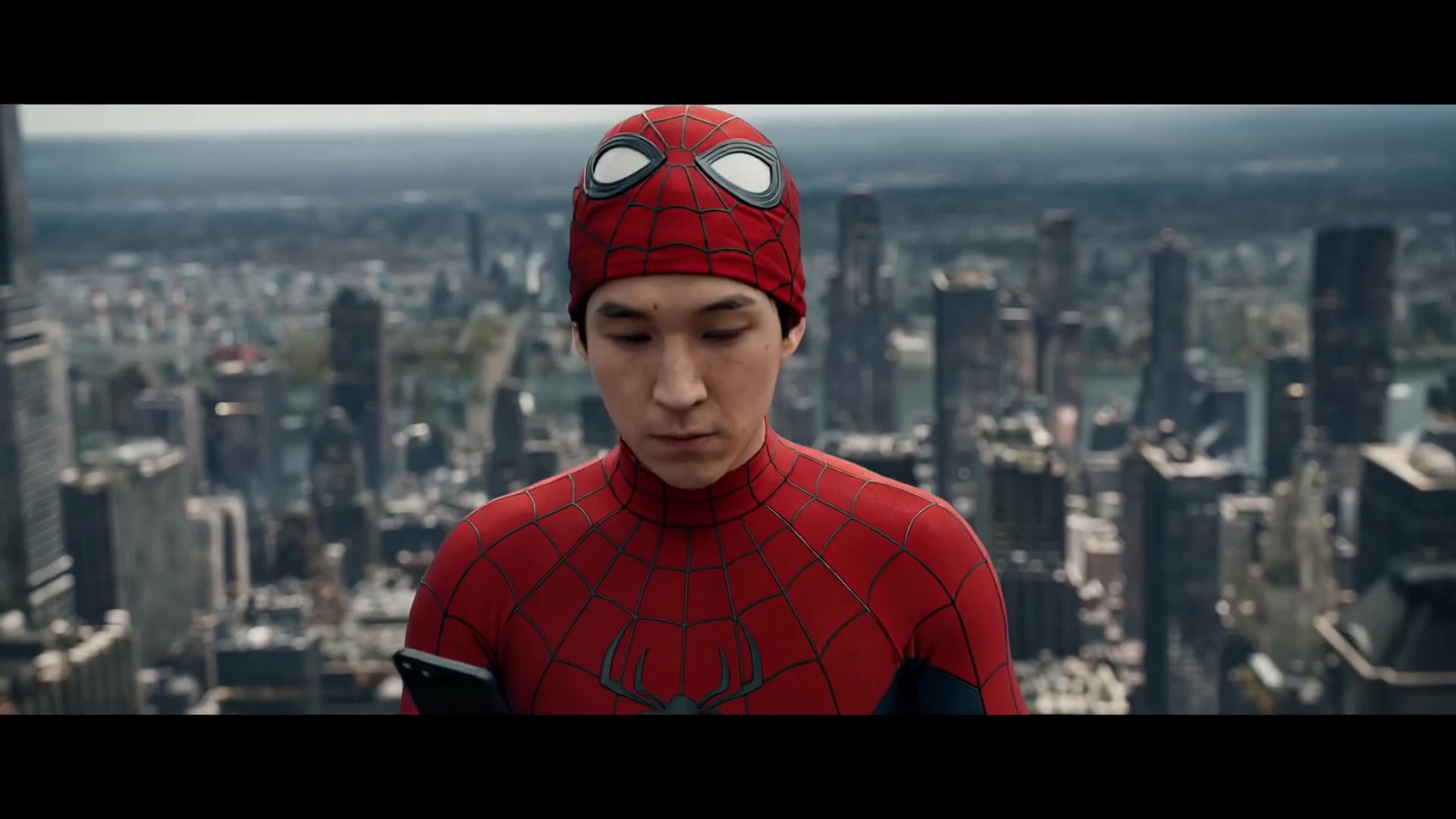
Spiderman Brand New Day - anime kling ai face swap AI video
Swayne Ai avatar
Swayne Ai
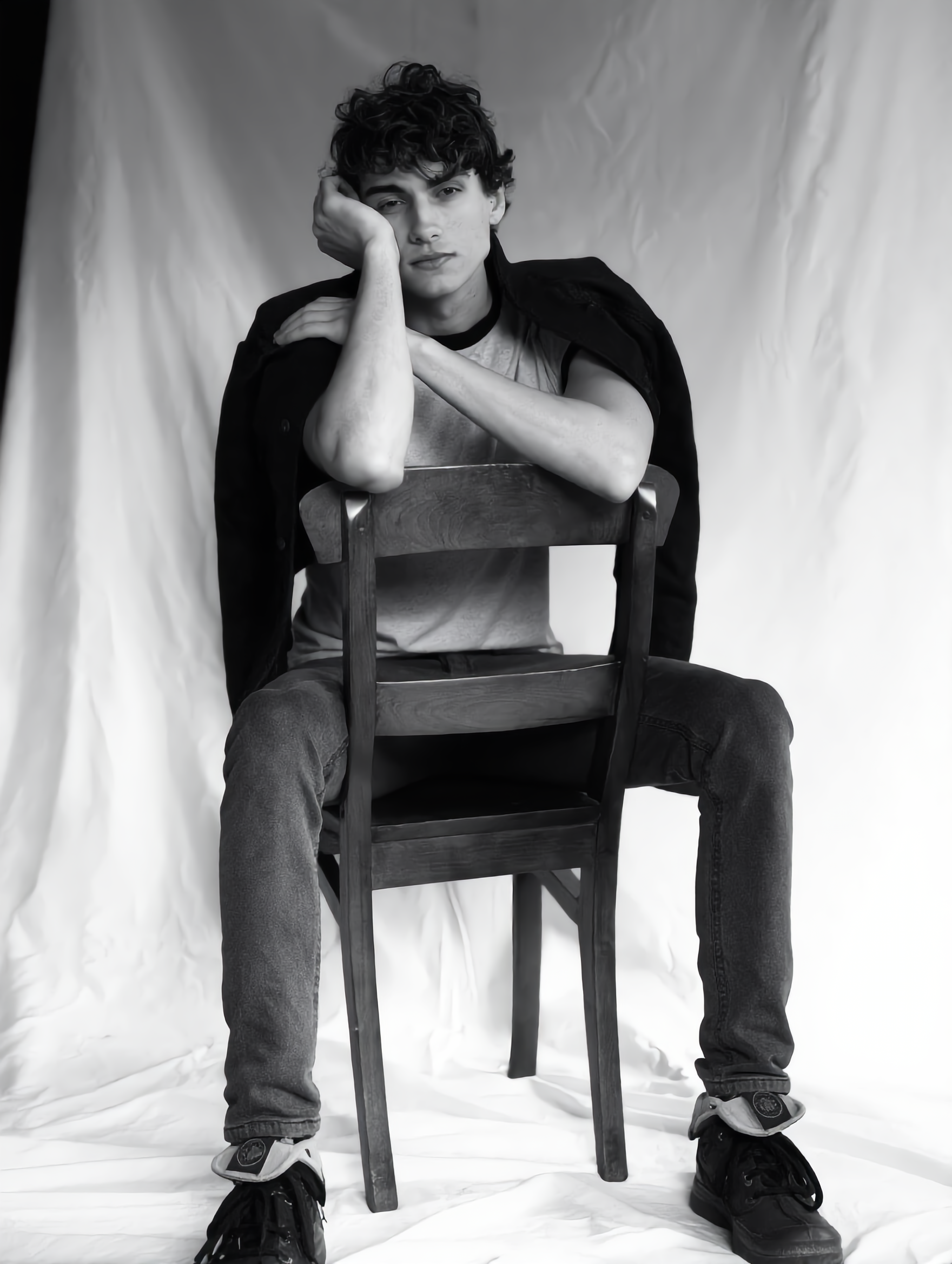
Julian & Roma - anime kling ai face swap AI image
YQIeLnqq avatar
YQIeLnqq
Kling AI work 316804573617264 - anime kling ai face swap AI video
WIIYzDav avatar
WIIYzDav
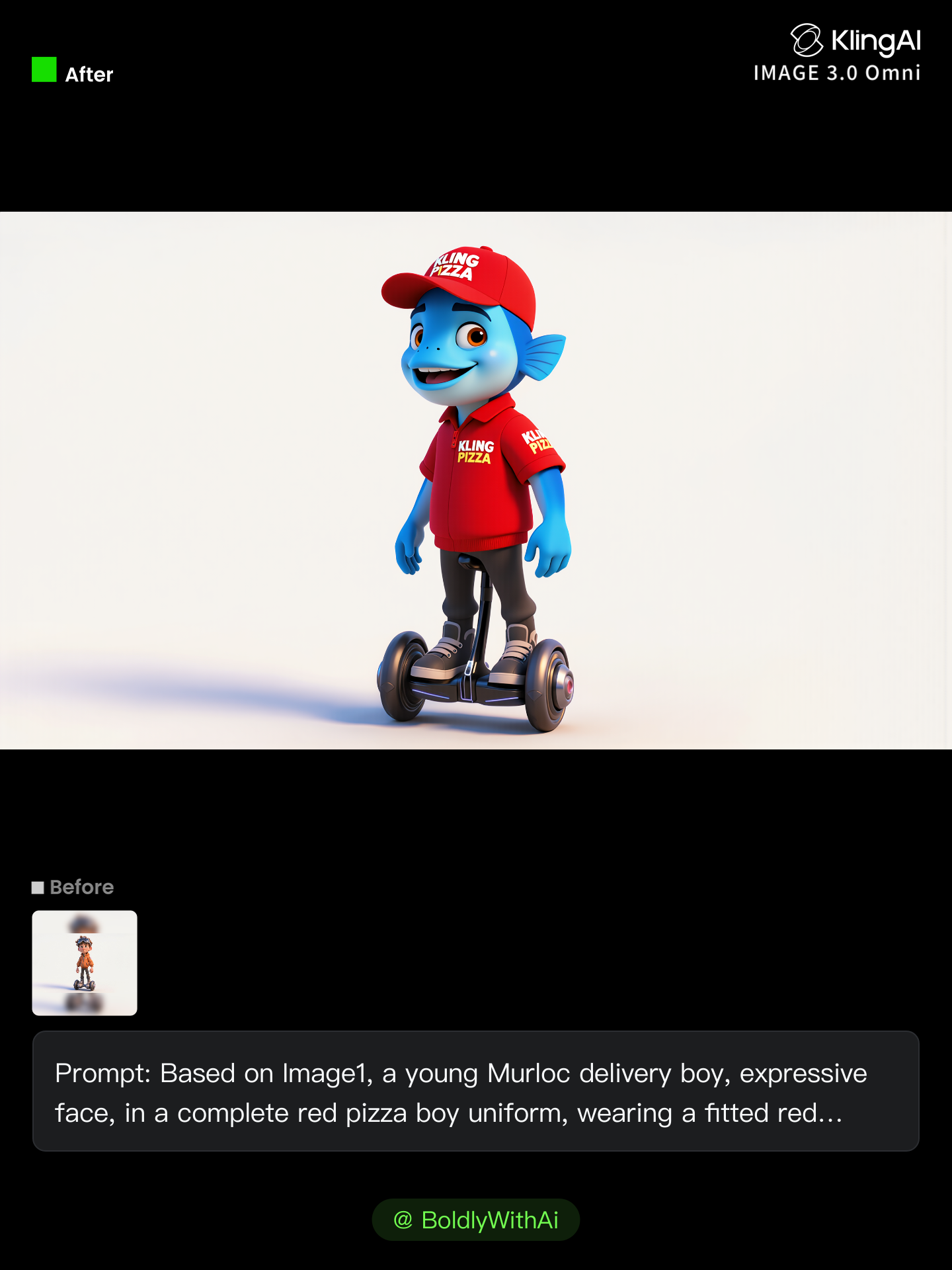
Kling Anniversary Character - anime kling ai face swap AI image
BoldlyWithAi avatar
BoldlyWithAi
Elite Creator
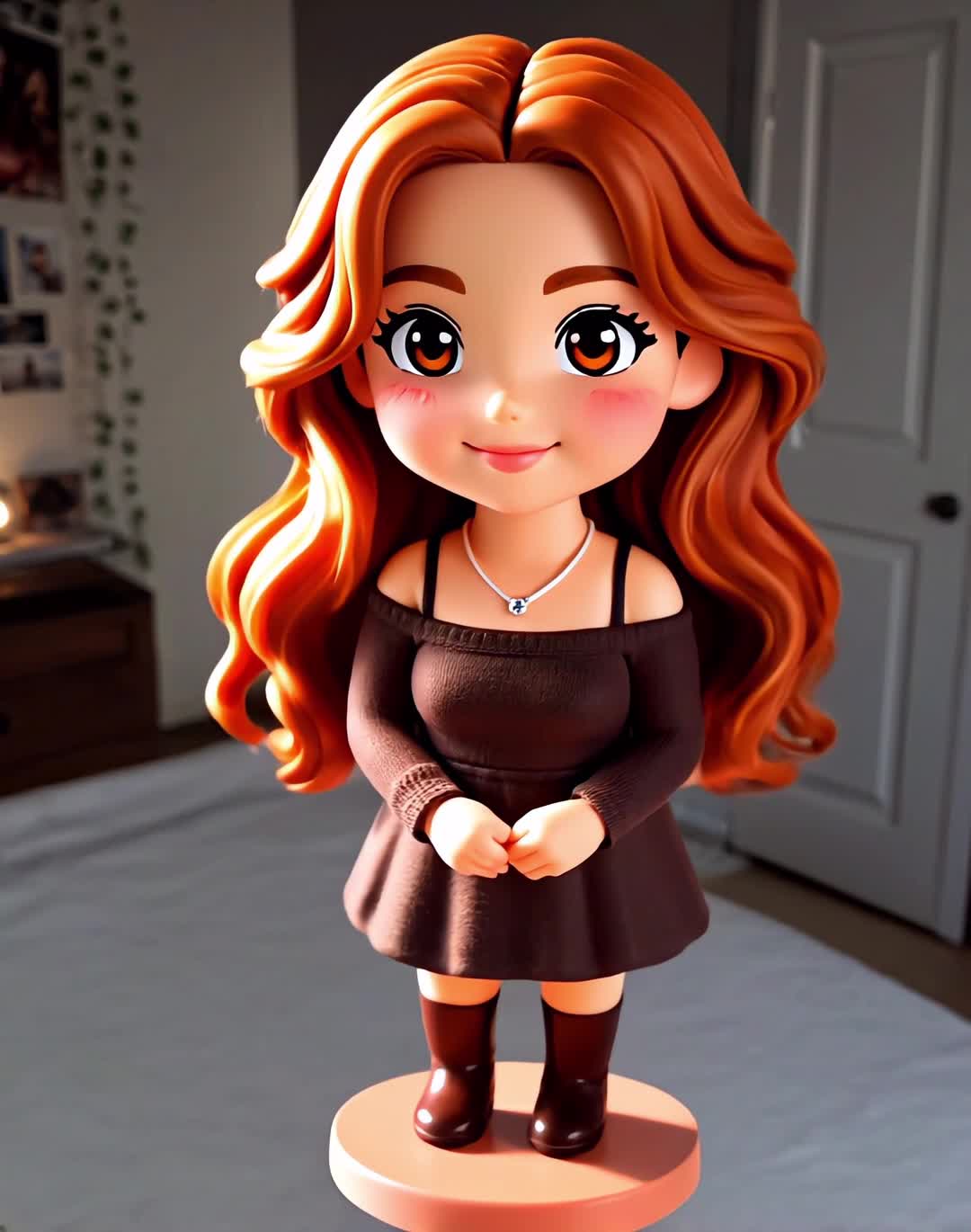
Anime Figure - anime kling ai face swap AI video
Anime Figure
venus avatar
venus
Character Swap AI - anime kling ai face swap AI image
BHzmNhKN avatar
BHzmNhKN
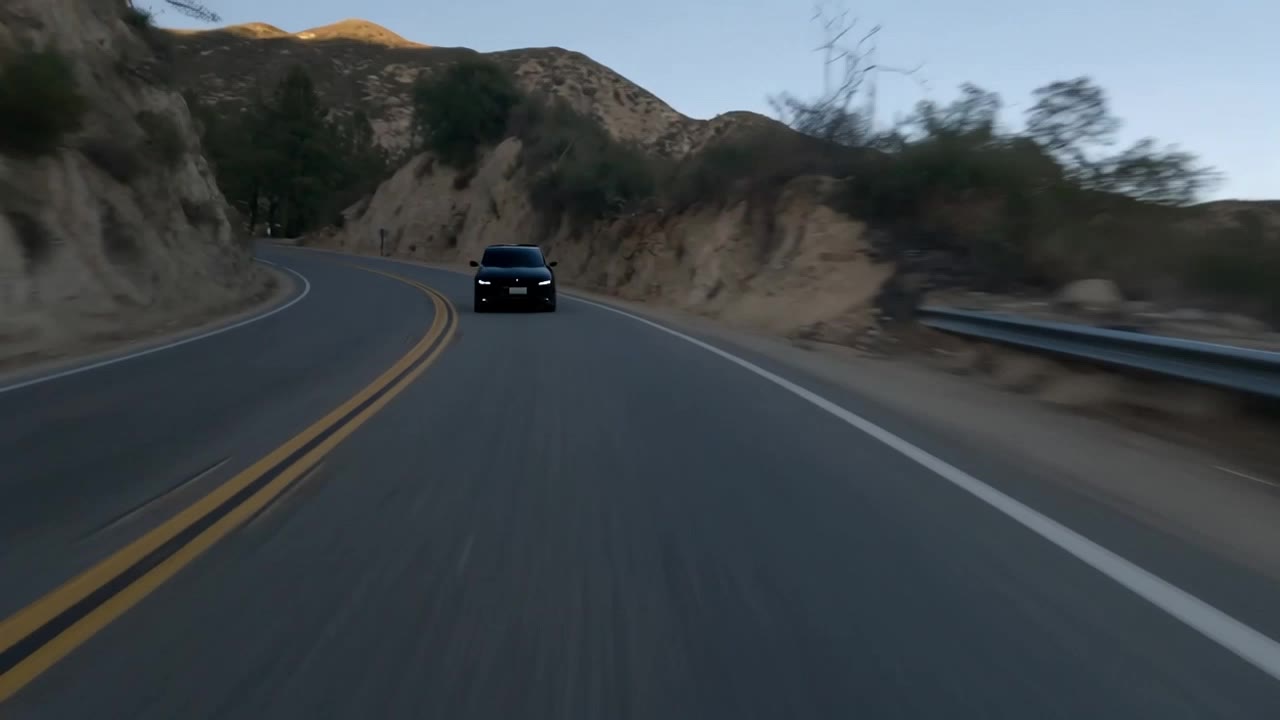
Car Swap - anime kling ai face swap AI video
FireStorm avatar
FireStorm
Kling AI work 307194075534525 - anime kling ai face swap AI video
Misaki Potter avatar
Misaki Potter
Kling AI work 309397035502983 - anime kling ai face swap AI video
smNkawAv avatar
smNkawAv
super hero kling ai - anime kling ai face swap AI video
medtkr avatar
medtkr
super hero kling ai - anime kling ai face swap AI video
medtkr avatar
medtkr
Stranger Kling O1 - anime kling ai face swap AI video
RomanNsrvAI avatar
RomanNsrvAI
Elite Creator

How to Remove Background from Video

Upload Your Video

Upload Your Video

Start with the footage you already have in VIDEO 3.0 Omni. Your clip does not need to be recorded against a green screen before you change the background.

Delete or Replace Video Background

Delete or Replace Video Background

Tell Kling which subject should stay and which background you want removed. If a new setting is your real goal, skip the separate removal step: describe the background you want or add a reference image for Kling to follow.

Generate and Review

Generate and Review

Generate the edit and check the subject and background throughout the clip. If something needs adjusting, refine the instruction and try another version, then save the result or continue editing in Kling AI.

Improve Video Resolution, Clarity, and Detail

Upscale Low-Resolution Video to 4K

Upscale Low-Resolution Video to 4K

Give footage with limited resolution more room to hold up on larger screens. Upload your clip, choose 4K output, and generate a higher-resolution version with clearer edges and more visible detail for viewing, editing, or final delivery.

Make Blurry or Soft Video Look Clearer

Make Blurry or Soft Video Look Clearer

Soft footage can lose definition in faces, objects, edges, and backgrounds. Use Kling AI to generate a clearer version with stronger visual definition, whether you are working with an older clip, compressed footage, or a shot that simply looks too soft.

Bring Out More Texture and Fine Detail

Bring Out More Texture and Fine Detail

See more definition in skin, fabric, product surfaces, landscapes, water, smoke, and other detailed parts of a scene. Instead of simply enlarging the existing pixels, VIDEO 3.0 Omni generates new visual detail as it creates the higher-resolution result.

Apps

Image to Video
Image to Video

Image to Video

Text to Video
Text to Video

Text to Video

Omni
Omni

Omni

Digital Human
Digital Human

Digital Human

Restyle
Restyle

Restyle

Text to Image
Text to Image

Text to Image

60M+
60M+
Users
600M+
600M+
AI Videos Generated
4.7 ★
4.7 ★
App Store
Industry-Leading
Industry-Leading
Cinematic 4K

Reviews

Jyo John Mulloor

Jyo John Mulloor

★★★★★

Kling AI has been instrumental in transforming my creative workflow, unlocking new dimensions of artistic expression that were once unimaginable. I use Kling AI extensively to develop high-concept visuals, animate surreal dreamscapes, and create AI-assisted films that blur the line between reality and fantasy. Kling AI’s deep learning capabilities have not only enhanced my creative efficiency but also inspired me to explore storytelling in ways I never thought possible.

Huang Lu (Elson)

Huang Lu (Elson)

★★★★★

I’ve been using Kling AI since its initial release, and it’s remained one of the leading AI media generators ever since. With Kling AI, I’ve created hundreds of videos, collectively amassing millions of views.

Ozan Sihay

Ozan Sihay

★★★★★

Kling AI allows me to rapidly prototype ideas, refine storytelling elements, and produce visually compelling content efficiently. It has not only accelerated my creative processes, but also deepened my understanding of how AI can enrich visual storytelling.

FAQ

Q1How does AI remove a background from an image?
Q2Does removing the background reduce image quality?
Q3What is an AI image background remover?

Create a Whole New Look from One Photo

Swap outfits, mix references, and explore new styles with IMAGE 3.0 Omni. Keep the person recognizable and let new clothing blend naturally into the original photo.