Creative Studio
API
Resources
Features
About Us
Download

KlingAI Pricing – Affordable Anime Creation

Check out KlingAI pricing for affordable anime creation solutions. Get access to AI-generated anime content at great value.

KlingAI Pricing – Affordable Anime Creation

Recommended

KLING Man  - anime kling pricing AI video
KENZO avatar
KENZO
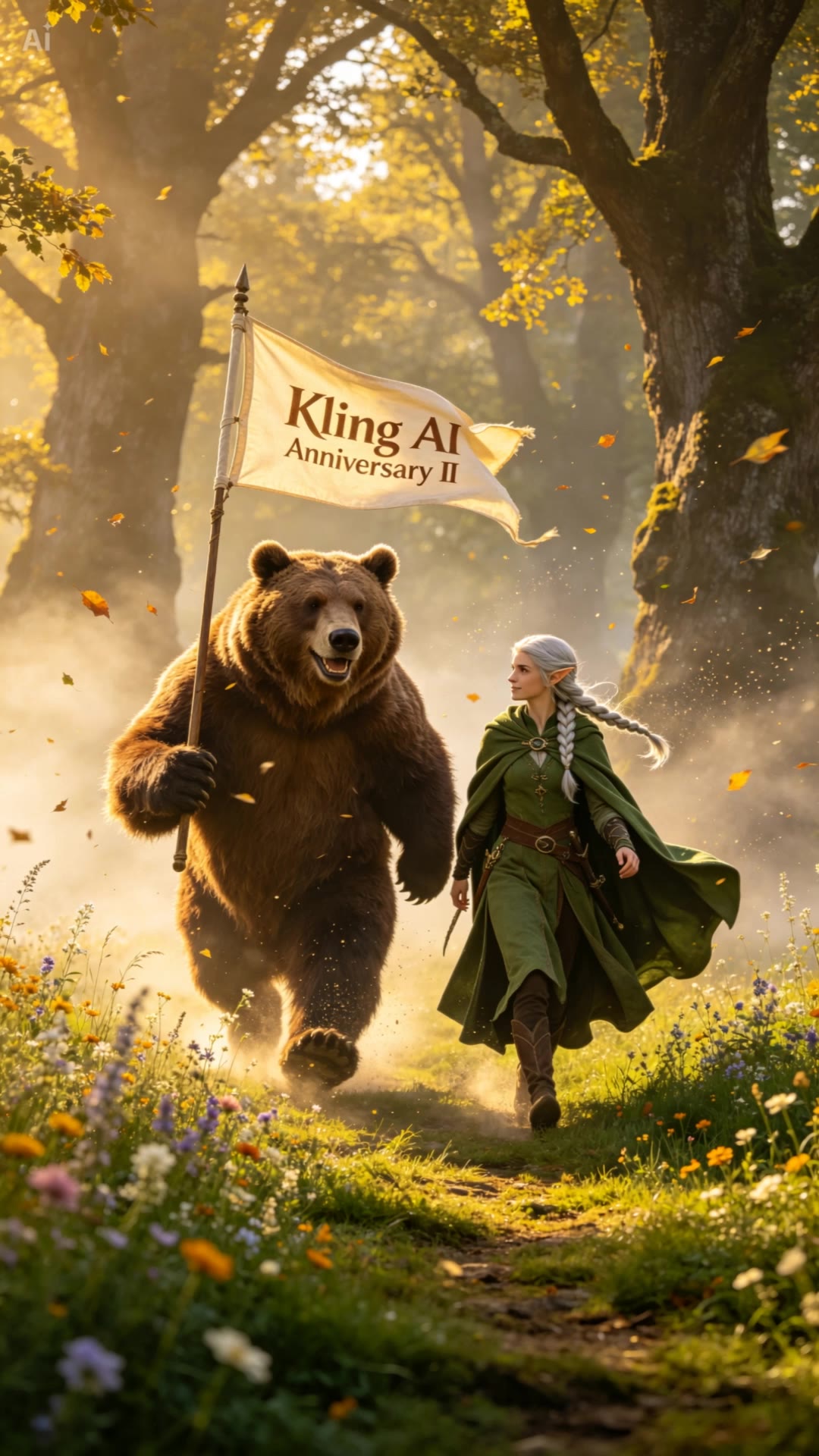
Kling AI 2nd Anniversary - anime kling pricing AI video
UKTR avatar
UKTR
Elite Creator
Anime Figure - anime kling pricing AI video
Anime Figure
Khali avatar
Khali
Anime Figure - anime kling pricing AI video
Anime Figure
Veronika avatar
Veronika
Kling AI work 310528301524771 - anime kling pricing AI video
jJzCJzQn avatar
jJzCJzQn
Anime Figure - anime kling pricing AI video
Anime Figure
venus avatar
venus
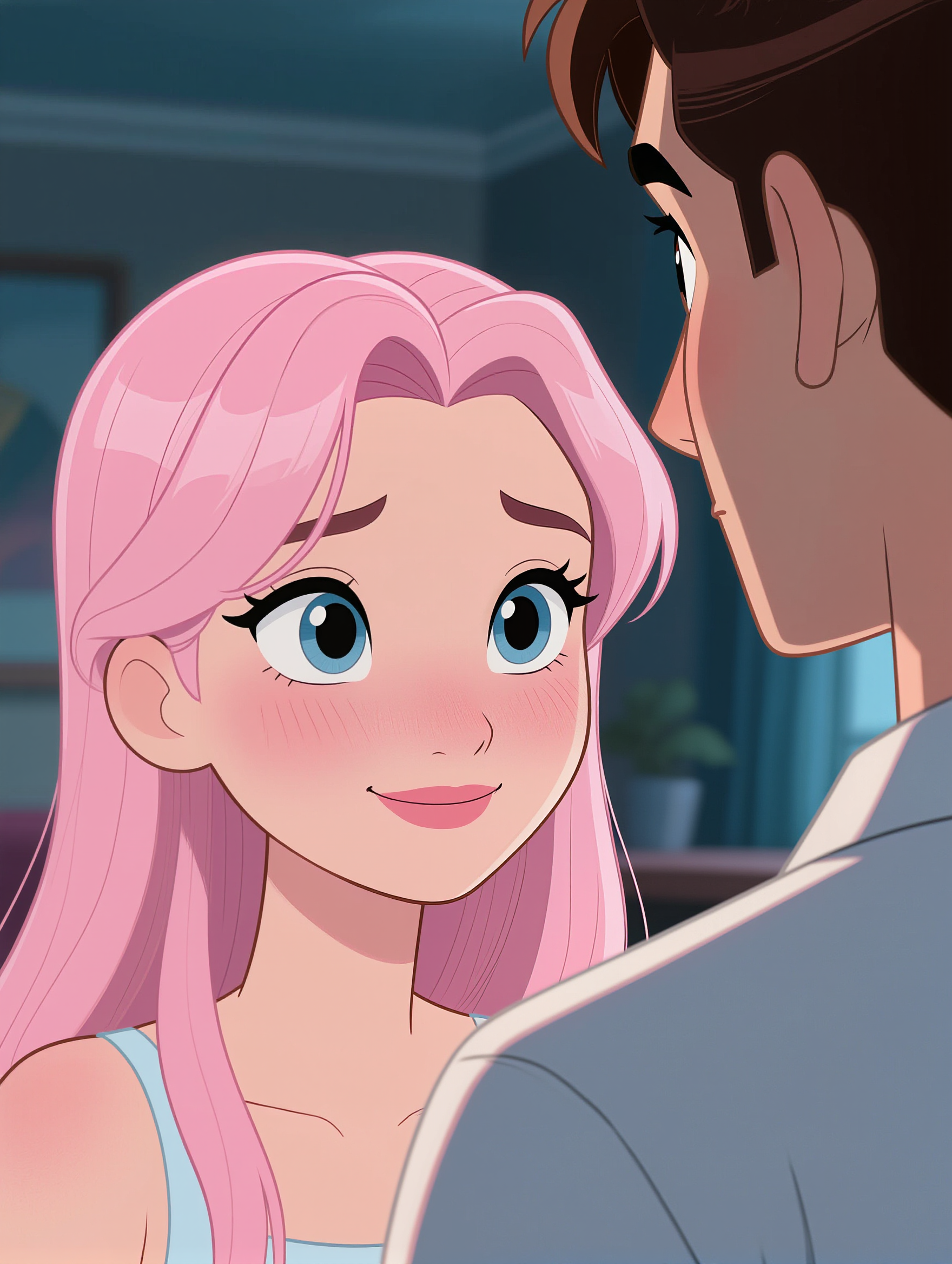
AI Avatar anime style - anime kling pricing AI image
designbyarif avatar
designbyarif
Elite Creator
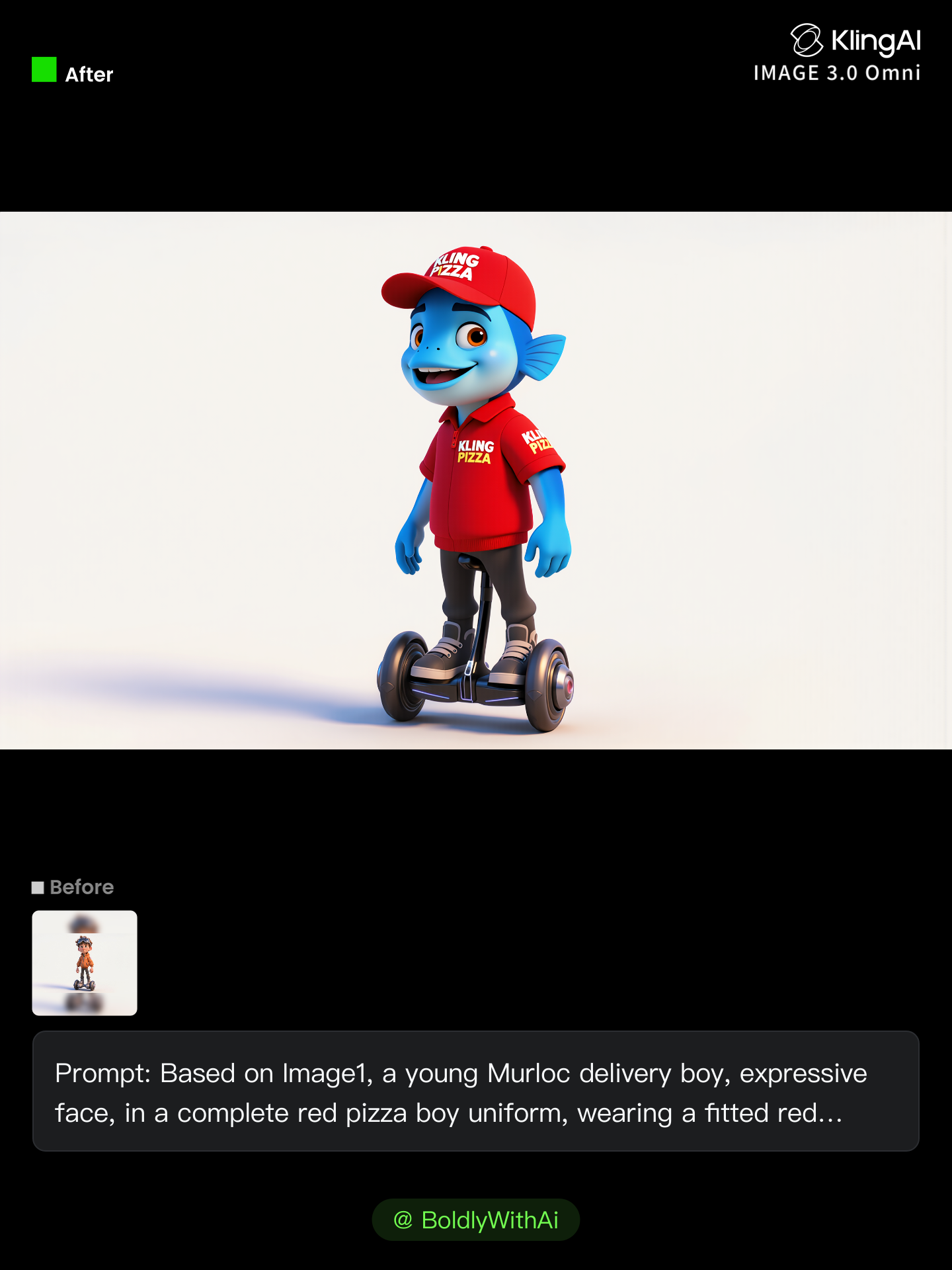
Kling IMAGE 3.0 Model User Guide - anime kling pricing AI image
YxIAgcaB avatar
YxIAgcaB
Kling AI work 312947354661909 - anime kling pricing AI video
xwCAybhm avatar
xwCAybhm
super hero kling ai - anime kling pricing AI video
medtkr avatar
medtkr
Anime girl sits on the beachball - anime kling pricing AI image
BRODhvDH avatar
BRODhvDH
super hero kling ai - anime kling pricing AI video
medtkr avatar
medtkr
Kling AI work 296665274615325 - anime kling pricing AI image
zjbJwDFD avatar
zjbJwDFD
Anime Figure - anime kling pricing AI video
Anime Figure
QFyXYHMj avatar
QFyXYHMj
Kling Anniversary Asset #1 - anime kling pricing AI video
BoldlyWithAi avatar
BoldlyWithAi
Elite Creator
kling saves humanity - anime kling pricing AI video
medtkr avatar
medtkr
kling ai - anime kling pricing AI video
nYDQIKuy avatar
nYDQIKuy
Kling IMAGE 3.0 Model User Guide - anime kling pricing AI image
YxIAgcaB avatar
YxIAgcaB
Anime School girl  - anime kling pricing AI image
ABMLeyiq avatar
ABMLeyiq

How to Use Kling AI Art Generator

Start with a Prompt

Start with a Prompt

Open IMAGE 3.0 Omni. Write what you want to make, upload an existing image, or add references that show the character, object, composition, or style you want Kling to follow.

Set the Art Direction

Set the Art Direction

Add the details that matter to the piece: medium, palette, mood, lighting, framing, perspective, or another visual cue. When you use several references, tell Kling what each one contributes instead of leaving the relationship between them ambiguous.

Generate and Keep Working

Generate and Keep Working

Generate the artwork, review the result, and adjust the prompt or creative direction if needed. For connected images, continue the idea with Image Series.

Shape AI Characters, Build Creative Worlds

Create Characters from Prompts or References

Create Characters from Prompts or References

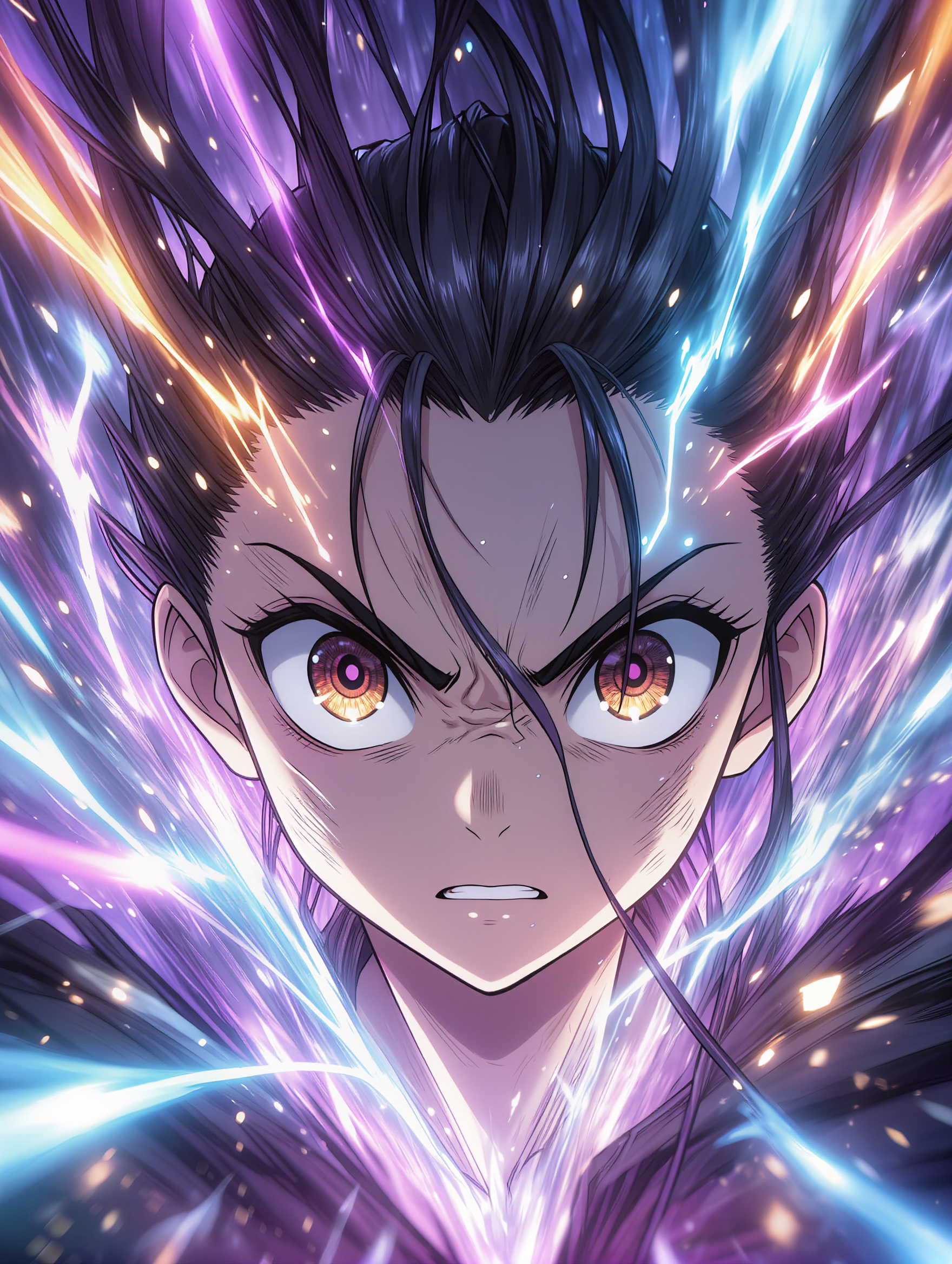
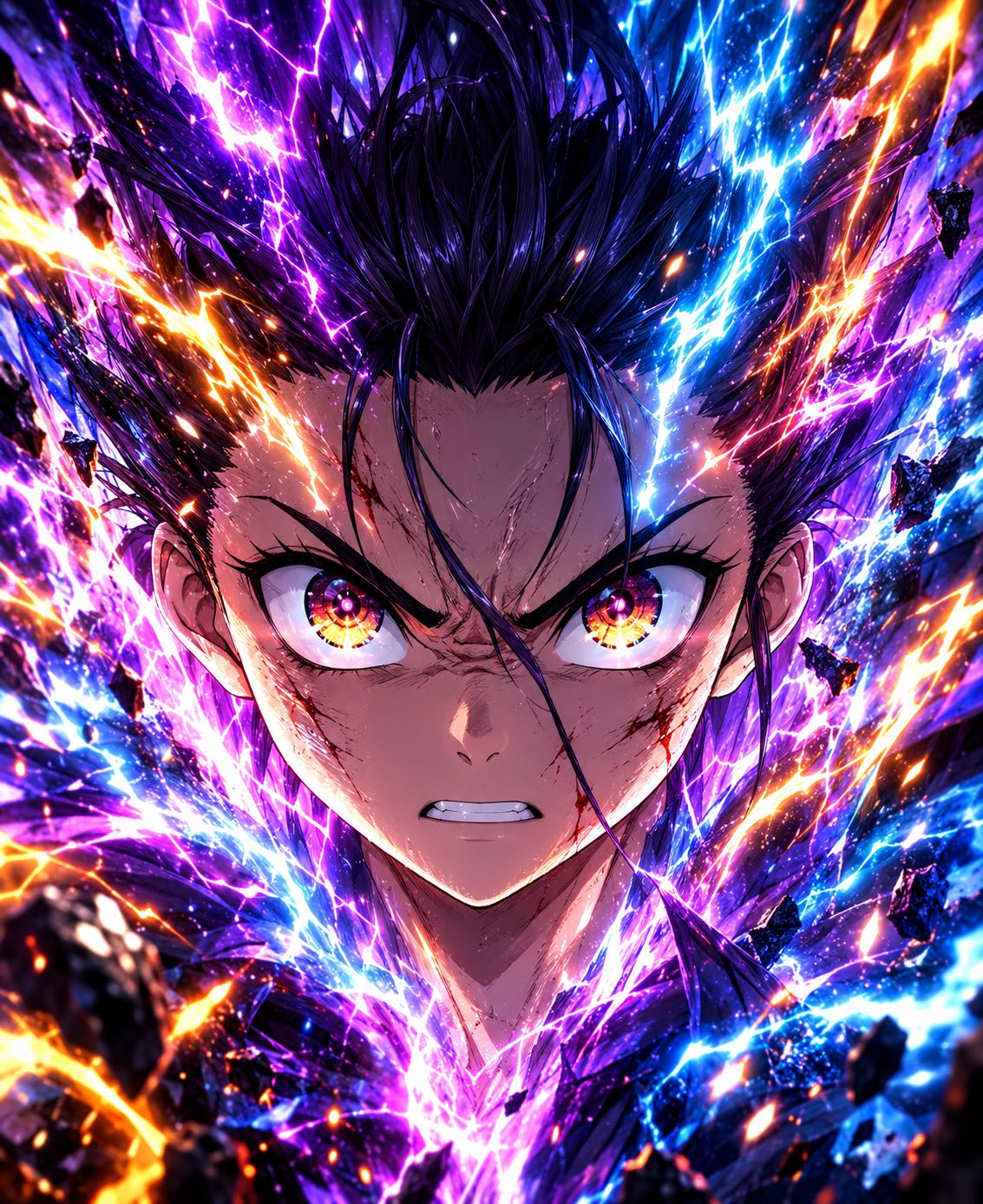
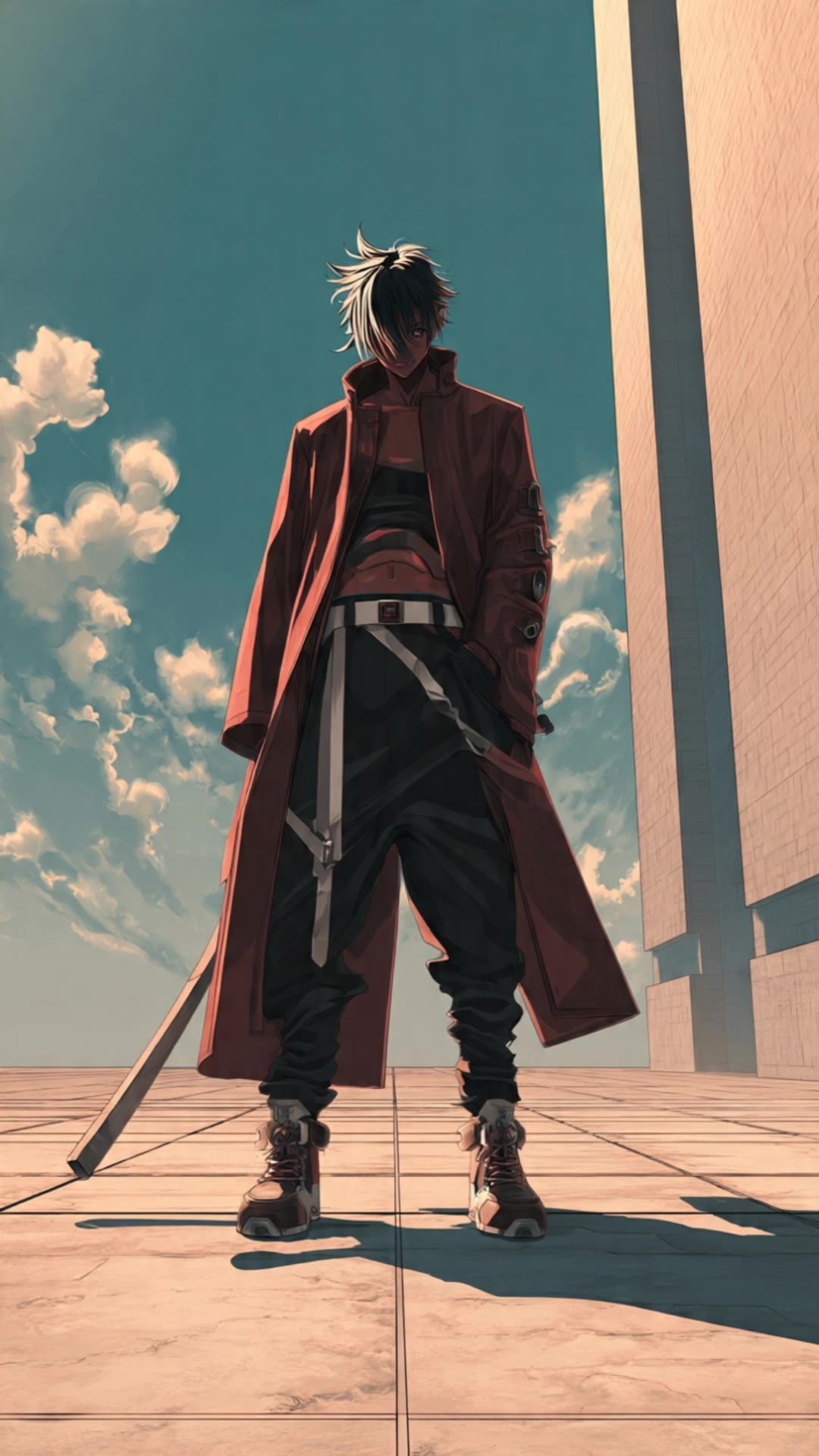
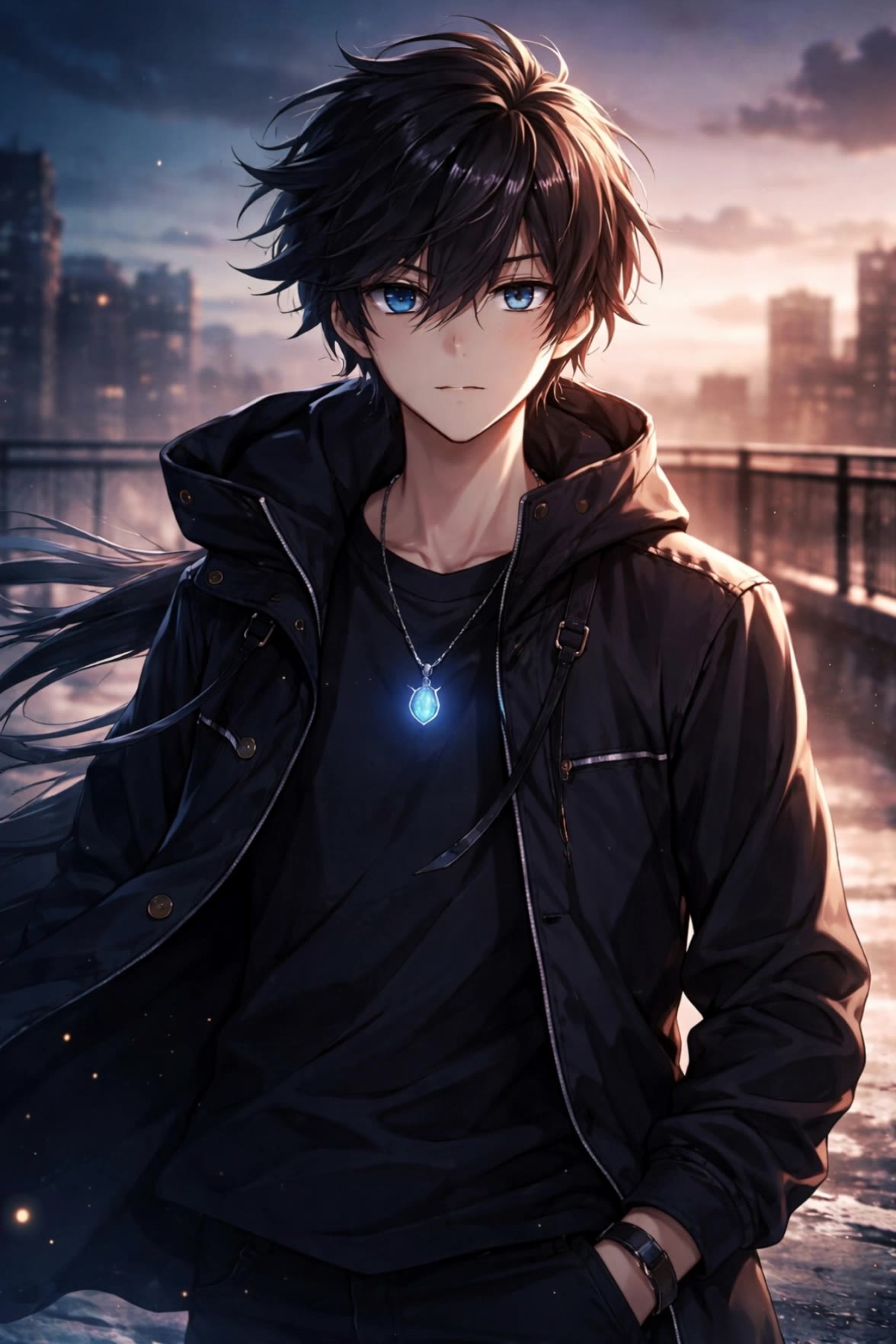
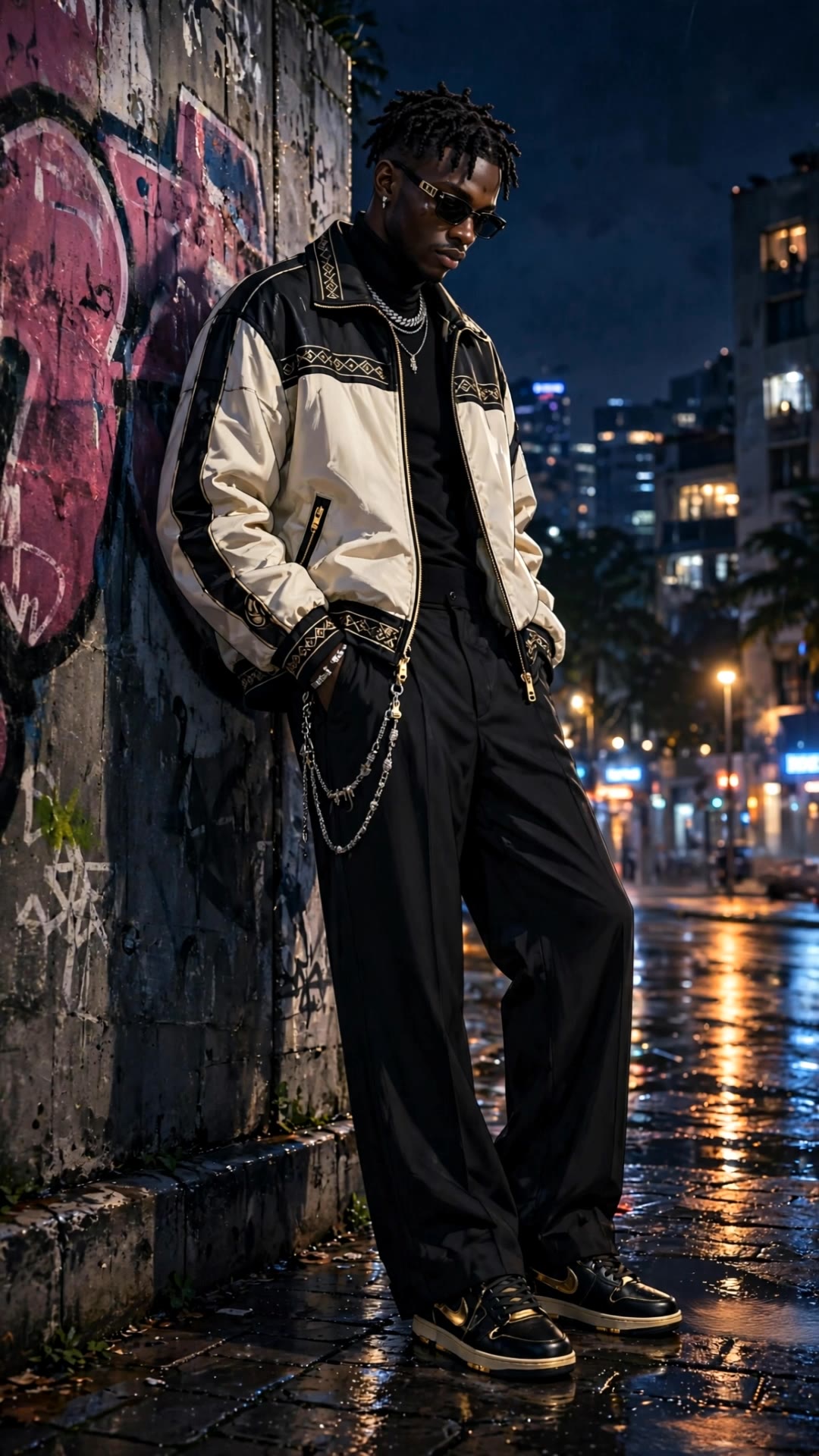
Start with a text prompt to shape an original character, from facial features and hairstyle to clothing, expression, pose, and visual style. If you already have a specific look in mind, add reference images to guide the result more closely. Kling IMAGE 3.0 Omni supports creative directions ranging from realistic and cinematic characters to anime-inspired, fantasy, and CG-style designs.

Turn One Character into a Visual Series

Turn One Character into a Visual Series

Once you have a character you like, use Kling IMAGE 3.0 Omni Series Mode to build a connected set of images around it. Explore new expressions, viewpoints, scenes, and story moments while keeping the character and overall visual direction consistent across the series. It's well suited for storyboards, comics, campaign concepts, social content, and ongoing character development.

Build a Reusable Character Element

Build a Reusable Character Element

Create a reusable Character Element from a reference image, multiple views, or a supported character video. You can start with one main image and let Kling AI generate additional views, add your own reference angles for more visual information, or use a video to capture richer character details. Once saved, the Element can be called up again in supported image and video workflows without redefining the character from scratch.

Apps

Image to Video
Image to Video

Image to Video

Text to Video
Text to Video

Text to Video

Omni
Omni

Omni

Digital Human
Digital Human

Digital Human

Restyle
Restyle

Restyle

Text to Image
Text to Image

Text to Image

60M+
60M+
Users
600M+
600M+
AI Videos Generated
4.7 ★
4.7 ★
App Store
Industry-Leading
Industry-Leading
Cinematic 4K

Reviews

James Phillips

James Phillips

★★★★★

Kling AI has transformed my workflow by collapsing timelines and democratizing production. It’s shifted my mindset from resource-dependent filmmaking to a boundless creative sandbox, where experimentation yields unexpected beauty.

PJ Ace

PJ Ace

★★★★★

Kling AI has made it easy for us to generate world class visuals for Fortune 500 companies, TV shows and music for big artists. We love the easy of use of the platform and the quality of the generations. My first time using Kling AI, I got 22 million views on just one video. It's that good.

Vincent Smadja

Vincent Smadja

★★★★★

Kling AI seamlessly integrates into my creative workflow, playing a key role in transforming my images. After generating and upscaling an image, Kling becomes a crucial element, bringing my creations to life with movement and depth.

FAQ

Q1Can I add color to a black-and-white photo?
Q2What can I do with the Kling AI Image Editor?
Q3Can I change the lighting, colors, or camera angle?

Take Your Photo in a New Direction

Start with the image you have and rework it for the look, message, or moment you have in mind.

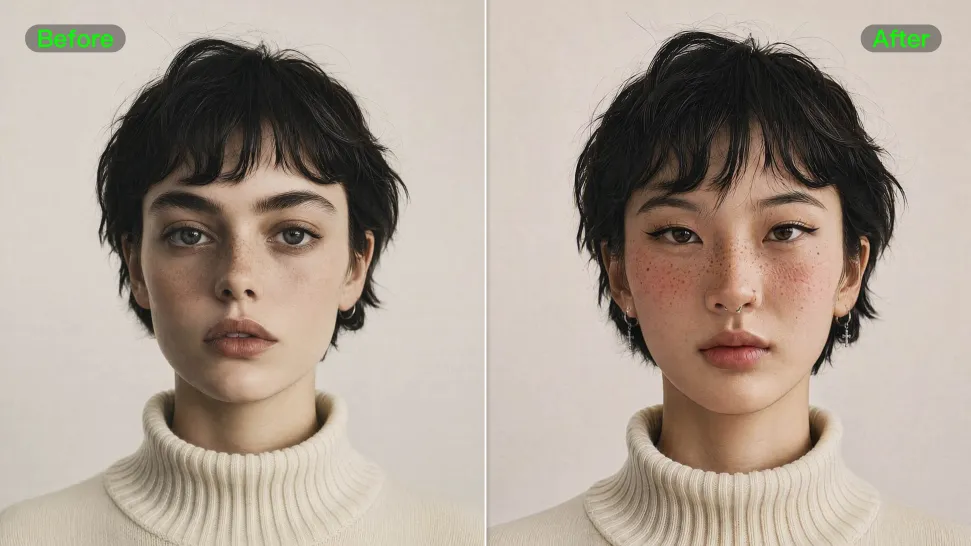
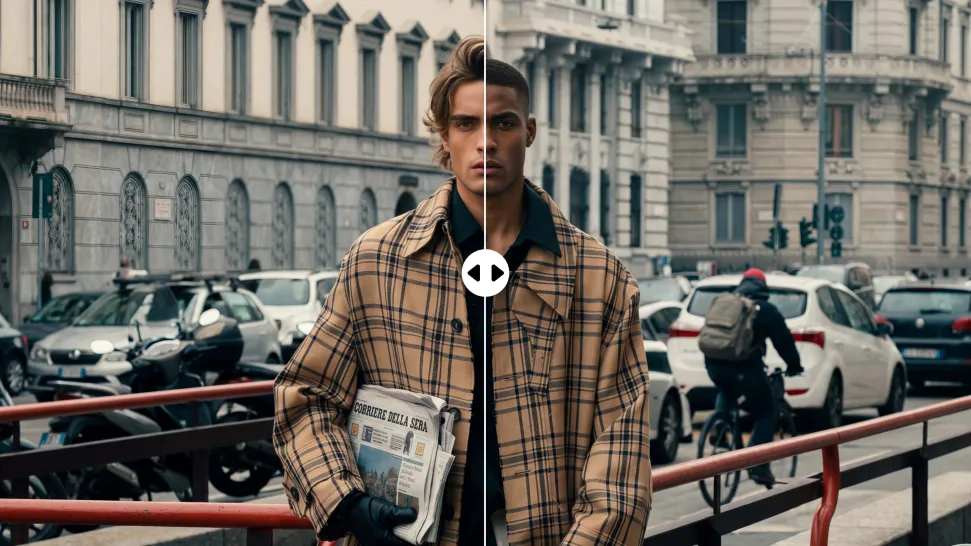
Object removal | Background changes | Portrait retouching | Photo restyling