
Creative Studio
API
Resources
Features
About Us
Download

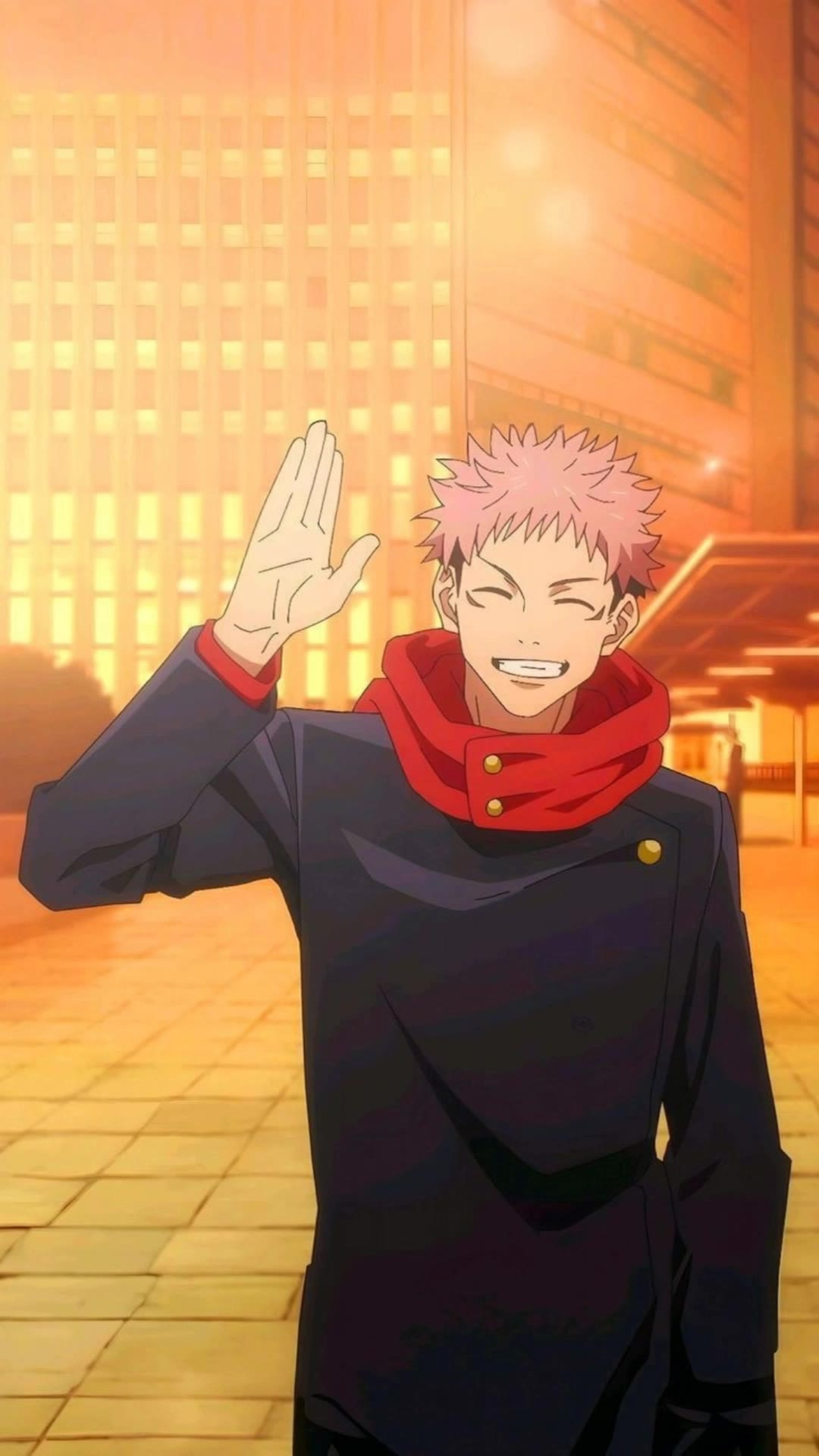
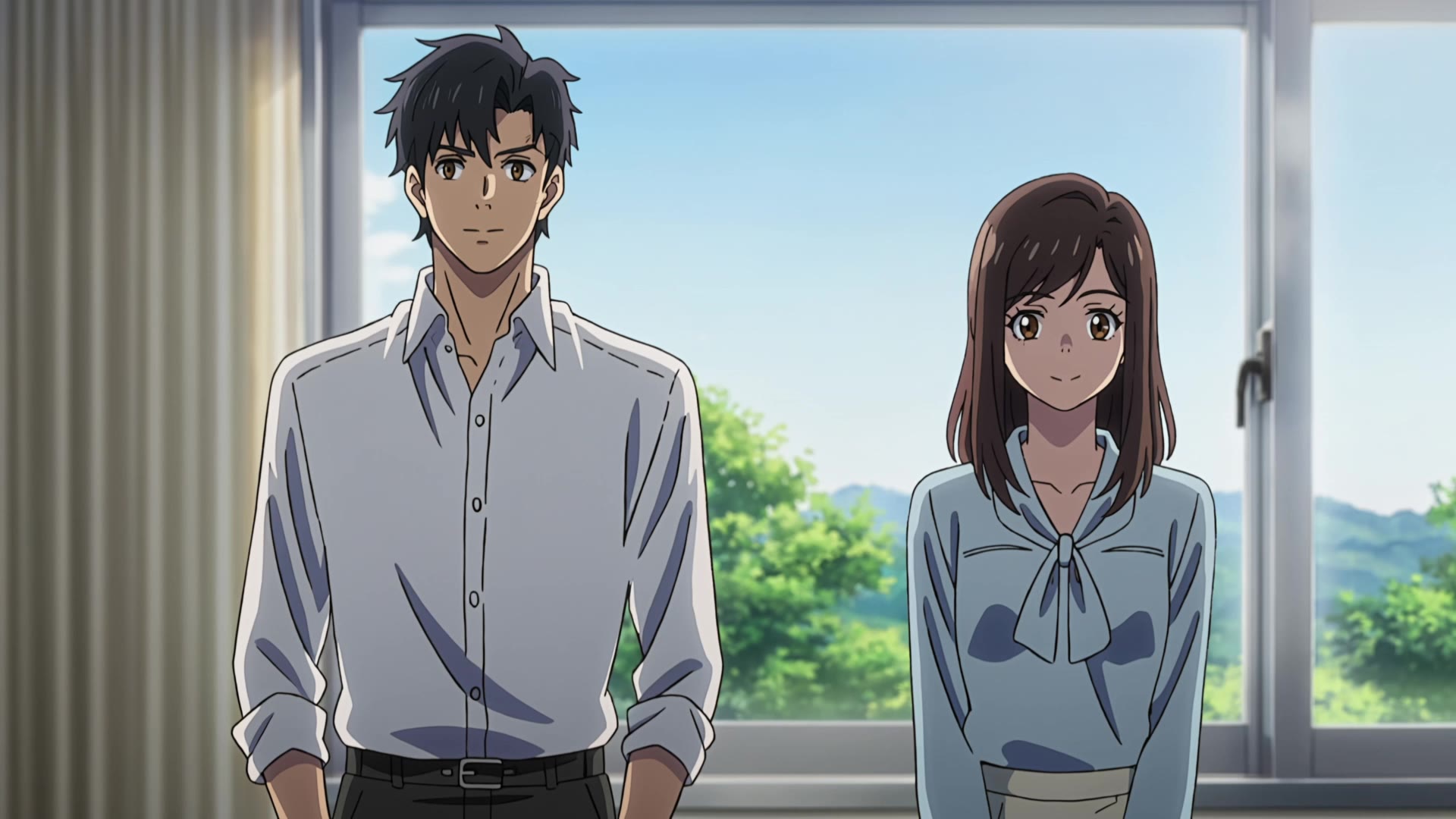
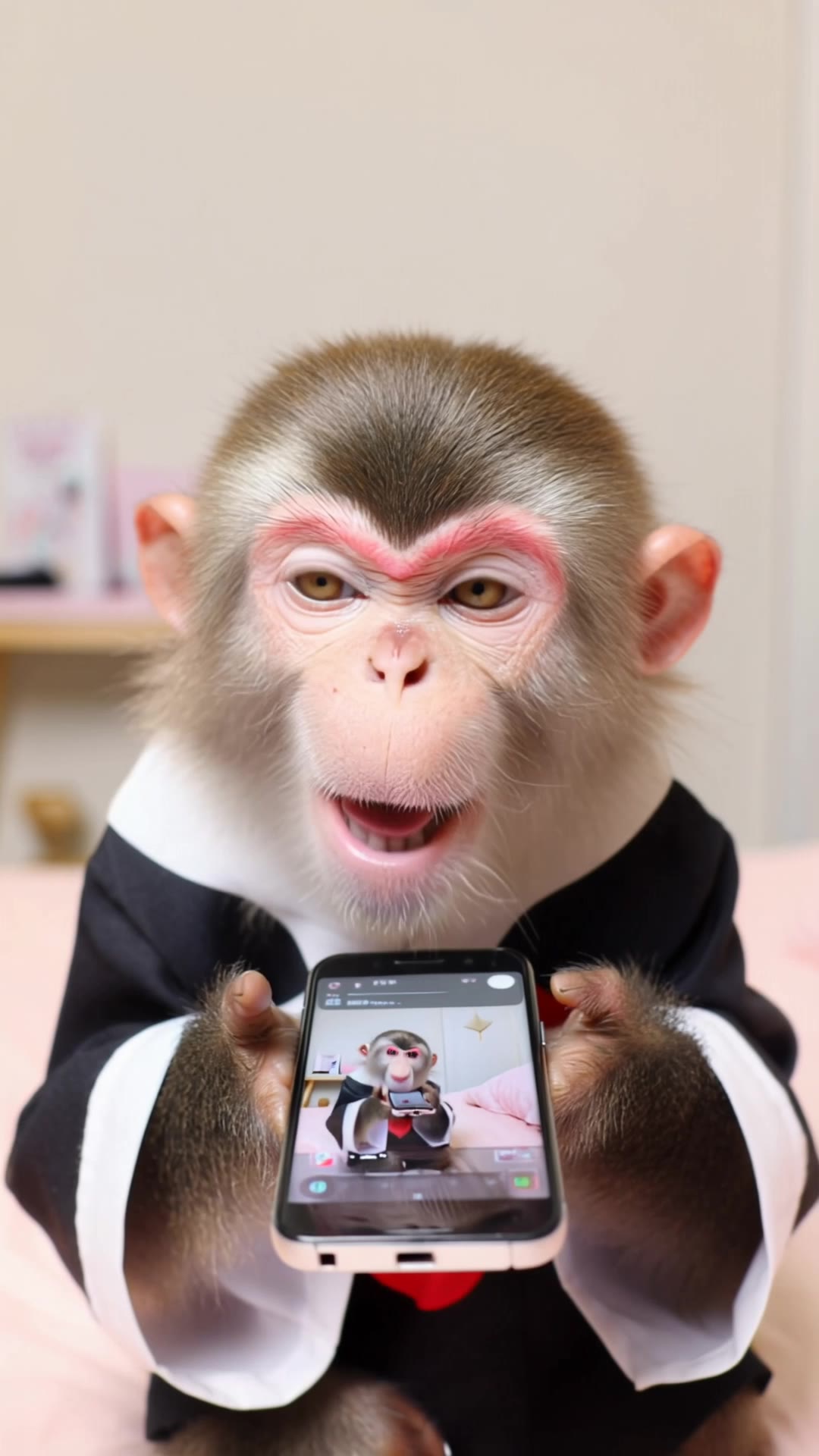
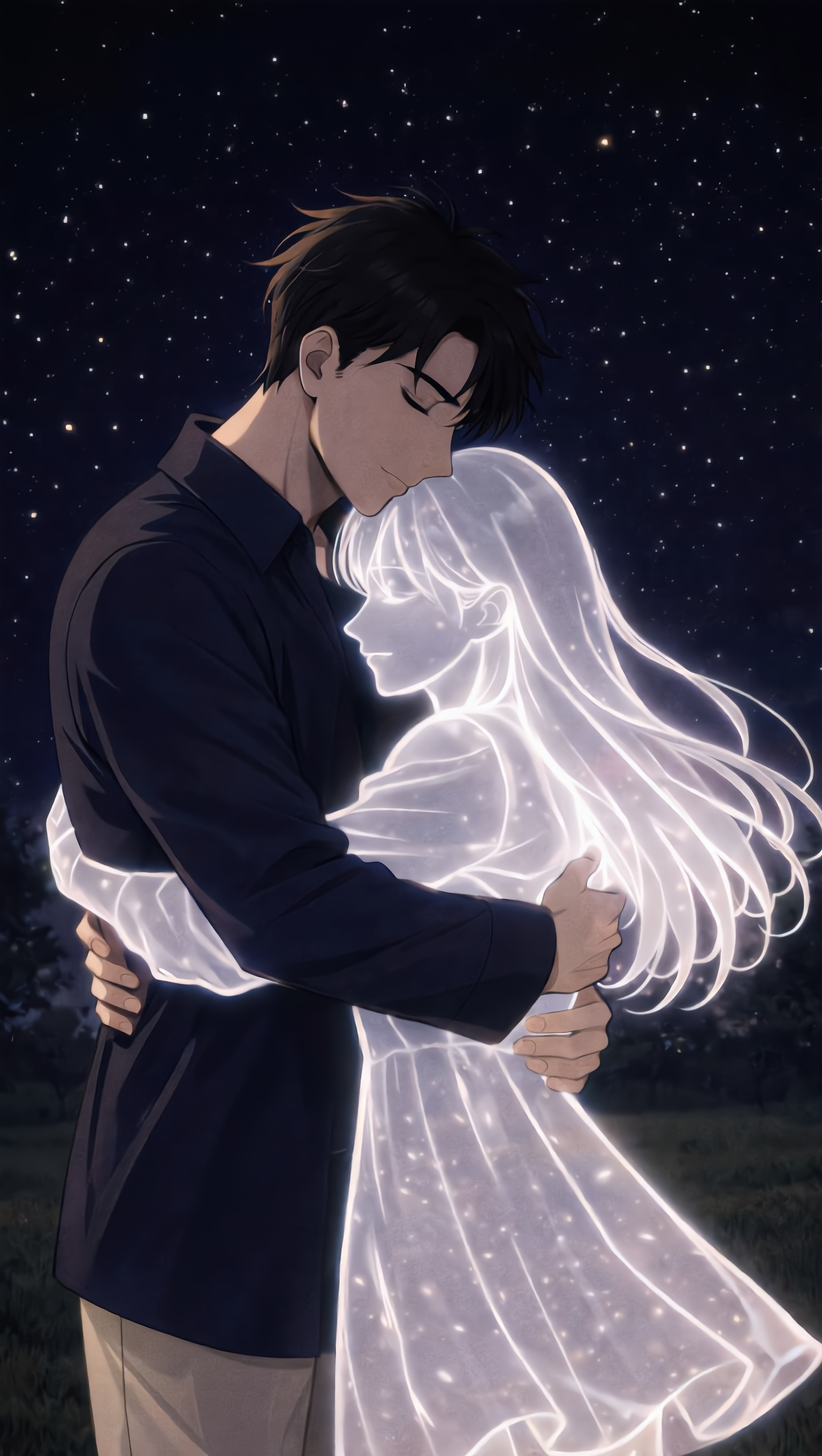
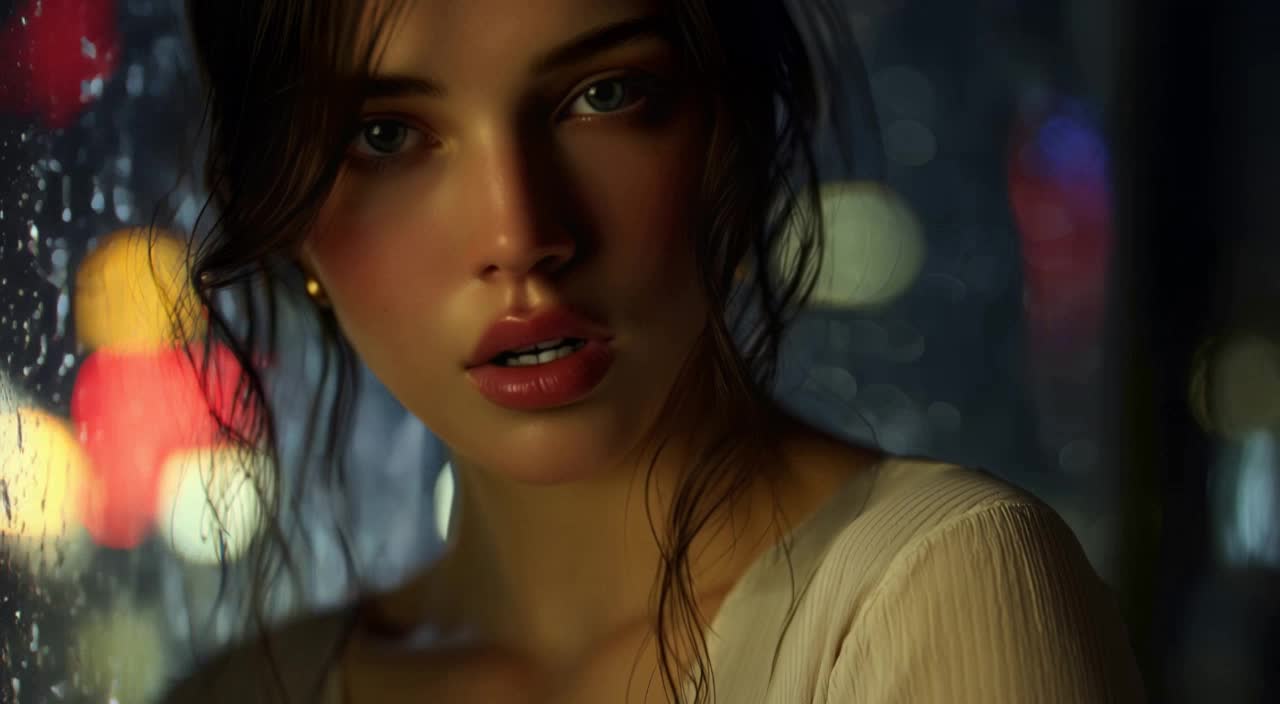
Anime Video Generation with KlingAI Lip Sync

Enhance your anime videos with KlingAI Lip Sync. Get AI-generated lip sync ideas for your creations.

Anime Video Generation with KlingAI Lip Sync

Recommended

Kling AI work 307733273535954 - anime video generation kling ai lip sync AI video
CTVBkYmK avatar
CTVBkYmK
lip sync - anime video generation kling ai lip sync AI video
POPONE avatar
POPONE
Elite Creator
Kling AI work 306769076618007 - anime video generation kling ai lip sync AI video
BhJtNtTM avatar
BhJtNtTM
Kling AI work 302831864535875 - anime video generation kling ai lip sync AI video
vclDTNis avatar
vclDTNis
Kling AI work 311501840665873 - anime video generation kling ai lip sync AI image
vsarcZxN avatar
vsarcZxN
Kling AI work 299165730655438 - anime video generation kling ai lip sync AI video
ai.mismatch avatar
ai.mismatch
Elite Creator
Kling AI work 316364178508642 - anime video generation kling ai lip sync AI image
mBZPDRIo avatar
mBZPDRIo
Lip sync test - anime video generation kling ai lip sync AI video
oXNHFyaz avatar
oXNHFyaz
Kling AI work 310316289663574 - anime video generation kling ai lip sync AI image
gdBcPXli avatar
gdBcPXli
Kling AI work 313071913616107 - anime video generation kling ai lip sync AI image
OeeaSxCy avatar
OeeaSxCy
Lip sync - anime video generation kling ai lip sync AI video
00:25
CKNazrIw avatar
CKNazrIw
lip sync - anime video generation kling ai lip sync AI video
POPONE avatar
POPONE
Elite Creator
Kling AI work 310355941617103 - anime video generation kling ai lip sync AI image
gdBcPXli avatar
gdBcPXli
Lip sync - anime video generation kling ai lip sync AI video
POPONE avatar
POPONE
Elite Creator
Kling AI work 317257353614931 - anime video generation kling ai lip sync AI video
ozwgmAMb avatar
ozwgmAMb
Kling AI work 316396373500924 - anime video generation kling ai lip sync AI video
nCtOKcFW avatar
nCtOKcFW
Kling AI work 317257163500890 - anime video generation kling ai lip sync AI video
ozwgmAMb avatar
ozwgmAMb
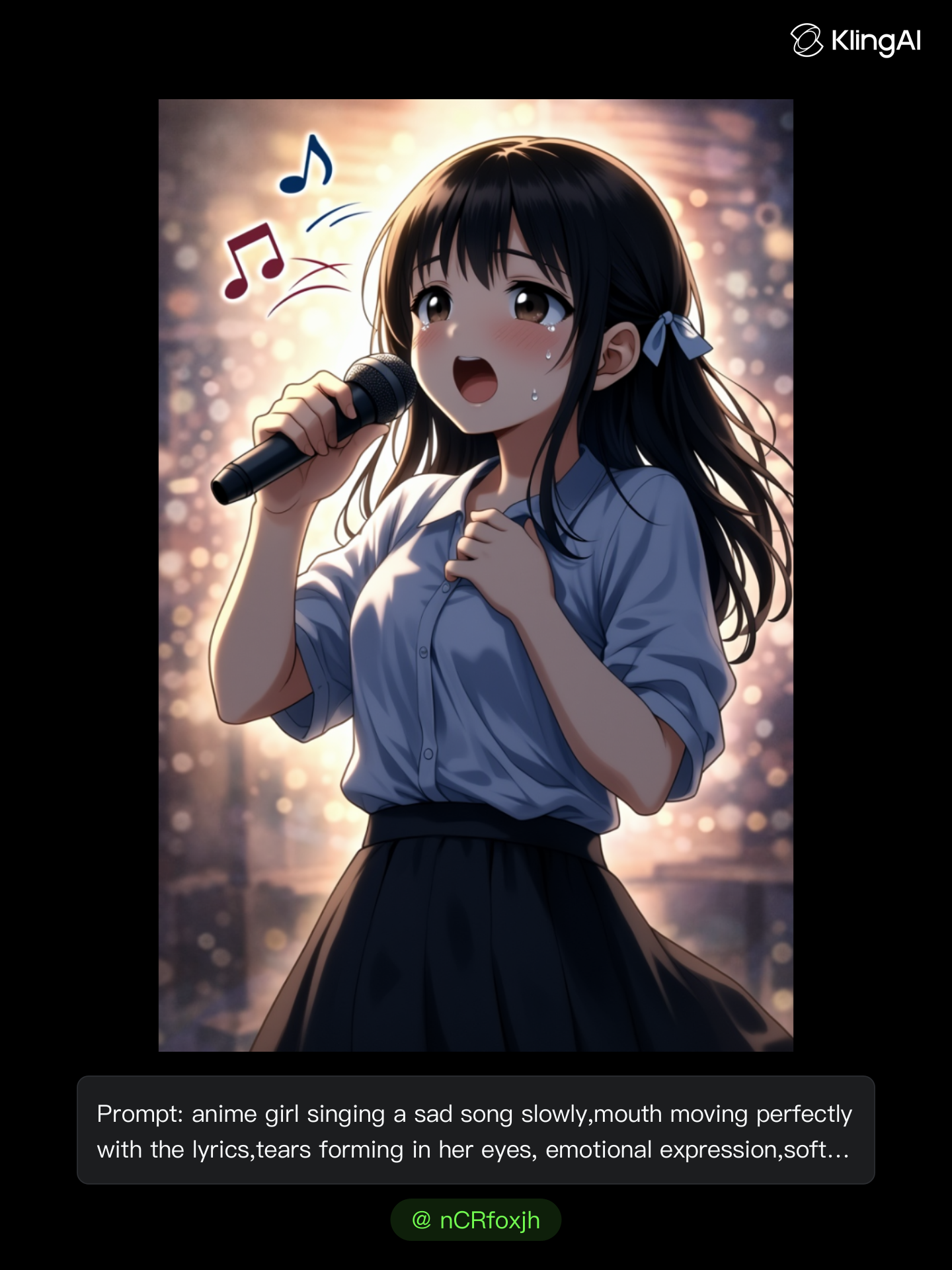
Kling AI work 299589261508922 - anime video generation kling ai lip sync AI image
nCRfoxjh avatar
nCRfoxjh
Kling AI work 305926270536980 - anime video generation kling ai lip sync AI video
7A7PI avatar
7A7PI
Elite Creator

How to Use Kling AI Art Generator

Start with a Prompt

Start with a Prompt

Open IMAGE 3.0 Omni. Write what you want to make, upload an existing image, or add references that show the character, object, composition, or style you want Kling to follow.

Set the Art Direction

Set the Art Direction

Add the details that matter to the piece: medium, palette, mood, lighting, framing, perspective, or another visual cue. When you use several references, tell Kling what each one contributes instead of leaving the relationship between them ambiguous.

Generate and Keep Working

Generate and Keep Working

Generate the artwork, review the result, and adjust the prompt or creative direction if needed. For connected images, continue the idea with Image Series.

Shape AI Characters, Build Creative Worlds

Create Characters from Prompts or References

Create Characters from Prompts or References

Start with a text prompt to shape an original character, from facial features and hairstyle to clothing, expression, pose, and visual style. If you already have a specific look in mind, add reference images to guide the result more closely. Kling IMAGE 3.0 Omni supports creative directions ranging from realistic and cinematic characters to anime-inspired, fantasy, and CG-style designs.

Turn One Character into a Visual Series

Turn One Character into a Visual Series

Once you have a character you like, use Kling IMAGE 3.0 Omni Series Mode to build a connected set of images around it. Explore new expressions, viewpoints, scenes, and story moments while keeping the character and overall visual direction consistent across the series. It's well suited for storyboards, comics, campaign concepts, social content, and ongoing character development.

Build a Reusable Character Element

Build a Reusable Character Element

Create a reusable Character Element from a reference image, multiple views, or a supported character video. You can start with one main image and let Kling AI generate additional views, add your own reference angles for more visual information, or use a video to capture richer character details. Once saved, the Element can be called up again in supported image and video workflows without redefining the character from scratch.

Apps

Image to Video
Image to Video

Image to Video

Text to Video
Text to Video

Text to Video

Omni
Omni

Omni

Digital Human
Digital Human

Digital Human

Restyle
Restyle

Restyle

Text to Image
Text to Image

Text to Image

60M+
60M+
Users
600M+
600M+
AI Videos Generated
4.7 ★
4.7 ★
App Store
Industry-Leading
Industry-Leading
Cinematic 4K

Reviews

KakuDrop

KakuDrop

★★★★★

I have successfully collaborated with world-renowned artists and well-known companies that are recognized globally

James Phillips

James Phillips

★★★★★

Kling AI has transformed my workflow by collapsing timelines and democratizing production. It’s shifted my mindset from resource-dependent filmmaking to a boundless creative sandbox, where experimentation yields unexpected beauty.

Samuele Poggi (@visualsk2)

Samuele Poggi (@visualsk2)

★★★★★

I use Kling AI daily to push the limits of AI filmmaking. It allows me to create highly cinematic content, blending AI and VFX to develop innovative projects. It has significantly impacted my creative process, enabling me to achieve complex animations that would otherwise require high production budgets.

FAQ

Q1Can I upscale an image to a higher resolution with Kling AI?
Q2How does AI image enhancement work?
Q3What types of images can I enhance with Kling AI?

Bring Out the Best in Every Image

Transform ordinary images into refined visuals with Kling AI. Enhance details, improve the overall look, and create images that better match your creative direction.

AI image quality enhancement | Prompt-guided refinement | 2K/4K output