

CfNuWzYv
0
Generate anime videos with KlingAI's AI-created visuals. Quickly explore and adapt unique anime content to enhance your creative projects. Enjoy the ease of AI-driven anime video generation.

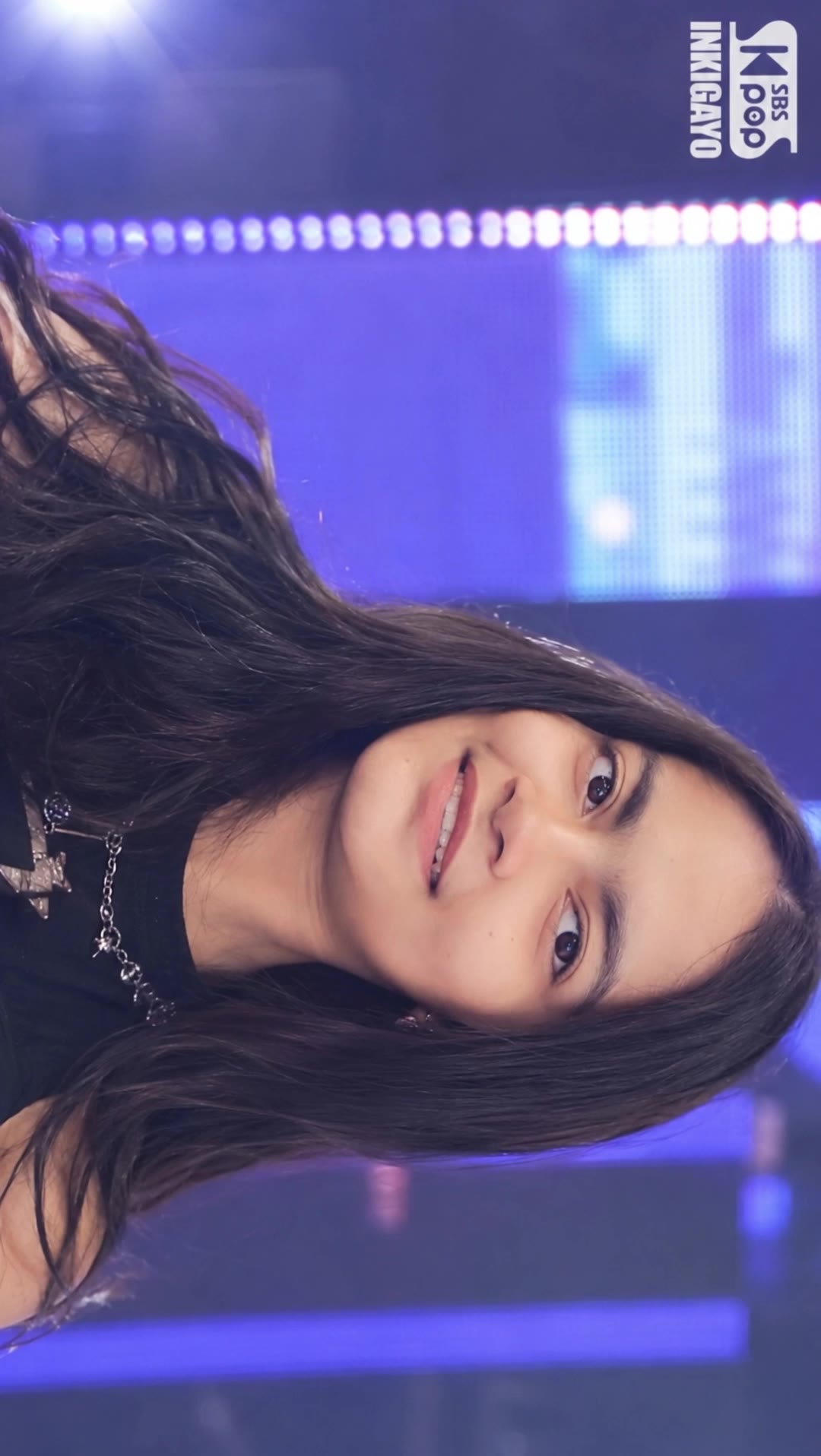

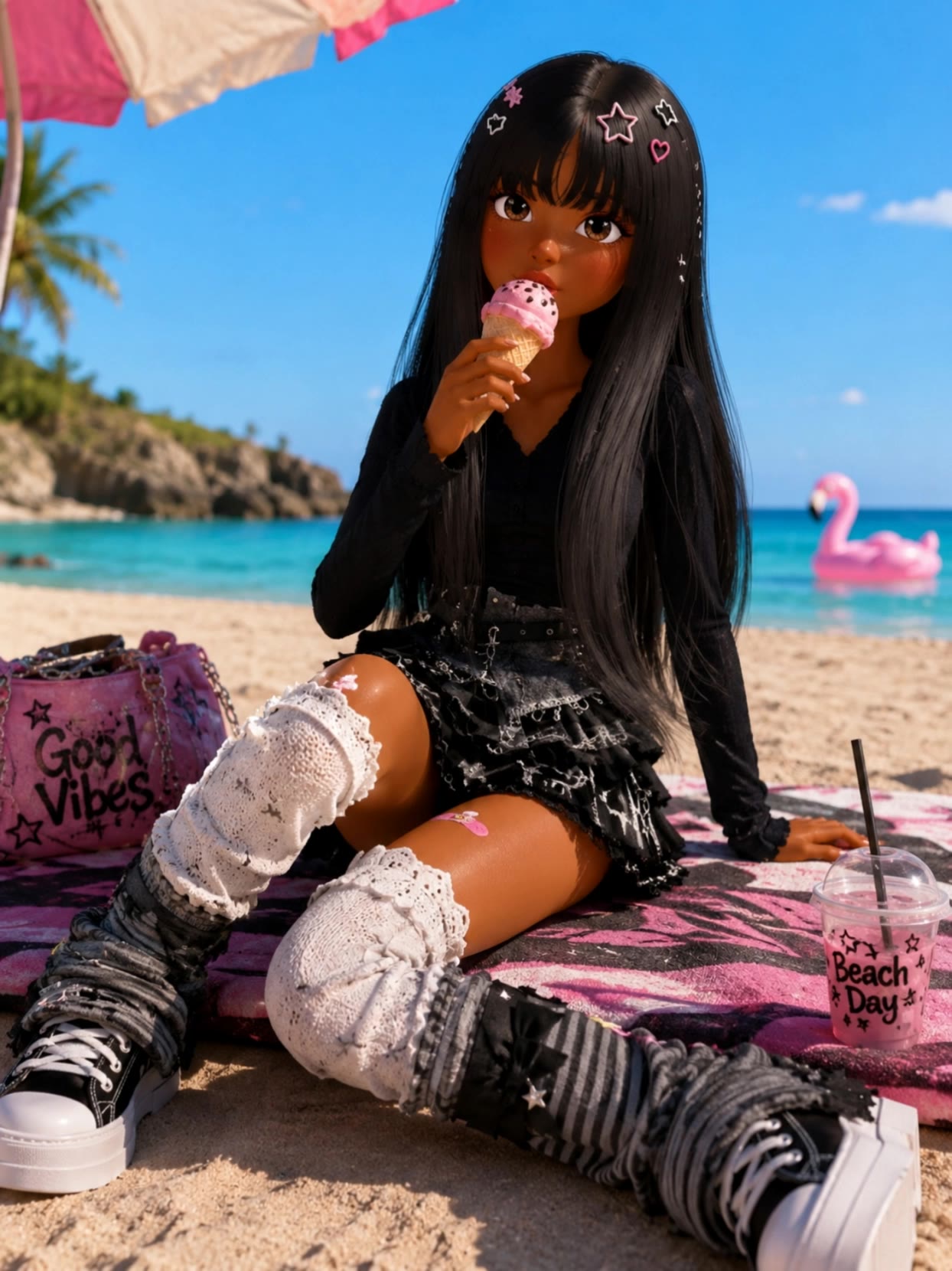
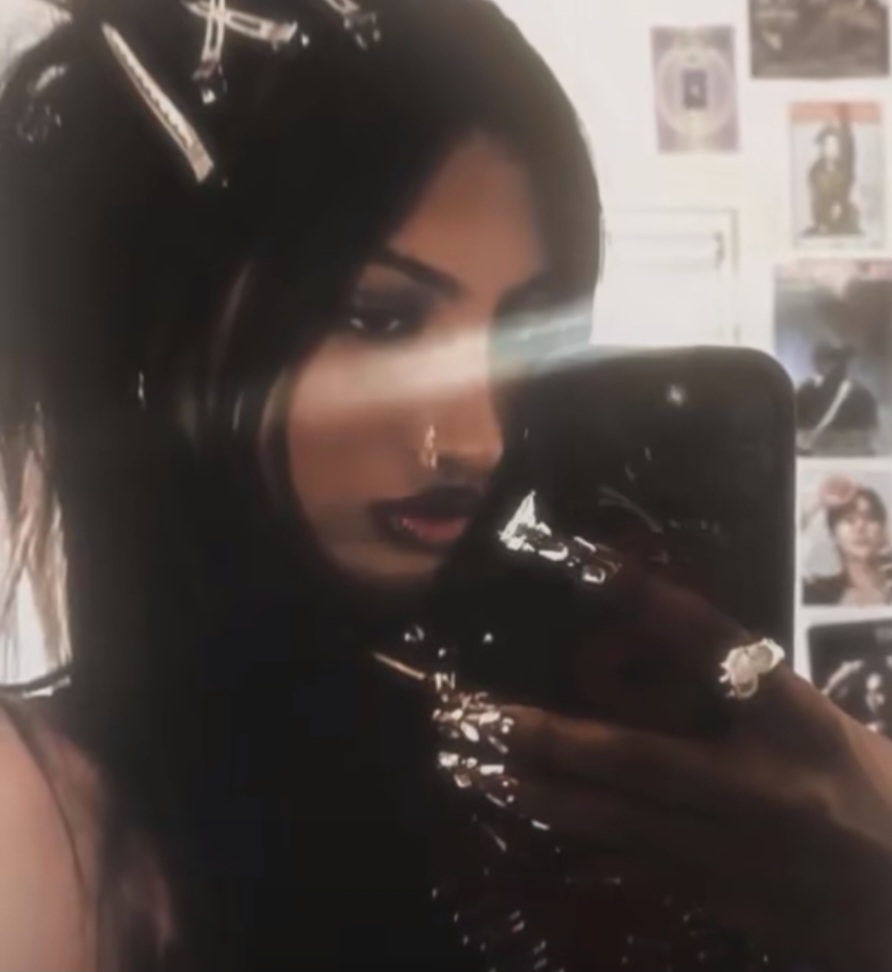
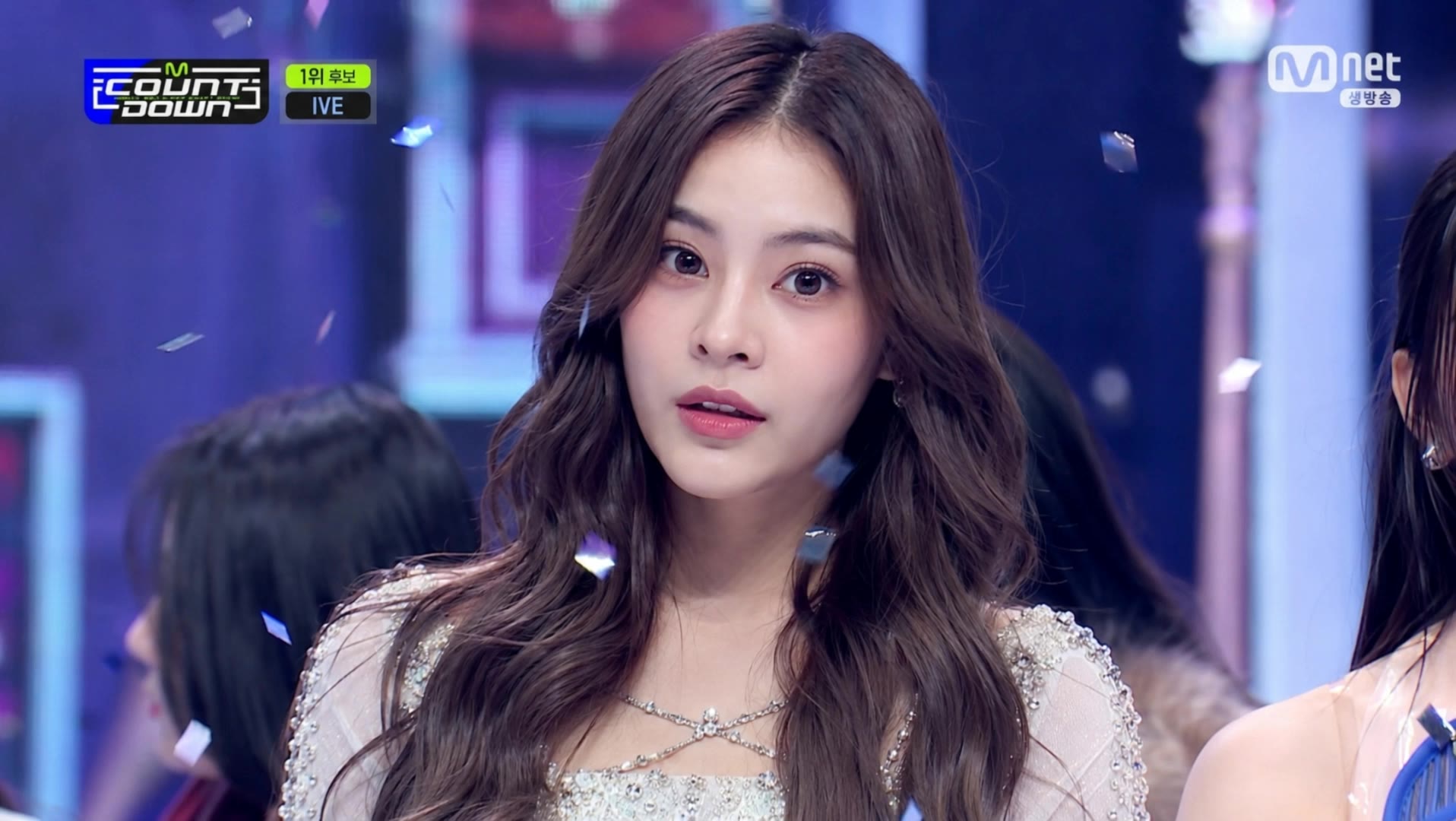
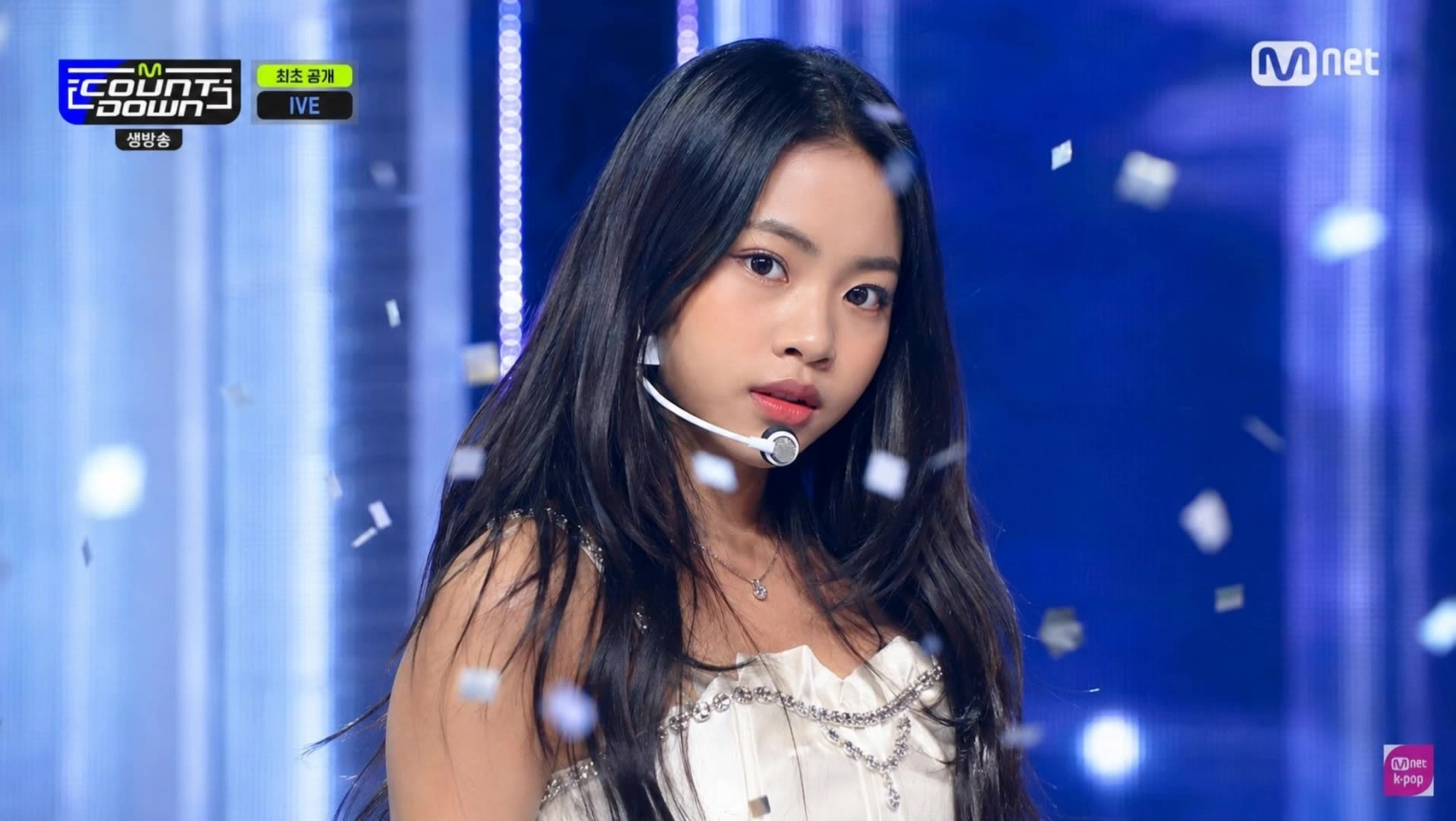

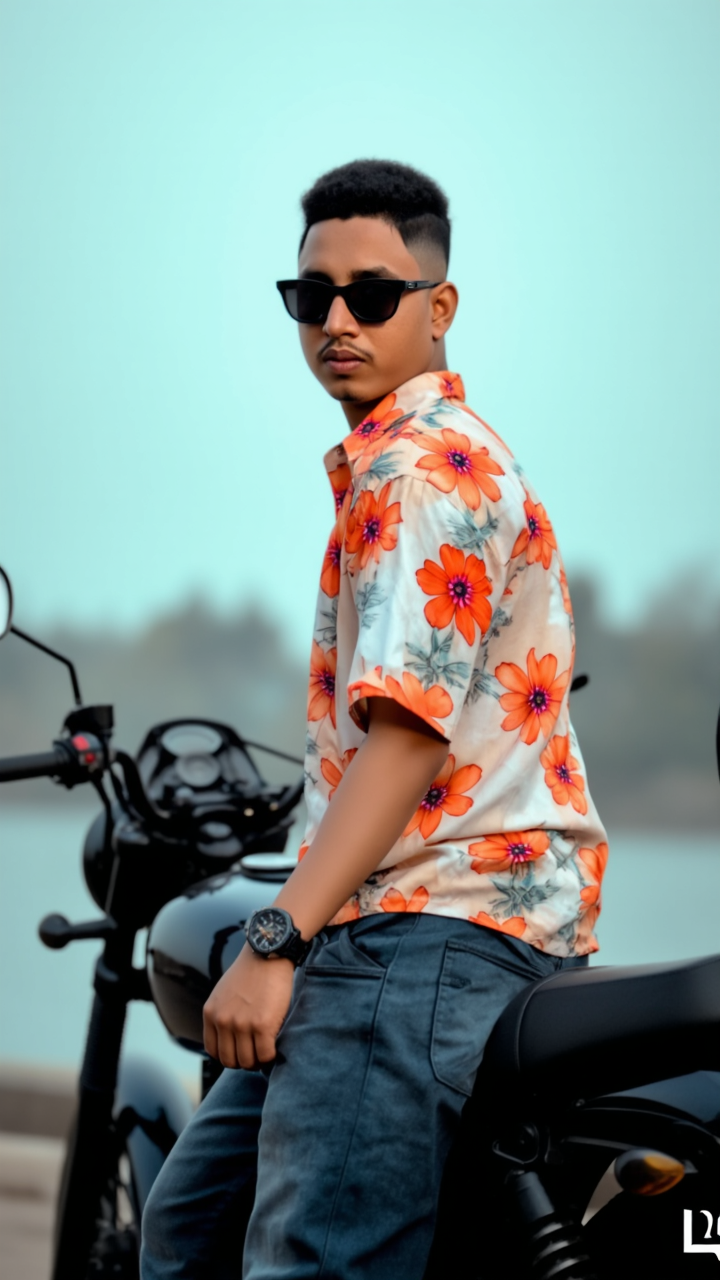
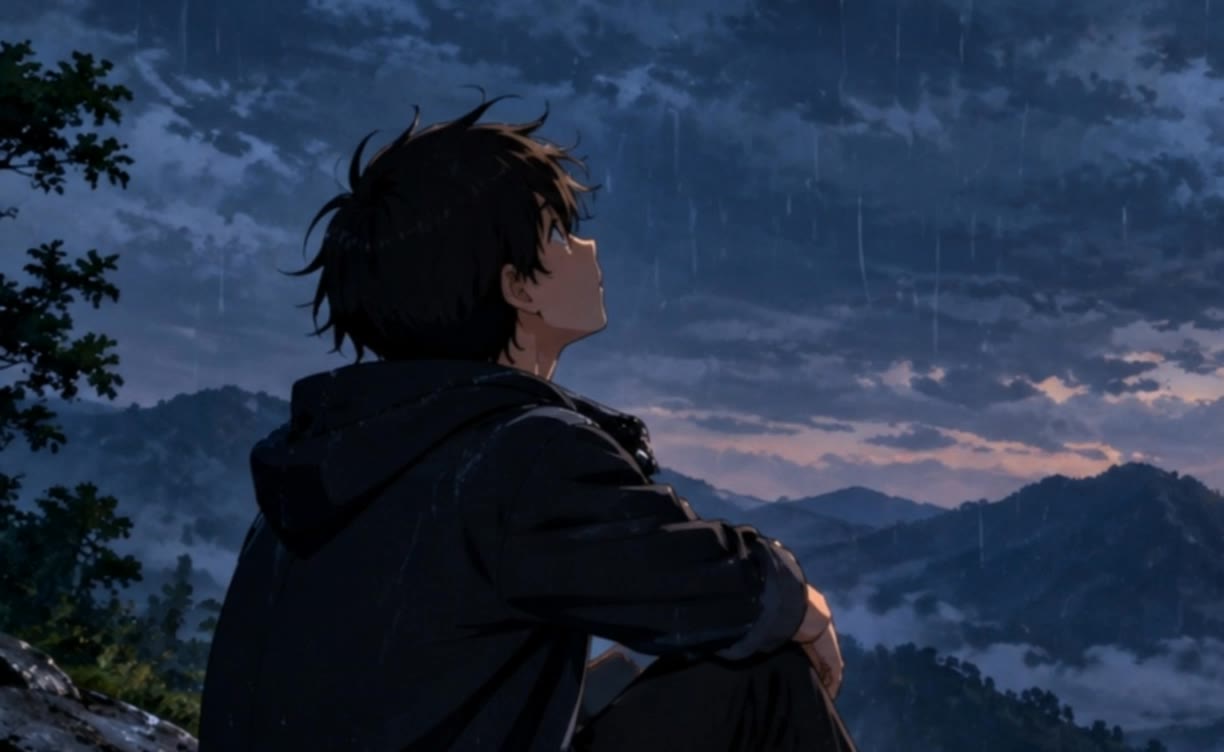
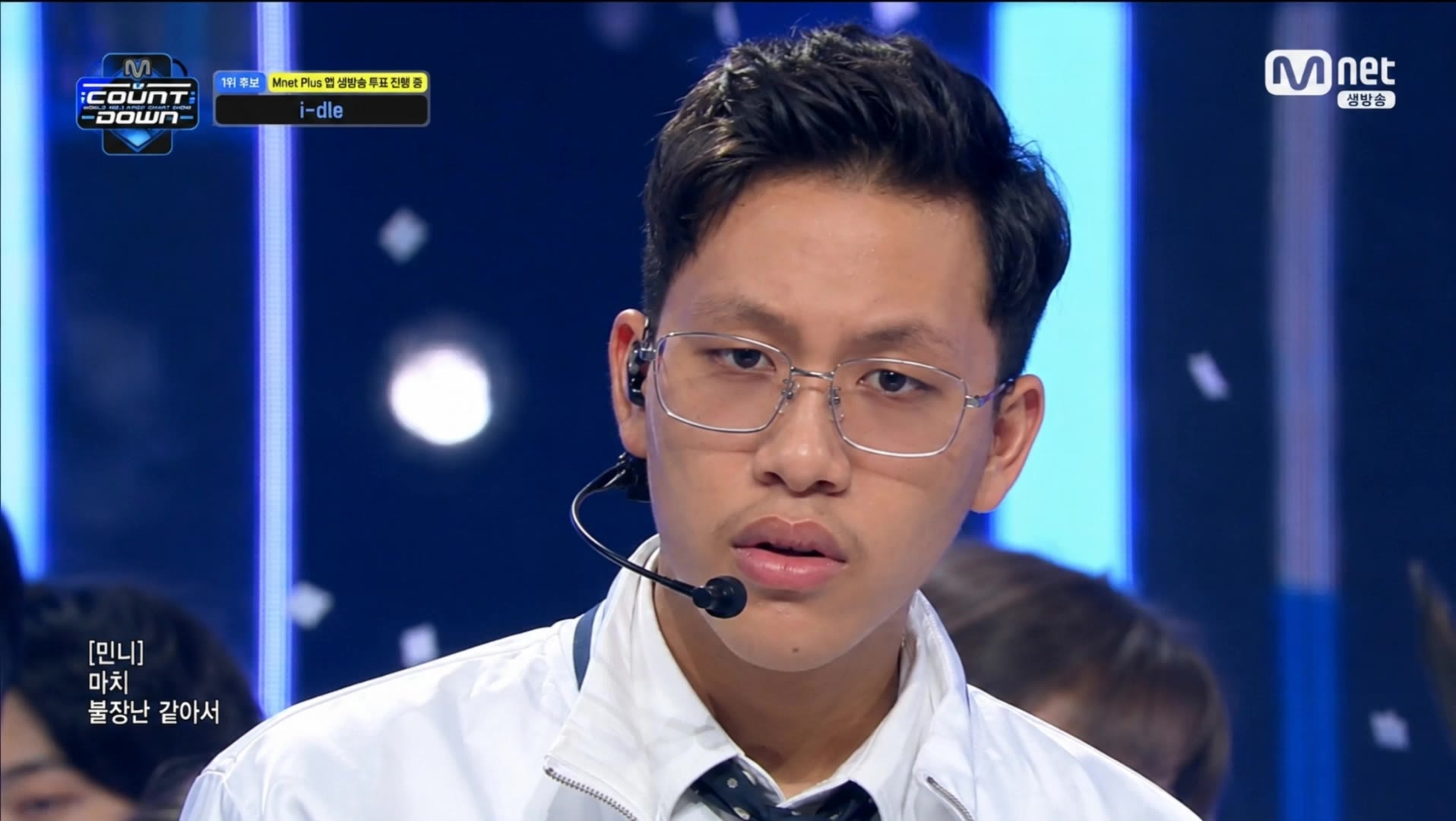

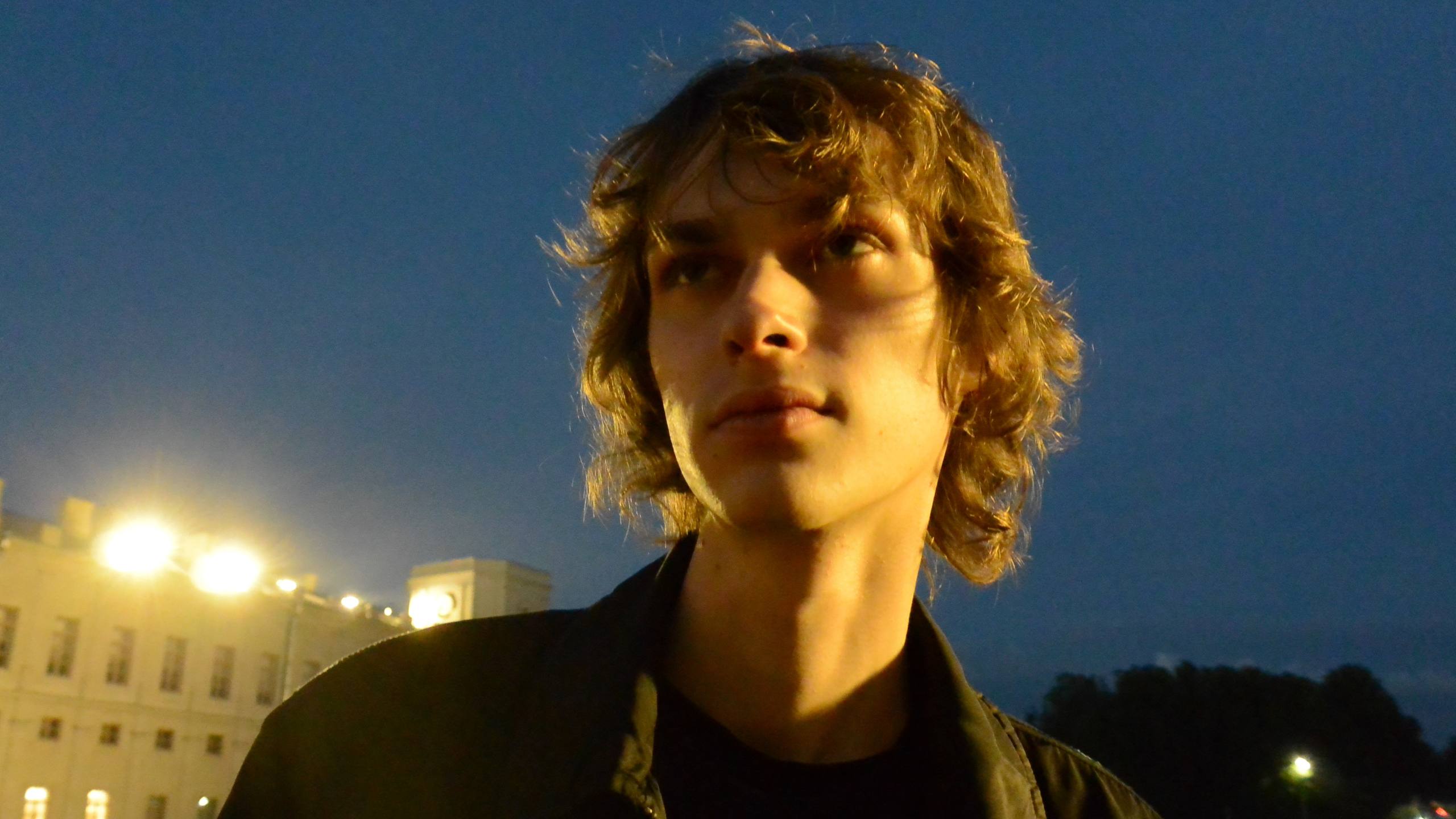
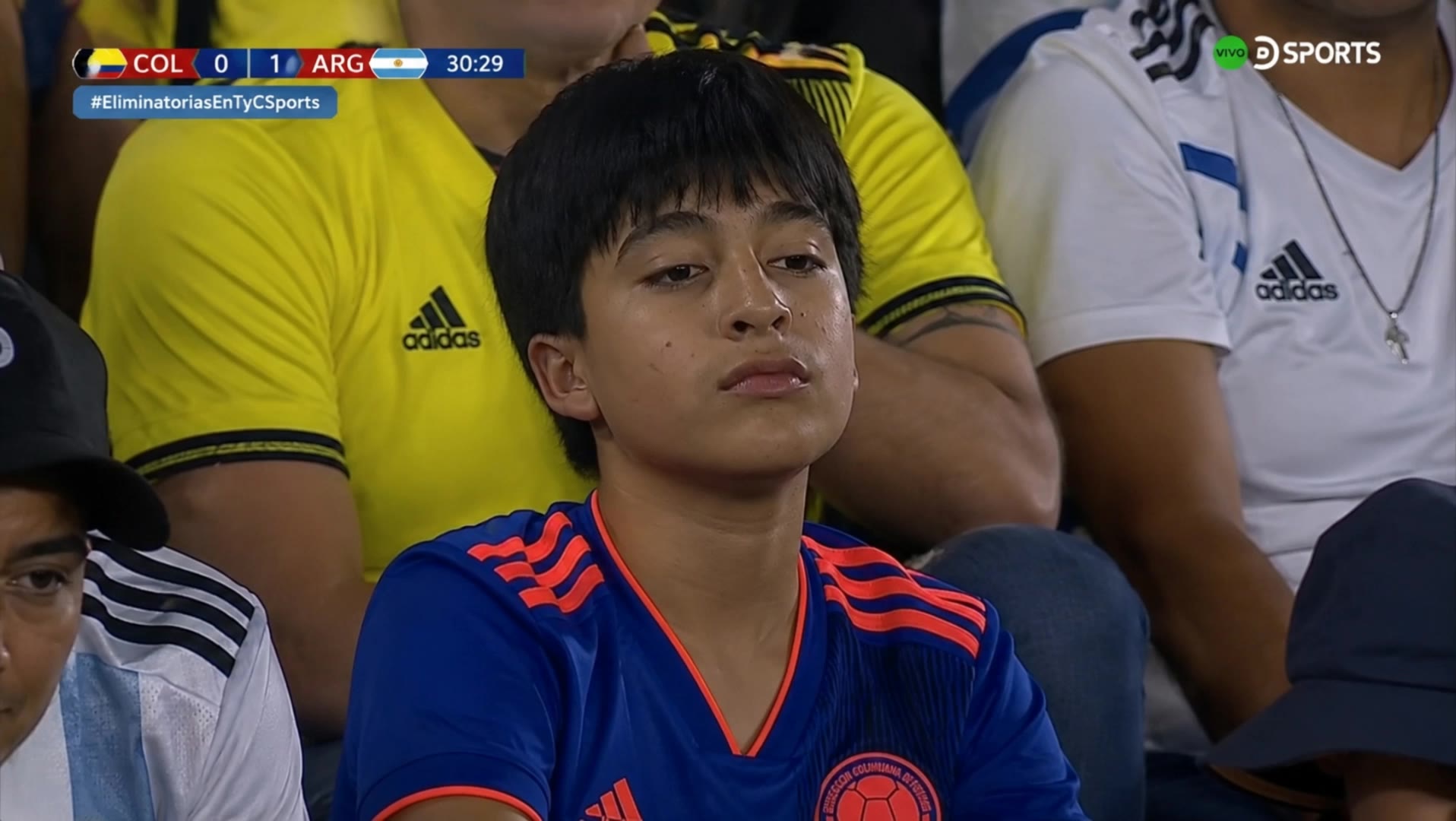
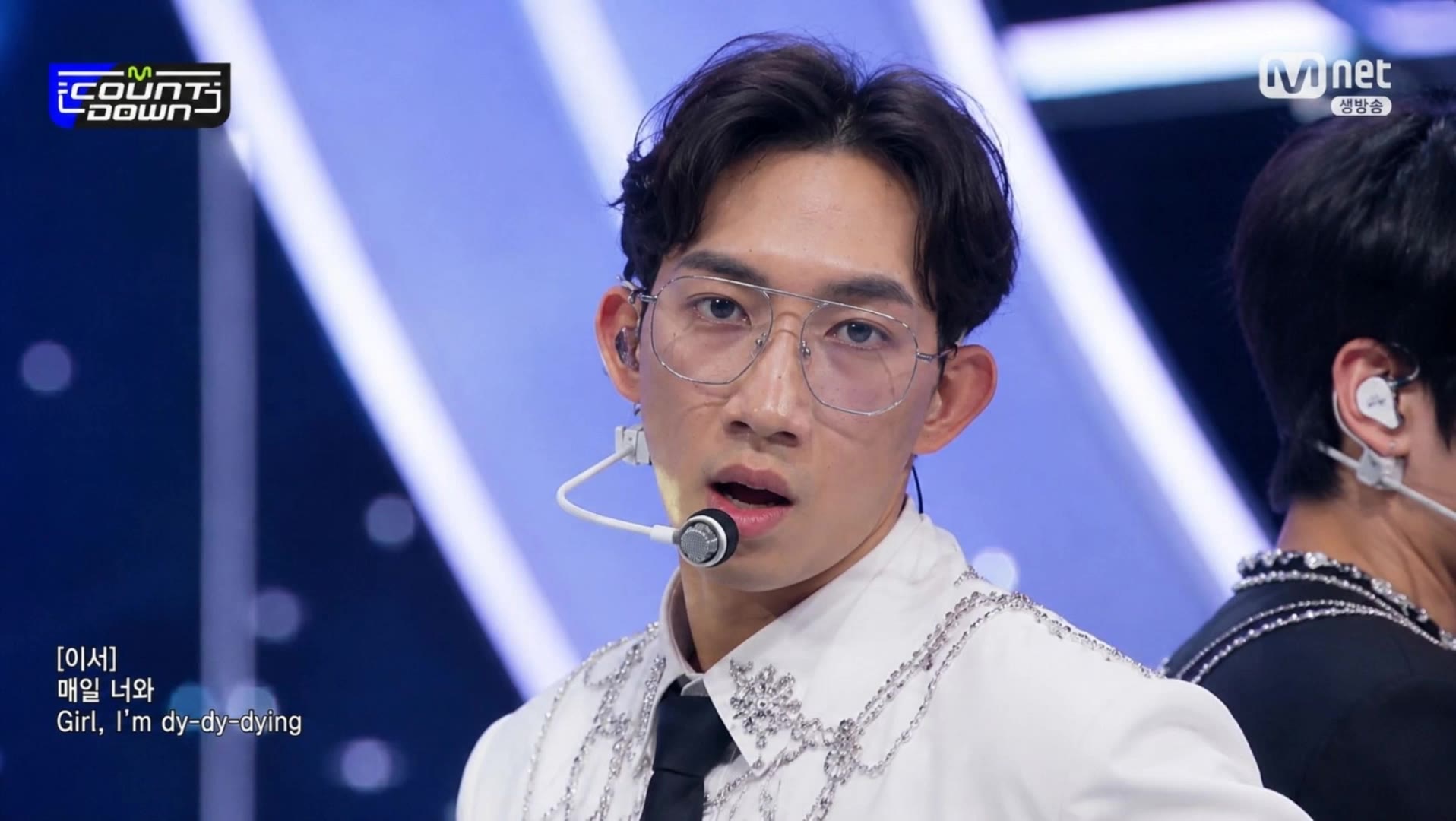
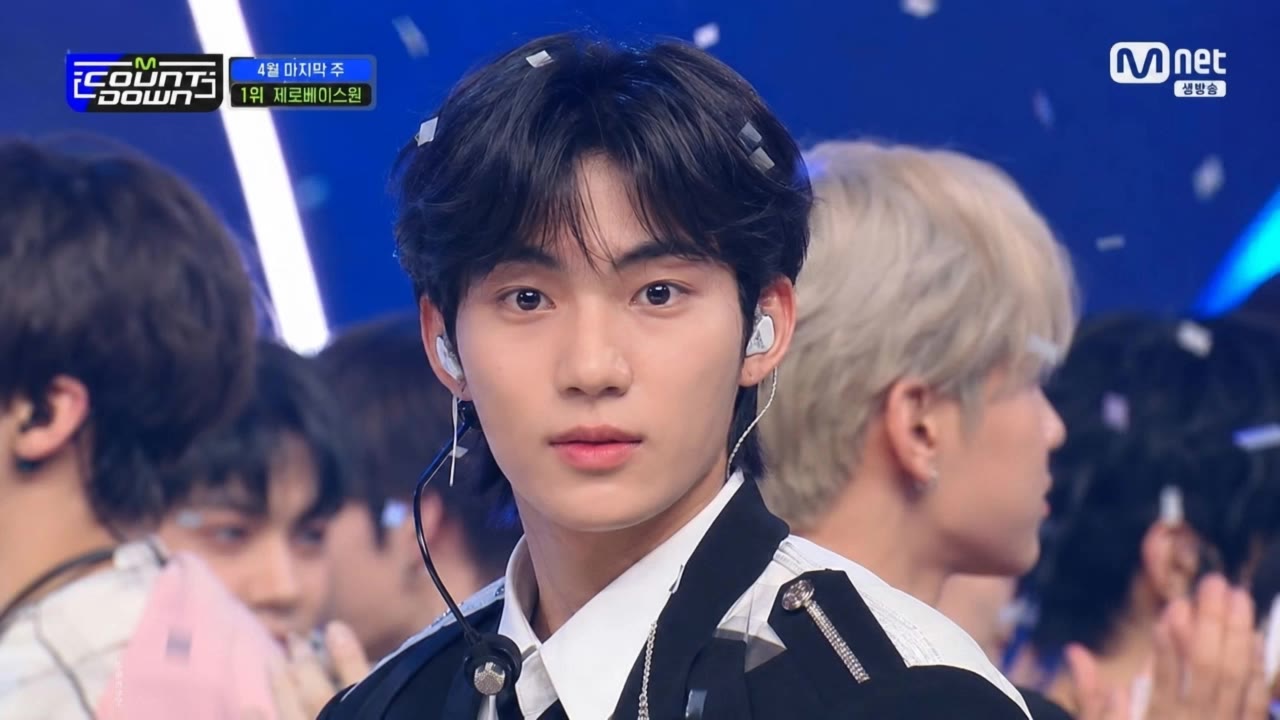
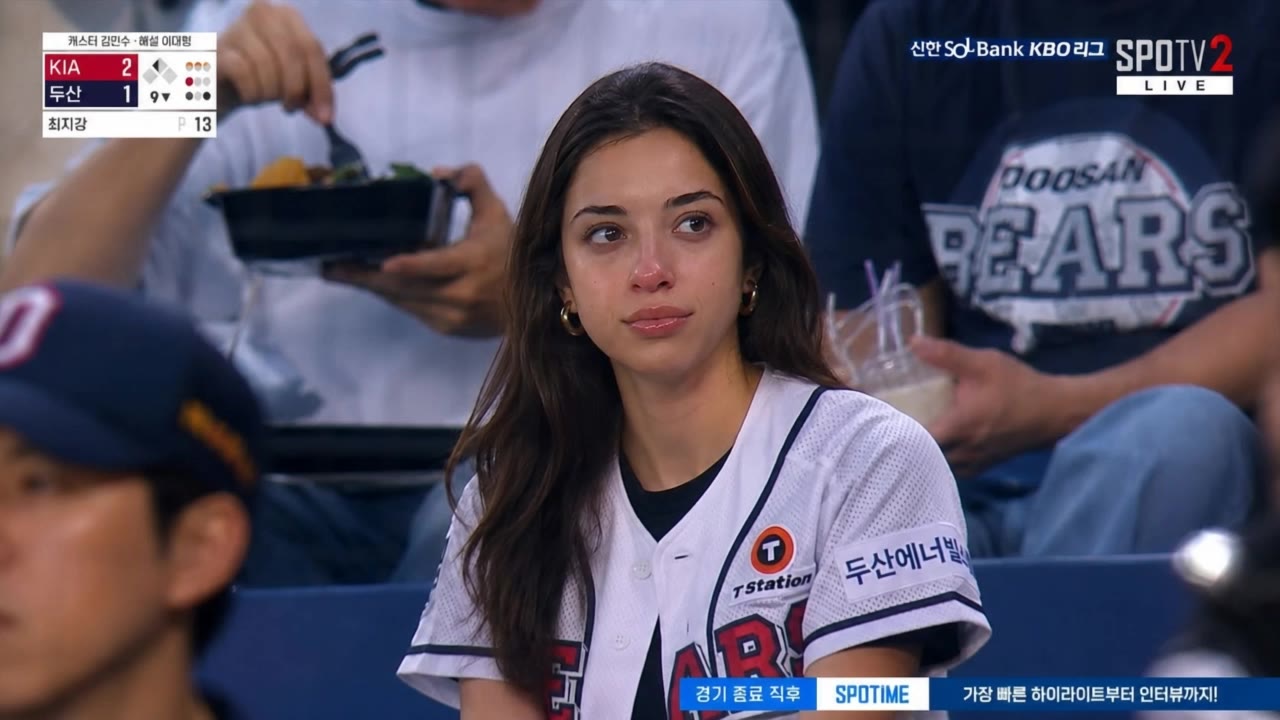
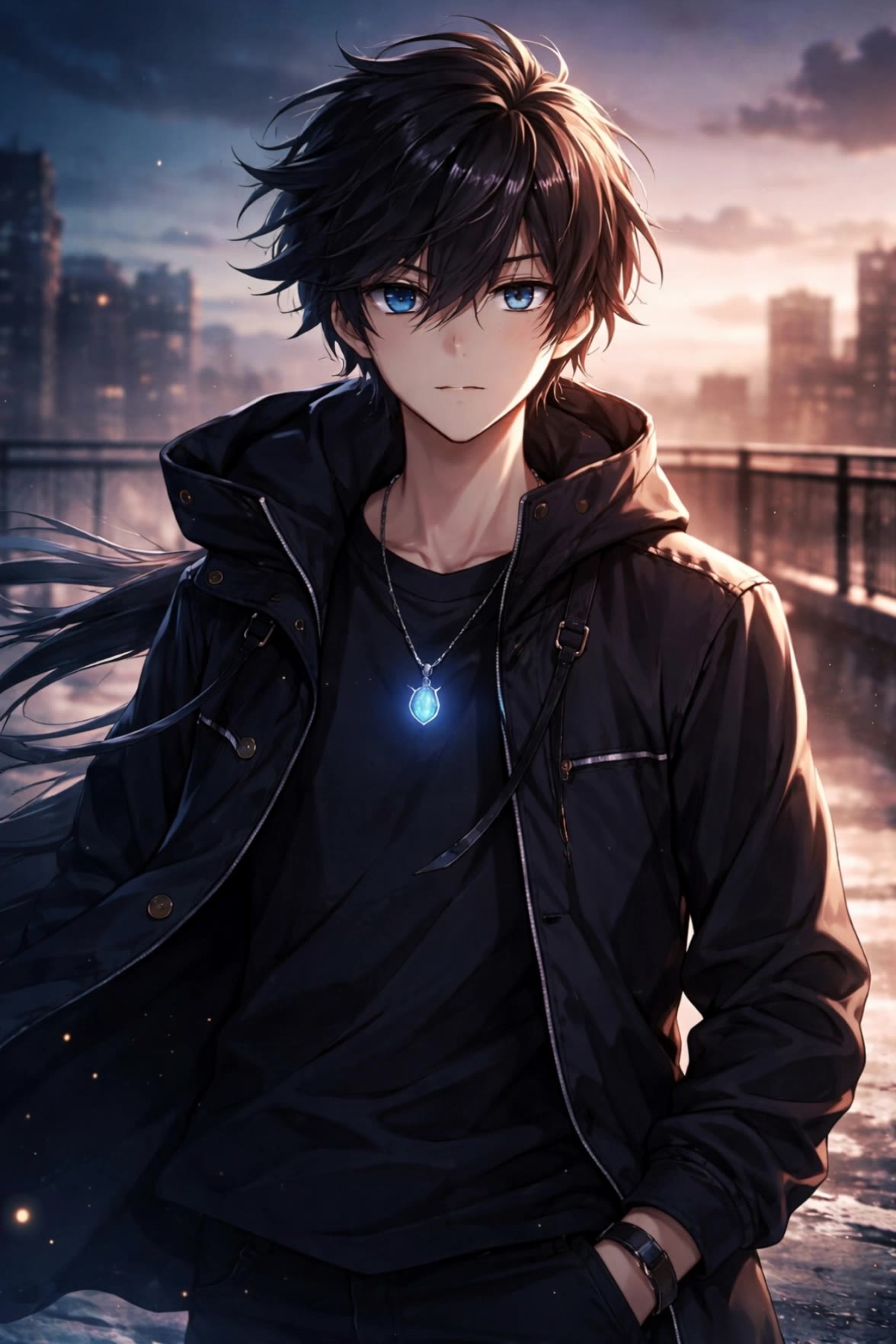

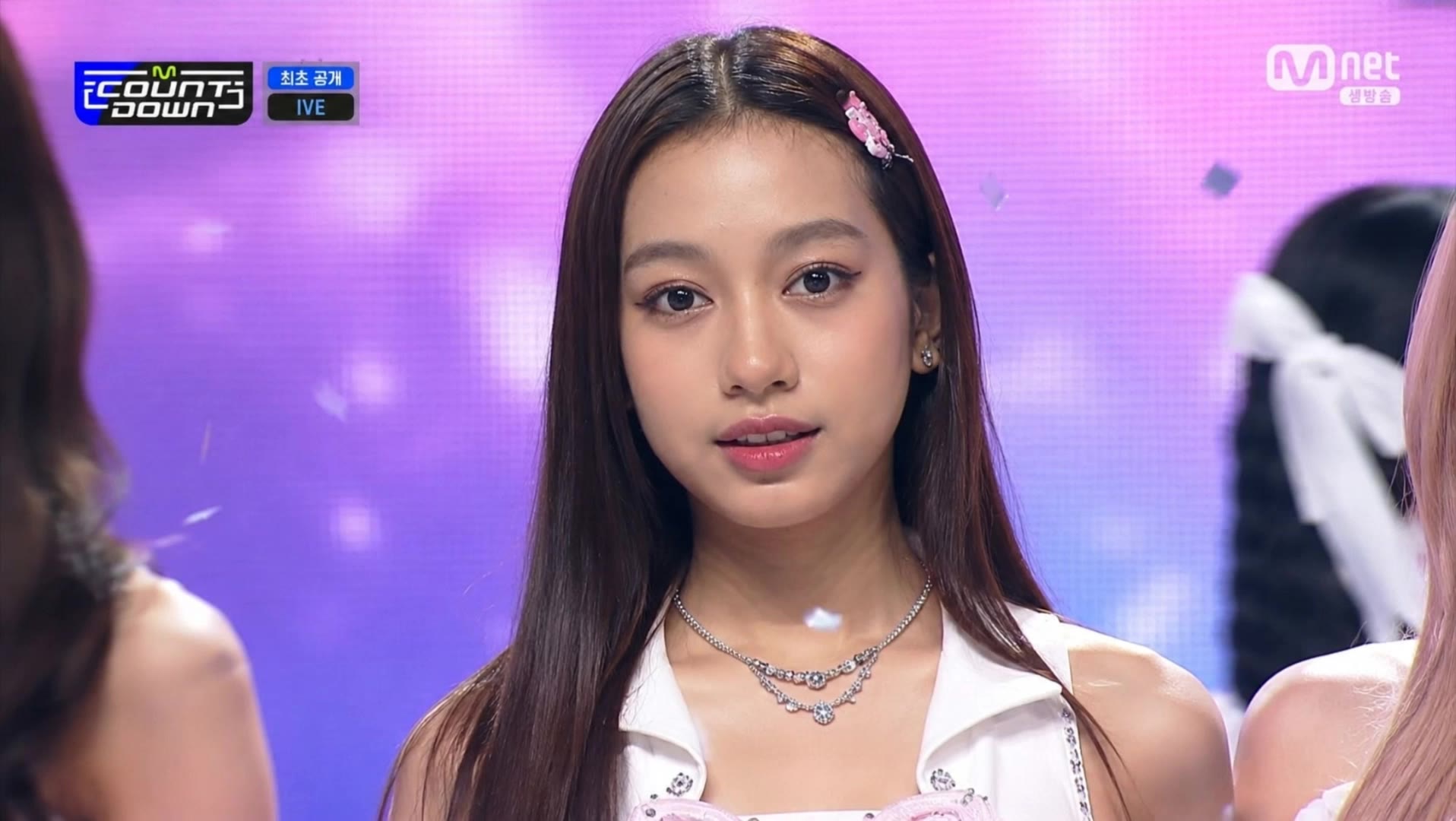
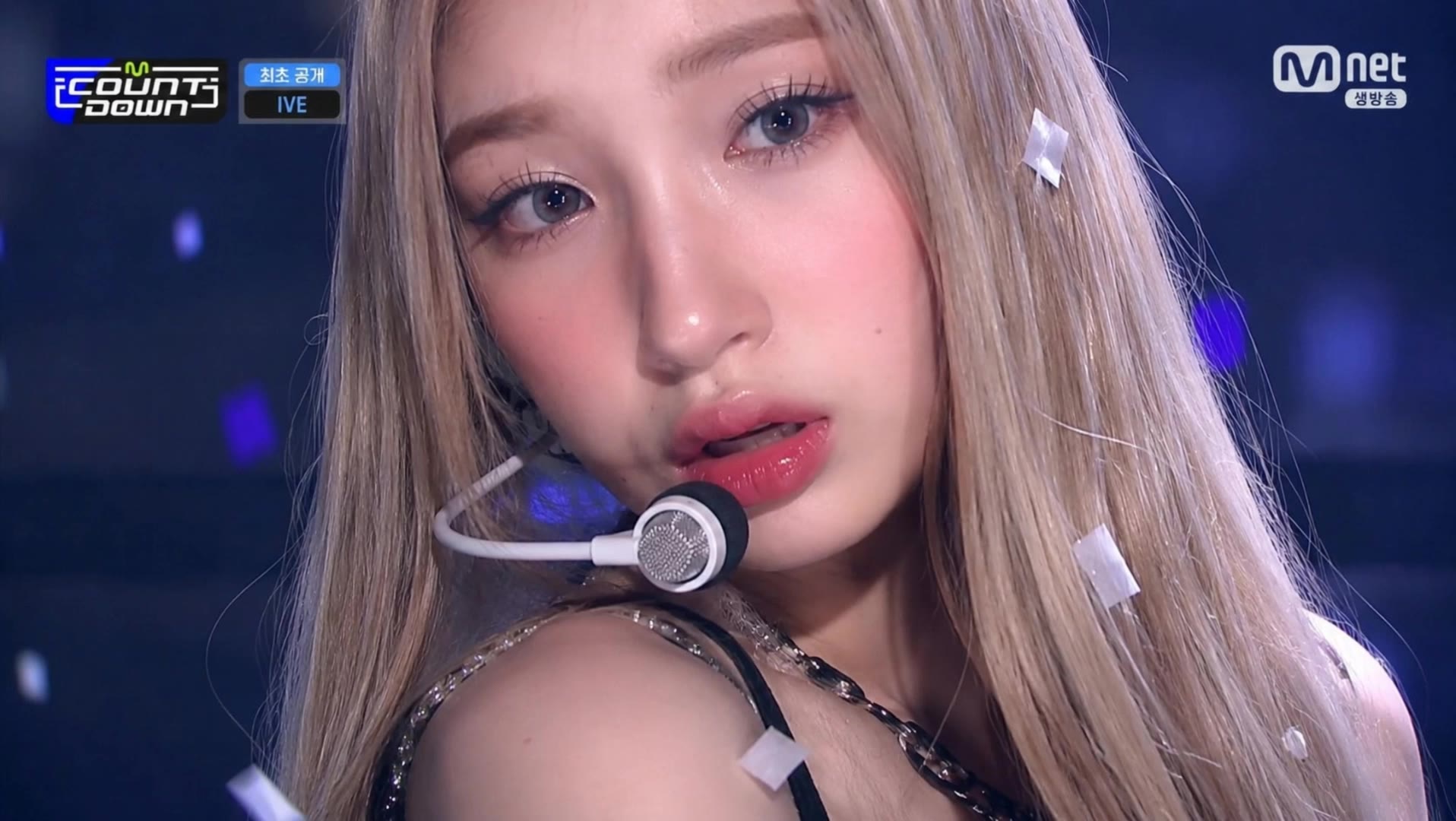
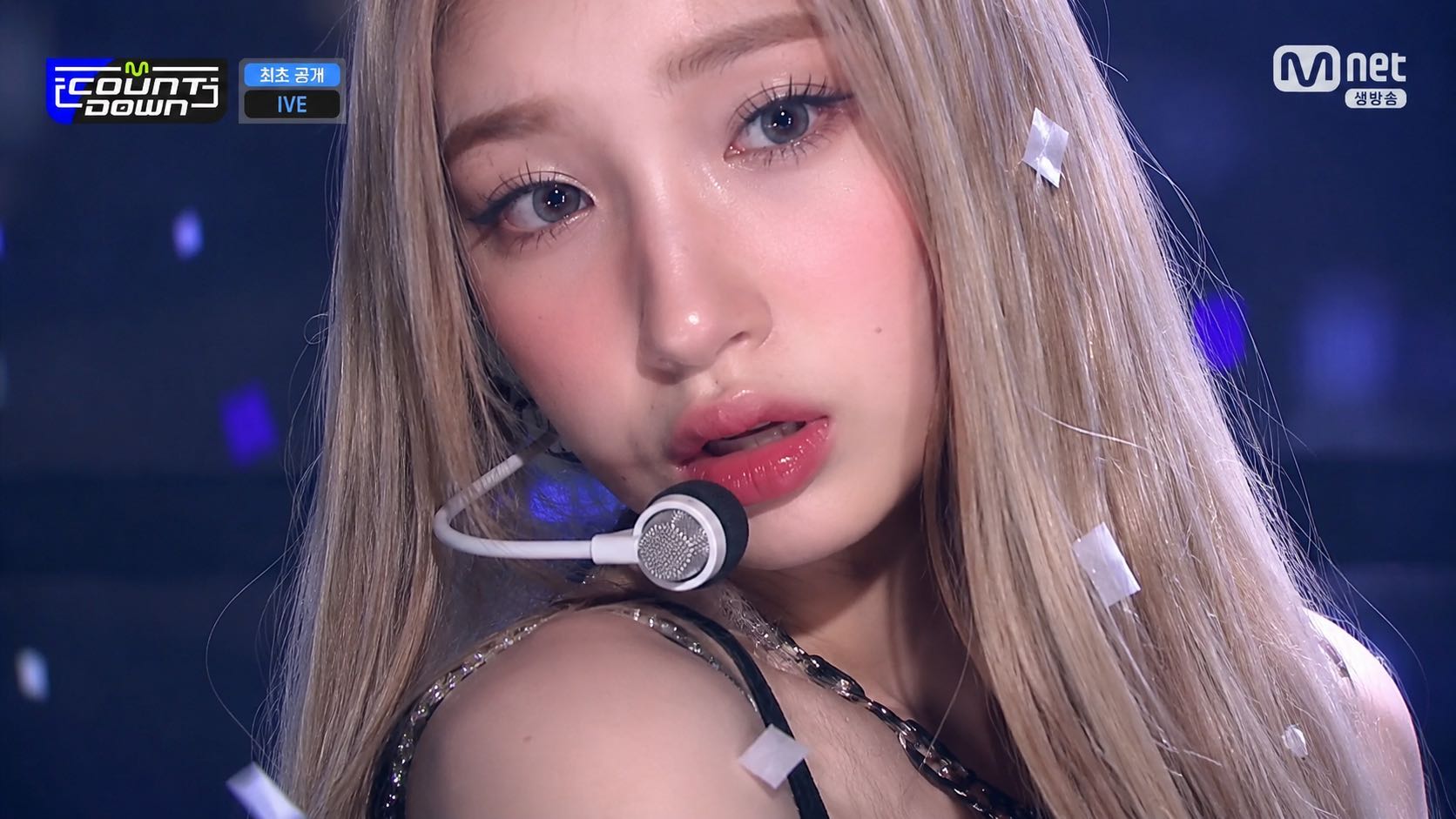
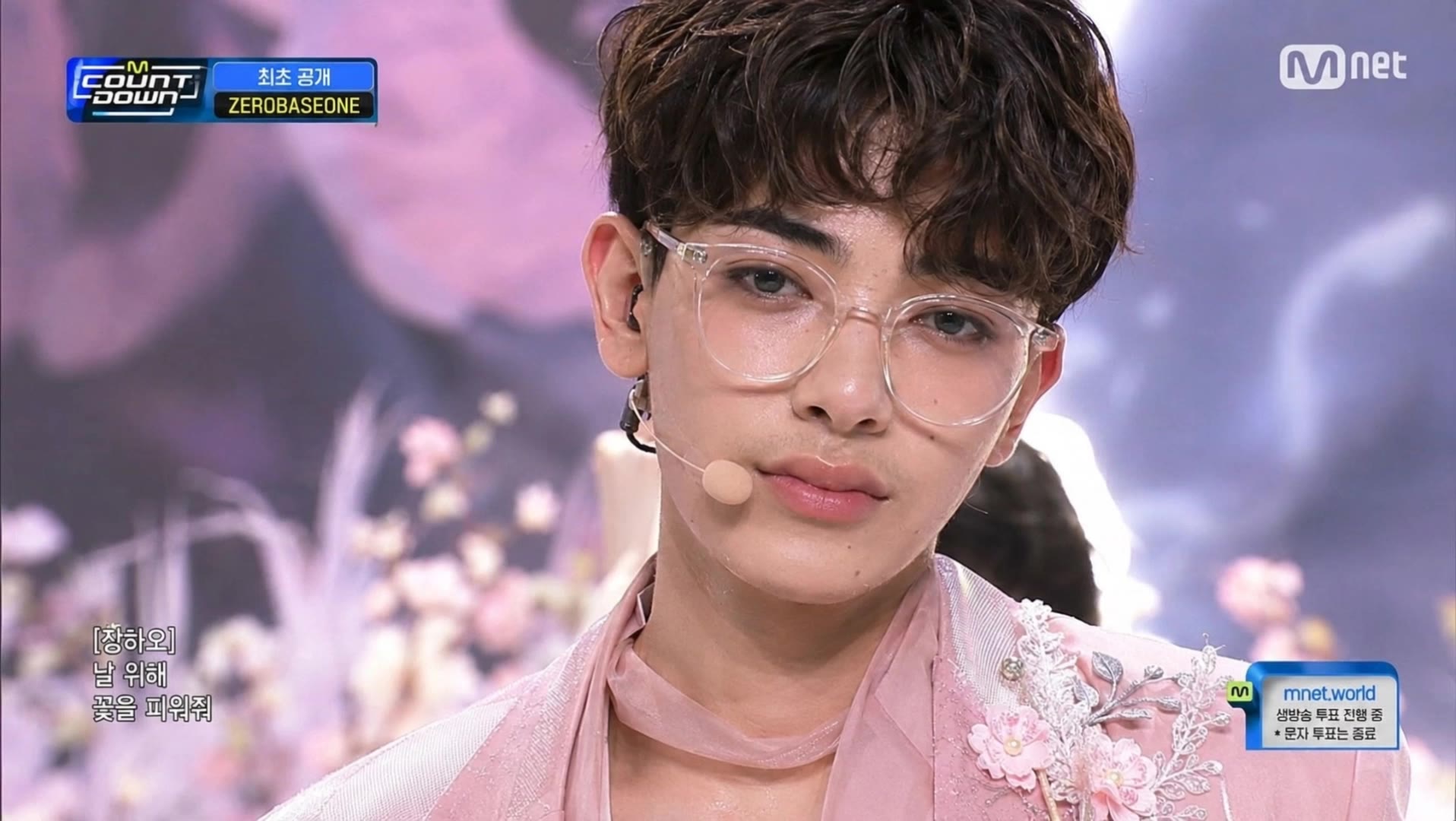




Choose 4K in the output settings to give your footage a finely detailed finish. From the texture of fabric to the contours of a face, bring small details into view for larger screens and close-up shots. Give family recordings, social clips, and creative projects a richer presentation.

A good clip can still fall flat because of dull color, poor lighting, or an awkward composition. Use prompts to reduce visible grain and digital noise in low-light footage, then refine the lighting, color, and composition. Turn an ordinary view into an expressive close-up, bring warmth to a dim scene, or change the weather and time of day. Shape the overall look without adjusting every element by hand.

Upload your video and describe the missing action or moment you want to add. Add reference images when needed, then use Kling to generate additional footage that helps connect existing moments with less manual editing.

















I’m Maria Rubtsova, an AIGC digital artist passionate about creating stunning visuals in the worlds of fashion, aesthetics, and fantasy. I use KlingAi to bring imagination to life through video. My work is all about exploring beauty, emotion, and the limitless possibilities of digital art.

Kling AI has made it easy for us to generate world class visuals for Fortune 500 companies, TV shows and music for big artists. We love the easy of use of the platform and the quality of the generations. My first time using Kling AI, I got 22 million views on just one video. It's that good.

Kling AI seamlessly integrates into my creative workflow, playing a key role in transforming my images. After generating and upscaling an image, Kling becomes a crucial element, bringing my creations to life with movement and depth.
Start with the image you have and rework it for the look, message, or moment you have in mind.
Object removal | Background changes | Portrait retouching | Photo restyling