Creative Studio
API
Resources
Features
About Us
Download

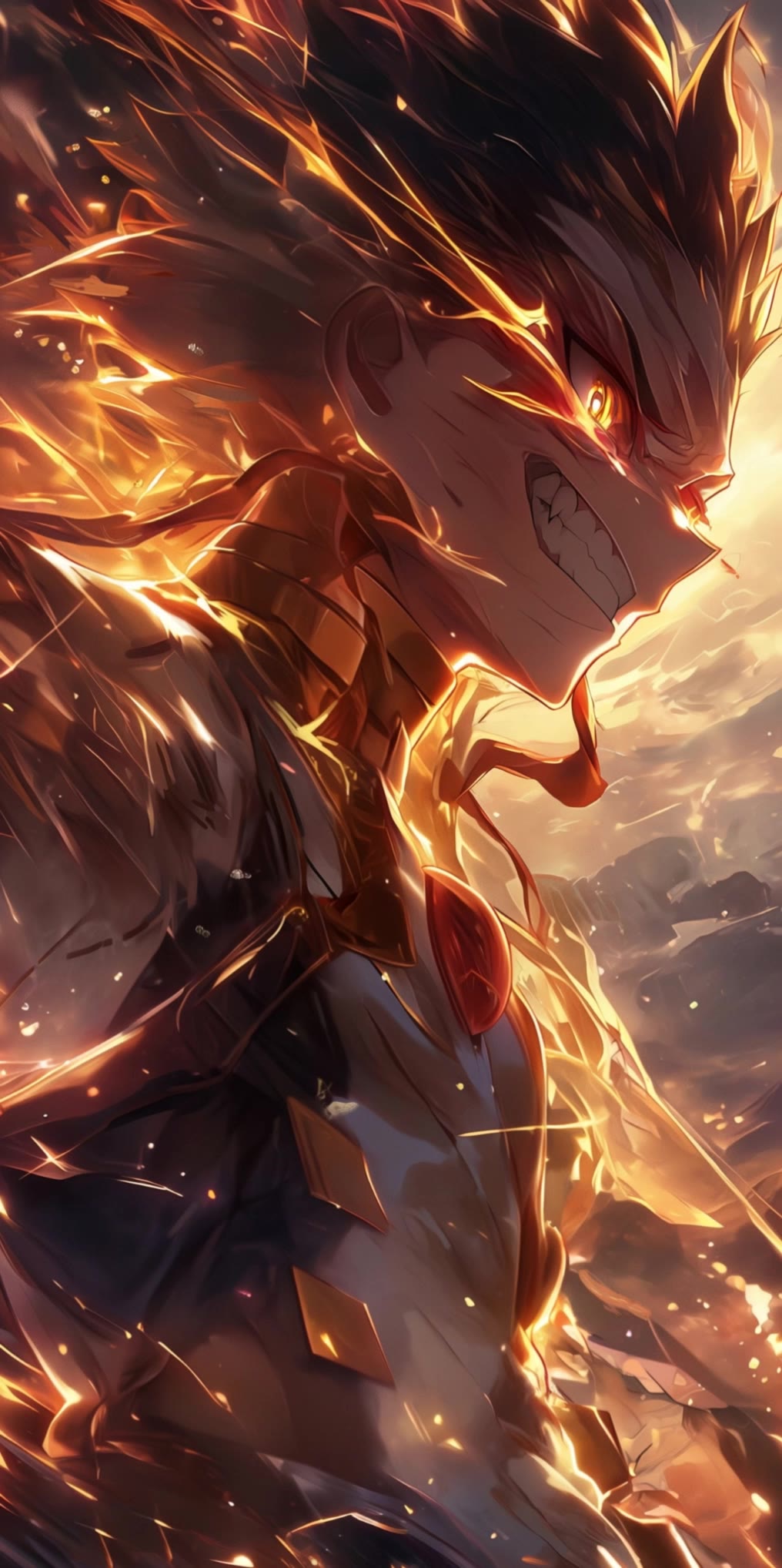
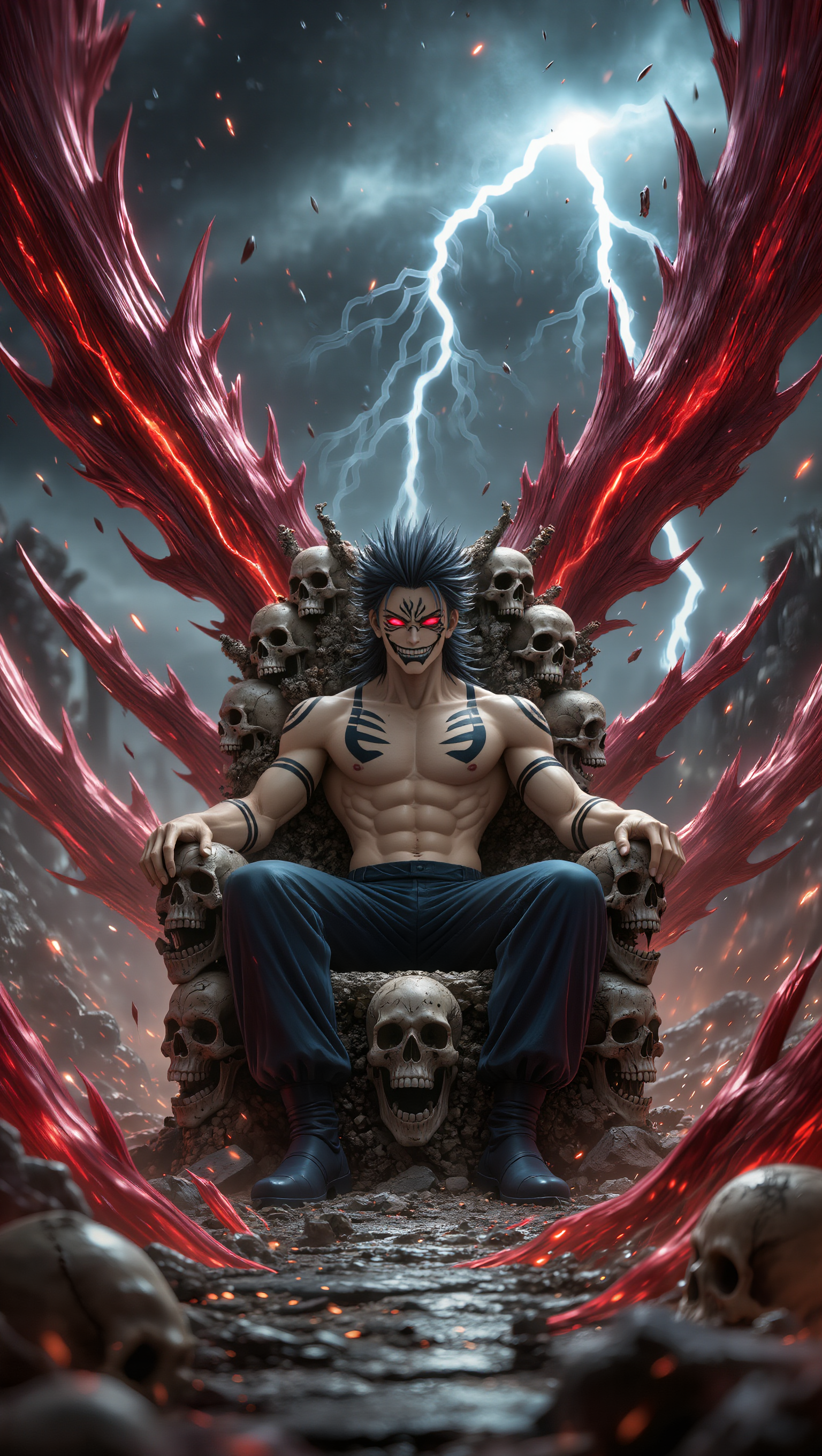
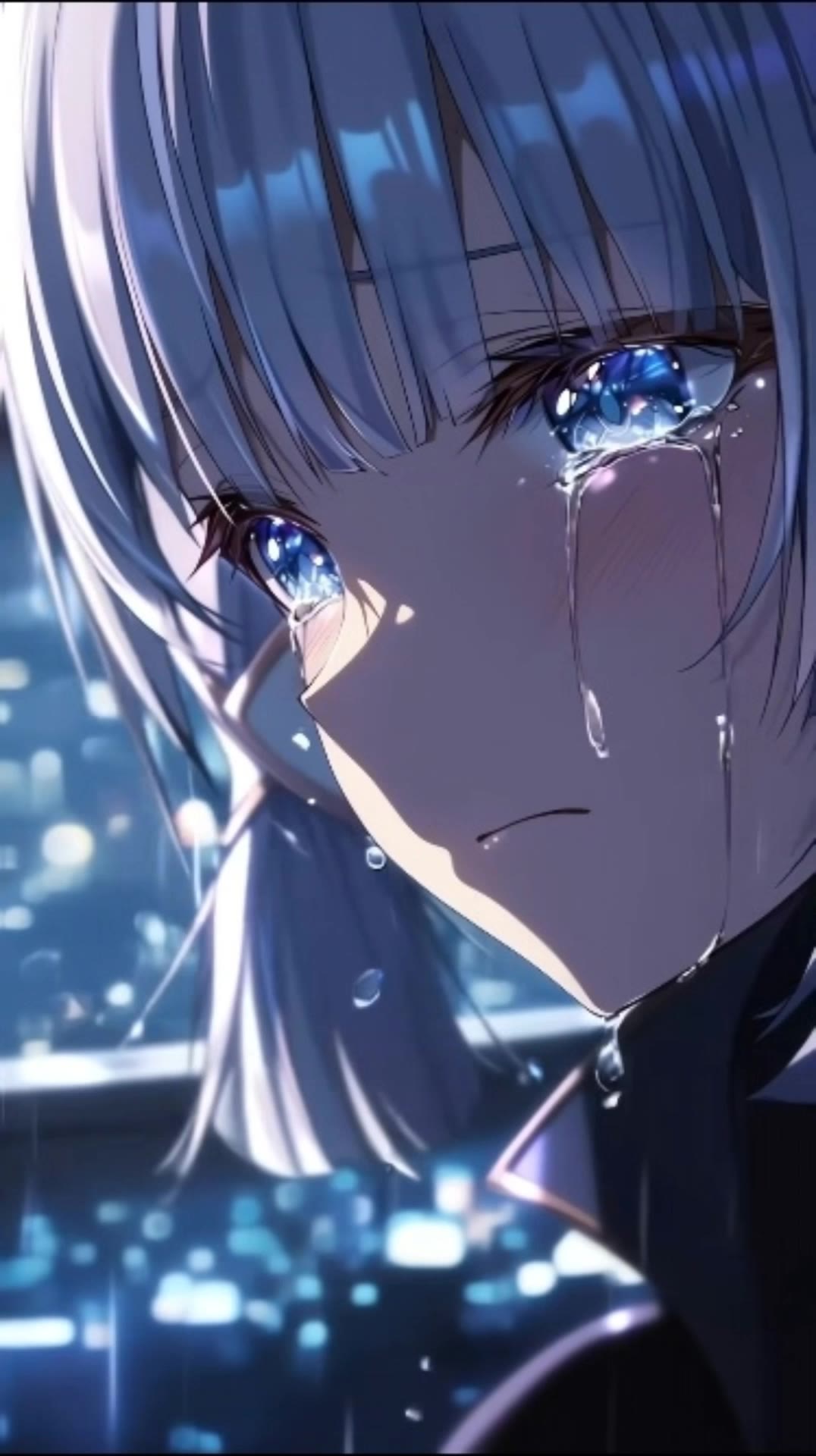
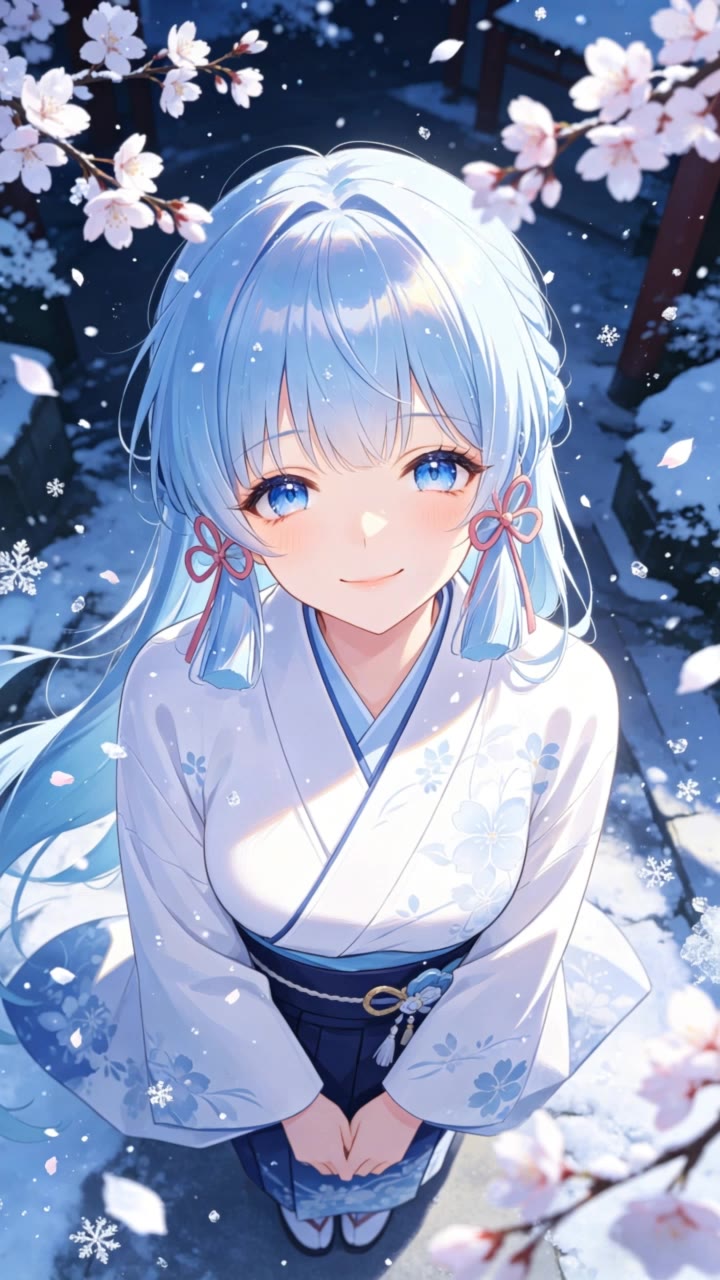
Anime Wallpaper Ideas – AI Design Inspirations

Find AI-generated anime wallpaper ideas. These designs are perfect for anime fans and can be easily customized to fit your style.

Anime Wallpaper Ideas – AI Design Inspirations

Recommended

wallpaper - anime wallpaper AI video
EDCxWRhK avatar
EDCxWRhK
Kling AI work 312462613528504 - anime wallpaper AI image
qluIySRa avatar
qluIySRa
wallpaper - anime wallpaper AI video
EDCxWRhK avatar
EDCxWRhK
Kling AI work 310196001661812 - anime wallpaper AI video
JlhIhRlw avatar
JlhIhRlw
wallpaper - anime wallpaper AI video
EDCxWRhK avatar
EDCxWRhK
wallpaper - anime wallpaper AI video
EDCxWRhK avatar
EDCxWRhK
Kling AI work 900764395725656154 - anime wallpaper AI video
00:32
ALASKA avatar
ALASKA
Kling AI work 310137570500887 - anime wallpaper AI video
BIIHRUeW avatar
BIIHRUeW
Kling AI work 313046181502093 - anime wallpaper AI image
Nazz avatar
Nazz
Kling AI work 312000567526507 - anime wallpaper AI video
JlhIhRlw avatar
JlhIhRlw
Kling AI work 310281466663613 - anime wallpaper AI video
VlULhqiv avatar
VlULhqiv
wallpaper - anime wallpaper AI video
EDCxWRhK avatar
EDCxWRhK
wallpaper - anime wallpaper AI video
EDCxWRhK avatar
EDCxWRhK
Kling AI work 310845647661836 - anime wallpaper AI image
GetZQGqX avatar
GetZQGqX
Kling AI work 310801206520570 - anime wallpaper AI video
jk3 avatar
jk3
Kling AI work 312605542662954 - anime wallpaper AI video
JlhIhRlw avatar
JlhIhRlw
wallpaper - anime wallpaper AI video
EDCxWRhK avatar
EDCxWRhK
wallpaper - anime wallpaper AI video
EDCxWRhK avatar
EDCxWRhK
Kling AI work 312011820612095 - anime wallpaper AI video
JlhIhRlw avatar
JlhIhRlw

How to Create an AI Avatar Video

Create an Avatar

Create an Avatar

Pick a ready-made character from the Avatar Library, return to a saved avatar, upload an image from your device or Assets, or generate someone new with AI Image. The selected image becomes the visual starting point for the video.

Add the Voice

Add the Voice

Upload a finished recording, or enter the lines you want the character to deliver. With text to speech, select a voice and adjust its speed and emotional tone. Use punctuation to place pauses where they naturally belong, especially in longer passages.

Shape the Performance

Shape the Performance

Describe how the character should feel, react, and move while speaking. You can write the direction yourself or begin with one of the performance options Kling AI suggests for the selected character. Generate the video and review the delivery.

Natural Face Swaps Without the Editing Hassle

Image Face Swap Without the Busywork

Image Face Swap Without the Busywork

From portrait-style shots to playful creative images, Kling IMAGE 3.0 helps you create more natural and consistent face swaps. Add the photo you want to edit, provide a face reference, and tell Kling AI what you want to change. The edit can stay close to the original photo, helping the new face feel like part of the image rather than something added on top.

Keep the Same Face Across Angles and Shots

Keep the Same Face Across Angles and Shots

A single reference does not always show everything. Add multiple views or use a character element to give Kling AI more information about the person you want to preserve. Kling VIDEO 3.0 Omni uses those references to help maintain key identity features as the subject changes pose, the camera moves, or the scene shifts—especially useful for moving footage and multi-shot videos where consistency matters.

Change the Face, Keep the Scene

Change the Face, Keep the Scene

Swap the face, not the whole scene. Kling AI keeps the original lighting, mood, and overall look in place, helping the new face blend naturally into the shot while the setting and visual feel stay true to the original.

Apps

Image to Video
Image to Video

Image to Video

Text to Video
Text to Video

Text to Video

Omni
Omni

Omni

Digital Human
Digital Human

Digital Human

Restyle
Restyle

Restyle

Text to Image
Text to Image

Text to Image

60M+
60M+
Users
600M+
600M+
AI Videos Generated
4.7 ★
4.7 ★
App Store
Industry-Leading
Industry-Leading
Cinematic 4K

Reviews

Vincent Smadja

Vincent Smadja

★★★★★

Kling AI seamlessly integrates into my creative workflow, playing a key role in transforming my images. After generating and upscaling an image, Kling becomes a crucial element, bringing my creations to life with movement and depth.

Déborah

Déborah

★★★★★

I use Kling AI every day. It's amazing to see the almost daily progress it makes. I used AI for fun at first, and I now find that Kling AI's animations allow me to gain professional visibility, with three times more views on my animated posts than on my static posts.

Halim Alrasihi

Halim Alrasihi

★★★★★

I use AI daily and Kling AI is a crucial part of my workflow, whether for client work or personal projects. What I love most about using Kling AI is that it provides all the tools I need in one place, from keyframes to character references, elements and special effects.

FAQ

Q1Can I remove backgrounds in HD quality?
Q2Is Kling AI Background Remover free?
Q3How do I remove the background from an image online?

Remove the Background. Create What Comes Next.

Remove the background, replace the scene, and take your visual somewhere new with Kling AI.

Free tier available | Image and video workflows | High-resolution options