Creative Studio
API
Resources
Features
About Us
Download

art and motion - modern art & ground-born motion

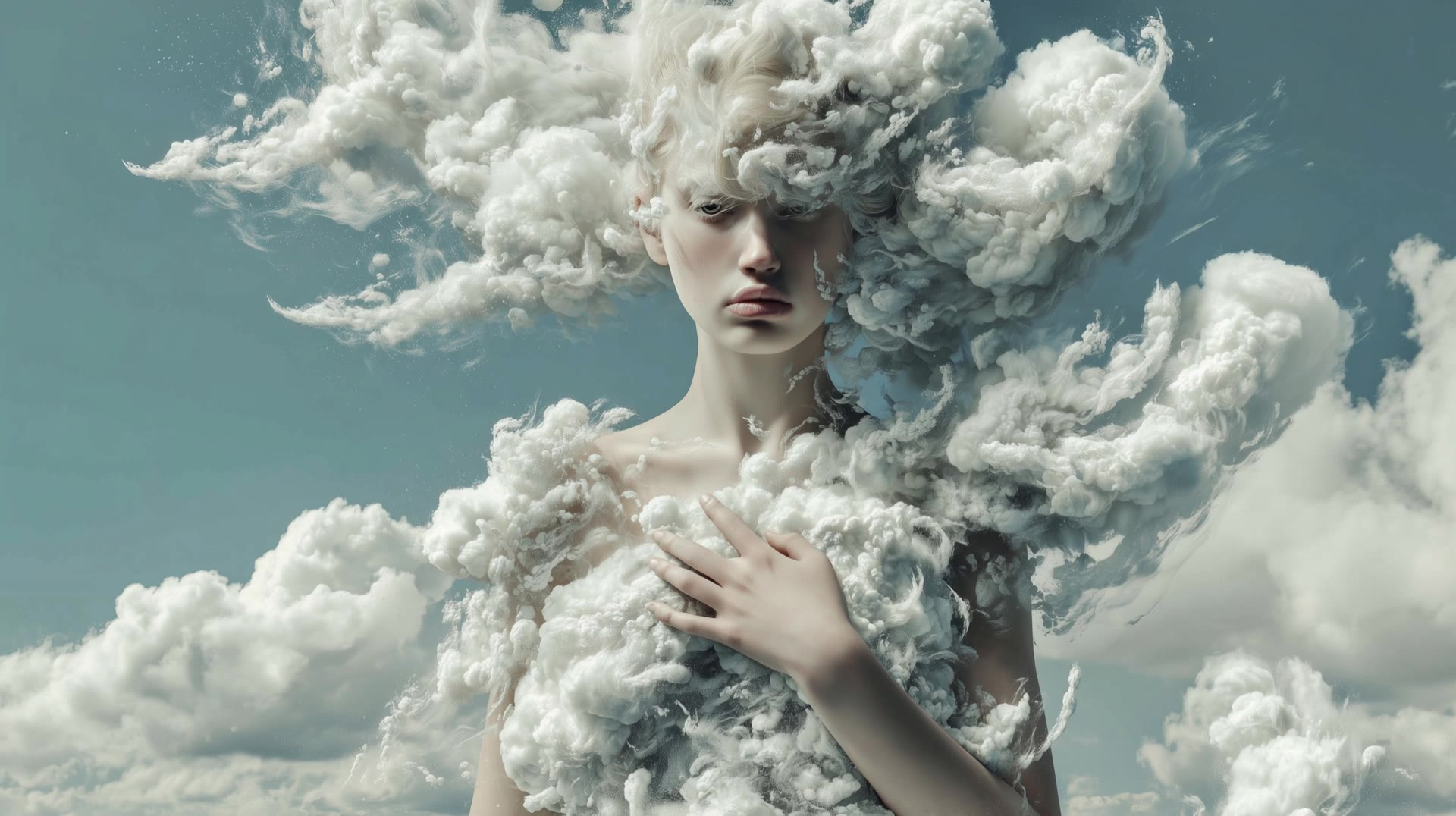
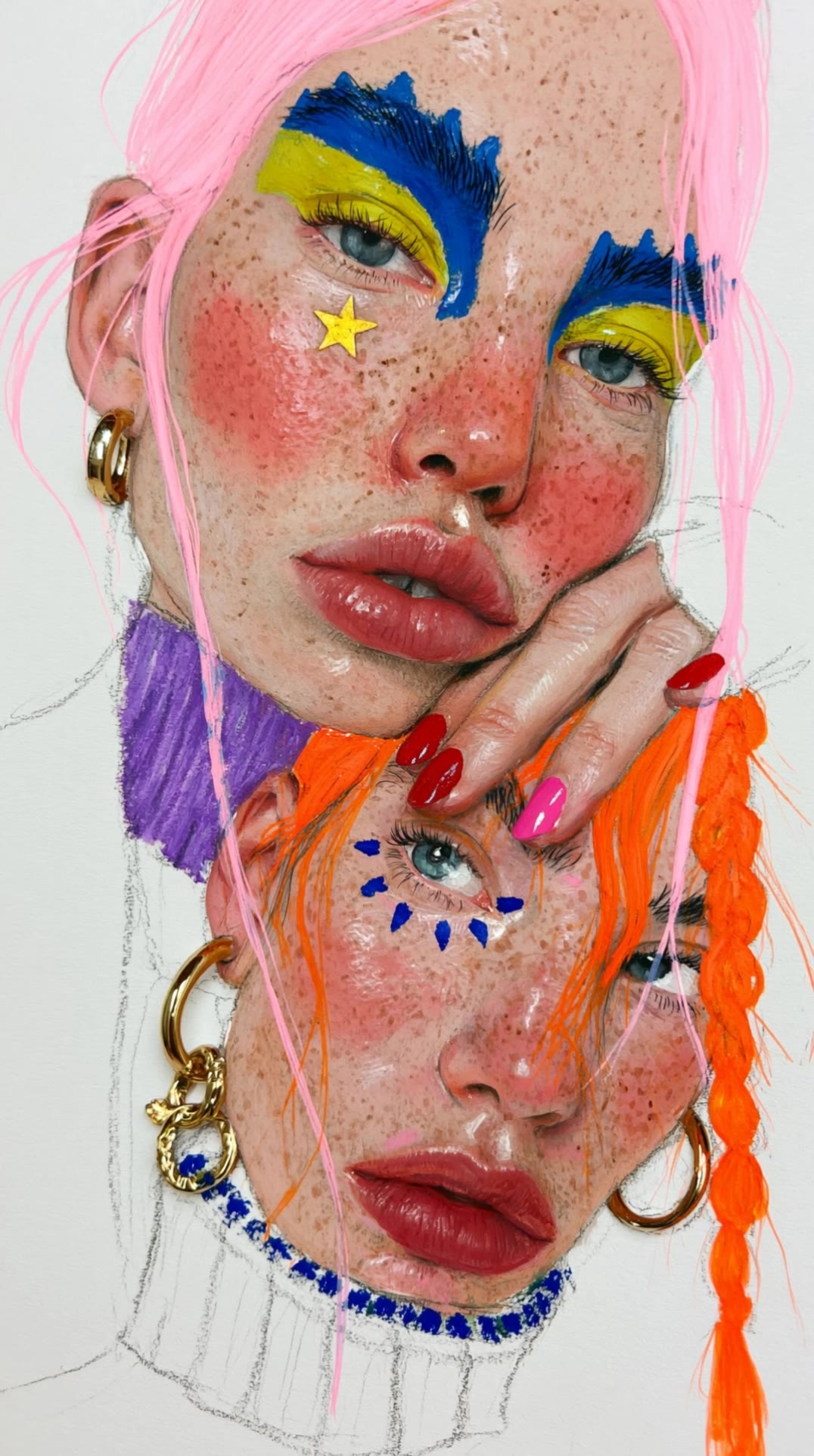
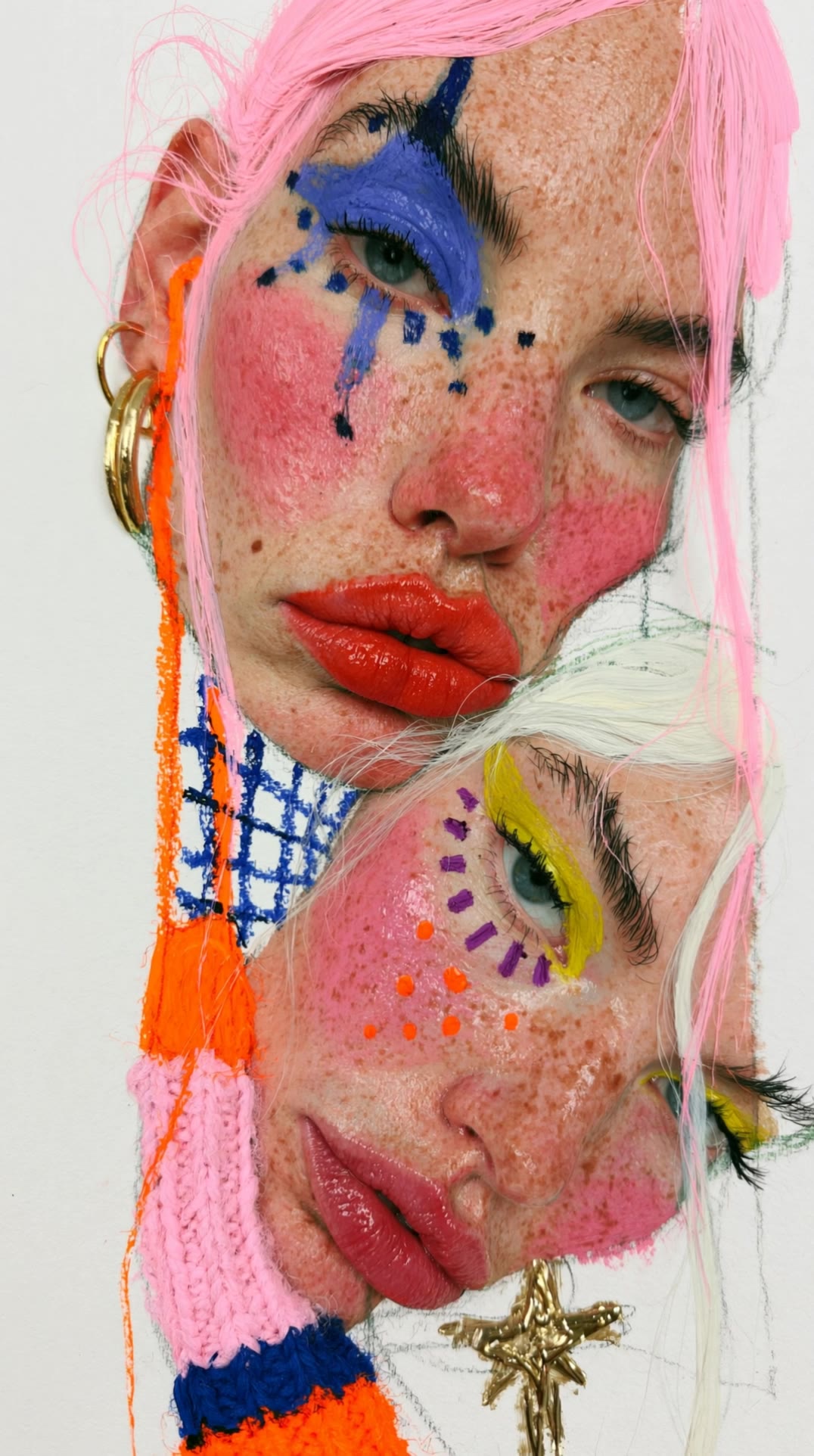
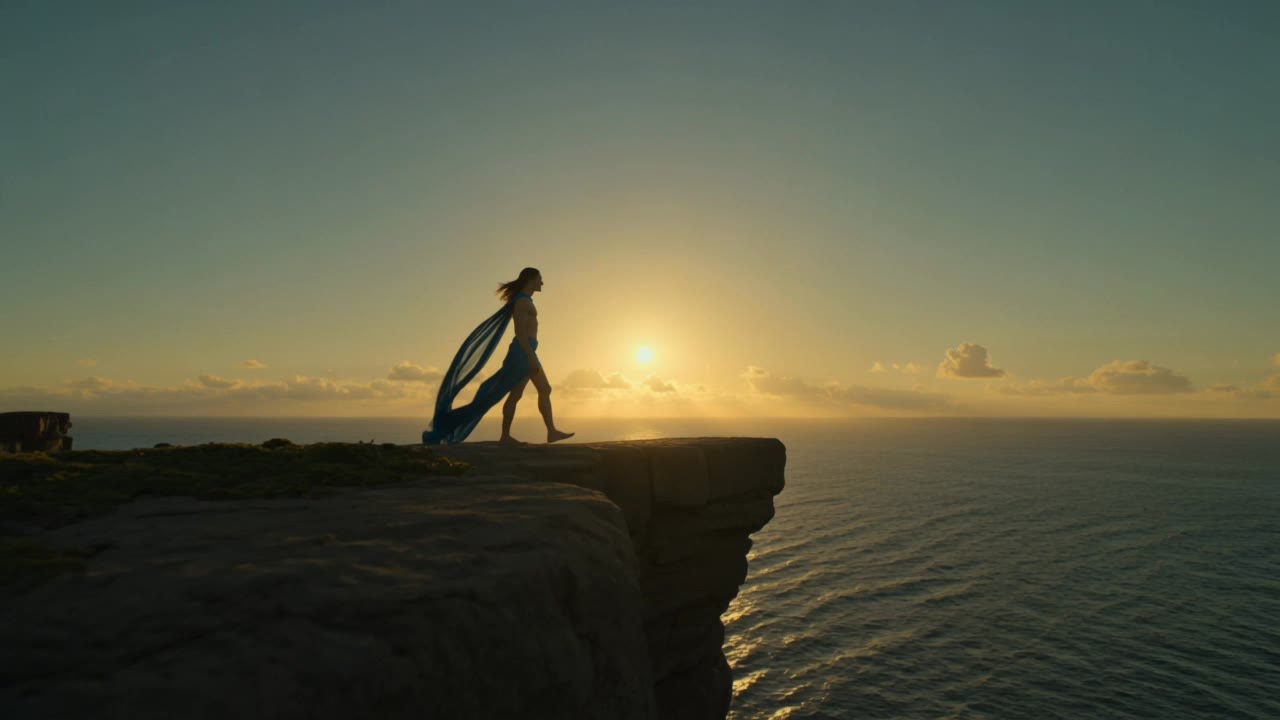
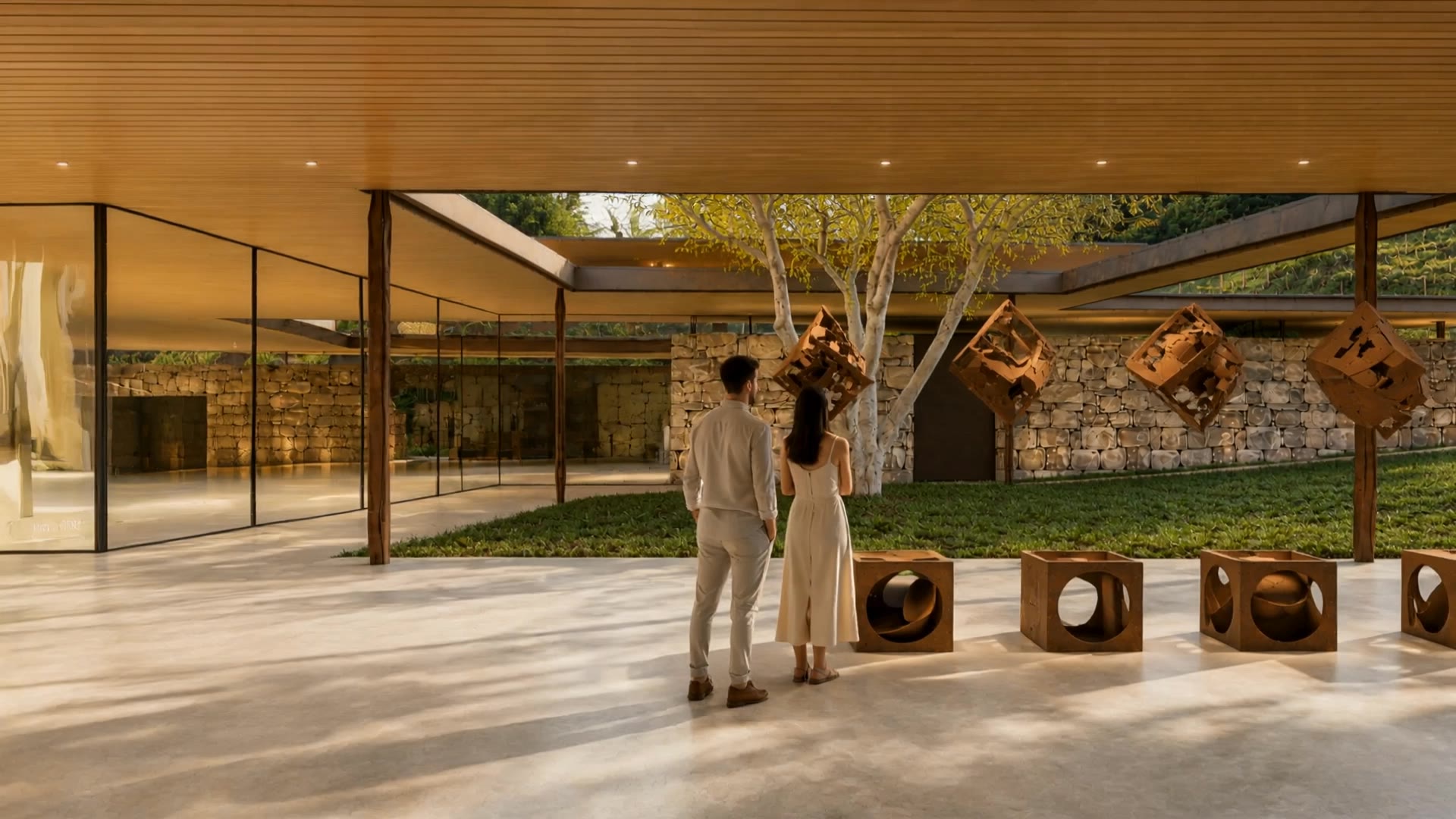
Immerse in the captivating blend of cinematic glide and ground-born motion, where AI-driven dance performances and modern art converge. Witness the elegance of a black panther among abstract artworks and the serene defiance in the heart of motion. Start exploring art and motion ideas and generate your own content with AI.

art and motion - modern art & ground-born motion

Recommended

art - art and motion AI video
Flavi avatar
Flavi
motion - art and motion AI video
LOExNOxA avatar
LOExNOxA
Pixel Art Animation - art and motion AI video
PRpBAgYp avatar
PRpBAgYp
Immersive Art - art and motion AI video
VEROKIO avatar
VEROKIO
Art In motion 👌  - art and motion AI video
Zoom Out
wygFspZm avatar
wygFspZm
Kling AI work 317202538528318 - art and motion AI video
YIVWNwNS avatar
YIVWNwNS
Radiant Motion - art and motion AI image
Tolich avatar
Tolich
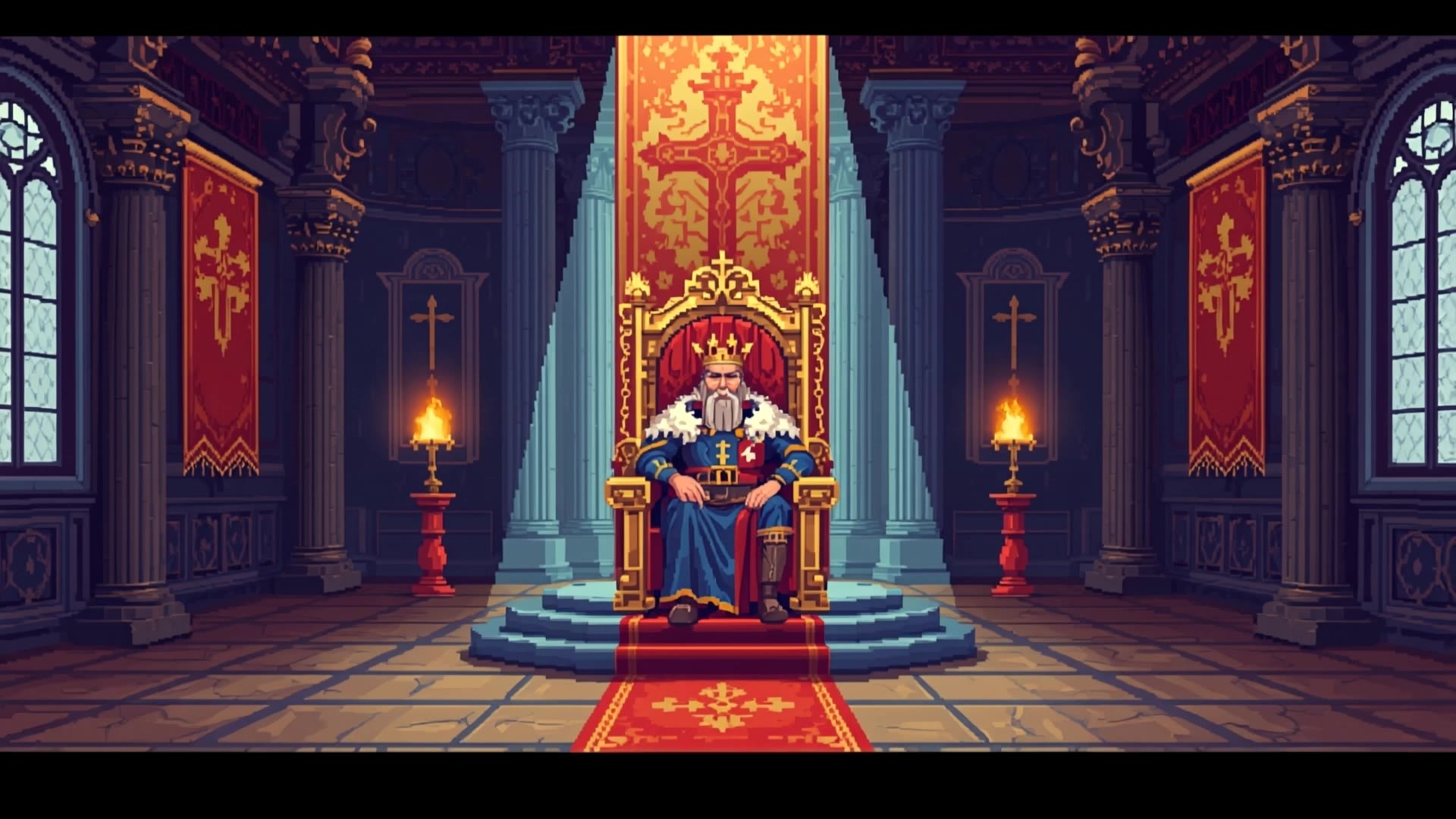
Pixel Art Medieval King Loop - art and motion AI video
ekaUQkUZ avatar
ekaUQkUZ
Kling AI work 312061787617870 - art and motion AI image
Jeane StudioCreative avatar
Jeane StudioCreative
Kling AI work 283654446524015 - art and motion AI video
The Eighth Edit avatar
The Eighth Edit
Elite Creator
Motion - art and motion AI video
wHHDEGMy avatar
wHHDEGMy
Coffee in motion aesthetic short - art and motion AI video
YgKVRnPm avatar
YgKVRnPm
Kling AI work 311001186669391 - art and motion AI image
BunnyLOVE Studios avatar
BunnyLOVE Studios
Kling AI work 283654446527013 - art and motion AI video
The Eighth Edit avatar
The Eighth Edit
Elite Creator
motion - art and motion AI video
KLING9166 avatar
KLING9166
Motion control - art and motion AI video
00:16
PnvwCkKf avatar
PnvwCkKf
Wall Art Comes To Life - art and motion AI video
AiMypZZB avatar
AiMypZZB
Fine art photography woman - art and motion AI video
videosAI𝙥𝙧𝙤 avatar
videosAI𝙥𝙧𝙤
Elite Creator
Minimal Motion Test - art and motion AI video
NorBelma avatar
NorBelma

How to Enhance Image Quality with Kling

Step 1: Upload Your Image

Step 1: Upload Your Image

Upload the image you want to improve to Kling 3.0 Omni. Start with a portrait, product photo, artwork, social visual, or any other existing image you want to recreate at a higher resolution.

Step 2: Generate Up to 4K

Step 2: Generate Up to 4K

Describe what you want to improve, such as facial details, textures, or other important parts of the image. Choose your preferred resolution, including 2K or 4K, then generate the enhanced result.

Step 3: Upscale Existing AI Images

Step 3: Upscale Existing AI Images

Already generated an image with Kling AI? Hover over the result and select Upscale to increase its resolution without uploading the image again. Choose the available output quality that fits your needs.

Choose the Right Voice Workflow

Add New Audio to an Existing Video

Add New Audio to an Existing Video

Use the dedicated Lip Sync tool when your character video is already created. Upload a voiceover or song, or generate speech from text, then match the new audio to the character’s mouth movements.

Generate Dialogue with the Scene

Generate Dialogue with the Scene

Starting from scratch? Kling VIDEO 3.0 and VIDEO 3.0 Omni create dialogue, lip movement, visuals, sound effects, and ambience together. Native Audio supports Chinese, English, Japanese, Korean, and Spanish.

Keep Character and Voice Consistent

Keep Character and Voice Consistent

Create a reusable Character Element from images or a video, bind a voice tone, and carry the same appearance and voice into new scenes with VIDEO 3.0 Omni.

Apps

Image to Video
Image to Video

Image to Video

Text to Video
Text to Video

Text to Video

Omni
Omni

Omni

Digital Human
Digital Human

Digital Human

Restyle
Restyle

Restyle

Text to Image
Text to Image

Text to Image

60M+
60M+
Users
600M+
600M+
AI Videos Generated
4.7 ★
4.7 ★
App Store
Industry-Leading
Industry-Leading
Cinematic 4K

Reviews

Maria Rubtsova

Maria Rubtsova

★★★★★

I’m Maria Rubtsova, an AIGC digital artist passionate about creating stunning visuals in the worlds of fashion, aesthetics, and fantasy. I use KlingAi to bring imagination to life through video. My work is all about exploring beauty, emotion, and the limitless possibilities of digital art.

Samuele Poggi (@visualsk2)

Samuele Poggi (@visualsk2)

★★★★★

I use Kling AI daily to push the limits of AI filmmaking. It allows me to create highly cinematic content, blending AI and VFX to develop innovative projects. It has significantly impacted my creative process, enabling me to achieve complex animations that would otherwise require high production budgets.

Halim Alrasihi

Halim Alrasihi

★★★★★

I use AI daily and Kling AI is a crucial part of my workflow, whether for client work or personal projects. What I love most about using Kling AI is that it provides all the tools I need in one place, from keyframes to character references, elements and special effects.

FAQ

Q1Can Kling VIDEO 3.0 handle multiple characters in one conversation?
Q2How does AI dubbing work?
Q3What is AI dubbing?

Start Creating AI Videos with Kling

Turn your image into a talking, high-quality video in seconds. No watermarks, no complicated setup.

Free tier available (Memberships are watermark-free) | 1080p export (Memberships unlock 4K) | Instant results