Creative Studio
API
Resources
Features
About Us
Download

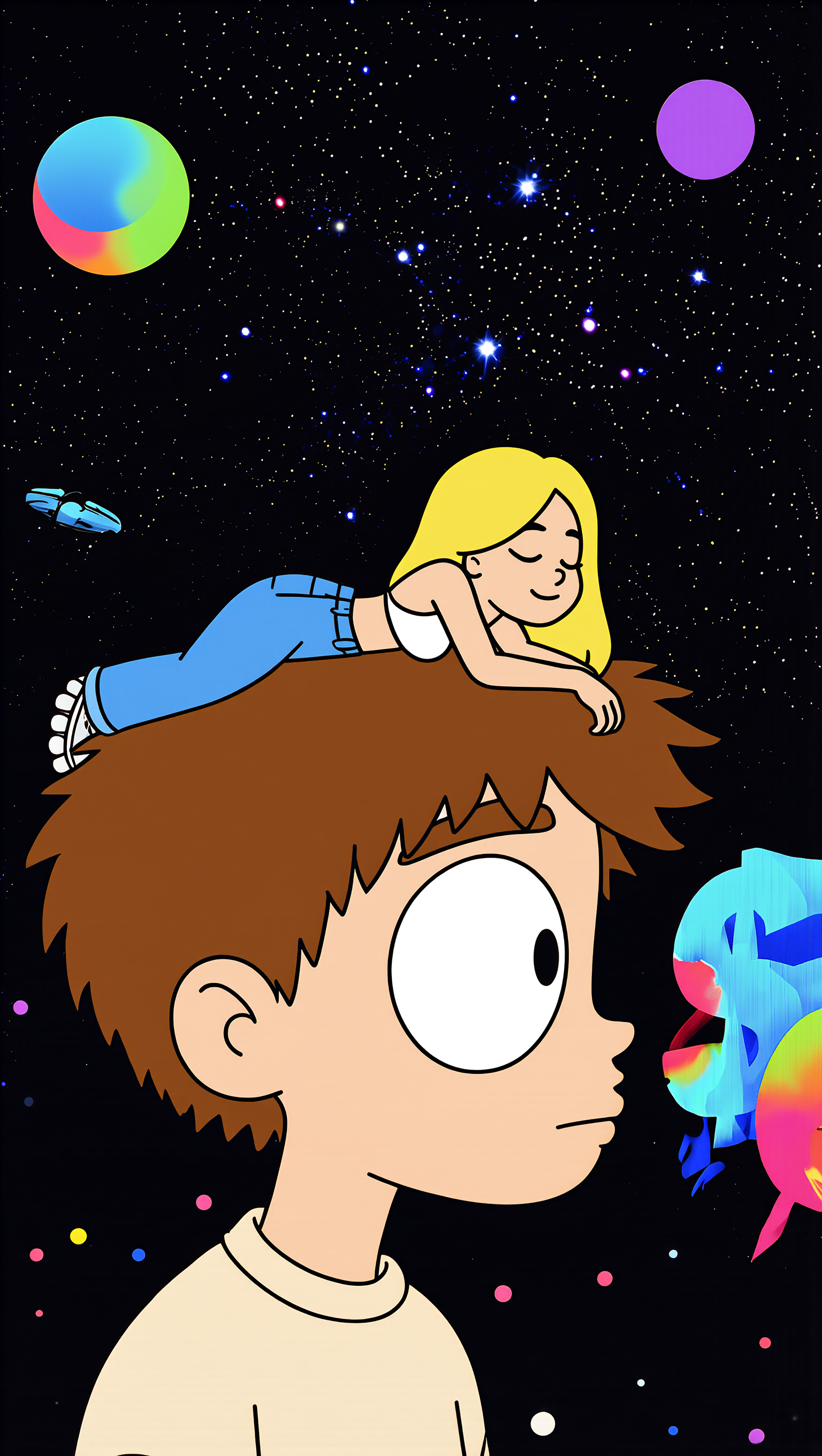
Baby Album Cover Ideas – AI Image Concepts

Discover baby-themed album cover designs created with AI. Easily adapt these AI-made visuals for your music.

Baby Album Cover Ideas – AI Image Concepts

Recommended

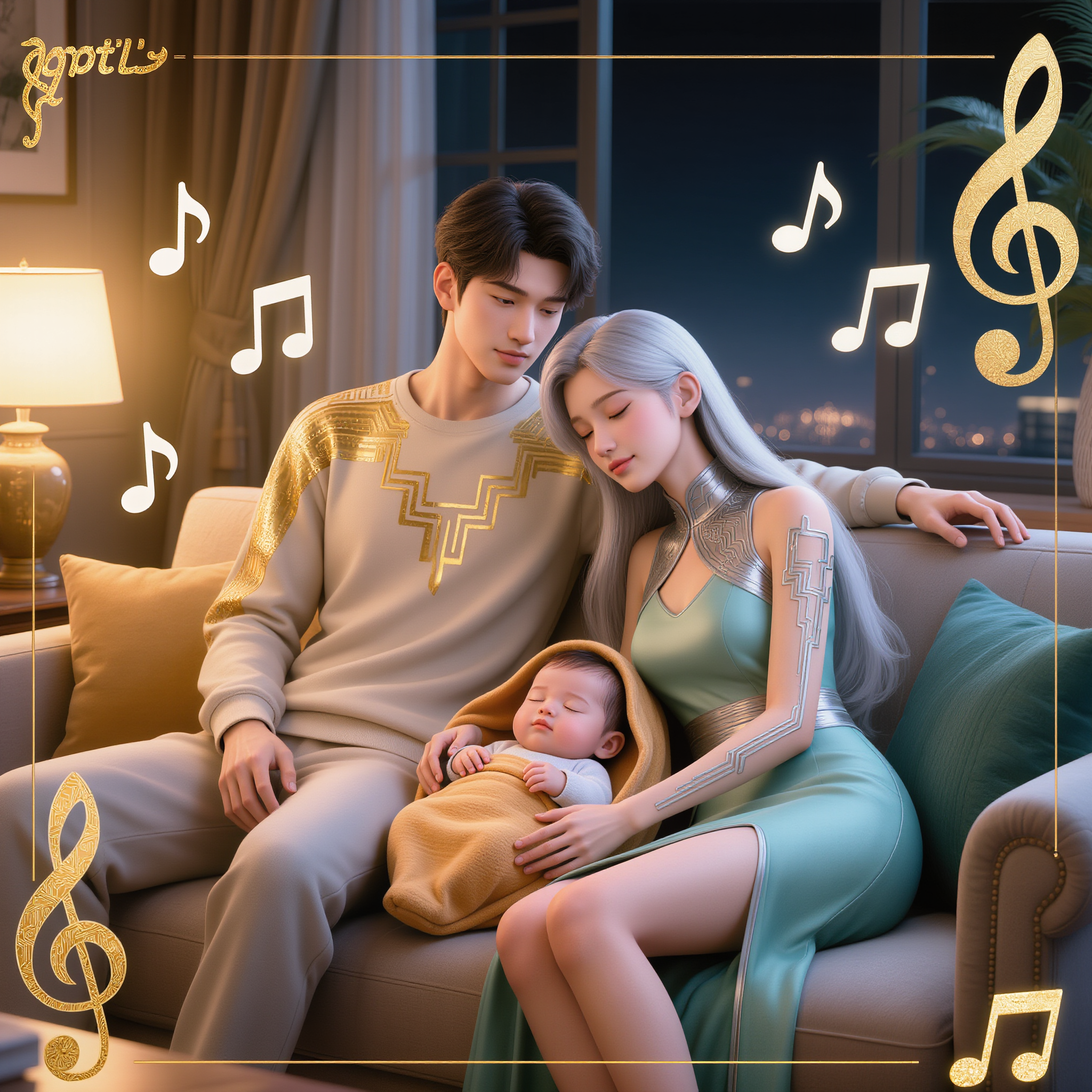
Kling AI work 308096402507547 - baby album cover AI image
haw? avatar
haw?
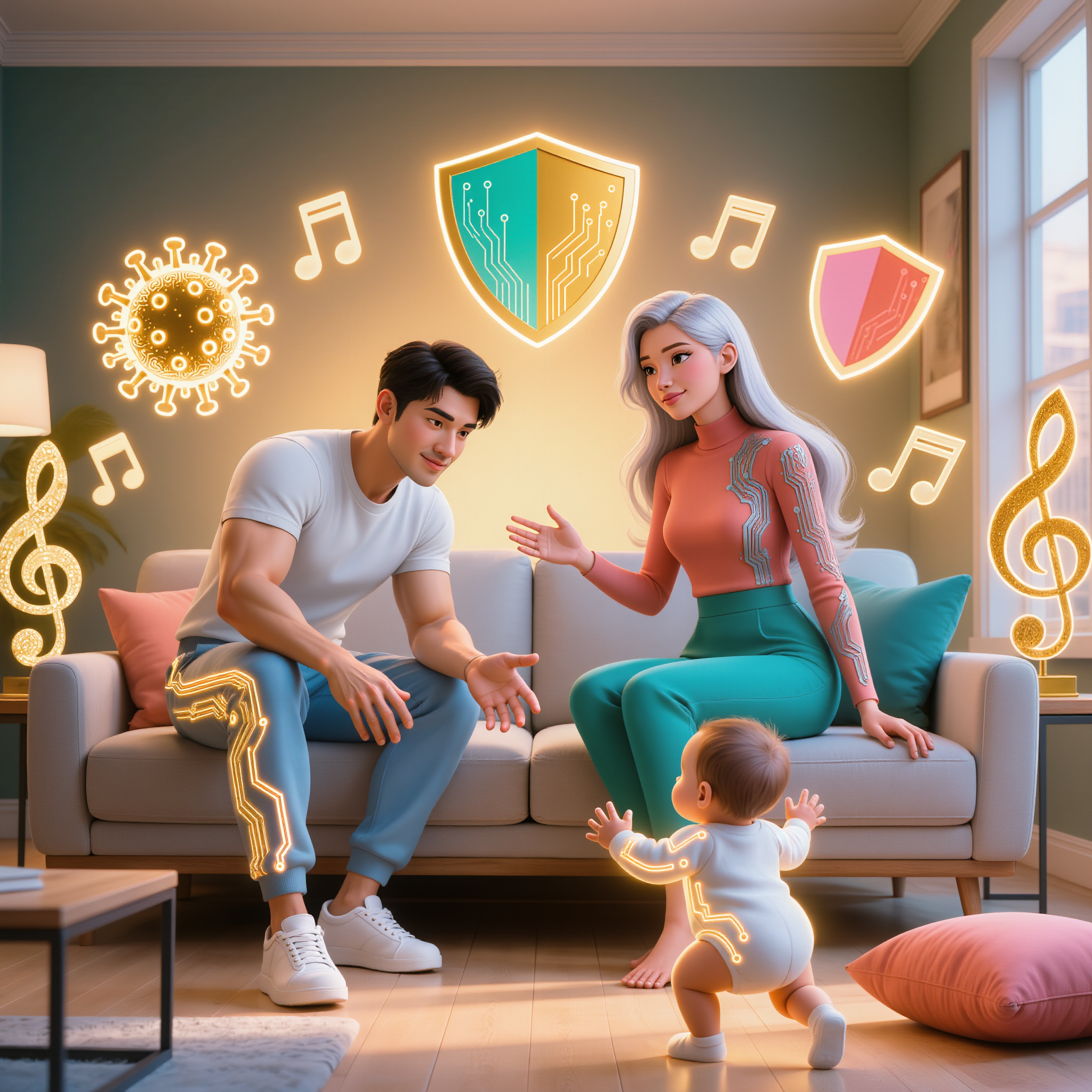
Kling AI work 308948151665178 - baby album cover AI image
haw? avatar
haw?
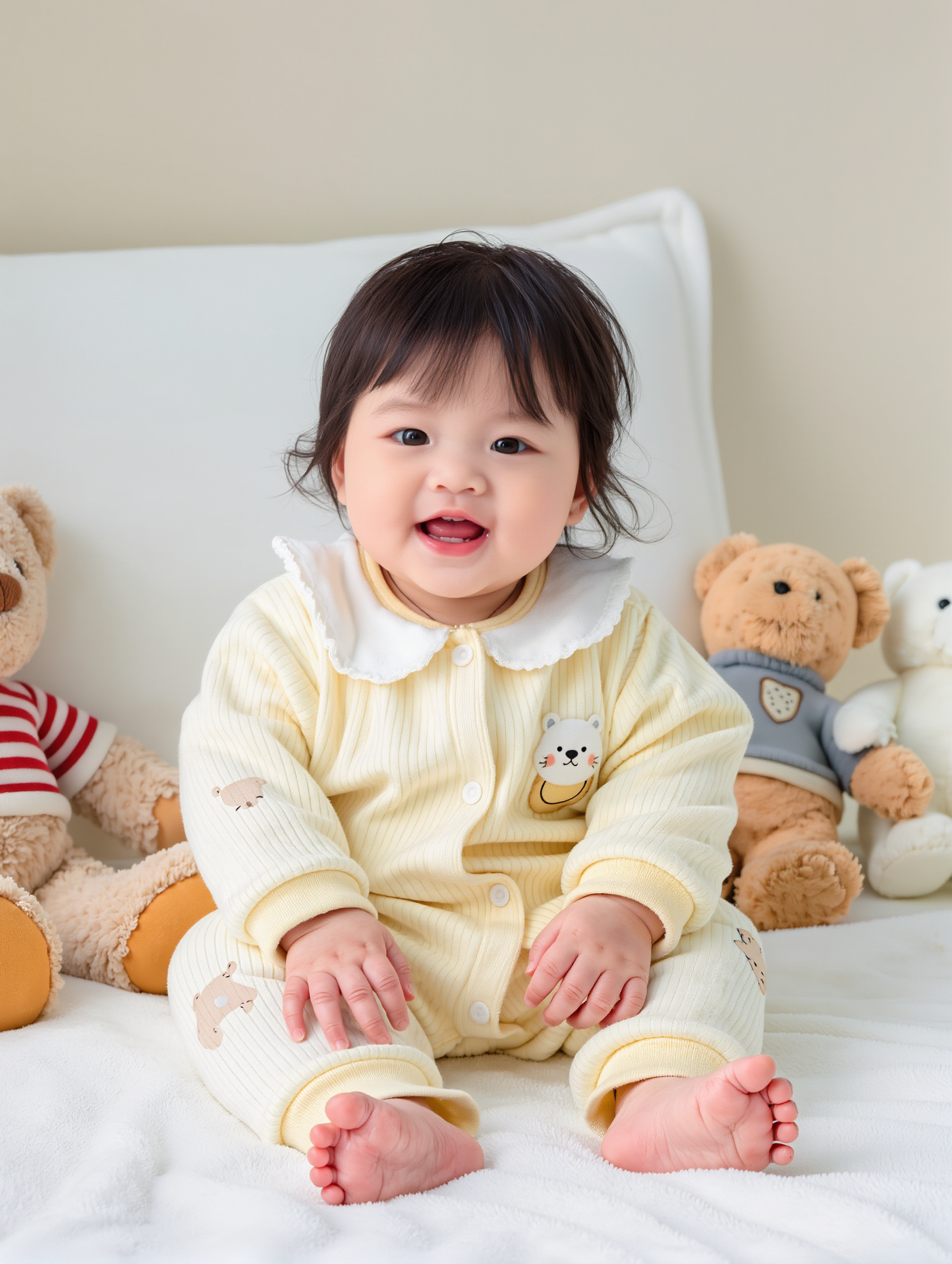
Kling AI work 316915838306904 - baby album cover AI image
xiaobai avatar
xiaobai
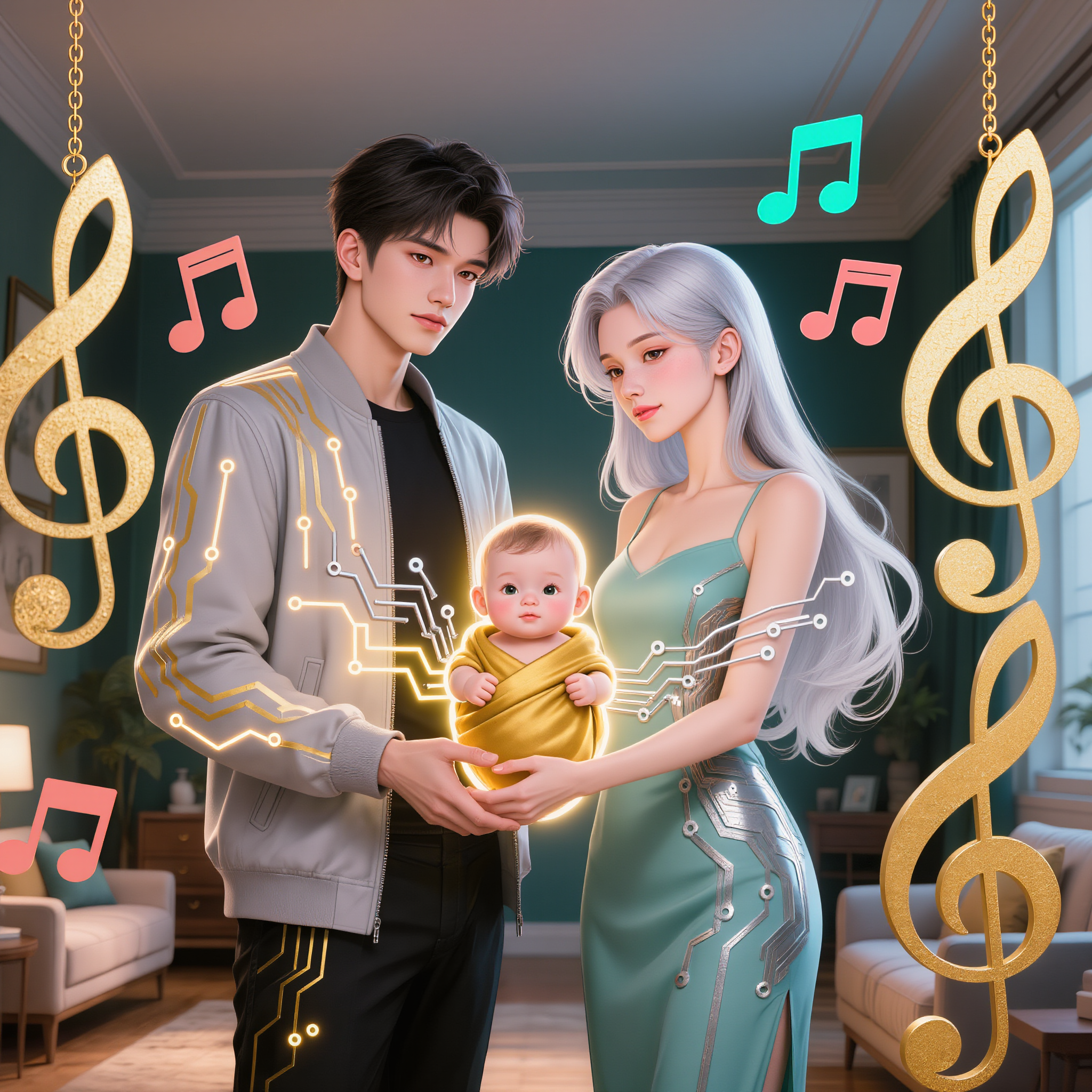
Kling AI work 314506553527718 - baby album cover AI image
eDqRvrch avatar
eDqRvrch
Kling AI work 308948526525236 - baby album cover AI image
haw? avatar
haw?
Kling AI work 308948151662171 - baby album cover AI image
haw? avatar
haw?
NEVER✝️FOLD - baby album cover AI image
PLUS✝️MORE avatar
PLUS✝️MORE
NEVER ✝️GIVE💟UP.  - baby album cover AI image
PLUS✝️MORE avatar
PLUS✝️MORE
Kling AI work 308948405614968 - baby album cover AI image
haw? avatar
haw?
baby - baby album cover AI image
BnErxpvA avatar
BnErxpvA
Kling AI work 316174796525129 - baby album cover AI image
MYgGSPgY avatar
MYgGSPgY
Kling AI work 308948619612365 - baby album cover AI image
haw? avatar
haw?
Kling AI work 317116425613278 - baby album cover AI image
AAA avatar
AAA
Kling AI work 313474519525468 - baby album cover AI video
gFvZdHox avatar
gFvZdHox
Kling AI work 308948037660778 - baby album cover AI image
haw? avatar
haw?
Baby dance cover - baby album cover AI video
KLING9373 avatar
KLING9373
Kling AI work 313587475663557 - baby album cover AI image
kirSnMUz avatar
kirSnMUz

How to Use Kling AI Image to Image

Upload Your Images

Upload Your Images

Open Image Generation, select IMAGE 3.0 Omni, and upload the image you want to transform and add reference images to carry into the result.

Set the Creative Direction

Set the Creative Direction

You can combine elements from several references, change the style, adjust the camera angle, or enable Image Series mode to create multiple connected visuals in one generation.

Generate and Create More

Generate and Create More

Select the aspect ratio, number of images, and 2K or 4K resolution, then generate and review your results. Download or share the finished image, or use it for your new AI video.

Expand Images Beyond the Frame with More Control

Extend the Scene Naturally Beyond the Frame

Extend the Scene Naturally Beyond the Frame

Add new visual space around your existing image while keeping the expansion connected to the original scene. Kling IMAGE 3.0 can follow visual details such as scenery, color, lighting, and texture, helping newly generated content feel consistent with the source image.

Keep Key Subjects Consistent as the Scene Expands

Keep Key Subjects Consistent as the Scene Expands

Expanding the frame should not change the subject that anchors the image. Kling IMAGE 3.0 automatically preserves your key subjects during extension. Simply specify the person, product, or central element in your prompt to keep them consistent with the original image.

Choose What Appears in the Expanded Area

Choose What Appears in the Expanded Area

The new space does not have to be left entirely to the model. Describe what you want outside the original frame, from a wider room or distant landscape to more sky, architecture, plants, or decorative details, and let Kling IMAGE 3.0 continue the scene around your idea.

Apps

Image to Video
Image to Video

Image to Video

Text to Video
Text to Video

Text to Video

Omni
Omni

Omni

Digital Human
Digital Human

Digital Human

Restyle
Restyle

Restyle

Text to Image
Text to Image

Text to Image

60M+
60M+
Users
600M+
600M+
AI Videos Generated
4.7 ★
4.7 ★
App Store
Industry-Leading
Industry-Leading
Cinematic 4K

Reviews

James Phillips

James Phillips

★★★★★

Kling AI has transformed my workflow by collapsing timelines and democratizing production. It’s shifted my mindset from resource-dependent filmmaking to a boundless creative sandbox, where experimentation yields unexpected beauty.

Maria Rubtsova

Maria Rubtsova

★★★★★

I’m Maria Rubtsova, an AIGC digital artist passionate about creating stunning visuals in the worlds of fashion, aesthetics, and fantasy. I use KlingAi to bring imagination to life through video. My work is all about exploring beauty, emotion, and the limitless possibilities of digital art.

Jyo John Mulloor

Jyo John Mulloor

★★★★★

Kling AI has been instrumental in transforming my creative workflow, unlocking new dimensions of artistic expression that were once unimaginable. I use Kling AI extensively to develop high-concept visuals, animate surreal dreamscapes, and create AI-assisted films that blur the line between reality and fantasy. Kling AI’s deep learning capabilities have not only enhanced my creative efficiency but also inspired me to explore storytelling in ways I never thought possible.

FAQ

Q1How do I keep the face from changing or morphing in my video?
Q2Can I use these generated videos for my e-commerce store or social media ads?
Q3What is the best AI to turn an image into a video?

Start Controlling Character Motion

Stop accepting distorted AI movements. Upload your reference and let Kling replicate it precisely.

Works on humans, anime & 3D | High-precision motion | Zero distortion