Creative Studio
API
Resources
Features
About Us
Download

baby voice generator - Singing & Cuteness

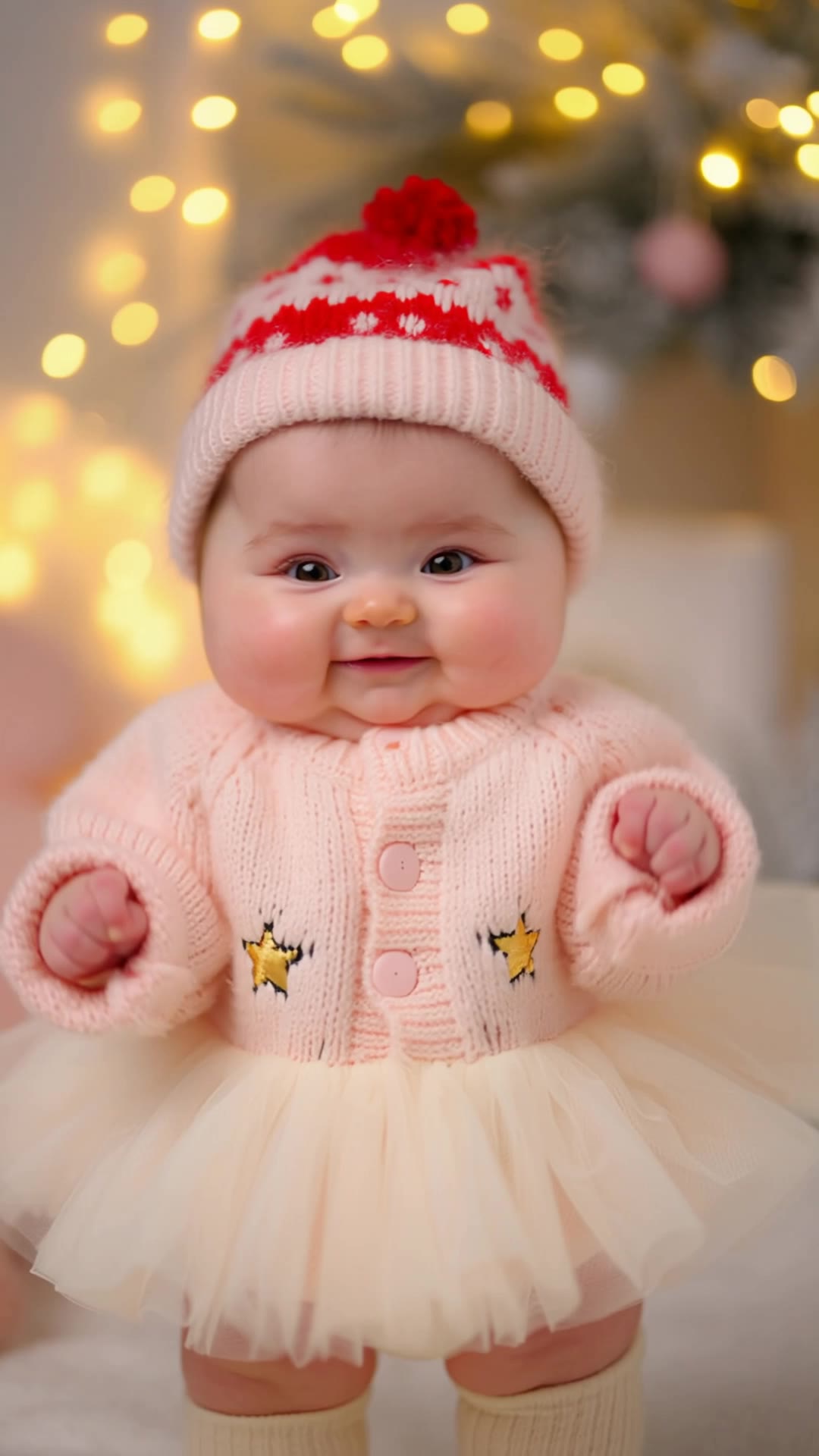
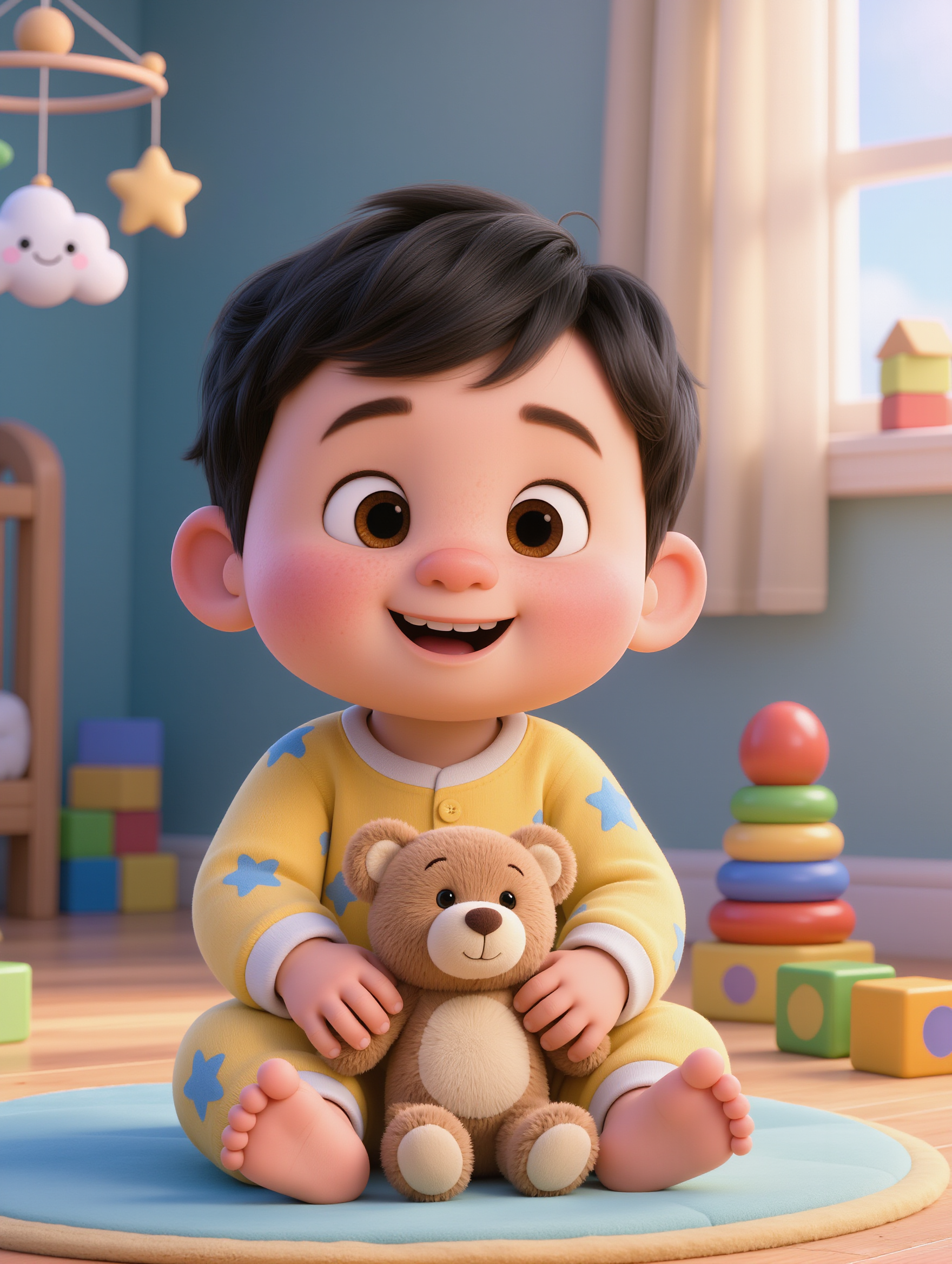
Capture the charm of cute babies singing and the magic of AI-generated voices across fantastical themes. Immerse in the adorable and imaginative world of baby voice generator content. Start exploring baby voice generator ideas and generate your own content with AI.

baby voice generator - Singing & Cuteness

Recommended

Kling AI work 313485033528907 - baby voice generator AI image
Yshrexzg avatar
Yshrexzg
Cute baby - baby voice generator AI video
ThoAI avatar
ThoAI
Kling AI work 309570529521308 - baby voice generator AI video
XUwPNBcb avatar
XUwPNBcb
Baby singing - baby voice generator AI video
VwppnZLs avatar
VwppnZLs
Kling AI work 315779383660880 - baby voice generator AI image
kczbFbam avatar
kczbFbam
Cute Baby - baby voice generator AI video
ThoAI avatar
ThoAI
Kling AI work 312979590611910 - baby voice generator AI video
VfZmpetT avatar
VfZmpetT
Kling AI work 319239886525464 - baby voice generator AI image
RroTWKQh avatar
RroTWKQh
Kling AI work 317233282661062 - baby voice generator AI image
bzOLsLYi avatar
bzOLsLYi
Kling AI work 307841109533056 - baby voice generator AI video
wgSceUEG avatar
wgSceUEG
Inner Voice - baby voice generator AI video
Inner Voice
DJ Jonathan Powers avatar
DJ Jonathan Powers
Elite Creator
Kling AI work 312734665613179 - baby voice generator AI video
KLING9195 avatar
KLING9195
Kling AI work 316263112660872 - baby voice generator AI video
wWqyjOcW avatar
wWqyjOcW
Little Rockstar Baby 🎩🤘 - baby voice generator AI image
bjCPoOnM avatar
bjCPoOnM
cute baby  - baby voice generator AI video
monis sharma avatar
monis sharma
Kling AI work 316612652505655 - baby voice generator AI image
IghMrEEL avatar
IghMrEEL
Cute baby - baby voice generator AI video
ThoAI avatar
ThoAI
Kling AI work 317705302525691 - baby voice generator AI image
WgwhwEdd avatar
WgwhwEdd
Inner Voice - baby voice generator AI video
Inner Voice
qHQelEaK avatar
qHQelEaK

How to Animate an Image

Upload Your Image

Upload Your Image

Upload any image—drag and drop a portrait, product photo, or illustration. Kling supports various formats and brings images to life while maintaining consistent, high-quality results.

Describe the Motion

Describe the Motion

Type what you want to see, like “she turns, smiles, and starts talking to the camera.” For advanced control, you can also upload a start and end frame to define the exact transition.

Generate & Export

Generate & Export

Hit generate, wait a few seconds, and download your animated video. Free image to video generation is available in 1080p, while Pro users can unlock stunning native 4K resolution.

Shape AI Characters, Build Creative Worlds

Create Characters from Prompts or References

Create Characters from Prompts or References

Start with a text prompt to shape an original character, from facial features and hairstyle to clothing, expression, pose, and visual style. If you already have a specific look in mind, add reference images to guide the result more closely. Kling IMAGE 3.0 Omni supports creative directions ranging from realistic and cinematic characters to anime-inspired, fantasy, and CG-style designs.

Turn One Character into a Visual Series

Turn One Character into a Visual Series

Once you have a character you like, use Kling IMAGE 3.0 Omni Series Mode to build a connected set of images around it. Explore new expressions, viewpoints, scenes, and story moments while keeping the character and overall visual direction consistent across the series. It's well suited for storyboards, comics, campaign concepts, social content, and ongoing character development.

Build a Reusable Character Element

Build a Reusable Character Element

Create a reusable Character Element from a reference image, multiple views, or a supported character video. You can start with one main image and let Kling AI generate additional views, add your own reference angles for more visual information, or use a video to capture richer character details. Once saved, the Element can be called up again in supported image and video workflows without redefining the character from scratch.

Apps

Image to Video
Image to Video

Image to Video

Text to Video
Text to Video

Text to Video

Omni
Omni

Omni

Digital Human
Digital Human

Digital Human

Restyle
Restyle

Restyle

Text to Image
Text to Image

Text to Image

60M+
60M+
Users
600M+
600M+
AI Videos Generated
4.7 ★
4.7 ★
App Store
Industry-Leading
Industry-Leading
Cinematic 4K

Reviews

Samuele Poggi (@visualsk2)

Samuele Poggi (@visualsk2)

★★★★★

I use Kling AI daily to push the limits of AI filmmaking. It allows me to create highly cinematic content, blending AI and VFX to develop innovative projects. It has significantly impacted my creative process, enabling me to achieve complex animations that would otherwise require high production budgets.

Huang Lu (Elson)

Huang Lu (Elson)

★★★★★

I’ve been using Kling AI since its initial release, and it’s remained one of the leading AI media generators ever since. With Kling AI, I’ve created hundreds of videos, collectively amassing millions of views.

Halim Alrasihi

Halim Alrasihi

★★★★★

I use AI daily and Kling AI is a crucial part of my workflow, whether for client work or personal projects. What I love most about using Kling AI is that it provides all the tools I need in one place, from keyframes to character references, elements and special effects.

FAQ

Q1Can I use AI-generated art commercially?
Q2What is an AI art generator?
Q3Can Kling AI generate AI art in 4K?

Make Every Scene Speak

Turn your script into a video with native dialogue and sound for multi-character conversations, multilingual scenes, and more.

Native audio | Multi-Character Coreference | Multilingual Content Generation